Last-Minute SavingsLimited quantities.Shop now

Main Content

Customer Ratings & Reviews

Customer reviews

Rating 4.3 out of 5 stars with 455 reviews

Rating Filter

Rating by feature

  • Value

    Rating 4.4 out of 5 stars

  • Quality

    Rating 4.3 out of 5 stars

  • Ease of Use

    Rating 4.2 out of 5 stars

Pros mentioned filter

Cons mentioned filter

83%would recommend to a friend
The vast majority of our reviews come from verified purchases. Reviews from customers may include My Best Buy members, employees, and Tech Insider Network members (as tagged). Select reviewers may receive discounted products, promotional considerations or entries into drawings for honest, helpful reviews.
Page 22 Showing 421-440 of 455 reviews
  • Rated 1 out of 5 stars

    Think twice

    |
    |
    Posted . Owned for 1 month when reviewed.
    This reviewer received promo considerations or sweepstakes entry for writing a review.

    I have had nothing but problems with this printer. I have had HP printers for many years but this one is not one I recommend.

    No, I would not recommend this to a friend
  • Rated 1 out of 5 stars

    Cheap quality

    |
    |
    Posted . Owned for 1 month when reviewed.
    This reviewer received promo considerations or sweepstakes entry for writing a review.

    Do Not Buy. Cheapest printer quality I ever bought

    No, I would not recommend this to a friend
  • Rated 1 out of 5 stars

    Printer is junk!

    |
    |
    Posted . Owned for 2 months when reviewed.
    This reviewer received promo considerations or sweepstakes entry for writing a review.

    This printer suck! It keeps going offline, have to keep unplugging and plugging it back in. This will be our last HP printer.

    No, I would not recommend this to a friend
  • Rated 1 out of 5 stars

    Garbage

    |
    |
    Posted . Owned for 2 months when reviewed.
    This reviewer received promo considerations or sweepstakes entry for writing a review.

    I just plugged up about a week ago. Does not work.

    No, I would not recommend this to a friend
  • Tech Insider Network Member

    Rated 4 out of 5 stars

    Affordable full featured color inkjet printer

    |
    Tech Insider Network Member
    Posted .
    This reviewer received promo considerations or sweepstakes entry for writing a review.

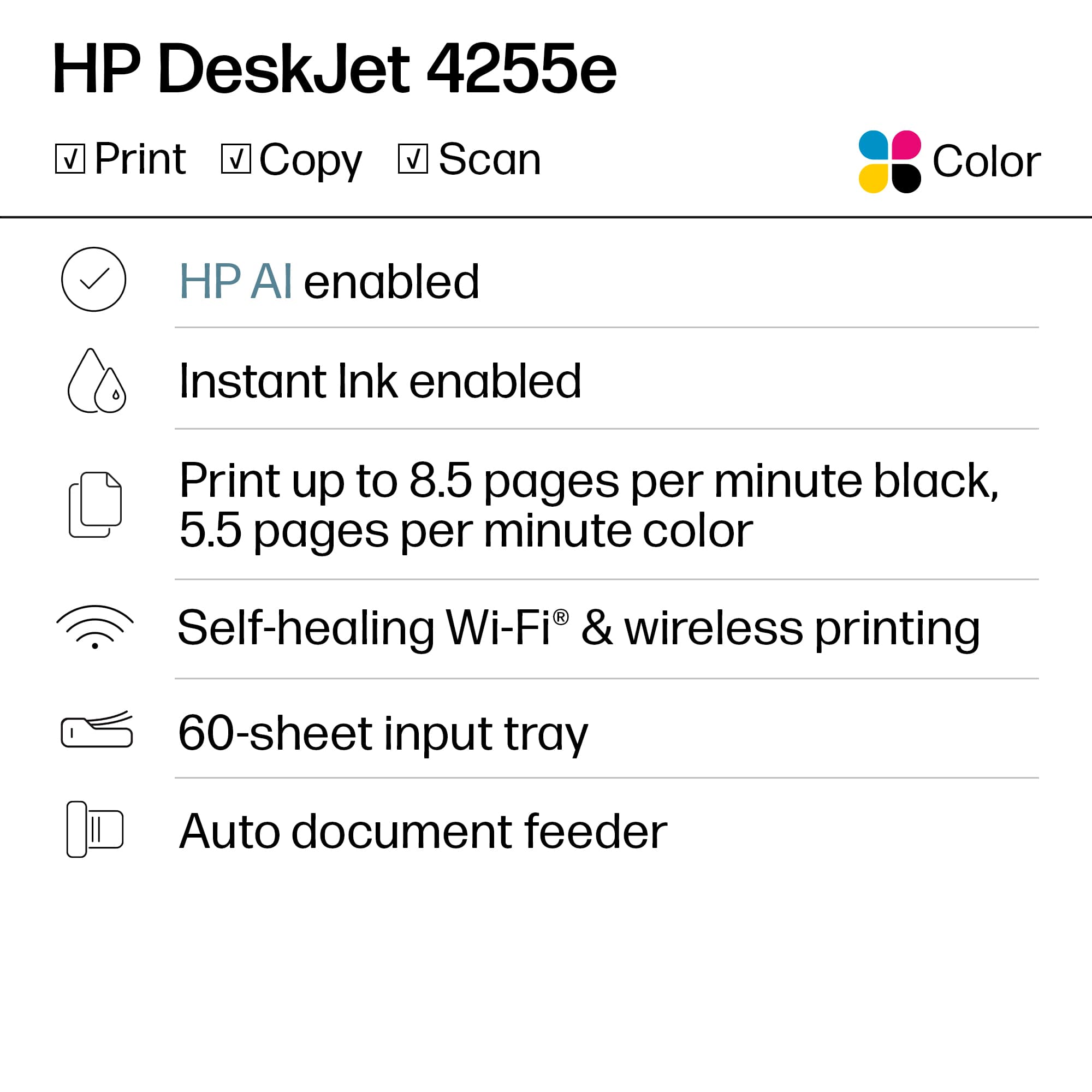
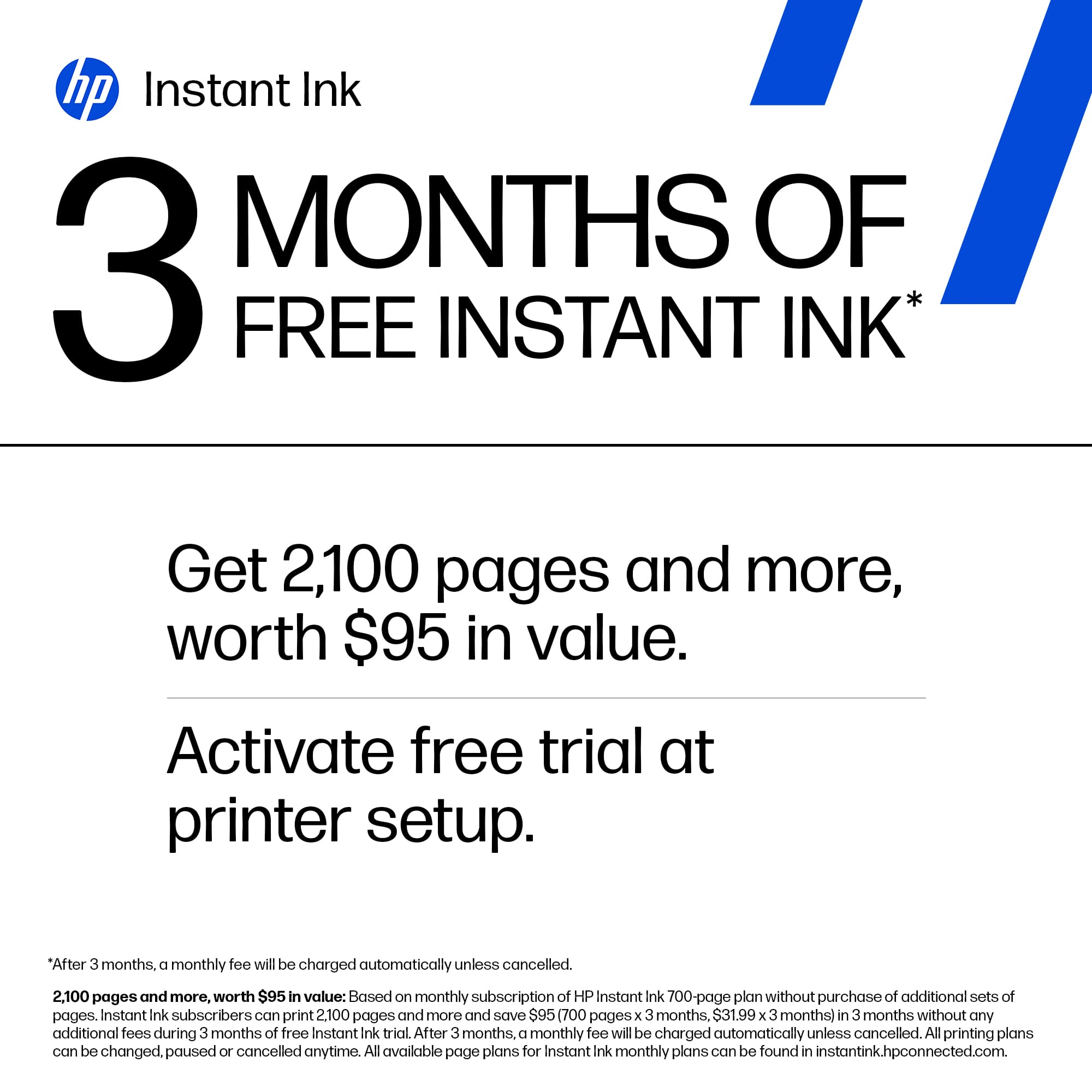
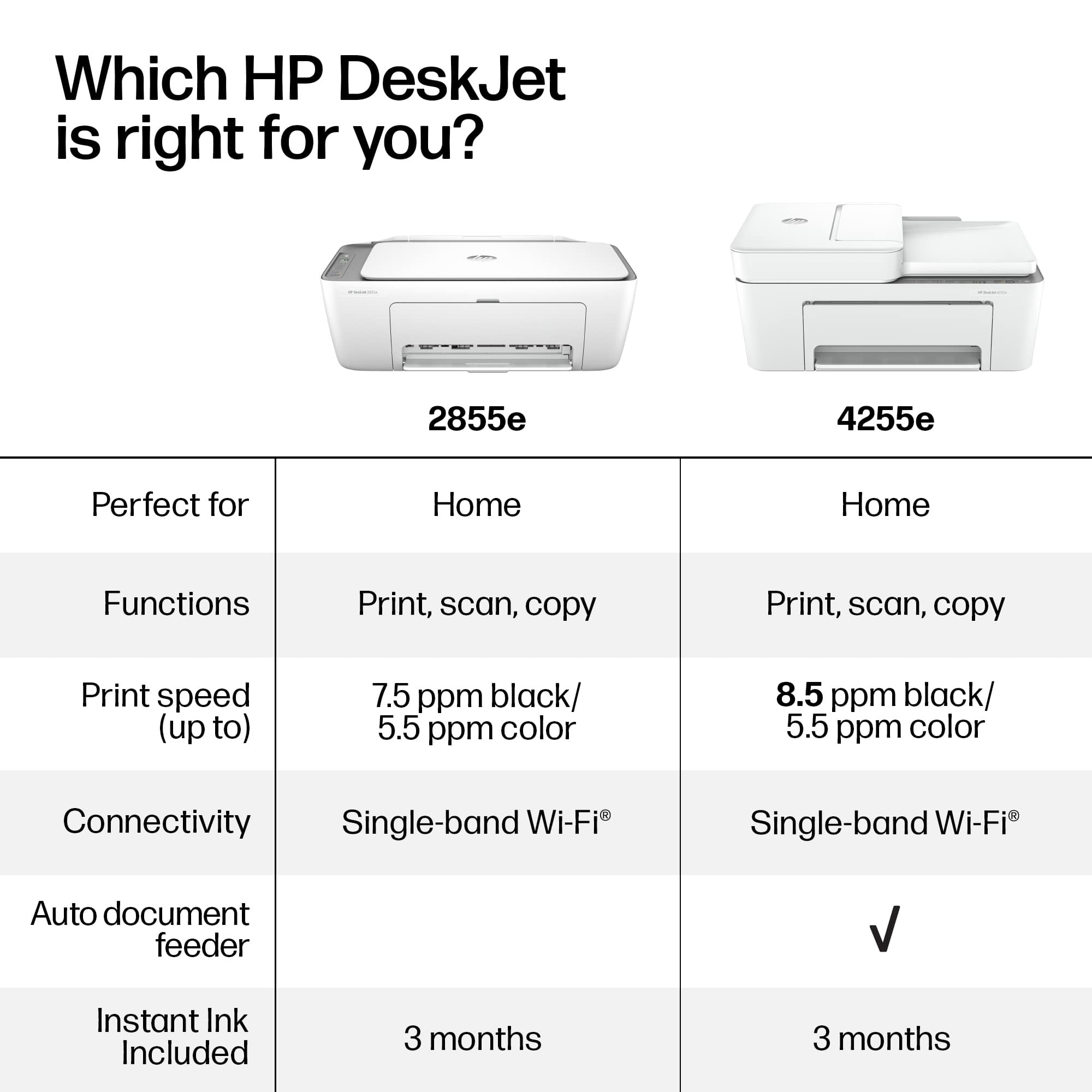
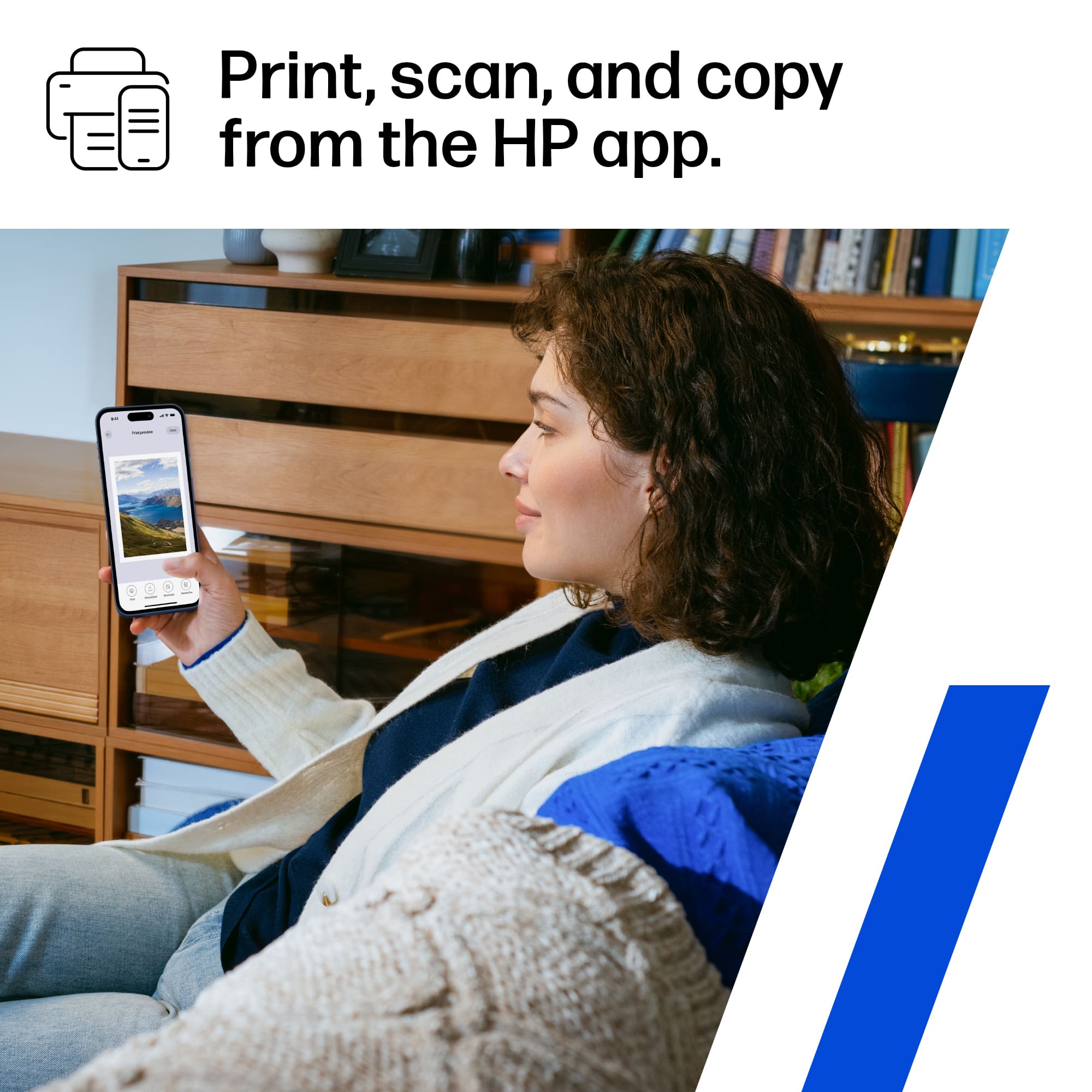
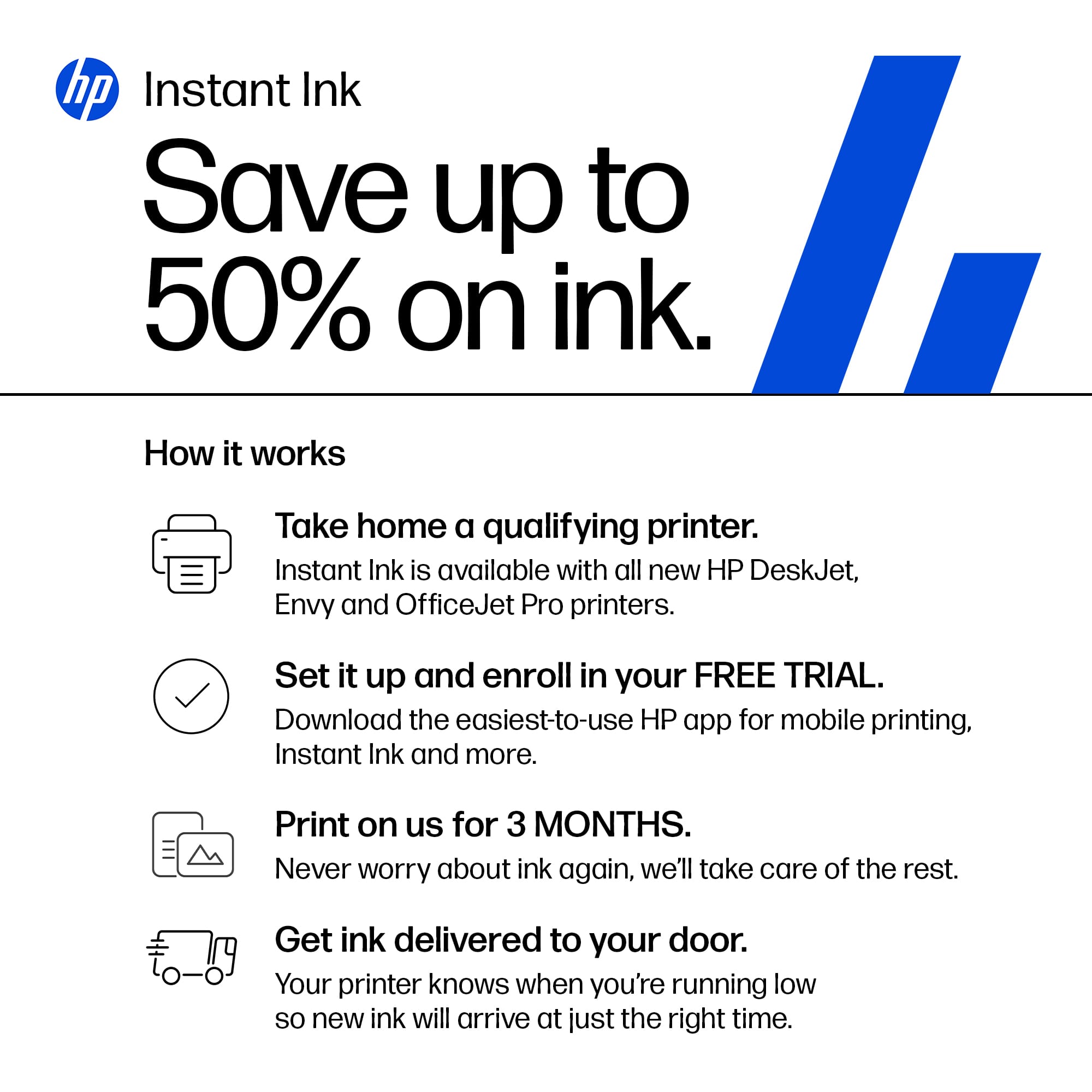
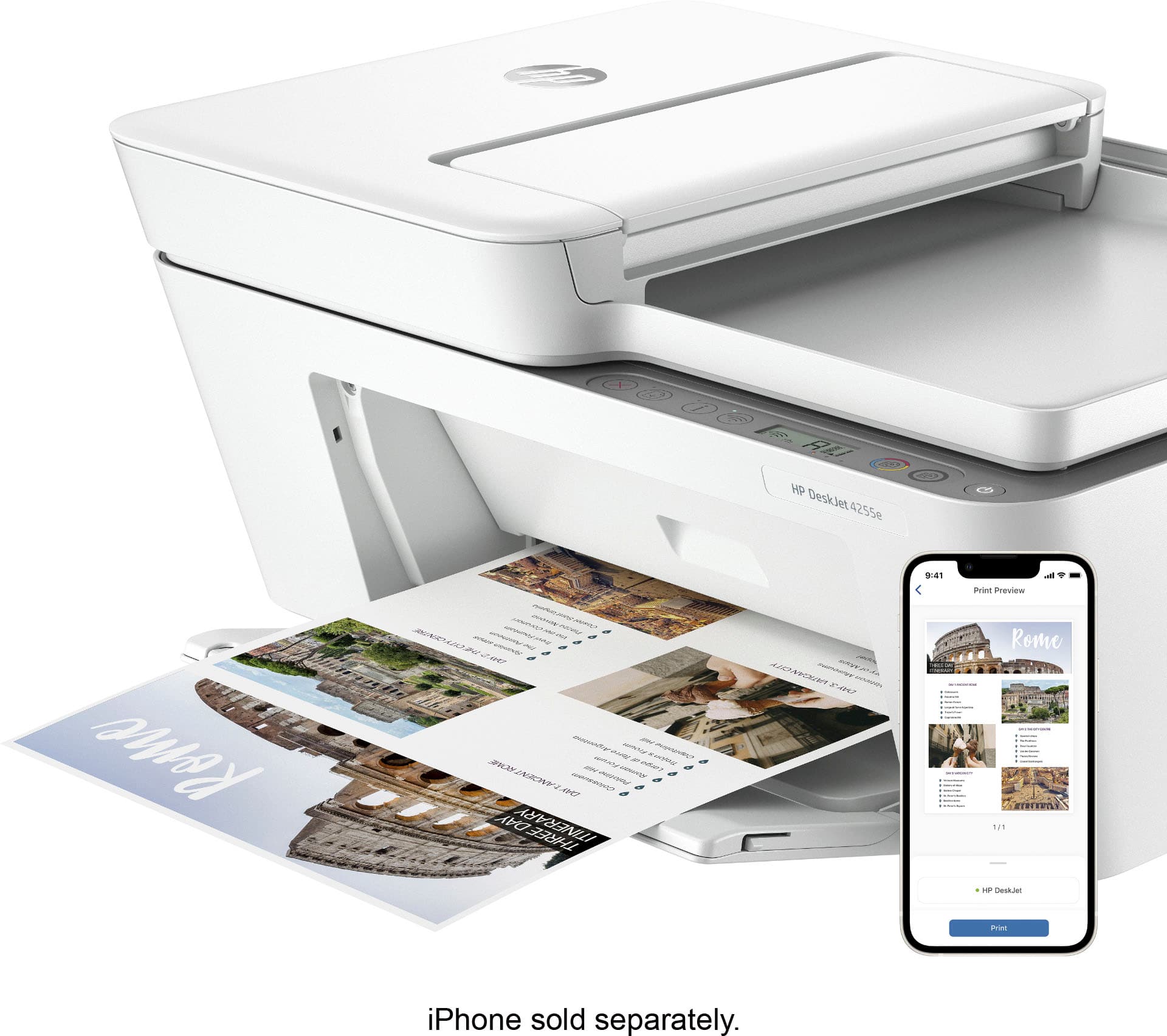
    The HP DeskJet 4255e Wireless All-in-One Color Printer comes with 3 months of free Instant Ink Included with the HP+ subscription for instant ink. It’s a great concept if you print a lot of pages per month, a very convenient feature where the HP software will let them know when you’re running low on ink and will automatically ship you the cartridge that needs replacement. It’s a convenient way to get ink cartridges without lifting a finger. A family member has last year’s 4155e model which is very similar. Since he didn’t think he’d be printing that much, he opted out of the HP+ subscription and ended up buying cheaper non-HP cartridges which were not recognized by his printer. As it turns out it is in the HP documentation that you must use authentic HP cartridges for best performance and reliability. In terms of unboxing and setup, it’s very straight forward. Despite its affordable sub $100 price, this is not a basic printer by any means, as it is an all-in-one printer that includes a scanner and automatic document feeder (no FAX). Setup wise, I already had HP Smart software downloaded and installed from having other HP printers connected, but if you don't already have it, expect the download and install to take a while in Windows. You can also scan the QR code with your phone to download the iOS or Android App that you can use to setup, print and even scan from your phone. The print speed is reasonable in black up to 8.5ppm, and I timed it at about 5 ppm in color. If you want faster, you’ll have to spend much more and get a Laser printer. I would recommend tweaking the settings to a lower dpi/resolution/quality to speed up printing and conserve ink, unless you're printing pictures on photo paper at 1200x1200dpi. It has good connectivity options - I tested USB, WiFi, Apple AirPrint, though No Bluetooth and no memory card reader. Also compatible with most modern Operating systems and mobile devices. I use multiple Windows 10/11 PCs, Chrome books, Android tablets and phones and an iPad, all printed and scanned flawlessly. If you’re looking for a budget, solid All-in-one printer from the #1 printer company, this HP DeskJet 4255e is a great reliable choice, but the HP branded ink cartridges will cost more than the printer overall in the long run.

    I would recommend this to a friend
  • Tech Insider Network Member

    Rated 4 out of 5 stars

    Good choice

    |
    Tech Insider Network Member
    Posted .
    This reviewer received promo considerations or sweepstakes entry for writing a review.

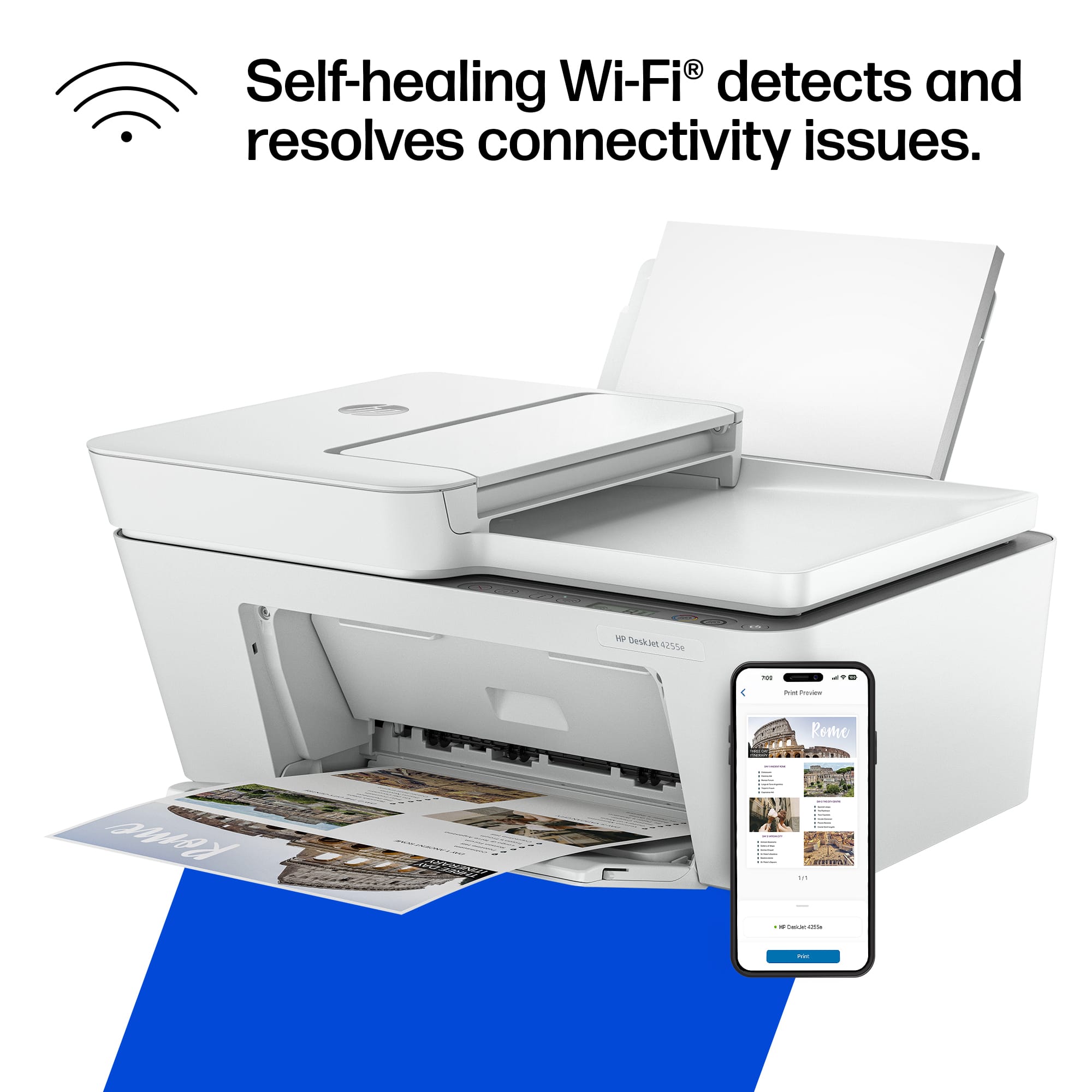
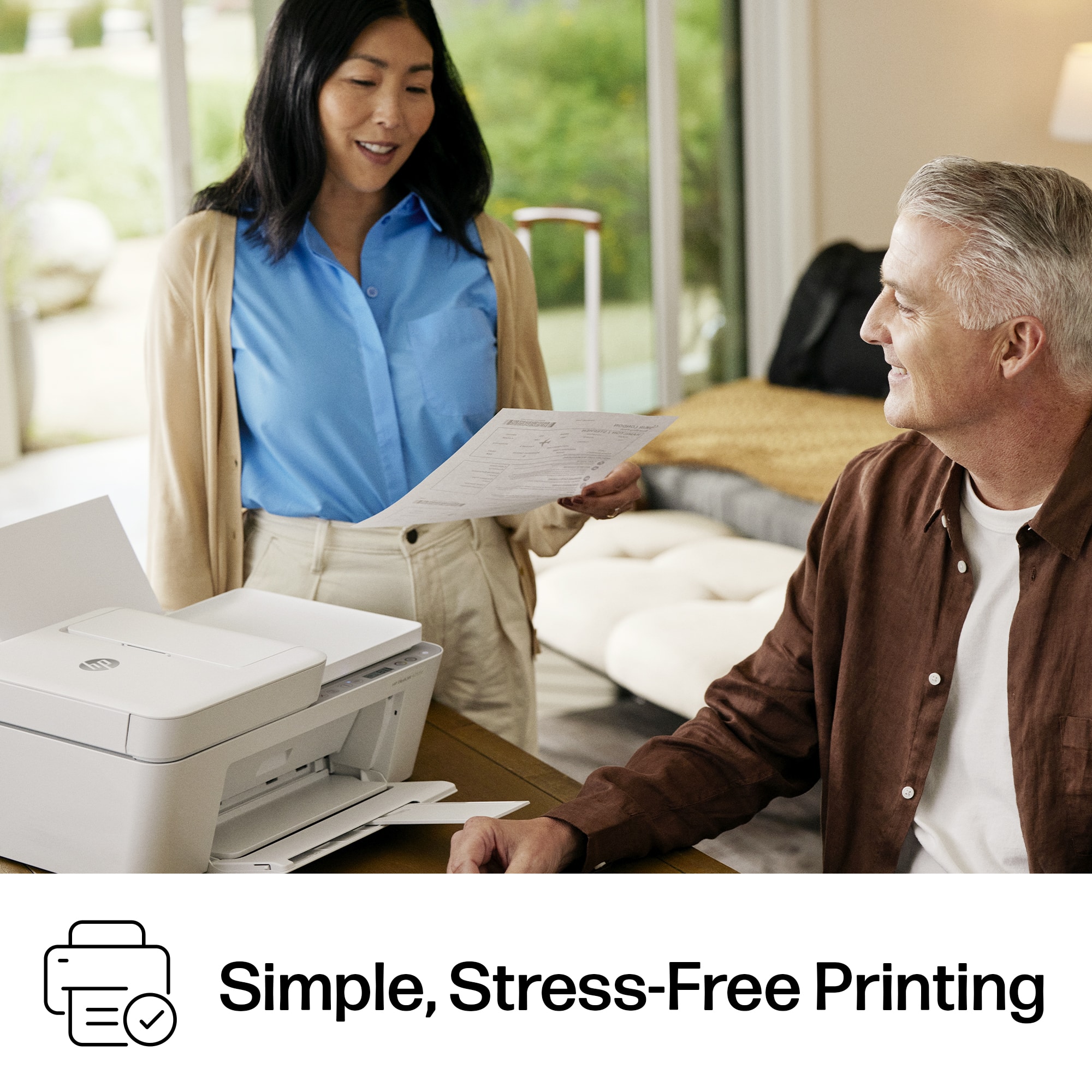
    This HP all in-one printer is a good choice for home and/or small business printing needs. What I like about the printer: It's a quick and easy setup. Plug the cord in after removing all packing and tape, download the app and follow the directions. Connecting to WiFi is a breeze, it automatically connects. Updates are also automatic. The printer runs smoothly and quietly in print, copy and scan mode. It is fast and the prints are clear. The automatic feed is an awesome feature for making copies. Mobile app works great and allows for printing anywhere, anytime. Can send print jobs to the printer while away from home and, if setup in the app, it will hold the print job until it detects you are near. Detects ink levels, and with a subscription to Instant Ink, ink will arrive before you run out. Recycle ink cartridges program. What I didn't like: App on computer didn't run smoothly like the mobile app did. Bit of a headache until it finally recognized the computer had completed setup. I did receive a message on Windows app that the HP site was down for maintenance, but the mobile app was working just fine. I'm not a fan of the tri-color ink cartridges preferring individual cartridges for each color. I have never run out of the three colors at the same time. If there were one thing I would change on this printer that would be it. No automatic two sided printing. I rarely use it, but it is nice to have when needed.Two sided printing can be done manually though. The dislikes/problems are minor to me, but I include them in case they are important to others.

    I would recommend this to a friend
  • Tech Insider Network Member

    Rated 5 out of 5 stars

    Compact Office Tool

    |
    Tech Insider Network Member
    Posted .
    This reviewer received promo considerations or sweepstakes entry for writing a review.

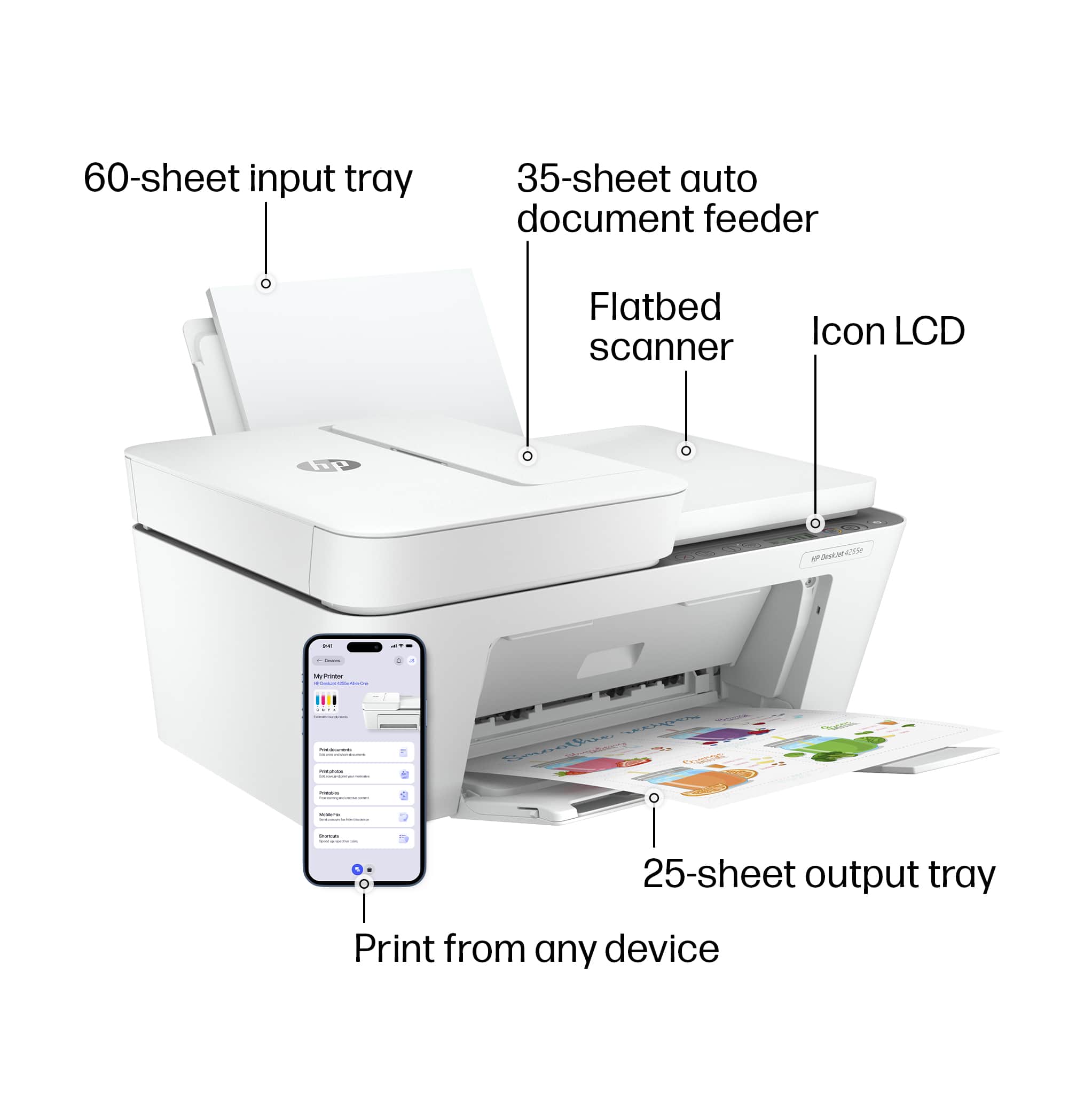
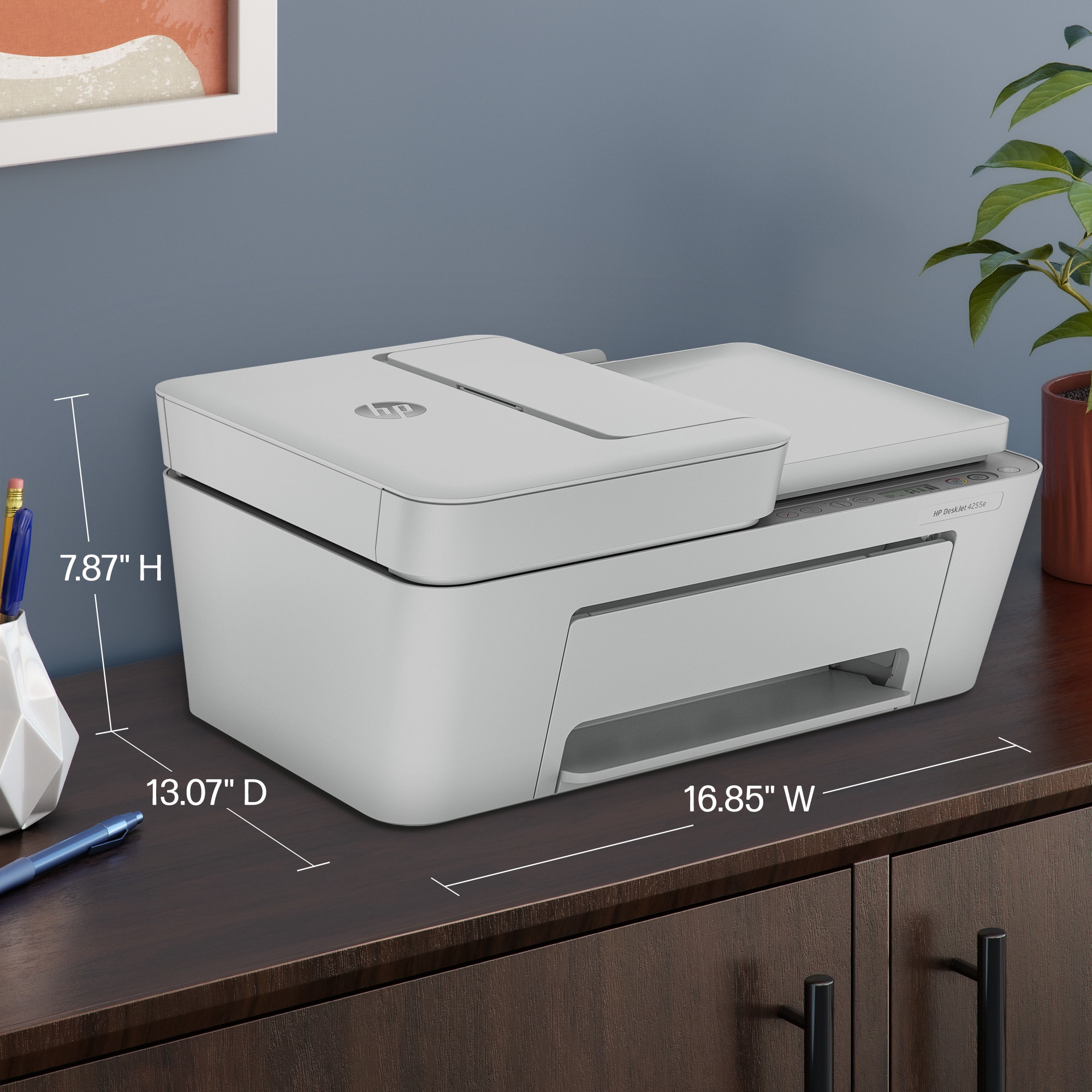
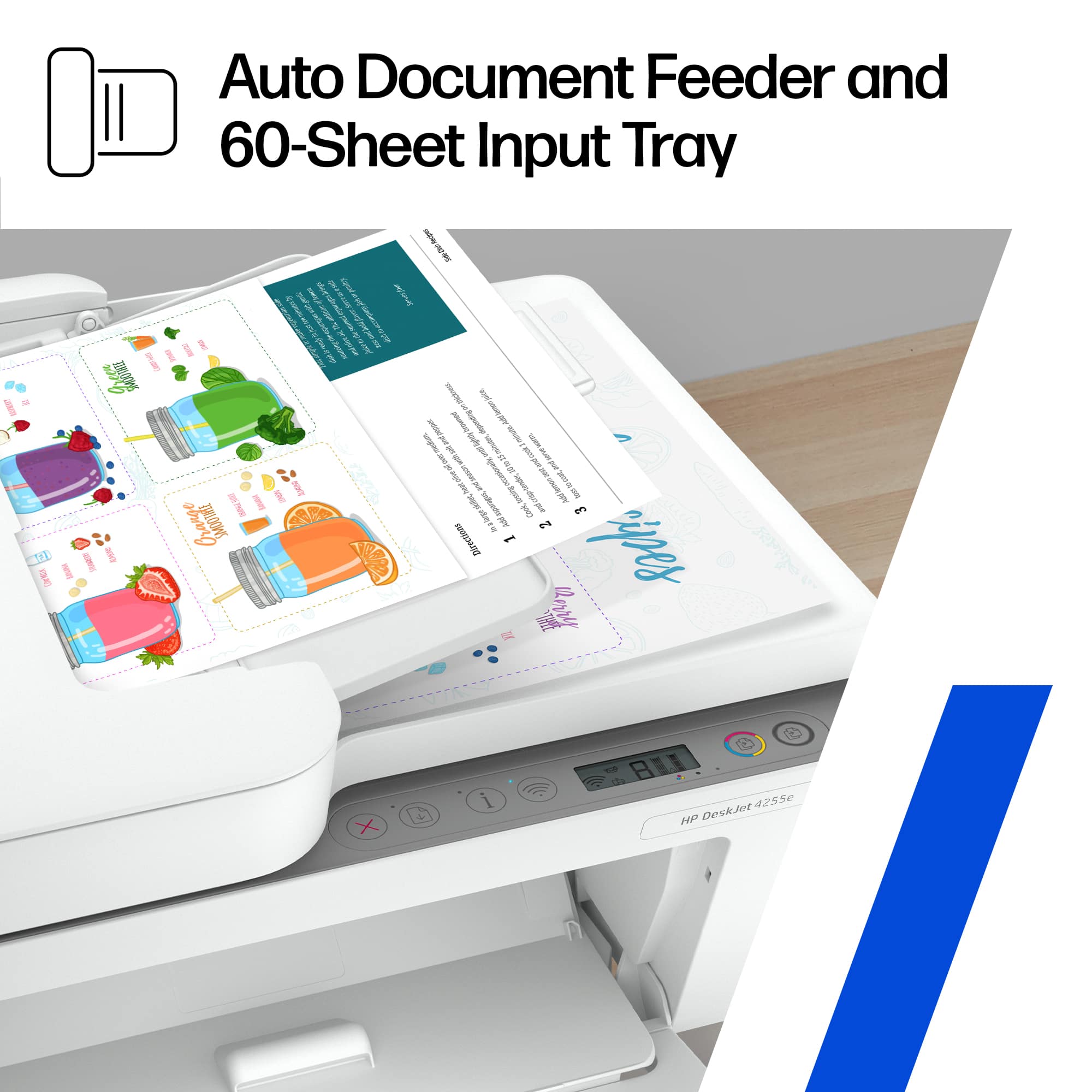
    This HP wireless printer stands out as an exemplary model for both home and office use, reflecting HP's reputation as America's most trusted printer brand. Its compact design and multifunction capabilities make it a versatile choice, especially for those looking to maximize their productivity without consuming too much space. With the capability to print, scan, and copy, this printer is equipped with an automatic document feeder (ADF) that holds up to 35 pages, facilitating the easy handling of multi-page documents—a feature that significantly boosts efficiency. The setup benefits from the HP+ system, which does require an HP account and continuous internet so keep that in mind. Choosing HP+ during the setup activates several benefits, including the exclusive use of Original HP Ink cartridges. This could be a double-edged sword for those who prefer third-party cheaper options, but HP argues this ensures optimum printer performance throughout its lifespan. The printer’s ink subscription service, Instant Ink, promises up to 50% savings on ink, which is automatically delivered to your door. This service not only offers convenience and cost savings but also allows flexibility with the option to modify or cancel subscriptions without additional fees. On the technical side, the print quality great, with resolutions up to 1200 x 1200 rendered dpi for black and white, and up to 4800 x 1200 optimized dpi for color prints. Such high resolutions ensure sharp text and vibrant colors, suitable for a variety of documents and images. Scanning and copying also boast high resolutions, making this printer a solid choice for precise document reproduction. Wireless connectivity is a standout feature, supporting various mobile printing options like Apple AirPrint, Google’s Chrome OS, and Mopria, along with HP’s own mobile app. This printer’s built-in Wi-Fi is engineered for reliability, capable of reconnecting automatically if the connection drops, ensuring a smooth and continuous workflow. My wife, who uses this printer in her home office, appreciates its quiet operation and the ADF's efficiency for managing her daily tasks of scanning and copying multi-page contracts and documents. She finds the LCD ICON display intuitive and easy to navigate, which complements her multitasking environment by streamlining her operations. Lastly, HP's commitment to sustainability is evident in this model, which is made from at least 60% recycled plastic. Additionally, the company’s proactive approach to forest conservation and recycling program for used cartridges adds a level of corporate responsibility that enhances the overall value of this printer. In conclusion, this HP wireless printer is a highly recommended solution for anyone seeking a reliable, high-quality printer that combines functionality with sustainability, all managed through the easiest-to-use print app available. It’s an ideal choice for home offices, like my wife’s, providing all the necessary tools to streamline office tasks efficiently and effectively.

    I would recommend this to a friend
  • Tech Insider Network Member

    Rated 5 out of 5 stars

    Innovative Design with Super Functionality

    |
    Tech Insider Network Member
    Posted .
    This reviewer received promo considerations or sweepstakes entry for writing a review.

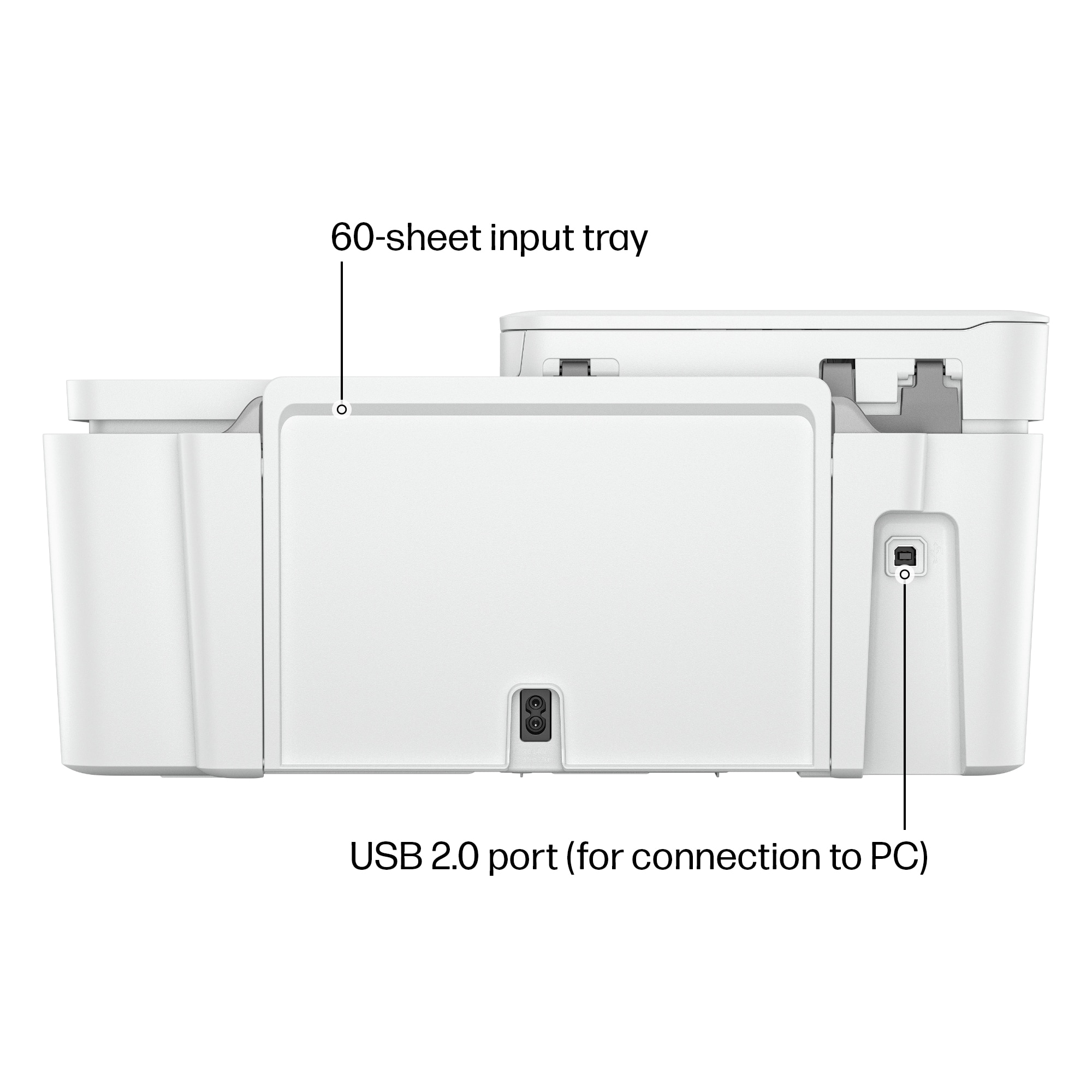
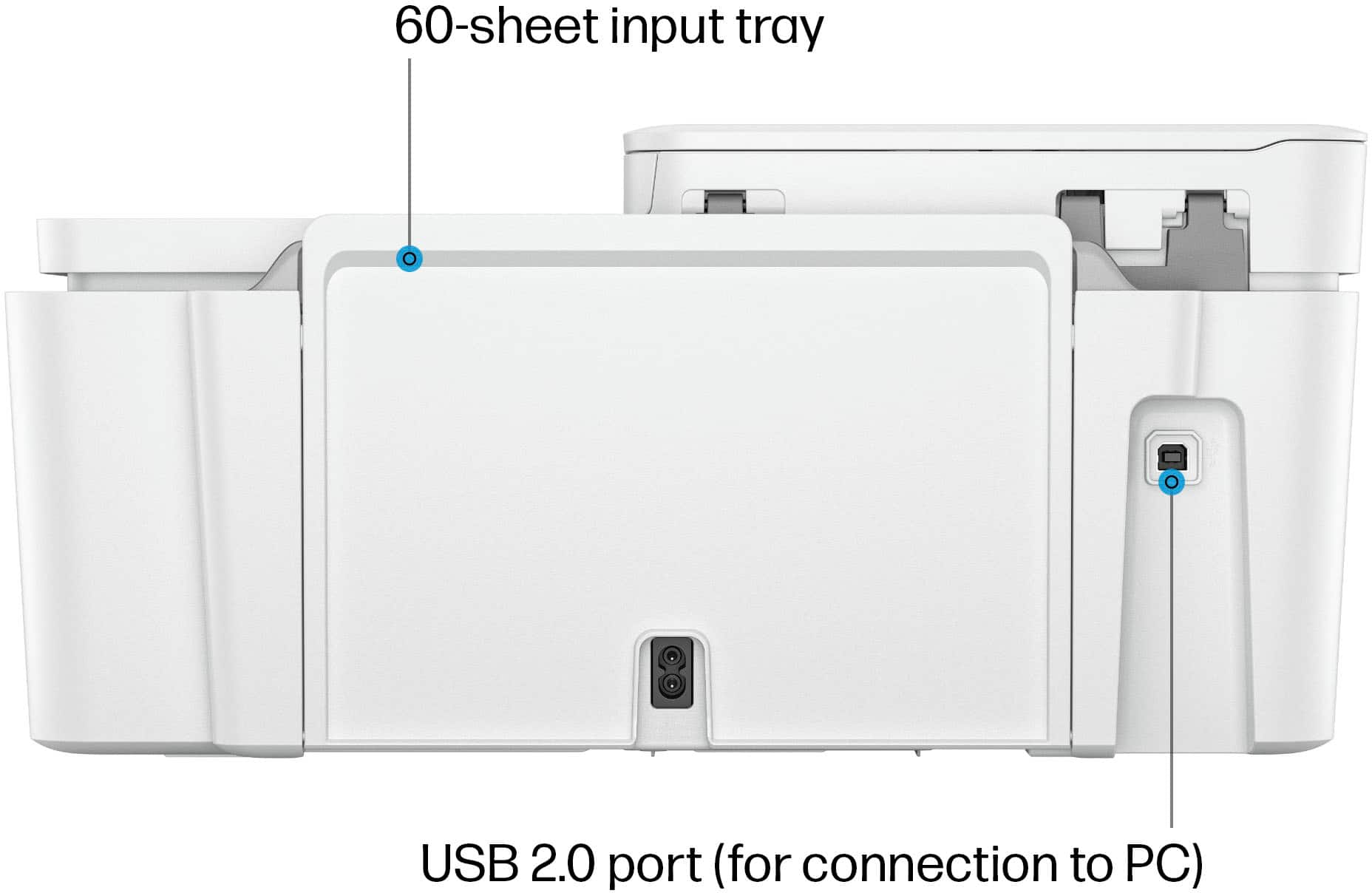
    I’ll start with the packaging. This printer came well protected with padding and the entire unit was covered in a plastic wrap – excellent. No hard lifting, the unit easily slipped out of the box. There were a few blue tape pieces to remove and the entire process proved to be intuitive and simple. You can setup from a cell phone or from a computer. I wanted to try setting it up from a computer this time. I already had installed the HP Smart app (for my other HP printers) so I just clicked the add new printer button. I also could have gone to the HP web site to install. I highly recommend the HP Smart app since it simplifies the entire process from turning the printer on the first time to alignment to printing your first page. I noticed that when I did my first print, HP Smart had included all the printers I had on my computer in the selection box – very nice to see everything was already integrated. This process included the initial install of cartridges. This was the easiest install I have ever made. You can choose to enroll in HP Ink or not. HP has refined the process to get your WiFi connected to the printer, it spotted the printer right away and was super fast to connect. I was also given the option to update firmware during the initial setup. Tip of the cap to the HP engineers for upgrading this whole process to very few steps. Alignment took a few minutes using the alignment sheet which is printed out and placed on the scanning glass. All functions worked nicely for scanning, copying and printing. This printer had an innovative input feed on the back of the printer that held 60 sheets. I found this newer design easier to use when adding more paper and you can see if paper is running low – another tip of the cap to the engineers. This is a very solid and functional device, it even includes a document feeder. I have had many printers from many brands, this unit is the best I have seen at such an affordable price-point; I would highly recommend it.

    I would recommend this to a friend
  • Tech Insider Network Member

    Rated 5 out of 5 stars

    Easy setup, perfect for simple home usage

    |
    Tech Insider Network Member
    Posted .
    This reviewer received promo considerations or sweepstakes entry for writing a review.

    I've had a great experience with the HP - DeskJet 4255e. My previous printer just stopped working a few months back and this is a welcome replacement. I really only have pros. For me, this is for simple home use. So printing documents that I might need to sign or drawing pages for my kids. My son made a collage of Kobe Bryant the other day and printed it some the iPad. For what I'd expect from a printer in this price range and capabilities, the quality is good in both black and white and color. Set up was easy. You download the app, plug it in and put in the provided ink cartridges. I signed in because my previous printer was an HP, and I already had an account. Click add a printed and follow the prompts. I put in the Wi-Fi info and it completed setup. It prints a test page that you also put on the scanner bed and push the copy button to calibrate the machine. Ready to go. For me, 3 Minutes from sign in to calibrated. Since then, I mentioned the collage that my son did, but I've printed some documents in black and white and some documents with a little color, like logos and some colored font. Like I mentioned, for the cost and specs for these simple around the home things, it's great. Scanning is also great. I'm a little old school in that I prefer to use a machine to scan because I find that they do better than the app-based ones. The image pops up in the app and you can save it from there. Overall, this is great for simple home usage. If you print a lot and speed and high quality for things like images are very important, then you might want a machine with some higher capabilities. For printing documents, coloring pages and images for fun, I would highly recommend the HP - DeskJet 4255e.

    I would recommend this to a friend
  • Tech Insider Network Member

    Rated 4 out of 5 stars

    Great home office printer

    |
    Tech Insider Network Member
    Posted .
    This reviewer received promo considerations or sweepstakes entry for writing a review.

    To start with HP makes some really great printers for office/standard use and this unit is no exception. Let’s start with the look and feel – The packaging is adequate and well-designed for protection in standard moving about. Over the past several years HP has reduced the overall size of their packaging however it does not seem to have an impact on the protection it serves. The feel of the print it’s se;f – this is a well-designed printer with a solid feel – yes it is made of plastic however all of the covers and tray feel sturdy unlike some of the others in this space I didn’t feel the need to “handle with care” the folder outs. The size of the printer is a bit larger than some but not the largest by any means. Next is the setup – the instructions and where to plug everything in are pretty much self-explanatory – however as for the setup with the computer that seemed to be a little more difficult. I have used the HP app in the past without any issues, it seems to work well, maybe not as intuitive as a few others but still I haven’t had any issues until now – I had to close the app a couple of times and power cycle the printer to get it to recognize it. Once it did recognize it, it worked just as you would expect and in only a few button clips was ready to go. Next functionality – As for printing if you're doing mostly document and lite graphics this printer is outstanding. Very fast and clean-looking prints – not quite laser quality but really could tell much difference between this and one print on an HP 1025 as a reference. The colors were bright and crisp and didn’t see any color bleed. Did notice some paper saturation on items that had black or full-color backgrounds on standard-weight paper – if you need to do that you should get some premium heavy-weight paper, that solves the issues for the most part. Scan/copy functionality – not much I can say here it works and I didn’t have any issues other than the ones noted in printing. I will say the sheet feeder is a nice addition and could see it being very useful in a home office Next cost of printing – if you print a lot the HP instant ink program could save you some $$ however I think for most folk I’d pass on that and just keep an extra set of ink on hand. I only used the HP branded ink and did not run it out in my test – keep cut on the page count it seems to be accurate however more graphics/colors are a driver Overall this is a solid print and should suffice for most home office/student work. HP has always had a good product for this market and the problems with set-up are the only reason it’s not a 5-star

    I would recommend this to a friend
  • Tech Insider Network Member

    Rated 4 out of 5 stars

    A Good Home Printer

    |
    Tech Insider Network Member
    Posted .
    This reviewer received promo considerations or sweepstakes entry for writing a review.

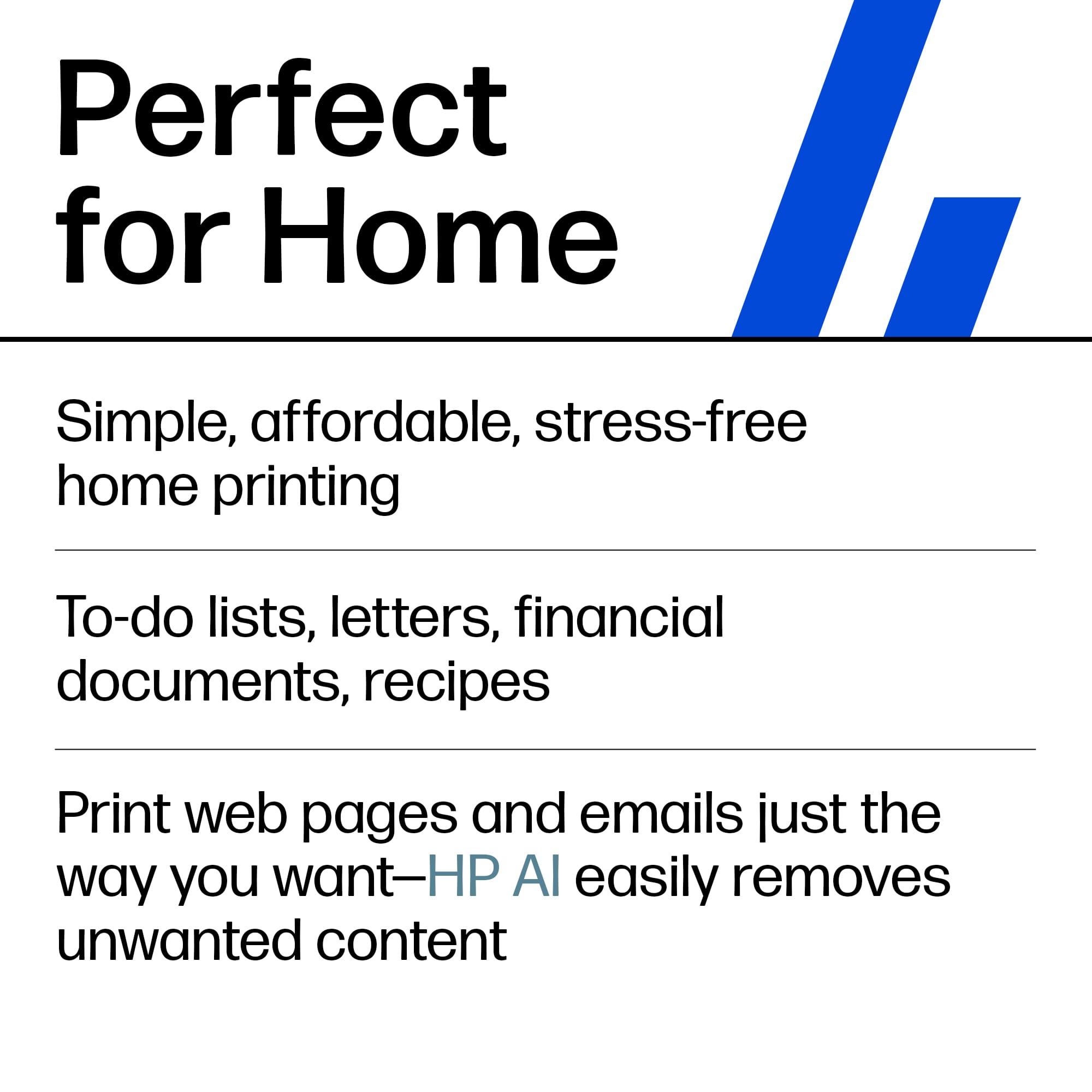
    This is a great little printing solution for most home needs. It doesn’t do super high end photo resolutions, or print super lighting fast, but it gets the job done. +++ INSTALLATION +++ Setup is straightforward. If you have used a printer in the last 5 years or so you should know what to expect. You connect this to your Wi-Fi, and you are up and running within minutes. We got this so my kids had something at home to use to print out schoolwork. Since it is on our network, they are all able to print to this from their laptops, and their other devices. I needed to print out an email for one of my sons and I was able to select the printer on my phone and print to it with no issues. +++FEATURES / PERFORMANCE+++ The auto feeder is nice for when we need to scan documents to email out to teachers or store them on the computer. Text looks good on here as well as clipart in color. I probably wouldn’t be using this to print out photos to frame, but for just about anything else this will be more than adequate. You are only allowed to use official HP branded ink on here, and they offer up a subscription to get ink refills mailed to you. I am not quite sure we will be using it enough to require the subscription, but if you are using it quite a bit then that might be an easy route to go to get the ink replenished. +++CONCLUSION+++ For most day-to-day use scenarios this printer is more than enough. If you require a printer that also prints out high quality photos, then you might find something a bit better out there. For general and school use this is great.

    I would recommend this to a friend
  • Rated 5 out of 5 stars

    My opinion

    Posted .
    This reviewer received promo considerations or sweepstakes entry for writing a review.

    Easy to use...user friendly. I love it! It works great

    I would recommend this to a friend
  • Tech Insider Network Member

    Rated 5 out of 5 stars

    Compact all in one printer

    |
    Tech Insider Network Member
    Posted .
    This reviewer received promo considerations or sweepstakes entry for writing a review.

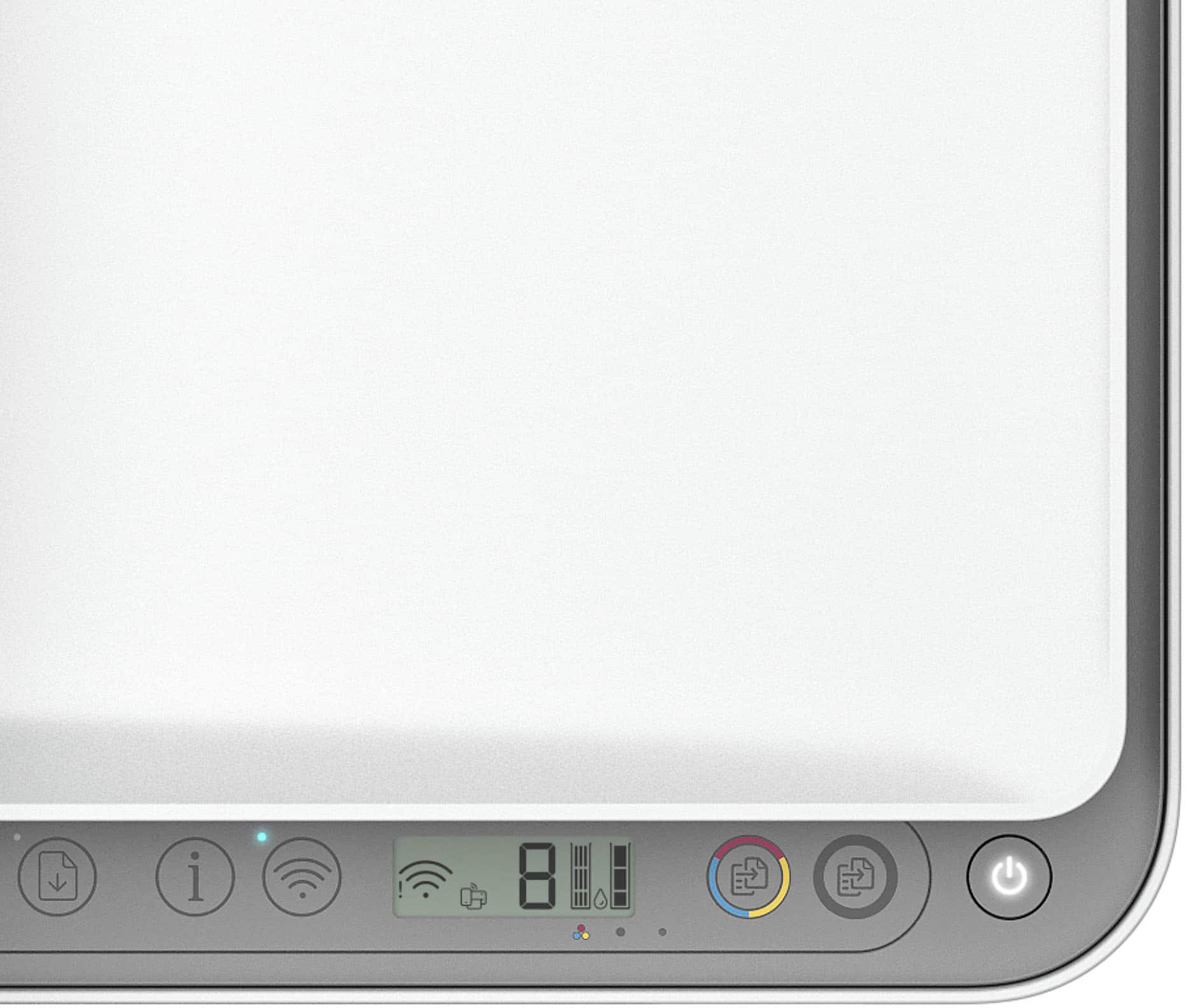
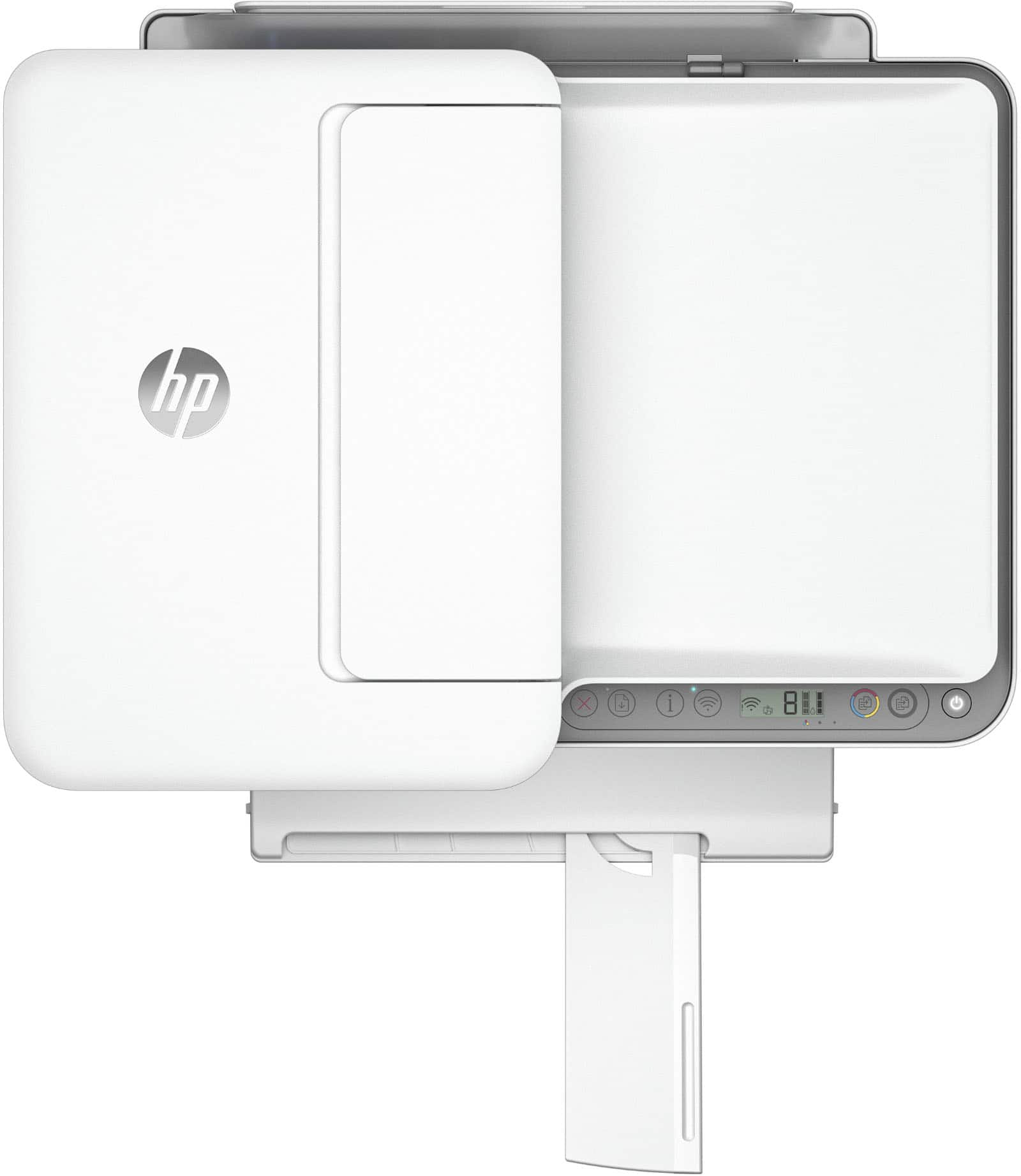
    The HP Deskjet 4255e wireless all in one printer does a great job with a compact footprint. The printer is fairly easy to set-up but does require the use of the HP smart app. I already own a HP laser jet printer so adding this printer to the app took a few minutes. Once added the printer goes through the set up process where it prints an alignment sheet which is then scanned to ensure optimal printing. Once this was all done I was able to print an email and a picture from my phone wirelessly without any issues. This printer was an add on to my office laser jet printer since the kids need a color option for school assignments. The printer features an input tray capable of holding 60 sheets of paper as well as an automatic document feeder that can hold 35 sheets of paper which makes scanning or copying multiple documents easy. The printer did include a free 3 month trial to HP instant ink which is essentially a service by HP which ensures that you are auto shipped ink before you run out. This is a great service because you will never be running around to random stores looking for ink cartridges at 9pm because your kids have to print something to take to school the next morning. Using the HP smart app allows you to get the most out of the printer however it does have a small LCD screen on the front which allows you to see some useful information such as ink levels, error codes, Wi-Fi status, number of copies and finally any issue with the paper such as paper jams. Simply put the HP Deskjet 4255e was wasy to set up and use out of the box and I hope to be using it for a few years.

    I would recommend this to a friend
  • Tech Insider Network Member

    Rated 3 out of 5 stars

    An average entry from HP.

    |
    Tech Insider Network Member
    Posted .
    This reviewer received promo considerations or sweepstakes entry for writing a review.

    After receiving the HP - DeskJet 4255e Wireless All-In-One Printer and putting it though its paces, I was left a little wanting and can only give it 3 stars. Out of the box, you have to get all of the wrapping off which can be a pain in and of itself. In our home we have a desktop computer in an office and usually plug it into the printer while also printing wirelessly from phones, laptops, and tablets. The biggest problem with this printer is that there is no outlet to plug in a direct connection. You can only print wirelessly with this printer. Be sure you are aware of that. Because you can only print wirelessly, you have to use your phone to set up this printer. It has been a long time since I have set up an HP printer but I do not remember it being this difficult. The app kept glitching out and freezing. I had to delete it and reinstall. Operationally, the printer works fine. I wish HP ink was more affordable so I did not have to sign up for HP ink again. None of the plans are an exact fit for me. That being said, the print quality is very good as is usually the case with HP products, even if the print speed seems a little slow. The 4255e is a decent printer, but would be great if it had a usb port.

    No, I would not recommend this to a friend
  • Tech Insider Network Member

    Rated 5 out of 5 stars

    This is one economical stand up printer.

    |
    Tech Insider Network Member
    Posted .
    This reviewer received promo considerations or sweepstakes entry for writing a review.

    This printer is a good home and office printer and one of the things that attracted me to this printer was the price. This printer provides very clear and wonderful prints and it is quite efficient when it prints. Some printers move slow and takes forever to print a document but this one is quite the opposite. This printer is one that I chose for home use. It's good for printing work documents, school reports recipes etc. You can't go wrong with the purchase of this printer not only is it economical for the price, it prints fast and when it comes to the updates, they are automatically done. This printer is easy to set up and pairs well with your smart phone, and home computers as well as tablets. I believe the ink is fairly priced. they offer a high yield and low yield as far as ink is concerned. I thought that this would be a good printer to send with your kids going off to college, it doesn't break the bank and it holds up really well. Purchasing this printer is a very good investment.

    I would recommend this to a friend
  • Rated 5 out of 5 stars

    Pleasantly Surprised

    Posted .
    This reviewer received promo considerations or sweepstakes entry for writing a review.

    Disappointed that Hp won’t allow discontinued replacement ink cartridges for printer that still functions so opted to buy the desk jet 4255e printer and was pleasantly surprised at the speed of printing, ink resolution, and very light weight to move from room to room. Couldn’t enroll in Free Hp ink for some reason, otherwise I am glad to have it.

    I would recommend this to a friend
  • Tech Insider Network Member

    Rated 5 out of 5 stars

    A great home or small home based business printer.

    |
    Tech Insider Network Member
    Posted .
    This reviewer received promo considerations or sweepstakes entry for writing a review.

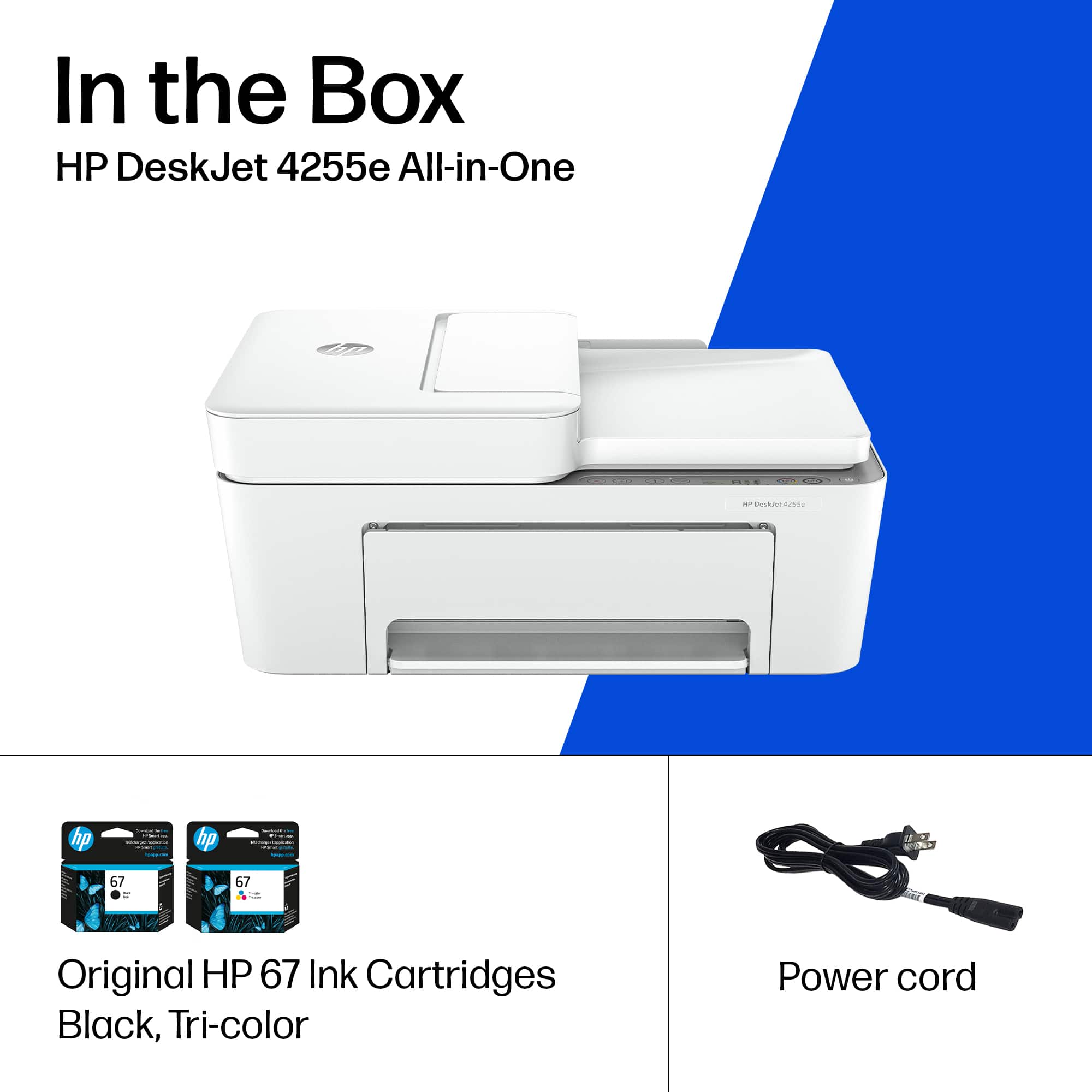
    This is a great printer for the home or small home based business. The out of box experience was great, no issues with the setup at all. Once the box was opened, everything was packaged nicely, even the printer was shrink wrapped. Then a few simple steps to get it on the network and start to print. The box has the two ink cartridges included and they were easy to install. This printer does not have a network port on it, only a USB connector that is typical of most printers. The setup requires you to install the HP Smart printer app. Then once it is installed, it shows you the steps to get the printer on your network. The printer was easy to add to Windows 10, Windows 11, and easy to add to a Chromebook with no issues at all. The scanner worked easily, both the flatbed scanner and the document feeder had no issues. HP does require you to create an account to be able to take full advantage of everything that the app has to offer. Overall, this printer worked as expected and there were no issues with the setup and using it.

    I would recommend this to a friend
  • Rated 4 out of 5 stars

    Costumer 3

    Posted .
    This reviewer received promo considerations or sweepstakes entry for writing a review.

    Print is good, printed photos very nice, Scanning Documents good

    I would recommend this to a friend
  • Rated 5 out of 5 stars

    Very good printer

    Posted .
    This reviewer received promo considerations or sweepstakes entry for writing a review.

    Have used many printers. This is near the top among those

    I would recommend this to a friend
  • Rated 5 out of 5 stars

    Jay Lewis

    Posted .
    This reviewer received promo considerations or sweepstakes entry for writing a review.

    Was very easy to order. It left a deposit. Came the next day picked it up. They were very helpful getting it into the truck.

    I would recommend this to a friend
Sponsored