Customer Ratings & Reviews







- Model:
- DJ 4255E/588S6A#B1H
- SKU:
- 10736433
Rating by feature
- Value
Rating 4.4 out of 5 stars
- Quality
Rating 4.3 out of 5 stars
- Ease of Use
Rating 4.2 out of 5 stars
Printer
||Posted . Owned for 1 month when reviewed.This reviewer received promo considerations or sweepstakes entry for writing a review.Don't use a printer often, but old one no longer worked. At this point, haven't tried to use this one.
I would recommend this to a friendIt sucks
||Posted . Owned for 3 weeks when reviewed.This reviewer received promo considerations or sweepstakes entry for writing a review.I hate it. Doesn’t print anything from my phone. Have to sit for at least 30 minutes trying over and over for it to print. Prints super slow and misses pages. Worst printer I’ve ever had
No, I would not recommend this to a friendGifted
||Posted . Owned for 2 months when reviewed.This reviewer received promo considerations or sweepstakes entry for writing a review.Bought as gift for someone else. They had no issues with it since having it.
I would recommend this to a friendDeskjet
||Posted . Owned for 1 month when reviewed.This reviewer received promo considerations or sweepstakes entry for writing a review.I use the printer and no problem. I had online some help with my 5 year old laptop.
I would recommend this to a friendGarbage lit money on fire
||Posted .This reviewer received promo considerations or sweepstakes entry for writing a review.This item is garbage doesn’t connect to wifi well prints out tiny images and overall doesnt work. Best buy robbed me with this one
No, I would not recommend this to a friendAffordable printer
||Posted . Owned for 2 weeks when reviewed.This reviewer received promo considerations or sweepstakes entry for writing a review.Great price!! Has all the capabilities I need. I also like the ink delivery it offers.
I would recommend this to a friendPrinter
||Posted . Owned for 1 month when reviewed.This reviewer received promo considerations or sweepstakes entry for writing a review.Instructions were not great. I came close to returning it.
No, I would not recommend this to a friendptinter
||Posted . Owned for 1 month when reviewed.This reviewer received promo considerations or sweepstakes entry for writing a review.printer is good, and works good, the ink very good to installed.
I would recommend this to a friendDell
||Posted . Owned for 3 weeks when reviewed.This reviewer received promo considerations or sweepstakes entry for writing a review.I am very happy with my dell laptop. It was just what i was looking for .
I would recommend this to a friendWireless issues
||Posted . Owned for 3 weeks when reviewed.This reviewer received promo considerations or sweepstakes entry for writing a review.Couldn't get it to find any wireless routers so i returned it
No, I would not recommend this to a friend
The Ultimate All-in-One Printer
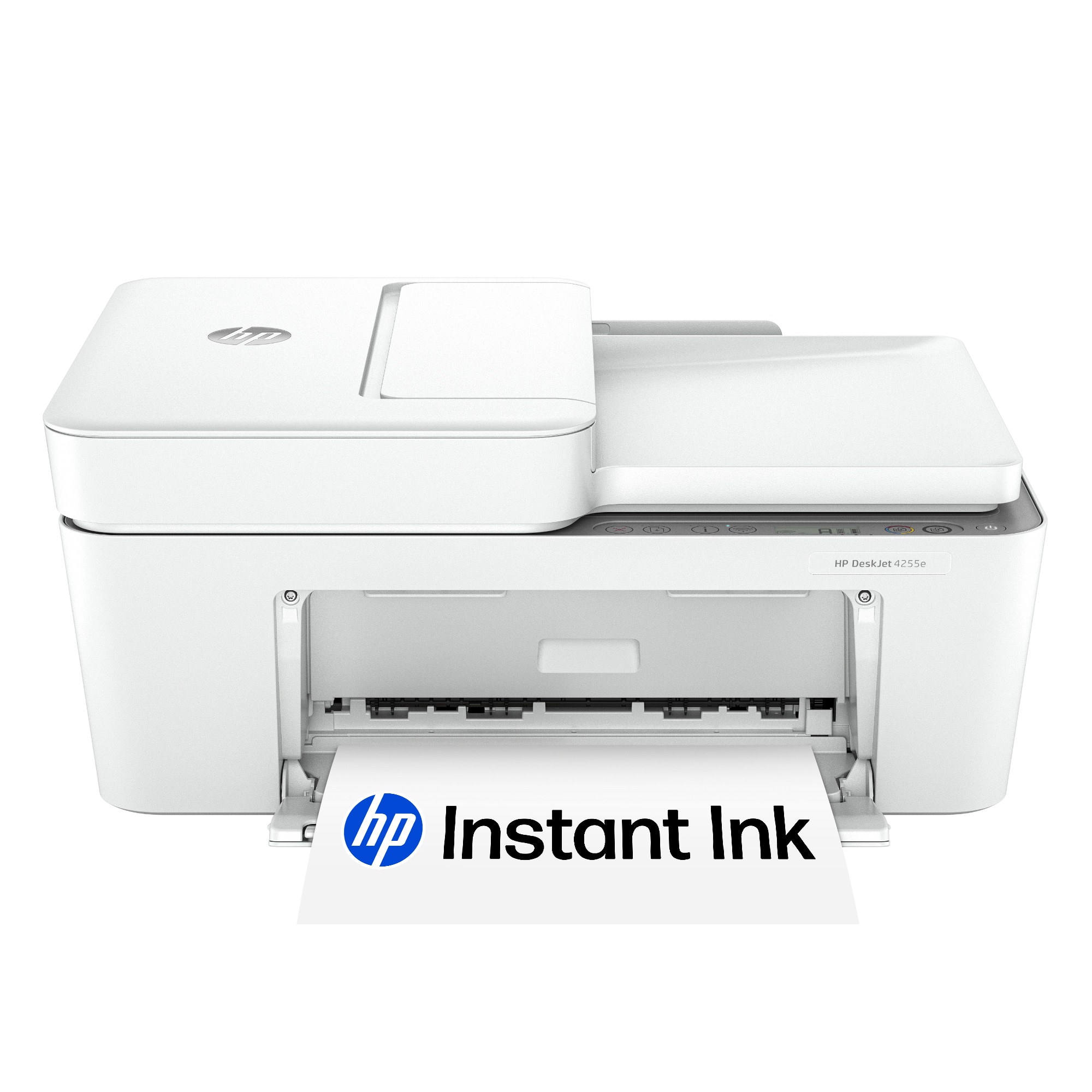
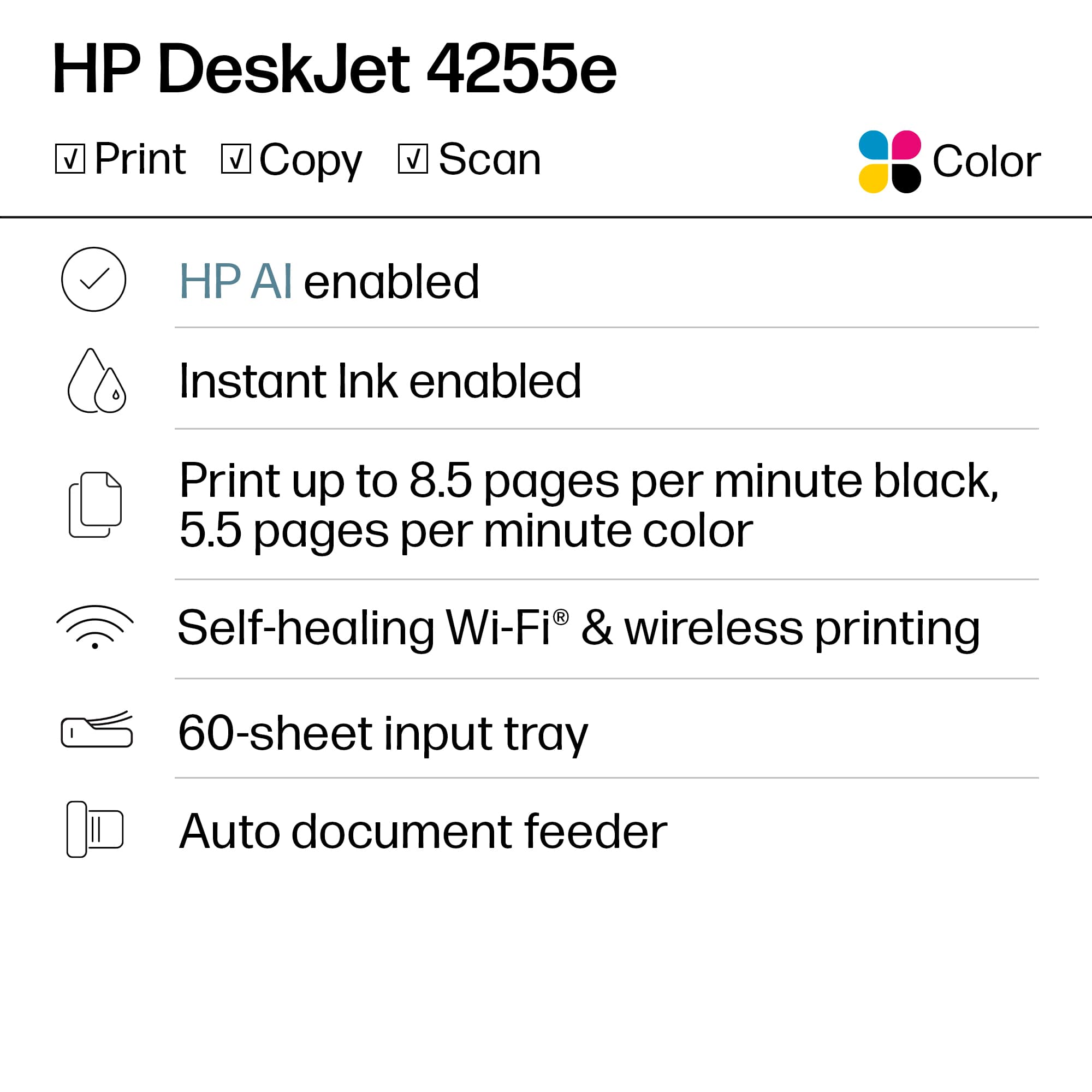
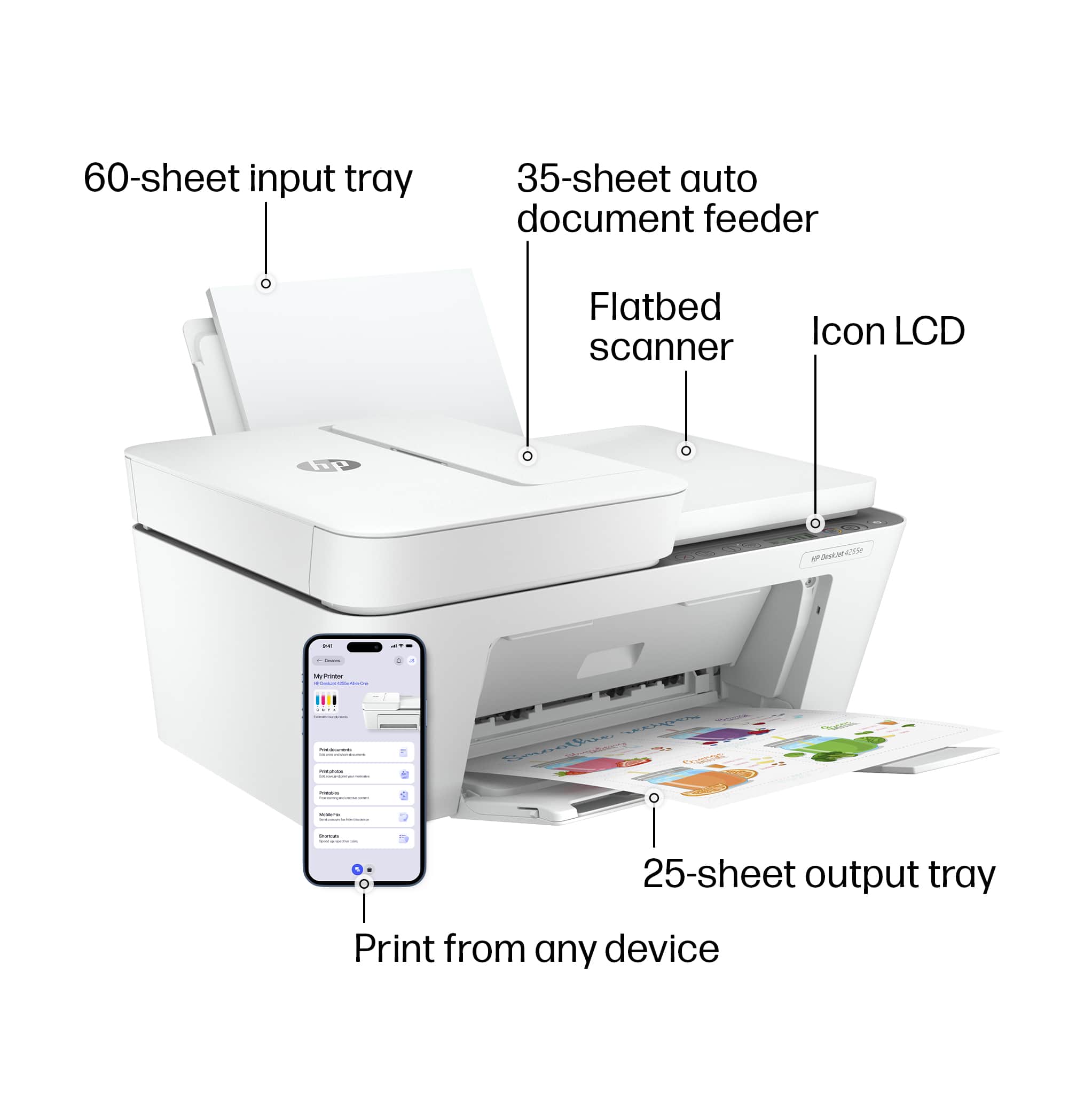
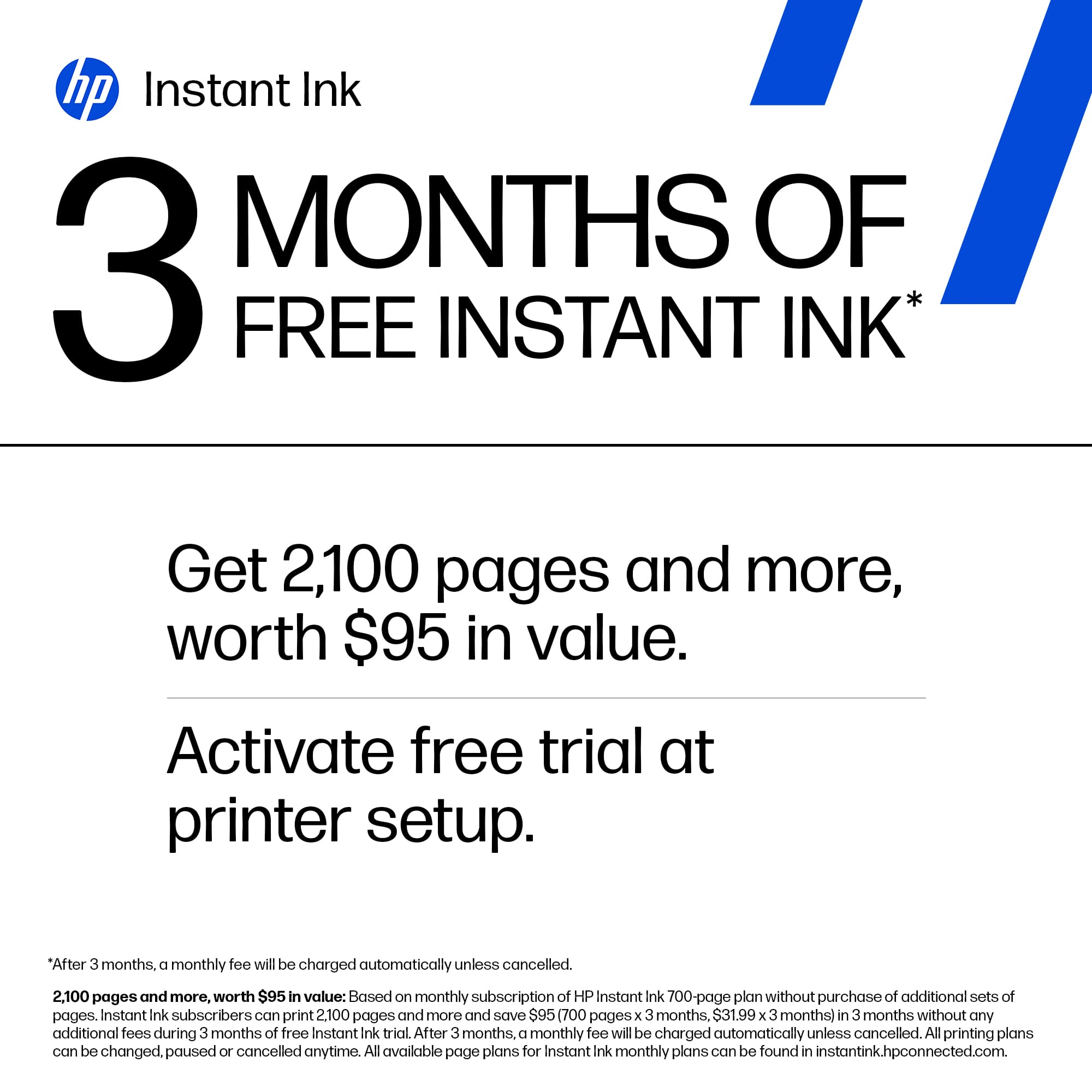
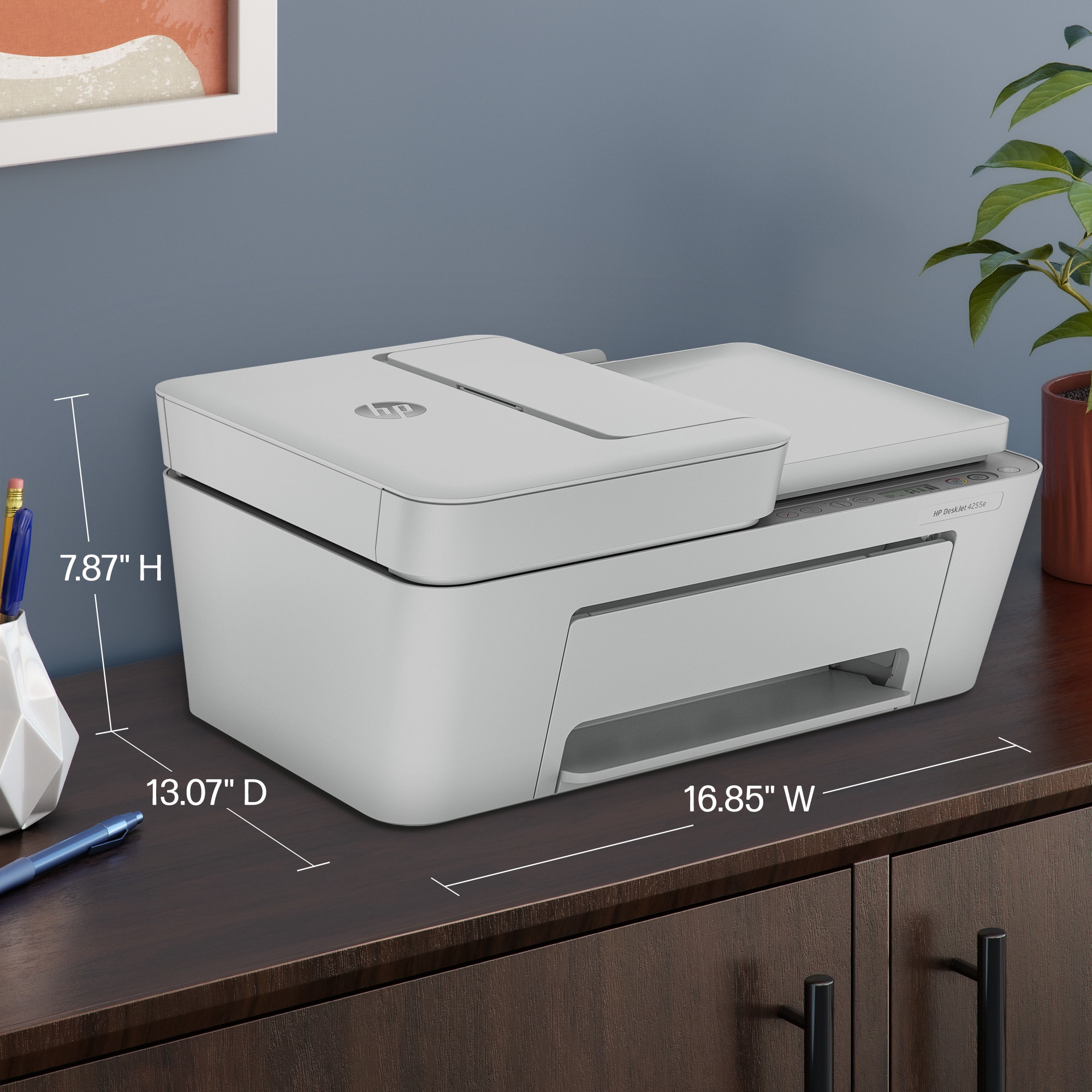
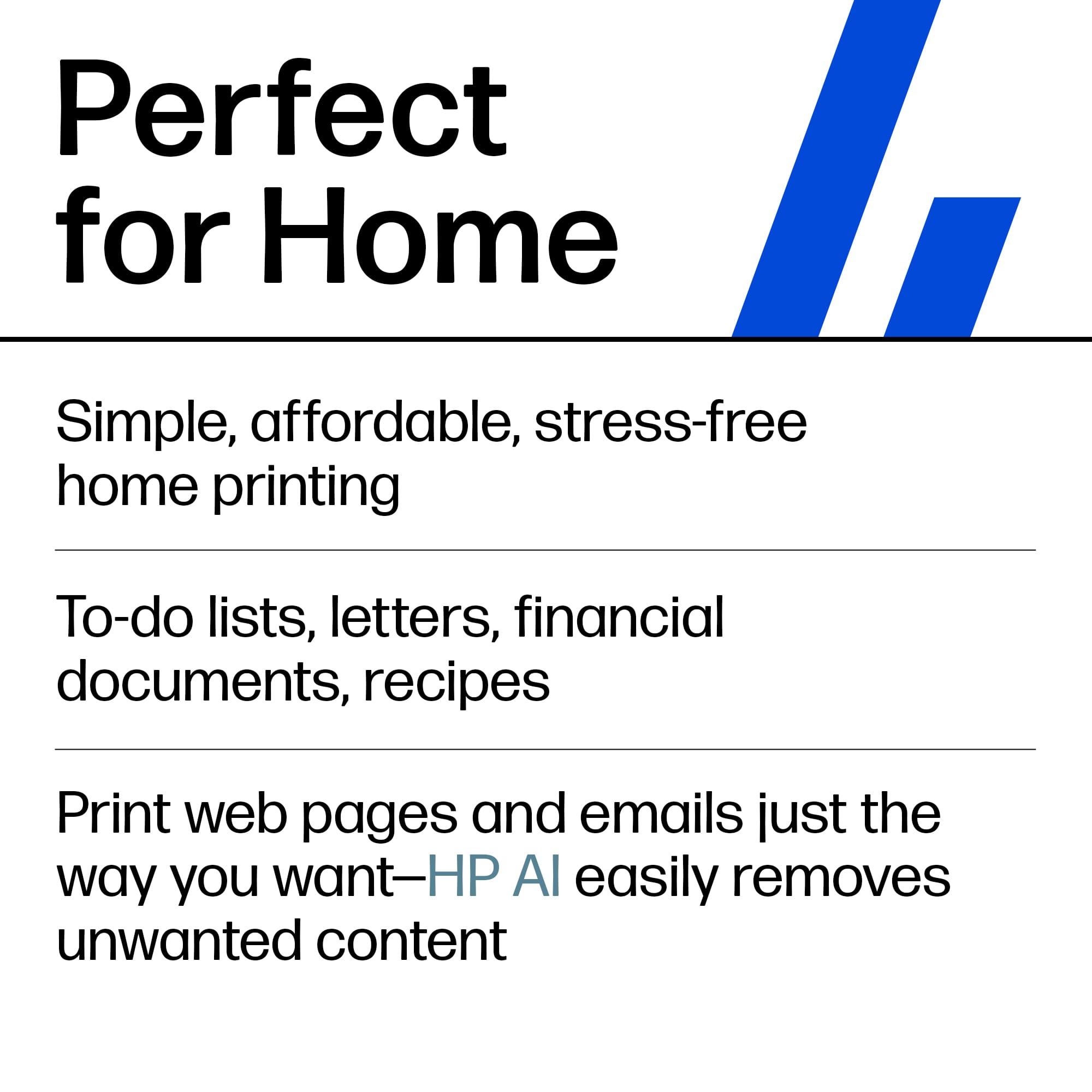
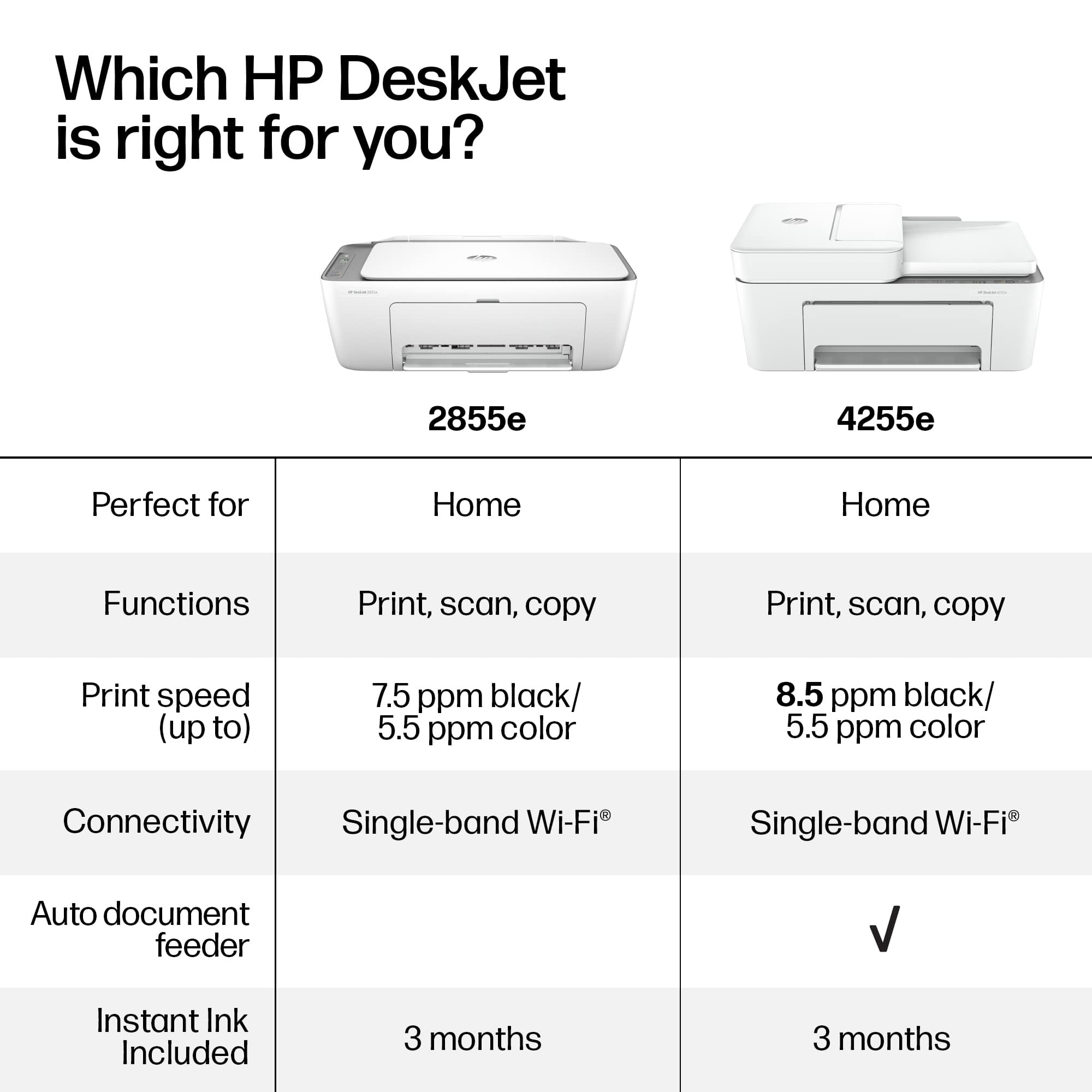
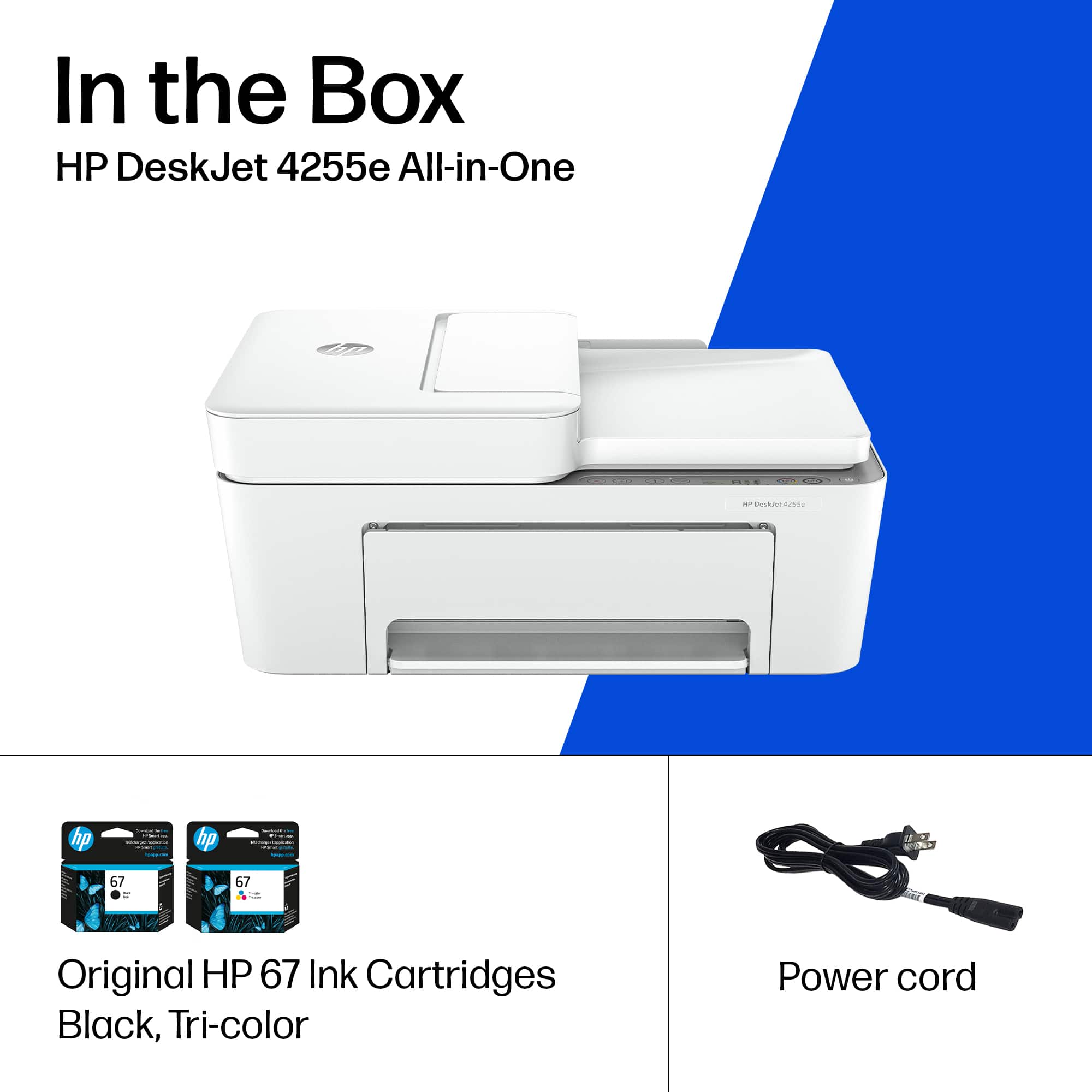
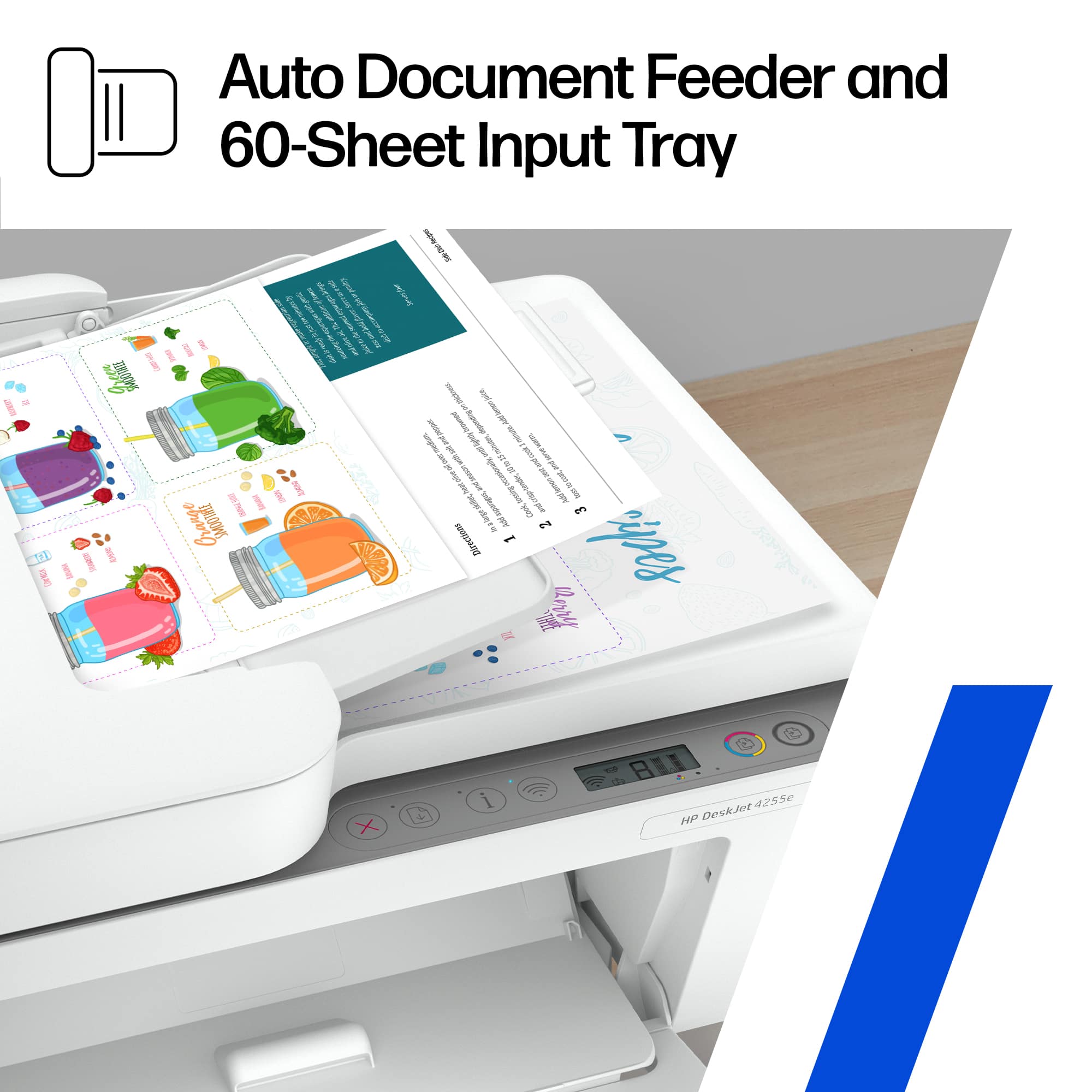
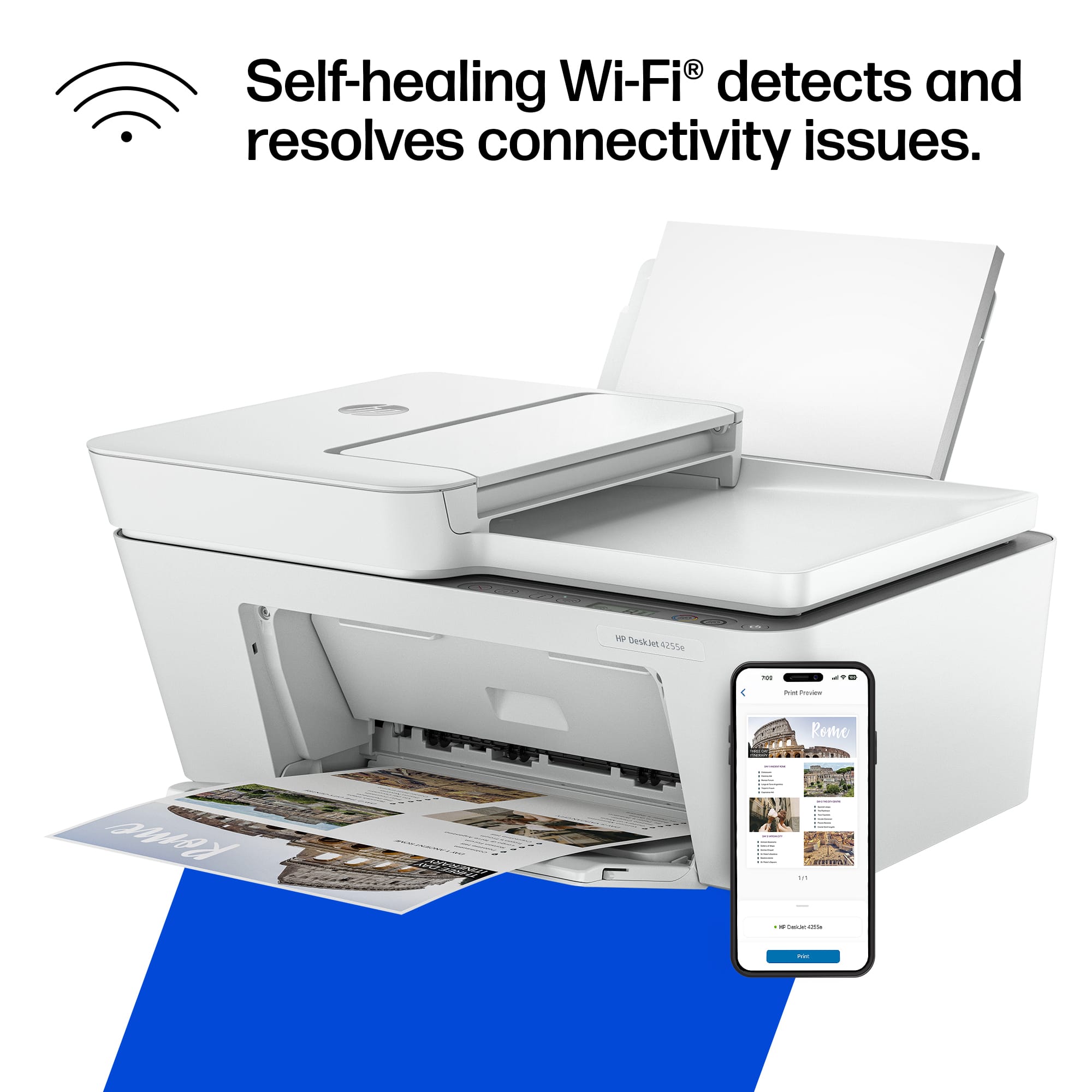
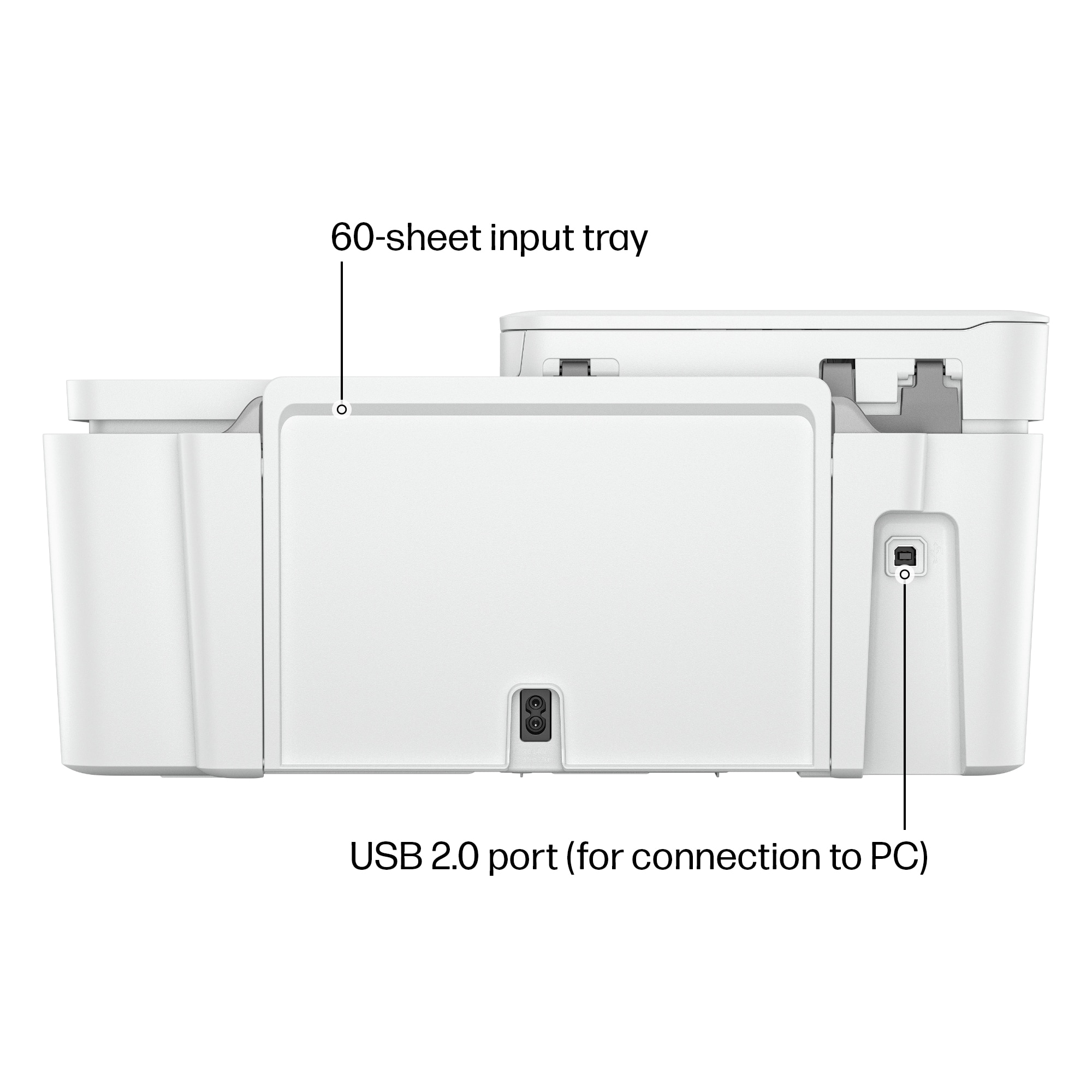
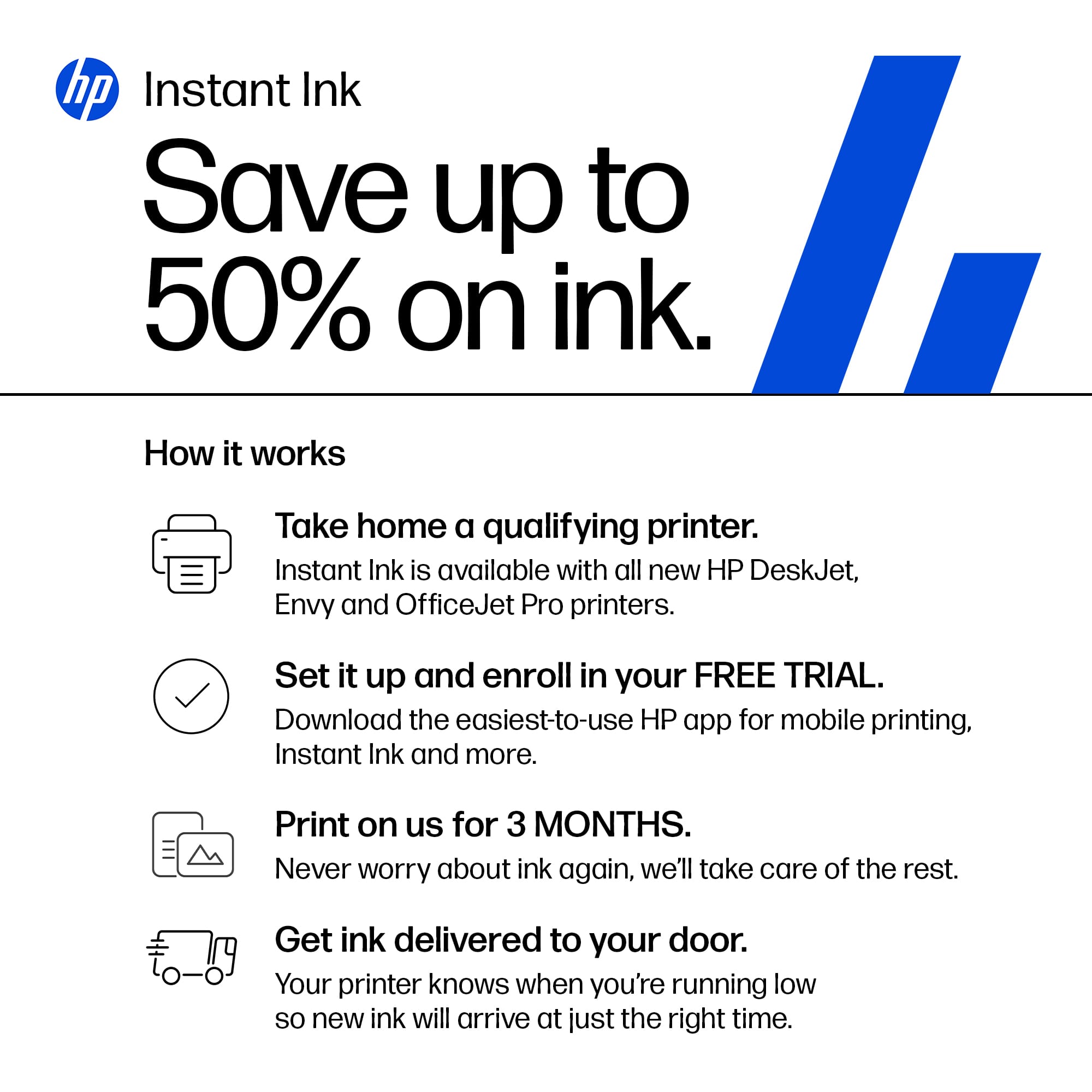
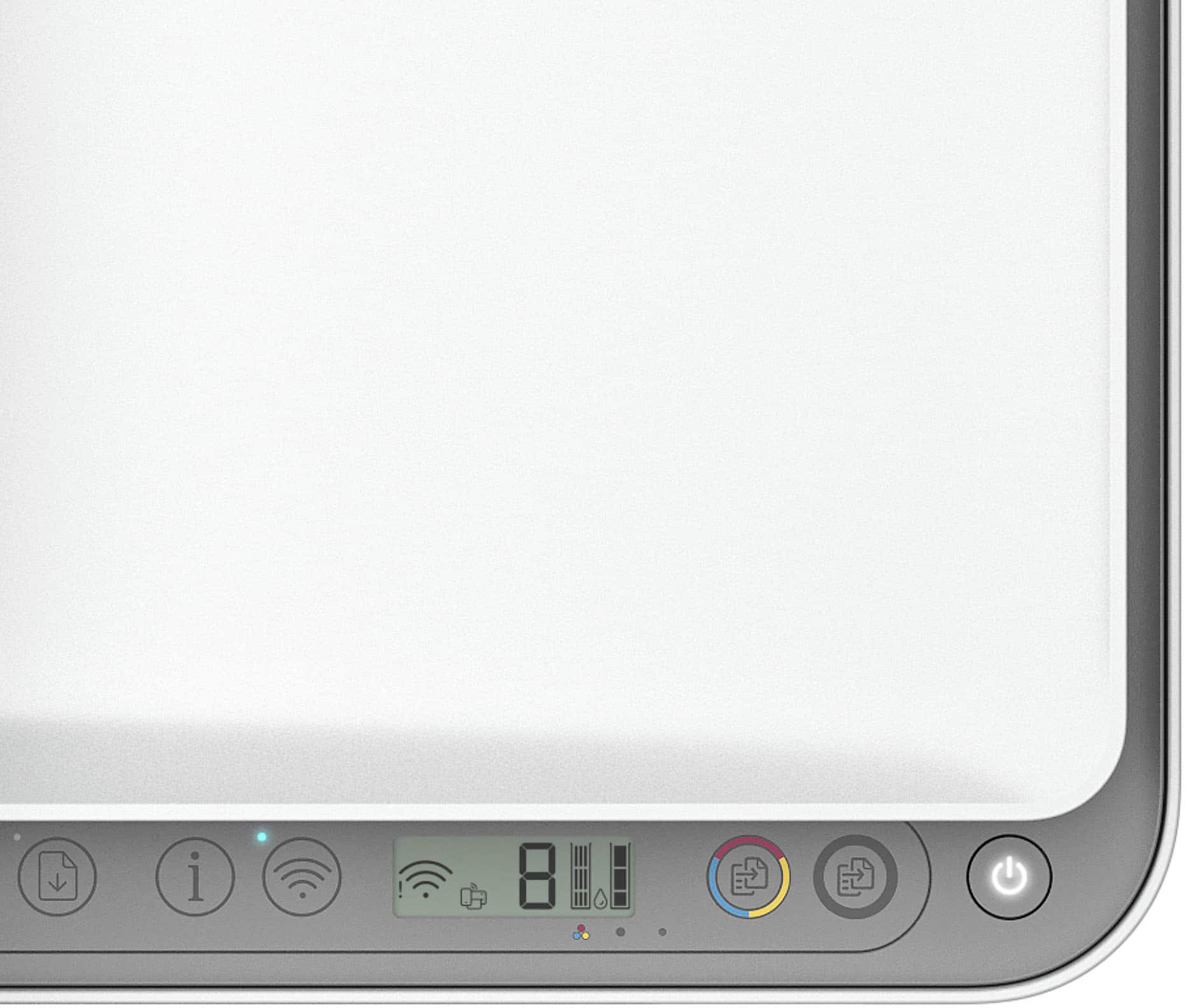
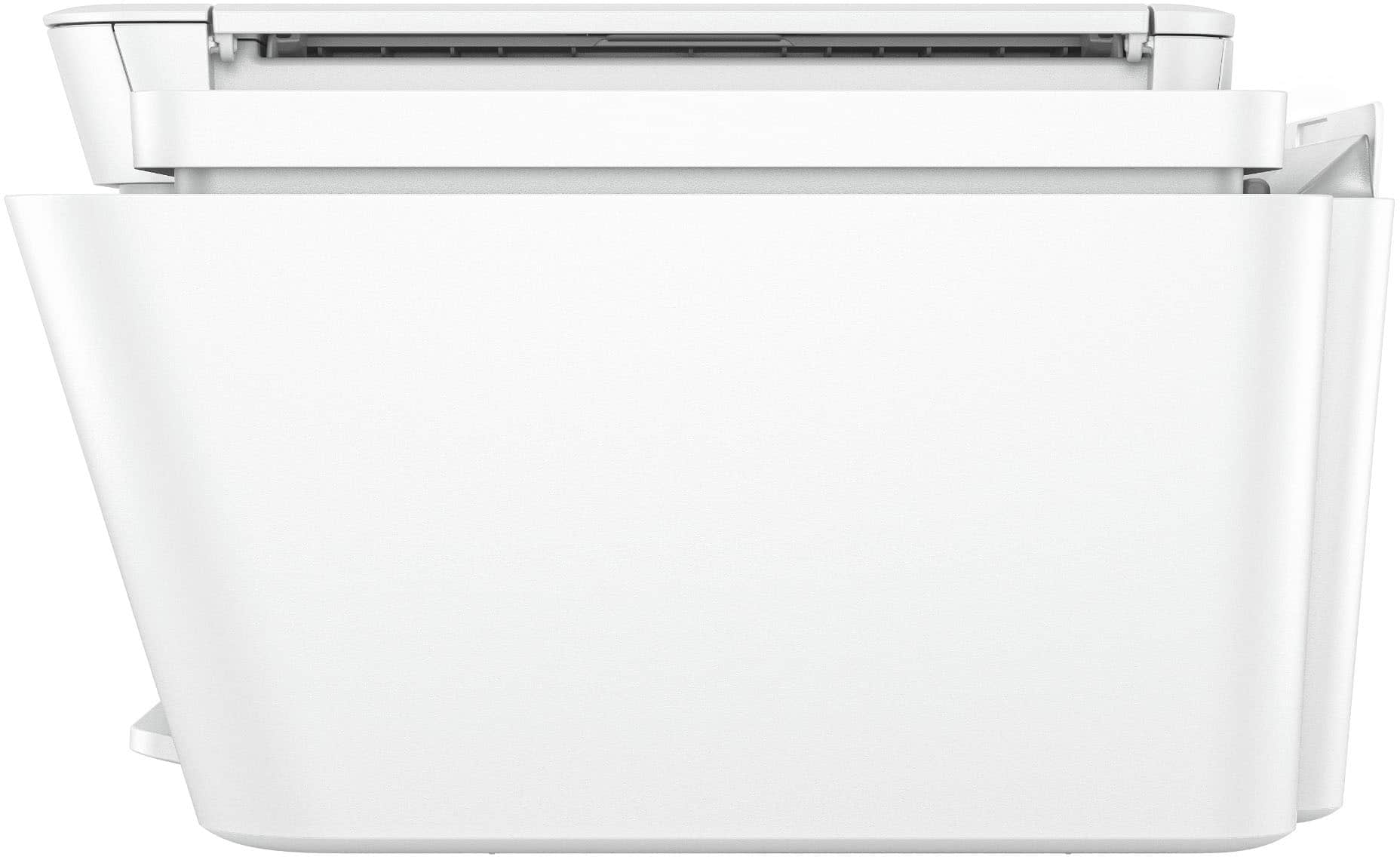
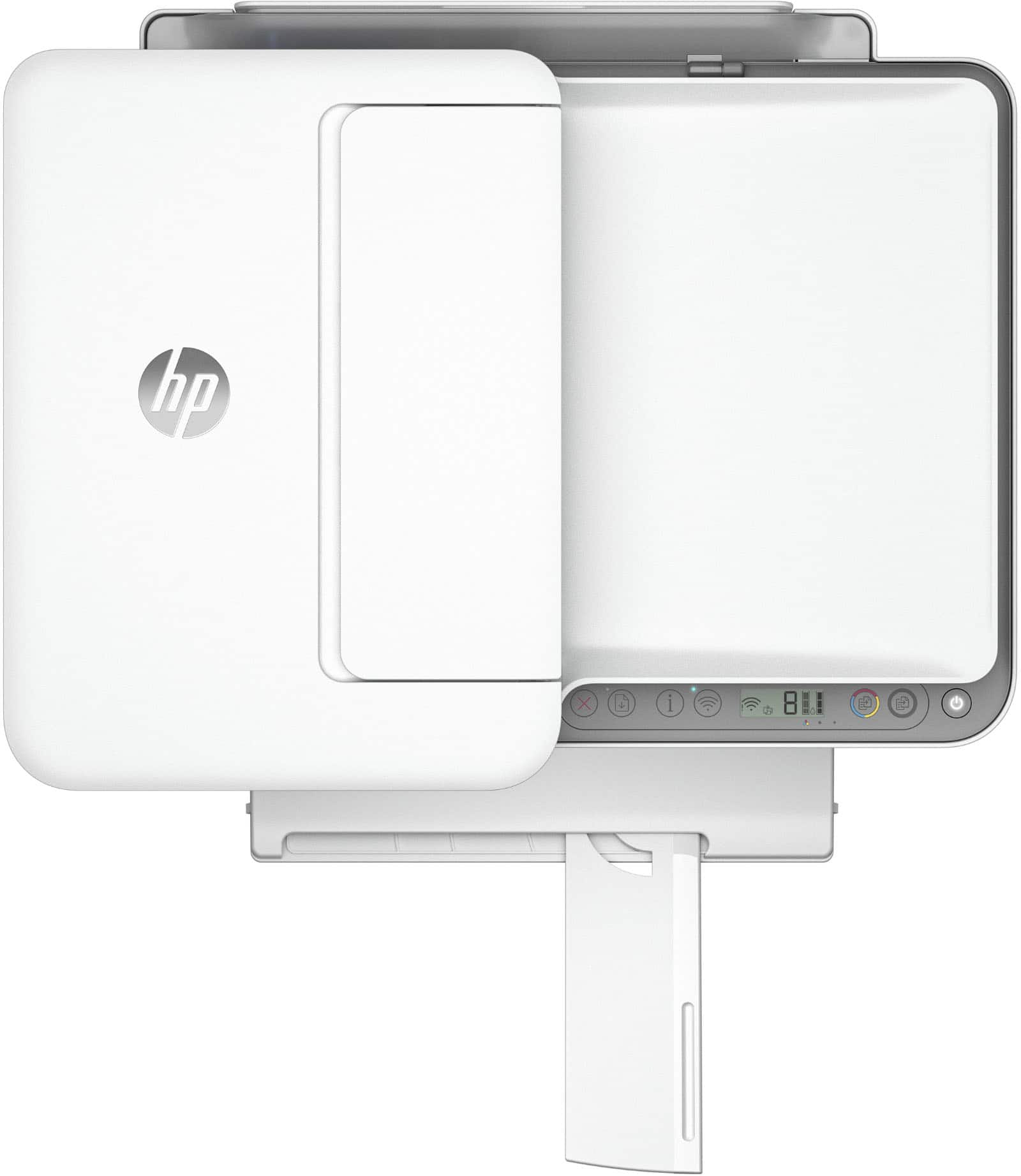
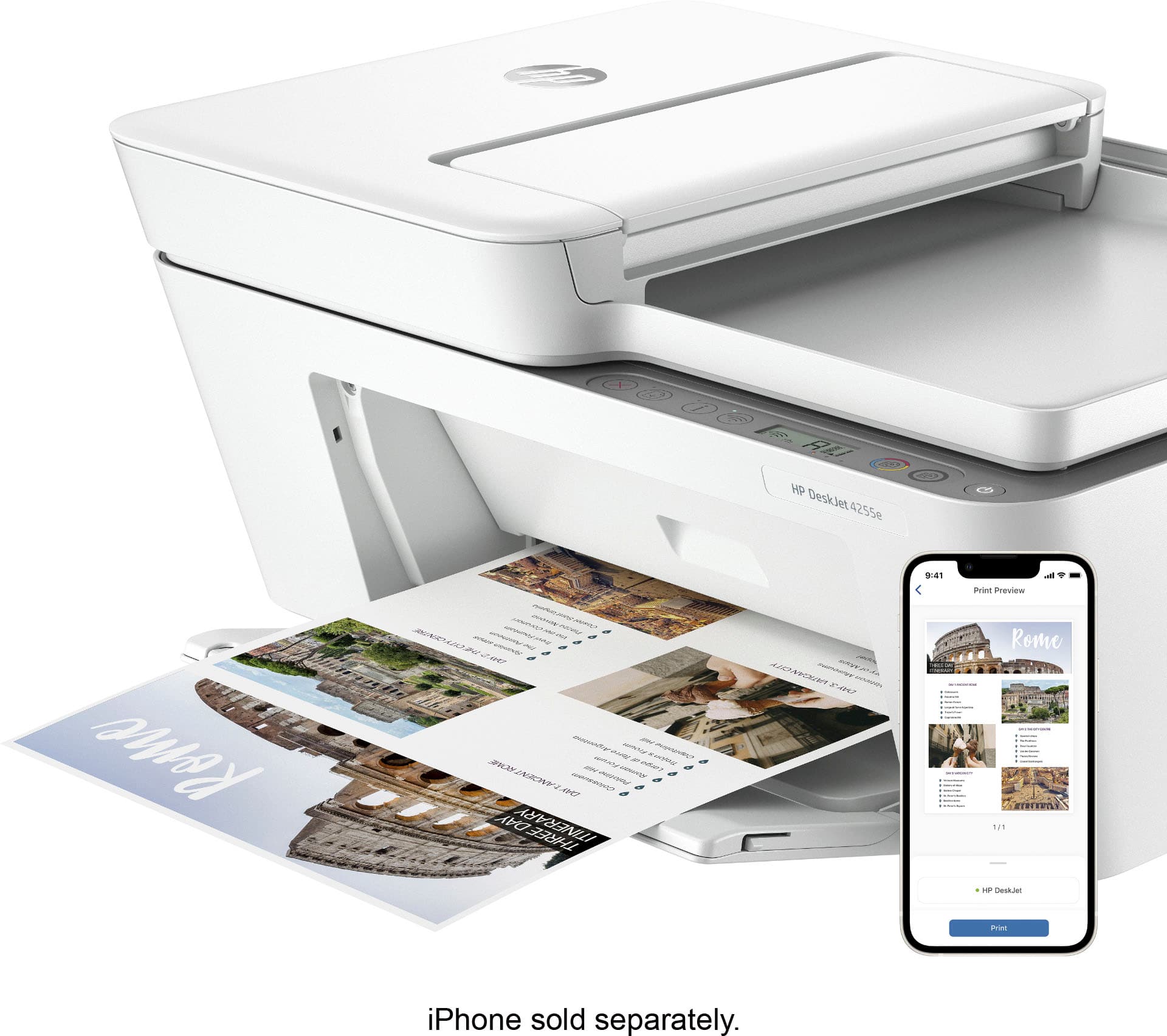
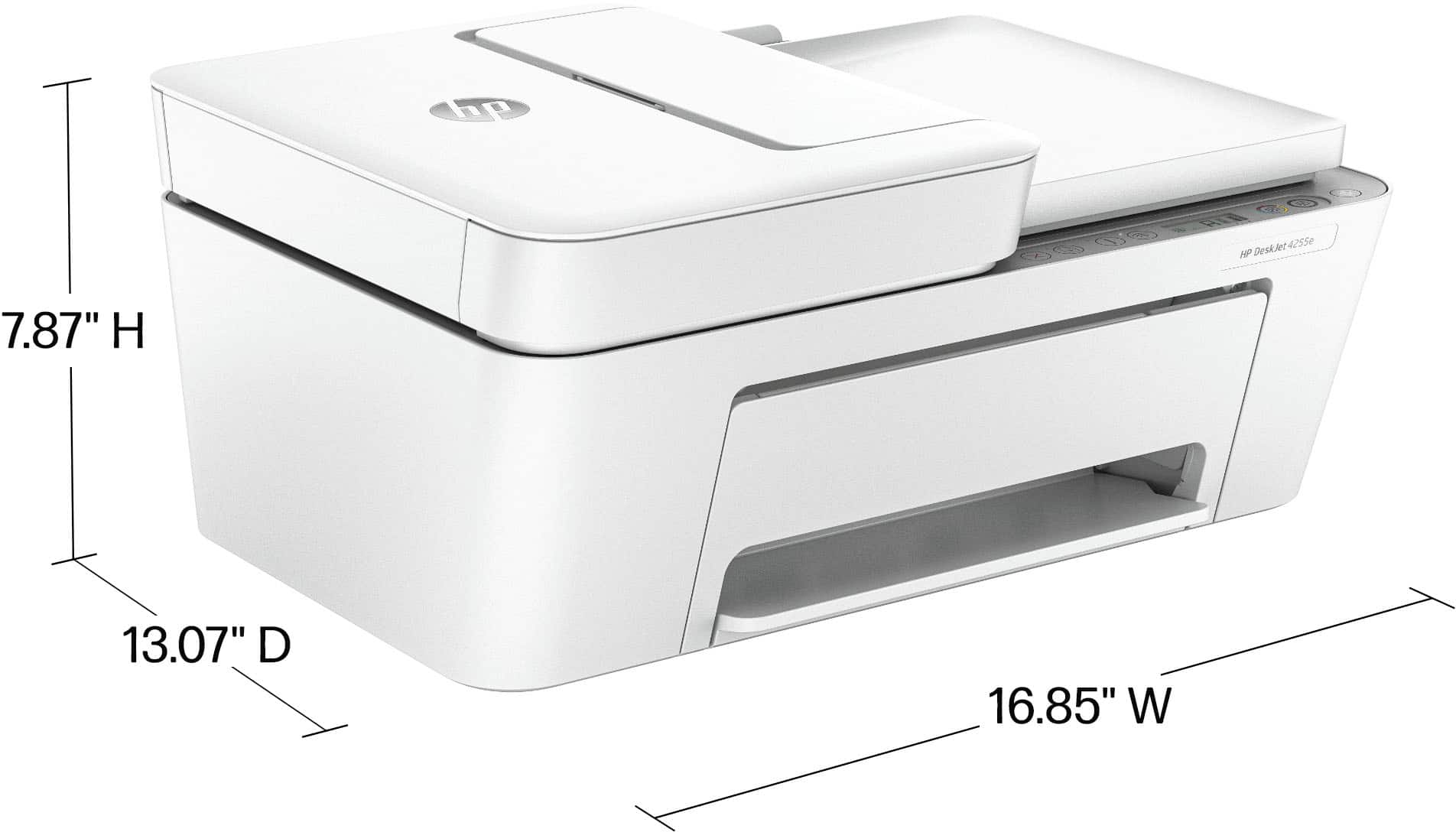
|Posted .This reviewer received promo considerations or sweepstakes entry for writing a review.The HP DeskJet 4255e All-in-One Printer is an absolute game-changer for both home and office printing needs. As someone who relies heavily on printers for various tasks, from printing important documents to vibrant photos, I can confidently say that the DeskJet 4255e exceeds all expectations. Let's start with its sleek and compact design. The printer's minimalistic appearance blends seamlessly into any workspace, saving valuable desk space. Its small footprint is ideal for those working in confined areas or aiming for a clutter-free environment. The build quality is impressive, giving it a sturdy feel that ensures durability over time. Setting up the DeskJet 4255e is a breeze, thanks to HP's user-friendly installation process. Within minutes, I was able to connect it to both my computer and mobile devices effortlessly. The printer's versatility in connectivity options, including Wi-Fi, USB, and even mobile printing capabilities, makes it incredibly convenient for printing from various sources. The printer's functionality as an all-in-one device is a major selling point. Along with high-quality printing, the DeskJet 4255e integrates scanning and copying functionalities flawlessly. The efficient automatic document feeder (ADF) enhances productivity, allowing for quick scanning and copying of multiple pages. The resulting scans and copies boast impressive clarity and accuracy. When it comes to printing quality, the DeskJet 4255e delivers exceptional results. Whether I'm printing black and white documents or colorful presentations, the printouts are crisp, sharp, and of professional quality. The printer's fast printing speed ensures efficient completion of tasks, even when dealing with large print jobs. Another notable feature of the DeskJet 4255e is its commitment to environmental sustainability. The printer is ENERGY STAR® certified, which means it operates efficiently, conserving energy. It also supports HP's Instant Ink program, eliminating one of the most common concerns of running out of ink at inconvenient times. This program ensures that ink cartridges are automatically delivered to your doorstep before you run out, reducing waste and saving money in the long run. One aspect that impressed me the most about the DeskJet 4255e is its compatibility with various printing apps. The HP Smart app, for instance, allows for seamless mobile printing and scanning from any device, making it incredibly convenient for those constantly on the go. The app's user-friendly interface and easy navigation enhance the overall printing experience. I must also mention the exceptional customer support provided by HP. Their responsive and knowledgeable team promptly addresses any concerns or questions, ensuring a smooth and hassle-free experience. In conclusion, the HP DeskJet 4255e All-in-One Printer is the ultimate printing solution for both personal and professional needs. With its compact design, impressive print quality, versatility, and innovative features like mobile printing and scanning, it surpasses all expectations. Its commitment to sustainability and excellent customer support further enhances its appeal. I highly recommend the DeskJet 4255e to anyone seeking a reliable, efficient, and advanced all-in-one printer that delivers exceptional results.
I would recommend this to a friendDont buy
||Posted . Owned for 1.5 years when reviewed.This reviewer received promo considerations or sweepstakes entry for writing a review.The printer stop making copies after a year. Of course the printer is out of warranty and fixing was too costly.
No, I would not recommend this to a friendBennie
||Posted . Owned for 2 weeks when reviewed.This reviewer received promo considerations or sweepstakes entry for writing a review.I LOVE EVERYTHING ABOUT YOU GUYS. YALL SERVICE IS VERY EXCELLENT
I would recommend this to a friendColor ink didnt work
||Posted . Owned for 1 month when reviewed.This reviewer received promo considerations or sweepstakes entry for writing a review.The color ink that came with the printer did not work. With theses "e" printers it will not print if the bad ink cartridge is in the printer. I had to take out the color cartridge in order to get my black ink to print..... annoying
No, I would not recommend this to a friendAll in One Inkjet
||Posted . Owned for 1 month when reviewed.This reviewer received promo considerations or sweepstakes entry for writing a review.Not what I expected not wanted though priced right
No, I would not recommend this to a friendComplaint
||Posted .This reviewer received promo considerations or sweepstakes entry for writing a review.Printer never really worked for me. The GEEK squad was at my home and did what they could but when they left couldn’t print. I was very upset about your return policy of 14 days and received a gift card is $45 dollars for something that never worked for me. I don’t plan to ever make another purchase with you. The Geeks couldn’t even get here for 14 days so I have lost more than half of the money I paid. Bad business will have to go to Amazon now. .
No, I would not recommend this to a friendWaste of money!
||Posted .This reviewer received promo considerations or sweepstakes entry for writing a review.Avoid this product at all costs! For a BRAND NEW HP printer, this is a sad item! Sure, it will print on both sides, but for 15 years, I have NEVER had to manually reinsert the paper to print on the other side! WORTHLESS!
No, I would not recommend this to a friendWill not buy again
||Posted .This reviewer received promo considerations or sweepstakes entry for writing a review.Sorry I purchased this particular model. Have to keep shutting it off and turn back on for it to operate properly. Can't load but so much paper to print documents.
No, I would not recommend this to a friendPure junk
||Posted .This reviewer received promo considerations or sweepstakes entry for writing a review.Lordy, lordy, what a piece of junk. Despite 2 hours on the phone with Geek Squad, I never could get the wireless feature to work so had to cable it to my computer. Never could get the scanner to work at all. By the time I installed my second ink cartridge, the dang thing would not print the upper left corner clearly no matter the size of document or image. Three months later it would no longer print, period.
No, I would not recommend this to a friendHP inks only
||Posted . Owned for 1 month when reviewed.This reviewer received promo considerations or sweepstakes entry for writing a review.Please note this machine only uses HP ink. Other brands will NOT work.
No, I would not recommend this to a friend













