Customer Ratings & Reviews







- Model:
- DJ 4255E/588S6A#B1H
- SKU:
- 10736433
Rating by feature
- Value
Rating 4.4 out of 5 stars
- Quality
Rating 4.3 out of 5 stars
- Ease of Use
Rating 4.2 out of 5 stars
Garbage
||Posted . Owned for 1 month when reviewed.This reviewer received promo considerations or sweepstakes entry for writing a review.Garbage. Worked once now it won't load paper. Waste of money, get a better one.
No, I would not recommend this to a friendThis is not an easy one to use
||Posted . Owned for 3 weeks when reviewed.This reviewer received promo considerations or sweepstakes entry for writing a review.Installing a paper to print a document should be easy right? Not this printer.
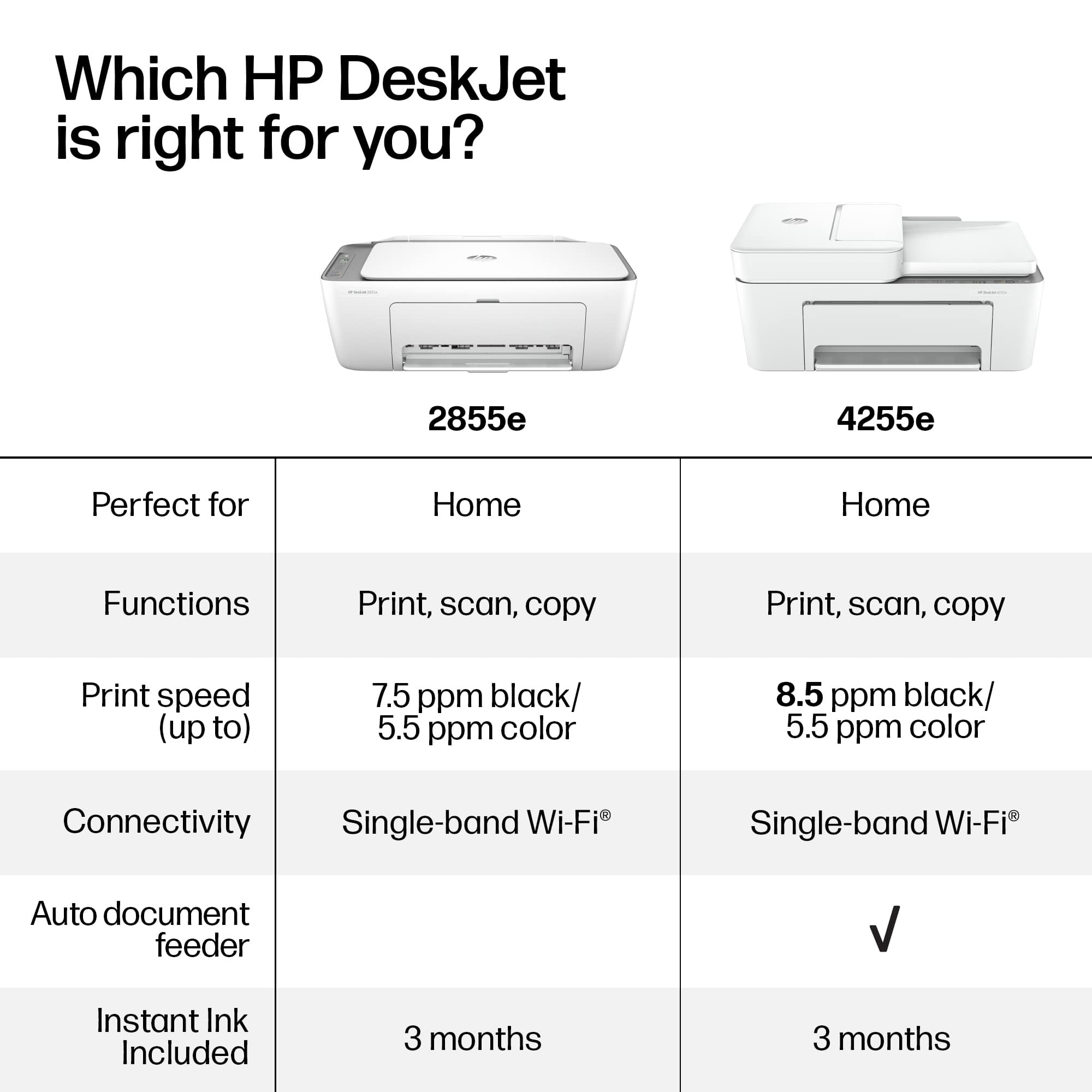
No, I would not recommend this to a friendTHERE IS NO AUTOMATIC TWO SIDE PRINTING
||Posted . Owned for 2 months when reviewed.This reviewer received promo considerations or sweepstakes entry for writing a review.I am EXTREMELY disappointed. This product does not have automatic duplex printing. You cannot print on both sides without taking the paper out and entering it again and hoping you do it right each time. The whole reason I bought this printer was to make printing/copying faster with the feed in trays. By trying to upgrade to a new printer, I ended up losing a basic feature that my other printer had for a quarter of the price. Now there is no way to return so they got their money and I have to buy a new printer.
No, I would not recommend this to a friendPrinter is junk!
||Posted . Owned for 2 months when reviewed.This reviewer received promo considerations or sweepstakes entry for writing a review.This printer suck! It keeps going offline, have to keep unplugging and plugging it back in. This will be our last HP printer.
No, I would not recommend this to a friendJunk printer
||Posted . Owned for 3 weeks when reviewed.This reviewer received promo considerations or sweepstakes entry for writing a review.Don’t buy this model. Flimsy. Very difficult to change ink cartridges. Every time I do print preview, excel crashes. Printer must be on. Spend more for a model that works better.
No, I would not recommend this to a friendPrinter
||Posted . Owned for 2 months when reviewed.This reviewer received promo considerations or sweepstakes entry for writing a review.Sorry but its too hard to print always having trouble to print, its too late for me to returnit , Not easy to use , every time that I want to print something the same issue,
No, I would not recommend this to a friendGarbage
||Posted . Owned for 2 months when reviewed.This reviewer received promo considerations or sweepstakes entry for writing a review.I just plugged up about a week ago. Does not work.
No, I would not recommend this to a friendInk drains soon
||Posted . Owned for 1 month when reviewed.This reviewer received promo considerations or sweepstakes entry for writing a review.I don’t recommend this product as ink doesn’t even stay for even 20 copies . Also difficult to
No, I would not recommend this to a friendSucks
||Posted . Owned for 1 month when reviewed.This reviewer received promo considerations or sweepstakes entry for writing a review.Worst printer of all time. Doesn't even do two sided printing. Won't connect to the internet and i can't seem to trouble shoot it. Printers shouldn't be this difficult
No, I would not recommend this to a friendNot a good printer. It is being returned.
||Posted . Owned for 3 weeks when reviewed.This reviewer received promo considerations or sweepstakes entry for writing a review.I am returning this printer to Best Buy, in Kenosha, Wisconsin. Tomorrow. The printer was impossible to set up. I was even online with customer service and a technician, and it did no good. So I am returning this printer tomorrow. And I will be looking at another HP printer when I am there.
No, I would not recommend this to a friendNo assistance with new defective printer
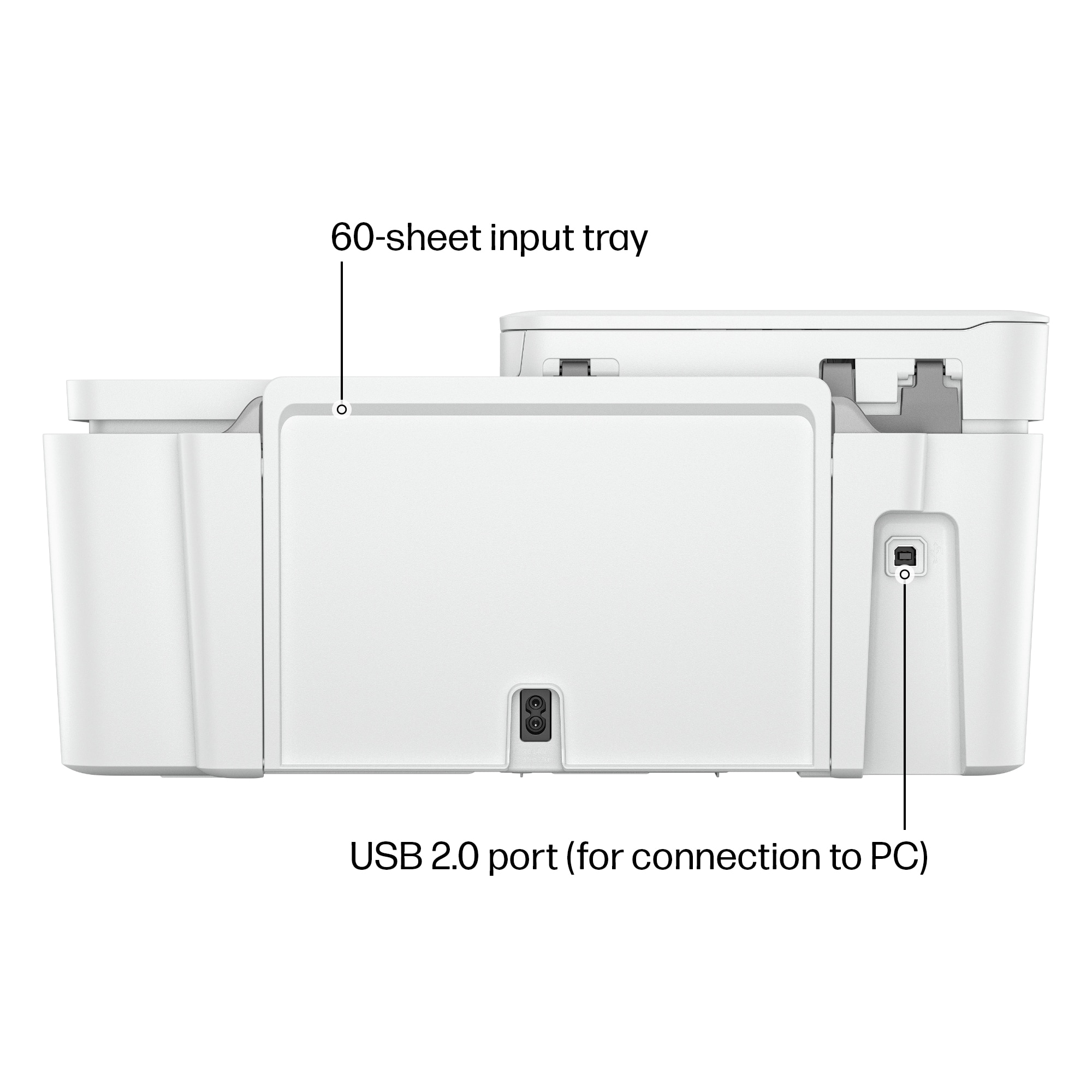
||Posted . Owned for 1 month when reviewed.This reviewer received promo considerations or sweepstakes entry for writing a review.Bought this printer and while setting it up I realized the power cord was loose and keeps falling off the attachment on the computer. I call the Best Buy where I bought it and the company directly. No one helped me. I ever offered to pay for a new cord.
No, I would not recommend this to a friendBroken from the start
||Posted . Owned for 1 month when reviewed.This reviewer received promo considerations or sweepstakes entry for writing a review.Printer works, scanner will not. I bought it for the scanner.
No, I would not recommend this to a friendMad and no one cares
||Posted . Owned for 2 weeks when reviewed.This reviewer received promo considerations or sweepstakes entry for writing a review.Getting this HP Printer to operate correctly has been virtually impossible, asked for help from Best Buy, $120 or their not helping, wonderful service eh! Piece of Junk and nobody standing behind it, way to go HP
No, I would not recommend this to a friendFrustrating to say the least
||Posted . Owned for 3 weeks when reviewed.This reviewer received promo considerations or sweepstakes entry for writing a review.Doesn’t hold a lot of paper, constantly disconnecting from WiFi, told I have to disconnect my cellular data when I want to print super annoying. Never had this issue with my Deskjet
No, I would not recommend this to a friendTerrible
||Posted . Owned for 2 months when reviewed.This reviewer received promo considerations or sweepstakes entry for writing a review.Worst printer I’ve ever owned. It worked ok for about a month now I can’t even get it to stay on let alone connect to the wifi.
No, I would not recommend this to a friend
Great Printer!
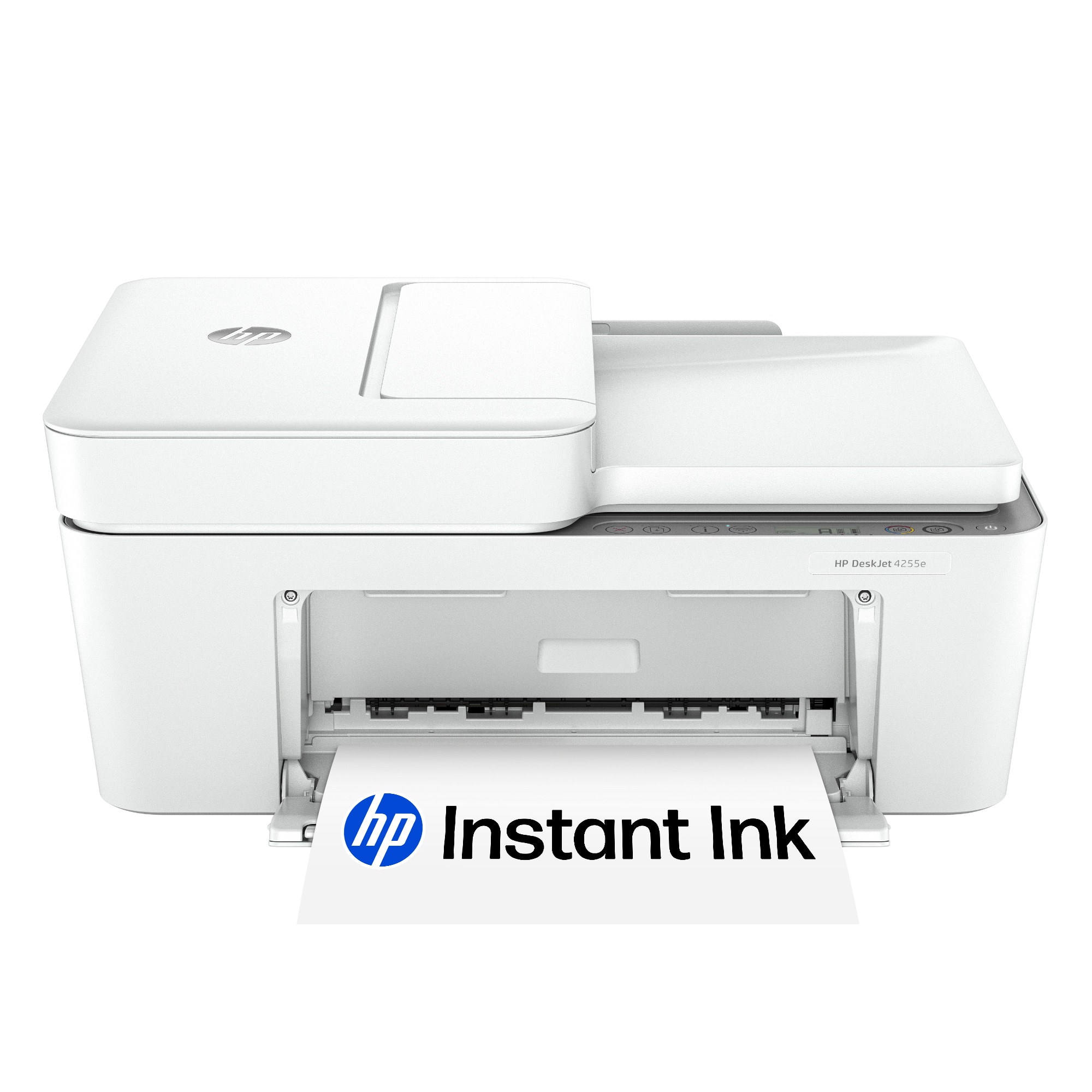
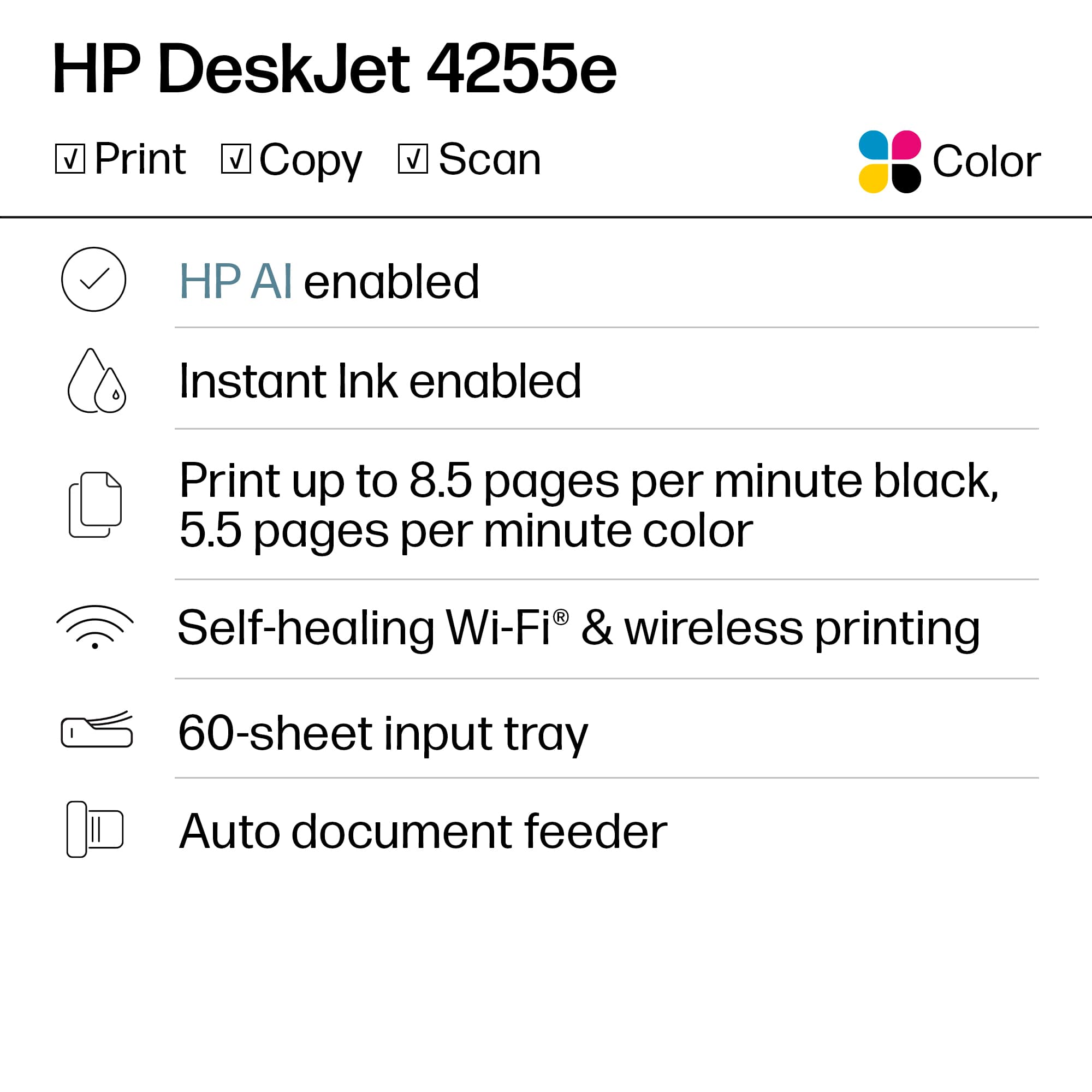
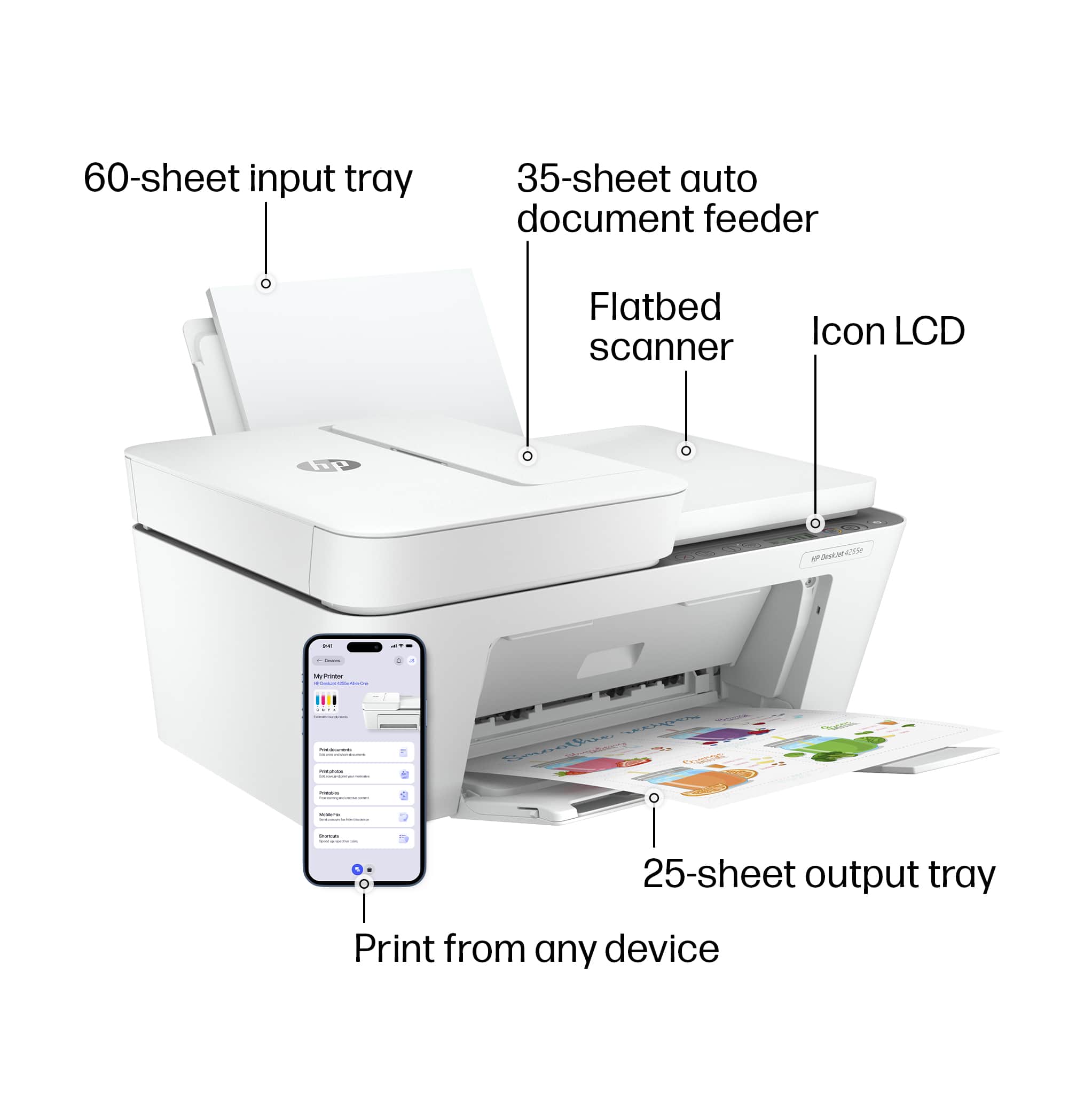
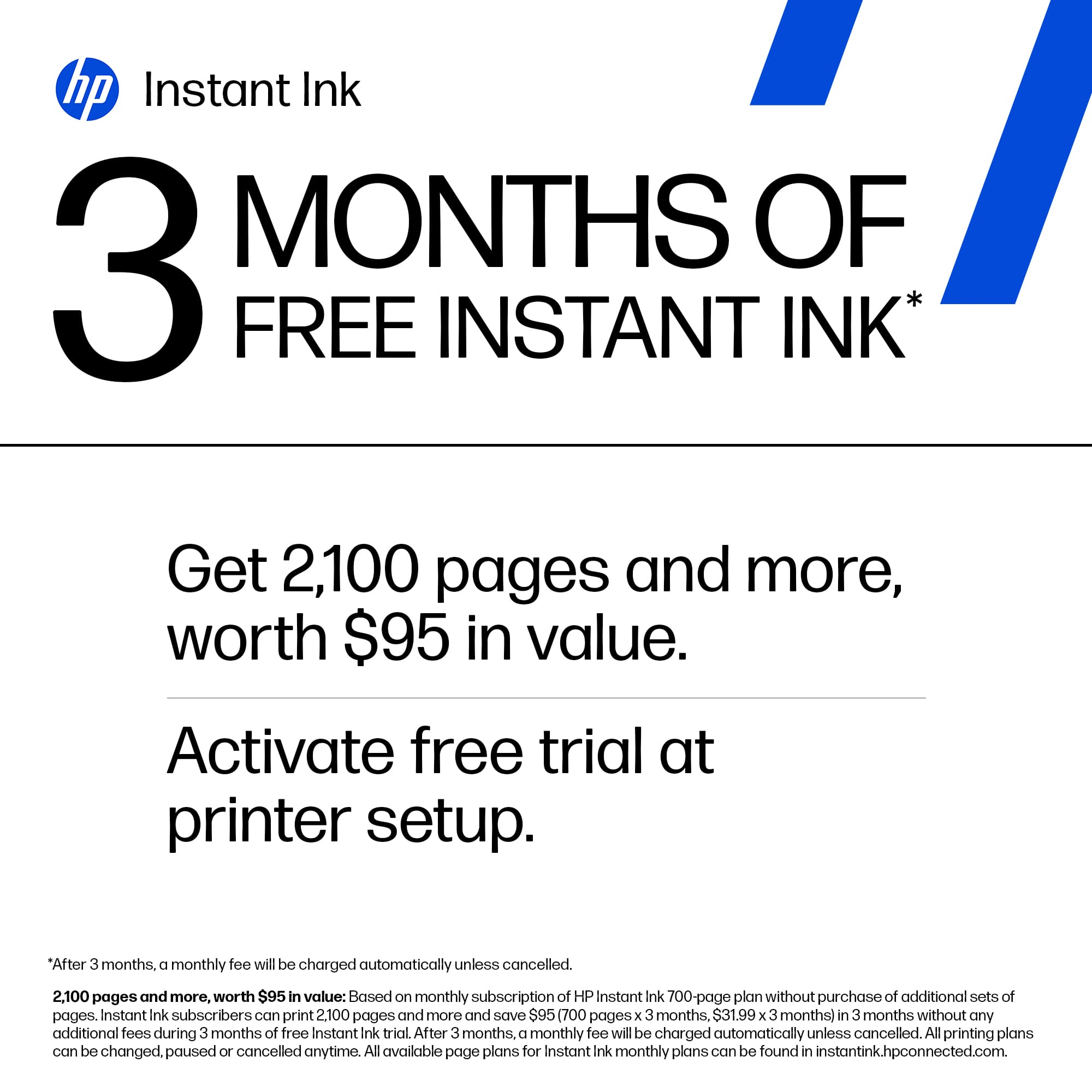
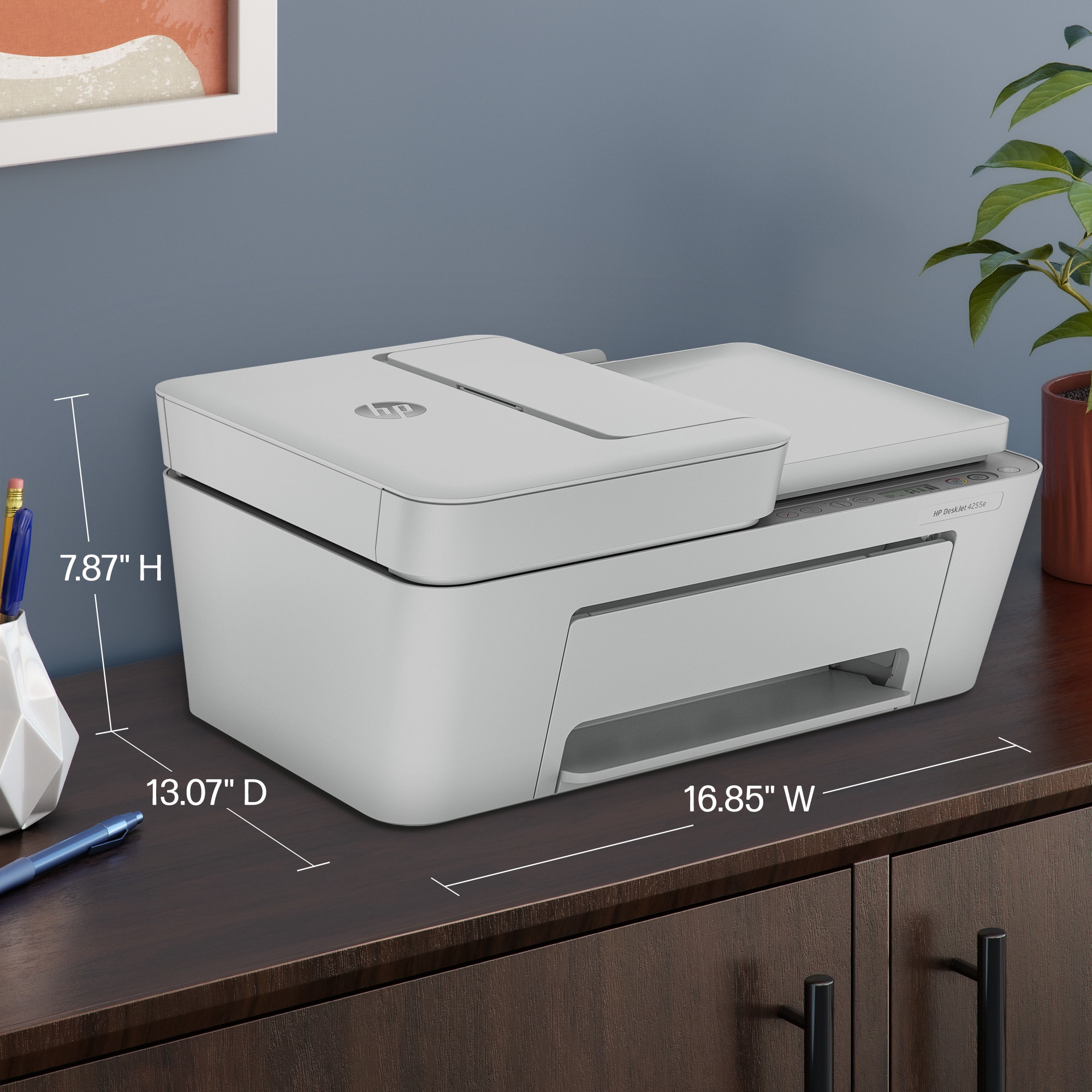
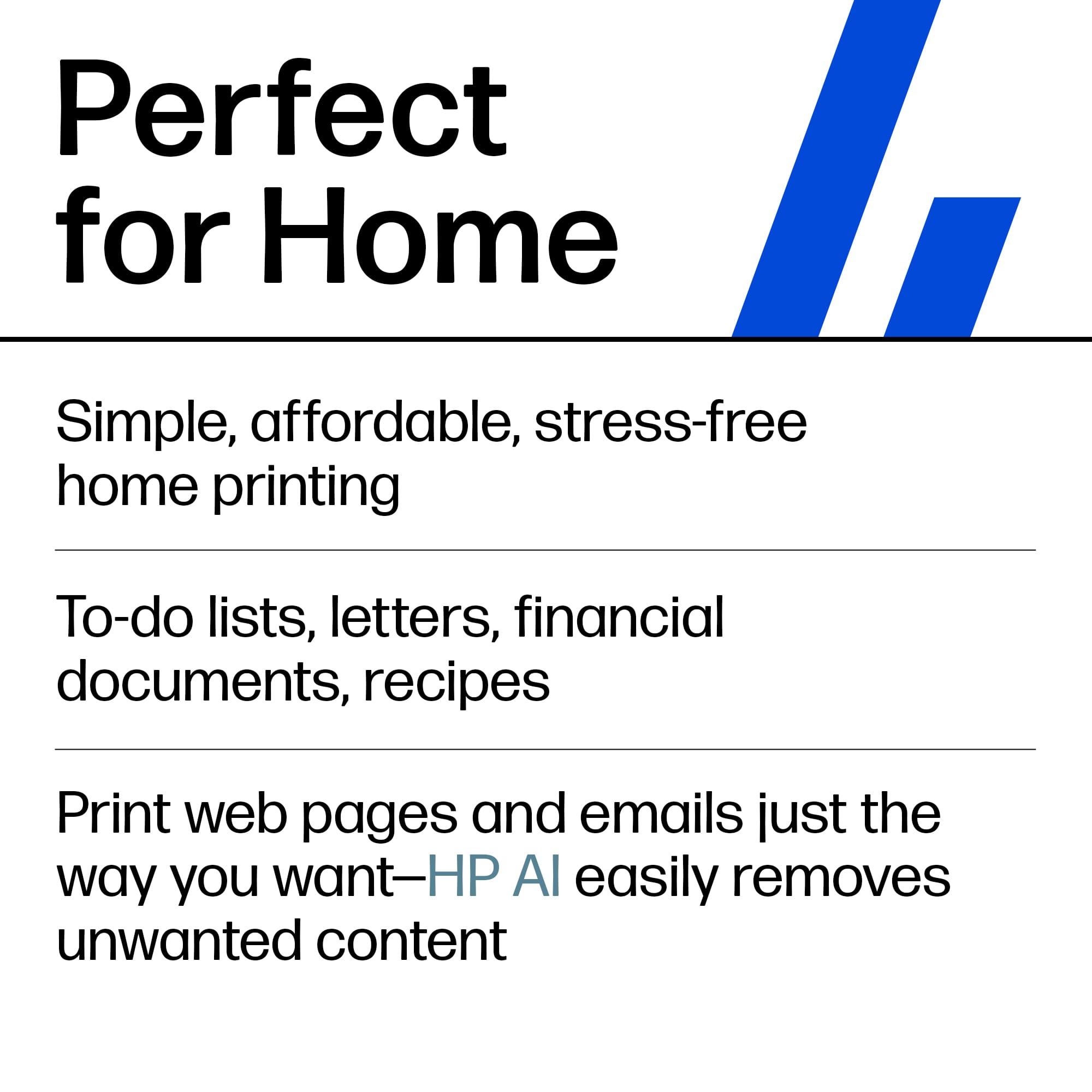
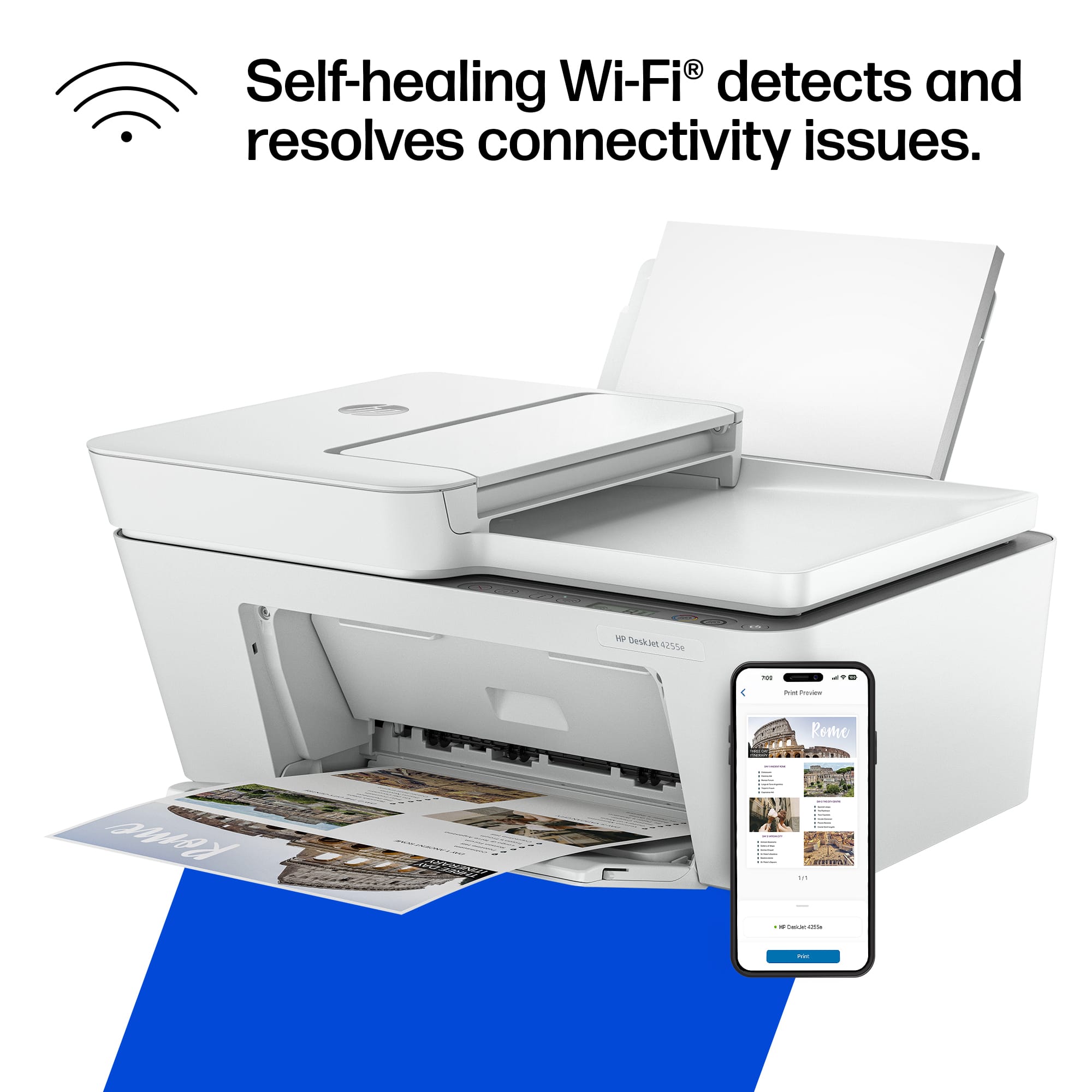
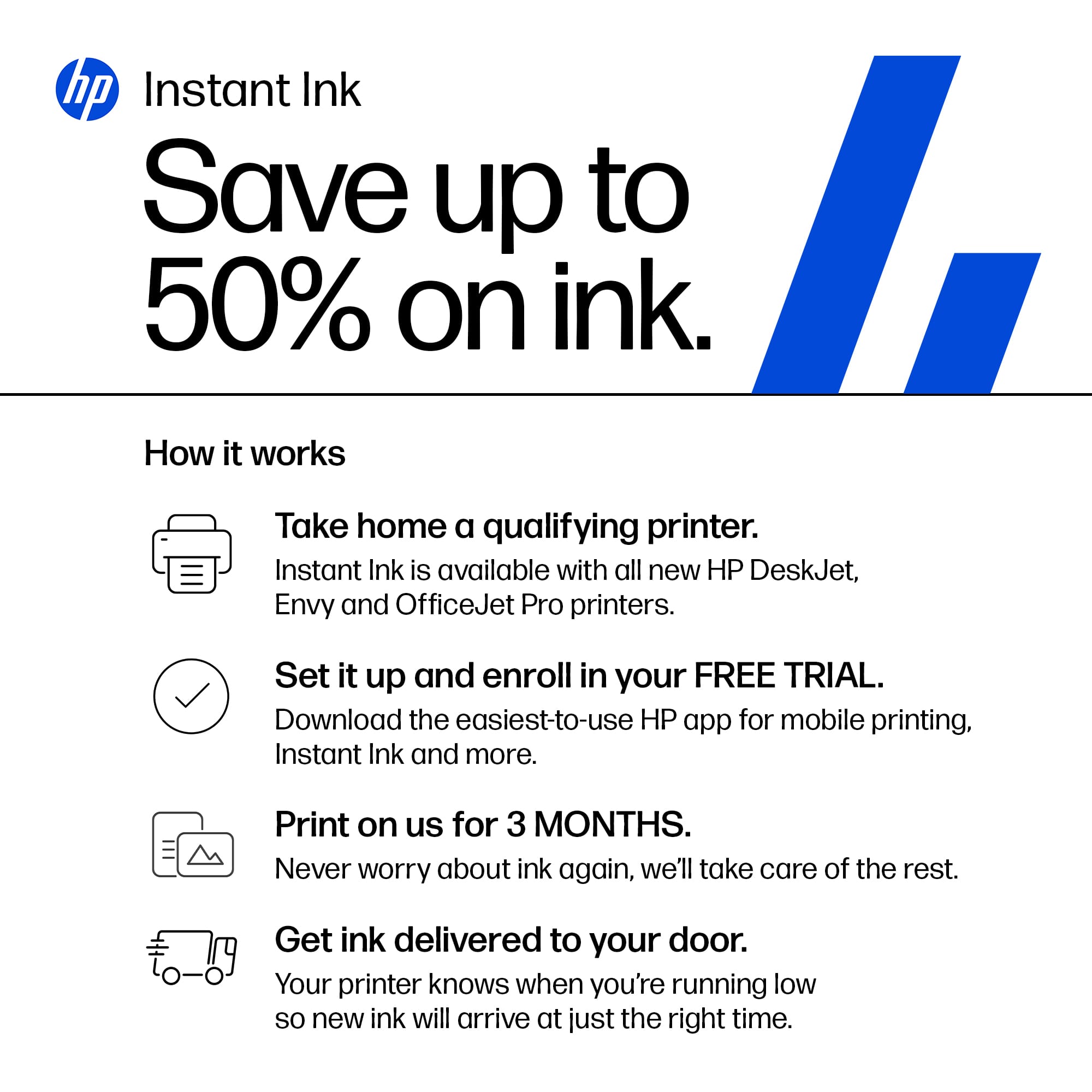
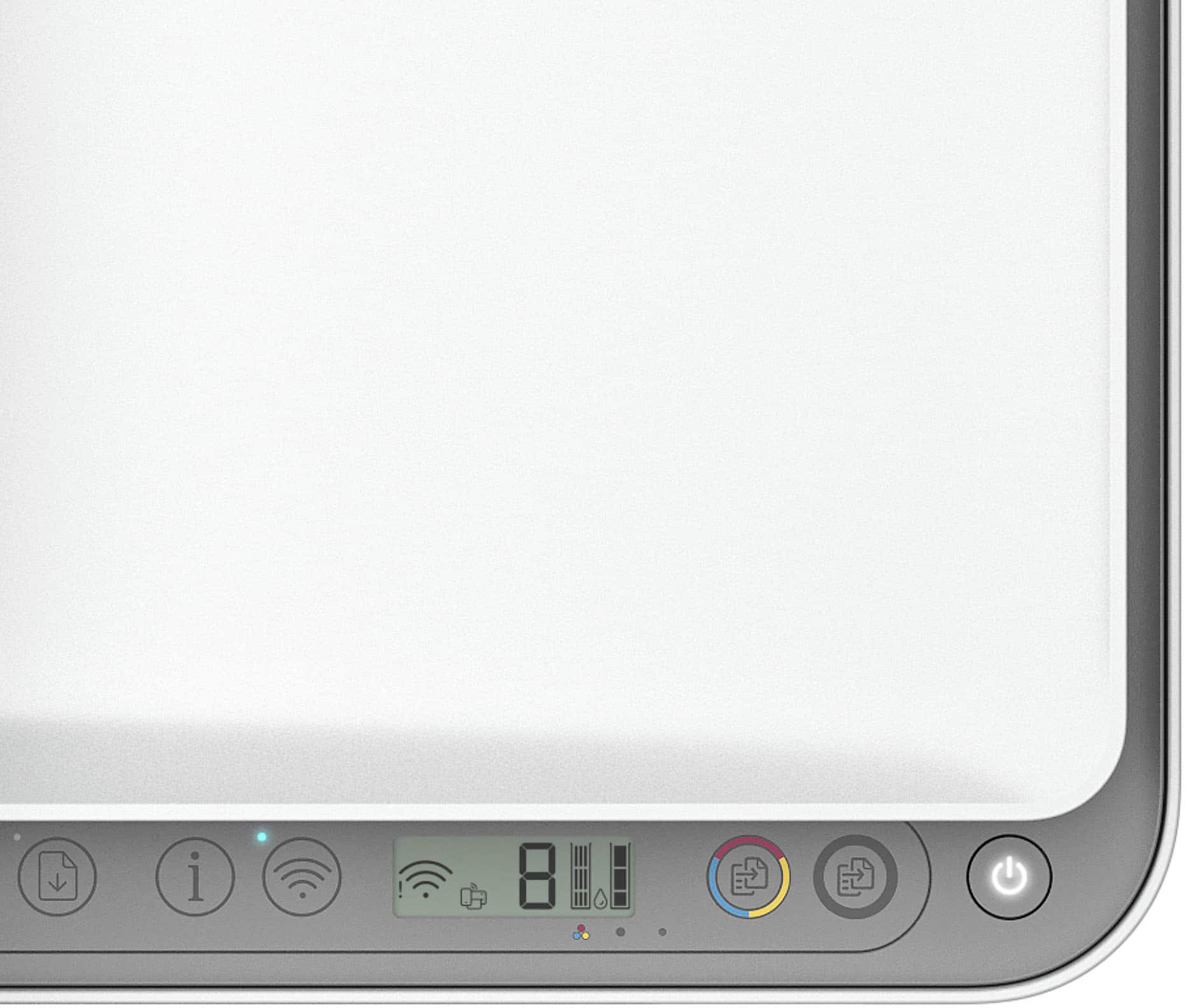
|Posted .This reviewer received promo considerations or sweepstakes entry for writing a review.Unboxing the HP DeskJet 4255e All-in-One Printer was a pleasant experience. The packaging was minimal but secure, and the printer was easy to extract from the box. Right away, the compact and sleek design caught my eye. With its clean lines and modern aesthetic, this printer looks good enough to sit out in any home or office setting without being an eyesore. Setting up the DeskJet 4255e was refreshingly straightforward. The included setup guide was clear and easy to follow. Within minutes, the printer was connected to my Wi-Fi network and ready to go. The touchscreen display is intuitive and made navigating through the initial setup a breeze, even for those who aren't particularly tech-savvy. The HP Smart app is a highlight of the DeskJet 4255e. Available for both iOS and Android, the app makes mobile printing and scanning incredibly easy. The user interface is intuitive, with a variety of features like mobile faxing and printer status monitoring. I particularly appreciated the seamless integration with cloud storage services, allowing me to print documents directly from Google Drive and Dropbox. When it comes to printing speed, the DeskJet 4255e holds its own. It’s not the fastest printer on the market, but for its size and price, it performs admirably. Text documents print quickly and clearly, with sharp, legible fonts. Photo printing is equally impressive, with vibrant colors and fine details, making it suitable for printing everything from professional documents to family photos. The HP DeskJet 4255e is a cost-effective choice, especially when paired with HP's Instant Ink subscription service. This service can save users up to 50% on ink costs, with the added convenience of automatic cartridge replacements. This means you’ll never run out of ink unexpectedly, which is a huge plus for those with regular printing needs. The printer itself is also fairly efficient, making good use of each cartridge and keeping operating costs relatively low. Overall, the HP DeskJet 4255e All-in-One Printer is a fantastic option for anyone in need of a reliable, versatile printer. Its sleek design, easy setup, and strong performance make it a standout in its price range. The added benefits of the HP Smart app and cost-effective ink options further enhance its appeal. Whether you're printing important work documents or cherished family photos, the DeskJet 4255e delivers quality results with minimal hassle. For those looking for an all-in-one solution that combines style, functionality, and affordability, this printer is a top contender.
I would recommend this to a friendDO NOT BUY
||Posted . Owned for 1 month when reviewed.This reviewer received promo considerations or sweepstakes entry for writing a review.Terrible printer. Returned. Even an hour with Geek Squad couldn’t get it to work.
No, I would not recommend this to a friendpoor service
||Posted .This reviewer received promo considerations or sweepstakes entry for writing a review.Roadie dropped this printer in the middle of street. They had their small child take out of car and dropped it
No, I would not recommend this to a friendNew printer problems
||Posted . Owned for 3 weeks when reviewed.This reviewer received promo considerations or sweepstakes entry for writing a review.I contacted HP support four times and they couldn't resolve the problem with my new printer. I had to contact my computer guy to finally solve the problem.
No, I would not recommend this to a friendStops talking to computer
||Posted . Owned for 1 month when reviewed.This reviewer received promo considerations or sweepstakes entry for writing a review.It needs to be reset often, and I have had to reinstall it at least 3 times since first installing it. I would stay away from this machine.
No, I would not recommend this to a friend













