Customer Ratings & Reviews








- Model:
- ENVY 6155E/714L5A#B1H
- SKU:
- 11235078
Rating by feature
- Value
Rating 4.6 out of 5 stars
- Quality
Rating 4.5 out of 5 stars
- Ease of Use
Rating 4.4 out of 5 stars
It's a pain and ink cartridges are too small
||Posted .This reviewer received promo considerations or sweepstakes entry for writing a review.It was a pain to set up and connected to WiFi and devices. It didn't stay connected to devices. Ink was basically out after 5 pages. If what you are printing has minimal anything on the page, ink might last longer.
No, I would not recommend this to a friendWould not recommend
||Posted . Owned for 2 months when reviewed.This reviewer received promo considerations or sweepstakes entry for writing a review.This is the worst printer ever! Please don’t waste your money. You honestly get what you pay for with this one!
No, I would not recommend this to a friendEnvy printer
||Posted . Owned for 1 month when reviewed.This reviewer received promo considerations or sweepstakes entry for writing a review.Item was returned as it could not be connected to my new computer.
No, I would not recommend this to a friendVery Disappointed
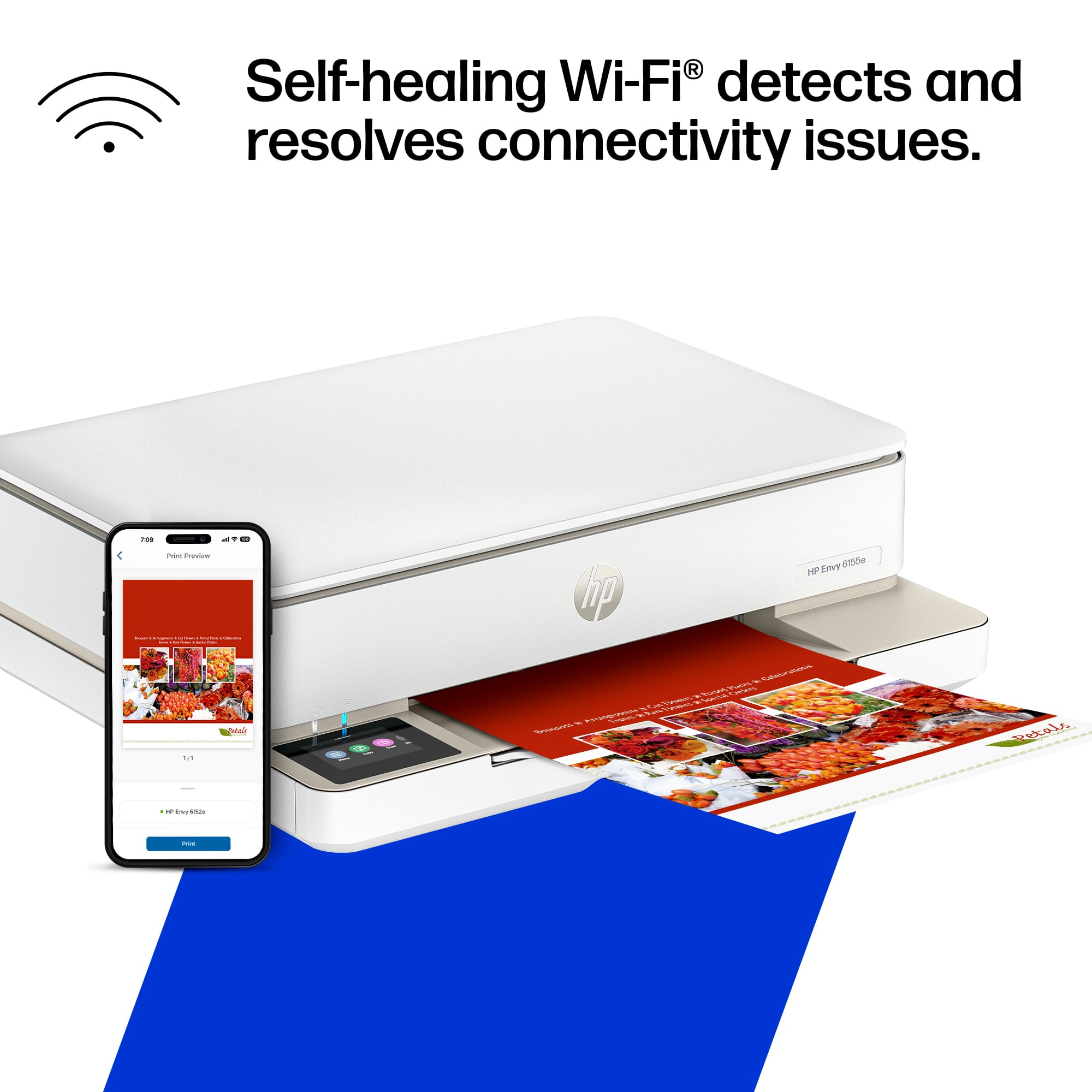
||Posted . Owned for 1 month when reviewed.This reviewer received promo considerations or sweepstakes entry for writing a review.Very difficult to print and scan using the HP application. Printer constantly loses the internet connection.
No, I would not recommend this to a friendNot
||Posted . Owned for 3 weeks when reviewed.This reviewer received promo considerations or sweepstakes entry for writing a review.If I could rate it lower I would, still only works sporadically, unnecessarily complicated setup, what a disappointment
No, I would not recommend this to a friend- Pros mentioned:Print quality

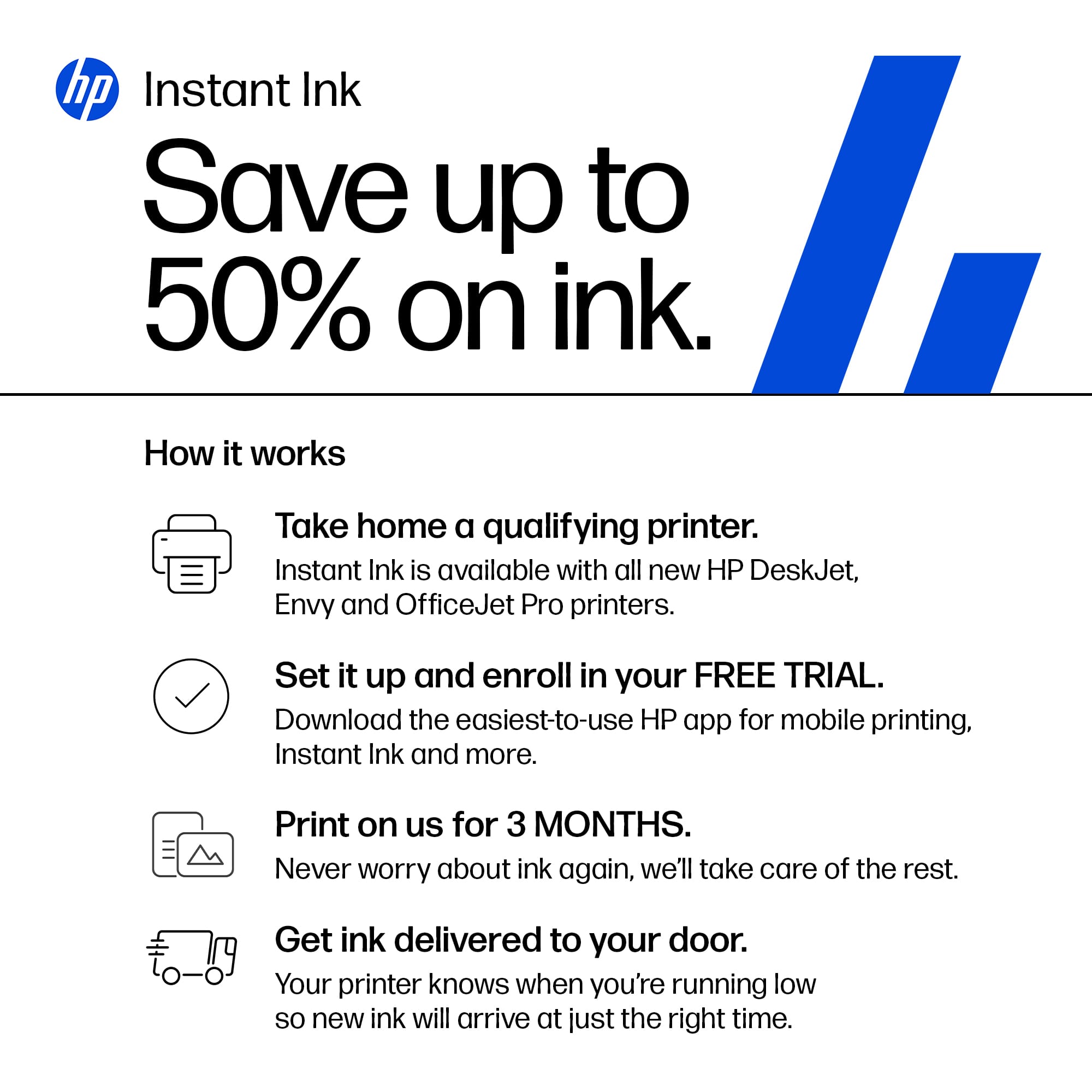
Simple with 3 months of free ink
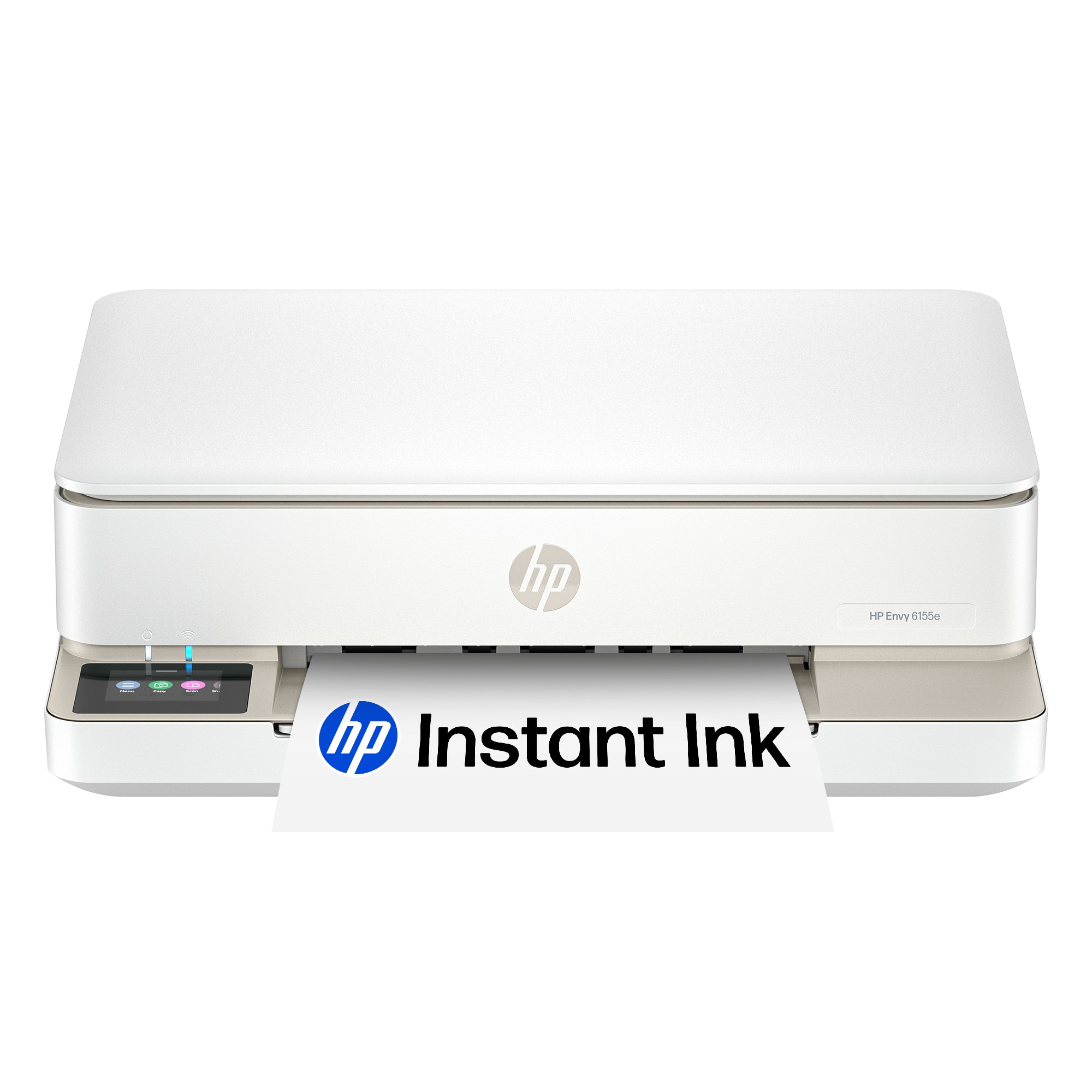
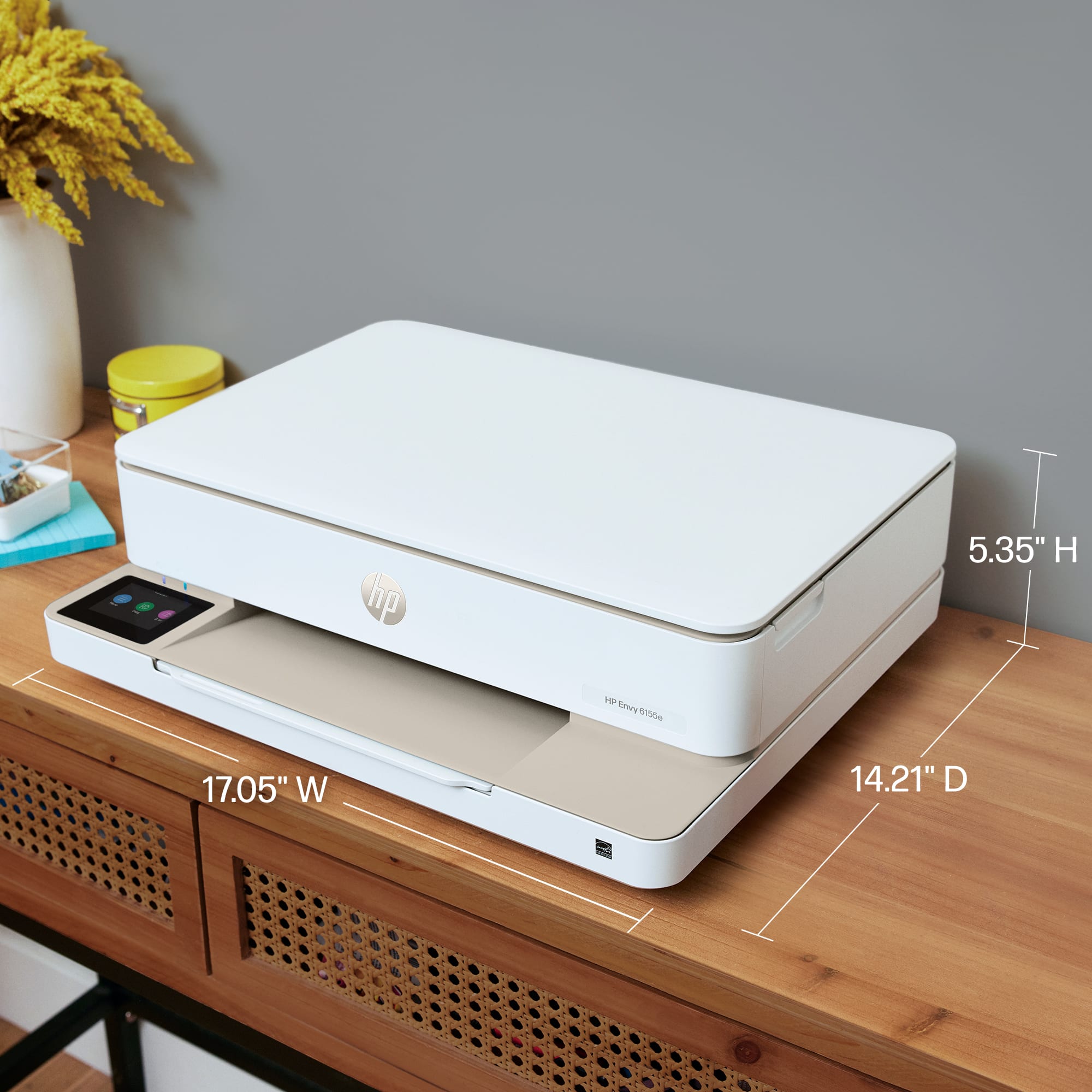
|Posted .This reviewer received promo considerations or sweepstakes entry for writing a review.This is a All in one simple printer where remote work and online learning have become the new norm, having a reliable and efficient printer at home is essential. The HP Envy 6155e All-in-One printer emerges as a promising contender, catering to the diverse needs of home users with its blend of affordability, functionality, and ease of use. But does it truly live up to its claims? In this comprehensive review, we will dive deep into the features, performance, and user experience of the HP Envy 6155e, helping you decide if it's the right printer for your home office or study space. It has a sleek and compact design that seamlessly blends into any modern home environment. Its clean lines, rounded edges, and predominantly white finish lend it a contemporary aesthetic that complements any décor. The printer is surprisingly lightweight and space-efficient, making it easy to find a suitable spot on your desk or shelf. So, for quick pros and cons Pros: Sleek and compact design User-friendly interface Good print quality for both text and images Versatile connectivity options with Wi-Fi and USB HP+ integration for added convenience and cost savings Cons: No automatic document feeder (ADF) Limited paper tray capacity Occasional paper jams and connectivity issues HP+ subscription costs might be a concern for some users
I would recommend this to a friend Worst printer iv ever owned
||Posted . Owned for 1 month when reviewed.This reviewer received promo considerations or sweepstakes entry for writing a review.Spent over an hour trying to print one page. Says printer not available. Wireless printing is garbage
No, I would not recommend this to a friendConnection issues
||Posted . Owned for 1 month when reviewed.This reviewer received promo considerations or sweepstakes entry for writing a review.Wouldn’t connect with the laptop. Should be more intuitive for the technically challenged.
No, I would not recommend this to a friend- Pros mentioned:Print quality, Setup, Size
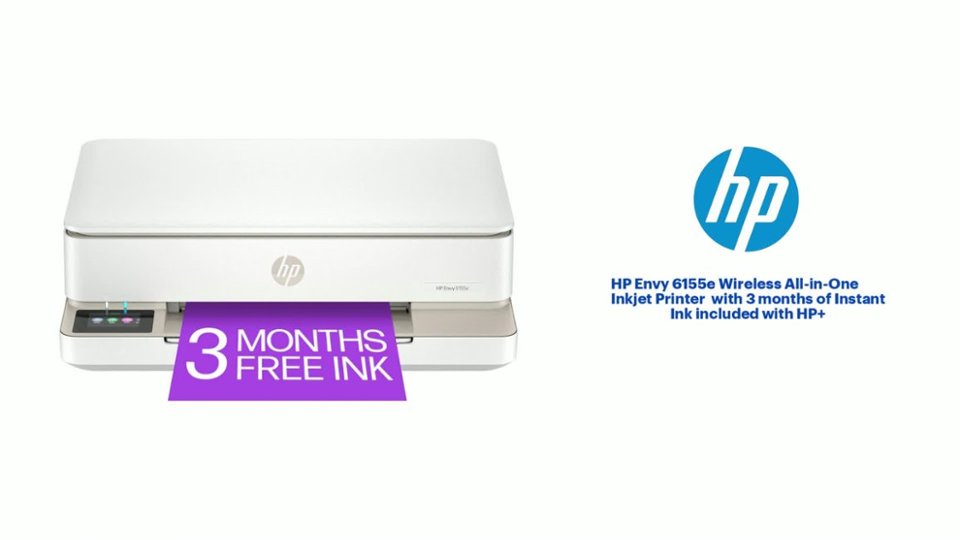
HP - Envy 6155e Wireless All-in-One Inkjet Printer
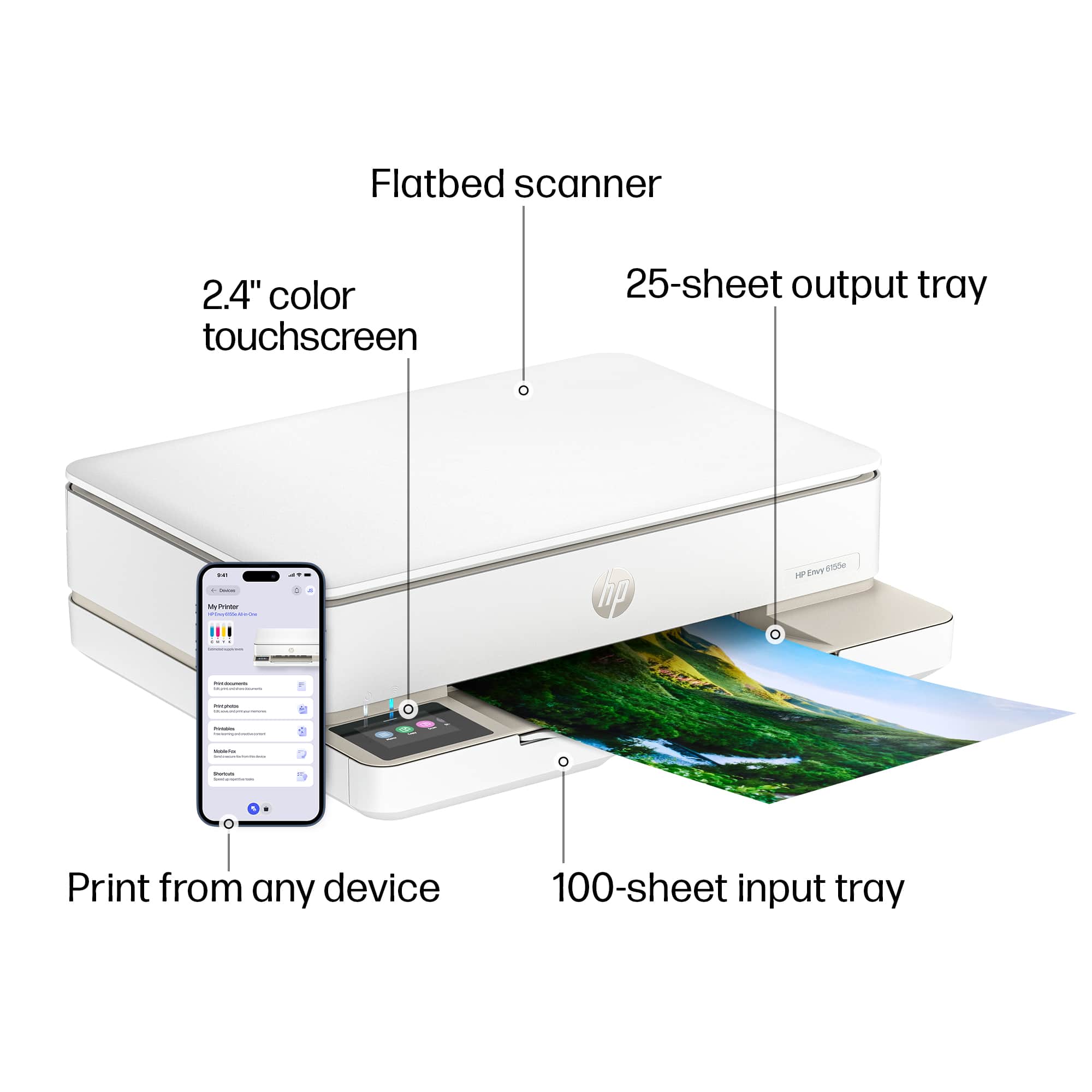
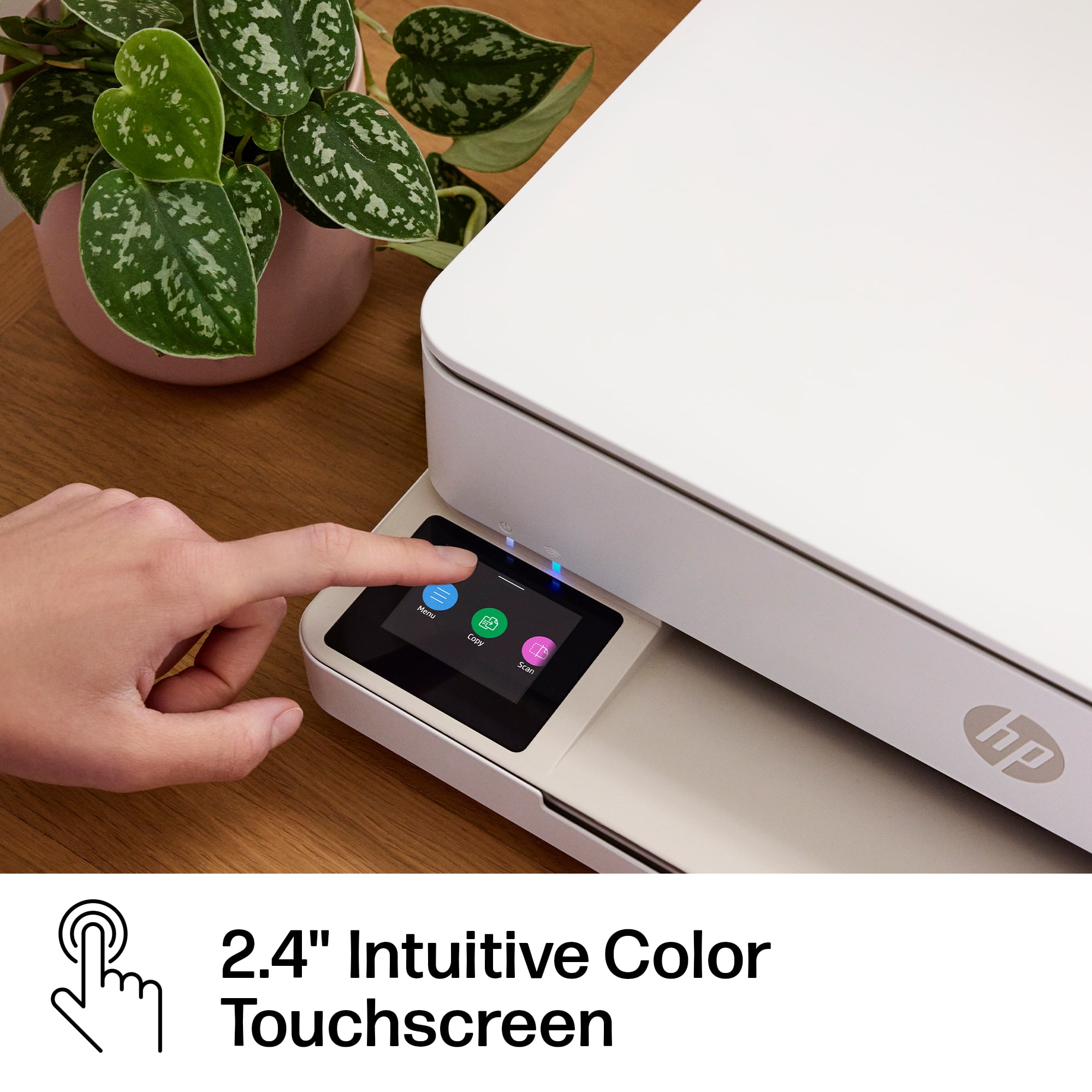
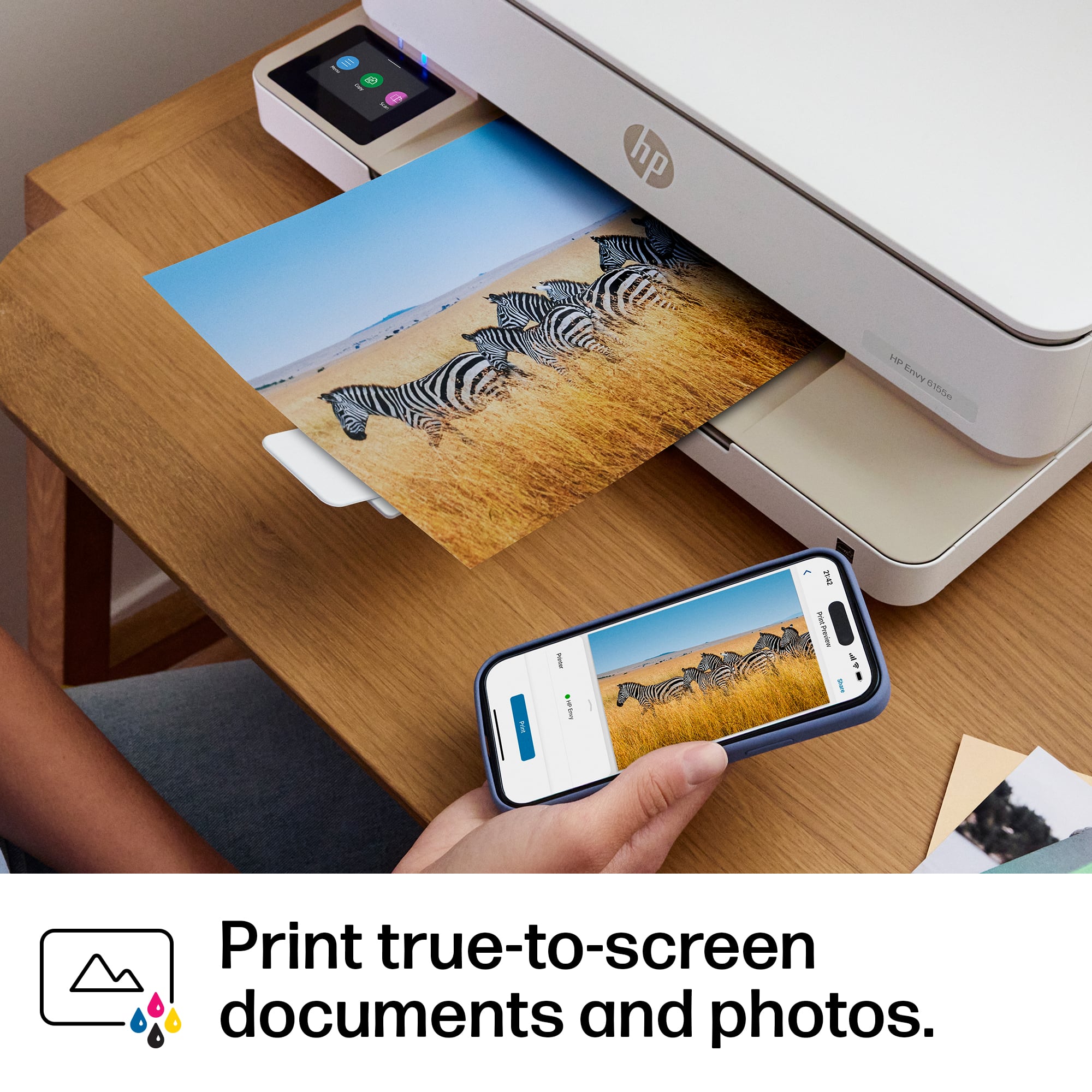
|Posted .This reviewer received promo considerations or sweepstakes entry for writing a review.HP - Envy 6155e Wireless All-in-One Inkjet Printer overall a very good printer. Overview: LED Screen is very sharp, doesn't adjust to a vertical viewing angle, flat on the left side of the paper holder. Not a big deal since it is a very clear and bright screen. Packaging. Really good packaging for sure. It is a very consolidated box and everything is very secured inside of the box. I was very impressed with the footprint of the printer which is not as bulky and tall as previous versions of this printer. Hardware and setup: Hardware is very durable, nothing felt cheap. Lid to the scanner area is very durable feeling. Setup was a breeze, add the HP Smart app on your phone and on the laptop/pc and the software will step you through the process completely. Installing print cartridges was easy as well, pretty standard ink cartridges. Software: Printing software has many options and allows for various use cases. HP Smart software is very robust and easy to use interface. Printing quality: Quality of materials I printed was very clear and precise. the alignment was typical print the alignment sheet, scan and view results. 100% on spot. Definitely recommend this printer for all aspects especially the foot print.
I would recommend this to a friend ABSOLUTE GARBAGE. DO NOT DO BUSINESS HERE
||Posted .This reviewer received promo considerations or sweepstakes entry for writing a review.Garbage Product. Bought this, set up, and it does not work. HP Smart is also garbage.
No, I would not recommend this to a friendHP printer ☹️
||Posted . Owned for 1 month when reviewed.This reviewer received promo considerations or sweepstakes entry for writing a review.I have another HP PRINTER that is way older and it works 10 times better than this new version. Very disappointed ☹️
No, I would not recommend this to a friendPoor printer
||Posted . Owned for 3 weeks when reviewed.This reviewer received promo considerations or sweepstakes entry for writing a review.Can not load the ink cartridges to get it to work. Poor instructions.
No, I would not recommend this to a friendPrinter?
||Posted . Owned for 3 weeks when reviewed.This reviewer received promo considerations or sweepstakes entry for writing a review.It printed one copy, then jammed! The return was accepted without any problems.
No, I would not recommend this to a friendTerrible
||Posted . Owned for 2 months when reviewed.This reviewer received promo considerations or sweepstakes entry for writing a review.Paper jams every few pages, connectivity issues with my mac laptop, power cord comes unplugged easily
No, I would not recommend this to a frienddisappointed
||Posted . Owned for 1 month when reviewed.This reviewer received promo considerations or sweepstakes entry for writing a review.goes to sleep won't wake up until unplugged and plugged back in
No, I would not recommend this to a friendHad to return product
||Posted . Owned for 3 weeks when reviewed.This reviewer received promo considerations or sweepstakes entry for writing a review.I returned this for a Canon printer on advice of my son
No, I would not recommend this to a friendBad service
||Posted . Owned for 1 month when reviewed.This reviewer received promo considerations or sweepstakes entry for writing a review.Worst experience ever. Do not purchase this printer
No, I would not recommend this to a friend- Pros mentioned:Print quality, Setup
Good, Simple, Basic, Inkjet Printer
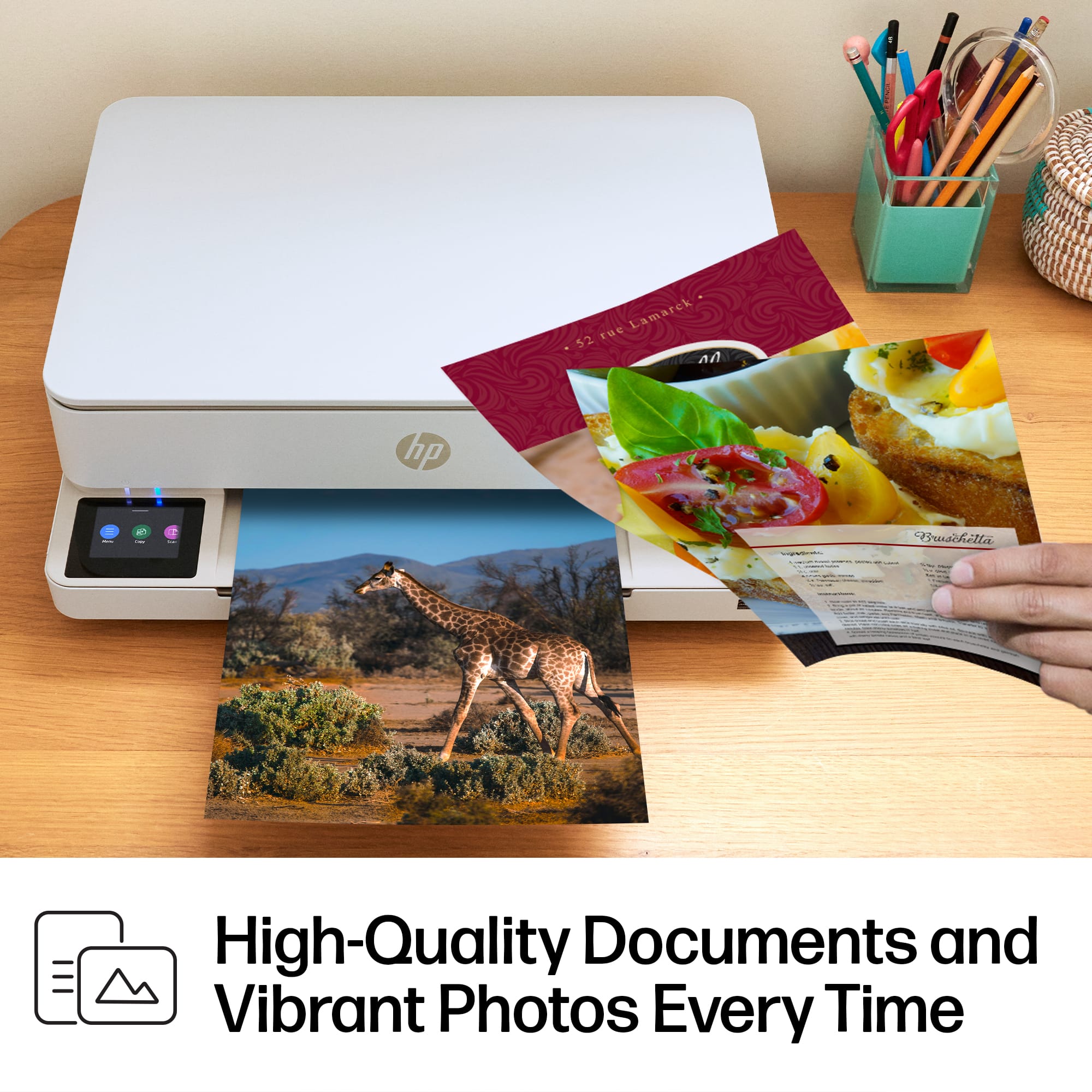
|Posted .This reviewer received promo considerations or sweepstakes entry for writing a review.Even in our more and more digital world, we still need to print things out. A simple document to sign, or a nice copy of the latest picture we took. So as much as we try, still can't get rid of having a printer in the house. This is a small, low costing printer, that even for the tightest of budgets or space, should fit the bill. Setup is very straight forward. While it has support for a direct USB Cable, I opted for the WiFi option, so I can just store this printer not he shelf, and not worry about connecting my laptop to print, plus going WiFi allows me to print from my phone. Easy to walk through and add to your WiFi. You can also download the HP Smart app to your mobile phone, to access some of the more advanced settings, features, get printer status, etc. It is a nice app, that if you have more then one modern HP printer on your network, you can see them all segmented. So this is where I get to my full 1 star off. HP is doing their darnedest to lock you into their Ink. That is where they are making their money not his one. The printer is low cost, but the ink cost depending on how much you use, can start to add up. hey have the HP+ subscription service, where the printer will talk to the network and send you ink, when it thinks it is running low. Not overly costly, but it can add up, so be sure you are aware. The picture quality which is always my test for an inkjet is on par with today's printer. Good crisp, not overly dark, and it didn't saturate the paper too much on a large print. photo's on photo paper were very nice, and frame able. Relatively quiet print, not a lot of moving pieces or the printer winding up to start printing, so for those late night reports you shouldn't wake up the entire family. So this printer would be good for a college student, someone tight on space, or maybe as just that one that sits up near the living area, instead of the bigger one that is off in an office or somewhere else in the house.
- Pros mentioned:Ease of use, Print quality
Good everyday home printer
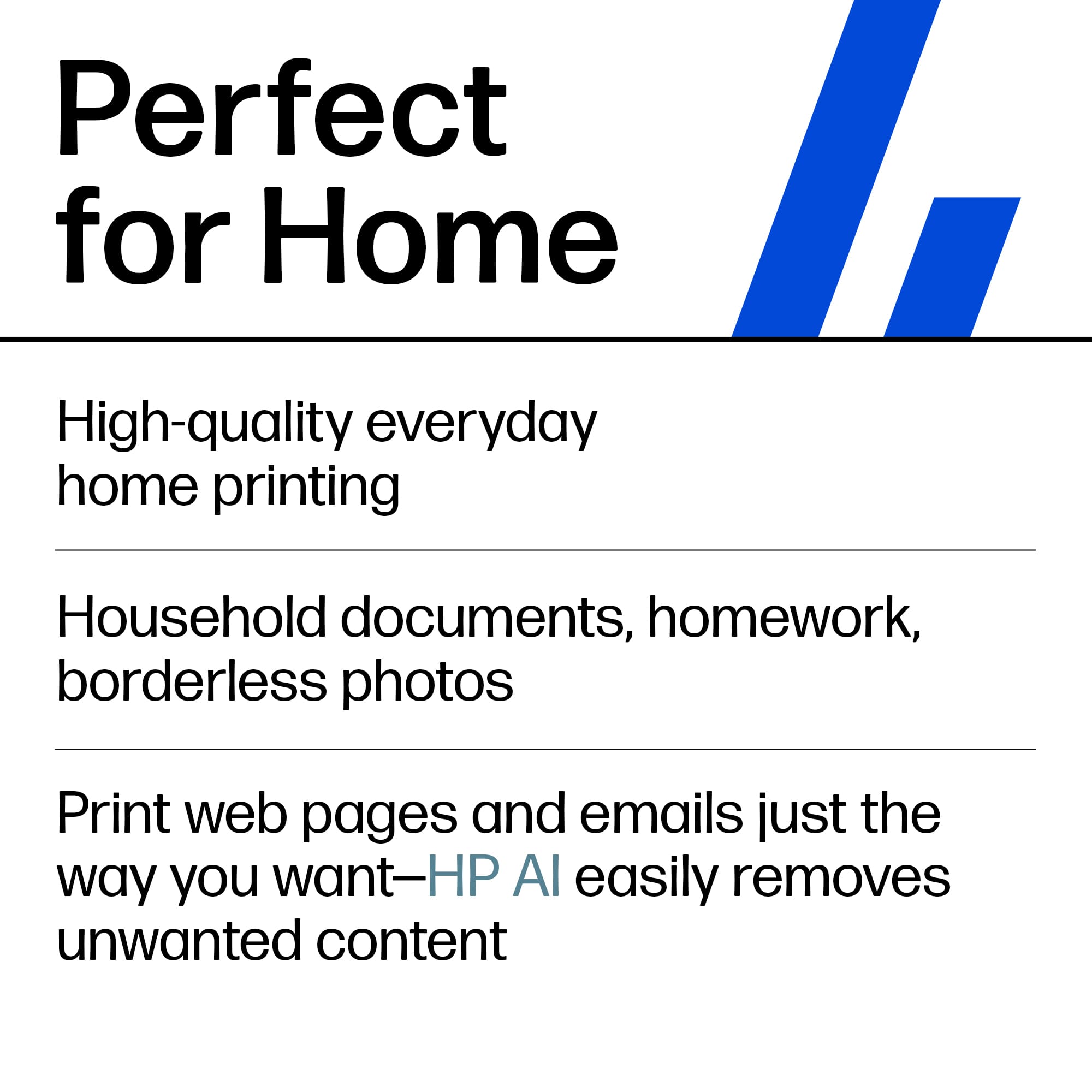
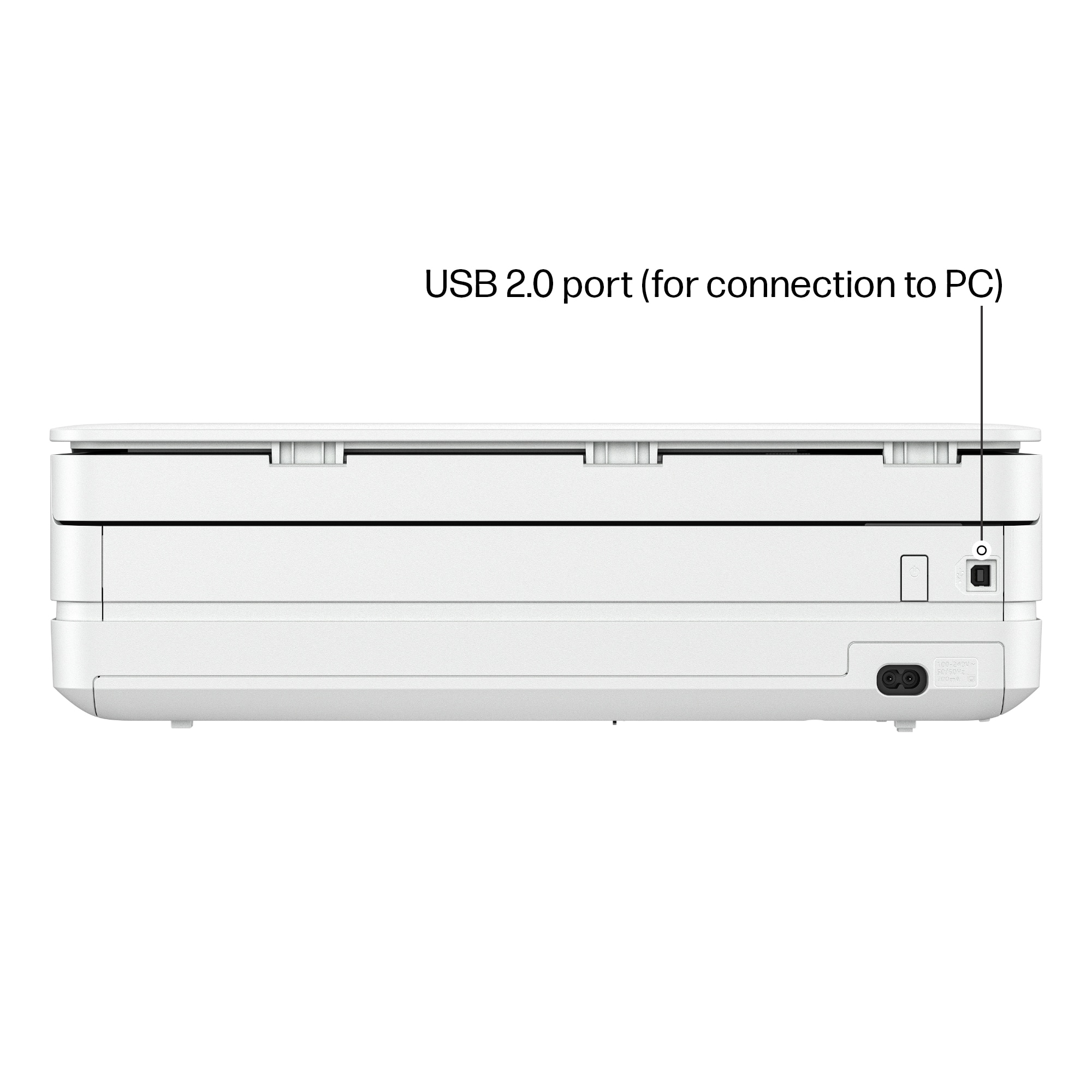
|Posted .This reviewer received promo considerations or sweepstakes entry for writing a review.The HP Envy 6155e printer is a good all around printer for standard home, everyday printing. HP inkjet document print quality is very good and that shows with this printer. The printer comes packaged with some starter ink, and if you sign up for HP Instant Ink (which is recommended) the larger ink tanks arrive within a week. I do recommend using Instant Ink as I believe it saves some money and certainly saves time. Shipping is free. Set up was straight forward and without any problems, using the included instructions and online setup. I had the printer up and running in about 15 minutes, including unpacking and setup. As mentioned, document printing is really good. Prints are fast.Where this printer falls short is printing high quality photos. This printer is not meant to print photos and that shows in the quality. The scanner works very well. Using the HP Smart app, printing from PC or mobile device is a breeze. I miss having a USB port on the printer though. All printing is done wirelessly. A USB cable can be used for printing from a PC, but no cable is included. I'm also not thrilled that the screen is now placed horizontal, rather than upright/vertical. This is not ideal if the printer needs to be placed at eye level or higher as that screen is no longer visible. While I like the lower profile of the printer, that also means the paper tray is smaller and cannot hold as much paper as older printers.
I would recommend this to a friend - Pros mentioned:Ease of use, Size
HP Printer, HP Smart, Wi-Fi and Go!
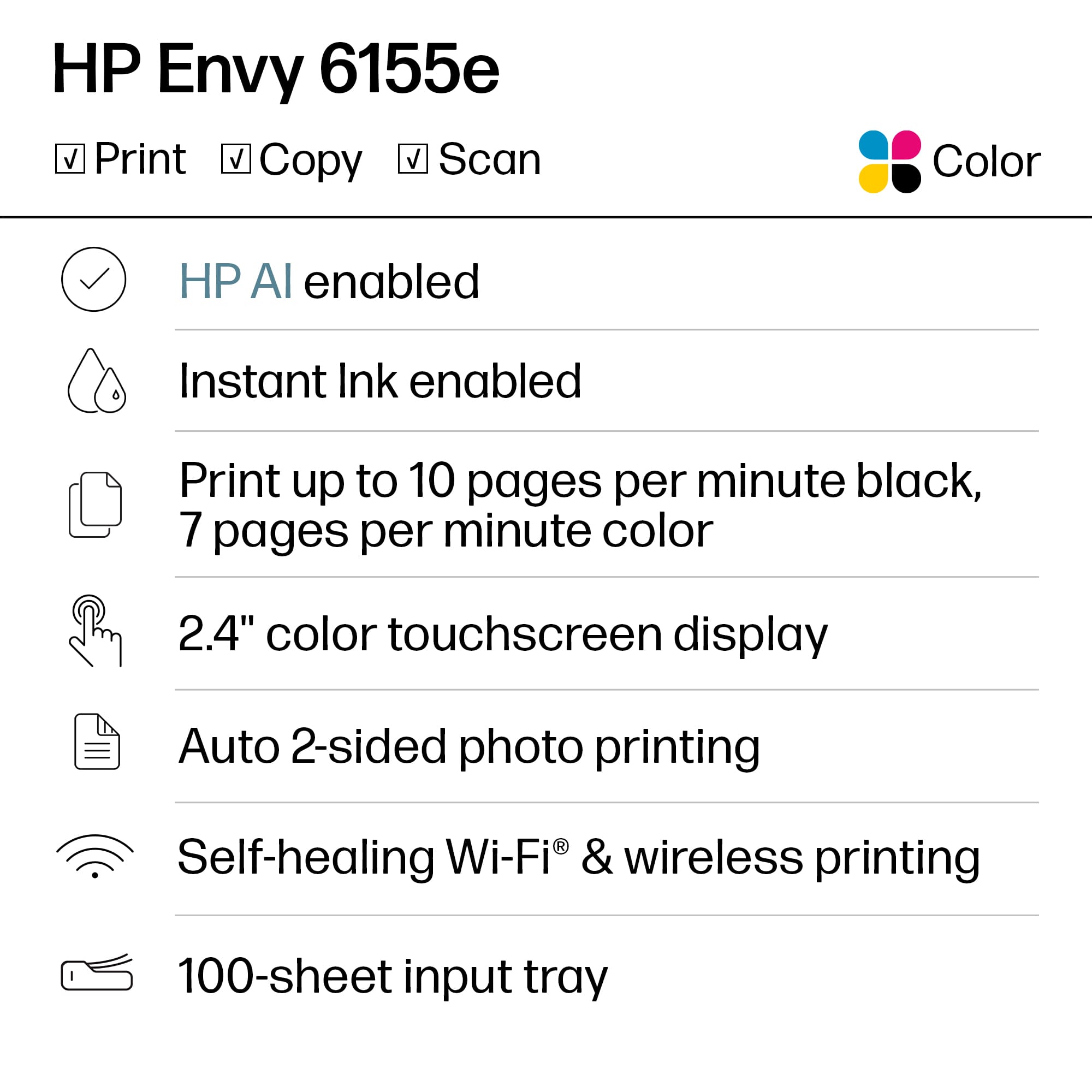
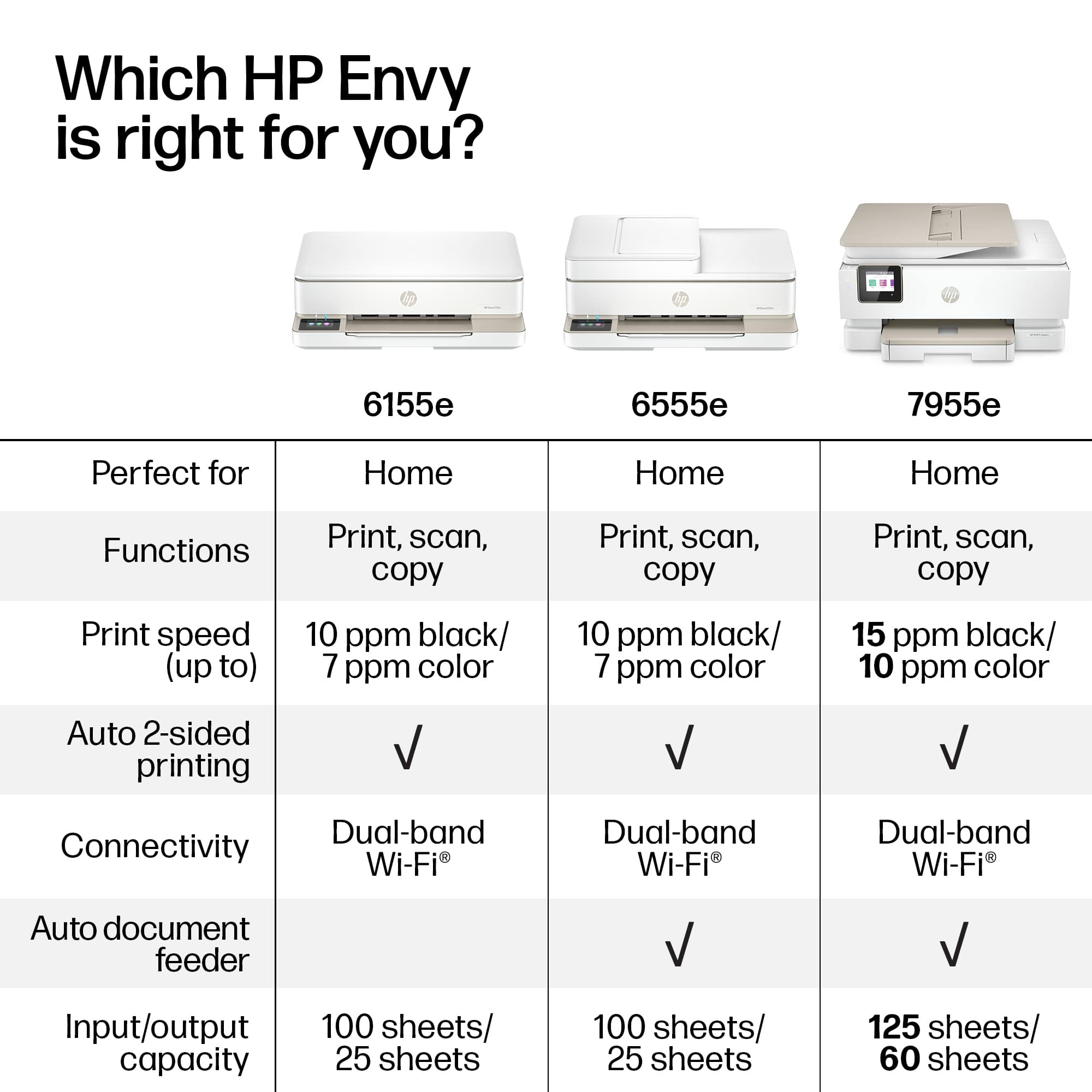
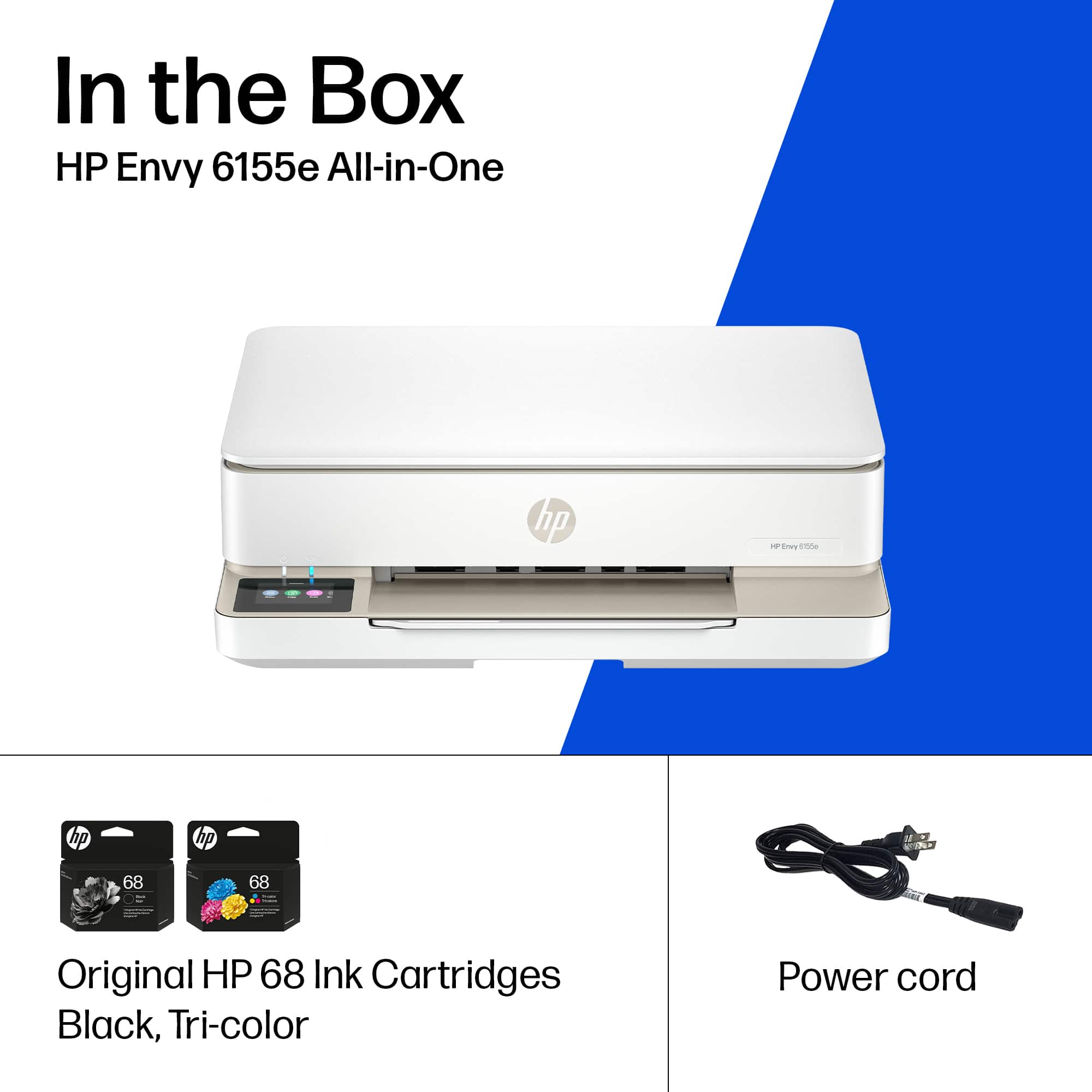
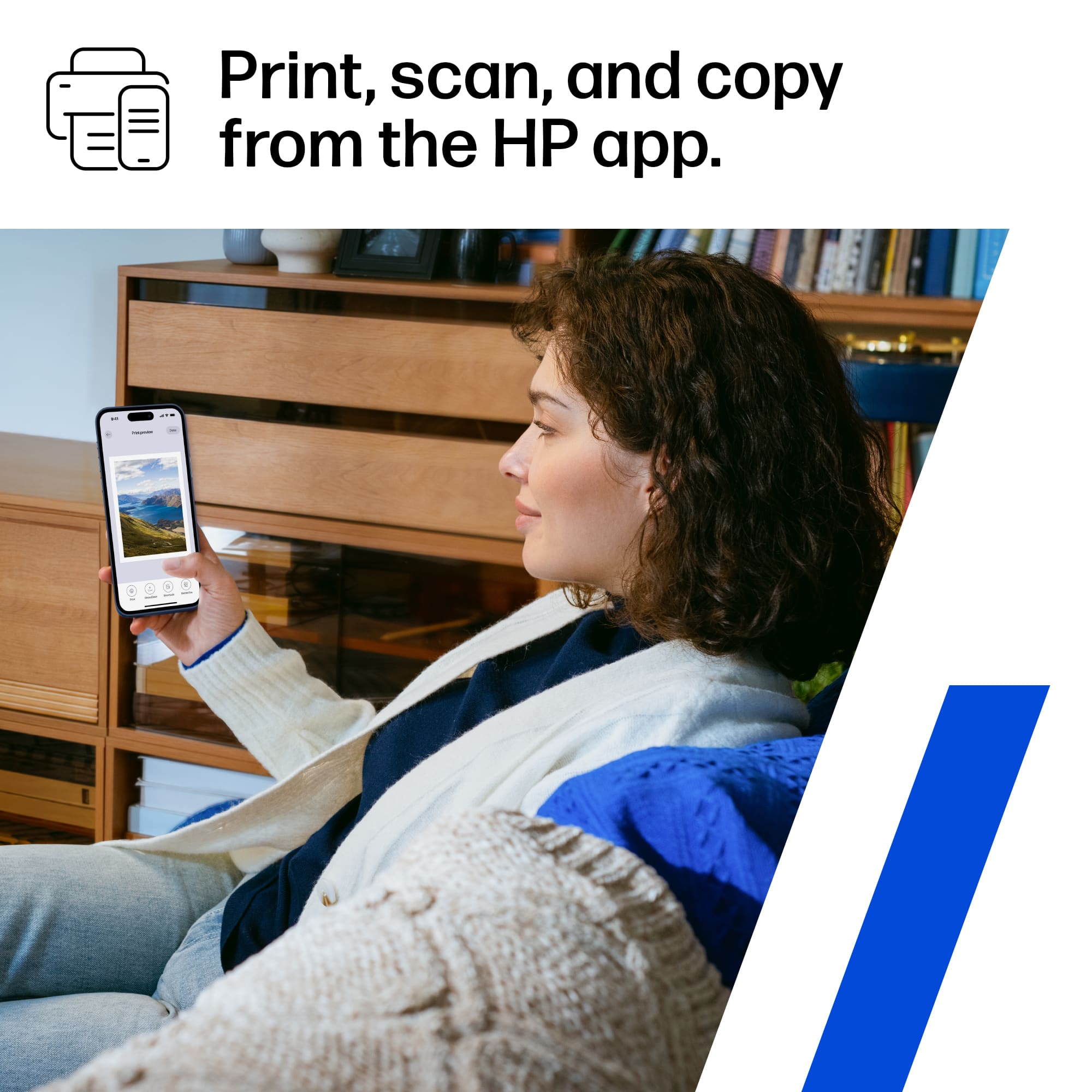
|Posted .This reviewer received promo considerations or sweepstakes entry for writing a review.HP Printer, HP Smart, Wi-Fi and Go! Nice size, not too big or clunky; modern-looking and white. Comes with the power cord and black and color ink cartridges (the color ink is one cartridge). It has a bed, an output arm. Paper tray holds 100 pages and prints 10 ppm in black and 7 ppm in color. You can print photos too of course. Plug it in, stick the ink in, pack some paper in, download HP Smart if you don’t already have it, and do some things! – print, scan, copy, use the bed, email to the printer, etc. You can connect via USB, but why not use wi-fi, which offers so much more usage. Connect via wi-fi to your home network. Then various devices can connect to it. Super convenient, obviously for me, but to anyone who is here that needs to print off of their device as well. Printing is fine – word documents, photos. Quality of printing is average. Speed of printing is average. That means it is just fine. It does what it is supposed to do, and it does it well. You can join the HP Instant Ink program, which monitors your ink usage and sends you new ink based on the level you choose to pay for monthly. You don’t have to join the program, but you do have to use HP ink. For me, I’m fine with that. It’s nice to also have a touch panel display that is clear and easy to see. You can get to settings and features on it. But remember, you can also do those things using HP Smart. I like the size of the printer and the ease of setup and use. It gets the job done. It’s a home printer. I’d recommend it. Peace.
I would recommend this to a friend














