Customer Ratings & Reviews











- Model:
- ENVY 6555E/714N5A#B1H
- |
- SKU:
- 11005986
Customer reviews
Rating 4.4 out of 5 stars with 885 reviews
(885 customer reviews)Rating by feature
- Value4.5
Rating 4.5 out of 5 stars
- Quality4.4
Rating 4.4 out of 5 stars
- Ease of Use4.3
Rating 4.3 out of 5 stars
Customers are saying
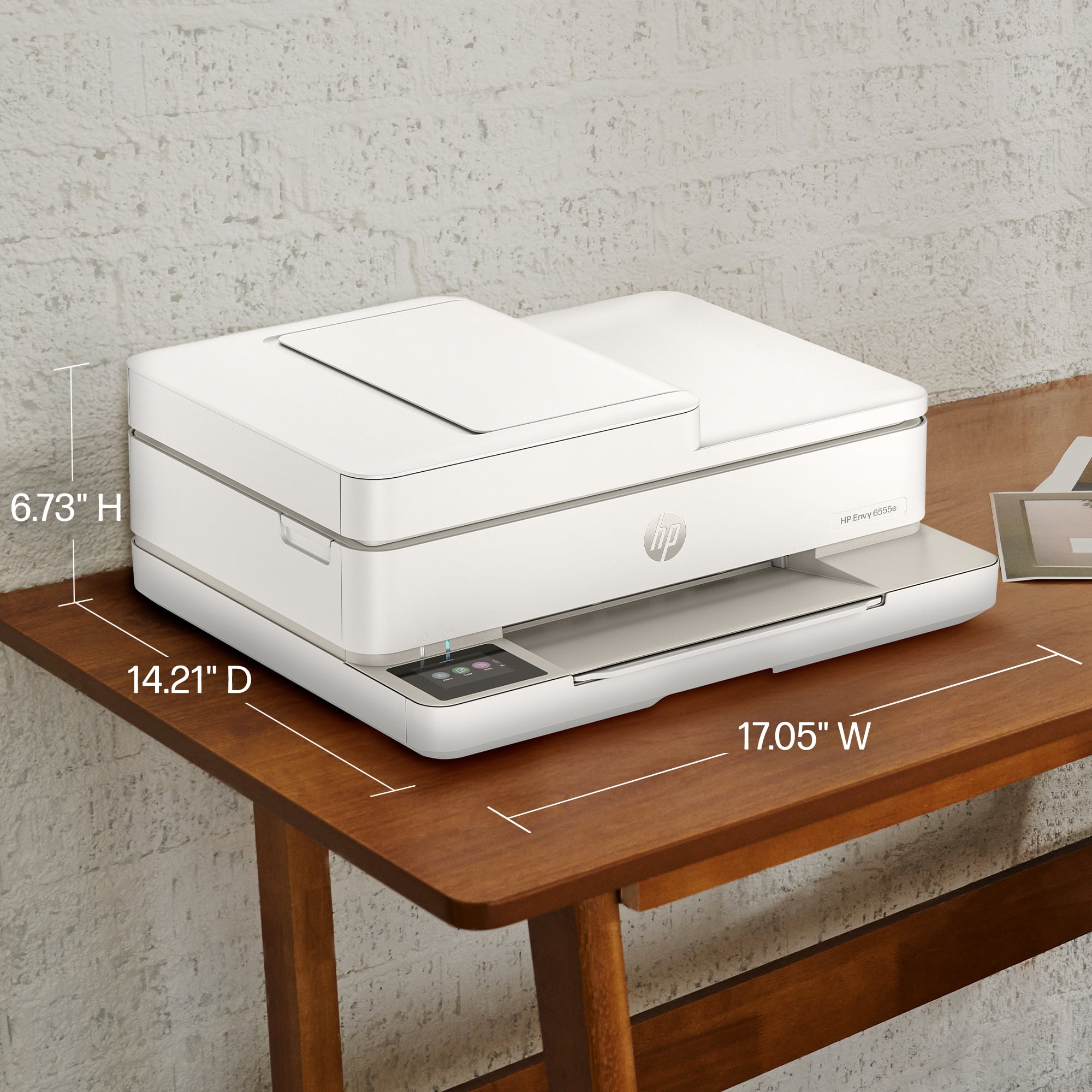
Customers often highlight the Envy 6555e for its ease of use, overall performance, and print quality, with many finding the setup process to be a breeze and appreciating its compact size. The design is also well-received, and users note its quiet operation. However, some customers have reported connectivity issues and problems with the paper tray.
This summary was generated by AI based on customer reviews.
- Pros mentioned:Ease of use
Rated 4 out of 5 stars
HP Envy6555e
||Posted . Owned for 2 weeks when reviewed.This reviewer received promo considerations or sweepstakes entry for writing a review.Very easy to set up. Like the wireless and networking feature so that others can print.
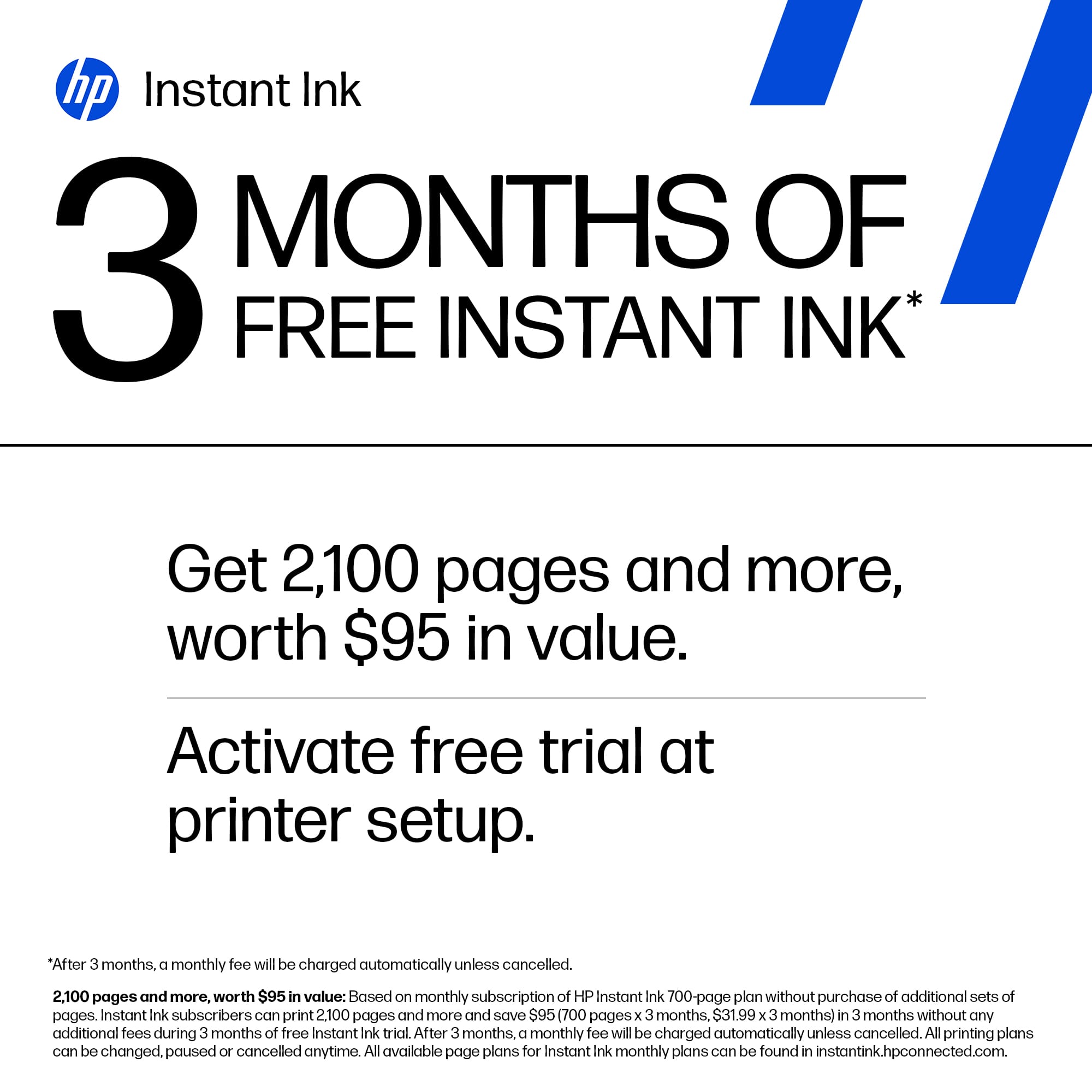
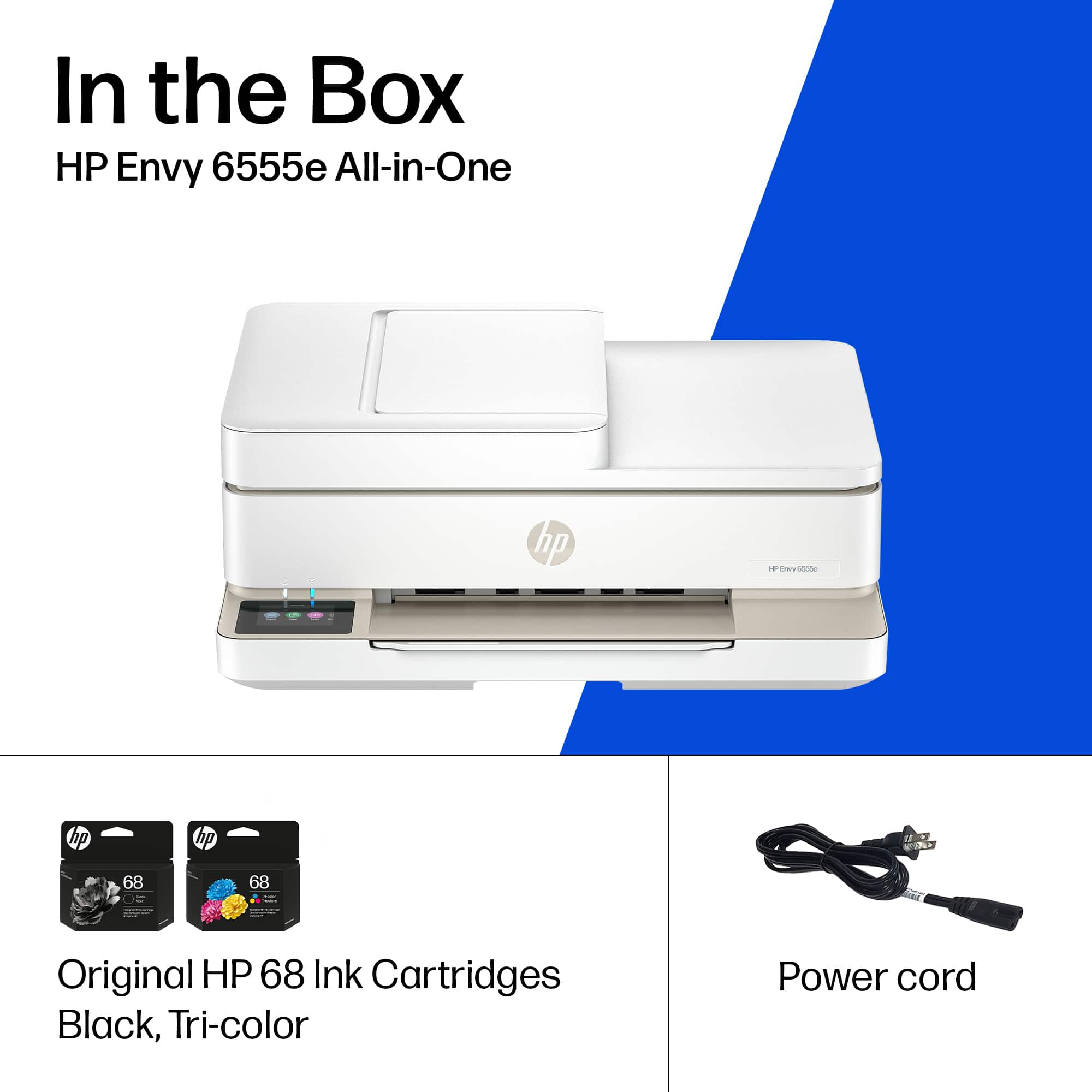
This review is from HP - Envy 6555e Wireless AI-Enabled All-in-One Inkjet Printer with 3 Months of Instant Ink (+1 Bonus Month of Ink w/ Code) - White
I would recommend this to a friend - Cons mentioned:Connectivity
Rated 4 out of 5 stars
Newest Printer
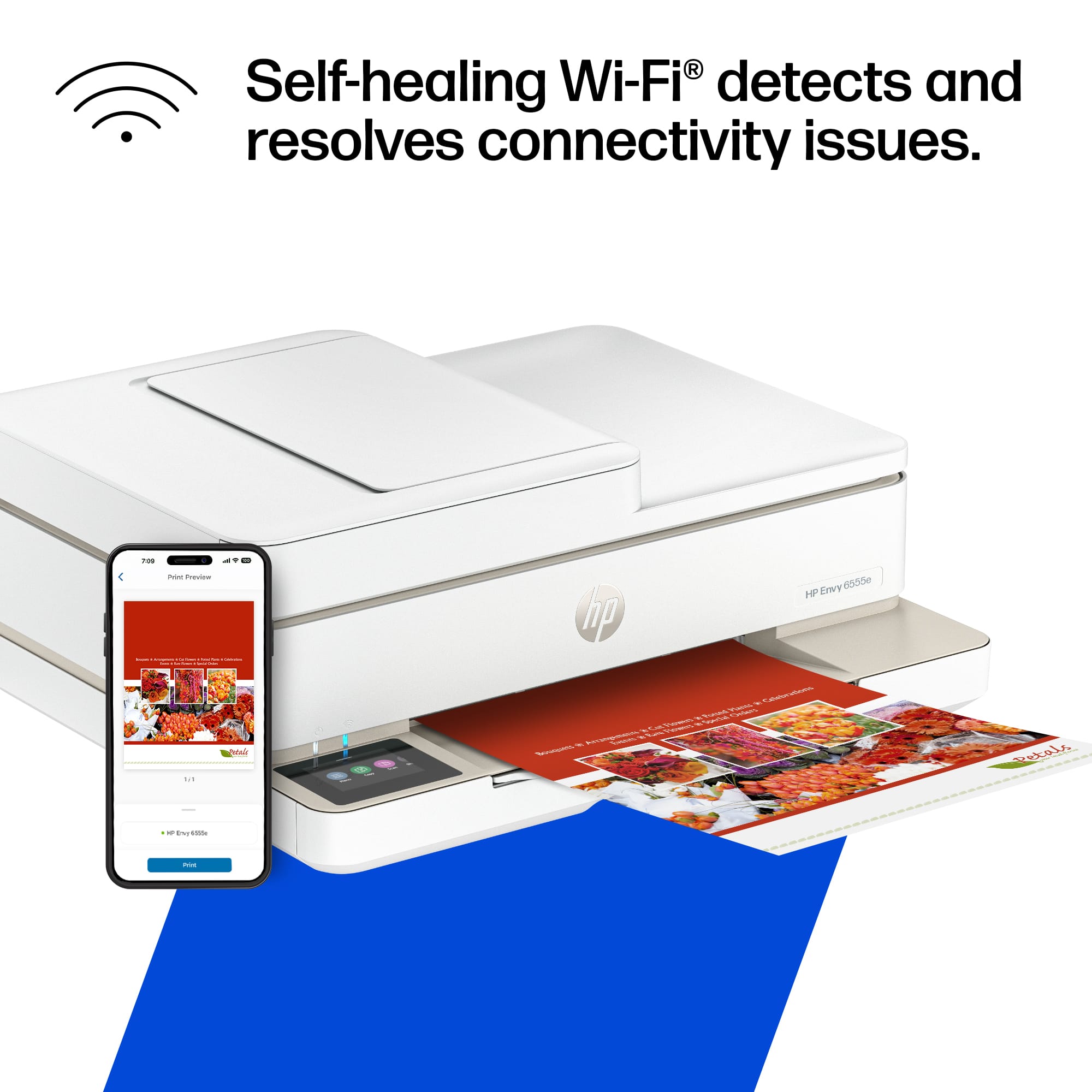
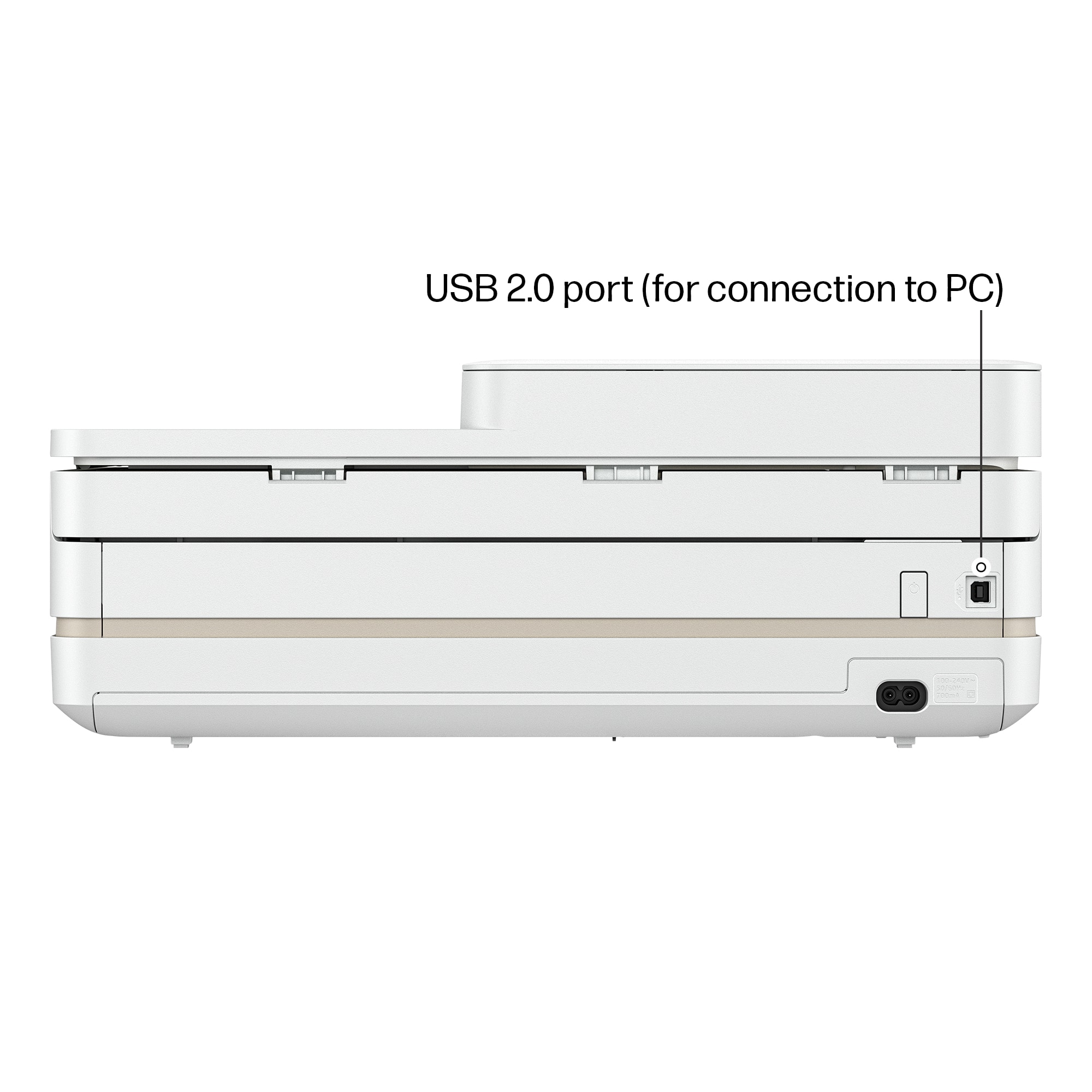
||Posted . Owned for 1 month when reviewed.This reviewer received promo considerations or sweepstakes entry for writing a review.Works well if using USB cable with it as tried several times to go wireless but will not configure to my computer.
This review is from HP - Envy 6555e Wireless AI-Enabled All-in-One Inkjet Printer with 3 Months of Instant Ink (+1 Bonus Month of Ink w/ Code) - White
I would recommend this to a friend Rated 5 out of 5 stars
Happy with the 6555e all-in-one
||Posted . Owned for 2 weeks when reviewed.This reviewer received promo considerations or sweepstakes entry for writing a review.Had to replace my old HP and love the new all-in-one and got it at a great price. It's not nearly as heavy - much easier to move around and faster than the old one. I find the paper tray is also easier to use.
This review is from HP - Envy 6555e Wireless AI-Enabled All-in-One Inkjet Printer with 3 Months of Instant Ink (+1 Bonus Month of Ink w/ Code) - White
I would recommend this to a friendRated 4 out of 5 stars
2 sided print
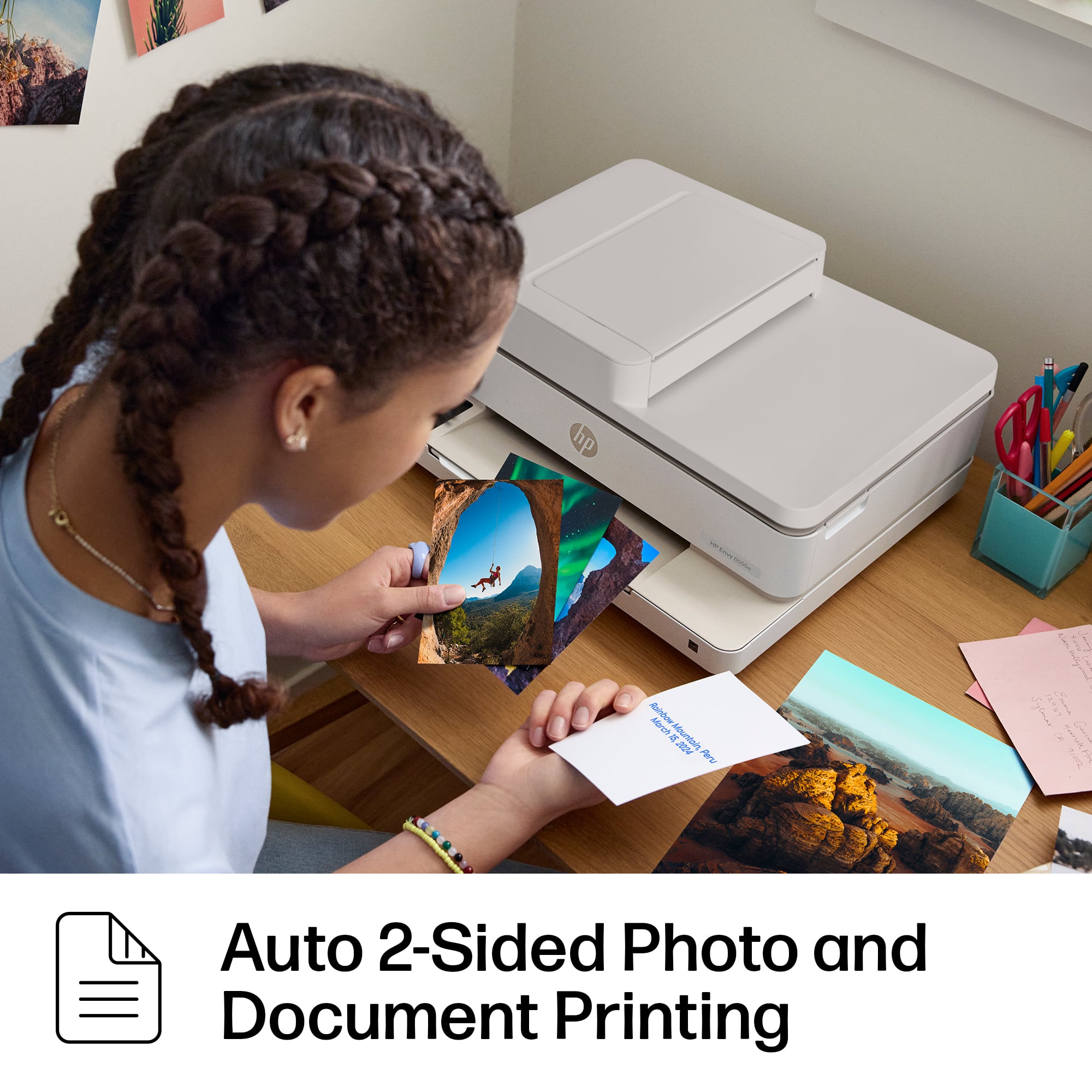
||Posted . Owned for 1 month when reviewed.This reviewer received promo considerations or sweepstakes entry for writing a review.I was pleasantly surprised when it printed both the front and back side of a paper without my prompting!
This review is from HP - Envy 6555e Wireless AI-Enabled All-in-One Inkjet Printer with 3 Months of Instant Ink (+1 Bonus Month of Ink w/ Code) - White
I would recommend this to a friend- Cons mentioned:Connectivity
Rated 3 out of 5 stars
Envy printer 6555
||Posted . Owned for 2 weeks when reviewed.This reviewer received promo considerations or sweepstakes entry for writing a review.Unfortunately i agree with previous reviews. It goes offline constantly.. forget about hitting print and expecting it to be ready when you go to pick it up. And it is noisy. Sounds cheap. But isn't.
This review is from HP - Envy 6555e Wireless AI-Enabled All-in-One Inkjet Printer with 3 Months of Instant Ink (+1 Bonus Month of Ink w/ Code) - White
No, I would not recommend this to a friend - Cons mentioned:Connectivity
Rated 4 out of 5 stars
Decent printer!
||Posted . Owned for 10 months when reviewed.This reviewer received promo considerations or sweepstakes entry for writing a review.Nice printer for a good price. Overall, I like it. However, the cord often comes off the printer.
This review is from HP - Envy 6555e Wireless AI-Enabled All-in-One Inkjet Printer with 3 Months of Instant Ink (+1 Bonus Month of Ink w/ Code) - White
I would recommend this to a friend Rated 5 out of 5 stars
All In One Printer
||Posted . Owned for 1 month when reviewed.This reviewer received promo considerations or sweepstakes entry for writing a review.I needed to purchase a printer that would be compatible with my new modem/router which is a 5ghz. I was pleased to find this all in one HP printer at Best Buy.
This review is from HP - Envy 6555e Wireless AI-Enabled All-in-One Inkjet Printer with 3 Months of Instant Ink (+1 Bonus Month of Ink w/ Code) - White
I would recommend this to a friend- Pros mentioned:Ease of use
Rated 5 out of 5 stars
HP envy printer
||Posted .This reviewer received promo considerations or sweepstakes entry for writing a review.Very user friendly. Easy to use and easy to set up
This review is from HP - Envy 6555e Wireless AI-Enabled All-in-One Inkjet Printer with 3 Months of Instant Ink (+1 Bonus Month of Ink w/ Code) - White
I would recommend this to a friend - Cons mentioned:Connectivity
Rated 2 out of 5 stars
HP needs to check their printers out first!!!!!!
||Posted . Owned for 3 weeks when reviewed.This reviewer received promo considerations or sweepstakes entry for writing a review.I was unable to plug the cord into the back of the printer. It was not secure and it kept falling out. This was very frustrating. So I took it to Geek Squad and was informed that this is how HP printers can come in to them. He offered an exchange if he couldn't get it in either. He struggled with it but eventually got it to stay in. He had me try it. However Im not strong enough so all it did was hurt my hand and leave indents on my thumb. He put it in again and I will never take it out! Best Buy was exceptional with assisting me. It's HP that was the issue. They should do a better job with their production!
This review is from HP - Envy 6555e Wireless AI-Enabled All-in-One Inkjet Printer with 3 Months of Instant Ink (+1 Bonus Month of Ink w/ Code) - White
No, I would not recommend this to a friend - Pros mentioned:Overall performance
Rated 4 out of 5 stars
Sleek but a little flimsy
||Posted . Owned for 3 weeks when reviewed.This reviewer received promo considerations or sweepstakes entry for writing a review.Works good for what little we print. A little flimsy but does the job.
This review is from HP - Envy 6555e Wireless AI-Enabled All-in-One Inkjet Printer with 3 Months of Instant Ink (+1 Bonus Month of Ink w/ Code) - White
I would recommend this to a friend - Pros mentioned:Overall performance
Rated 5 out of 5 stars
great printer
||Posted . Owned for 1 year when reviewed.This reviewer received promo considerations or sweepstakes entry for writing a review.love this printer. it serves everything for my home office needs.
This review is from HP - Envy 6555e Wireless AI-Enabled All-in-One Inkjet Printer with 3 Months of Instant Ink (+1 Bonus Month of Ink w/ Code) - White
I would recommend this to a friend - Pros mentioned:Print quality, Setup
Rated 5 out of 5 stars
Owner Operator
||Posted . Owned for 1 week when reviewed.This reviewer received promo considerations or sweepstakes entry for writing a review.Simple and quick setup. Good for light printing. My choice for home office start up.
This review is from HP - Envy 6555e Wireless AI-Enabled All-in-One Inkjet Printer with 3 Months of Instant Ink (+1 Bonus Month of Ink w/ Code) - White
I would recommend this to a friend - Pros mentioned:Overall performance
Rated 5 out of 5 stars
Nice.
||Posted . Owned for 2 weeks when reviewed.This reviewer received promo considerations or sweepstakes entry for writing a review.Good bang for buck. Don't care for the app but it's a necessary evil.
This review is from HP - Envy 6555e Wireless AI-Enabled All-in-One Inkjet Printer with 3 Months of Instant Ink (+1 Bonus Month of Ink w/ Code) - White
I would recommend this to a friend - Pros mentioned:Overall performance
Rated 4 out of 5 stars
Great!
||Posted . Owned for 1 month when reviewed.This reviewer received promo considerations or sweepstakes entry for writing a review.So far it has been great! Look forward to see how much I can use it.
This review is from HP - Envy 6555e Wireless AI-Enabled All-in-One Inkjet Printer with 3 Months of Instant Ink (+1 Bonus Month of Ink w/ Code) - White
I would recommend this to a friend - Pros mentioned:Print quality
Rated 5 out of 5 stars
Excellent pronter / scanner that sets up easily
||Posted . Owned for 1 month when reviewed.This reviewer received promo considerations or sweepstakes entry for writing a review.I got this for occasion printing & scanning and it fits the bill. It set up quickly for wireless use, does a good job printing with various options eg double sided etc. I recommend it
This review is from HP - Envy 6555e Wireless AI-Enabled All-in-One Inkjet Printer with 3 Months of Instant Ink (+1 Bonus Month of Ink w/ Code) - White
I would recommend this to a friend - Pros mentioned:Overall performance
Rated 5 out of 5 stars
Mike from Prescott
||Posted . Owned for 1 month when reviewed.This reviewer received promo considerations or sweepstakes entry for writing a review.This is an excellent printer, and Jon did an excellent job setting it up and explaining the product
This review is from HP - Envy 6555e Wireless AI-Enabled All-in-One Inkjet Printer with 3 Months of Instant Ink (+1 Bonus Month of Ink w/ Code) - White
I would recommend this to a friend Rated 5 out of 5 stars
Hp envy 6555e
||Posted . Owned for 1 month when reviewed.This reviewer received promo considerations or sweepstakes entry for writing a review.I am satisfied with the printer hp envy 6555e. It’s very functional electronic item. Using it all the time.
This review is from HP - Envy 6555e Wireless AI-Enabled All-in-One Inkjet Printer with 3 Months of Instant Ink (+1 Bonus Month of Ink w/ Code) - White
I would recommend this to a friend- Cons mentioned:Connectivity
Rated 4 out of 5 stars
Good Printer
||Posted . Owned for 3 weeks when reviewed.This reviewer received promo considerations or sweepstakes entry for writing a review.The printer works fine but have not been able to get the print from anywhere feature to work. I do not need it so it is not a big deal to me. Scanning and copying works well too.
This review is from HP - Envy 6555e Wireless AI-Enabled All-in-One Inkjet Printer with 3 Months of Instant Ink (+1 Bonus Month of Ink w/ Code) - White
I would recommend this to a friend - Pros mentioned:Ease of use
Rated 4 out of 5 stars
Good printer
||Posted . Owned for 1 month when reviewed.This reviewer received promo considerations or sweepstakes entry for writing a review.Good serviceable color printer. Easy set up. Not the fastest printer, but perfectly fine.
This review is from HP - Envy 6555e Wireless AI-Enabled All-in-One Inkjet Printer with 3 Months of Instant Ink (+1 Bonus Month of Ink w/ Code) - White
I would recommend this to a friend - Pros mentioned:Overall performance
Rated 5 out of 5 stars
Purchased phone and TV
||Posted . Owned for 1 month when reviewed.This reviewer received promo considerations or sweepstakes entry for writing a review.Yvonne is extremely professional and knowledgeable. We really appreciate her help
This review is from HP - Envy 6555e Wireless AI-Enabled All-in-One Inkjet Printer with 3 Months of Instant Ink (+1 Bonus Month of Ink w/ Code) - White
I would recommend this to a friend

















