Customer Ratings & Reviews








- Model:
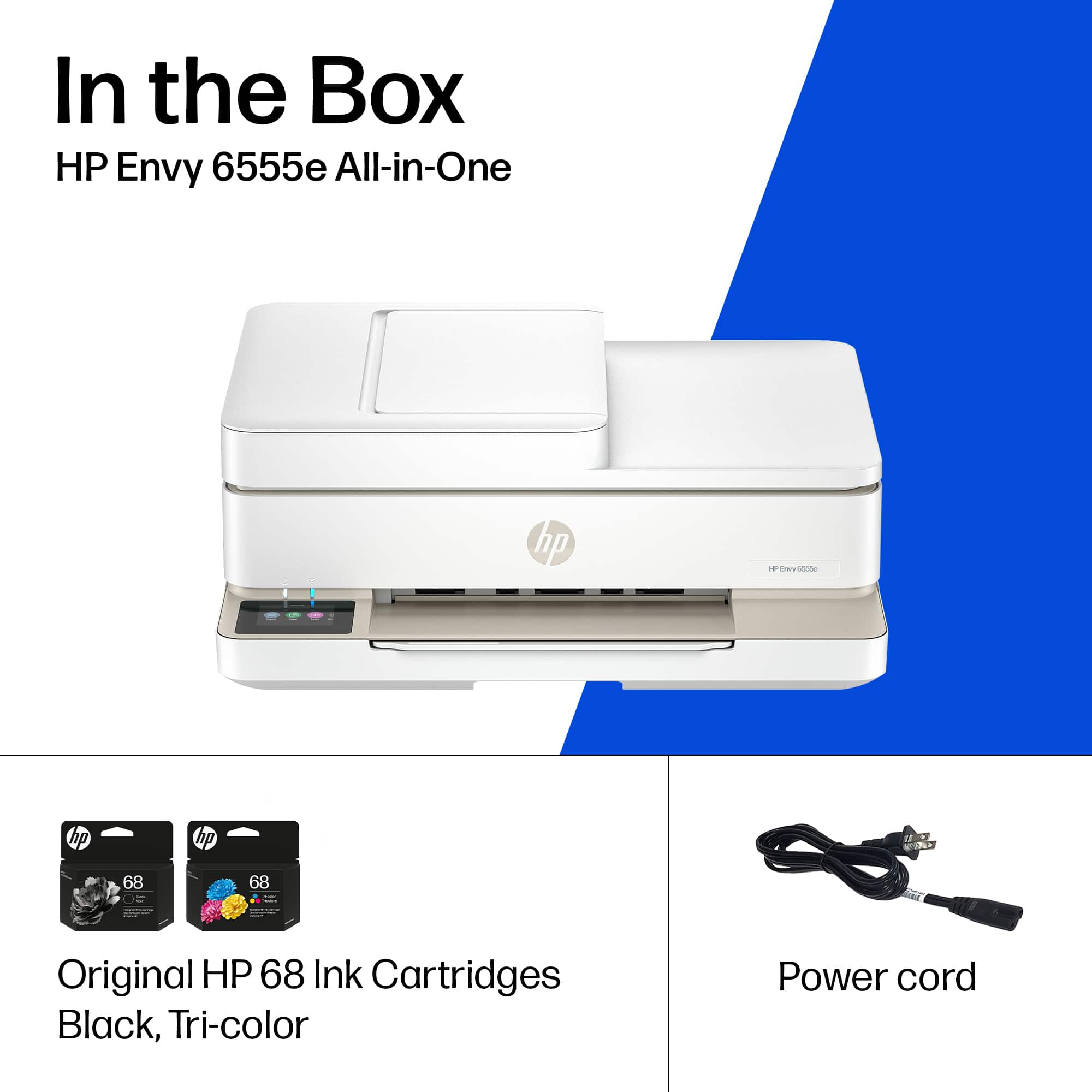
- ENVY 6555E/714N5A#B1H
- SKU:
- 11083343
Rating by feature
- Value
Rating 4.5 out of 5 stars
- Quality
Rating 4.4 out of 5 stars
- Ease of Use
Rating 4.3 out of 5 stars
Easy to use
||Posted . Owned for 3 weeks when reviewed.This reviewer received promo considerations or sweepstakes entry for writing a review.easy to setup and use easy to load paper and ink print is sharp and clear
I would recommend this to a friendHp printer review
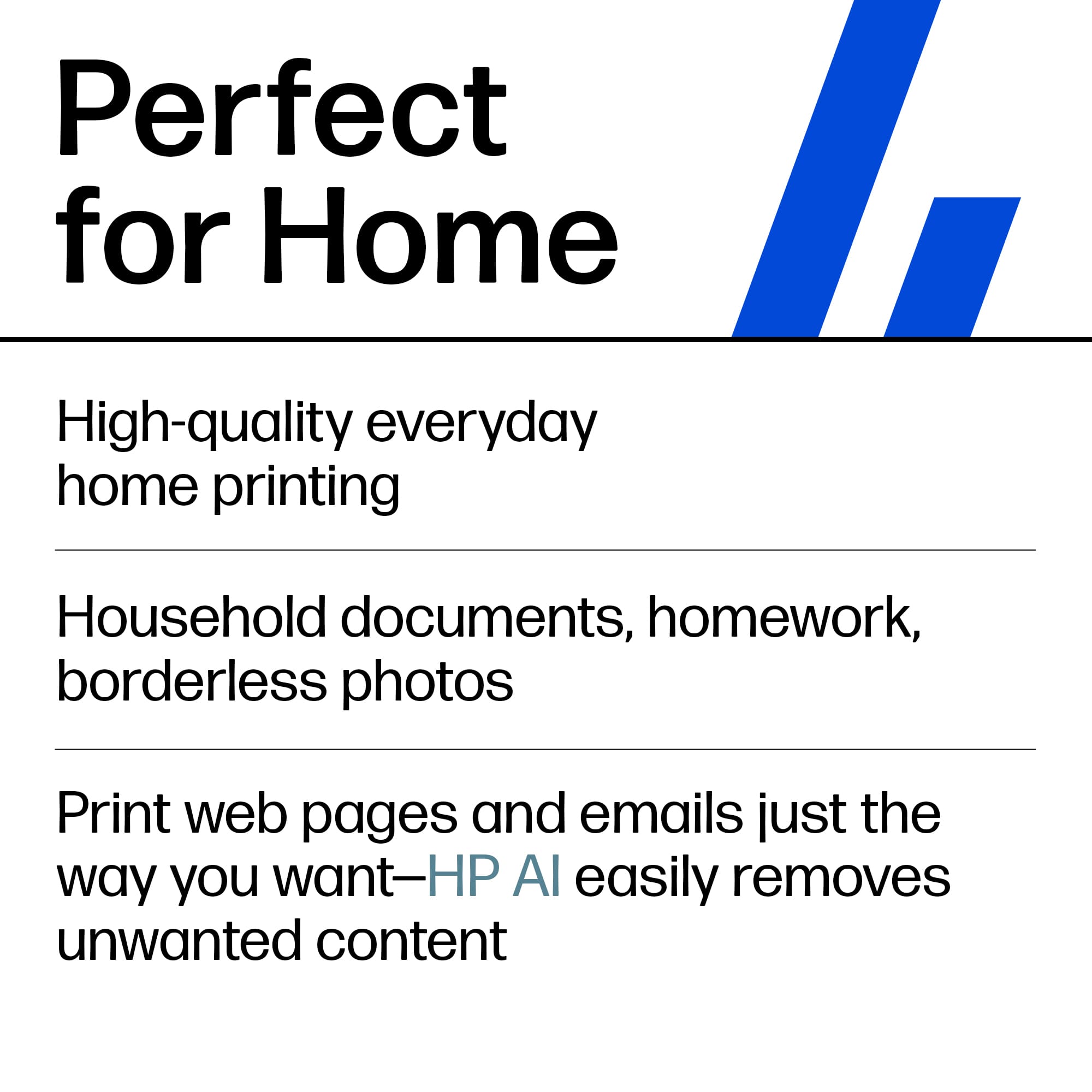
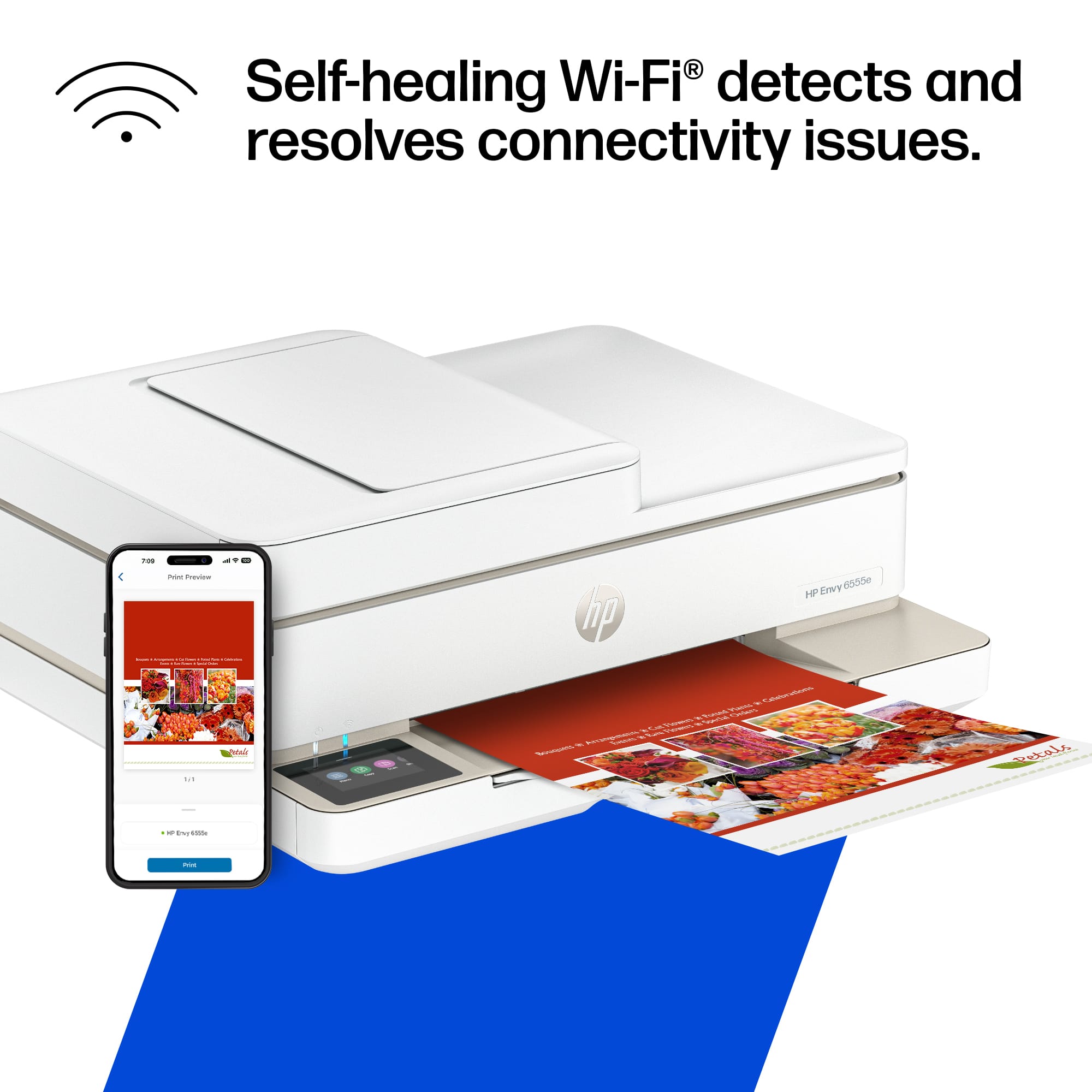
||Posted . Owned for 2 weeks when reviewed.This reviewer received promo considerations or sweepstakes entry for writing a review.Easy set up …. Great print quality. Having had a previous go printer this was an easy set up from the app
I would recommend this to a friendPrinter
||Posted . Owned for 3 weeks when reviewed.This reviewer received promo considerations or sweepstakes entry for writing a review.I set up my printer and ran copies. They worked very well. I ran several prints and they were beautiful but when I tried that again it would not work. I'm going to try to do it again but so far I continue to get signals saying the printer is not accessed. I'm sure we'll work this out. I will call for help.
I would recommend this to a friendLove my new HP Printer!
||Posted . Owned for 2 weeks when reviewed.This reviewer received promo considerations or sweepstakes entry for writing a review.I just purchased a new HP printer and am extremely pleased with it. It is EASY to use and the print quality is great. It is easy to fix myself because most of the internal parts easily cn be removed. Great machine and great company.
I would recommend this to a friendMy 2nd envy printer
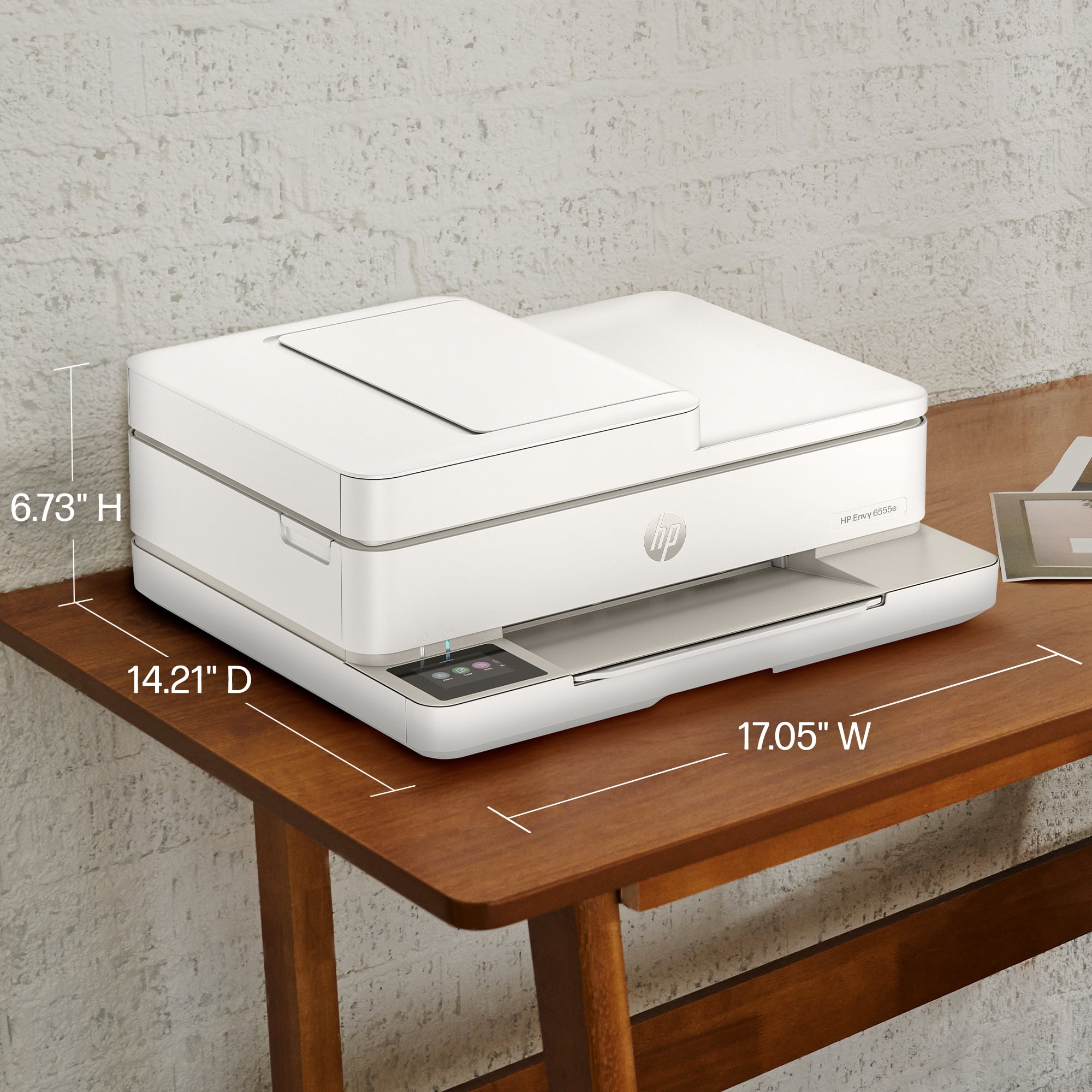
||Posted .This reviewer received promo considerations or sweepstakes entry for writing a review.Easy to use and clear, clean copies. Quiet. Nice size.
I would recommend this to a friendPlease send a setup disk with all printers
||Posted . Owned for 2 weeks when reviewed.This reviewer received promo considerations or sweepstakes entry for writing a review.It took over an hour to download and install the system. Having to choose which installation version to use is ridiculous. I finally got the system installed. When I tried to print #10 envelopes, the standard size, it would not recognize the envelope size to allow printing. I looked at all the online answers, including the HP website or answers. Nothing worked. I then called HP help desk and had a nice tech lady spend 45 minutes trying to figure out the problem but connecting to my computer remotely. After 45 minutes, uninstalling and then reinstalling the program, I could print envelopes. Why HP won't send an installation disk is beyond comprehension. Too many of the download instructions state something to the effect that this may not be your exact printer. Give me a disk and I can load everything from that.
I would recommend this to a friendVery Satisfied Customer! Great Product!
||Posted .This reviewer received promo considerations or sweepstakes entry for writing a review.I honestly bought this printer with just an associates help and no prior research. I love it! It has everything I need and the ink program worked seamlessly the first time I needed it. The only thing I would alter is you have to be patient when loading the paper. But, that’s it. If you need a multifunctional printer, scanner, etc. this is, in my opinion, a great choice! I did buy it on sale at $60 off list price which makes the value on point for me.
I would recommend this to a friendPrinter User Friendly
||Posted . Owned for 1 month when reviewed.This reviewer received promo considerations or sweepstakes entry for writing a review.Printer quality is great. Very easy to used and setup
I would recommend this to a friendHp655
||Posted . Owned for 1 month when reviewed.This reviewer received promo considerations or sweepstakes entry for writing a review.Printer HP655 has smooth design, with exception of output paper holder is too flimsy, and can break easily. Top cover has no indentation for fingers, or extra place to ve able to pull cover up. Paper tray too small. Ink cartridges are still difficult to take out and replace.
I would recommend this to a friendWow!
||Posted . Owned for 2 weeks when reviewed.This reviewer received promo considerations or sweepstakes entry for writing a review.This printer is excellent. It was easy to set up and prints beautiful copies with no paper jams. Highly recommend!
I would recommend this to a friendGreat Value
||Posted . Owned for 2 weeks when reviewed.This reviewer received promo considerations or sweepstakes entry for writing a review.Affordable, compact and easy to set up. Great printer.
I would recommend this to a friendHP Envy 6500e Printer
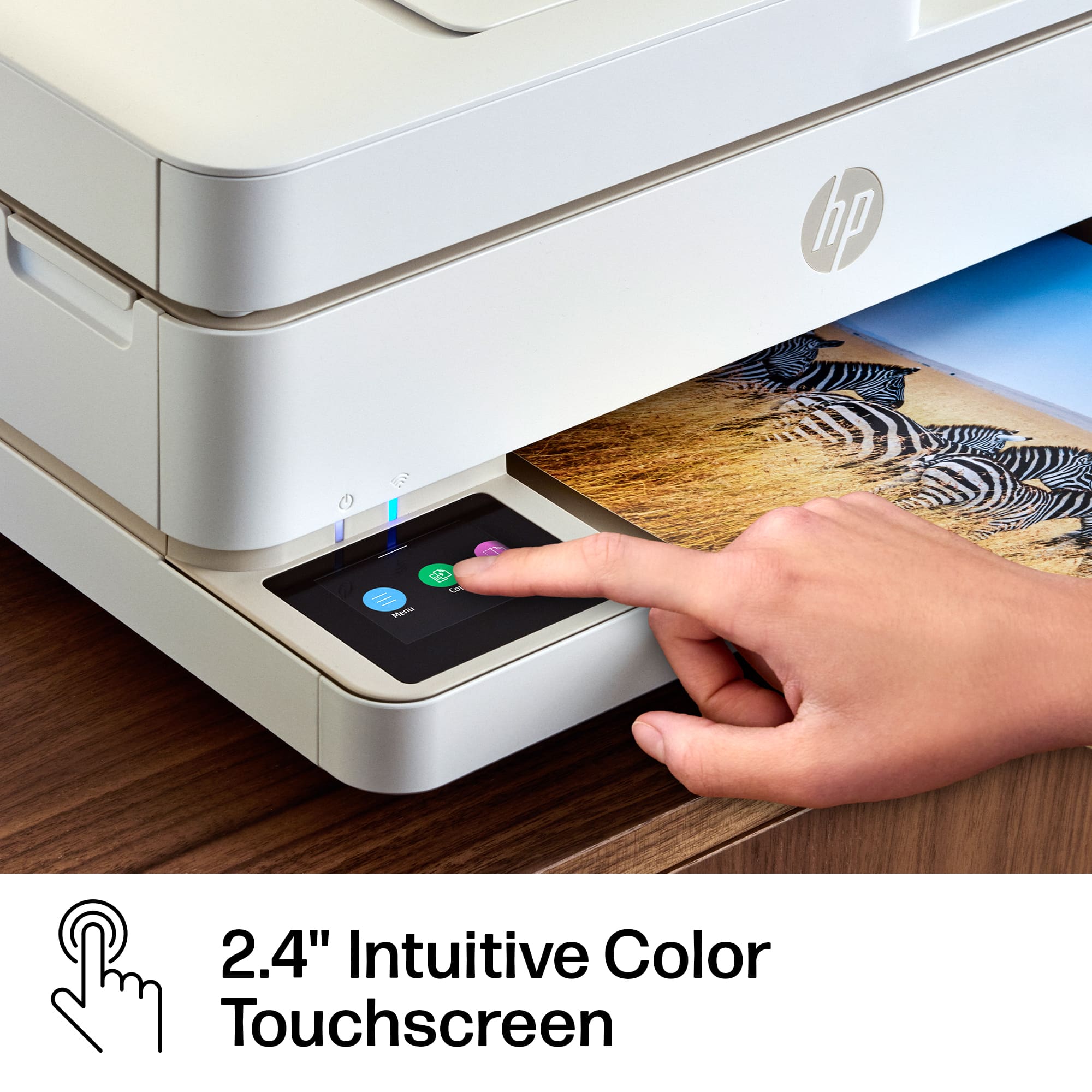
||Posted . Owned for 1 month when reviewed.This reviewer received promo considerations or sweepstakes entry for writing a review.The Envy 6500e was very easy to set up in wireless operation. Function window ease to view and work with.
I would recommend this to a friendGreat affordable printer!
||Posted . Owned for 3 weeks when reviewed.This reviewer received promo considerations or sweepstakes entry for writing a review.Really nice printer with a lot of extras! Compact and very easy to use.
I would recommend this to a friendVery happy
||Posted . Owned for 3 weeks when reviewed.This reviewer received promo considerations or sweepstakes entry for writing a review.Easy setup, comfortable size, seems durable, and satisfactory speed
I would recommend this to a friendGreat printer at a good price
||Posted . Owned for 2 weeks when reviewed.This reviewer received promo considerations or sweepstakes entry for writing a review.I just purchased this printer. So far i am very happy with it. It was simple to set up and use. I would highly recommend it.
I would recommend this to a friendGood enough
||Posted . Owned for 3 weeks when reviewed.This reviewer received promo considerations or sweepstakes entry for writing a review.It was super frustrating to get it to connect with my computer. After an hour with the tech I got it working. It should have been easier. Works well now
I would recommend this to a friendJeanna
||Posted . Owned for 2 weeks when reviewed.This reviewer received promo considerations or sweepstakes entry for writing a review.Had difficulty accessing HP site for set up instructions but received help through the geek squad by phone and through chat. Have used it several times since printing from my phone and computer. Love it!!
I would recommend this to a friend
Extremely difficult setup
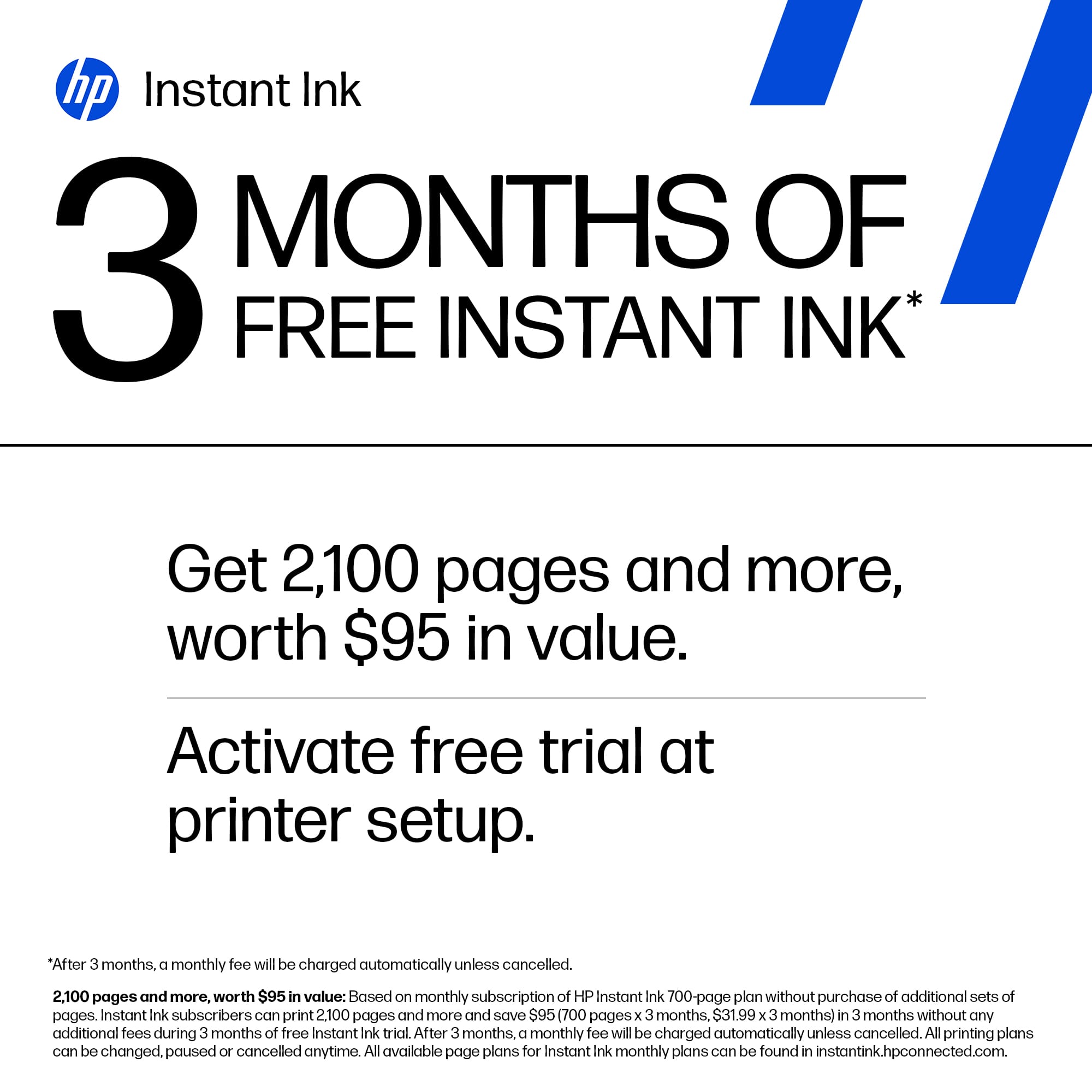
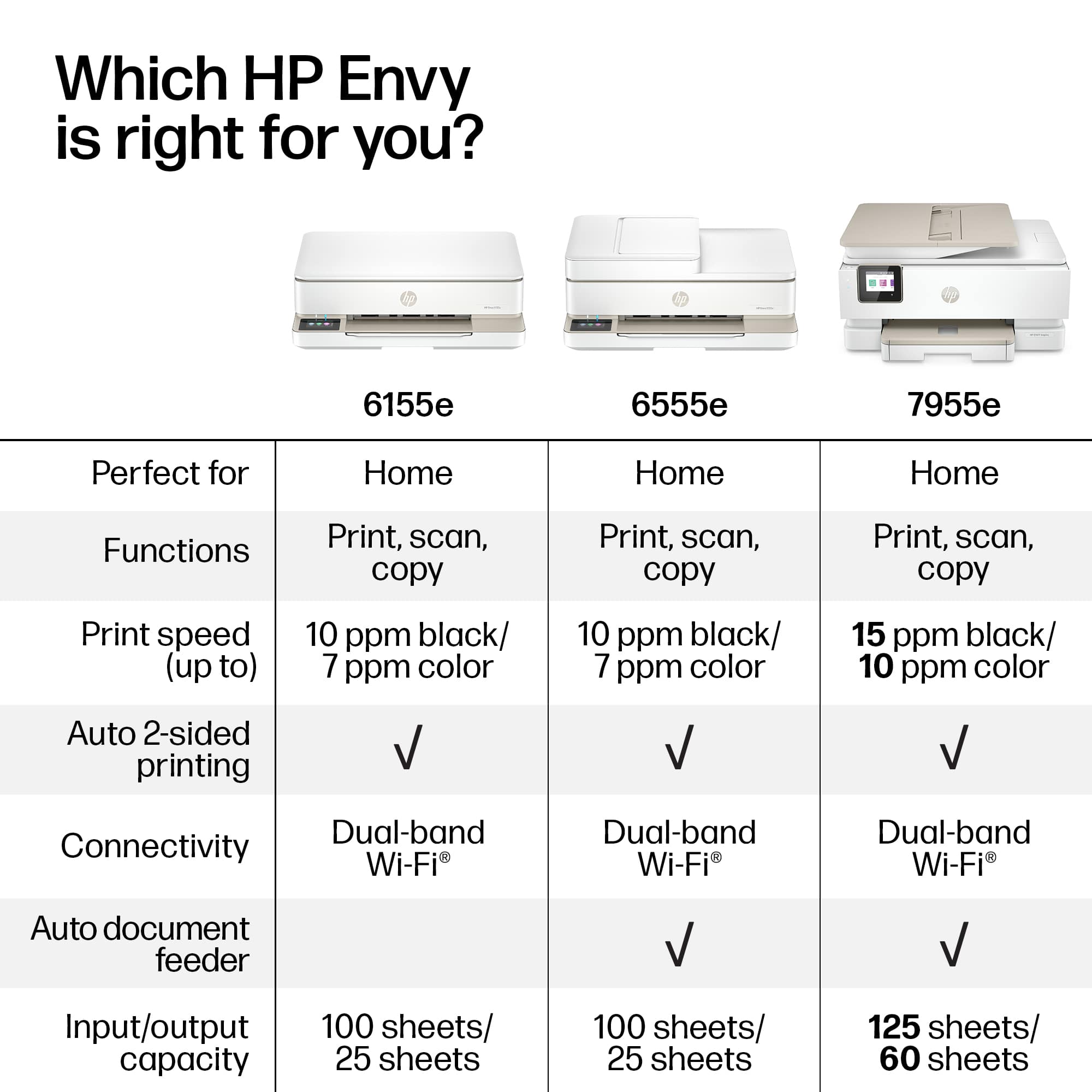
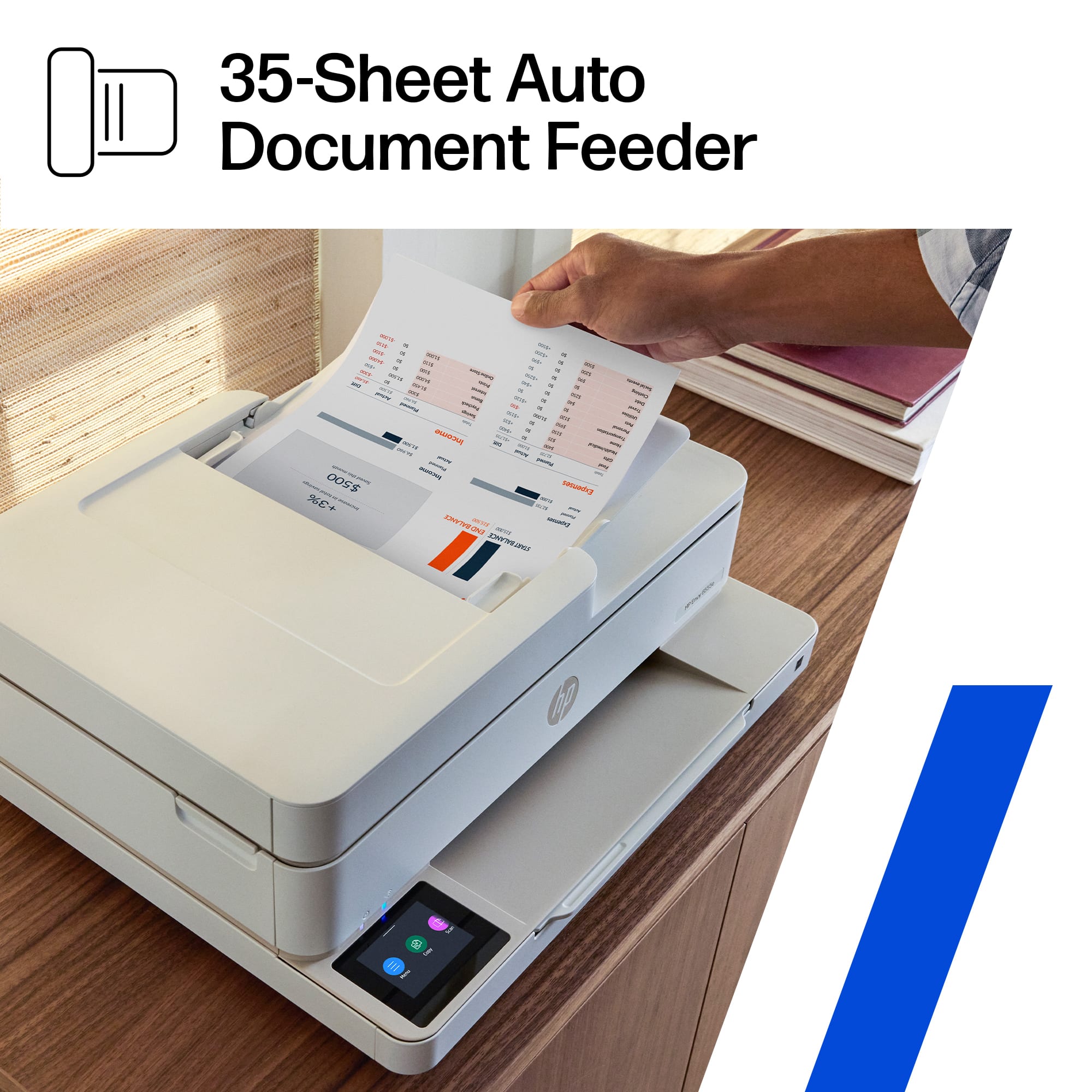
|Posted .This reviewer received promo considerations or sweepstakes entry for writing a review.This is by far the most difficult printer I have ever set up. I have had quite a few printers and I’m currently using an HP printer. This has taken me over a week and many calls and emails to support finally escalating it to an executive escalation manager to try to get it set up. I tried to set up using the HP smart app, which I already have, on my iPhone, iPad & Mac laptop, I printed one picture & it kicked me off wifi, never to return. The message on all devices was “ setup incomplete “ with no way of setting it up, I kept getting sent in circles only to end up at the same place & still not connected. Finally, after the manager got back to me I had to go into menu, tools, maintenance & restore settings. Even that took a few tries because the QR code kept disappearing. I was finally able to print. The printer itself seems bulky to me, I haven’t been able to use the auto document feeder, printing is slow & the quality is just so so. My old printer has a photo & paper tray in the same compartment but separate which is great because you can load both & print from either. This printer doesn’t have that & has to be opened to switch paper type. The tray doesn’t hold much & is very flimsy. I don’t mind the instant ink subscription which comes free for 3 months, I have had a subscription for years & I like it, you always have ink & it’s affordable depending on how much you print, I don’t print often & pay $1.49 a month for 10 pages with rollover pages. This will definitely be a backup printer to my older model since I’m not impressed with the print quality & the setup was extremely frustrating plus it’s missing some features that I liked, the only thing better on this one is the flat display with black background. This is very pricey for what you get, I would not recommend this to anyone, get yourself a better model that is easier to setup!
No, I would not recommend this to a friendSnap To
||Posted . Owned for 1 month when reviewed.This reviewer received promo considerations or sweepstakes entry for writing a review.This HP Envy printer is a great value for the price, easy set up and easy to operate. It is used daily as an integral tool for a work at home job. It does not require a lot of space and the colors and quality of printed material is exceptional. The one and only negative is the printer is slow at doing what it is designed to do, I give it a strong buy.
I would recommend this to a friendWorks great for my needs.
||Posted . Owned for 2 weeks when reviewed.This reviewer received promo considerations or sweepstakes entry for writing a review.Works great for simple printing and scanning. I don't do a ton of printing, so it works for the small volume I use it for. Simple to use and the cost is great.
I would recommend this to a friend

















