Appliances Presidents’ Day SaleEnds 2/25. Limited quantities. No rainchecks.Shop now

Main Content

Customer Ratings & Reviews

Your price for this item is $179.89

Customer reviews

Rating 4.4 out of 5 stars with 804 reviews

Rating Filter

Rating by feature

  • Value

    Rating 4.5 out of 5 stars

  • Quality

    Rating 4.4 out of 5 stars

  • Ease of Use

    Rating 4.3 out of 5 stars

Pros mentioned filter

Cons mentioned filter

86%would recommend to a friend

Customers are saying

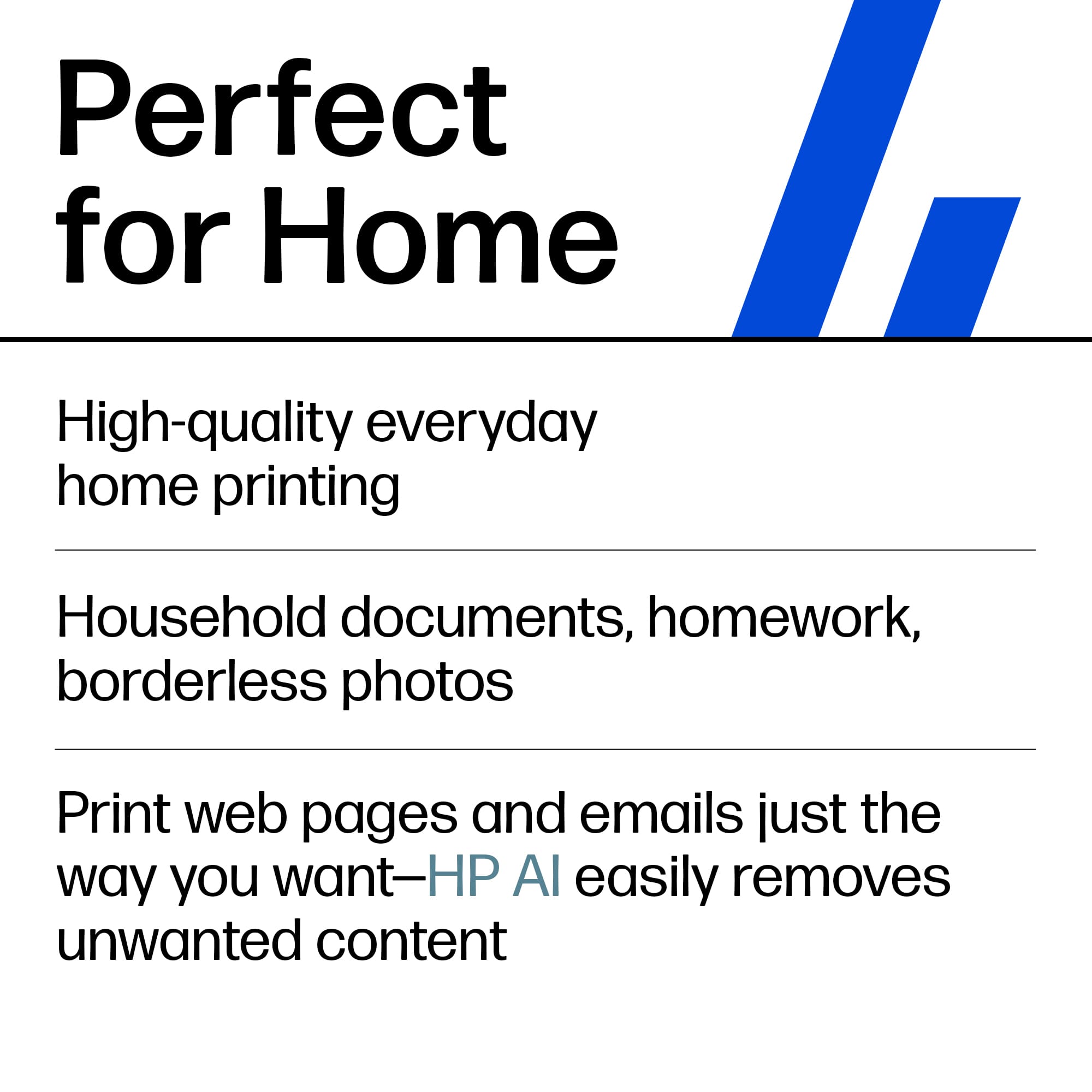
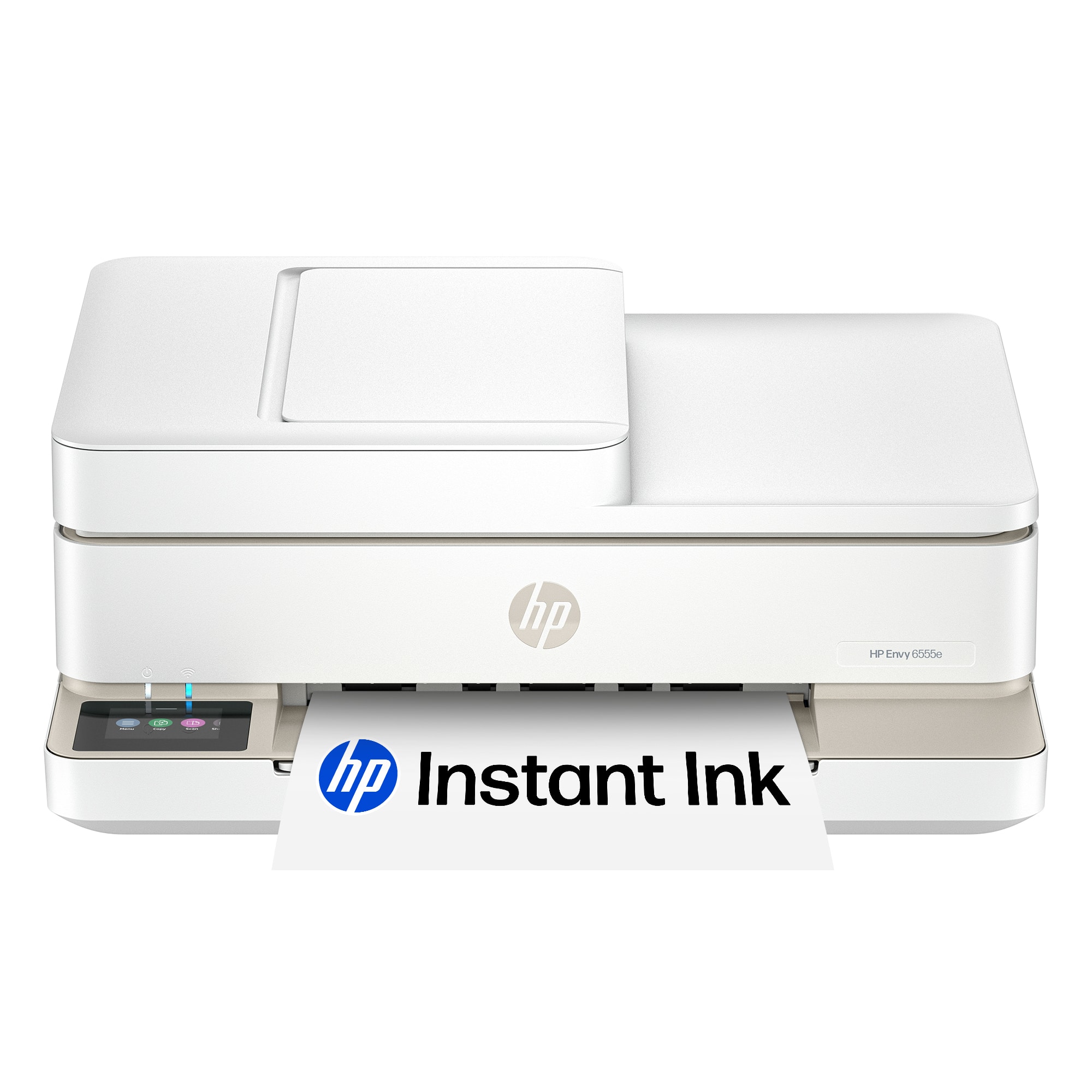
Customers often highlight the Envy 6555e for its ease of use, overall performance, and print quality, with many finding the setup process to be a breeze and appreciating its compact size. The design is also well-received, and users note its quiet operation. However, some customers have reported connectivity issues and problems with the paper tray.

This summary was generated by AI based on customer reviews.

The vast majority of our reviews come from verified purchases. Reviews from customers may include My Best Buy members, employees, and Tech Insider Network members (as tagged). Select reviewers may receive discounted products, promotional considerations or entries into drawings for honest, helpful reviews.
Page 2 Showing 21-40 of 804 reviews
  • Rated 5 out of 5 stars

    Printer bought

    |
    |
    Posted . Owned for 1 month when reviewed.
    This reviewer received promo considerations or sweepstakes entry for writing a review.

    I bought the HP-Envy 6555e printer for my insurance agency and has worked perfect. The initial set up is very easy and user friendly, would definitely recommend it to anyone. Great printer with a great price.

    I would recommend this to a friend
  • Pros mentioned:
    Ease of use

    Rated 5 out of 5 stars

    Perfect printer for Me!

    |
    |
    Posted .
    This reviewer received promo considerations or sweepstakes entry for writing a review.

    So easy to set up, even I could do it! I was able to network to both my computers!

    I would recommend this to a friend
  • Rated 5 out of 5 stars

    Simple but works well

    |
    |
    Posted . Owned for 2 weeks when reviewed.
    This reviewer received promo considerations or sweepstakes entry for writing a review.

    So far i love it. Its simple and easy to install printer. Doesnt take any space.

    I would recommend this to a friend
  • Rated 5 out of 5 stars

    Free and loving it

    |
    |
    Posted .
    This reviewer received promo considerations or sweepstakes entry for writing a review.

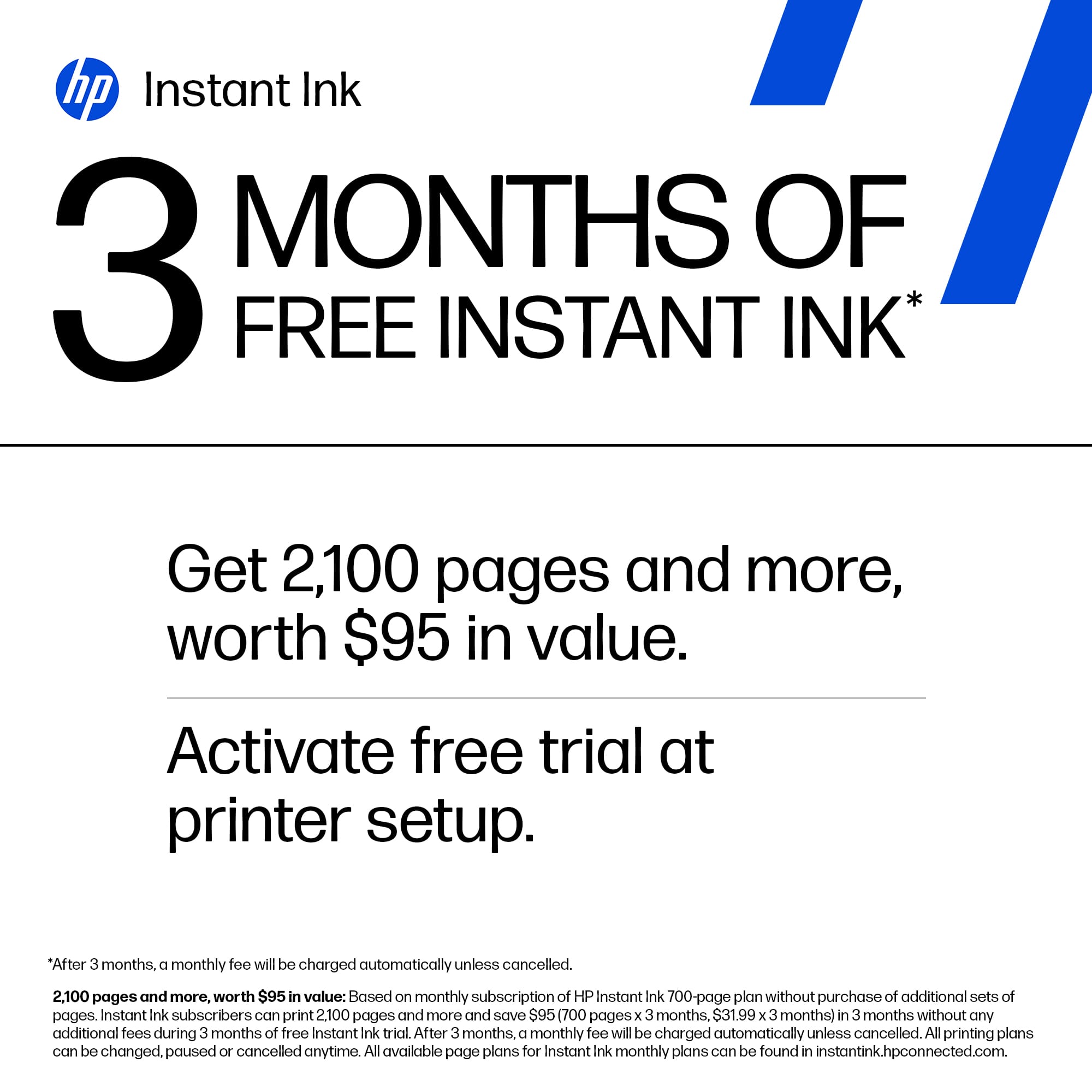
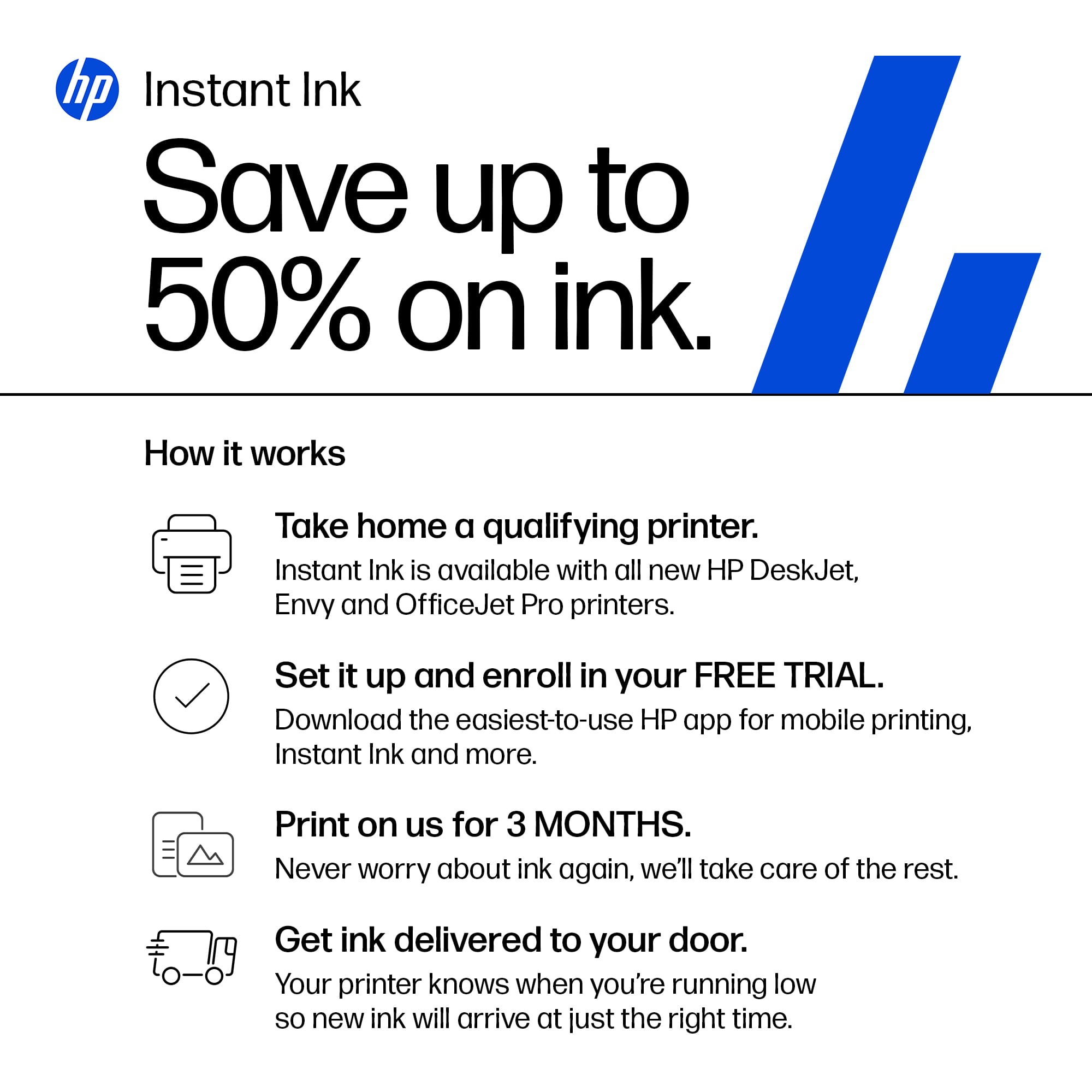
    Very sleek and free ink for 3 mo. Wow what a deal!!!

    I would recommend this to a friend
  • Pros mentioned:
    Size

    Rated 4 out of 5 stars

    Mighty

    |
    |
    Posted .
    This reviewer received promo considerations or sweepstakes entry for writing a review.

    Compact and mighty, good looking printer& scanner. My needs are satisfied

    I would recommend this to a friend
  • Pros mentioned:
    Overall performance

    Rated 5 out of 5 stars

    Efficient and economical

    |
    |
    Posted . Owned for 1 month when reviewed.
    This reviewer received promo considerations or sweepstakes entry for writing a review.

    This is great printer! Great for Home office and is proficient, efficient, and economical!

    I would recommend this to a friend
  • Pros mentioned:
    Ease of use

    Rated 5 out of 5 stars

    HP Envy 6555e

    |
    |
    Posted . Owned for 3 weeks when reviewed.
    This reviewer received promo considerations or sweepstakes entry for writing a review.

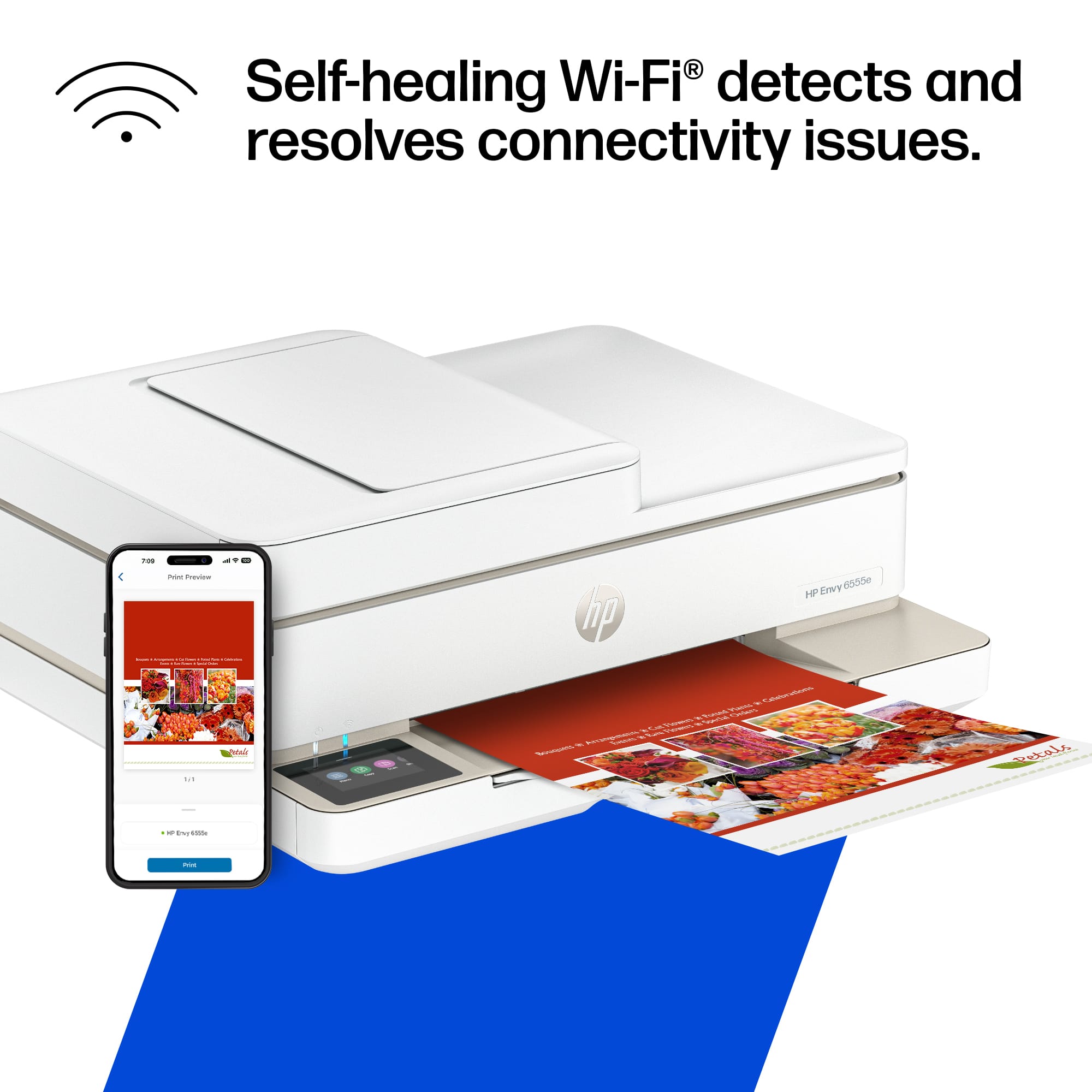
    Was so easy to used, connected to WiFi right away.

    I would recommend this to a friend
  • Pros mentioned:
    Overall performance

    Rated 5 out of 5 stars

    Beautiful

    |
    |
    Posted . Owned for 1 month when reviewed.
    This reviewer received promo considerations or sweepstakes entry for writing a review.

    Still learning how to copy but still happy with the results of everything else

    I would recommend this to a friend
  • Rated 5 out of 5 stars

    The Little Printer That Can

    |
    |
    Posted . Owned for 1 month when reviewed.
    This reviewer received promo considerations or sweepstakes entry for writing a review.

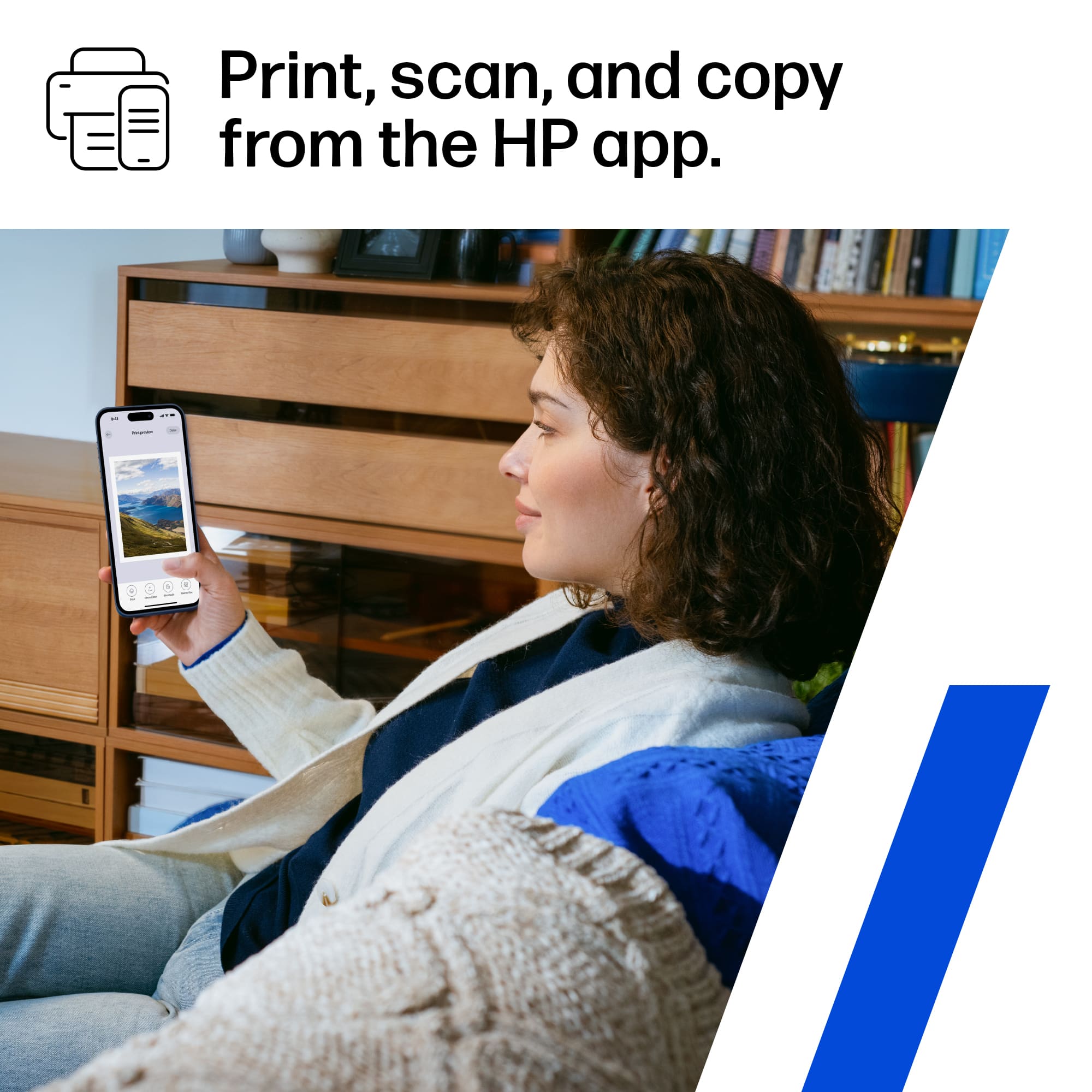
    Absolutely love the easy operation of printing! Very user friendly and so convenient having an affordable quality printer at home! I can remotely print using my phone too.

    I would recommend this to a friend
  • Rated 4 out of 5 stars

    good deals

    |
    |
    Posted . Owned for 3 weeks when reviewed.
    This reviewer received promo considerations or sweepstakes entry for writing a review.

    that's awesome but little bit junk sounds while printing still comfort rather than other brand.

    I would recommend this to a friend
  • Rated 5 out of 5 stars

    HP home printer replacement

    |
    |
    Posted . Owned for 1 week when reviewed.
    This reviewer received promo considerations or sweepstakes entry for writing a review.

    Replaces old printer. This one fits in same space and it’s not as tall. I like the monthly ink subscription So far I printed black ink but not color

    I would recommend this to a friend
  • Cons mentioned:
    Connectivity

    Rated 3 out of 5 stars

    Needed a printer, it was on sale

    |
    |
    Posted . Owned for 1 month when reviewed.
    This reviewer received promo considerations or sweepstakes entry for writing a review.

    Requires app to connect to internet. Would be better if you could interface through the printer itself

    No, I would not recommend this to a friend
  • Rated 5 out of 5 stars

    No more print / scan visits to FedEx!

    |
    |
    Posted . Owned for 3 weeks when reviewed.
    This reviewer received promo considerations or sweepstakes entry for writing a review.

    I am enjoying my printer! Still have to learn something s, so work in progress. I love the value for the money. The initial set up required me to connect with the hp help desk to get the printer driver working properly. It all got sorted out. Thank you

    I would recommend this to a friend
  • Rated 5 out of 5 stars

    Good value for home use

    |
    |
    Posted .
    This reviewer received promo considerations or sweepstakes entry for writing a review.

    Good value for my needs. Will work with my WI-FI and my other printer didn’t.

    I would recommend this to a friend
  • Pros mentioned:
    Overall performance

    Rated 3 out of 5 stars

    Printer HP

    |
    |
    Posted . Owned for 3 weeks when reviewed.
    This reviewer received promo considerations or sweepstakes entry for writing a review.

    Works good for an inexpensive printer. Does what I need it to do. Thanks

    I would recommend this to a friend
  • Pros mentioned:
    Ease of use, Print quality, Size
    Tech Insider Network Member

    Rated 4 out of 5 stars

    Reliable So Far!!

    |
    Tech Insider Network Member
    Posted .
    This reviewer received promo considerations or sweepstakes entry for writing a review.

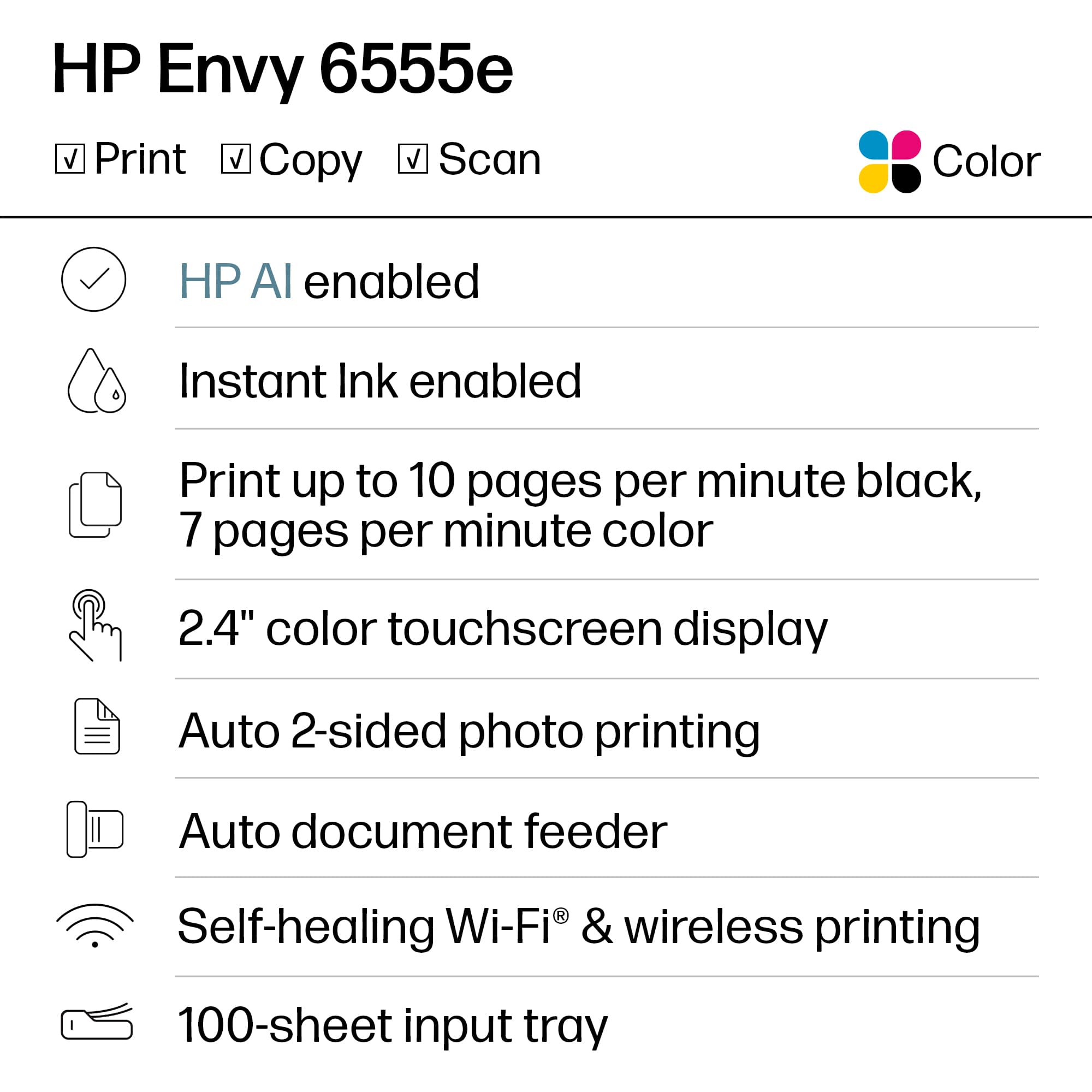
    I’ve been using the HP Envy 6555e Wireless All-in-One Inkjet Printer for a week now, and overall, I’d say it’s been a solid addition to my home office setup. It covers my basic print needs like-printing, scanning, and copying. It has some nice wireless features that make it easy to use across devices, like going from my computer to my wife’s laptop. There’re some areas where it falls short, but I think the price point makes a good argument for it. Design and Build: One of the first things I noticed was its design. It has a sleek, modern look that fits perfectly in my workspace without being bulky. The white finish gives it a clean, professional appearance, and it’s compact enough to sit on a desk without taking over the whole area. I love this because I’ve had to rig some sort of pop up table for my previous printers. The touchscreen interface is also nice, making it easy to switch between functions quickly. Performance: I’ve had this for about a week, and so far it does what it promises. Print quality is great for both documents and photos, especially considering this is an inkjet. Whether I’m printing color images or plain text, everything has come out crisp and clear. It’s not the fastest printer, though. If you need to print large documents regularly, you might find yourself waiting a bit longer than you’d like, but for light to moderate use, it works just fine. Again, I’d consider a different printer if you’re regularly printing presentation packets of 20 pages. Connectivity and Setup: Setting up the printer was straightforward, and I had no issues connecting it to my Wi-Fi network or syncing it with my phone using the HP Smart app. It does take longer than other printers because it kinda sets itself up as it goes so you’re waiting a lot. Most of the time I was just sitting next to the printer while it booted up, then connected, aligned the printer, connected to wifi, etc. and it took 21 minutes. Also, the app crashed three times during setup, so that was annoying. Not a dealbreaker, but annoying. The app is pretty cool! I really like that I can select photos from my phone and print them. It’s really cool that I’ve been able to print from my phone or laptop without plugging anything in. While it works well for the most part, it can be a bit slow or unresponsive at times. It’s not a dealbreaker, but I can imagine this might be a problem if someone is in a hurry. Instant Ink: So I’ve only had the printer for a week and don’t need a restock yet, but I like that this can potentially order it for you. Honestly, how many of us have tried to print and it’s out of ink so we gotta go to Best Buy to get a new cartridge?! I’ve been there too many times. I like the idea that the printer can automatically order ink when it’s running low. It might not be for everyone, but I think it’s a cool perk! Pros: Great print quality for documents and photos. Compact design that fits well in most spaces. Easy wireless setup and printing from mobile devices. Touchscreen interface is user-friendly. Automatic ink ordering with the Instant Ink program. Solid build quality for home or small office use. All-in-one functionality (print, scan, copy). Three months of free ink with HP Instant Ink. Cons: Print speed is slower, especially for larger documents. HP Smart app can be a little buggy or slow at times. Two-cartridge ink system might not be as efficient, especially for heavy color printing. Final Thoughts: It’s a solid, versatile printer that handles most tasks well, and it looks good while doing it. The print quality is excellent, and the wireless functionality makes it convenient for anyone working from home or in a small office. The setup was painless, though the app could use some improvements, and the print speed could be faster. But for the price, it’s a strong performer and a good choice for everyday printing. If you need a reliable all-in-one that won’t break the bank, this one’s worth considering. Just don’t expect blazing-fast print speeds

    I would recommend this to a friend
  • Rated 2 out of 5 stars

    Abismal quality but does the job

    |
    |
    Posted . Owned for 3 weeks when reviewed.
    This reviewer received promo considerations or sweepstakes entry for writing a review.

    The printer wasn’t expensive but always has to be restarted because of an Error on the screen. Spend the extra money and buy a better printer.

    No, I would not recommend this to a friend
  • Pros mentioned:
    Ease of use, Print quality
    Cons mentioned:
    Connectivity
    Tech Insider Network Member

    Rated 3 out of 5 stars

    HP Envy 6555e Wireless All-in-One misses the mark

    |
    Tech Insider Network Member
    Posted .
    This reviewer received promo considerations or sweepstakes entry for writing a review.

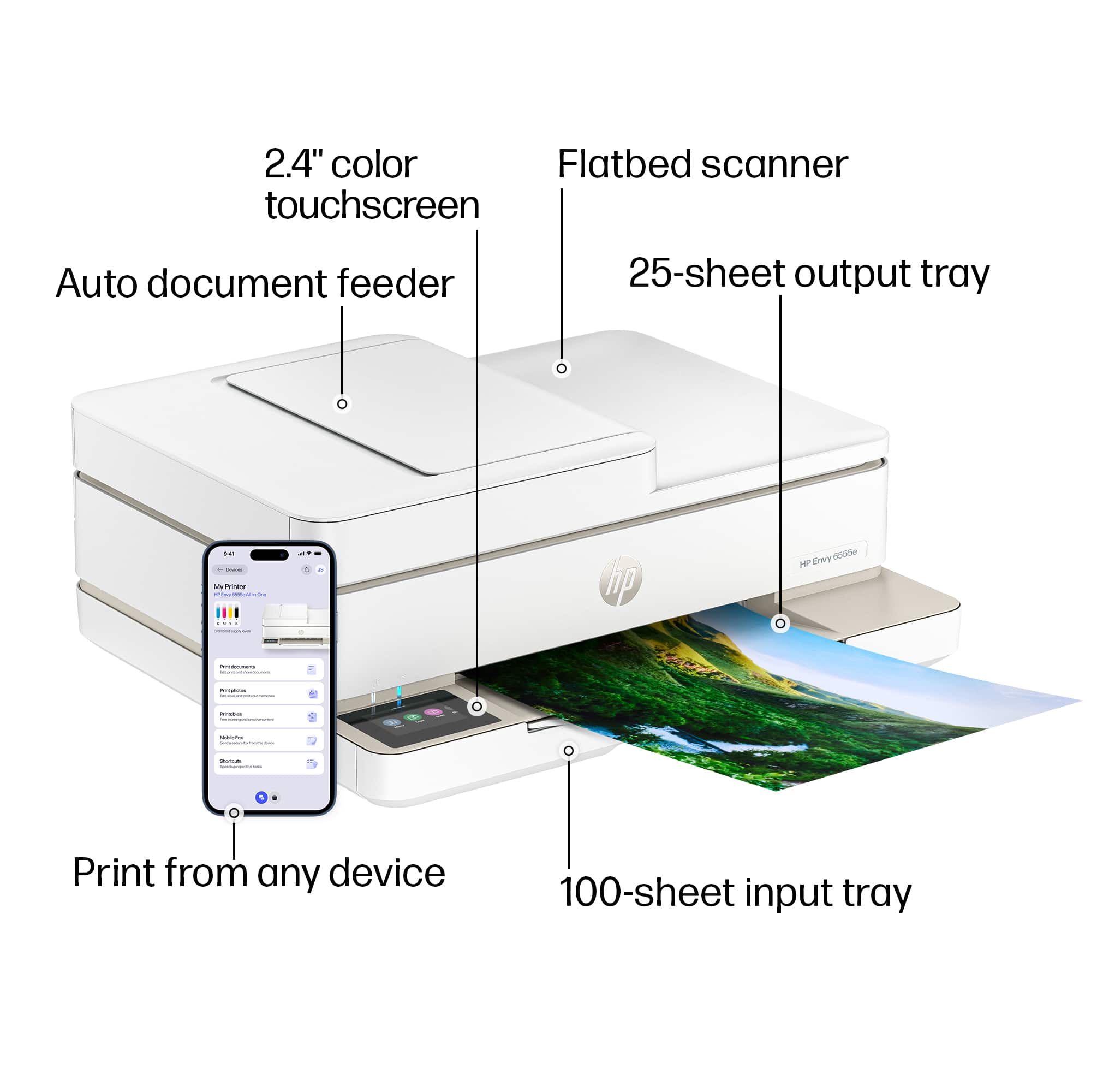
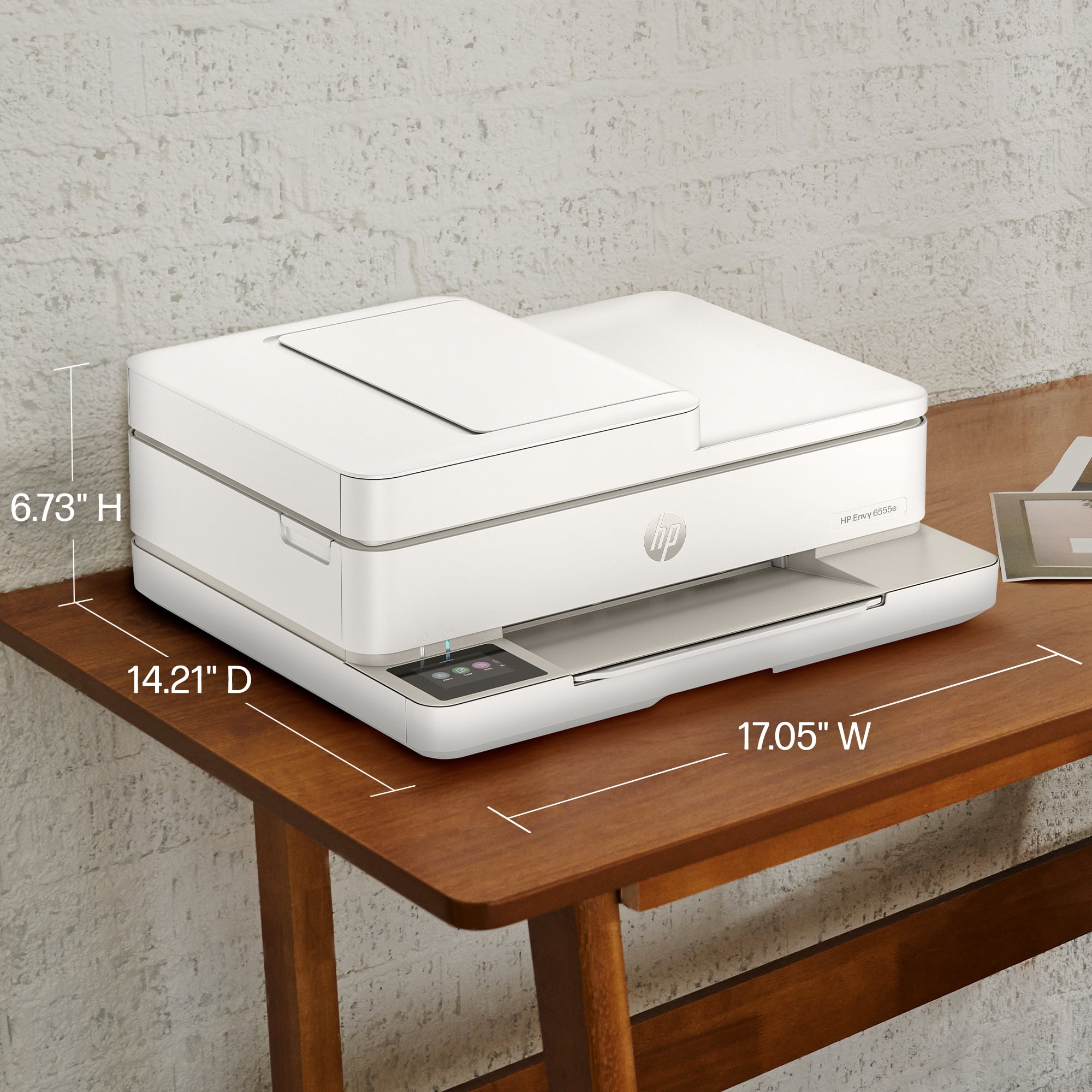
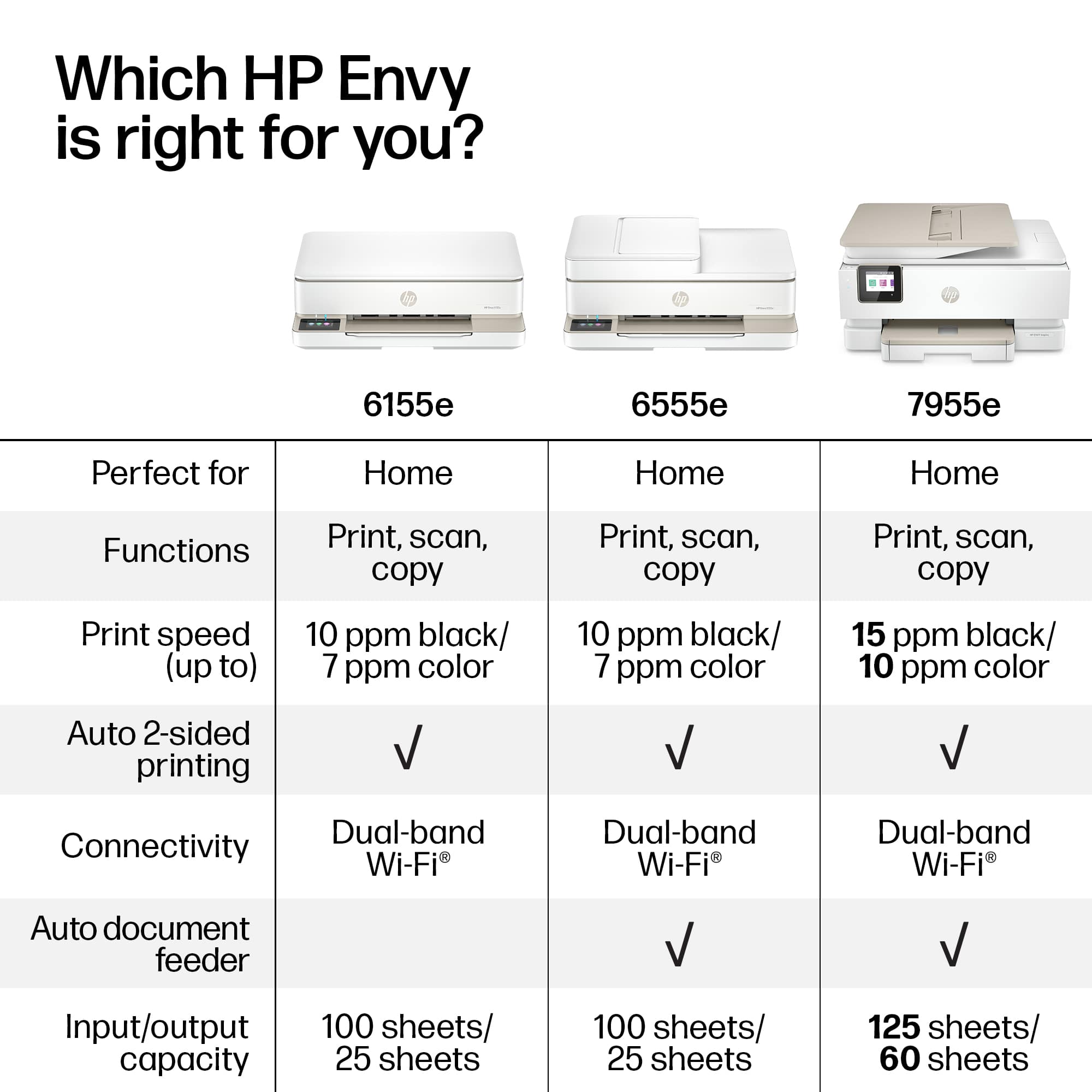
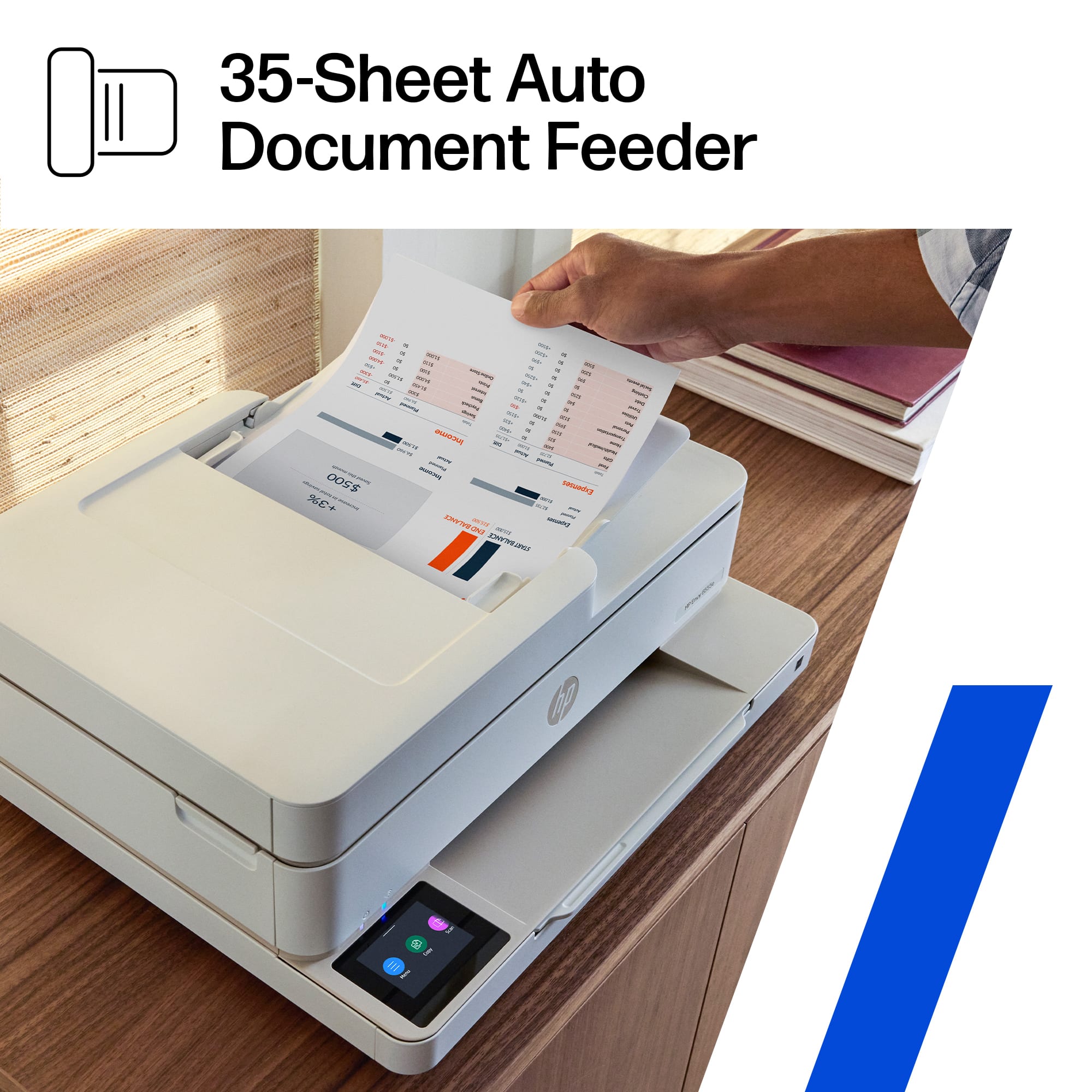
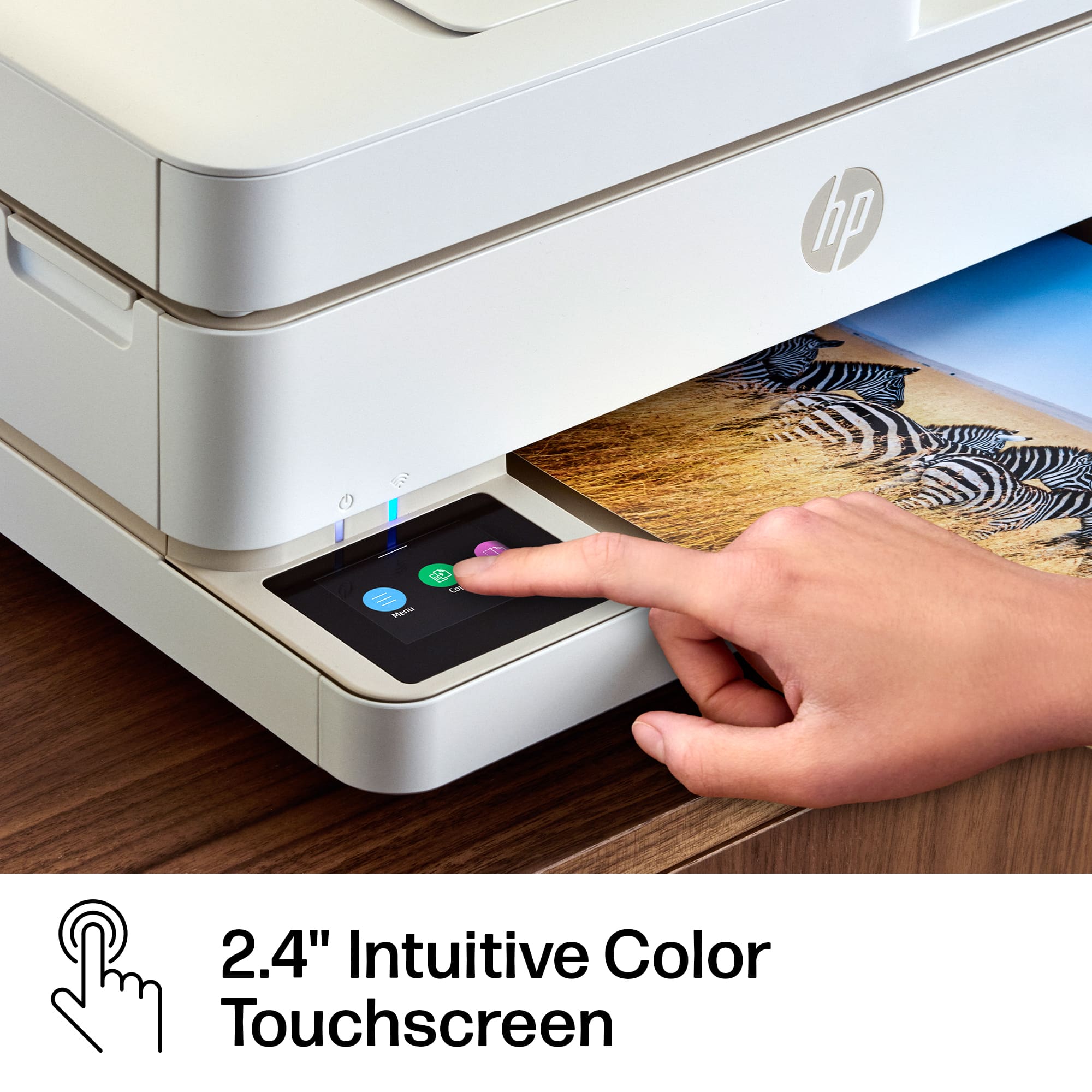
    The HP Envy 6555e Wireless All-in-One Inkjet Printer is a good quality, efficient printer. As an All-in-One, it is able to print, copy and scan, and with the use of the HP Smart app, you can even fax. It has all of the necessary functions you would want and there are a lot of pros, but also a significant number of cons. It is a nice looking low-profile printer with a 2.4" touchscreen display, an auto document feeder, it's made from at least 60% recycled plastic and is ENERGY STAR certified. Though low-profile, it does have a large footprint due to its width. They have made it super easy to remove jammed paper from the inside, but for some reason, the flatbed scanner cover slams closed. Read on for more information. Setup for this printer was not the easiest I encountered. It came with a few hiccups along the way - eg making me do things over again for no reason, not completing some steps, etc. Eventually, it did get everything right. HP does want you to connect to WiFi and stay connected all the time. They want you to get their periodic updates to keep things running smoothly and to monitor your usage if you choose Instant Ink and to make certain you aren't trying to use non-HP print cartridges. This printer will not print with any other cartridges. The print quality from this printer is certainly good enough for simple color printing and black and white text, etc. but is not the best. This is in HP's ENVY line of printers which would normally tell me this is a great printer for photos. I tried printing some photos and the details just weren't sharp enough for me to want to frame those photos. The printer is also somewhat slow with HP claiming a maximum speed of 7 ppm color, 10 ppm black. The copy quality doesn't hit the right spot for me either. Even copying in black and white, I find the quality of copies to be significantly degraded. It just isn't as clear as I would like to see. The scanner specifications from HP claim up to 1200 resolution but it doesn't seem like that is the case. When scanning, my options go up to only 300 dpi. The scanner is used for making copies and perhaps this low resolution is why copies seem so degraded. The All-in-One has an automatic document feeder (ADF) with a paper capacity of 35 pages, which is definitely convenient. You can do automatic 2 sided printing, but disappointingly, it is not capable of 2 sided copying. You can, however, combine 2 one sided documents into a 2 sided document. You can print on paper up to 8"x10" which means you cannot print on legal size paper. I did encounter a bizarre problem - I set up the printer to not check for updates, so that I could check periodically myself. I have found that technology updates sometimes cause issues, so I prefer to see what's new before simply updating. I was attempting to perform a scan from within the HP Smart app which showed there was a problem with the connection to the printer. Then suddenly, the printer restarted and went into some sort of firmware update all on its own - the printer just took control. When it finished the update, I was unable to exit the display screen on the printer. I was able to do my intended scan from the app on my iPhone, but the controls at the printer were totally locked. I was forced to turn the printer off and then back on. The printer did come back online though it showed I was out of paper but then corrected itself. The WiFi connection has also been an issue for me. My WiFi is usually very reliable, but as I sit in my office where the router is located, the HP 6555e suddenly disconnects from WiFi and then re-connects. The fact that it reconnects on its own is good, but I have a major IoT home, and I see nothing else having issues except for the printer. How do I know? The blue WiFi light directly above the 2.4" color touchscreen display would suddenly start to blink and shortly thereafter it would go solid again, indicating a connection. I think the HP Envy 6555e Wireless All-in-One Inkjet Printer is best suited for use as a home printer, for homework or any basic application where super quality color printing and copying would not be required. If you are looking for super good quality, I would definitely go up a tier or two.

  • Pros mentioned:
    Ease of use, Print quality
    Tech Insider Network Member

    Rated 4 out of 5 stars

    A Decent All-in-One for Casual Use

    |
    Tech Insider Network Member
    Posted .
    This reviewer received promo considerations or sweepstakes entry for writing a review.

    For users with modest home printing needs, the HP 6555e printer is an excellent choice. Setting up the printer and connecting it to Wi-Fi is very easy and straightforward, making it user-friendly. The print quality is commendable, delivering accurate colors, although they might not be as vivid as those produced by higher-end models. Text documents come out crisp and clear, and the scanner and copier functions perform as intended, and the automatic document feeder makes it easy to manage multi-page documents. I like the fact that it only takes two cartridges; one black and the other one handles the colors. Also, the printer's compact and modern design are an advantage, allowing it to easily fit almost anywhere while looking good. However, the 6555e does feel a bit budget-conscious in its construction. Some users might have an issue with the plastic casing that lacks a solid feel. As an occasional user, the print speed is acceptable, but if you print frequently you might find it a bit slow. Overall, the HP 6555e is a great choice for those prioritizing ease of use and affordability over advanced features and performance. It has been a reliable workhorse for everyday printing, scanning, and copying tasks in my household, but keep in mind that it won't surpass high-end models in terms of quality and speed.

    I would recommend this to a friend
  • Pros mentioned:
    Print quality
    Tech Insider Network Member

    Rated 4 out of 5 stars

    Not the best, but it looks nice

    |
    Tech Insider Network Member
    Posted .
    This reviewer received promo considerations or sweepstakes entry for writing a review.

    The HP Envy 6555e All-in-One Printer is a good-looking printer. But as with anything, looks will only get you so far. So is this printer the one of the endless printers options you should pick up? Well that depends. In terms of style, this is a good-looking printer that won’t feel too bulky or foreboding to keep out in the open in your home office, or wherever you plan to keep it. I do appreciate how low profile the printer is given it also doubles as a copier and scanner via either flatbed or a document feeder. Of note, this is a home printer so the max you can use with the document feeder and in the paper tray will be more limited than the printer at most offices and a 100 page capacity should be fine for home use. Setup was not the easiest I’ve experienced with newer printers. I personally have enjoyed the setup process on the Epson line of printers the most. You can either follow on screen instructions for setting up and connecting your printer to your wireless network. There was a bug (or maybe just poor app design) during the setup process in which the app forced me back to the first step in the setup process. I thought that the connecting process had timed out while connecting to Wi-Fi, or the app disconnected. What I didn’t realize is that the printer was now in-fact connected to my network, but I kept selecting the option to “connect printer to network” at the first option screen I was forced back to instead of selecting the “search for printer on network option” because I thought the app had glitched. If this design was intentional, I imagine a bunch of angry users could end up in the same situation during setup. As for printing, it’s fine. It prints documents quickly and legibly. For photos it’s decent, not my favorite. I’m also not a fan of HP endlessly pushing their Instant Ink program. Not everything needs to have a subscription tied to it, especially not my printer. HP has been very good at wireless document scanning for a few years now. As long as you download the iPhone or the PC companion app, you can live scan directly to your computer over Wi-Fi and save the document directly to your device. You’ll basically be relying on this since the printer lacks one big feature. What I don’t like is that there is not an SD card slot nor a USB port on the device to scan directly to or directly print from. It feels like a big oversight if you’re going to tout it as a photo printing machine, but I guess most people only take photos with their phones anyways so it may not be that big a deal to most. Another minor ding against it is the small touch screen on it, but again, I imagine they want a majority of the settings and configuration to take place within their mobile or desktop apps. Overall, this printer is competitively priced, looks great and offers a decent number of features for the price. Connectivity is lacking compared to what I’m personally used to, and the screen interface is a bit small. HP also tries to push you towards their ink delivery subscription. But overall, this printer will get the job done and look good doing it.

    I would recommend this to a friend

Sponsored