Customer Ratings & Reviews







- Model:
- ENVY 6555E/714N5A#B1H
- SKU:
- 6590105
Rating by feature
- Value
Rating 4.5 out of 5 stars
- Quality
Rating 4.4 out of 5 stars
- Ease of Use
Rating 4.3 out of 5 stars
Customers are saying
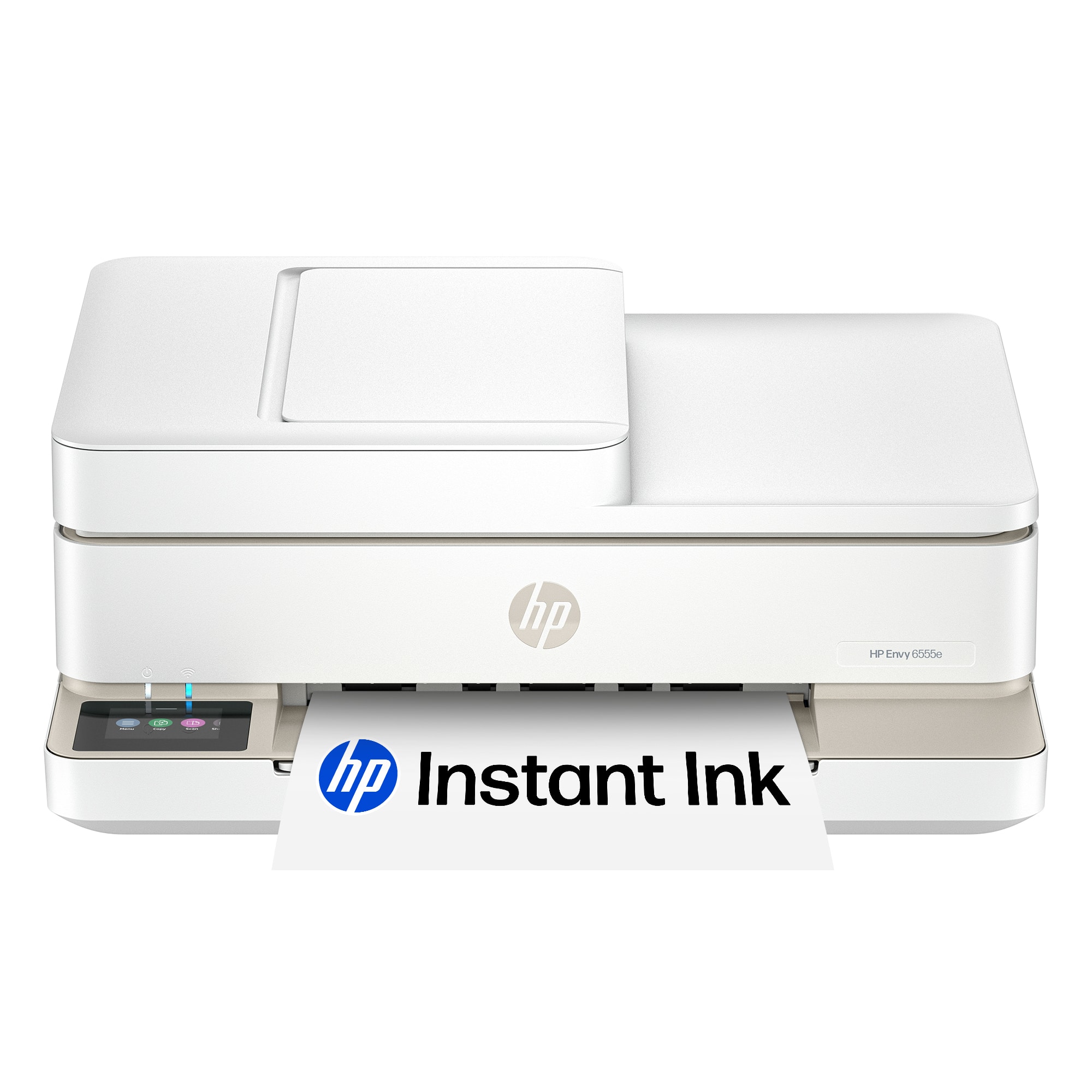
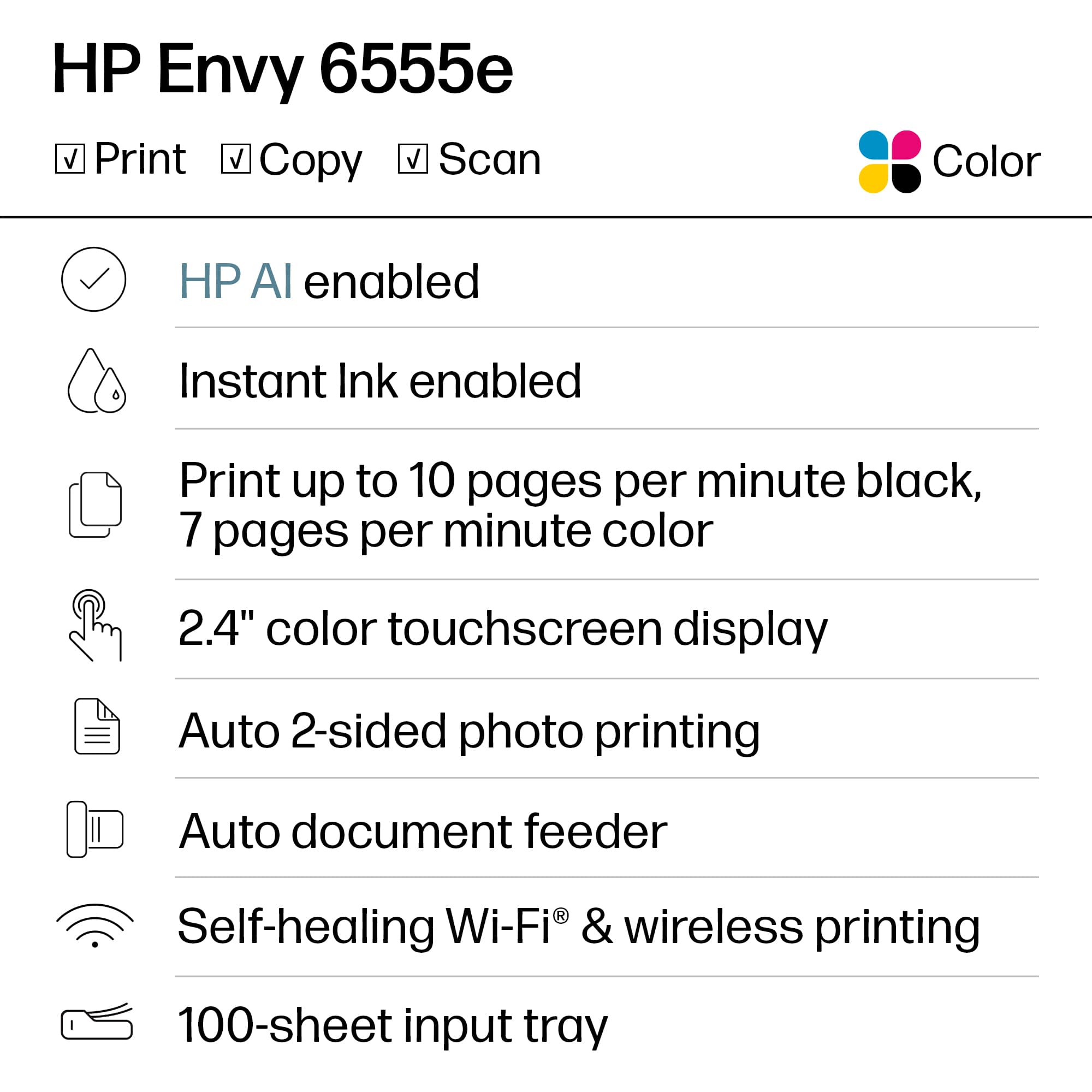
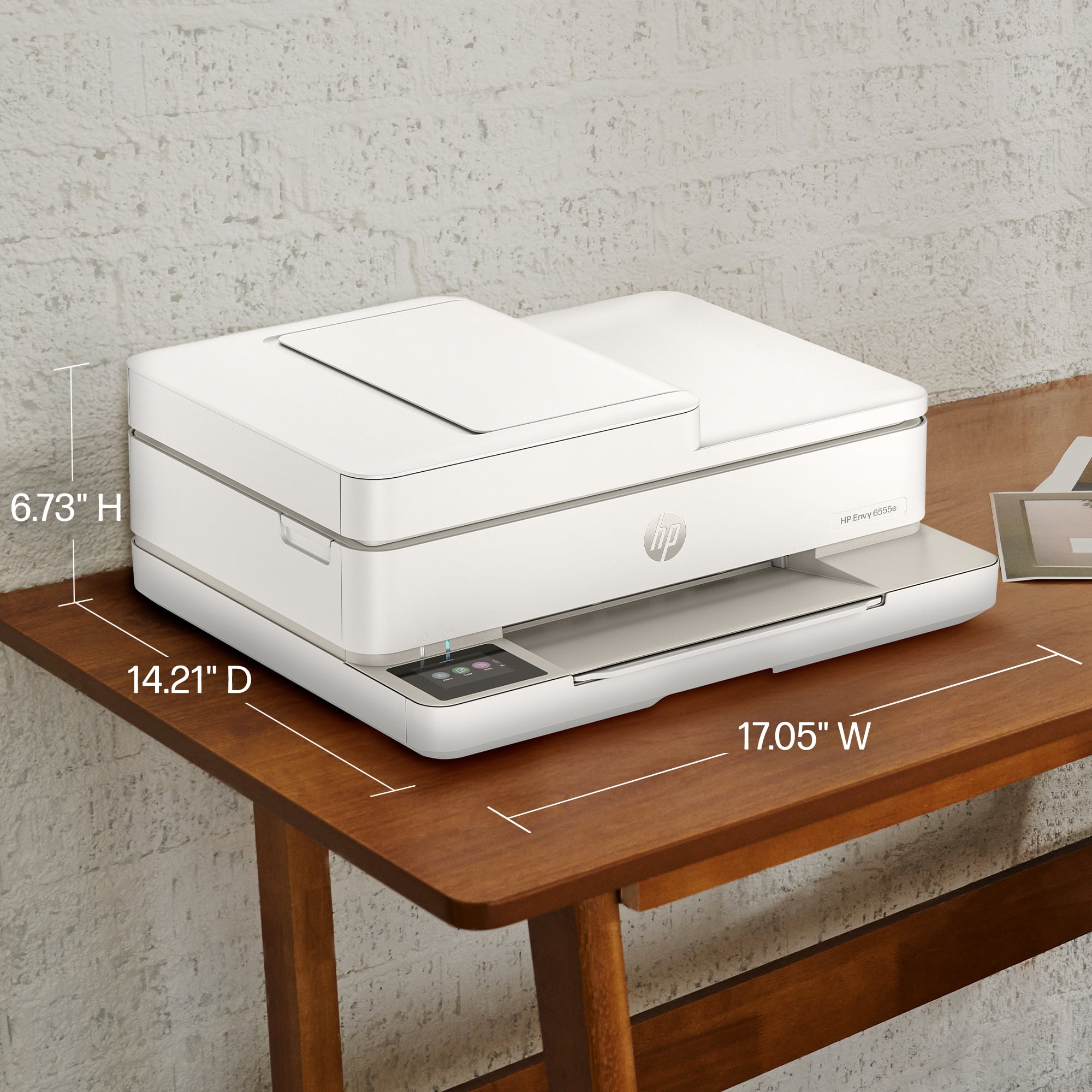
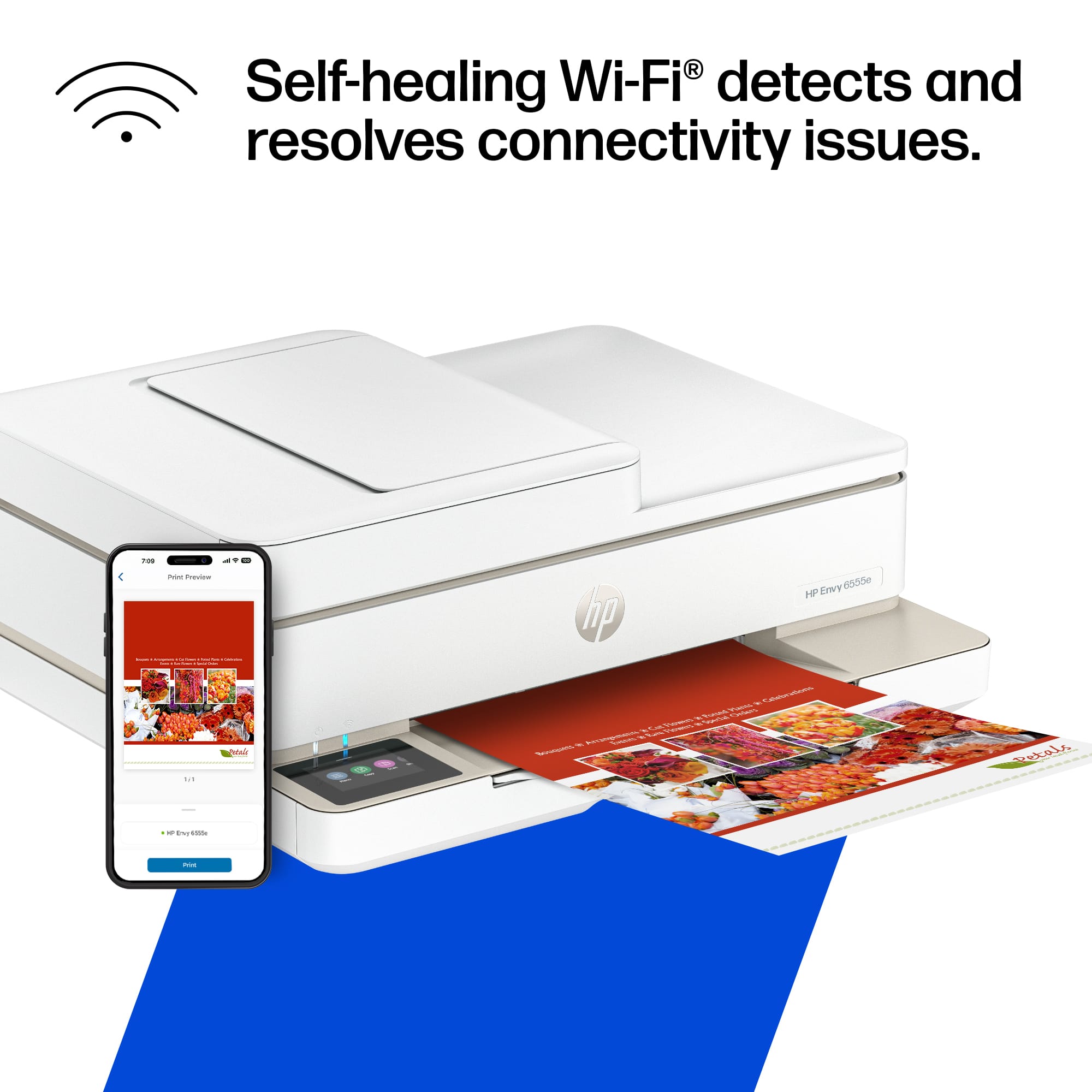
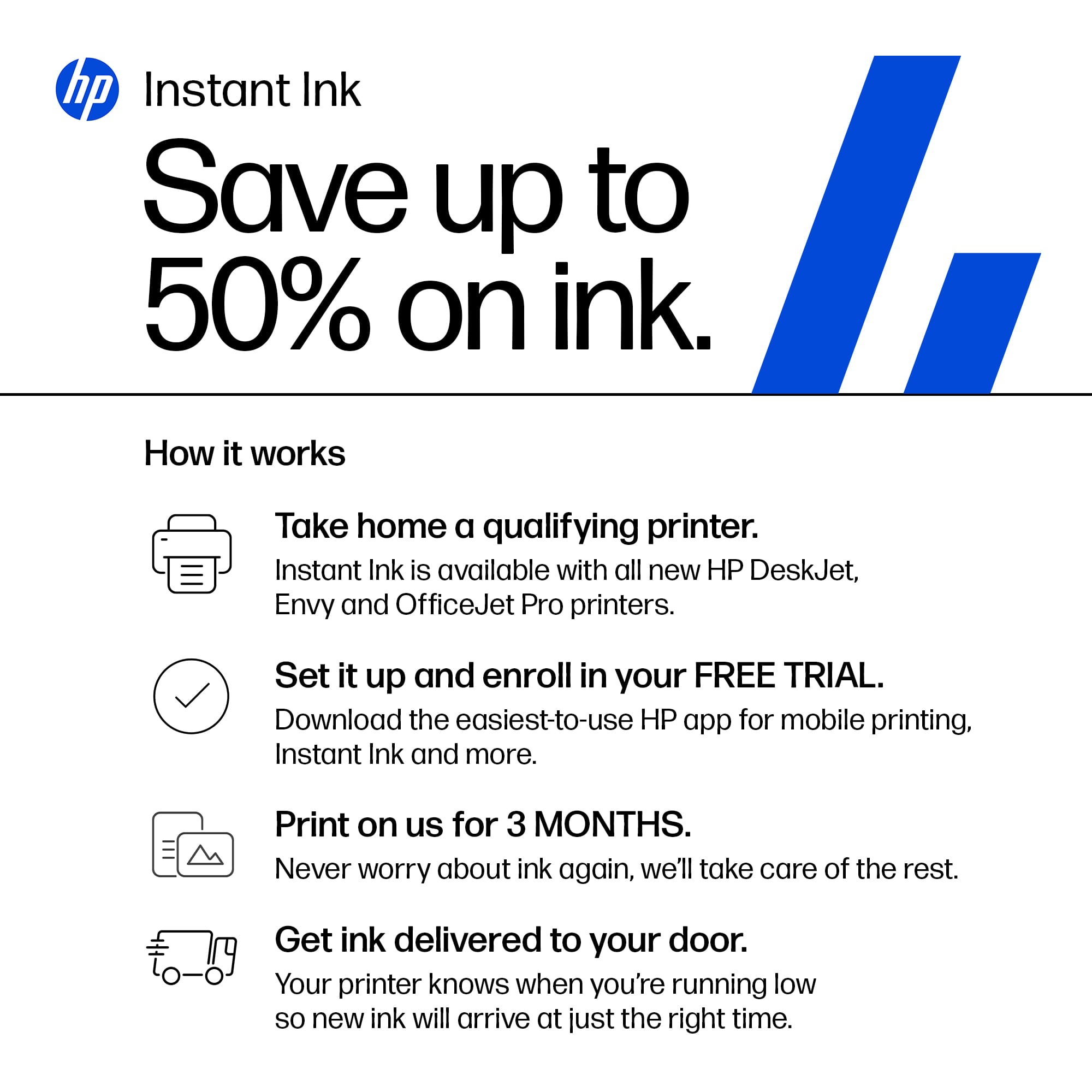
Customers often highlight the Envy 6555e for its ease of use, overall performance, and print quality, with many finding the setup process to be a breeze and appreciating its compact size. The design is also well-received, and users note its quiet operation. However, some customers have reported connectivity issues and problems with the paper tray.
This summary was generated by AI based on customer reviews.
- Pros mentioned:Print quality

Frustrating Set-Up but Prints Great
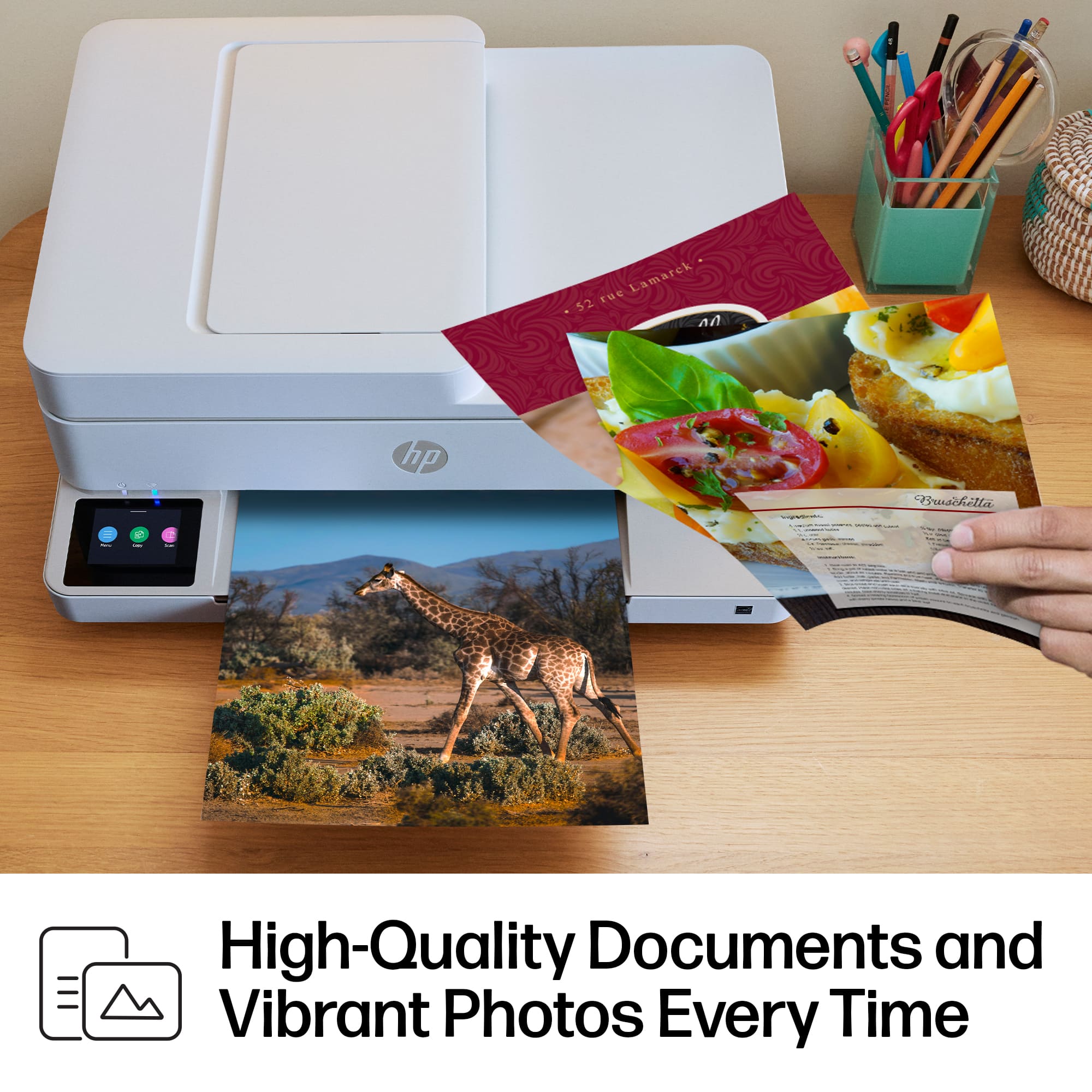
|Posted .This reviewer received promo considerations or sweepstakes entry for writing a review.The HP Envy 6555e is an aesthetic and low-profile printer that produces vibrant prints and scan. It functions great at its main purpose, but set-up was the most frustrating process I have encountered in a printer in years. I have set-up several printers over the years, some for home and some for business, and truly have not faced such exasperation during the set-up process of any printer thus far. Nowadays, printers take a few minutes to set-up, an alignment is done, and they’re good to go. This is what the Envy seemed to be intended to do, but it got stuck during alignment, repeating a paper jam alert before it had even taken in any paper. Eventually I was able to “hide” the alert, and it stopped coming up, after which the printer resumed on to the alignment page printout. After this, it got stuck on a screen showing the alignment printout was complete. I could not figure out how to get past that screen. I tried the app to no avail. I pressed the power button in the back to power it off, walked away for a minute, and came back to find it on and responsive again. At this point I kept getting an alert that set-up was incomplete, but it was still working. Apart from this, there was another moment where it became unresponsive. I finally unplugged it because it would not turn off via the power button. I did a factory reset, restarted the set-up process, and after this it worked fine and has worked smoothly since. I have been able to connect it to my other computer and laptop without issue and printed easily from them. My one only other issue is that I cannot find the printer on my iPhone through Airprint, only as remote print. It is a nonissue because the remote prints works fine and I can also print through the HP app, but it annoys me. I have not had this printer issue with my iPhone before. The HP app work great, has many features, but is slow and certain features remain in loading mode, such as setting up Airprint Anywhere, which perhaps is the issue. A Network report I printed stated it “failed” Connectivity but passed everything else, so that may be the issue. I wonder about the possibility that the printer may have gotten some rattling during shipping that may have caused this issue. As for the prints, they are vibrant and crisp. I scanned and copied artwork made by my child and it came out very similar to the original. Letters are crisp, clean, and precise. There isn’t any notable bleeding. It takes 3 seconds for the printer to receive and begin printing and 9 seconds to complete the print of a double-sided text page. I have printed text pages, colorful guides, shipping labels, and my kid’s artwork and the quality of the printouts have not disappointed. The scans from the feeder and flatbed are comparable in quality, albeit whites are brighter and whiter through the feeder. The scan time depends on the resolution that is chosen. 200dpi took 15 secs, 600dpi took 50secs. The touchpad screen is responsive, has great resolution, and makes pleasant sounds. The sound volume and screen brightness are highly customizable. The quality of the printer is thin and light plastic that feels sturdy enough to last normal wear and tear. The low-profile nature of the printer allows it to fit into small spaces and the cord is 5ft long. It has a really nice design that makes it look sleek and less obtrusive than most printers Overall, I really like the printer’s quality. Yes, there were a lot of hiccups with the setup but now that it’s complete, I don’t really see any other outstanding issues arising from it. The Airprint issue is a minor inconvenience I can live with. I feel that the main thing that matters is that it prints, scans, and it connects to my computers well. I would not deter anyone from this printer, rather just warn that issues may arise during set-up, but they too shall pass. Once it’s ready to go it is a great asset to have.
I would recommend this to a friend - Pros mentioned:Setup
Great little printer and software!
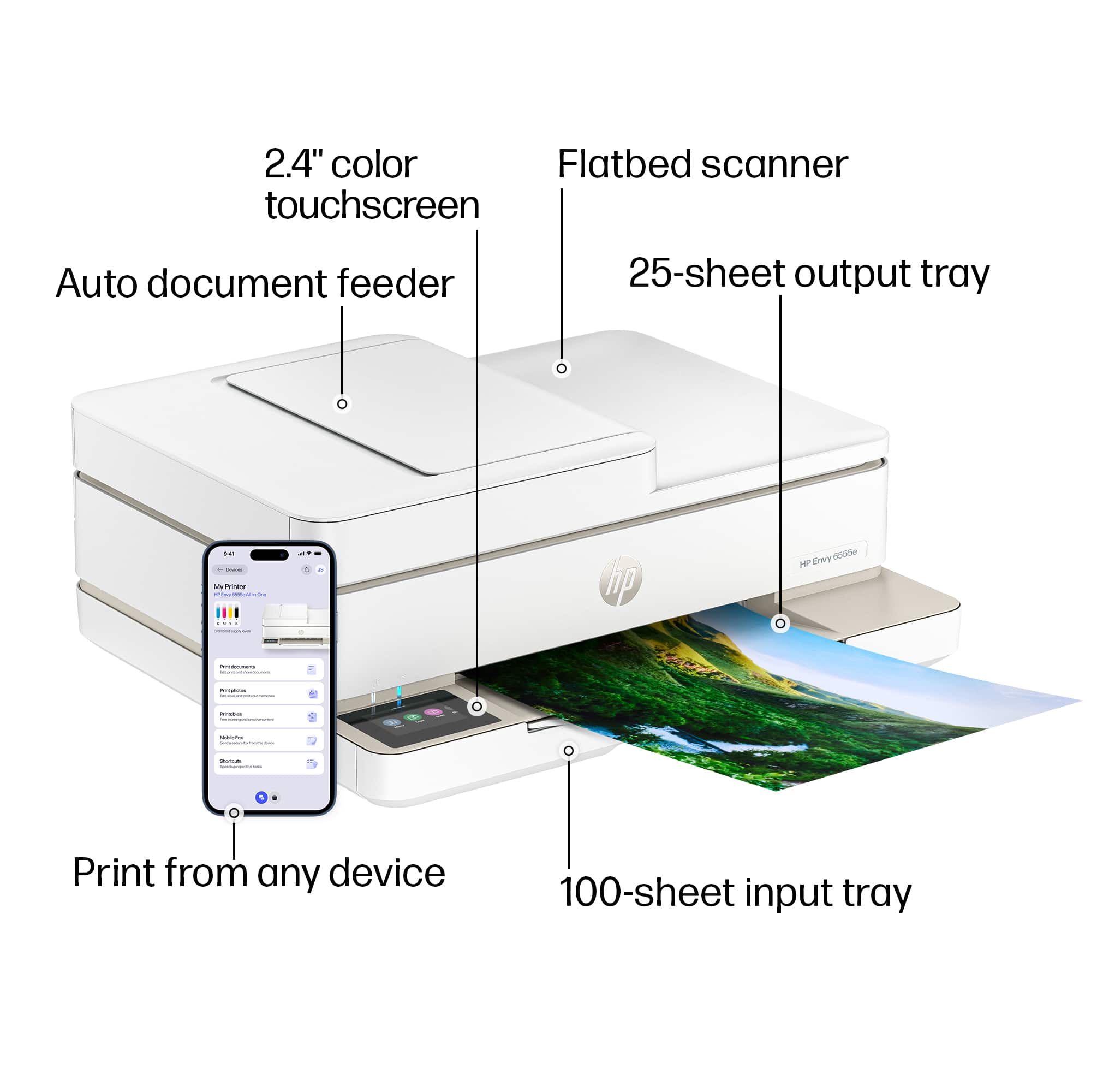
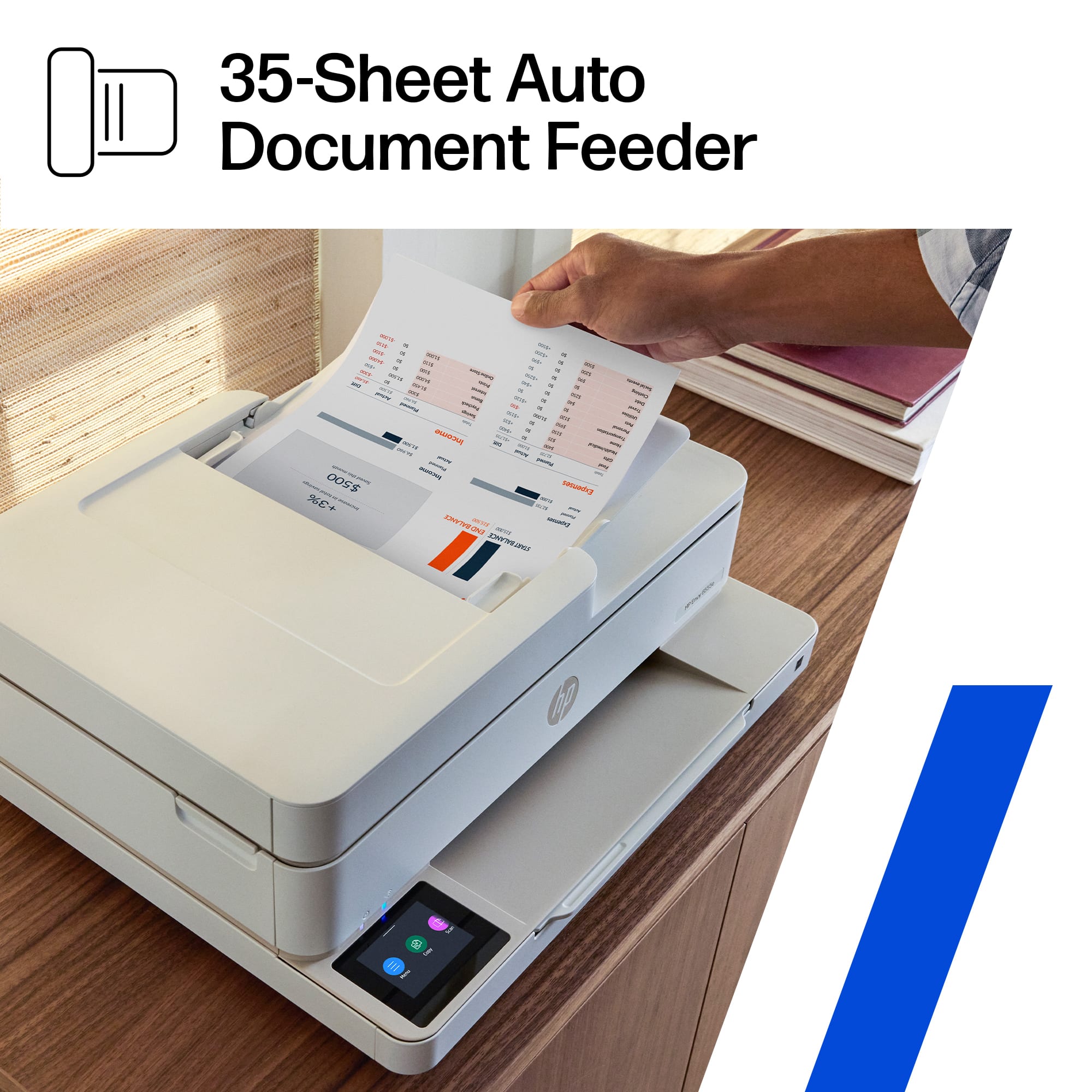
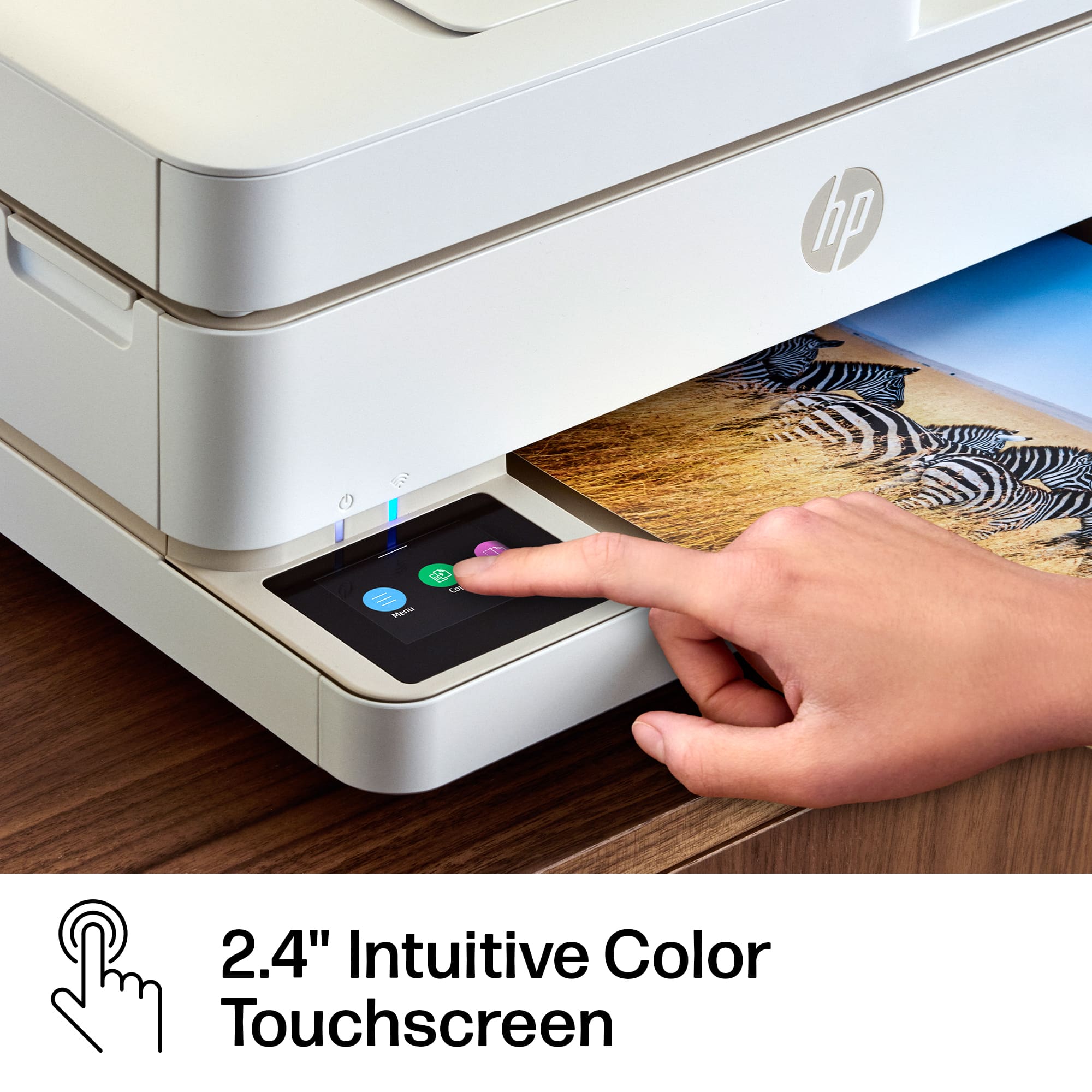
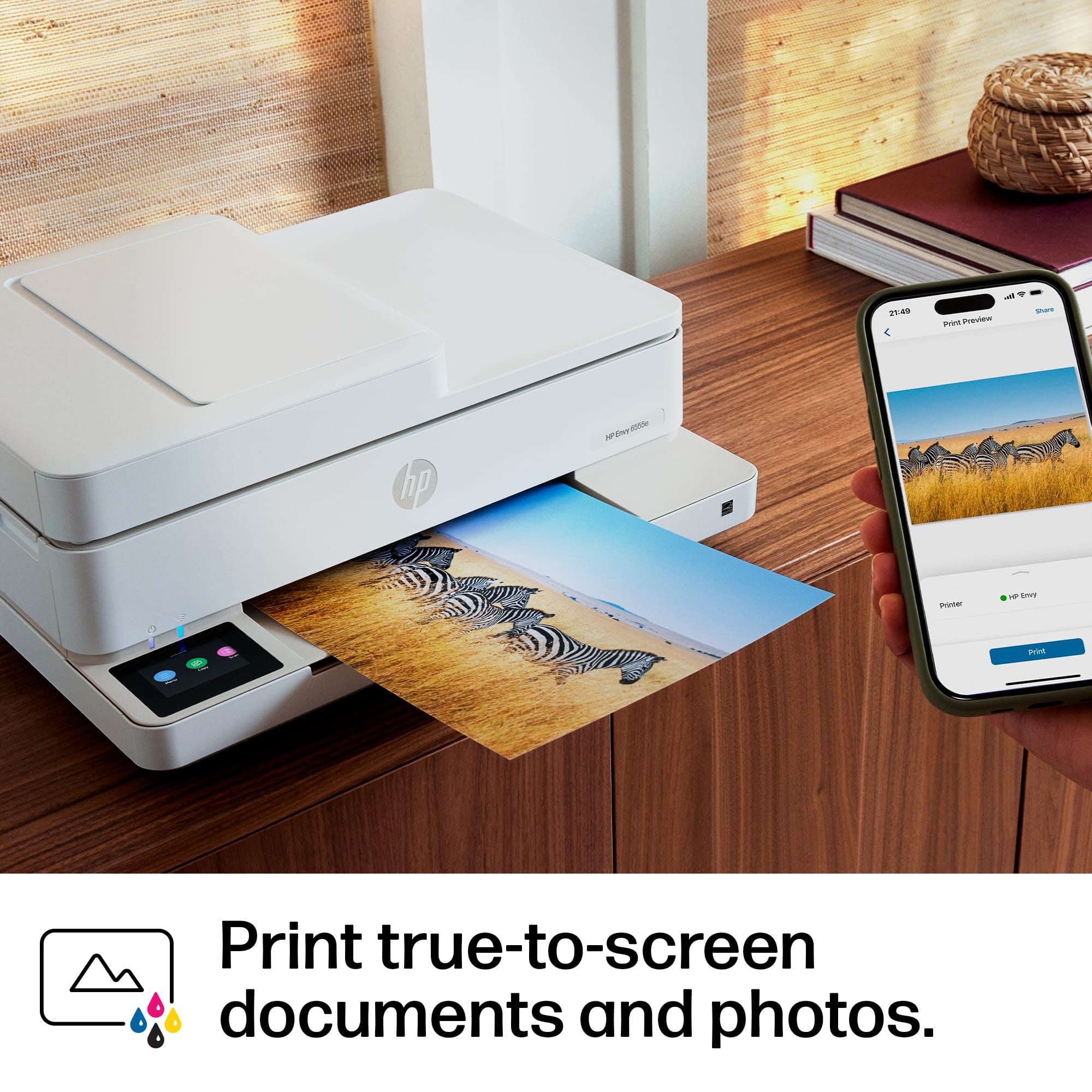
|Posted .This reviewer received promo considerations or sweepstakes entry for writing a review.The HP Envy 6555e is a sleek classy compact printer that covers every one of my needs. It has a document feeder a flatbed scanner a nice color touch screen that is responsive and works well and a front load paper storage that is hidden out of sight. This printer really does look good and if you are someone with a nice home office set up I think you will appreciate the design aesthetics. It looks a lot better than most printers and I have had a lot of them. I also like that there are only two cartridges to deal with instead of four like on a lot of printers. Also, HP’s instant ink program really is a reasonable and convenient program to make sure you are not caught slipping and without ink when you have something important to do you need to print out. The color copying is really good as well for photos or color documents that you may want to create. The HP Envy is also very easy to set up and connect to your WIFI using the HP smart app on your phone or computer. The app has a nice looking easy-to-use interface that makes the functions obvious with a Windows phone-looking interface with colored blocks including pictures and the name of each function printed on them. Then at the top, it shows your printer or printers and their ink level. Then across the bottom, there is a small black and white menu system that adds to the functionality of the colored blocks. I remember a time when I was down on HP printers and stopped using them years ago. I must say I feel like they have stepped it up now and from what I am seeing they are producing good printers again for household use. I have printers from three other major brands and right now this is my favorite printer and the one i am using as my main printer. The color reproduction is spot on and the blacks are nice and dark for documents. Another thing is this printer has an awesome feature of being able to send scans directly to the HP cloud or your email address that you registered with. It is very convenient. You can easily print any photo right off your phone using the HP smart app as well as easily create greetings cards like Birthday cards or Christmas cards, business documents, crafts and more with over 1500 choices of premade templates to choose from. Not only that everything I have tried worked just like it was supposed to without any problems. I am really impressed with this printer and the software and would definitely recommend it. I have never seen anything quite like it until now.
I would recommend this to a friend - Pros mentioned:Print qualityCons mentioned:Paper tray
The HP Cute 6455e printer
|Posted .This reviewer received promo considerations or sweepstakes entry for writing a review.The HP Envy 6455e printer. It’s a really cute printer. Check out my picture! Setting up this printer was fairly straightforward. You just plug it in, download the HP Smart app, and you're ready to go. The app guides you through the process. From Windows, you just select it when you’re done configuring it with the app whether on Windows or on your phone. For everyday printing tasks like documents and homework, it performs just fine. The print quality is decent and the speed was good for text documents. The wireless printing works as expected. Being able to print from my phone or laptop without dealing with cables is a significant plus. This printer is compatible with HP's Instant Ink, which as a subscription has gotten a lot of flak. It's actually really convenient not having to worry about running out of ink unexpectedly, it’s month to month and it doesn’t cost that much. On one of our other printers, we pay $1.99 a month. People get so uptight about a subscription plan, but seriously, it’s CHEAPER than getting carts every couple of months. We don’t print enough to keep a print head healthy but with the Instant Ink plan, we don’t have to worry about it very much. One quirk to be aware of is the paper tray. You need to remember to extend it manually to catch your prints, or you might find your documents on the floor. When I pulled it out, I thought it would be more than the small stick of a paper guide. I wish that it was more substantial. I imagine this part will break sometime. The scanner is quite capable, with an automatic document feeder that's handy for multi-page documents. The scan quality is sufficient for most everyday purposes. It’s not the fastest scanner, and I couldn’t get it to do double sided. I do like how it looks on my table. I think that is one of the best things about the Envy line from HP. However, Envy doesn’t seem to make sense as a name as when it was part of the Voodoo line that HP bought. They could have easily called it HP Cute 6455e. Or maybe just HP Cute. Overall, the HP Envy 6455e is a decent all-in-one printer for home use that will look really good if you leave it out in your living room or main living area. If you don't print large volumes and you're comfortable with the Instant Ink program, it's worth considering.
I would recommend this to a friend - Pros mentioned:Overall performance, Print qualityCons mentioned:Paper tray
Slow but great prints!
||Posted . Owned for 2 weeks when reviewed.This reviewer received promo considerations or sweepstakes entry for writing a review.The printer produces wonderful prints but even when printing document it is rather slow. It also did not do well with tshirt transfer paper - the paper got crumpled inside and one of the little pieces inside the printer came out the first time I tried the transfer paper. It still works but hope next time it won't crumple the paper. I also like that before it finishes a print, especially when doing double sided, it pauses for the ink to dry - perhaps a reason it is so slow. Otherwise, it does a great job!
I would recommend this to a friend - Pros mentioned:Print quality
Great printer
|Posted .This reviewer received promo considerations or sweepstakes entry for writing a review.Throughout the years, and I'm pretty old, I've gone through many many printers, many all-in-one's. Back in the days when faxing was a thing, LOL. This is a very good printer for certain uses. It, in my opinion, is a great printer for my college age kids. It is compact and sleek, looks great and prints at a reasonable speed. My personal favorite thing about this printer that most newer printer does differently, is the location of the LCD screen. Being placed flat as opposed to on the face of the printer like my other printer. I always found it difficult to see clearly and would have to bend down to see. Like most everyone, we are placing our printer on a table which is usually waist high. Well, with this printer, I'm looking directly down, so much easier. Set up is super easy and btw, this was the most well packaged printer I've ever owned, don't know if that matters LOL. Setting up is just plugging in the unit, wait a bit, screen has a qr code for you to scan. Follow the instructions on the HP website which includes downloading HP Smart app, which I already use and love. The app makes using your printer so easy. Through the app you can set up the wifi signal and check the status of the printer. It also gives you the ability to remote print which surprisingly I've used a couple of times. As for the print itself, I took a photo of the test print which was the initial set up, aligning the printer head. I was really surprised at how crisp and clean the print was, especially the tiny letters at the bottom. I think this a great printer but would not recommend it if you are looking for a high volume or business related printer. It is perfect for light use and the print is outstanding.
I would recommend this to a friend - Pros mentioned:Size
Nice sized
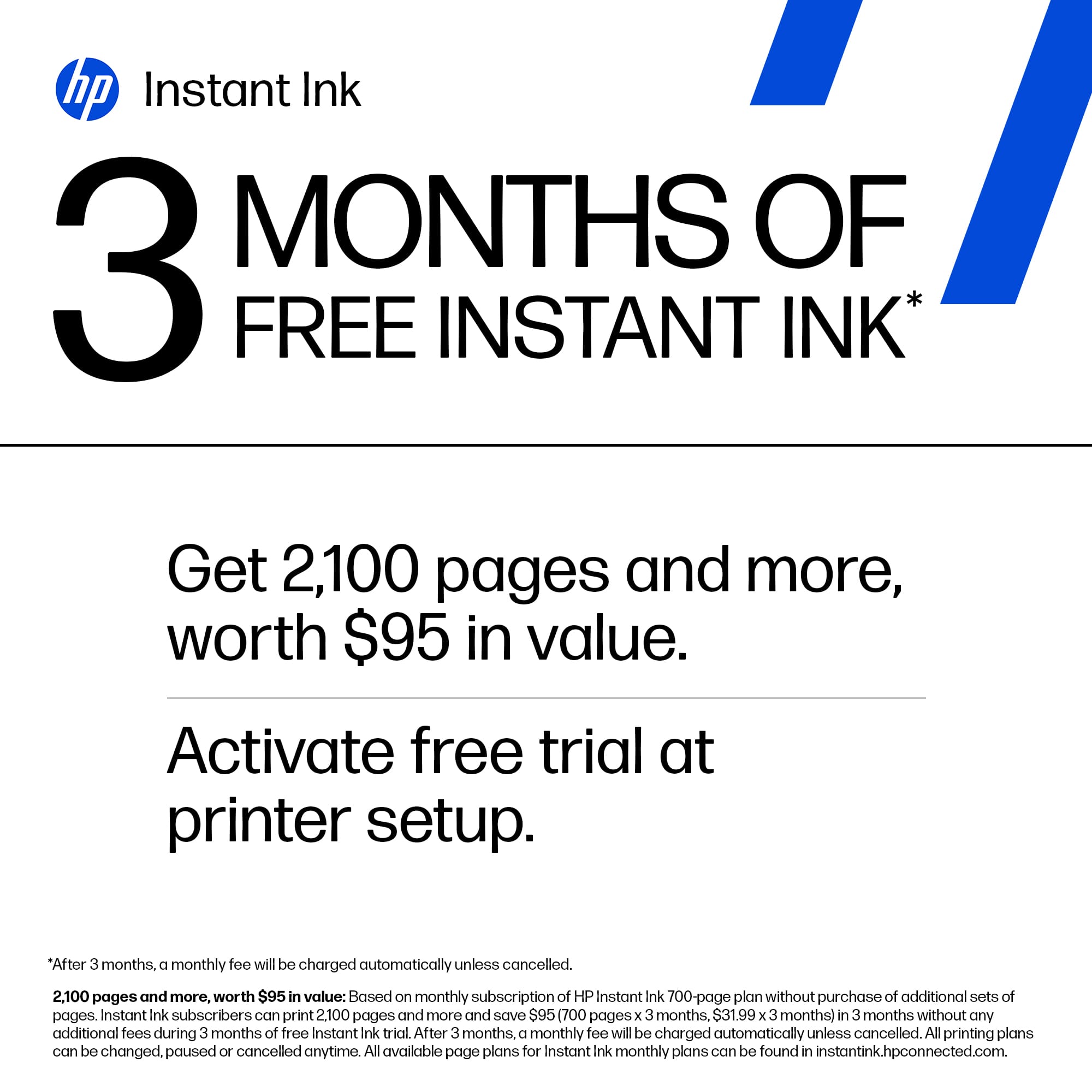
|Posted .This reviewer received promo considerations or sweepstakes entry for writing a review.Overall not a bad printer. Comes well package to avoid issues. I like the instant ink feature these printers have as I never have to worry about running out of ink and they have a plan for any budget. I got this one to replace an older one I had that I kept having issues with. The setup was not bad and it was fairly easy to add to my account though it did take a couple tries. Once I had it setup and connected I did some test printing and it did great. That afternoon I needed to print something and it was not showing as available so I went and looked. It showed it was unable to successfully update the firmware so I tried to do it manually and it said it was up to date. So I cleared it and was able to print. My husband then tried later that evening and same thing. Hopefully this is not an ongoing issue. The old one had an issue with being seen so I am hoping that it does not continue with this one. On the bright side this one is a bit smaller so it doesn't take up as much room and has upgraded features. I like that it has auto feed for making copies and the screen is easy to see. It does come with 3 months of free ink even if replacing one on a current plan so that was a bonus. Only time will tell how this one performs.
I would recommend this to a friend - Pros mentioned:Print quality, Setup
Awesome Printer!
||Posted . Owned for 1 month when reviewed.This reviewer received promo considerations or sweepstakes entry for writing a review.This printer has been just what I was looking for. It was easy to set up and the copies turn out looking great! It is also a beautiful looking printer so it works well having it in a small nook in my kitchen without having it be an eye sore. The price was fantastic as well. I also really love the ink program that you get for 3 months free. It makes getting ink so convenient and not an extra hassle. It comes in the mail before it actually runs out of ink.
I would recommend this to a friend - Pros mentioned:Ease of use, Overall performanceCons mentioned:Connectivity
Outdated Hard Drive.
||Posted . Owned for 1 month when reviewed.This reviewer received promo considerations or sweepstakes entry for writing a review.Set up instructions were easy but when I tried to print a document the next day it kept telling me there was an internet connection issue. Support had to upload a new driver to correct the problem. Since then I have not had any issues.
I would recommend this to a friend - Pros mentioned:Overall performance, Print quality, Setup
Great Quality and Easy to Use
||Posted .This reviewer received promo considerations or sweepstakes entry for writing a review.Excellent printer with fast setup and smooth wireless printing. Print quality is sharp, ink lasts long, and it works perfectly for home and office use.
I would recommend this to a friend - Pros mentioned:Ease of use, Overall performance, Print quality
Set Up
||Posted . Owned for 3 weeks when reviewed.This reviewer received promo considerations or sweepstakes entry for writing a review.I love this printer. It does a great job and the set up was so easy. The quality of the print is very good for the price of this printer. It also is very easy to load the paper, and it doesn't have the tray sitting up from the back that tends to get broken. It really seems to be a good fit for my personal home office space.
I would recommend this to a friend - Pros mentioned:Ease of use, Overall performance, Print quality
Great for the Price
||Posted . Owned for 1 week when reviewed.This reviewer received promo considerations or sweepstakes entry for writing a review.This printer meets my needs. It was very easy to set up and the print quality is very good. It is compact in size, so does not overpower the counter. Looks good, works great and I got it on sale for a great price.
I would recommend this to a friend - Pros mentioned:Print quality, Setup, Size
Happy with my HP Envy printer
||Posted . Owned for 1 month when reviewed.This reviewer received promo considerations or sweepstakes entry for writing a review.Im pleasently surprised with this printer. Not only was the set up simple and quick, but the ability to print from the laptop, my phone, and the desktop was also quite easy to manage. The printing is sharp and crisp and the printer does not take up much room at all. Im pleased with this selection.
I would recommend this to a friend - Pros mentioned:Ease of use, Print quality, Setup
MY HP ENVY PRINTER
||Posted . Owned for 2 weeks when reviewed.This reviewer received promo considerations or sweepstakes entry for writing a review.VERY EFFICIENT PRINTER. EASY TO ASSEMBLE. COPIES VERY CLEAR
I would recommend this to a friend - Pros mentioned:Print quality, Setup, Size
Great value for quality
||Posted . Owned for 1 week when reviewed.This reviewer received promo considerations or sweepstakes entry for writing a review.Easy set up, compact, print quality is great, nice to be able to send print jobs from phone.
I would recommend this to a friend - Pros mentioned:Ease of use, Overall performance, Size
Great printer
||Posted . Owned for 1 month when reviewed.This reviewer received promo considerations or sweepstakes entry for writing a review.Nice size, perfect for my office desk. Works well, hook up/set up was easy! Prints easily from my phone.
I would recommend this to a friend - Pros mentioned:Ease of use, Print quality, Size
Hp all in one printer
||Posted . Owned for 1 week when reviewed.This reviewer received promo considerations or sweepstakes entry for writing a review.Easy to use, good quality and many options, compact and good design
I would recommend this to a friend - Pros mentioned:Ease of use, Print quality
Sunscritions for everything
||Posted . Owned for 1 week when reviewed.This reviewer received promo considerations or sweepstakes entry for writing a review.I am not a technical person so I needed a printer I could easily set up and connect to all of my devices. This printer meets that need and prints nicely. I have not played with the scanner function but the copier works nicely too. I am, however disappointed in the need to have a subscription to the ink aspect of this device. The materials say that you can purchase the ink with out the subscription, however, to receive the "3 months free" I had to sign up.
I would recommend this to a friend - Pros mentioned:Ease of use, Overall performance, Print quality
Our new printer
||Posted . Owned for 2 months when reviewed.This reviewer received promo considerations or sweepstakes entry for writing a review.Works great. Very easy to use and everything comes out clear :so far very happy.
I would recommend this to a friend - Pros mentioned:Print qualityCons mentioned:Connectivity
Decent Cheap Printer
||Posted . Owned for 3 weeks when reviewed.This reviewer received promo considerations or sweepstakes entry for writing a review.This printer does high-quality prints, but I've had many connectivity issues. Part of this may be because of the bad wifi in my dorm, but sometimes this printer will not connect to the wifi or my computer. However, if I unplug it for a few seconds and then plug it back in, this will usually fix the problem. Also, the scanner can be very slow, probably because it has to email it over the slow wifi. If you need a cheap printer for college, though, I would recommend this one.
I would recommend this to a friend - Pros mentioned:Overall performance, Print quality, Setup
No problems
||Posted . Owned for 3 months when reviewed.This reviewer received promo considerations or sweepstakes entry for writing a review.Works as described. Set up was a breeze and good quality.
I would recommend this to a friend