Customer Ratings & Reviews






- Model:
- B63K3A#B1H
- |
- SKU:
- 6638827
Customer reviews
Rating 4.7 out of 5 stars with 197 reviews
(197 customer reviews)Rating by feature
- Value4.7
Rating 4.7 out of 5 stars
- Quality4.7
Rating 4.7 out of 5 stars
- Ease of Use4.6
Rating 4.6 out of 5 stars
Customers are saying
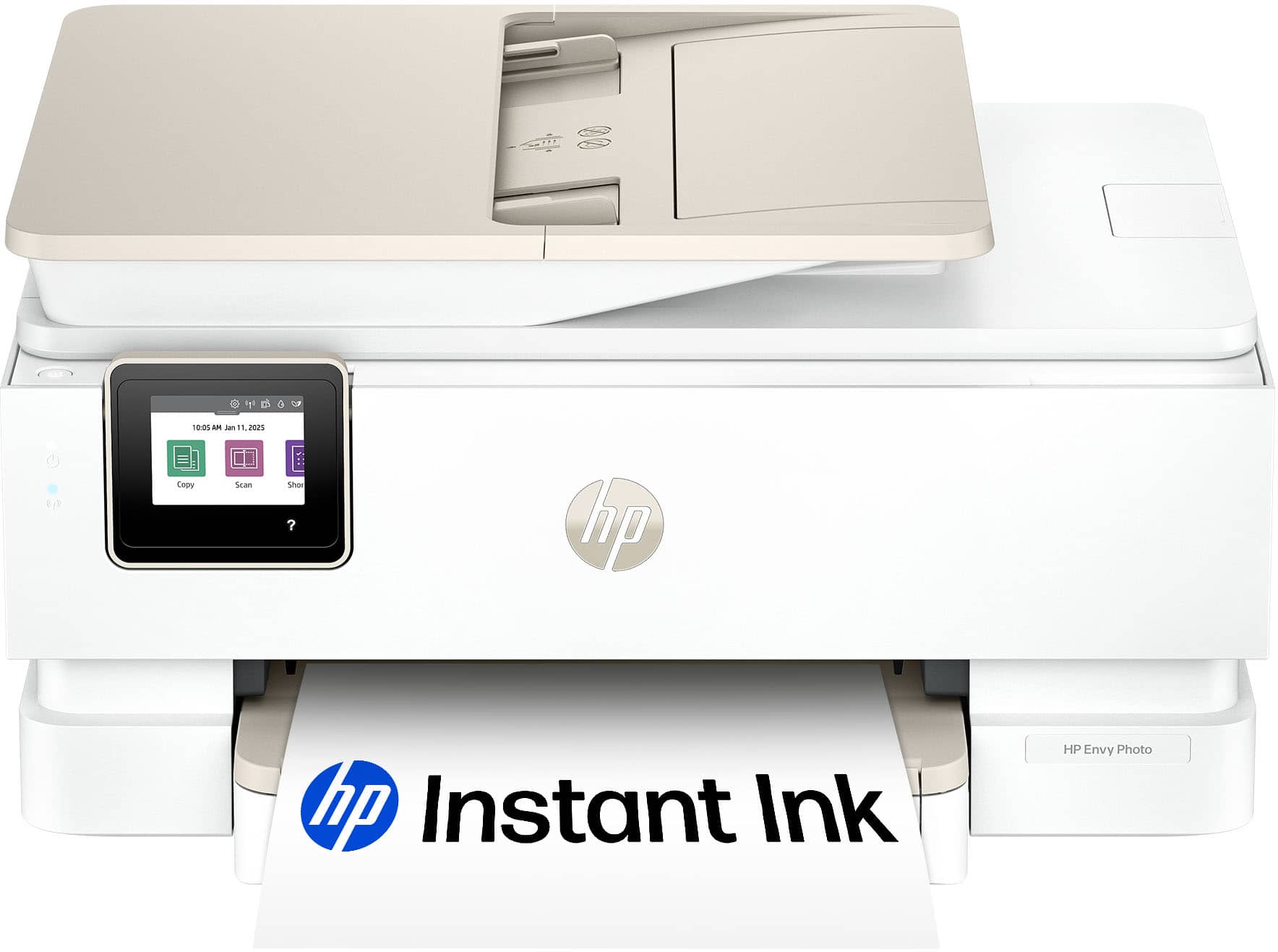
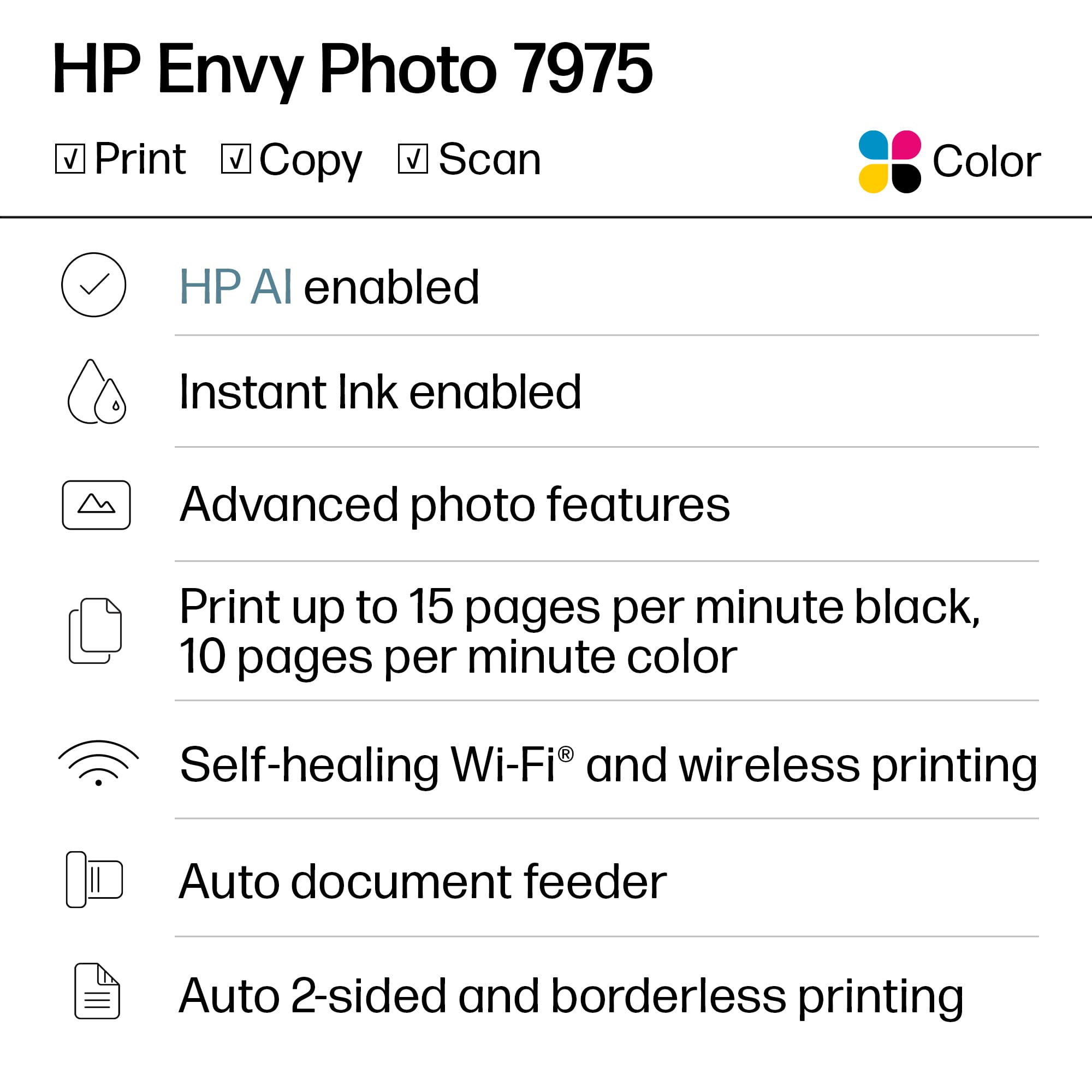
Customers are enthusiastic about the Envy Photo 7975 printer's excellent print quality and easy setup process. Users also appreciate the reliable wireless connectivity and quiet operation during normal use. Some find it to be a good-sized printer.
This summary was generated by AI based on customer reviews.
- Pros mentioned:Print quality, Setup ease
Rated 5 out of 5 stars
Excellent Printer
||Posted . Owned for 2 weeks when reviewed.This reviewer received promo considerations or sweepstakes entry for writing a review.Printer is easy to set up and use. Prints are very clear. Photo printing turns out clean and clear. Very good printer for the price
I would recommend this to a friend - Pros mentioned:Print quality, Setup ease
Rated 5 out of 5 stars
Wonderful quality, easy to set up
||Posted . Owned for 2 weeks when reviewed.This reviewer received promo considerations or sweepstakes entry for writing a review.The printer is very clean, and the app talks very well between my computer and the device. Set up was quick and easy.
I would recommend this to a friend - Pros mentioned:Setup ease
Rated 5 out of 5 stars
Very Easy Setup and Use
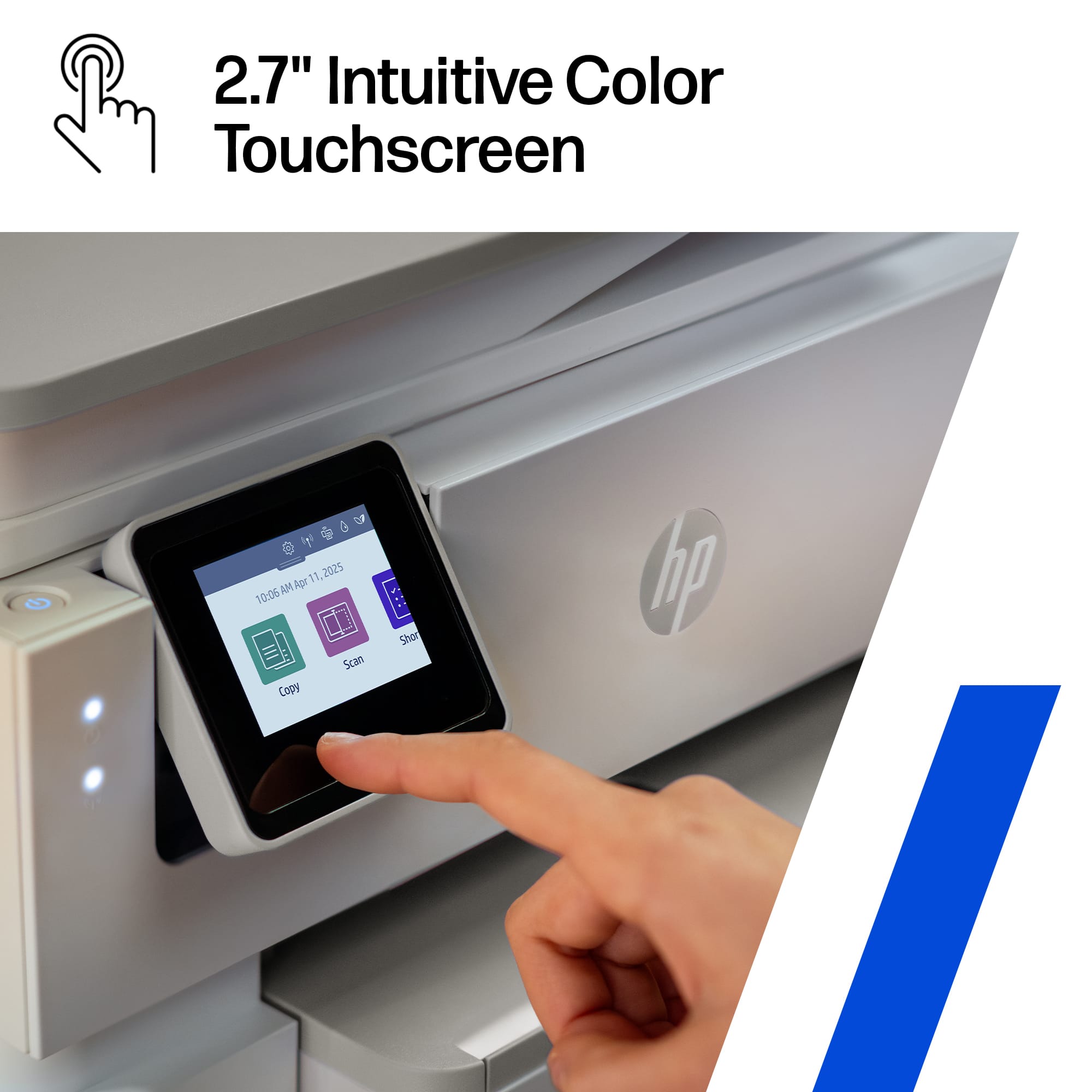
||Posted .This reviewer received promo considerations or sweepstakes entry for writing a review.I recently purchased this printer, and I couldn't be happier with my decision. Setting it up was a breeze – even someone with minimal tech skills could do it without any hassle. My 88-year-old grandmother, who usually shies away from new technology, absolutely loves it! She found the interface intuitive and has been printing her favorite photos with ease. It's wonderful to see how much joy it's brought her. If you're looking for a user-friendly printer that even seniors can enjoy, I highly recommend this one!
I would recommend this to a friend - Pros mentioned:Print quality
Rated 5 out of 5 stars
HP Envy Photo 7975 Printer is Fantastic!
||Posted . Owned for 2 weeks when reviewed.This reviewer received promo considerations or sweepstakes entry for writing a review.Finally purchased a printer that worked straight out of the box! I haven't had much luck with printers over the past five years. The tech just wasn't working for me for some reason and I was about to give up hope. This HP Envy Photo 7975 has restored my faith in home printers. Does everything it advertised without any hesitation--just press Print and you get immediate results.
I would recommend this to a friend - Pros mentioned:Connectivity, Setup ease
Rated 5 out of 5 stars
new printer
||Posted . Owned for 2 weeks when reviewed.This reviewer received promo considerations or sweepstakes entry for writing a review.everything I wanted in a printer. easy set up and connection to our internet. I'm so glad I purchased this one from Best Buy
I would recommend this to a friend - Pros mentioned:Print quality, Setup ease
Rated 5 out of 5 stars
Happycamper
||Posted . Owned for 1 month when reviewed.This reviewer received promo considerations or sweepstakes entry for writing a review.I've tried 2 different HP printers that were cheaper and this is the nicest and easiest to operate. It's an all-in-one and the quality of printing and photos is very good.
I would recommend this to a friend - Pros mentioned:Print quality, Setup ease
Rated 5 out of 5 stars
Great Buy
||Posted . Owned for 1 month when reviewed.This reviewer received promo considerations or sweepstakes entry for writing a review.This printer was easy to set up and when printing works great. Great photos and normal printing.
I would recommend this to a friend - Pros mentioned:Print quality, Setup ease
Rated 5 out of 5 stars
Hp Printer
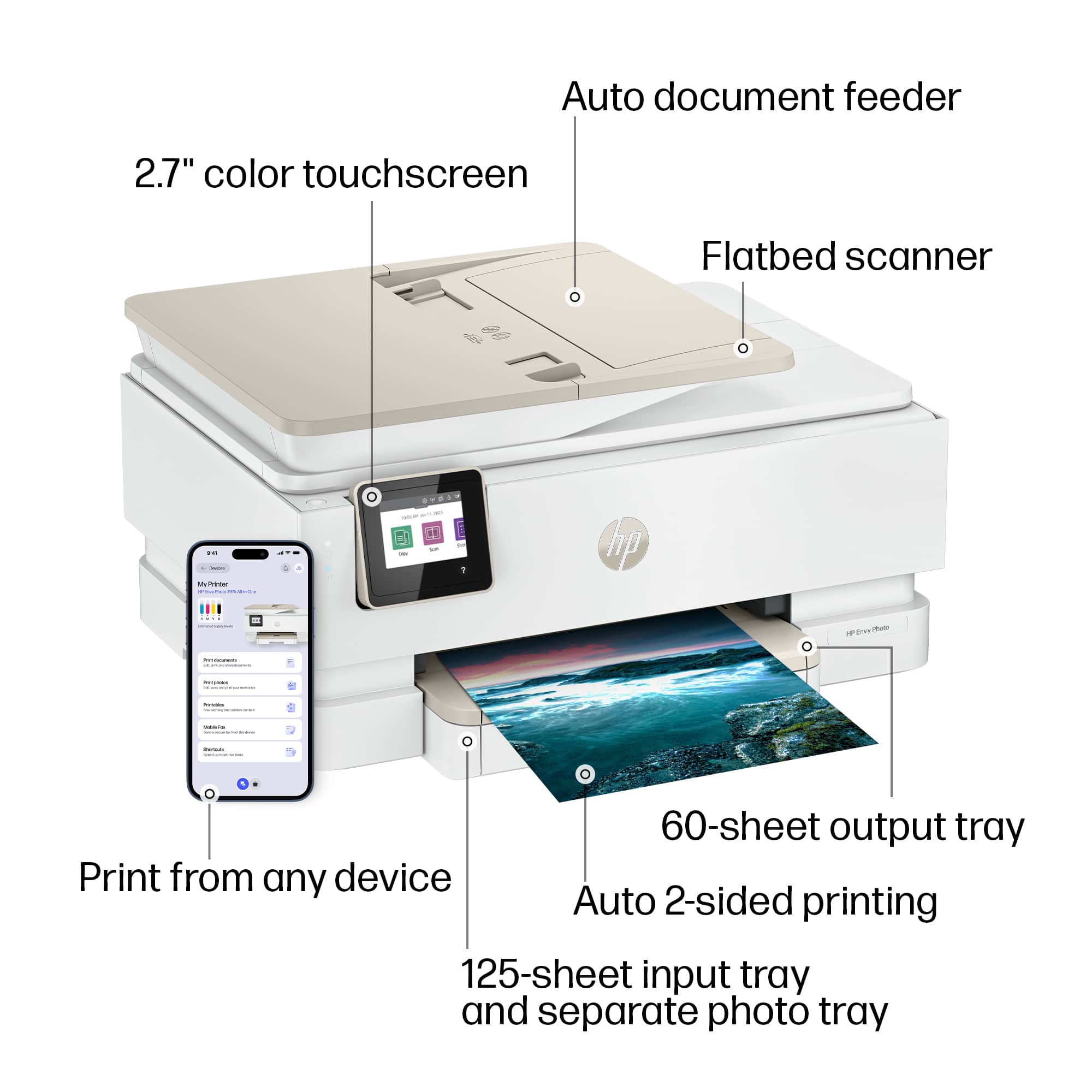
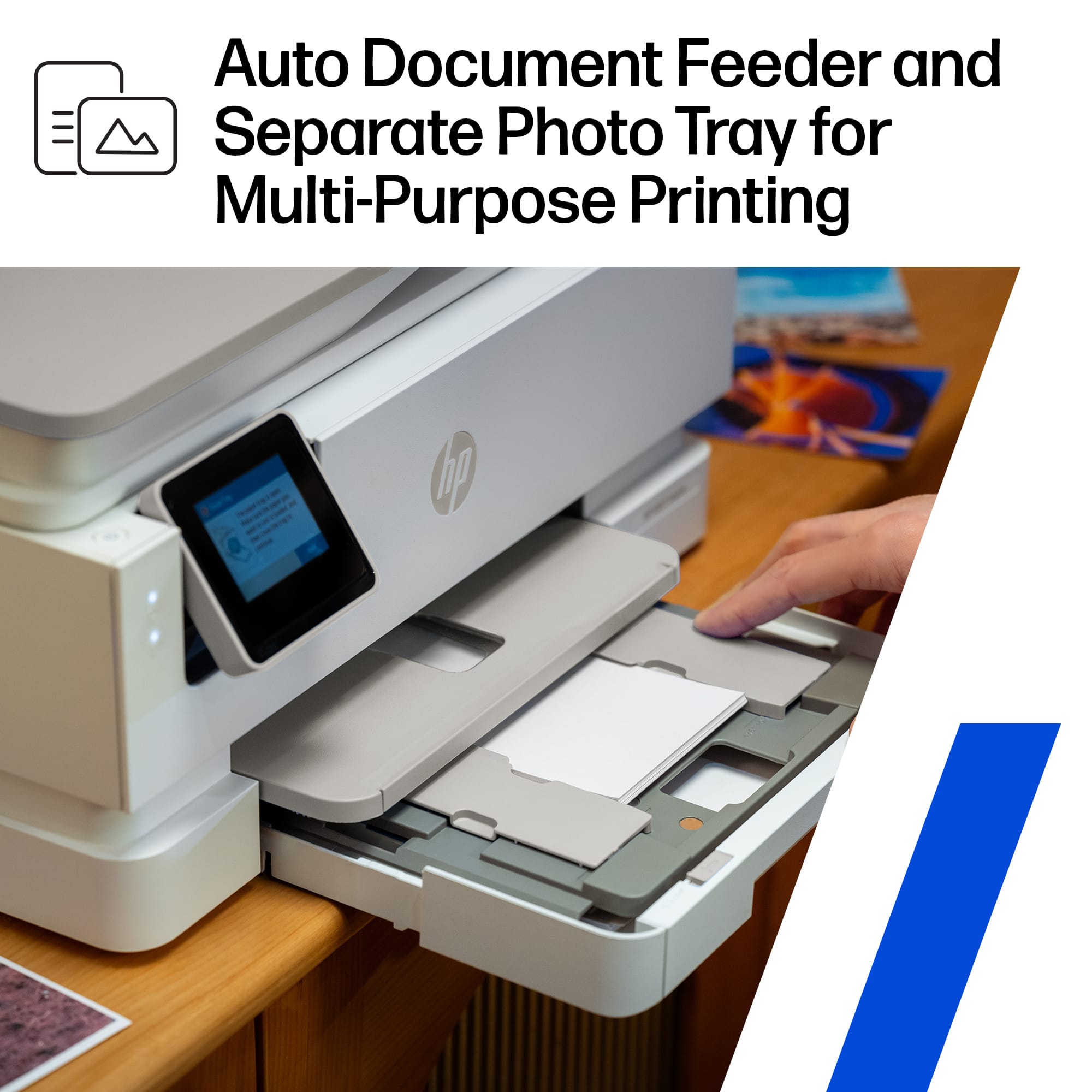
||Posted .This reviewer received promo considerations or sweepstakes entry for writing a review.The printer I got for a client it's the replacement for one I already have. It was easy to set up and prints like a charm. I like that it has a separate photo tray from the paper. Customers use on their iPad and iPhone no computer.
I would recommend this to a friend - Pros mentioned:Print quality, Setup ease
Rated 5 out of 5 stars
Great printer
||Posted .This reviewer received promo considerations or sweepstakes entry for writing a review.Works great! Very easy to setup and the guide was useful when I needed it. Prints are great and it appears maintenance will be easy.
I would recommend this to a friend - Pros mentioned:Print quality, Setup ease
Rated 5 out of 5 stars
HP printer. A good buy
||Posted . Owned for 1 month when reviewed.This reviewer received promo considerations or sweepstakes entry for writing a review.I love my new HP printer. It was easy to set up and the quality of printing is excellent.
I would recommend this to a friend - Pros mentioned:Setup ease, Size
Rated 5 out of 5 stars
Great price and easy to use.
||Posted . Owned for 1 week when reviewed.This reviewer received promo considerations or sweepstakes entry for writing a review.Good size, easy to install and use. This printer is for my parents, so the easier the better.
I would recommend this to a friend - Pros mentioned:Print quality
Rated 5 out of 5 stars
HP rocks
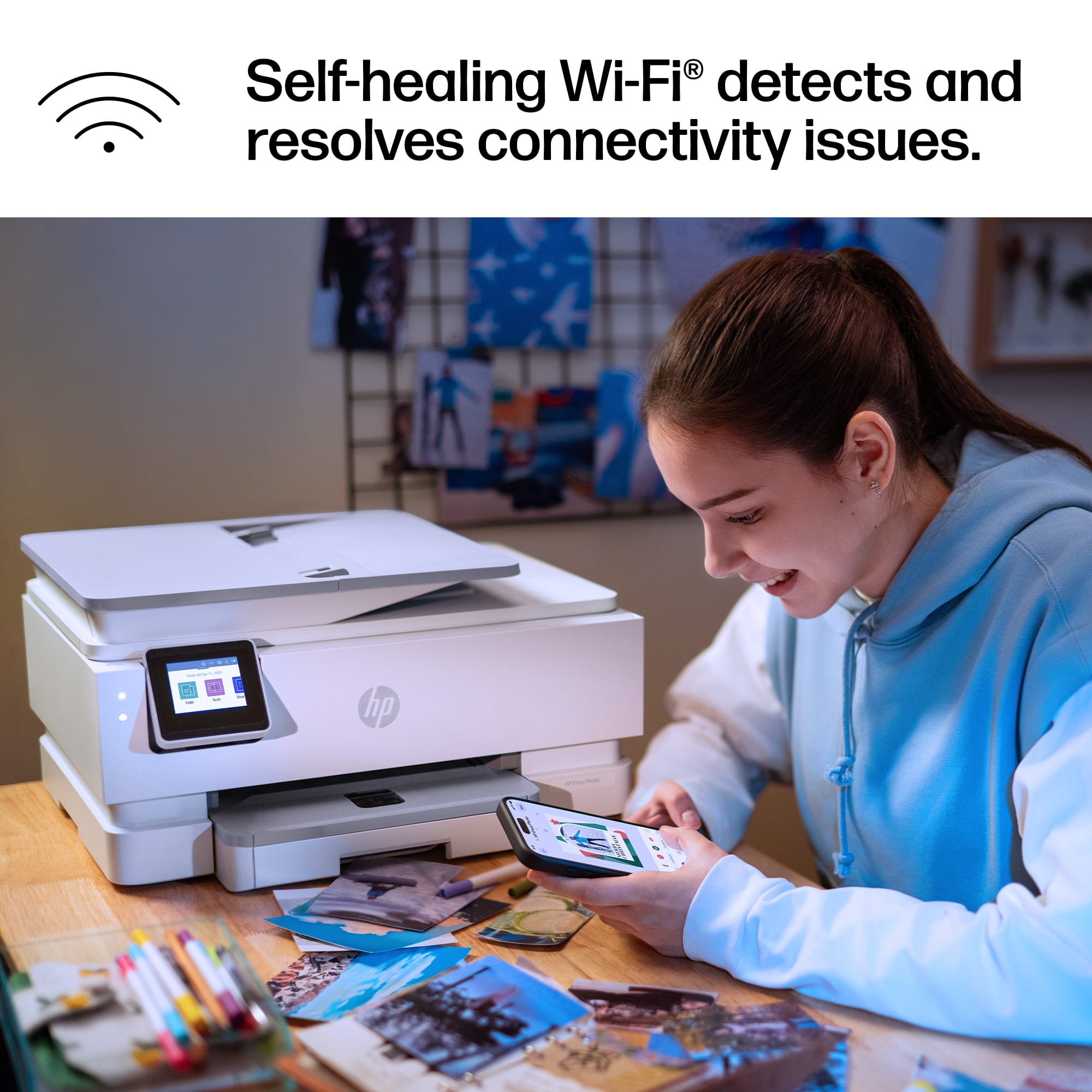
||Posted . Owned for 1 week when reviewed.This reviewer received promo considerations or sweepstakes entry for writing a review.I bought this printer to replace my Canon printer. This print rocks and puts my Canon printer to shame. I was able to set it up/pair it in less than five minutes. I did everything from the printer screen. With my Canon printer, I would have to run to the WiFi router and press the button to tell it than I needed to connect something to the WiFi to then run back to the Canon and press another button. Never again.
I would recommend this to a friend - Pros mentioned:Connectivity, Setup ease
Rated 5 out of 5 stars
HP printer
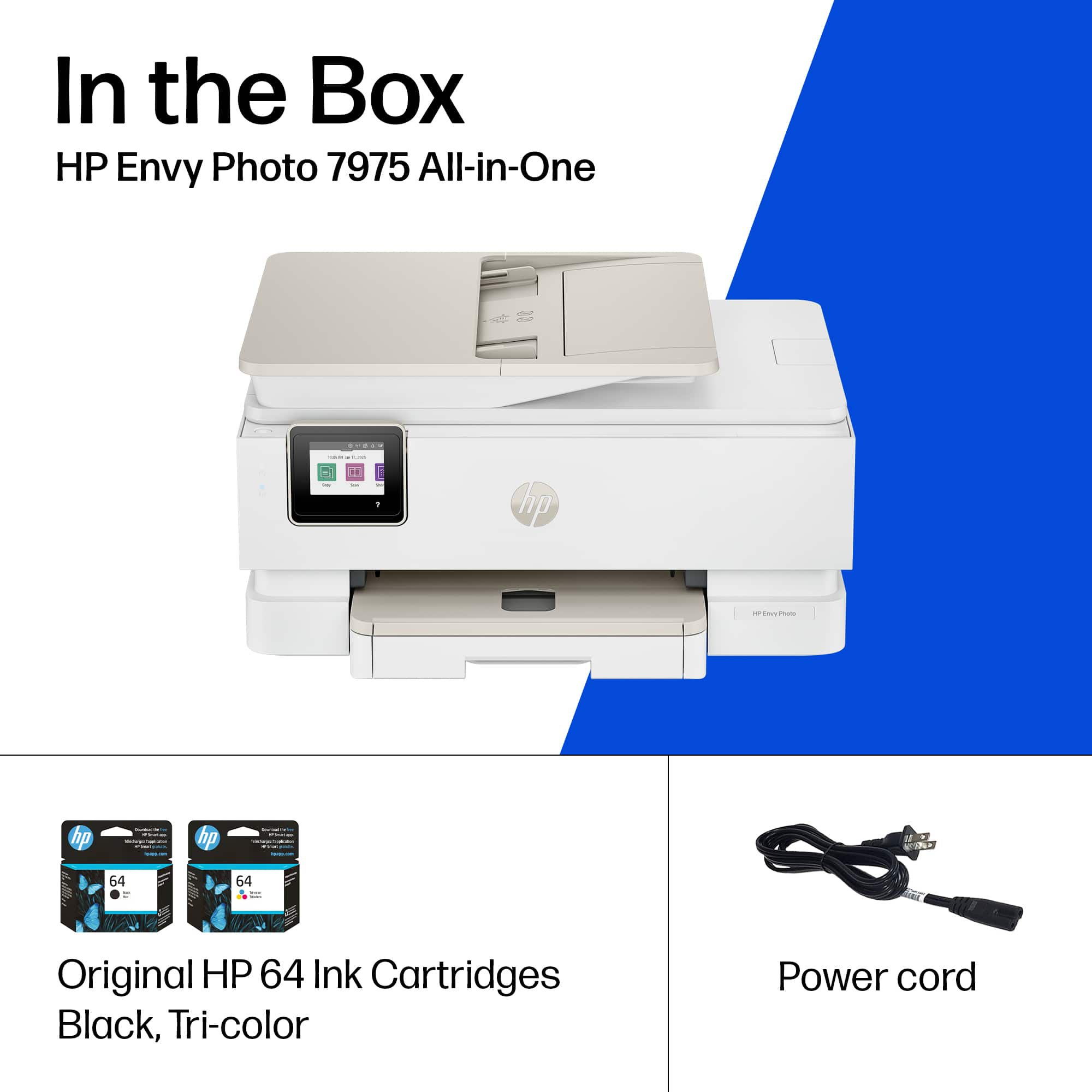
||Posted . Owned for 1 week when reviewed.This reviewer received promo considerations or sweepstakes entry for writing a review.Easy to set up…..with its wireless feature it’s easy to operste anytime anywhere….comes with a colored and black and white inks
I would recommend this to a friend - Pros mentioned:Connectivity, Setup ease
Rated 4 out of 5 stars
Great printer
||Posted . Owned for 3 weeks when reviewed.This reviewer received promo considerations or sweepstakes entry for writing a review.Great printer, Easy to set up and automatically connects to my network.
I would recommend this to a friend - Pros mentioned:Connectivity, Setup ease
Rated 5 out of 5 stars
Technician
||Posted . Owned for 2 weeks when reviewed.This reviewer received promo considerations or sweepstakes entry for writing a review.Works really good and very easy to setup. Also easy to connect to the network.
I would recommend this to a friend - Pros mentioned:Print quality, Setup ease
Rated 5 out of 5 stars
Great New printer
||Posted . Owned for 1 week when reviewed.This reviewer received promo considerations or sweepstakes entry for writing a review.Easy to set up. Prints very well and snooth. Definitely recommend.
I would recommend this to a friend - Pros mentioned:Print quality, Setup ease
Rated 5 out of 5 stars
MichaelM
||Posted . Owned for 1 week when reviewed.This reviewer received promo considerations or sweepstakes entry for writing a review.The product is everything I thought it would be works great for me is reliable easy to use and does a great print jobs
I would recommend this to a friend - Pros mentioned:Print quality
Rated 5 out of 5 stars
My HP Envy 7975 printer
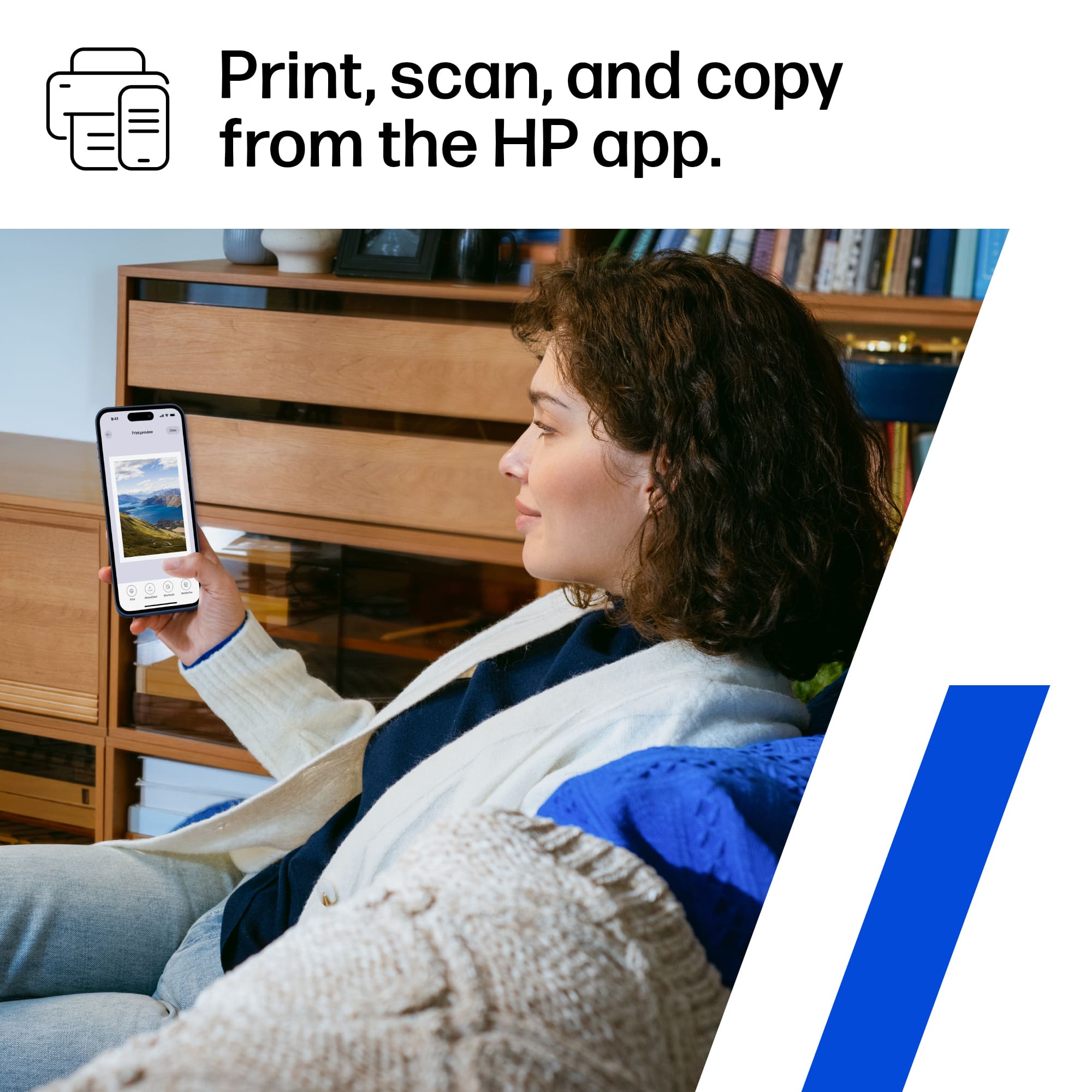
||Posted . Owned for 2 months when reviewed.This reviewer received promo considerations or sweepstakes entry for writing a review.I’ve found a better way. This HP Envy Photo 7975 printer does print jobs like I’ve never seen with my old printer. I use the app on my phone to print, copy or scan and can save to the folders on my IPad. Oh did I mention photos? Or the low cost?
I would recommend this to a friend - Pros mentioned:Setup ease
Rated 5 out of 5 stars
Very good
||Posted .This reviewer received promo considerations or sweepstakes entry for writing a review.Easy set up and effective in what is needed. A bit on heavy side though.
I would recommend this to a friend - Pros mentioned:Print quality, Setup ease
Rated 5 out of 5 stars
Love this printer
||Posted . Owned for 1 week when reviewed.This reviewer received promo considerations or sweepstakes entry for writing a review.Love this printer. So easy to use and print is clear and crisp.
I would recommend this to a friend

















