Customer Ratings & Reviews






- Model:
- B63K3A#B1H
- |
- SKU:
- 6638827
Customer reviews
Rating 4.7 out of 5 stars with 184 reviews
(184 customer reviews)Rating by feature
- Value4.7
Rating 4.7 out of 5 stars
- Quality4.7
Rating 4.7 out of 5 stars
- Ease of Use4.6
Rating 4.6 out of 5 stars
Customers are saying
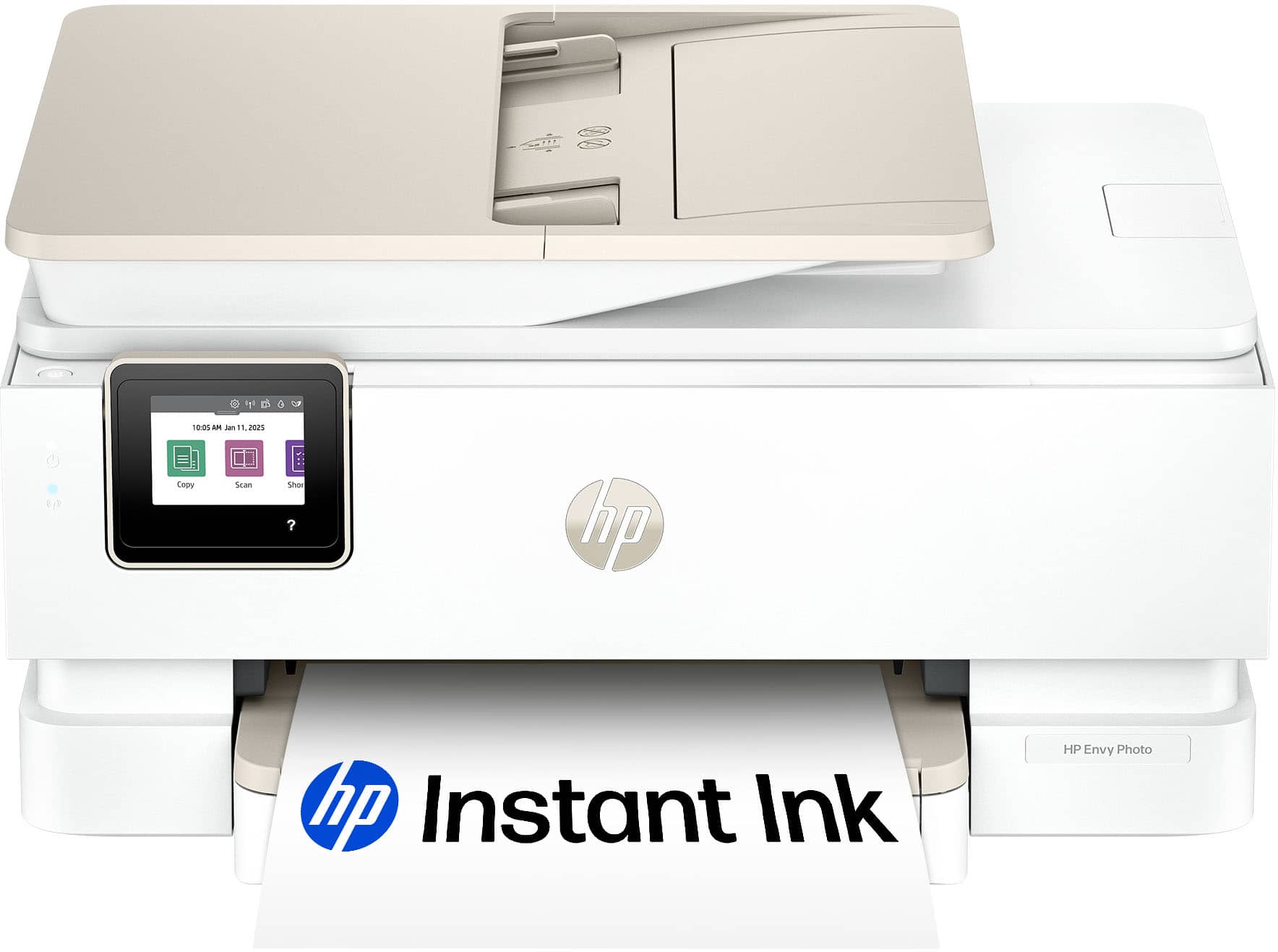
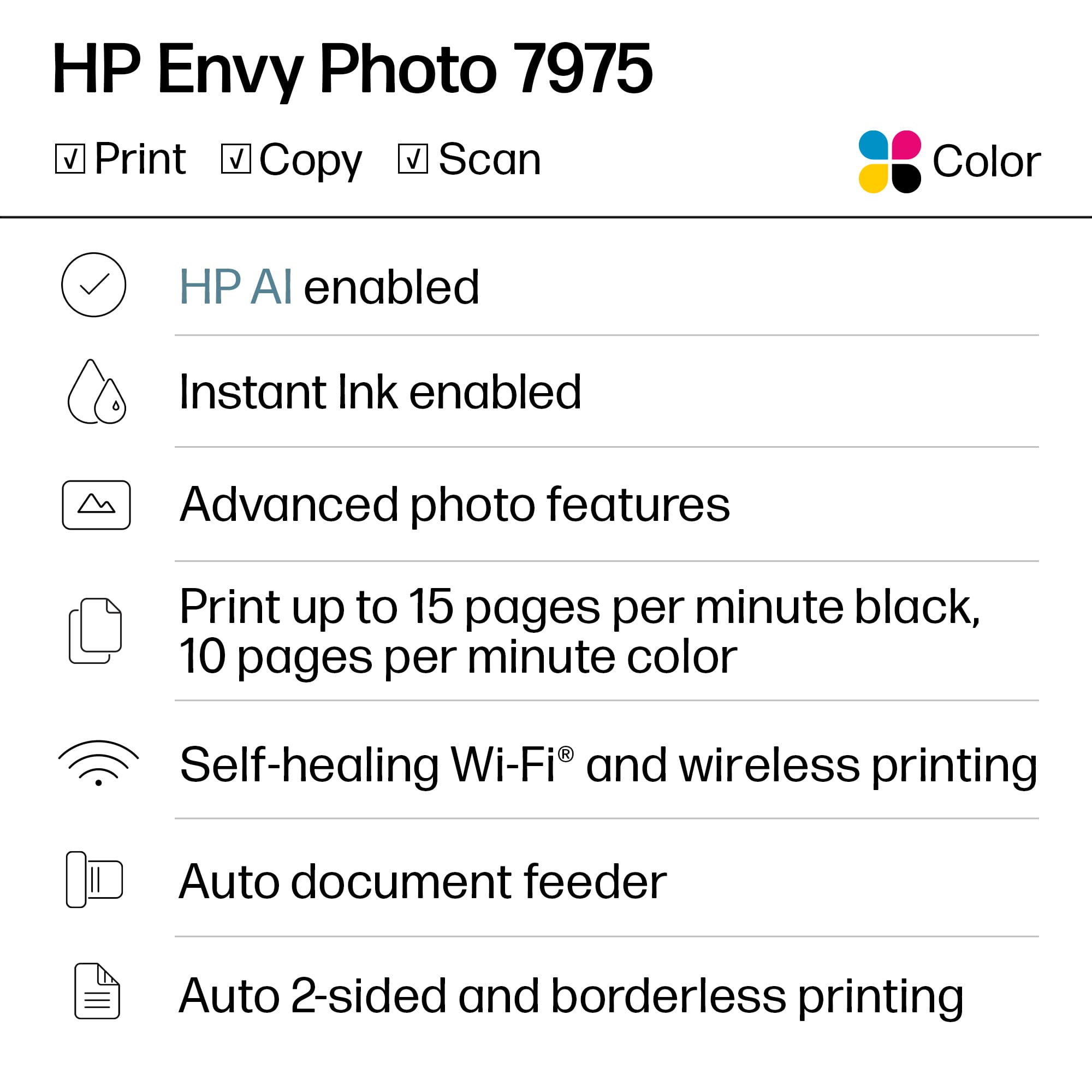
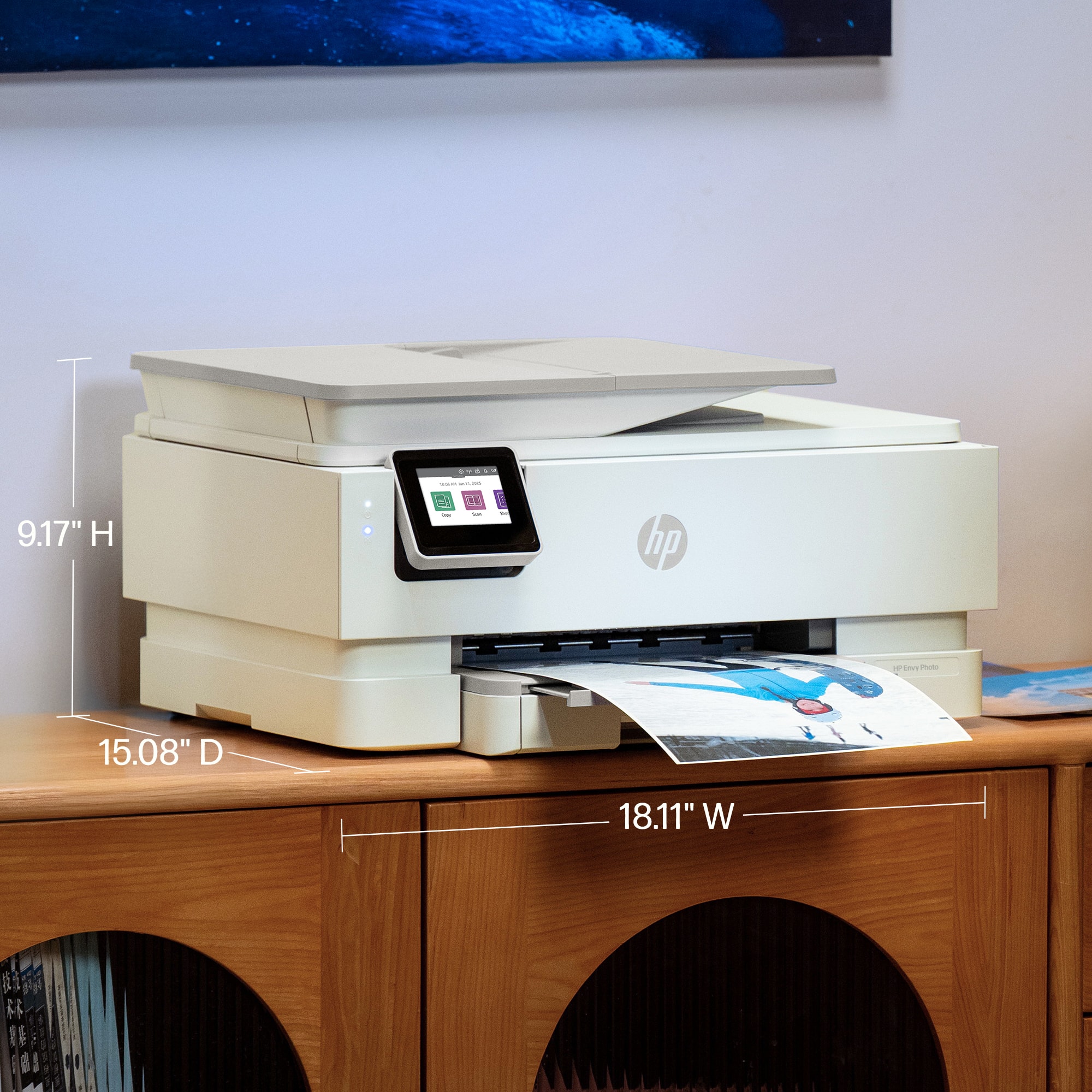
Customers are enthusiastic about the Envy Photo 7975 printer's excellent print quality and easy setup process. Users also appreciate the reliable wireless connectivity and quiet operation during normal use. Some find it to be a good-sized printer.
This summary was generated by AI based on customer reviews.
- Pros mentioned:Print quality, Setup ease
Rated 5 out of 5 stars
great printer
||Posted . Owned for 1 week when reviewed.This reviewer received promo considerations or sweepstakes entry for writing a review.Easy to use and the best part is where you put the paper
I would recommend this to a friend - Pros mentioned:Print quality
Rated 5 out of 5 stars
Excelent
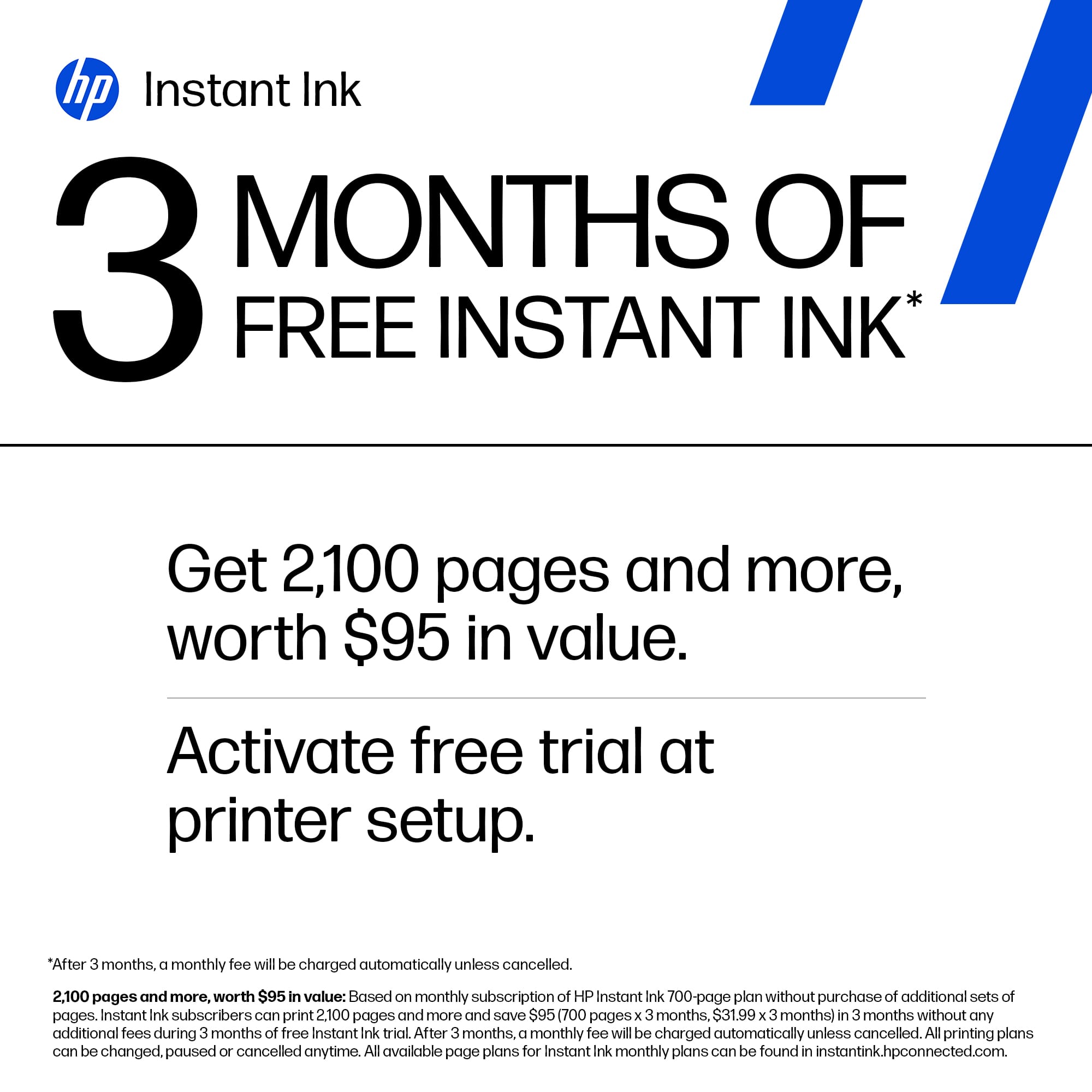
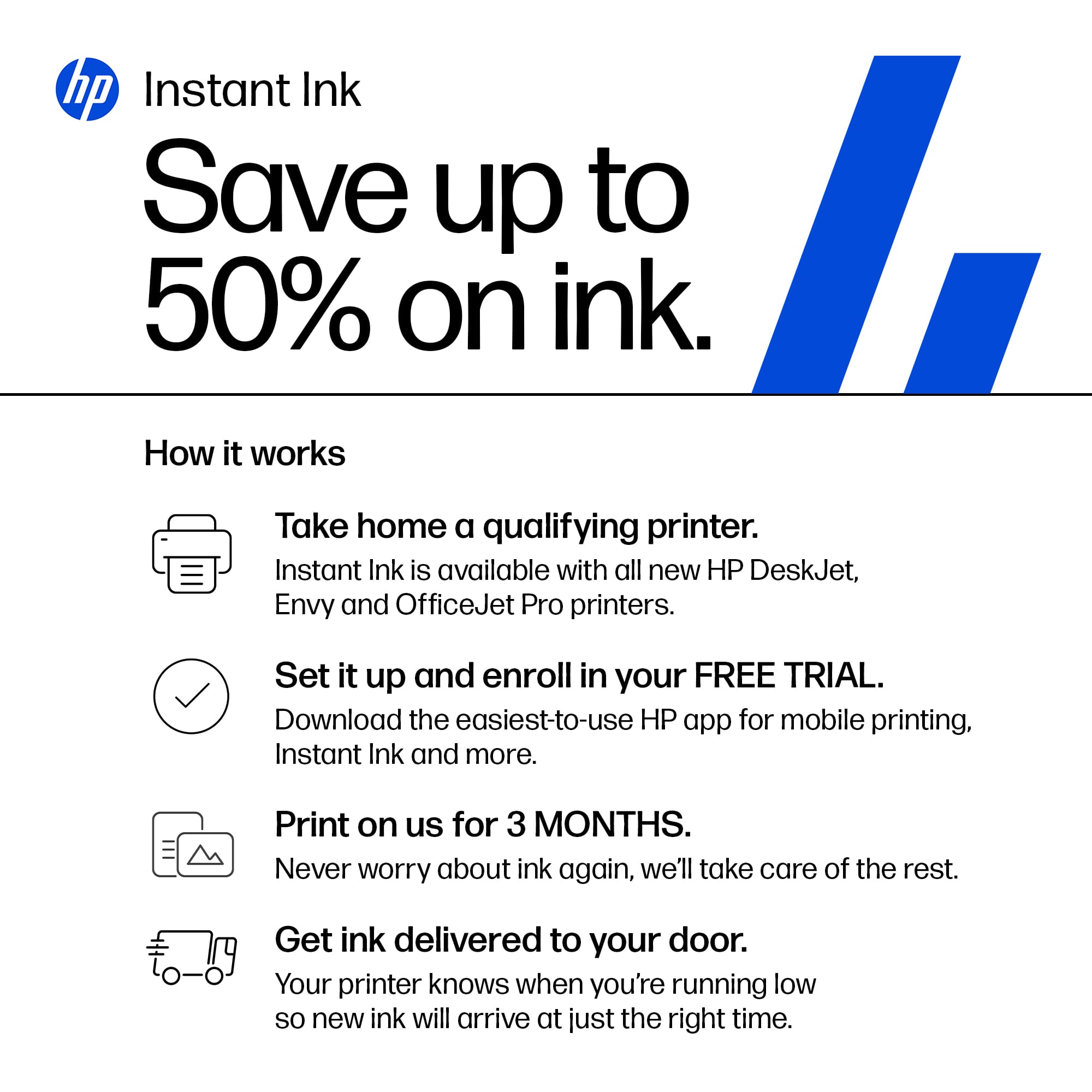
||Posted .This reviewer received promo considerations or sweepstakes entry for writing a review.The photos are wonderful, it's beautiful, it prints documents very quickly, and it comes with 4 months of free ink, which is very convenient. After that, you need an HP Ink Instant subscription since the ink is very expensive. Recommended and optional..
I would recommend this to a friend - Pros mentioned:Connectivity
Rated 5 out of 5 stars
Easy set up printer
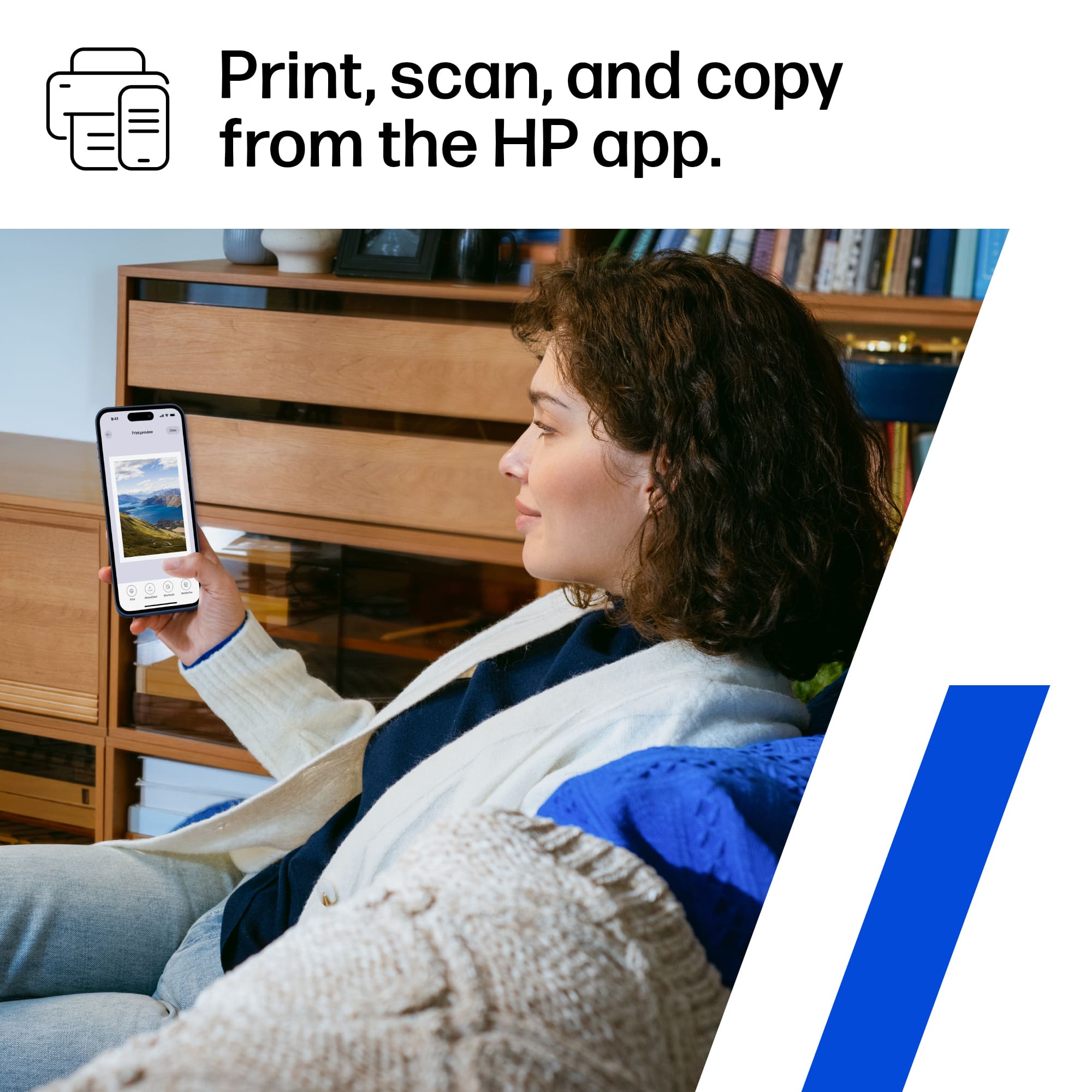
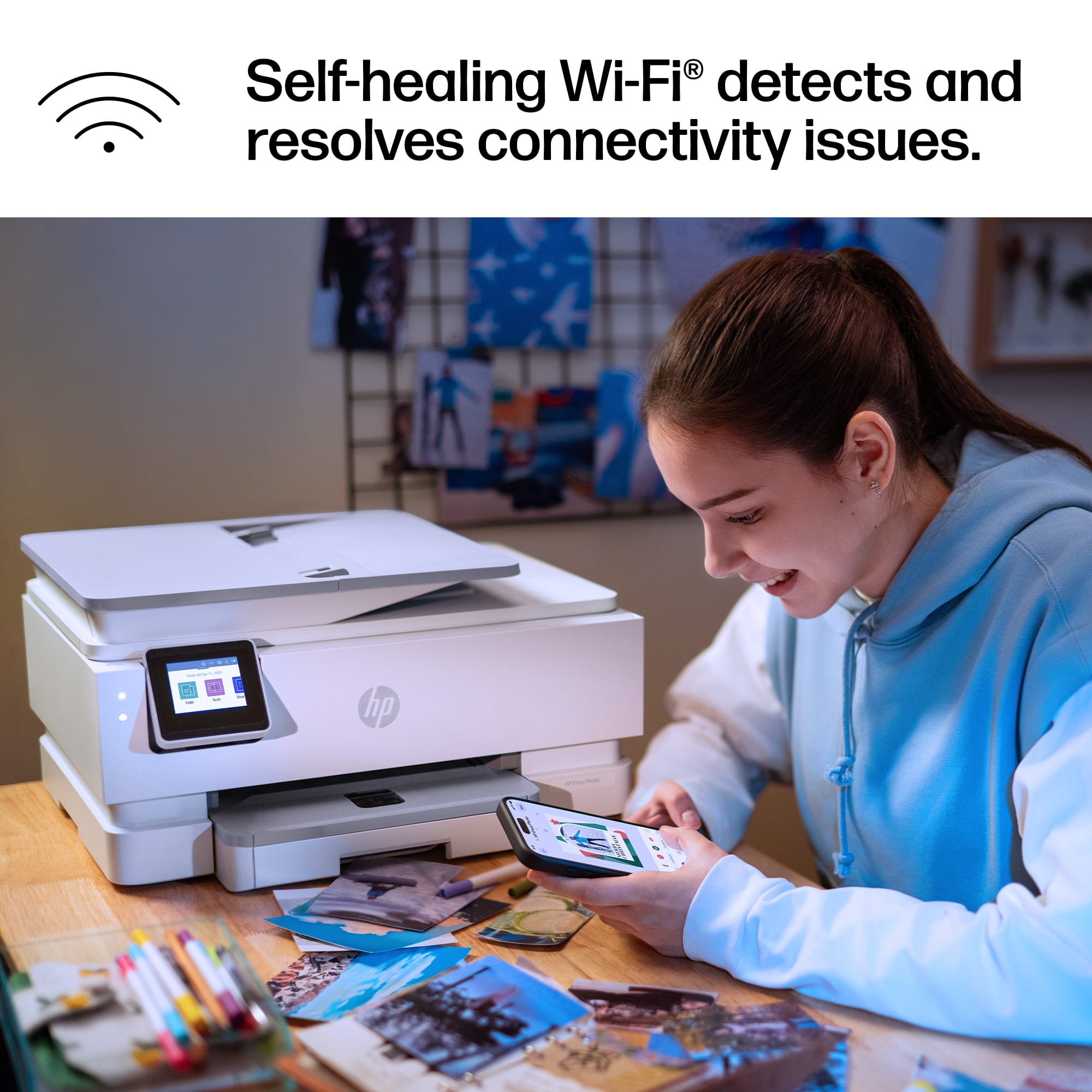
||Posted . Owned for 1 week when reviewed.This reviewer received promo considerations or sweepstakes entry for writing a review.We got this one to upgrade our old Brother all-in-one tonner printer. Connectivity to home network was easy from a pc, then in the mobile devices, the HP app was required to print from them. Printer was added super quickly with nob isues. So far, it has done its job.
I would recommend this to a friend - Pros mentioned:Connectivity, Print quality
Rated 5 out of 5 stars
All in one printer
||Posted . Owned for 1 week when reviewed.This reviewer received promo considerations or sweepstakes entry for writing a review.I love it , easy installation . Prints clearly, , not too heavy . Print from my phone
I would recommend this to a friend - Pros mentioned:Print quality, Setup ease
Rated 5 out of 5 stars
Love our purchase
||Posted . Owned for 1 week when reviewed.This reviewer received promo considerations or sweepstakes entry for writing a review.Great printer easy to set up and use. Great quality
I would recommend this to a friend - Pros mentioned:Print quality
Rated 5 out of 5 stars
Nice prints and easy to use
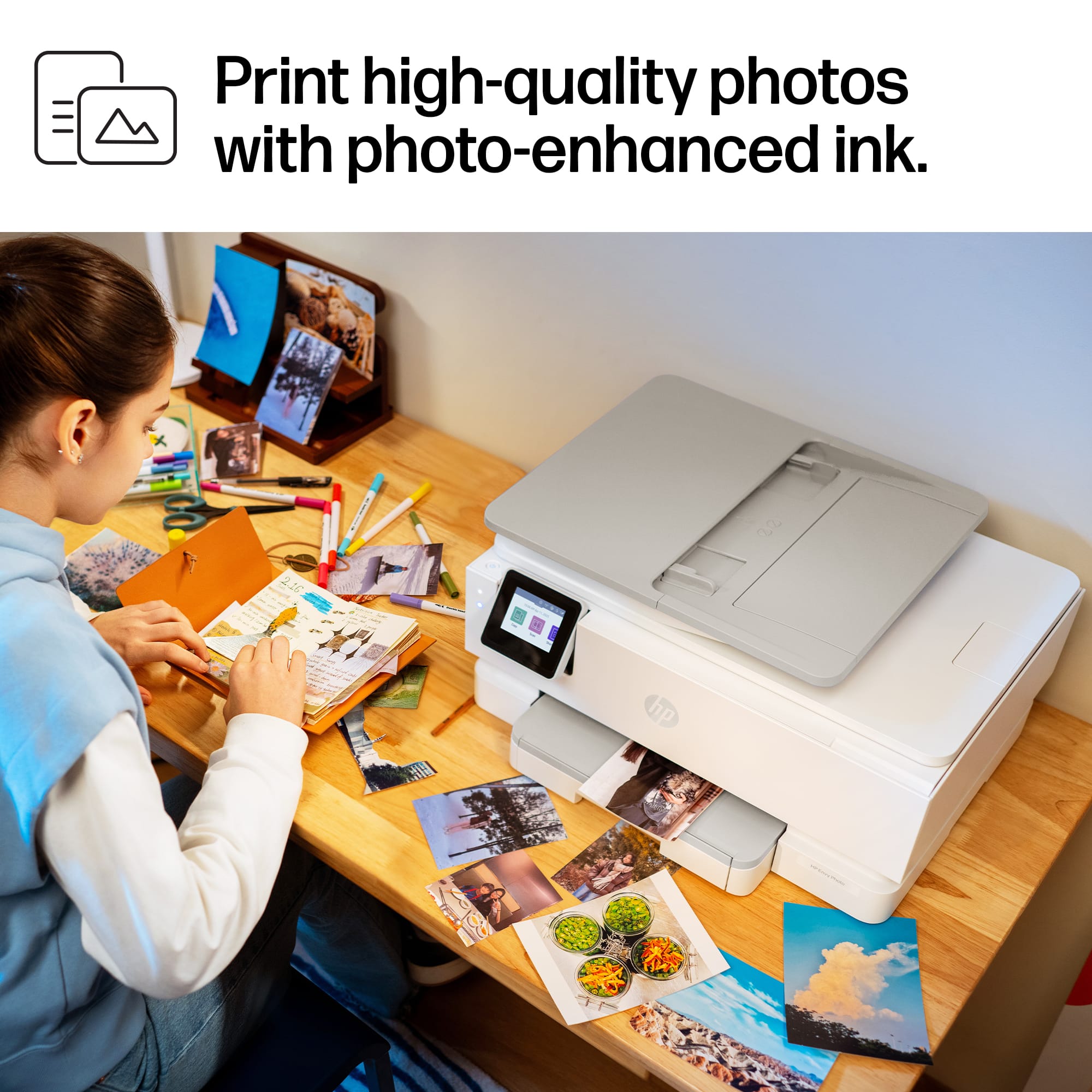
||Posted . Owned for 1 week when reviewed.This reviewer received promo considerations or sweepstakes entry for writing a review.Very good printer. Excellent color, fast, and easy to setup. I bought it for my wife who prints in color and uses it for scrapbooking photos and printing out templates. She’s very happy with it.
I would recommend this to a friend - Pros mentioned:Setup ease
Rated 5 out of 5 stars
HP Envy met my expectations
||Posted . Owned for 1 month when reviewed.This reviewer received promo considerations or sweepstakes entry for writing a review.I have only ever used HP printers. They have worked well and been reliable and that is why I purchased Envy 7975. Setup was quick and easy and it works well. I would buy this again if needed and would recommend to anyone looking for a printer.
I would recommend this to a friend - Pros mentioned:Print quality
Rated 5 out of 5 stars
Printer is great!!!
||Posted .This reviewer received promo considerations or sweepstakes entry for writing a review.I purchased this photo printer for sticker paper and cardstock paper...so far so good...prints very quickly and it takes up to 80lb paper. I make alot of cards and other projects needing these kinds of papers.
I would recommend this to a friend - Pros mentioned:Print quality
Rated 4 out of 5 stars
Easy to set up and easy to use
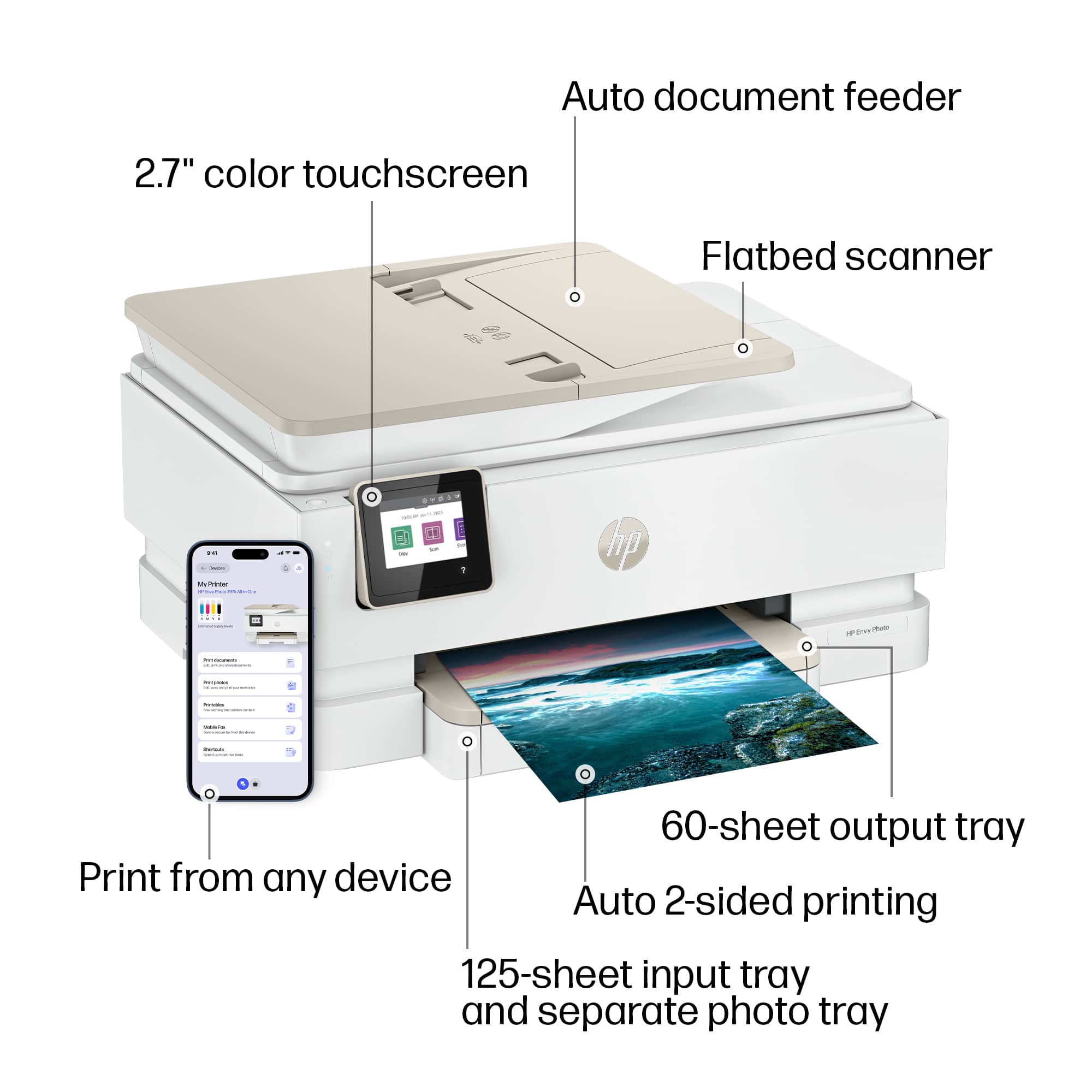
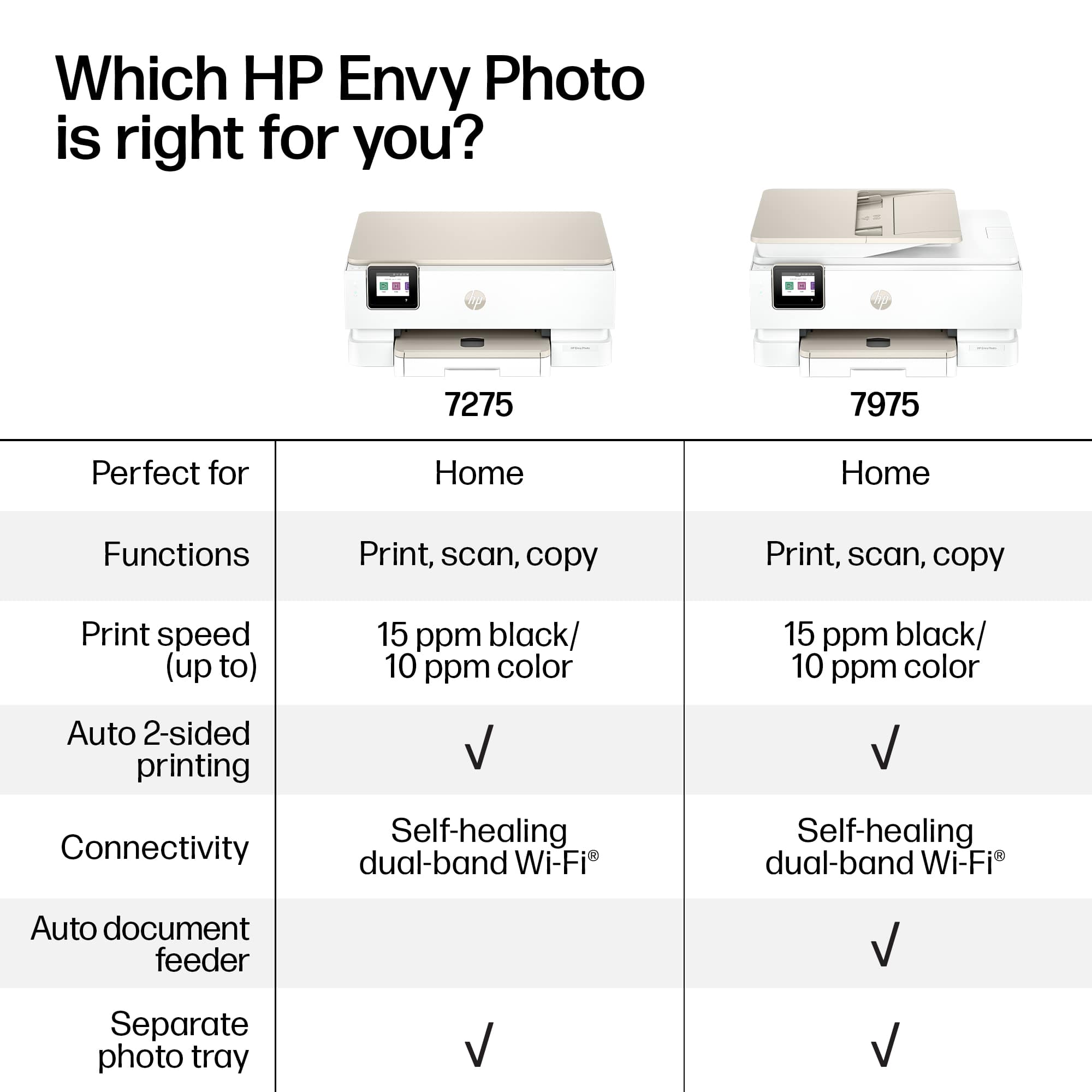
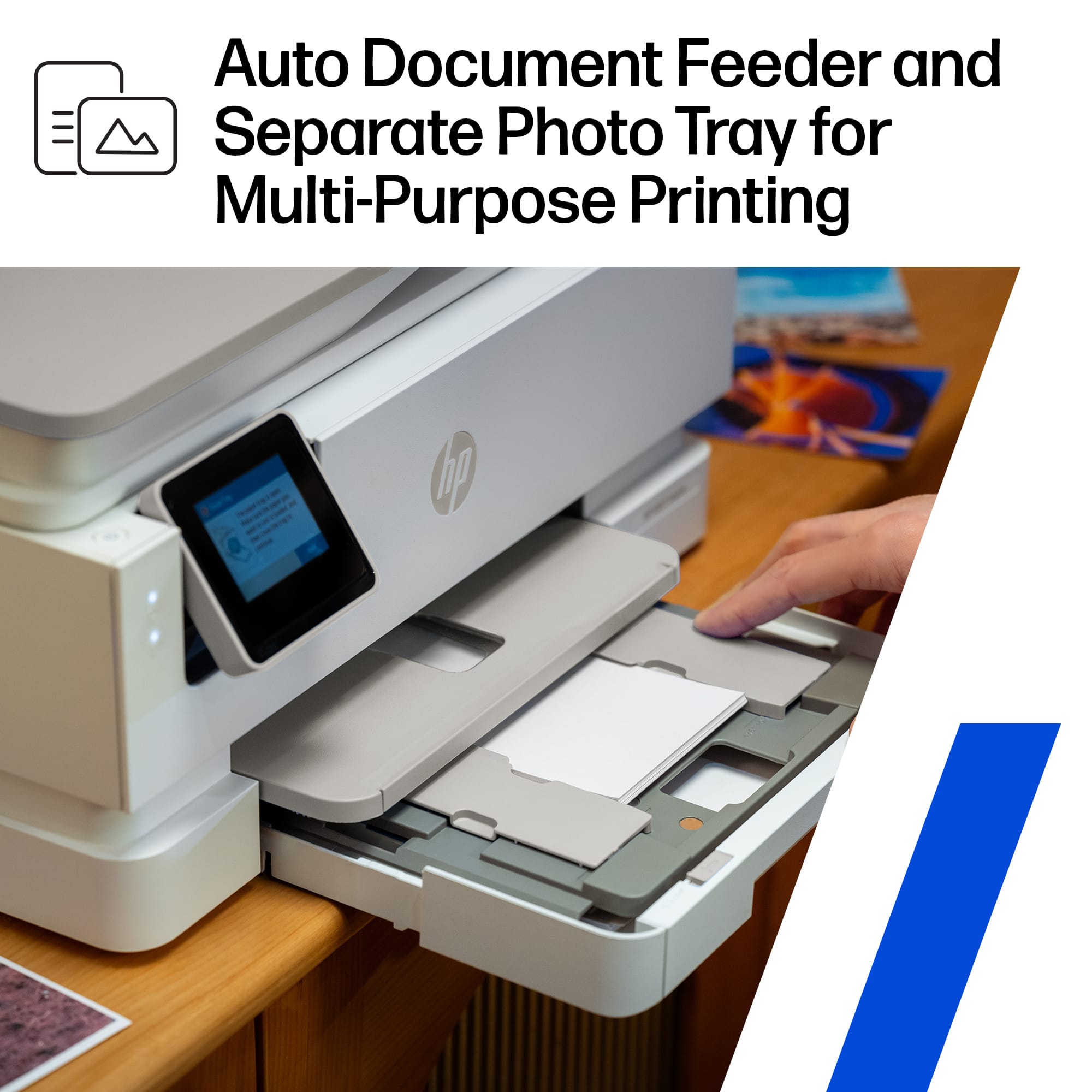
||Posted . Owned for 2 weeks when reviewed.This reviewer received promo considerations or sweepstakes entry for writing a review.Easy to set up and easy to use but I didn't like that I had to download the app and use that for set up. I don't need 100apps and desktop applications. I would prefer to just do everything on the printer itself. Photo printer prints well and I like that there are 2 shelfs, one for paper and one for photo paper
I would recommend this to a friend - Pros mentioned:Size
Rated 5 out of 5 stars
Excellent printer.
||Posted .This reviewer received promo considerations or sweepstakes entry for writing a review.So far, the printer is working as I expected it to. I like the size, the color, and the pictures print very well. I also like the Instant Ink!
I would recommend this to a friend - Pros mentioned:Print quality
Rated 5 out of 5 stars
A great value for a quality product.
||Posted . Owned for 3 weeks when reviewed.This reviewer received promo considerations or sweepstakes entry for writing a review.I’m so happy for choosing this printer. The quality is incredible. Setup was easy. I use my printer primarily for photos.
I would recommend this to a friend Rated 5 out of 5 stars
HP Envy Photo 7975 Printer is Fantastic!
||Posted . Owned for 2 weeks when reviewed.This reviewer received promo considerations or sweepstakes entry for writing a review.Finally purchased a printer that worked straight out of the box! I haven't had much luck with printers over the past five years. The tech just wasn't working for me for some reason and I was about to give up hope. This HP Envy Photo 7975 has restored my faith in home printers. Does everything it advertised without any hesitation--just press Print and you get immediate results.
I would recommend this to a friend- Pros mentioned:Print quality
Rated 5 out of 5 stars
Perfect Home Printer for paper to photos
||Posted . Owned for 2 weeks when reviewed.This reviewer received promo considerations or sweepstakes entry for writing a review.Easy to install drivers on HP Laptop or iphone for wireless printing. Photo quality is excellent and no more using CVS photo print service.
I would recommend this to a friend - Pros mentioned:Print quality
Rated 5 out of 5 stars
Love it
||Posted . Owned for 1 week when reviewed.This reviewer received promo considerations or sweepstakes entry for writing a review.This is the third HP printer I have had. I love it. I print a lot of photos and so far I am very impressed with this printer.
I would recommend this to a friend - Pros mentioned:Setup ease
Rated 5 out of 5 stars
HP Envy Photo 7000 series
||Posted . Owned for 1 week when reviewed.This reviewer received promo considerations or sweepstakes entry for writing a review.Easy set up, performance as expected. I purchase the same HP Envy photo printer from Best Buy whenever mine needs replacement.
I would recommend this to a friend - Pros mentioned:Print quality
Rated 5 out of 5 stars
Quality photo prints
||Posted . Owned for 2 weeks when reviewed.This reviewer received promo considerations or sweepstakes entry for writing a review.We noticed our old HP printer started to streak, so we got this. Such an improvement we decided to get one for Mother-in-law.
I would recommend this to a friend - Pros mentioned:Setup ease
Rated 4 out of 5 stars
Hp printer 7975
||Posted . Owned for 2 weeks when reviewed.This reviewer received promo considerations or sweepstakes entry for writing a review.works fine. easy to use and easy to setup. only to ink cartridges needed and provides good color and two sided printing.
I would recommend this to a friend - Pros mentioned:Print quality
Rated 4 out of 5 stars
Should have taken Best Buy recomendations
||Posted . Owned for 2 weeks when reviewed.This reviewer received promo considerations or sweepstakes entry for writing a review.Prints slower text than I was accustomed to. Photo quality is good. Appears ink cost is going to be a issue. Best Buy rep suggested I get a tank printer. Should have listened.
No, I would not recommend this to a friend - Pros mentioned:Setup ease
Rated 5 out of 5 stars
HP 7975 printer
||Posted . Owned for 3 weeks when reviewed.This reviewer received promo considerations or sweepstakes entry for writing a review.I bought this printer to replace my old HP 7800 printer. It has the same features that I liked in my old printer. Set up was very easy.
I would recommend this to a friend - Pros mentioned:Setup ease
Rated 5 out of 5 stars
Hp Printer
||Posted . Owned for 3 weeks when reviewed.This reviewer received promo considerations or sweepstakes entry for writing a review.Seems to be meeting my needs right now. Easy to set up and use.
I would recommend this to a friend














