Customer Ratings & Reviews
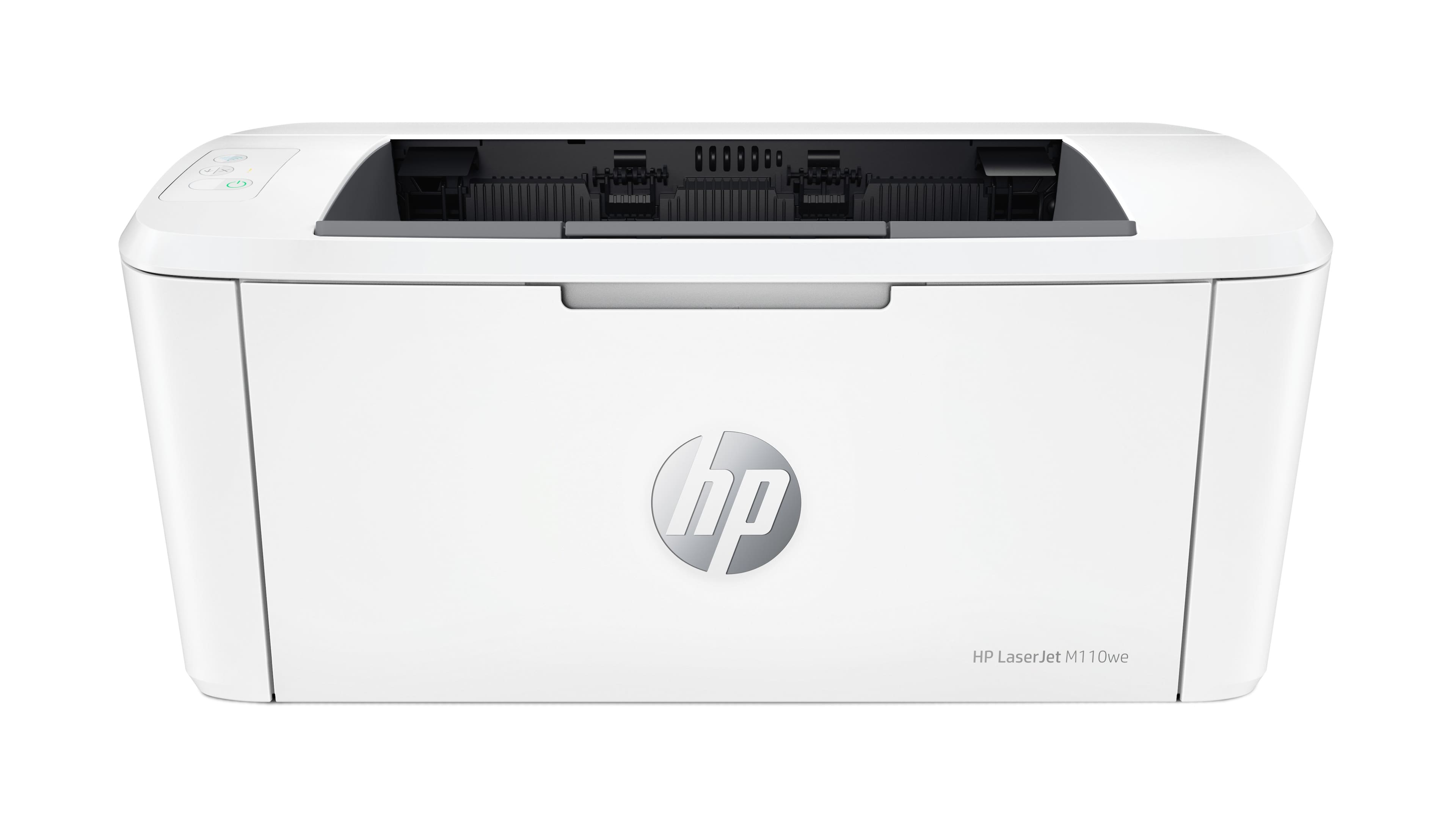
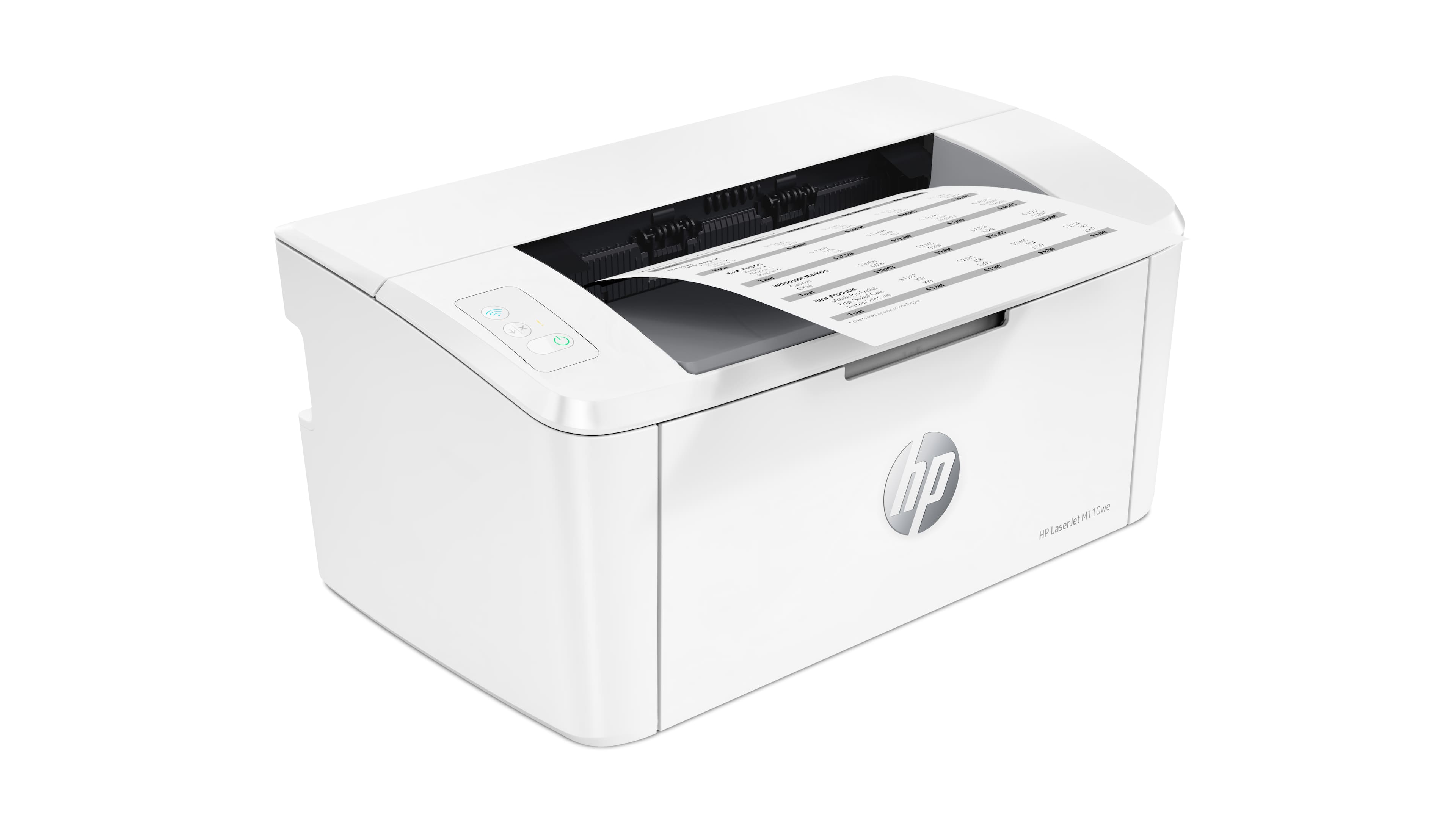
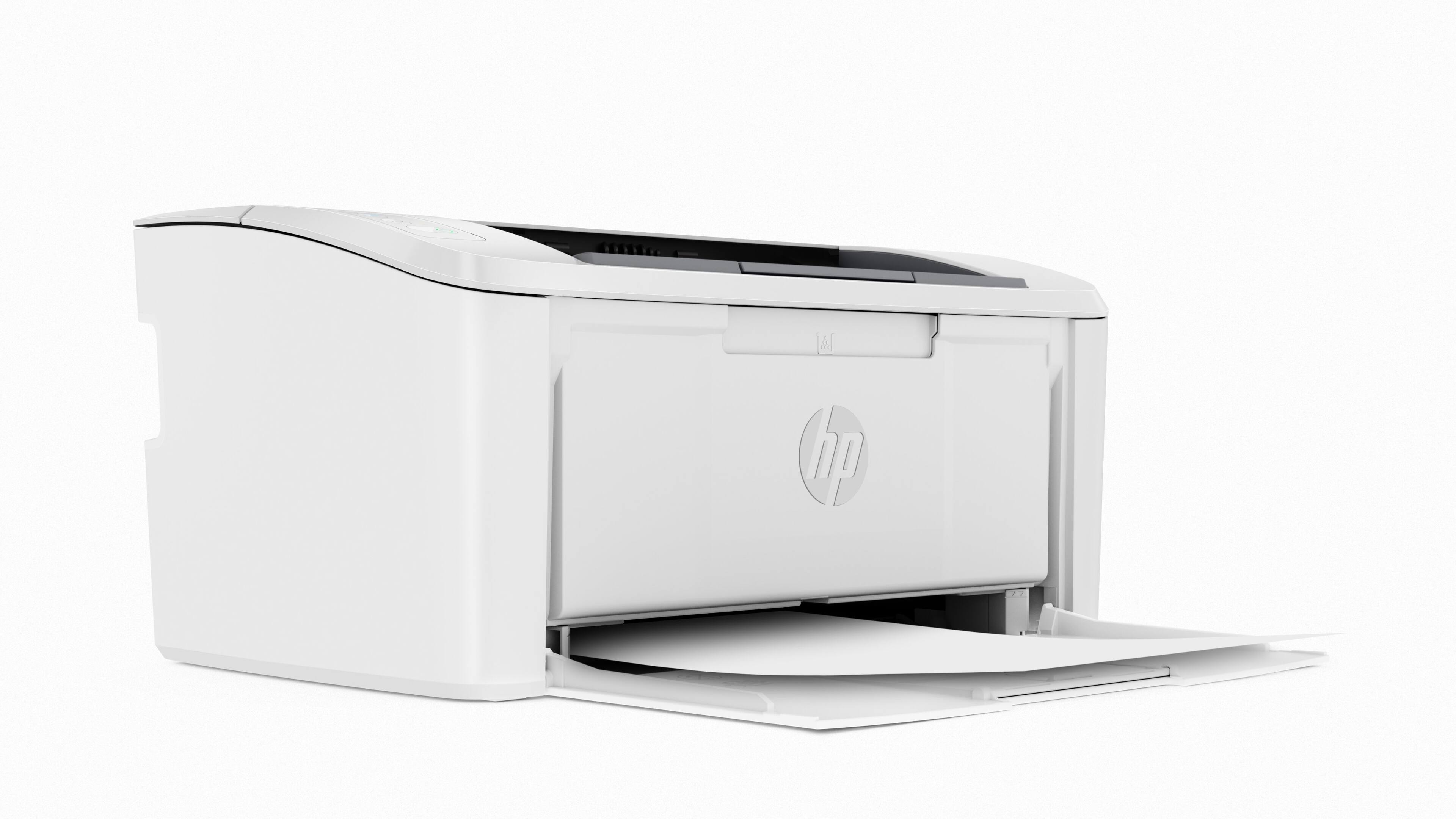

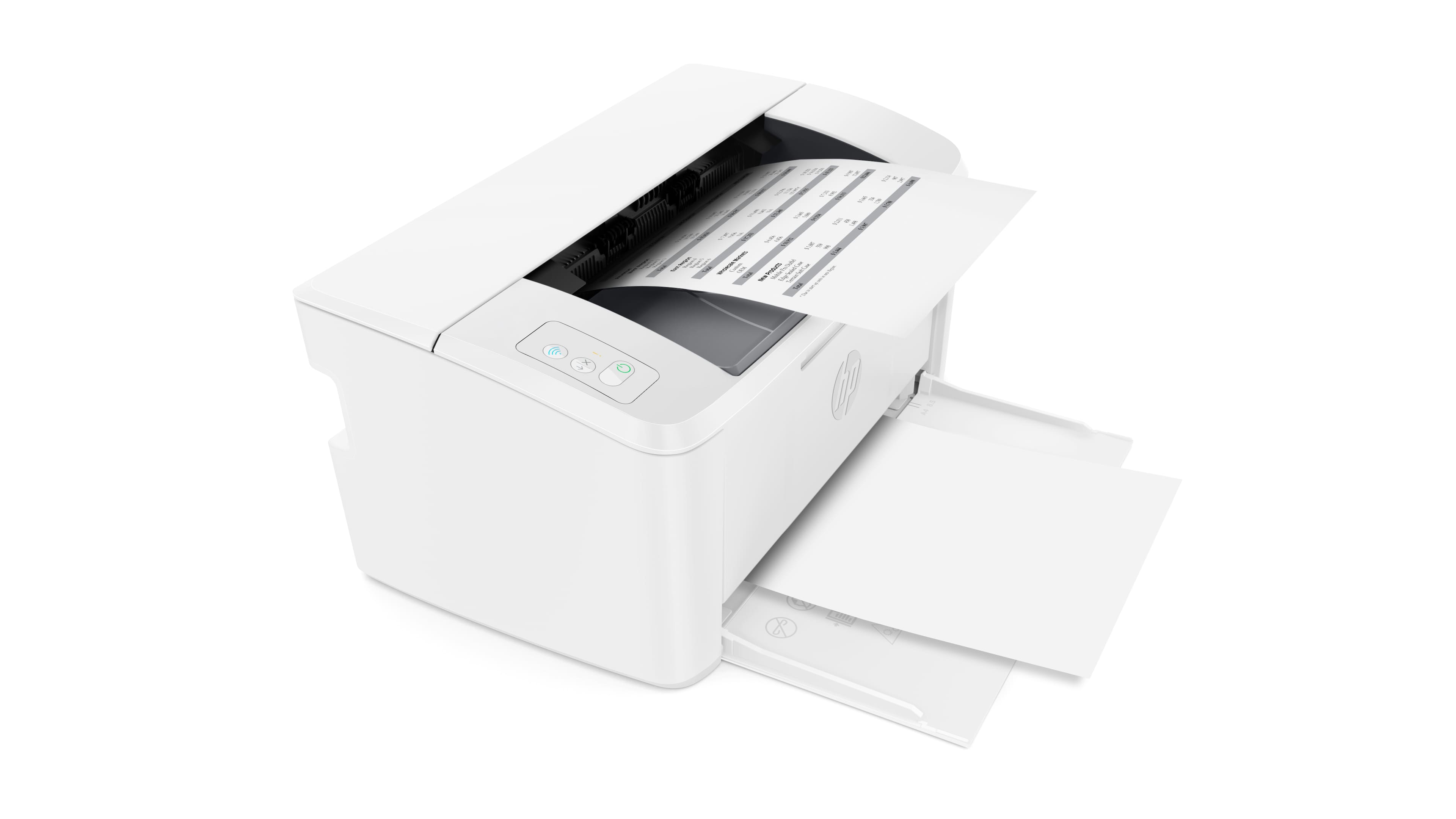


- Model:
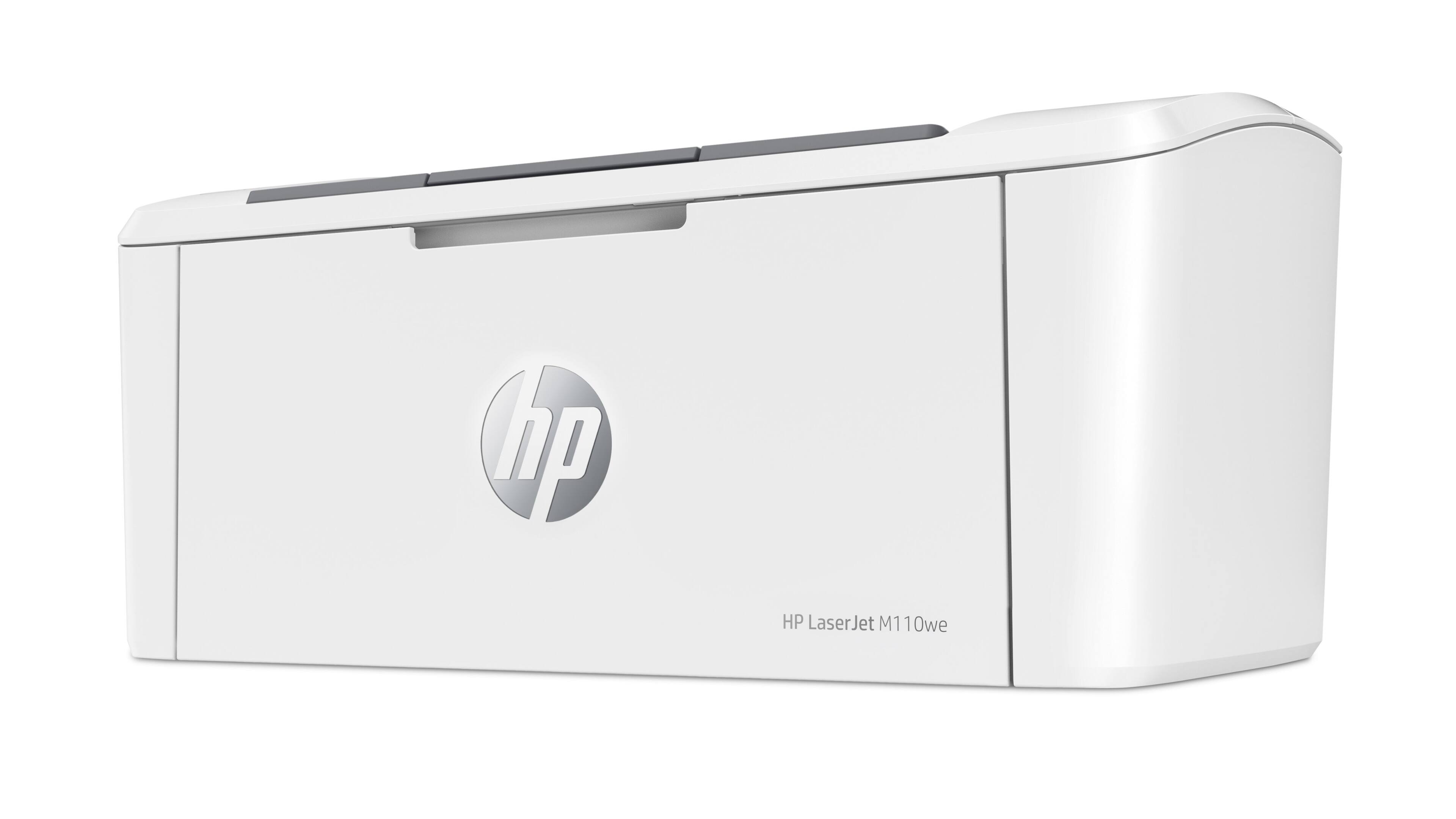
- LaserJet M110we
- SKU:
- 6484885
Rating by feature
- Value
Rating 4.2 out of 5 stars
- Quality
Rating 4.2 out of 5 stars
- Ease of Use
Rating 3.9 out of 5 stars
Customers are saying
Customers have good things to say about the HP LaserJet M110we's print quality, compact size, and ease of use, frequently praising its quick printing speed and straightforward setup. Many appreciate its wireless capabilities and consider it a great value for the price. However, some users have noted issues with the paper tray capacity and the printer software. The small input tray size is a recurring concern for some customers.
This summary was generated by AI based on customer reviews.
Sad purchase
||Posted . Owned for 3 weeks when reviewed.This reviewer received promo considerations or sweepstakes entry for writing a review.Really have a hard time making them print it won’t pick up the WiFi really bad purchase and l bought two worst buy up to date
No, I would not recommend this to a friendA true Bargain for the Home Office!
||Posted . Owned for 1 month when reviewed.This reviewer received promo considerations or sweepstakes entry for writing a review.This printer works very well and the Ink program is great, what a bargain. The salesperson who I picked it up with give me some pointers.... Love buying at BestBuy and Love HP products.
I would recommend this to a friendNew printer
||Posted . Owned for 1 month when reviewed.This reviewer received promo considerations or sweepstakes entry for writing a review.Works well,took me awhile to set up so i called the Geek Squad and they helped riight away and got the printer set up. It does not scan,must print from your phone, laptop or tablet.
I would recommend this to a friendWifi issues with Printer
||Posted . Owned for 2 weeks when reviewed.This reviewer received promo considerations or sweepstakes entry for writing a review.I love this printer but for some reason, It does not connect to my wifi. I have tried all my possible best and it seems I will either return it or try to sell it off.
No, I would not recommend this to a friendTerrible
||Posted . Owned for 2 weeks when reviewed.This reviewer received promo considerations or sweepstakes entry for writing a review.Terrible! Very difficult to set up. Won't stay connected. Spent 2 hours on the phone with customer service. DO NOT BUY!
No, I would not recommend this to a friendDisappointed
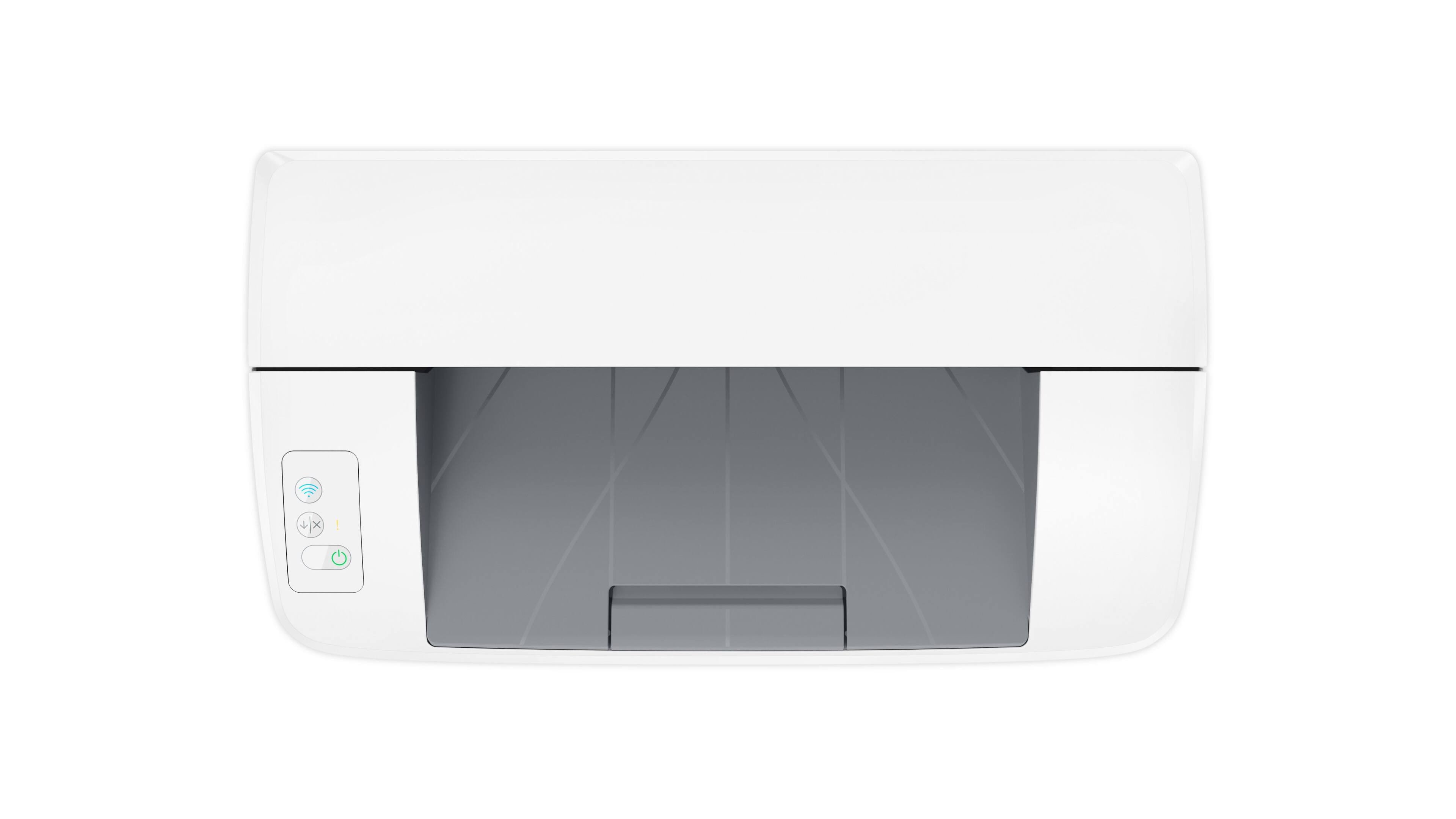
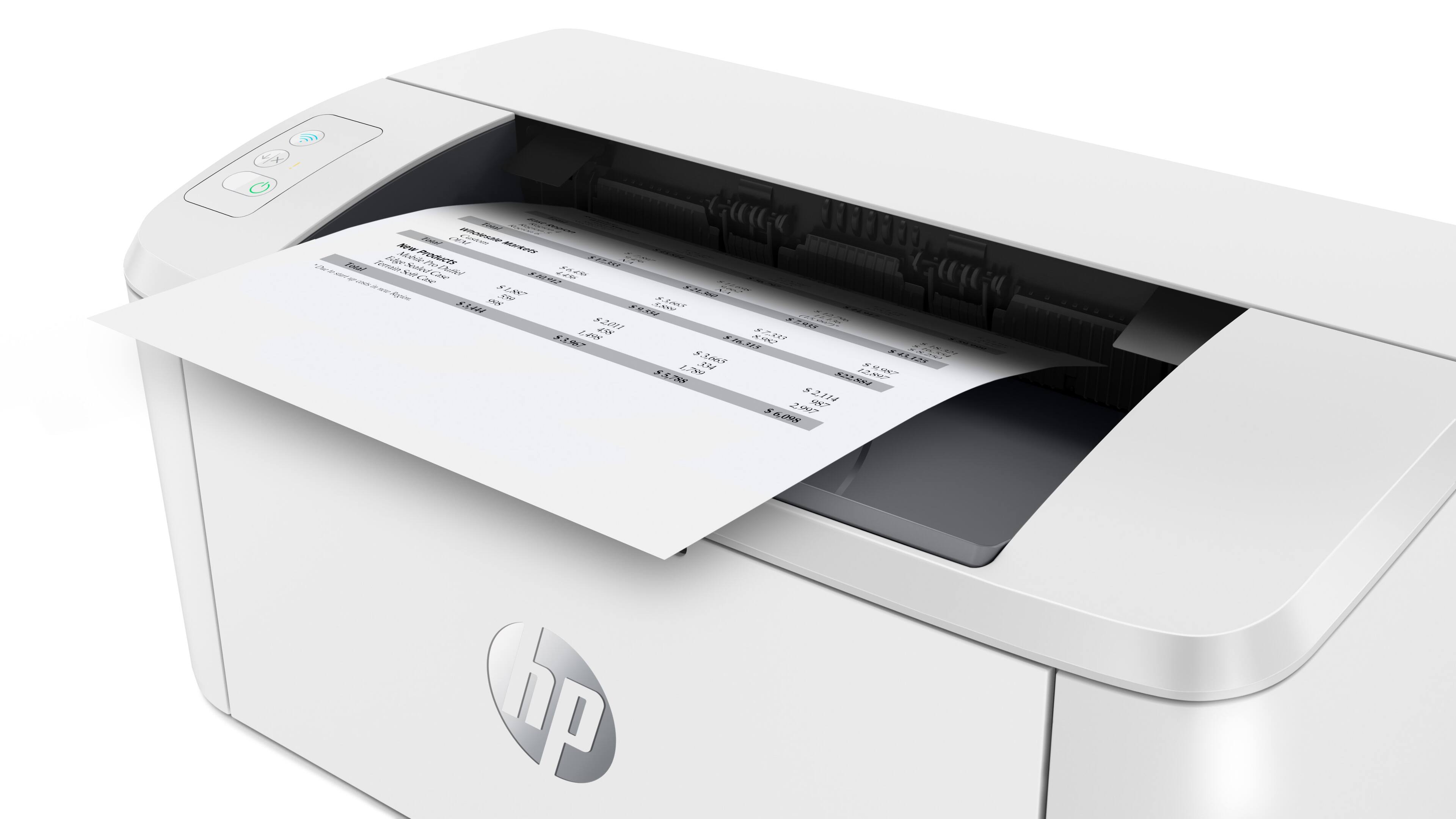
||Posted . Owned for 1 month when reviewed.This reviewer received promo considerations or sweepstakes entry for writing a review.This printer is just OK. I hate the fact that there are pictures on the knobs instead of words that tell you what is supposed to happen when you press on them. It is not clear how to reset the printer when it is not working. My printer does not print from webpages, only from word and emails. It is also quite noisy. Maybe that’s what you get for buying a cheap printer.
No, I would not recommend this to a friendBrand response from HP Team
Posted .Hi, Sarah.
I’m sorry that you’ve found your printer difficult to use. Your frustration comes as no surprise, considering the functions of the printer’s controls are not clear, and you can’t find out how to reset the device. I want to help improve your experience, so I’ll provide some resources aimed at making that happen.
First, to learn more about your printer and all its features, or for help solving problems, you can access user manuals, how-to documents, software updates and troubleshooting guides here:
- support.hp.com/us-en/product/model/35334170
You can also visit a page on our support site that has diagnostic tools for various tasks and issues, including setup, toner cartridge installation, print quality and connectivity. There you’ll also find a general-purpose tool called the HP Print and Scan Doctor. If you use Windows, the tool will help identify and guide you through solutions to a wide range of common printing and scanning issues. Visit that page here:
- support.hp.com/us-en/topic/diagnostics
If you need further assistance, I suggest you contact us directly so we can help you assess what’s happening and find a solution. HP+ printers such as yours come with exclusive concierge support. To call and reach live HP+ experts, visit the following URL and enter your HP+ serial number:
- hp.com/plus-help
Keith
HP Care
hp.com/support
Print WiFi is good. Print USB not so good.
||Posted . Owned for 3 weeks when reviewed.This reviewer received promo considerations or sweepstakes entry for writing a review.Pain to set up. Good if your pring over WiFi . Not so good if you want to use USB. WiFi mest be connected in order to print using USB. That is why 3 stars.
No, I would not recommend this to a friend- Pros mentioned:Print quality, SizeCons mentioned:Paper tray

Small but MIGHTY
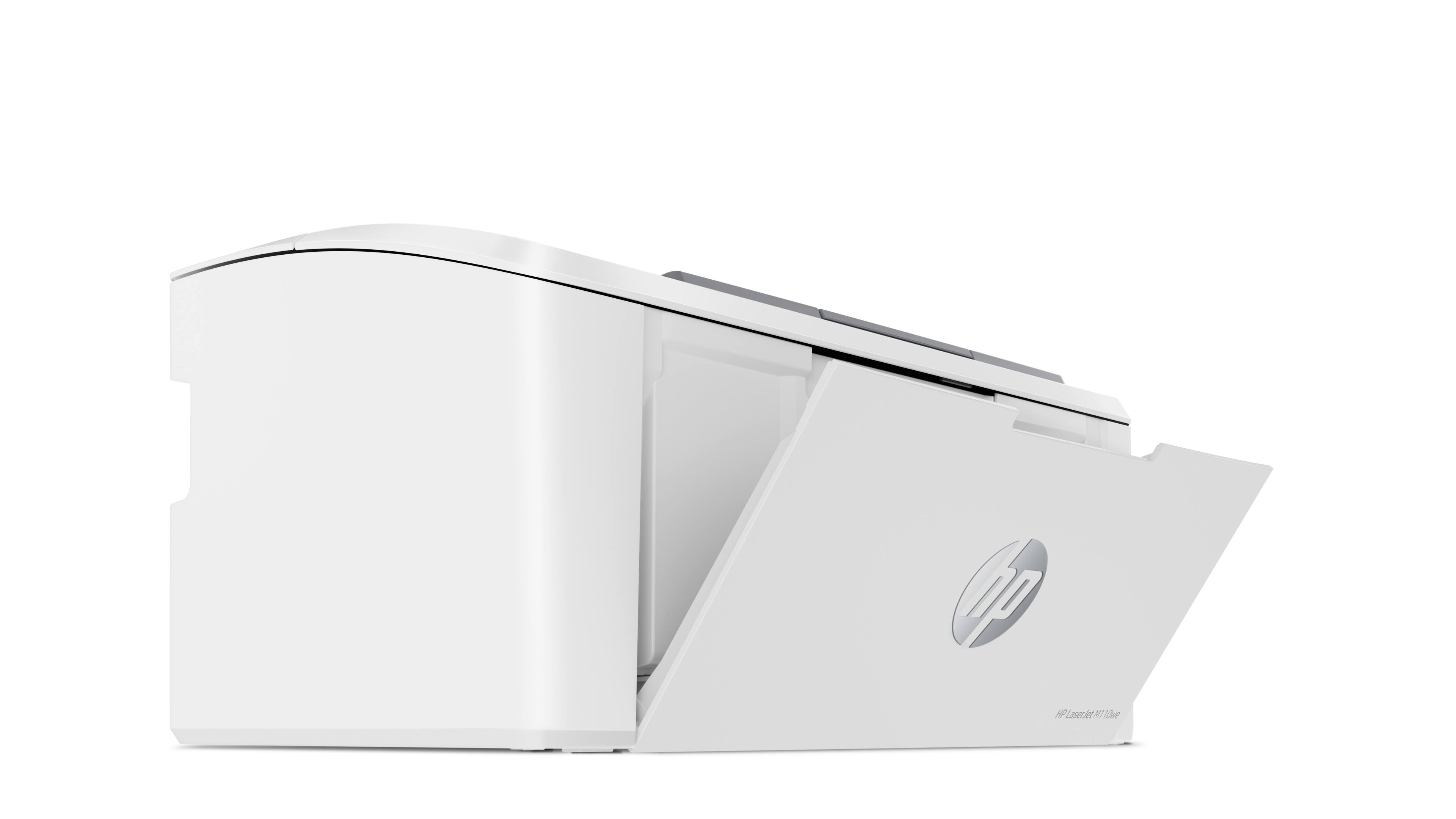
|Posted .This reviewer received promo considerations or sweepstakes entry for writing a review.Finally, a laser printer doesn't take up half of the desk and looks like a gigantic paperweight. I've been eyeing laser printers for a few years now, but I've never wanted to pull the plug on them because of their sheer size. So when HP came out with the M1110we, I knew I had to give it ago. PROS: - Follows the design principle of K.I.S.S. = Keep It Simple Stupid - Most of the time I'm printing in black and white anyway, and because it uses toners instead of ink, I can use it for more crafting projects. - Prints faster - Ink doesn't smudge - HP 141A cartridge preloaded. - Price point - Free 6 months of HP+ Instant Ink (they'll deliver ink right to your door when your printer runs out) - Portable! CONS: - Although the overall setup was pretty simple, I had some difficulty connecting the device to the WiFi and would have to try a few times before the connection was successfully made - Connection issue would probably be avoided if I was using a cable - but that would've been an extra cost - Maybe too simple? I wish there was some automation that rolls out the loading tray when you turn on to remind you to load the tray with paper. - It doesn't hold that much paper, but it's not much of a negative for the size and portability. But I definitely wouldn't recommend putting more than 100 sheets of paper on the tray at a time (there a little bend). Otherwise, for the price point and functionality, I'm pretty happy with it and definitely would recommend purchasing this for a student or someone who needs to print a lot of paper with limited space.
I would recommend this to a friend - Pros mentioned:Size, Wireless connectivity
Great for compact spaces
|Posted .This reviewer received promo considerations or sweepstakes entry for writing a review.I live in a small apartment but typically use a printer once or twice a month for work documents and shipping needs. The M110we is an extremely small and compact printer that's perfect for either compact spaces or easily traveling along with it. The box includes the printer and power cord, the toner cartridge is already inside, but you do need to follow the directions to take off the orange pieces in the cartridge. Setup is quick and easy with the HP smart app. It connects your printer to wifi and you can print from any of your devices easily through the app. This printer also comes with HP+ that makes it quick and easy to order new oner cartridges for your printer. The only downfall is this is a black and white only printer so no color printing available.
I would recommend this to a friend Hp piece
||Posted . Owned for 3 weeks when reviewed.This reviewer received promo considerations or sweepstakes entry for writing a review.Doesn’t work, have to open lid every time. It may or may not print.
No, I would not recommend this to a friend- Pros mentioned:Ease of use, Print quality, Size
Incredible performance in a small package
|Posted .This reviewer received promo considerations or sweepstakes entry for writing a review.This is an amazing laser printer, made even more incredible by the small size. I was truly surprised at how tiny this printer is. Setup was easy on my phone, but you will need a wifi connection to download the HP printer app and get started. But once you have it set up, you're able to print from your phone or from services like Dropbox or Google Drive. Printing is quiet and fast, and it comes with HP INstant Ink, which I've used before. It's a convenient suscription service that sends new ink or toner before you run out. No more middle of the job store runs because you've run out of ink, and it saves money, too.
I would recommend this to a friend Yep. Just works.
||Posted . Owned for 2 weeks when reviewed.This reviewer received promo considerations or sweepstakes entry for writing a review.I am not a fan of these little printers having dealt with a preceding model at work for years. However this little buy just does its deal and works consistently.
I would recommend this to a friendNice printer
||Posted . Owned for 1 month when reviewed.This reviewer received promo considerations or sweepstakes entry for writing a review.Very nice printer, fast just that I struggled with connectivity issues. It does not do the wireless very well. Sorry, I do not recommend this item
No, I would not recommend this to a friendPlain and simple
||Posted . Owned for 1 month when reviewed.This reviewer received promo considerations or sweepstakes entry for writing a review.Plain and simple laser, don't have to fool with cartridges. Not planning on auto refill program. Occasional streaks don't like. Does what it's supposed to do.
I would recommend this to a friend- Pros mentioned:Wireless connectivity
Needs a WIFI connection
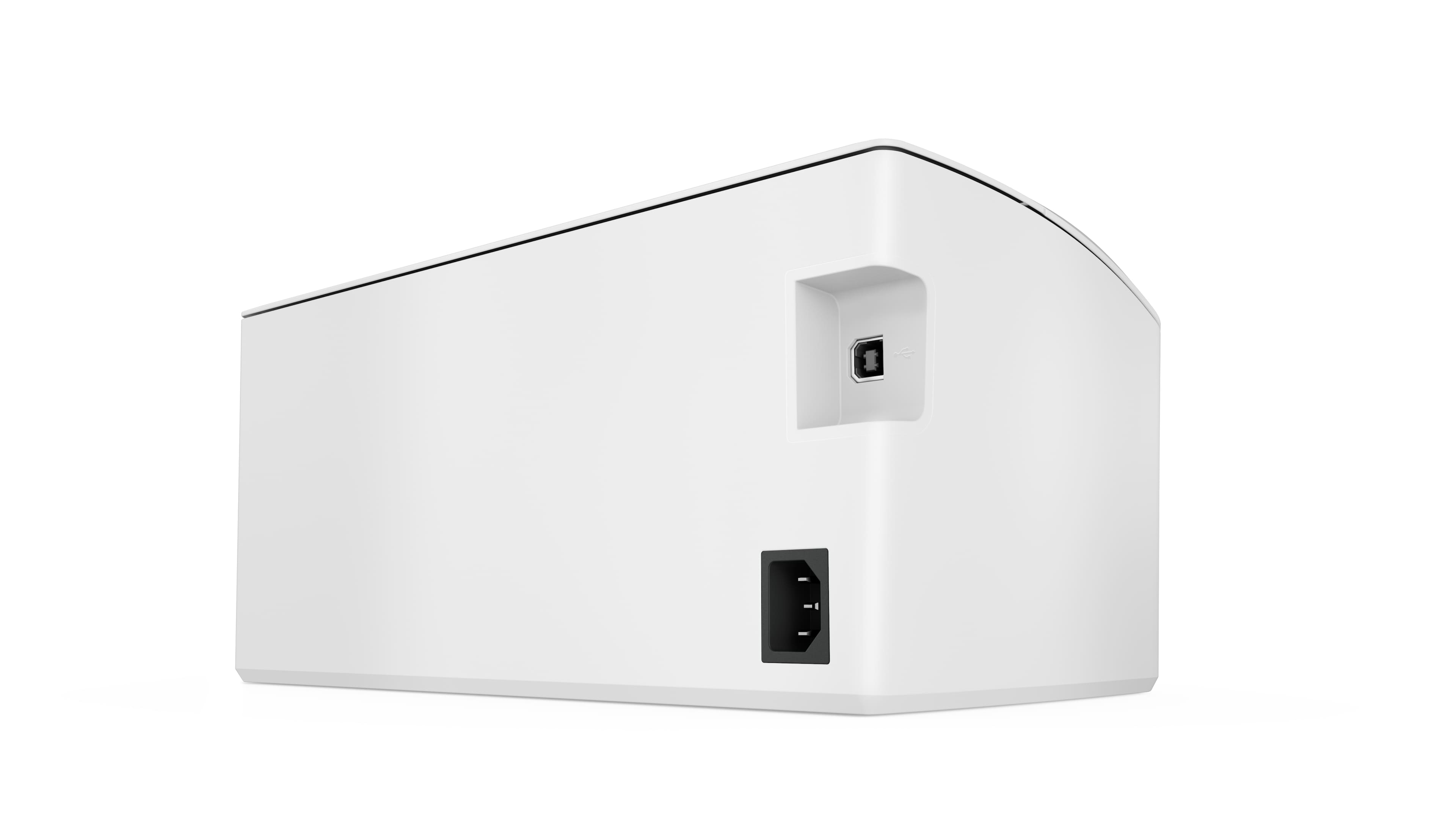
||Posted . Owned for 3 weeks when reviewed.This reviewer received promo considerations or sweepstakes entry for writing a review.Unit works fine as long as you are connected to WIFI, has no value if you want to hardwire it to your PC. Big Brother HP watching over you
No, I would not recommend this to a friend Must create an account or you can't use it
||Posted .This reviewer received promo considerations or sweepstakes entry for writing a review.Completely useless unless you give them your personal information by signing up for an account. No company should force you to give away your data to use their product. Researching other manufacturers to find a new solution. Unfortunate, because I've been a loyal HP customer for countless years and assumed there's no way they would force you to create an account with them, but I was wrong.
No, I would not recommend this to a friendDoesn't connect to Wifi, won't print
||Posted .This reviewer received promo considerations or sweepstakes entry for writing a review.I was really excited to set this up, just to get really frustrared. It will not print out documents half the time I try to print, not show up in queue on HP+, and sometimes it will say it isn't connected to the wifi. Within 2 hours, it did not even connect to wifi at all. I have tried to go through the HP+ set up again and it refuses to go through. I don't know if it has overheated or just given up, but I got it today and to already have it break down is ridiculous. I don't know if it is a defective unit, poorly designed, or just extremely sensitive. But I don't think it's a very good machine. For something so dependent on wifi, it's horrible it doesn't connect.
No, I would not recommend this to a friendBrand response from HP Team
Posted .Hi there.
I’m sorry to learn that you’ve had such a dreadful experience with your printer. Because you were excited to set it up, I can wholly understand the tremendous disappointment over the connectivity problem you experienced so soon after setup. I want to help you out of this dilemma. I hope you’ll use the resource and information below to reach that end.
I can’t tell from your review why the device would not connect. I recommend that you contact us directly so we can help you assess what’s going on and what can be done about it. HP+ printers such as yours come with exclusive concierge support. To call and reach live HP+ experts, visit the following URL and enter your HP+ serial number:
- hp.com/plus-help
I'll also mention that HP printers have a one-year warranty from their purchase date that covers hardware as well as ink supplies – and that warranty extends to two years with an HP+ account – so if it comes to that, you might consider making use of it. You can verify the warranty using the following link:
- support.hp.com/us-en/checkwarranty
Keith
HP Care
hp.com/support
Runs Out of Ink Quick
||Posted . Owned for 1 month when reviewed.This reviewer received promo considerations or sweepstakes entry for writing a review.Ran out of ink quick. We use this in a small office, don't print very much and said needed new ink. Cartridges are pricey.
No, I would not recommend this to a friendLaser printer
||Posted . Owned for 1 month when reviewed.This reviewer received promo considerations or sweepstakes entry for writing a review.Great value, so far no problems. The power led is bright it could be issue when trying to sleep if it's located in same room.
I would recommend this to a friendHP Laser printer M110we
||Posted . Owned for 1 month when reviewed.This reviewer received promo considerations or sweepstakes entry for writing a review.This is the second time I have sent this review, yes I like it once I got it running with customer service. Thanks again
I would recommend this to a friend



















