Customer Ratings & Reviews

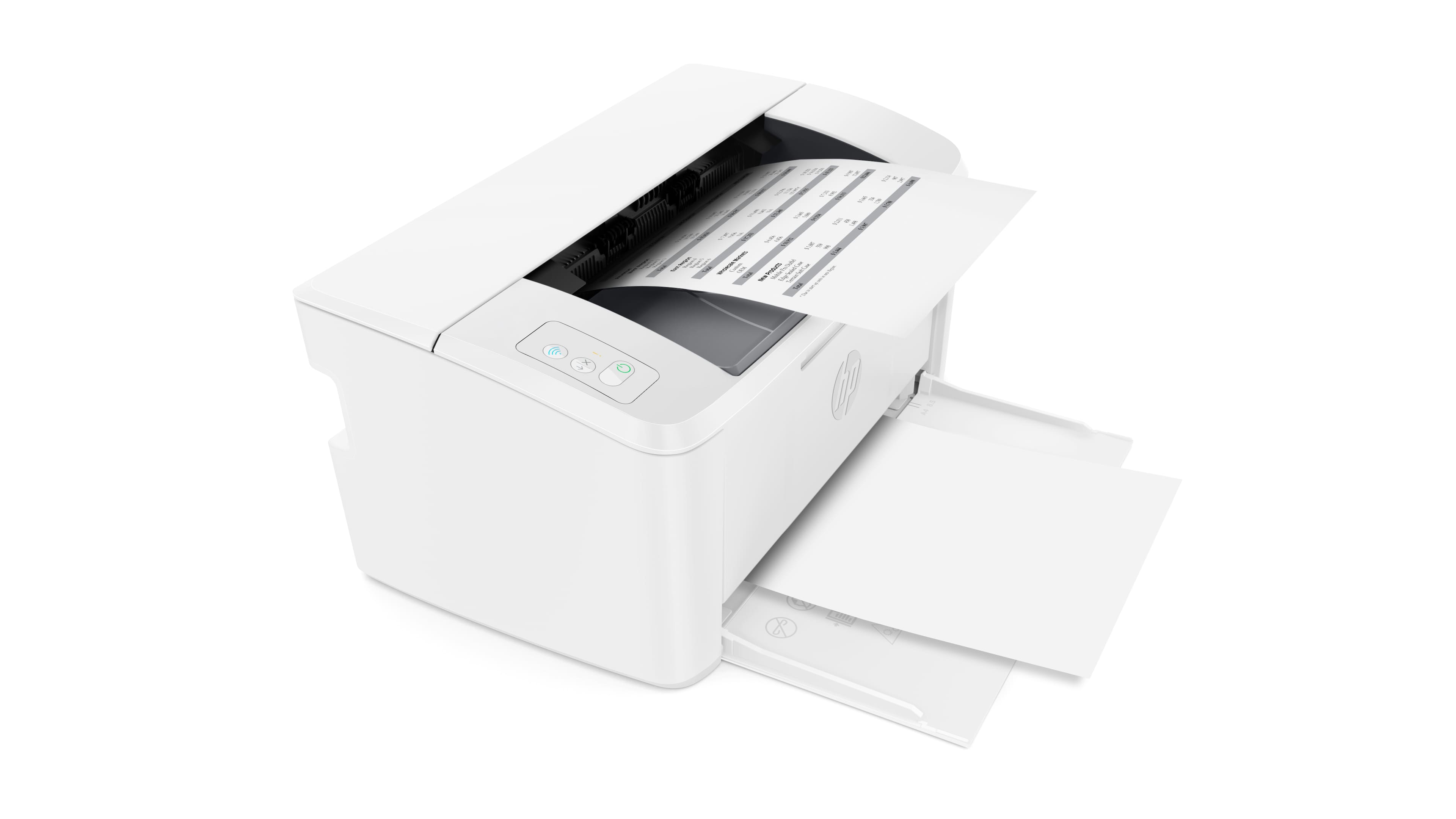


- Model:
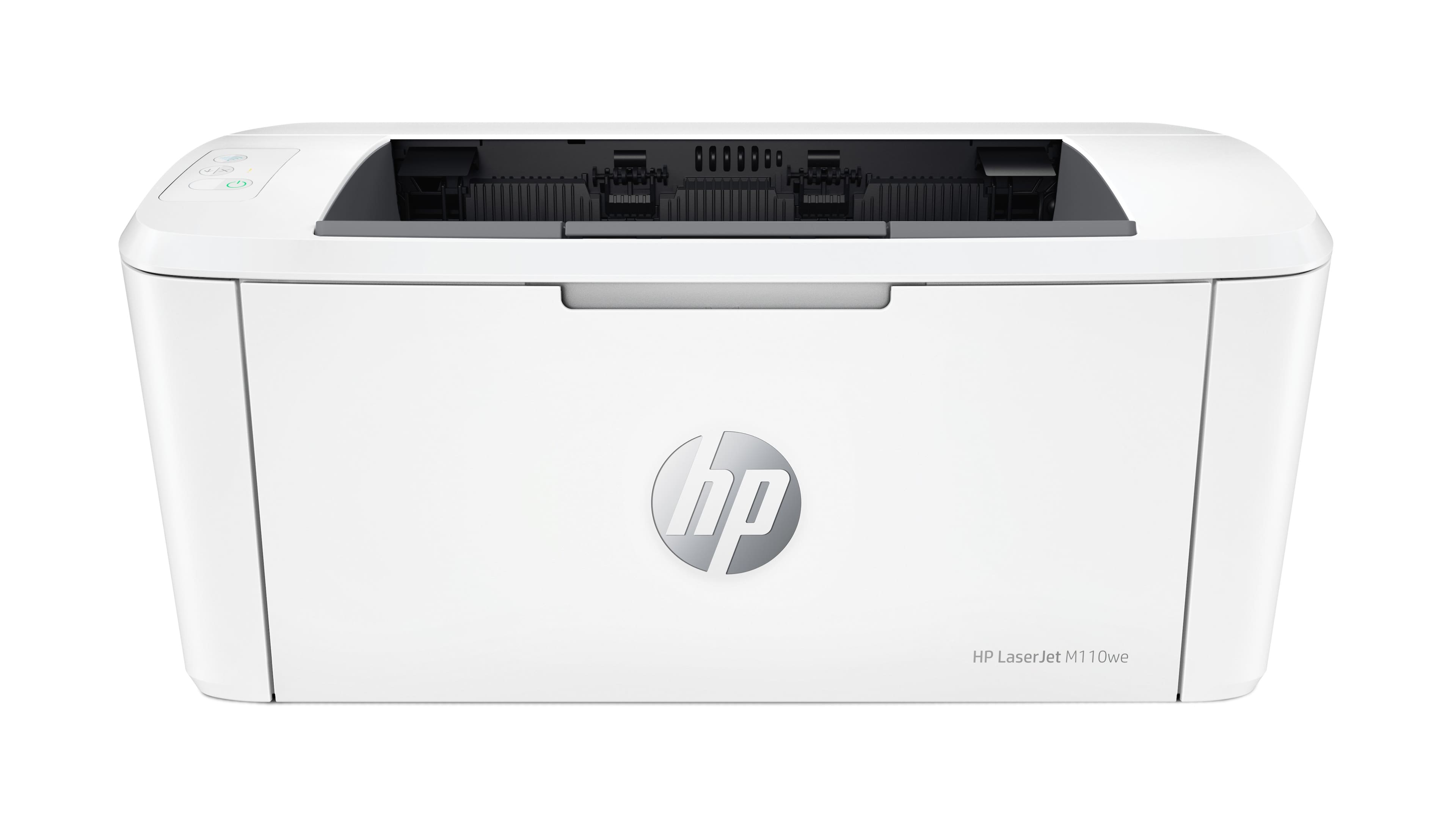
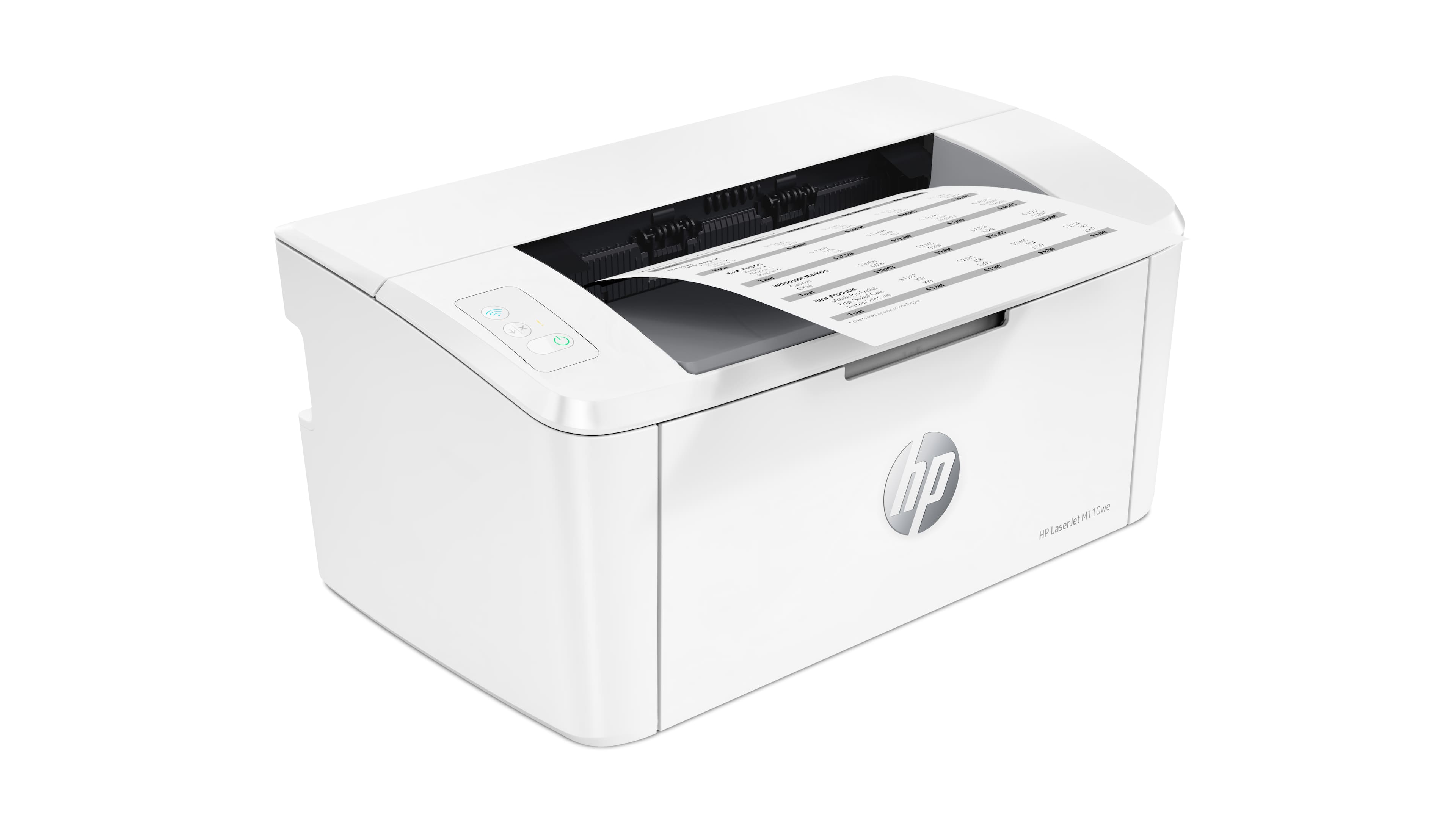
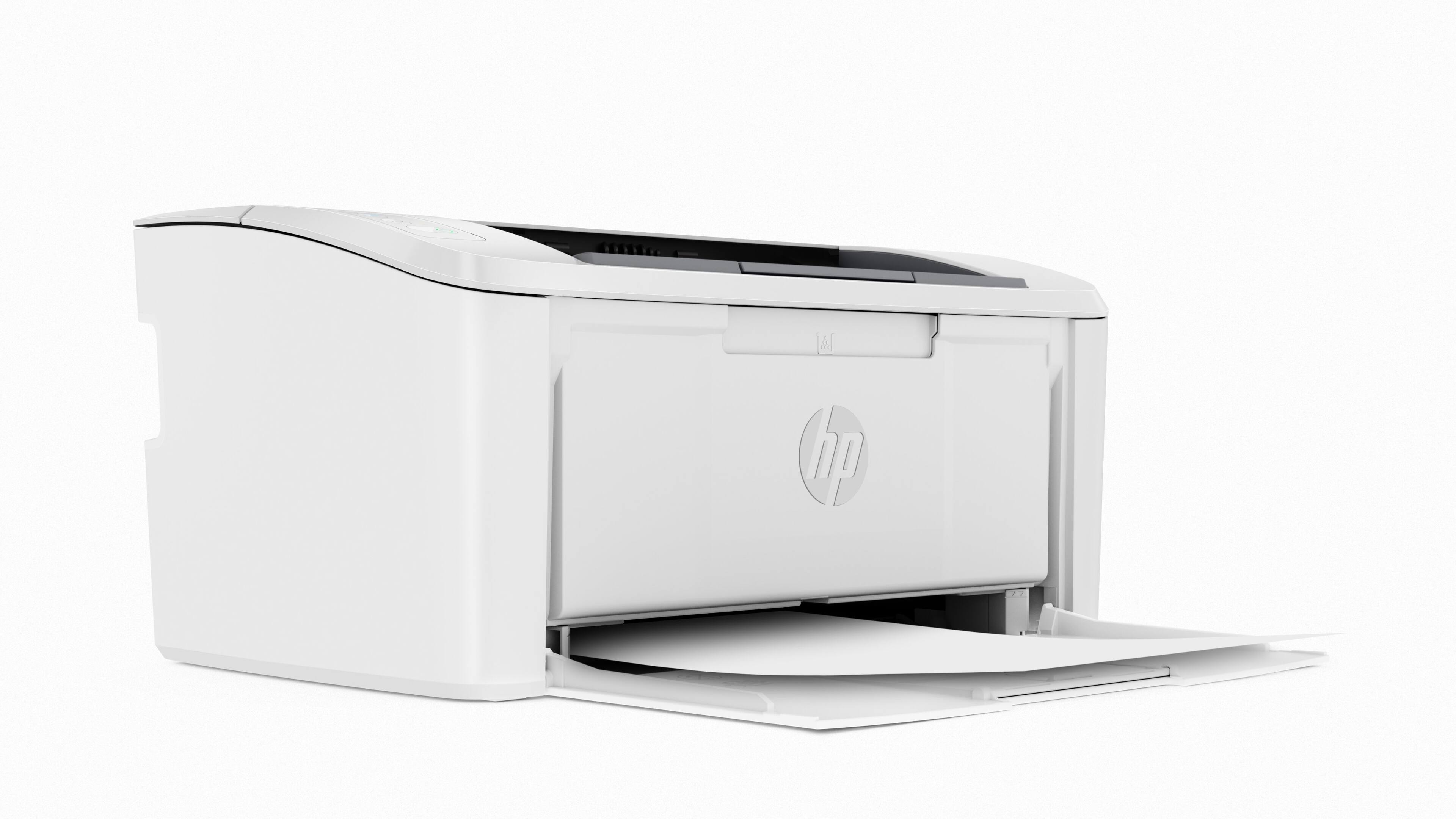
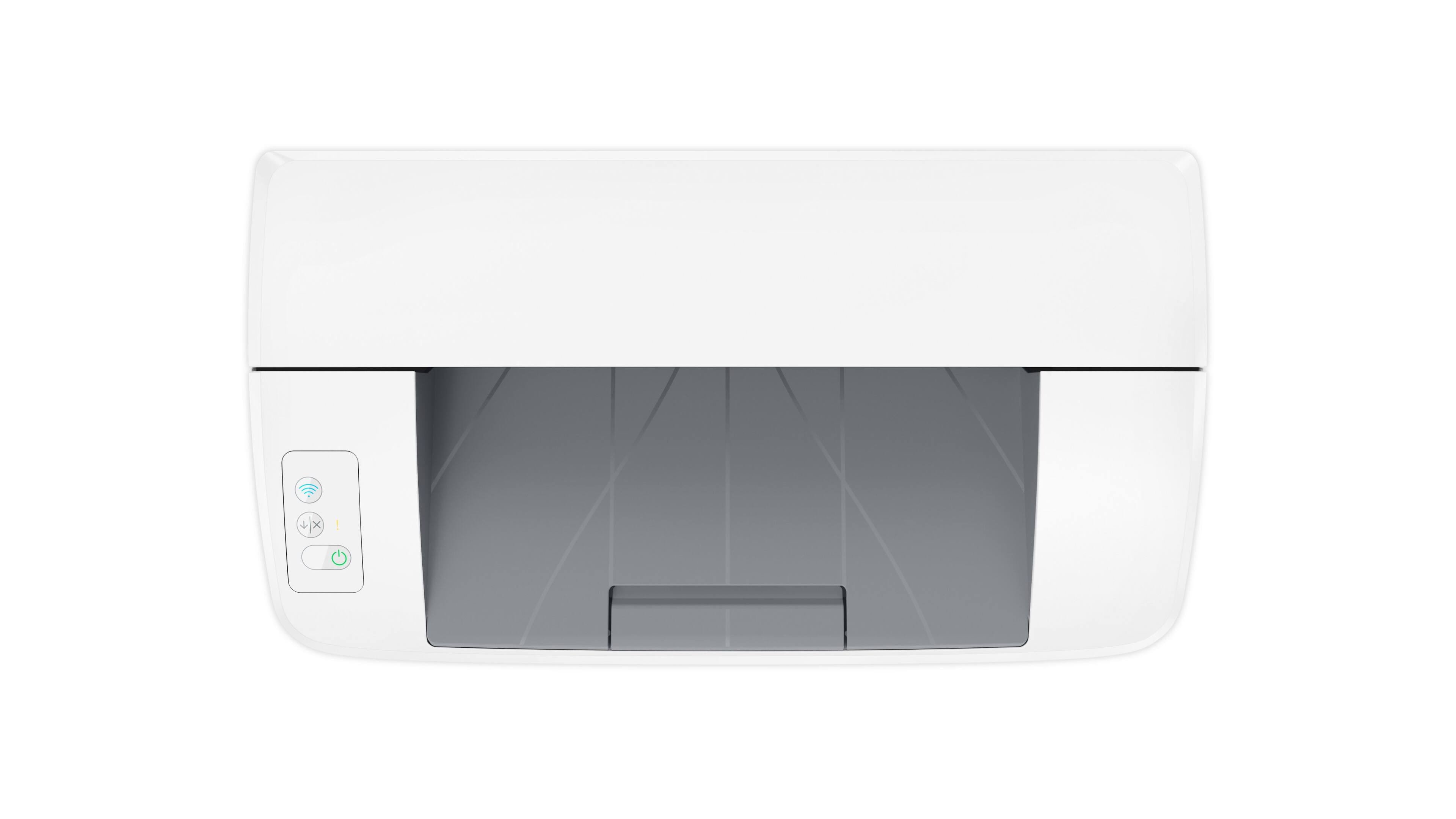
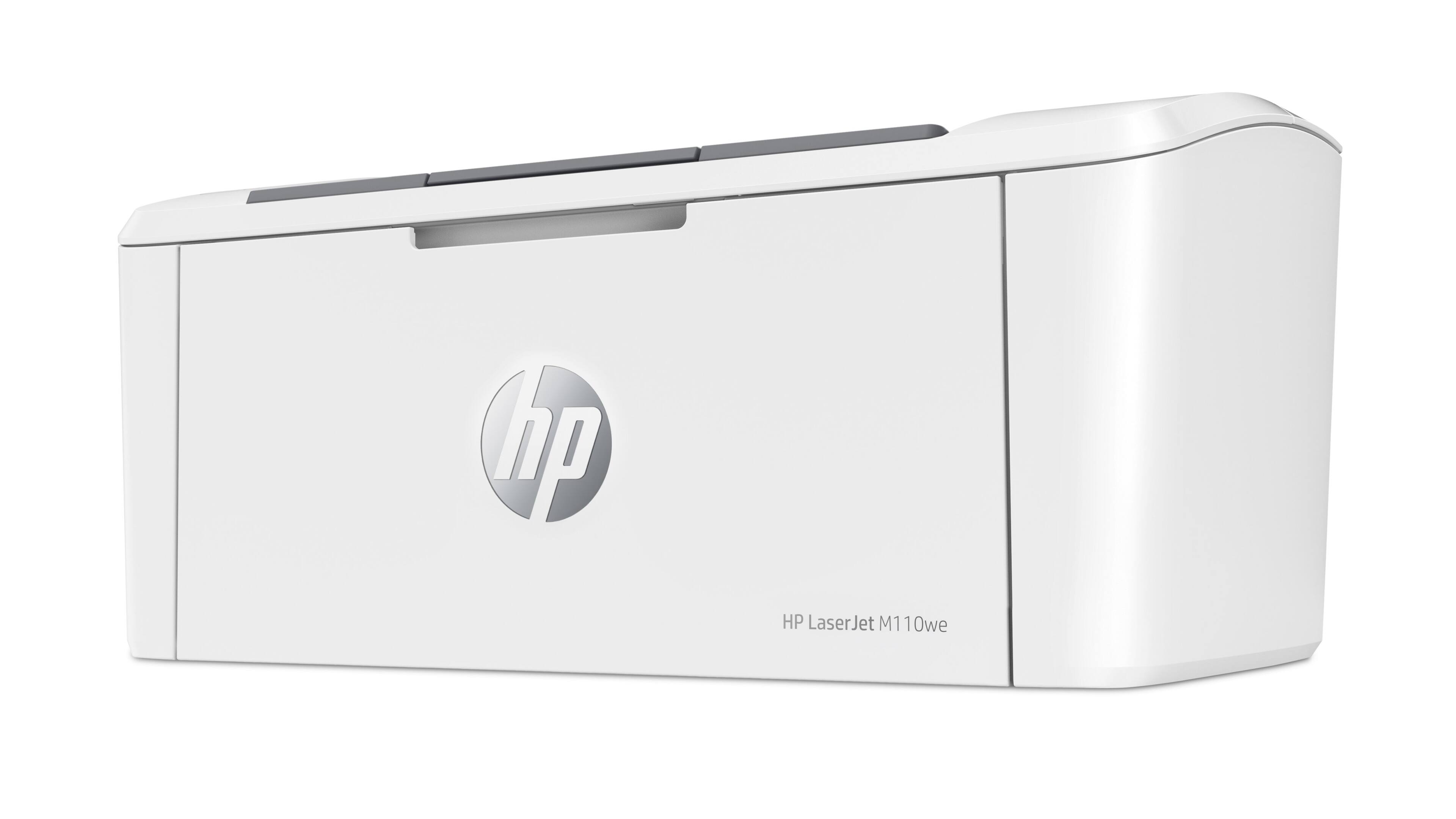
- LaserJet M110we
- SKU:
- 6484885
Rating by feature
- Value
Rating 4.2 out of 5 stars
- Quality
Rating 4.2 out of 5 stars
- Ease of Use
Rating 3.9 out of 5 stars
Customers are saying
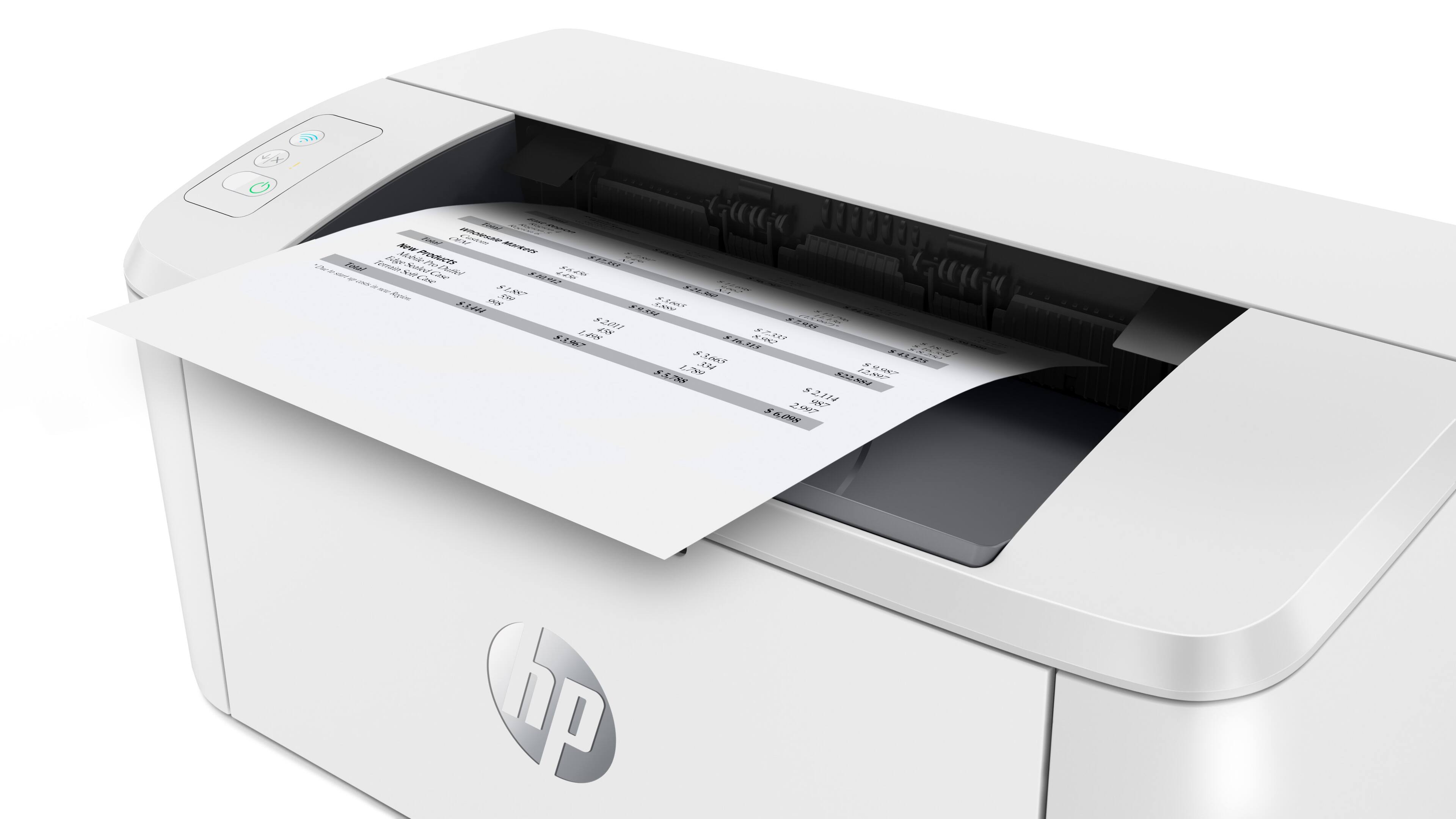
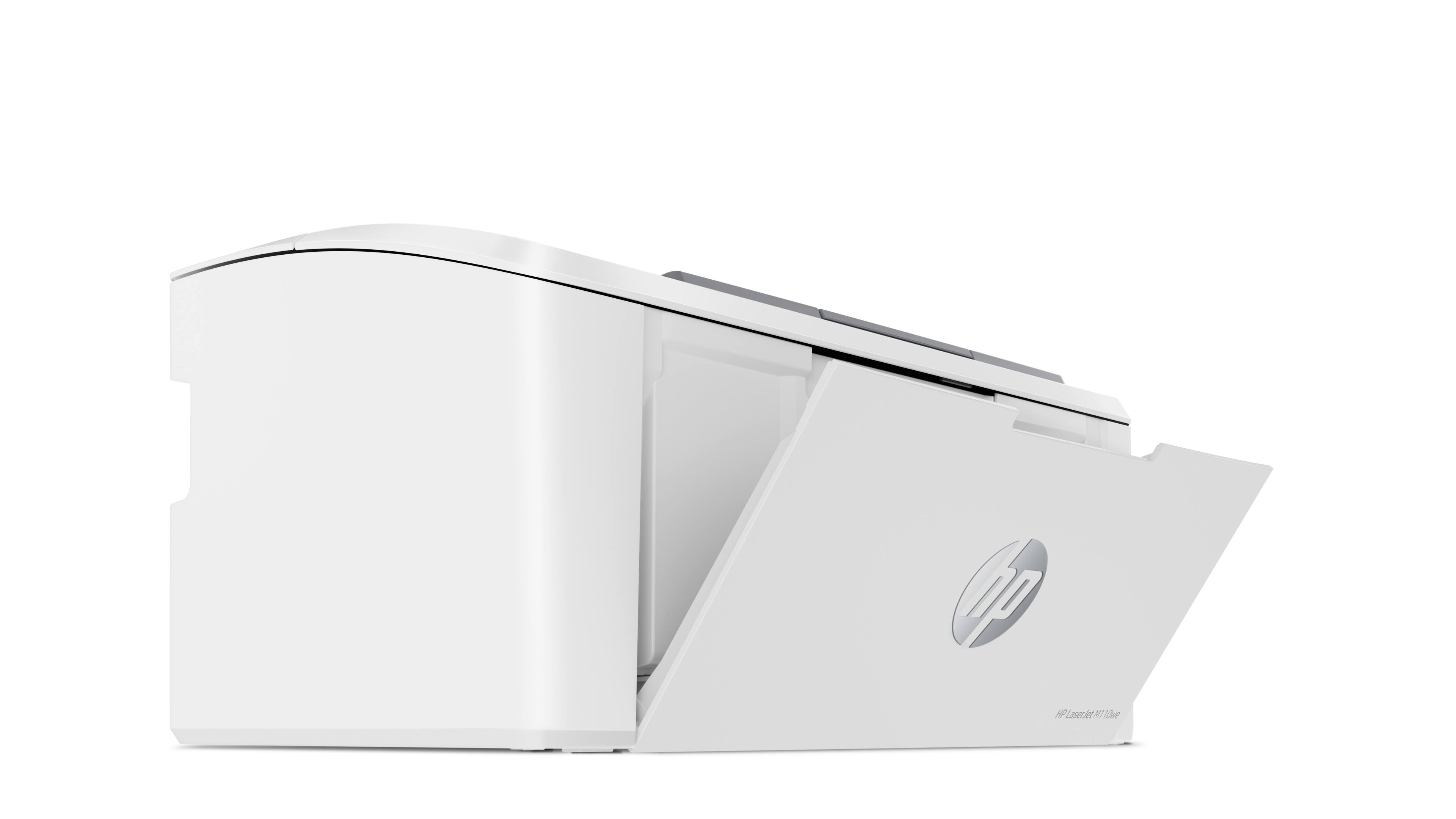
Customers have good things to say about the HP LaserJet M110we's print quality, compact size, and ease of use, frequently praising its quick printing speed and straightforward setup. Many appreciate its wireless capabilities and consider it a great value for the price. However, some users have noted issues with the paper tray capacity and the printer software. The small input tray size is a recurring concern for some customers.
This summary was generated by AI based on customer reviews.
Great printer
||Posted . Owned for 3 weeks when reviewed.This reviewer received promo considerations or sweepstakes entry for writing a review.This is a great printer and a good value. Awesome.
No, I would not recommend this to a friendHP - LaserJet M110we
||Posted . Owned for 3 weeks when reviewed.This reviewer received promo considerations or sweepstakes entry for writing a review.Good value for the money. Perfect for low volume or envelope print.
I would recommend this to a friendGood Product!
||Posted . Owned for 1 week when reviewed.This reviewer received promo considerations or sweepstakes entry for writing a review.A nice little printer. It works well and prints nicely.
I would recommend this to a friendPrinter
||Posted . Owned for 2 weeks when reviewed.This reviewer received promo considerations or sweepstakes entry for writing a review.Great value and quality. Just the right printer now.
I would recommend this to a friendNice printing
||Posted .This reviewer received promo considerations or sweepstakes entry for writing a review.Works as it should but I wish I got the one with the scanner
I would recommend this to a friendDon't Buy this Printer
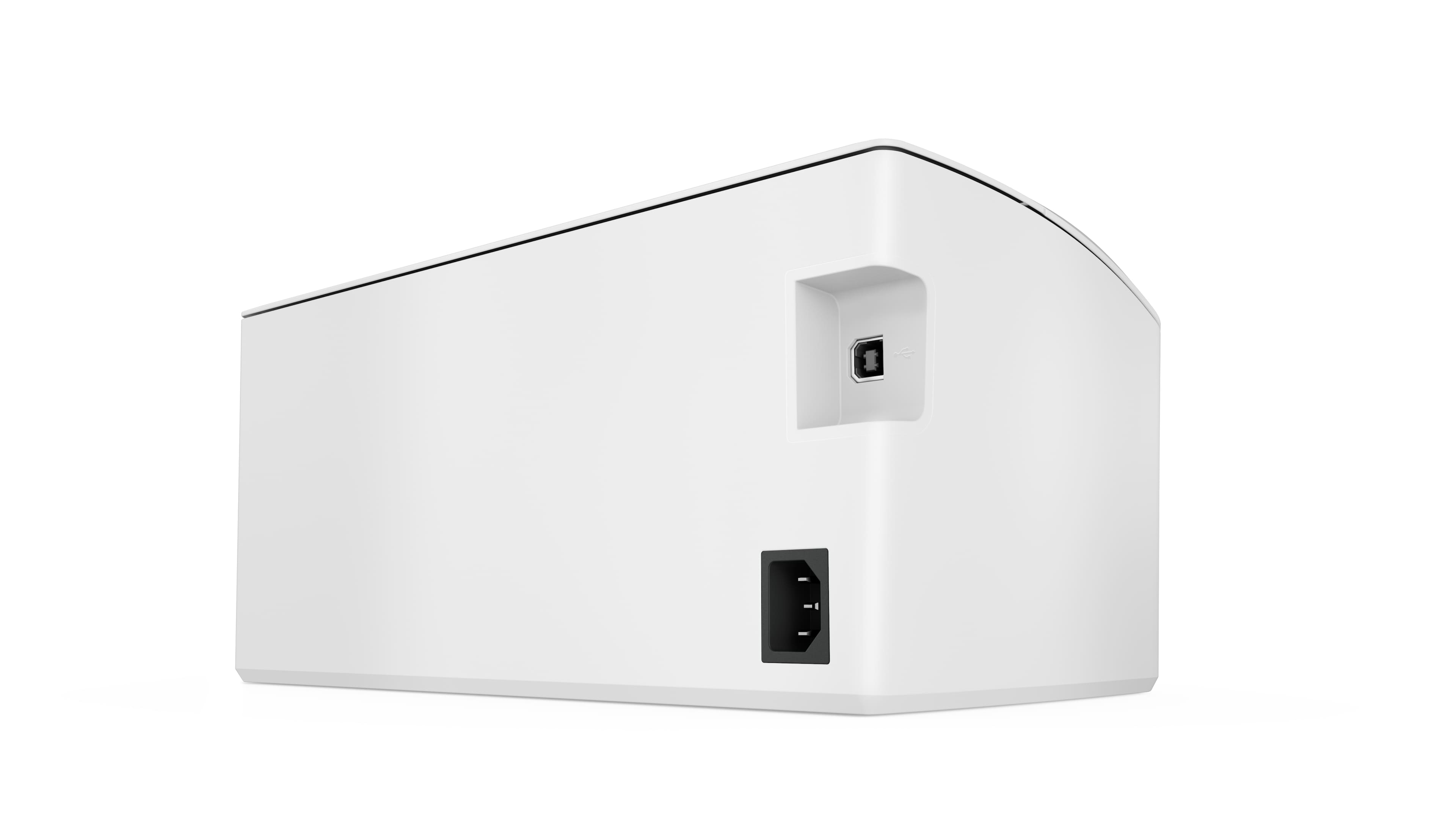
||Posted . Owned for 1 month when reviewed.This reviewer received promo considerations or sweepstakes entry for writing a review.We have had nothing but problems with this printer. It will only print in WiFi. It then keeps saying it is not connected all the time. There is no way to print it directly to the printer. Now it won't even pull from a stack of paper, we have to put one or two pages in so it will pick that up. The latest error is saying there is no paper. This printer is garbage and after little more than a month, Best But won't accept a return. Don't buy this lousy printer and after seeing the lousy quality don't buy a HP printer at all.
No, I would not recommend this to a friendBrand response from HP Team
Posted .Hi, Samuel.
I’m sorry that your printer has performed so poorly. Your frustration comes as no surprise, considering you’ve endured problems with Wi-Fi connectivity and document feeding in addition to a contradictory out-of-paper error. I want to help you out of this dilemma, so I’ll suggest some resources designed to make that happen.
I recommend that you contact us directly so we can help you assess what’s happening and find the best course of action. HP+ printers such as yours come with exclusive concierge support. To call and reach live HP+ experts, visit the following URL and enter your HP+ serial number:
- hp.com/plus-help
I'll also mention that HP printers have a one-year warranty from their purchase date that covers hardware as well as ink supplies – and that warranty extends to two years with an HP+ account – so if it comes to that, you might consider making use of it. You can verify the warranty using the following link:
- support.hp.com/us-en/checkwarranty
Keith
HP Care
hp.com/support
printing quality not good
||Posted .This reviewer received promo considerations or sweepstakes entry for writing a review.The printing quality is not good. It is not clear.
No, I would not recommend this to a friendMy printer
||Posted .This reviewer received promo considerations or sweepstakes entry for writing a review.Best printer ive had so far. Very easy to use and set up
I would recommend this to a friendEXCELLENT !
||Posted . Owned for 3 weeks when reviewed.This reviewer received promo considerations or sweepstakes entry for writing a review.This is a replacement for my wife’s business. Loves it !
I would recommend this to a friendPrinters
||Posted . Owned for 1 week when reviewed.This reviewer received promo considerations or sweepstakes entry for writing a review.Very good services. I would recommend you to other people.
I would recommend this to a friendAPPLE USERS BE AWARE
||Posted . Owned for less than 1 week when reviewed.This reviewer received promo considerations or sweepstakes entry for writing a review.The worst setup process I’ve ever experienced in any electronic, if you have an Apple device or a MacBook you’re trying to use this printer with, do not purchase this. I’ve been trying to get this to connect to my iPhone through their app and through the desktop app on my MacBook AND 2019 iMac!
No, I would not recommend this to a friendBrand response from HP Team
Posted .Hi there.
I’m sorry to learn that you’ve encountered such difficulty setting up your printer. I can certainly understand why you’d be disheartened, considering the effort you’ve expended. I want to help you out of this dilemma. I hope you’ll use some of the resources below to reach that end.
First, I recommend you look through several troubleshooting guides specific to Mac OS and iOS that you can find on our support site related to connectivity and printing issues.
Printer not found during driver setup:
- support.hp.com/us-en/document/c04618676
Printer offline or not responding:
- support.hp.com/us-en/document/c04249334
HP Easy Start software installation fails:
- support.hp.com/us-en/document/c05291302
Problems printing via iPhone and iOS:
- support.hp.com/us-en/document/c02623193
If you need further assistance, I suggest you contact us directly so we can help you assess what’s happening and find a solution. HP+ printers such as yours come with exclusive concierge support. To call and reach live HP+ experts, visit the following URL and enter your HP+ serial number:
- hp.com/plus-help
Keith
HP Care
hp.com/support
useless
||Posted . Owned for 7 months when reviewed.This reviewer received promo considerations or sweepstakes entry for writing a review.If there is anything less than 1 start I will . This printer when it works it is OK forget about it it does not. I have been trying to find my printer for a month since no cable connection no direct wireless connection but through a stupid app that does not work I wish you luck especially if your internet drop now it is just decorating a desk. While I earch for another printer no no to HP again
No, I would not recommend this to a friendBrand response from HP Team
Posted .Hi, Akinpelu.
I’m sorry that your printer has performed so poorly. I can wholly understand why connectivity trouble as well as difficulty with the HP Smart App would quickly become exasperating. I want to help you navigate these issues, so I’ll suggest some resources aimed at making that happen.
First, I recommend you visit a page on our support site that has diagnostic tools for various issues, including wireless connectivity. You can find that page here:
- support.hp.com/us-en/topic/diagnostics
Next, I suggest that you follow a guide on our support site to installing and using the HP Smart App, especially the FAQ portion, which covers common questions as well as difficulties users have encountered. Find that guide here:
- support.hp.com/us-en/document/ish_1716406-1413451-16
If any problem persists, I suggest you contact us directly so we can help you assess what’s happening and find the proper course of action. HP+ printers such as yours come with exclusive concierge support. To call and reach live HP+ experts, visit the following URL and enter your HP+ serial number:
- hp.com/plus-help
Keith
HP Care
hp.com/support
EXCELENT
||Posted . Owned for 2 months when reviewed.This reviewer received promo considerations or sweepstakes entry for writing a review.EXCELLENT HP.......................................
I would recommend this to a friend- Pros mentioned:Ease of use, Print quality

Highs and lows
|Posted .This reviewer received promo considerations or sweepstakes entry for writing a review.I picked up this printer as a backup for my existing color laser printer since cartridges for it can be very expensive. This HP is super compact, incredibly easy to set up, and supports mobile printing from your phone or tablet with ease. I was definitely impressed by how quickly I was up and running. Print quality is very respectable for a lower end laser printer and compares well with my more expensive printer. Where i run into a major setback is the concept that HP is using to sell printers these days. The unit is firmware locked so that you cannot use cartridges other than HP brand, with a strong preference toward you subscribing to their instant ink service. I truly believe if you buy a printer then once the warranty expires you should be able to use whatever cartridge you want. I’d rather pay more for a product that I can use flexibly than to be trapped in a subscription for something I use infrequently. That being said - if you print regularly the math for instant ink might work well for you. I’d recommend checking out the HP website ahead of time and thinking it through.
I would recommend this to a friend Home office
||Posted .This reviewer received promo considerations or sweepstakes entry for writing a review.Excellent product. Great for my home office needs!
I would recommend this to a friendDON'T BUY THIS
||Posted . Owned for 1 month when reviewed.This reviewer received promo considerations or sweepstakes entry for writing a review.Not user friendly, can't get this to print anything I am going to take it and my laptop to geek squad and see if they can't figure out what the problem is, if they can't fix it I might as well us it as a door stop I am past my return policy I had hope that it would work
No, I would not recommend this to a friendBrand response from HP Team
Posted .Hi, Sharon.
I’m sorry that your printer has not worked like it should. I can wholly understand why you’d be exasperated, considering the device has not printed and the retailer’s return period has ended. I want to help you out of this dilemma. I hope the resource below will help make that happen.
I recommend that you contact us directly so we can assess what’s happening and find the best course of action. HP+ printers such as yours come with exclusive concierge support. To call and reach live HP+ experts, visit the following URL and enter your HP+ serial number:
- hp.com/plus-help
Keith
HP Care
hp.com/support
Scam
||Posted . Owned for 2 months when reviewed.This reviewer received promo considerations or sweepstakes entry for writing a review.Piece of crap. Won't connect to internet or phone. No set up instructions. No legitimate help
No, I would not recommend this to a friendBrand response from HP Team
Posted .Hi there.
I’m sorry that your printer has not connected wirelessly like it should, and that you’ve found neither the instructional materials you need nor technical support. Your frustration comes as no surprise here. I want to help you out of this dilemma, so I’ll suggest some resources I hope will make that happen.
First, I recommend that you follow a setup and connectivity tutorial specific to your printer you can find on our support site. On the same page, you can also access user manuals, troubleshooting guides, how-to documents and software updates. Do that by following this link:
- support.hp.com/us-en/product/model/35334170
You can also visit a page on our support site that has diagnostic tools for various tasks and issues, including setup and connectivity. You can find the page here:
- support.hp.com/us-en/topic/diagnostics
If you need further assistance with setup, connectivity or anything else, I suggest you contact us directly so we can help you assess what’s happening and find the best course of action. HP+ printers such as yours come with exclusive concierge support. To call and reach live HP+ experts, visit the following URL and enter your HP+ serial number:
- hp.com/plus-help
Keith
HP Care
hp.com/support
HP can kiss my ads!
||Posted . Owned for 8 months when reviewed.This reviewer received promo considerations or sweepstakes entry for writing a review.Ransomware! When you buy the printer, you get enrolled in the HP InstaInk program. But if you cancel BEFORE your toner cartridge is empty, you printer will not print until you replace the cart with a brand new one.
No, I would not recommend this to a friendWorked great for a day
||Posted . Owned for 4 months when reviewed.This reviewer received promo considerations or sweepstakes entry for writing a review.Printed for a day, now won’t suck paper in. Pulls the paper in and spits it out a few times and gives up saying paper jam. If I manually force the paper in it works. Tried for hours to get assistance from HP and can’t get anywhere. Also have to enter all your personal info just to use the printer. Don’t waste your time with this.
No, I would not recommend this to a friendBrand response from HP Team
Posted .Hi there.
I’m sorry to learn that your printer has performed so poorly, and that you’ve not received the support you need. It’s easy to understand why the document feeder and paper jam problems you describe would be exasperating. I want to help you out of this dilemma. I hope the resources below guide you to that end.
First, I recommend you follow a guide on our support site to document feeders that pull through too many pages at once or fail to pick up any paper at all. Find that guide here:
- support.hp.com/us-en/document/c01728503
If the problem persists, I suggest you contact us directly so we can help you assess what’s happening and find the best course of action. HP+ printers such as yours come with exclusive concierge support. To call and reach live HP+ experts, visit the following URL and enter your HP+ serial number:
- hp.com/plus-help
I'll also mention that HP printers have a one-year warranty from their purchase date that covers hardware as well as ink supplies – and that warranty extends to two years with an HP+ account – so if it comes to that, you might consider making use of it. You can verify the warranty using the following link:
- support.hp.com/us-en/checkwarranty
Keith
HP Care
hp.com/support
no Wifi required!
||Posted .This reviewer received promo considerations or sweepstakes entry for writing a review.I was assured the Best Buy associate was ordering online a printer that did not require WiFi. When I brought it home from the store, I found that it did require WiFi. So I took it back.
No, I would not recommend this to a friend



















