Customer Ratings & Reviews

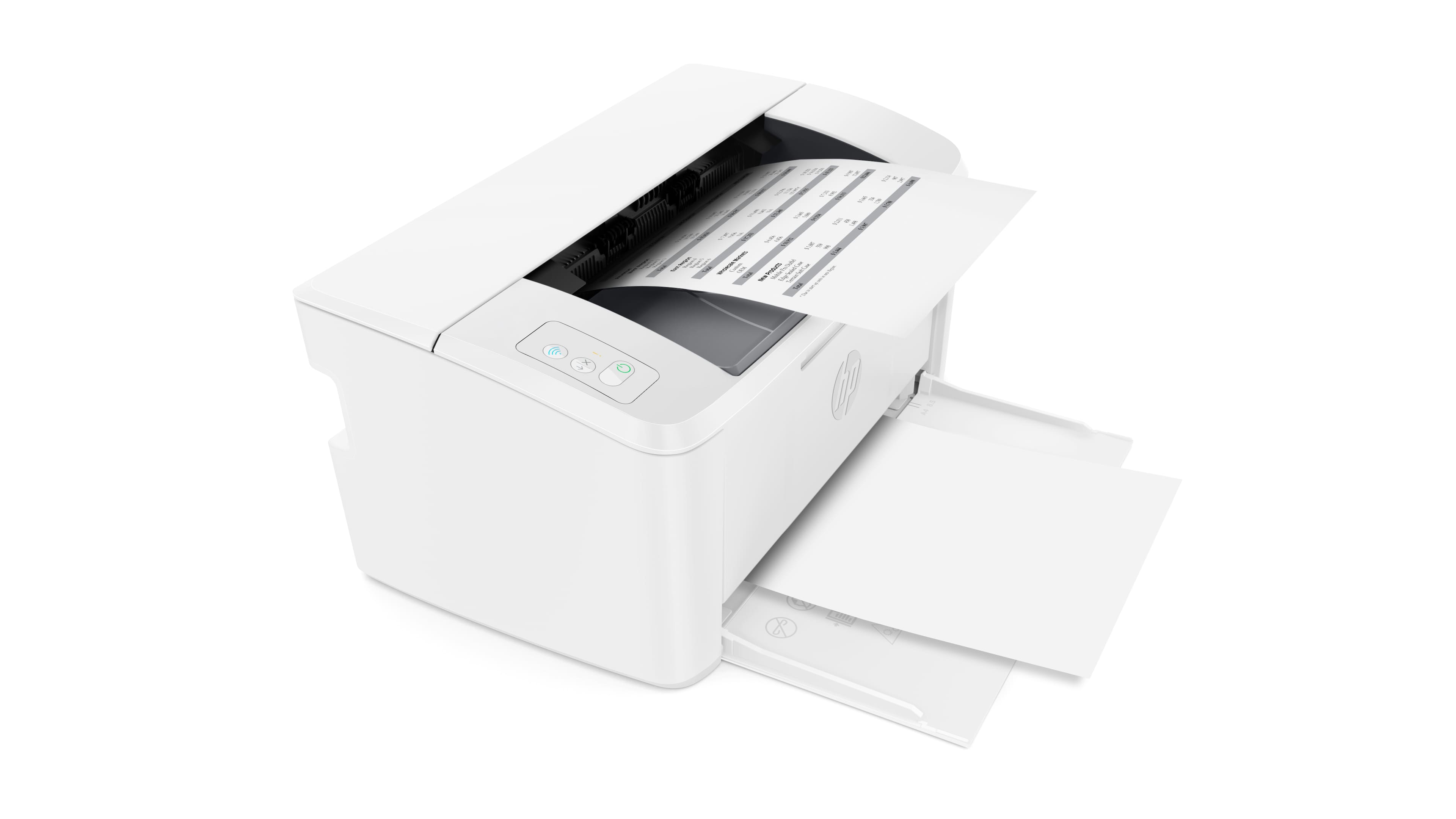


- Model:
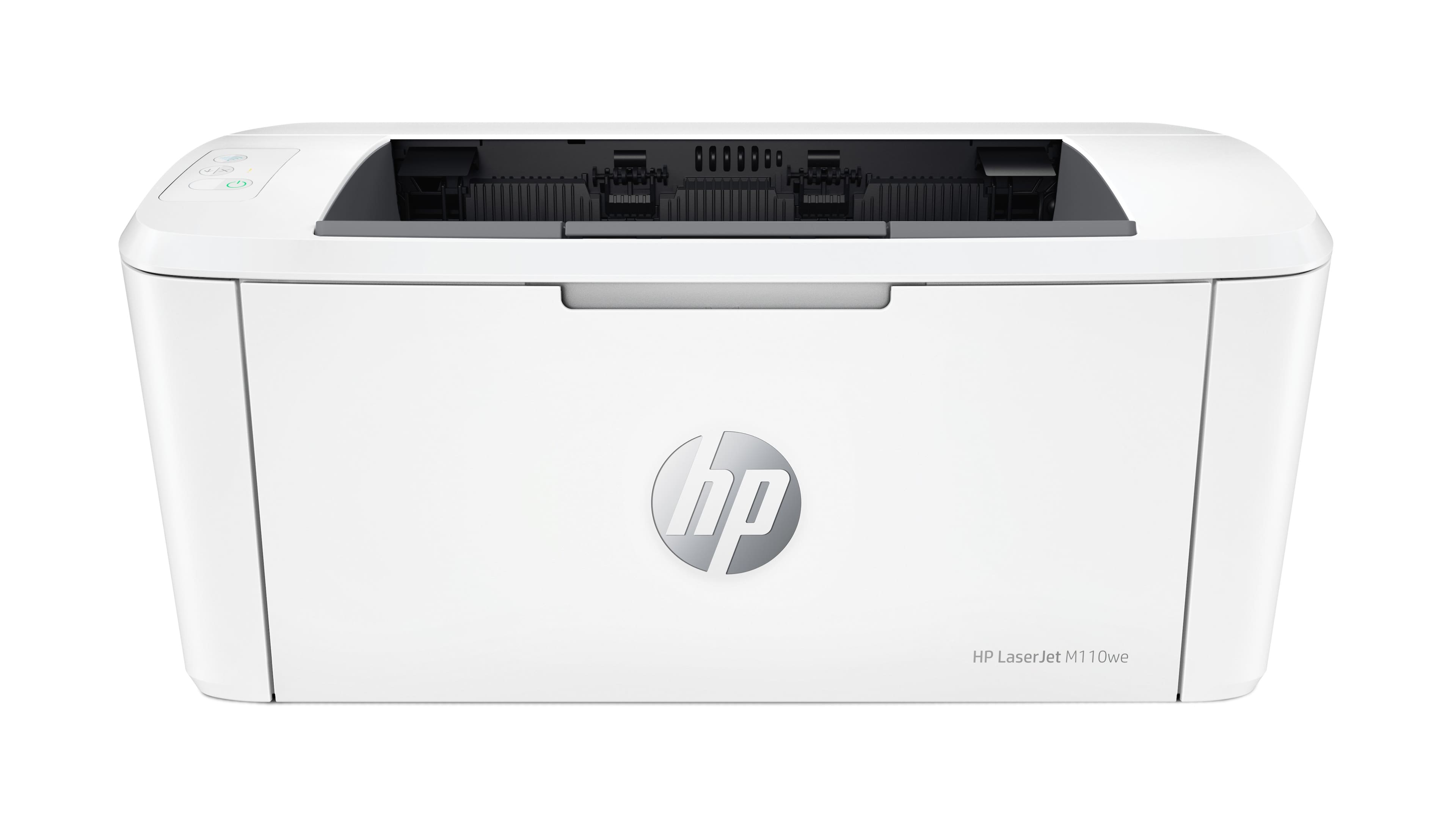
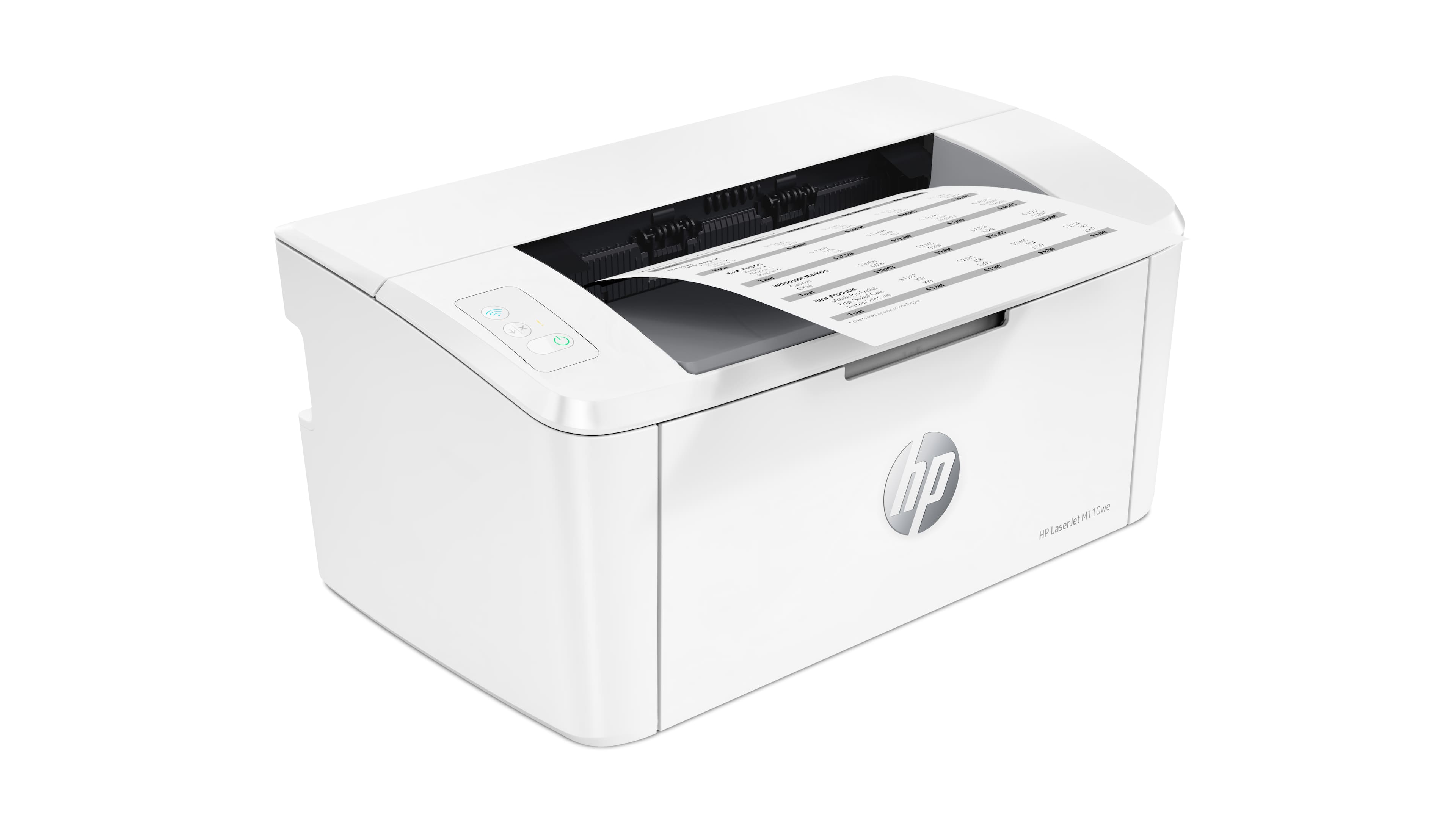
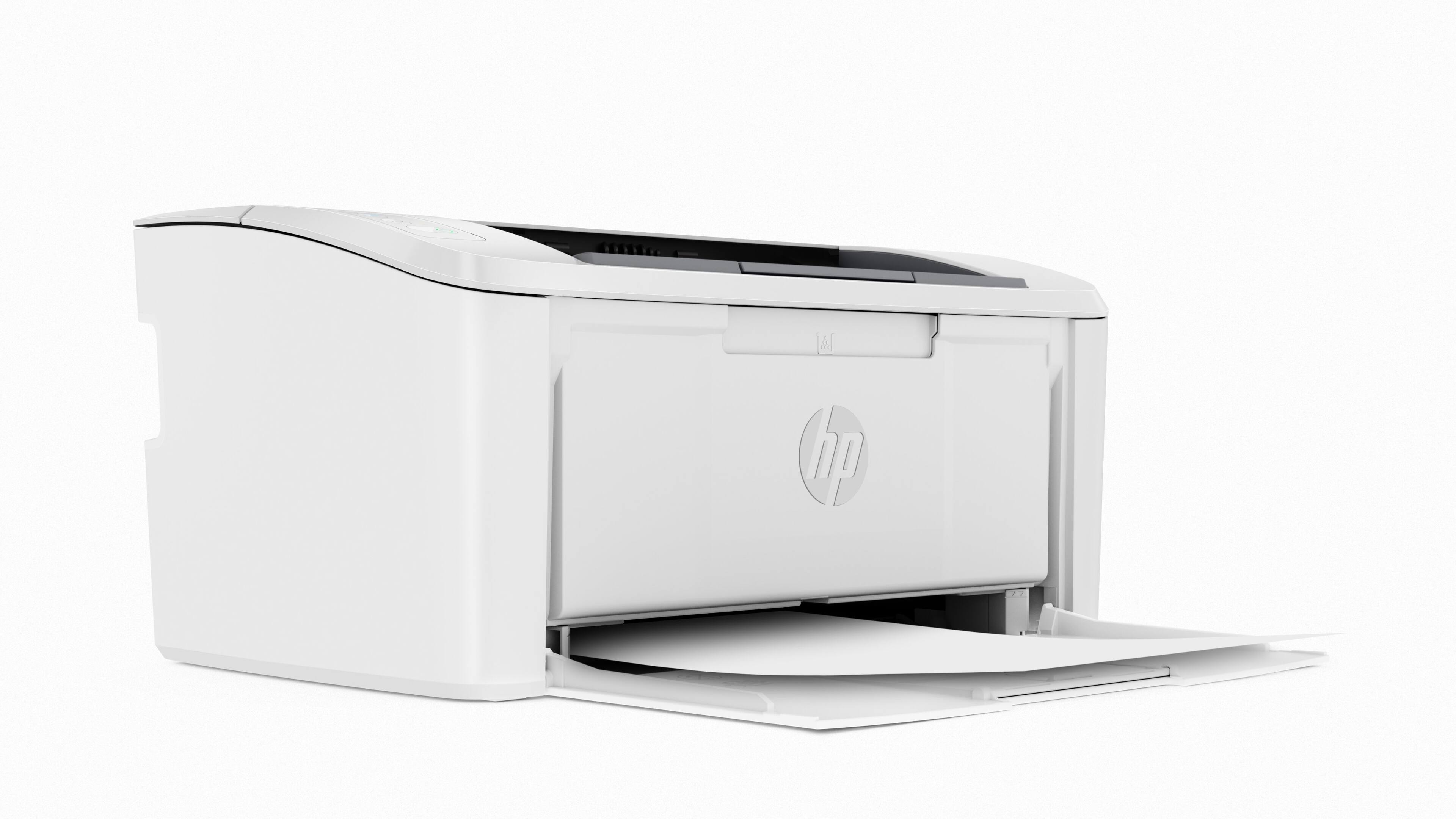
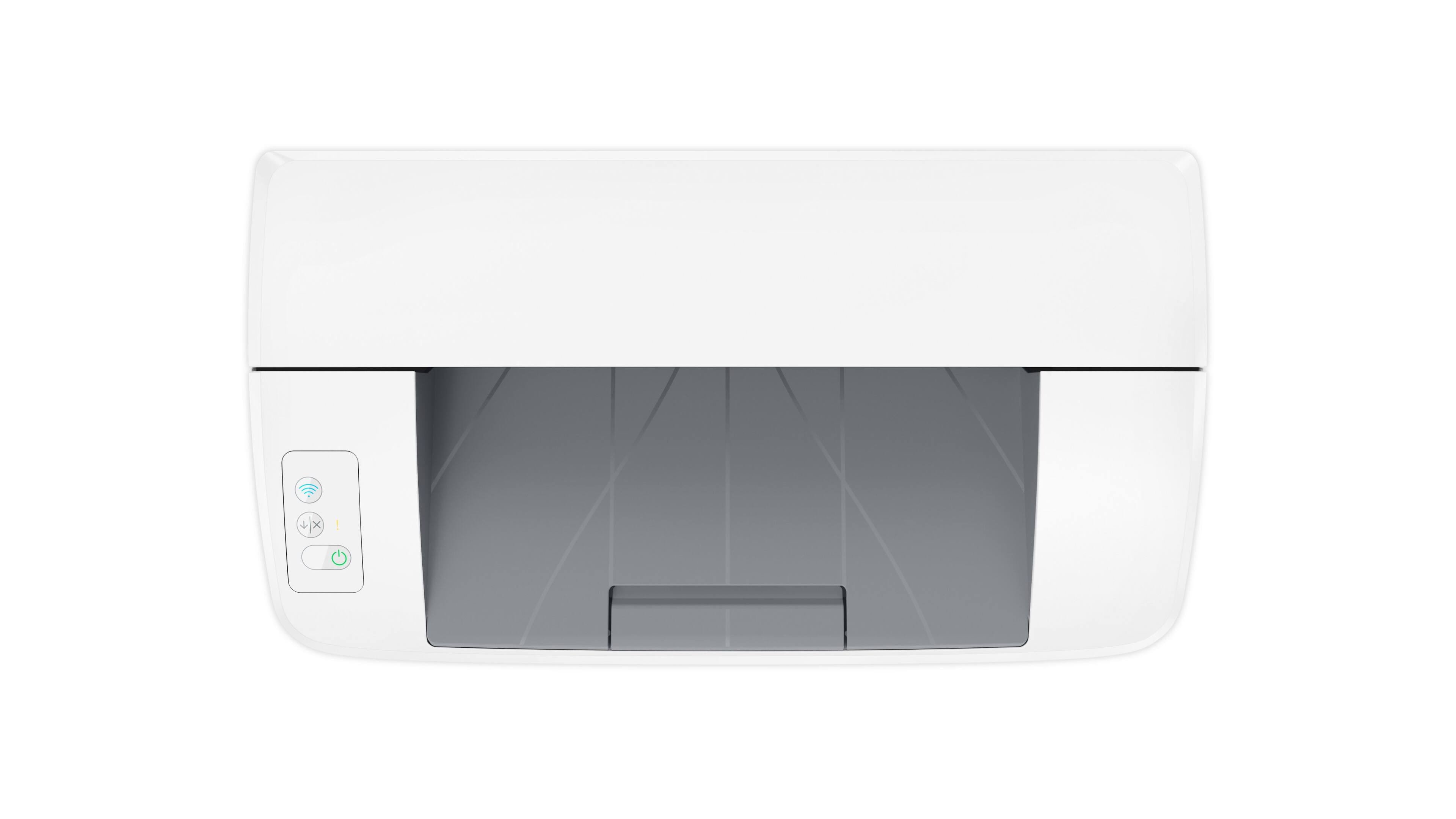
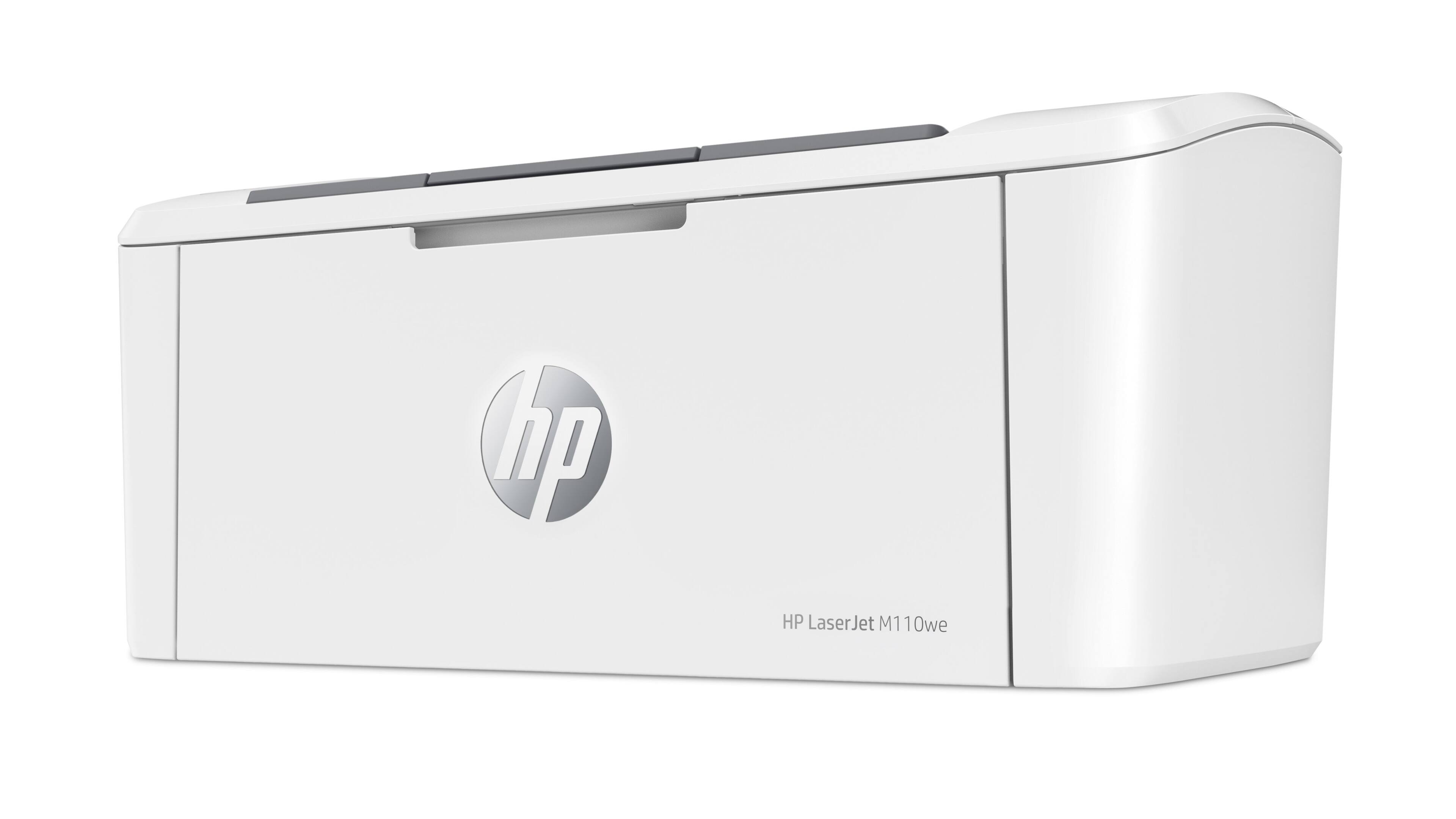
- LaserJet M110we
- SKU:
- 6484885
Rating by feature
- Value
Rating 4.2 out of 5 stars
- Quality
Rating 4.2 out of 5 stars
- Ease of Use
Rating 3.9 out of 5 stars
Customers are saying
Customers have good things to say about the HP LaserJet M110we's print quality, compact size, and ease of use, frequently praising its quick printing speed and straightforward setup. Many appreciate its wireless capabilities and consider it a great value for the price. However, some users have noted issues with the paper tray capacity and the printer software. The small input tray size is a recurring concern for some customers.
This summary was generated by AI based on customer reviews.
- Pros mentioned:Print quality, Size

Compact, sleek and fast.
|Posted .This reviewer received promo considerations or sweepstakes entry for writing a review.This is a really cool little printer. Very small footprint for a laser printer. I currently have a big heavy laser printer that takes up half of a kitchen table, it prints color so I'll keep it around but this black and white printer from HP is very very nice for the price! I set it up using my computer with no issues. Ran a couple of test prints and came away very impressed with both the quality and the speed of this printer. It prints quickly at around 21 pages per minute. With myself working from home more and my wife finishing her masters, we are signing up for the HP instant ink option that costs anywhere from $2-$25.00 for ink once the 6 month trial is over. I would definitely recommend this to anyone that needs a small, fast laser printer for home or on the go that doesn't take up a whole table. Go for it!
I would recommend this to a friend garbage
||Posted .This reviewer received promo considerations or sweepstakes entry for writing a review.Garbage setup instructions. Connecting a printer requires that you use the Microsoft mail client. It won't work if you use any other mail client (like gmail).
No, I would not recommend this to a friendBrand response from HP Team
Posted .Hi, Peter.
I’m sorry that you encountered difficulty setting up your printer. The frustration you express is totally understandable, considering you endured such a problematic start to owning the device. I can’t tell from your review whether you were able to complete the process, but I’ll nonetheless provide some resources aimed at helping you get the device working to your satisfaction.
If you still need to complete setup and installation, you can access a tutorial specific to your printer on our support site. Regardless, on the same page as the tutorial, you can find troubleshooting guides, user manuals, how-to documents and software updates. Find those materials here:
- support.hp.com/us-en/product/model/35334170
You can also visit a page on our support site that has diagnostic tools for various tasks and issues, including setup and connectivity difficulties as well as toner cartridge installation and print quality. There you can find a general-purpose tool called the HP Print and Scan Doctor. If you use Windows, the tool will help identify and guide you through solutions to a wide range of common printing and scanning issues. You can find the page here:
- support.hp.com/us-en/topic/diagnostics
If you need further assistance with setup, connectivity or anything else, I suggest you contact us directly so we can help you assess what’s happening and find a solution. HP+ printers such as yours come with exclusive concierge support. To call and reach live HP+ experts, visit the following URL and enter your HP+ serial number:
- hp.com/plus-help
Keith
HP Care
hp.com/support
- Pros mentioned:Print qualityCons mentioned:Paper tray
Fast little home printer
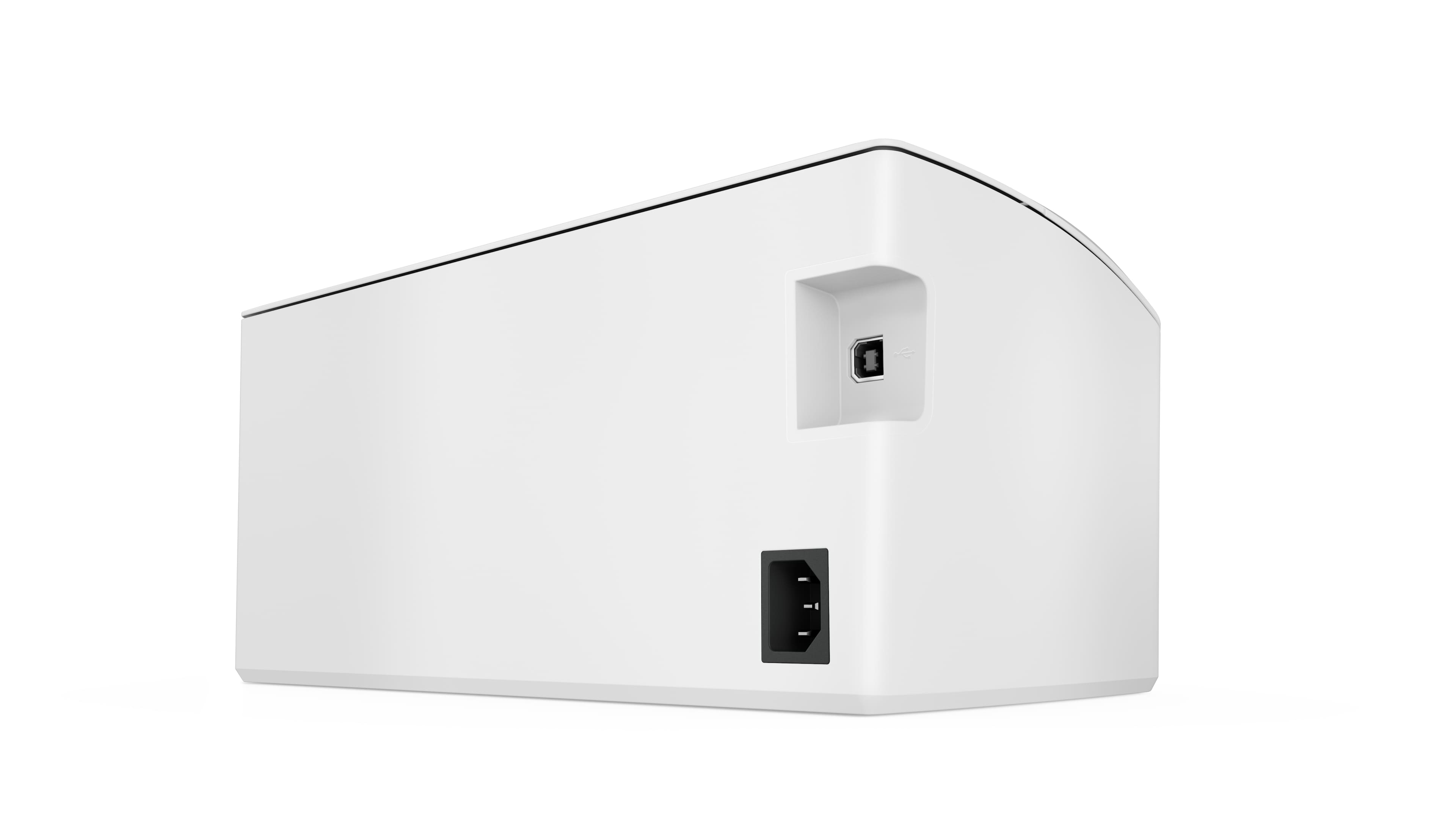
|Posted .This reviewer received promo considerations or sweepstakes entry for writing a review.I was impressed with how much this little printer weighs. It is far more confidence-inspiring than early ink jet models. Setup was pretty straightforward. I found it interesting that the USB port was actually taped off because the initial setup needs to be done with the HP Smart app on a mobile device. Weird. It doesn’t seem like it was that long ago that I had a printer that had to be set up using a USB port before using it over wifi! Printing is super fast and very high quality. I was amazed at how crisp printed text looked. I only gave this little gem four stars because of my two usual laser printer gripes: 1) a printer should be able to hold an entire team of paper. Generally speaking, people buy paper by the ream, so the balance of that ream has to go *somewhere*. 2) Why must almost every single printer use a unique toner cartridge?!? Would it be so difficult for the majority of printers in a size/use class to use an existing cartridge? Same goes for ink jet printers.
I would recommend this to a friend - Cons mentioned:Paper tray
Paper does not feed
||Posted . Owned for 5 months when reviewed.This reviewer received promo considerations or sweepstakes entry for writing a review.Had to return it because it would not feed the paper right.
No, I would not recommend this to a friend Frustrating
||Posted . Owned for 3 weeks when reviewed.This reviewer received promo considerations or sweepstakes entry for writing a review.You'd better be a computer engineer to use it. I left it connected to a laptop for several days after finally getting it to work once. now I get an error to try it a second time.
No, I would not recommend this to a friendBrand response from HP Team
Posted .Hi there.
I’m sorry your printer disconnected from your laptop and you’ve not been able to re-establish the link. Your frustration comes as no surprise here, especially considering you’d gotten the device to work only once previously. I want to help you remedy this problem. I hope the resources below guide you to that end.
First, I recommend you visit a page on our support site that has diagnostic tools for various issues, including wireless connectivity. You can find that page here:
- support.hp.com/us-en/topic/diagnostics
You can also find troubleshooting guides specific to your printer, including ones on connectivity, in addition to user manuals, how-to documents and software updates here:
- support.hp.com/us-en/product/model/35334170
If connectivity does not improve to your satisfaction, I suggest that you contact us directly at +1 800-474-6836 so we can help you assess what’s happening and find the best course of action. To expedite the process, I recommend gathering the following information before the call:
- Model number
- Serial number
- Your location
- Case number (from any previous contact with HP support)
Keith
HP Care
hp.com/support
Unreliable printer
||Posted . Owned for 1 month when reviewed.This reviewer received promo considerations or sweepstakes entry for writing a review.It suddenly stops printing as directed but prints a page saying something has gone wrong and call in. Very unreliable.
No, I would not recommend this to a friendBrand response from HP Team
Posted .Hi there.
I’m sorry that your printer has performed unreliably. I can certainly understand why the device not processing your print jobs yet printing an error message would seem contradictory. I want to help you out of this dilemma. I hope the resources listed below make that happen.
I can’t tell from your review what issue your printer faces or what remedy might exist. I recommend that you contact us directly so we can help you assess what’s happening and find the proper course of action. HP+ printers such as yours come with exclusive concierge support. To call and reach live HP+ experts, visit the following URL and enter your HP+ serial number:
- hp.com/plus-help
Keith
HP Care
hp.com/support
Printer
||Posted . Owned for 1 month when reviewed.This reviewer received promo considerations or sweepstakes entry for writing a review.Came without cord took it back They did send me a new one I was very happy about that but I still can’t get it connected to my lap top
I would recommend this to a friendBrand response from HP Team
Posted .Hi there.
I’m sorry to hear that you’ve had such a difficult time with your printer. I can wholly understand why being unable to connect the device to your laptop after receiving a unit that did not contain a cord would be a poor start to ownership. I want to help you get the device connected and working to your satisfaction. I hope the resources below do just that.
First, if you’ve not done so already, I recommend that you follow a tutorial to setup and connectivity specific to your printer you can find on our support site. On the same page you can also access user manuals, troubleshooting guides, how-to documents and software updates. Do that by following this link:
- support.hp.com/us-en/product/model/35334170
You can also visit a page on our support site that has diagnostic tools for various tasks and issues, including setup and connectivity. You can find the page here:
- support.hp.com/us-en/topic/diagnostics
If you need further assistance with setup, connectivity or anything else, I suggest that you contact us directly so we can help you assess what’s happening and find a solution. HP+ printers such as yours come with exclusive concierge support. To call and reach live HP+ experts, visit the following URL and enter your HP+ serial number:
- hp.com/plus-help
Keith
HP Care
hp.com/support
Don't Buy, You have been warned!!
||Posted . Owned for 6 months when reviewed.This reviewer received promo considerations or sweepstakes entry for writing a review.I dropped this off at my local recycling center. It worked for about 6 months, then stopped printing and could no longer re-connect to the internet. The support staff is a bot, so no luck there and you have to pay a month subscription just to print out your pages. I went back to Canon. Good Luck!
No, I would not recommend this to a friendBrand response from HP Team
Posted .Hi there.
I’m sorry that you had such a dreadful experience with your printer. I can wholly understand why losing wireless connectivity, not getting the support you needed and being unsatisfied with your Instant Ink subscription would be tremendously frustrating. I see that you’ve discarded the machine, but I want to help you avoid a similar situation should you buy an HP printer in the future.
First, this is an HP+ printer. If you ever find that our online support cannot address your problem, this product line comes with exclusive concierge support. To call and reach live HP+ experts, visit the following URL and enter the printer’s HP+ serial number:
- hp.com/plus-help
I’ll also mention that HP printers have a one-year warranty from their purchase date that covers hardware as well as ink supplies – and that warranty extends to two years with an HP+ account. You can verify the warranty using the following link:
- support.hp.com/us-en/checkwarranty
Regarding Instant Ink, that’s a program that lets you receive ink or toner cartridges via mail as you need them rather than risk running out and being without your printer until you can purchase replacements from a retailer. This printer comes with an offer for six months of Instant Ink free if you establish an HP+ account.
Once that trial period is over, you’re free to cancel if you wish. If you need to do that or require any other assistance with your printing plan, I suggest you contact our Instant Ink program so we can help you assess and resolve the situation. To reach an online agent via chat or by phone, follow this link:
- support.hp.com/us-en/contact/product/model/5401249?sku=INSTANTINK2
Keith
HP Care
hp.com/support
Mrs
||Posted . Owned for 3 weeks when reviewed.This reviewer received promo considerations or sweepstakes entry for writing a review.Wasn't up to my expectations. Have to reset for wireless printing from mobile every time I want to print something. Very inconvenient.
No, I would not recommend this to a friendBrand response from HP Team
Posted .Hi, Cindy.
I'm sorry to hear that you've encountered difficulty with mobile printing. We strive to provide a reliable experience with our printers, so I can certainly imagine how disappointing this must be. To that end, let’s see if I can help fix this for you with a suggestion or two.
First, I recommend following a FAQ and troubleshooting guide to mobile printing you’ll find on our support site. Choose whichever one applies to your operating system:
- iOS: support.hp.com/us-en/document/c02623193
- Android: support.hp.com/us-en/document/c04024231
If the problem persists, I suggest that you contact us directly at +1 800-474-6836 so we can help you assess what’s happening and find a solution. (Please note that because of restrictions on workplace attendance associated with the COVID-19 pandemic, wait times for agents are longer than normal. Thanks in advance for your understanding.) To expedite the process, I recommend gathering the following information before the call:
- Model number
- Serial number
- Your location
- Case number (from any previous contact with HP support)
Keith
HP Care
hp.com/support
Junk
||Posted . Owned for 7 months when reviewed.This reviewer received promo considerations or sweepstakes entry for writing a review.This printer printed one time, after I could not get customers service on the line and after re installing the app several time and my IT department trid to make it work the company I work gor send me a good printer, "this printer is in the truck of my car hopint I can get some kind of refund " hood luck haha.
No, I would not recommend this to a friendBrand response from HP Team
Posted .Hi there.
I’m sorry your printer stopped working after only one use, and that you did not receive the support you need. Your dismay comes as no surprise here. I want to help you out of this dilemma, so I’ll suggest some resources aimed at making that happen.
I recommend that you contact us directly so we can help you assess what’s happening and find the proper course of action. HP+ printers such as yours come with exclusive concierge support. To call and reach live HP+ experts, visit the following URL and enter your HP+ serial number:
- hp.com/plus-help
I'll also mention that HP printers have a one-year warranty from their purchase date that covers hardware as well as ink supplies – and that warranty extends to two years with an HP+ account – so if it comes to that, you might consider making use of it. You can verify the warranty using the following link:
- support.hp.com/us-en/checkwarranty
Keith
HP Care
hp.com/support
Not impressed
||Posted . Owned for 3 weeks when reviewed.This reviewer received promo considerations or sweepstakes entry for writing a review.Got it to connect ‘fairly’ quickly. Each time I printed the paper either jammed or the print was crooked. Now it won’t connect and each day I have to reconnect it. Some days it works and some it never does. Even if it does I haven’t had a page print properly yet.
No, I would not recommend this to a friendBrand response from HP Team
Posted .Hi there.
I’m sorry that your printer has performed so poorly. I can wholly understand why paper jams, crooked prints and connectivity difficulties would add up to a troubling start to ownership. I want to help you out of this dilemma. I hope the resource and data below guide you to that end.
I can’t tell from your review what’s causing the problems you describe or whether they’re related to one another. I recommend that you contact us directly so we can help you assess what’s happening and find the best course of action. HP+ printers such as yours come with exclusive concierge support. To call and reach live HP+ experts, visit the following URL and enter your HP+ serial number:
- hp.com/plus-help
I'll also mention that HP printers have a one-year warranty from their purchase date that covers hardware as well as ink supplies – and that warranty extends to two years with an HP+ account – so if it comes to that, you might consider making use of it. You can verify the warranty using the following link:
- support.hp.com/us-en/checkwarranty
Keith
HP Care
hp.com/support
- Pros mentioned:Ease of use, Print quality
Great little compact printer
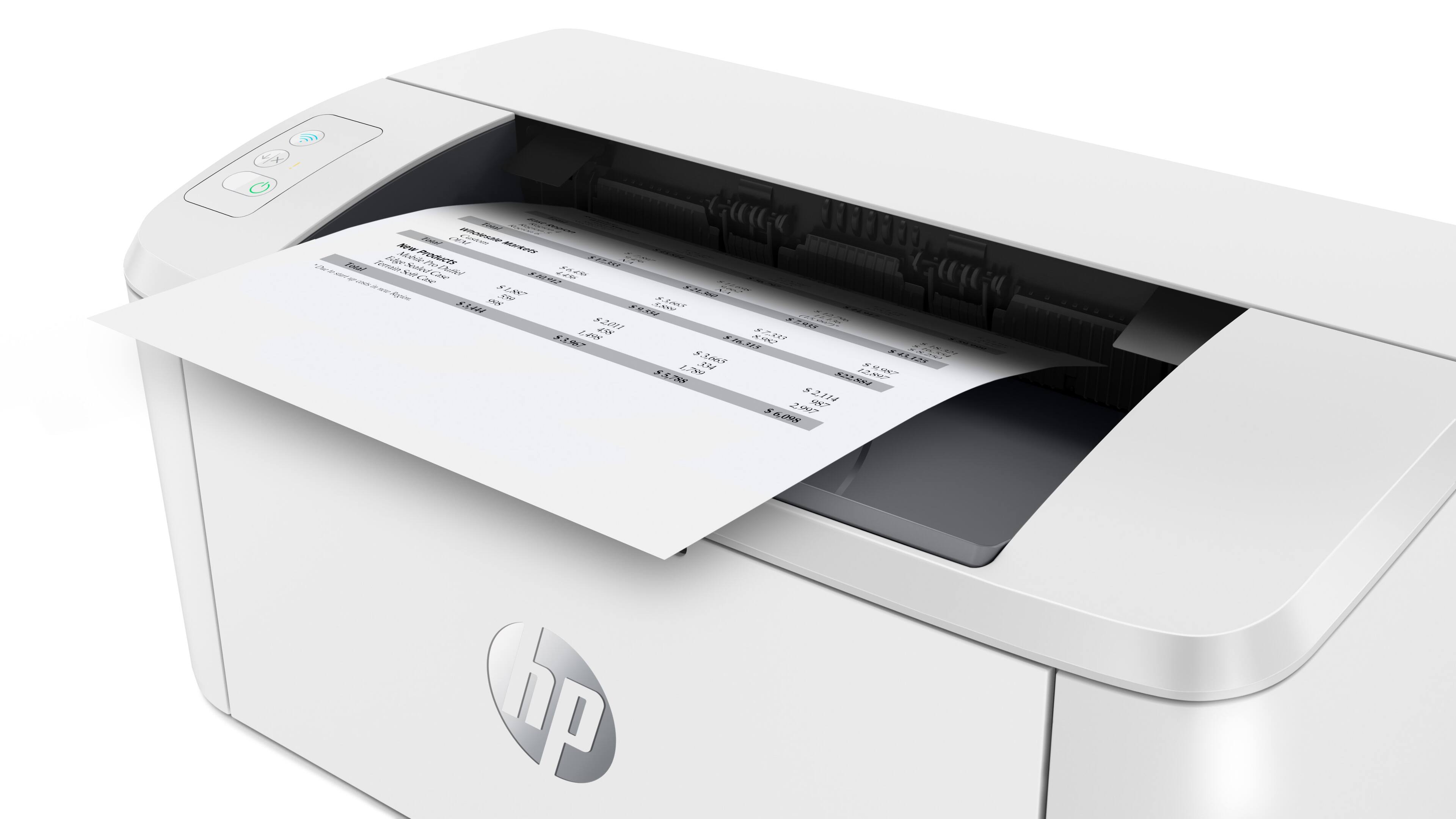
|Posted .This reviewer received promo considerations or sweepstakes entry for writing a review.I have had several HP printers in my life, which I mention because they seem to all be familiar when I unpack a new one, like this one. This little printer isn’t much bigger than a Kleenex box, but it does the job. I love a compact printer. This little HP printer was pretty easy to set up on my pretty new Dell laptop. I tried to set it up via their website but in the instructions it did say it was recommended to do on the mobile. I usually prefer to do things on a larger screen so I can see better. I used my iPhone to set it up, and it was really easy after I surrendered to using the phone. I downloaded the HP Smart app (that’s its actual name) and it’s pretty useful. What’s in the box: Printer, power cable, all of the information you need to get started with printing, information on HP+ and the Instant Ink service, and that’s about it, you don’t need anything else. There’s no install CD, if you need a driver you just go find it on HP’s website. There’s no USB cable, because it’s all wireless. The printer is a laser printer, which is the best. I have a color inkjet printer, but I really don’t use that very often. I hate wondering if I have enough ink to print things. With a laser printer there are signs that your toner is running out, but you can keep printing for a while. The toner cartridge is easy to remove and put back into place, very similar to other HP toner cartridges. I set up my HP+ and Instant Ink subscription, which I’ve never used, so I can’t comment on them beyond the fact that it was pretty easy. I received an email from HP yesterday letting me know that my first replacement toner cartridge was on the way, so I could have it on hand when I needed it. I was able to print something that I scanned on my iPhone in my Notes app recently. It popped up when I was trying to test print things, so I tried it. It printed great, which I thought was amazing as it is my handwritten immunization records from birth, and it came out great. With this small footprint, one option I like in a printer is not available, and that’s duplex printing. For my household, this printer will be great for dorm use, a printer in the kitchen, that sort of thing. It has a very simple path for the paper to go in and out, so not a lot of places for it to get jammed in there which is a plus.
I would recommend this to a friend HP PRINTER
||Posted .This reviewer received promo considerations or sweepstakes entry for writing a review.TOO SMALL CANNOT PRINT OUT VERY FAST... INK VERY EXPENSIVE
No, I would not recommend this to a friendBrand response from HP Team
Posted .Hi there.
I’m sorry to learn that you’re dissatisfied with your printer’s size and speed as well as the cost of replacement toner. I can understand why these factors would contribute to a poor start to ownership. I want to help you remedy the issues that you can, so I’ll provide resources aimed at making that happen.
First, I recommend that you follow a guide on our support site that covers improving print speed; it contains sections on Windows as well as Mac OS. Find that guide here:
- support.hp.com/gb-en/document/ish_2817150-2408088-16
Also, updating the firmware can often help improve print speed and other performance. You can find out how to do that here:
- support.hp.com/us-en/document/c02919168
If print speed does not improve to your satisfaction – and for input on use of toner that might help you get more prints without too much extra effort – I suggest that you contact us directly at +1 800-474-6836 so we can help you assess what’s happening and find a solution. (Please note that because of restrictions on workplace attendance associated with the COVID-19 pandemic in some areas, wait times for agents are longer than normal. Thanks in advance for your understanding.) To expedite the process, I recommend gathering the following information before the call:
- Model number
- Serial number
- Your location
- Case number (from any previous contact with HP support)
Keith
HP Care
hp.com/support
Connection issues
||Posted . Owned for 3 weeks when reviewed.This reviewer received promo considerations or sweepstakes entry for writing a review.Had a lot of connectivity issues...had to return it.
No, I would not recommend this to a friend- Pros mentioned:SizeCons mentioned:Paper tray
Great Portable Printer
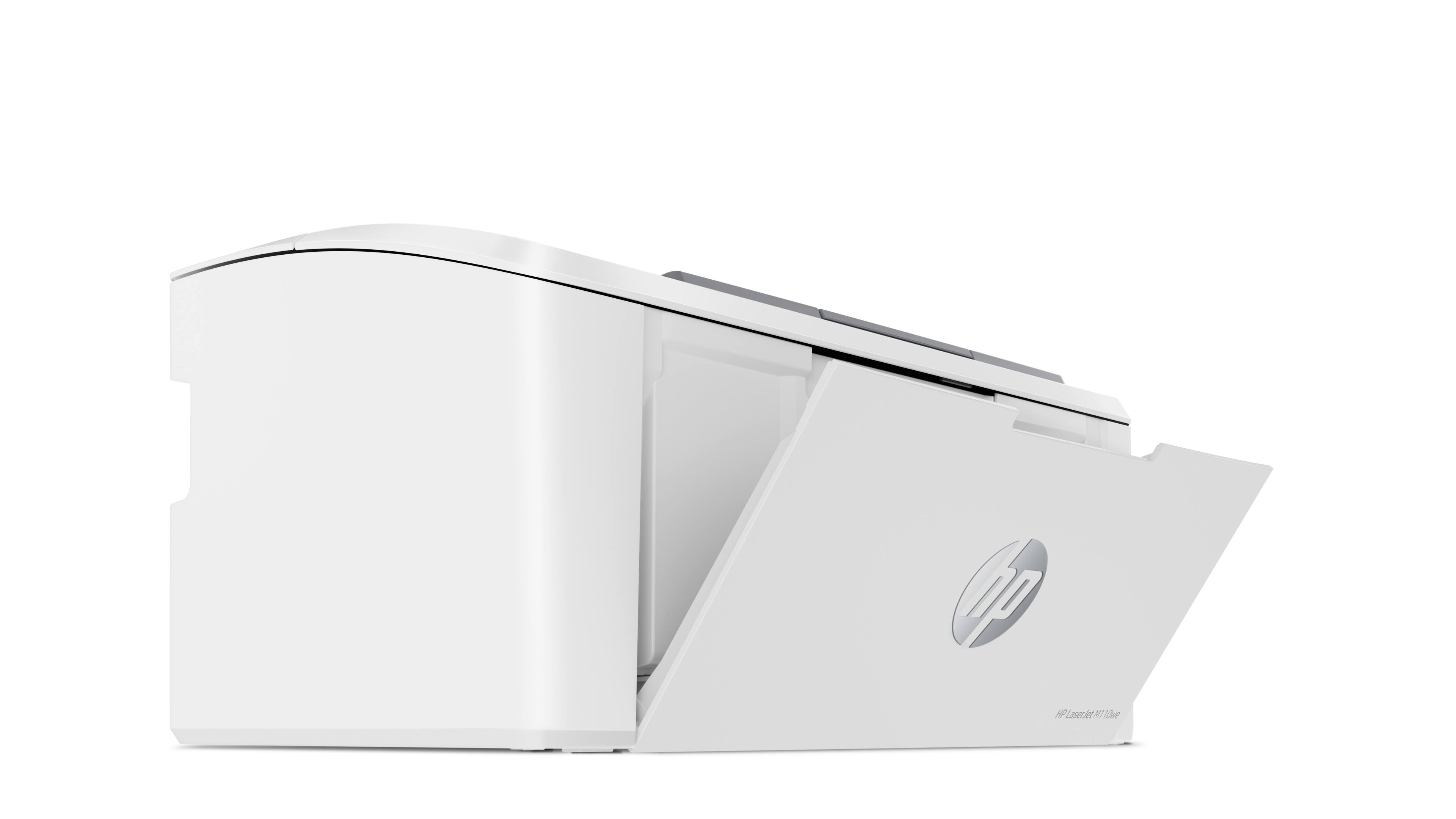
|Posted .This reviewer received promo considerations or sweepstakes entry for writing a review.The HP LaserJet M110we Wireless Black and White Laser Printer is good. The portable size makes it perfect to take with you on business trips. Easy setup using the HP smart app, and with the included 6 months of laser toner you are set. The included toner does not yeild the 500 pages, as it says it's lower around 240 printed pages. Also, I'm not a huge fan of the paper tray having to be open. Other than that, the printer works great.
I would recommend this to a friend Not very good
||Posted . Owned for 1 month when reviewed.This reviewer received promo considerations or sweepstakes entry for writing a review.Dose not print fast like it should gets hot really quick after 1 or 2 prints and you have to wait to print take a long time to print a couple paper
No, I would not recommend this to a friendBrand response from HP Team
Posted .Hi there.
I’m sorry to learn that your printer has performed so poorly. It’s easy to understand why slow print speed and a high level of heat emanating from the device would be an alarming combination. I want to help you resolve this situation, so I’ll provide a resource I hope will reach that goal.
I recommend that you contact us directly so we can help you assess what’s going on and find the best course of action. HP+ printers such as yours come with exclusive concierge support. To call and reach live HP+ experts, visit the following URL and enter your HP+ serial number:
- hp.com/plus-help
I'll also mention that HP printers have a one-year warranty from their purchase date that covers hardware as well as ink supplies – and that warranty extends to two years with an HP+ account – so if it comes to that, you might consider making use of it. You can verify the warranty using the following link:
- support.hp.com/us-en/checkwarranty
Keith
HP Care
hp.com/support
Worst product doesn’t connect ether with Wi-Fi or
||Posted . Owned for less than 1 week when reviewed.This reviewer received promo considerations or sweepstakes entry for writing a review.Worst product doesn’t connect to Wi-Fi you need days to stay there and still will not connect don’t buy
No, I would not recommend this to a friendBrand response from HP Team
Posted .Hi, George.
I’m sorry that your printer has not maintained a reliable wireless connection. It’s no surprise you’re frustrated here, considering the amount of effort you’ve put into establishing the link without success. I want to help you resolve this situation, so I hope you’ll use the resources and information below to reach that goal.
First, I recommend you visit a page on our support site that has diagnostic tools for various issues, including setup and wireless connectivity difficulties. You can find that page here:
- support.hp.com/us-en/topic/diagnostics
If the printer still does not connect, I recommend that you contact us directly so we can help you assess what’s happening and find the best course of action. HP+ printers such as yours come with exclusive concierge support. To call and reach live HP+ experts, visit the following URL and enter your HP+ serial number:
- hp.com/plus-help
I'll also mention that HP printers have a one-year warranty from their purchase date that covers hardware as well as ink supplies – and that warranty extends to two years with an HP+ account – so if it comes to that, you might consider making use of it. You can verify the warranty using the following link:
- support.hp.com/us-en/checkwarranty
Keith
HP Care
hp.com/support
- Pros mentioned:Print quality, Wireless connectivity
No frills printer, but works great
|Posted .This reviewer received promo considerations or sweepstakes entry for writing a review.I have a more expensive color laser printer and when it came time to replace the cartridges, I quickly realized that i could get a whole new printer for the cost of just the ink. I prefer laser printers over inkjet because of the speed of the prints, but the cost of toner and a Drum Unit is always an expensive day at the store. After realizing that I normally print in black and white, i ordered this unit to try. This was easy to setup and add to my existing system. The wireless connection makes it even better because I'm working from home and I need the flexibility to move it around without alot of complications and wires. I really like the HP Smart app and its at a glance ability to show ink levels, issues, updates, etc. I can print from any of my devices that are connected to the same wireless network. The display is pretty basic without any touch screens or multiple buttons on it, so the app is important for setting it up. The added bonus of 6 months of free ink was a huge bonus. If I had to say anything negative about this printer is that the paper tray is pretty small. It wont hold nearly as much paper, but i think its a fair exchange for portability. The printer prints very fast with no ink smears. I have no issues with this printer and would highly recommend it.
I would recommend this to a friend - Pros mentioned:Ease of use, Print quality, Wireless connectivity
Inexpensive, black-and-white printer
Posted .This reviewer received promo considerations or sweepstakes entry for writing a review.This printer was fairly easy to install and set up. Very lightweight. The printing is very crisp and clear the wireless works well from quite a distance away from the router. We definitely recommend for anyone wanting a simple black only printer.
I would recommend this to a friend Works well.. but
|Posted .This reviewer received promo considerations or sweepstakes entry for writing a review.The Hewitt Packard Laserjet M110WE is marketed as the world's smallest laser printer of its class. This I do not dispute. However, if you print only occasionally, this printer may be suitable for you. I print a lot at work like me, and I also work from home doing other things, it will be costly in a long run. But let us get to the setup procedures which could be frustrated for many. There are 2 ways of setting up this printer. As there is no hardware connection viewed the USB cable, it must be done through wireless means. You go to the website http://123.hp.com and enter the model number m110we and it presents you with 2 ways of setting up this printer. The first 1 which it recommends is done through the mobile device. The link sends you to the Google store or Apple Store depending on your hardware. The second choice is setting it through the computer but unfortunately, this printer is not ready for prime time (also happened with the super tank Hewitt Packard printer I tested recently). The link in the Microsoft store was broken!! I do not know whose fault that is but this is unacceptable. Not everyone has a smart phone and without one, the user can simply not get it going. Why they offer such a preference when it does not work is not what I expect from Hewitt Packard. And not everyone is a computer-savvy like myself. Many hardware nowadays even software, as well, come with very little printed documentation. There is a sheet of folded paper that shows you steps through the simple setup procedure which could be adequate for most people but if they were to run into the problem I just mentioned, they will take this right back to the store. I tried that twice and I default back to set it up with my android telephone. It was indeed very easy following a few steps and you can actually register the printer with your phone. It offers you free 6 months of ink and I declined (my choice) and I am fully aware that there is no generic ink for this printer and HP asked me to consent that I have to use their brand name toner. I will not have the opportunity in the future to complain that I cannot use a generic ink. (I'm surprised they are not asking you to use HP papers.) Each is USD48 and it will print up to 950 pages at 5% coverage. It turns out to be 0.05 dollars per page which may not sound that much but 5% coverage is not that much either. In the real world, you will get perhaps half or a little more life out of that. The toner is all in one. HP has gone to separate drum and toner powder in their newer printers, but not this one. Like I said, if you use this printer occasionally then it is acceptable. It prints fast enough and everything comes out very clearly. I tried to print some photos using a desktop publishing program, and a halftone looked very clear. (As clear as a black and white newspaper print.) Again do not expect this printer to bring in color because it is not made to do such a thing. Furthermore, it does not do duplex (both sides printing) so you will have to flip the paper manually. If you want to print an envelope, you have to remove all the paper in the tray to do that. I wanted to be able to print from a desktop and I am using Windows 11. (Thanks Microsoft for making it easy.) I went to the control panel and I chose "add a printer" and it presented as 1 of the choices that is already connected to my network Wi-Fi. It took just 1 minute and it worked immediately as the default printer (which can be changed of course.) So is this a suitable printer for somebody who may print a lot? Like a student away at college (that may share it with his roommates) or somebody in the office? No. I am not faulting Hewlett-Packard. This printer was not designed to be used in that manner. This is not for busy, shared office use. It may be suitable for home office but you cannot print that many pages like a bigger printer without overheating it (it gets hot after a few pages). The fuser is close to the surface I assume. While the printer itself initially is not expensive, the ink will cost you almost half as much as the printer to replace. If you print a lot, I recommend a printer that has a large tank that you can simply fill from bottles. A few brands are available and Hewitt Packard makes a couple of models currently. It is like driving a hybrid automobile that gets 60 miles per hour versus a car that gets 20 miles per hour֫—you do not feel too bad going on a long trip! Otherwise, this printer is not very heavy. I don't think it is made to be portable, i.e. because you simply don't take something like this to the library to print something. You will have to connect to the local Wi-Fi with your computer to print each time you move it someplace else. Too bad there is no USB port for direct connection (another way of HP taking a short cut). To keep it light, it is mostly plastic outside like many printers nowadays – so I don't expect this to last more than perhaps a year or two. The older generations of HP laserjet lasted practically forever. And of course, they weigh a ton, as well. Again this printer is not made to be used in that manner and I am being a bit over-critical about this. You just have to know what you're getting and you can't complain about it. While it doesn't take much room on your desk, it is not the best reason to buy this printer compared to another printer that may physically take up more space. You could put this on the floor or at the corner of the room because it works wirelessly (so what is the big deal having to get up?) Again if you print a few hundred pages a month and a lot of people do, this can add up and you will wish that you had bought a printer with large tanks. (Another brand makes monochrome tank printers if that is what you would like to do instead of color.) If you have a couple of children at home that print a lot of homework stuff and you print something all the time, this printer is not for you. It will get expensive to use. Would I recommend this printer? Yes, but with a strong reservation from the reasons mentioned earlier.
No, I would not recommend this to a friend



















