Customer Ratings & Reviews



- Model:
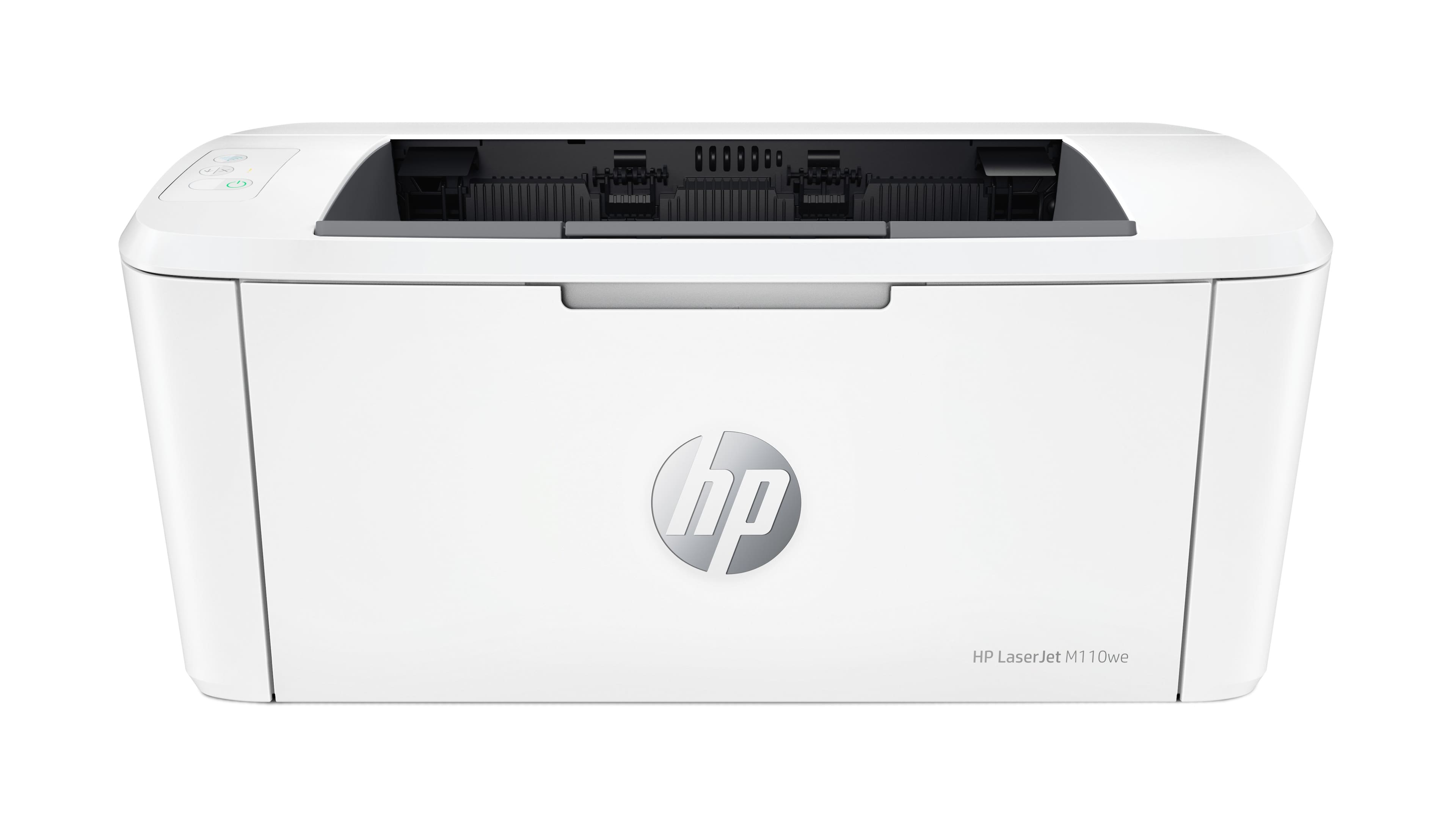
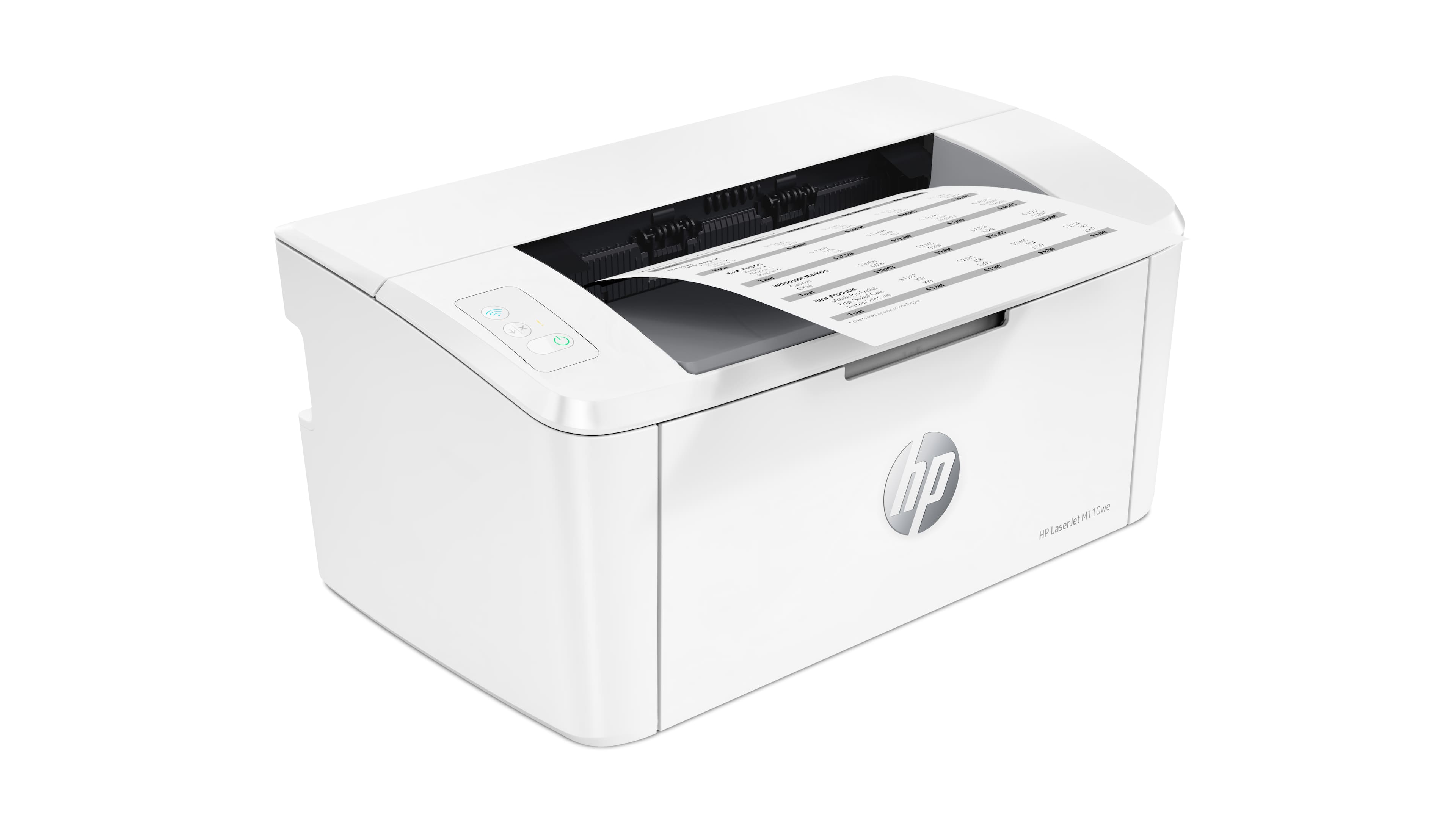
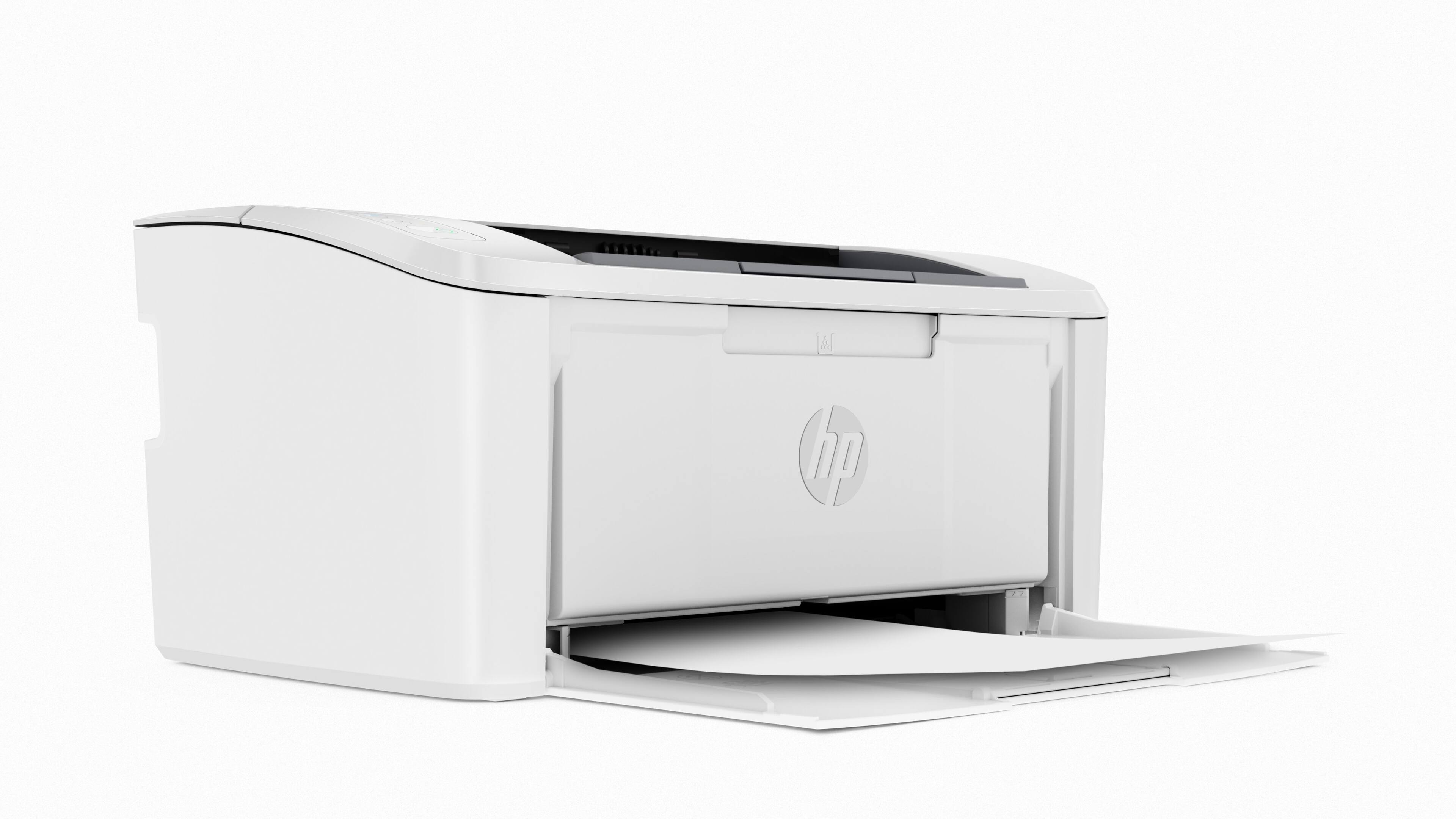
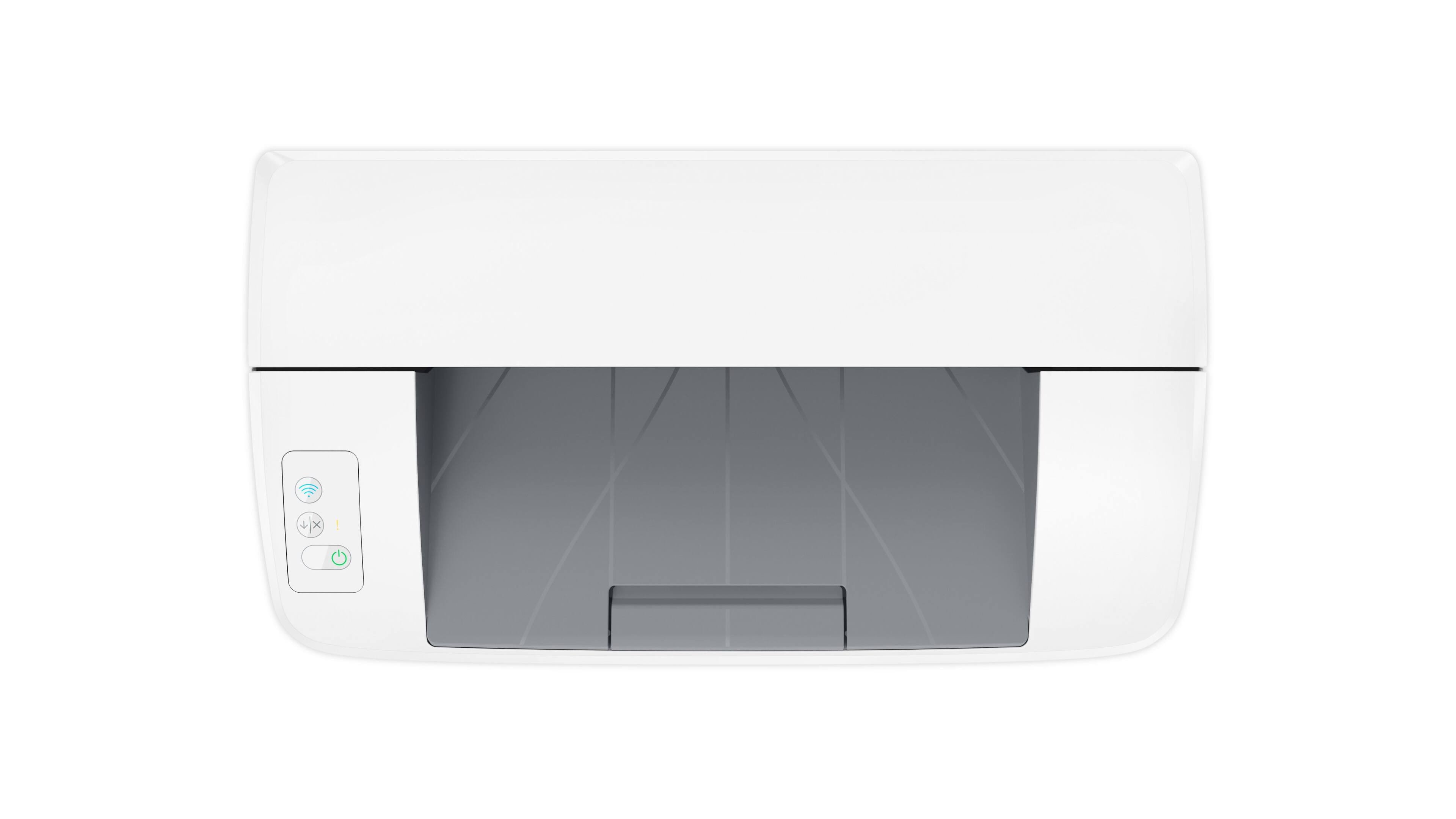
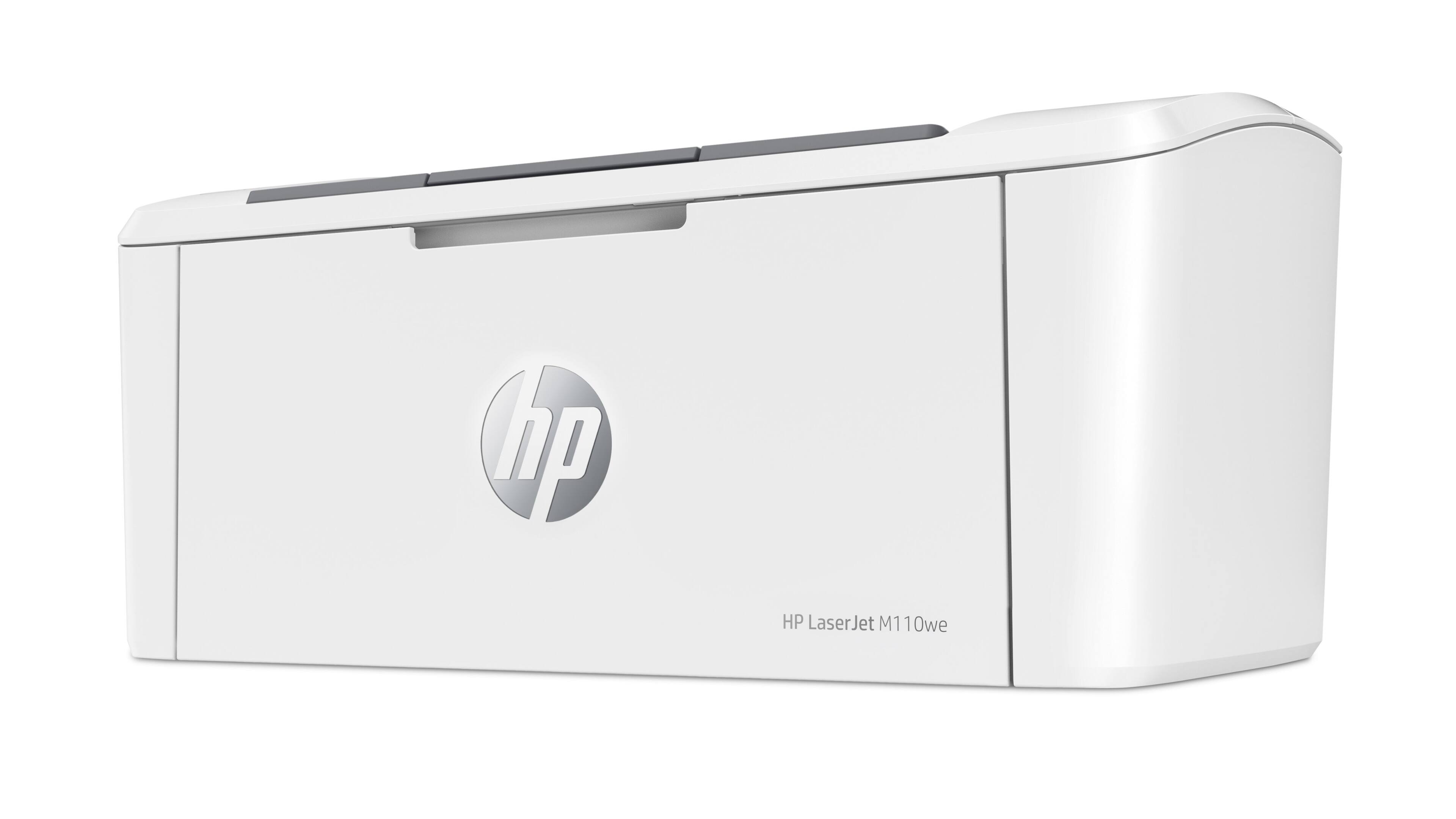
- LaserJet M110we
- SKU:
- 6484885
Rating by feature
- Value
Rating 4.2 out of 5 stars
- Quality
Rating 4.2 out of 5 stars
- Ease of Use
Rating 3.9 out of 5 stars
Customers are saying
Customers have good things to say about the HP LaserJet M110we's print quality, compact size, and ease of use, frequently praising its quick printing speed and straightforward setup. Many appreciate its wireless capabilities and consider it a great value for the price. However, some users have noted issues with the paper tray capacity and the printer software. The small input tray size is a recurring concern for some customers.
This summary was generated by AI based on customer reviews.
- Pros mentioned:Print quality, Wireless connectivity

They shrunk the size without shrinking the quality
|Posted .This reviewer received promo considerations or sweepstakes entry for writing a review.What's to love: Tiny footprint, barely takes up any space at all Fast, 600 X 600 dpi Black and White Apple AirPrint and Wifi Direct Support make printing a breeze What's not to love: You are locked into HP Genuine cartridges via a security chip built into the cartridge. HP Instant Ink - while this is a great idea, it still means you are locked into HP cartridges for the life of this printer.
I would recommend this to a friend Only 2G WiFi Hard to Connect on Public Hotspots
||Posted . Owned for 1 month when reviewed.This reviewer received promo considerations or sweepstakes entry for writing a review.Wanted this for remote printing at libraries, hotels, etc. Very problematic to connect to WiFi other than your own home or office internet provider.
No, I would not recommend this to a friendDon't recommend
||Posted . Owned for 1 month when reviewed.This reviewer received promo considerations or sweepstakes entry for writing a review.printer was not easily hooked up to the computer and had to return it for a different model which works fine.
No, I would not recommend this to a friendBad Post sale service
||Posted . Owned for 3 weeks when reviewed.This reviewer received promo considerations or sweepstakes entry for writing a review.It did stop working neither Best buy nor HP solved the problem and did not refund me my money. I won't buy again in Best Buy and I won't buy again HP
No, I would not recommend this to a friendNot good for me.
||Posted .This reviewer received promo considerations or sweepstakes entry for writing a review.Too complicated and intrusive into my personal online information.
No, I would not recommend this to a friendBrand response from HP Team
Posted .Hi there.
I’m sorry you’re off to a poor start with your printer. I can certainly understand why usability that seems overly complicated in addition to a general concern about privacy would be an unsettling combination. I want to help you resolve these issues, so I’ll provide some resources and clarifying information designed to make that happen.
For help with usability, you can learn more about your printer and all its features – and get help solving problems – by accessing the main user manual, how-to documents, troubleshooting guides and software updates specific to this model on our support site here:
- support.hp.com/us-en/product/model/35334170
Regarding privacy, it is indeed a serious matter in a world that increasingly relies on digital information. What follows is some information about HP, privacy and the account associated with this printer.
First, establishing an account is necessary to take advantage of HP+ benefits, including an extra year of warranty, the offer of free toner or ink, and access to productivity features. You can learn more about HP+ here:
- www.hp.com/plus
Second, HP recognizes that privacy is a fundamental human right. It also recognizes the importance of privacy, security and data protection to our customers. We encourage you to read in full our privacy statement, which you can find here:
- www8.hp.com/us/en/privacy/privacy-central.html
If you have any questions about your printer or the HP+ account, or you need assistance in any way, we hope you’ll reach out to us for support. HP+ printers such as yours come with exclusive concierge support. To call and reach live HP+ experts, visit the following URL and enter your HP+ serial number:
- hp.com/plus-help
Keith
HP Care
hp.com/support
Sad hard to get old
||Posted . Owned for 3 weeks when reviewed.This reviewer received promo considerations or sweepstakes entry for writing a review.I can not hook up to wi fi on my I pad or computer. Tried help line but no luck.
No, I would not recommend this to a friend- Pros mentioned:Print quality, Size
Easy setup and small on size.
|Posted .This reviewer received promo considerations or sweepstakes entry for writing a review.Overall the setup for the HP LaserJet M110 was pretty easy. The only thing that was a little confusing was, you were asked to download an app then go to a website where it just redirected you back to the app so I felt like I was missing a step. A detailed picture step by step instructions for someone not technical would have made the process easier. The printer is super speedy and the toner is easy to pop in and out. The size is perfect, it folds up nicely and is not a eye sore if one wanted to use at their home. All of the options on the HP Smart App are very convenient. You are able to scan with your phone and print, print photos, copy documents as well as order supplies if needed. I signed up for the monthly support, seems like too good of a deal to turn down.
I would recommend this to a friend Save your money.
||Posted . Owned for 1 month when reviewed.This reviewer received promo considerations or sweepstakes entry for writing a review.Noisy, horrible setup. Just purchased a brother all in one, much better.
No, I would not recommend this to a friend- Pros mentioned:Ease of use, Wireless connectivity
Compact and simple setup
|Posted .This reviewer received promo considerations or sweepstakes entry for writing a review.This is the first wireless printer I've had, and I'm very impressed by its simplicity and how easy it was to setup. The instructions included in the package were very straightforward and the accompanying app (for Android, in my case) was also very easy to use. I've been able to print from my phone, my tablet, my Chromebook, and my PC desktop with ease - each device recognized the printer instantly, thanks to all the devices being on the same network. This is my first time signing up for the Instant Ink service, but the idea is intriguing to me and I will update this review once I receive my first delivery with how the experience goes.
I would recommend this to a friend HP laser printer
||Posted .This reviewer received promo considerations or sweepstakes entry for writing a review.Very slow and took a while before wifi was set up correctly,
No, I would not recommend this to a friendBrand response from HP Team
Posted .Hi, Rick.
I’m sorry to learn that your printer is rendering prints slowly, and that you had a difficult setup process. It’s no surprise that you’re disappointed. I want to help you improve print speed and have a better experience going forward. I hope the resources and information below make that happen.
First, I recommend that you follow a guide on our support site that covers improving print speed; it contains sections on Windows as well as Mac OS. Find that guide here:
- support.hp.com/gb-en/document/ish_2817150-2408088-16
Next, to learn more about your printer and all its features, or for help solving problems, you can access user manuals, how-to documents, troubleshooting guides and software updates here:
- support.hp.com/us-en/product/model/35334170
If you need further assistance with anything, I suggest you contact us directly so we can help you assess what’s happening and find a solution. HP+ printers such as yours come with exclusive concierge support. To call and reach live HP+ experts, visit the following URL and enter your HP+ serial number:
- hp.com/plus-help
Keith
HP Care
hp.com/support
Space out printer-subject to heaven work
||Posted . Owned for 1 month when reviewed.This reviewer received promo considerations or sweepstakes entry for writing a review.Doesn't work-defective- wiring circumcised. SPACED OUT
No, I would not recommend this to a friendBrand response from HP Team
Posted .Hi there.
I’m sorry that you’ve encountered difficulty with your printer. I can’t tell from your brief review exactly what’s gone wrong, but I’ll nonetheless provide a resource and some information that I hope will help you resolve the situation.
I recommend that you contact us directly so we can help you assess what’s happening and find the best course of action. HP+ printers such as yours come with exclusive concierge support. To call and reach live HP+ experts, visit the following URL and enter your HP+ serial number:
- hp.com/plus-help
I'll also mention that HP printers have a one-year warranty from their purchase date that covers hardware as well as ink supplies – and that warranty extends to two years with an HP+ account – so if it comes to that, you might consider making use of it. You can verify the warranty using the following link:
- support.hp.com/us-en/checkwarranty
Keith
HP Care
hp.com/support
- Pros mentioned:Ease of use, Print quality
B&W laser printer
Posted .This reviewer received promo considerations or sweepstakes entry for writing a review.Easy to set up. Printing sharp. Printed pages are sometimes ejected and land beyond printer.
I would recommend this to a friend - Pros mentioned:Print quality, Size
Small but efficient
Posted .This reviewer received promo considerations or sweepstakes entry for writing a review.fits very well in small space and prints very nicely
I would recommend this to a friend - Pros mentioned:Ease of use, Size
Love this product
Posted .This reviewer received promo considerations or sweepstakes entry for writing a review.It's the best printer i have had in my life so far. Very compact and easy to use. Never had issues with toner. And try to use cord option to avoid wifi connection issues
I would recommend this to a friend - Pros mentioned:Print quality
Small but great!
|Posted .This reviewer received promo considerations or sweepstakes entry for writing a review.I received this HP - LaserJet M110we and I didn’t realize how small it was. As soon as I removed it from the packaging and connected it to our WI-FI my youngest son claimed it. He will be going off to college in the Fall of 2022 and as he said it is the perfect size. He has been using it now for class work that he has in high school, and I must say good thing come in small packages. It is quite as it prints and it prints amazingly fast for its size. I have always been pleased w/ our HP products and this is no exception. When HP says it fits in small spaces they were right. It prints quality black & white copies in no time and it is very responsive once connected to our computers/phones/iPads, etc. If you need a small reliable black and white printer don’t hesitate to purchase this HP LaserJet M110.
I would recommend this to a friend - Pros mentioned:Print quality
Small, Quality Laser Jet
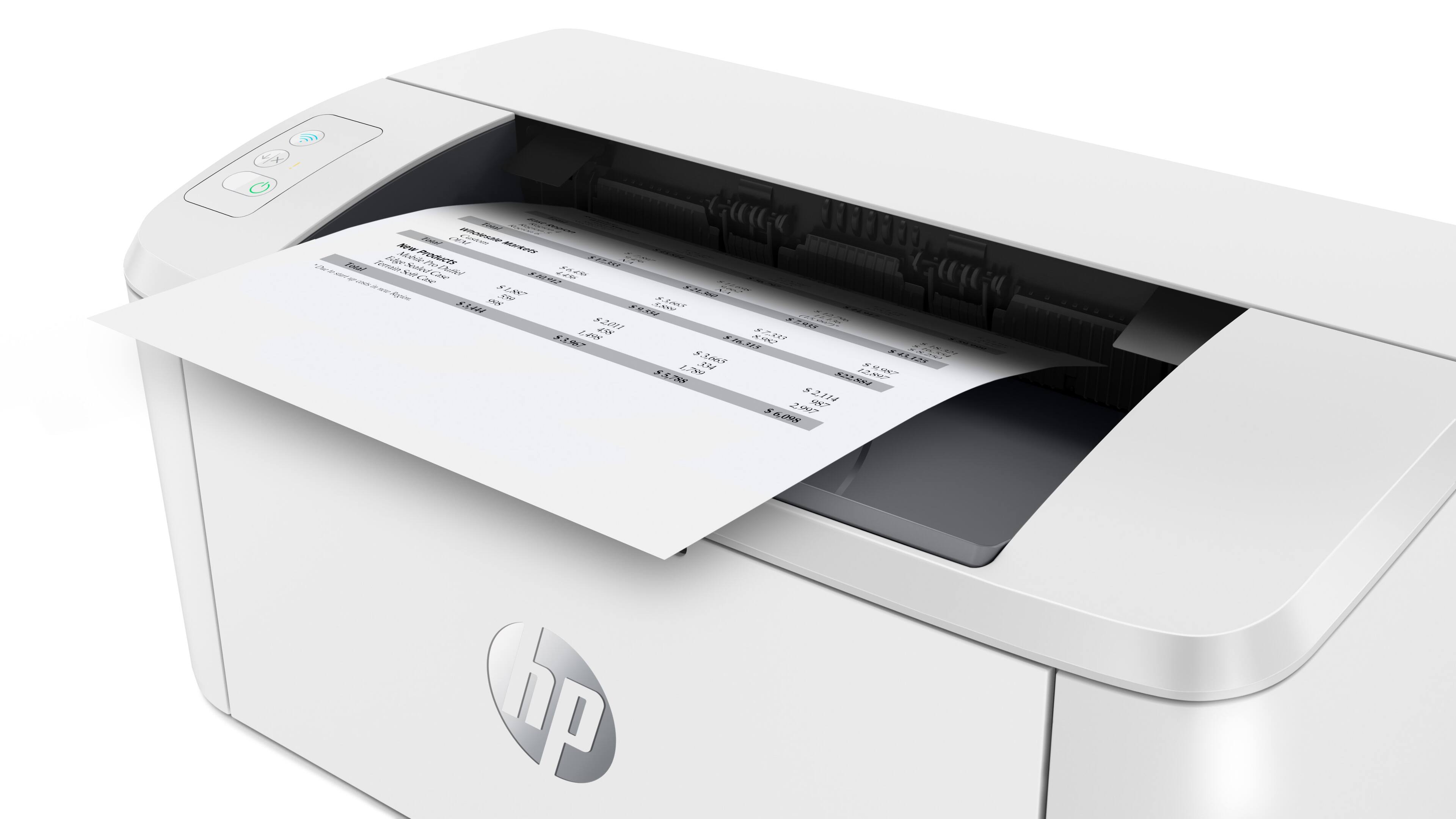
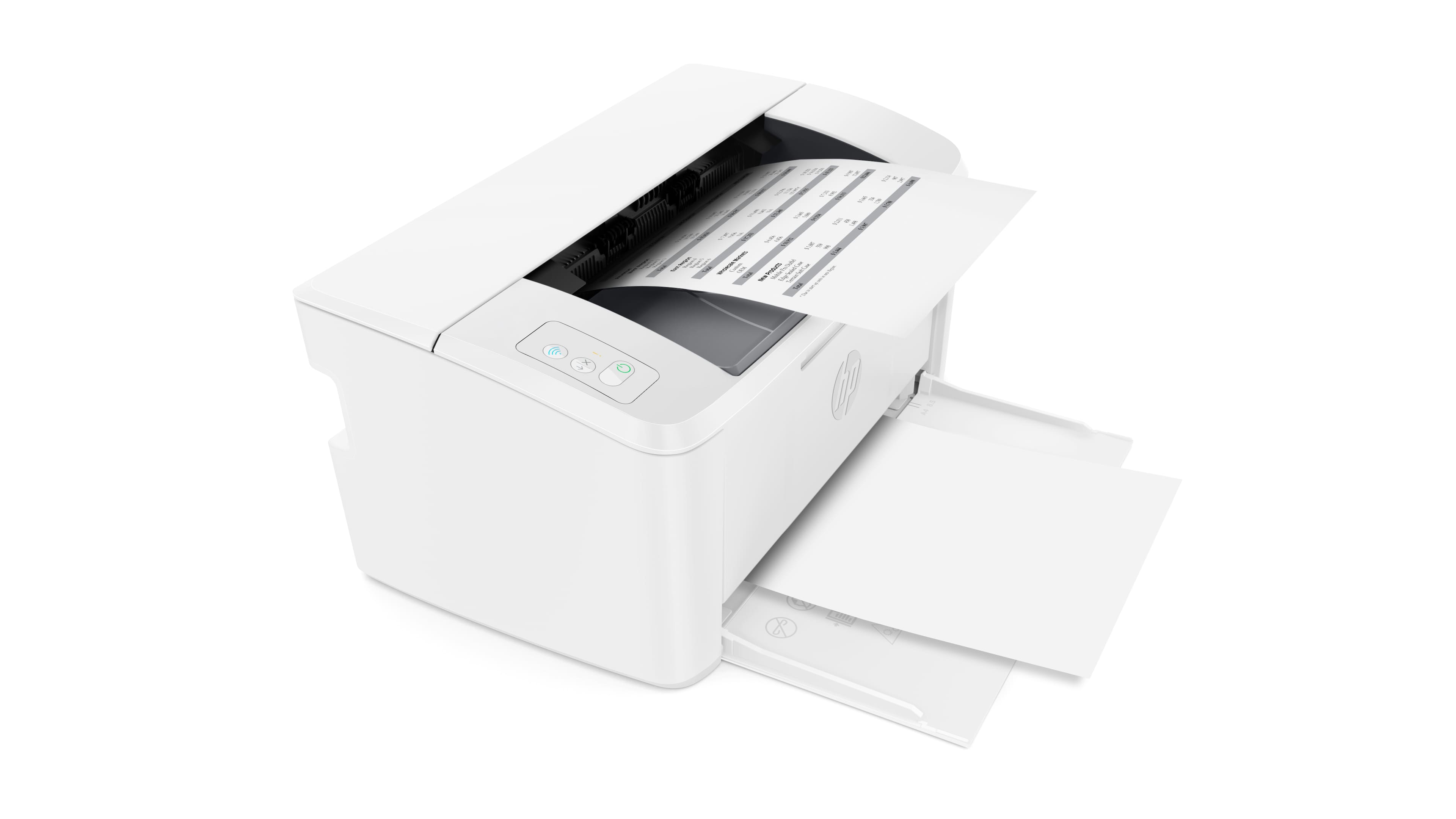
|Posted .This reviewer received promo considerations or sweepstakes entry for writing a review.The HP Laser Jet M110we is a small form factor black and white wireless laser jet printer that works with both PCs and Macs. It is easy to setup and use. Because of its small footprint, it takes up very little desktop space and is essentially transportable from one location to another, if desired. In operation the M110we seemed fast and did not have any paper jams with its straight through paper handling. The printer is rated at 21ppm. In addition to the included HP141A toner, the printer also comes with 6 months of instant ink. I highly recommend the M110we printer for anyone looking for a capable laser printer that’s takes up very little room and/or needs a small printer that can be transported from one location to another.
I would recommend this to a friend Great Laser Printer With A Small Footprint.
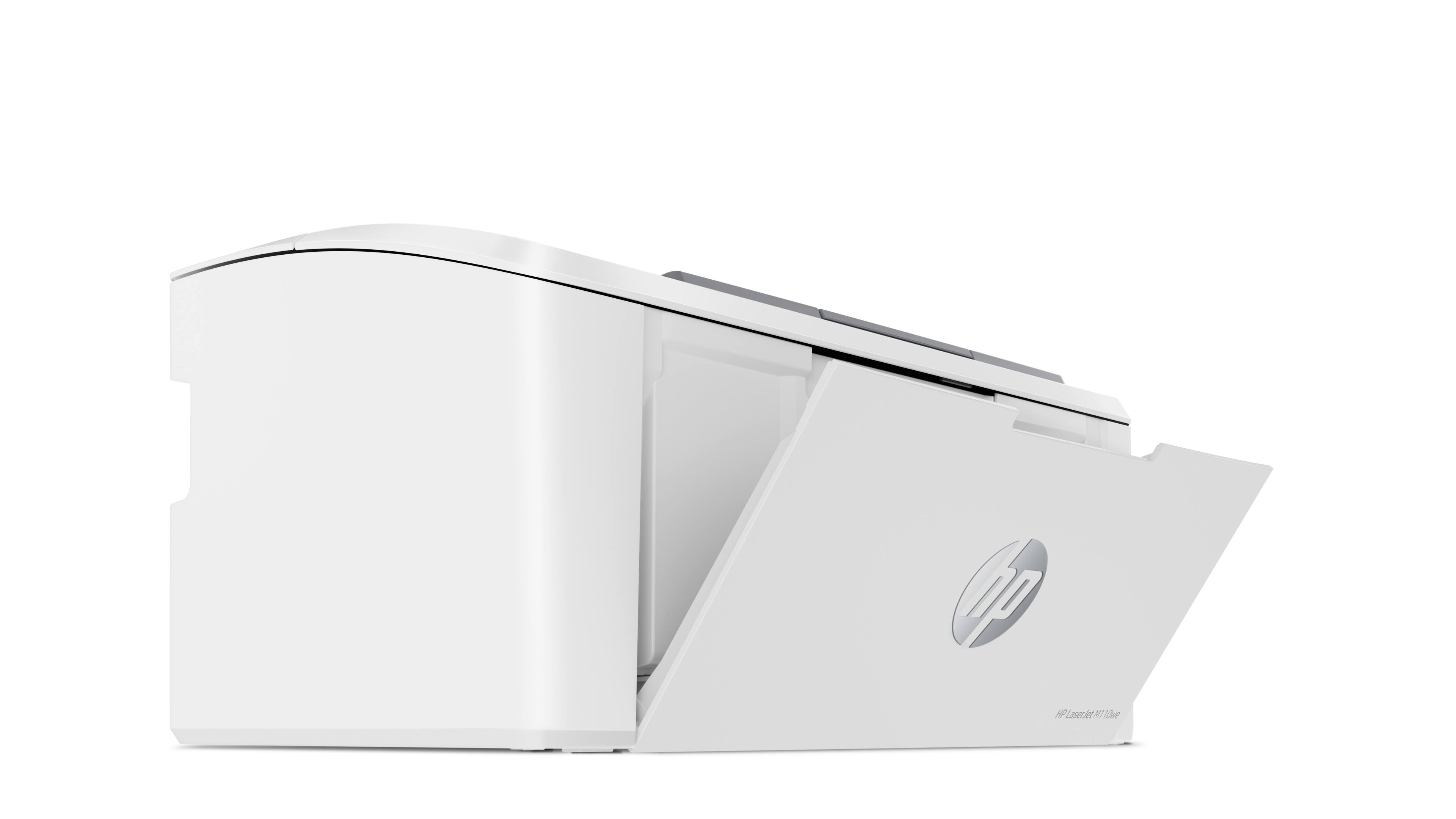
|Posted .This reviewer received promo considerations or sweepstakes entry for writing a review.Laser printers are superior to Inkjet printers. It's well known that they are faster, print more pages, don't smudge and don't have print heads that dry out when it's not being used. The only drawback is that they are larger, heavier and cost more. So, I was surprised when I heard HP built a laser printer that solved two of those drawbacks. The HP M110w black and white laser printer is tiny. Hp says it is the "World's smallest multi-function printer in its class" and I believe them. This printer footprint is slightly smaller than an 8 1/2 x 14 sheet of legal paper and it's 6 inches tall. It can maintain its small form factor because it does not have a traditional paper tray. It has a fold down tray that can hold 150 sheets of paper. Setup was very simple. All I had to do was pull off all the orange tabs, download the HP123 App, and within a few clicks It was on my network. All in all, I was ready to print in 6 minutes. As for performance, this printer is quick. For example, it only took 30 seconds to complete a 6-page (one sided) print job. That is measuring from the moment I hit the print button. All text was crisp and legible. Even the fine print on the sheet was perfectly legible. As for the Toner, it comes preloaded with a HP 141A cartridge. Which normally sells for under $50 and can print up to 950 sheets. If you use more than 950 sheets, you can also sign up for the free 6 months of toner. (It says ink but laser printers don't use ink, so they mean toner) With that said, if you are looking for a black and white, wireless laser printer with a small footprint and matching price you can't go wrong buying this one.
I would recommend this to a friendVery Easy Set Up, App Very Quirky
|Posted .This reviewer received promo considerations or sweepstakes entry for writing a review.The printer is fairly small and will fit just about anywhere. It was fairly easy to set up, download of HP software is required to set up the printer. When you register/set up printer you do get 6 months of the HP ink program where they send you toner as needed. While it bills itself as an all in one, it is not. The scan functionality comes from the HP app that you have to download to your phone and take a picture of a document and it calls the picture a "scan." I found that the app works about half the time the other half it does not detect the printer or freezes up. Printer is able to print wirelessly from your phone or tablet via the app or airPrint. You do have to give your credit card number to HP to get the 6 months free. :( If you are looking for a black and white printer that is fairly easy to transport this would be a good option (though the wifi will be an issue). If you want a permanent printer that can hold lots of paper for your printing needs, this would not be a good option. Because of its size it does not have a "normal" paper storage tray. You put a few sheets on a slide at the bottom.
I would recommend this to a friend- Pros mentioned:Print quality, Size
Small but efficient.
Posted .This reviewer received promo considerations or sweepstakes entry for writing a review.Small and efficient. Prints perfectly every time.
I would recommend this to a friend - Pros mentioned:Print quality
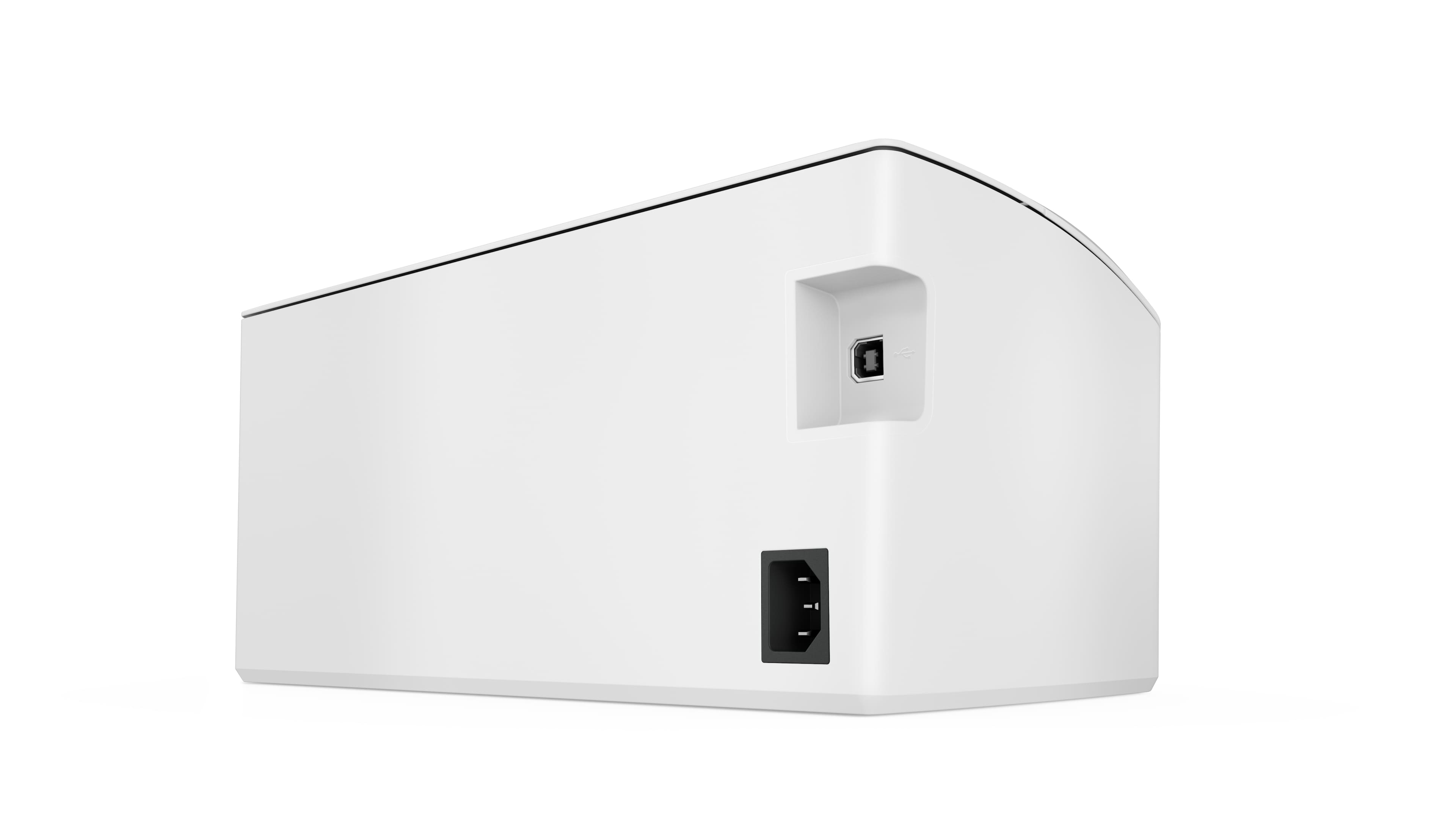
Is nice but It doesn’t print by usb cable.
Posted .This reviewer received promo considerations or sweepstakes entry for writing a review.Clear and fast printing, Excelent for home office or personal use. BUT!! It doesn’t print by USB cord. Only wifi so I couldn’t get more tan 3 stars
No, I would not recommend this to a friend



















