Customer Ratings & Reviews

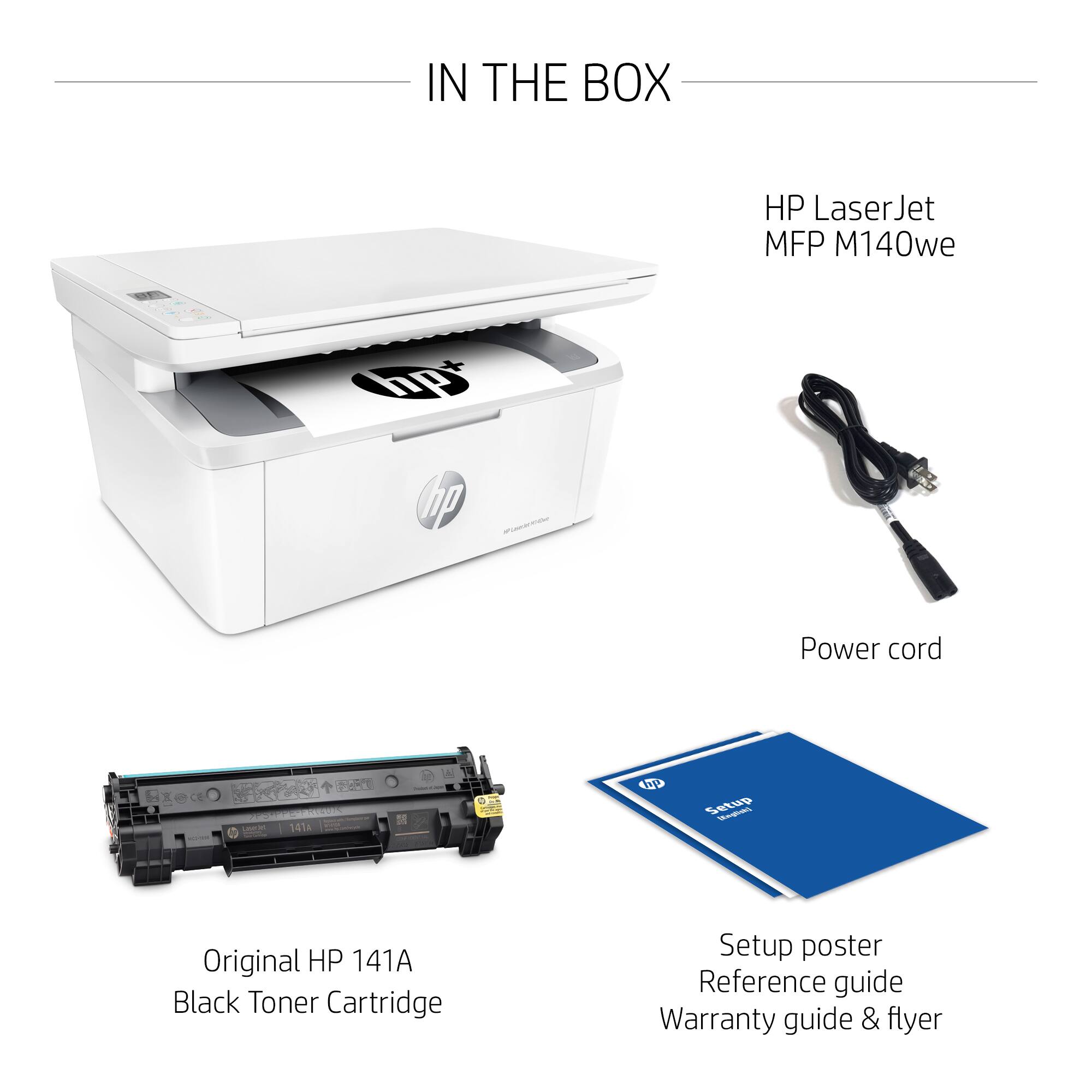
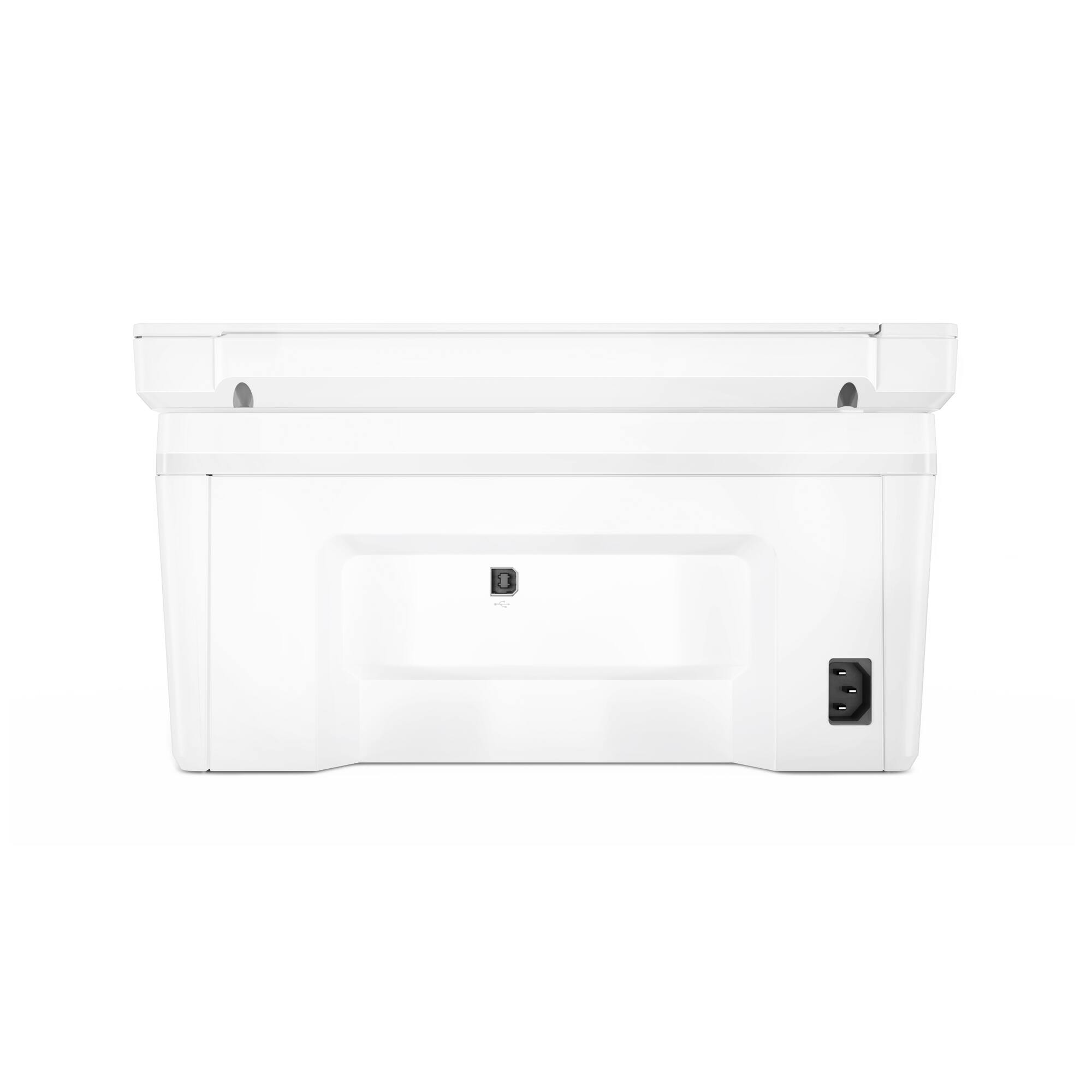
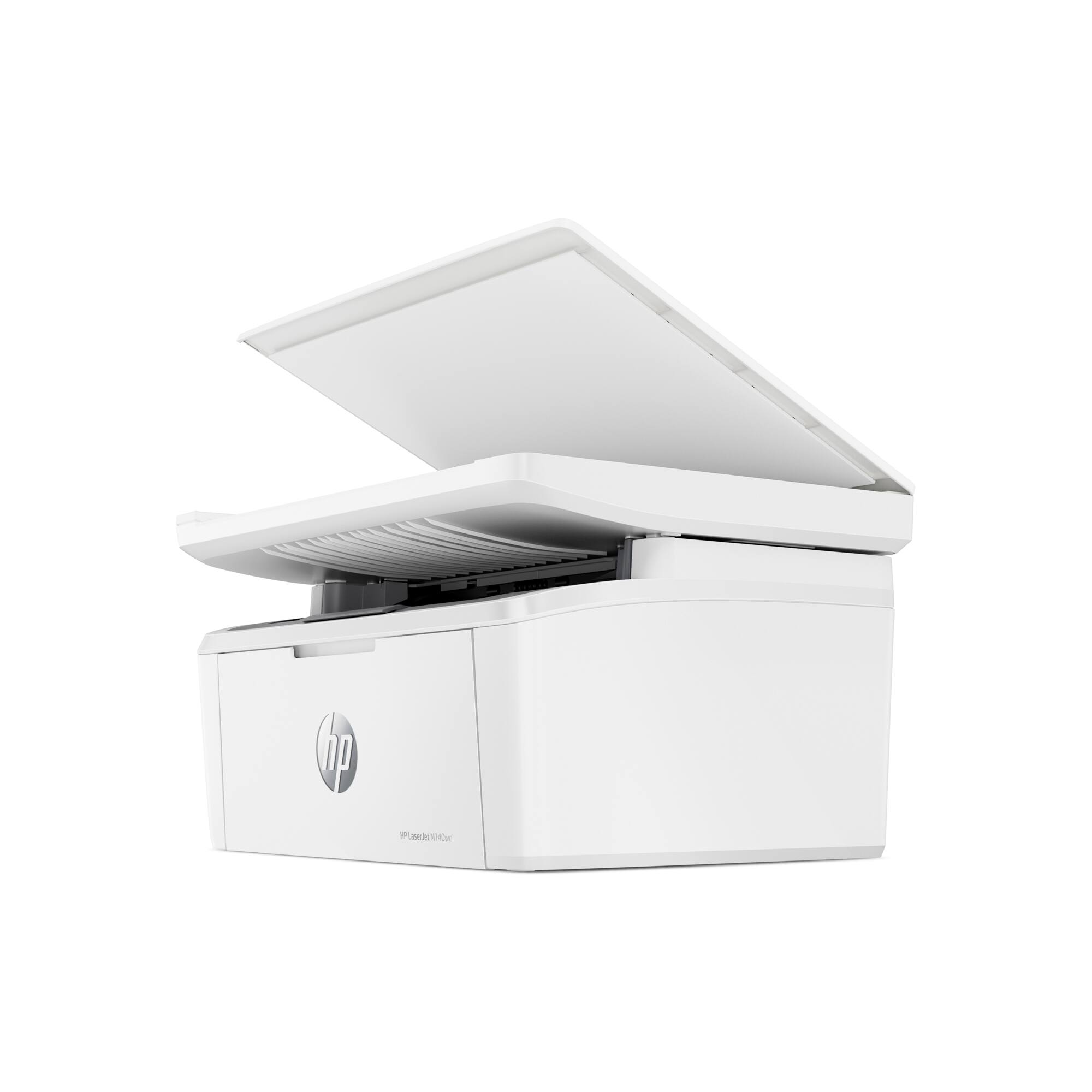


- Model:
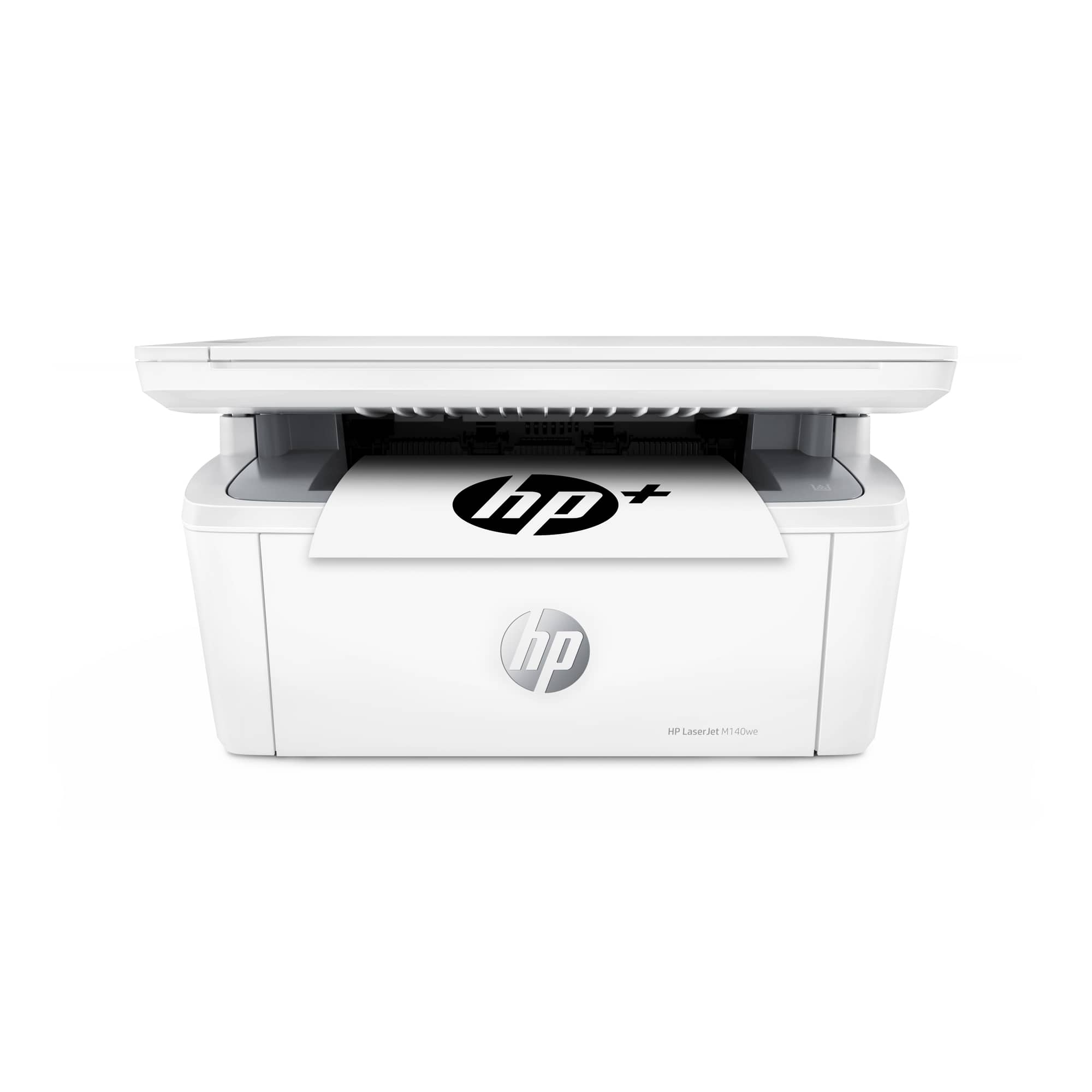
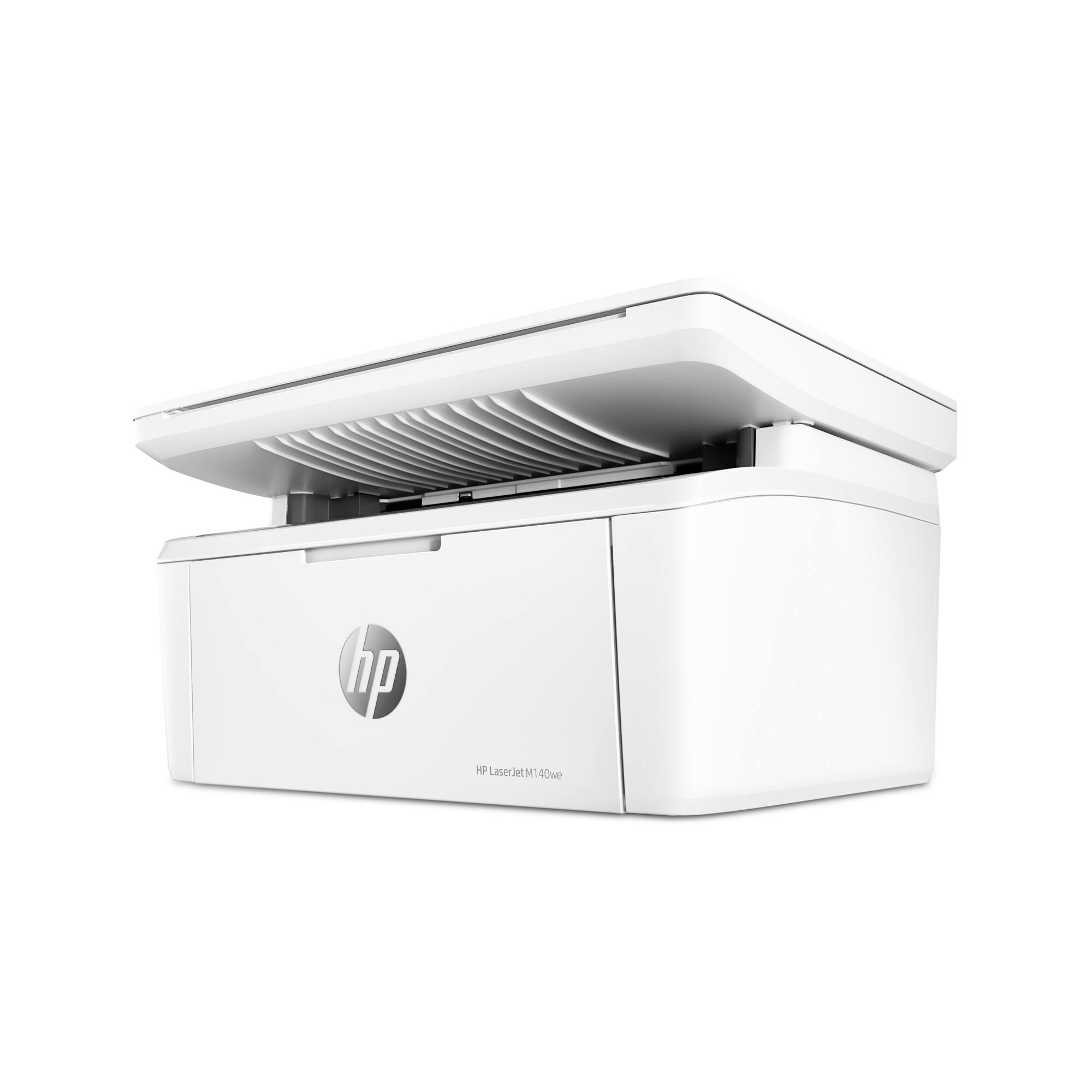
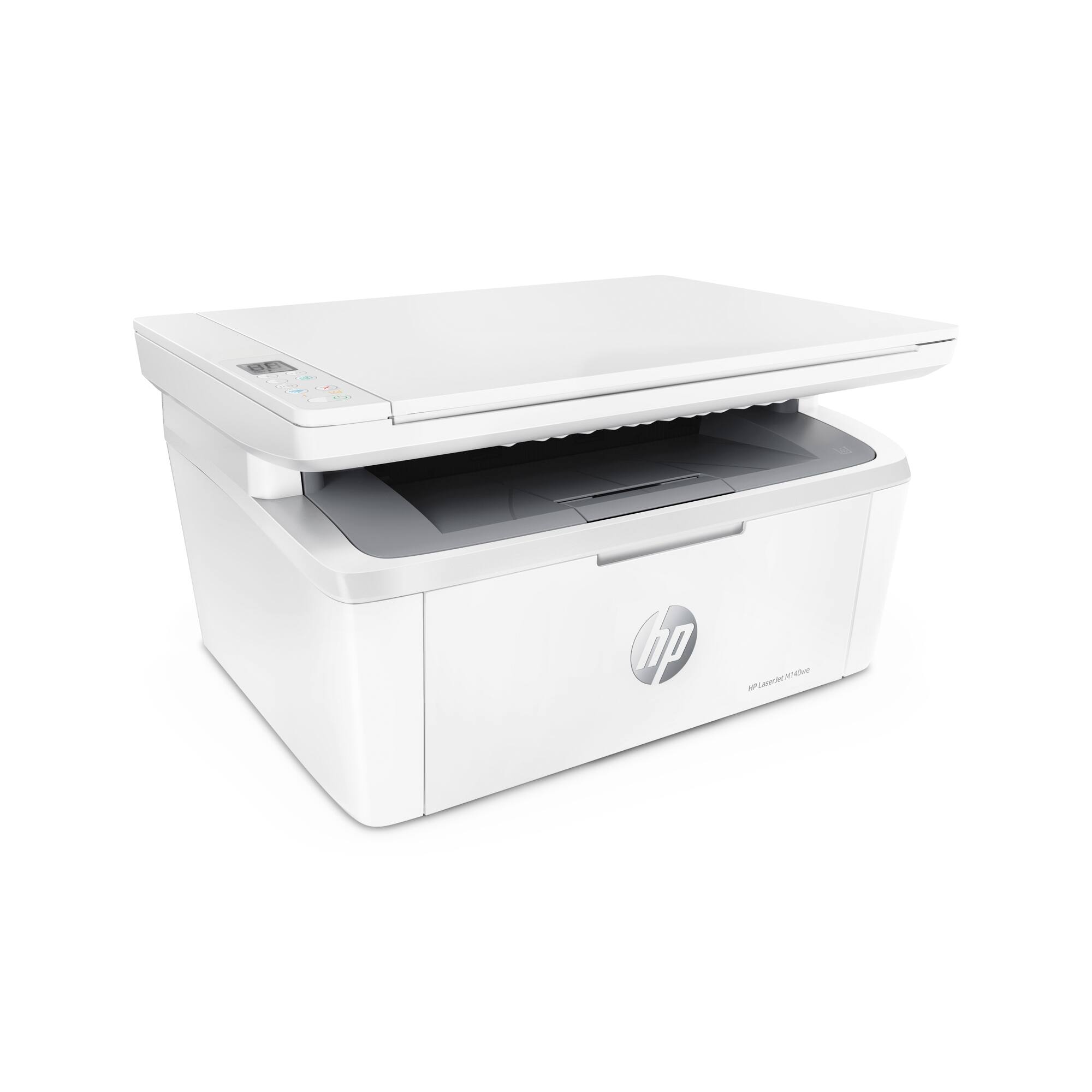
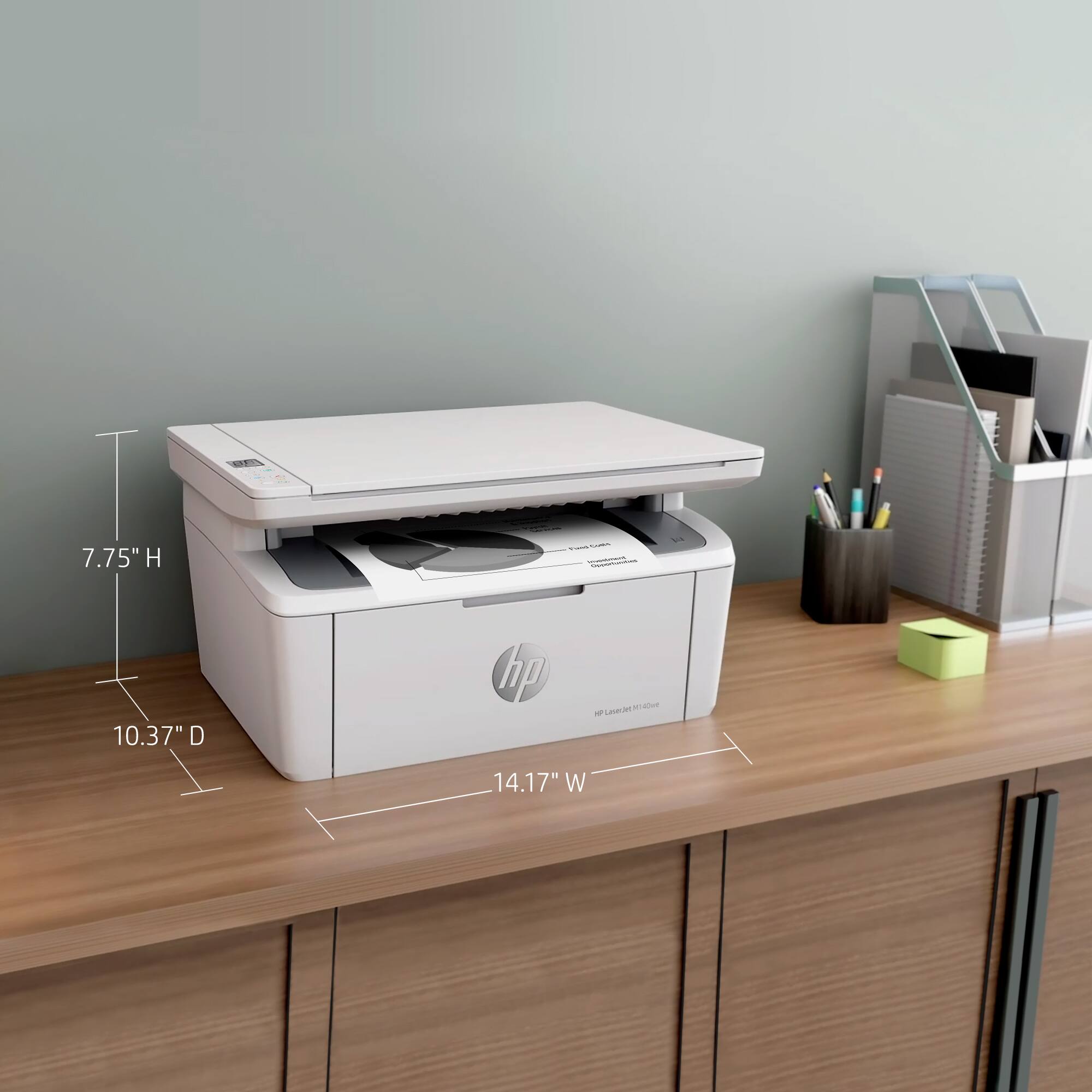
- LaserJet M140we
- SKU:
- 6484886
Rating by feature
- Value
Rating 4.3 out of 5 stars
- Quality
Rating 4.3 out of 5 stars
- Ease of Use
Rating 4.2 out of 5 stars
Customers are saying
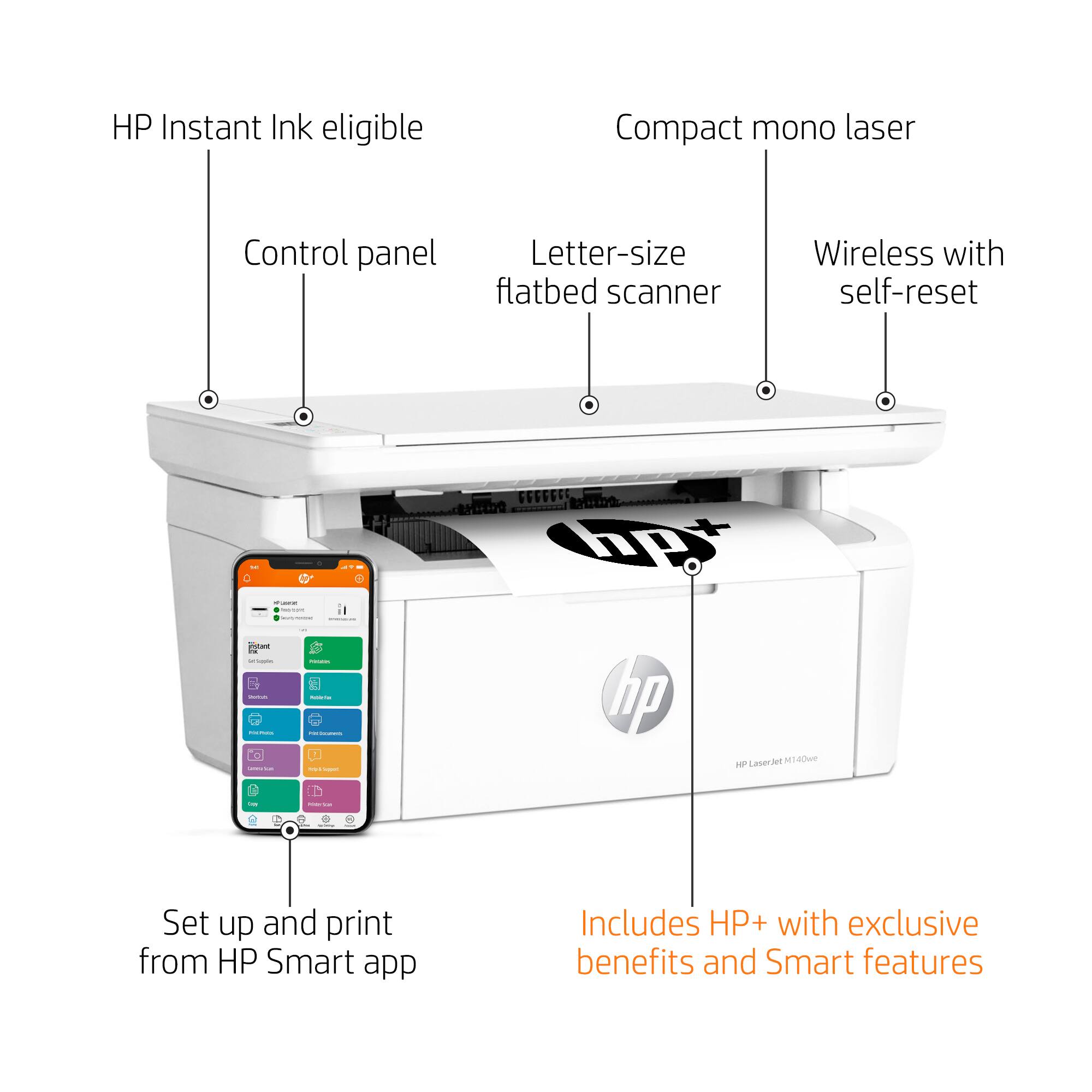
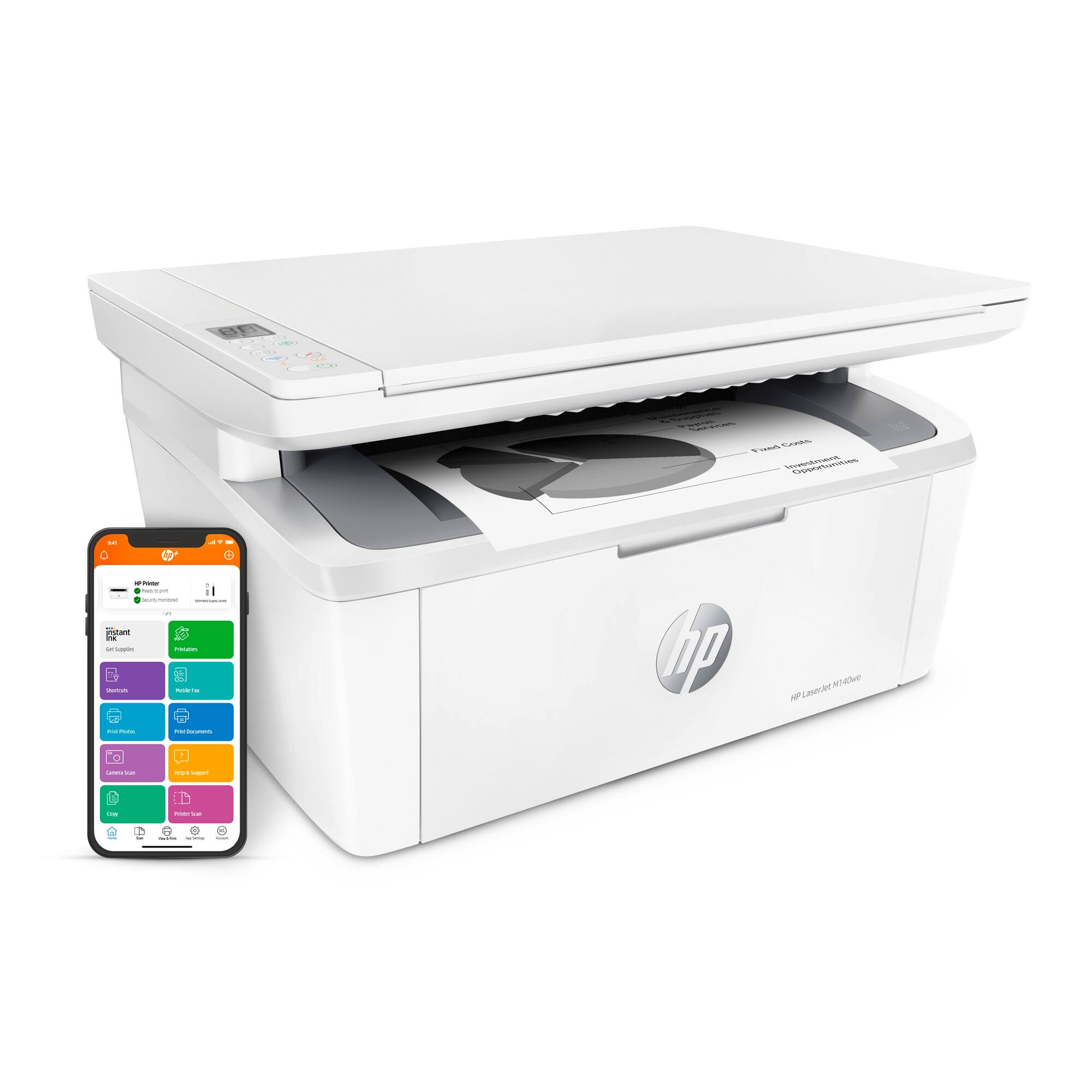
Customers often highlight the excellent print quality and ease of use of the HP LaserJet M140we Wireless Black and Laser Printer. Many appreciate its compact size and affordable price, along with the seamless wireless functionality and generally positive performance. The quick and easy setup is also frequently praised, as is the printer's quiet operation.
This summary was generated by AI based on customer reviews.
DO NOT BUY
||Posted . Owned for 1 year when reviewed.This reviewer received promo considerations or sweepstakes entry for writing a review.I hate this printer, you have to download an app to use, I can never get it to connect. I spend hours trying to print anything!
No, I would not recommend this to a friendNo WIFI Connection
||Posted . Owned for 1 month when reviewed.This reviewer received promo considerations or sweepstakes entry for writing a review.Printer will not link to my laptop. Followed all directions for both the laptop and the printer, including online instructions and tips for both but it does not work.
No, I would not recommend this to a friendBrand response from HP Team
Posted .Hi there.
I’m sorry that your printer has not connected to your laptop. I can certainly understand why that would be a frustrating start to ownership. I want to help you get the device connected and working like it should, so I’ll suggest some resources aimed at making that happen.
First, I recommend you visit a page on our support site that has diagnostic tools for various issues, including setup and connectivity. You can find that page here:
- support.hp.com/us-en/help/printer
You can also find troubleshooting guides specific to your printer, including ones on setup and connectivity, in addition to the main user manual, how-to documents and software updates here:
- support.hp.com/us-en/product/model/35335227
If the printer still won’t connect, I suggest that you contact us directly at +1 800-474-6836 so we can help you assess what’s happening and find the best course of action. To expedite the process, I recommend gathering the following information before the call:
- Model number
- Serial number
- Your location
- Case number (from any previous contact with HP support)
Keith
HP Care
hp.com/support
HP_ Lazer Jest M140we
||Posted . Owned for 3 weeks when reviewed.This reviewer received promo considerations or sweepstakes entry for writing a review.I am very pleased with my printer I would give it a five-star rating. I am happy with my purchase.
I would recommend this to a friendSoftware Is a Hot Mess
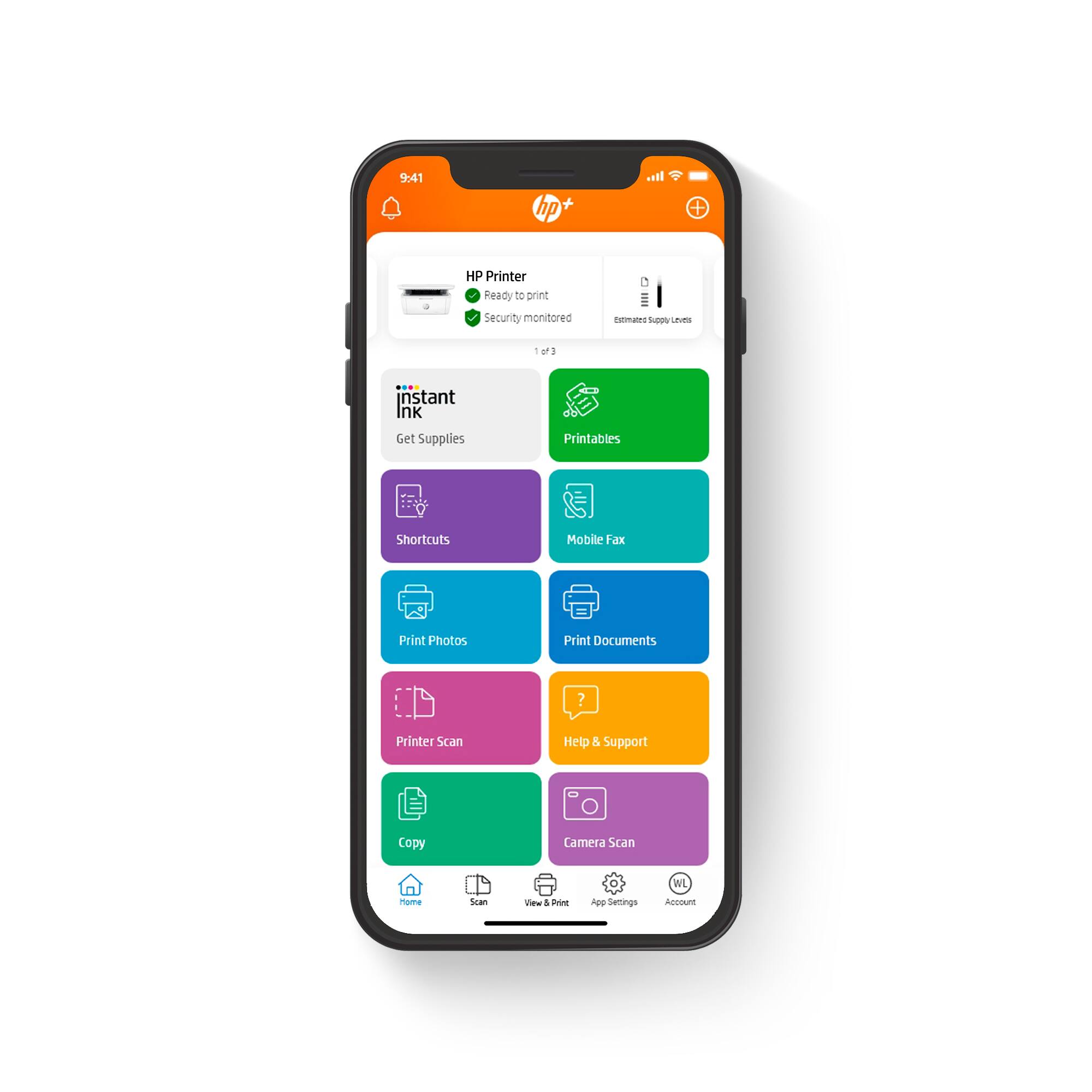
||Posted .This reviewer received promo considerations or sweepstakes entry for writing a review.I've owned this thing less than an hour and am already regretting replacing my 12 year old, rock solid LaserJet. The problem is the control software--it spins and spins, repeatedly tells me I have to log back on, demands my cell phone number (I do NOT want HP calling or texting me, so I made up a fake number)
No, I would not recommend this to a friendBrand response from HP Team
Posted .Hi, Steve.
I’m sorry to hear your printer’s software has performed so poorly. It’s easy to understand your frustration, considering the software has timed out repeatedly and requested that you log in again. I want to help you resolve this situation, so I’ll provide a resource and some information I hope will reach that goal.
I can’t tell from your review what’s causing this software problem. I recommend that you contact us directly so we can help you assess what’s happening and find the best course of action. HP+ printers such as yours come with exclusive concierge support. To call and reach live HP+ experts, visit the following URL and enter your HP+ serial number:
- hp.com/plus-help
I’ll also mention that HP printers have a one-year warranty from their purchase date that covers hardware as well as ink supplies – and that warranty extends to two years with an HP+ account – so if it comes to that, you can consider making use of it. You can verify the warranty using the following link:
- support.hp.com/us-en/checkwarranty
Keith
HP Care
hp.com/support
Quick Printing
||Posted . Owned for 1 month when reviewed.This reviewer received promo considerations or sweepstakes entry for writing a review.Great when installed, needs windows 10, I am on Windows 7, but HP customer service installed a driver!
I would recommend this to a friendGood computer
||Posted . Owned for 1 month when reviewed.This reviewer received promo considerations or sweepstakes entry for writing a review.Like the computer for what I need it for don’t need all the bells and fancy things very happy with it
I would recommend this to a friendOk printer for the price ...but Wifi only, no USB
||Posted . Owned for 1 month when reviewed.This reviewer received promo considerations or sweepstakes entry for writing a review.Printer is a little slow on startup so one page prints take longer than expected. Also, the paper feed sensor is a little sensitive so false paper jam errors happen often.
No, I would not recommend this to a friendJunk
||Posted . Owned for 1 month when reviewed.This reviewer received promo considerations or sweepstakes entry for writing a review.Had printer for 24 days and it has stopped working. Tried resetting everything with no luck after test page prints out. Best Buy can't do anything after 15 days.
No, I would not recommend this to a friendBrand response from HP Team
Posted .Hi there.
I’m sorry that your printer has stopped working after you’ve had it less than a month. Your dismay comes as no surprise, especially considering the seller’s return period has ended. I want to help you out of this dilemma. I hope the resources I’ve listed below reach that goal.
I can’t tell from your review what issue your printer faces or why it stopped working. I recommend that you contact us directly so we can help you assess what’s happening and find the proper course of action. HP+ printers such as yours come with exclusive concierge support. To call and reach live HP+ experts, visit the following URL and enter your HP+ serial number:
- hp.com/plus-help
I'll also mention that HP printers have a one-year warranty from their purchase date that covers hardware as well as ink supplies – and that warranty extends to two years with an HP+ account – so if it comes to that, you might consider making use of it. You can verify the warranty using the following link:
- support.hp.com/us-en/checkwarranty
Keith
HP Care
hp.com/support
HP Printer
||Posted . Owned for 1 month when reviewed.This reviewer received promo considerations or sweepstakes entry for writing a review.Excellent printing quality. Easy connection to multiple devices if on the same WiFi
I would recommend this to a friendHard to set up
||Posted . Owned for 3 weeks when reviewed.This reviewer received promo considerations or sweepstakes entry for writing a review.The toner cartridge is a starter and I have yet to be able to print from my computer. It took me two hours to be able to print from my phone
No, I would not recommend this to a friendTerrific home laser jet printer
||Posted . Owned for 1 month when reviewed.This reviewer received promo considerations or sweepstakes entry for writing a review.Great printer for the price! Love that it is a toner rather than inkjet because it won't dry out.
I would recommend this to a friendCannot use as wireless
||Posted . Owned for 1 month when reviewed.This reviewer received promo considerations or sweepstakes entry for writing a review.Unable to keep Wifi connection; geek squad installed and came back 2 weeks later. Said fixed but next day no wireless printing. VERY DISAPPOINTED
No, I would not recommend this to a friendBrand response from HP Team
Posted .Hi there.
I’m sorry your printer has failed to maintain a reliable wireless connection. I can certainly understand why having technical professionals correct the problem only to see it return would be tremendously frustrating. I want to help you resolve this situation, so I’ll suggest some resources aimed at making that happen.
First, I recommend you visit a page on our support site that has diagnostic tools for various issues, including wireless connectivity. You can find that page here:
- support.hp.com/us-en/help/printer
You can also find troubleshooting guides specific to your printer, including ones on connectivity, in addition to the main user manual, how-to documents and software updates here:
- support.hp.com/us-en/product/model/35335227
If connectivity doesn’t adequately improve, I suggest that you contact us directly at +1 800-474-6836 so we can help you assess what’s happening and find the best course of action. To expedite the process, I recommend gathering the following information before the call:
- Model number
- Serial number
- Your location
- Case number (from any previous contact with HP support)
Keith
HP Care
hp.com/support
printer to computer
||Posted . Owned for 1 week when reviewed.This reviewer received promo considerations or sweepstakes entry for writing a review.i needed help with this it wouldnt recognize my printer to my computer even though both are HP
I would recommend this to a friendwhat
||Posted . Owned for 3 weeks when reviewed.This reviewer received promo considerations or sweepstakes entry for writing a review.easybpurchase. great service. there should not be a requirement of letters
I would recommend this to a friendKeep Shopping
||Posted . Owned for 1 month when reviewed.This reviewer received promo considerations or sweepstakes entry for writing a review.This printer is a nightmare. Every time I try to print, it is offline and it takes forever to go through all the settings to get it back online. It will disconnect itself from wi-fi at random times and I have had to uninstall and reinstall it numerous times. I regret buying it and have just turned it off. I will be buying a different printer.
No, I would not recommend this to a friendBrand response from HP Team
Posted .Hi there.
I’m sorry to hear that your printer has gone offline so frequently, and that you’ve had to do extensive troubleshooting each time it happens. I can wholly understand why that would be exasperating. I want to help you get the device reliably connected, so I’ll suggest some resources I hope will reach that end.
First, if you’ve not done so already, I recommend you visit a page on our support site that has diagnostic tools for various issues, including printer-offline difficulties. You can find that page here:
- support.hp.com/us-en/topic/diagnostics
You can also find troubleshooting guides specific to your printer in addition to user manuals, how-to documents and software updates here:
- support.hp.com/us-en/product/model/35335227
If the problem persists, I recommend that you contact us directly so we can help you assess what’s happening and find a solution. HP+ printers such as yours come with exclusive concierge support. To call and reach live HP+ experts, visit the following URL and enter your HP+ serial number:
- hp.com/plus-help
Keith
HP Care
hp.com/support
Returned
||Posted . Owned for less than 1 week when reviewed.This reviewer received promo considerations or sweepstakes entry for writing a review.3 hours and 30 minutes with HP tech support and couldn't get it to work. I read those problems on reviews. I thought can't be that bad... well it's bad.
No, I would not recommend this to a friendHP - LaserJet M140we Wireless Black and White Lase
||Posted .This reviewer received promo considerations or sweepstakes entry for writing a review.i like this laserJet. it does what i need. i do not need color so its a good match for me
I would recommend this to a friendGreat Product
||Posted . Owned for 1 month when reviewed.This reviewer received promo considerations or sweepstakes entry for writing a review.Great product I’m very pleased with my purchase I suggest hP to everyone
I would recommend this to a friendDid not Work For Me
||Posted . Owned for 3 weeks when reviewed.This reviewer received promo considerations or sweepstakes entry for writing a review.A Wireless Printer that would not connect to my Internet. I had to return it. Very disappointed.
No, I would not recommend this to a friendpoor signal
||Posted . Owned for 3 months when reviewed.This reviewer received promo considerations or sweepstakes entry for writing a review.This printer does not print on command. I cannot get a printout 99% of the time. I neeed a printer that is not considered 'wireless'.
No, I would not recommend this to a friend



















