Customer Ratings & Reviews


- Model:
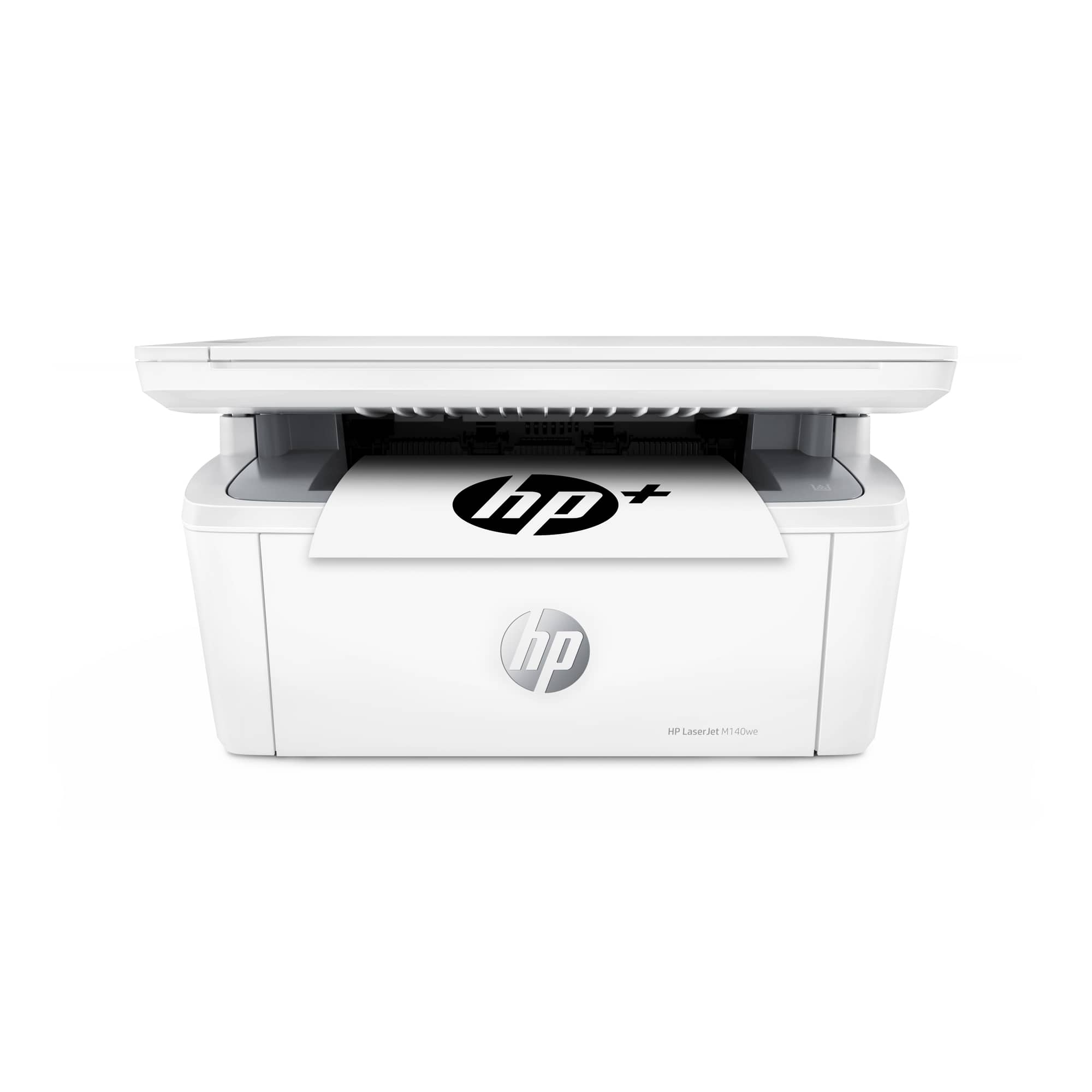
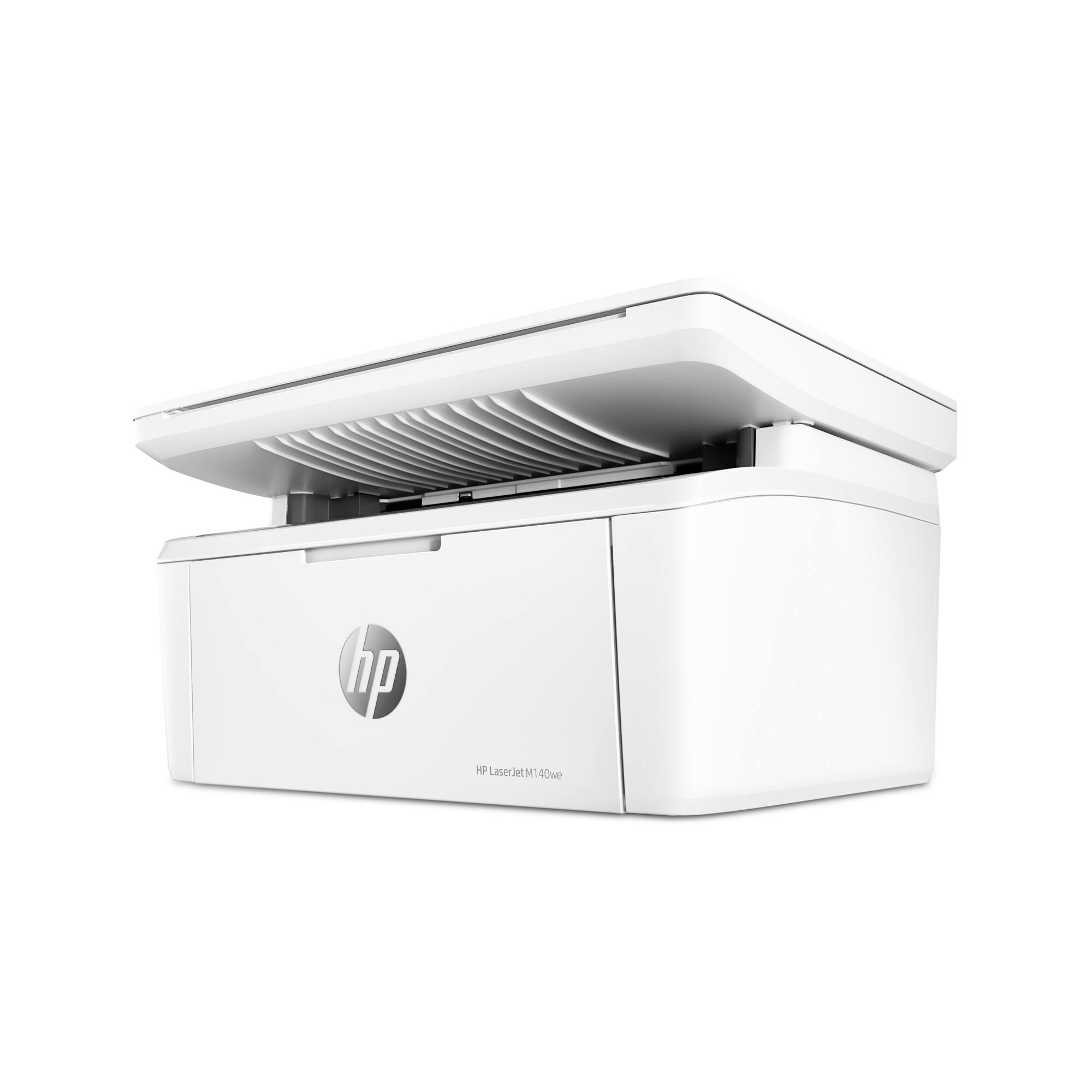
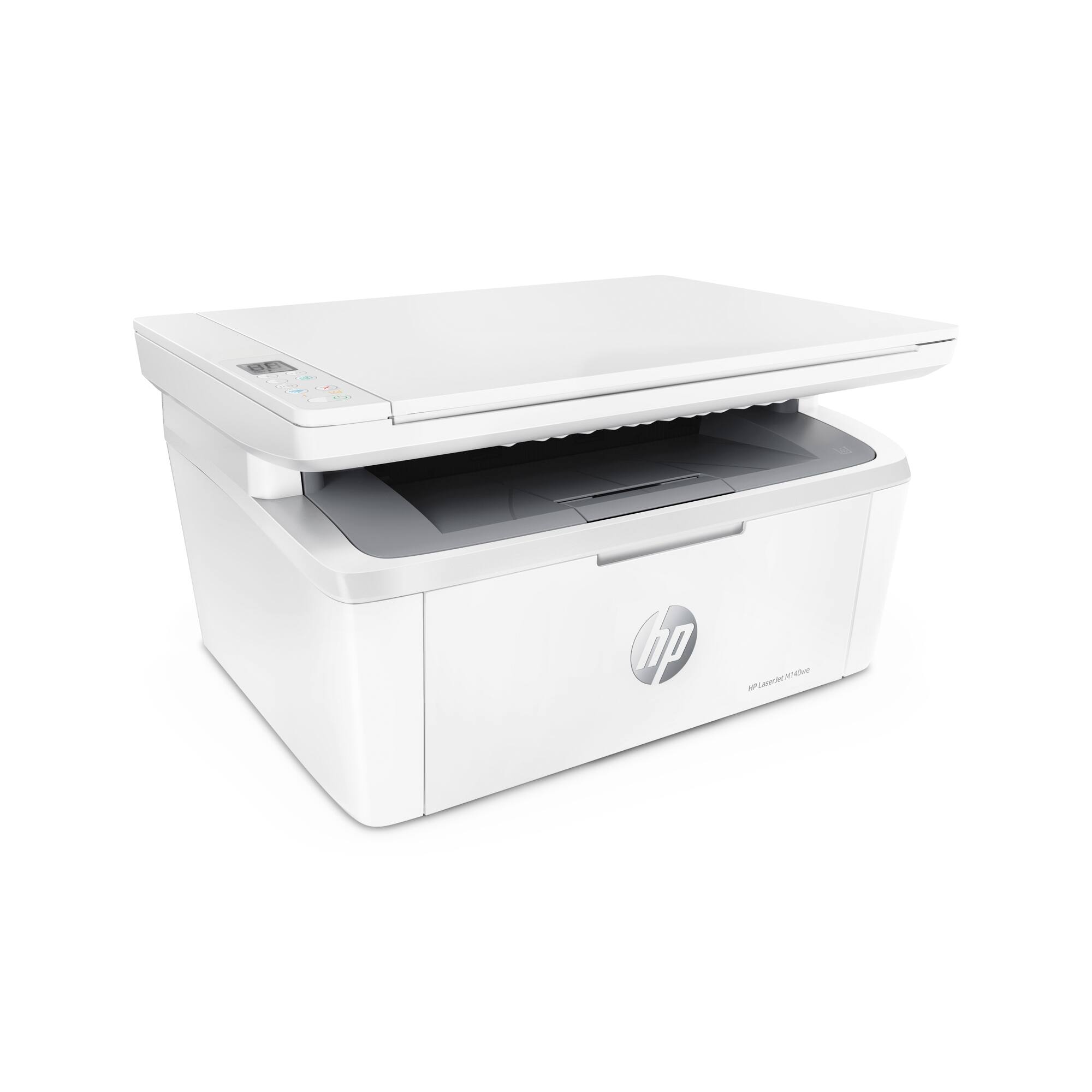
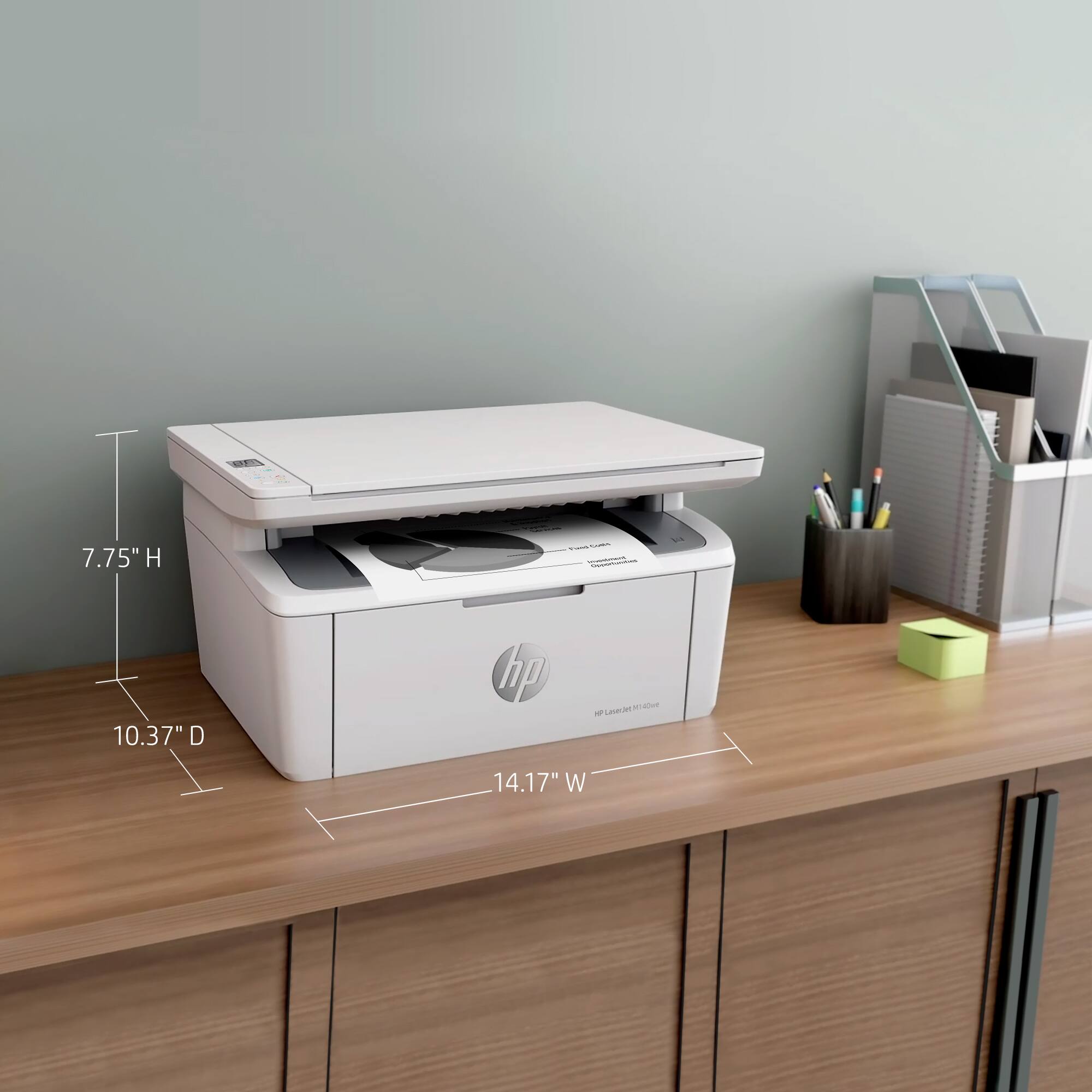
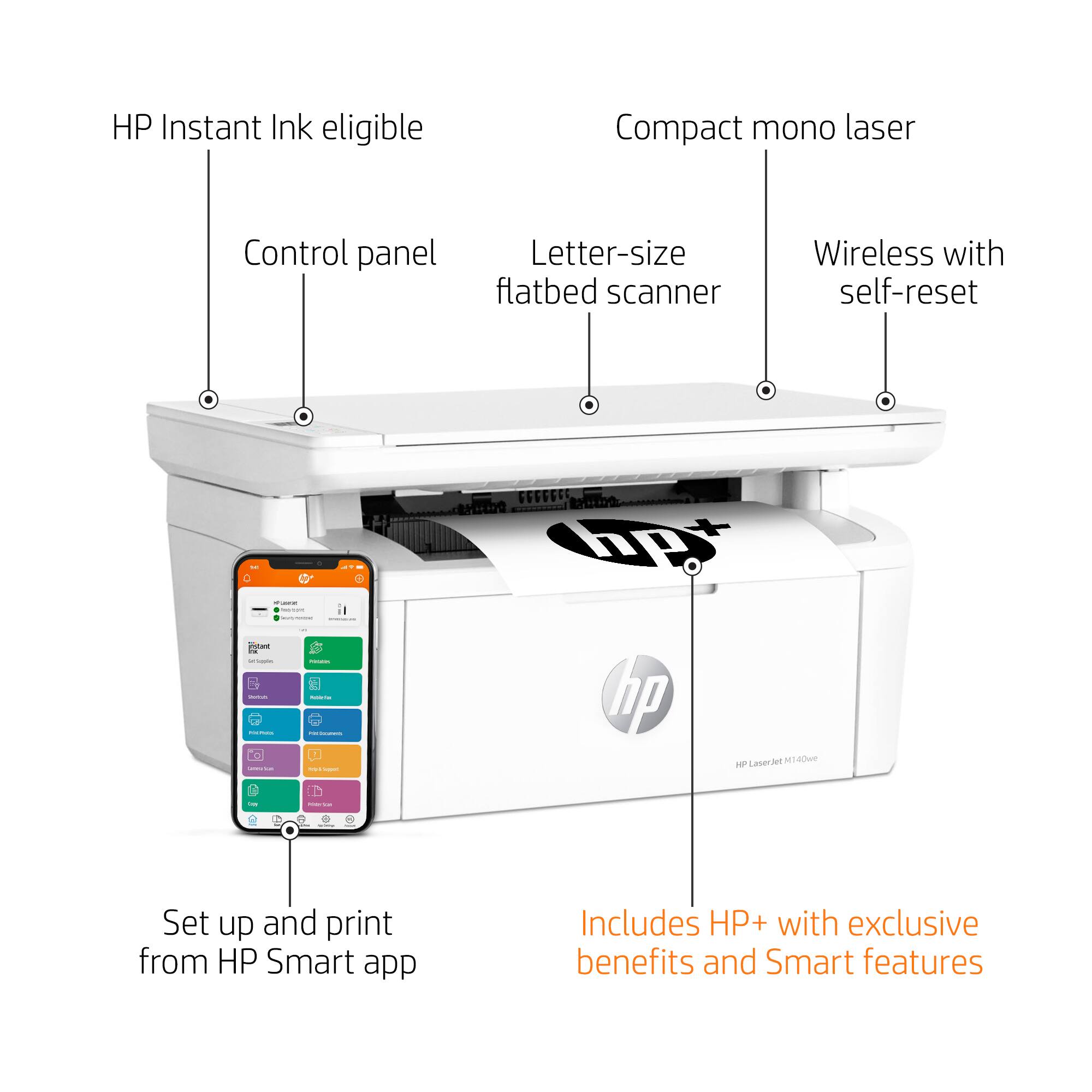
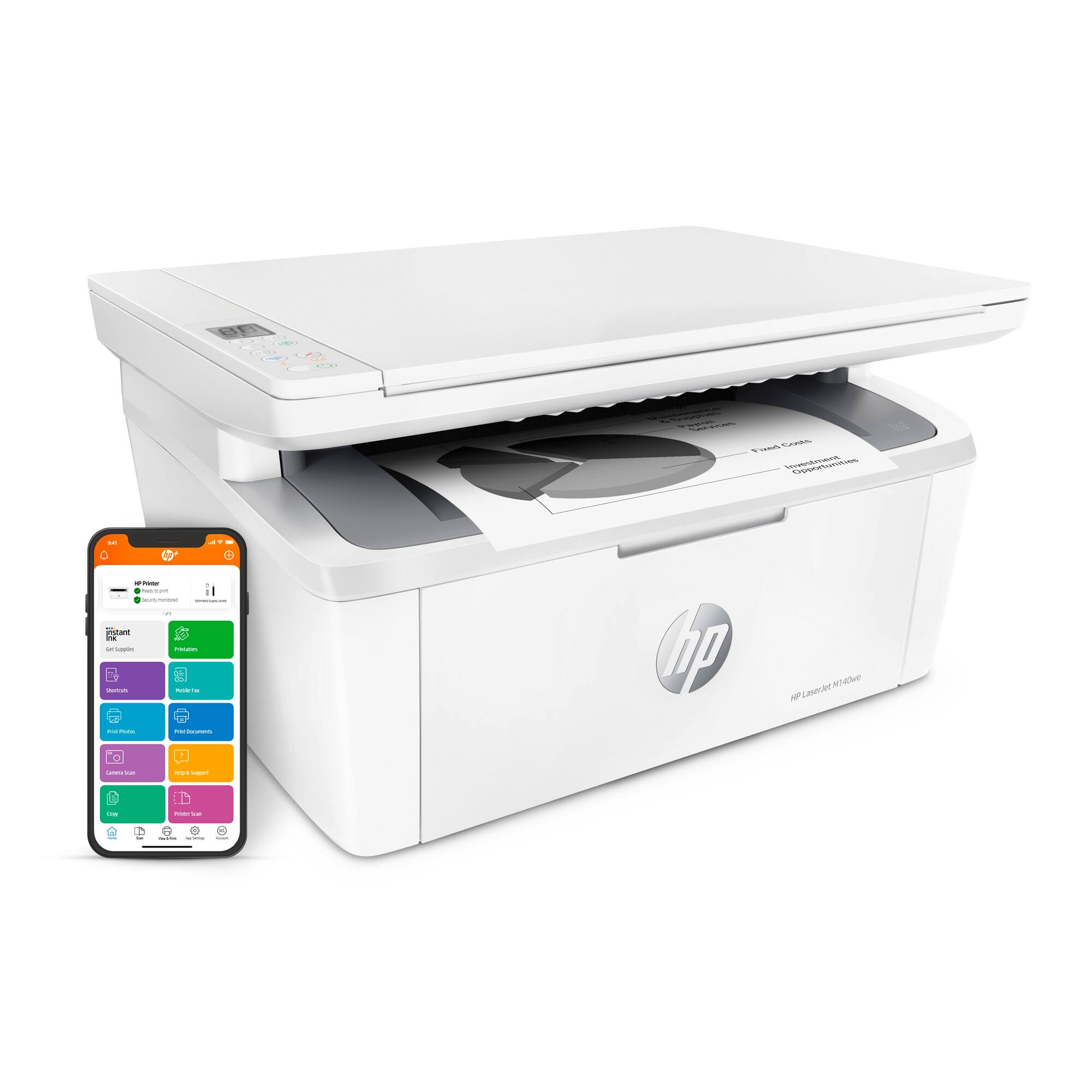
- LaserJet M140we
- SKU:
- 6484886
Rating by feature
- Value
Rating 4.3 out of 5 stars
- Quality
Rating 4.3 out of 5 stars
- Ease of Use
Rating 4.2 out of 5 stars
Customers are saying
Customers often highlight the excellent print quality and ease of use of the HP LaserJet M140we Wireless Black and Laser Printer. Many appreciate its compact size and affordable price, along with the seamless wireless functionality and generally positive performance. The quick and easy setup is also frequently praised, as is the printer's quiet operation.
This summary was generated by AI based on customer reviews.
HP not reliable
||Posted . Owned for 1 month when reviewed.This reviewer received promo considerations or sweepstakes entry for writing a review.Worst printer ever. Will not register to a HP account. Don’t waste your money
No, I would not recommend this to a frienddisapointing
||Posted . Owned for 3 weeks when reviewed.This reviewer received promo considerations or sweepstakes entry for writing a review.Did not meet expectations Did not meet expectations Did not meet expectations
No, I would not recommend this to a friendWouldn't recommend it to a dog!
||Posted . Owned for 3 weeks when reviewed.This reviewer received promo considerations or sweepstakes entry for writing a review.Lousy machine. Cannot be installed off-line. Instruction manual useless
No, I would not recommend this to a friendHp
||Posted . Owned for 1 month when reviewed.This reviewer received promo considerations or sweepstakes entry for writing a review.Not veryv good.. unstable and bulky. Alao ink didnt last long
No, I would not recommend this to a friendNot recommended
||Posted . Owned for 1 month when reviewed.This reviewer received promo considerations or sweepstakes entry for writing a review.Lasted two months. Tried everything to fix it. Contacted HP and got no help.
No, I would not recommend this to a frienddisappointed!
||Posted . Owned for 1 month when reviewed.This reviewer received promo considerations or sweepstakes entry for writing a review.it doesn't work. It simply does not print, no matter what I try.
No, I would not recommend this to a friendBrand response from HP Team
Posted .Hi, Marylou.
I’m sorry that your printer has not printed despite your extensive troubleshooting efforts. Your dismay comes as no surprise here. I want to help you out of this dilemma, so I’ll suggest a resource aimed at making that happen.
I recommend that you contact us directly so we can help you assess what’s happening and find the proper course of action. HP+ printers such as yours come with exclusive concierge support. To call and reach live HP+ experts, visit the following URL and enter your HP+ serial number:
- hp.com/plus-help
Keith
HP Care
hp.com/support
Why is it so hard to print to it thru gmail???
||Posted .This reviewer received promo considerations or sweepstakes entry for writing a review.Don't know how to frikin' print to it from my gmail/email.
I would recommend this to a friendBEWARE OF THIS PRINTER
||Posted . Owned for 3 weeks when reviewed.This reviewer received promo considerations or sweepstakes entry for writing a review.This printer was all but impossible to set up, an then I found out that you must be connected to the internet all the time in order to use it. Additionally, one would have to agree to only use HP printer cartridges on the printer. I became concerned about the possibility of HP having access to my printer at all time, and I often use the printer in areas without internet access. I therefore returned the printer the following day and decided not to ever purchase HP products ever again.
No, I would not recommend this to a friendVery slow
||Posted . Owned for 5 months when reviewed.This reviewer received promo considerations or sweepstakes entry for writing a review.Prints suuuuper slow. Only black ink. No Wi-Fi. Returned same day
No, I would not recommend this to a friend- Pros mentioned:Print quality, Size

Perfect small printer.
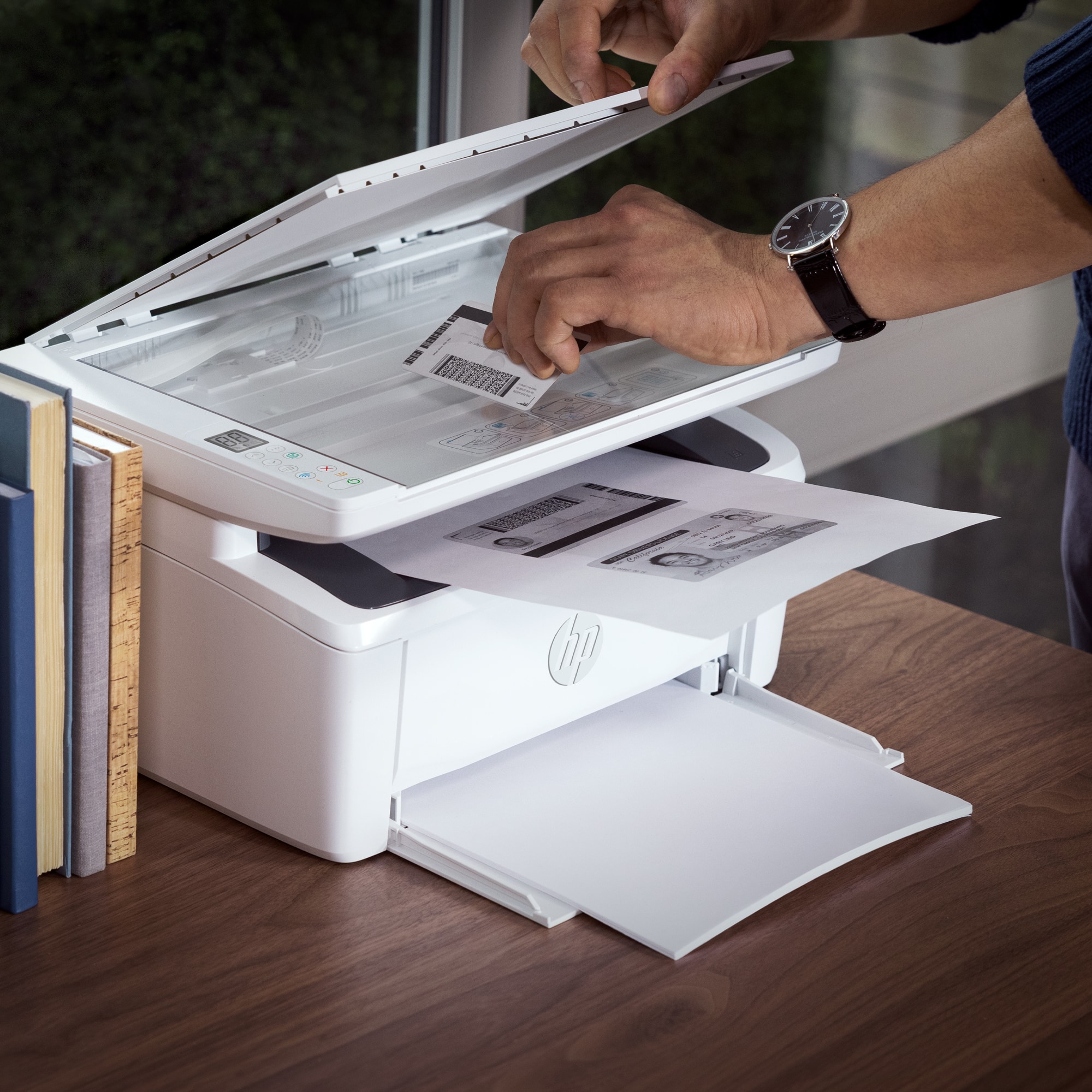
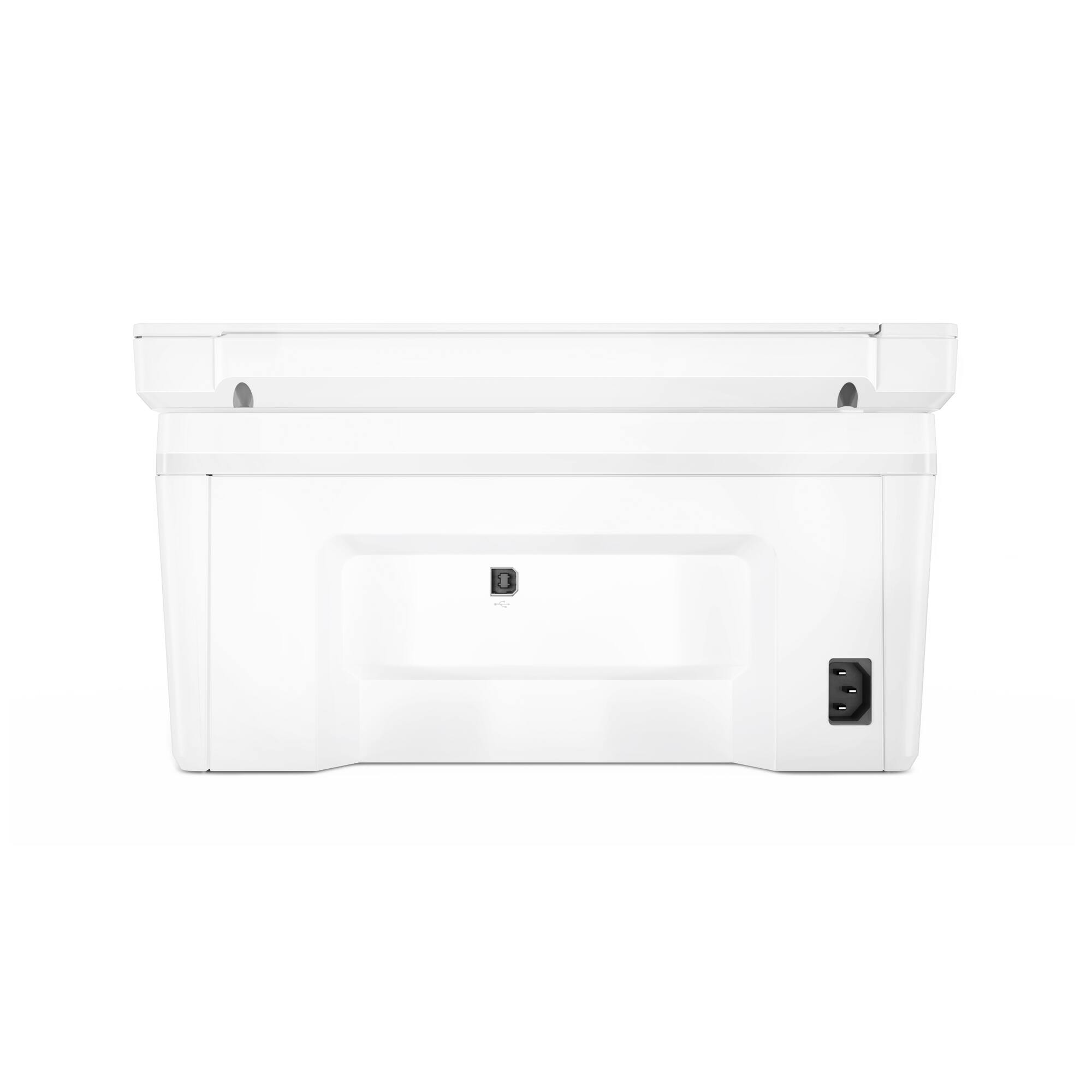
|Posted .This reviewer received promo considerations or sweepstakes entry for writing a review.Overall I really like this little printer. It's replacing an ink cartridge printer and I hate the fact that it runs out of black ink so quickly. So I was exited to try a Toner printer because I've heard great things about them. And my expectations were definitely met. I really like the compact size of this printer. It fits perfectly in a corner and doesn't take up much space. And I even like the aesthetic of it as well. It reminds me of a Pixar character or something. But what really blew me away was how fast it prints. It's absolutely bonkers how fast this thing can spit out printed pages. This printer doesn't have a lot of "features" that a standard size printer would have. There is no big LCD screen with a bunch of options. Instead you get a compact, easy to use and direct printer. It can scan, copy and print. And that's about it. So for me it's perfect. It only has Wi-Fi for connection, so if you're looking for a printer that has ethernet/usb/etc you won't find it in this one. There is a port in the back that looks like it's used for updating firmware or something. I do have a couple of nitpicks with it. First, the power cable. It sticks out perpendicular in the back. The designers could have easily used the recessed area behind the printer to plug in the cord in parallel to the printer so you were able to push it up further against a wall. The second is the paper tray. I really wish they were able to find a way to have the paper tray not stick out permanently. I suppose if you don't use a printer often you can just load paper when you need to print. But that defeats the purpose of cloud printing and such. Overall I really like the printer. It's cute, compact and FAST!!! Pros: - Super fast printing -Good scanning quality - Small form factor - Aesthetically pleasing (reminds me of a Pixar character) - Pretty good construction quality Cons - Power cable sticks out in back (could have used recess) - Paper tray sticks out - can't load paper and close it (due to form factor size) - No ethernet port - Can't scan to PC from Printer?
I would recommend this to a friend HP laser printer
||Posted . Owned for 3 weeks when reviewed.This reviewer received promo considerations or sweepstakes entry for writing a review.Very limited functions and not easily set up for wifi use.
No, I would not recommend this to a friendBrand response from HP Team
Posted .Hi there.
I’m sorry you’re unsatisfied with your printer, and that you’ve encountered difficulty connecting it to your Wi-Fi system. Your review is brief, but your frustration is clear. I want to help you resolve the connectivity issue and learn more about the device, so I’ll provide some resources aimed at reaching that goal.
First, I recommend you visit a page on our support site that has diagnostic tools for various issues, including wireless connectivity. You can find that page here:
- support.hp.com/us-en/topic/diagnostics
For more help with difficulties, or to learn more about your printer and its features, you can access troubleshooting guides, how-to documents, user manuals and software updates specific to your printer here:
- support.hp.com/us-en/product/model/35335227
If any problem persists, I suggest that you contact us directly at +1 800-474-6836 so we can help you assess what’s happening and find the best course of action. To expedite the process, I recommend gathering the following information before the call:
- Model number
- Serial number
- Your location
- Case number (from any previous contact with HP support)
Keith
HP Care
hp.com/support
Don’t buy this
||Posted . Owned for 1 month when reviewed.This reviewer received promo considerations or sweepstakes entry for writing a review.Need restart before every use, hp support doesn’t help
No, I would not recommend this to a friendPrinter
||Posted . Owned for 1 month when reviewed.This reviewer received promo considerations or sweepstakes entry for writing a review.Product was malfunctioning had to have service twice
No, I would not recommend this to a friendGreat when it works
||Posted . Owned for 1 month when reviewed.This reviewer received promo considerations or sweepstakes entry for writing a review.I’m giving it two stars because it worked for about three weeks and then somehow conveniently stopped two days after the eligible return date? It won’t connect with a USB or Wi-Fi I even had an outsource IT guy come in to try and figure it out.
No, I would not recommend this to a friendBrand response from HP Team
Posted .Hi there.
Thanks for the review and the description of your experience. While I’m glad your printer worked well for three weeks, I’m sorry that it lost its wireless connection and won’t reconnect wirelessly or via USB cable. I can certainly understand why that would be an unwelcome surprise. I want to help you out of this dilemma, so I’ll provide some resources aimed at making that happen.
First, I recommend you visit a page on our support site that has diagnostic tools for various issues, including wireless connectivity. You can find that page here:
- support.hp.com/us-en/topic/diagnostics
If the problem persists, I suggest you contact us directly so we can help you assess what’s happening and find the best course of action. HP+ printers such as yours come with exclusive concierge support. To call and reach live HP+ experts, visit the following URL and enter your HP+ serial number:
- hp.com/plus-help
Keith
HP Care
hp.com/support
Toner
||Posted . Owned for 2 weeks when reviewed.This reviewer received promo considerations or sweepstakes entry for writing a review.Toner was draining way to sooner than it should have
No, I would not recommend this to a friendBrand response from HP Team
Posted .Hi there.
I’m sorry to learn that your printer is using toner more rapidly than you’d anticipated. It’s easy to understand why this would be an unwelcome surprise, especially if you’d only recently purchased the device. I want to help you understand what’s happening with the printer and remedy the problem if one exists, so I’ll offer what I hope are helpful resources and information.
First, I can’t tell from your review how many pages you’d gotten from the toner cartridge or how that compares with its estimated page yield. I’ll point out that some printers come with what are known as setup cartridges, which have a lower capacity than regular cartridges. If you’ve used only the cartridge that came with the printer, this could explain what you’re seeing.
However, if you’ve installed a replacement cartridge, it’s expected to produce about 950 pages. How cartridges perform in your own printer varies according to numerous factors, including resolution, how dry the air is and how absorbent the paper is.
Regardless, if you need further clarification or input on your printer’s use of toner, I recommend that you contact us directly at +1 800-474-6836 so we can help you assess what’s happening and find the best course of action. To expedite the process, I recommend gathering the following information before the call:
- Model number
- Serial number
- Your location
- Case number (from any previous contact with HP support)
Keith
HP Care
hp.com/support
- Pros mentioned:Print quality, Size
Small but powerful.
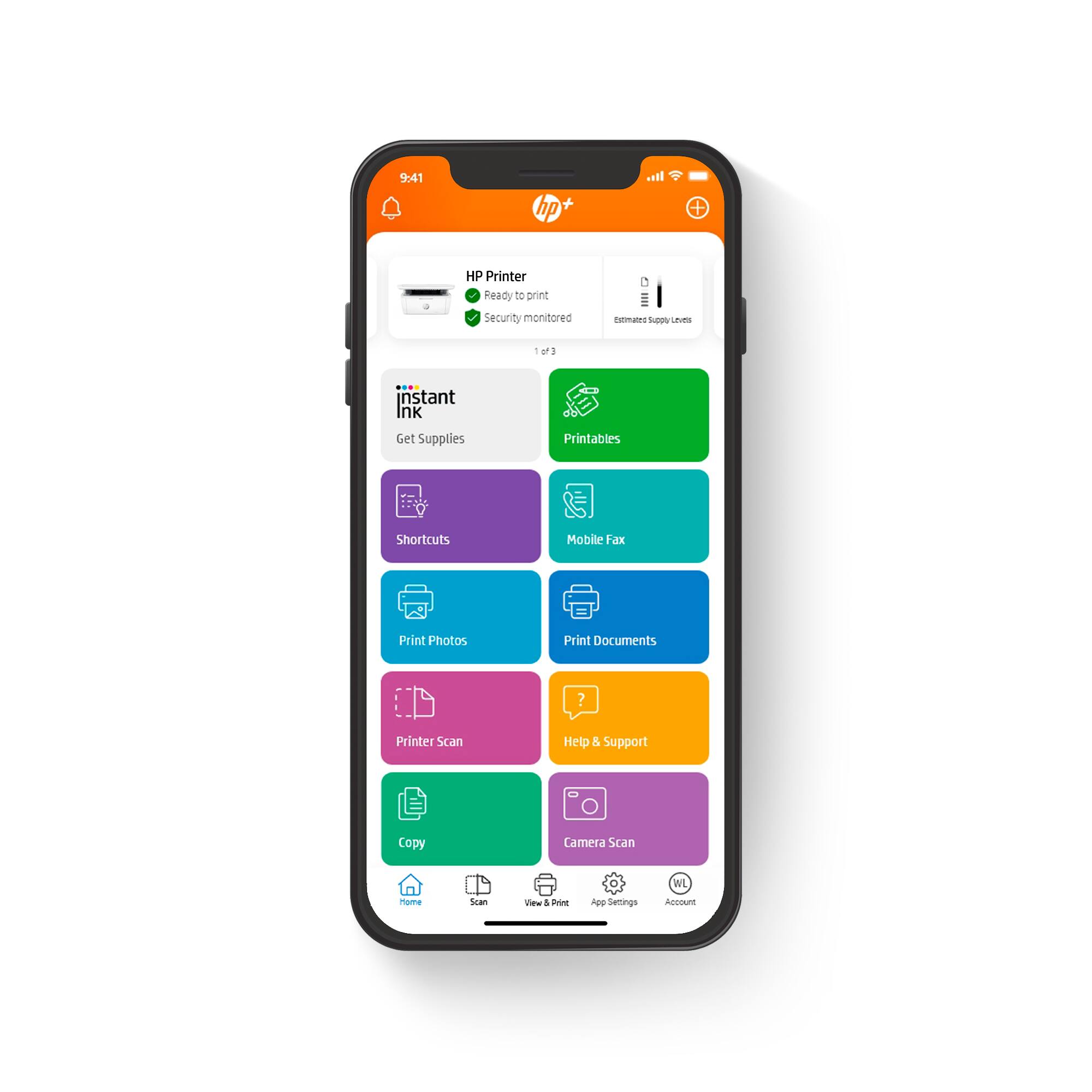
|Posted .This reviewer received promo considerations or sweepstakes entry for writing a review.I was in need of a small laser printer for a space constricted home office, but I never dreamed that I could get a laser printer, copier and scanner in such a small package. The HP M142e offers all those features in the smallest laser printer form factor available. The printer came securely packaged, and setup was a breeze. Simply follow the enclosed setup guides to remove the packing materials, load paper, and then scan the QR code to download the HP HP Smart App for iOS or Android. Once the app is downloaded, it takes just a few minutes to connect to WiFi and have the printer ready to print. Adding the printer to Windows and Mac computers was also quick and easy using the normal methods for adding printers. The printer will show up in the add printer dialog as a network printer, and the wizard will download and install the appropriate drivers. Once setup was complete I was immediately impressed with the print quality and speed. Printing was clean and crisp, and jobs completed in seconds. Copy quality was equally good and very fast. Of course, in a multi-function printer this small, there is no automatic document feeder, so multipage documents must be copied or scanned one page at a time, but for normal home use, this shouldn't be much of an issue. Scan quality is also good, at least for documents, at 600 x 600 dpi. Other features include AirPlay which allows seamless printing from iOS devices. This feature works great. I don't have any android devices to test with, but HP says Android users can print by downloading the HP Print Service Plugin on your Android device. HP also offers an instant ink service for $1.99/mo with a 6 month free trial. I signed up, because I like the idea of ink just arriving on my porch before I actually need it. While some may not want to use this service. I can state unequivocally that I have never kept an inkjet printer in ink for less than $25 per year. Overall, I think the HP LaserJet MFP M142e is a fantastic value for home or small office use, and I wouldn't hesitate to recommend it to a friend.
I would recommend this to a friend Worst printer I've ever tried
||Posted . Owned for 3 weeks when reviewed.This reviewer received promo considerations or sweepstakes entry for writing a review.A disaster of a device. Even after downloading the HP app on multiple devices, calling the help desk and signing up for their undisclosed subscription service, it wouldn't work. This is everything a printer shouldn't be: complicated, unreliable and requiring a subscription in order to print on it. I'm just relieved that Best Buy's customer service is rock solid and that returns are easy.
No, I would not recommend this to a friendDisappointed
||Posted . Owned for 1 month when reviewed.This reviewer received promo considerations or sweepstakes entry for writing a review.I didn’t get to use the printer. This printer requires internet to work. I bought a cable to print from my laptop but it wouldn’t work without internet. That should be plainly advertised on the box! I returned it, and will not buy a HP printer again.
No, I would not recommend this to a friendWhat a stupid annoying and frustrating experience
||Posted .This reviewer received promo considerations or sweepstakes entry for writing a review.I bought this a few hours ago because I want to freakn scan a doc, I can't simply stand how complicated HP makes this product to be setup and it also requires you to create an account, ah I just hate the user experience!
No, I would not recommend this to a friendHP Laserjet MFP M 140
||Posted . Owned for 1 month when reviewed.This reviewer received promo considerations or sweepstakes entry for writing a review.The ink that came with printer lasted only a week, instead of 6 months. Several times, the printer printed half a page, a third of a page, or didn’t print at all.
No, I would not recommend this to a friendBrand response from HP Team
Posted .Hi there.
I’m sorry you’ve run into difficulty with your printer. I can certainly understand why partial prints – or no prints at all – in addition to the ink running out sooner than you’d anticipated would be a poor start to ownership. I want to help you remedy the printing problem and understand what’s happening with the ink. I hope the information and resources below serve that end.
First, for the printing issue, I recommend you follow a guide on our support site to document feeders that fail to pick up paper or pull through too many pages at once. Find that guide here:
- support.hp.com/us-en/document/c01728503
Next, regarding ink, the cartridges that arrived with your printer are not designed to last six months. Rather, your printer purchase included an option of six months free in our Instant Ink program. In this program, you choose the number of pages you’d like to print monthly, and replacement cartridges are shipped as needed based on usage. You should have had the opportunity to enroll in this free trial offer when you set up the printer.
If the printing issue persists, or if you want to enroll in Instant Ink, I suggest you contact us directly so we can help you find the best course of action. HP+ printers such as yours come with exclusive concierge support. To call and reach live HP+ experts, visit the following URL and enter your HP+ serial number:
- hp.com/plus-help
Keith
HP Care
hp.com/support



















