Customer Ratings & Reviews


- Model:
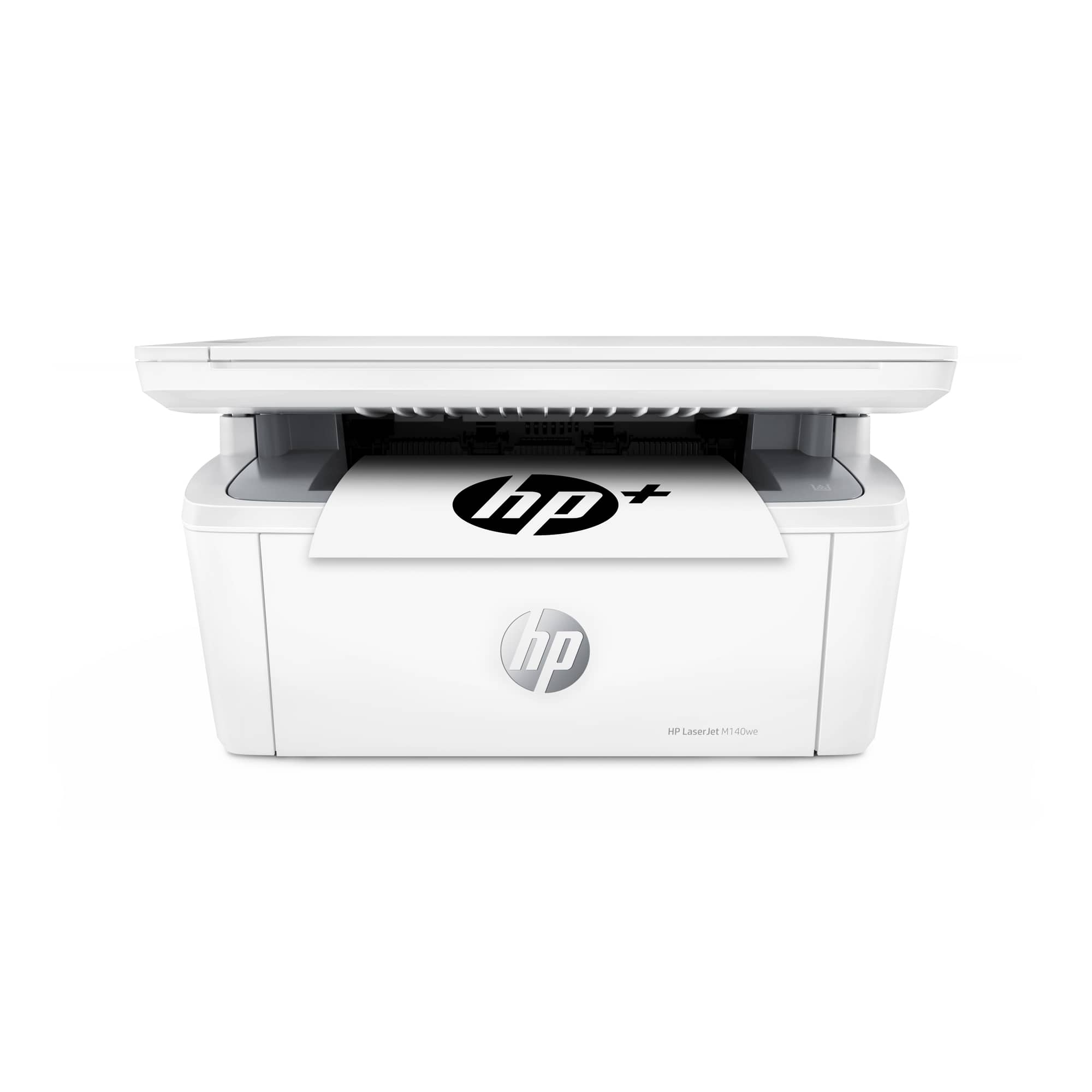
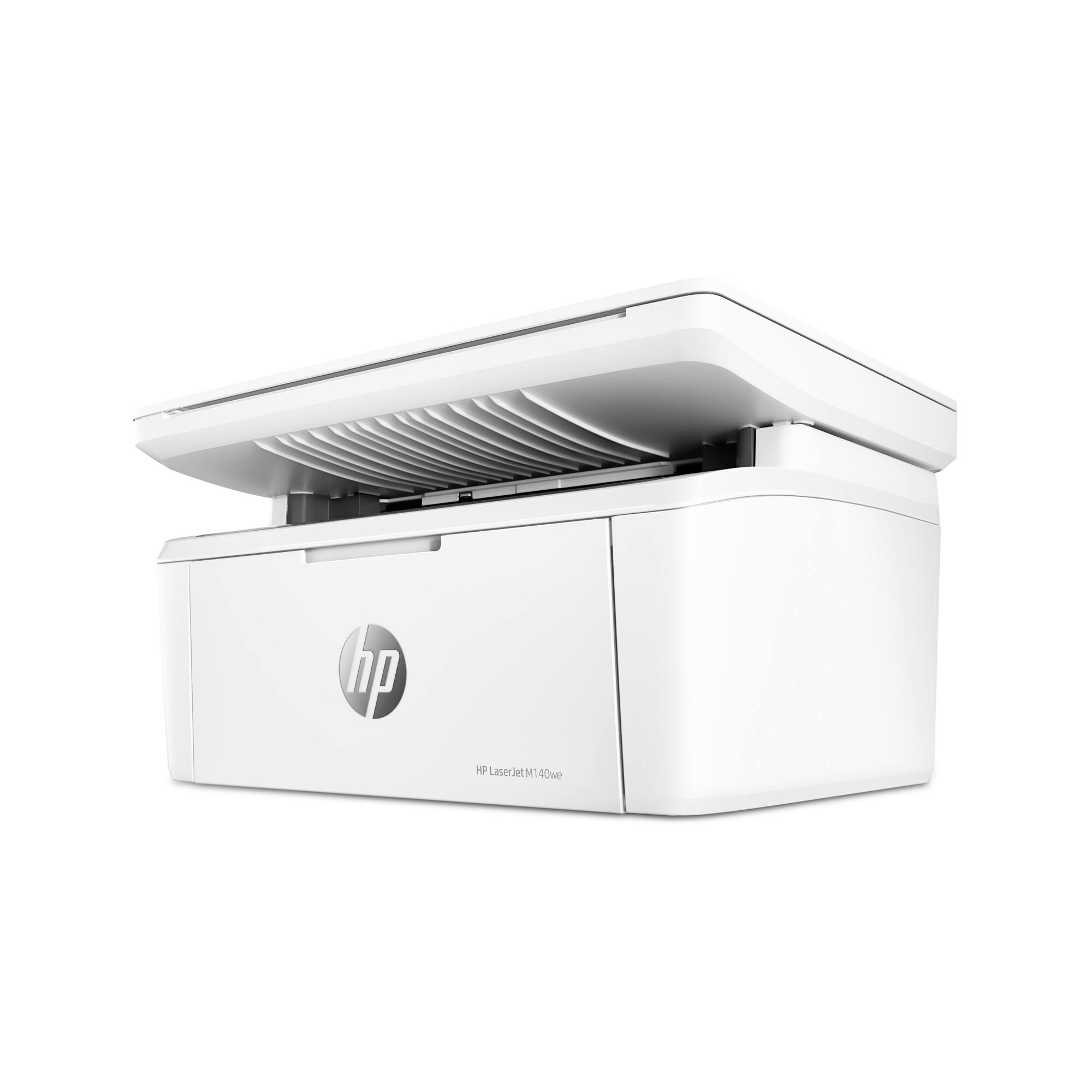
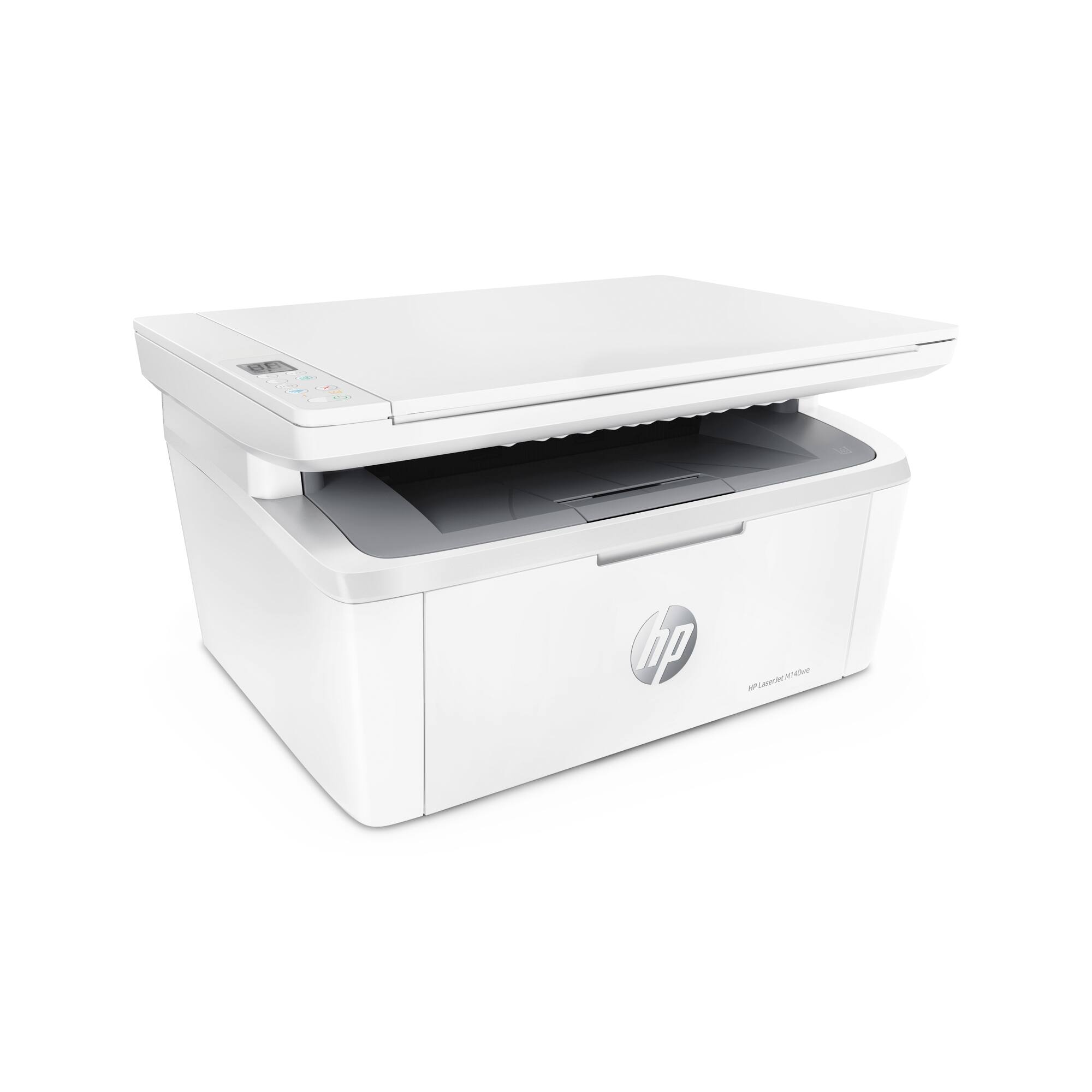
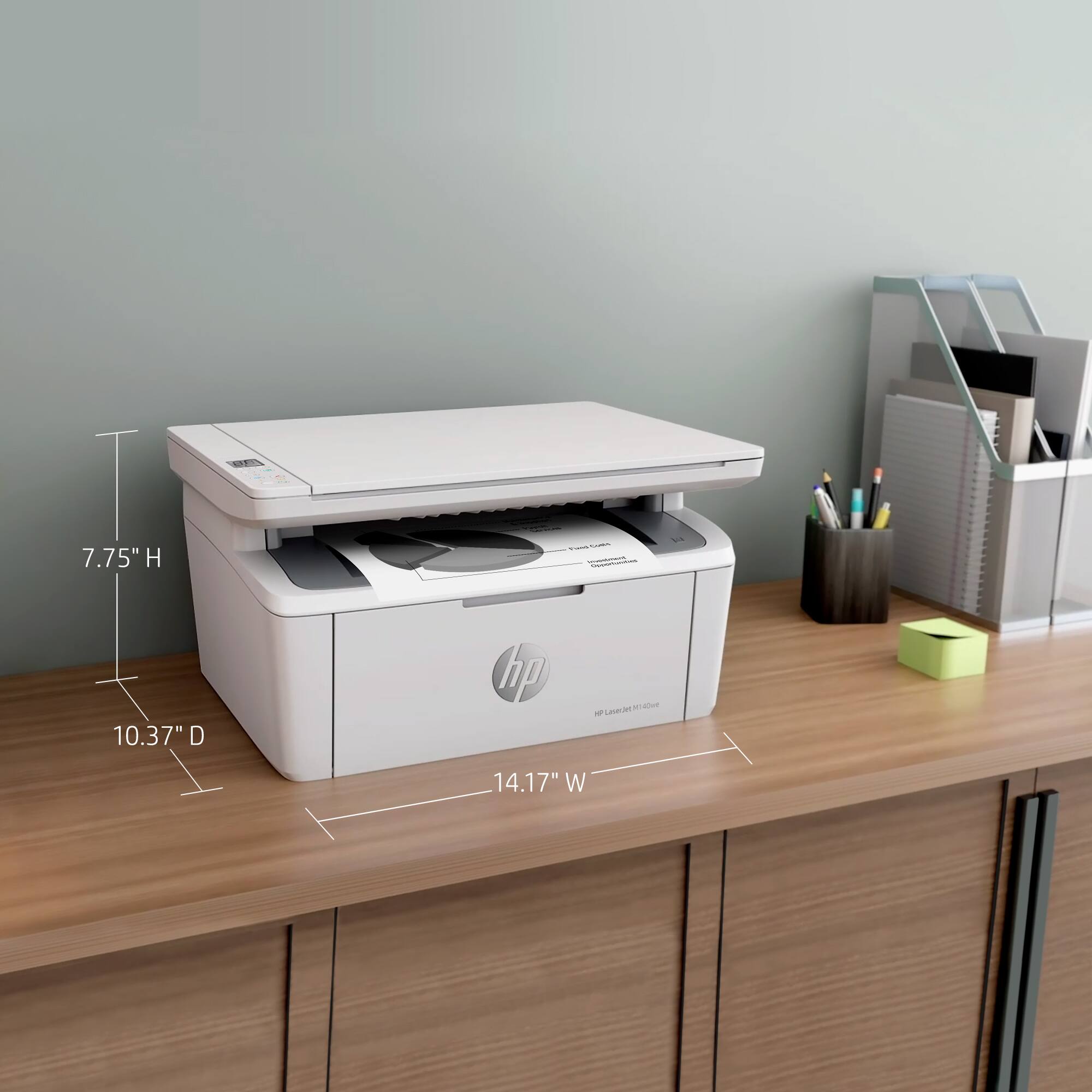
- LaserJet M140we
- SKU:
- 6484886
Rating by feature
- Value
Rating 4.3 out of 5 stars
- Quality
Rating 4.3 out of 5 stars
- Ease of Use
Rating 4.2 out of 5 stars
Customers are saying
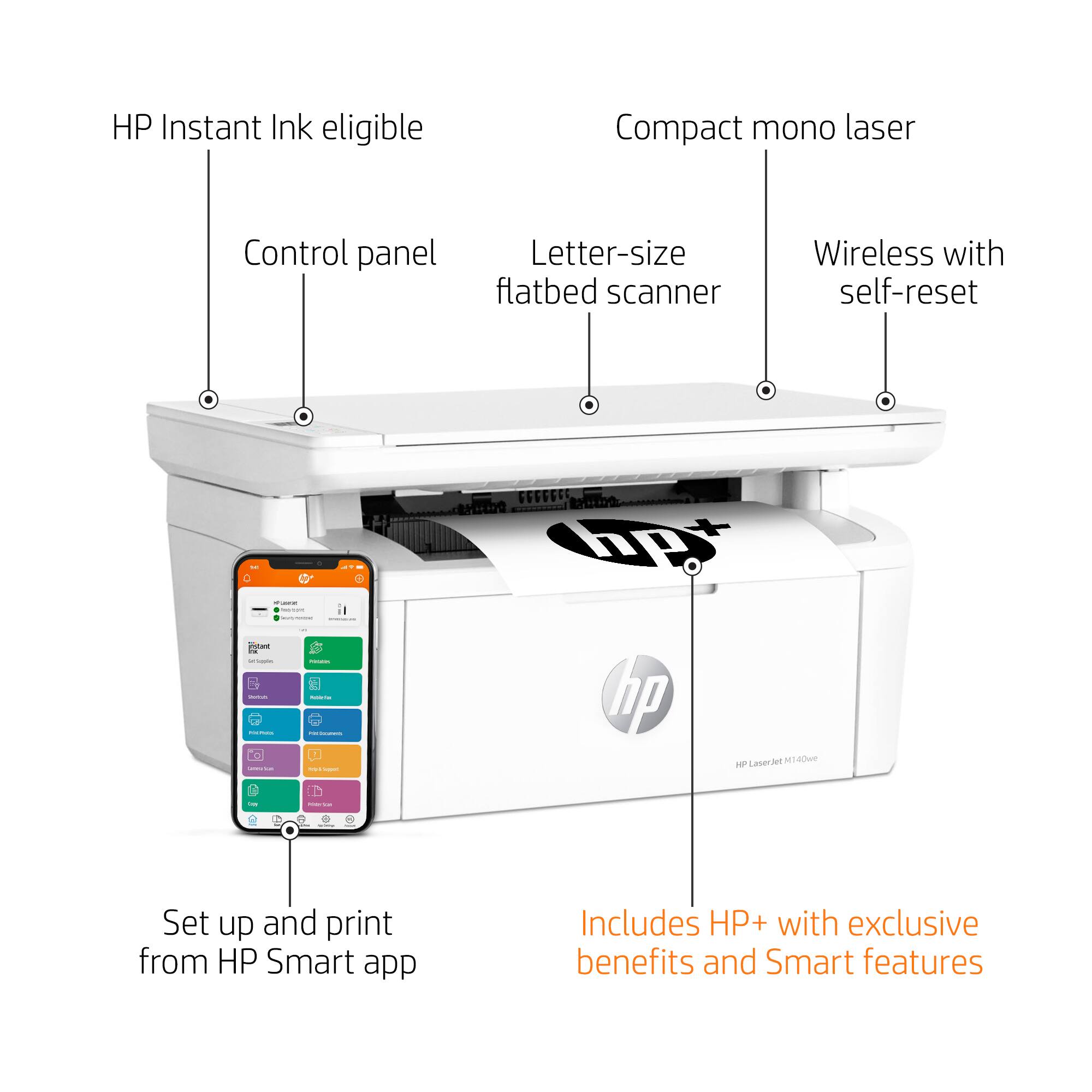
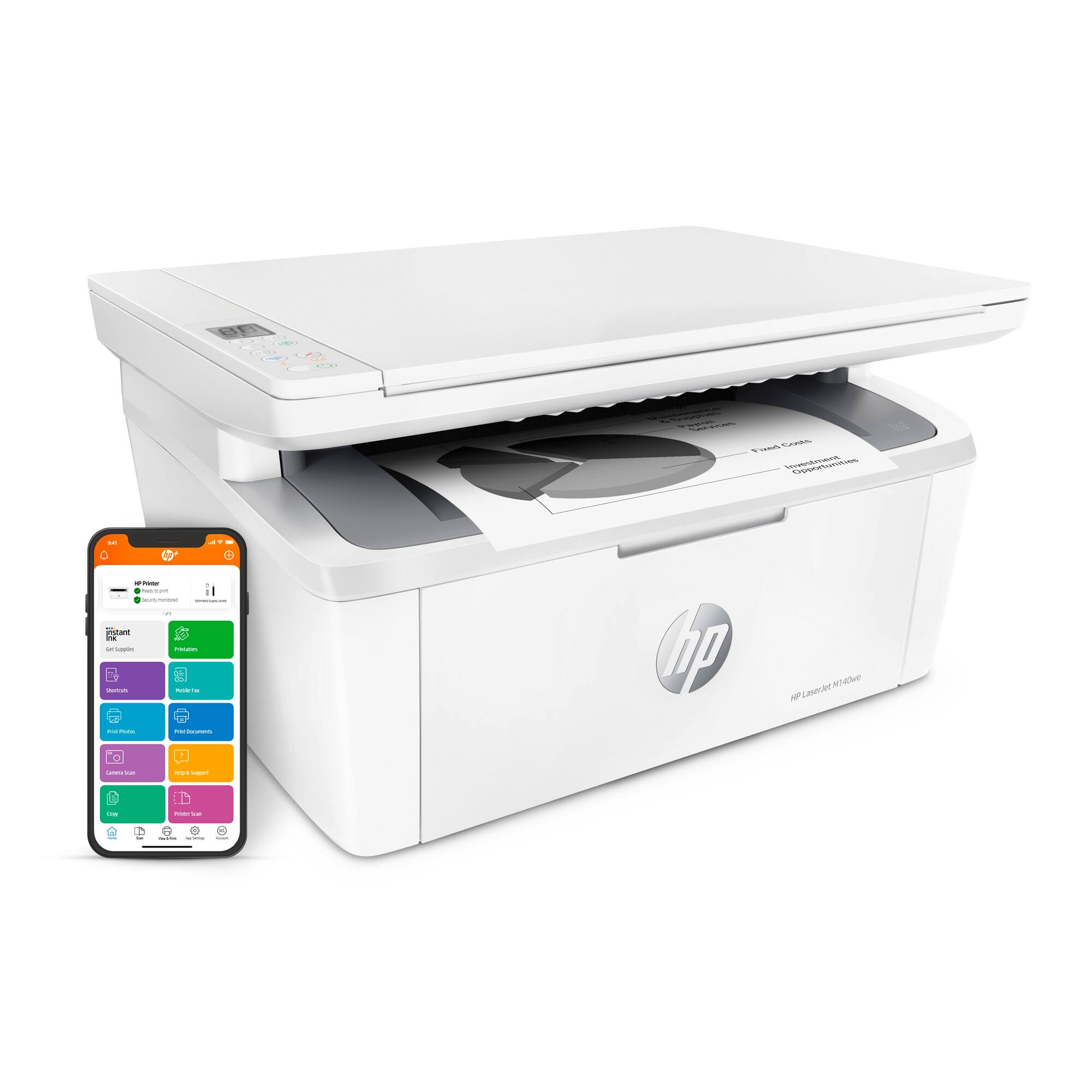
Customers often highlight the excellent print quality and ease of use of the HP LaserJet M140we Wireless Black and Laser Printer. Many appreciate its compact size and affordable price, along with the seamless wireless functionality and generally positive performance. The quick and easy setup is also frequently praised, as is the printer's quiet operation.
This summary was generated by AI based on customer reviews.
- Pros mentioned:Ease of use, Print quality, Size

Never thought I'd get excited over a printer...
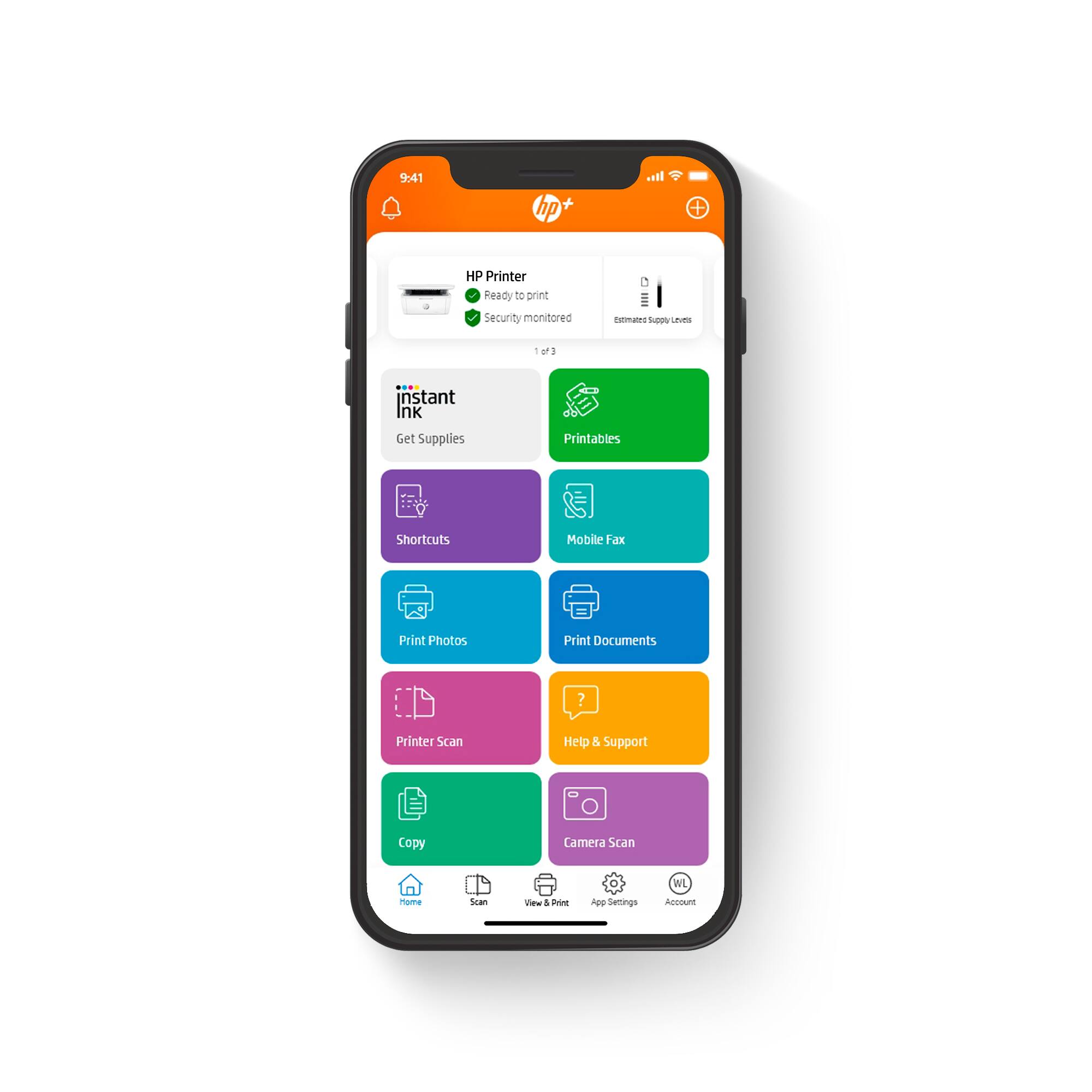
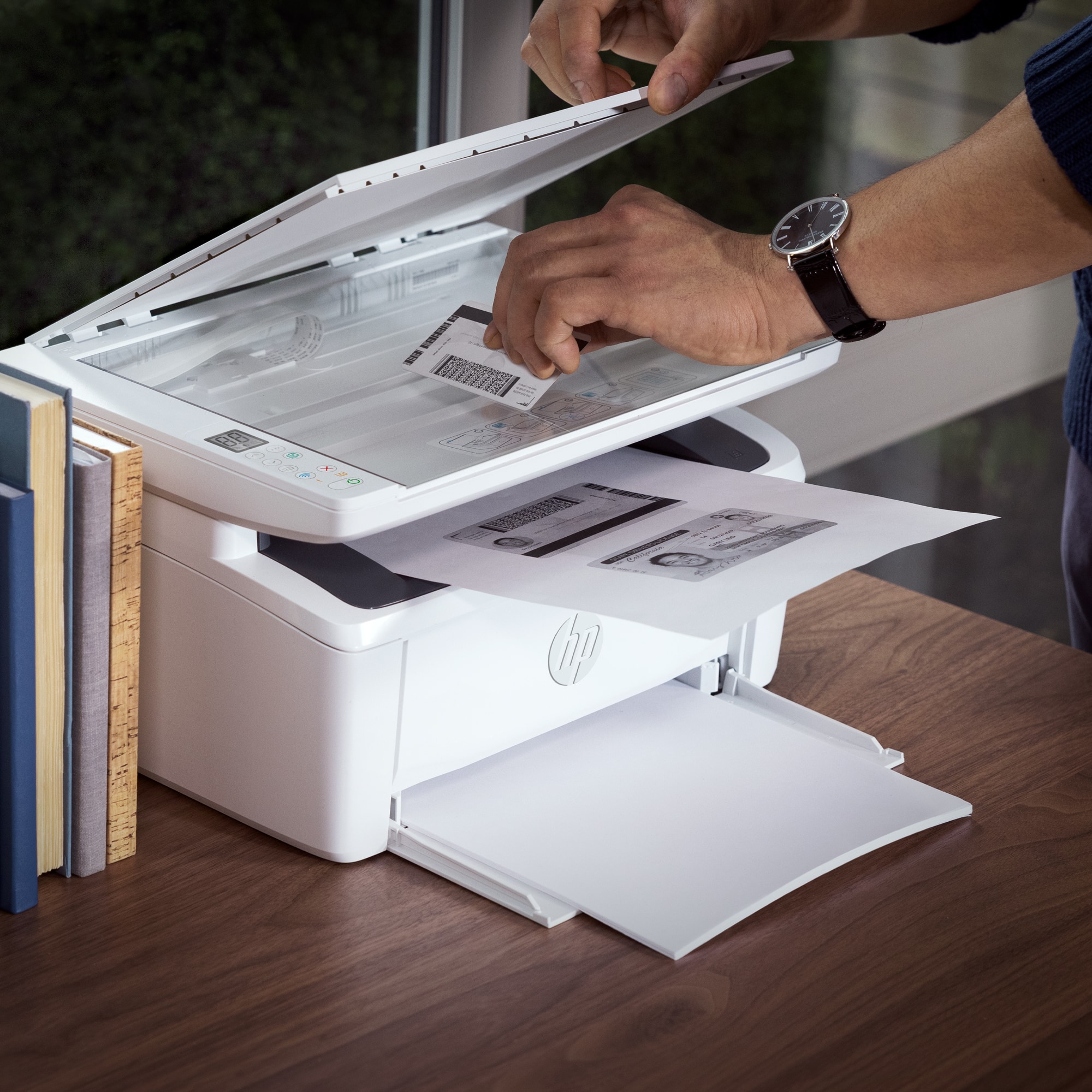
|Posted .This reviewer received promo considerations or sweepstakes entry for writing a review.Finally! A laserjet that doesn't weigh a ton and require a sturdy table to sit it on. This printer is lighter and smaller than I expected. I love it. It also prints so quickly. I couldn't believe it. I thought maybe the printer just fed 2 pieces of paper through, but there was actually ink on them! It printed so fast. The setup was super easy. I just followed the prompts on the HPSmart app. It can print, scan, and copy. It's such a great device.
I would recommend this to a friend - Pros mentioned:Price, Print quality, Size
Ms.
Posted .This reviewer received promo considerations or sweepstakes entry for writing a review.I bought this printer to print or scan mostly sheet music. It is fast and very clean. The printer itself takes up less room on my desk than most would, and the price was reasonable. The only negative was the time and effort it took to get it started. I don't think the instructions were good. But now that it's working, I love it!
I would recommend this to a friend HP and HP Instant Ink are HORRIBLE
||Posted . Owned for 4 months when reviewed.This reviewer received promo considerations or sweepstakes entry for writing a review.By far, one of the WORST purchases we have ever made. Bought to use for our business, thought the Instant Ink Program would be GREAT. It's not, the HP system cannot/does not count the pages accurately. It only counts about 1/4 of the pages we actually print. Always running out of toner, HP Support passes the buck between the printer dept. and the Instant Ink dept.
No, I would not recommend this to a friendDescription misleading.
||Posted . Owned for 7 months when reviewed.This reviewer received promo considerations or sweepstakes entry for writing a review.I believed this printer was 2 side printing, from the description, but it is not.
No, I would not recommend this to a friendBrand response from HP Team
Posted .Hi there.
I’m sorry you’ve had a difficult start with your printer. I can wholly understand your disappointment, considering you’ve not found the two-sided printing feature you’d like. I want to help you resolve this issue, so I’ll provide some resources and clarifying information that I hope will reach that goal.
While you’re correct that your printer lacks automated duplex printing, it does have a manual function that accommodates two-sided prints. I suggest you consult the main user manual on our support site, specifically the section called “Print From a Windows Computer” or “Print From a Mac Computer,” depending on your operating system. Find that manual here:
- www1.hp.com/ctg/Manual/c07833316.pdf
If you need further assistance, I recommend that you contact us directly at +1 800-474-6836 so we can help you assess the situation and find the best course of action. To expedite the process, I recommend gathering the following information before the call:
- Model number
- Serial number
- Your location
- Case number (from any previous contact with HP support)
Keith
HP Care
hp.com/support
HP printers aren't good
||Posted . Owned for 1 month when reviewed.This reviewer received promo considerations or sweepstakes entry for writing a review.I would give 0 stars if that option existed. This printer will not make a copy even after 2 hours on the phone with HP tech support. The tech was polite and spoke English well. I did everything he asked me to try but nothing worked.
No, I would not recommend this to a friendPrinter should be better
||Posted .This reviewer received promo considerations or sweepstakes entry for writing a review.Troubleshot for almost an hour, direct connection to PC. Had to create HP account to print.
No, I would not recommend this to a friendBrand response from HP Team
Posted .Hi there.
I’m sorry to learn that your printer was so difficult to set up and connect. The frustration you express is totally understandable, considering you’ve endured such a problematic start to owning the device. I can’t tell from your review whether you were able to complete the setup process, but I’ll nonetheless provide some resources aimed at helping you get the machine working to your satisfaction.
If you still need to complete setup and installation, you can access a tutorial specific to your printer on our support site. Regardless, on the same page as the tutorial, you can find user manuals, how-to documents, software updates and troubleshooting guides. Find those materials here:
- support.hp.com/us-en/product/model/35335227
You can also visit a page on our support site that has diagnostic tools for various tasks and issues, including setup and connectivity difficulties. There you can find a general-purpose tool called the HP Print and Scan Doctor. If you use Windows, the tool will help identify and guide you through solutions to a wide range of common printing and scanning issues. You can find the page here:
- support.hp.com/us-en/topic/diagnostics
If you need further assistance with anything, I suggest you contact us directly so we can help you assess what’s happening and find a solution. HP+ printers such as yours come with exclusive concierge support. To call and reach live HP+ experts, visit the following URL and enter your HP+ serial number:
- hp.com/plus-help
Keith
HP Care
hp.com/support
- Pros mentioned:Print quality
A great little machine!
|Posted .This reviewer received promo considerations or sweepstakes entry for writing a review.This little printer has worked very well, churning out pages and scanning things well. It is pretty quiet and doesn't have a very large footprint. It has been pretty decent on toner so far, although I haven't used it too long yet. I don't like the idea of having to be stuck in a contract just to use my own printer (the InstantInk program is a monthly subscription, instead of an automatic reorder program) so I am a little hesitant to buy into that. I'll use it for the "free" six months, but will probably be dropping it after that. I can't get over how small it is! It fits on the table near my laptop without stealing all the desk space. It churns out pages quickly once a small delay to warm up is over. I only wish it had a bit bigger screen so that more information can be displayed. They have moved to using the HPSmart app to handle all the information duties, which is fine for a full PC, but is a little different when using a Chromebook or phone. Speaking of which, I have used a Chromebook, several phones and a few Windows laptops and desktops. All of them printed fine and did so without any problems. The output is decent, matching other lasers I have at home and work.
I would recommend this to a friend - Pros mentioned:Size
Compact and easy to use
|Posted .This reviewer received promo considerations or sweepstakes entry for writing a review.The HP Laser Jet M140WE is a good small business laser printer and scanner. It is very compact and lightweight. This makes it easy to fit the printer in a small office. The design is simple, but appealing. Another great feature/service is the fact that it is HP Instant ink eligible. As a plus, it comes with a six month trial. The setup is simple and can be completed using the HP app. Follow the step-by-step process and you’ll be running in no-time. The only downside is that this printer only black and white. It would’ve been great to have a color option as well. Aside from this, it’s a good laser printer for the size.
I would recommend this to a friend ANGELA
||Posted . Owned for 1 month when reviewed.This reviewer received promo considerations or sweepstakes entry for writing a review.A LITTLE DISAPPOINTED WAITING FOR AN EXCHANGE TO COME IN FROM GEEK SQUAD
No, I would not recommend this to a friendTerrible
||Posted .This reviewer received promo considerations or sweepstakes entry for writing a review.Overpriced and missing the ADF feature. Very noisy when printing.
No, I would not recommend this to a friendBrand response from HP Team
Posted .Hi there.
I’m sorry that you’ve had a poor experience with your printer. I can understand why more noise than you’d anticipated would be an aggravation. I can’t tell, however, quite what you mean when you say the device is missing the ADF feature. Regardless, I’ll provide some resources that I hope will help you remedy whatever issue is at hand.
If the ADF reference means the printer’s automatic document feeder is not working properly, I recommend that you follow a guide on our support site to document feeders that fail to pick up paper or pull through too many pages at once. Find that guide here:
- support.hp.com/us-en/document/c01728503
If this or any problem persists – and for input on what might be causing the excessive noise – I suggest you contact us directly so we can help you assess what’s happening and find the proper course of action. HP+ printers such as yours come with exclusive concierge support. To call and reach live HP+ experts, visit the following URL and enter your HP+ serial number:
- hp.com/plus-help
I'll also mention that HP printers have a one-year warranty from their purchase date that covers hardware as well as ink supplies – and that warranty extends to two years with an HP+ account – so if it comes to that, you might consider making use of it. You can verify the warranty using the following link:
- support.hp.com/us-en/checkwarranty
Keith
HP Care
hp.com/support
Far to difficult to connect to network
||Posted . Owned for 2 weeks when reviewed.This reviewer received promo considerations or sweepstakes entry for writing a review.Printer may be nice but horrible to setup to network. Tried over and over again and can’t get it connected. No printer should require an IT certification to know how to install. I would not recommend purchase due to installation hassle.
No, I would not recommend this to a friendStay away from all HP+ printers
||Posted . Owned for less than 1 week when reviewed.This reviewer received promo considerations or sweepstakes entry for writing a review.Stay away from this (and other HP printers with an "e" at the end of the part/model number. It's made to use internet only, not USB. Had to return it,
No, I would not recommend this to a friendCrud grade printer
||Posted . Owned for 3 weeks when reviewed.This reviewer received promo considerations or sweepstakes entry for writing a review.Very difficult to stop printing when you want; slow to print
No, I would not recommend this to a friendBrand response from HP Team
Posted .Hi there.
I’m sorry that your printer has performed poorly. I can certainly understand why slow print speed and being unable to easily stop print jobs when you want to would be a disappointing start to ownership. I want to help you remedy these problems, so I’ll suggest some resources aimed at making that happen.
First, I recommend that you follow a guide on our support site that covers improving print speed; it contains sections on Windows as well as Mac OS. Find that guide here:
- support.hp.com/us-en/document/ish_2817150-2408088-16
Also, updating the firmware can often help improve print speed and other performance. You can find out how to do that here:
- support.hp.com/us-en/document/c02919168
If print speed does not improve to your satisfaction – and for input on what’s happening when you can’t stop printing – I suggest that you contact us directly at +1 800-474-6836 so we can help you assess what’s happening and guide you through the proper troubleshooting. To expedite the process, I recommend gathering the following information before the call:
- Model number
- Serial number
- Your location
- Case number (from any previous contact with HP support)
Keith
HP Care
hp.com/support
Discouraged
||Posted . Owned for 1 month when reviewed.This reviewer received promo considerations or sweepstakes entry for writing a review.Issues with connection to the laptop, daily... Grrr!!!
No, I would not recommend this to a friendBrand response from HP Team
Posted .Hi, Terri.
I’m sorry your printer has failed to maintain a reliable wireless connection to your laptop. Your review is brief, but your dilemma is clear. I want to help you remedy this problem. I hope the resources below serve that end.
First, I recommend you visit a page on our support site that has diagnostic tools for various issues, including wireless connectivity. You can find that page here:
- support.hp.com/us-en/topic/diagnostics
You can also find troubleshooting guides specific to your printer, including ones on connectivity, in addition to user manuals, how-to documents and software updates here:
- support.hp.com/us-en/product/model/35335227
If the problem persists, I suggest that you contact us directly at +1 800-474-6836 so we can help you assess what’s happening and find the best course of action. To expedite the process, I recommend gathering the following information before the call:
- Model number
- Serial number
- Your location
- Case number (from any previous contact with HP support)
Keith
HP Care
hp.com/support
M140 hp printer
||Posted . Owned for 4 months when reviewed.This reviewer received promo considerations or sweepstakes entry for writing a review.I bought this this year maybe 4 mths ago. I have had nothing but trouble getting primter connected to internet not aneasy product. On phone with 3 techs for 8 hrs
No, I would not recommend this to a friendPiece of junk. HP has lost the plot
||Posted . Owned for 1 month when reviewed.This reviewer received promo considerations or sweepstakes entry for writing a review.Piece of junk. HP has lost the plot. Doesn't work, requires a specific app on your computer and your phone to setup nag-ware for toner and THEN DOESN"T EVEN CONNECT.
No, I would not recommend this to a friendBrand response from HP Team
Posted .Hi there.
I’m sorry that your printer has not connected wirelessly like it should, and that you’ve found the software inconvenient. I can certainly understand why this combination would be a poor start to ownership. I want to help you get the printer connected and working properly, so I’ll suggest some resources I hope will reach that end.
First, I recommend you visit a page on our support site that has diagnostic tools for various issues, including setup and connectivity difficulties. You can find that page here:
- support.hp.com/us-en/topic/diagnostics
For more help with difficulties, you can access troubleshooting guides, how-to documents, user manuals and software updates specific to your printer here:
- support.hp.com/us-en/product/model/35335227
If the printer still won’t connect, I suggest that you contact us directly at +1 800-474-6836 so we can help you assess what’s happening and find a solution. To expedite the process, I recommend gathering the following information before the call:
- Model number
- Serial number
- Your location
Keith
HP Care
hp.com/support
Best Buy should not sell this product.
||Posted . Owned for 1 month when reviewed.This reviewer received promo considerations or sweepstakes entry for writing a review.This product is not stable. Keep restarting all times. Unfortunately I can’t even return to Best Buy because when I returned back from vacation return window was over.
No, I would not recommend this to a friendBrand response from HP Team
Posted .Hi there.
I’m sorry to learn that your printer has performed so poorly. I can wholly understand why general unreliability and the frequent need to reset the device would be exasperating. I want to help you change this pattern, so I’ll suggest some resources I hope will make that happen.
First, for help solving problems, you can visit a page on our support site that has diagnostic tools for various tasks and issues, including wireless connectivity, which I suspect might play a role in what you’ve endured. There you’ll also find a general-purpose tool called the HP Print and Scan Doctor. If you use Windows, the tool will help identify and guide you through solutions to a wide range of common printing and scanning issues. Visit that page here:
- support.hp.com/us-en/topic/diagnostics
For more help with difficulties, or to learn more about your printer and all its features, you can access troubleshooting guides, how-to documents, user manuals and software updates here:
- support.hp.com/us-en/product/model/35335227
If any problem persists, I suggest you contact us directly so we can help you assess what’s happening and find the best course of action. HP+ printers such as yours come with exclusive concierge support. To call and reach live HP+ experts, visit the following URL and enter your HP+ serial number:
- hp.com/plus-help
Keith
HP Care
hp.com/support
- Pros mentioned:Print quality, Size
Great compact product from HP
|Posted .This reviewer received promo considerations or sweepstakes entry for writing a review.This is a neat product from HP. Super easy to setup and start operating. This is one of the most compact printers available in the market under the laser category. The print quality fine...I mean it's a black and white so all I need are legible documents and no issues there. The flatbed scanner is also pretty easy to use. I already own a HP printer, so I had the app downloaded on my iPad, so all I had to do was open the app, click Add Printer, locate the printer in my wi-fi settings and in <5 min I was ready to print. The paper feeder is a bit flat as compared to other printers and that’s the only negative I see in this printer. Quality is just excellent and very happy with the product overall. Would love to recommend this to everyone.
I would recommend this to a friend The worst printer I've ever owned
||Posted . Owned for 6 months when reviewed.This reviewer received promo considerations or sweepstakes entry for writing a review.This product simply doesn't work.My experience has been that I was able to get maybe 1 or 2 prints out of it before it errors out and never works again.
No, I would not recommend this to a friendBrand response from HP Team
Posted .Hi there.
I’m sorry that your printer has performed so poorly. It’s easy to understand why getting a couple of prints from a new device before it displays and error message and stops working would be an unsettling surprise. I want to help you out of this dilemma, so I’ll suggest some resources I hope will make that happen.
I recommend that you contact us directly so we can help you assess what’s happening and find the best course of action. HP+ printers such as yours come with exclusive concierge support. To call and reach live HP+ experts, visit the following URL and enter your HP+ serial number:
- hp.com/plus-help
I'll also mention that HP printers have a one-year warranty from their purchase date that covers hardware as well as ink supplies – and that warranty extends to two years with an HP+ account – so if it comes to that, you might consider making use of it. You can verify the warranty using the following link:
- support.hp.com/us-en/checkwarranty
Keith
HP Care
hp.com/support
Typical of HP printers
||Posted . Owned for 1 month when reviewed.This reviewer received promo considerations or sweepstakes entry for writing a review.Had to return it, quite feeding paper within a few days. Hate that BB got rid of the Elite Plus program though. This is how I get my extra points now! :)
No, I would not recommend this to a friend



















