Customer Ratings & Reviews


- Model:
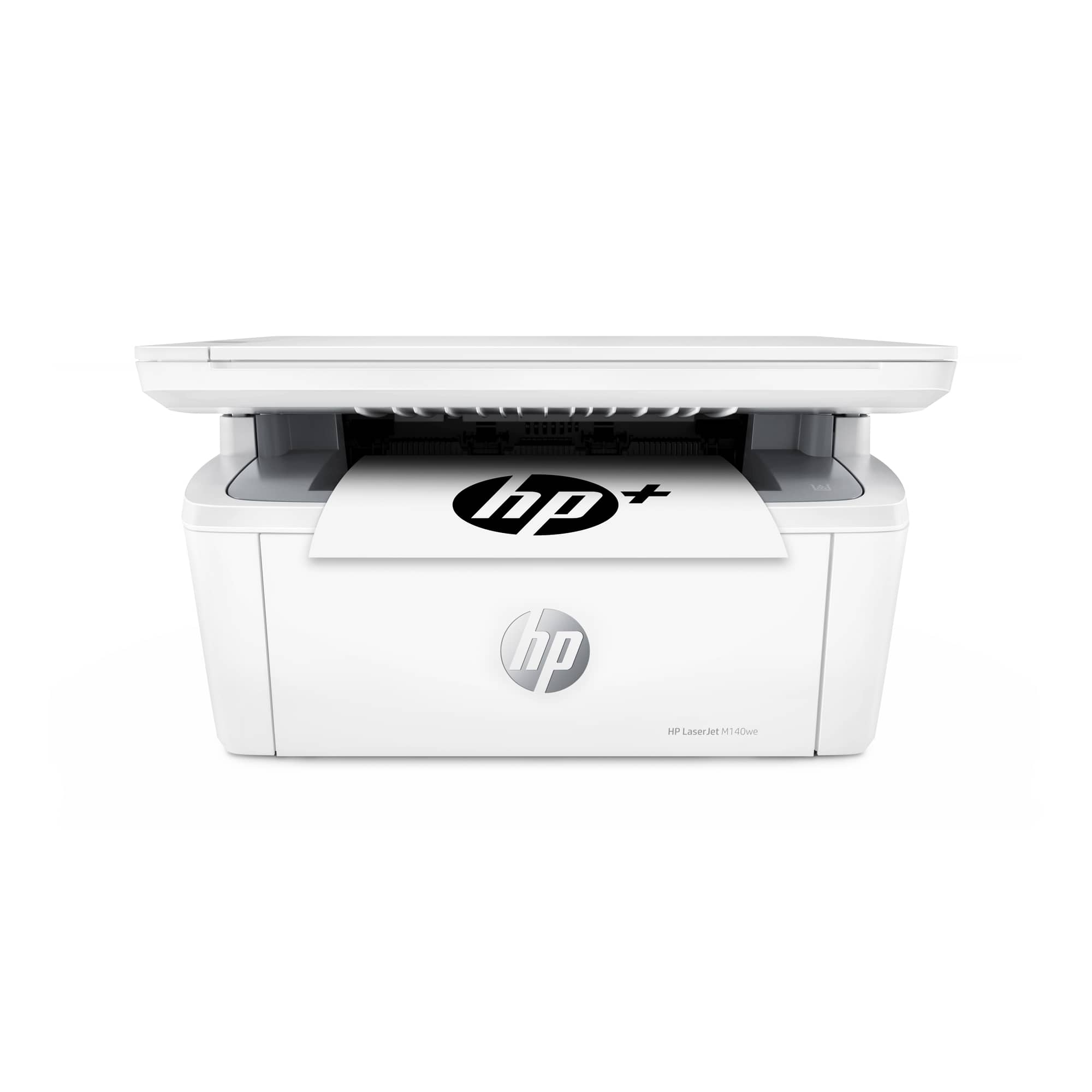
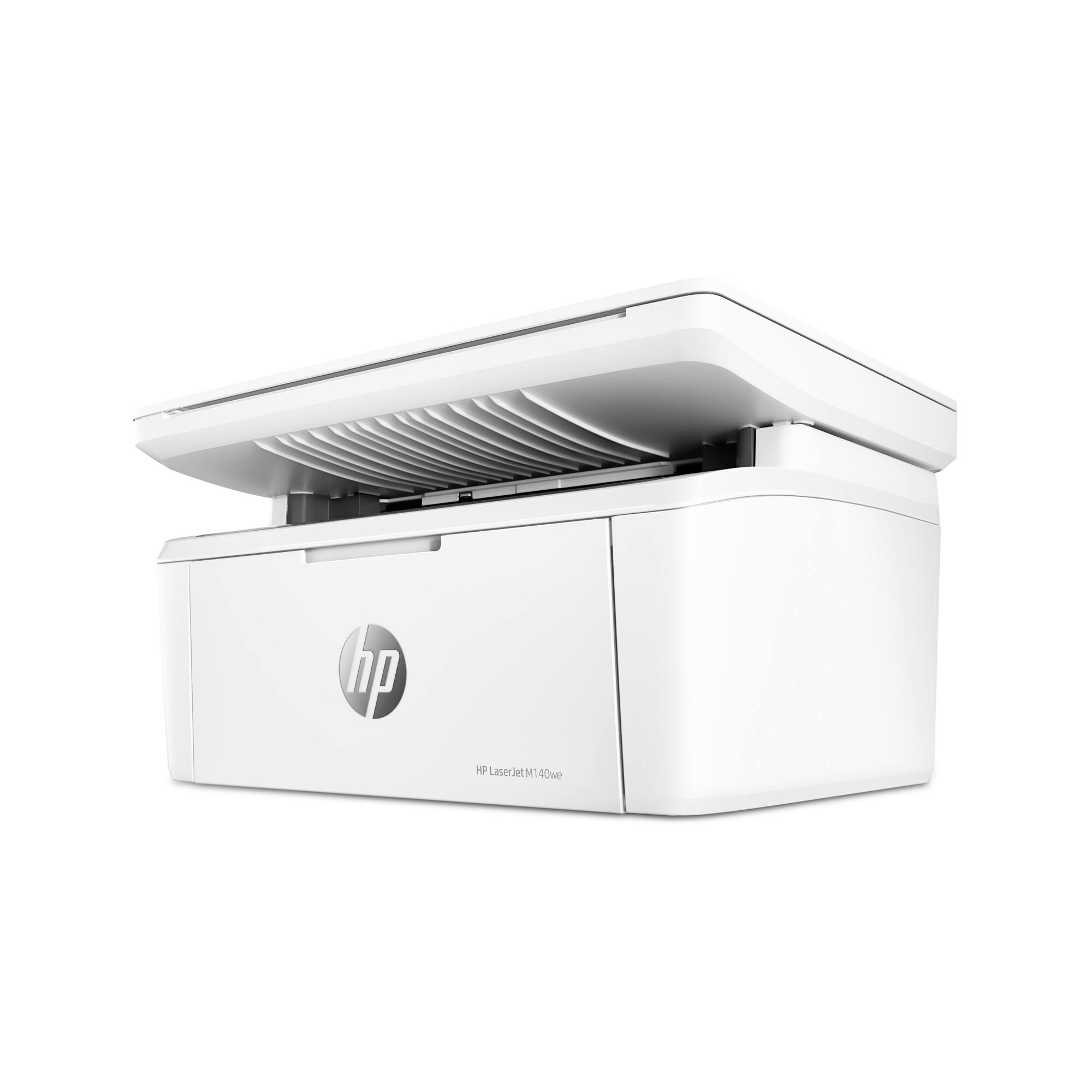
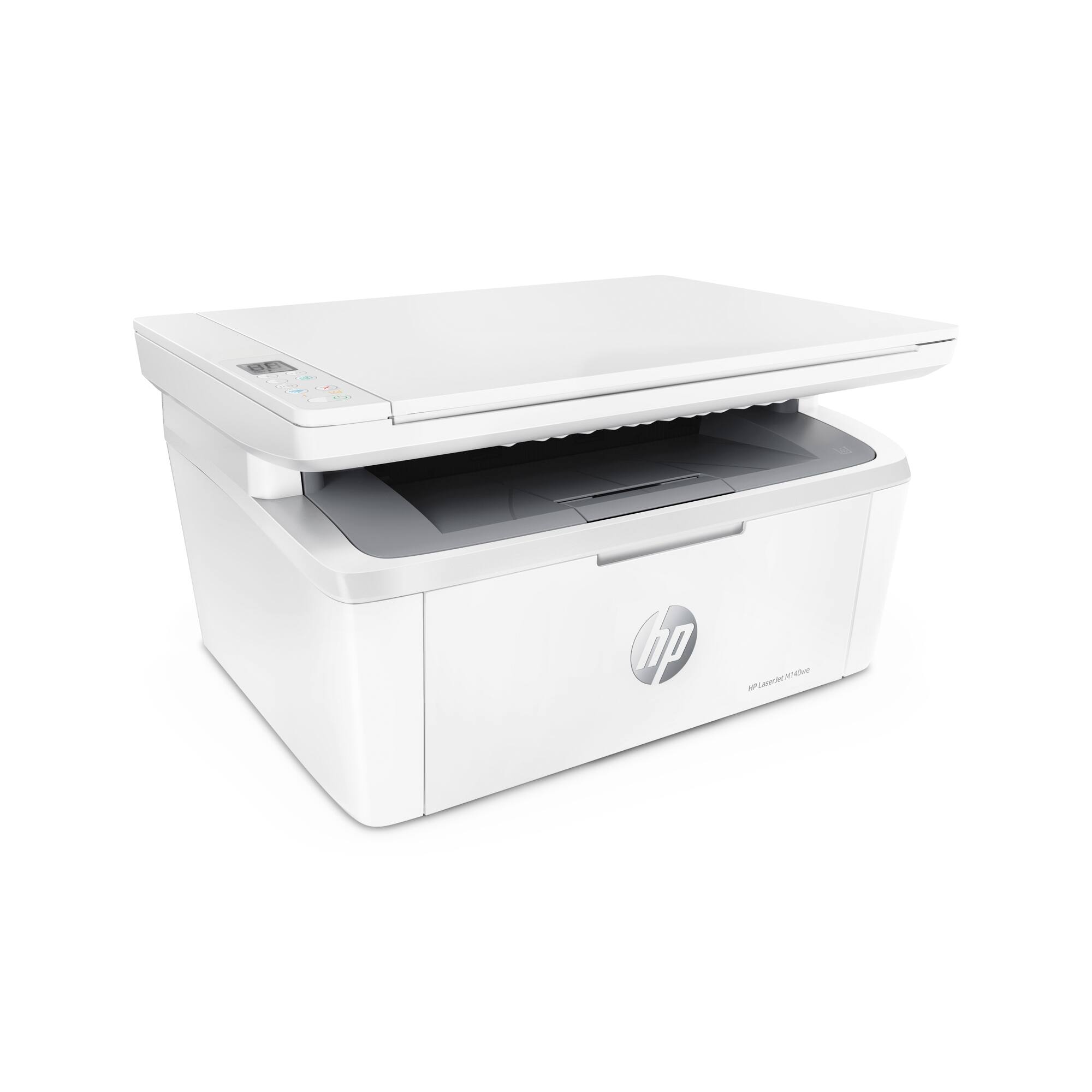
- LaserJet M140we
- SKU:
- 6484886
Rating by feature
- Value
Rating 4.3 out of 5 stars
- Quality
Rating 4.3 out of 5 stars
- Ease of Use
Rating 4.2 out of 5 stars
Customers are saying
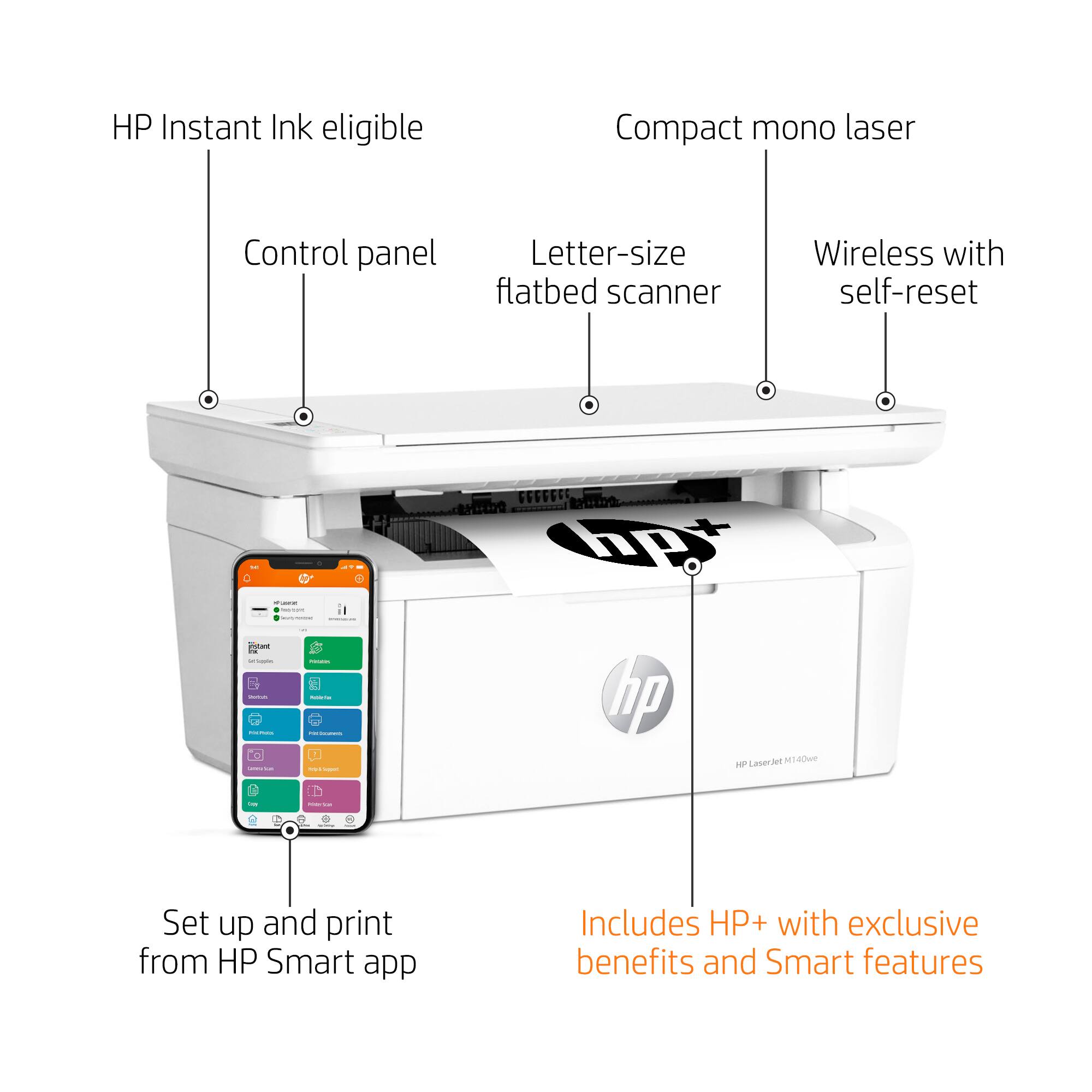
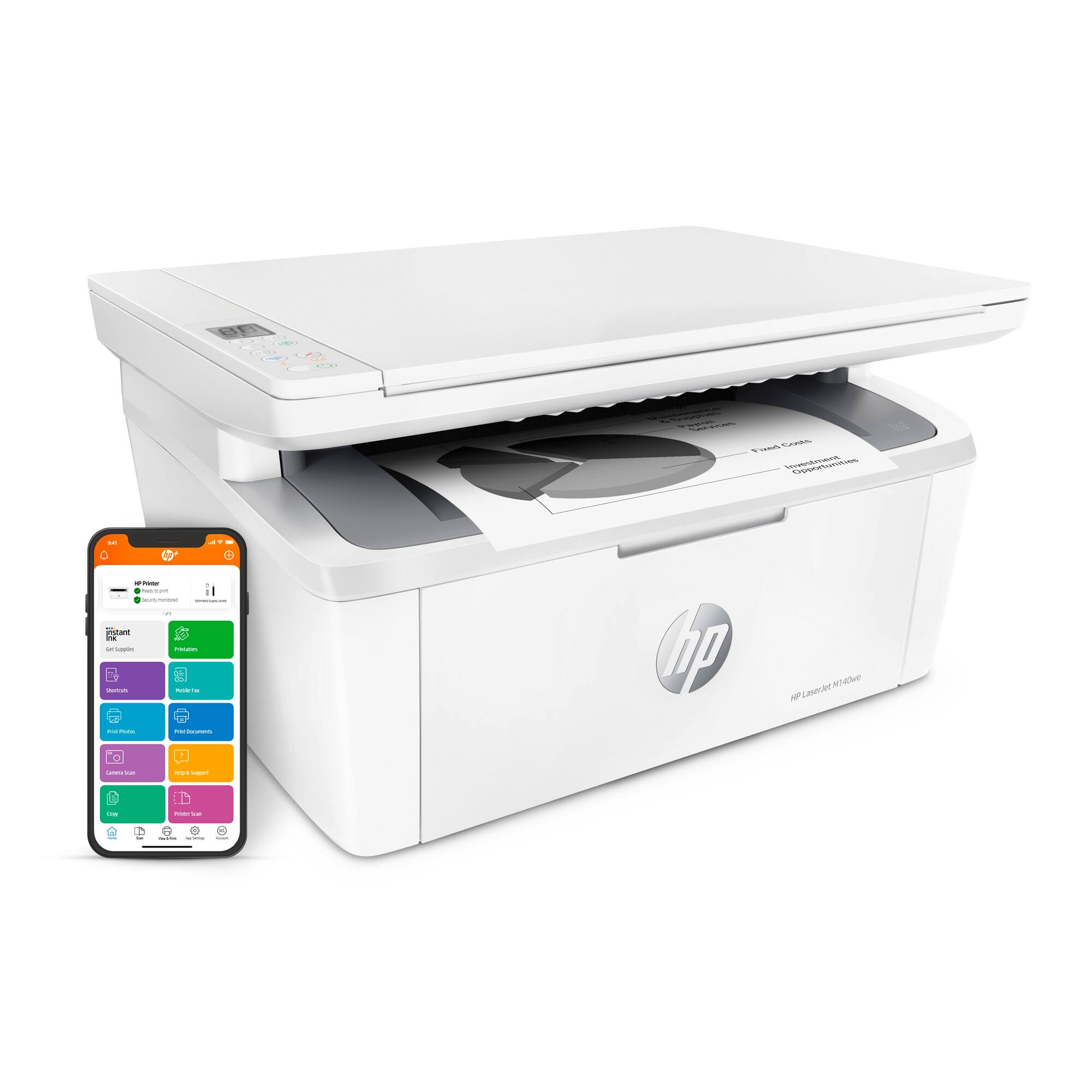
Customers often highlight the excellent print quality and ease of use of the HP LaserJet M140we Wireless Black and Laser Printer. Many appreciate its compact size and affordable price, along with the seamless wireless functionality and generally positive performance. The quick and easy setup is also frequently praised, as is the printer's quiet operation.
This summary was generated by AI based on customer reviews.
Nothing is better than this printer
||Posted . Owned for 3 weeks when reviewed.This reviewer received promo considerations or sweepstakes entry for writing a review.Even if nothing else is available due to shortages, do not buy this printer, it is slow, clunky and a waste of money.
No, I would not recommend this to a friendBrand response from HP Team
Posted .Hi, Lou.
I’m sorry to hear that your printer has rendered prints so slowly and has otherwise been difficult to use. I can fully understand why this would be a disappointing start to ownership. I want to help you remedy this problem and get all you can from the device, so I’ll suggest some resources designed to do just that.
First, I recommend that you follow a guide on our support site that covers improving print speed; it contains sections on Windows as well as Mac OS. Find that guide here:
- support.hp.com/gb-en/document/ish_2817150-2408088-16
For more help with difficulties, or to learn more about your printer and all its features, you can access troubleshooting guides, how-to documents, user manuals and software updates here:
- support.hp.com/us-en/product/model/35335227
If any problem persists, I suggest you contact us directly so we can help you assess what’s happening and find a solution. HP+ printers such as yours come with exclusive concierge support. To call and reach live HP+ experts, visit the following URL and enter your HP+ serial number:
- hp.com/plus-help
Keith
HP Care
hp.com/support
Printer laser
||Posted . Owned for 2 months when reviewed.This reviewer received promo considerations or sweepstakes entry for writing a review.Bad machine. Not working. You can never configure, attention HP is very bad. You can't solve the problem.
No, I would not recommend this to a friendBrand response from HP Team
Posted .Hi there.
I’m sorry to hear that your printer has not completed the process of setup and connection, and that you’ve not gotten the support you need. I can understand why this would be a frustrating start to ownership. I want to help you get the printer installed and working properly, so I’ll offer some resources and information I hope will reach that end.
First, if you’ve not done so already, I recommend that you follow a setup tutorial specific to your printer you can find on our support site. On the same page, you can also access user manuals, troubleshooting guides, how-to documents and software updates. Do that by following this link:
- support.hp.com/us-en/product/model/35335227
You can also visit a page on our support site that has diagnostic tools for various tasks and issues, including setup and connectivity. You can find the page here:
- support.hp.com/us-en/topic/diagnostics
If you need further assistance with setup, connectivity or anything else, I suggest you contact us directly so we can help you assess what’s happening and find a solution. HP+ printers such as yours come with exclusive concierge support. To call and reach live HP+ experts, visit the following URL and enter your HP+ serial number:
- hp.com/plus-help
Keith
HP Care
hp.com/support
Kept Jaming
||Posted .This reviewer received promo considerations or sweepstakes entry for writing a review.we returned it keep jamming not sure why went with a brother and it works fine
No, I would not recommend this to a friendBAD
||Posted . Owned for 1 month when reviewed.This reviewer received promo considerations or sweepstakes entry for writing a review.this product has never work wright since sale ,, i am working with location B B B
No, I would not recommend this to a friendBrand response from HP Team
Posted .Hi, James.
I’m sorry that your printer has not worked properly since you bought it. I can’t tell from your review what specific issues you’ve encountered. Nonetheless, I want to help you get the device working properly so you can get the most from the it, so I’ll offer what I hope are some helpful resources and suggestions.
First, for help solving problems, you can visit a page on our support site that has diagnostic tools for various tasks and issues, including setup, toner cartridge installation, print quality and connectivity. There you’ll also find a general-purpose tool called the HP Print and Scan Doctor. If you use Windows, the tool will help identify and guide you through solutions to a wide range of common printing and scanning issues. Visit that page here:
- support.hp.com/us-en/topic/diagnostics
For more help with difficulties, or to learn more about your printer and all its features, you can access troubleshooting guides, how-to documents, user manuals and software updates here:
- support.hp.com/us-en/product/model/35335227
If you need further assistance with anything, I suggest you contact us directly so we can help you assess what’s happening and find a solution. HP+ printers such as yours come with exclusive concierge support. To call and reach live HP+ experts, visit the following URL and enter your HP+ serial number:
- hp.com/plus-help
Keith
HP Care
hp.com/support
Terrible printer
||Posted . Owned for 4 months when reviewed.This reviewer received promo considerations or sweepstakes entry for writing a review.Impossible to keep online. Obscure and absurd steps to remedy problems.
No, I would not recommend this to a friendBrand response from HP Team
Posted .Hi, Sue.
I’m sorry that your printer has failed to remain reliably connected, and that you’ve not received the support you need. Your review is brief, but your dilemma is clear. I want to help you remedy this problem. I hope the resources listed below reach that end.
First, I recommend that you visit a page on our support site that has diagnostic tools for various issues, including printer-offline and wireless connectivity difficulties. You can find that page here:
- support.hp.com/us-en/topic/diagnostics
You can also find troubleshooting guides specific to your printer, including ones on connectivity, in addition to user manuals, how-to documents and software updates here:
- support.hp.com/us-en/product/model/35335227
If the problem persists, I suggest you contact us directly so we can help you assess what’s happening and find a solution. HP+ printers such as yours come with exclusive concierge support. To call and reach live HP+ experts, visit the following URL and enter your HP+ serial number:
- hp.com/plus-help
Keith
HP Care
hp.com/support
- Pros mentioned:Ease of use, Price, Size
Just what I was looking for in a Laser Printer
Posted .This reviewer received promo considerations or sweepstakes entry for writing a review.Easy to set-up, works great, compact size, great price.
I would recommend this to a friend Bad Choice
||Posted . Owned for 3 weeks when reviewed.This reviewer received promo considerations or sweepstakes entry for writing a review.Very poorly made,ran out of ink in less than 2 weeks
No, I would not recommend this to a friendBrand response from HP Team
Posted .Hi there.
I’m sorry to hear that your printer ran short of toner so quickly. It’s no surprise you feel upended by this. I want to help you resolve this problem, so I’ll provide some information and a resource aimed at making that happen.
First, I can’t say for certain what happened with the toner supply in your case, but some printers come with what are known as setup cartridges, which have a lower capacity than replacement cartridges. The cartridge designed for your printer has an estimated yield of 950 pages. How cartridges perform in your own printer varies according to numerous factors, including resolution, how dry the air is and how absorbent the paper is.
Regardless, because your results differ dramatically from the estimate above, I recommend that you contact us directly so we can help you assess what has happened and find the best route to a resolution. HP+ printers such as yours come with exclusive concierge support. To call and reach live HP+ experts, visit the following URL and enter your HP+ serial number:
- hp.com/plus-help
Keith
HP Care
hp.com/support
- Pros mentioned:Ease of use, Price, Print quality
Love it!!!!
Posted .This reviewer received promo considerations or sweepstakes entry for writing a review.Easy to use. love the price, love LazerJet versus ink jet!
I would recommend this to a friend - Pros mentioned:Print quality, Wireless

crisp prints!
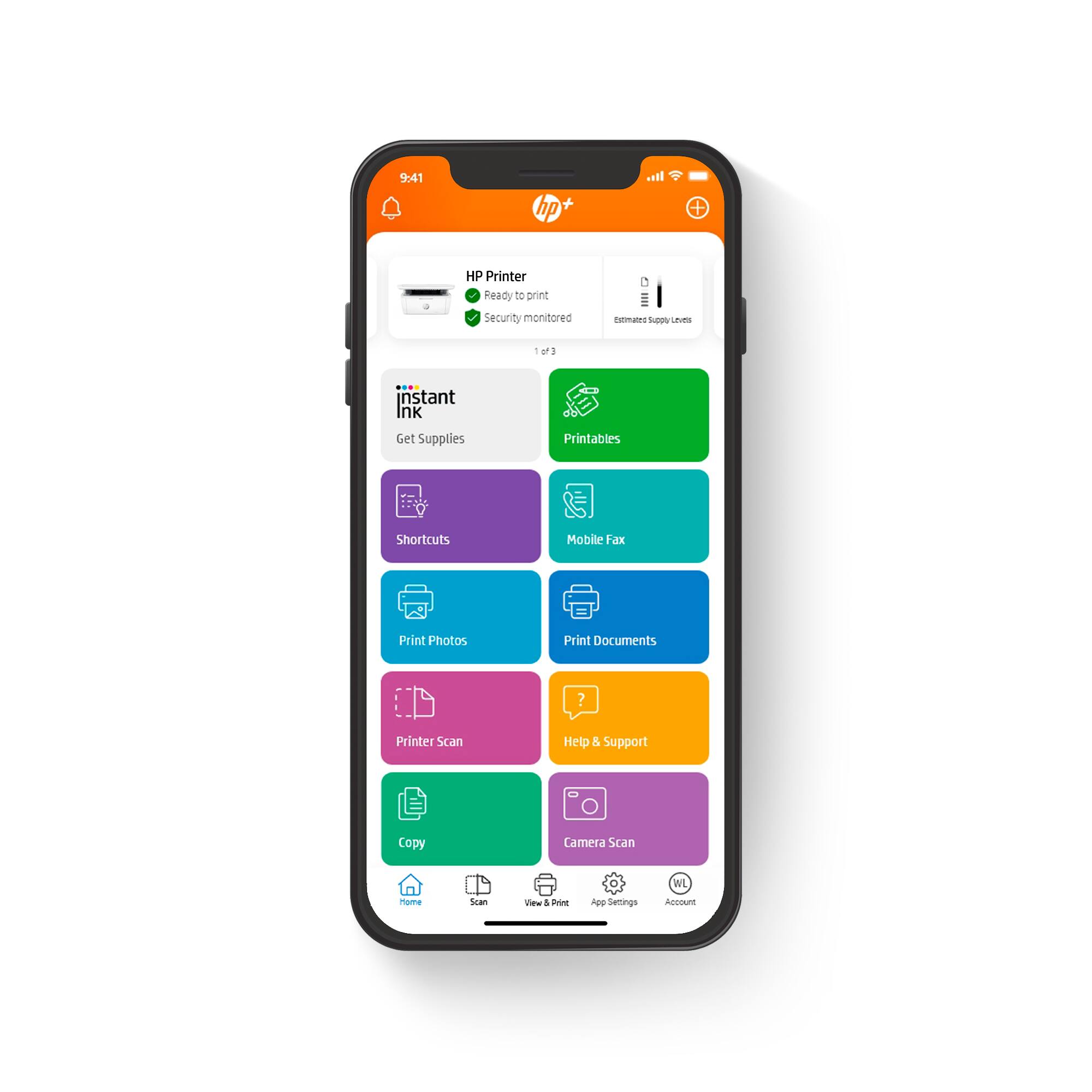
|Posted .This reviewer received promo considerations or sweepstakes entry for writing a review.This black and white HP laserjet printer is great! Set up was simple and available online for download. It's wireless so you can print easily from any device on your wifi, even cell phones. This printer is great if you only print black and white documents. It prints very quick. It also does scanning and copying. These take a little longer than printing but it still comes out very clean and clear.
I would recommend this to a friend - Pros mentioned:Print quality, Size
Works with Mac Monterrey!
Posted .This reviewer received promo considerations or sweepstakes entry for writing a review.This is an almost portable 3 in 1. It’s compact even after loading paper and folding out the return- make sure you do or it will re-feed ! Reasonably quiet with sharp and quick copies. As of this post, HP has the only driver that’s compatible with AirPrint and Mac OS 12.x Monterrey. I know this first hand.
I would recommend this to a friend - Pros mentioned:Print quality
Good printer, HP+ not so much
|Posted .This reviewer received promo considerations or sweepstakes entry for writing a review.Great little laser jet printer. Footprint on this is considerably smaller compared to just about any other laser jet out there. Print quality is good and fast printing (21ppm). Great that it’s a multifunction printer and can be used with HP’s smartphone app. I really don’t like the HP+ service as it really depends on how much you print. Seems almost needless to pay a monthly fee to print and if you go over that amount you get charged extra. They moved to a pricing model similar to how SMS texts were back in the day. Good printer but I’d skip the HP+ service.
I would recommend this to a friend - Pros mentioned:Ease of use, Print quality
Powerful printing solution in a small package.
|Posted .This reviewer received promo considerations or sweepstakes entry for writing a review.This unit is super easy to setup. It has a tiny footprint but has all of the power of a full size desktop MFP. It scans and prints, and does it on the fly from your phone, tablet, laptop or desktop. I will recommend this to family and friends.
Excellent printer for infrequent use.
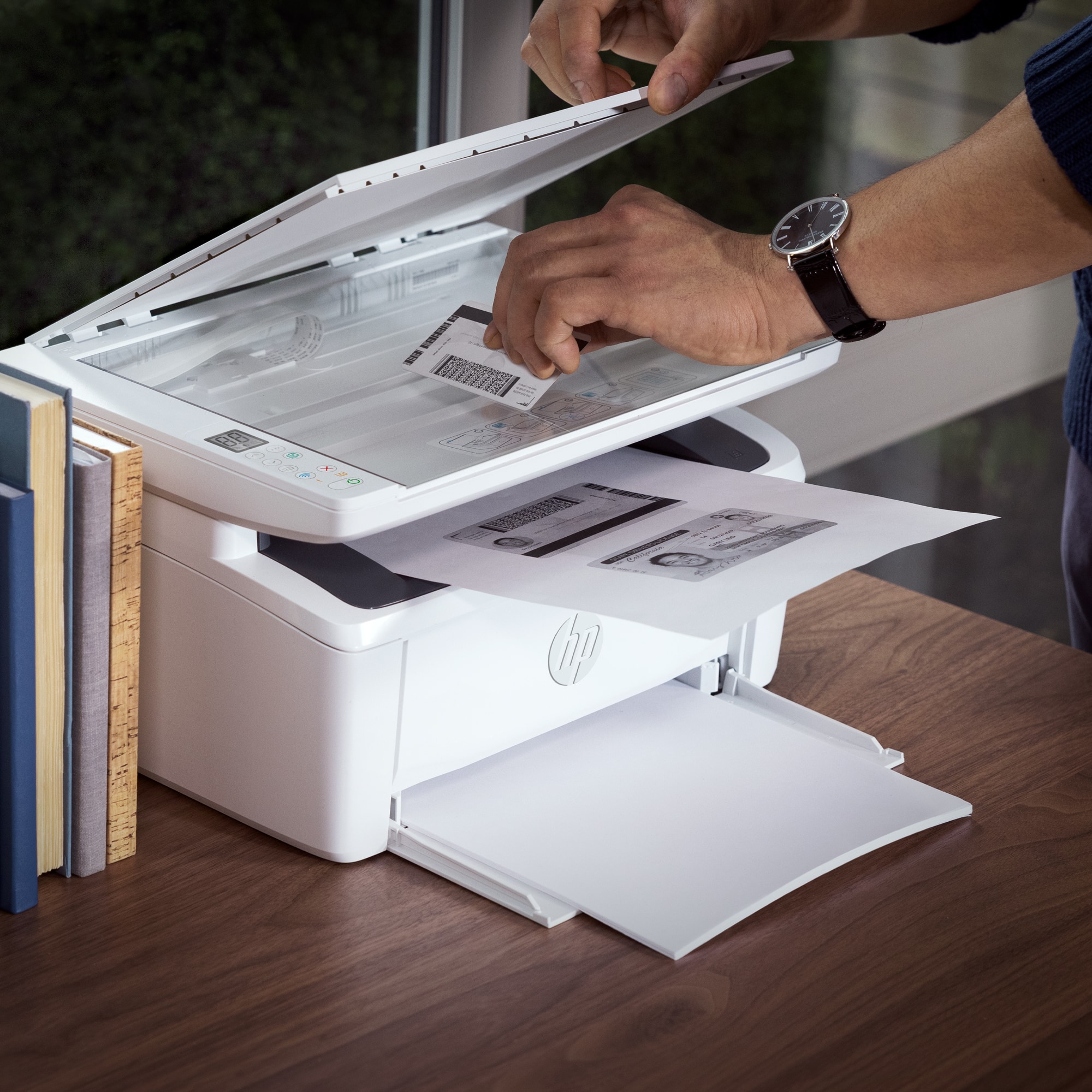
|Posted .This reviewer received promo considerations or sweepstakes entry for writing a review.The HP LaserJet M410we is a great choice for anyone who prints infrequently and isn't worried about having a black and white printer. The scanner features are a plus and really do work well with some really nice features like printing ID cards on one side of a page without having to feed the paper back in (hopefully in the correct orientation). This is only a black and white printer with no color printing options, though it does scan in full color so if you only need color scans but don't mind having black and white prints this is a great choice. The fact that this is a laser jet printer is great for people who only print once-in-a-while as it won't dry up unlike cartridge or ink bottle printers, the one thing to note is that the paper is not enclosed on this printer so even if the ink won't dry up, if you leave paper in the printer it will become very dusty if you don't print often so it may be a good idea to only put paper in when you need it. The only real complaint I have with this printer is instead of using Google or Apple's print services for wireless printing on your portable devices, HP has once again opted to use their horrible print application. I do not understand why they continue to do this when they have so many printers that DO use Google and Apple's services for simple wireless printing from your devices. I can not recommend using HP's application as it is just horribly designed and barely functional. But as long as you are fine hooking the printer up to your computer either wired or wirelessly for your printing needs and don't use a mobile device for printing then I can highly recommend this product as it is a great printer that is a good choice for anyone who doesn't mind black and white only prints.
I would recommend this to a friend- Pros mentioned:Ease of use, Size
Great!
Posted .This reviewer received promo considerations or sweepstakes entry for writing a review.Working fine. Easy to use. Small, so fits on desk next to laptop.
I would recommend this to a friend - Pros mentioned:Price, Size
HP Laser Jet MFP M140we
Posted .This reviewer received promo considerations or sweepstakes entry for writing a review.Compact, has performed all functions with no problem. Good value, priced well.
I would recommend this to a friend - Pros mentioned:Print quality
Works Like a Charm!
Posted .This reviewer received promo considerations or sweepstakes entry for writing a review.Works like a charm. To date… no issues printing. A little challenging to connect as everything (the software) is via the HP site and the instructions in the site were confusing. But… once we worked out the kinks with HP the printer is doing what it needs to do… print in black & white.
I would recommend this to a friend - Pros mentioned:Print quality
Finally found 1 that works!
Posted .This reviewer received promo considerations or sweepstakes entry for writing a review.It is printing well so far! We have had many computers in the last 4 years. I am hoping and praying this is will be the one.
I would recommend this to a friend Fantastic for homes, small office or school dorm!
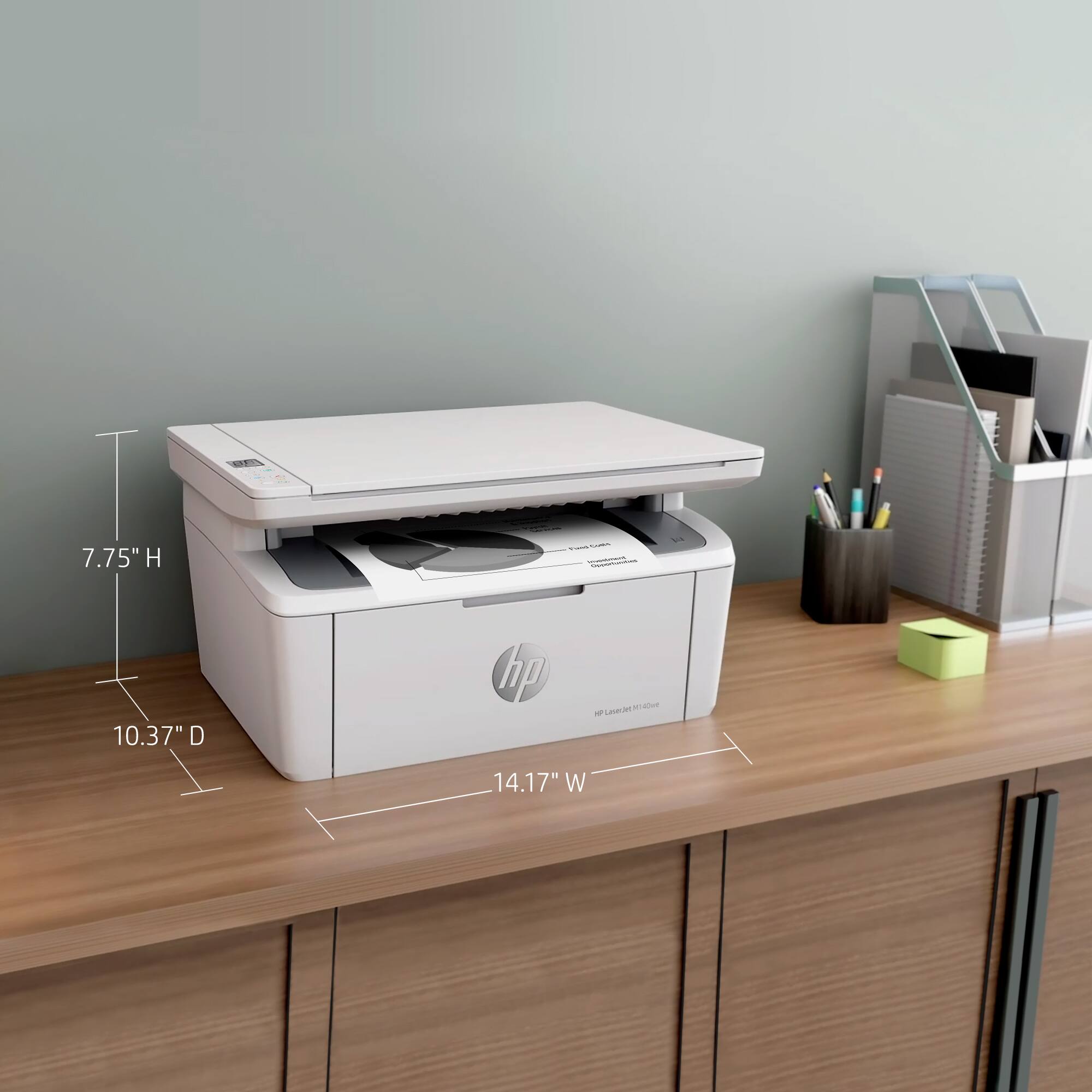
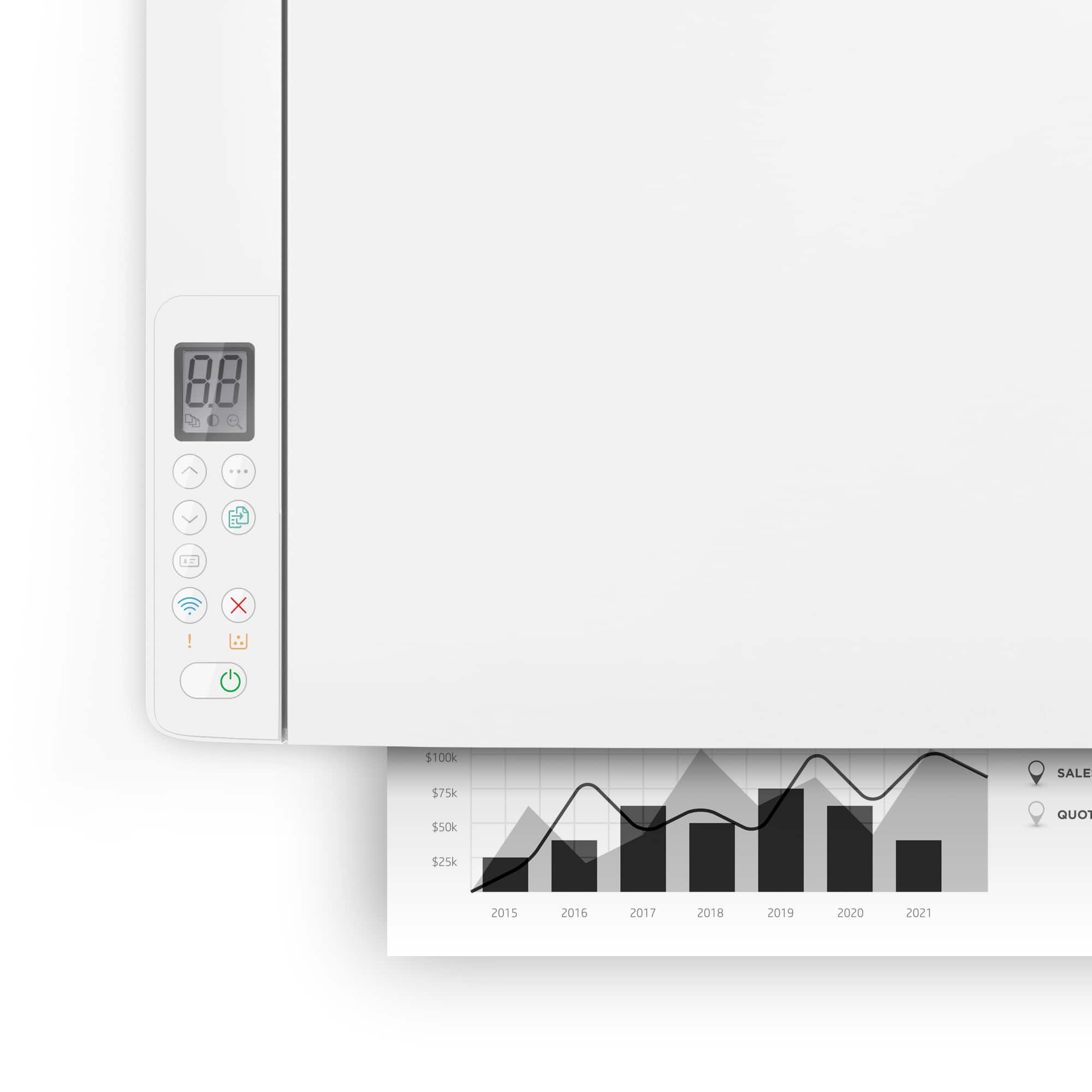
|Posted .This reviewer received promo considerations or sweepstakes entry for writing a review.This is a monochrome laser printer! That means it doesn’t and can’t print in color! For someone that doesn’t print very often, laser printers are the best option since toner doesn’t dry out! And if you print a lot, then toner tends to be more cost effective as well as producing a more professional result. HP sets the standard for personal and business printers, and they’ve added a lot of value-added features. This unit can print, scan, and copy and has a 21 page per minute stated speed! The printer comes with a free 6-month enrollment in their Instant Ink program, and you can cancel after that with no penalty. The Instant Ink programs has different enrollment levels based on the number of pages you print per month, and they allow a roll over credit and include an extra year on the warranty. There are premium advanced productivity features available for free for the first 2 years. The unit is sized right for a home office and is just a little over 14” wide and 10” deep. The unit works best when paired with the HP app, there are also limited manual controls on the top of the device. The print resolution can be as high as 600x600 and the copy resolution 600x400. It will print from the HP Smart App, Apple AirPrint and Wi-Fi Direct printing. You can also integrate your scanning to save documents to Dropbox, Google Drive or email, and you can print directly from these the 2 cloud services with their app. There’s also a ID card printing feature that enables you to print both sides of an ID card or other small document on to one side of a sheet of paper. The ease of use and print quality is fantastic!
I would recommend this to a friend- Pros mentioned:Size
HP laser jet
Posted .This reviewer received promo considerations or sweepstakes entry for writing a review.great unit for the money plus it is the perfect size for what I need it for
I would recommend this to a friend - Pros mentioned:Ease of use
Great printer!
Posted .This reviewer received promo considerations or sweepstakes entry for writing a review.Best printer ever! Easy to use and did good on the HP paper. My tech came and put in on for me and I was happy and also he picked it up and surprised me as it was on sale!
I would recommend this to a friend



















