Customer Ratings & Reviews
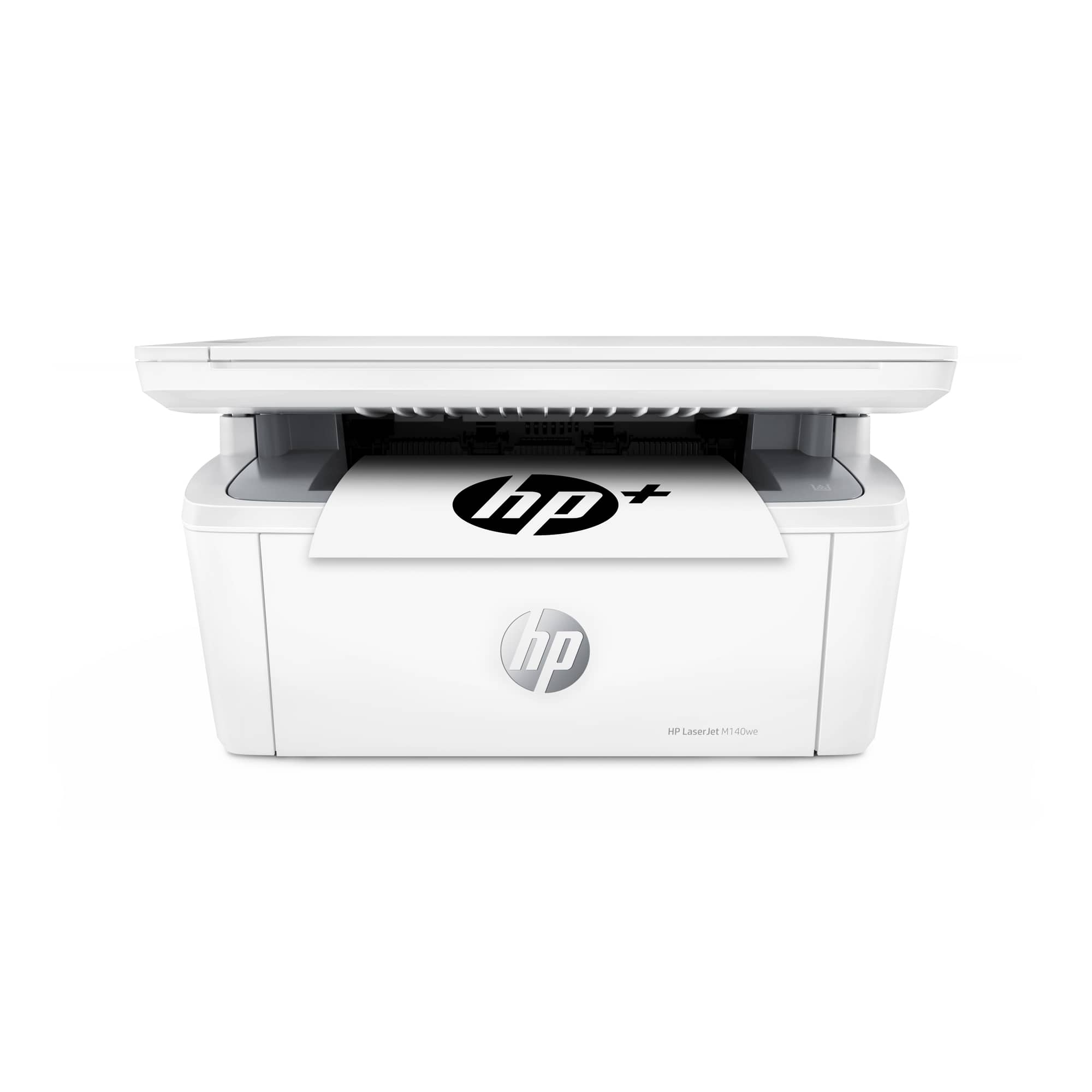
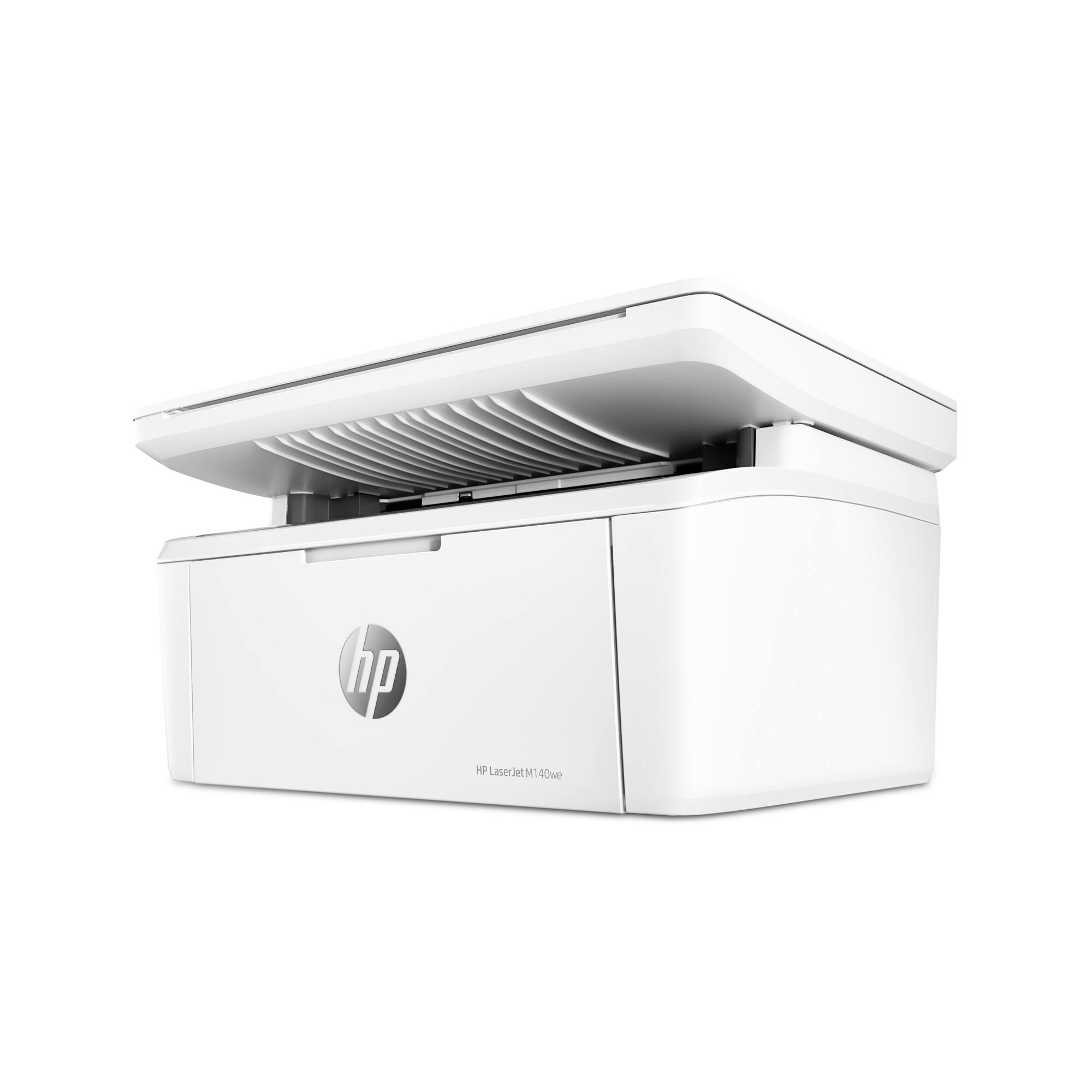
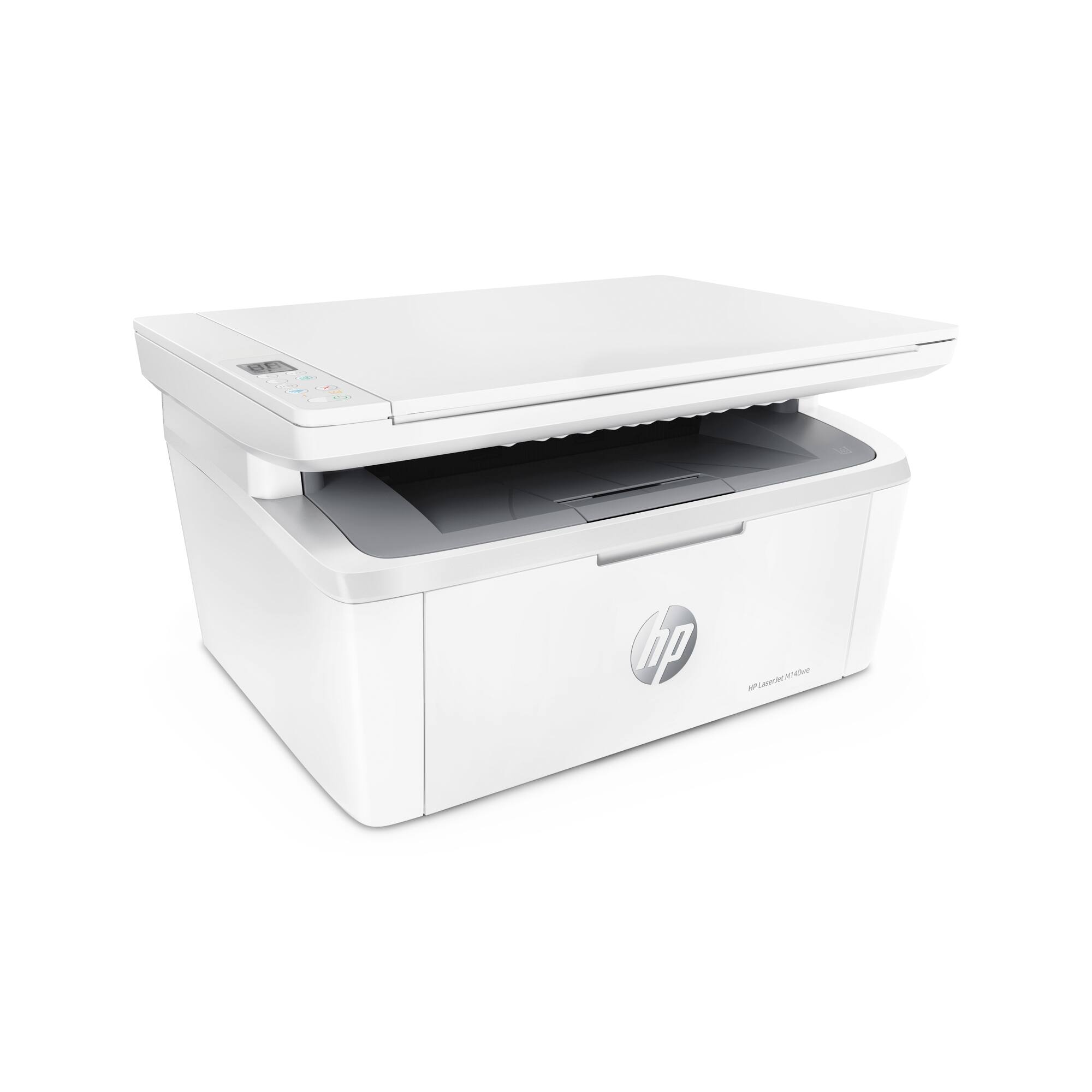
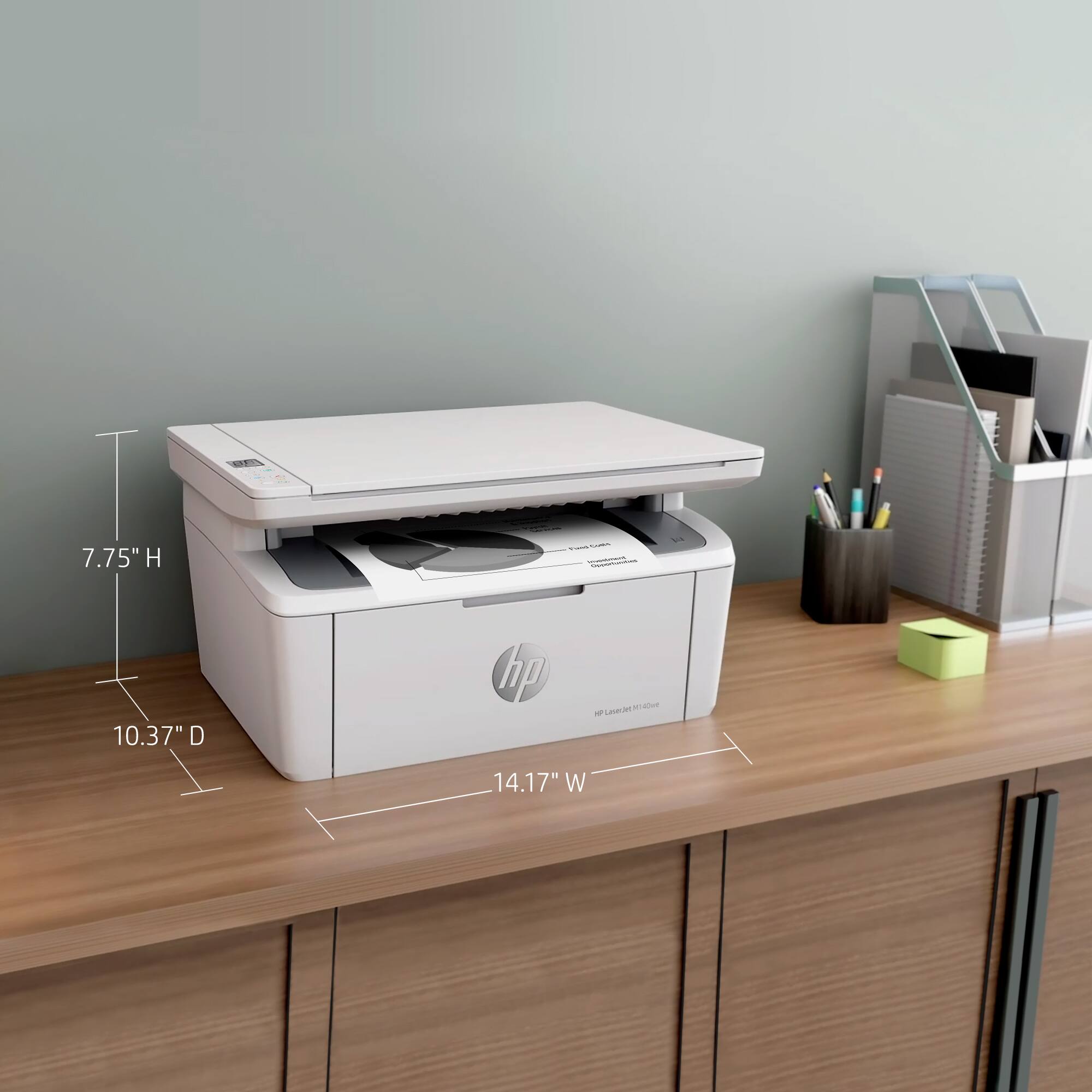



- Model:
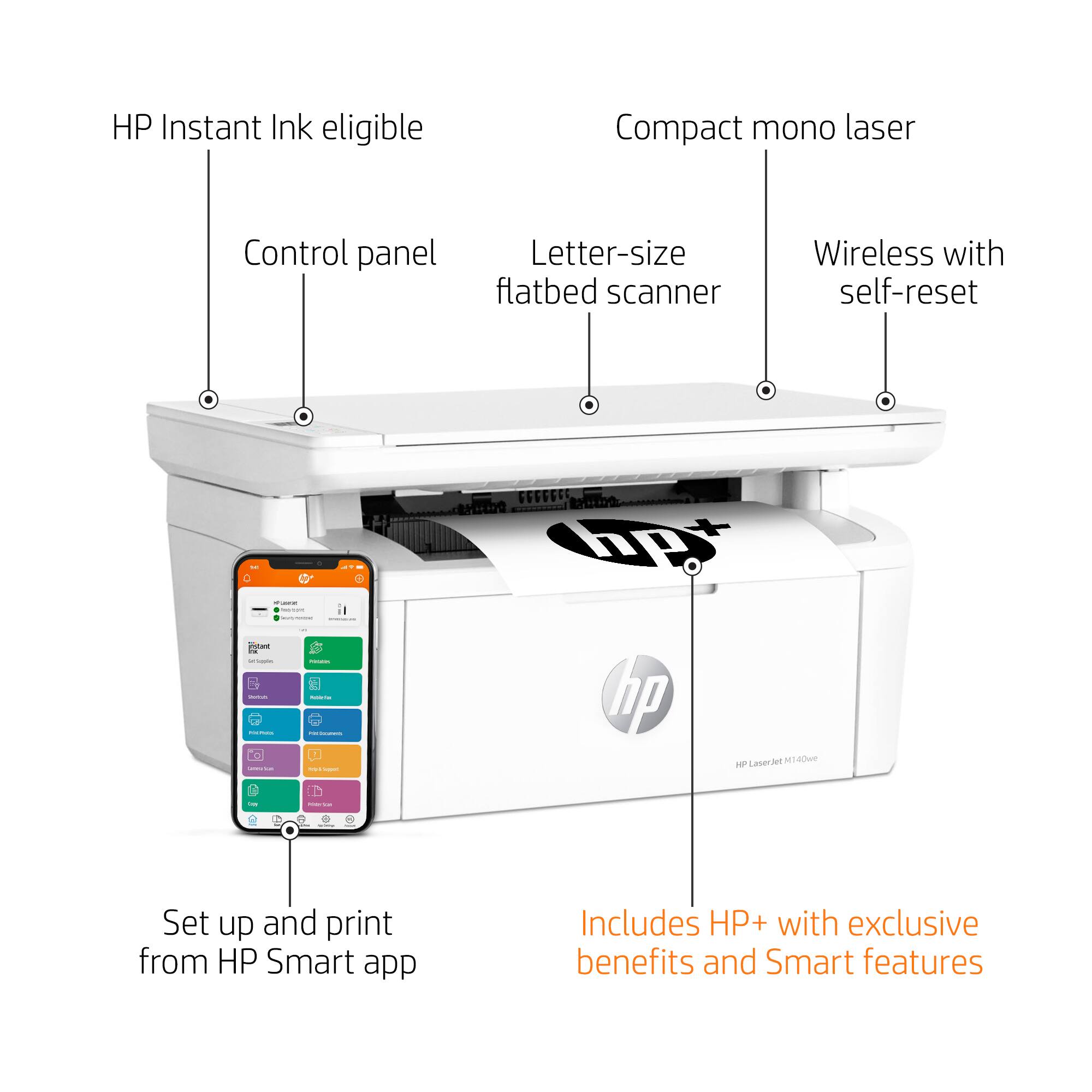
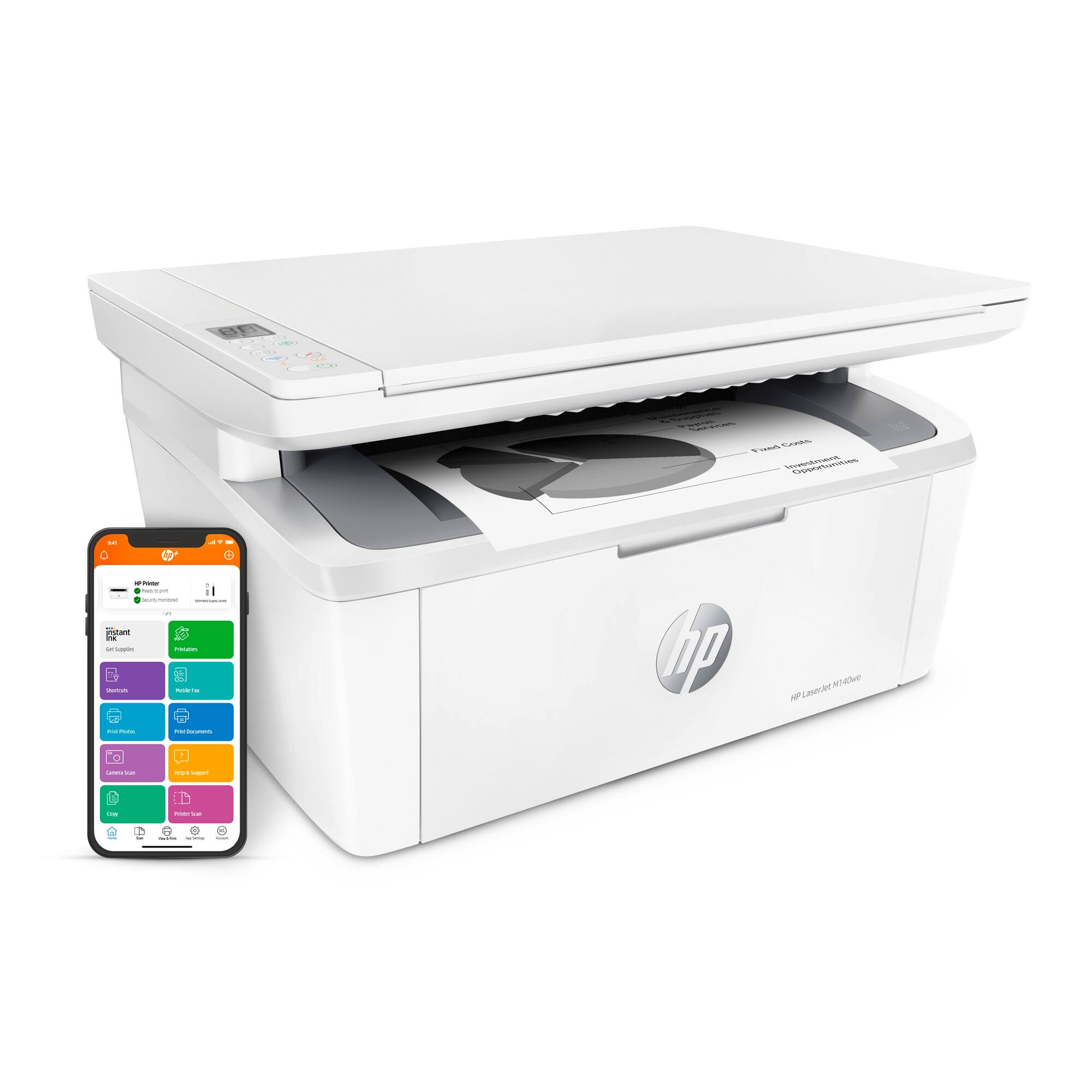
- LaserJet M140we
- SKU:
- 6484886
Rating by feature
- Value
Rating 4.3 out of 5 stars
- Quality
Rating 4.3 out of 5 stars
- Ease of Use
Rating 4.2 out of 5 stars
Customers are saying
Customers often highlight the excellent print quality and ease of use of the HP LaserJet M140we Wireless Black and Laser Printer. Many appreciate its compact size and affordable price, along with the seamless wireless functionality and generally positive performance. The quick and easy setup is also frequently praised, as is the printer's quiet operation.
This summary was generated by AI based on customer reviews.
Worst printer ever. Don't buy it!!
Posted .This reviewer received promo considerations or sweepstakes entry for writing a review.Worst printer I've ever bought. Completely useless. I'm tech savvy and work on computers all day but I can not get this to work. I initially had it working, then it stopped working for no reason. Since then I've spent endless hours on tech support, multiple times and they can't get it working either, but aren't willing to let me return it. So basically I spent money for a useless machine. The one thing that would be cool for a printer to be able to do is print...a simple black and white document, one sided, on letter size paper, really nothing fancy at all...but I guess printing is not one of the things this machine is able to do. Might be a nice, expensive door stop.
No, I would not recommend this to a friendDO NOT BUY THIS PRINTER - ABSOLUTE NIGHTMARE
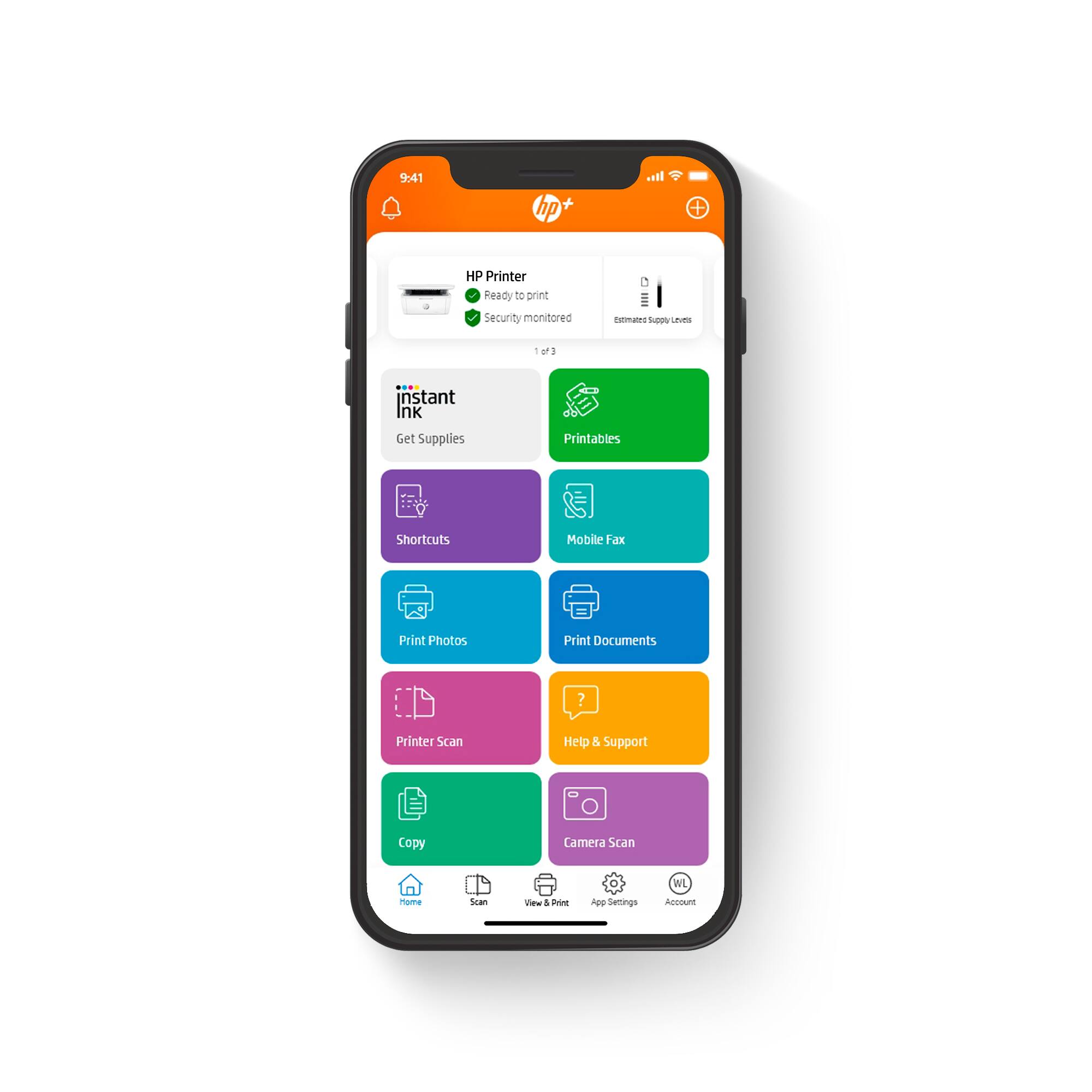
Posted .This reviewer received promo considerations or sweepstakes entry for writing a review.This printer fails consistently, especially after power outage when it will go offline and you can never get it back online even after resets, reloading the printer, doing new set ups, etc. I have had it for six months and it has has been a complete nightmare. Also the HP Smart app is pretty much the dumbest app ever. Nothing but trouble, I will never buy another HP product again. I have had a number of the printers die within the first year.
No, I would not recommend this to a friendAVOID
Posted .This reviewer received promo considerations or sweepstakes entry for writing a review.If you are a power user and just want to setup the print via a print server then don't consider this printer. HP forces you to sign-up for their HP Smart site after printing X amount of pages. This shouldn't be the case for a printer that is sitting at home and can be managed via a computer + Papercut or other solution. It is not worth the money, and not worth the new HP account. Also HP support just sucks. If you value your time, stick to other printers, but don't consider this one.
No, I would not recommend this to a friend- Pros mentioned:Print quality
Magic printer
Posted .This reviewer received promo considerations or sweepstakes entry for writing a review.A decent printer for home use small but can print a lot in a minute.
I would recommend this to a friend - Pros mentioned:Print quality
New printer
Posted .This reviewer received promo considerations or sweepstakes entry for writing a review.Great quality printing. Cordless printing is a big plus.
I would recommend this to a friend NOT a real scanner.
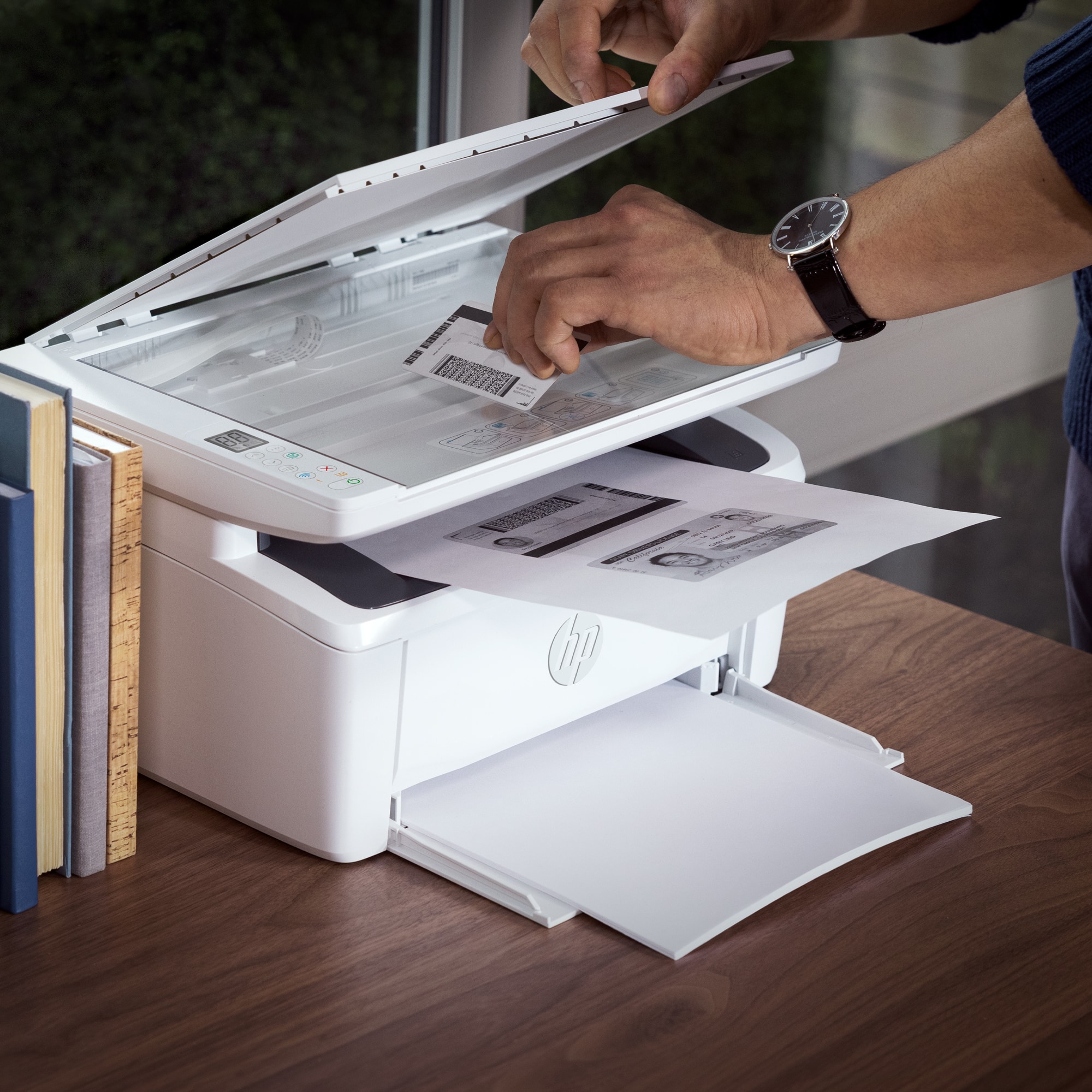
Posted .This reviewer received promo considerations or sweepstakes entry for writing a review.I was lied to by the employee at Best Buy. He told me it has a scanner. The scanner is absolutely NOT what I am looking for. I was looking for a printer and a scanner, the scanner for sending my drawings to my computer. Physical to digital. It does NOT do that. All it can do is print copies of something you can scan. Not worth the price tag!
No, I would not recommend this to a friendBrand response from HP Team
Posted .Hi there.
I’m sorry you’ve had a difficult start with your printer. I can wholly understand your frustration, considering you’ve not found the scanning capabilities you were told to expect. I want to help you resolve this issue, so I’ll provide some resources and clarifying information that I hope will reach that goal.
I just consulted the main user manual for this printer, and it is designed to scan documents and images and save them to a computer. I recommend that you follow a guide to scanning with HP printers you’ll find on our support site. It includes instructions for various desktop and mobile operating systems as well as an FAQ section. Find that here:
- support.hp.com/us-en/document/ish_2275901-2074064-16
If you still can’t get the scanner to work properly, I suggest that you contact us directly at +1 800-474-6836 so we can help you assess what’s happening and find the best course of action. To expedite the process, I recommend gathering the following information before the call:
- Model number
- Serial number
- Your location
- Case number (from any previous contact with HP support)
Keith
HP Care
hp.com/support
Lousy, scam
Posted .This reviewer received promo considerations or sweepstakes entry for writing a review.stopped printing, then HP wanted $10/month to print 50 copies
No, I would not recommend this to a friendSometime something old is better.
Posted .This reviewer received promo considerations or sweepstakes entry for writing a review.Could not handle the job. My husband prepares tax returns and must run three sets, which can amount to 45-90 copies. The M140we stops around twenty and blinks the rest of the night. Our son-in-law completely restored our old HP1102w and has not failed him once.
No, I would not recommend this to a friendHP Laser Printer
Posted .This reviewer received promo considerations or sweepstakes entry for writing a review.Laser printer good for one person it is a little slow printing
I would recommend this to a friendNot for mesh router set up
Posted .This reviewer received promo considerations or sweepstakes entry for writing a review.doesn't work with mesh router. HP requires IP connectivity to spy on your toner cartridge. Can't do that with mesh router
No, I would not recommend this to a friendHorrible
Posted .This reviewer received promo considerations or sweepstakes entry for writing a review.So not even waste your time. Printer does not work. We are now stuck with it since we tried returning 35 days after purchase and not 30.
No, I would not recommend this to a friendGreat printer
Posted .This reviewer received promo considerations or sweepstakes entry for writing a review.It does what I need it to do when I print. I really like it.
I would recommend this to a friendTotally different than what I was told it would be
Posted .This reviewer received promo considerations or sweepstakes entry for writing a review.I asked a salesperson for help when buying this. I needed a printer that would do double-sided, they assured me that this would, and it doesn't. It took me and the HP help person (phone call) 3 hours to set it up. It did come with instructions for double-sided printing, but they were wrong. It says you need to insert the printed side up to print on the reverse the next time, but it needs to go face down. And it overheats like nothing, which stops it from printing.
No, I would not recommend this to a friendBrand response from HP Team
Posted .Hi there.
I’m sorry you’ve encountered such difficulty with your printer. I can wholly understand why a lengthy setup process, inaccurate directions for the duplex feature and unreliable printing because of overheating would make for a poor start to ownership. I want to help you have a better experience in the future and remedy the overheating issue. I hope the information and resources below reach that goal.
First, I’m not sure where you found the duplex instructions, but I apologize for their inaccuracy if they came from an HP source. I just looked at the manual for this model, and it says to place printed copies print-side down. You can refer to that as well as other instructions in the manual here:
- www1.hp.com/ctg/Manual/c07833316.pdf
For further help, you can find how-to documents, troubleshooting guides and software updates for your printer here:
- support.hp.com/us-en/product/model/35335227
I can’t tell what’s causing the printer to overheat. For input on that issue – and if you need further assistance with anything else – I suggest you contact us directly. As you might already know, HP+ printers such as yours come with exclusive concierge support. To call and reach live HP+ experts, visit the following URL and enter your HP+ serial number:
- hp.com/plus-help
Keith
HP Care
hp.com/support
hp laserjet m140we
Posted .This reviewer received promo considerations or sweepstakes entry for writing a review.I took a look at this laser printer I feel like to open to get to the toner the door could break easy I feel like the design is super cheap also on instant ink/ink plan they kept tell me to upgrade to 1,500 page on instant ink/ ink plan I was refuse to pay $49.99 a month that over price they should make it cheaper like 24.99 a month
No, I would not recommend this to a friendA pain in the neck to configure
Posted .This reviewer received promo considerations or sweepstakes entry for writing a review.To try to use with a computer is really a pain: the login page is never displayed. Very difficult to setup using Windows 10. Once “connected” there was an error “printing” . The HP tools requieres too many steps for a task that should be a lot simplier.
No, I would not recommend this to a friendBrand response from HP Team
Posted .Hi, Robert.
I’m sorry to learn that your printer was so difficult to set up, and that you’ve had software and printing trouble since then. I can understand why that would be a frustrating start to owning a new device. I want to help you have a better experience with the printer from here forward, so I’ll direct you to some resources aimed at meeting that goal.
First, for help solving problems, or to learn more about your printer and all its features, you can access user manuals, how-to documents, troubleshooting guides and software updates here:
- support.hp.com/us-en/product/model/35335227
You can also visit a page on our support site that has diagnostic tools for various tasks and issues, including print quality, operating-system compatibility and connectivity. There you can find a general-purpose tool called the HP Print and Scan Doctor. If you use Windows, the tool will help identify and guide you through solutions to a wide range of common printing and scanning issues. You can find the page here:
- support.hp.com/us-en/topic/diagnostics
If you need further assistance with the printing error you describe, the login page accessibility or anything else, I suggest that you contact us directly at +1 800-474-6836 so we can help you assess what’s happening and find the best course of action. To expedite the process, I recommend gathering the following information before the call:
- Model number
- Serial number
- Your location
- Case number (from any previous contact with HP support)
Keith
HP Care
hp.com/support
Hp subscription demand and restricted printing
Posted .This reviewer received promo considerations or sweepstakes entry for writing a review.Hp was my go to printers but this one and their new demands for subscription should be illegal. The printer keeps saying setup is incomplete when its been working just fine. Returning this and never buying hp again!
No, I would not recommend this to a friend



















