Customer Ratings & Reviews






- Model:
- LaserJet Pro 4001ne
- SKU:
- 6505453
Rating by feature
- Value
Rating 4.2 out of 5 stars
- Quality
Rating 4.0 out of 5 stars
- Ease of Use
Rating 3.3 out of 5 stars
Customers are saying
Customers are pleased with the print quality and compact size of the LaserJet Pro 4001ne. However, a significant number of users expressed frustration with the lack of wireless connectivity and the somewhat challenging setup process. Some also found the printer's initial setup to be more complex than expected.
This summary was generated by AI based on customer reviews.
Not a good product for Apple computer
||Posted . Owned for 1 month when reviewed.This reviewer received promo considerations or sweepstakes entry for writing a review.Horrible and no support, wouldn’t work with apple computer
No, I would not recommend this to a friendBrand response from HP Team
Posted .Hi, Joshua.
I’m sorry you had trouble setting up your printer with your Apple computer, and that you did not receive the support you need. It’s easy to understand why this would leave anyone feeling put off. I want to help you get the device working like it should – and a way to contact support if you need it – so I’ll suggest some resources aimed at reaching those objectives.
First, I recommend you look through these troubleshooting guides specific to Mac OS and iOS that you can find on our support site related to setup and connectivity.
Printer not found by software of device during setup (Mac OS and iOS):
- support.hp.com/us-en/document/ish_1738997-1676497-16
HP Easy Start software installation fails:
- support.hp.com/us-en/document/c05291302
If you need further assistance, I suggest you contact us directly so we can help you assess what’s happening and find the proper course of action. HP+ printers such as yours come with exclusive concierge support. To call and reach live HP+ experts – or to access user manuals, troubleshooting guides, how-to documents and software updates specific to your printer – visit the following URL and enter your HP+ serial number:
- hp.com/plus-help
Keith
HP Care
hp.com/support
- Pros mentioned:Size
Impossible to set up
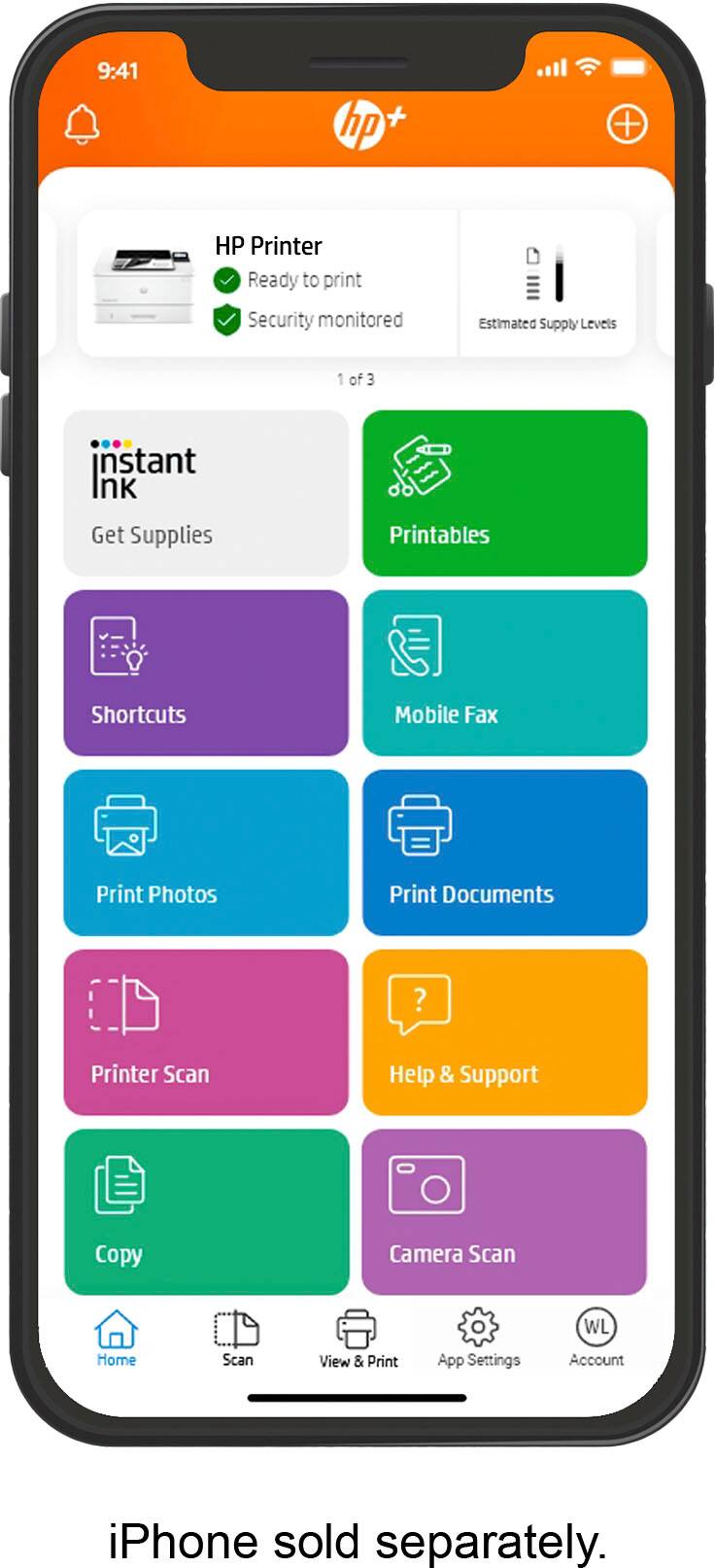
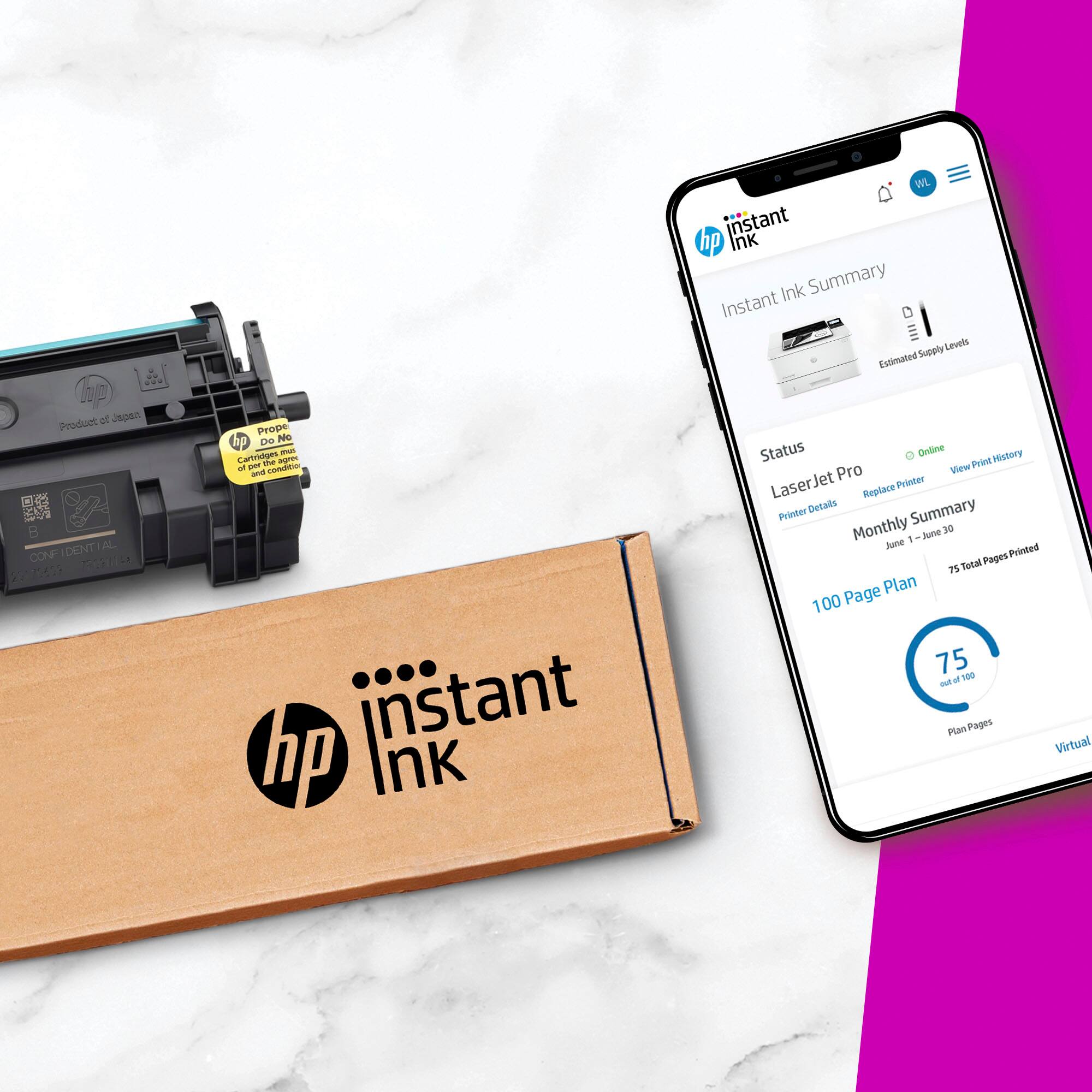
||Posted . Owned for 1 week when reviewed.This reviewer received promo considerations or sweepstakes entry for writing a review.I was so excited to find this printer due to it's size and features, but it was a complete fail. After many hours I was never able to get it to connect and work. I researched online forums and SO many people had the same problem. In addition, HP and it's Instant Ink program is very "Big Brother" because they are always monitoring your activity. Thank goodness Best Buy has a good return policy.
No, I would not recommend this to a friend owner
||Posted . Owned for 1 week when reviewed.This reviewer received promo considerations or sweepstakes entry for writing a review.Best small business and home use , recommended easy to install
I would recommend this to a friendGreat printer!
||Posted . Owned for 3 weeks when reviewed.This reviewer received promo considerations or sweepstakes entry for writing a review.Best printer for the price! Must for a home office
I would recommend this to a friendGreat price for the printer!
||Posted . Owned for 2 weeks when reviewed.This reviewer received promo considerations or sweepstakes entry for writing a review.Good Sale Value! Easy online odering and pickup!!!
I would recommend this to a friendWonderful
||Posted . Owned for 3 weeks when reviewed.This reviewer received promo considerations or sweepstakes entry for writing a review.Exceeded my expectations. It was in stock and working within 3 hrs
I would recommend this to a friendGreat Printer
||Posted . Owned for 3 months when reviewed.This reviewer received promo considerations or sweepstakes entry for writing a review.Easy setup and excellent print quality and resolution
I would recommend this to a friend- Cons mentioned:Ease of use
Great Printer, horrible set up
||Posted . Owned for 1 week when reviewed.This reviewer received promo considerations or sweepstakes entry for writing a review.Once upon a time you could download a driver and install a network printer; But HP has made everything annoying andby requiring app installation.
I would recommend this to a friend - Pros mentioned:Print quality, SizeCons mentioned:Setup

Great PRINTER, but difficult process and future
|Posted .This reviewer received promo considerations or sweepstakes entry for writing a review.So let's start with the fact that I am struggling with this rating. It is AVERAGING to a 3. Having been a loyal HP customer for YEARS, near decades for my printing choices, I didn't hesitate much on getting this printer, as spec wise was going to be a good replacement for a 5yr old printer that died. So let's start with the good: And it is a 5. - Print's FAST. Doesn't take time to spin up, and the pages are done and printed. - Quality is great, dark and crisp - I have done some 20 page prints, and Pages per minute seem pretty accurate - It doesn't take up much space, good size for a laser printer - Doing some searching I see there is an add-on tray for a 2nd tray, which is a good option to have for those that need two different mediums - Works seamlessly with Mac, Windows, and my mobile devices So all of that has been great. now for the polar opposite, 1 star This printer has been completely targeted for the HP subscription service to send you ink, when it thinks you need it. That model doesn't work for me, and many other applications that I am aware of. From my understanding of the specs... I have NO CHOICE then to use the official HP cartridges with this, that start at $100 for the low print capacity, and $250-300 for high capacity. Best Buy doesn't carry either of them, so you need to go to a different vendor. The Setup.. I have never gone through as much of a convoluted and painful setup process for a printer. For decades, I have been used to unbox, plug it in, put some paper in, and then you are off. Then with network based ones, they would immediately get a IP (DHCP), and you would just configure the driver, and you are on the way. For this one, you need to go through a multi-step, online experience. That first MUST BEDONE on a full computer browser, don't try to do this on a phone or tablet, it isn't allowed. You can't use the HP SMART app to do it either. You have to pair it to an HP account as well. You can't just activate and turn it on, you basically tie it to your account. Not sure what is going to happen or procedures if I ever decide to sell, donate, or give this printer to someone else (like my kids for their dorm). I really really hope, HP reconsiders this activation model for printers. With less and less need for physical printing, I can see my future purchases going a different direction.
No, I would not recommend this to a friend not for me
||Posted . Owned for 1 week when reviewed.This reviewer received promo considerations or sweepstakes entry for writing a review.i’ve always been sn HP fan but this prinler turned out to be impossible to install and i returned it after more than 20 hours of trying.
No, I would not recommend this to a friendThe worst
||Posted . Owned for 1 month when reviewed.This reviewer received promo considerations or sweepstakes entry for writing a review.I never got this printer to work for me. I returned it after many hours of wasted time
No, I would not recommend this to a friendGreat printer
||Posted . Owned for 1 week when reviewed.This reviewer received promo considerations or sweepstakes entry for writing a review.It meets my expectations and was shipped quickly after I ordered online.
I would recommend this to a friend- Pros mentioned:Print quality
Easy to set up, and reliable
||Posted . Owned for 1 month when reviewed.This reviewer received promo considerations or sweepstakes entry for writing a review.These things are work horses. Great network printers,
I would recommend this to a friend - Pros mentioned:Print quality, Size
Leaves you wanting more.
|Posted .This reviewer received promo considerations or sweepstakes entry for writing a review.I would like to start off by saying this is a really generous 4 star rating. It's truly 3.5 stars to me, but it's not deserving of a 3, and it's surely not a 5 star product especially for the price. Perhaps the set up experience is not optimal, but you have to remember this is a laser printer and not your standard inkjet where setup is more of what people are used to. For me personally, set-up was a breeze. I had no issues whatsoever connecting everything, and the UI isn't slow and laggy like I was expecting in comparison to my current Brother laser printer. Where my gripe is, is that this is way over priced in my opinion for what you get. I'm trying to justify what makes this worth the value of MSRP for this product, because there's nothing special about it in my opinion. Yes it prints well and very nicely. Yes the aesthetic is what you'd expect for a laser printer that's good for an office space and compact enough even for use at home to print out documents, school papers, coupons, plane tickets, etc. But even with 3 months of instant ink that likely won't be used a ton, what makes this worth the price? I also do not understand how this can just be a black and white laser printer for the price. I would expect color output as an option along with basic scanning capabilities. I'm pretty disappointed with its lack of features. But again, there's nothing wrong with it to me, and that's why this gets 4 stars.
I would recommend this to a friend - Pros mentioned:Print qualityCons mentioned:Wireless connectivity
Decent LaserJet
|Posted .This reviewer received promo considerations or sweepstakes entry for writing a review.Just another HP printer, really. You have to sign up for the HP smart app in order for this to work properly and get set up. Directions are lacking and NO WHERE in them do they state that this is NOT a wireless printer. Who makes a non wireless printer in 2022? We spent about 30 minutes trying to set this up wireless before we gave up and hard wired it. Once that happened the set up process was actually smooth and the printer works as intended. Not being wireless somewhat limits your placement of the printer. Being that we intend to use this as a home business printer, it works as intended and prints nice quality sheets. Quiet mode works well, keeping the noise down and does not really slow the print speed down. The LCD screen is on the smaller side so for anyone with poor to failing eyesight, you will need some assistance. The requirement of using HP only LaserJet ink is also on the down side, but since most cartridges will give you hundreds of prints, not that big of a deal. Overall, it does what it is supposed to do but if I were buying, I would get the wireless version.
No, I would not recommend this to a friend - Pros mentioned:Print qualityCons mentioned:Wireless connectivity
This is not "IT"
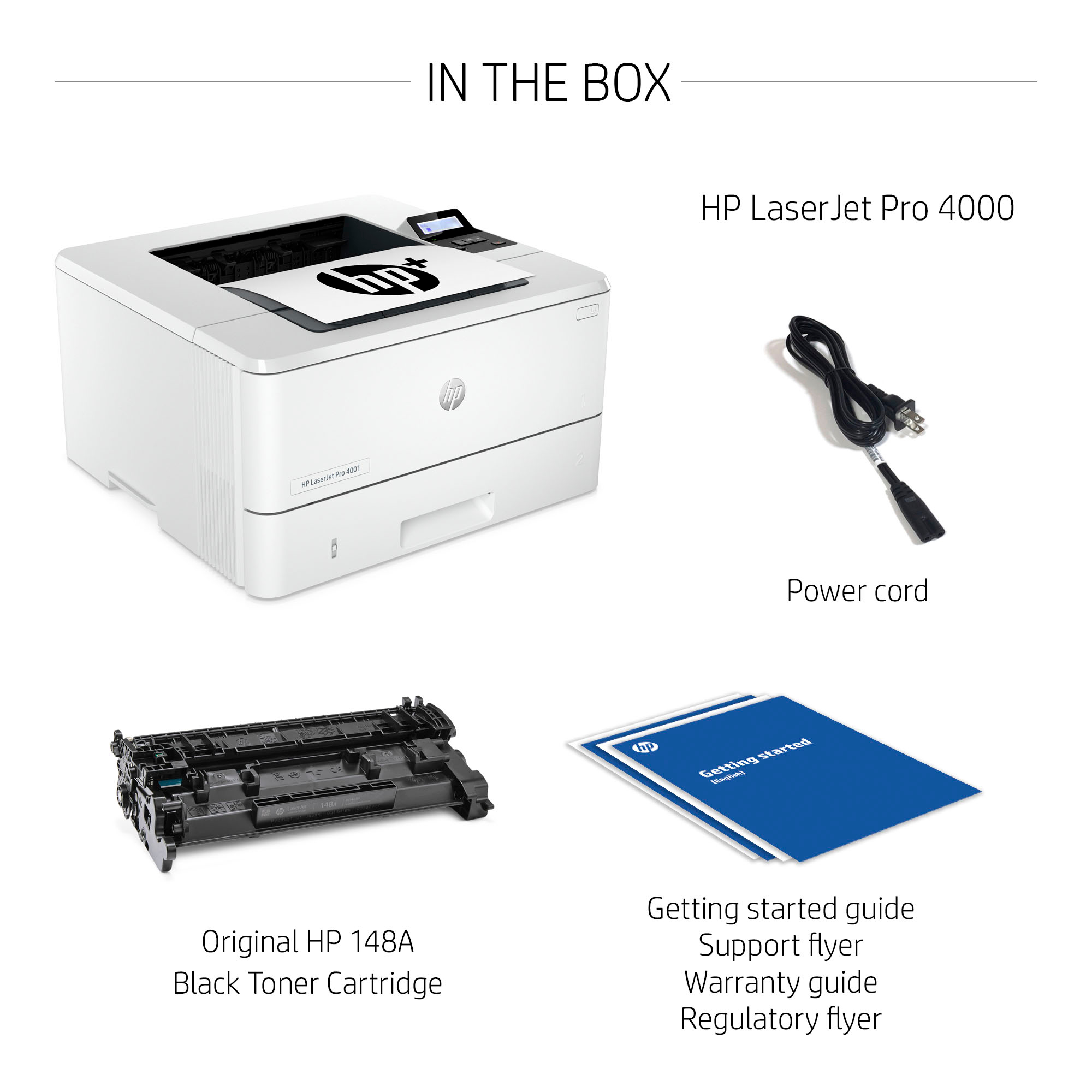
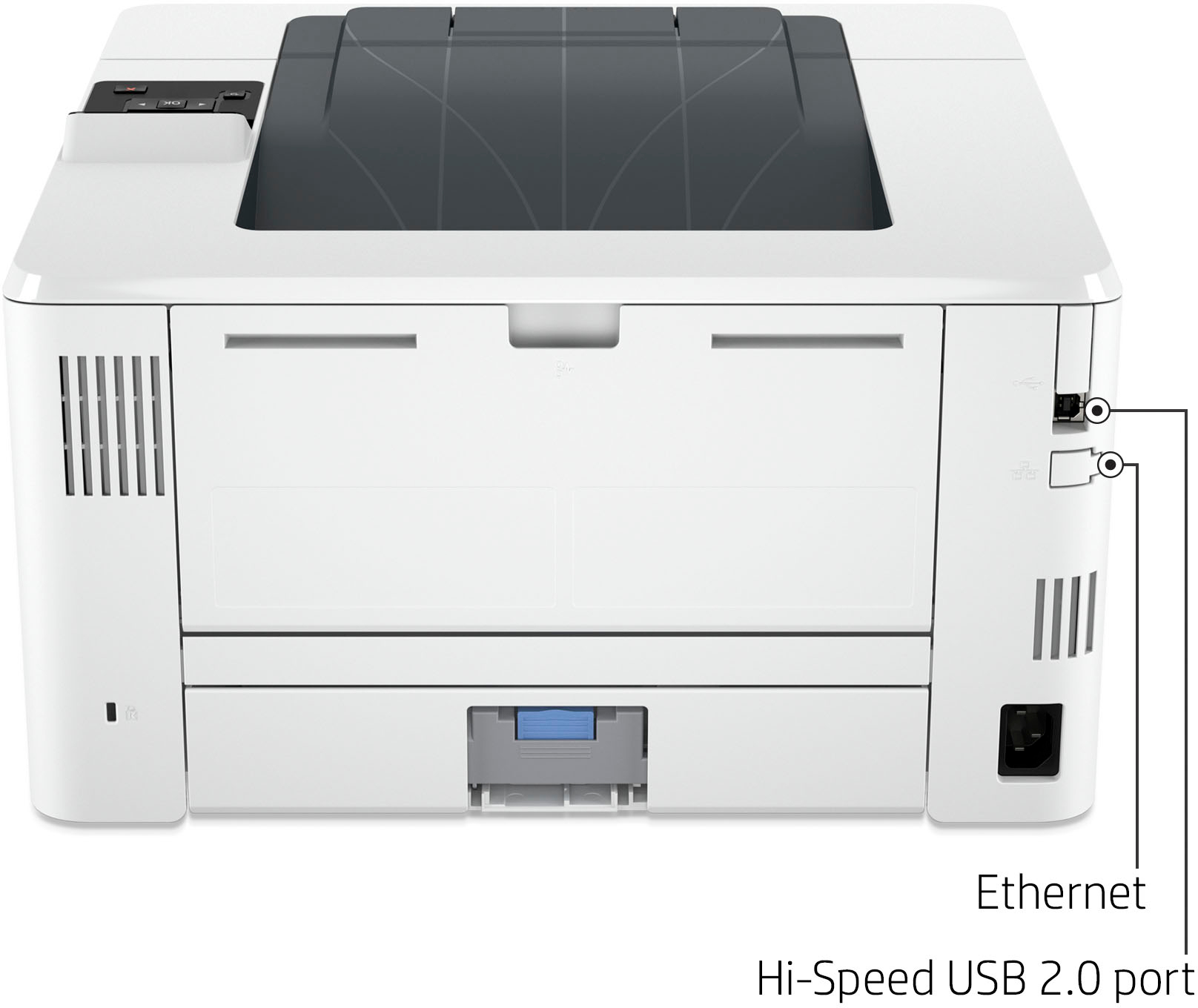
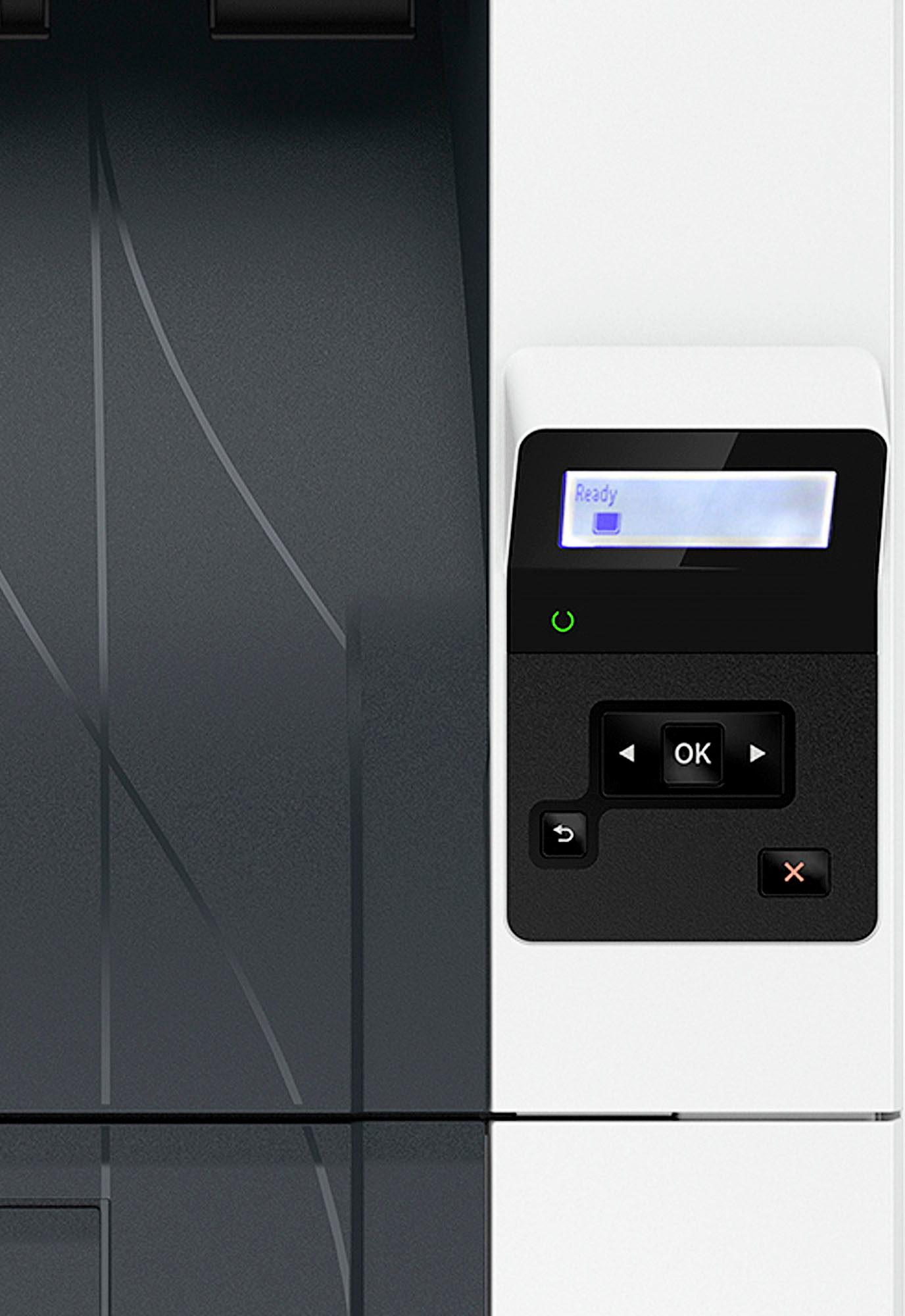
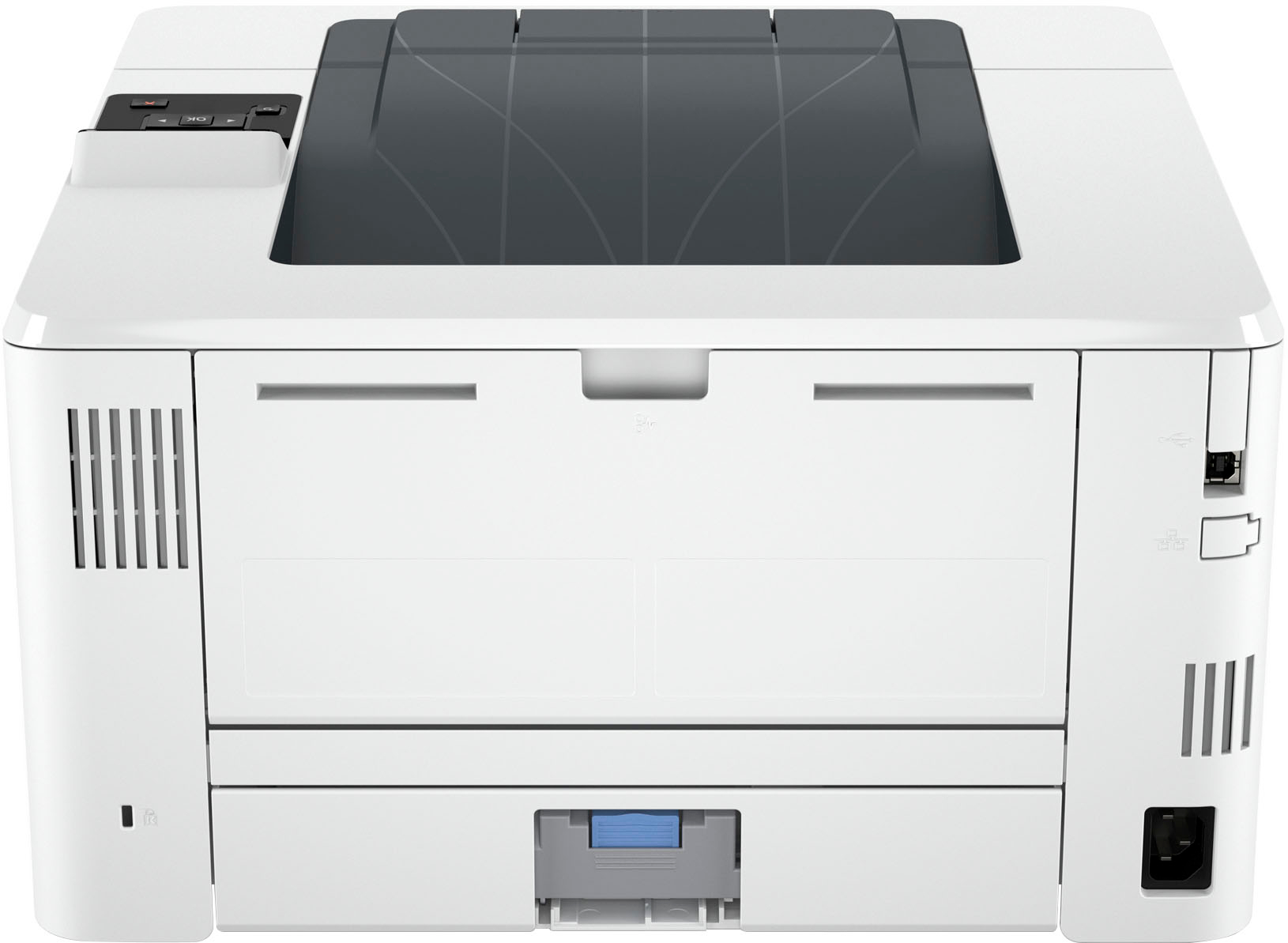
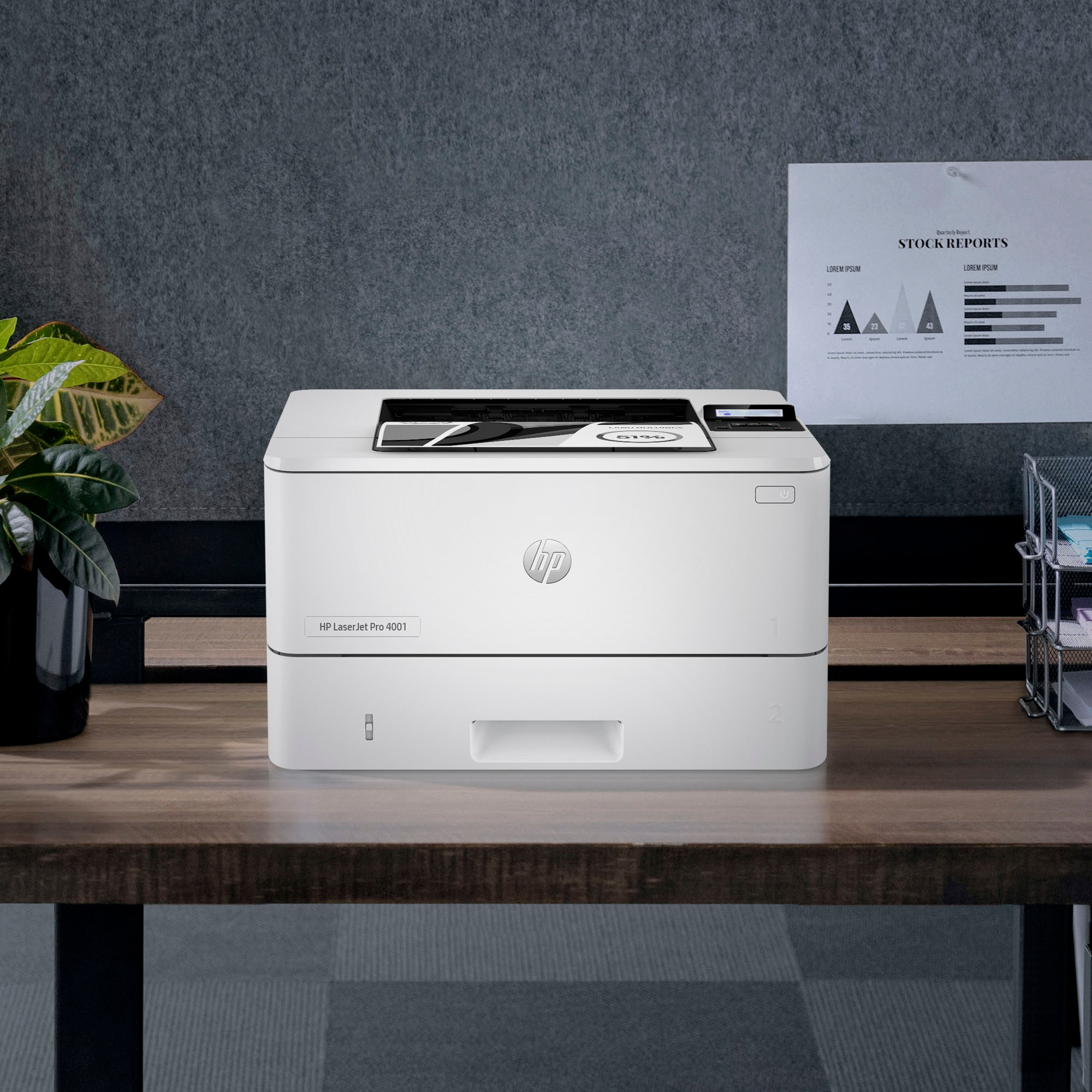
|Posted .This reviewer received promo considerations or sweepstakes entry for writing a review.So I received my HP LaserJet Pro 4001ne Black & White Laser Printer about a week ago and initially I had high hopes for this printer. However, those high hopes were quickly dashed. Unboxing the printer is easy-peasy and inside comes the printer itself, the power cord, and a couple of user manuals/documentation on the printer. Like I stated before I was anxiously waiting for this printer to arrive as we use LaserJet printers at work, and I thought it'd be pretty cool to have one at home for my home office. Well upon unboxing I noticed there was no ink/toner to install (it comes pre-installed), which that automatically earned a star for me. From there the setup of the printer appeared to be easy as pie, however, that was not the case. From the looks of it, it appears that all one must do is simply plug the power cord into the back of the printer, add some printer paper to the load tray, and press the power button. And that's exactly what I did, but to my dismay, that's where the issues began. As soon as you power on the printer and it goes through its startup process, you're instructed by the tiny non-touchscreen to go to hpsmart.com/setup to continue before you can do anything else. Once there, you're instructed to download the HP Easy Start Pro software, install, and follow the on-screen instructions to continue. Once the software is installed it's supposed to search for the wifi signal to connect to your home network, however, there's no wifi signal being sent out. Not sure what the issue is, but it will not work via wifi although the non-thorough user manual makes it sound as though it is a wireless printer. So the only other way for it to work is to use an Ethernet cable. After locating one, I was able to get it up and running. My included pictures shows what comes on the display when you power on the printer as well as what the manual says in Step 2 on page 2: "For wireless setup, do no connect an Ethernet cable." That makes it sound as though this is supposed to be a wireless printer. Now granted it has some flaws from not being wireless it did work decently at best when connected via Ethernet, but who wants extra cables connected to make things that should be wireless work. Just another cable to have and plugged in which makes no sense to me. Using this as a home network printer will be ok for those that can overlook the non-wireless issue. But for me it's a no go. It could be a really great printer, however, I spent way too much time trying over and over again attempting to get it to connect wirelessly. That being said, I can't honestly say I'd recommend this to anyone. Sorry HP, this decent printer could have been even more amazing, had it not been for that setup issue with the wireless.
No, I would not recommend this to a friendBrand response from HP Team
Posted .Hi there.
Thanks for writing a thorough review and reflecting on your experience. While I’m glad that you like many features of the printer, I’m sorry you had a challenging time during setup. It’s easy to grasp why seemingly contradictory instructions regarding wireless capability would cause confusion. I’ve passed along your concerns to the team that oversees this product line and its documentation. The members are aware of the issue and are working on it. I also want to help you have a better experience going forward, so I’ll suggest some resources aimed at making that happen.
To learn more about your printer, or for help solving problems, you can find the main user manual, how-to documents, troubleshooting guides and software updates specific to this model here:
- support.hp.com/us-en/product/model/35911568
You can also visit a page on our support site that has diagnostic tools for various tasks and issues, including connectivity, print quality and operating-system compatibility. There you can find a general-purpose tool called the HP Print and Scan Doctor. If you use Windows, the tool will help identify and guide you through solutions to a wide range of common printing and scanning issues. You can find the page here:
- support.hp.com/us-en/topic/diagnostics
If you need assistance with anything, I suggest you contact us directly so we can help you assess what’s happening and find a solution. HP+ printers such as yours come with exclusive concierge support. To call and reach live HP+ experts, visit the following URL and enter your HP+ serial number:
- hp.com/plus-help
Keith
HP Care
hp.com/support
- Pros mentioned:Print qualityCons mentioned:Setup
Difficult set up with ok print quality.
|Posted .This reviewer received promo considerations or sweepstakes entry for writing a review.I got my HP Laser Jet Pro 4001ne last week and it’s honestly a bit of a disappointment. I’ve used many Laser Jet printers in my day and as far as printing goes this one is decent. But that’s the best I can say. It does print fairly fast but the prints don’t look all that great. I mean it’s not terrible by any means, but it really feels like a steep back from the last Laser Jet I had. I do like the paper feeder, so there is that. While the print quality is ok, the set up was terrible. Most difficult printer set up I have ever had. There used to be a think called plug and play but now it seems more about making sure you have an app to track your ink levels. I despise this trend in the printer industry. Upon setting it up I got two lights blinking. One that is supposes to mean the printer is ready and another that there is a problem with no other explanation in the documentation that I could find. I should not need technical support to help set up a printer. I would strongly suggest Hp focus on delighting their customers with simple set ups and a high quality printer out of the box and anything else should be looked at after those 2 steps are achieved. All in all I would suggest avoiding this model. I have had Hp printers I have liked, I think the Neverstop is great and I like their Officejets Pros. But this one was a miss for me. I would not recommend this printer to a friend.
No, I would not recommend this to a friendBrand response from HP Team
Posted .Hi there.
I’m sorry you’ve had a difficult start with your printer. I can understand your disappointment, considering you’ve endured a challenging setup process and are not overwhelmed with the print quality. I want to help you improve the latter issue and to have a better experience overall with the printer, so I’ll direct you to some resources aimed at meeting that goal.
First, I recommend you follow the steps in a guide to improving print quality that you can find on our support site. Issues covered include smeared, fuzzy, dark or faded prints, and loose, partially missing or scattered toner. Find that guide here:
- support.hp.com/us-en/document/ish_6048338-3496983-16
Next, to learn more about your printer and all its features, or for help solving problems, you can access user manuals, how-to documents, troubleshooting guides and software updates here:
- support.hp.com/us-en/product/model/35911568
You can also visit a page on our support site that has diagnostic tools for various tasks and issues, including connectivity and operating-system compatibility. There you can find a general-purpose tool called the HP Print and Scan Doctor. If you use Windows, the tool will help identify and guide you through solutions to a wide range of common printing and scanning issues. You can find the page here:
- support.hp.com/us-en/topic/diagnostics
If you need assistance with anything, I suggest you contact us directly so we can help you assess what’s happening and find a solution. HP+ printers such as yours come with exclusive concierge support. To call and reach live HP+ experts, visit the following URL and enter your HP+ serial number:
- hp.com/plus-help
Keith
HP Care
hp.com/support
HP laser printer is best
||Posted . Owned for 1 month when reviewed.This reviewer received promo considerations or sweepstakes entry for writing a review.I’m very happy to decide want to buy this printer. It’s so good and mobile friendly. Happy happy.
I would recommend this to a friendReliable
||Posted . Owned for 2 weeks when reviewed.This reviewer received promo considerations or sweepstakes entry for writing a review.Good printer for the money, Recomended for buisness that prints a lot
I would recommend this to a friendOffice manger
||Posted . Owned for 1 week when reviewed.This reviewer received promo considerations or sweepstakes entry for writing a review.Great printer for the cost. We are thinking about buying more units.
I would recommend this to a friend



















