Customer Ratings & Reviews






- Model:
- LaserJet Pro 4001ne
- SKU:
- 6505453
Rating by feature
- Value
Rating 4.2 out of 5 stars
- Quality
Rating 4.0 out of 5 stars
- Ease of Use
Rating 3.3 out of 5 stars
Customers are saying
Customers are pleased with the print quality and compact size of the LaserJet Pro 4001ne. However, a significant number of users expressed frustration with the lack of wireless connectivity and the somewhat challenging setup process. Some also found the printer's initial setup to be more complex than expected.
This summary was generated by AI based on customer reviews.
- Pros mentioned:Print quality

Read the specs
|Posted .This reviewer received promo considerations or sweepstakes entry for writing a review.Make sure you read the fine print in the specifications. You will not be able to use this as a stand alone printer connected to a computer by USB. It does not support Wi-Fi connectivity either. The printer must stay connected to the internet via an Ethernet cable even if you use a USB cable (so what's the point?) so if you purchase one of these as a personal printer for work and they won't allow you to connect non-company equipment to the network then you are out of luck. Initial setup was not that friendly for me. For some reason the setup where the printer automatically connected to the internet and then launching HP Easy Setup it took me a couple of tries to finally get it to work. Not so easy for me. When it comes down to it I don't have a spare port on the Ethernet switch in my home office so I have to play cable jockey between it and a color inkjet All in One. As it stands I am unable to use this printer in my current home office environment unless I drop some additional funds on a new switch with more ports or just add another Ethernet switch. Once I did get it working the print quality was excellent and print speed was much better than my older laserprinter. I tried connecting HP Smart app on my iPhone to the printer and when it searched it couldn't find the printer. I had to enter in the IP address for the app to find the printer. I tried a test print and it didn't go so I still have some troubleshooting to do. I will admit that this was a poor choice of printers for my situation and that's not HP's fault. Just another life lesson to read the fine print before you purchase anything. If you have a home office or small work place where you can connect this printer to your network then it's a good solid choice at the price point. HP printers are always the tops in my book. If this is for a stand alone USB connected printer then keep looking. This ain't for you. I'm on the fence on whether to recommend or not. It really depends on your setup. You be the judge after doing your homework.
I would recommend this to a friend - Pros mentioned:Print quality
Be Wary, the HP - LaserJet Pro 4001ne Not Wireless
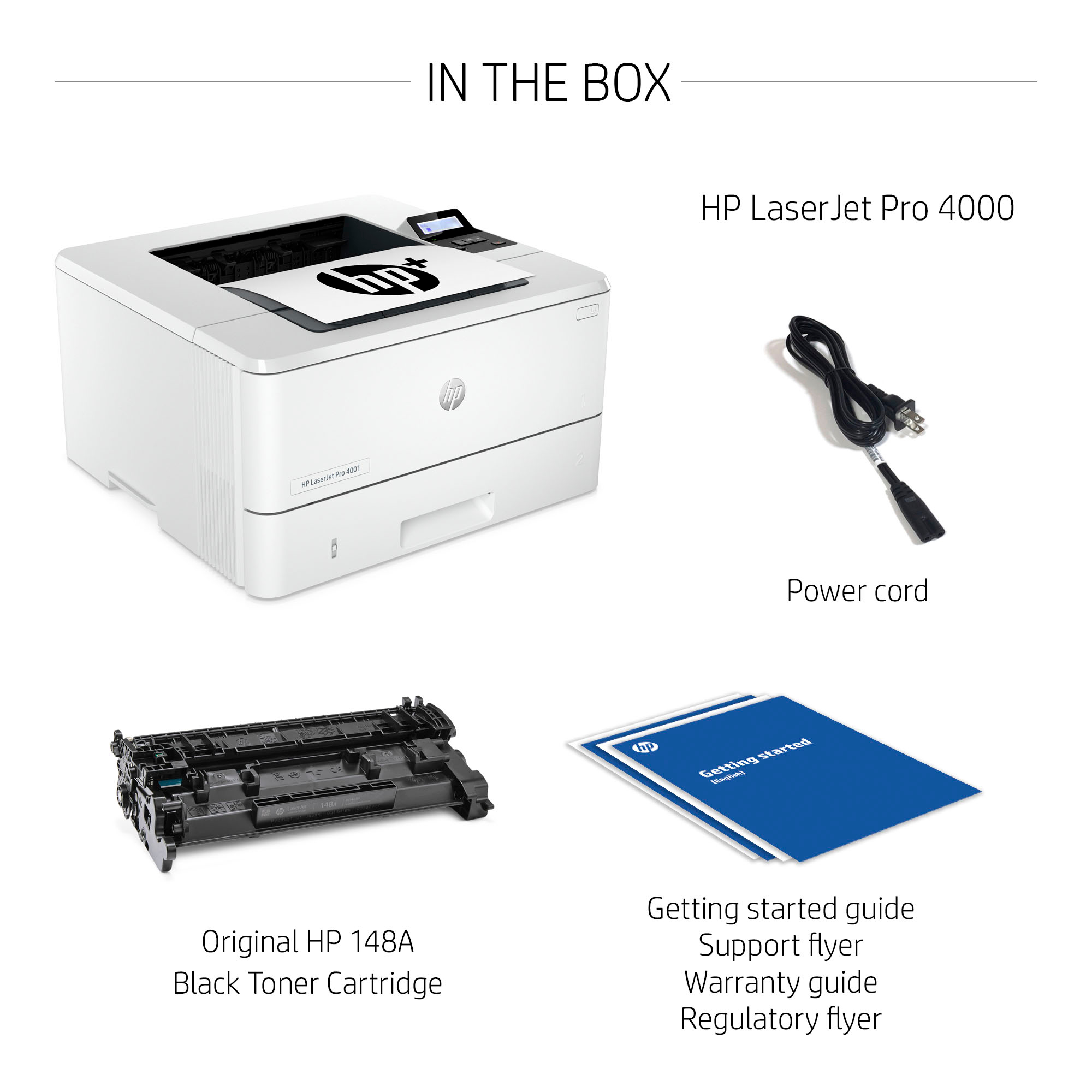
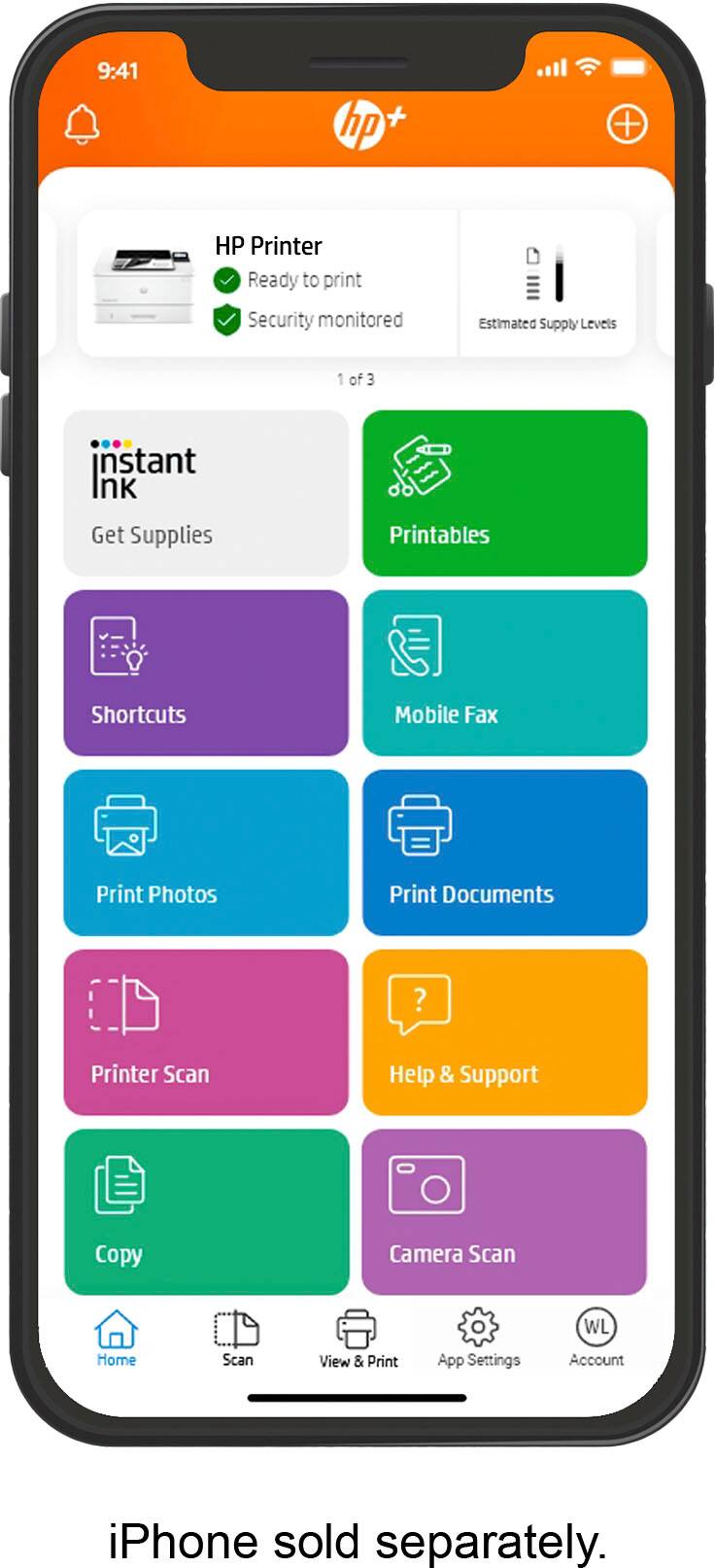
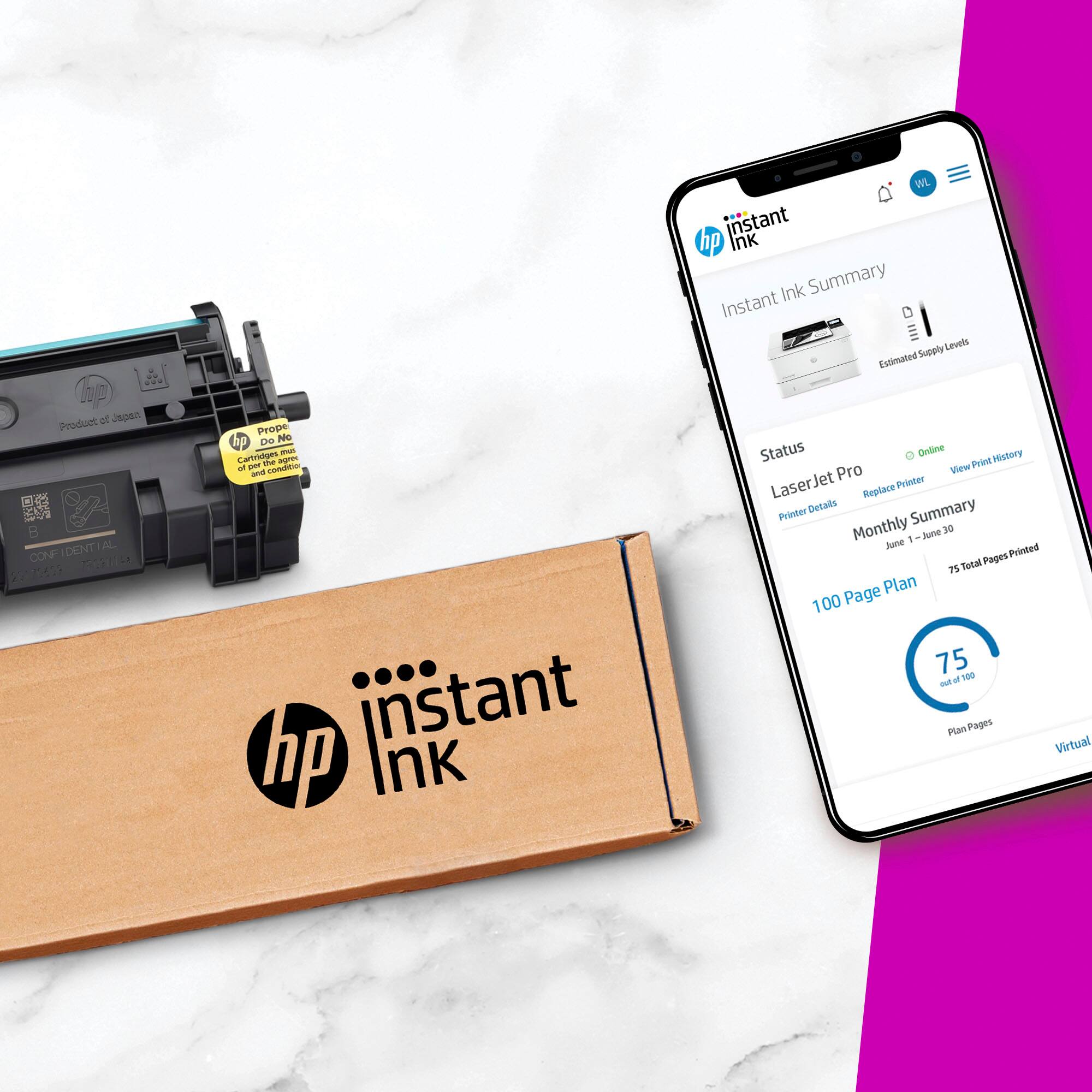
|Posted .This reviewer received promo considerations or sweepstakes entry for writing a review.To my chagrin, it was a really big surprise that the HP - LaserJet Pro 4001ne Black-and-White Laser Printer requires a hard wired, by ethernet cord, to an internet connection. I did not pay attention to the "ne" in the name, which essentially means hardwire to a network connection versus a "w" which would mean a wireless connection to the internet. So, since this is a laserjet printer, and ideal for my CPA business office application, In order to connect and make this machine usable, I wound up calling my telephone coop who is my internet provider, the only one in town, and paying them somewhere in the neighborhood of $70-$100 for them to install a plug in wired to the router that they originally gave me for free. As soon as the machine was hooked up to the internet, it tried to install itself, but it ran into a hiccup and produced an error message that no matter what I did, did not clear itself. I had to work to find a legitimate HP toll free number, not one to a group that for a fee services HP. That took more time than it should of-HP, would you give us your contact information, please. At any rate, the call went offshore and that person told me to disconnect the power cord from the wall and also disconnect the ethernet cable from the machine for at least 30 seconds. I then reconnected everything and that seemed to clear the error message that just shutting down the machine did not resolve. The tech person that I was on with had me finish the set up with HP easy connect versus use my HP Smart Connect app already downloaded on my android smartphone, I have many HP printers and have previously used this app to set up and connect those other machines. Finally, all was set up and connected, both on the desktop and on my phone so that I can print whatever I need from my computer, as well as, my phone. Pros--this is a high volume printing machine at a much more affordable machine price compared to the laserjet type machines of the 1990's and those sold the early part of this century. I remember paying over $1,000 for an earlier version that had a much larger footprint and did printed at less than half the rate for my CPA office application. This machine is supposed to print 42ppm with a 350 sheet capacity, only in black, supporting a small office, such as mine, with up to 4000 pages per month. I am a one person office, but this could easily be accessed by many people in one office. The machine comes with a power cord and a 148A cartridge in the box. However, there is a high capacity cartridge, 148X that will print up to 9,500 pages. I had to provide the ethernet cable that plugs into a high speed port. HP has an instant ink program, but I have not signed up for that yet. This machine qualifies for 3 free months and then HP, with a credit card on file when you sign up, will bill you monthly. I was about to sign up for this, as I have with 2 other machines, but the monthly fee for 1500 pages per month is $25.99 or $311.88 over a 12 month time period, which to me seemed quite costly So, I do not believe that I would use that much and therefore, I have not yet made my decision on the program. There are options to buy ink for less pages per month so I will be considering those options, tioo. This is what I get upset about because it winds up that the cost of the ink outpaces the original cost of the machine. However, i will state that HP states riight on the box that the HP+ smart printer always requires an internet connection and use of HP original toner. Oh, I forgot to mention that if you do enroll in the instant ink program, you will receive an extra 1 year warranty which will then give you a 3 year warranty, which originally had a 2 year warranty. If you need quick, high volume, reliable professional-like printing on a smaller scale, then a machine like this is for you, especially since it does not take up too much real estate on either a desk or table surface.
I would recommend this to a friend - Cons mentioned:Setup
Setup is not fun and lack of wifi.
|Posted .This reviewer received promo considerations or sweepstakes entry for writing a review.Setup has become tedious with the requirement to create an account then activate the printer using a passcode that needs to be printed from the printer. The screen and documentation are of no significant help. This printer is replacing a workhorse Laserjet 400 which was dead simple to set up and use. This had me spinning my wheels for a few hours trying to get it up and running. Documentation is geared toward setup with wifi which this printer does not have. Another feature this printer is sorely lacking is duplexing. Why these functionalities are not included is beyond me in 2022. Once I got a good nights sleep and got it working the next day the printer seems to work as it should. It is faster than my LJ 400 but I seriously do not like having to create accounts to use a printer. The stated volume and speed of the this printer is the only thing that is keeping me from giving it 1 star. It would be an easy 4-5 star printer if the setup were as simple as plugging it in and getting it running even with the omission of wifi. I have been able to get Enterprise M751 Color lasers up and running in less time. Its working now which is all that matters. Hopefully it will last as long as my Laserjet 400.
No, I would not recommend this to a friendBrand response from HP Team
Posted .Hi there.
Thanks for the review and the feedback. While I’m glad you got your printer working properly, I’m sorry you encountered such difficulty during setup. I can certainly understand why inadequate or even contradictory instructional materials would make for a frustrating exercise. I want you to know that I’ve passed along your concerns to the team that oversees and develops this product line as well as its software and documentation. I also want to help you have a better experience going forward, so I’ll suggest some resources aimed at making that happen.
To learn more about your printer, or for help solving problems, you can find the main user manual, how-to documents, troubleshooting guides and software updates specific to this model here:
- support.hp.com/us-en/product/model/35911568
You can also visit a page on our support site that has diagnostic tools for various tasks and issues, including connectivity, print quality and operating-system compatibility. There you can find a general-purpose tool called the HP Print and Scan Doctor. If you use Windows, the tool will help identify and guide you through solutions to a wide range of common printing and scanning issues. You can find the page here:
- support.hp.com/us-en/topic/diagnostics
If you need assistance with anything, I suggest you contact us directly so we can help you assess what’s happening and find a solution. HP+ printers such as yours come with exclusive concierge support. To call and reach live HP+ experts, visit the following URL and enter your HP+ serial number:
- hp.com/plus-help
Keith
HP Care
hp.com/support
- Pros mentioned:Print quality
A Simple Black and White LaserJet
|Posted .This reviewer received promo considerations or sweepstakes entry for writing a review.I was so looking forward to this HP LaserJet 4001ne printer to replace an old HP OfficeJet all-in-one color printer I've had for 6 or 7 years. After 45 minutes working on getting it setup, I gave up and phoned HP Support to see what they could do to help me get started. It turns out the HP 4001ne is not a wireless printer and requires the purchase of a wireless kit to make it into one. Software to add the printer to your computer via ethernet or USB cable cannot be directly downloaded from HP. Rather, it is required that you download HP's Easy Smart setup and activate application to use the printer. In addition, to set up the printer requires a direct ethernet connection with your internet modem or router using an ethernet cord not supplied with the printer. I spent almost an hour on the phone and online with HP Support before finally completing the setup of the printer. Once set up, you can disconnect from the modem/router and connect via an ethernet or USB cable directly with your computer. In the case you are using a late model laptop, this is not the printer for you as most new laptops no longer have ethernet connectors. You might be able to use a USB cable if your laptop or desktop has a USB slot available. The HP 4001ne LaserJet Printer prints in black and white quickly and quietly. There is no color printing option available with this model.
No, I would not recommend this to a friend - Pros mentioned:Print quality
Ready to go and great form factor but....
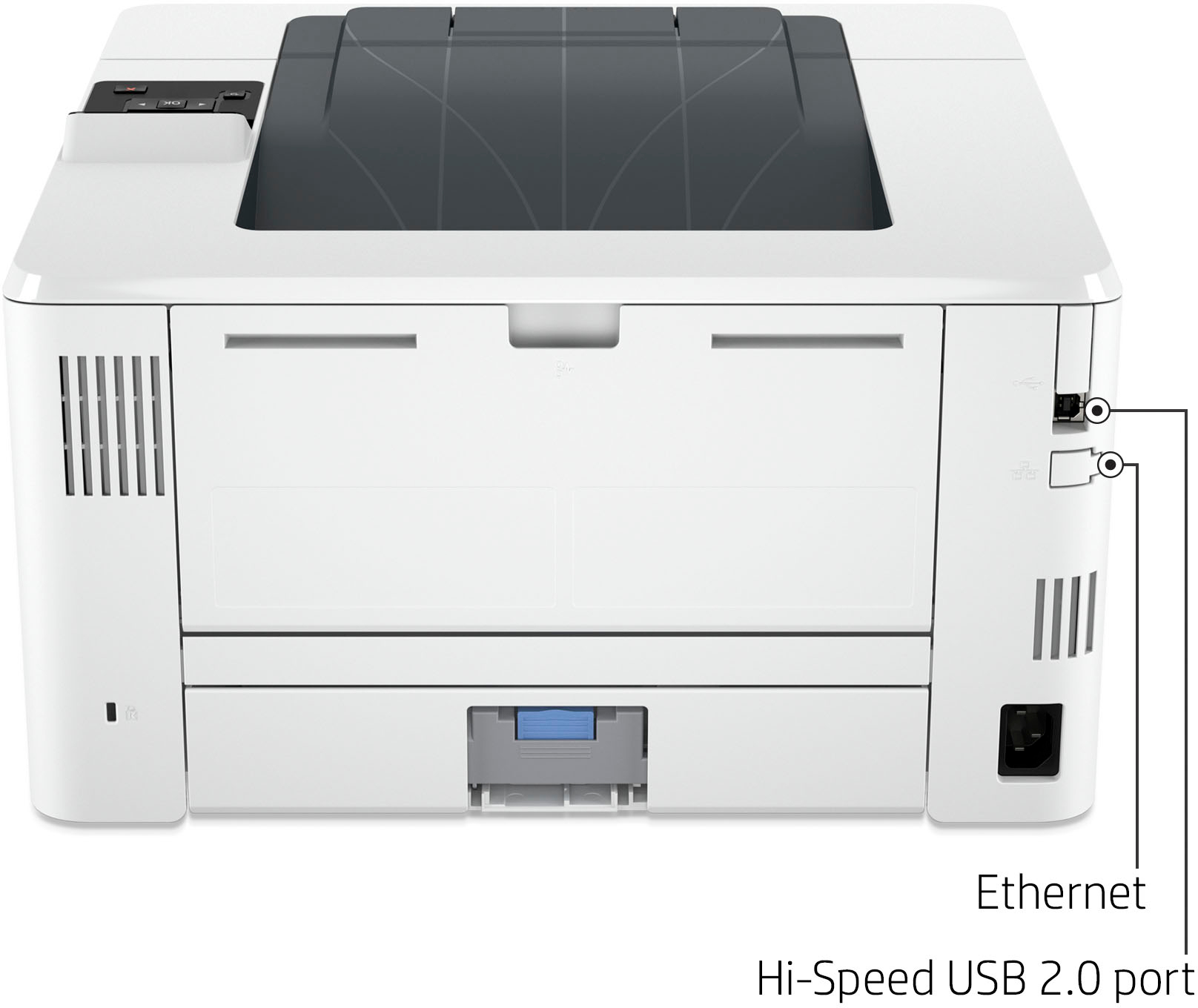
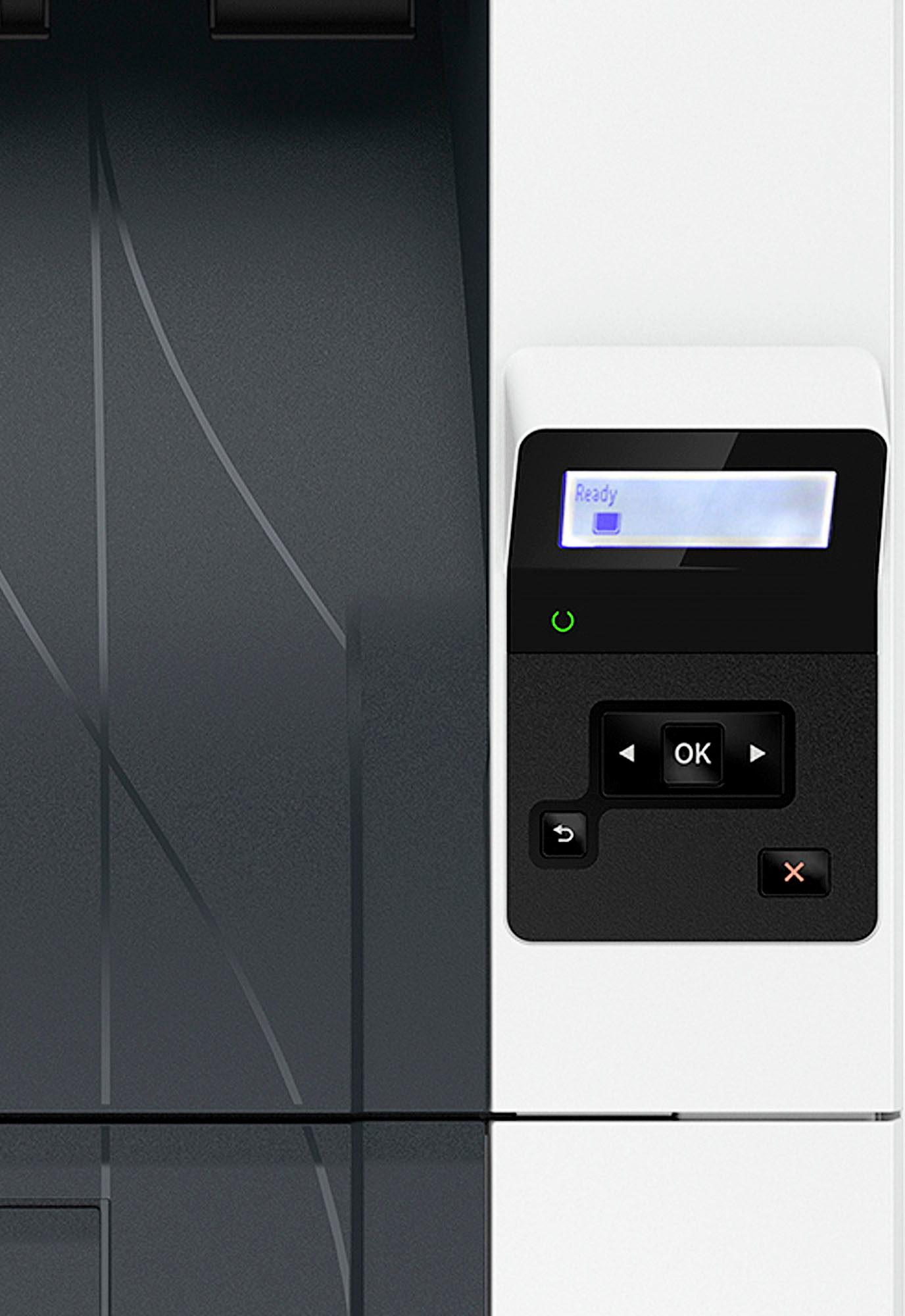
|Posted .This reviewer received promo considerations or sweepstakes entry for writing a review.So I was very excited to get this set up and out of the box I was very happy with the form factor. The toner was already installed helping to make the packaging compact as well. That is where good met the ugly. This is a wired printer and by that I mean you need an internet connection and an Ethernet cable to plug into your network. So far as I can tell there is nothing getting around this. (The Ethernet port had a label stuck over it so I didn't even try that route.) I do have a small business and although I don't have any employees I do collaborate with others. So, the ability to invite someone outside of your actual network to use the device through the HP SMART Admin app is kind of nice. I am not sure if it is because I have an unusual network configuration or what but I struggled to get the thing hooked up and a test page printed. Finally I relented and gave tech support a call. By the end I had made a good friend and the printer was working from two computers but it took a couple of hours. Again this could be because of my network and internet situation which is not standard and suffers from slow speed from time to time. The display is very small and is not a touch screen so accessing any setup with any ease at all needs to go through the app. When setting up, there is an option to use their smart ink program. You should accept this as it will give you extended warranty along with other benefits which for a small business would be very worth it. The print quality is great and easy to read. Along with a speedy output speed of up to 42 pages per minute. I would have given the full 5 stars with the warning that this is not suited for most personal uses except for the setup issues. It is working fine and I expect it to be a great workhorse for me.
No, I would not recommend this to a friend - Pros mentioned:Print quality
Great Home Office / Small Office Choice
|Posted .This reviewer received promo considerations or sweepstakes entry for writing a review.Great printer. This thing is very fast, at least as compared to my existing home bubble jet printers. Specs say up t 42 PPM and that seems about right. My legacy printers are closer to 7 to 10 PPM so this is a big step up. The quality of print was tight, right and precise. Again, a slight edge over legacy home bubble jets. I am going to split my print jobs between this and other devices that are already on my network. As a realtor, it is often required to print contracts, counters, objections and other print (non-picture) items and this HP will do that job. One reason, because it does it better, but also because over the life of devices, this should do those jobs for significantly less cost. It does support remote printing with the HP app and it says it supports Apple Air print but I did not test either because I have had no use for remote printing since I do most of my work from my home office. Set up was pretty simple, about average for any printer. One important note however, this does require an Ethernet 10/100/1000BASE-T network; 802.3az(EEE) so make sure you have the ability to have a wired connection. And of the day, very good choice, especially for small business / home office printing.
I would recommend this to a friend - Pros mentioned:Print quality
Quality build with usability issues
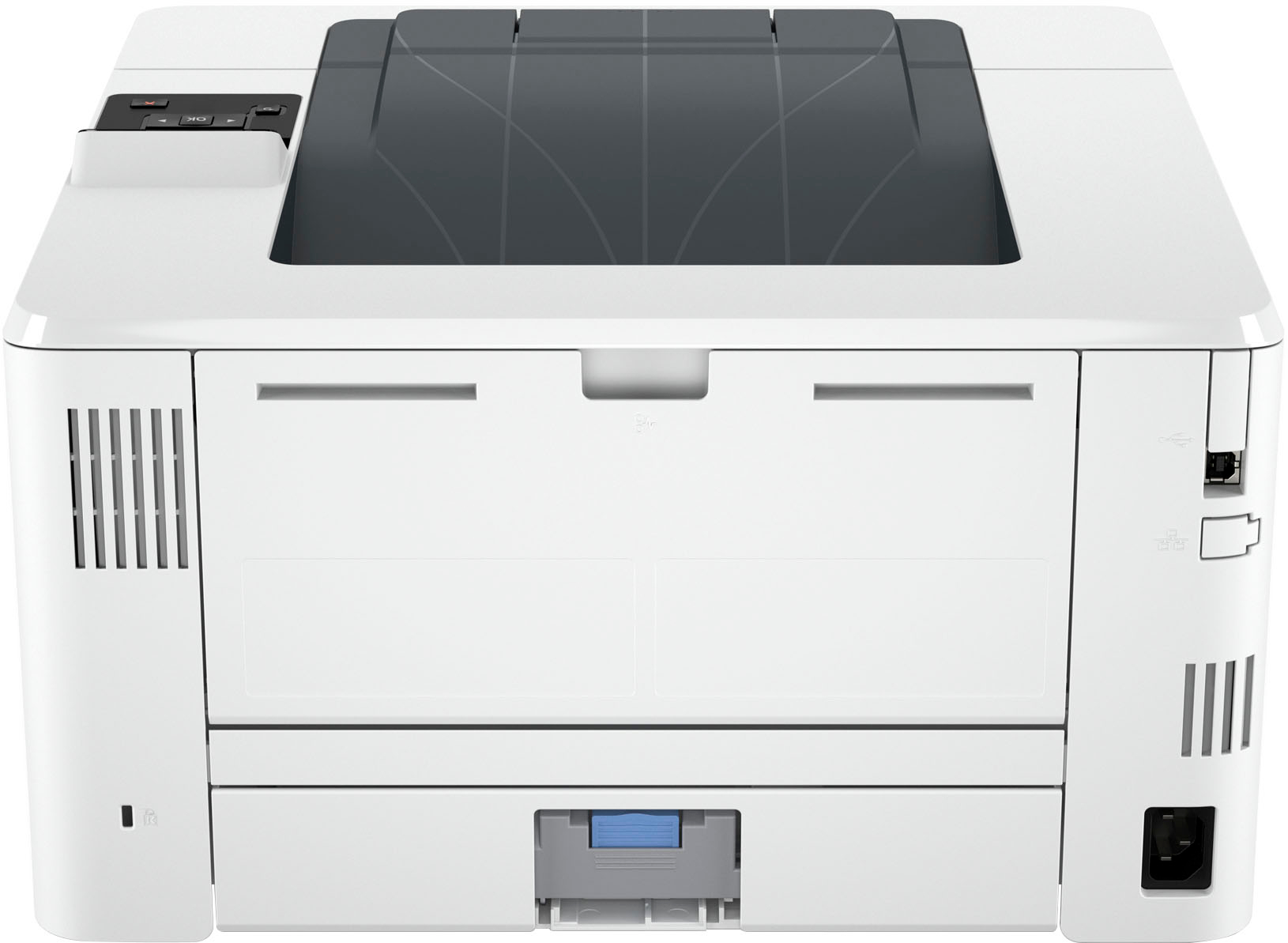
|Posted .This reviewer received promo considerations or sweepstakes entry for writing a review.https://www.bestbuy.com/site/ninja-programmable-xl-14-cup-coffee-maker-pro-glass-carafe-freshness-timer-with -permanent-filter-black-stainless-steel/6512367.p?skuId=6512367 Manual: https://support.hp.com/us-en/product/hp-laserjet-pro-4001-4004ne-dne-dwe-hp-printer-series/2100895701/model/35911568/manuals Quality printer with a few issues: Delay in print is unacceptable in internet/intranet mode No duplex of any kind (any size business needs auto duplex) No WIFI but installed LAN connection works USB-B is taped over but works/all ports work Install was missing a step Power cord disconnects if you move the printer and put any strain on the cord Setup: Download all the apps/manuals and put them in a folder on your desktop. Follow the directions exactly on initial setup. The blinking getting ready light means that you need to install the setup/start app that you down-loaded. You can opt out of the paid service at anytime but the first 3 months is free. Just do it! They will then send you the first setup Cart free. Also, you will need to adjust the printer to high quality mode in the app or in your printer settings in control panel. Be advised to not move the printer in anyway while you have it turned on. Power cord will disconnect on you. Final thoughts: Get the Duplex version For faster print speeds use the USB-B cable jack. This a solid heavy quality unit Fits on most desktops What's Included: HP LaserJet Pro 4001ne Printer Power cord HP 148A Black Original LaserJet Toner Cartridge Specifications Key Specs Voice Assistant Built-in No Mobile Device Printing Yes Networking Wired ENERGY STAR Certified Yes Printer Type Printer Duty Cycle Up to 80,000 ISO Mono Print Speed 42 pages per minute Monochromatic/Color Monochromatic Compatibility Voice Assistant Built-in No General Product Name LaserJet Pro 4001ne Black-and-White Laser Printer with 3 months of Instant Ink included with HP+ Brand HP Display Screen Yes Display Screen Size 1 inches Model Number LaserJet Pro 4001ne Color White Color Category White Connectivity Printer Connectivity Ethernet, HP Smart, Apple AirPrint, Mopria Print Service, USB 2.0 Minimum System Requirements 2 GB available hard disk space; Internet connection or USB port; Internet browser. Dimension Product Height 9.5 inches Product Width 15 inches Product Depth 25 inches Product Weight 18.13 pounds Feature Portable No Automatic Document Feeder No Photo Printing No Automatic Reduction/Enlargement No Touch Screen No Automatic Two-Sided Printing No Wide Format Printing No Wide Format Scanning No Regulatory & Listing EPEAT Qualified Yes EPEAT Level Silver Ink Compatible Cartridges HP 148A Black Original LaserJet Toner Cartridge, HP 148X Black Original LaserJet Toner Cartridge Ink Subscription Service Available Yes Number of Black Cartridges Included 1 Number of Color Cartridges Included 0 Number Of Cartridges Required 1 Memory Internal Memory Yes Memory Card Slot No Paper Info Paper Feeder Bottom loader Paper Handling 100-sheet multipurpose Tray 1, 250-sheet input Tray 2; Up to 350 sheets (Tray 1: up to 100 sheets; Tray 2: up to 250 sheets) Standard Supported Paper Sizes Letter, Envelopes, Labels Tray Capacity 150 Performance Approximate Page Yield (Black) 2900 Printer Resolution (Black) Up to 1200 x 1200 Output Tray Capacity 150 sheets Recommended Monthly Volume 750-4000 First Page Out Time 6 seconds Warranty Manufacturer's Warranty - Parts 1 year Manufacturer's Warranty - Labor 1 year Other UPC 195161269448
No, I would not recommend this to a friendBrand response from HP Team
Posted .Hi there.
Thanks for the thorough review. While I’m glad you like your printer overall, I’m sorry you encountered setup difficulty and printing delays in addition to dissatisfaction with some of its features. Regarding setup, I’ve passed along your concerns to the team that oversees this product line and its documentation. The members are aware of the issue and are working on it. I want to help you resolve the delay issue and have a better experience going forward, so I’ll suggest some resources I hope will reach that end.
To learn more about your printer, or for help solving problems, you can find the main user manual, how-to documents, troubleshooting guides and software updates specific to this model here:
- support.hp.com/us-en/product/model/35911568
You can also visit a page on our support site that has diagnostic tools for various tasks and issues, including connectivity, print quality and operating-system compatibility. There you can find a general-purpose tool called the HP Print and Scan Doctor. If you use Windows, the tool will help identify and guide you through solutions to a wide range of common printing and scanning issues. You can find the page here:
- support.hp.com/us-en/topic/diagnostics
I can’t tell from your review what caused the delay you describe, or whether the power-cord problem you cite needs further investigation. For these I recommend that you contact us directly so we can help you assess what’s happening and find a solution. HP+ printers such as yours come with exclusive concierge support. To call and reach live HP+ experts, visit the following URL and enter your HP+ serial number:
- hp.com/plus-help
Keith
HP Care
hp.com/support
- Pros mentioned:Print quality
Great printer once all setup
|Posted .This reviewer received promo considerations or sweepstakes entry for writing a review.This is a great workhouse of a printer. Fast and efficient. Copies are crisp and the quality is of higher end printers. It is a great addition to my office space, and I am sure it will serve yours as well. The issue I consistently have with HP is the initial connection. WiFi is fine, computer is ready to find, but the initial handshake consistently fails. I've had this issue before with HP inkjets. A few restarts, disables and reboots and we are good to go, but the initial run can be a pain. With my inkjets I've experienced this sporadically on random prints. Once again, a few reboots/restarts we are good to go, but it can be a hassle. Is it worth the pain? Yes, because I enjoy the product and quality, but be ready if you are lucky enough to face this issue. I will say, the HP integrated app has cut down on the instances greatly, and so far, I have not experienced any issues with this unit. In short, this is a great printer and will not disappoint. Once all is set-up and functioning, it's a wonder. I would recommend.
I would recommend this to a friend - Pros mentioned:Print quality
No duplex printing and muted prints are a problem
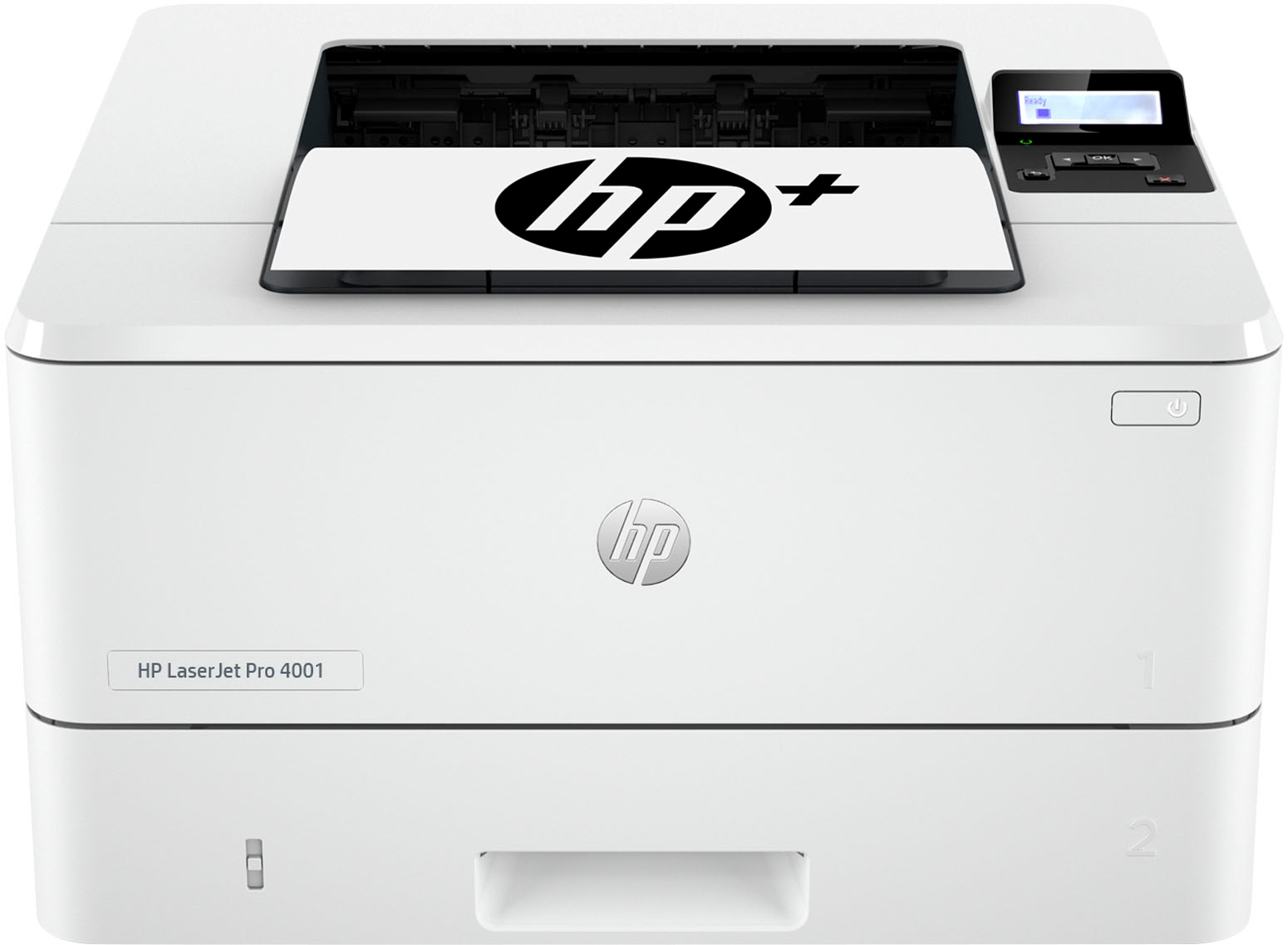
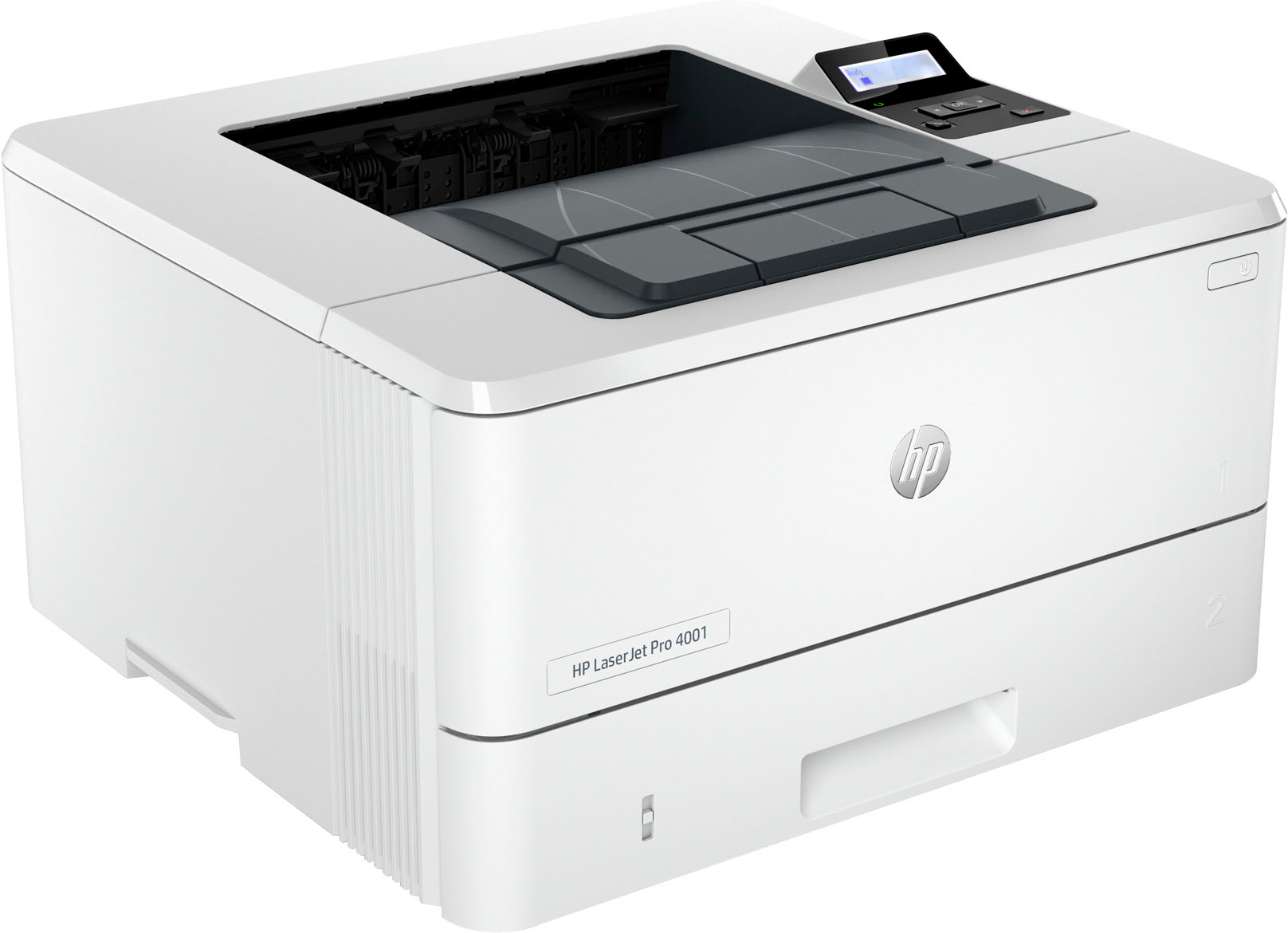
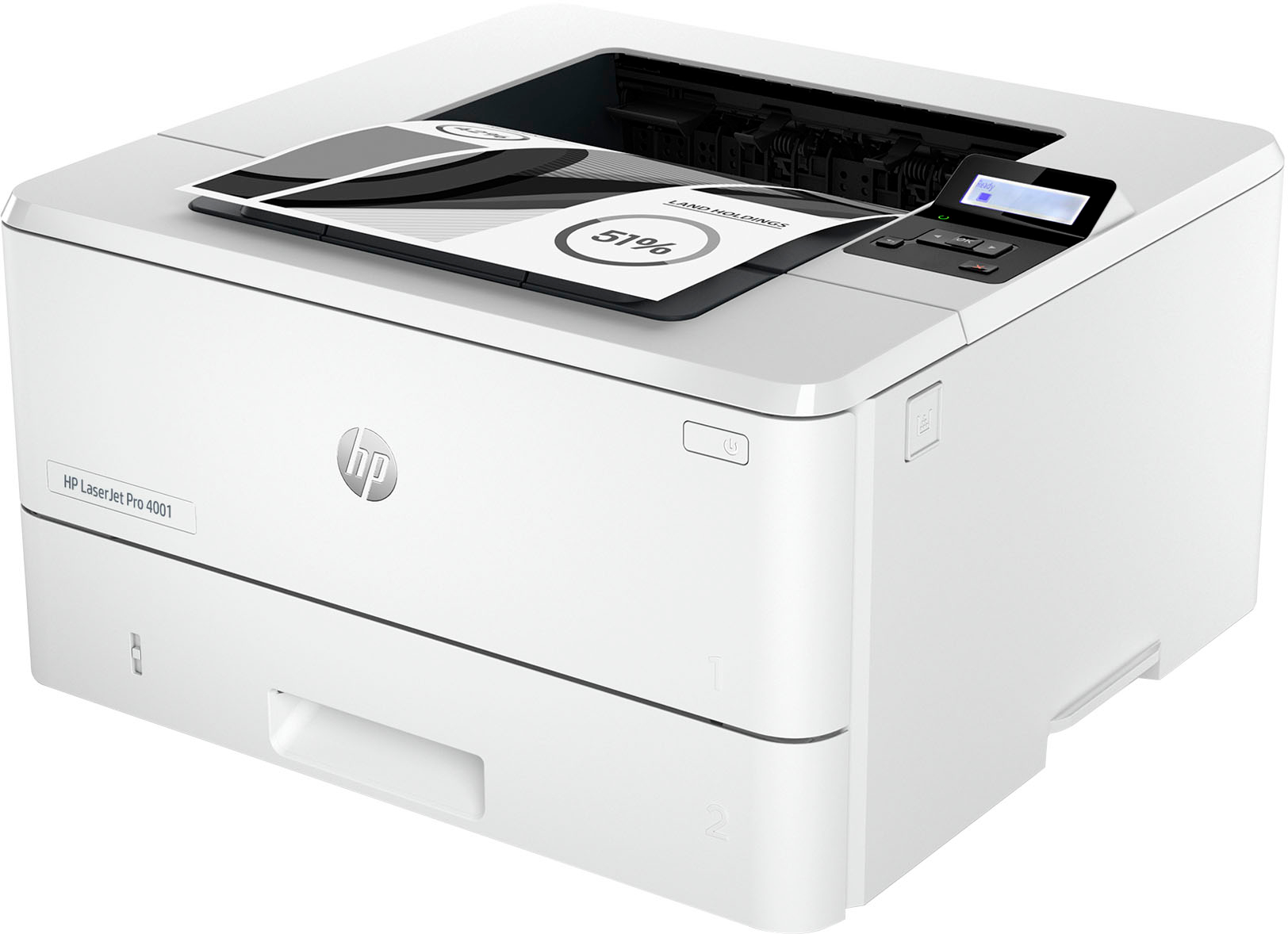
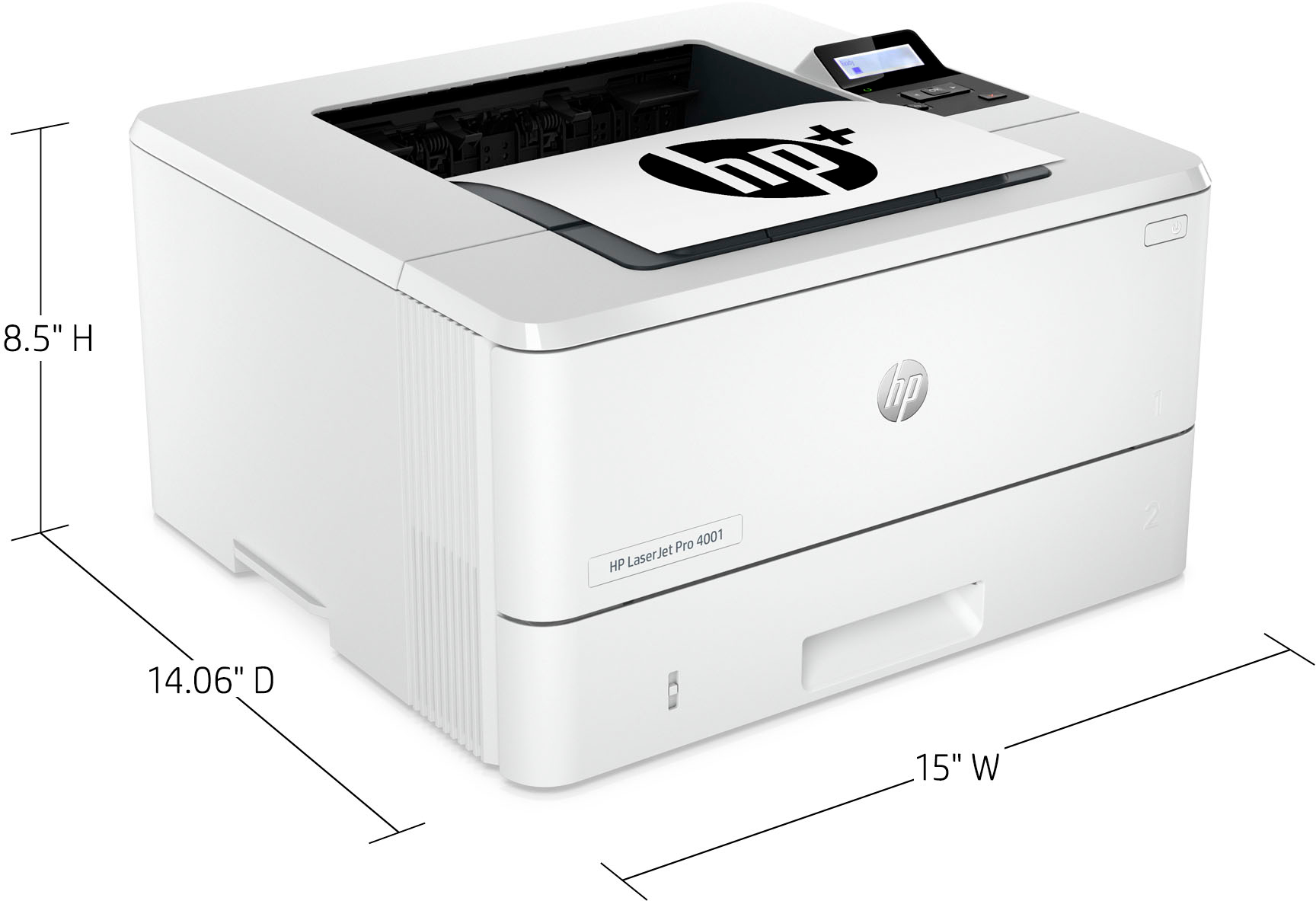
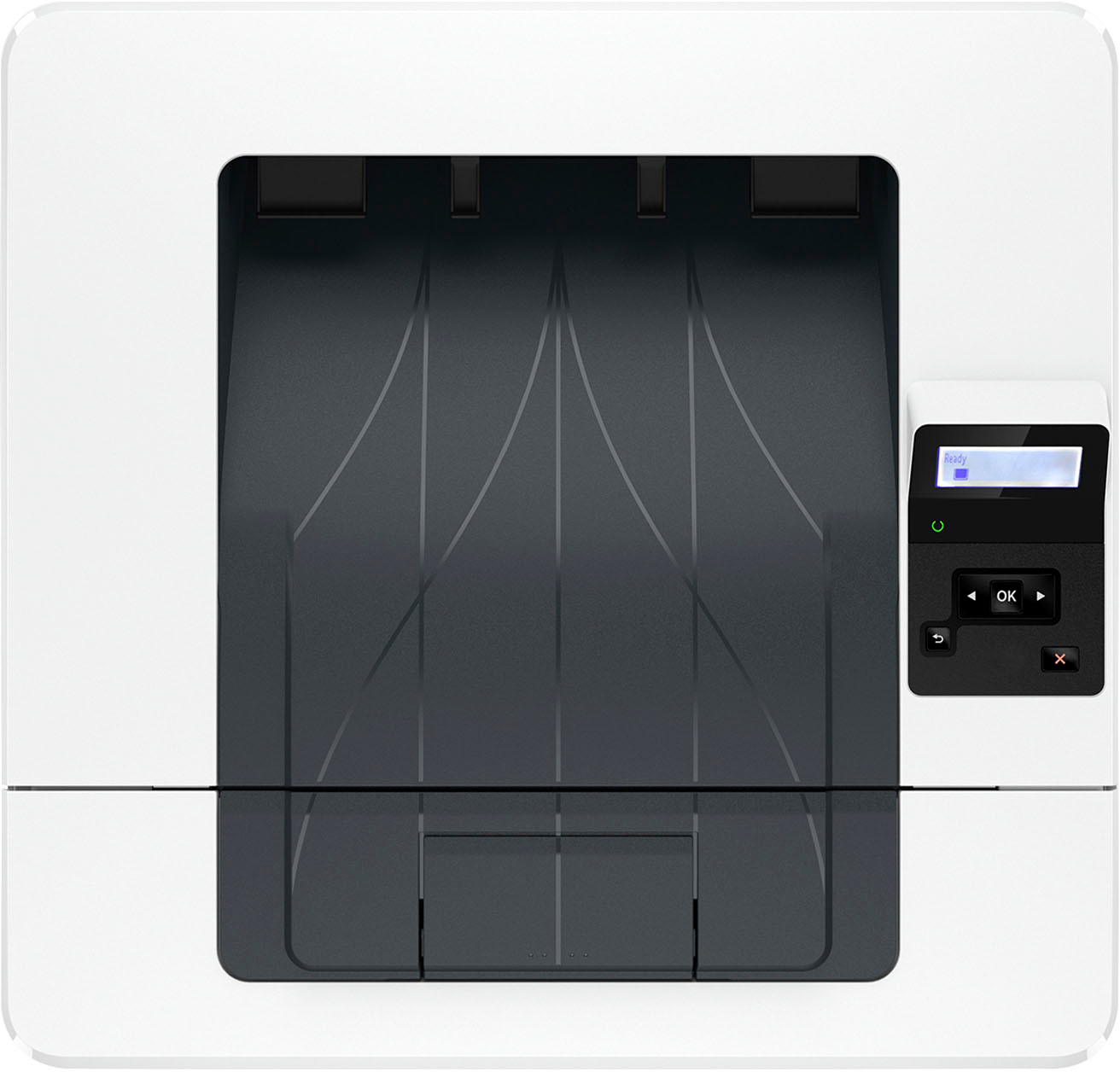
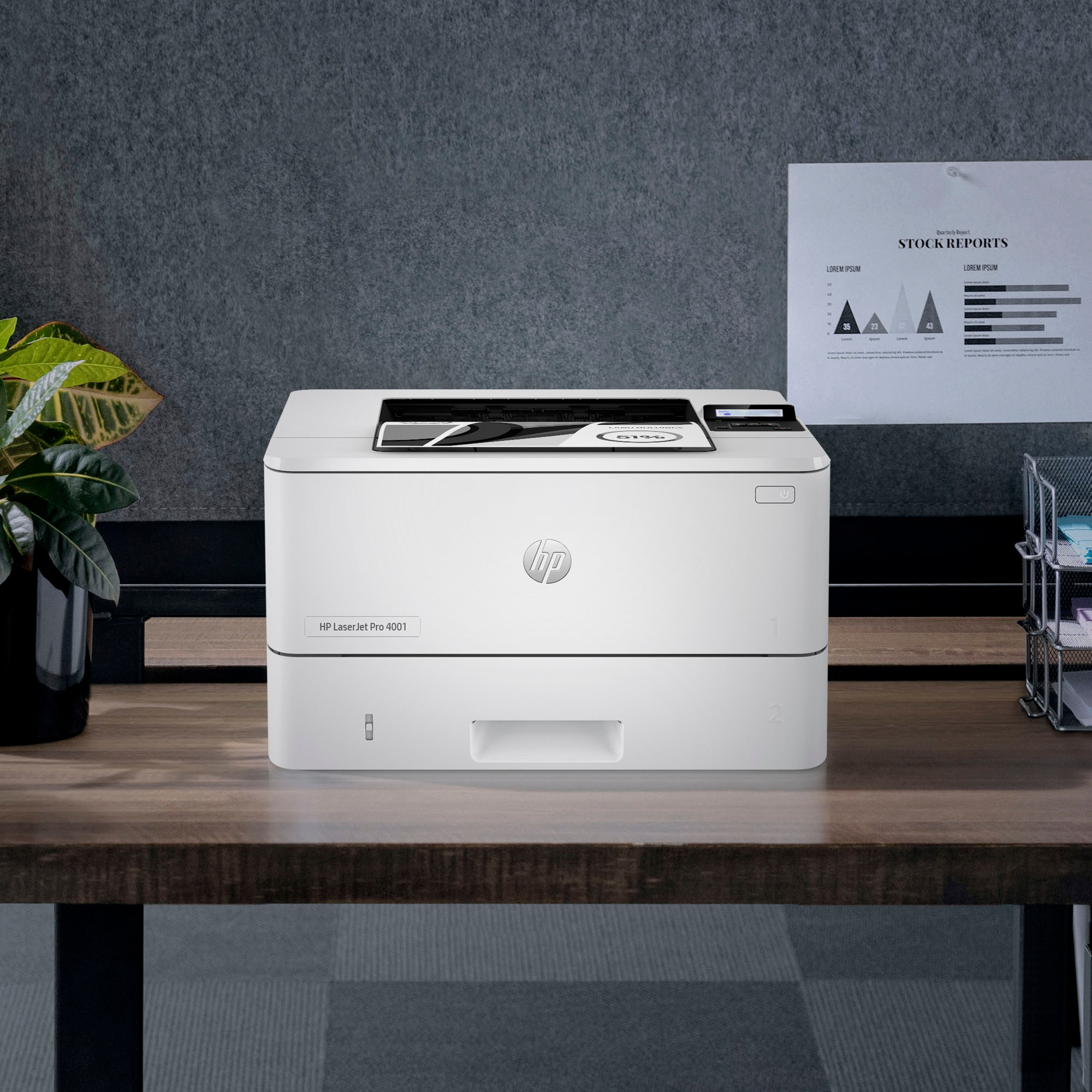
|Posted .This reviewer received promo considerations or sweepstakes entry for writing a review.Last year I picked up the world’s smallest laser jet printer (in its class) - the HP LaserJet M110W. The black and white printer made a number of compromises in order to take up less space on a desk (it’s 13.6 X 7.5 x 6.3 at 8.4 pounds) yet it managed to produce excellent printed pages. I was anxious to see if a “Pro” model from HP offered anything better than the M110W. I was underwhelmed with the results. The HP LaserJet Pro 4001 offers a traditional laser jet printer in the physical dimensions of being a no frills big square hunk of plastic (15 X 14.06 X 8.5 at 18.13 pounds) with a non-movable LED display and a proper paper tray designed to handle large printing loads. HP even offers the option to add a third printer tray capable of holding an additional 550 sheets. What this printer is sorely missing though is duplex printing. In an age where saving the planet and conservation of materials is at the forefront of most businesses, HP continues to release printers that don’t offer duplex printing. For conservation efforts HP gets a +1 for no longer including a USB cable so that’s one less item for a landfill. It also means a headache if you one of the few who insist on connecting the printer directly to a computer. The preferred method of connectivity is Wifi but the unit ships with an Ethernet connection as well. I was most interested in what the “Pro” label adds to the functionality beyond being able to hold more paper and having an ethernet port. Looking at the spec sheet it translates to faster print speeds, more printing (80,000 pages a month instead of 8,000), more memory, a faster processor, and yes holding more paper, which really boils down to how many people are sharing this printer and will be printing at the same time. If you need a workhorse printer for a small office this printer is a good buy. But I will caution that where things get weird is what I would describe as print quality. On the technical specifications sheet HP moved from FastRes 600 up to FastRes 1200 and now includes HP ProRes1200 and the stated resolution is what they call Fine Lines (1200 X 1200 DPI). In other words, everything should look better on paper from the previous generation of the printing technology. But print the same thing on the M110 and put it next to a print from the Pro 4001 and you’ll find the M110 produces what I can only describe as “brighter” prints which to my eyes are easier to read. This behavior is consistent with black and white photos, color photos printed in black and white, technical white papers heavy on small text and light on charts and graphs, it just doesn’t seem to matter what is printed, everything looks better coming out of the M110. That’s not to say what’s coming out of the Pro 4001 is bad, it’s just not as vivid. Overall I expected a better print quality from a Pro model and it’s just not there, though the lack of duplex printing is a much bigger shortcoming.
No, I would not recommend this to a friendBrand response from HP Team
Posted .Hi there.
I’m sorry you’ve had a difficult start with your printer. I can wholly understand your disappointment, considering you’ve not found the two-sided printing feature you’d like, and that you’re not pleased with print quality. I want to help you resolve these issues, so I’ll provide some resources and clarifying information I hope will reach that goal.
First, while you’re correct that your printer lacks automated duplex printing, it does have a manual function that accommodates two-sided prints. I suggest you consult the main user manual on our support site, specifically the sections called “Manually Print on Both Sides,” for Windows and Mac OS, under the heading “Print.” Find that manual here:
- kaas.hpcloud.hp.com/pdf-public/pdf_3933081_en-US-1.pdf
Next, I suggest you follow the steps in a guide to improving print quality in mono laser printers that you can find on our support site. Issues covered include light or fuzzy print, gray background or dark print, dark or light bands, skewed images, and smears or streaks. Find that guide here:
- support.hp.com/us-en/document/ish_6048338-3496983-16
If any problem persists, I hope you’ll contact us directly so we can help you assess what’s happening and find a solution. HP+ printers such as yours come with exclusive concierge support. To call and reach live HP+ experts, visit the following URL and enter your HP+ serial number:
- hp.com/plus-help
Keith
HP Care
hp.com/support
- Pros mentioned:Print quality
HP 4100ne LaserJet printer
|Posted .This reviewer received promo considerations or sweepstakes entry for writing a review.HP 4100ne LaserJet printer Quality: The quality of the printer is bar none. The packaging kept everything in tip top shape without any breakage. The plastics for the main printer feels very durable. The clamps for changing the paper width is a flimsy plastic for the releases. I expected more quality in this area, however saying that, I was pleased that the paper was able to go in better than if they were rigid and the clamps snapped in place as expected. Performance: I tested printing a vehicle window sticker. It printed clear and precise, very legible for small print which is why I chose to print the window sticker. I could read everything without fail, no blur and no smearing. The ink toner cartridge goes in and out of the printer without any issues. I took it out a couple of times to make sure there wasn’t any packing materials in the slot. Hardware: The printer is very fast, hooked it to my home network by ethernet, this is not a wireless printer there is a model similar that does offer wifi. This is not an issue since I have ethernet in my home office. I have always found it to be more consistent for printing. I connected my laptop to my home network, setup the print drivers and was able to print quickly. Print speed is really fast. No hesitation at all. Overall: If you need a quality laser printer and need one that will be dependable and fast, this Is the printer for you. I would highly recommend the printer to anyone who is looking for a quality printer.
I would recommend this to a friend - Pros mentioned:Print quality
Great Laserjet for a great price
|Posted .This reviewer received promo considerations or sweepstakes entry for writing a review.Being older, I've been through quite a few printers. Not only for my small business but for home/personal use for the family. And through this my go to have become two brands, HP and Brother. Both have been consistent with no issues and good simple features. But through out the last few years, I've now purchased mainly HP printers. This is because of their apps for your cell phone and for my computer, windows, I have no experience with Apple os. I like simplicity and the app for windows is straight forward. Very easy to understand and navigate. When you run into trouble, the help buttons can probably solve any issues. Youtube also helps. LOL. As for this model, it is a laser printer with toner cartridge and NOT an inkjet. It is more for straight productivity printing than anything else. Great for a small business. Set up is straight forward as well but know that you will need a computer to set this unit up. It can take a minute the first time but since I already have the app, it was quick and easy. My app found the new printer easily. Printing was fast and the print was quality was very good. I'm quite happy with this printer. I would recommend this printer for anyone that has a small business or maybe a college student that has to print something in volume. Again, the printer is fast, much faster than an inkjet. Beware, this unit does not print in color. Other than that, I think it's pretty darn perfect.
I would recommend this to a friend - Cons mentioned:Setup
Ethernet only? Really???
|Posted .This reviewer received promo considerations or sweepstakes entry for writing a review.So I decided to pick up this printer to replace my old Brother Inkjet printer. Got the printer out of the box and proceeded to hook it up to my computer. For some reason this printer can only be hooked up to your computer via a LAN connection. I thought the printer was wireless but unfortunately it is not. Also there is a USB port on the back of the printer but it is covered with a sticker telling you to not use USB. So the ONLY way you can connect this printer is via an Ethernet cable. I tried connecting an Ethernet cable from my computer to the printer but the setup would not finish. To set up this printer you have to download the HPSmart program and then follow the steps on screen. The program would see the printer but the final step in setting up the printer is to input an 8 digit code that is supposed to print out of the printer. My printer never printed this code. I called HP support and after talking to multiple people and spending about 5 hours on the phone over the course of a couple of weeks we came to the conclusion that the only way I could get this printer to work was to connect an Ethernet cable from my router to the printer. The problem with doing this is that my router is in a different bedroom than my computer. So I had to have the Ethernet cable going down the hall and around the corner. This is just ridiculous. Whatever happened to the good ol days of just hooking up a USB cable to a printer and being done?!?! Whoever designed this printer at HP should be fired. You have to download a program, go online and then input a code??? It's a printer not some black box for launching missiles. There is no reason why a printer needs to be hooked up to a network to print. Seems like HP is just trying to use this printer to data mine. Guess I'm going back to my Brother inkjet printer.
No, I would not recommend this to a friend Could never get it to work!
|Posted .This reviewer received promo considerations or sweepstakes entry for writing a review.I have a laser printer at work and was excited at the possibility of having one to use in my home. I never print in color so using a toner cartridge seemed like a great idea. The excitement quickly ended when I plugged it in. The printer flashed a green circle/amber triangle continuously. The (limited) instructions do not reference this combination of flashing lights, and only mention flashing amber. The instructions interpret this as "printer needs attention" yet do not offer any suggestions as to what kind of attention it needs or where I may find the necessary information. A search of HP Support provided no help at all. Thinking I had an issue with my connection, (this is not a wireless printer) I tried a USB/printer cable but never made it past the flashing light combination. In a desperate measure, I finally contacted HP support via email. They replied within 24 hours, suggested a "zoom" call at a specified time, and provided 2 phone numbers and an access code. I called both numbers but the access code they provided "was not valid". Apparently HP was expecting my call, contacted me via email, and called me to conduct the help session. There were 3 people on the conference call and after 40+ minutes, they admitted that they had no idea what was wrong. . At one point, they asked me to use a USB connection although the USB connection port is covered with tape, and the instructions clearly state, "do not use USB for set up". The call ended and they promised to get back with me. We even tried a series of button pushing which was supposed to access a hidden menu but we could never get past the flashing lights. Two follow-up emails and they've yet to call me back with any possible solutions. It's been a week now and I've given up. There is mention of using an ethernet cable but my laptop (which I use as a desktop) does not have an ethernet port (one of the HP Support people had the same scenario with their laptop). Also, the ports on my router are currently full, and I shouldn't have to buy a switch just to install a printer. The software which is required to set up the printer deleted my previous HP printer and I'm still trying to reestablish that connection. It shouldn't be this difficult to install a printer, especially one in this price range. At this point I have an HP4001 ne that would work best as a small boat anchor, or will most likely end up in the trash. I would NOT recommend this printer.
No, I would not recommend this to a friendBrand response from HP Team
Posted .Hi, Michael.
I’m sorry you had such a challenging time attempting to set up your printer. It’s easy to understand why you’re frustrated, having put in so much effort and even getting help from live support over the course of several days. I want to help you understand what’s happening and get the device working like it should. I hope the information and resources below reach that end.
First, this printer is designed to be set up via ethernet. I know you mentioned ethernet is not currently an option for you, but if you can accommodate it, I recommend that you follow the directions in this guide you’ll find on our support site:
- support.hp.com/us-en/document/ish_6133454-5658274-16
I also apologize if the setup material that came with the printer was not clear enough regarding connectivity, and that our support agents weren’t up to date on the ethernet requirement. This is a new product, and I’ve passed along your feedback to the people overseeing it. I’m assured that they’re working on correcting any documentation, software and training that’s unclear.
If you need further assistance, I suggest you contact us directly so we can help you assess what’s happening and find the best course of action. HP+ printers such as yours come with exclusive concierge support. To call and reach live HP+ experts, visit the following URL and enter your HP+ serial number:
- hp.com/plus-help
Keith
HP Care
hp.com/support
So Much Better than an ink jet printer
|Posted .This reviewer received promo considerations or sweepstakes entry for writing a review.Forgot how much I prefer a document printed from a laserjet versus an ink jet printer. The speed at which a print job prints, the fact that you can touch the document immediately without any smudges and as silly as it sounds, the warmth of the print job right from the printer. I have installed this as my default printer for my home office. I know this is a black and white printer but I went ahead and took a print screen of my desktop and printed it. Pleasantly surprised to see all the detail of the various windows and it was readable. Lightweight and neat little box measuring 14" wide, 14" deep and 8" high. Fits quite nicely in my slim office bookcase. I found the setup not quite as simple as I think it should be. I think i should plug it in and the network should find it and it then shows up in the list of printers available. This Laserjet 4001 is the ne, not dwe so it required an ethernet cable to be connected to my network. What?? Who does that anymore! Also, you have to install the HP software and run through that process. Finally, you need to add it as a device in the printer area of the computer. The whole thing took less than an hour after I figured out I needed an ethrenet cable. Worth the effort for that fantastic print job from a laserjet.
I would recommend this to a friendAwsome
Posted .This reviewer received promo considerations or sweepstakes entry for writing a review.Best printer i ever owned special thanks to best buy for recommendations. Keep up the good work
I would recommend this to a friend



















