Customer Ratings & Reviews







- Model:
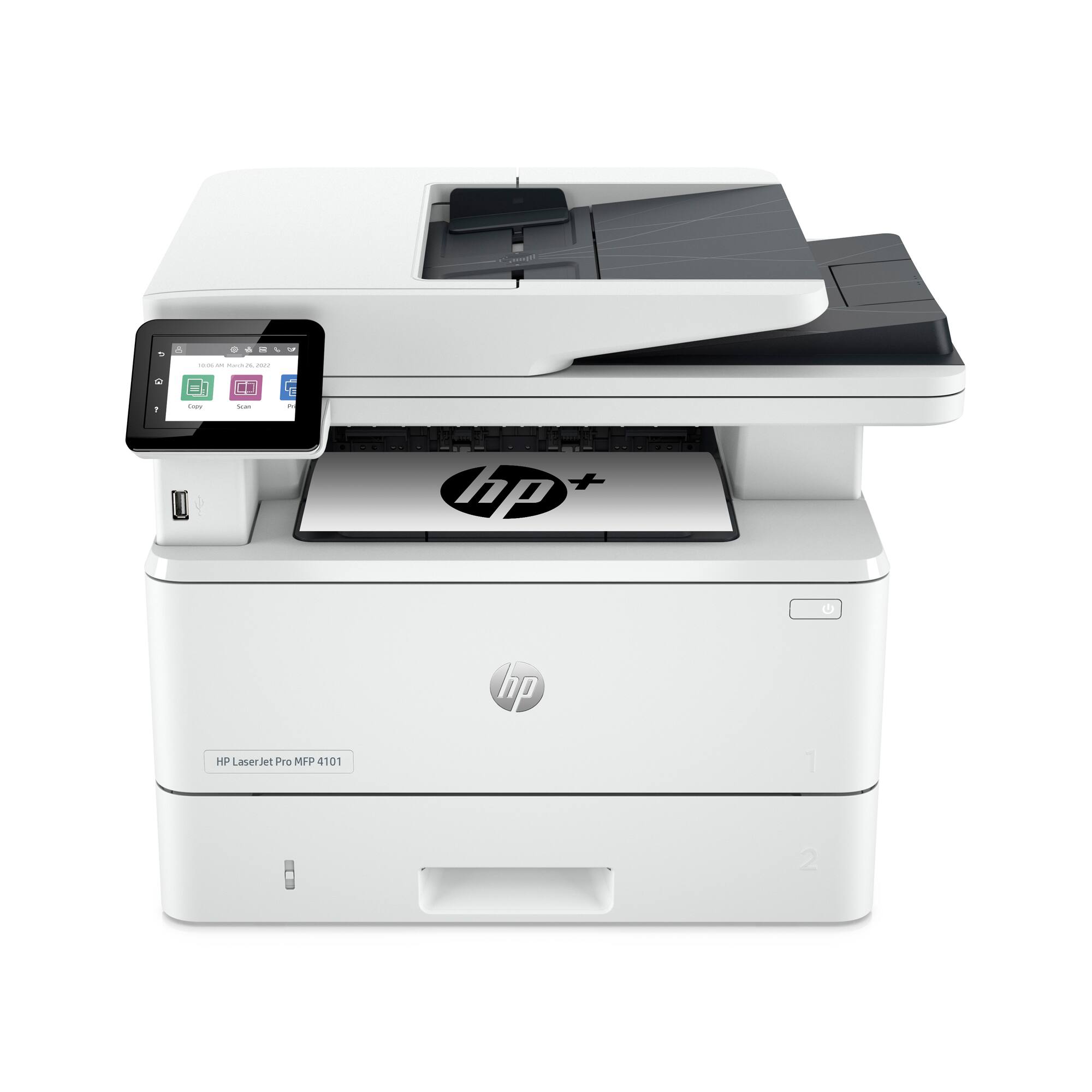
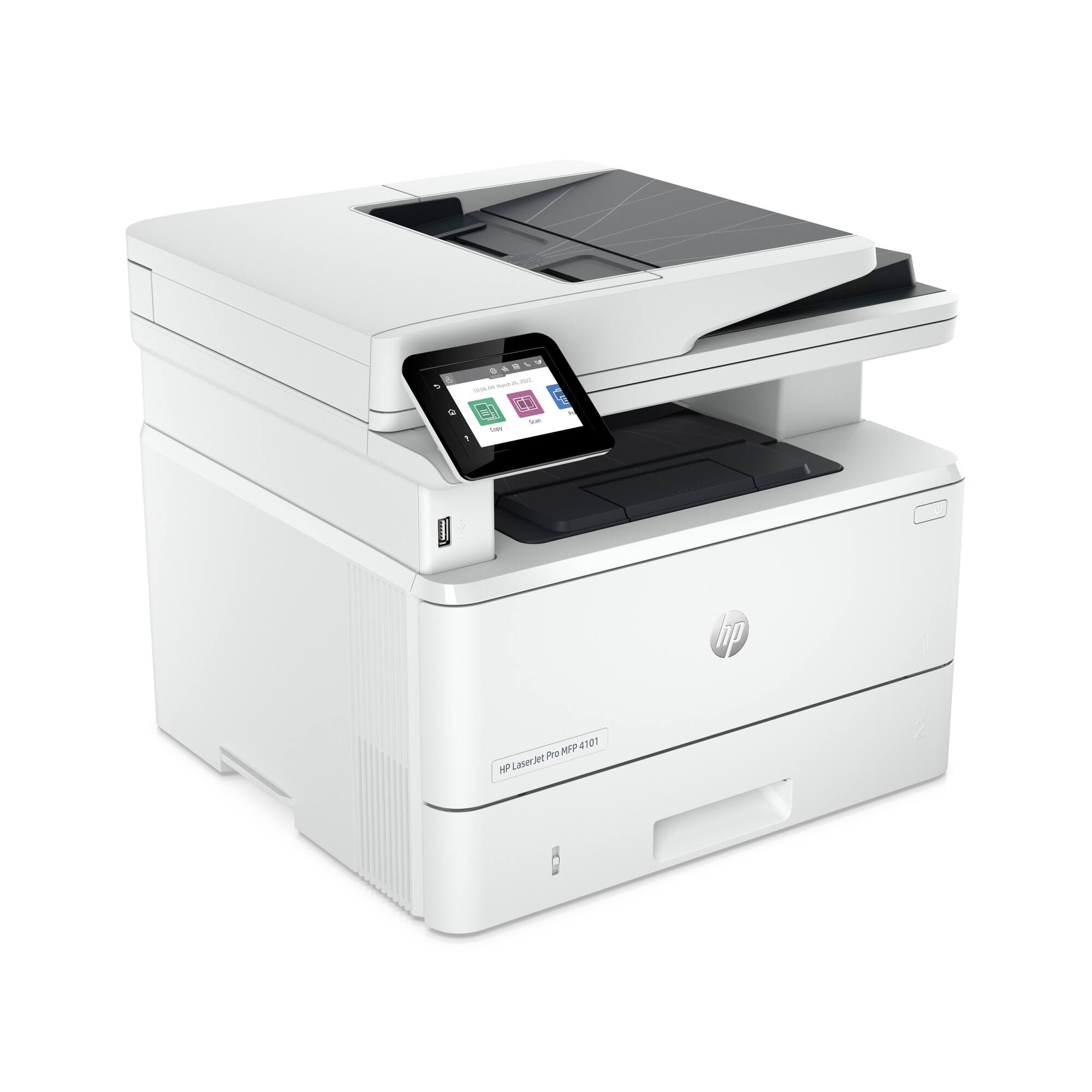
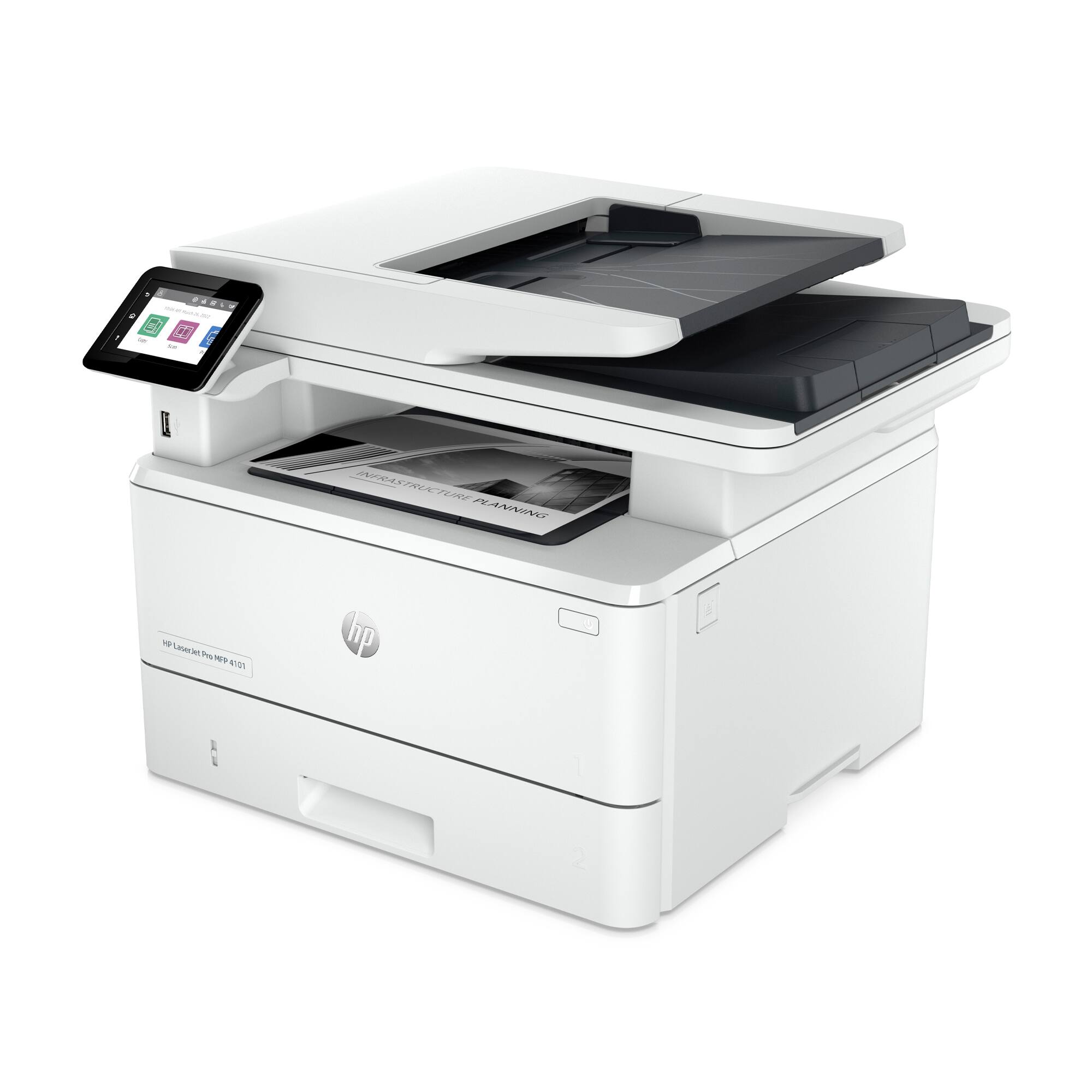
- LaserJet Pro MFP 4101fdne
- SKU:
- 6505463
to a friend
never even finished setting it up before returning
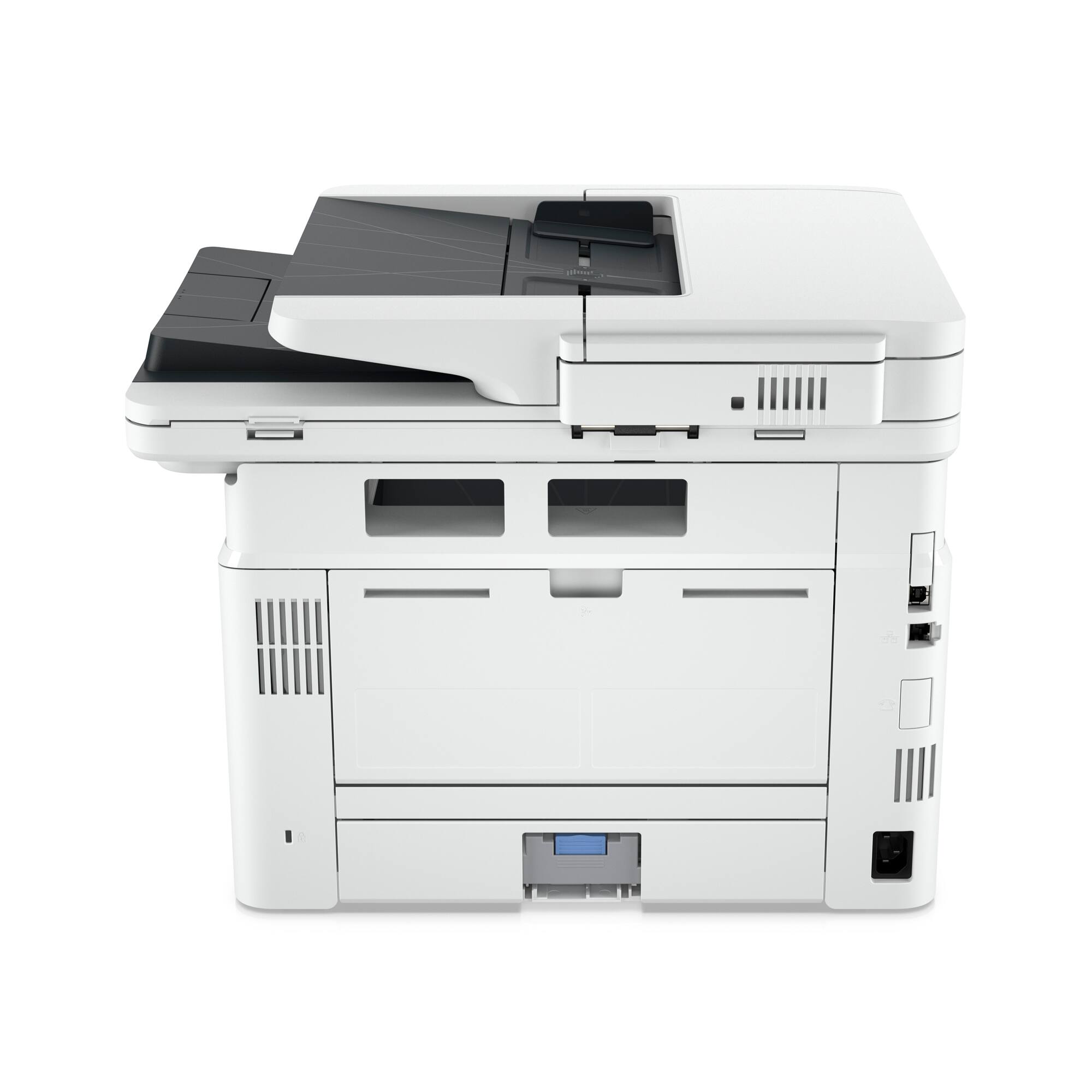
||Posted . Owned for less than 1 week when reviewed.This reviewer received promo considerations or sweepstakes entry for writing a review.I'm a full time IT manager and part time MSP. This thing REQUIRES a direct internet connection to get installed. Meaning even though its connected to USB, you still have to plug in ethernet just to finish the driver install. I looked it up and you have to leave it connected for the LCD screen to work. This requirement can easily lead to security issues on a business network. Unnecessary, returning.
No, I would not recommend this to a friendprinter
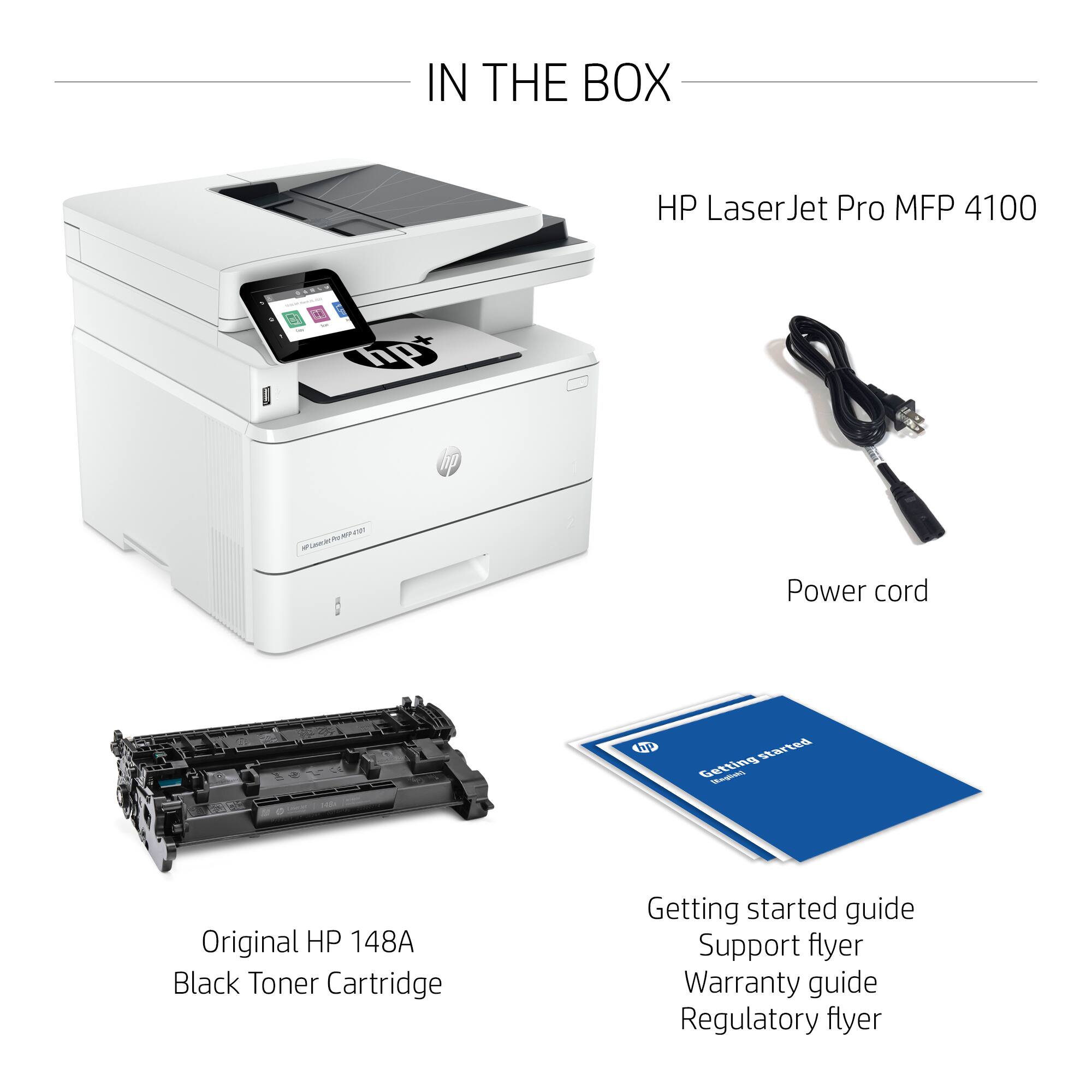
||Posted . Owned for 1 month when reviewed.This reviewer received promo considerations or sweepstakes entry for writing a review.The chord to connect the printer to my desk top was missing and now I have to find one. I don't think I should have to buy one for the price I paid for this printer. cannot actually review the item in the choices given since I haven't been able to use it due to the missing chord
No, I would not recommend this to a friendBrand response from HP Team
Posted .Hi there.
I’m sorry you’ve had a difficult start with your printer. I can certainly understand your dismay after not finding the USB cable you expected. I want to help you get the device working like it should, so I’ll direct you to some resources that I hope will reach that end.
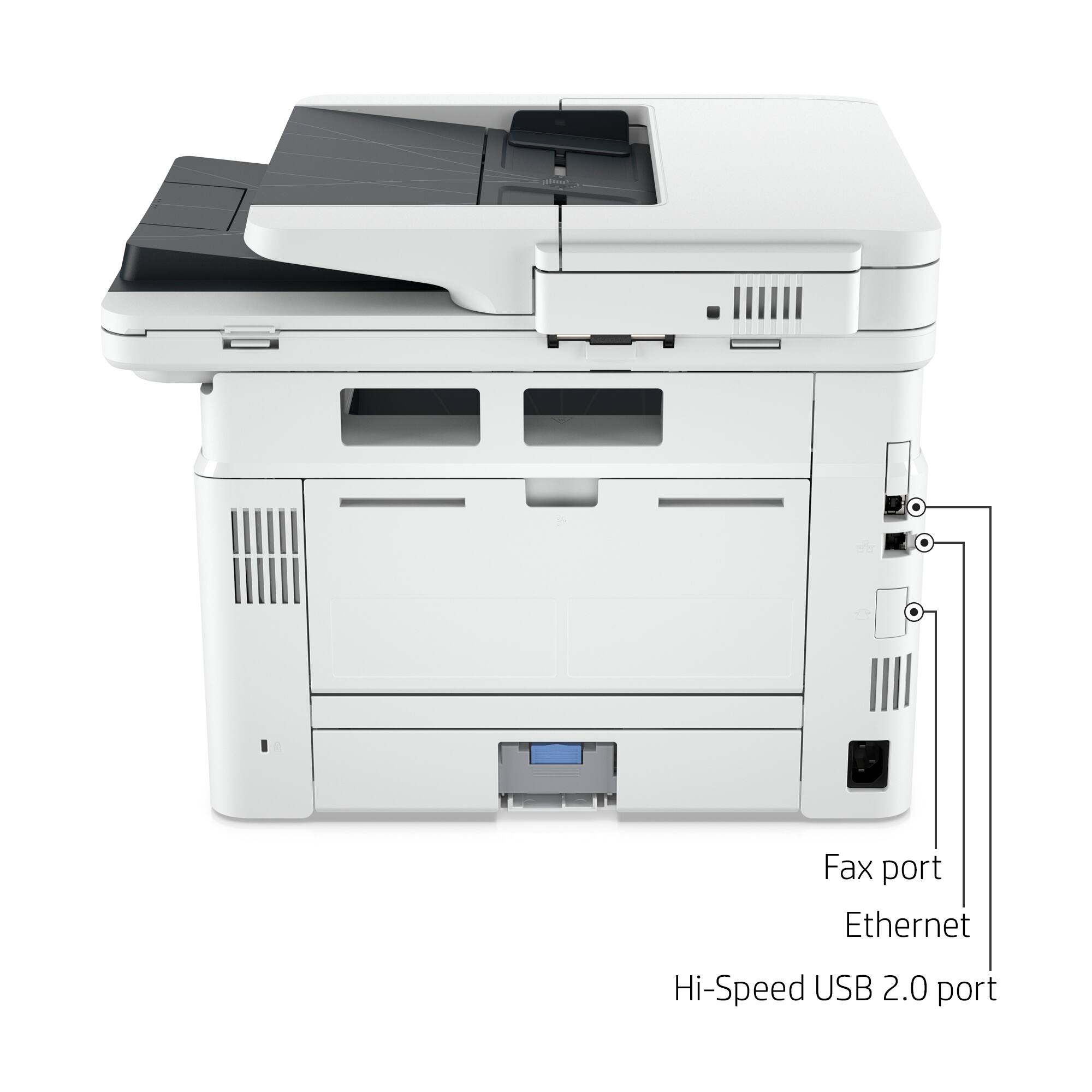
First, this printer is designed to connect via ethernet, so no USB cable is included. I recommend that you visit a document on our support site that has full setup instructions for this printer; follow the instructions for ethernet installation. Find that document here:
- support.hp.com/us-en/document/ish_6133145-5590609-16
To learn more about your printer and all its features, you can find the main user manual, how-to documents, troubleshooting guides and software updates here:
- support.hp.com/us-en/product/model/38347961
If you need further assistance with setup or anything else, I suggest that you contact us directly at +1 800-474-6836 so we can help you assess what’s happening and find the best course of action. To expedite the process, I recommend gathering the following information before the call:
- Model number
- Serial number
- Your location
- Case number (from any previous contact with HP support)
Keith
HP Care
hp.com/support
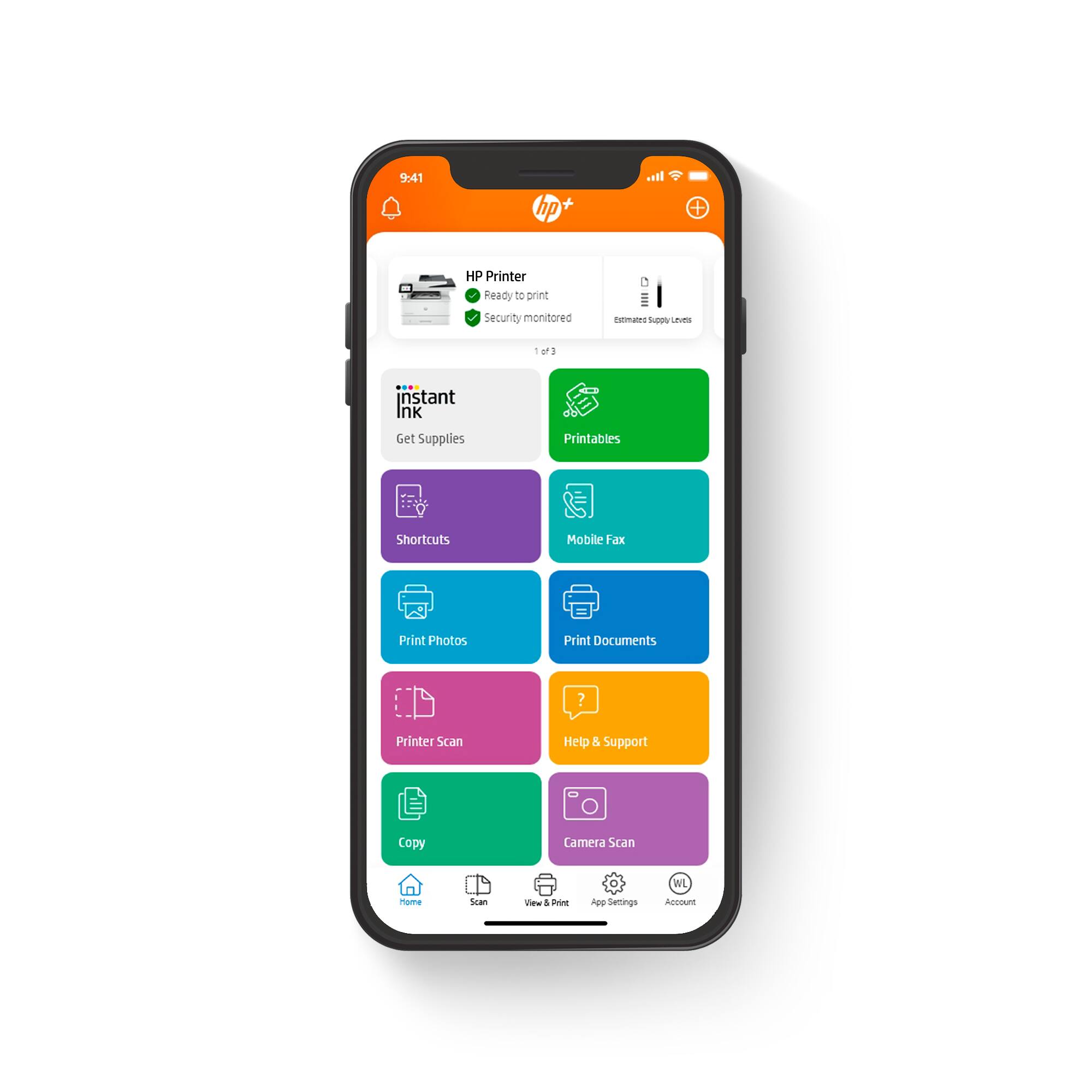
HP + not intuitive and hard to set up
||Posted . Owned for 3 weeks when reviewed.This reviewer received promo considerations or sweepstakes entry for writing a review.Difficult to set up and requires too many different steps.
No, I would not recommend this to a friendNeeds to be reset every other day
||Posted . Owned for 2 months when reviewed.This reviewer received promo considerations or sweepstakes entry for writing a review.I have spent more time on the phone with HP reps with this printer, than any other one that we have recently setup. It just freezes up after printing a sheet or two. Tech sup needed to assist with setup, as their app version setup went sideways when it saw that it was on a network, and i was using chrome to set it up. I feel that this is a lemon, but 3 months later... it needs to get reset almost every day.
No, I would not recommend this to a friendBest printer on the shelf.
||Posted . Owned for less than 1 week when reviewed.This reviewer received promo considerations or sweepstakes entry for writing a review.I have bought this printer 4 times now for multiple offices and businesses. It works great to scan large files, print and copy. No paper jams.
I would recommend this to a friend