Customer Ratings & Reviews
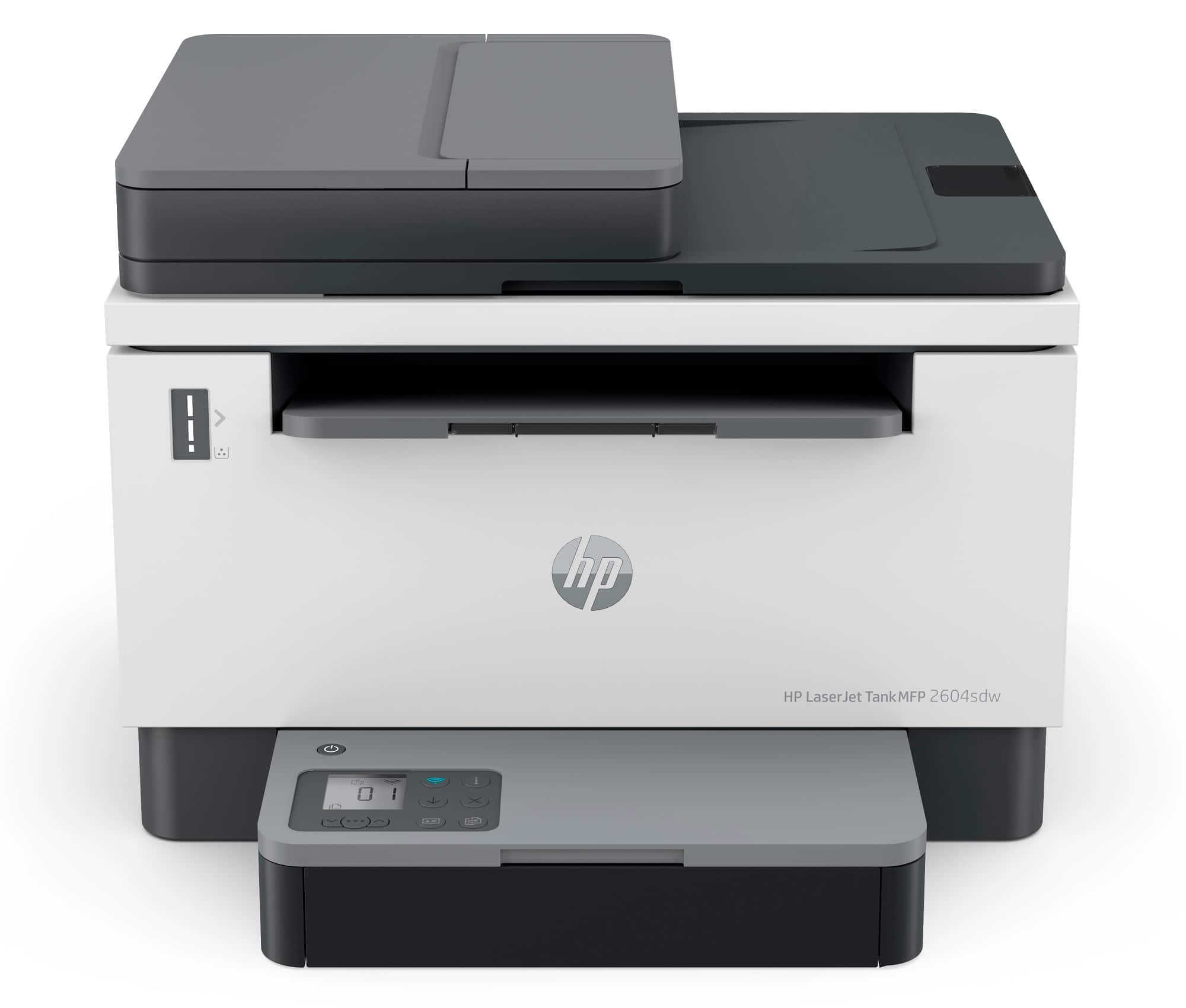
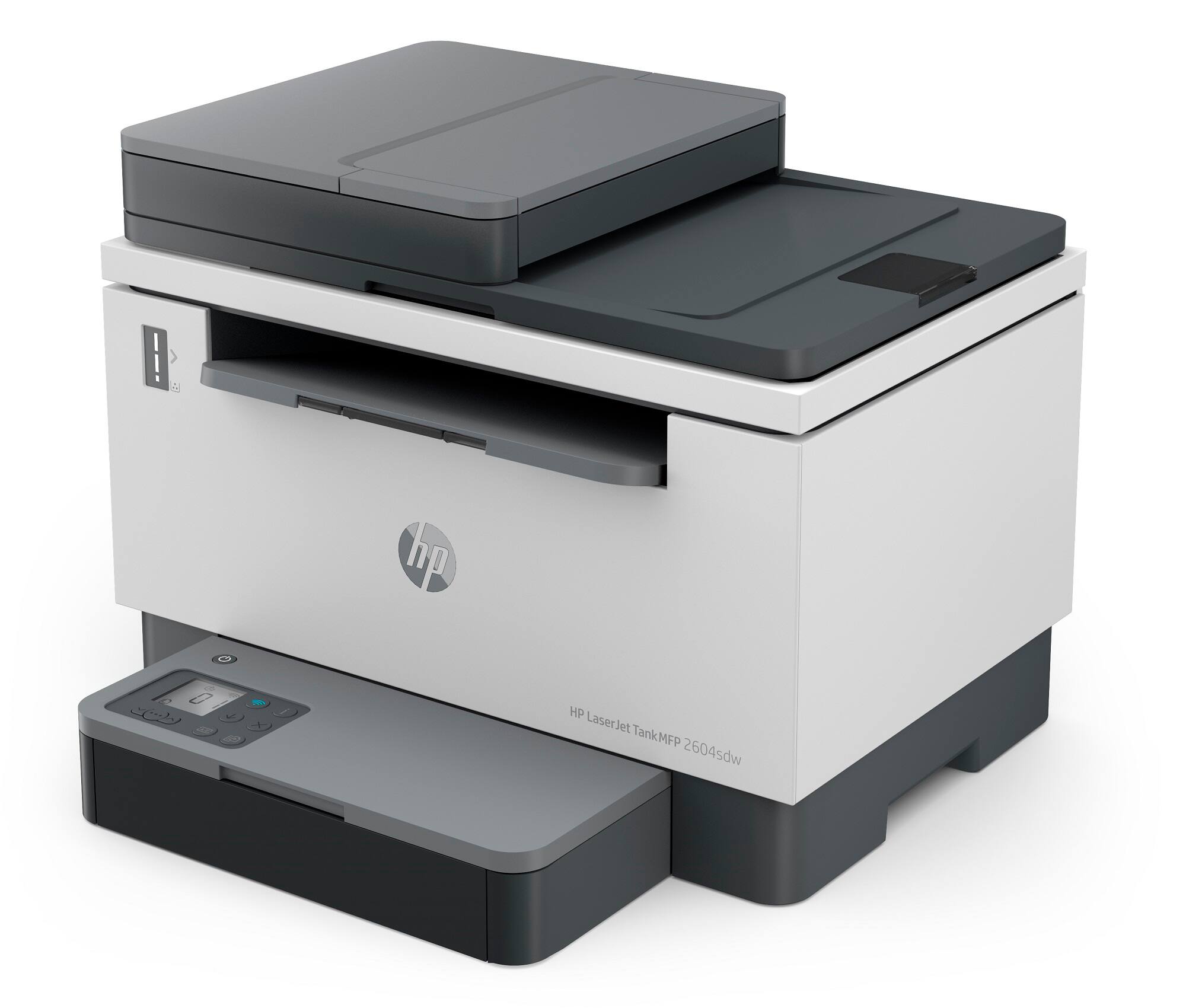
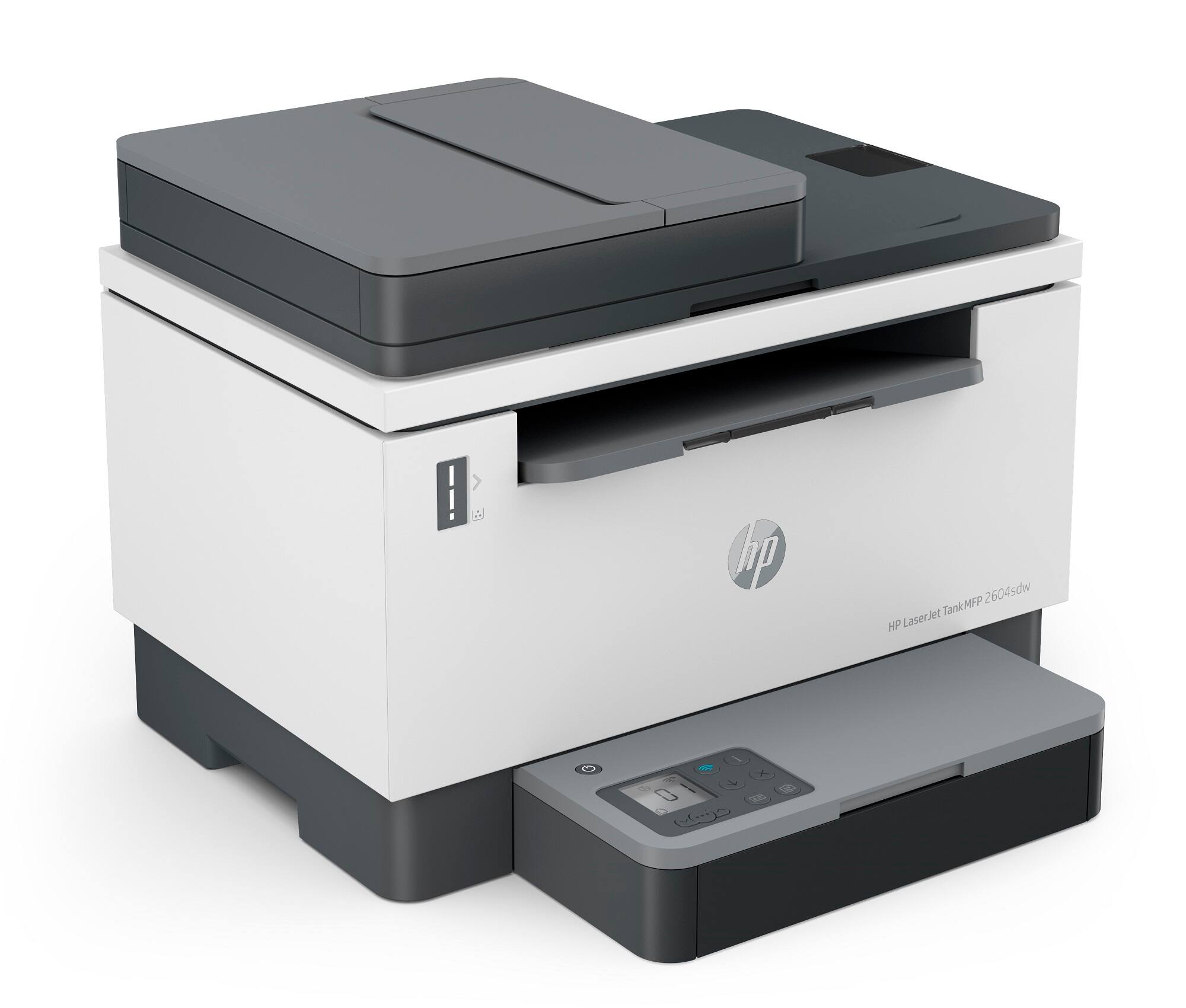
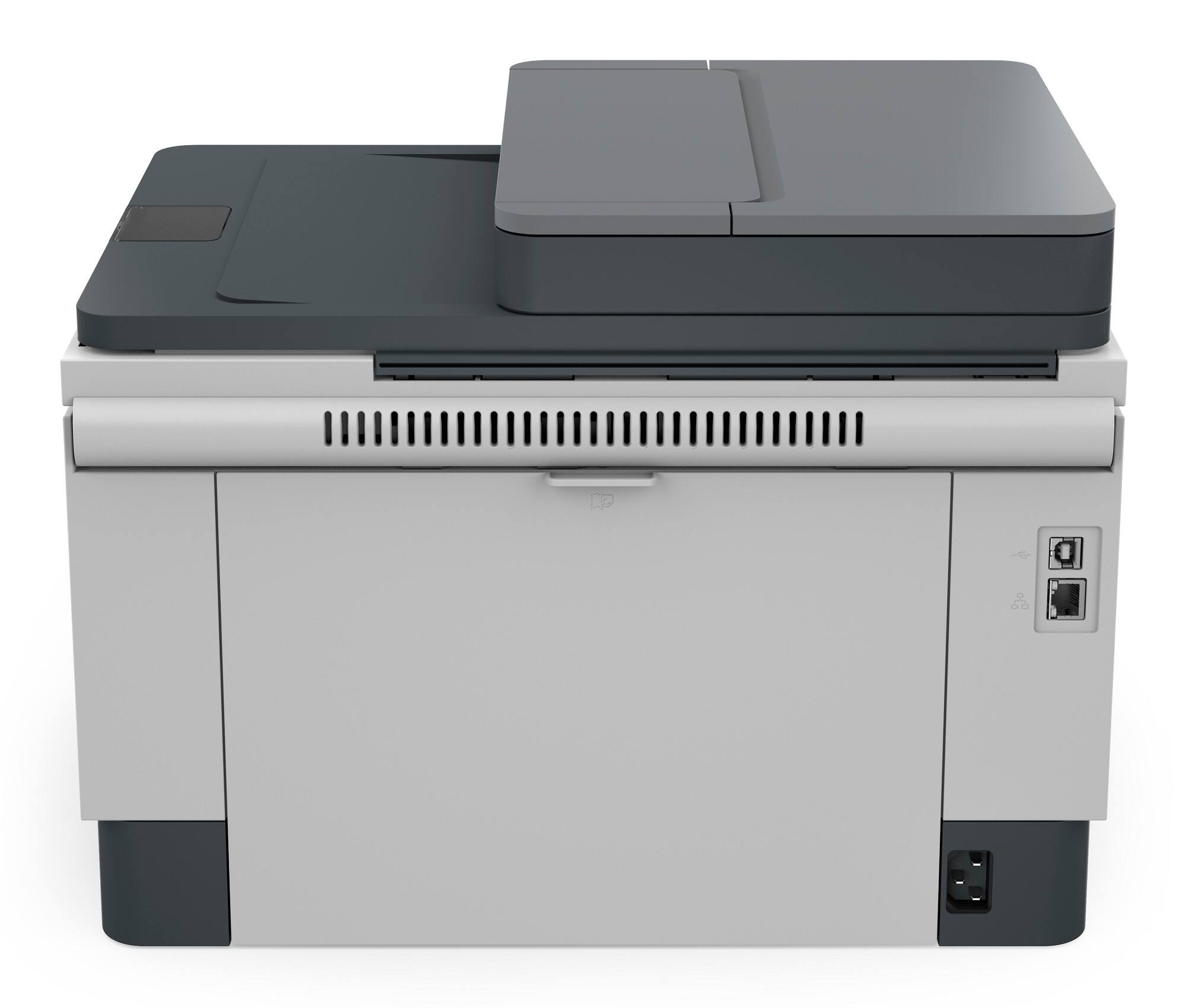
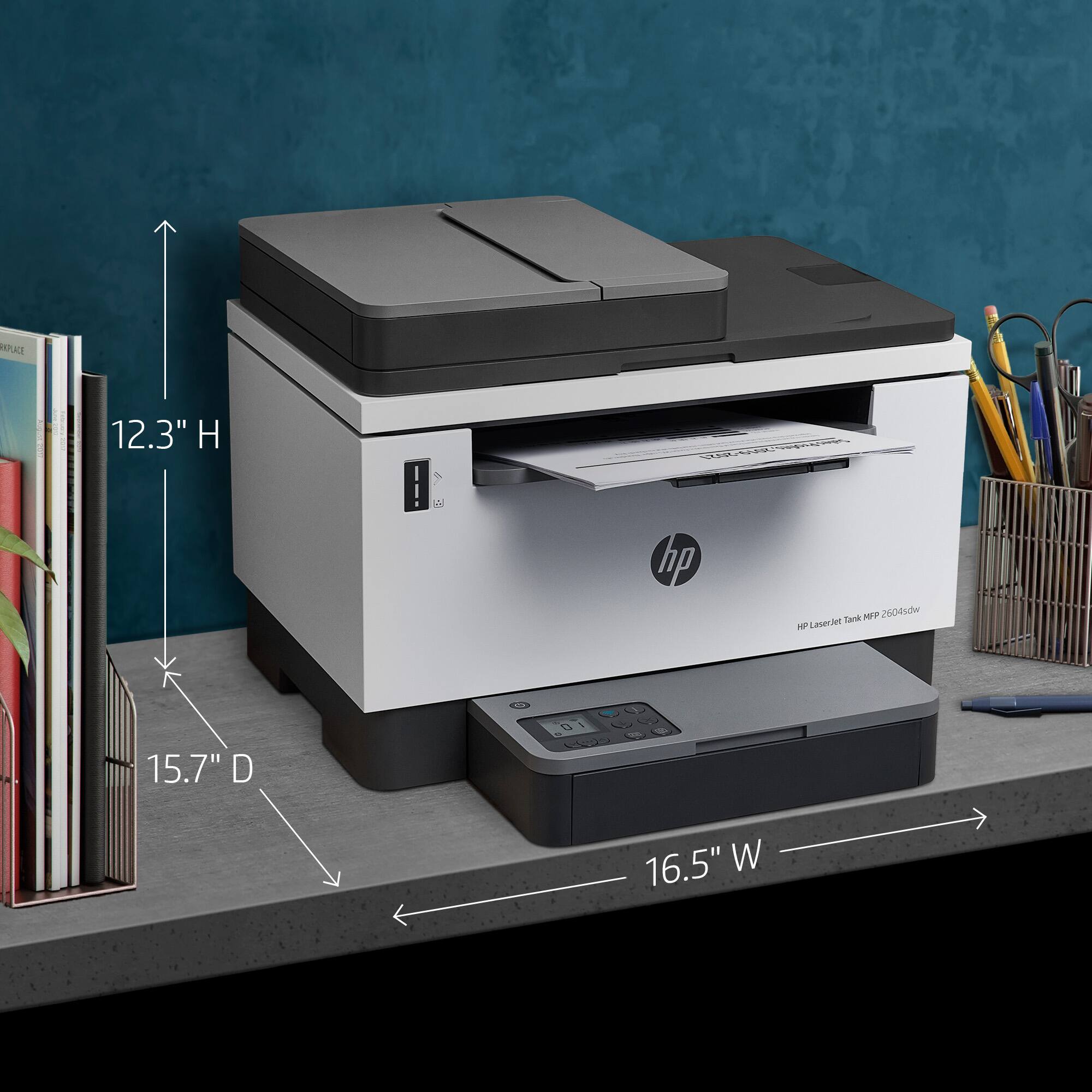
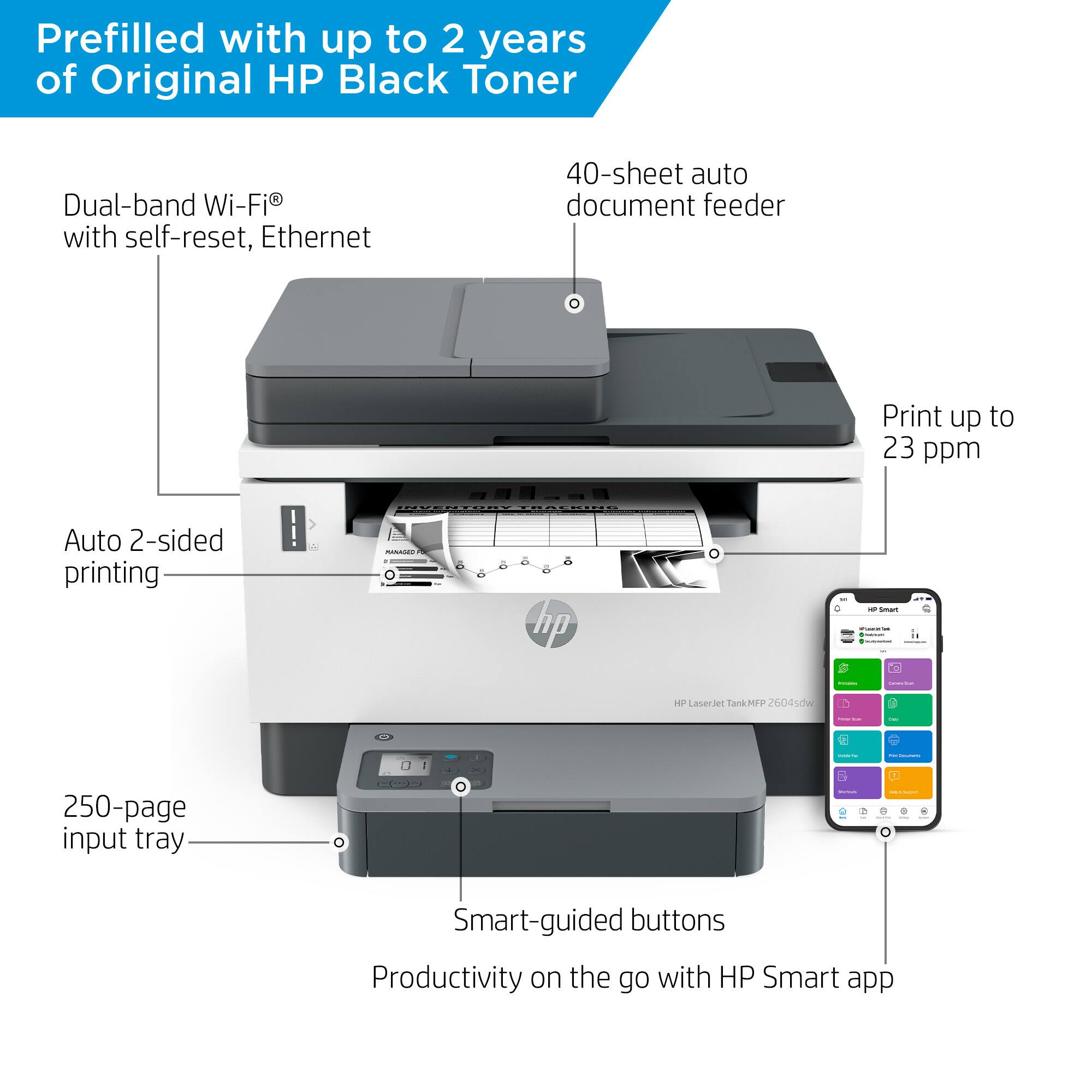
- Model:
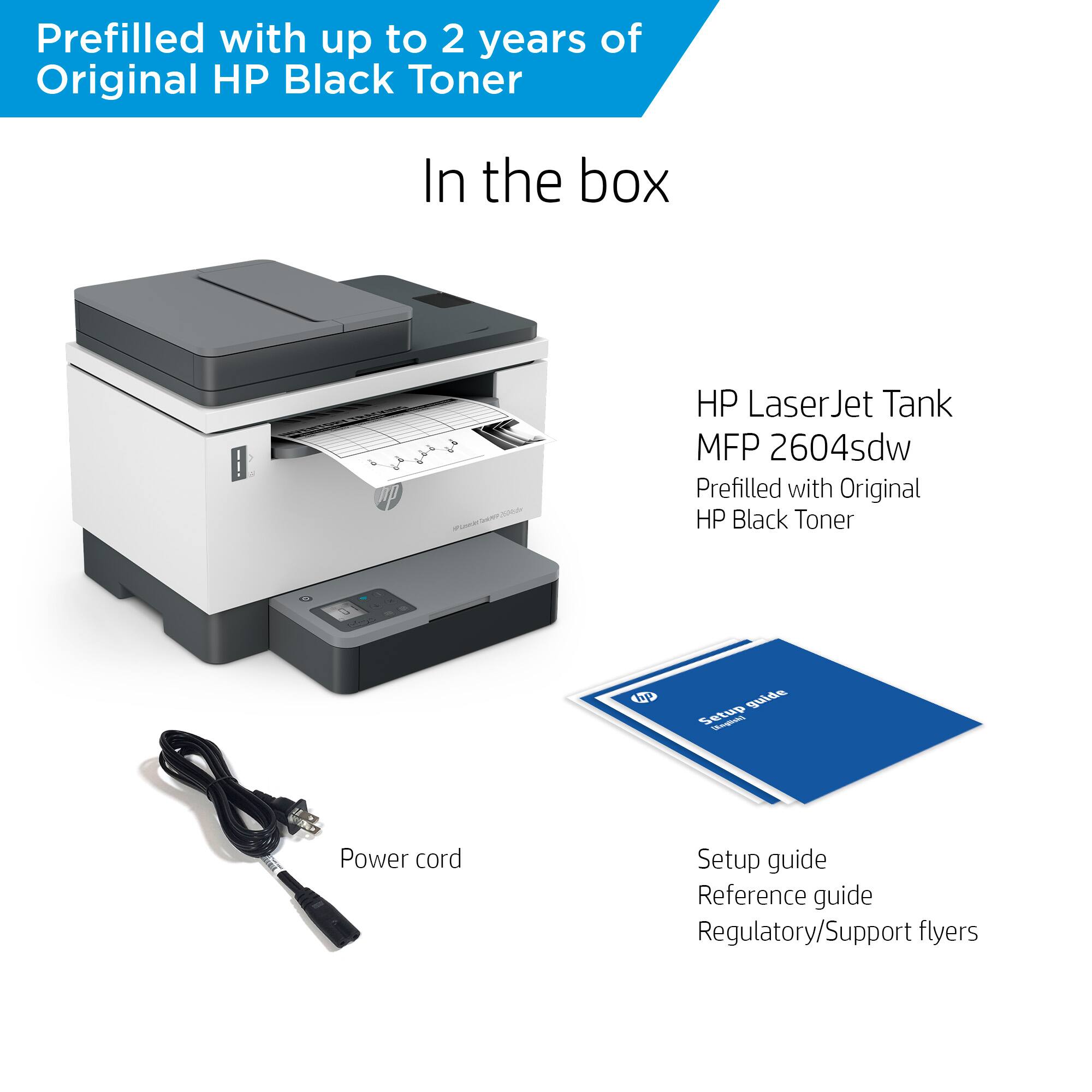
- LaserJet Tank 2604sdw
- SKU:
- 6508030
Rating by feature
- Value
Rating 4.3 out of 5 stars
- Quality
Rating 4.2 out of 5 stars
- Ease of Use
Rating 4.1 out of 5 stars
Customers are saying
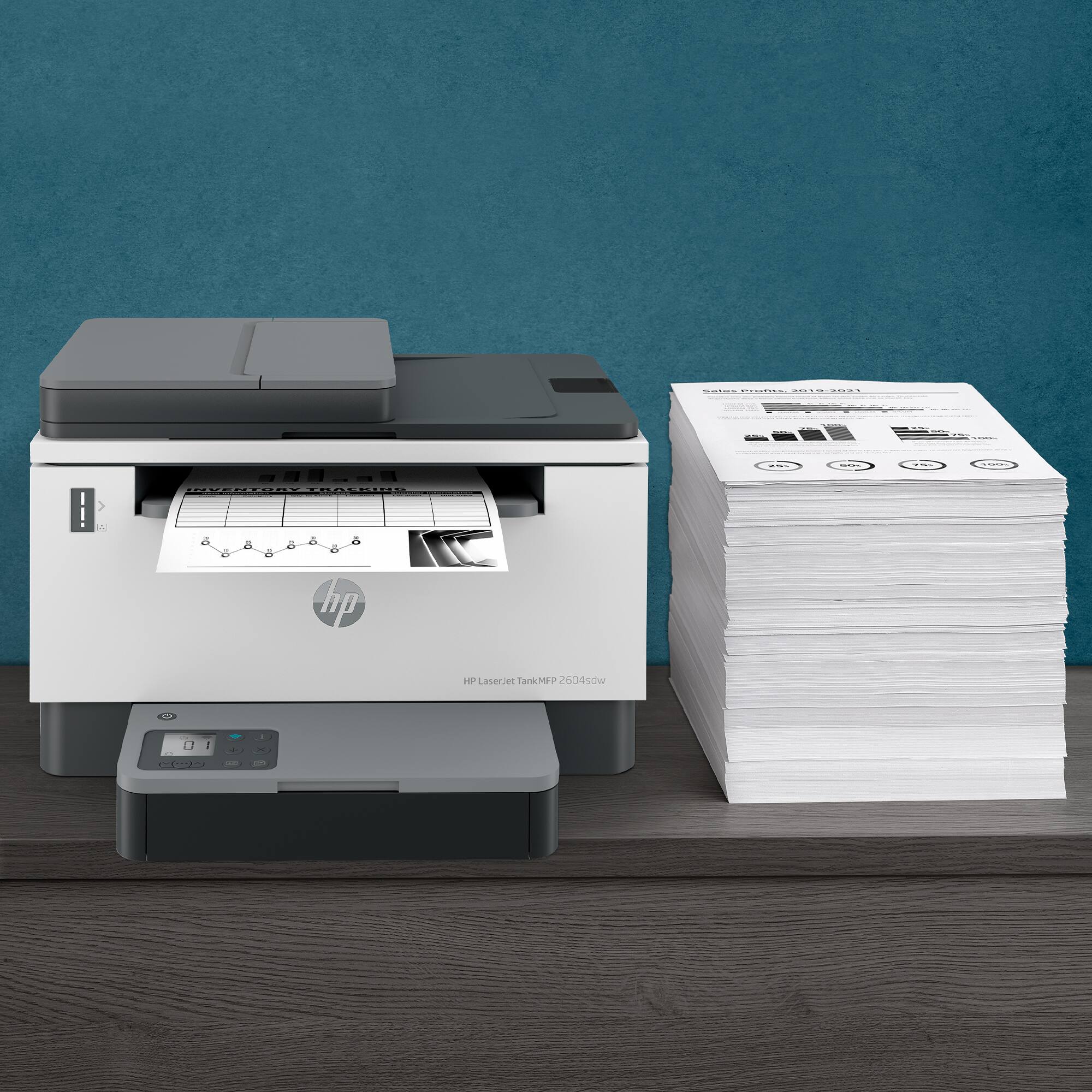
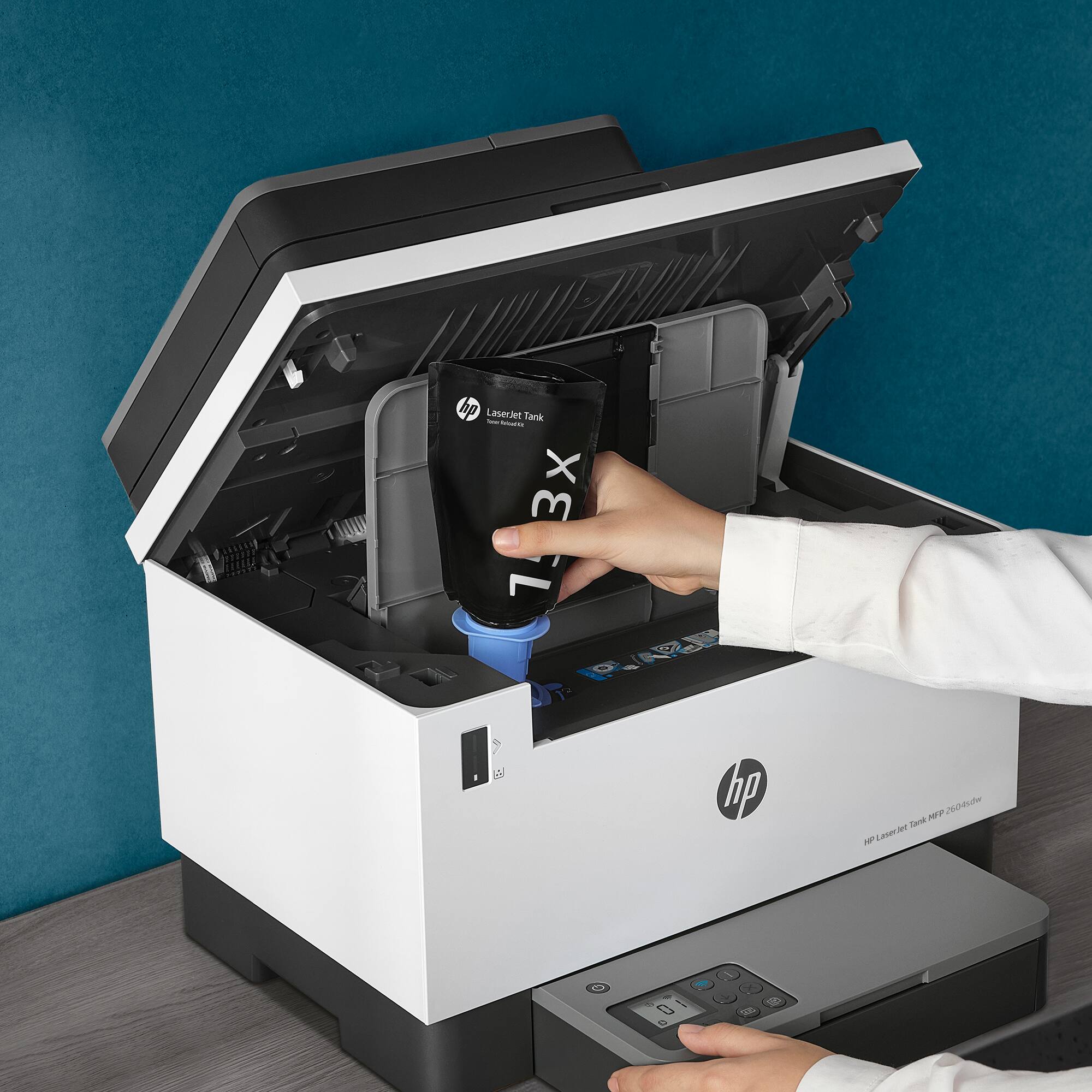
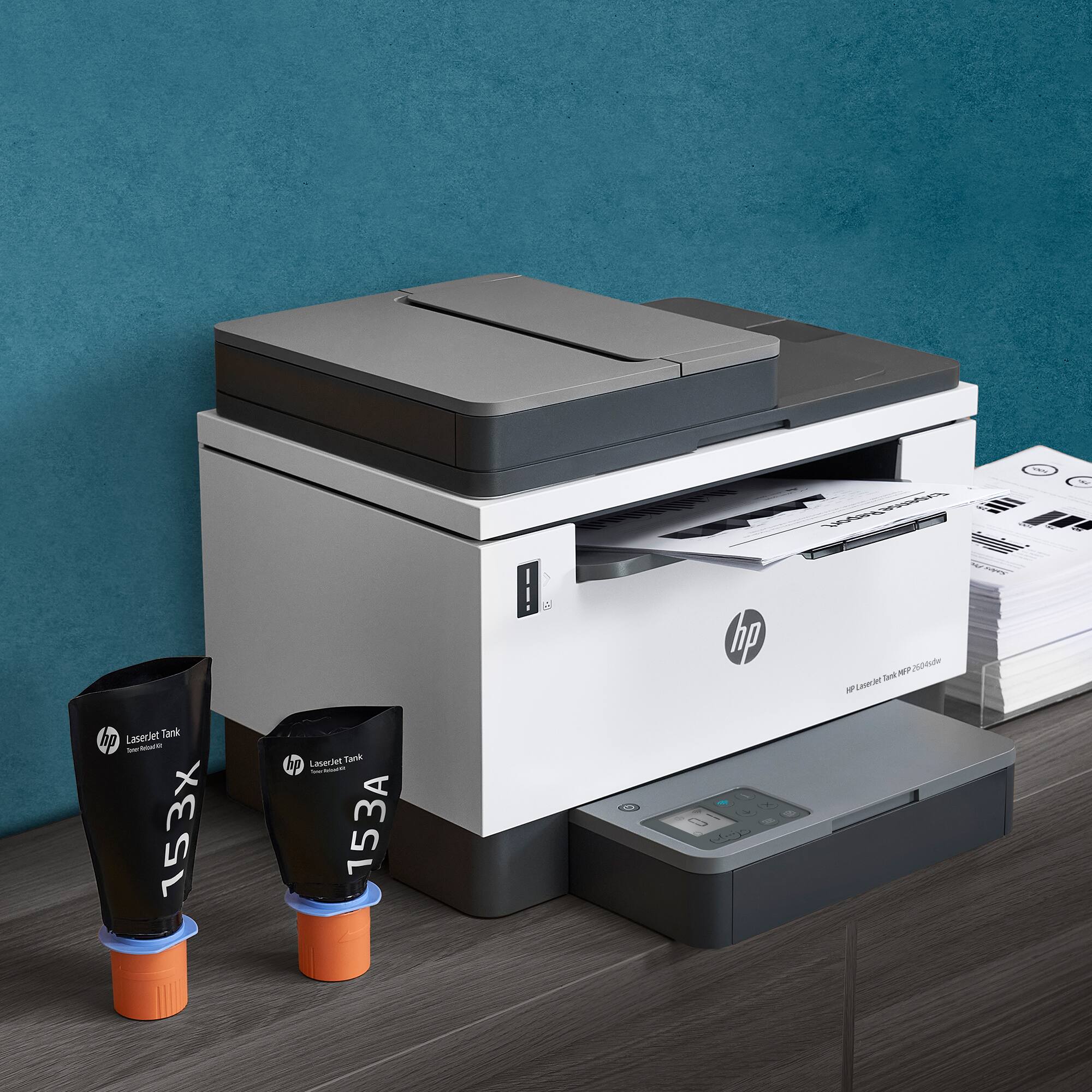
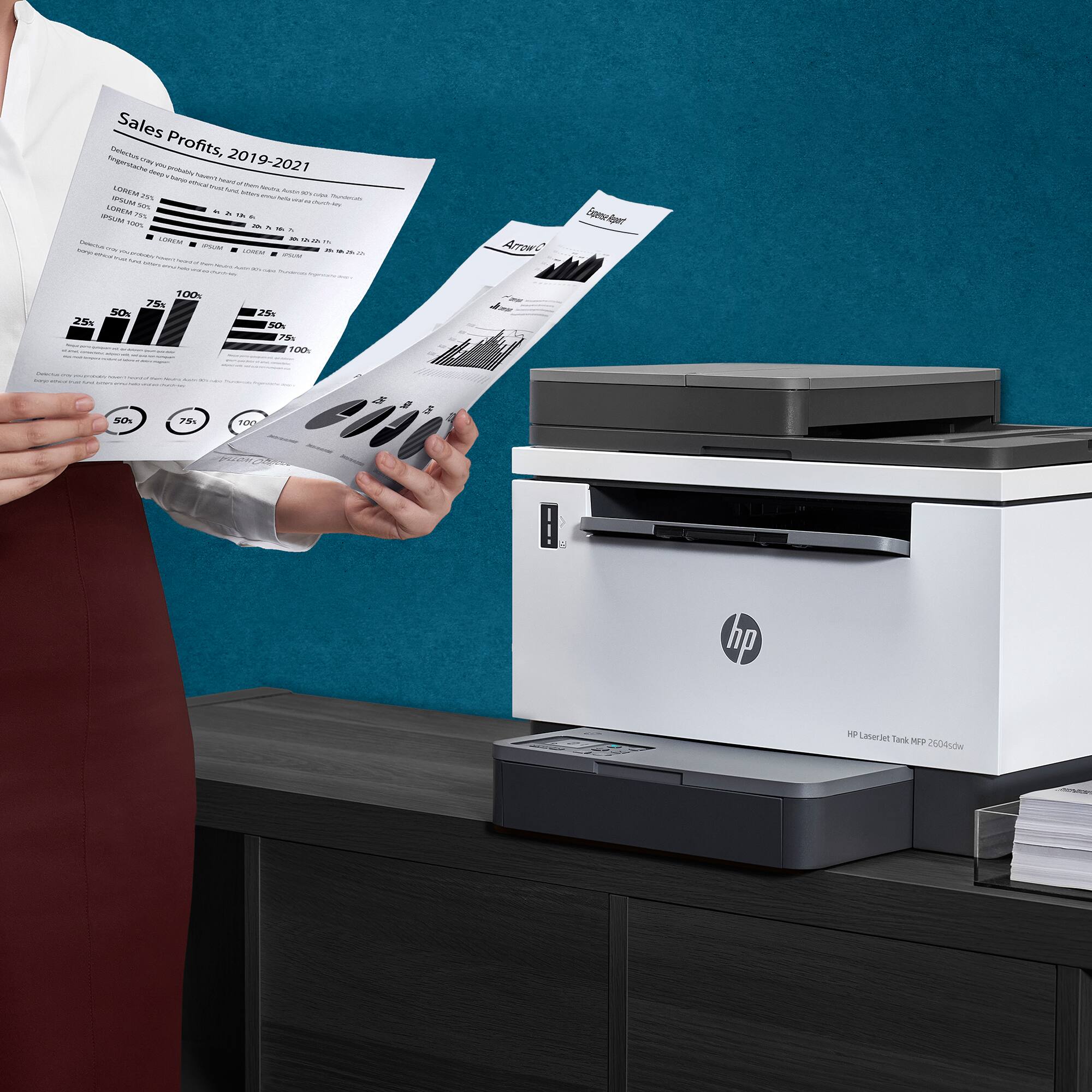
Customers praise the LaserJet Tank 2604sdw for its excellent print quality, ease of use, and straightforward setup. Many appreciate its compact size and quiet operation, along with the added convenience of the scanner. However, some users experienced challenges with maintaining a consistent wireless connection. The printer's value for its price point is also frequently noted.
This summary was generated by AI based on customer reviews.
HP printer
||Posted . Owned for 3 weeks when reviewed.This reviewer received promo considerations or sweepstakes entry for writing a review.I like that the printer has two years of ink. HP printers are a good investment
I would recommend this to a friendPersonal Printer
||Posted . Owned for 3 weeks when reviewed.This reviewer received promo considerations or sweepstakes entry for writing a review.The product was a little interesting to set up but functionality is practical
I would recommend this to a friendGreat Printer!
||Posted . Owned for 2 months when reviewed.This reviewer received promo considerations or sweepstakes entry for writing a review.Excellent! Best laser printer for the money! Save on Toner!
I would recommend this to a friendGreat Value
||Posted . Owned for 1 week when reviewed.This reviewer received promo considerations or sweepstakes entry for writing a review.I was very happy with the offer of 2 years of toner. This was a great value.
I would recommend this to a friendHP - LaserJet Tank 2604sdw Wireless Black-and-Whit
||Posted . Owned for 5 months when reviewed.This reviewer received promo considerations or sweepstakes entry for writing a review.The HP- LazerJet printer performed well and i ended up trading it in so i could upgrade.
I would recommend this to a friendGreat B/W Printer/Scanner
||Posted . Owned for 1 month when reviewed.This reviewer received promo considerations or sweepstakes entry for writing a review.Wonderful b/w printer / scanner. I would highly recommend this printer and toner refill system
I would recommend this to a friendRC Tax Service
||Posted . Owned for 1 month when reviewed.This reviewer received promo considerations or sweepstakes entry for writing a review.The products are of superior quality and installation was excellent
I would recommend this to a friendProduct
||Posted . Owned for 1 month when reviewed.This reviewer received promo considerations or sweepstakes entry for writing a review.Excellent product so far............................
I would recommend this to a friend- Pros mentioned:Print quality, Setup, Size

Great Laserjet MFP with some software hang-ups
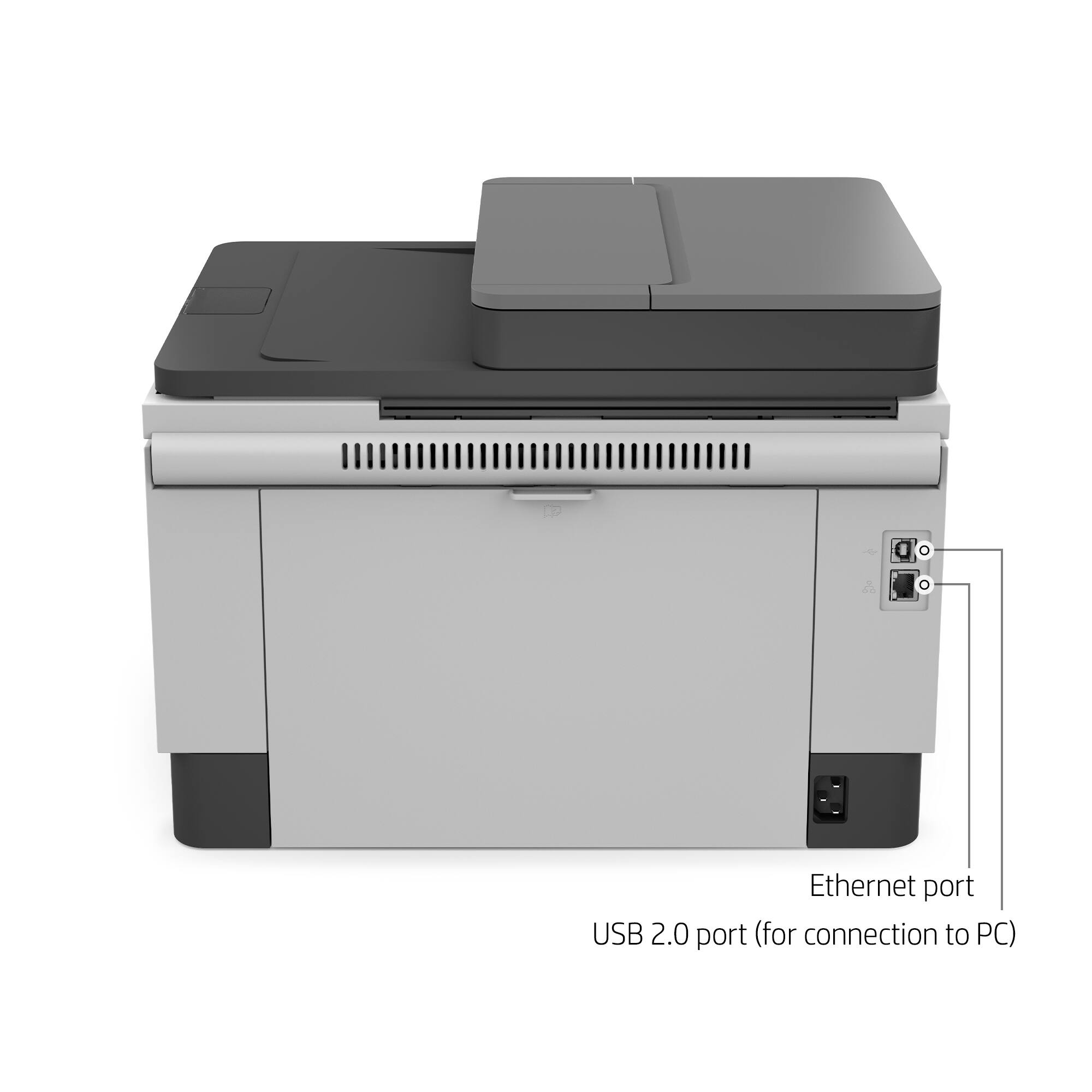
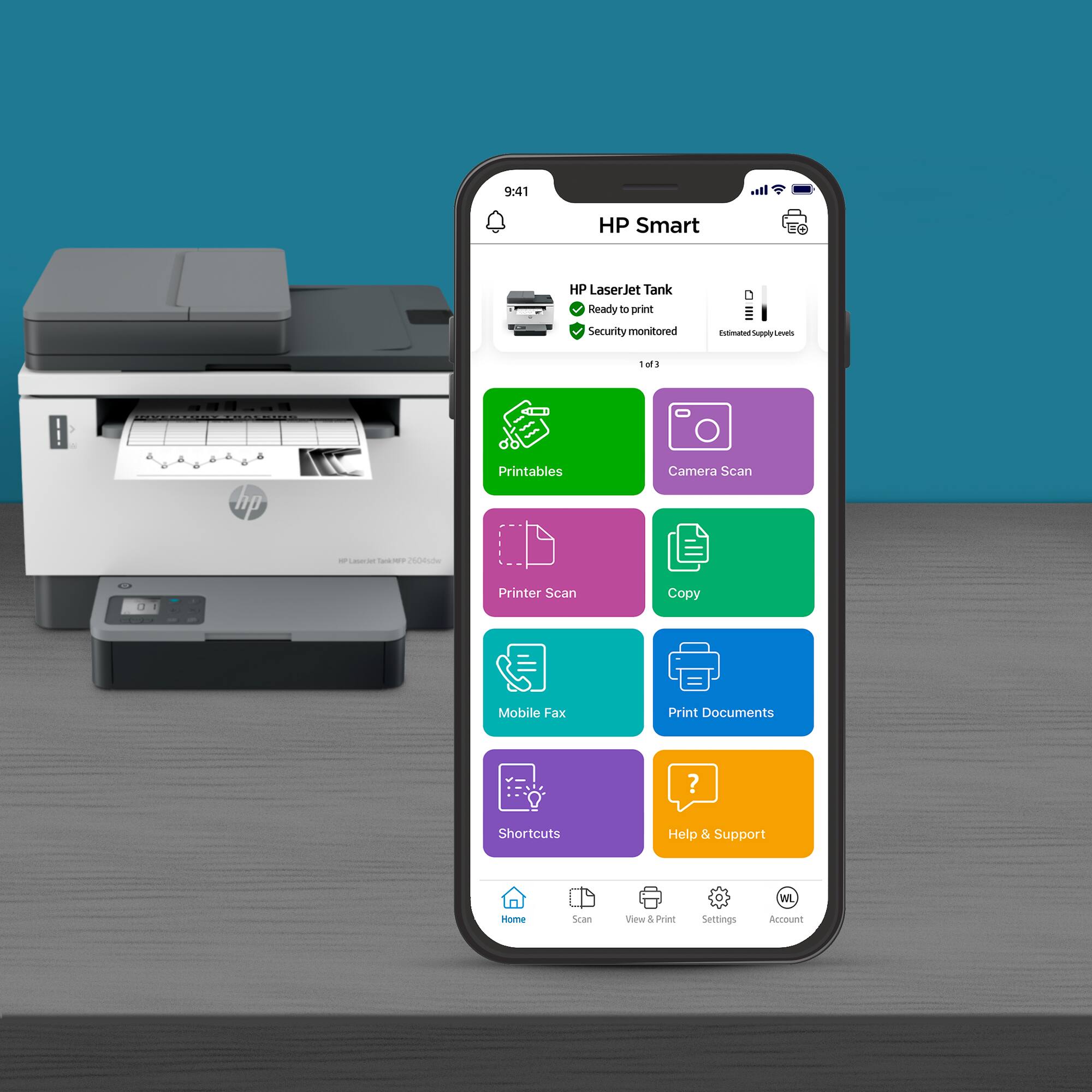
|Posted .This reviewer received promo considerations or sweepstakes entry for writing a review.Setup: Setting up the physical printer is super easy. The LaserJet Tank 2604sdw ships with a full toner tank. That leaves unpacking, removal of shipping material, load the paper tray, and finding a wall outlet to complete physical setup. HP Smart setup is a little more difficult. In my case, HP Smart got as far as configuring the printer for the network but failed the actual setup and integrate the printer into my network. Instead, I installed the printer driver manually and printed a test page. I then logged into my network’s wireless router and reserved the IP Address for the printer as a static address. HP Smart then recognized the printer and added it the HP Smart application after the manual setup. Printing: Printing with the LaserJet Tank 2604sdw is fast and easy. A 20-page duplex text document took less than 30 seconds to produce from the time I clicked print to the time the final page was printed. This was true regardless if I used the printer five minutes between prints or five hours between prints. The LaserJet Tank 2604sdw does have a slight time delay to first page printed after sitting for hours. It is still a shorter startup than most other laser printers I have used. Printing from the ADF and the flatbed is also very quick and easy. The printer will spit pages out as quickly as the ADF and flatbed can scan them. The control panel on the paper tray controls number of copies, darkness, and cancel functions. There is also a feature that allows for the two-sided scan and subsequent print of an ID card such as a driver’s license. The ADF is not capable of two-sided simultaneous scanning. Producing copies of a two-sided document will require manual collation once all pages have been reproduced as single sided copies. Finally, the HP Smart software acts like a print, scanner, and faxing service for the printer. I have both a LaserJet Tank 2604sdw and an HP Smart Tank 7001 MFP AIO. Both printers are setup in the HP Smart application. This allows me to see the status of both printers, manage the features and connectivity of both printers, and setup any special features unique for each printer. For example, I can setup HP Print Anywhere and Secure Print from the LaserJet Tank 2604sdw but not from the HP Smart Tank 7001. Scanning: The LaserJet Tank 2604sdw has two scanning options: Automatic Document Feeder (ADF) and Flatbed Scanner. The ADF supports up to 40 pages at a time. The ADF is fast. It blows through forty pages in about a minute. The processing and delivery of the scanned pages to the computer takes a bit longer. A single page can take about 10 to 15 seconds after scanning to appear in the HP Scanning application. I have not waited more than 30 seconds for any job to appear in the HP Scanning software once the LaserJet Tank 2604sdw is done scanning. By contrast, the LaserJet Tank 2604sdw will print a one-to-one copy of a document scanned by the ADF as quickly it the ADF can scan it. The ADF max resolution is 300 dpi. 300 dpi does not produce the best scans but it is adequate for most uses. Two issues I did find with the ADF were misaligned pages and compressed or elongated text at the top or bottom edges of the scanned pages. When this does happen, the text is still perfectly legible and can still be accurately identified by OCR. For near-perfect scans/copies then you will want to use the flatbed scanner. Max resolution of the flatbed is 600 dpi. The ADF does not scan simultaneously scan both sides of a page. Obviously, you can manually scan both sides of the document using either the ADF or the flatbed scanner. The HP Smart scanner application allows as many additional scans as you want for a single job. You can also re-order the pages before saving the scanned document. Essentially, you can scan all the odd pages using the ADF, flip the pages and scan all the even pages, and then re-order. Or you can scan each page front to back, one at a time, using the Flatbed scanner. Either way, the HP scanner application interface is rudimentary and leaves plenty of room for further development. OCR is excellent! I OCRed several documents and did not run into any issues. A straight OCR will remove all formatting and just leave the text. However, you can save the scanned document in multiple formats including MS Word. My MS Word scanned document preserved the formatting and the relative font size. There were some strange artifacts here and there but nothing a quick proof reading didn’t resolve. The OCR to Word function also groups text into text box objects on the page. It is not setup to be a single contiguous body of text. The text boxes will expand and contract independent of the other text boxes. If your use case is to scan, OCR, and edit these documents then know that you will have extra steps to take before you can call your document finished. HP also offers additional features to remove blemishes, punch holes, bent page corrections, and corrections for scanning book pages. These advanced features are made available automatically through the HP Scanner application. HP Smart: There is good and “room for improvement” with HP Smart. First the good. The HP Smart software has a lot of features that help level the playing field between a small office/small business and larger companies who have deeper pockets. First, HP Smart allows for the setup and management of multiple HP Printers. I mentioned earlier that I have multiple HP multi-function printers on my network. Both are present in the HP Smart application. From HP Smart, I can initiate scans, print documents, print photos, sign up and use Mobile Fax, and access Printer Settings without ever leaving my chair. Better yet, if I download the HP Smart app to my cell phone then I can leverage secure print and release functions from Print Anywhere on the HP LaserJet Tank 2604sdw. Essentially, the printer can be setup to not release documents until the printer makes a Bluetooth connection to your phone thus identifying you as the appropriate owner of the document. This is big IT level functionality without the expensive IT department to maintain it. HP Smart will also allow for printing from literally anywhere in the word to your printer. Combine this with secure printing features and you have a very powerful toolset at your disposal. Room for improvement: HP Smart is useful and frustrating all at the same time. For example, I have two HP Printers on my network. If one of the printers goes into sleep mode, then HP Smart cannot communicate with it. Sometimes I must restart the printer, press the printer ready button, or press the wireless network button to get HP Smart to see and interact with the printer. I also have had issues jumping between systems to use the scanner. My HP 7001 has a higher resolution flatbed than the LaserJet Tank 2604sdw. Once I make the switch, HP Smart will indicate that the scanner for the LaserJet Tank 2604sdw is offline. Even though it is not offline. The only solution I have found is to close out of HP Smart application and restart it. My second point of frustration is administering the printers through their advanced menus. I need two things: the PIN number as printed on a label on the printer and a Username/Password combo. The PIN is provided on a sticker under the Output Tray. The Username/Password is more of a mystery because there is almost zero information about where this is coming from. I could not find any information regarding a default credentials or how to reset them. The good news is that you can access the printers webservices by entering it’s IP address into a web browser. You still have the same security challenges for sensitive settings. But, you can check basic information about the printer if you do not wish to use the HP Smart application. Finally, the primary HP Smart page for the LaserJet Tank 2604sdw does not display paper tray levels, toner levels, or imaging drum health. Maybe this will be resolved in an upcoming update to HP Smart. If you can get into some of the advanced printer screens then you can find this information. But, like mentioned above, once you mess up the log-on then even this unprivileged information is blocked from view. Final thoughts: Overall, there is a lot to like about this printer. I feel that HP Smart software needs some more work before I am comfortable calling it a fully integrated solution for managing all the HP printers on your small business or home office network. The LaserJet Tank 2604sdw is small for an All-in-One LaserJet. The removal of the expensive toner cartridge is a huge plus. I am very glad to see that HP is taking their LaserJet models in the same direction as their Ink Jet Printers. This reduces waste and expenses. Print quality is top notch and fast. Scanning quality ranges from great to acceptable depending on the scanning source and resolution. If you need higher resolution scans, then you will want to either invest in a separate scanner or investigate an HP printer with a higher resolution flat bed scanner. The resolution of the LaserJet Tank 2604sdw is perfectly acceptable as a home office or small business all-in-one solution. It is not good enough for scanning high resolution images for marketing campaigns that require the best resolutions possible. Finally, the best part is that this printer does not ship with a wimpy beginner toner cartridge and imaging drum. It ships with a full toner tank and 50K imaging drum. The fact that there is no toner cartridge drives down to the total cost of ownership for this printer while also reducing the amount of wasted plastic used to produce those toner cartridges.
I would recommend this to a friend Good and fast
||Posted . Owned for 1 week when reviewed.This reviewer received promo considerations or sweepstakes entry for writing a review.I had trade in old one get this. Good and fast printing
I would recommend this to a friendPrinter Review
||Posted . Owned for 2 weeks when reviewed.This reviewer received promo considerations or sweepstakes entry for writing a review.Does what I wanted it to do. Easy to set up and easy to use.
I would recommend this to a friendDisappointed
||Posted . Owned for 3 weeks when reviewed.This reviewer received promo considerations or sweepstakes entry for writing a review.Extremely disappointed. Worked with HP on printer for over 3 hours and couldn't get a stable Internet connection. Replacement sent and worked for two days and over 5 hours and still couldn't get a stable connection. Finally gave up and did a direct connect to the PC just to be able to use the printer. So I'm unable to print online.
No, I would not recommend this to a friendEast pick up
||Posted . Owned for 3 weeks when reviewed.This reviewer received promo considerations or sweepstakes entry for writing a review.Working fine and staff helped with pick up of item
I would recommend this to a friend- Cons mentioned:Wireless connectivity
Conneftivity issue
||Posted . Owned for 1 month when reviewed.This reviewer received promo considerations or sweepstakes entry for writing a review.Difficulty in the connecting with my computer. It shows error 79 all the time. Its very frustrating
No, I would not recommend this to a friend Do not waste your money
||Posted . Owned for 11 months when reviewed.This reviewer received promo considerations or sweepstakes entry for writing a review.I have a hoe office business and are always getting error codes which does not allow me to print or scan. I've tried to rectify the issue several times. to no avile it can not be fixed
No, I would not recommend this to a friend- Cons mentioned:Wireless connectivity
STAY AWAY!!!!
||Posted . Owned for 2 months when reviewed.This reviewer received promo considerations or sweepstakes entry for writing a review.Difficult to setup. Doesn't stay connected to the network. Too complicated to connect to wifi network since you need an app.
No, I would not recommend this to a friend Do not try
||Posted .This reviewer received promo considerations or sweepstakes entry for writing a review.Problems with the connection It worked at first but after a period of unused time i could not connect it to any device The only good thing is the geek squad Their help is fantastic
No, I would not recommend this to a friend- Pros mentioned:Print quality
nm
||Posted . Owned for 1 month when reviewed.This reviewer received promo considerations or sweepstakes entry for writing a review.Awesome !! Love this printer, The ink seems to last forever compared to cartridges
I would recommend this to a friend - Pros mentioned:Ease of use
Perfect for small business needs!
||Posted . Owned for 3 weeks when reviewed.This reviewer received promo considerations or sweepstakes entry for writing a review.Very essy to set up, use, and love the new tiner option. Very essy to network.
I would recommend this to a friend Horrible laser solution
||Posted . Owned for 1 month when reviewed.This reviewer received promo considerations or sweepstakes entry for writing a review.Out of the box communication and network errors. Printer would not connect to any of our network machines (Ethernet connected) or via wireless solutions. HP mentioned firmware problems, but firmware and software were up to date. Connections were attempted both using the HP app and direct to IP. Buyer beware
No, I would not recommend this to a friend