Customer Ratings & Reviews
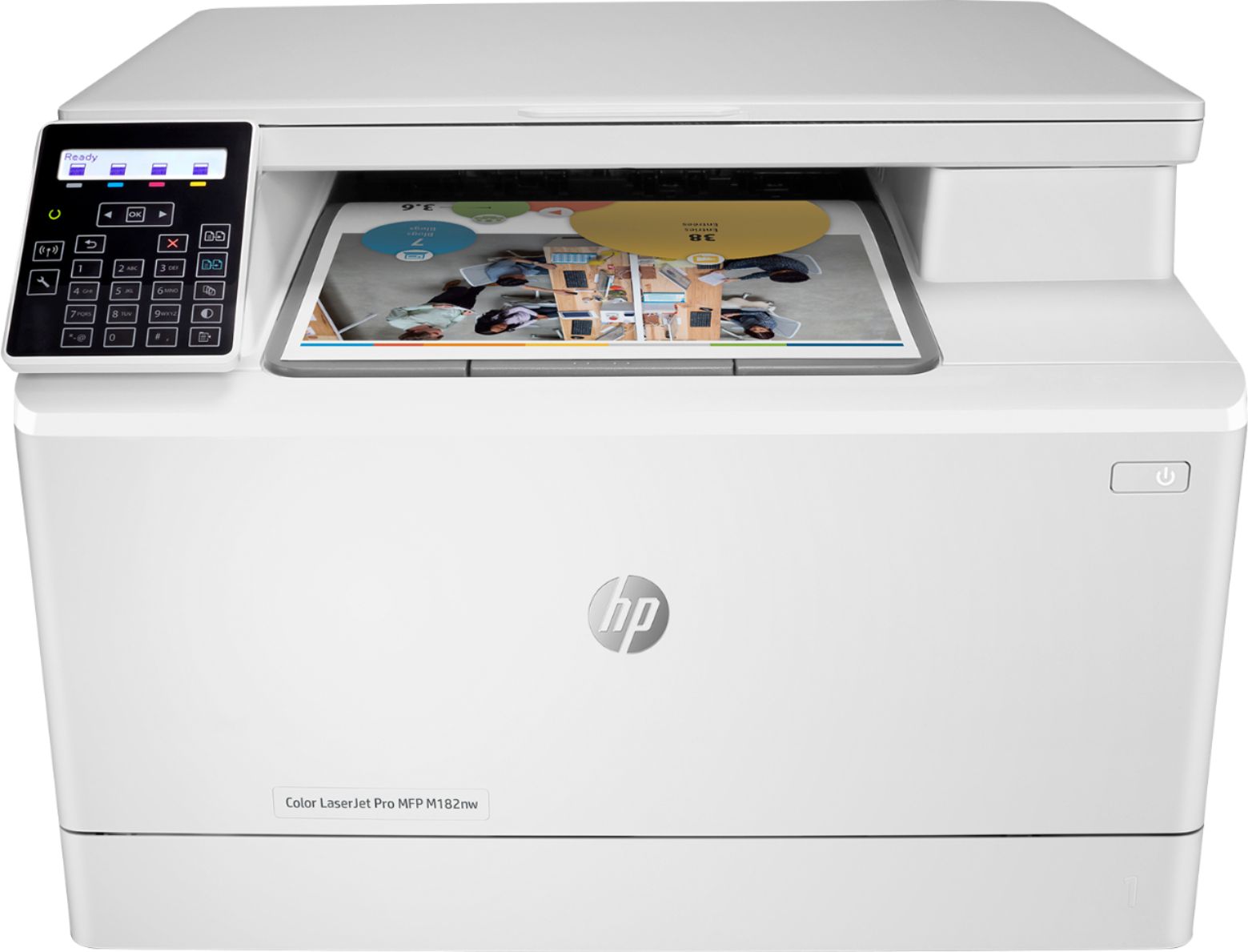
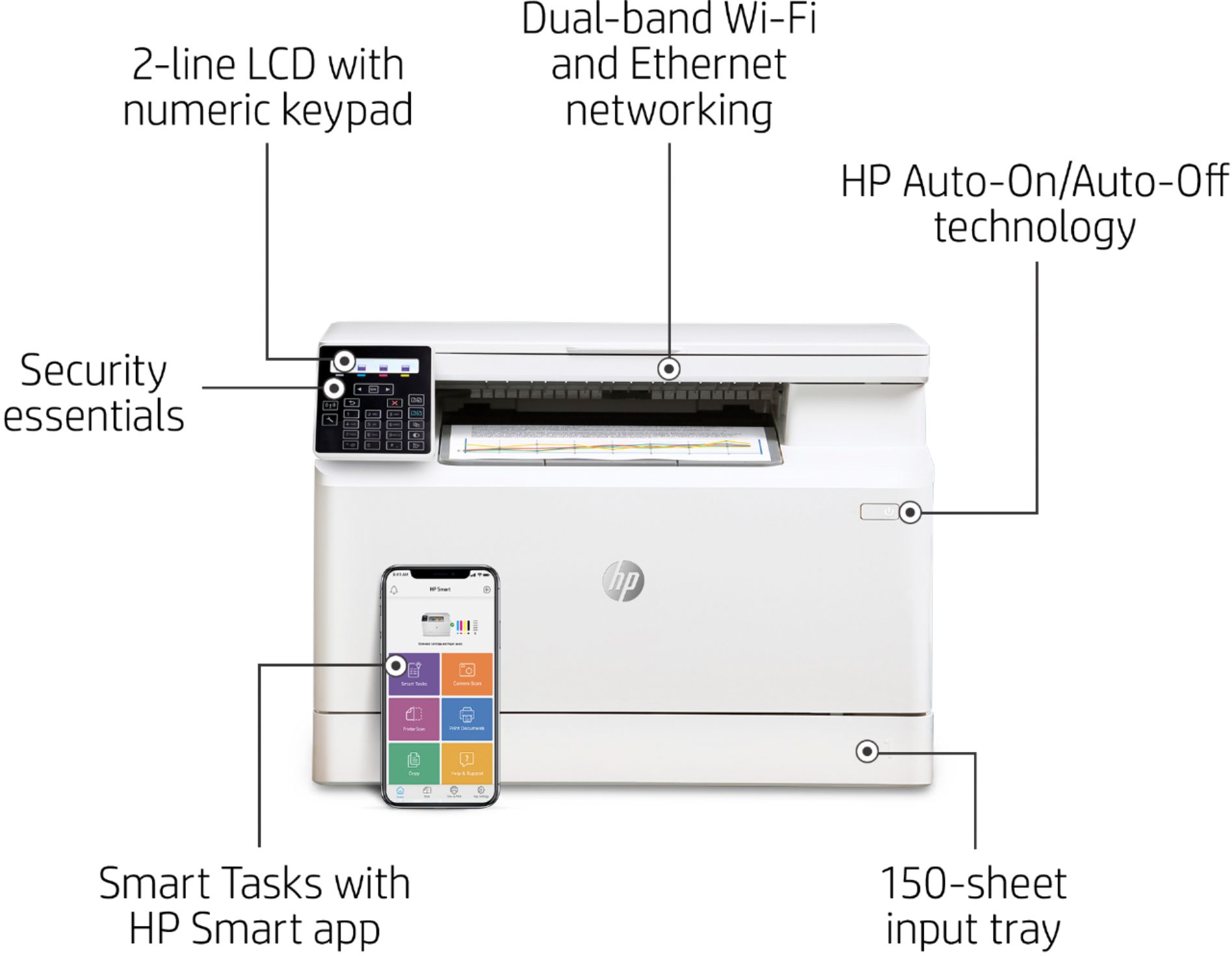
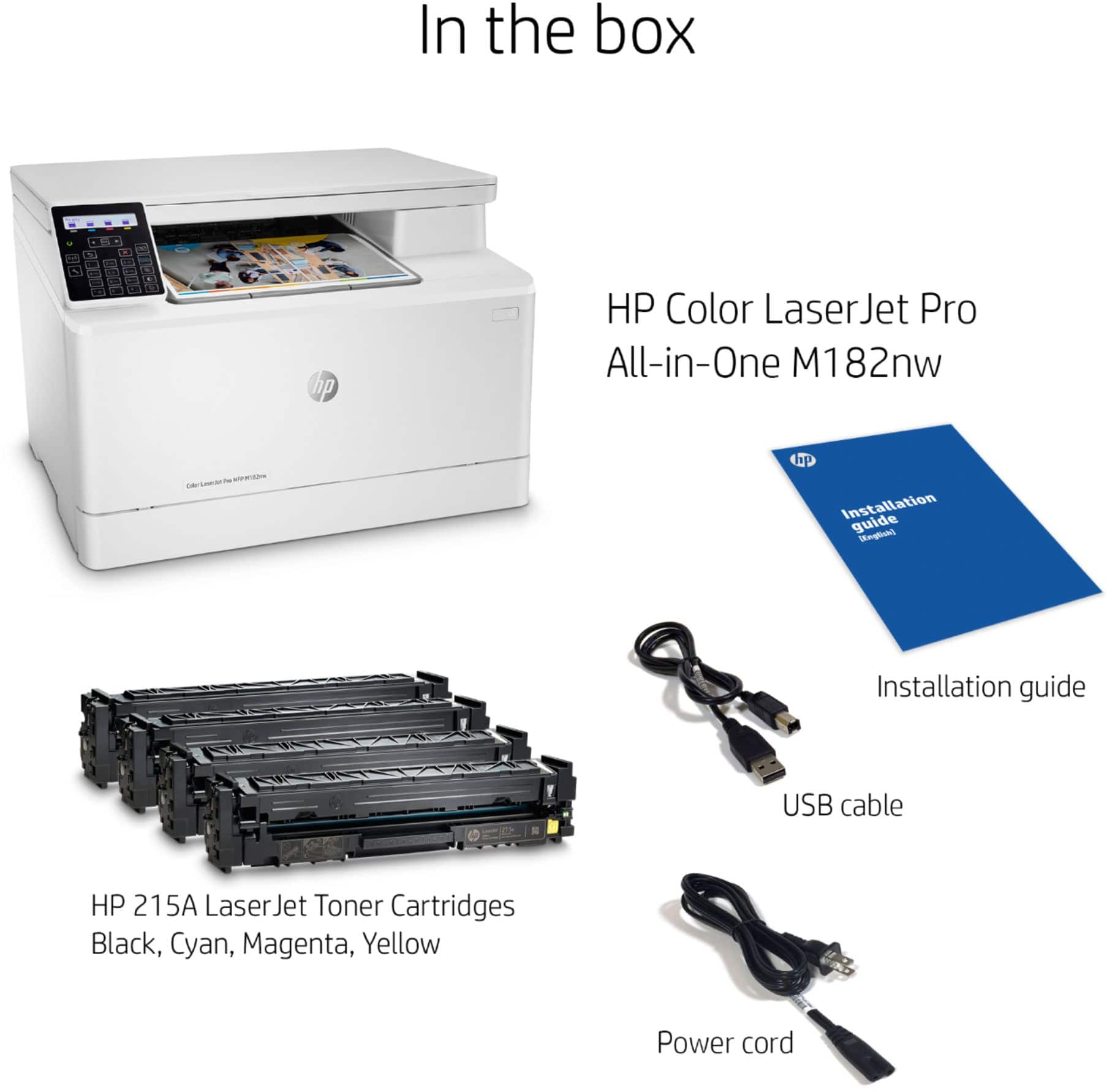
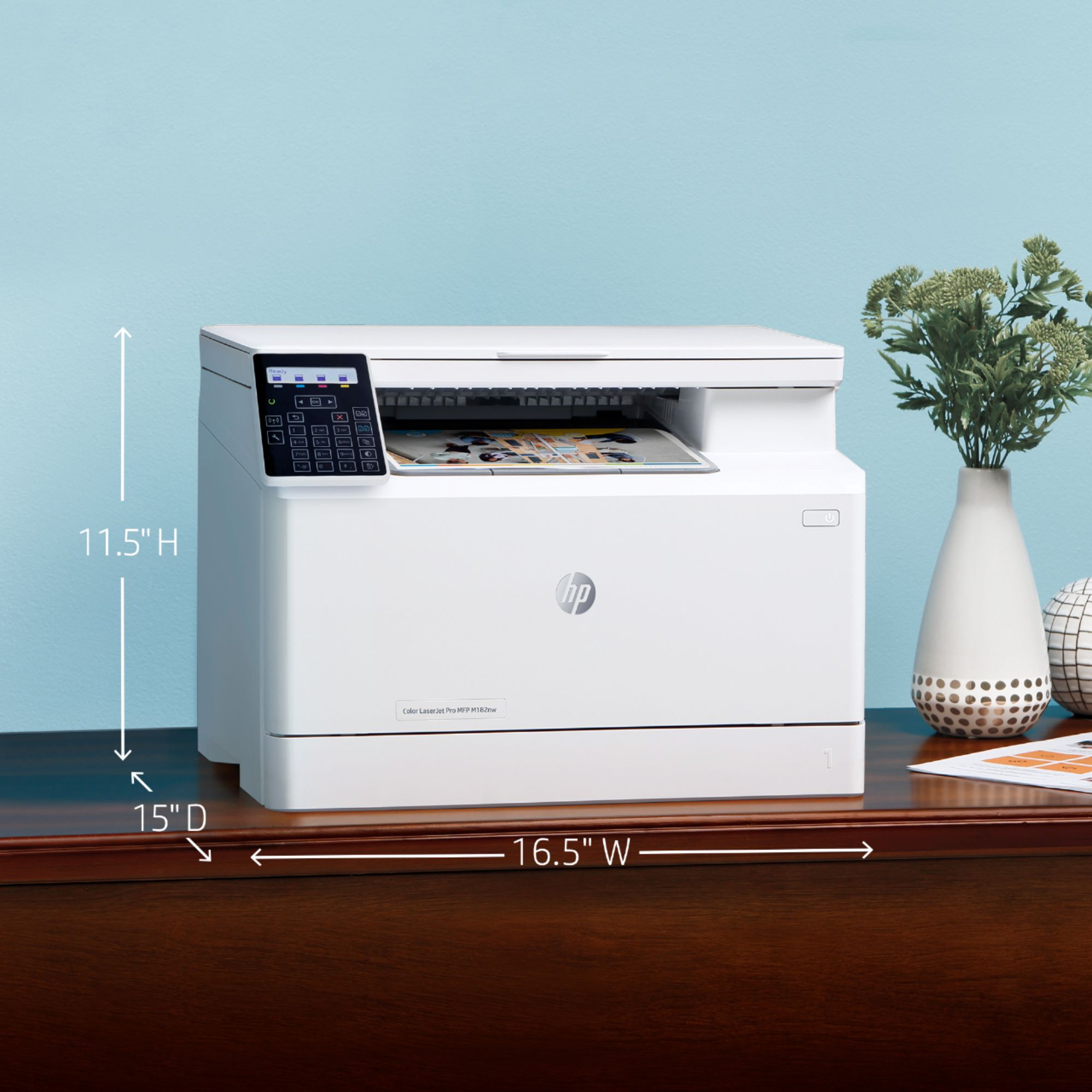

- Model:
- 7KW55A#BGJ M182NW
- SKU:
- 6401100
Rating by feature
- Value
Rating 3.9 out of 5 stars
- Quality
Rating 4.1 out of 5 stars
- Ease of Use
Rating 3.8 out of 5 stars
Customers are saying
Customers consistently note the LaserJet Pro MFP M182nw printer's exceptional print quality, particularly its superb color output. Setting up the printer is generally considered easy and straightforward. The printer's color printing capabilities are also praised for producing nice color images. However, some customers have experienced difficulties connecting the printer to their network.
This summary was generated by AI based on customer reviews.
Look at a different manufacturer
||Posted . Owned for 1 month when reviewed.This reviewer received promo considerations or sweepstakes entry for writing a review.Extremely hard to setup on a wireless network. Had to hookup and use printer with usb cable. Customer support at HP is terrible. Buyer beware.
No, I would not recommend this to a friendBrand response from HP Team
Posted .Hi there.
I’m sorry to hear that your printer would not connect to your wireless network like it should, and that you had a difficult experience with our support system. I can understand why needing to resort to using a USB cable would be a combination of disappointing and frustrating, so I’ll point to some resources and offer some information I hope will help.
First, I recommend you visit a page on our support site that has diagnostic tools for various problems, including setup and wireless connectivity issues. Visit that page here:
- support.hp.com/us-en/topic/diagnostics
You mentioned have a hard time with customer service, but I can’t tell from your review whether you used our online support system or spoke to a live agent, so I recommend that you contact us directly at +1 800-474-6836 so we can guide you through the proper troubleshooting. (Please note that because of restrictions on personal movement and workplace attendance associated with the COVID-19 pandemic, wait times for agents are longer than normal. Thanks in advance for your understanding.) To expedite the process, I recommend gathering the following information before the call:
- Model number
- Serial number
- Your location
- Case number (from any previous contact with HP support)
I'll also mention that HP printers have a one-year warranty from their purchase date that covers hardware as well as ink supplies, so if it comes to that, you might consider making use of it. You can verify the warranty using the following link: support.hp.com/us-en/checkwarranty
Keith
HP Care
hp.com/support
No Good
||Posted . Owned for 3 weeks when reviewed.This reviewer received promo considerations or sweepstakes entry for writing a review.I bought this printer to print for my classroom and when I printed, there was a shadow on the paper. I called HP and they could help so I exchanged the printer. The same problem happened with the next printer. Both of them brand new out the box. There is a defect with this model printer.
No, I would not recommend this to a friendBest price
||Posted . Owned for 7 months when reviewed.This reviewer received promo considerations or sweepstakes entry for writing a review.HP laser printer has a good quality and best pricing.
I would recommend this to a friendWorst printer I ever purchased
||Posted . Owned for 1 month when reviewed.This reviewer received promo considerations or sweepstakes entry for writing a review.This is without a doubt the worst printer I have ever purchased. It constantly drops off the wireless network, my other 2 printers don’t. The control panel does not light up. You can only connect wirelessly via WPS, if that doesn't work, to bad. Do not buy this printer if you just bought it return it.
No, I would not recommend this to a friendBrand response from HP Team
Posted .Hi, Claudia.
I’m sorry that your printer has failed to maintain a reliable wireless connection, and that you’re dissatisfied with some of its features. I can certainly understand why this would cause frustration. I want to help you remedy the connectivity issue, so I’ll suggest some resources aimed at making that happen.
First, I recommend you visit a page on our support site that has diagnostic tools for various issues, including wireless connectivity. You can find that page here:
- support.hp.com/us-en/topic/diagnostics
You can also find troubleshooting guides specific to your printer, including ones on connectivity, in addition to user manuals, how-to documents and software updates here:
- support.hp.com/us-en/product/model/29448700
If any problem persists, I recommend that you contact us directly at +1 800-474-6836 so we can help you assess what’s happening and find the best course of action. To expedite the process, I recommend gathering the following information before the call:
- Model number
- Serial number
- Your location
- Case number (from any previous contact with HP support)
Keith
HP Care
hp.com/support
Stay away from hp
||Posted . Owned for 1 year when reviewed.This reviewer received promo considerations or sweepstakes entry for writing a review.Printer is good all set up put it gets 1 star cause good luck trying to find toner and dealing with hp is worthless
No, I would not recommend this to a friend- Pros mentioned:Ease of useCons mentioned:Noise level
New HP Printer
Posted .This reviewer received promo considerations or sweepstakes entry for writing a review.Very pleased with my recent purchase. Easy set up, much quieter than mr older Canon. Wi Fii works great and connected to my smart easily.
I would recommend this to a friend New color laser printer
Posted .This reviewer received promo considerations or sweepstakes entry for writing a review.This printer will serve my needs. I am pleased with what it does.
I would recommend this to a friend- Pros mentioned:Print quality
Best lazer printer
Posted .This reviewer received promo considerations or sweepstakes entry for writing a review.I really love my new lazer printer. Outstanding choice
I would recommend this to a friend HP Printer
Posted .This reviewer received promo considerations or sweepstakes entry for writing a review.I had to call tech support 6 times before i could get it to work consistently.
No, I would not recommend this to a friendNeed an online account to use a printer?!?
Posted .This reviewer received promo considerations or sweepstakes entry for writing a review.An HP account is required to print and scan, absolutely ridiculous and unnecessary. There are many better options out there, please keep looking.
No, I would not recommend this to a friendStay away from HP Printers
Posted .This reviewer received promo considerations or sweepstakes entry for writing a review.Constant connection issues, does not print when you want it to from a variety of devices, does not connect to Chromebooks. HP "mandatory registration" to get firmware updates is ridiculous, especially because their registration site it so glitchy and their update app is poor.
No, I would not recommend this to a friendBrand response from HP Team
Posted .Hi there.
I’m sorry that your printer has failed to maintain a wireless connection with various devices, and that you’ve had difficulty with firmware updates. I can wholly understand why this level of unreliability would be exasperating. I want to help you resolve these problems, so I’ll suggest some resources aimed at making that happen.
First, I recommend you visit a page on our support site that has diagnostic tools for various issues, including wireless connectivity. You can find that page here:
- support.hp.com/us-en/topic/diagnostics
You can also find troubleshooting guides specific to your printer, including ones on connectivity, in addition to user manuals, how-to documents and software updates here:
- support.hp.com/us-en/product/model/29448700
If the problem persists – and for assistance with firmware updates and software performance – I suggest that you contact us directly at +1 800-474-6836 so we can help you assess the situation and find the best course of action. To expedite the process, I recommend gathering the following information before the call:
- Model number
- Serial number
- Your location
- Case number (from any previous contact with HP support)
Keith
HP Care
hp.com/support