Customer Ratings & Reviews
- Model:
- 5HG80A#BGJ
- SKU:
- 6401099
Rating by feature
- Value
Rating 4.1 out of 5 stars
- Quality
Rating 4.3 out of 5 stars
- Ease of Use
Rating 4.3 out of 5 stars
Customers are saying
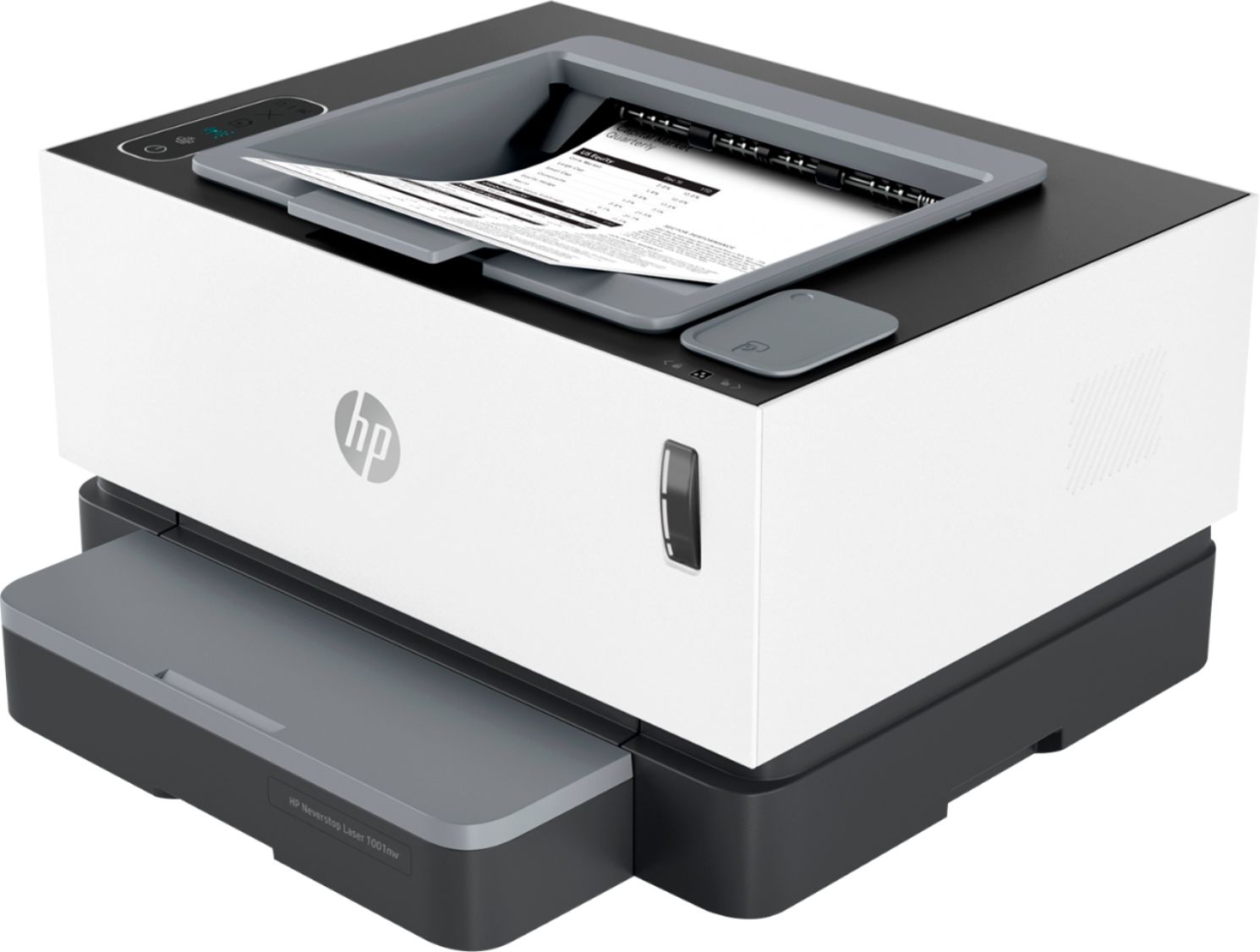
Customers recognize the exceptional print quality and ease of use of the Neverstop 1001nw Wireless Black-And-White Laser Printer. Many appreciate its compact size and straightforward setup process, while some find the paper tray design and price to be less satisfactory. Positive feedback also highlights the printer's quiet operation and reliable performance. However, the lack of automatic duplexing is a noted drawback for some users.
This summary was generated by AI based on customer reviews.
Printer
||Posted . Owned for 2 weeks when reviewed.This reviewer received promo considerations or sweepstakes entry for writing a review.Very nice , it's a little slower than expected but work really good. Don't know what kind of cartilage it uses can't figure it out or what kind of ink it uses but works good.
No, I would not recommend this to a friendLove love love this printer.
||Posted . Owned for 1 month when reviewed.This reviewer received promo considerations or sweepstakes entry for writing a review.I'm so happy I purchased this practical printer for my small business.
I would recommend this to a friendSay goodbye to toner cartridges forever
||Posted . Owned for 2 weeks when reviewed.This reviewer received promo considerations or sweepstakes entry for writing a review.Excellent printer! Fast printer that get the job done
I would recommend this to a friendNice
||Posted . Owned for 3 weeks when reviewed.This reviewer received promo considerations or sweepstakes entry for writing a review.Working well so far. I got tires of toner cartridges.
I would recommend this to a friendI love it
||Posted . Owned for 1 month when reviewed.This reviewer received promo considerations or sweepstakes entry for writing a review.This printer is awesome I would definitely recommend it to everyone
I would recommend this to a friendHp Printer
||Posted . Owned for 1 week when reviewed.This reviewer received promo considerations or sweepstakes entry for writing a review.So far so good. I just bought this printer. Easy hook up
I would recommend this to a friendthe price is worth it!
||Posted . Owned for 1 week when reviewed.This reviewer received promo considerations or sweepstakes entry for writing a review.Love it so far prints super fast. Love new style hp printers
I would recommend this to a friendEasy to install
||Posted . Owned for 1 week when reviewed.This reviewer received promo considerations or sweepstakes entry for writing a review.love it! Easy to install and prints pretty quickly!
I would recommend this to a friendAwesome
||Posted . Owned for 1 week when reviewed.This reviewer received promo considerations or sweepstakes entry for writing a review.Excellent for quick response jobs very useful!!!!!
I would recommend this to a friend- Cons mentioned:Price
no summary see below
||Posted . Owned for 3 weeks when reviewed.This reviewer received promo considerations or sweepstakes entry for writing a review.A nice enough printer but there is no color and no copying only black and white. You pay alot for that little bit.
No, I would not recommend this to a friend - Pros mentioned:Print quality, Setup

Reliable Fast Laser Printer for home office
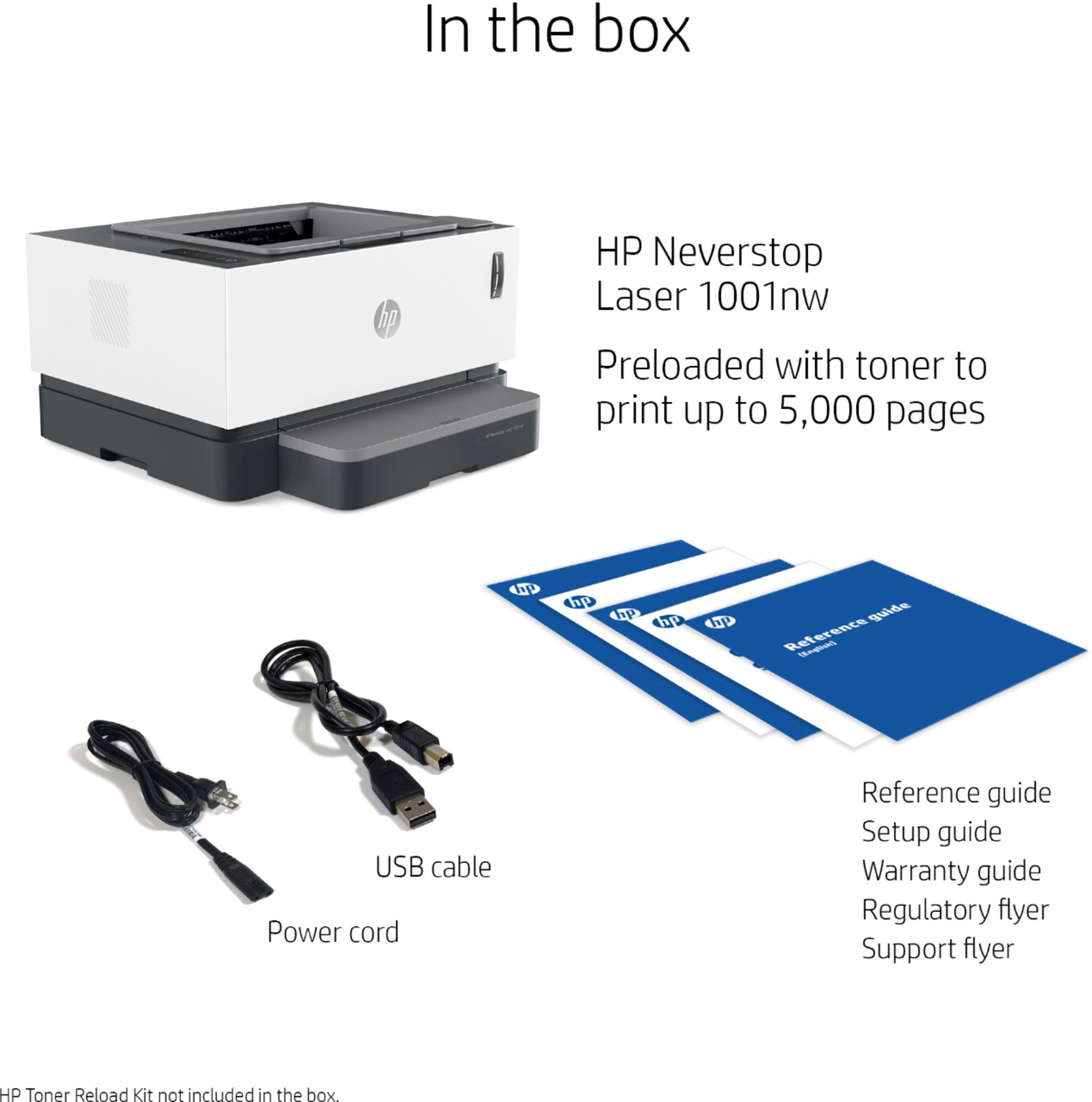
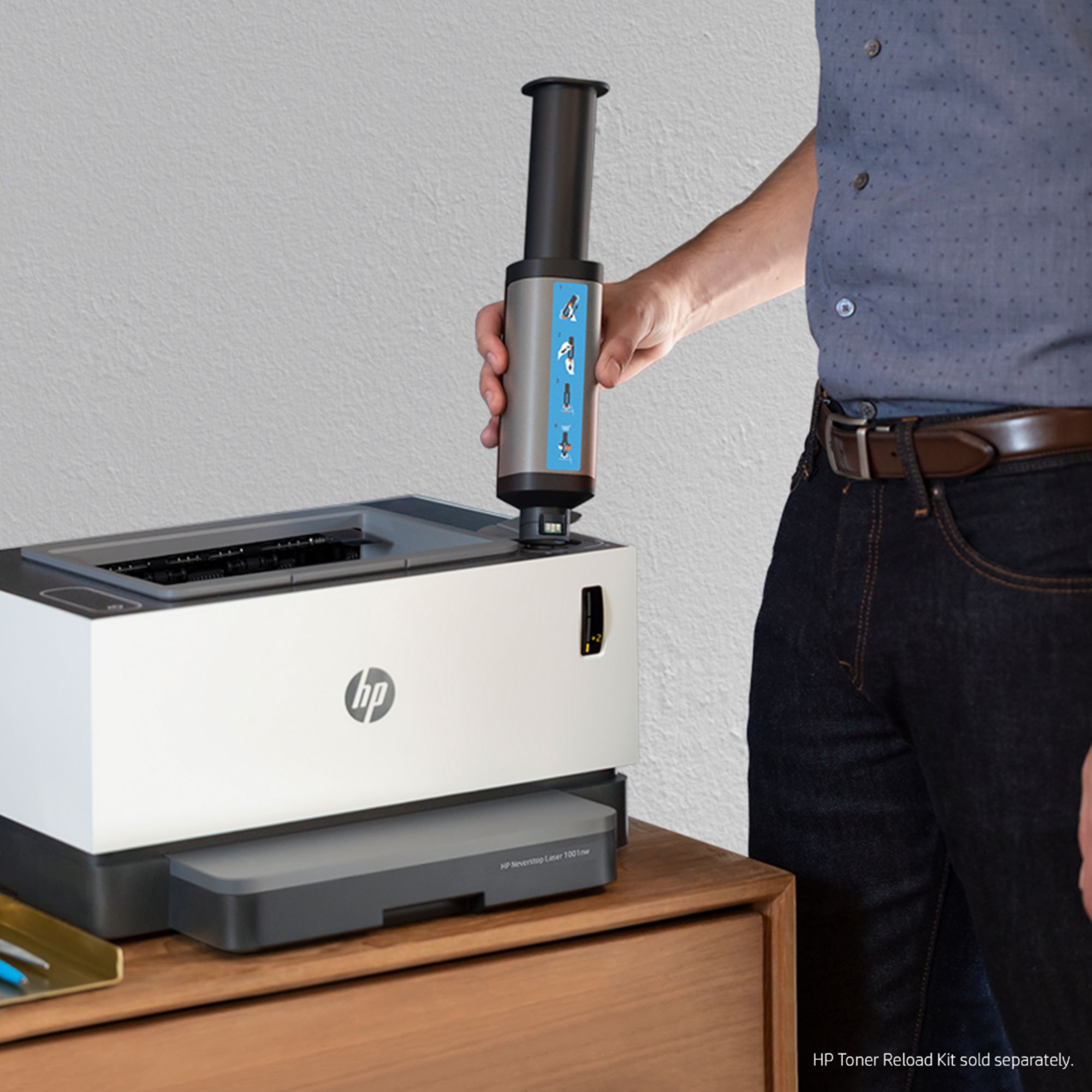
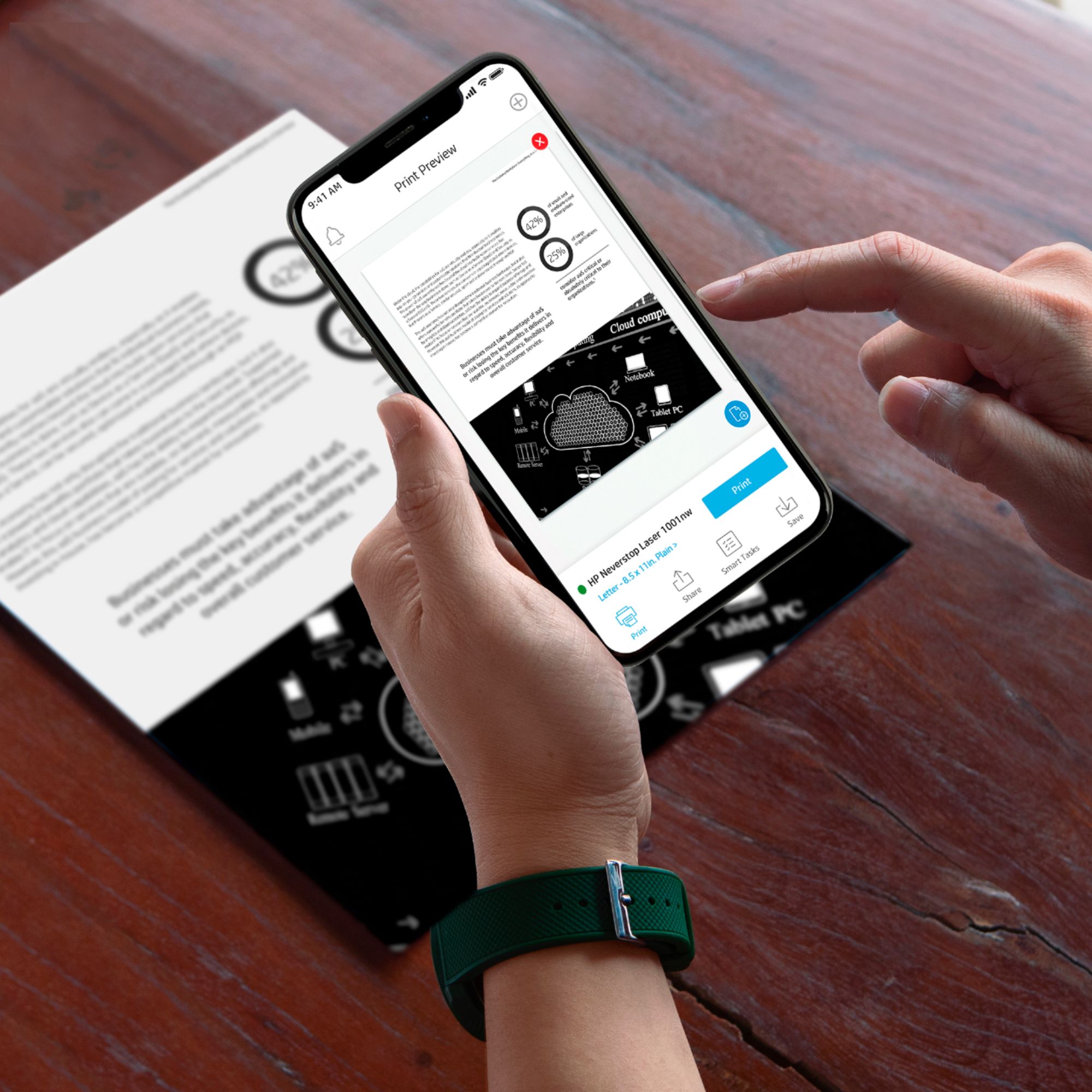
|Posted .This reviewer received promo considerations or sweepstakes entry for writing a review.This space-saving HP Neverstop 1001NW laser printer prints faster black and white print at a greater speed. Setup was very straight forward and super easy using the mobile app and Bluetooth. I used my mobile to set it up. It has got ethernet & USB capabilities for direct connection. Paper tray compartment holds approximately 150 sheets of paper and the included toner drum is advertised to print approx. 5000 pages out of the box before requiring to refill the toner. For mobile printing and for greater productivity would recommend downloading the HP Smart app. I downloaded the HP Smart for IOS(search HP Smart from app store) . Once downloaded, it automatically searches for the available hp printer and if it's powered on it detects it automatically. If you need to add manually click the + (get started by adding printer) and you will get a message that “HP Smart” would like to use Bluetooth. Click Ok since the printer setup is done using Bluetooth. Make sure Bluetooth is turned on before starting this process. You can also connect your printer using the IP address if you have static IP for the printer. This printer is great for printing wireless or virtually anywhere using the app. Another great feature about this printer is the cartridge-free/mess-free toner refill feature. You would need to purchase the refill toner and then just reload it by insert the toner and pushing it down. It comes with the printer, power cord, USB cable, setup guide, manual. Overall I would recommend this printer for home use or for reliable office environment. Only one caveat in this printer is missing duplex printing option.
I would recommend this to a friend Only prints on one side!
||Posted . Owned for 1 month when reviewed.This reviewer received promo considerations or sweepstakes entry for writing a review.I believe that a 300 dollar printer should have the capability of duplex printing. Everything else is phenomenal; 10,000 pages right out of the box, ink is a good price, the app is interactive and useable. The fact that I can not print on both sides of a page is the reason I returned it.
No, I would not recommend this to a friendlaser
||Posted . Owned for 1 month when reviewed.This reviewer received promo considerations or sweepstakes entry for writing a review.needed to return as it does not scan very disappointed I liked this machine
No, I would not recommend this to a friend- Pros mentioned:Ease of use, Print quality
Quality Budget B/W Laser Printer
|Posted .This reviewer received promo considerations or sweepstakes entry for writing a review.Inkjet printers are versatile. They can handle printing documents, presentations, or photos. Depending on the printer, they can do better or worse jobs with each type of printing. It's also common to see consumer-grade inkjet printers that can serve as photocopiers. But sometimes, you mainly want to print documents. Black and white is fine. It's more important to have crisp and non-smudgy text provided by a laser printer than to have the versatility of an inkjet. Enter the HP Neverstop Laser 1001 nw printer. The HP Neverstop is a wifi-enabled printer that you can use with HP's Smart app to print from nearly any device. It is easy to set up and use. Aside from that, it has nearly no features. It is not a photocopier or fax machine. It cannot do color. It exists to churn out Word documents and similar stuff, where legibility and professional-looking print matter more than color. It can print photos with good resolution, but they will be B&W only. The same with any other document. You can print directly from your computer, phone, or tablet over your wifi network. Physical setup is pretty easy, but could have been even easier. From the box, you open the top of the printer, remove the orange plastic spacer and the tape that holds it in, then you snap a little blue piece of plastic onto a gray piece of plastic to form the bottom of the paper tray, load paper, then snap in the top of the paper tray. Figuring out how the blue piece attaches to the gray piece took a couple of minutes. To configure the printer, connect it via USB to a laptop and go into Settings to find it. You should see an option for the printer to get network access credentials from your computer. Choose that, and the printer is now available to all devices on your wifi network. You can also rename it, which I did immediately to avoid chuckling about "Conner4Real" every time I print something. That's it. The printer can be up and running five minutes after you open the box. If the limitations of the printer sound ok for how you'll use it, I would recommend this printer. If, however, you want your printer to also be able to do color prints and photocopies, this is not the printer for you.
I would recommend this to a friend - Cons mentioned:Paper tray
Very cheaply made.
||Posted . Owned for less than 1 week when reviewed.This reviewer received promo considerations or sweepstakes entry for writing a review.HP has really lowered its quality, at least on this printer. The plastic guides are very thin. It does not have a pullout tray to load paper. There is no extention to lay envelope(s) on. I'm returning this printer.
No, I would not recommend this to a friend HP- Neverstop 1001nw
||Posted . Owned for 1 week when reviewed.This reviewer received promo considerations or sweepstakes entry for writing a review.The WiFi doesn't support a 5GHz connection. But other than that it's a great printer.
I would recommend this to a friendNope
||Posted . Owned for 2 weeks when reviewed.This reviewer received promo considerations or sweepstakes entry for writing a review.Theoretically this is the best printer for my needs. But it doesn’t work well and I just returned it. It doesn’t always print when I ask it to. Sometimes it prints mysterious blank pages where writing should be. Oh yeah — it doesn’t connect to Macs at all. So disappointing
No, I would not recommend this to a friend- Pros mentioned:Print qualityCons mentioned:Duplexing
Long (refillable) toner life, Monochrome laser
|Posted .This reviewer received promo considerations or sweepstakes entry for writing a review.It will be difficult to review the refillable toner life, because the HP Neverstop 1001NW claims to come with 5,000 pages worth of toner right out of the box, and in the time I have to write this review I won't be able to realistically print 5,000 pages (I just do not have that much paper around). I am interested to see whether it makes sense to buy manufacturer provided toner refill kits versus 'generics' as is often the case (this printer is different, so manufacturer toner might be a safer option if the price is right). Other than the refillable toner, which loads very easy and in a matter of seconds, this is a bare bones network laser printer. It prints single-sided, monochrome (Black only), and does not have any multi-function features (no scanner/fax). Not being multi-function, it does take up a little less space, and is somewhat less complicated to use once the toner is loaded and it is connected to the network. Being monochrome, you won't be forced to buy 4 different color toners, you can just buy the black refill kit, which should save you money. The one negative might be that since it is not duplexing (it is single sided) you might find yourself using more paper than if it were duplexing (two-sided printing). The HP Smart app is potentially useful for some users though of questionable value to myself, I mean yes it will do things like tell you the toner level, and it might let you print from off network (but I wouldn't have a use for that; generally when I print I want something in my hand now and if I'm away from home/office that doesn't help me). HP has long since been my go to company for laser printers (best quality, most reliable for me, historically), it was a little sad to hear they might be acquired by another company and I hope they don't get ruined by that acquisition if it happens. I have to admit I am a little concerned 'conceptually' about the overall lifespan of this printer, because I feel like usually on a typical laser printer when you change a toner, you change more 'mechanical parts' that are in the toner cartridge itself at the same time besides the toner itself, and here you're literally just swapping out the toner particles, so are the mechanical parts going to go bad sooner on their own? Perhaps for the operating cost of this printer it won't matter so much. What can I really say about this printer that I didn't say about it already? It prints fast ("up to 21 ppm" though I suspect like most laser printers, depending on the kind of print job there may be more pre-processing, i.e.plain text will print faster than certain types of graphics), and it is very sharp (though, that is true of most laser printers). At the time of writing of this review there is a crisis going on in the world, and I worry about the ability to acquire toner, and with the toner capacity of this printer I believe I'm going to temporarily disconnect it and put it aside until my other two printers (one laser, one inkjet) are out of supplies, then have this as my 'back up' printer in the event I cannot get supplies as easy.
I would recommend this to a friend - Pros mentioned:Print quality, Setup
Easy setup, quality printing
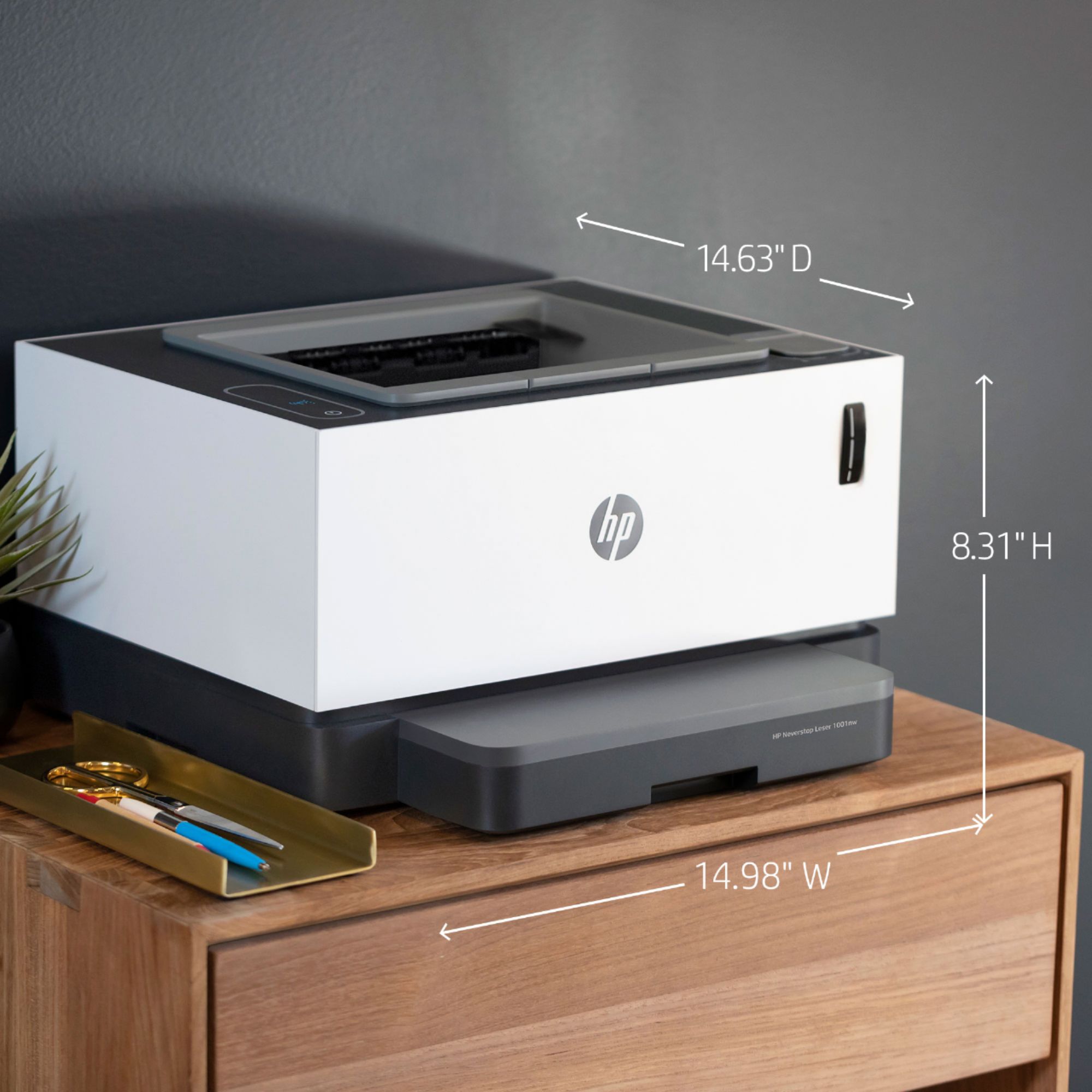
|Posted .This reviewer received promo considerations or sweepstakes entry for writing a review.This is, first and foremost, a Hewlett-Packard laser printer. HPs have been pretty much the gold standard in laser printing ever since the company came out with its first laser printer decades ago. This printer is no different in that regard. What we have to talk about with the HP Neverstop 1000 printer are three things: setup, connectivity, and supply use. I had this printer connected, set up, and running inside of five minutes after opening the box. The toner is already installed, and the “Neverstop-ness” comes from the fact that there is enough toner already in the printer to last for an advertised 5000 pages. It’ll be a year or more before that claim can be tested. Setup itself consists of removing the usual packing tapes and so forth, attaching the paper tray, loading paper, and connecting the power cord to a wall socket. The printer initializes after about 30 seconds. Then you go to a website indicated in the instructions to download the appropriate app and any drivers necessary. This isn’t the first HP printer I have that has used this setup process, and it turned out that the installation software was already on my computer. The next step is to connect, and there are three options: USB, ethernet, or wireless. The latter two give access to additional features, such as monitoring of the toner level and ordering supplies, but there is a toner level indicator right on the front of the machine as well as in the app, so I don’t see much of a problem using the USB connection if that’s easiest for you was it was for me and monitoring the toner level separately. After all, given the number of pages I should be able to print with the amount of toner that came with the printer, it will be a long time before I should need to add toner. As I said, I have another HP Smart printer like this one, and it is attached to my network’s router in another room via ethernet cable. It works great, and connectivity is never a problem from any computer on the network. I did try using the wireless capability of that printer, and I could never get it to work right. Every time I wanted to print to that printer wirelessly, I’d have to reconnect the printer to the wireless network and then reinstall the printer on my computer. Even a couple of calls to HP technical support couldn’t get this resolved, so I don’t use that printer’s wireless function. So as to not run into the same problems with this printer, and because this one is located in a room separate from the router, it’s attached via USB cable to the computer that will print to it most. (A USB cable is included in the box.) Setting it up this way was simple, and print quality is excellent. The printer has a reasonably small footprint, so it should easily find a place in any office or home environment.
I would recommend this to a friend Poor reliability
||Posted . Owned for 1 year when reviewed.This reviewer received promo considerations or sweepstakes entry for writing a review.Machine worked great until today when the power dropped. It is now out of warranty as well. Not much good to say about long term reliability here,
No, I would not recommend this to a friend



















