Customer Ratings & Reviews
- Model:
- 5HG80A#BGJ
- SKU:
- 6401099
Rating by feature
- Value
Rating 4.1 out of 5 stars
- Quality
Rating 4.3 out of 5 stars
- Ease of Use
Rating 4.3 out of 5 stars
Customers are saying
Customers recognize the exceptional print quality and ease of use of the Neverstop 1001nw Wireless Black-And-White Laser Printer. Many appreciate its compact size and straightforward setup process, while some find the paper tray design and price to be less satisfactory. Positive feedback also highlights the printer's quiet operation and reliable performance. However, the lack of automatic duplexing is a noted drawback for some users.
This summary was generated by AI based on customer reviews.
- Pros mentioned:Noise level, Print quality

Efficent and Minimalist Printer
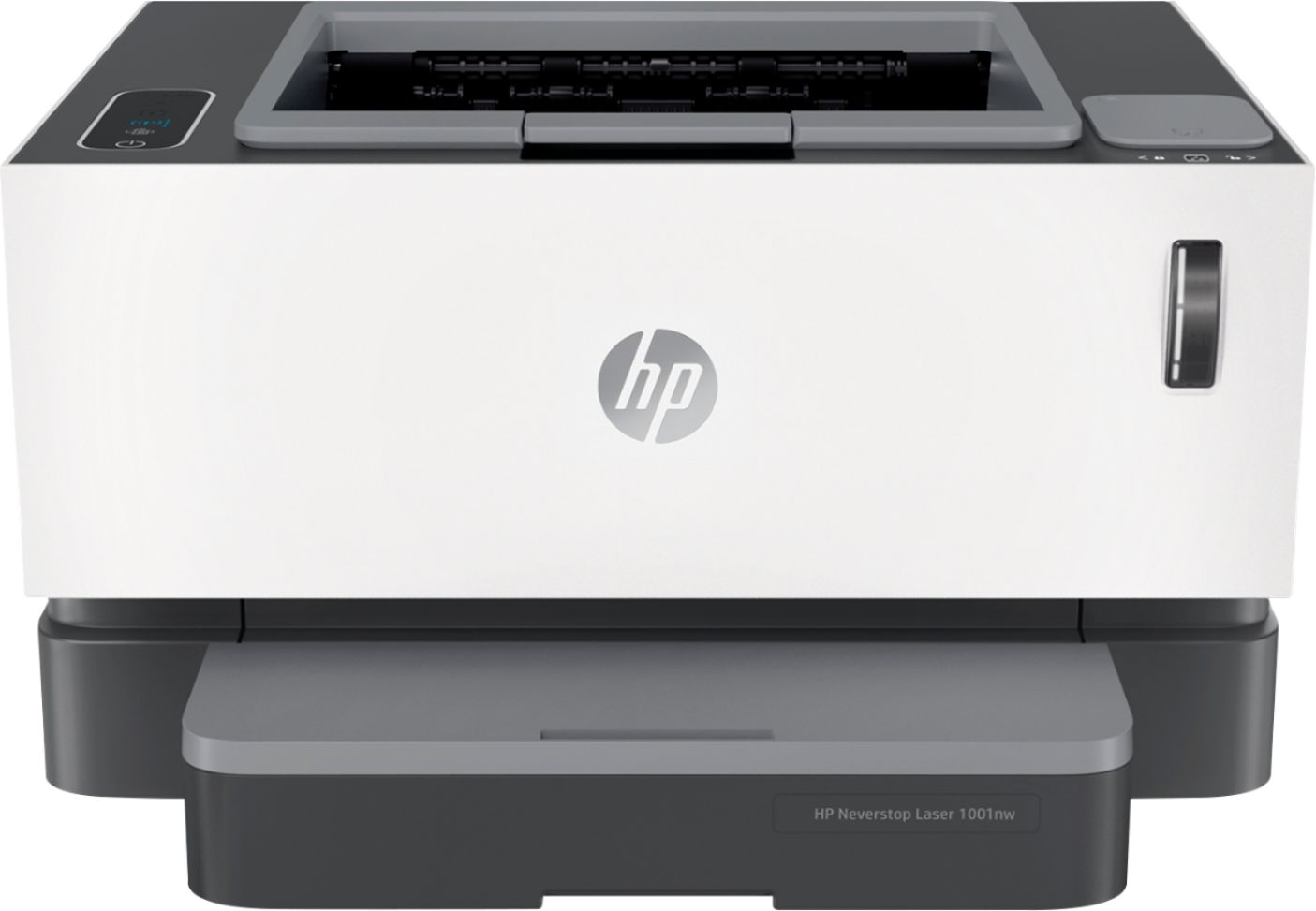
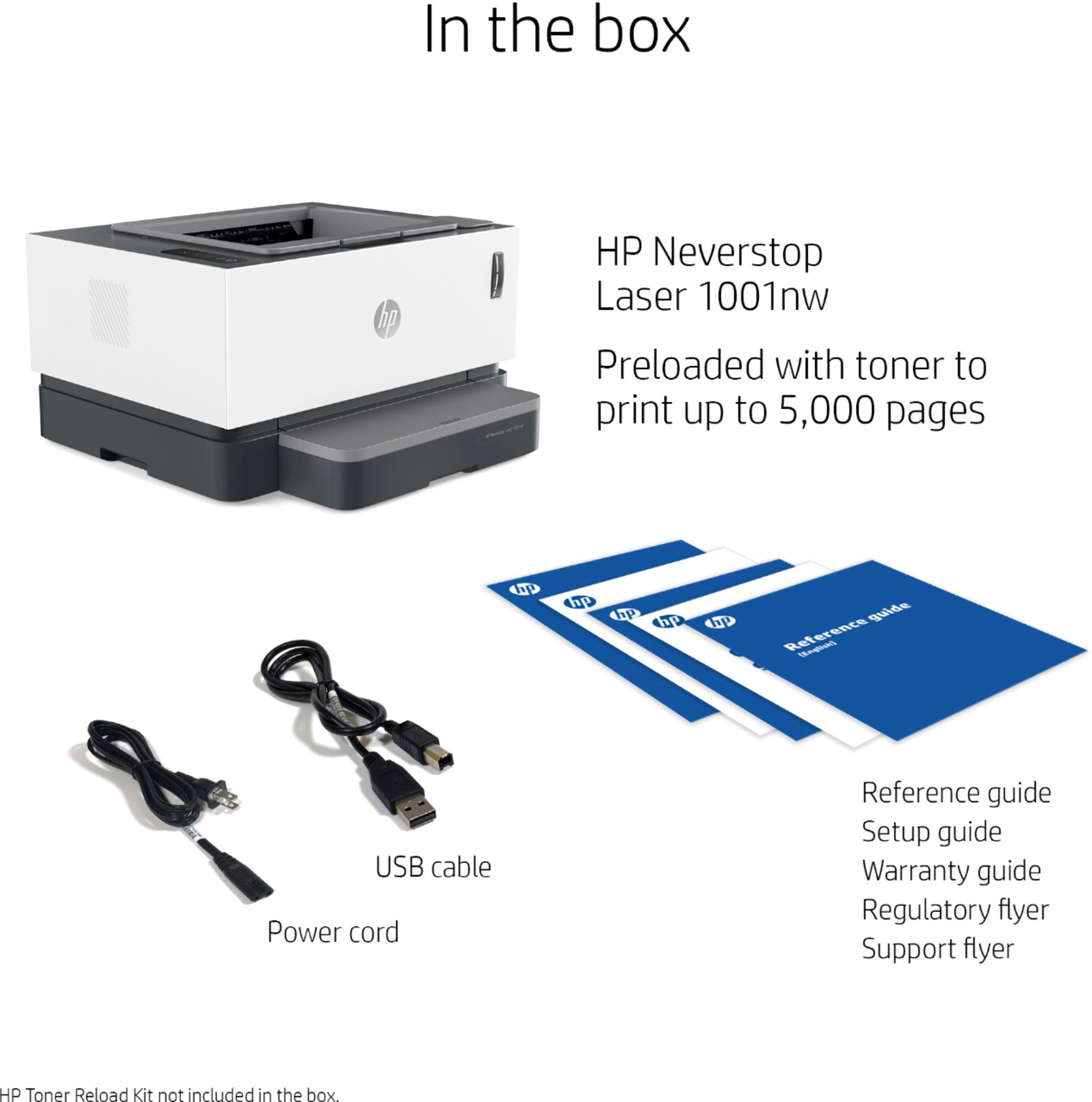
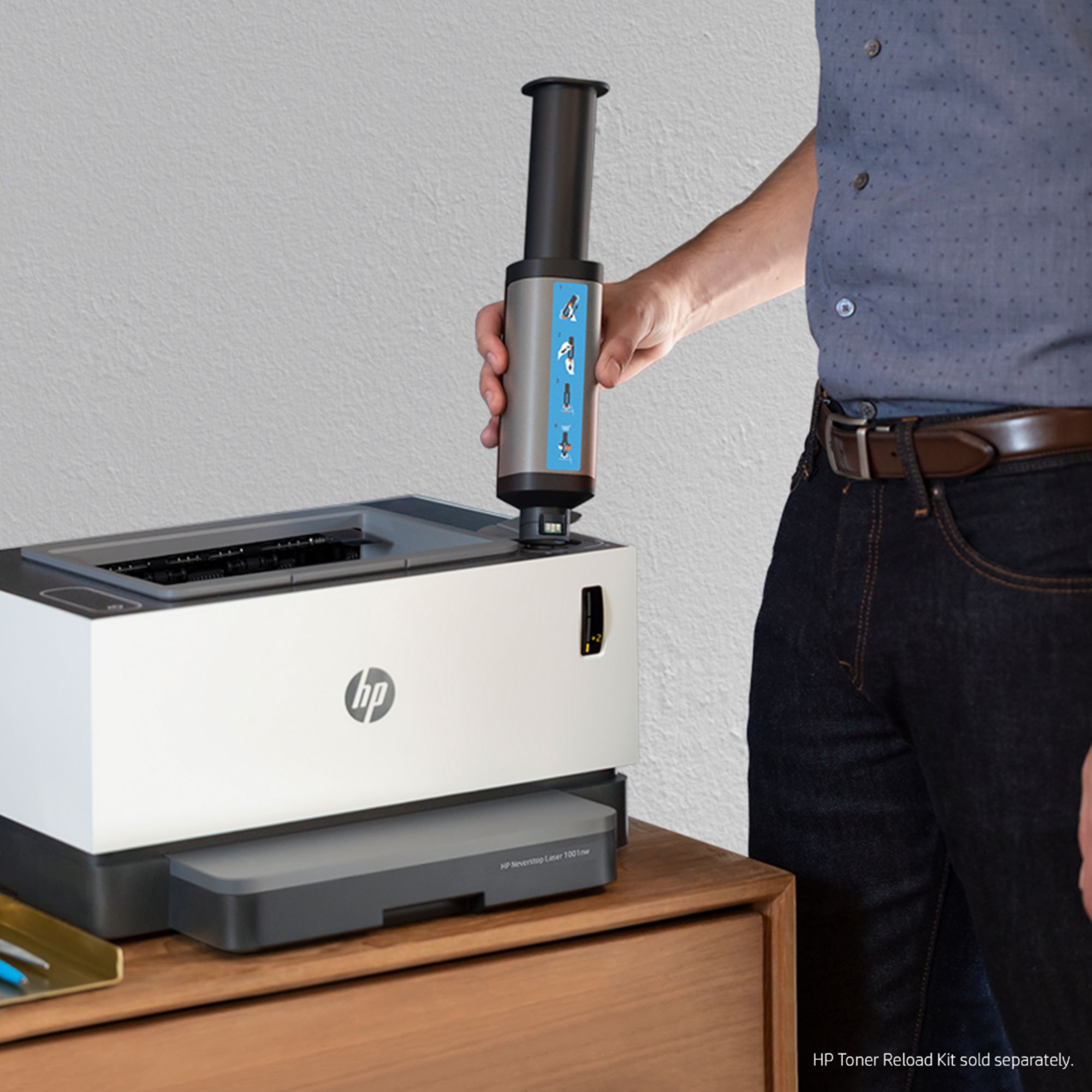
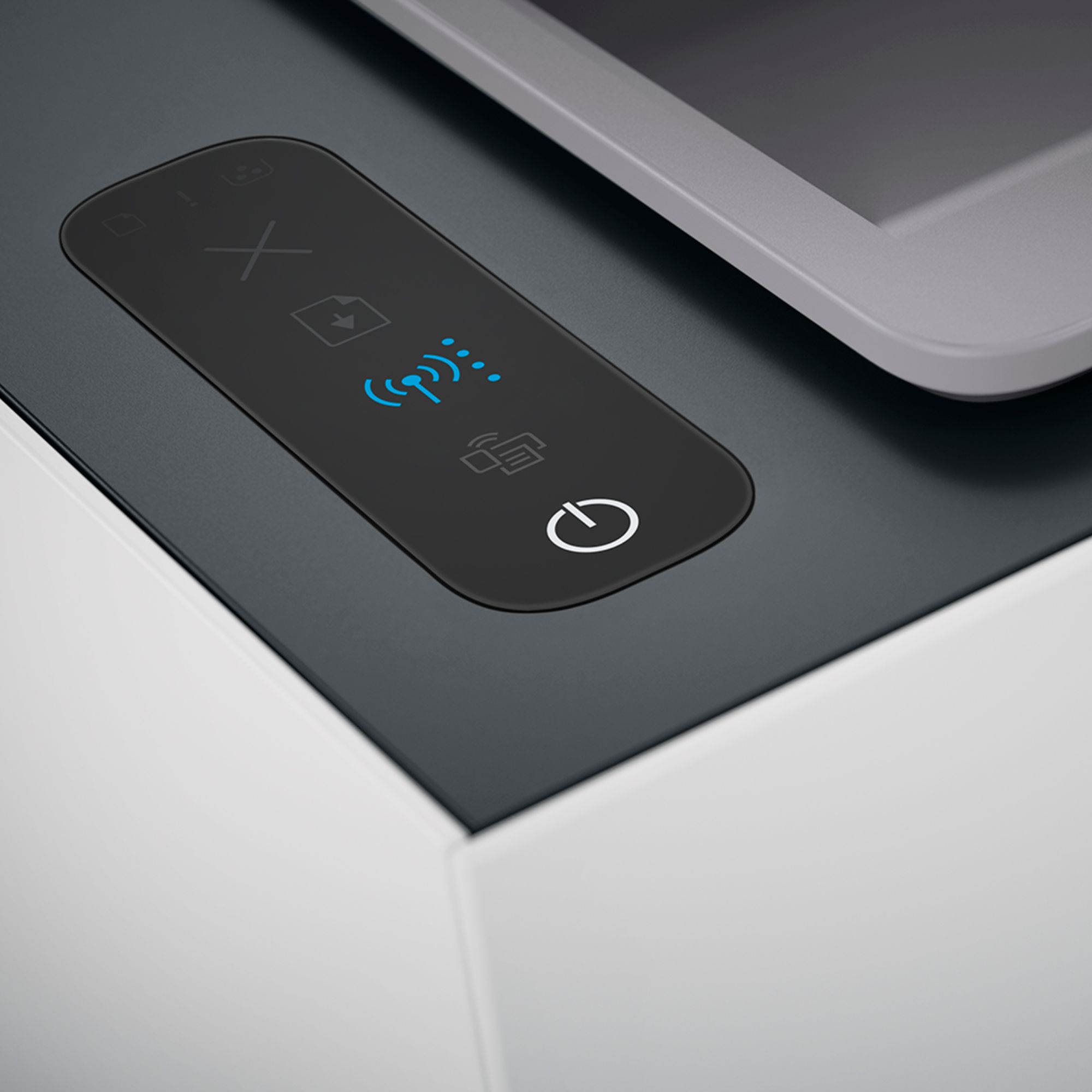
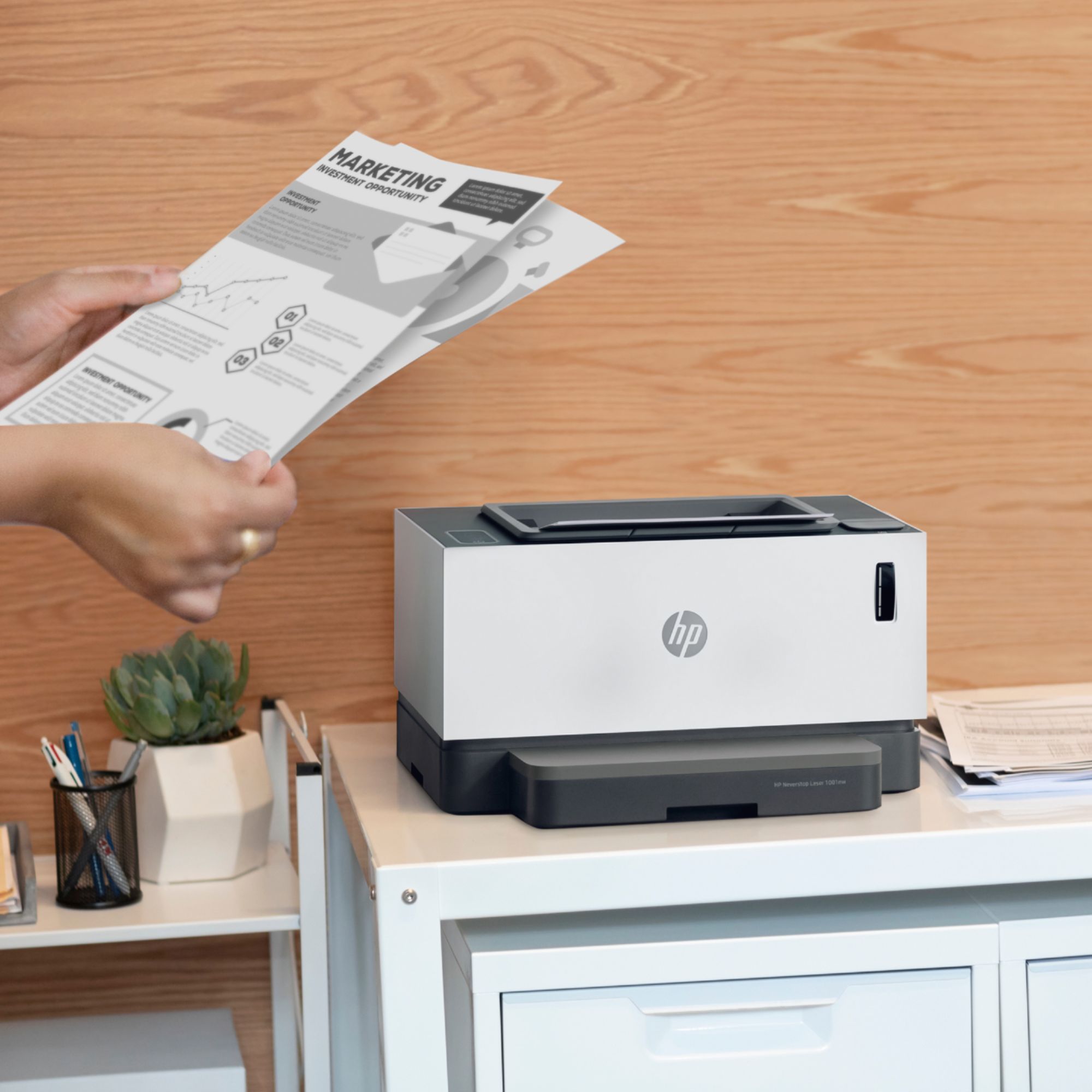
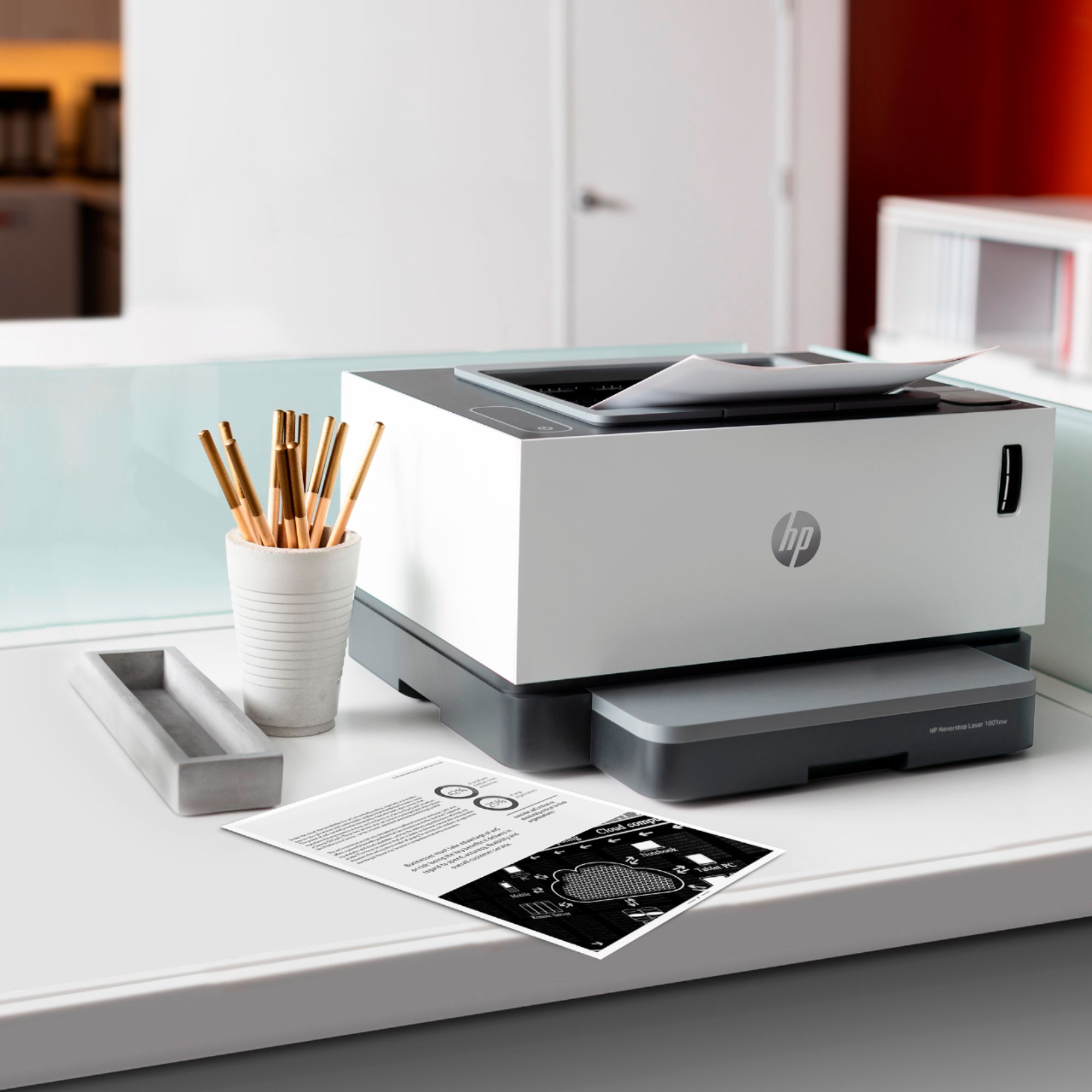
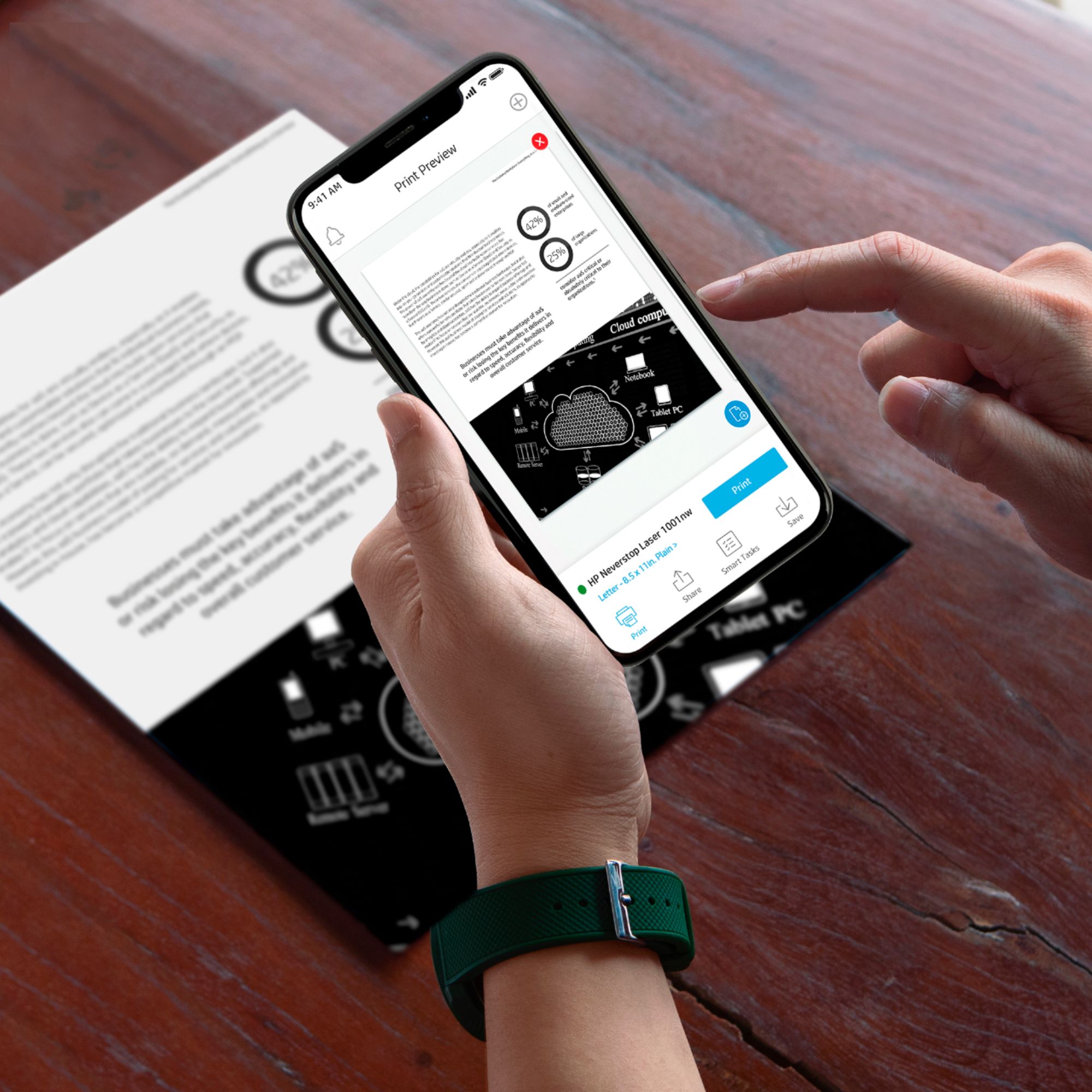
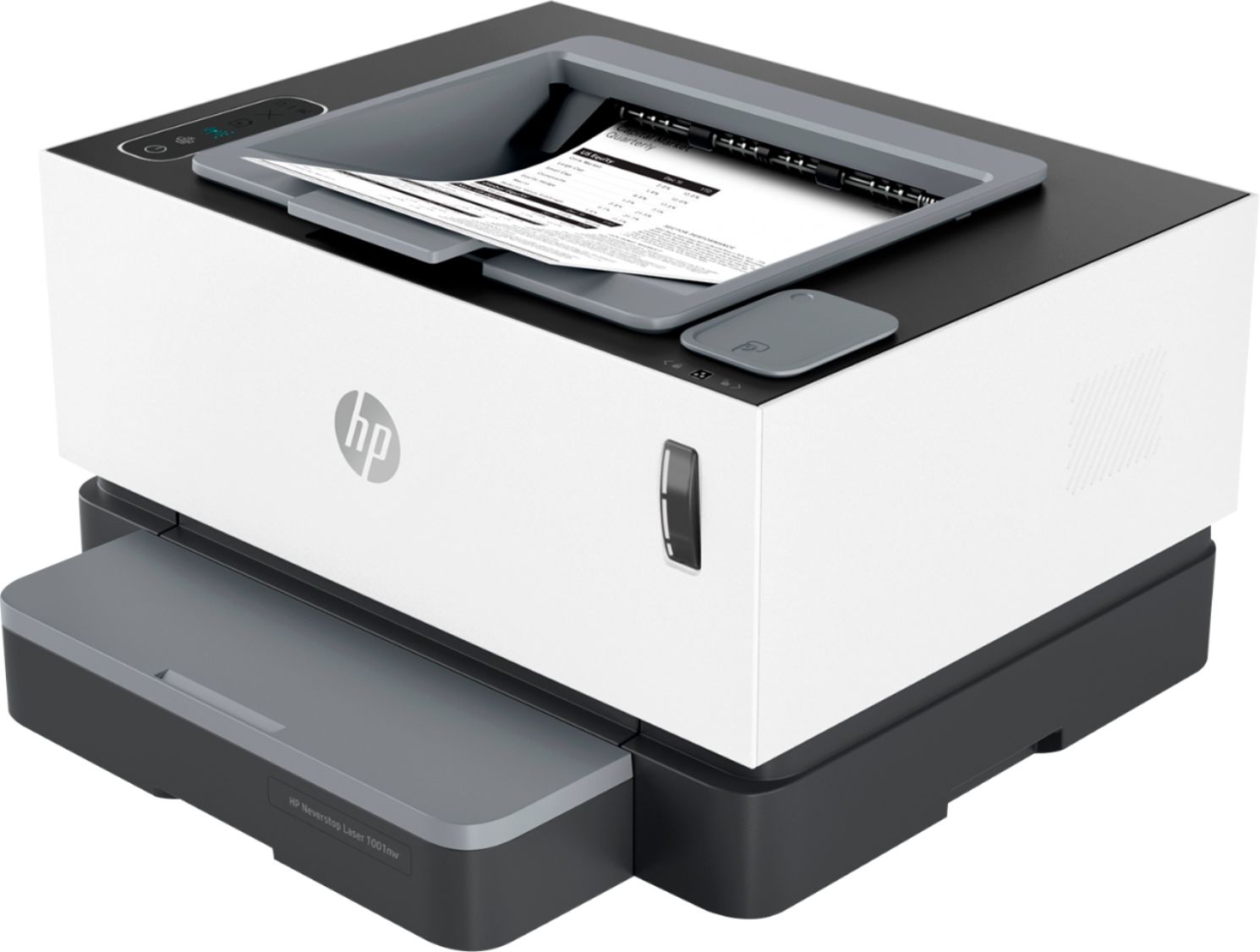
|Posted .This reviewer received promo considerations or sweepstakes entry for writing a review.The HP Neverstop Laser 1001nw is a simple no-frills laserjet printer that aims to deliver two major features. An estimated 5000 pages of toner right out of the box and a very easy toner refill process that doesn't require you to turn off the printer or open it up. The short version is that this is a black and white printer with a simple and easy to use user interface. There is little to go wrong and print quality and speed are good. The only downside is the lack of duplex printing. If you need to print on both the front and back, you'll need to flip the paper yourself. This makes it good for light home usage and school reports, and maybe a small business that doesn't do too much with complicated documents. The printer is easy to set up. Remove from the box, pull the protective covers, add paper, plug in the power cord, and fire up the HP smart app to configure it to your network. It can print over USB but I ditched that for printers over a decade ago. The 1001nw is as basic as it gets. It just prints in black and white, it doesn't have a fancy LCD touchscreen - just a few buttons for power, cancel print, resume print, and a couple indicator lights. This is refreshing. I've had other similarly feature limited printers that had a full touchscreen that's annoying because you're worried about it breaking in a home environment with children but the screen doesn't really provide any useful function other than to consume electricity 99.9% of the time. From start to finish, I had the printer running and printing the first page from my phone in less than 5 minutes. The print quality of the 1001nw is good. It's hard for me to really judge with just black and white text but I didn't see any smearing or dropouts. Nothing strange in my prints. Printing to paper as well as adhesive labels worked well which covers about 95% of all the printing that I do. The print speed was good. The box claims 20 pages per minute and the tray holds a full ream of paper. The printer is relatively quiet - you will hear it from a room or two away waking up and printing, but it's not a jarring sound like inkjets can be. I rate this four stars because the printer behaves exactly as advertised. While it is not in the printer specs, I'm withholding one start because the printer is missing a couple key features to make it well rounded home office device. Duplex printing - that's the ability for the printer to automatically print on both sides of a piece of paper and scanning. A model with those two features, but keeping the same minimalist user interface and print longevity would be great.
I would recommend this to a friend Large projects
||Posted . Owned for 1 week when reviewed.This reviewer received promo considerations or sweepstakes entry for writing a review.Works really well on large projects. Had a little trouble getting it to sync up to my wifi, but overall I would recommend this printer.
I would recommend this to a friendGood cost efficient laser printer!
||Posted . Owned for 1 week when reviewed.This reviewer received promo considerations or sweepstakes entry for writing a review.This product is a cost effective laser printer. I use to spend less, initially, on an inkjet but reap the cost in the long run with ink. As I primarily print in B&W anyways, I saw this a steal with the cheap and easy toner refills.
I would recommend this to a friendQuality Prints
||Posted . Owned for 3 months when reviewed.This reviewer received promo considerations or sweepstakes entry for writing a review.Great printer but had to reinstall a few times. The ink is really easy to load. The quality is similar to what I have in my workplace.
I would recommend this to a friendonly BW printer you had??
||Posted . Owned for 1 month when reviewed.This reviewer received promo considerations or sweepstakes entry for writing a review.I have one disappointment with it; it won't work with my excel program, but it has otherwise. I would have preferred a printer with a copy function, but I had enough trouble getting this one. My last printer had copy, and worked fine, but it was a color printer, and i basically never used colors, but was forced to replace them anyway when they dried up even though my black cartridge hadn't emptied.
I would recommend this to a friendBulky, heavy, only prints but worth it
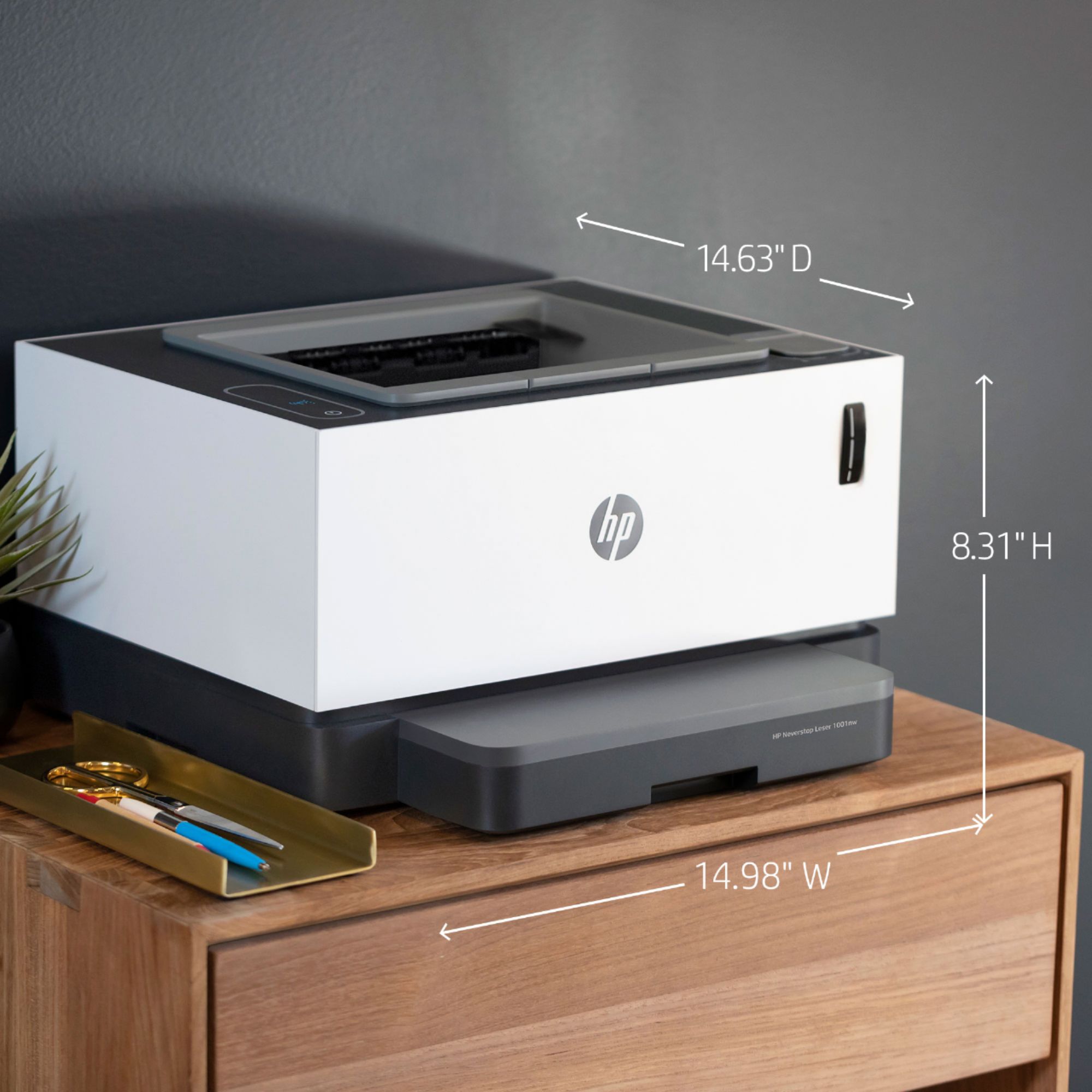
||Posted . Owned for 1 year when reviewed.This reviewer received promo considerations or sweepstakes entry for writing a review.Bought this printer for work use. Unfortunately it was too bulky and heavy. Also just prints only. Can't scan anything, so I had to return it. If you just need a printer that can print multiple amounts in black and white - this is the one. Expect to pay a small mint for it. However, it is probably worth it as the black ink will last a while compared to colored ink.
I would recommend this to a friendAwesome Printer
||Posted . Owned for 3 weeks when reviewed.This reviewer received promo considerations or sweepstakes entry for writing a review.Love this printer! I've always had issues with wireless printers and them running out of ink every time you turn around. This one has been amazing!!!!!
I would recommend this to a friendVery nice printer.
||Posted .This reviewer received promo considerations or sweepstakes entry for writing a review.This Laser printer is quite good. It is fast and the words are extremely clear. I use the Laser Printer paper for best results.
I would recommend this to a friendGreat Printer
||Posted . Owned for 1 week when reviewed.This reviewer received promo considerations or sweepstakes entry for writing a review.This printer is great in giving you prints in seconds. I dont have to wait long. It is easy to connect with internet when you set it up using the button on your internet modem and on the printer. I love it <3
I would recommend this to a friendAwesome
||Posted . Owned for 1 week when reviewed.This reviewer received promo considerations or sweepstakes entry for writing a review.It has connected 2 MacBook Pro laptops , two desktops - scattered all over the house - printing notes, articles, assignments for my high schooler and documents and articles for us. Life could not be easier
I would recommend this to a friendHP Laser
||Posted . Owned for 1 month when reviewed.This reviewer received promo considerations or sweepstakes entry for writing a review.Needed a printer for black and white only. Had some issues with the paper feed but is fine now. Does the job well.
I would recommend this to a friendGreat printer
||Posted . Owned for 1 month when reviewed.This reviewer received promo considerations or sweepstakes entry for writing a review.I love my new printer. The setup was somewhat tricky but once I got it hooked up it worked like a dream.
I would recommend this to a friendLong life
||Posted . Owned for 5 months when reviewed.This reviewer received promo considerations or sweepstakes entry for writing a review.HP printer without the worry of replacing cartridges so often. Still going strong after months of use
I would recommend this to a friendPretty good overall printer.
||Posted . Owned for 1 month when reviewed.This reviewer received promo considerations or sweepstakes entry for writing a review.It's a solid printer, but it can be a little slow. If your trying to choose between the 1201 and the 1001, go with this one if you really don't need the scanner. Also this model has an ethernet port, 1201 does not, which makes no sense. Toner is cheap though, which is great!
No, I would not recommend this to a friendHP WIFI needs improvement. STILL!!
||Posted .This reviewer received promo considerations or sweepstakes entry for writing a review.I don’t know I purchased another HP printer. I should know better. Installed in home office, had to buy a WIFI extender to get good enough signal in that room even though the laptop, Wyze camera and a TV all connect and have no issues. So there’s 60 bucks I spent on top of the 200 for this printer. Was able to see the printer in the Available networks. Then it would drop signal during connection process. I understand that this has to do with a dual band router. Either way it doesn’t make for a good experience. Was able to print finally after 4 hrs of resets and uninstalling the App and reinstalling it. Hate the fact that HP first pass root cause analysis is to power cycle and uninstall Aps they should do better. I will return this and get something better. If anyone gets this to connect on first pass connection. I would have to see it to believe it.
No, I would not recommend this to a friendGreat printer!
||Posted . Owned for 1 month when reviewed.This reviewer received promo considerations or sweepstakes entry for writing a review.This is a great printer. Very economical both in the cost of the equipment and for the supplies. Though definitely not meant for graphics. I would highly recommend it.
I would recommend this to a friend- Pros mentioned:Print qualityCons mentioned:Paper tray
Recommended with reservations
|Posted .This reviewer received promo considerations or sweepstakes entry for writing a review.The typical scenario is that when you buy a printer, the toner or the ink cartridges may end up costing more than the original investment (of the printer) that you made, especially with less expensive printers. Then a few manufacturers came out with inkjet printers that use continuous feeding ink system – you simply pour some ink into the container (tank I suppose is the correct word for this), and that is it. Other companies have gotten on the bandwagon and they work well enough for most people who print a lot. Nothing like that has happened to laser printer until now. If you grew up using a laser printer, especially the older generations, the toner normally came (and still do) in one piece. The drum and the toner (in one unit) is replaced when the toner runs out. Years ago people had the brilliant idea that the drum lasted longer, so why not drill a hole and simply fill it with more toner powder. Well, it didn't always work – until it started to be done professionally. The shiny drum is removed and refurbished – and put back together. The rest of the printer has parts that last much longer – a fuser (that heats the toner and fuses it to the paper to make it permanent) lasts almost as long as the life of the printer itself. The rubber rollers do, as well. Before those parts wear off, it is almost time a user replaces it. But if it is an office printer which is made to work harder, and made to last much longer, those parts are replaceable professionally, and the printer keeps working. That is how you can buy a refurbished HP printer that may have been made a couple of decades ago. So somebody at Hewlett-Packard thought – instead of throwing the entire a toner cartridge away once it is empty, why not let the user fill it up with more toner powder? The drum inside lasts 20,000 pages, and each toner powder container is sold for about USD15 and supposed to go for 5000 pages. A simple calculation tells you that you can fill this thing three times before you replace it (the drum.) The drum is USD75, plus USD45 (for 3 toners), it comes down to USD120 for 20,000 pages. It is less than a penny a page. So you know, the drum is exposed. If you pull the entire cartridges out of the printer, don't let a strong light shine on it. (as it is light sensitive.) And don't touch it either – you have smudges all over your pages (say, fingerprint) if you do that. Think of it as the sensor of your digital camera – leave it alone! To be fair, when they said each toner can last 5000 pages, it is a relative term. You don't print a solid black page and expect it to last 5000 pages before the toner runs out. How they measure it, what I have heard, is typically a business letter (text-only) that is how they estimate how long the toner will last for each fill. So please keep that in mind. It is just like gas mileage estimation that is given by the car manufacturer. You don't exactly get 25 miles per gallon, do you? Setting up the printer is not difficult – as long as you have some experience with a computer. My platform is Windows, and I just went to the website to download their installer (they call it an app.) https://support.hp.com/us-en/drivers/selfservice/hp-neverstop-laser-1000-printer-series/22955787 the link here is for windows 10 64-bit. And you could choose other operating systems here, as well. This printer supports Windows 8.1, Windows 8, Windows 7, and Windows Server. If you have older Windows, it does not work with it. For Mac users, it goes as far back as OS X 10.11. It even supports iPhone and android phones, too. If you want to use this as a Wi-Fi printer in your house or office, HP highly recommends that you install the program for this printer with a USB cable. Actually, it's mandatory! (Thankfully it comes with one.) The reason is that there really is no buttons or screen on the printer to initiate such a connection to the Wi-Fi. (And this is the reason why you need to know a bit about a computer to set this up successfully for a Wi-Fi connection.) Once the driver is installed for the USB hardwired connection, you choose the Wi-Fi (only 2.4 connection, not 5, which is faster, connection), then you disconnect the USB cable, then you are guided to uninstall the driver, and the next step is that you choose the available printer connected to your Wi-Fi. Easy as pie! (This is the moment I think a lot of people may not be able to follow if they don't pay absolute attention.) Ones that were printer is connected to your Wi-Fi signal, installing the driver on another computer becomes very easy. As long as the computer and the printers on the same router/Wi-Fi, you will be able to locate it. There are many settings available but there are not quite easy to find. But nevertheless, the default settings are absolutely fine for most user. They actually is a setting so the fuser will either be hotter or spend longer time burning the toner to the paper so it will not smudge off. I think this is the same thing as printing on thicker paper or labels. Otherwise the output is like a typical laser printer. It is good enough. This is not a printer to print photos – let alone in color. It will be halftone looking like newspaper. So don't complain when you want to print a snapshot that you just took and is not in color. You can hear the printer prints – that is for sure. I don't think it's loud enough to wake anyone up, but it is not silent and I don't expect it to be. Just like a typical office machine. It makes some noises. Now let me point out certain things you need to know. It is very unfortunate that they did not make this printer capable of doing duplex (both sides.) The added hardware to do this is simple enough, and it adds so much value to a printer and many people choose their printer based on this function. Am I being unfair when I say it is an oversight. (There is a manual duplex which means you turn the paper over and put it back in the tray. I cannot say I will enjoy that.) The paper tray feels a bit flimsy—the cover, that is. You cannot put the entire ream of paper (500 sheets) into the paper tray. If they market this for a small office, i.e. multiuser, this is another oversight that is unfortunate. (Who likes to get up twice a day and fills the tray?) While I am at it, if you want to print an envelope, you have to remove the entire stack of paper, and inserted the envelope into the paper tray. Why didn't they think of the secondary, manually-fed tray for this? Somebody asked me how I thought about the way the printer looks. I told my friend that this is not a dress – and I don't care if it's pink, yellow, blue or black. As long as it works, that is the only reason I will buy and use it. But if you asks me about its appearance, I would say it is “handsome.” If you could put up with these idiosyncrasies, I do recommend this printer for those who wants to or need to use a black-and-white laser printer inexpensively. This is the first of its kind – but don't wait long, other manufacturers would jump on the bandwagon, too. You will certainly save quite a bit of money with this printer vs. other laser printers that are currently available. If you are a student, and you have to print a lot, (as long as it is not in color), this is a very good deal. (They have a different model that has the scanner sitting on top. You can do one page at a time, it does not an auto feeder. If you need occasional scanning and copying, that model will be a better buy.)
I would recommend this to a friend A workhorse, haven't refilled the ink yet
||Posted . Owned for 4 months when reviewed.This reviewer received promo considerations or sweepstakes entry for writing a review.I purchased this for my business and its great! We use it a ton and have had no issues. Ironically, we have not filled the ink once!
I would recommend this to a friendPerfect for the home office
||Posted . Owned for 3 weeks when reviewed.This reviewer received promo considerations or sweepstakes entry for writing a review.Great printer that works for my home office needs, along with the ability to refill the toner vs. having to replace a whole cartridege.
I would recommend this to a friendEasy to set up
||Posted . Owned for 3 months when reviewed.This reviewer received promo considerations or sweepstakes entry for writing a review.Bought it for my office. It's easy to set up and works well.
I would recommend this to a friend



















