Customer Ratings & Reviews
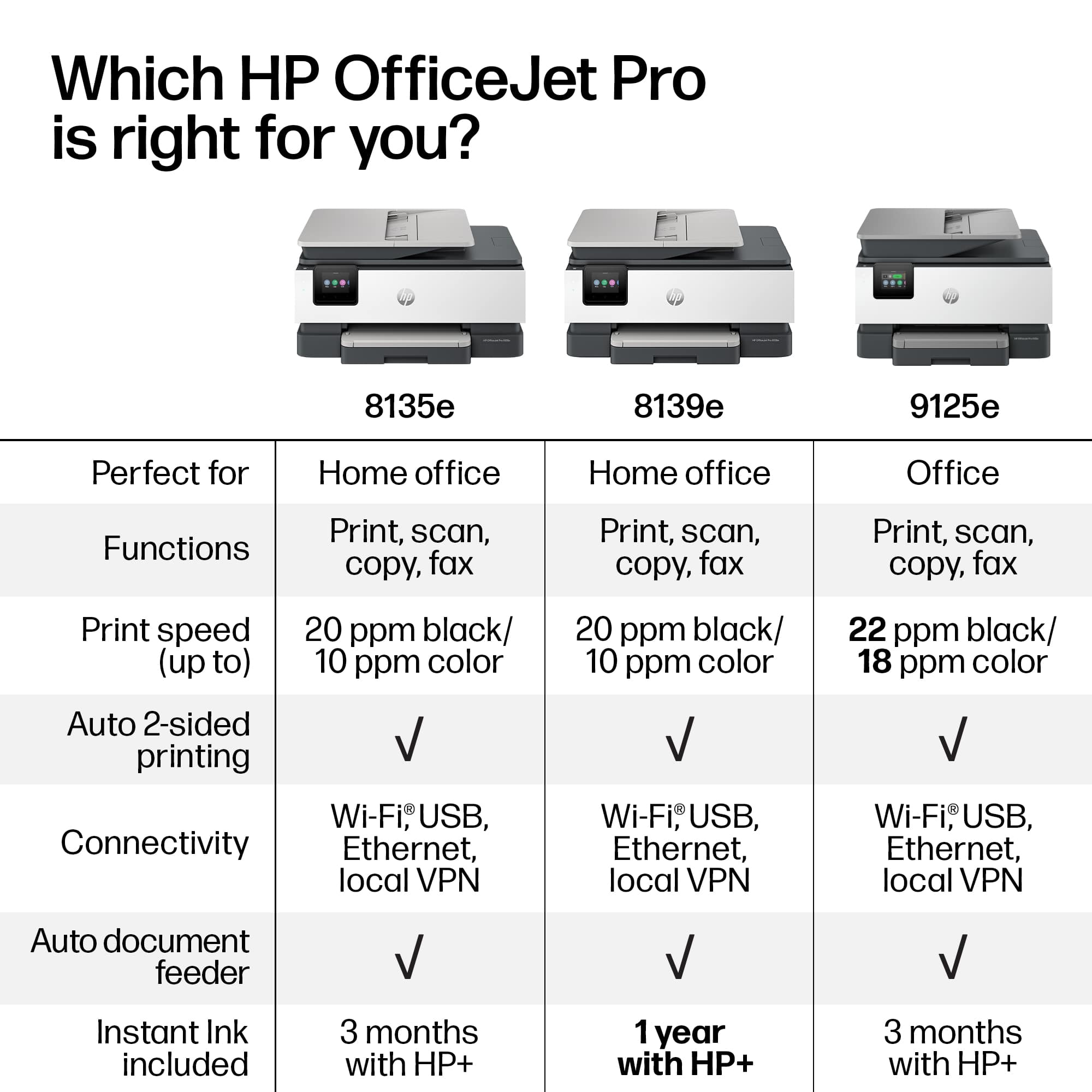
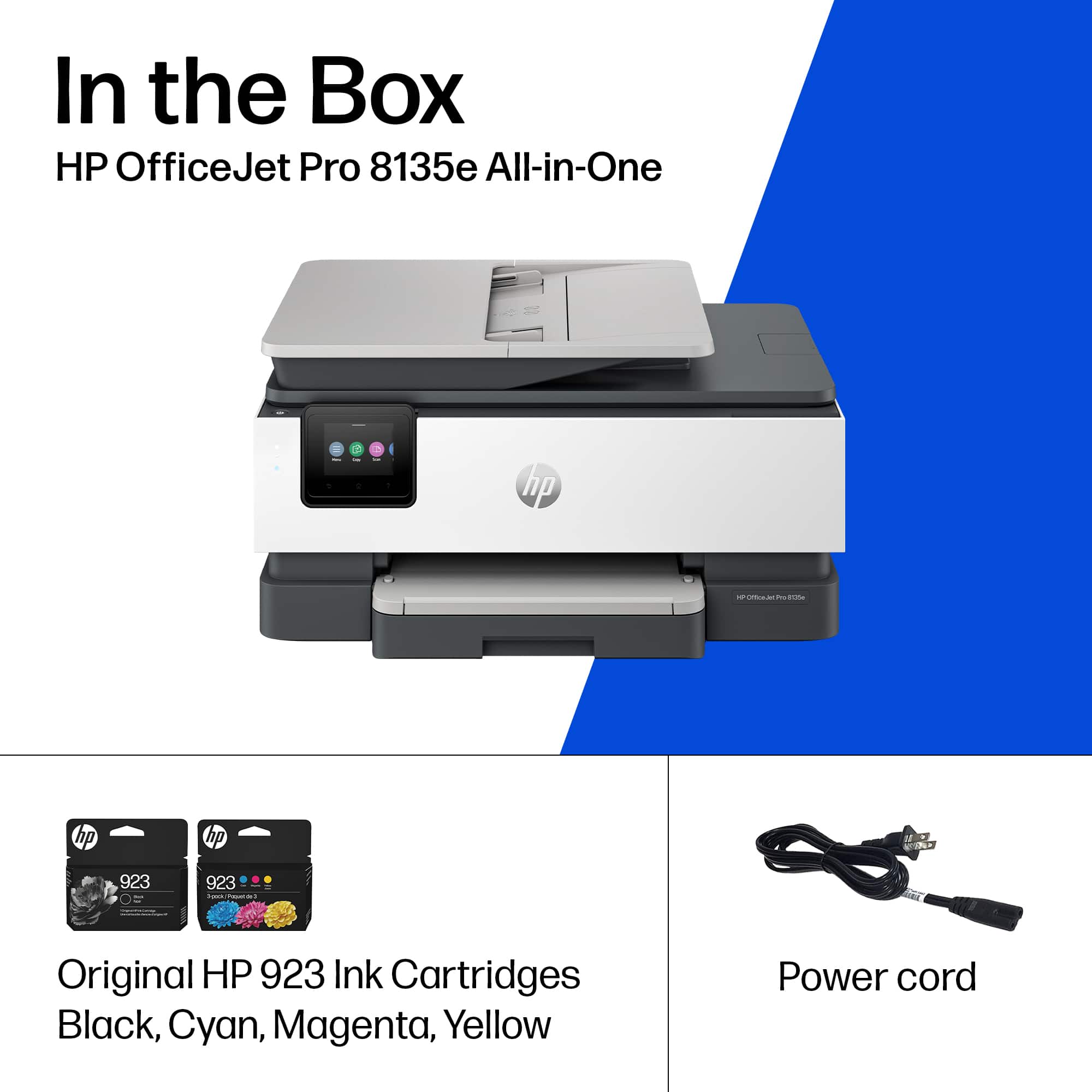

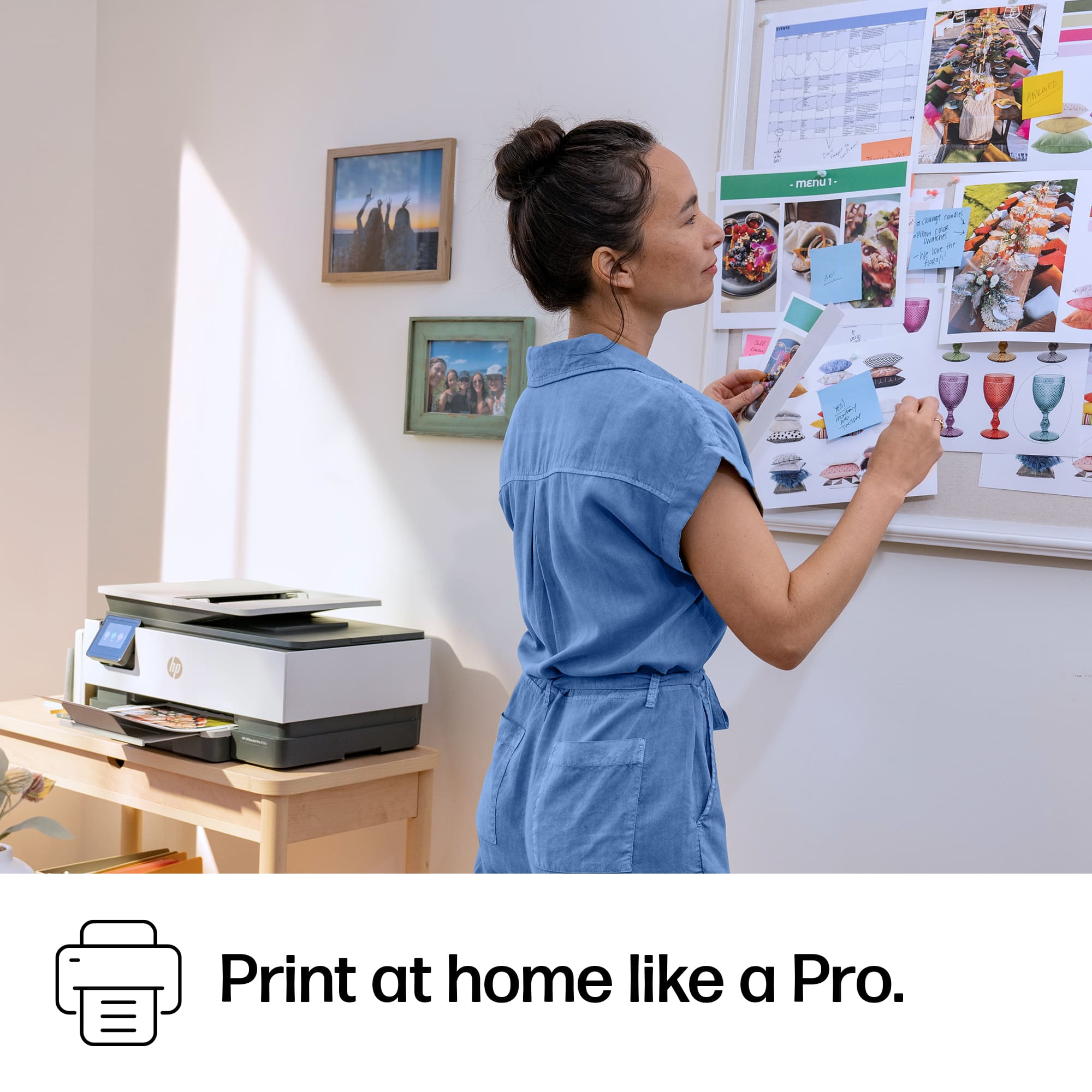


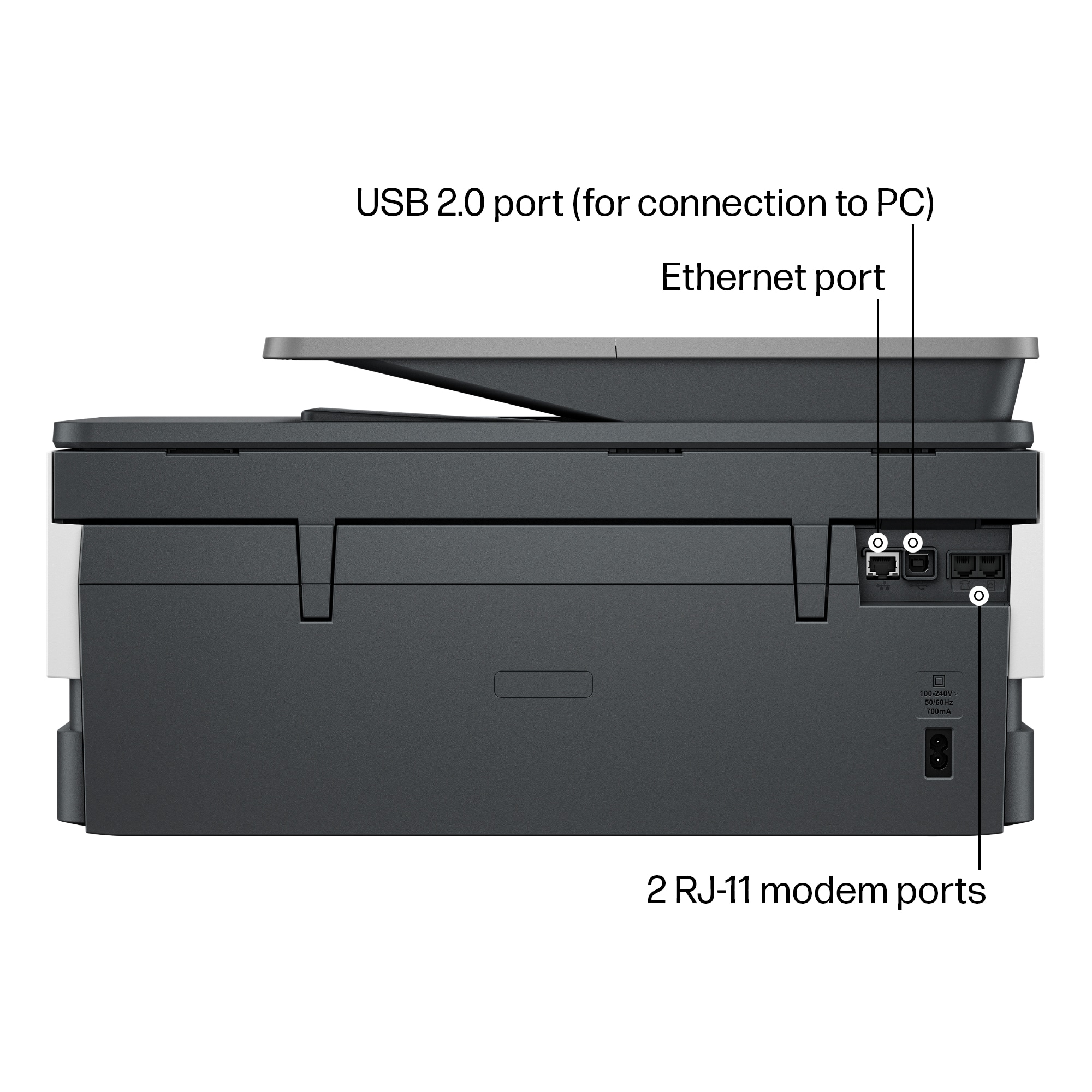

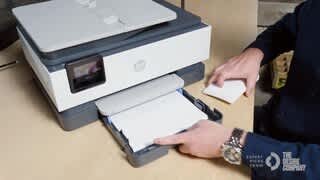




- Model:
- OJ Pro 8135e /40Q35A#B1H
- |
- SKU:
- 12323469
Customer reviews
Rating 4.2 out of 5 stars with 1160 reviews
(1,160 customer reviews)Rating by feature
- Value4.3
Rating 4.3 out of 5 stars
- Quality4.3
Rating 4.3 out of 5 stars
- Ease of Use4.2
Rating 4.2 out of 5 stars
- Pros mentioned:Print quality
Rated 5 out of 5 stars
Owner
||Posted . Owned for 1 month when reviewed.This reviewer received promo considerations or sweepstakes entry for writing a review.It’s very good print111111111111111111111111111111
This review is from HP - OfficeJet Pro 8135e Wireless AI-Enabled AiO Inkjet Printer w/ 3 Months of Instant Ink - White
I would recommend this to a friend Rated 4 out of 5 stars
Great printer!
||Posted . Owned for 1 month when reviewed.This reviewer received promo considerations or sweepstakes entry for writing a review.I had the previous version and it died. I was so happy to get the updated one. The only thing missing is the ability to print on both sides of the paper.
This review is from HP - OfficeJet Pro 8135e Wireless AI-Enabled AiO Inkjet Printer w/ 3 Months of Instant Ink - White
I would recommend this to a friend- Pros mentioned:Ease of use
Rated 5 out of 5 stars
Buy it
||Posted . Owned for 1 week when reviewed.This reviewer received promo considerations or sweepstakes entry for writing a review.Great purchase and easy to setup. Easy to work with.
This review is from HP - OfficeJet Pro 8135e Wireless AI-Enabled AiO Inkjet Printer w/ 3 Months of Instant Ink - White
I would recommend this to a friend - Pros mentioned:Overall performance
Rated 5 out of 5 stars
Good Buy
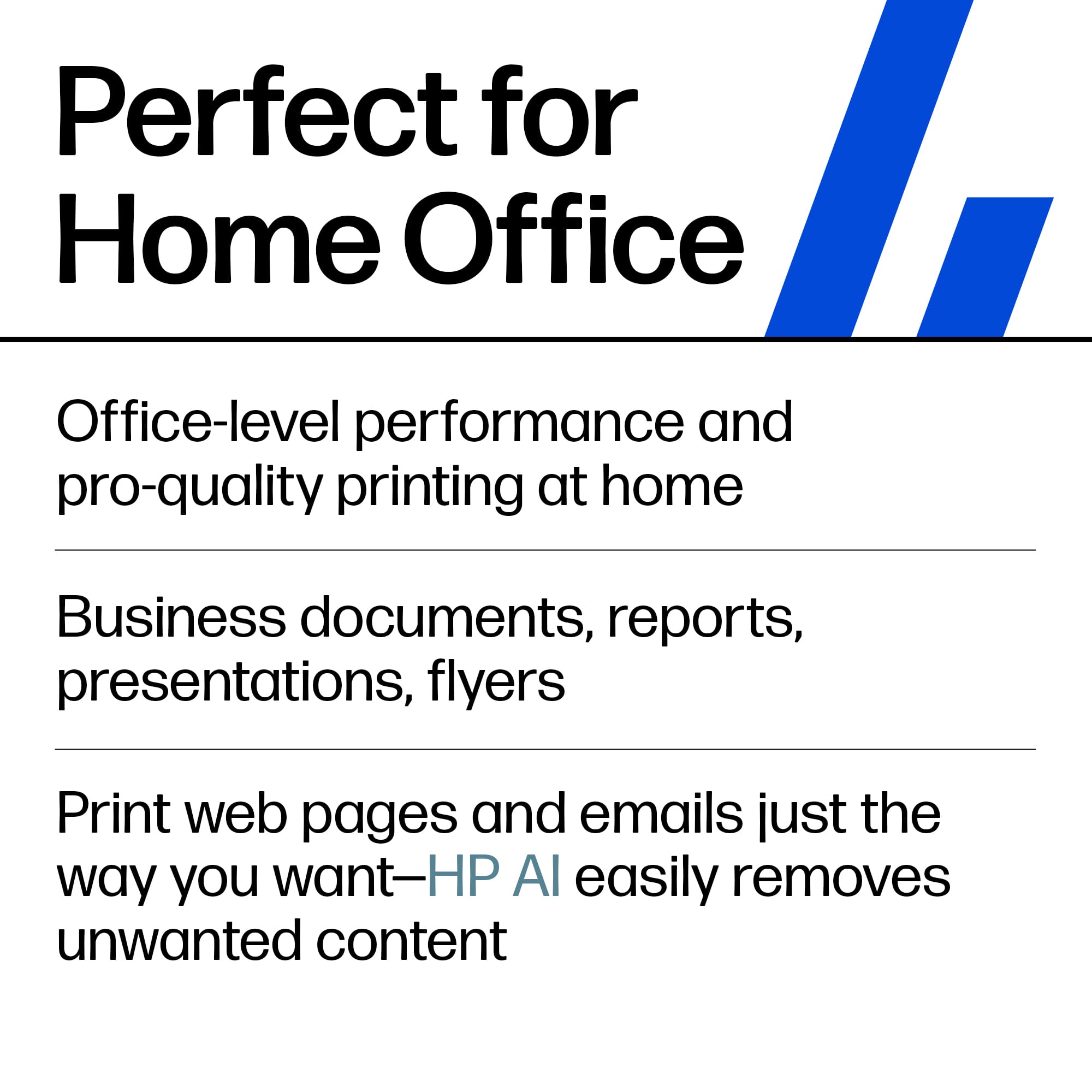
||Posted . Owned for 2 weeks when reviewed.This reviewer received promo considerations or sweepstakes entry for writing a review.This is a good printer for home office use. Great buy.
This review is from HP - OfficeJet Pro 8135e Wireless AI-Enabled AiO Inkjet Printer w/ 3 Months of Instant Ink - White
I would recommend this to a friend - Pros mentioned:Ease of use
Rated 5 out of 5 stars
None
||Posted . Owned for 1 week when reviewed.This reviewer received promo considerations or sweepstakes entry for writing a review.Pretty good printer Easygoing to use Very easy to use
This review is from HP - OfficeJet Pro 8135e Wireless AI-Enabled AiO Inkjet Printer w/ 3 Months of Instant Ink - White
I would recommend this to a friend - Pros mentioned:Ease of use
Rated 5 out of 5 stars
All in one printer fac
||Posted . Owned for 1 week when reviewed.This reviewer received promo considerations or sweepstakes entry for writing a review.Easy to operate , quick set up. Using JP+ with it.
This review is from HP - OfficeJet Pro 8135e Wireless AI-Enabled AiO Inkjet Printer w/ 3 Months of Instant Ink - White
I would recommend this to a friend - Pros mentioned:Print quality
Rated 5 out of 5 stars
HP printer
||Posted . Owned for 1 month when reviewed.This reviewer received promo considerations or sweepstakes entry for writing a review.Love this printer, high quality printing and fast!
This review is from HP - OfficeJet Pro 8135e Wireless AI-Enabled AiO Inkjet Printer w/ 3 Months of Instant Ink - White
I would recommend this to a friend Rated 4 out of 5 stars
HP OfficeJet Pro 8135e
||Posted . Owned for 1 month when reviewed.This reviewer received promo considerations or sweepstakes entry for writing a review.Printer works well with one exception. It gives sends a notice to my computer that it needs paper, when it actually has paper loaded.
This review is from HP - OfficeJet Pro 8135e Wireless AI-Enabled AiO Inkjet Printer w/ 3 Months of Instant Ink - White
I would recommend this to a friendRated 5 out of 5 stars
Good home office printer for personal use.
||Posted . Owned for 3 weeks when reviewed.This reviewer received promo considerations or sweepstakes entry for writing a review.Bought this to replace my trusty older model HP printer. It was 15 years old and finally wore out. This new HP is a a major upgrade in form, fit and function.
This review is from HP - OfficeJet Pro 8135e Wireless AI-Enabled AiO Inkjet Printer w/ 3 Months of Instant Ink - White
I would recommend this to a friendRated 4 out of 5 stars
Ok printer
||Posted . Owned for 1 month when reviewed.This reviewer received promo considerations or sweepstakes entry for writing a review.Ok printer… having some issues with it dropping internet
This review is from HP - OfficeJet Pro 8135e Wireless AI-Enabled AiO Inkjet Printer w/ 3 Months of Instant Ink - White
I would recommend this to a friend- Cons mentioned:Connectivity
Rated 2 out of 5 stars
Not For Me
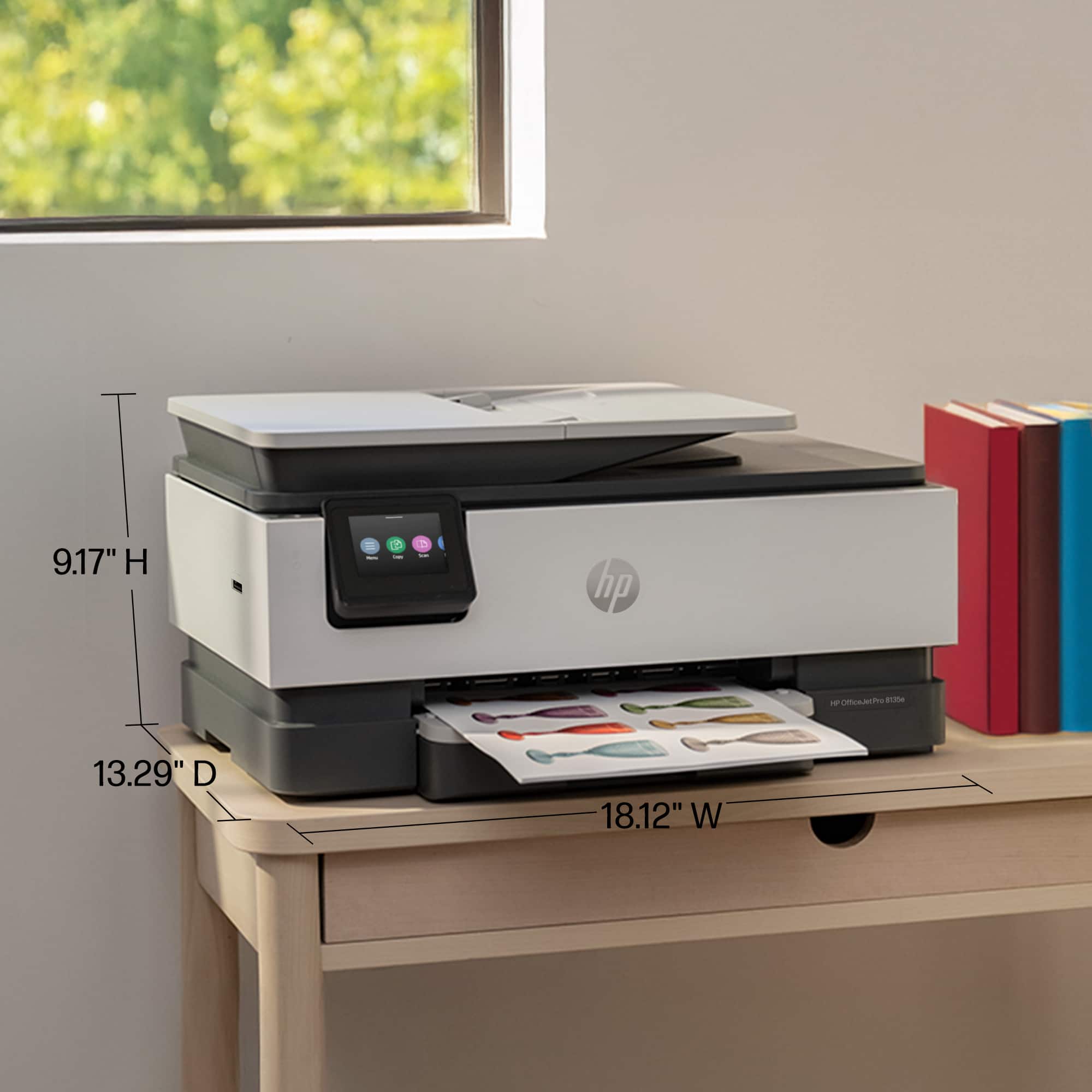
||Posted . Owned for 1 month when reviewed.This reviewer received promo considerations or sweepstakes entry for writing a review.Printer is rather big. I constantly have to reboot it inorder for it to do wireless printing. I would have returned it, but I was 4 day pass the return by date.
This review is from HP - OfficeJet Pro 8135e Wireless AI-Enabled AiO Inkjet Printer w/ 3 Months of Instant Ink - White
No, I would not recommend this to a friend Rated 5 out of 5 stars
A great replacement printer
||Posted . Owned for 3 weeks when reviewed.This reviewer received promo considerations or sweepstakes entry for writing a review.This is my 4th HP printer. The last was 8 years ago. I could get cheaper, but none equal the simplicity of the HP App and the use.
This review is from HP - OfficeJet Pro 8135e Wireless AI-Enabled AiO Inkjet Printer w/ 3 Months of Instant Ink - White
I would recommend this to a friendRated 4 out of 5 stars
HP Printer
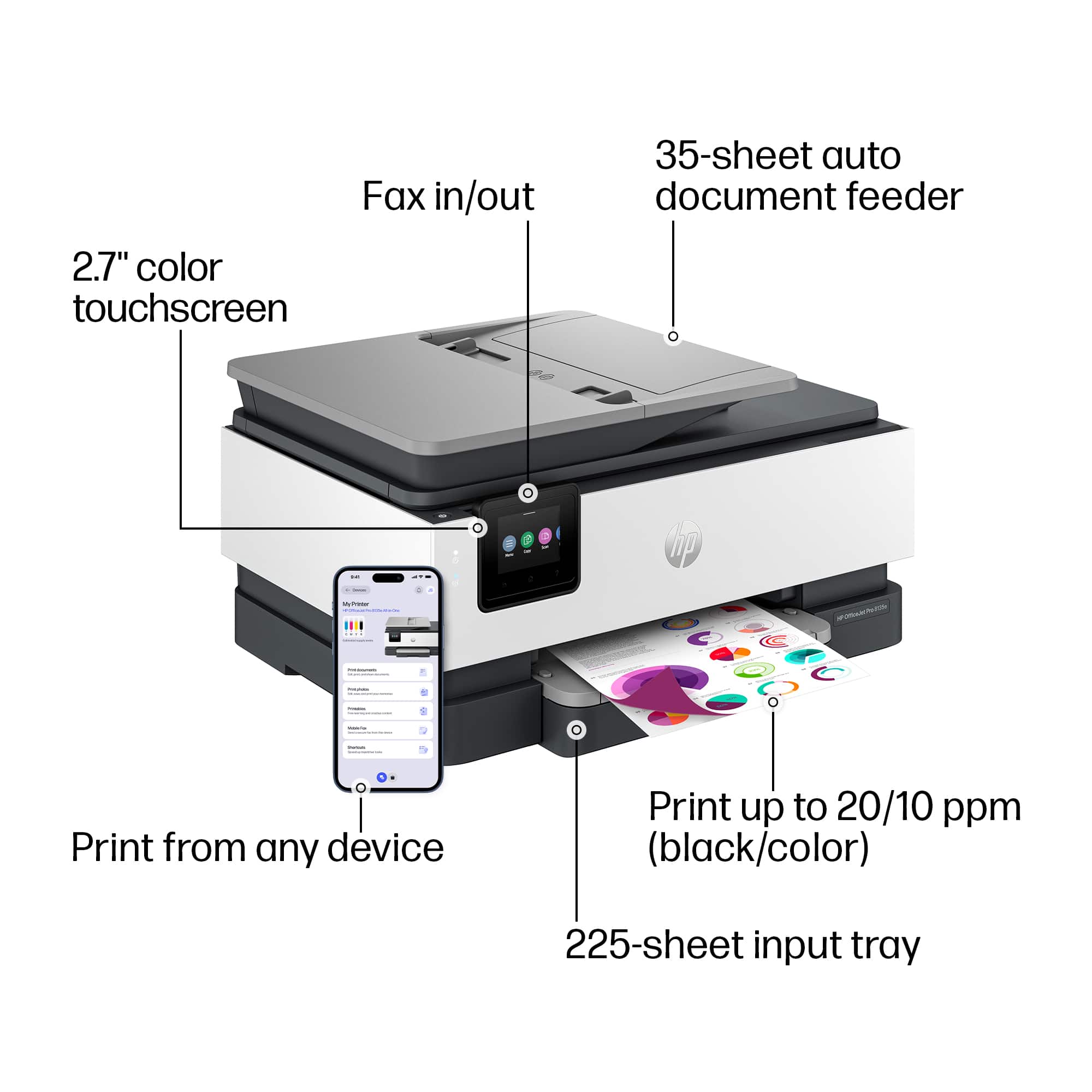
||Posted . Owned for 1 month when reviewed.This reviewer received promo considerations or sweepstakes entry for writing a review.The screen is really too small and unless you put it up high enough you have to sit low to read the screen. Would not recommend.
This review is from HP - OfficeJet Pro 8135e Wireless AI-Enabled AiO Inkjet Printer w/ 3 Months of Instant Ink - White
No, I would not recommend this to a friendRated 3 out of 5 stars
Good quick printer
||Posted . Owned for 3 weeks when reviewed.This reviewer received promo considerations or sweepstakes entry for writing a review.Works right away , simple plug and play, Ink cartridge small but , fair in price for features and functions
This review is from HP - OfficeJet Pro 8135e Wireless AI-Enabled AiO Inkjet Printer w/ 3 Months of Instant Ink - White
I would recommend this to a friendRated 4 out of 5 stars
Scanner Software
||Posted . Owned for 2 weeks when reviewed.This reviewer received promo considerations or sweepstakes entry for writing a review.Other than the scanner software not being included and my having to determine how to install the scanner software, the printer works great
This review is from HP - OfficeJet Pro 8135e Wireless AI-Enabled AiO Inkjet Printer w/ 3 Months of Instant Ink - White
I would recommend this to a friend- Cons mentioned:Connectivity
Rated 1 out of 5 stars
Don’t buy!
||Posted . Owned for 1 month when reviewed.This reviewer received promo considerations or sweepstakes entry for writing a review.This thing stinks. It's The same model we had before that finally died. I had trouble immediately. Just trying to set it up which I didn’t before. I constantly have to turn it on and off to get it to work. I never had to do that with the other one I go to print something from my phone And it says I don’t have a printer, but the printer is on and connected to the Internet. Then all of a sudden it will say it’s not connected to the Internet. It stinks!
This review is from HP - OfficeJet Pro 8135e Wireless AI-Enabled AiO Inkjet Printer w/ 3 Months of Instant Ink - White
No, I would not recommend this to a friend Rated 4 out of 5 stars
Nice printer
||Posted . Owned for 1 month when reviewed.This reviewer received promo considerations or sweepstakes entry for writing a review.I love the app that goes along with this printer. I wish the paper tray was longer to catch the docs that are being printed.
This review is from HP - OfficeJet Pro 8135e Wireless AI-Enabled AiO Inkjet Printer w/ 3 Months of Instant Ink - White
I would recommend this to a friendRated 4 out of 5 stars
Good value
||Posted . Owned for 1 month when reviewed.This reviewer received promo considerations or sweepstakes entry for writing a review.Had difficulty setup. Problem was computer not the printer. Instructions on ink cartridge installation was not good.
This review is from HP - OfficeJet Pro 8135e Wireless AI-Enabled AiO Inkjet Printer w/ 3 Months of Instant Ink - White
I would recommend this to a friendRated 1 out of 5 stars
Poorly designed paper tray - cheap quality
||Posted . Owned for 6 months when reviewed.This reviewer received promo considerations or sweepstakes entry for writing a review.This is the cheapest made, loud and worst HP printer I have owned and I have had three HP printers prior to this one. The paper tray defaults to an odd size paper - until you finally find the adjustment button on the bottom. The paper doesn't line of very well in the back. Even HP support couldn't help with the tray issues, I even sent them pictures while on the phone marked up showing the very poor design of the paper tray. After an hour on the phone...... they sent me a top cover for the paper tray - nothing that I needed and nothing that solved the issue with the confusing cheap paper tray! It was truly overpriced for the quality.
This review is from HP - OfficeJet Pro 8135e Wireless AI-Enabled AiO Inkjet Printer w/ 3 Months of Instant Ink - White
No, I would not recommend this to a friendRated 4 out of 5 stars
HP - OfficeJet Pro 815e
||Posted . Owned for 1 week when reviewed.This reviewer received promo considerations or sweepstakes entry for writing a review.Overall, a good printer. Fairly easy to set-up. Print speed is on the slow side and loading paper is a bit clunky. I would buy it again.
This review is from HP - OfficeJet Pro 8135e Wireless AI-Enabled AiO Inkjet Printer w/ 3 Months of Instant Ink - White
I would recommend this to a friend
People also viewed
- $179.99$179.99The price was $239.99
- $149.00$149.00The price was $215.00
- $149.99$149.99The price was $249.99














