Customer Ratings & Reviews
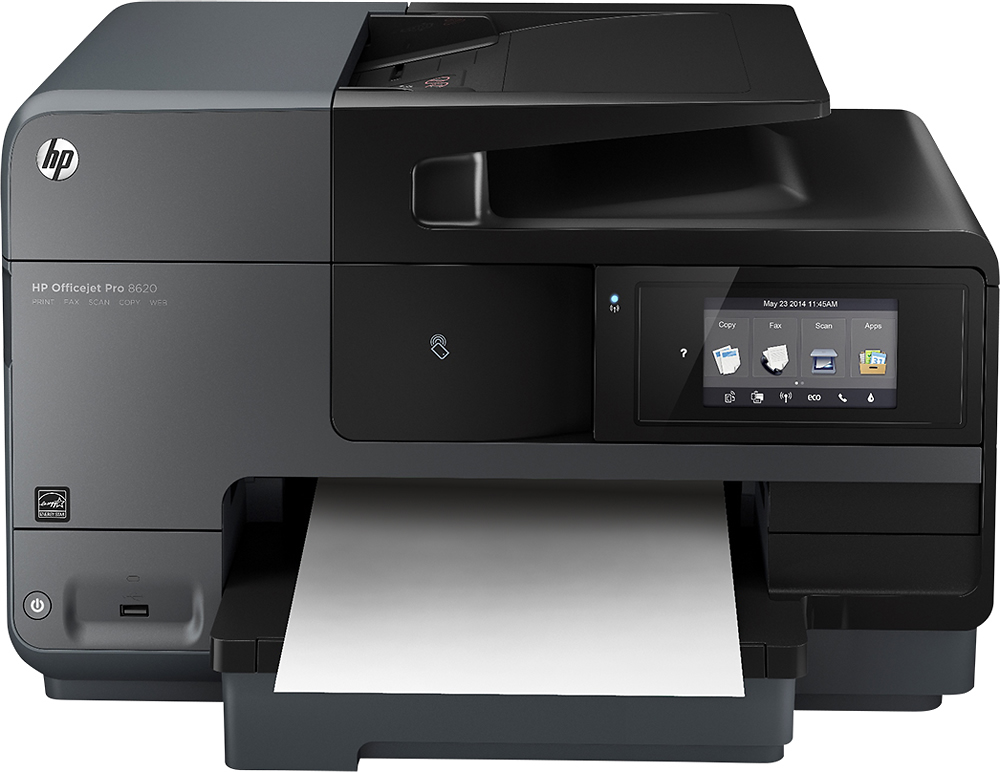
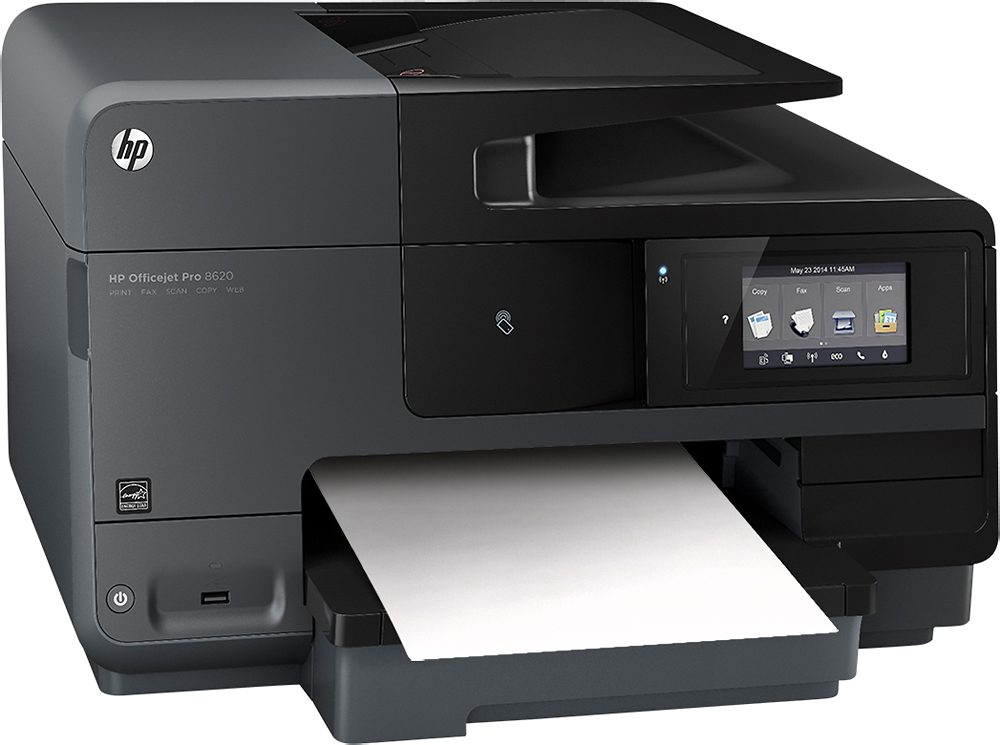
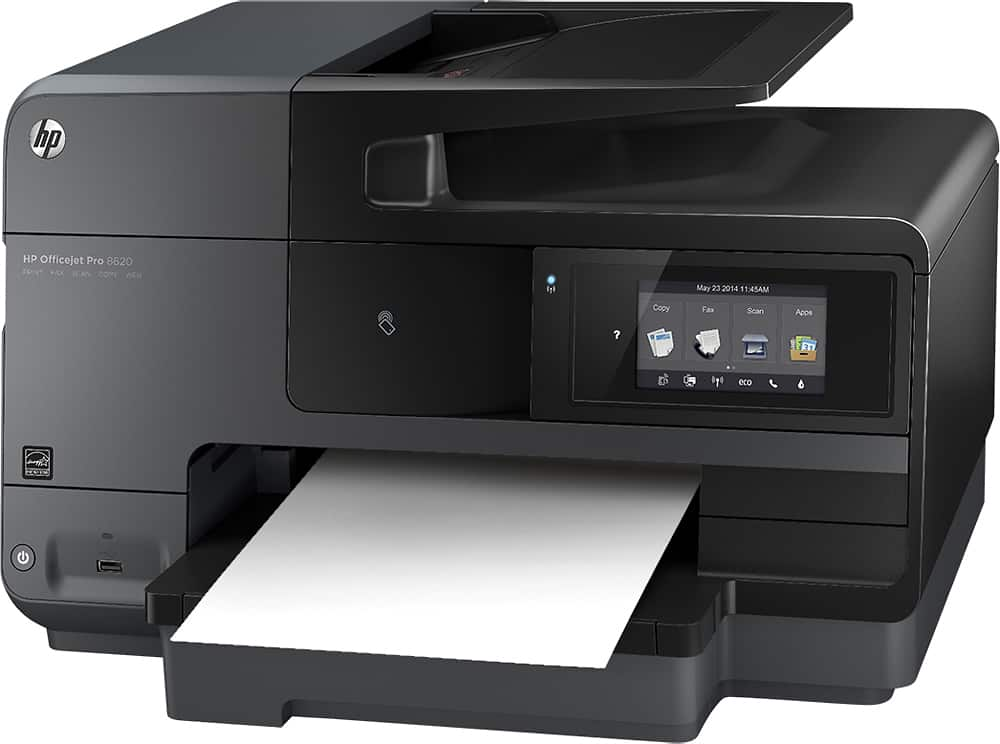
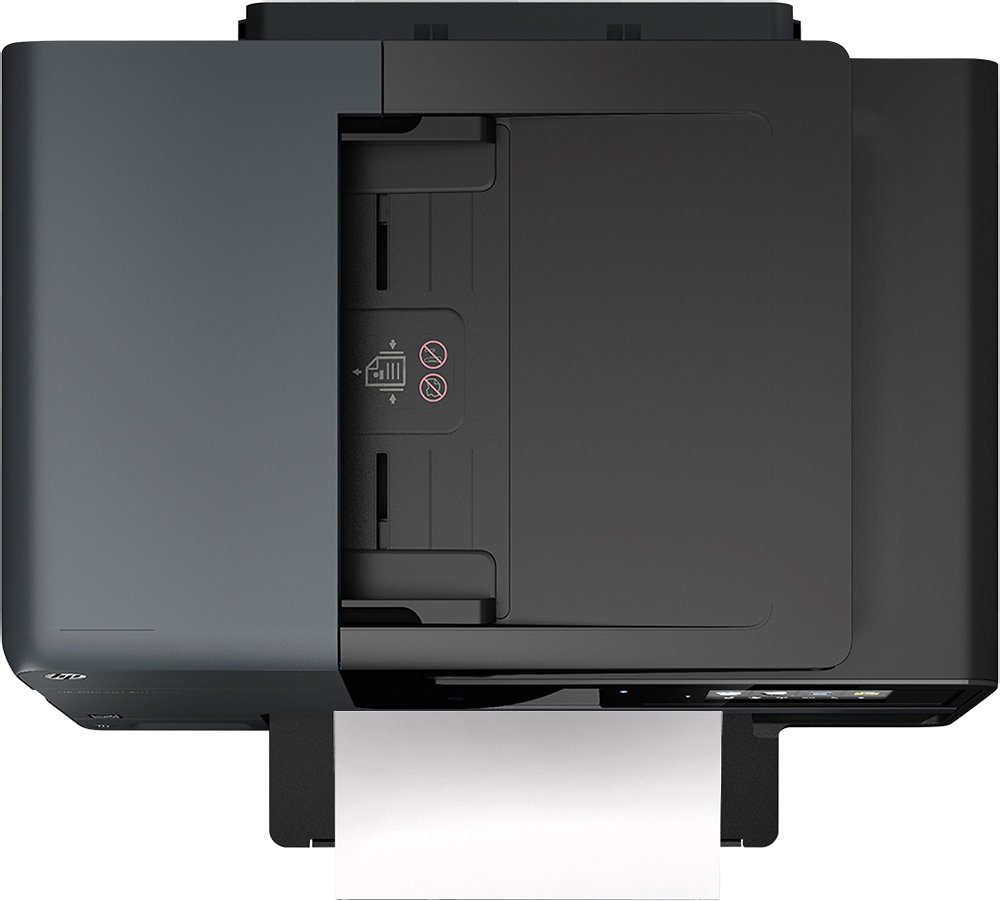
- Model:
- A7F65A#B1H
- |
- SKU:
- 4671034
Customer reviews
Rating 4.6 out of 5 stars with 2400 reviews
(2,400 customer reviews)to a friend
Customers are saying
Customers consistently note the excellent print quality and ease of use of the Officejet Pro 8620. Many appreciate its wireless functionality and fast scanning capabilities, while some find the printer's size and paper tray design less convenient. The printer's noise level is also a point of concern for a few users. Overall, positive feedback on printing quality and ease of use outweighs the negative comments on size and noise.
This summary was generated by AI based on customer reviews.
- Pros mentioned:Ease of use, Print quality, Scanning
Rated 5 out of 5 stars
Excellent hardware, poor mobile apps
||Posted .This reviewer received promo considerations or sweepstakes entry for writing a review.Bought this all-in-one printer to replace decade old OfficeJet 6110 printer. The printer has fast print, scan and faxing speed, easy operate when operate with Windows PC, both using HP on-screen software or PC application programs. On the other hand, printing using I-Phone print Apps is quite limited. you can't size the picture size of the print. HP e-Print app (need download from I-tune) is not very convenient to use for all purpose mobile printing application. The set up of wireless cloud operation is quite complicate. If one needs to safeguard his or her network environment, there are many privacy setting that need to customize. I elect not to set it up and use it strictly under home WiFi environment. One of the short coming of the printer hardware is the scan head ribbon cable that is always in contact to the scanner glass. It tends to leave marks on inner side of the scanner glass, requiring professional maintenance after many uses. This is the same design problem with many older OfficeJet models.
I would recommend this to a friend - Pros mentioned:Scanning
Rated 5 out of 5 stars
mega functionality exceptional value
||Posted .This reviewer received promo considerations or sweepstakes entry for writing a review.Great printer.....this thing does it all! With Wi-Fi printing, smart fax, hi def scanning/copying and a customizable email address (for printing), it's amazing how handy this multi function device can be!!! Love it!!!
I would recommend this to a friend - Pros mentioned:Ease of use
Rated 5 out of 5 stars
Easy to use and Efficient
||Posted .This reviewer received promo considerations or sweepstakes entry for writing a review.The printer is very easy to use simple to set up and the pages printsare very detailed
I would recommend this to a friend - Pros mentioned:Print quality
Rated 5 out of 5 stars
awesome
||Posted .This reviewer received promo considerations or sweepstakes entry for writing a review.quite satisfied it is an amazing product it gives gear pictures
I would recommend this to a friend Rated 4 out of 5 stars
Great fast printer. Like the ePrint.
||Posted .This reviewer received promo considerations or sweepstakes entry for writing a review.The printer struggles with picking up 4X6 photo paper. Was told to run 25 pieces of 8 and 1/2 by 11 printer paper through the printer. That helped but still not picking up 4X6 photo paper every time especially when only one piece of photo paper in tray.
I would recommend this to a friendRated 4 out of 5 stars
Awesome printer works great
||Posted .This reviewer received promo considerations or sweepstakes entry for writing a review.Works on any device that has a print option smartphone and tablets smart watches
I would recommend this to a friend- Pros mentioned:Scanning
Rated 5 out of 5 stars
Great Copier for pice and features
||Posted .This reviewer received promo considerations or sweepstakes entry for writing a review.Has all the features for a home copier. Includes two-sided, scanning, array of paper size trays and other additional that may be used in the future.
I would recommend this to a friend Rated 5 out of 5 stars
Prints from anywhere...
||Posted .This reviewer received promo considerations or sweepstakes entry for writing a review.Great printer, love the Bluetooth feature. Print from my phone
I would recommend this to a friendRated 4 out of 5 stars
Good printer. Excellent quality
||Posted .This reviewer received promo considerations or sweepstakes entry for writing a review.Use the printer for photo development and am pleased
I would recommend this to a friend- Pros mentioned:Wireless
Rated 2 out of 5 stars
Good printer for great price
||Posted .This reviewer received promo considerations or sweepstakes entry for writing a review.Its a good printer but I keep getting a printer error that directs me to turn the printer off and back on. It works after restarting but having to restart several times a day is annoying.
No, I would not recommend this to a friend Rated 1 out of 5 stars
Not good for writing group checks
||Posted .This reviewer received promo considerations or sweepstakes entry for writing a review.No flip top to load paper. I have to manually change the order of the checks before printing. I hate this copier/printer.
No, I would not recommend this to a friend- Pros mentioned:Print qualityCons mentioned:Size
Rated 5 out of 5 stars
Great inkjet printer
||Posted .This reviewer received promo considerations or sweepstakes entry for writing a review.This is a great inkjet printer. I did quite a bit of research before purchasing this. I was heavily leaning towards buying a laser printer because I am tired of buying new ink every time I print 10 pages in color. The specs on this printer actually show that it should come pretty close to the number of pages of some laser jets on both color and black prints. The print cartridges are half as much though, so as long as the print estimates are right then the ink should actually be cheaper than laser jets. On to other features, the large LCD screen is really nice. The icons for copy/fax/scan are large and can be made out from across the room. I think this screen will be easy for me to see and use even when I'm 80, assuming the printer and I both last that long. So far I have done normal prints, scanning to a folder, scanning into Quicken, printing on an envelope, printing from an iPhone and an iPad, and making a copy. All of those functions have worked great except the scanning to quicken part. Scanning to quicken works, most of the time, but it crashes quicken pretty often. I don't know if that is a fault of the scanner or Quicken, but I know that my last HP printer/scanner (HP C309a) did not crash quicken ever, so I think it has something to do with the scanner on this. To give an idea, I might scan in 20 items and not have a problem at all. Then the next day I might be trying to scan in some stuff and it might crash every other transaction. Also, I currently use Quicken 2014. So the scanning to quicken is maybe one minor con. Like I said it works fine most of the time, so I consider it a minor con. The only other slight con is the size of this thing. It is only about 2 inches wider and one inch deeper than my last printer, but it feels huge on my desk. I was considering a hutch for above my desk but decided against it because the lid would hit it when lifting the lid to the scanner. I suppose that is just how it goes when it comes to a printer that does all of this, but my last printer did most of the same stuff and those few extra inches made it feel a lot smaller. I think the only thing this printer added was duplex printing, duplex scanning (a feature I will use, but haven't yet), and faster speeds. That duplex printing part is what added to the depth, so I'm not real sure why it had to go two inches wider. I have not used the fax feature at all, and probably never will because I don't have a phone line, so I can't really comment on that. Overall it is a great printer and scanner though, and I have already recommended it to a friend.
I would recommend this to a friend - Pros mentioned:Ease of use, Print quality
Rated 5 out of 5 stars
Excellent Printer for Home/Small Office
||Posted .This reviewer received promo considerations or sweepstakes entry for writing a review.Hands-down, this was the easiest printer I've ever set up, especially for all this one does. The only things I can't comment on is how it performs printing pictures or its fax machine function. I don't use those features. But, the other functions have performed beautifully so far. My reason for purchasing this particular printer was because it will scan multiple pages and save into a single document. I regularly fill out multi-page forms packets that must be uploaded online as a single document. Before, I was having to copy/paste each individual page into a Word document to accomplish that, ensuring that all the pages formatted correctly and no blank pages were inserted. This printer has saved me 30 min. or more each time I have to perform that task. I also like that it doesn't have to be physically plugged into my CPU. It is truly wireless! It's plugged into an electrical outlet, that's it. There's a USB port on the front next to the power button so you can print directly from a flash drive. I've not had any trouble setting it up to print from my iPad or iPhone. It does a great job scanning documents and can handle a legal-size document. I chose the 8620 over the 8610 for that reason. I've signed up for the monthly subscription for the ink. I like that it doesn't charge my credit card for the service until after the first new cartridge is installed, and I don't have to remember to pick up ink when I'm in town. So, I get to use the ink cartridges it came with and billing doesn't start until 30 days after I insert the first new one. Yeah! I've tried several different brands of printers over the years, but I've since decided to stick with the HP printers. Their ink cartridges last as long or longer as any others and they are usually much cheaper than any other brand. Also, I generally upgrade to a printer with new features before they've worn out. I've given my other little HP printer to my mother. She bought a Dell printer/computer bundle and has hated the printer from day one. It uses up ink very quickly, you can only order it bundled in color/black packs, it's TERRIBLY expensive, and you have to order it online or by telephone from Dell because it's not sold in stores. Utterly ridiculous! Thank you, HP, for making inexpensive ink that's easily obtained.
I would recommend this to a friend - Pros mentioned:Print quality
Rated 5 out of 5 stars
Easy setup, easier usage
||Posted .This reviewer received promo considerations or sweepstakes entry for writing a review.Although I've loved every HP AIO I've ever owned, they haven't always been the easiest to setup and some of the features were confusing to figure out. But that has not been the case with this printer. The setup process for the printer itself was very straightforward and quick. Even the ink cartridge alignment process seems to be much faster than previous models. Connecting the printer to my laptop was also easy - I entered the info given on the screen and the setup software did the rest. I then went to help my wife and daughter connect the printer to their laptops and found that they had already done it. We don't use the fax function, but we have printed hundreds of pages with great results. We've also used the copy function extensively and even found the scan to email function to be very useful. This has been a great purchase, and I would definitely buy this printer again.
I would recommend this to a friend - Pros mentioned:Print quality, Scanning, Wireless
Rated 4 out of 5 stars
Fast Scanner and Printer for Home Use
||Posted .This reviewer received promo considerations or sweepstakes entry for writing a review.I purchased this All in One to replace an 8 year old HP Officejet 7410, which was not compatible with Windows 8 / 10. The 8620 is compatible with Windows 10 and is a pretty speedy device. I scan photos and documents within seconds. Print speed is pretty good, though not as fast as a laser. I have the printer connected to my router and all of our devices (4 laptops, a desktop, 2 iphones, 2 ipads, a Surface) all print wirelessly to the printer. I am also able to scan wirelessly from the laptops. The only challenge with inkjet printers are the inks - which can get expensive. I understand that with some newer HP printers - one can not print if any of the ink cartridges are low (e.g., if a color cartridge is low, I can't print black and white). I'll find out when the time comes.
I would recommend this to a friend - Pros mentioned:Print quality, Wireless
Rated 5 out of 5 stars
Perfect AIO Small Office Printer!
||Posted .This reviewer received promo considerations or sweepstakes entry for writing a review.I already had an HP Officejet printer less than two years old. Didn't have any complaints about its quality and performance (have yet to have an issue with any HP product I've own, happy to say!). However, the one thing I wasn't really thinking of when I purchased that one was needing the duplexing (2-sided) copying feature to be automatic. I soon found out that having to reinsert the document to print on the other side was not very productive. I spoke with a very knowledge sales associate at my Fair Lakes neighborhood Best Buy about the different features on several printers - told him I really wanted to stay with an HP so that narrowed down the choices. After discussing the requirements of the same high quality output that I was getting on my current printer, my sales associate showed me all of the features of the 8620 that were an enhancement from the printer I already owned. I've been using this Officejet Pro 8620 printer for over a month now and I am extremely pleased with my purchase - excellent too is the wireless connectivity which allows for placement of the printer anywhere at my convenience. Also love the ability to print from various devices. Didn't think I could go wrong with choosing an HP product and I have been proven correct!
I would recommend this to a friend - Pros mentioned:WirelessCons mentioned:Size
Rated 5 out of 5 stars
Great printer
||Posted .This reviewer received promo considerations or sweepstakes entry for writing a review.Replaced my HP 8600 with this 8620 It's large in size so make sure you have the room for it. I have it connected wireless through my home network to my old iMac which has OSX 10.10.4 (Yosemite operating system). There are only two lines coming out of the printer, the electric cord and telephone line (for faxes). It works flawlessly. Just don't call HP for tech support (unless you want to be on the phone for at least an hour or two, or more) --download the manual from the HP site.
I would recommend this to a friend - Pros mentioned:Print quality, WirelessCons mentioned:Size
Rated 5 out of 5 stars
Work Horse
||Posted .This reviewer received promo considerations or sweepstakes entry for writing a review.So far I have been very happy with this printer. Easy to set up wireless connection, prints rapidly, and not too noisy. Have not had time to use a lot of the printing options or really get to know the printers quirks if any. I basically wanted a printer for documents in multiples, with color options. This is one of three functioning printers that I own and use. It is a bit on the large size physically but not outrageous. This was purchased to replace a lemon, (of an other brand) that had been a waste of $100+ down the drain. So the HP is a wonderful reliable purchase.
I would recommend this to a friend - Pros mentioned:Print quality, Scanning
Rated 5 out of 5 stars
Impressive for an Inkjet
||Posted .This reviewer received promo considerations or sweepstakes entry for writing a review.I've never really been a fan of inkjet printers for several reasons: 1) cost per page was too high; 2) Print speed seemed slower than laser; 3) Ink was always having to be replaced. The 8620 changed my mind. It's got everything you need for a home office plus the ability to print color when necessary. As a laserjet user, I'm so used to printing in grayscale but it's nice to print some stuff in color. What impressed me about the HP 8620 was first the speed. Blowing out a 45 page document was no problem. When I did print in color, it was nice not to see the ink monitor bars drop down like the stock market on a bad day. I also love the scan function on this printer. We do a lot of scanning with some decent size documents. It's nice to have a scanner that doesn't jam up or one that I need to watch each page go through properly like I did with my old Brother AIO. Plus the scan function is fast. Recommendation on the settings-if you proofread typewritten documents, go to grayscale @200 DPI and play with the settings until you get the readable pdf you want. This printer is a tank so make sure you have room for it. Hooking up wirelessly was easy breezy. Definitely would recommend to others.
I would recommend this to a friend - Pros mentioned:Ease of use, Scanning, Wireless
Rated 5 out of 5 stars
So far, so good :)
||Posted .This reviewer received promo considerations or sweepstakes entry for writing a review.I have not used this printer for photographs yet, nor have I sent or received faxes. I have used it for business type documents and it has not given me any trouble. It was easy to set up. I can now print documents wirelessly! I have Windows 8.1 which did not work well for scanning with my old printer (2007 Cannon MP830). This unit works well for scanning and has (so far) not had any trouble communicating with my PC. I am still using the ink cartridges that came with the new unit, so don't know yet how fast it will go through ink.
I would recommend this to a friend