Customer Ratings & Reviews
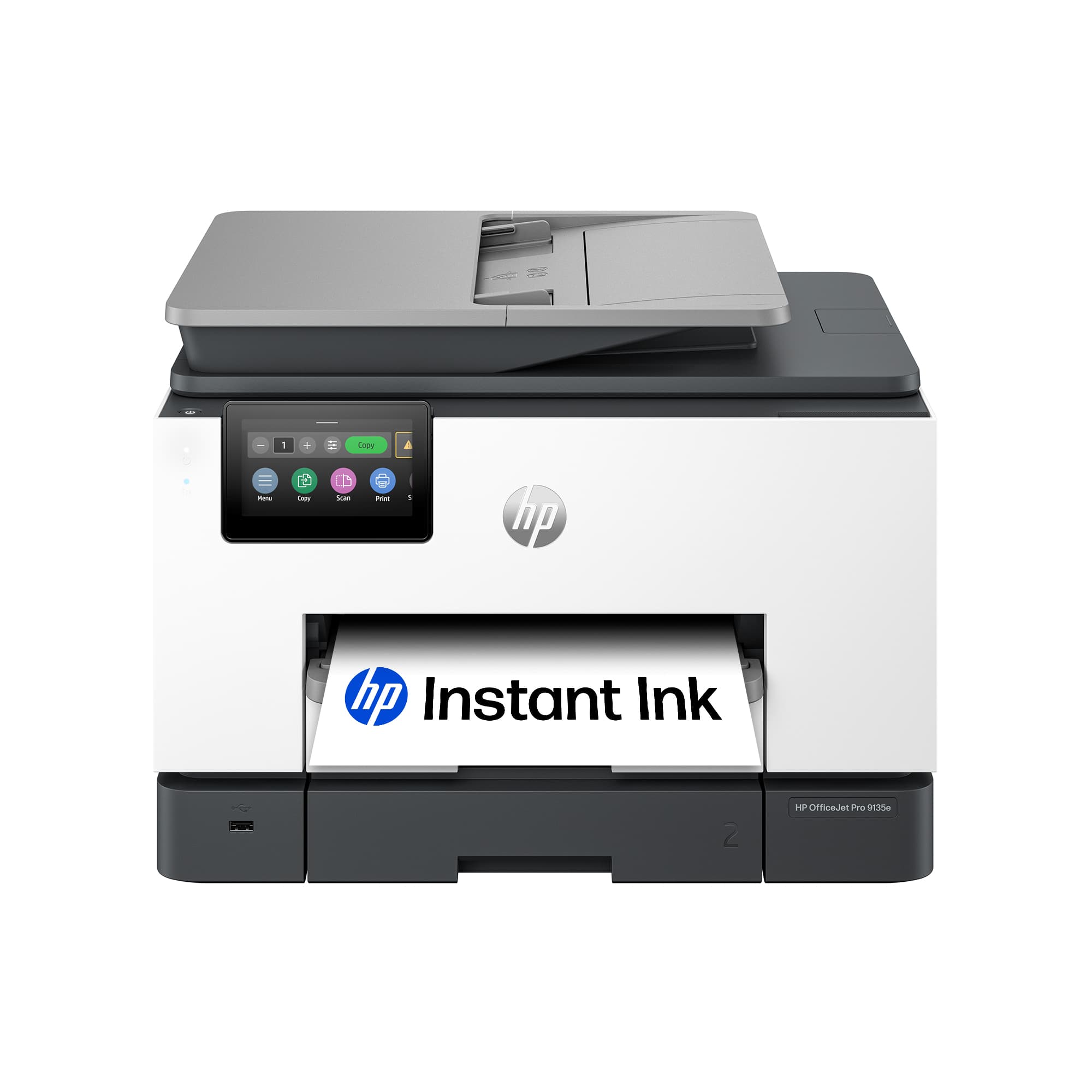

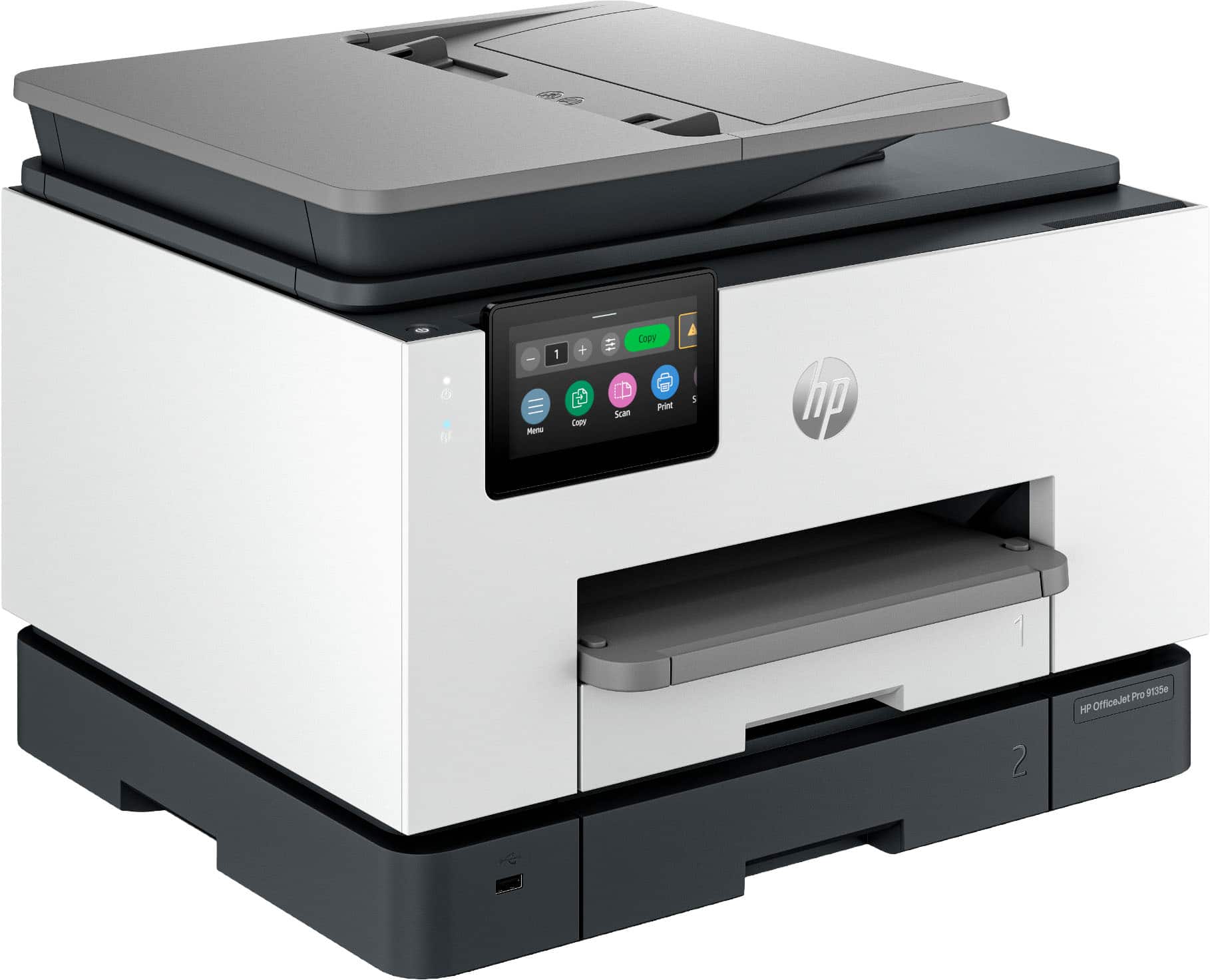





- Model:
- OFFICEJET PRO 9135E/404M0A#B1H
- SKU:
- 10747593
Rating by feature
- Value
Rating 4.3 out of 5 stars
- Quality
Rating 4.3 out of 5 stars
- Ease of Use
Rating 4.2 out of 5 stars
HP 9135e compared to HP 8600
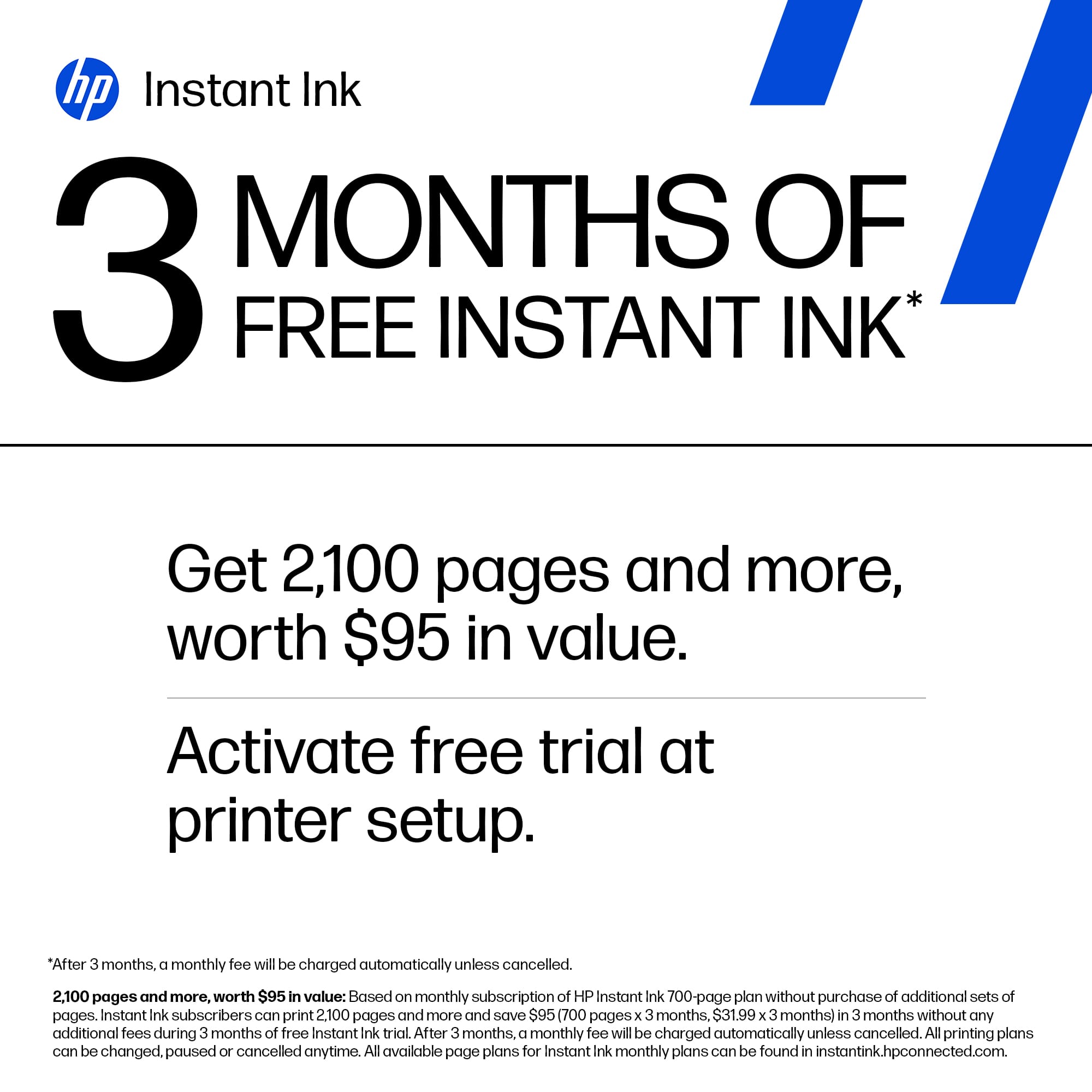
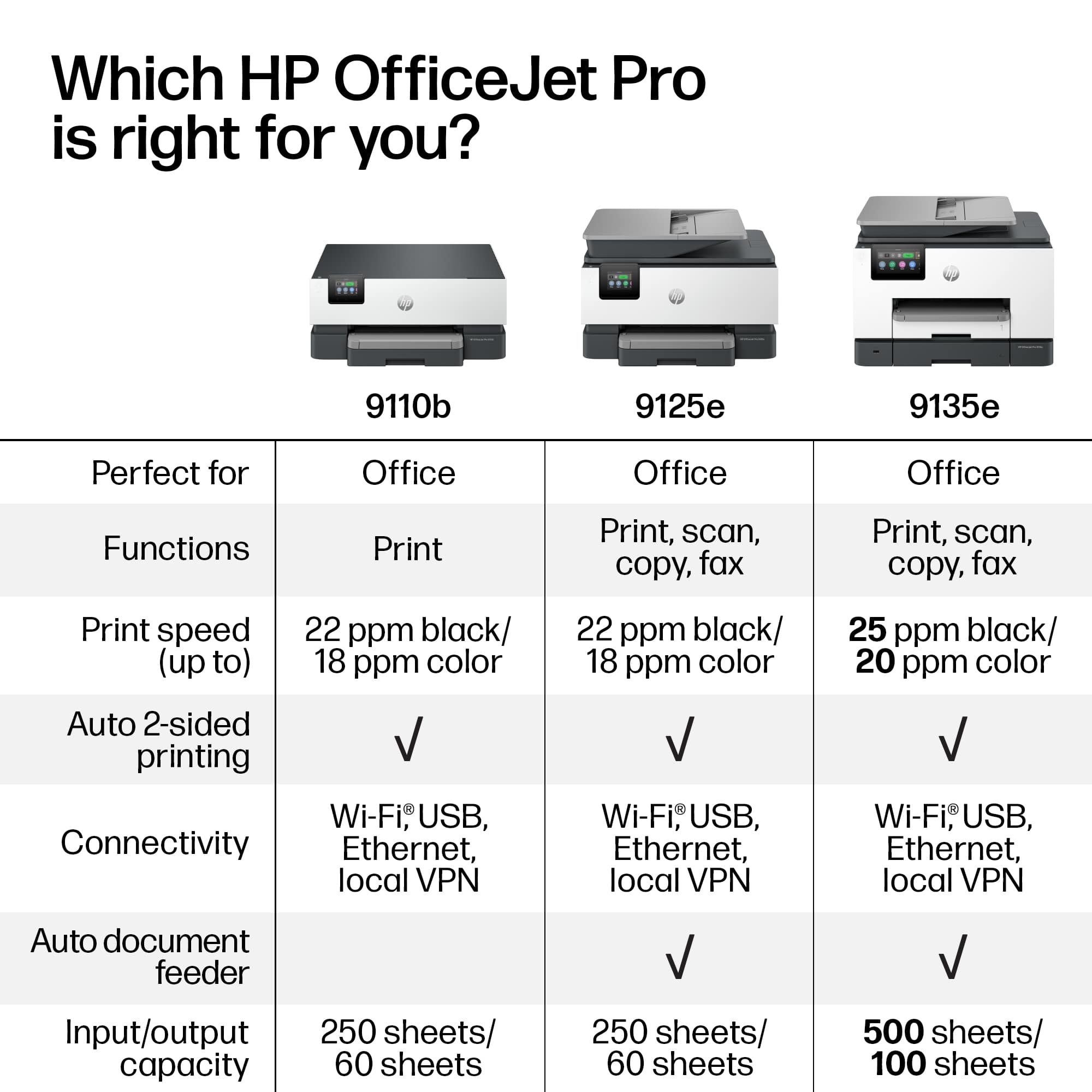
||Posted .This reviewer received promo considerations or sweepstakes entry for writing a review.Replaced our old 2012 HP Pro 8600 plus printer (which worked great until we had to replace HP black ink after updating to Windows 11 and it gives ink error) with this HP Pro 9135e printer. 1) This new one is noisy in comparison. Each page printing sounds like recalibration after inserting new ink. 2) During setup, the 9135e printer kept popping out the ink cartridges that came with printer. I called HP and was connected to Ai which gave me choice man or woman's voice & told me to talk to it like it was human. It answered every question and remained on the call until I was able to print. 5 star rating for Ai. But I remain concerned that I may have future problems with inserting ink cartridges. 3) I declined the 3 months instant ink and future ink after reading reviews. I prefer to buy HP catridges local as needed. 4) I have not tried using the second tray. The only reason I selected 9135e over 9125e was for larger size of the Touchscreen. 5) Duplex printing worked when I selected it. 6) I have not tried scanning yet, so cannot comment on it. 7) The quality of typed print and pictures on my old HP 8600 were definately better ( sharper letters & images) than this new HP 9135e. This was a disappointment. I hesitate to set default to Best since it will use more ink. So I will have to remember, to change this setting whenever I print important documents with inserted pictures. 8) I haven't used it long enough to know if the connection will be there when needed or drop off like other reviewers noted. The 8600 constantly had the connectivity problem. 9) I haven't tried the feeder yet. That was another issue with the 8600 ( the feeder quit working after 1 year). I'm hoping the 9135e feeder will work and last longer. In summary, I hope HP will put their Ai to work to improve quality of HP printers. This printer is definately a step backwards. HP needs to put less emphasis on instant ink. I'm sure that is the only reason my 8600 no longer works ( some bad coding- since many other HP owners had same problem with ink errors even though reloading with official HP ink).
I would recommend this to a friendLove This Printer
||Posted . Owned for 2 weeks when reviewed.This reviewer received promo considerations or sweepstakes entry for writing a review.This printer is very nice and easy to use. The print is nice and clean and it prints very fast.
I would recommend this to a friendIt prints but won't scan to Linux
||Posted . Owned for 1 year when reviewed.This reviewer received promo considerations or sweepstakes entry for writing a review.I got this to replace an HP 8160 that had a dead print head and this was cheaper than a new head. It does what it is supposed to do. The negative is that the old printer would scan directly to Linux and this one doesn't. I realize that is not a deal breaker for most people.
No, I would not recommend this to a friend
Easy set-up, Fast Printing, Ink Concerns
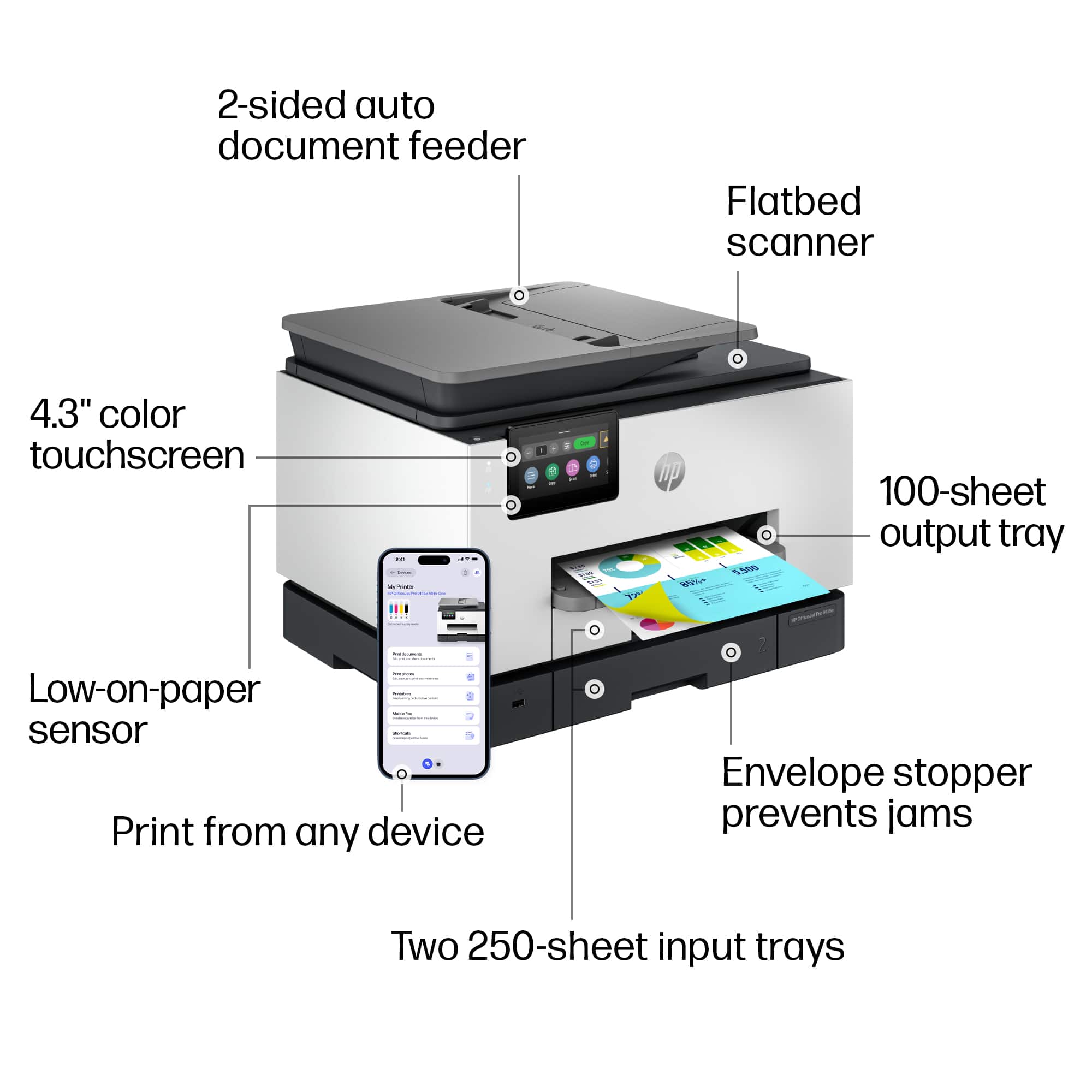
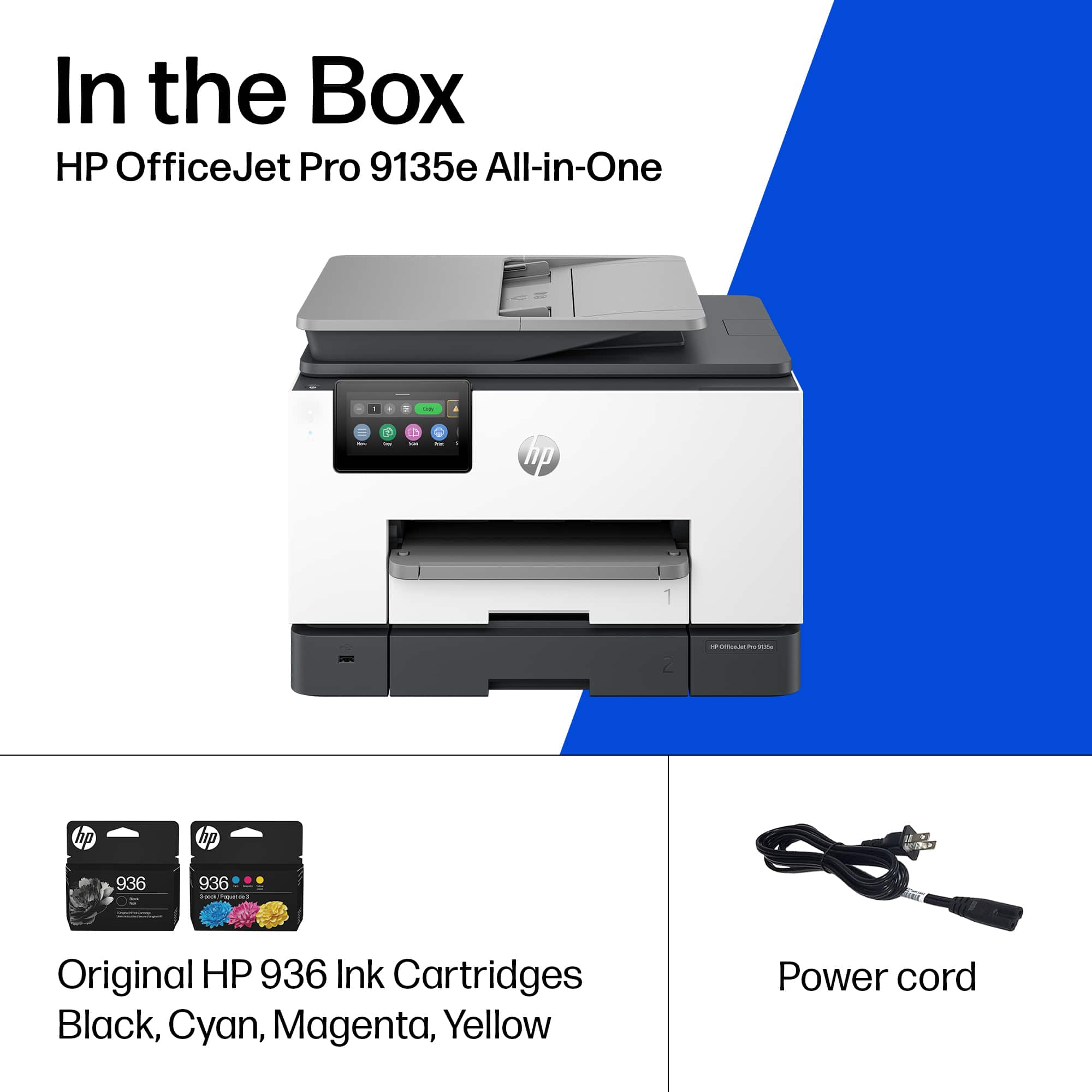
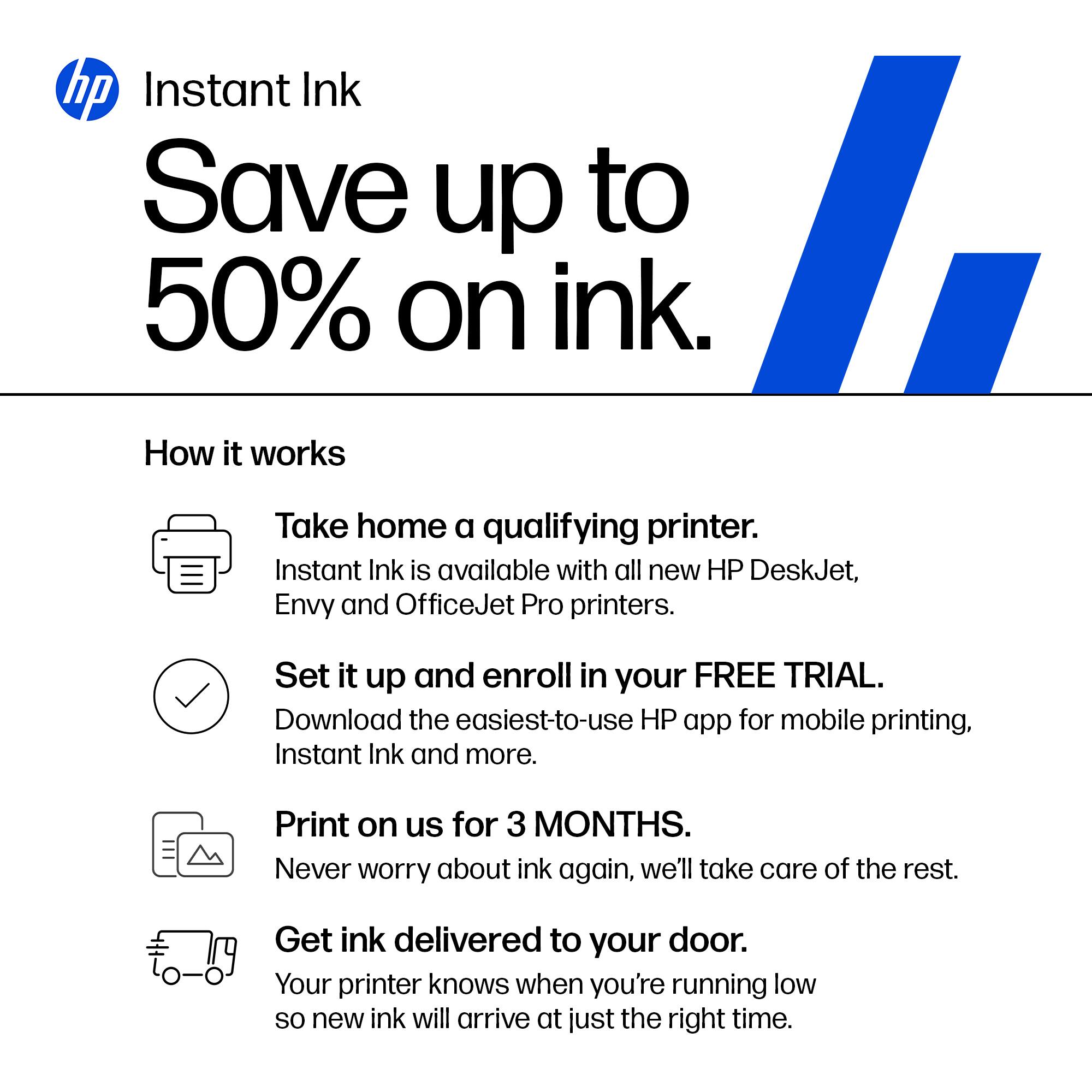
|Posted .This reviewer received promo considerations or sweepstakes entry for writing a review.The HP OfficeJet Pro 9135e is incredibly simple to set up onto your network using the HP Smart application for MacOS. I did not trial this product out on a Windows machine so I don't have much to offer for that operating system. Set up is easy - take the machine out of the box, attach the power cord & plug into an outlet, open system up to install four (4) ink cartridges - standard magenta, cyan, yellow, and black. The wifi set up process was all done through the HP Smart application on my computer and went relatively seamlessly. For an inkjet printer, this machine actually spits out prints fairly quickly - it's rated to be able to produce 20-25 pages/minute for color and monochromatic printing, respectively. Printer resolution can be changed but the maximum is 1200x1200 for monochromatic and 4800x1200 for color printing. These are plenty sufficient specifications for a simple printer. I should note that I don't intend to use this for photo printing, so super high quality printing isn't of important to me. I'm only using one of the two paper trays available but it's nice that there are options as you can load two different sizes of paper and choose between the two, as necessary. There's also an auto feeder on top for quick copying. The printer is equipped to be able to do double-sided printing as well, which is a convenient feature for a printer this small in stature. There's a small 4.3" LCD screen on the printer itself to navigate through various settings and to use the scanner/fax options. There's also a USB port available to print directly from an external storage device. My main concern came up when I opened up the (included) ink cartridges - HP offers 3 months of Instant Ink included with the HP+ subscription plan - a monthly payment plan that starts getting charged after 3 months. I believe the perk is that you get ink delivered (within 10 days) when you run low on ink. Though, the supposed benefit is that you "only pay for pages printer, not the amount of ink you use. Color costs the same as black & white." Something about this feels odd and changes my mindset of HOW I want to pay for ink- if anything, it sort of forces you to look at the quantity and frequency of your printing to better estimate if the subscription service is right for you or if you should purchase the refills a la carte. Taking a quick look at prices online for ink refills - a full set (all four colors) is currently going for $125 (February 2024), with the black being capable of 1450 pages and 800 pages per color. The recommended subscription is for 100 pages/mo at $6.99/mo, which comes out to be more affordable. For example 800 pages of color printing would cost $125 (all four cartridges) vs. 800 pages of color printing on the subscription would be $56 (for whichever cartridges need refilling). What I personally don't want is to add on ANOTHER subscription service in my life so I'd probably opt for the a la carte option, which would theoretically be at a higher cost to me; though, I won't have to worry about ongoing payments.
No, I would not recommend this to a friendBig features for a small office
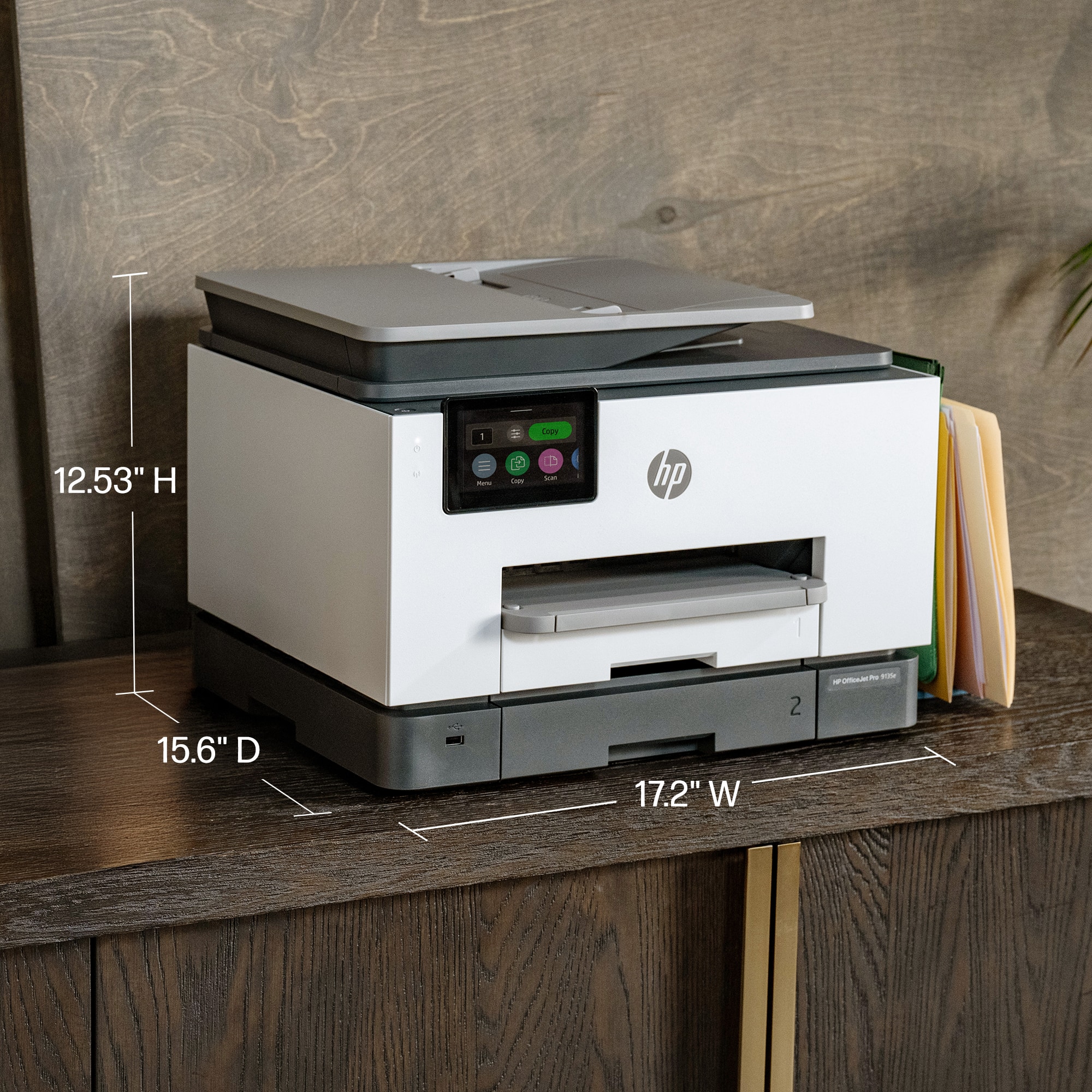
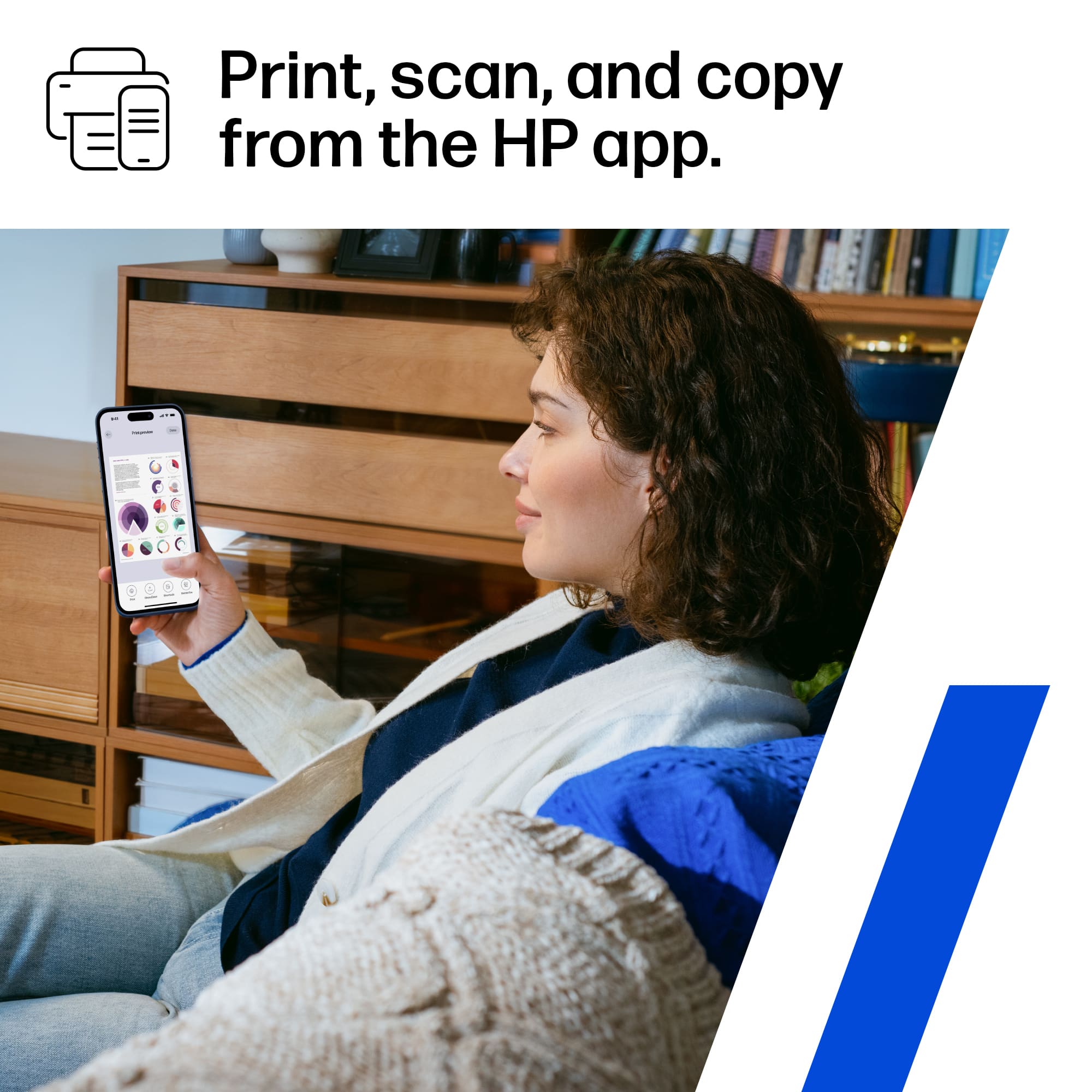
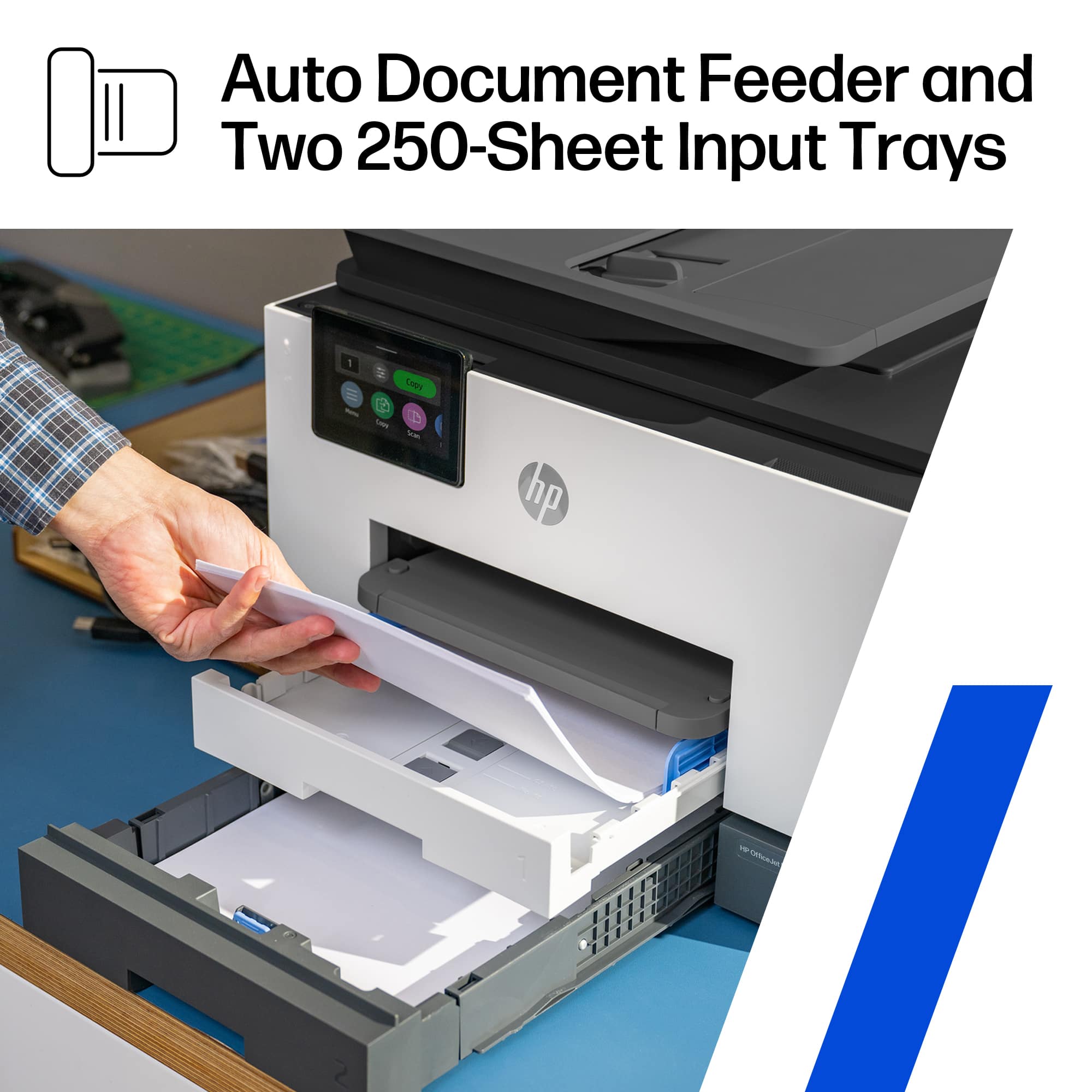
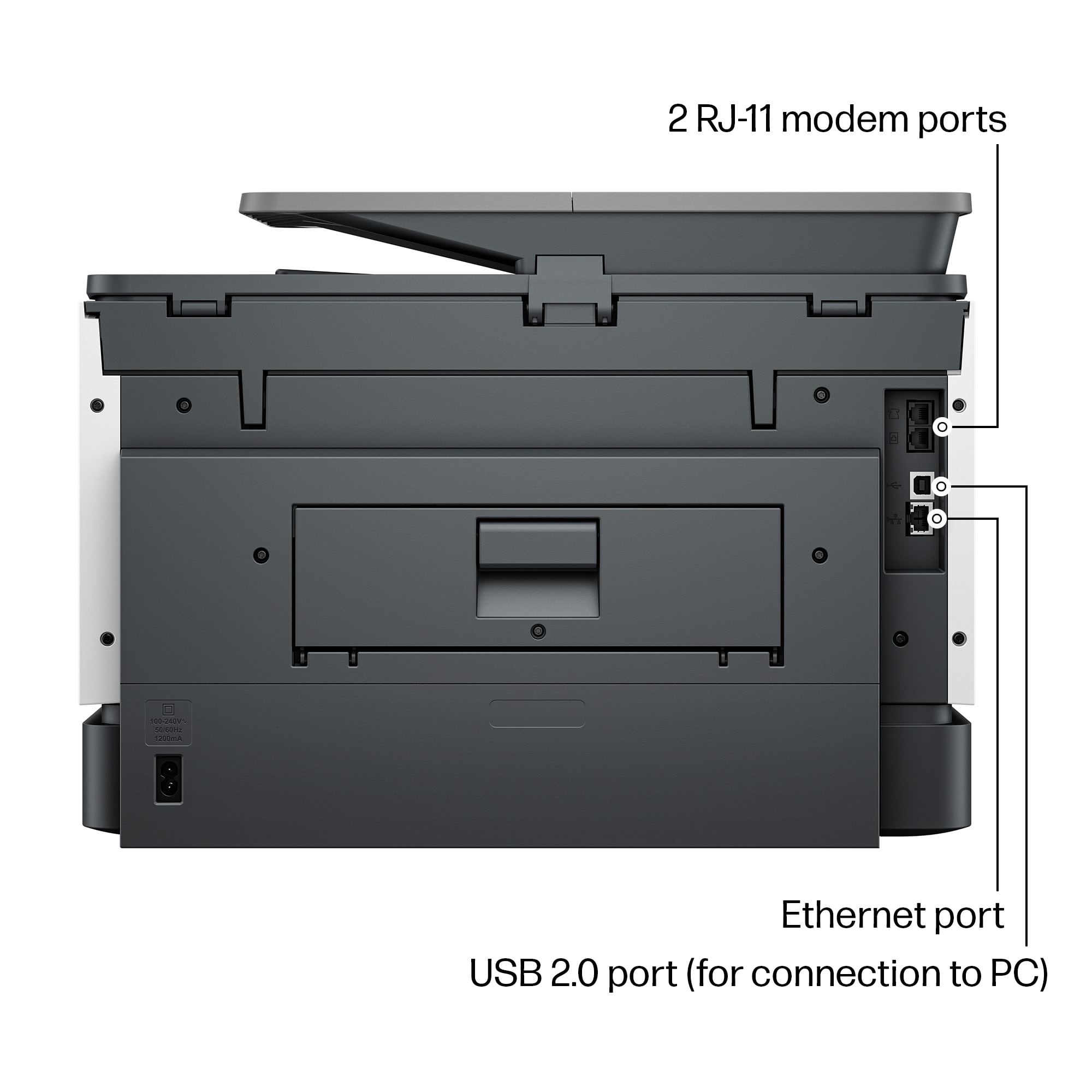
|Posted .This reviewer received promo considerations or sweepstakes entry for writing a review.This OfficeJet Pro was a great choice for a color printer for my home office. It offers a lot of functionality: 2-sided scanning and printing, fast color printing, and lots of paper capacity/size options. I have owned a few HP printers, which have all been reliable and easy to use - so far, this new OfficeJet has met all my expectations. ---Pros--- 1. Size and design. I like the low profile, square edges, color combination, and the large adjustable color screen - making this printer look very modern. The printer easily fits on my 20x20 side table with a few inches to spare in every direction - keeping in mind that you need to leave a little space for access to the back paper feed door (has not happen to me, but this is used to clear jams). It is about 26lbs, but 2 integrated, textured hand holds along the bottom edge help you move it if needed. 2. Input paper capacity and variety. It has 2 x 250 sheet trays (500 total, better than my laser printer) that are both expandable up to 8x14in (legal paper). Tray 1 also takes a variety of other sizes, including envelopes, stock for cards/photos (3x5in, 4x6in; 5x7in, 8x10in). 3. Automatic double-sided printing AND scanning. You have to use the document feeder for double sides scans and copies, but it works well. For double sided scans to a file in the HP app, you have to select the "2 sided feeder" input source option in the scan settings. 4. Scan (300dpi) and print quality (1200x1200dpi) are good even just using copy paper and the document feeder text copies are sharp and look professional. I did not try it with photo paper, but color images on regular paper were sharp with accurate color tone; I am sure it could produce frameable photo prints with the right paper. 5. The HP Smart app is the awesome. Both wireless scanning and printing using the app are easy and quick. It works well on every platform I have tried; I have this app on my computer, tablet, my wife's iPhone, and my Android phone. I often print email attachments directly from my phone or scan a document without having to turn on my computer. You can also see ink levels (even order ink) and change lots of printer/scanner settings. 6. Front USB port for thumb drives is handy, allowing you to print or scan without any device. It reads my thumb drive with no issues, and navigating through the folders and files on the printer's touchscreen is easy, and you can preview before you print. 7. Fax capability (phone line in and out), wired USB-B direct connection (covered with a removable sticker recommending Wi-Fi), and wired network port (LAN). 8. Wireless printing and scanning work perfectly with the ChromeOS built in utility on my Chromebook. ---Things to Consider--- 1. Quick multi-page printing - this printer is fast; I have seen well over 20ppm black & white set on draft quality (it is rated up to 25ppm in the specs). The only issue is that it takes a little longer to get started than I was expecting. The quoted first page out time of 10 seconds is worse than my laser printer (with warm up) and with larger or high-quality printer jobs, it sometimes takes 15-25 seconds for the first page. Once it gets going, I was impressed with my real-world results for my typical small to medium sized printer job: black & white, draft quality, one-sided ~22ppm; color, normal quality, one-sided ~10ppm; color, high quality, one-sided ~ 3ppm; grayscale, normal quality, one-sided ~ 14ppm. For double-sided printing the speed is just under half the one-sided speed (as expected). 2. This printer uses the HP 936 ink cartridge that is rated at 1,250 black pages and 800 color pages which is around 1 cent per page for black and 16 cent per page for color at the current price for the 4 pack (black + cyan + magenta + yellow). You can purchase just one cartridge if you run out (black is my most used). For a mixed-use printer this is pretty reasonable, although laser is probably a better option if you only ever want black & white. 3. The paper output receiver (or "tray" I guess) capacity for holding finished print jobs is only 100 sheets in the specs and I would not even get close to that number (maybe 50 pages). It also has to be extended or the printer will throw your printed papers on the floor. This is a minor issue in a small home office, but walking over to extend the output paper receiver after someone else has pushed it in really defeats some of the "wireless" printing fun. 4. The power cable could be a bit longer at just under 5ft but was not an issue for me. No USB or phone cable are included for the fax or direct connection to a computer. 5. Lots of options are available in the settings for managing where scans are sent directly from the printer (email, cloud, network folder) - I did not try this feature, because the HP SmartApp works so well for sharing scans. 6. This printer makes some noise, especially printing double sided. It does offer a quiet mode (that reduces printer speed approximately in half) to cut down on noise - it does help but the paper handling clicks are still noticeable. It is in the same room as my computer and it doesn't bother me, but I would not use it for double-sided printing during a conference call.
I would recommend this to a friendGood printer. Fast, quality printing but ...
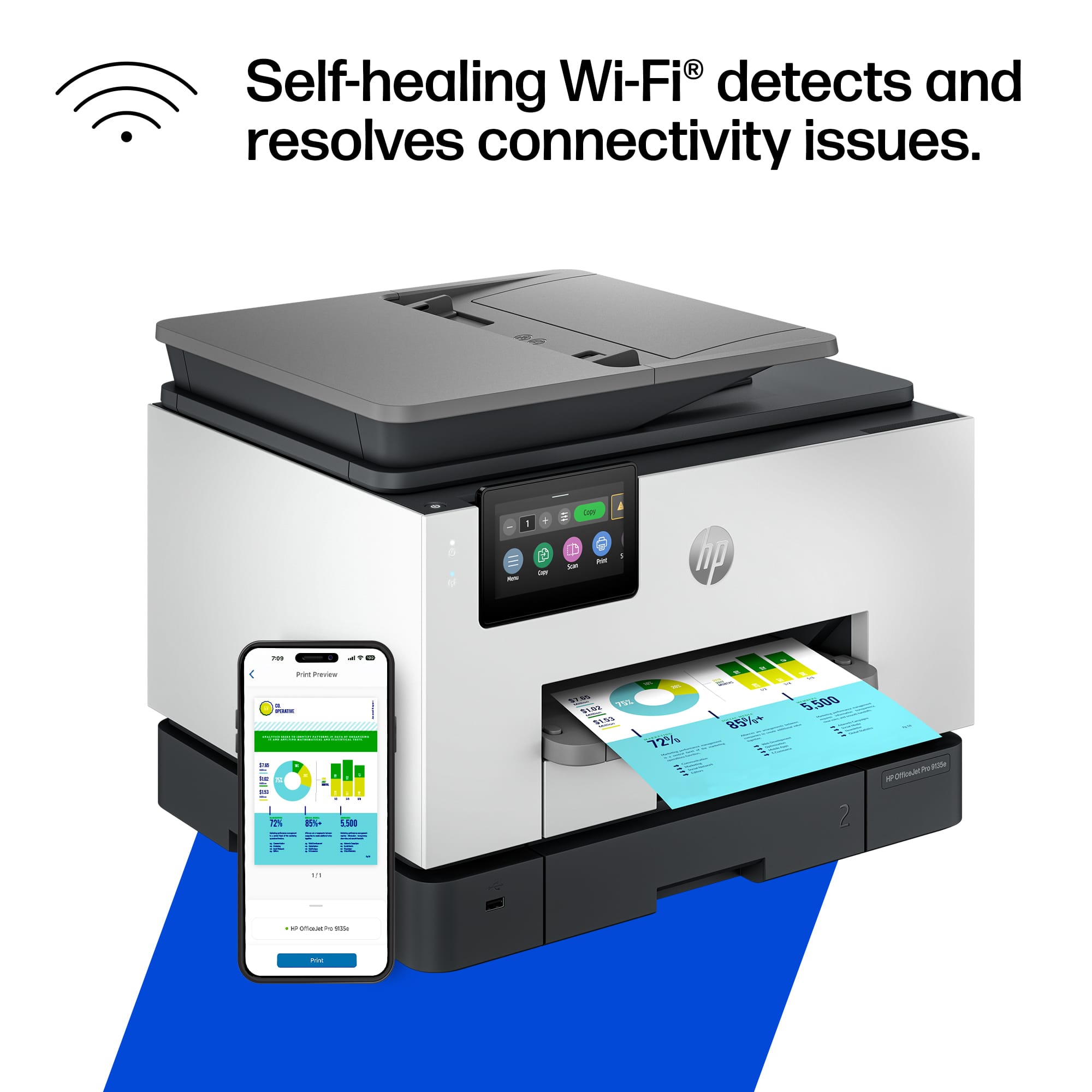
||Posted . Owned for 1 month when reviewed.This reviewer received promo considerations or sweepstakes entry for writing a review.Overall, this is a great printer. A big upgrade from the HP8028. Fast and great quality printing. Much better quality paper trays. Intuitive interface on PC. Scanning function works well and super fast....except that it seems to frequently drop the wireless connection for this function, requiring turning the printer off and back on to reconnect. Not sure if it's a problem with our wireless connection but we don't have this issue as frequently with other devices.
I would recommend this to a friendHome Office Work Horse
||Posted . Owned for 3 weeks when reviewed.This reviewer received promo considerations or sweepstakes entry for writing a review.Work Horse. Clean bright fast. Quick Production. Great Value for the Money!
I would recommend this to a friendGreat Printer
||Posted . Owned for 2 weeks when reviewed.This reviewer received promo considerations or sweepstakes entry for writing a review.I really like this printer! It's way faster than the previous printer I had.
I would recommend this to a friendVery Satisfied with a setup caviat
||Posted . Owned for less than 1 week when reviewed.This reviewer received promo considerations or sweepstakes entry for writing a review.This replaced a 10 year old OfficeJet Pro and while some thing are little changed it definitely is faster. Have to say the setup took a bit of trial and error, and I am used to that with HP, but in the end it all works and is a great printer. Hope it lasts 10 years.
I would recommend this to a friendPrinter purchase
||Posted .This reviewer received promo considerations or sweepstakes entry for writing a review.This printer is very good. It holds a lot of paper and prints very fast. The fax machine works flawlessly. It makes copies very fast even in color. Im very happy with my purchase.
I would recommend this to a friendGreat all-in-one unit
||Posted . Owned for 1 week when reviewed.This reviewer received promo considerations or sweepstakes entry for writing a review.Easy to setup and use. Highly recommend at this price point!
I would recommend this to a friendGreat little office printer
|Posted .This reviewer received promo considerations or sweepstakes entry for writing a review.It’s a solid unit. Well-built, feels sturdy and heavy. Takes a little oomph to lift it out of the box and set it on the stand. Set up is about as easy as it comes. I am not a fan of having to use an app to set up a printer, and HP obliges by making set up entirely possible from the front panel. The front panel is a brightly colored 4.3” LCD screen and very responsive to the touch. My main use for the 9135e is as a black and white printer/scanner. My wife is a teacher and is printing out literally hundreds of pages a week, as well as scanning in papers and uploading them to the cloud. The 9135e excels at both. Print quality is excellent, and scan quality with an auto feeder is excellent. I low how there are two trays for paper. My wife often needs to print visual aids on card stock, and having a separate tray that can hold card stock is such a benefit! No more need to swap paper in and out of a tray or accidentally print regular docs on expensive card stock. This is truly a great option to have on a home office printer. Print cost is always something that is interesting to consider. I have a couple of printers that have the large ink tanks on them that can be refilled, and I do get spoiled by the low cost of printing. A replacement black HP 936 cartridge is around $42 and says it should yield 1,450 pages. Math turns out to be around 3 cents a page for black and white. Color of course is a bit more expensive, with the replacement carts (all three) costing around $80 for ~800 pages. That’s around 10 cents a color copy which isn’t too bad…. But could be better. If you are using this printer as a mostly black and white printer, I feel like you can’t go wrong.
I would recommend this to a friendVery nice printer!
||Posted . Owned for 2 weeks when reviewed.This reviewer received promo considerations or sweepstakes entry for writing a review.I have had this printer for about 2 weeks now, and I like it a lot. Very nice quality prints. I haven't used the scan yet, but I can update this review later to add my comments on that. One thing I have noticed is that if you turn it off and start it up later, it seems to have problem finding the paper in the tray. All I have to do is slide the paper tray out a few inches, then push it back into place, and the printer immediately clears that error message. I didn't get the Instant Ink option, as I probably will not go through that much ink, and also based on some previous reviews I read. But overall, I am very pleased with this printer and would buy it again. I would advise potential buyers to read some of the detailed reviews where people talk about how they set it up. I found it pretty easy to set up and get running. It took maybe an hour to work through everything. Oh, and HP really did some nice thinking on the packaging. I was a little worried about lifting this pretty heavy printer out of the box, but found that HP had already thought of that and the printer was inside a plastic bag that had nice handles, so it was very easy to remove from the box. Thanks to HP's packaging engineers!
I would recommend this to a friendNice printing. Terrible software. Bad for scanning
||Posted .This reviewer received promo considerations or sweepstakes entry for writing a review.Terrible, crappy software. But, it sure prints fast with great print quality. 1.) Terrible setup and installation software. Following the 1-2-3 procedure the WiFi did not work. Downloaded the installation package from HP support. During setup it asked for a printer PIN. After I found that and entered it, the WiFi worked. Why didn't the 1-2-3 installation ask for a PIN. 2.) The sales info said the 9135e can scan to cloud services. Turns out it can't scan to OneDrive personal like my Brother does (only Sharepoint and OneDrivePro). The software to allow scanning from the printer panel is confusing and buggy. 3.) It won't scan multiple pages into 1 pdf file when scanning to a computer folder from the panel. After scanning one page, the display offers to add the next page. But selecting that option does not work. I only get the first page. 4. The WiFi is constantly being dropped. I have to cycle printer power to get it back online. The software for this printer is total crap. Returning the printer. What a pain.
No, I would not recommend this to a friendGreat Machine
||Posted .This reviewer received promo considerations or sweepstakes entry for writing a review.Works very well, no issues so far. I like that it does double sides if needed. Also, like that it’s not bulky—plus it’s a nice-looking machine.
I would recommend this to a friendPrints well but ink needs to be replaced constantl
||Posted . Owned for 9 months when reviewed.This reviewer received promo considerations or sweepstakes entry for writing a review.This printer overall is easy to set up and prints well but ink runs dry fast. I only printed one or two pages in color and the ink said it needed replacement. Once it does that you have no choice in the printer will not print if you do not obey it's called for new cartridges. I don't recommend for this reason
No, I would not recommend this to a friendGood printer
||Posted .This reviewer received promo considerations or sweepstakes entry for writing a review.I really like this printer other than the fact that it randomly disconnects from WiFi. Otherwise it has been very good and I use it daily.
I would recommend this to a friendgood quality printing
||Posted .This reviewer received promo considerations or sweepstakes entry for writing a review.Excellent printer, faster and large paper tray and good quality printing
I would recommend this to a friendGreat printer and very fast
||Posted . Owned for 1 month when reviewed.This reviewer received promo considerations or sweepstakes entry for writing a review.Great printer and very fast. Very easy to set up. Good instructions.
I would recommend this to a friendA Good Printer
||Posted . Owned for 3 weeks when reviewed.This reviewer received promo considerations or sweepstakes entry for writing a review.So far, after a month, I'm pleased with the 9135e. It's fast, relatively quiet, and the print output is good. I don't like the constant reminders for Instant Ink, but that's life now. Moving to the HP Smart concept has reduced the space taken by the old software bundles, but HP Smart can be slow and parts of it not very intuitive. But the printer itself has performed up to expectations.
I would recommend this to a friend















