Customer Ratings & Reviews







- Model:
- OFFICEJET PRO 9135E/404M0A#B1H
- SKU:
- 10747593
Rating by feature
- Value
Rating 4.3 out of 5 stars
- Quality
Rating 4.3 out of 5 stars
- Ease of Use
Rating 4.2 out of 5 stars
So far so good
||Posted .This reviewer received promo considerations or sweepstakes entry for writing a review.Set up was very easy. Seems to be pretty high quality, gives option for quieter slow printing as well.
I would recommend this to a friendVery good
||Posted . Owned for 2 months when reviewed.This reviewer received promo considerations or sweepstakes entry for writing a review.Awesome! The best printer. I recommending it’s all in one.
I would recommend this to a friendIssues with HP printers
||Posted . Owned for 3 weeks when reviewed.This reviewer received promo considerations or sweepstakes entry for writing a review.I bought this printer because my old one, an HP Printer, kept disconnecting from the laptop. This one was supposed to "automatically" correct this error. Well it doesn't and many times I still have the same issue of "Scan to Computer is currently unavailable". Ouch
No, I would not recommend this to a friend
One of the Best All-in-One Printers
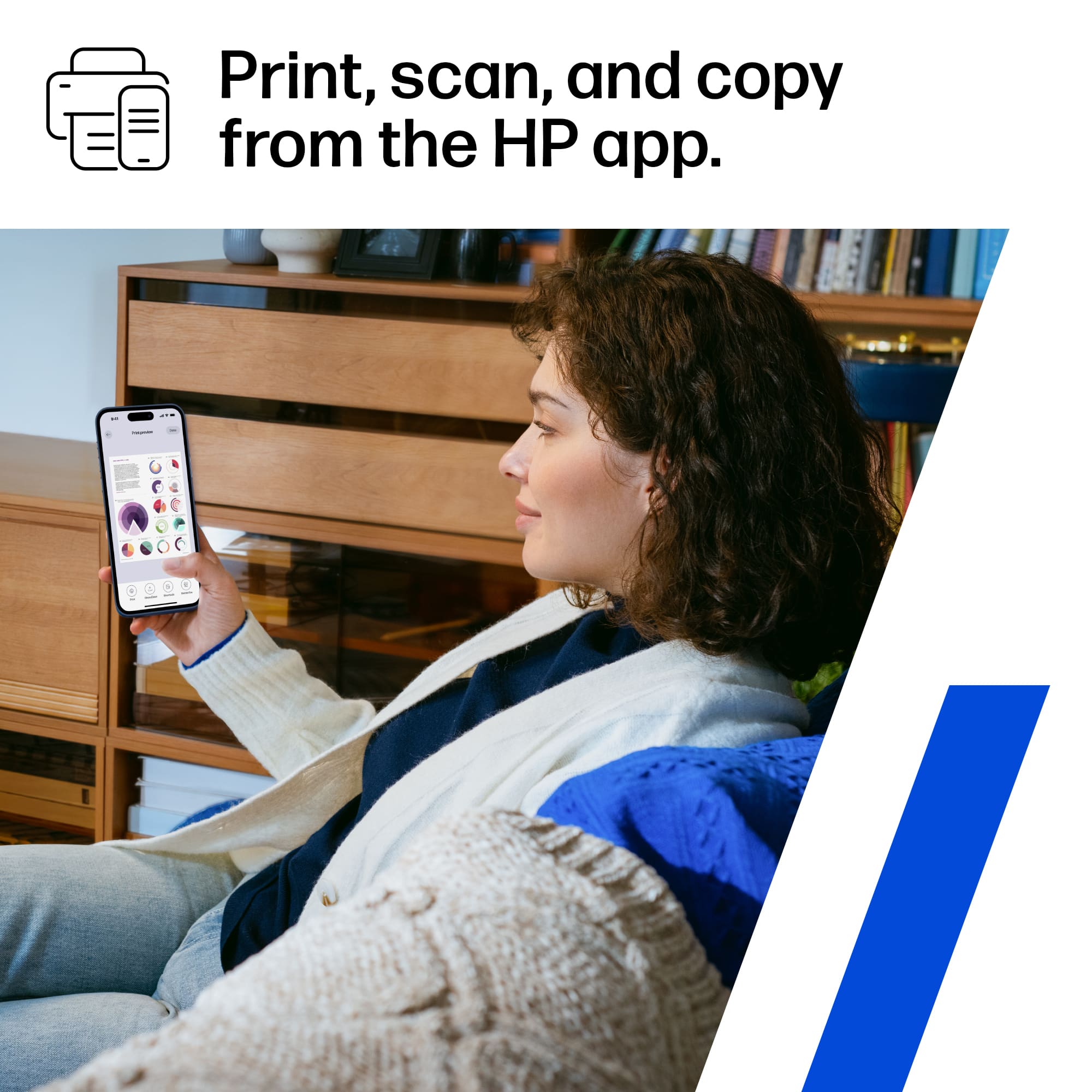
|Posted .This reviewer received promo considerations or sweepstakes entry for writing a review.I recently had the chance to upgrade my old HP printer to the HP OfficeJet Pro 9135e and it has exceeded my expectations with its array of features that cater to both productivity and convenience, making it a standout option in its category. The setup for this printer is by far one of the easiest wireless setups I have come across to date. Setting it up on my network was a breeze, just download the HP smart app from your app store on your phone or laptop on the windows store or the app store for Mac and add a new device and follow the steps and you are ready to go.the ability to print seamlessly from multiple devices, including my smartphone, Desktop, tablets,and laptop adds a level of flexibility that simplifies my workflow.No longer am I having to forward something on my phone to my laptop to print anymore. Print speed and quality are two crucial factors for any printer, and the OfficeJet Pro 9135e excels in both areas. As someone who has to print documents that can be up to 100 pages the printing speed ensures that I don't have to wait around for my documents, and the print quality is consistently sharp and clear with so far no smearing or ink bleed on the pages. The inclusion of automatic double-sided printing is a noteworthy feature, saving me a ton of time not having to take the page out and flip it back into the feeder like I had to do with my old printer. As someone who also mails out a lot of envelopes, tray 1 has the ability to print envelopes and can hold up to 20+ envelopes at a time has saved me a ton of time in my work process and not having to worry about individually loading one envelope at a time like I also had to do with my old printer. The scanner and copier provides high-resolution scans and copies with speed and ease. The automatic document feeder (ADF) is a valuable addition, allowing for efficient scanning or copying of multiple pages at once. The touchscreen control panel is user-friendly and responsive, making it simple to navigate through the various functions and settings. The only real negative thing I encountered was the installation of the ink cartridges, in that it uses a spring system to load the ink, where I had issues with the ink cartridges not fully seating in causing it to get stuck and had to forcibly pull the ink cartridge back to reseat it and it finally clicked in after some force and I havent had an issues since. Overall the HP OfficeJet Pro 9135e Wireless All-in-One Printer has proven to be a valuable asset to my home office. Its combination of wireless connectivity, fast printing, and ADF scanning make it a top contender in the realm of all-in-one printers. You can not go wrong with this printer and I highly recommend this printer for all your printing and copying needs.
I would recommend this to a friendAmazing multifunctional printer
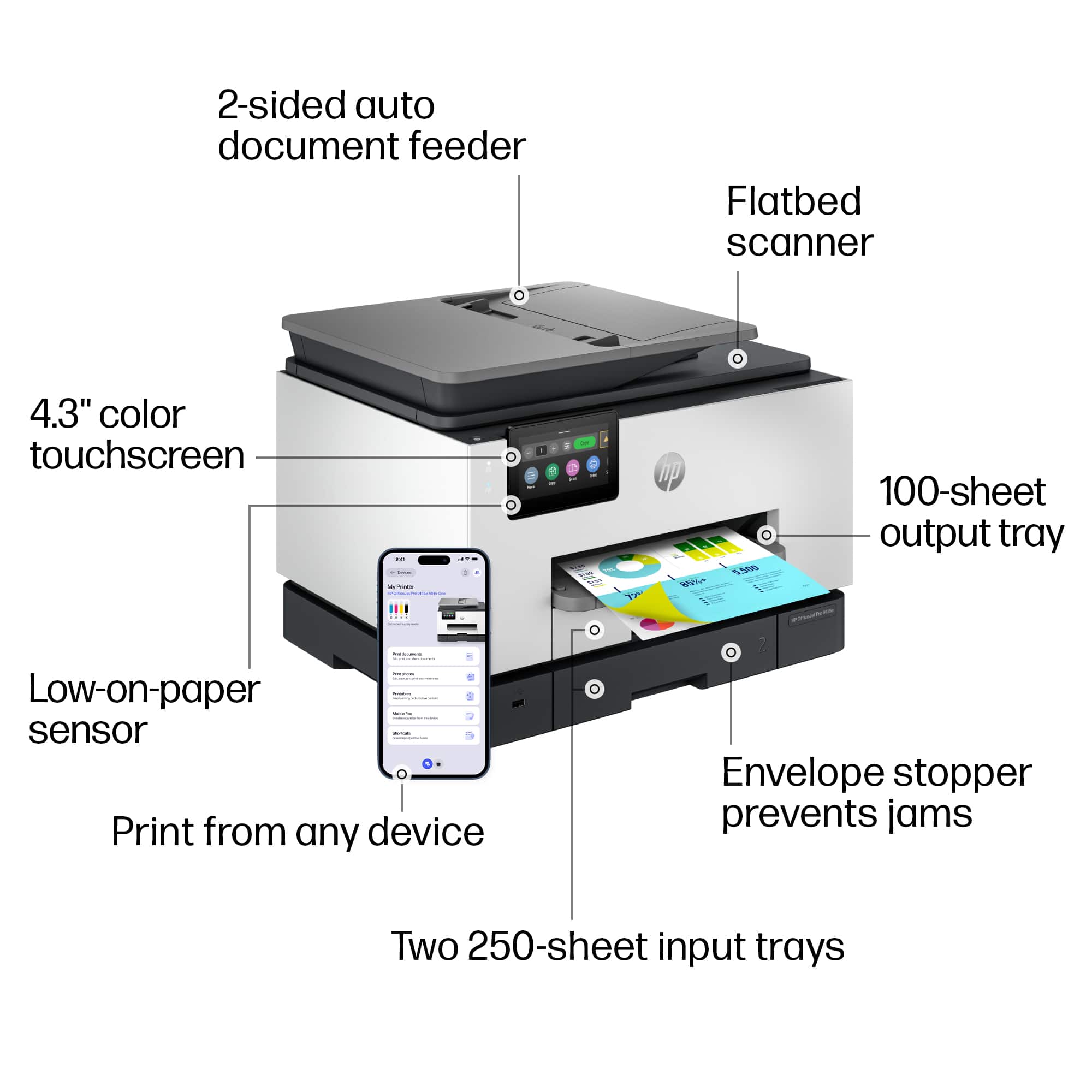
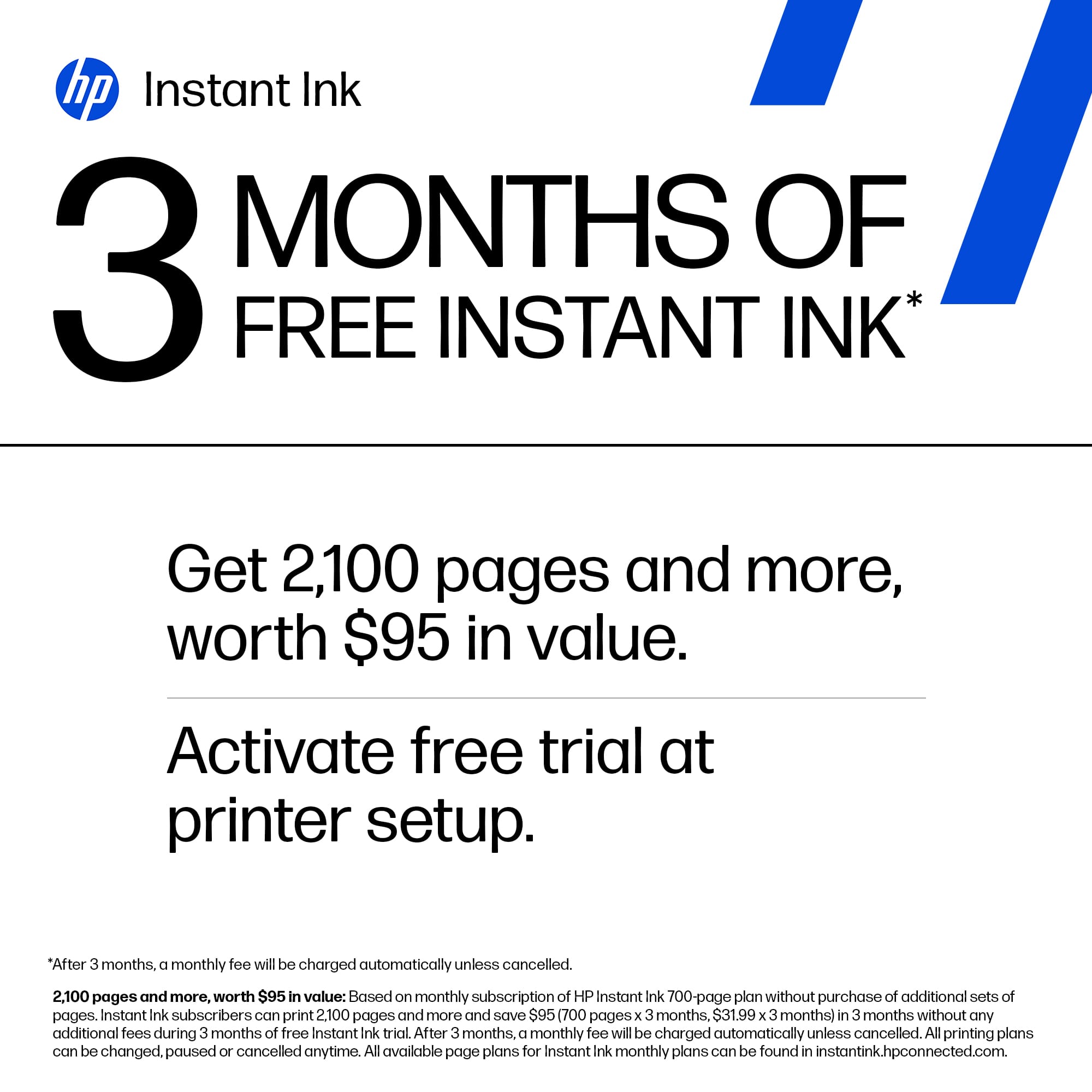
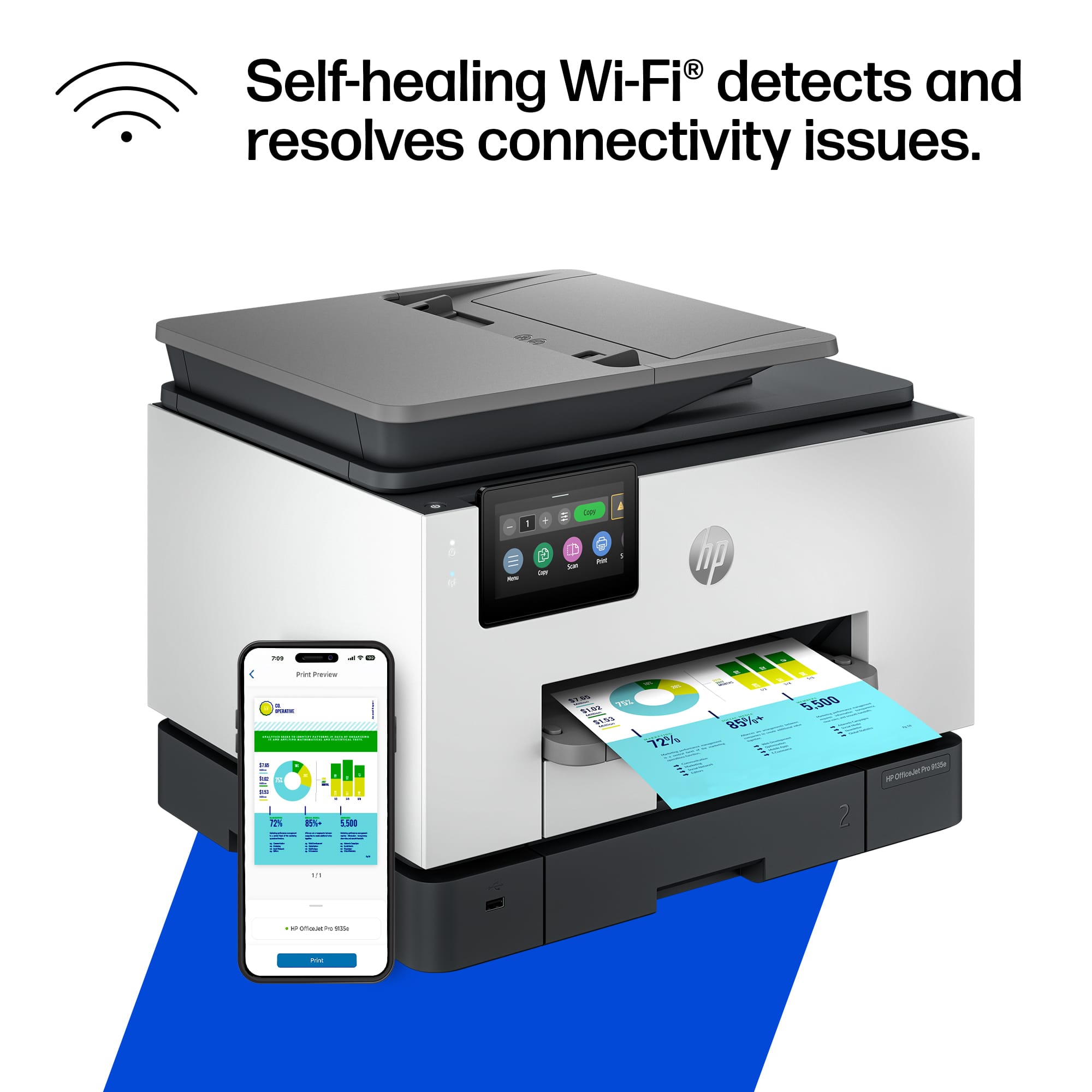
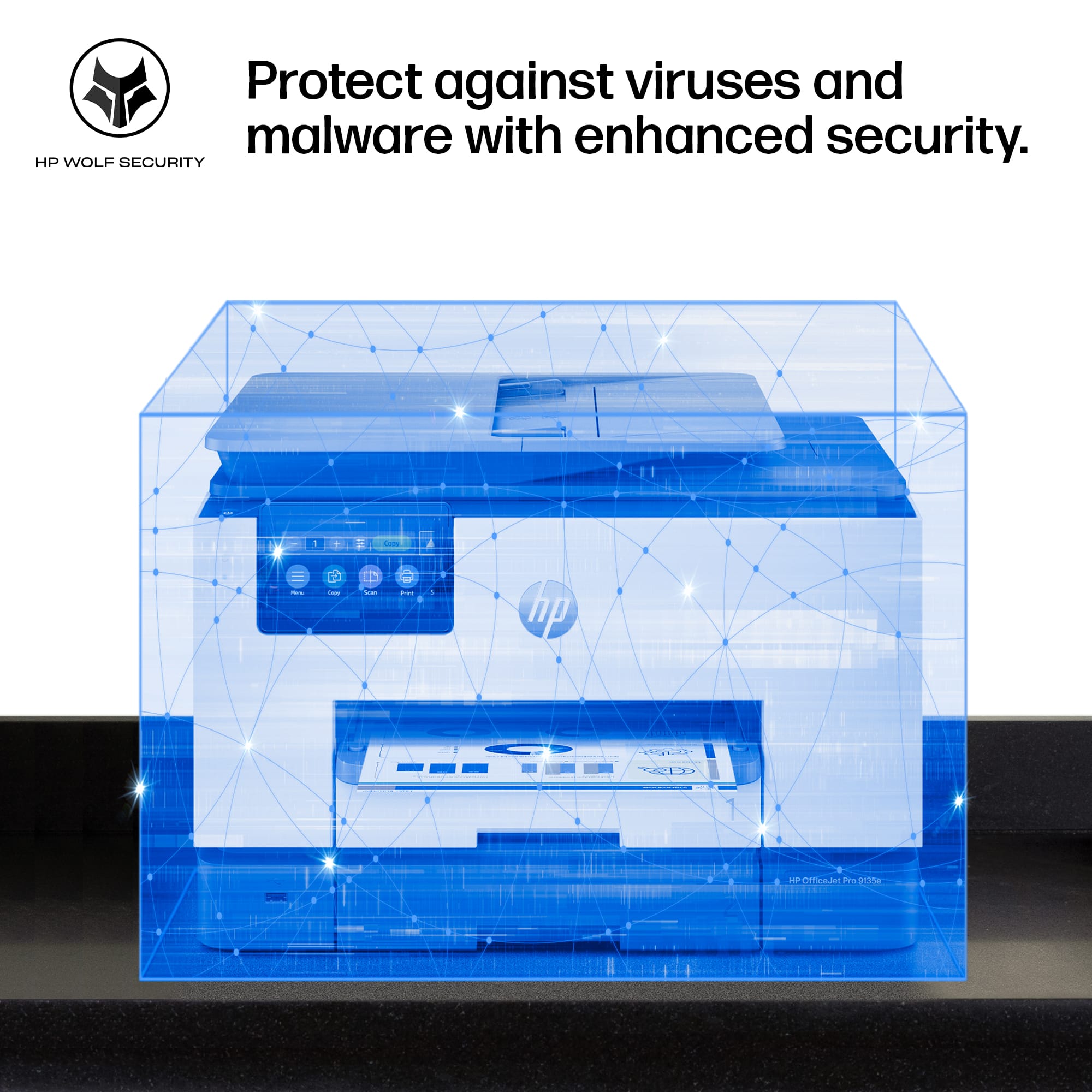
|Posted .This reviewer received promo considerations or sweepstakes entry for writing a review.A new addition has joined my HP collection, and this all-in-one model stands out from the others I currently own. While I have the Pro, Tango, and NeverStop versions, this new model surpasses them all in performance. It carries a professional design, with each component crafted from high-quality materials, 40% of which are recycled plastic. The 4.3-inch touchscreen display is vibrant, high-resolution, and remarkably smooth to navigate, providing a phone-like experience without any lag. Equipped with two adjustable paper trays, accommodating various paper sizes, including envelopes. The printing speed is impressive, delivering vibrant colors. In comparison to my non-HP brand all-in-one printer, which constantly disconnects from Wi-Fi, this HP model has dual-band Wi-Fi capability, has addressed my issues related to the 2.4GHz frequency. The setup process, facilitated through the HP app, was straightforward, requiring the PIN code located behind the front cover for printer identification. Noteworthy features include Print from Anywhere functionality and enhanced security through the HP Wolf Pro system, ensuring the protection of the network. The HP app offers valuable perks and services, including a cost-effective Instant Ink option and tools for calibration, enhancement, and troubleshooting. The Print from Anywhere feature operates seamlessly, exemplified by my flawless experience printing a label from my office for retrieval at home. Overall, this all-in-one printer is a fantastic addition, combining printing, scanning, copying, and faxing capabilities in a single, efficient machine. Highly recommended.
I would recommend this to a friendOutstanding printer
||Posted .This reviewer received promo considerations or sweepstakes entry for writing a review.Ordered it on line and it arrived quickly. It was easy to install on PCs and MACs in the house. The HP app is excellent as well. As for the printer, it is an outstanding printer. It is quiet and fast and produces outstanding print quality.
I would recommend this to a friendHp 9135e Amazing
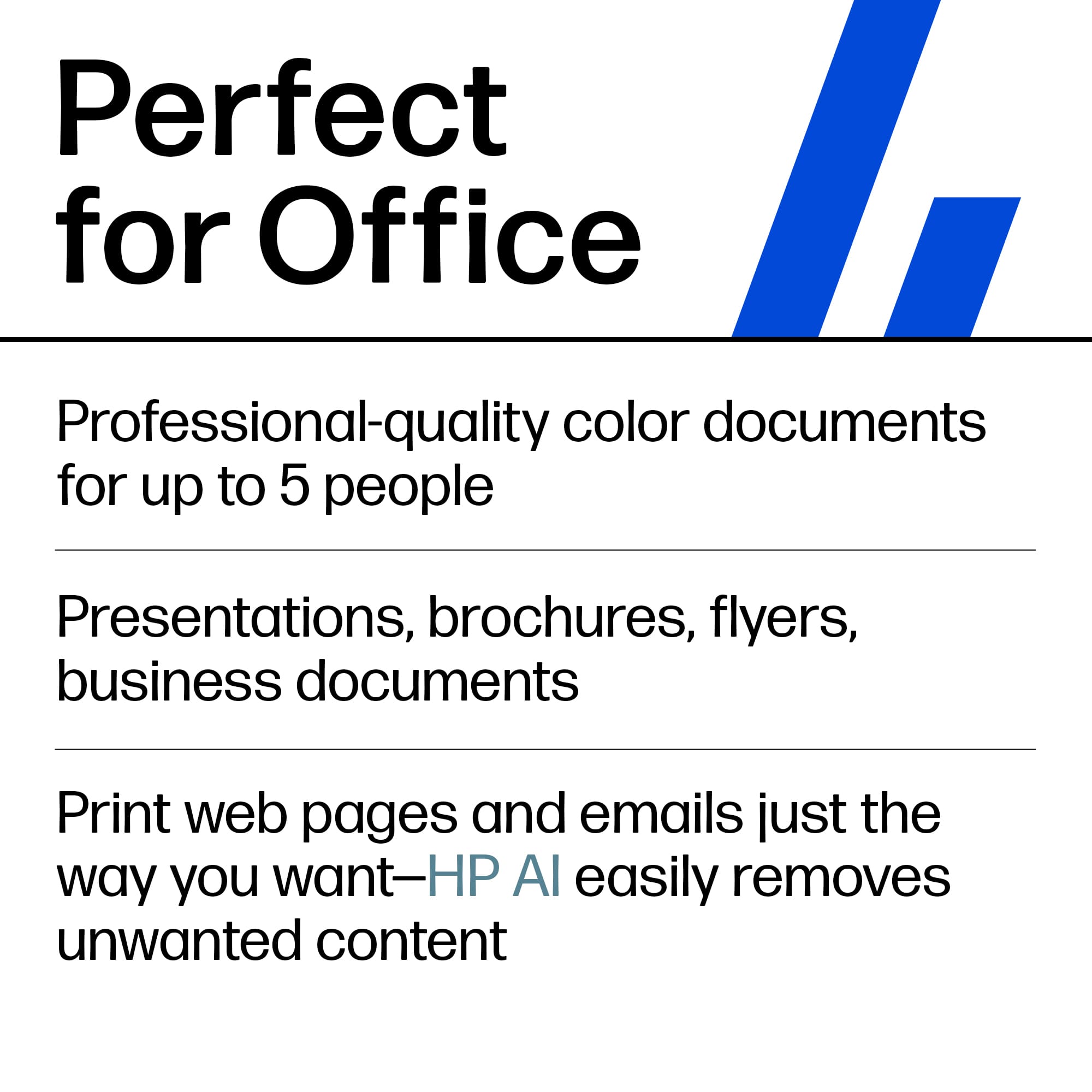
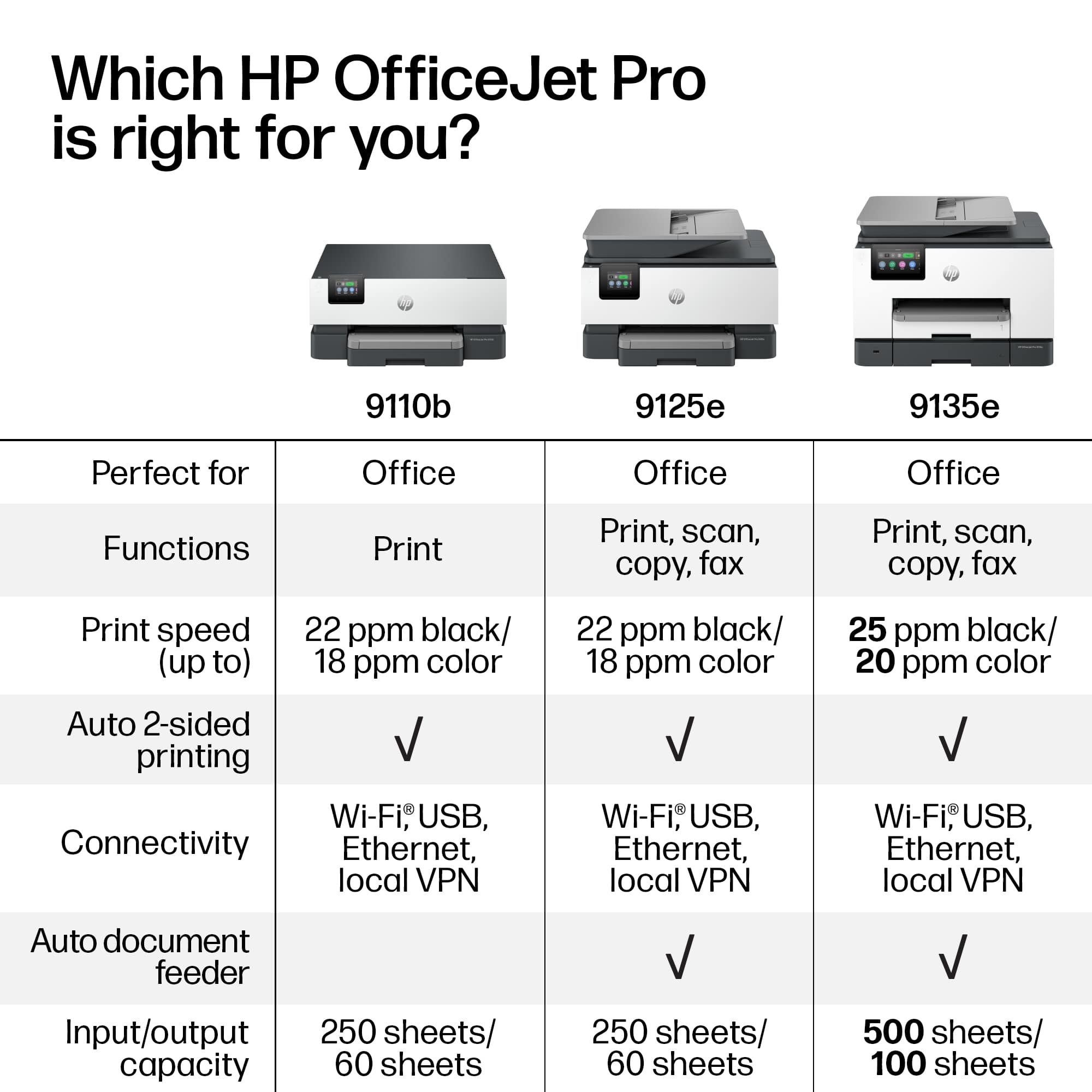
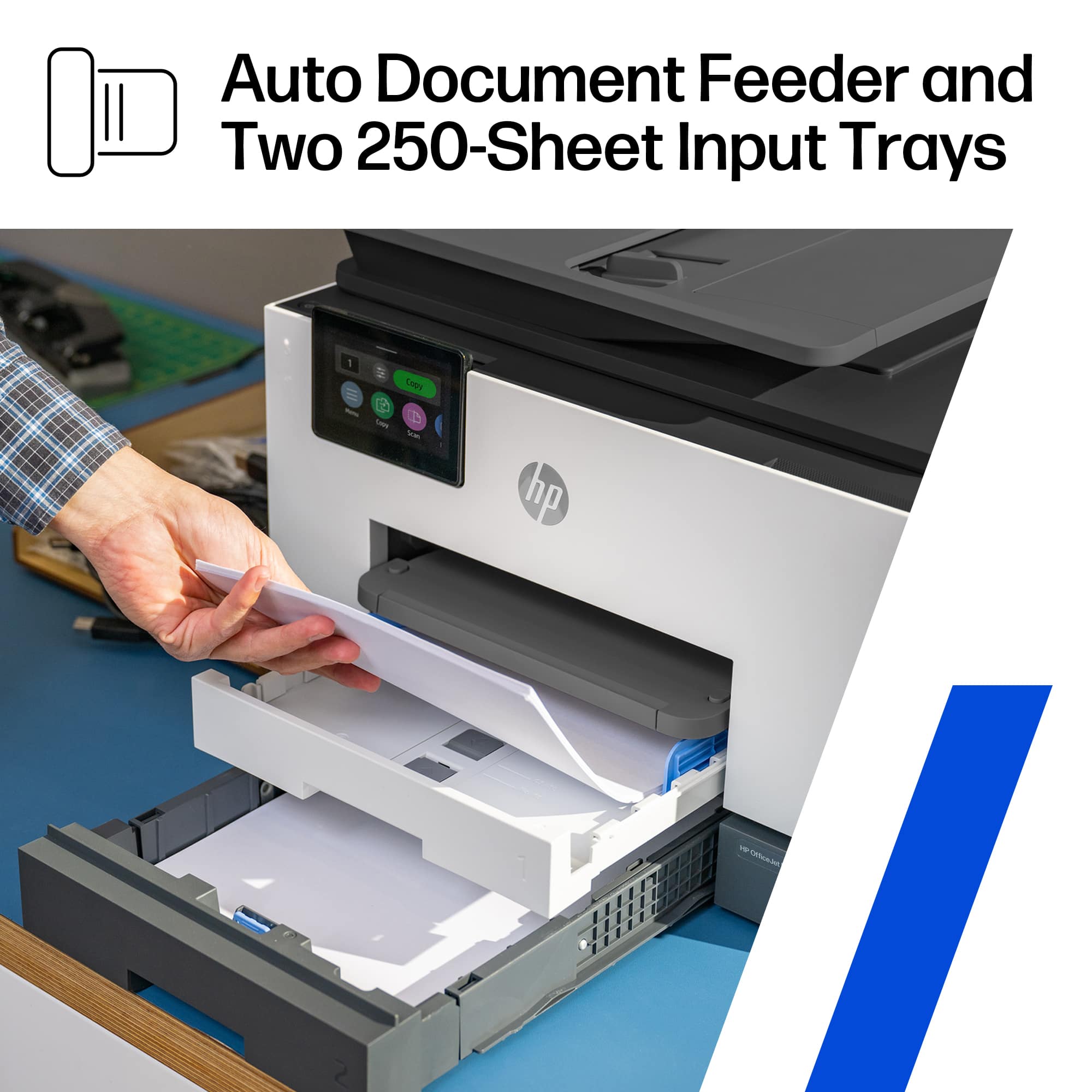
Posted .This reviewer received promo considerations or sweepstakes entry for writing a review.Meet the new HP 9135e all-in-one printer. This beautiful printer is feature-packed and is incredibly powerful. When looking for a printer, I need something that prints fast, is easy to use, and can be a workhorse for my business. Ink supplies need to be readily available and affordable. The 9135e exceeds my expectations in all of these categories. Here are some highlights that I found important and I needed in a printer. - Fastest color print, copy, scan, and fax; features faster scan; mobile/wireless - Professional-quality color for presentations, brochures, and flyers - Ink subscription ready - HP Wolf Security - Print Speed: Black: Up to 24 pages per minute; Color: Up to 20 pages per minute - Equipped with two 250-page input trays - Upgraded 4.3” Touchscreen control panel. One I can actually see whats going on Inky sharp display That allows on board Controller as well as Mobile app controls. The ability to print from anywhere with a data connection is Great and extremely useful for business purposes. I actually owned the last generations variation. I have found that everything feels more polished and fluid. So if you are looking to upgrade but wonder if you should? My recommendation is absolutely upgrade as you will definitely notice the difference. The build quality feels superb. It has a removable power cord. And that might seem silly to care about a power cord? But it really matters if you have ever had your cat decide to chew your cord lol. Simply replace it and you are ready to go. Bottom line is at this point I highly recommend This new printer from HP. It has all the features I need. Most importantly they work Flawlessly. It has beautiful Inky printing capabilities. Whether you want to print documents or photos. It all looks great. With many more options available. If you are in the market for a new printer? You need one that can literally be used for anything? Whether it be Simple everyday printing? Or printing for a small business? I say Look no further Then the new HP 9135e all-in-one printer. If you decide to buy it you will be happy you did.
I would recommend this to a friendDecent for a small office
|Posted .This reviewer received promo considerations or sweepstakes entry for writing a review.I have a small home office, all in one room. I currently use a canon printer for my home office. Out of the box, it looks akward but this printer slides out of the side of the box. The top of the box does not come off from the top. As with most printers this has a decent setup. Make sure your phone is on the WiFi you want the printer to connect to. I always use a “guest” type WiFi for security. Out of the box for setup, have your own paper on hand. There is another new version of the ink cartridges you will need to install. You press them in, watch out the printer can spit them back out at you. This did take several tries for the app and printer to connect to my WiFi. My phone was connected and the app says it was. It is still frustrating. One thing I noticed, this is super noisy. If you have a small home office you will definitely notice as the printer figures out what it wants to do. The basic functions are on the printer. You can print pretty fast in black. I have not priced the cost per page. But you should always look this up. Once again there is another new printer cartridge. I didn’t see the chips that block you from refilling these. But I didht take the cartridge apart. It looks like a full replacement for ink is about $125
I would recommend this to a friendCompact Powerhouse for Home and Small Offices
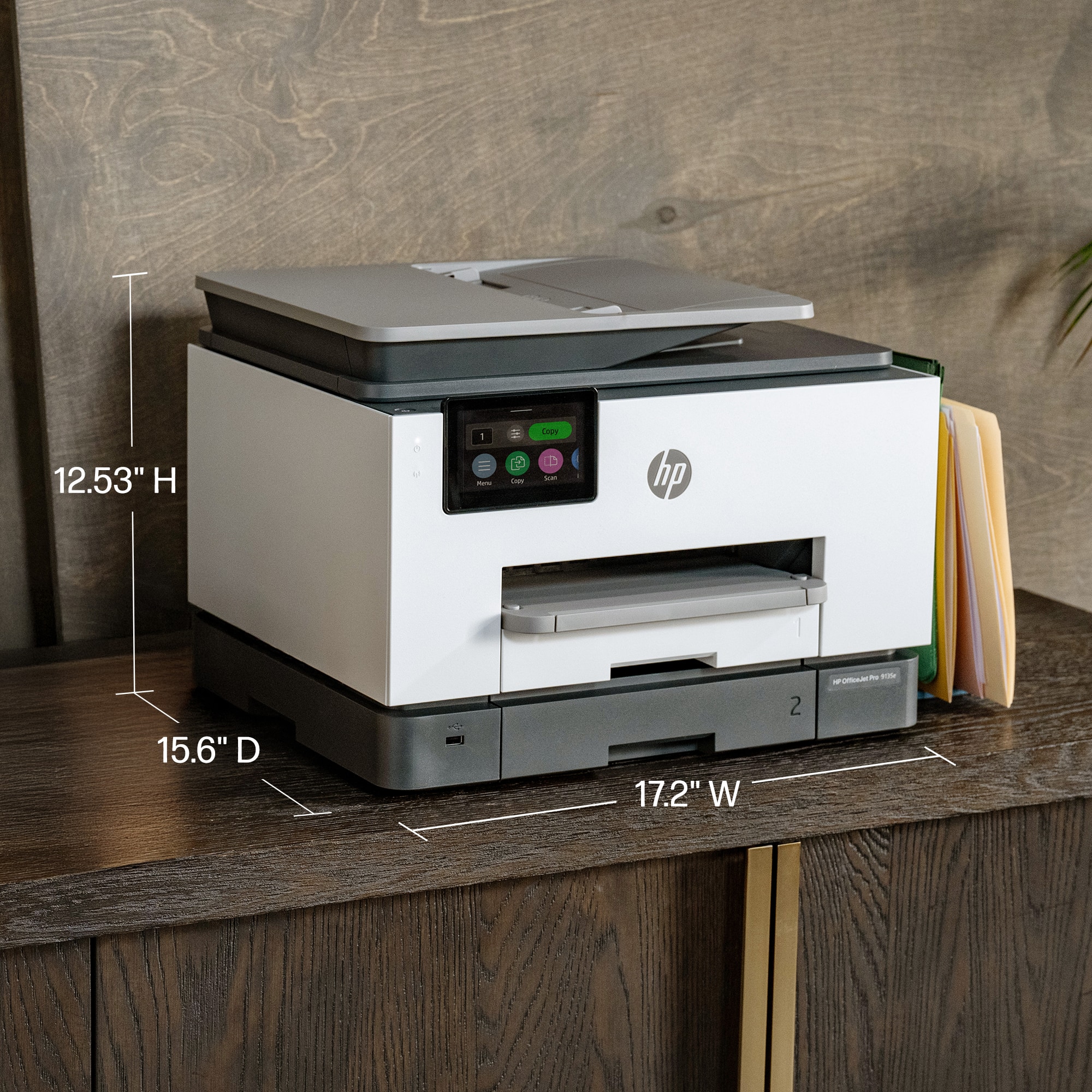
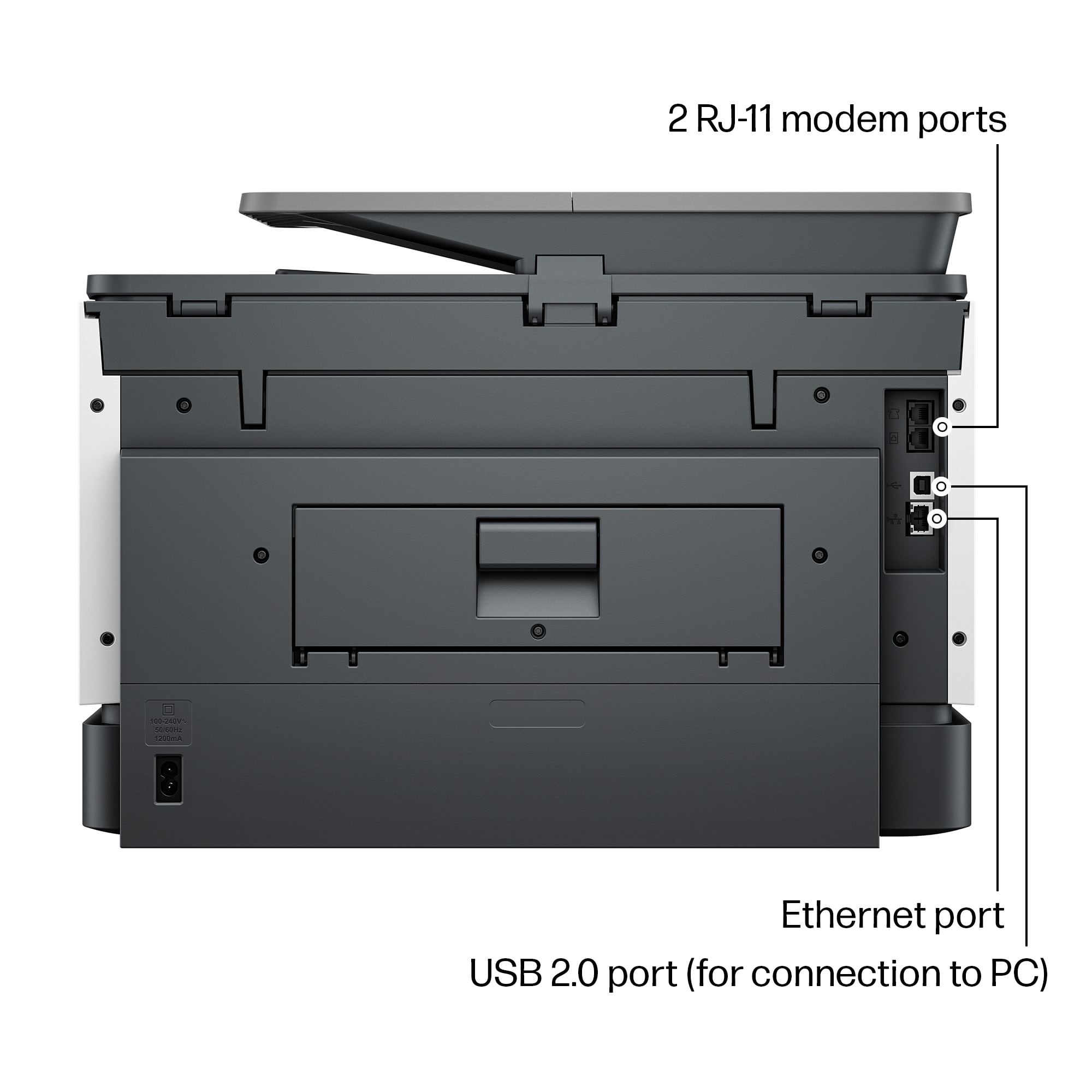
|Posted .This reviewer received promo considerations or sweepstakes entry for writing a review.Introduction The HP OfficeJet Pro 9135e is a versatile wireless all-in-one inkjet printer designed for home and small office users. It stands out for its fast color printing, duplex (two-sided) printing, copying, faxing, and duplex scanning capabilities. Design and Aesthetics Sporting a boxy design with curved edges, the printer measures 12.5 inches in height, 17 inches in width, and 15.5 inches in depth. Its color scheme combines white and dark gray with light gray accents, creating a professional look. Weighing 26 pounds, it's relatively easy to set up and move. The build quality is premium, making it compact yet robust for an all-in-one device. Setup and Connectivity Unboxing was straightforward, thanks to the solid styrofoam packaging, with the physical setup taking less than five minutes. Wireless connectivity via Wi-Fi is seamless, especially with the HP Smart App, enabling quick connection within minutes. I've effortlessly connected the printer to various devices, including PCs, laptops, Android devices, iPhones, iPads, and MacBooks. An Ethernet port is also available for direct network connections, enhancing its versatility. Print Quality and Speed The printer excels in both black and white and color printing, delivering clear, detailed outputs. Its printing speed is impressive, averaging around 20 pages per minute, which aligns with competing printers. This speed, combined with high-quality outputs, makes it ideal for demanding home and office environments. Multifunction Capabilities Scan quality is sharp, supporting up to 1200 DPI, and the duplex scanning feature streamlines scanning double-sided pages. Copy quality is commendable, producing nearly identical replicas. The faxing function adds to its comprehensive feature set, making it a multifaceted tool for any office. User Interface and Software While the printer's user interface could benefit from enhancements, it remains functional for daily operations. The HP Smart App's performance varies; when operational, it significantly contributes to the printer's ease of use, although it can be prone to occasional loading issues. Pros and Cons Pros: Fast and high-quality printing. Robust multifunction capabilities including duplex printing and scanning. Seamless wireless connectivity and diverse device compatibility. Compact and premium build. Cons: User interface and software experience can be inconsistent. Heavier than some competitors, which may affect portability. Price and Value The HP OfficeJet Pro 9135e offers a compelling feature set at a competitive price point. When compared to similar models, it provides excellent value for money, thanks to its comprehensive capabilities and performance. Conclusion The HP OfficeJet Pro 9135e is highly recommended for those in need of a reliable, feature-rich all-in-one printer for home or small office settings. Its combination of speed, quality, and multifunctionality, paired with competitive pricing, makes it an excellent choice for a wide range of users.
I would recommend this to a friendmy hp office jet pro 9135e
||Posted . Owned for 3 weeks when reviewed.This reviewer received promo considerations or sweepstakes entry for writing a review.works nicely, is fast and started right away without any issues
I would recommend this to a friendEasy Setup, Great Software, Tricky Ink Cartridge
|Posted .This reviewer received promo considerations or sweepstakes entry for writing a review.I have always enjoyed HP printers and was looking forward to upgrade my legacy printer to the Pro 9135e. It was packaged very well and pretty light to make it easy installation. I went through using my phone for the setup which is recommended through the start up guide. However you are able to use the HP software for PC setup if preferred. Upon starting the printer it does force you to use the online setup so there is not an option to setup through the printer screen menu directly. My only concern during the setup was insertion of the ink cartridges. I did not like how flimsy the casing was and how you have to push the ink cartridges into the spring. You must be vary careful to make a direct insert and not wobble the cartridge too much. My concern is that over time that ink cartridge container is going to wear/warp and break. Printer is quick and not as load as other legacy printers. The ink quality for pictures and papers look really great and did not see any signs of smudges or skips. The scan is also quick and has picked up everything I scanned without issues. Speaking of scanning , the pc software for the HP Scan has a larger user interface in this latest version. It is really nice to be able to read and navigate however would have loved the ability to change the window size. My only issue is the forced sending Data collection settings during setup along with the HP cartridge chip to only allow approved HP ink cartridges for use. I can understand the HP ink cartridges as you would not want to damage your new printer with a bad 3rd party ink cartridge. However there is no reason you should be forced to allow data collection and cannot opt out during setup. Luckily you can go back into the HP Scanner Assistance software > Data Collection Settings and disable. Overall this is a great printer with easy install , setup and easy to use software. Have to be careful with that data collection and worry that ink cartridge frame is going to wear. However time will tell if that ink cartridge is durable after long usage.
I would recommend this to a friendFast, Vivid prints still tied to expensive ink.
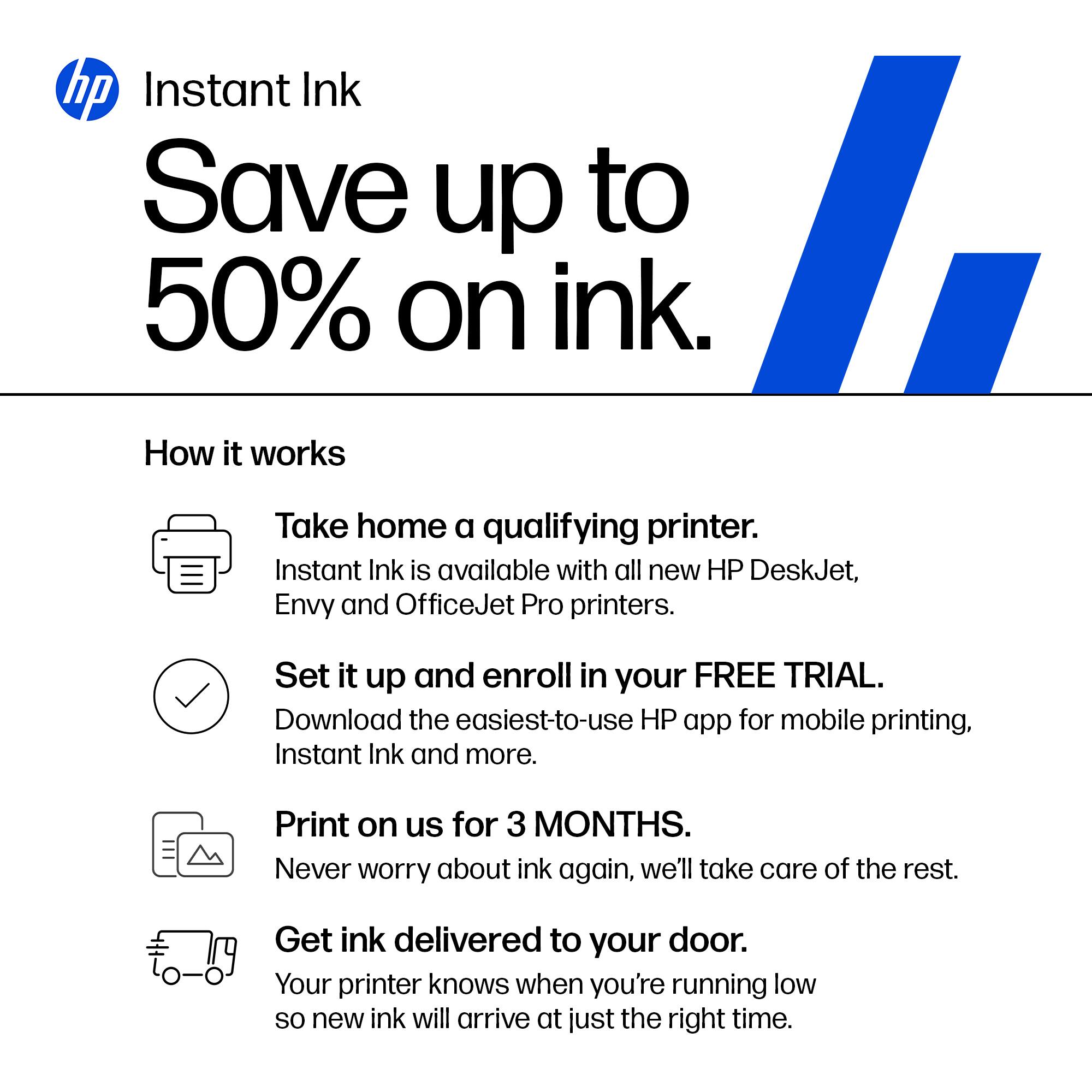
|Posted .This reviewer received promo considerations or sweepstakes entry for writing a review.The HP 9135e printer creates bright, clear, colorful printouts quickly from many different devices. The ink dries quickly, allowing for double sided printing nearly as fast as single sided. There was only a 5 second difference between a double sided page and 2 single sided pages. Scanning speed is good as well. This model scans images from both sides at same speed as the last model did a single side. Print speed is in line with what is promised on the box, which was a pleasant surprise. I could easily print from multiple devices including different PCs, my phone, and my iPad. The phone already had HPs app from a previous printer. The PC & the iPad didn’t even need anything set up in advance of connecting to the printer. In both cases, I could easily set double sided and color options to my liking. Not all is rosy however: The printer ships with a couple of short cuts set up on it’s LCD screen for copying. If you want to scan, you have to accept that HP has access to your device storage and the printer directly. HP seems to have a decent privacy policy, but like most large companies it’s subject to unilateral change at any time. There’s no option to have the printer send directly to a local device to bypass HP’s servers. Set up was fairly straightforward. There were two minor issues I encountered: A friend tried printing using WiFi direct and it took quite a while to have the driver installed. Once it was installed, it didn’t print right away. After rebooting the PC, everything worked fine. The initial print job started coming out. One note: You must install the HP app on a phone or navigate to the web site on your PC in order to configure the printer on your network. The printer has an Ethernet port for those who are running with wires at your office or home. Just like every other printer maker, HP sells its own ink. They want you to buy it. They note during set up they may disable 3rd party ink cartridges that aren’t “authorized” by HP. If you know how much you regularly print, you can save by prepaying for your ink using HP Instant Ink. That said, I’ve used 3rd party consumables in other printers and it doesn’t always work out well, so HP may be saving you some trouble in the long run.
I would recommend this to a friendGreat for Small Businesses
|Posted .This reviewer received promo considerations or sweepstakes entry for writing a review.This multi-function printer has everything a small business needs to get work done including fax, print, scan and copy. If you subscribe to HP's Instant Ink program, you can also add remote printing and mobile faxing to the list, 2 features that are essential for anyone on the go. With that stuff said, I'm going to get the cons out of the way right now. This printer does come with a notice that states that this printer only works with New or Reused(remanufactured) HP chipped ink cartridges. So, most likely 3rd party inks will be rejected by the printer. This is not a deterrent for me as I subscribe to the Instant Ink so that I can use those added features, which are more than worth it to me. A lot of other companies charge high prices to use their software and servers to print remotely, and subscribing to a VPN to get the same thing accomplished is sometimes just as pricey. With the HP Smart app (available on PC, Android, and Apple) I can literally print from any device at any time to the specific printer I need, no matter my physical location. The HP Smart app can work with as many HP "print anywhere" capable printers that you own. Just make note that not all HP printers offer this feature. A list of the compatible printers can be found on their website. The list is important as for some reason it is not clear when buying some HP printers if this feature is available. Even HP's own support gets this wrong. I was directed to a few models by HP support that were not compatible that I needed to point out to them that the "print anywhere" feature does not work with. The second issue that I have come across is with the scanner. This issue, like the other is kind of moot. I have noticed that some print when scanned in the landscaped position at any resolution over 300dpi results in distorted words and symbols. (I will include a picture of the distortion.) I even tried turning off the enhanced scan features and got the same result. This again is not a breaker for me as I hardly ever have a need to scan something like that at a high resolution. The scanner and ADF scanner work great for everything else in portrait mode at any resolution with both text and images. The third issue is that the printer is capable of holding 500 papers, but the output tray only holds 100 standard papers. A lot of the jobs I send to the printer are over 100 pages. While this could be inconvenient, I did figure a work around. (I will include a picture.) If the printer is on a stand, you can let the output papers fall into a box. The box has to be butted up to the printer and the output tray can be extended out of the printer about an inch or two. The printed papers will slide off the tray into the box, which can be retrieved at any point. Instead of standing by the printer waiting to grab the first 100 papers so the rest can print correctly without jamming. So far the box trick has worked great with no problems. The next thing is more of a pet peeve. If you accidentally send the wrong print job to the printer, and it starts printing. The cancel feature is a bit hidden. You have to scroll on the LCD all the way to the right, which is past about 8 different icons to find the "Print Jobs" icon. Select that icon and then select the print job, and then press on the three lines for additional options and press cancel job. Unfortunately this takes a bit of time, and a few additional pages might print while you are navigating the menu icons. With all the cons out of the way, this is still a great printer. The 9135e has 2 separate paper trays capable of holding 250 pages each. The trays can be set to hold the same type of media or different. The print quality is great at any level of dpi. I have printed and scanned a few examples of the three different quality options - 300dpi, 600dpi, and 1200dpi. Obviously the 1200dpi print gives the darkest print and finest lines, and is the closest to a laser print as this gets. However, the draft quality is a faster print and still looks great for all intensive purposes. Plus you will save a bit on ink at the lower dpi. The 1.2ghz processor seems to work great, I have yet to see the printer lag down from lack of processing power. It has been very snappy to respond to all print jobs. I printed two full page borderless photos on photo paper, both were printed at the finest quality and took approximately 1minute and 30seconds to print. The color is accurate and rich, with excellent clarity and definition. (scans of these at 1200dpi are attached) Pretty much all other printing and scanning specs are as claimed by HP, and listed in the specs description for the printer. Printing my larger print jobs on the draft setting yields print speeds closer to higher end and more expensive business printers. Overall this printer has worked great. While it's not perfect, the pros definitely outweigh the cons.
I would recommend this to a friendSame Reliability and Functionality with a Facelift
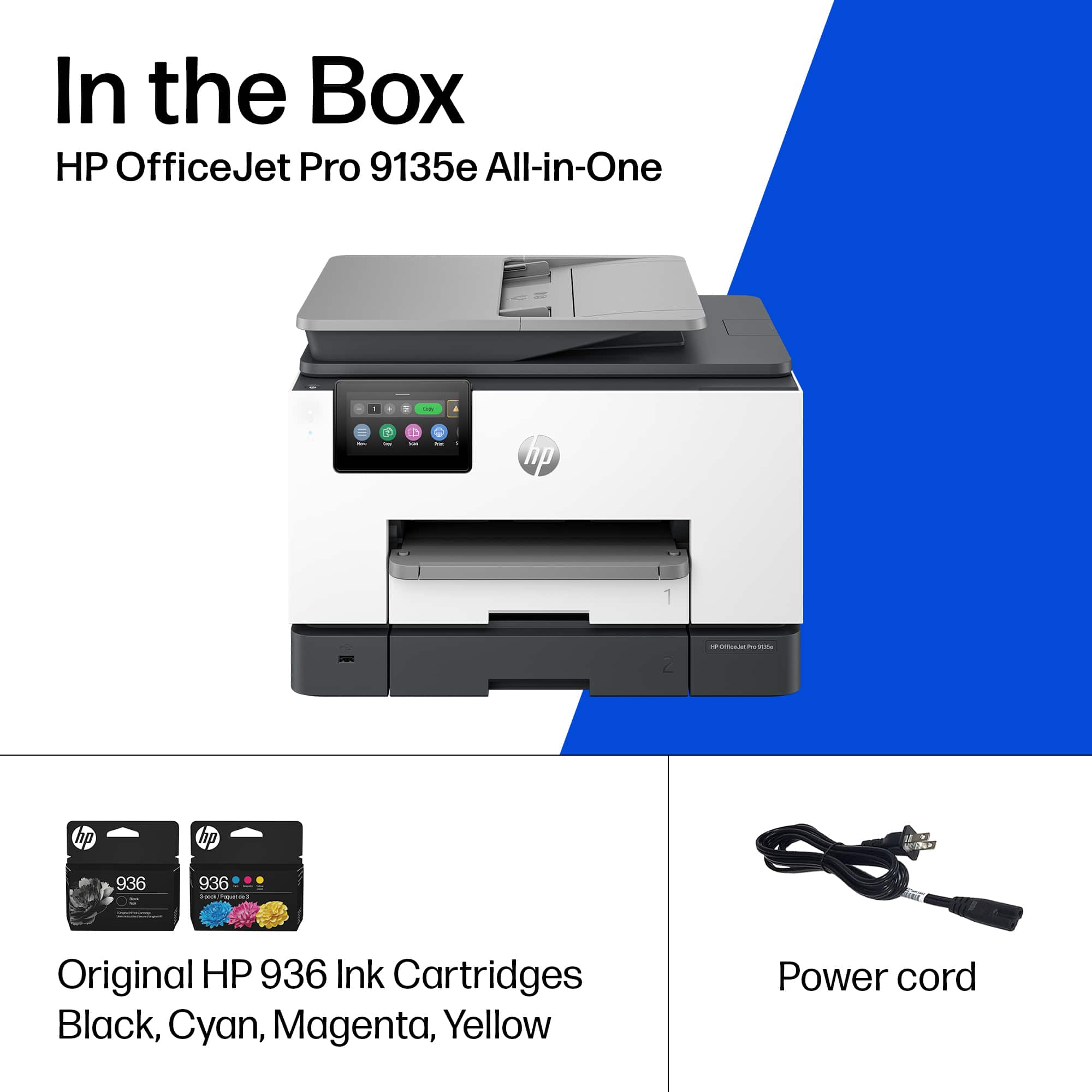
|Posted .This reviewer received promo considerations or sweepstakes entry for writing a review.I love HP OfficeJet Pro printers. I’ve used some kind of HP InkJet Printer for as long as I can remember after dot matrix went away, and once they went to Mulfi-Function Printers with Scanners, Fax and Feed Copying, they really did everything I needed as a student, young professional and now head of household. The OfficeJet Pro 9135e is a solid update to the 9025e I have been using the last few years. There’s not a whole lot of difference in appearance other than the LCD screen is quite a bit larger and it feels and looks snappier and more vibrant. The other major improvement I saw was the set-up experience. They’ve really updated the onboarding experience by making it Phone App driven with the HP Smart App. It very much feels like a smart device experience now. Once you download the app, it automatically finds your local WiFi and sends the password you type in via BlueTooth. Then it does all the IP and network discovery from Printer to Phone App and lets you control and monitor the Printer with useful info like paper and ink levels. After connecting the Printer to WiFi, provided you have network discovery enabled on your home PCs, the Printer was detected and added in seconds without any need to download printer drivers (thank you HP for FINALLY making a universal driver package that works!). If you need to, you can still access the admin console by punching the printer’s IP address into a browser address bar. if you try to access anything you will be asked to enter the PIN# in the cartridge access area of the printer which serves as its default password. Again, you’ll notice here there’s a bit of a facelift in the GUI compared to older interfaces. This is also where you’ll want to set up more advanced features like scan to email if you are using this as an office printer instead of a home office printer. The only negative thing I ran into is that HP really tries to push you into signing up for HP+ and prompts you to set something up about 10x which is pretty annoying. It’s one of those subscriptions that are free at first, but auto-bill you if you don’t cancel, so that’s kind of annoying. This could be great for folks who print a lot, but I really don’t, if anything I print to PDF as much as possible and store or email documents digitally. But, sometimes you do need to print and I usually just buy 936 cartridges (same as my 9025e) every few years. HP does also say if you don’t use genuine HP cartridges and chips, your chips may stop working after firmware updates, so keep that in mind. Again, minor issue given I print so infrequently but something to be aware of. Otherwise, the scanner is great, the copy function works great so everything else feels familiar and probably slightly improved. Oh and the build quality is slightly better I’d say than the 9025e, which I thought was slightly more flimsy than the 9025. The printer trays also have a lock in place type mechanism too which is nice. So again, no major surprises here, if you love HP OfficeJet products this is the best one under $500 yet, even better remote and mobile functionality and feels faster than before. I’m using it connected only wirelessly with no hard wire connected to my mesh network and it works great, really enjoying it and even during set-up, I didn’t need to connect a network cable.
I would recommend this to a friendGood purchase
||Posted . Owned for 3 weeks when reviewed.This reviewer received promo considerations or sweepstakes entry for writing a review.Works perfect for my office set up, the size and functions. It's print quality is good for the reports i use it one
I would recommend this to a friendReliable and fast printer
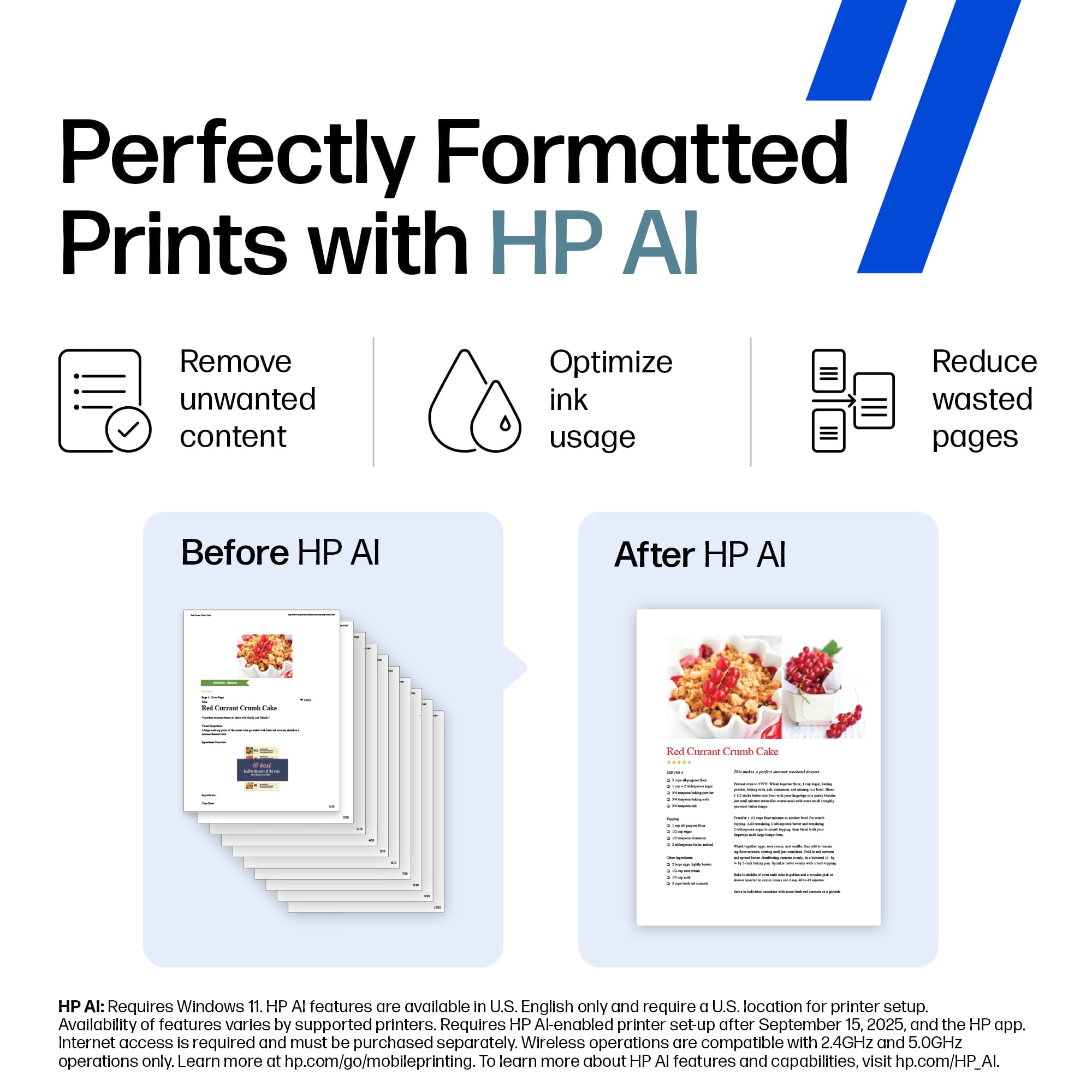
||Posted .This reviewer received promo considerations or sweepstakes entry for writing a review.This printer is very reliable and fast. The setup was straightforward and the AI features help with scanning and organizing documents. The print quality is excellent for both text and photos.
I would recommend this to a friendGreat Features, Several Issues
|Posted .This reviewer received promo considerations or sweepstakes entry for writing a review.HP's latest 9135e printer is a fast, medium-sized capacity printer in a smaller package. HP’ 9135e comes in a great size for as many features it has. It prints quickly (most pages in a couple of seconds), in good quality prints (the ink displays vibrant colors and dries relatively quickly compared to other printers I've owned), and has nifty features like automatic double sided printing & scanning, wifi direct printing, NFC device recognition, Apple AirPrint, and more. The setup was also easy and the printer’s small display helped guide me through the setup. As for scanning, photos and receipts were able to scan relatively quick and at a good resolution. What I loved the most aside from the quick printing, were the dual trays and ability to print up to legal size. Having the extra storage space helped me avoid finding out something didn't print due to running out of pages midway through a packet of worksheets and having to refill the trays often. When everything works well, it really is a great printer. The problem I've had is that I’ve had constant issues when trying to print from Android devices and at times from Windows computers. I did not have any issues printing from Apple devices (looks like it is targeted for Apple devices). After spending some time troubleshooting, changing settings, and resetting the printer, I continued to have issues printing from my Android phone (as well as other Android devices). Overall, I wanted to like this printer but with the several issues I encountered, I ended up continuing to use an older printer. The HP 9135e has many neat features and was easy to use on my Apple devices. I wish I was able to use it on all of my devices though.
No, I would not recommend this to a friendgreat home printer
||Posted .This reviewer received promo considerations or sweepstakes entry for writing a review.Bought this for a replacement of my old HP officejet printer. i believe I had it since 2014. HP printers last long, that why I purchased this one. So far no issues. Easy set up. Great home wireless printer. great for copying your photo id on one page. No complaints. connects with wifi with ease..
I would recommend this to a friendSolid Performer
||Posted . Owned for 1 week when reviewed.This reviewer received promo considerations or sweepstakes entry for writing a review.I usually buy HP when given the option and the OfficeJet Pro 9135e has proven to be another winner. Print outs are exceptional and the set up and attachment to the computer sources was surprisingly easier than what I have found in setting up their previous printer products.
I would recommend this to a friendPowerful small office All-In-One
|Posted .This reviewer received promo considerations or sweepstakes entry for writing a review.I have found this HP Office Jet Pro all-in-one printer to be the best office product I have owned to date. The setup is friendly and it is incredibly fast. It has every feature that I would ever need for my work room, including a fax feature that is often omitted in other products. This machine has some nice additional features that are only found with higher end models, such as the dual paper tray and the automatic duplexing for printing, copying and scanning. The scanning feature gives one varied of options through the HP Smart application, including the ability to save the document, email it or even fax it once scanned. The HP Smart application is a user friendly and very helpful application with several features. It can be used from your computer or your mobile device. It also allows for cloud based services which is handy on the go. The copying and scanning is also fast compared to anything else I have used. The scans look very good, as do the copies that it makes. The features are available from the application or the printer console itself. The printer console is easy to read and navigate. I have tested the functionality from an iPhone, iPad, Samsung Galaxy Fold 4, Windows 11 and my MacBook Pro. As with any new product, be sure to update to the newest firmware available to ensure that all features function optimally.
I would recommend this to a friend















