Customer Ratings & Reviews








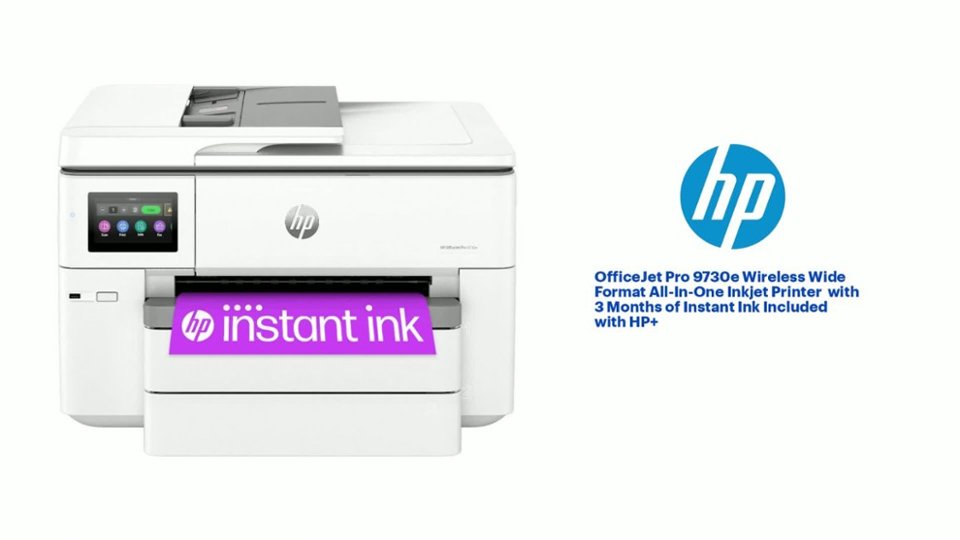
- Model:
- OFFICEJET PRO 9730E/537P6A#B1H
- SKU:
- 10765205
Rating by feature
- Value
Rating 4.5 out of 5 stars
- Quality
Rating 4.4 out of 5 stars
- Ease of Use
Rating 4.2 out of 5 stars
Great printer
||Posted .This reviewer received promo considerations or sweepstakes entry for writing a review.HP printer is always my first option. I always buy HP products.
I would recommend this to a friendHP-Officejet 9730e
||Posted . Owned for 3 weeks when reviewed.This reviewer received promo considerations or sweepstakes entry for writing a review.I bought this printer, and it does exactly what I needed. It has two trays to fill with two sizes of paper.
I would recommend this to a friendPrice and customer care
||Posted . Owned for 3 weeks when reviewed.This reviewer received promo considerations or sweepstakes entry for writing a review.Right price and easy deliveries. Extended warranty was an added benefit. Best wide format for the price
I would recommend this to a friendHP-Officejet 9730e
||Posted .This reviewer received promo considerations or sweepstakes entry for writing a review.This is the best wide format printer. Ink is archival suitable.
I would recommend this to a friendGood product and value
||Posted . Owned for 1 week when reviewed.This reviewer received promo considerations or sweepstakes entry for writing a review.This printer fits what we need in our small office for a good price.
I would recommend this to a friendLarge format HP printet
||Posted . Owned for 1 month when reviewed.This reviewer received promo considerations or sweepstakes entry for writing a review.Love the quality. Beautiful photo quality. Would recommend
I would recommend this to a friendIffy
||Posted . Owned for 3 weeks when reviewed.This reviewer received promo considerations or sweepstakes entry for writing a review.Even though a Geek Squad agent set up the printer, it was very difficult and erratic. Still not sure how reliable this product will be. Also, I was advised not to use the insta ink since it makes a mess and may damage the printer
No, I would not recommend this to a friendOwner
||Posted .This reviewer received promo considerations or sweepstakes entry for writing a review.Very dissappointing. Uses way too much ink and is not cost effective.
No, I would not recommend this to a friend
Fast and reliable but big!
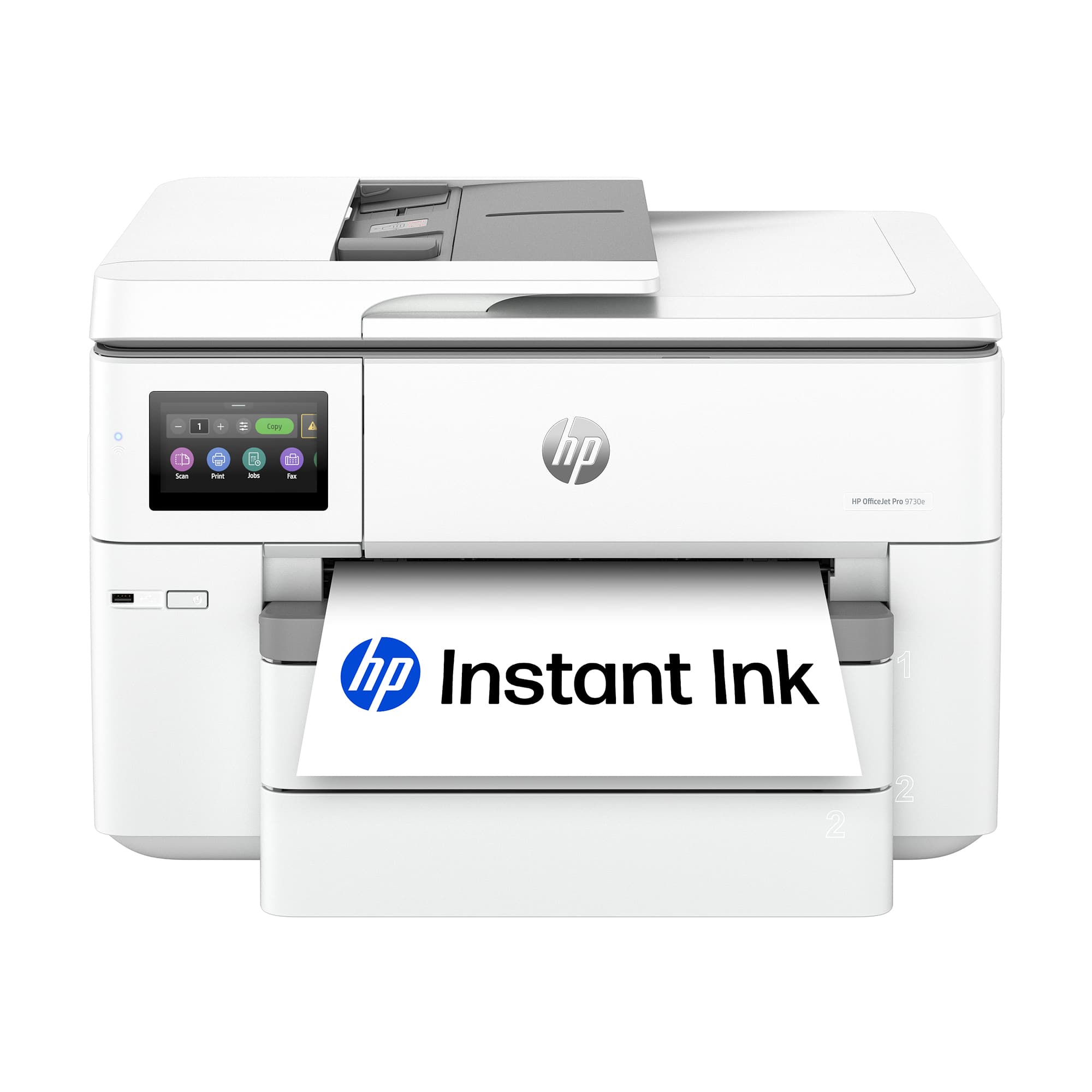
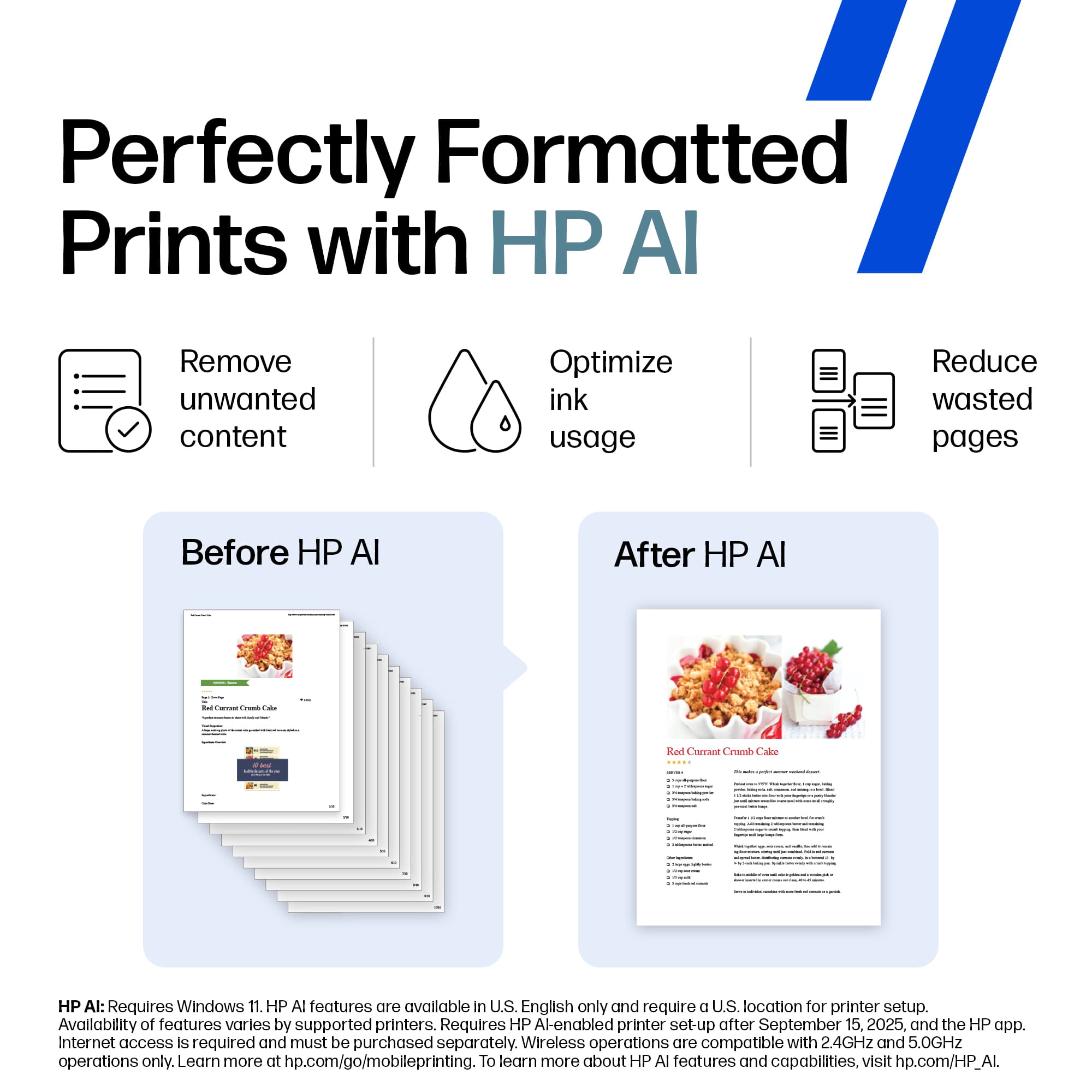
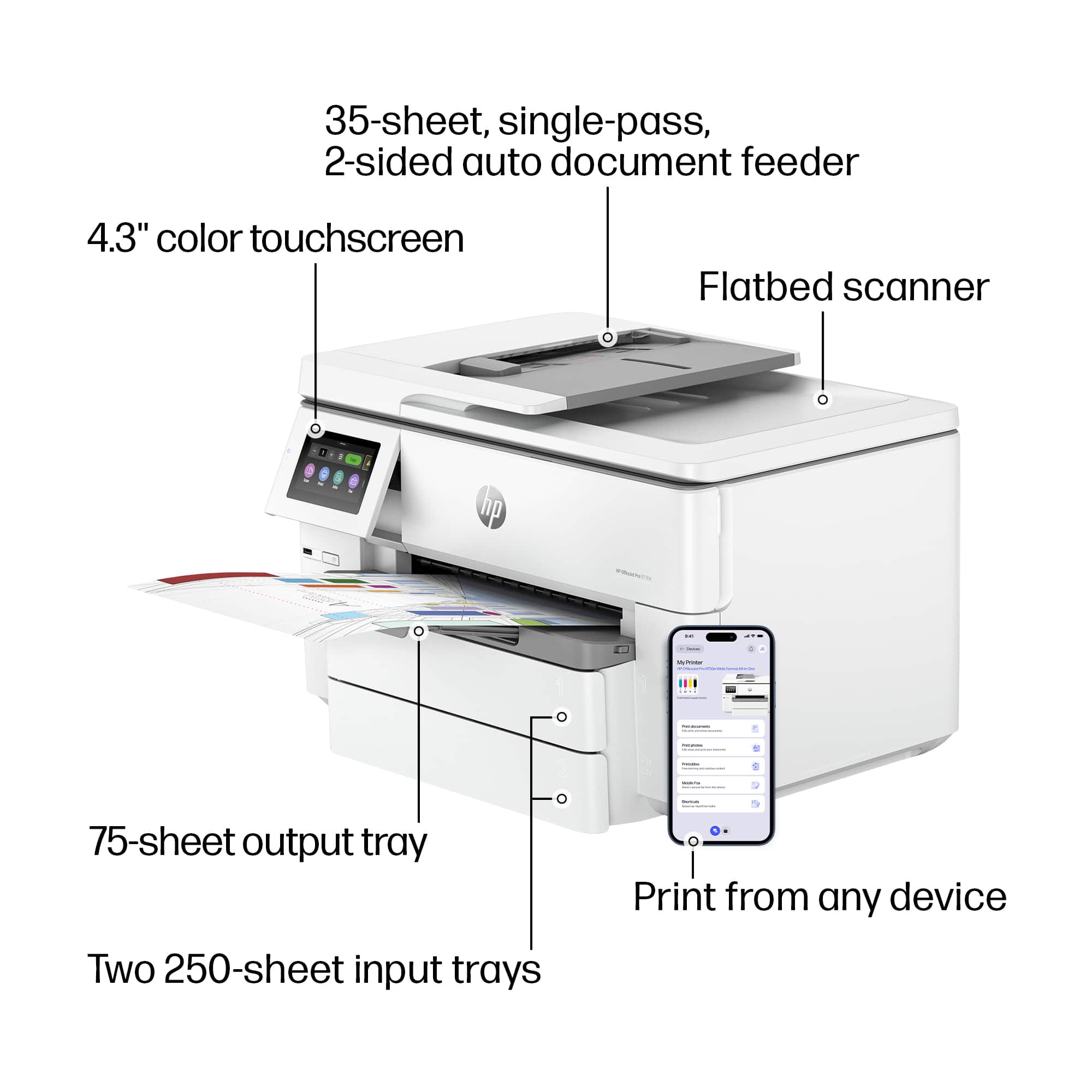
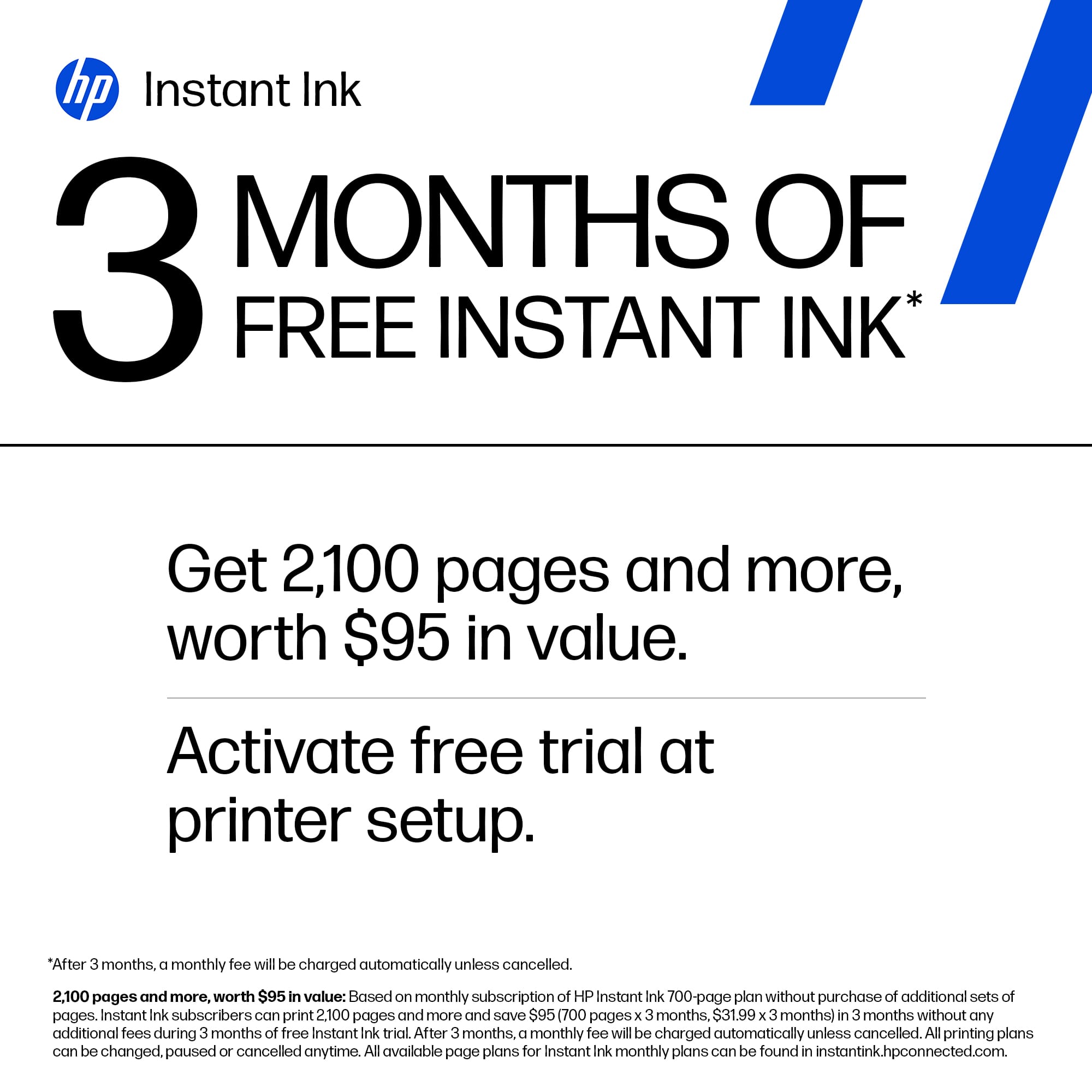
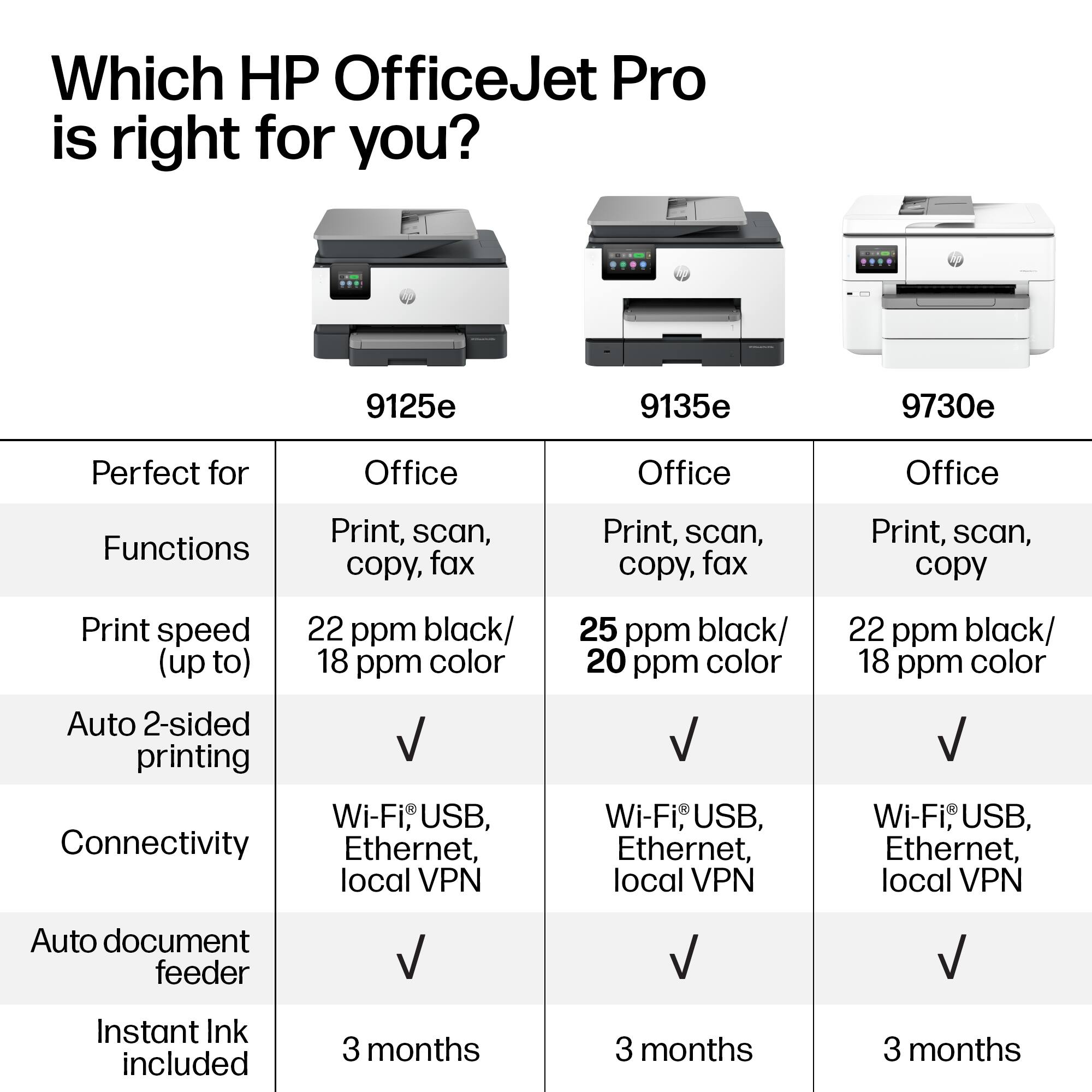
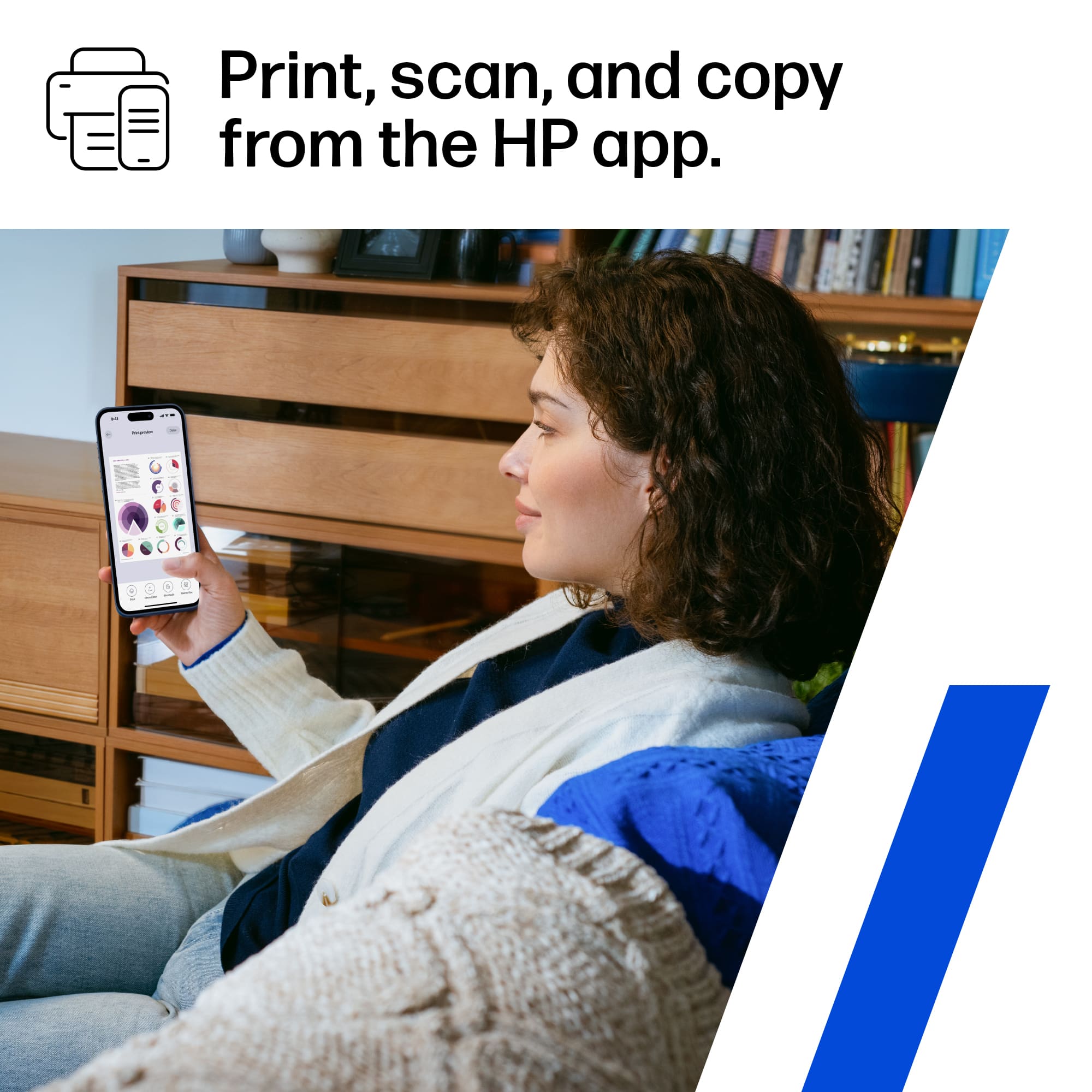
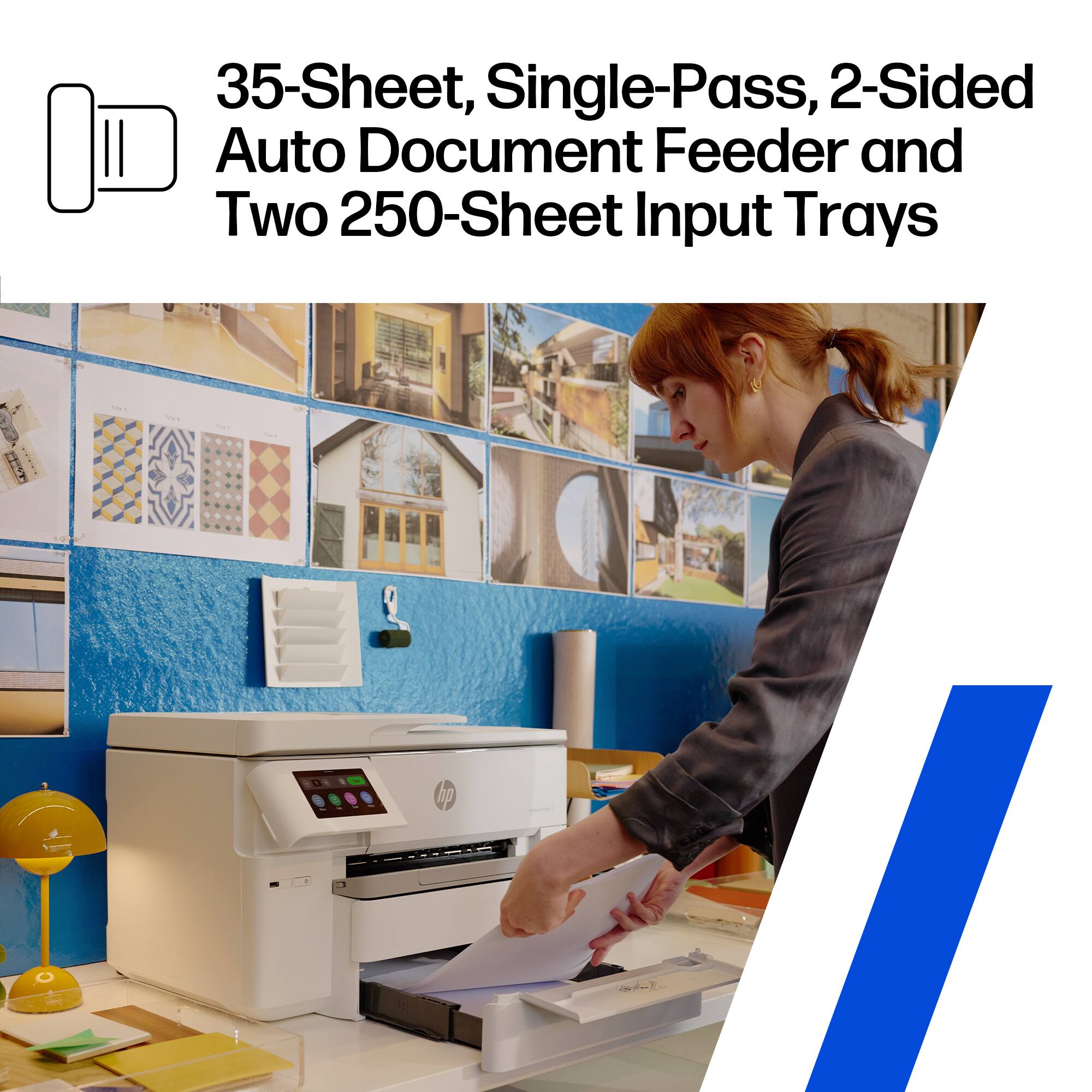
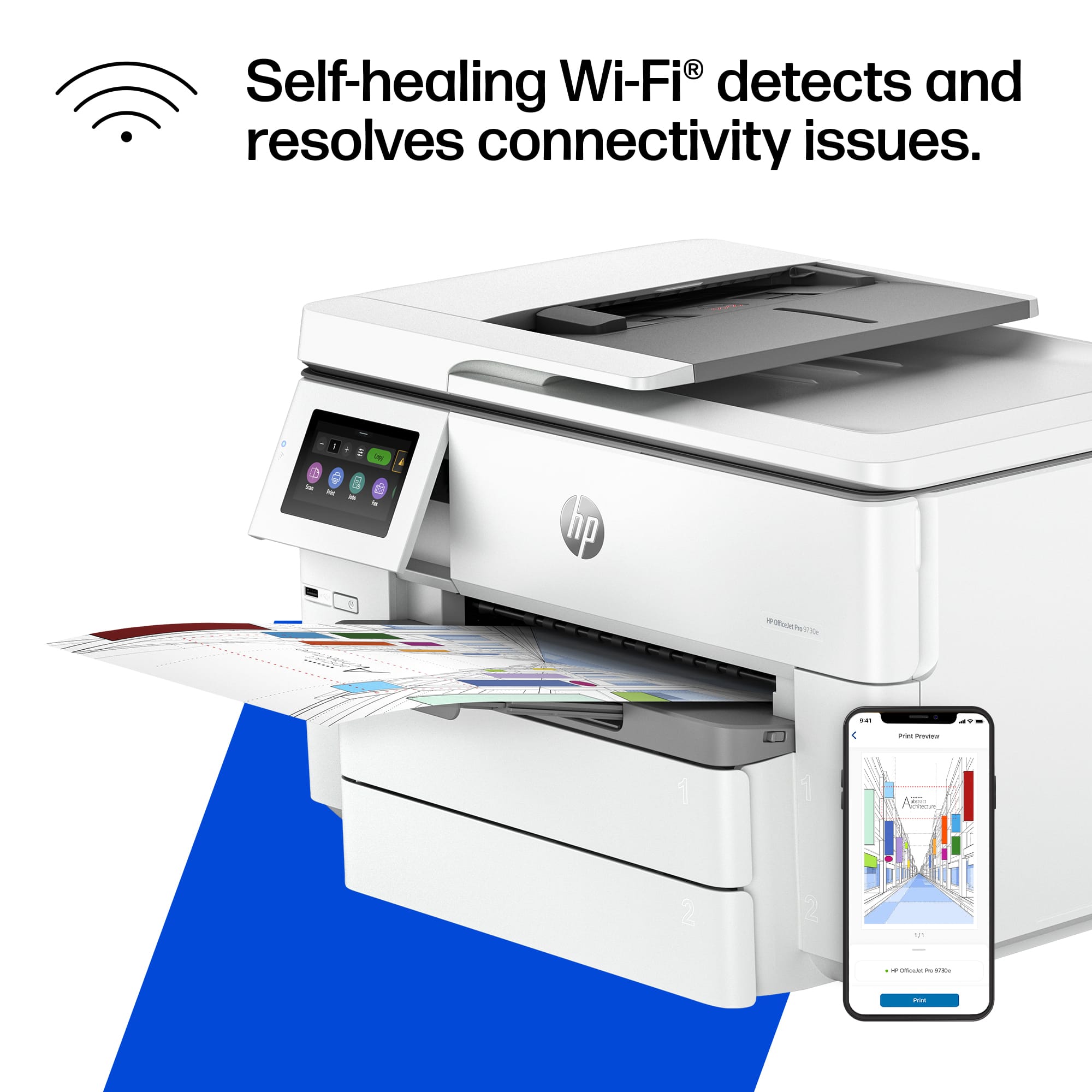
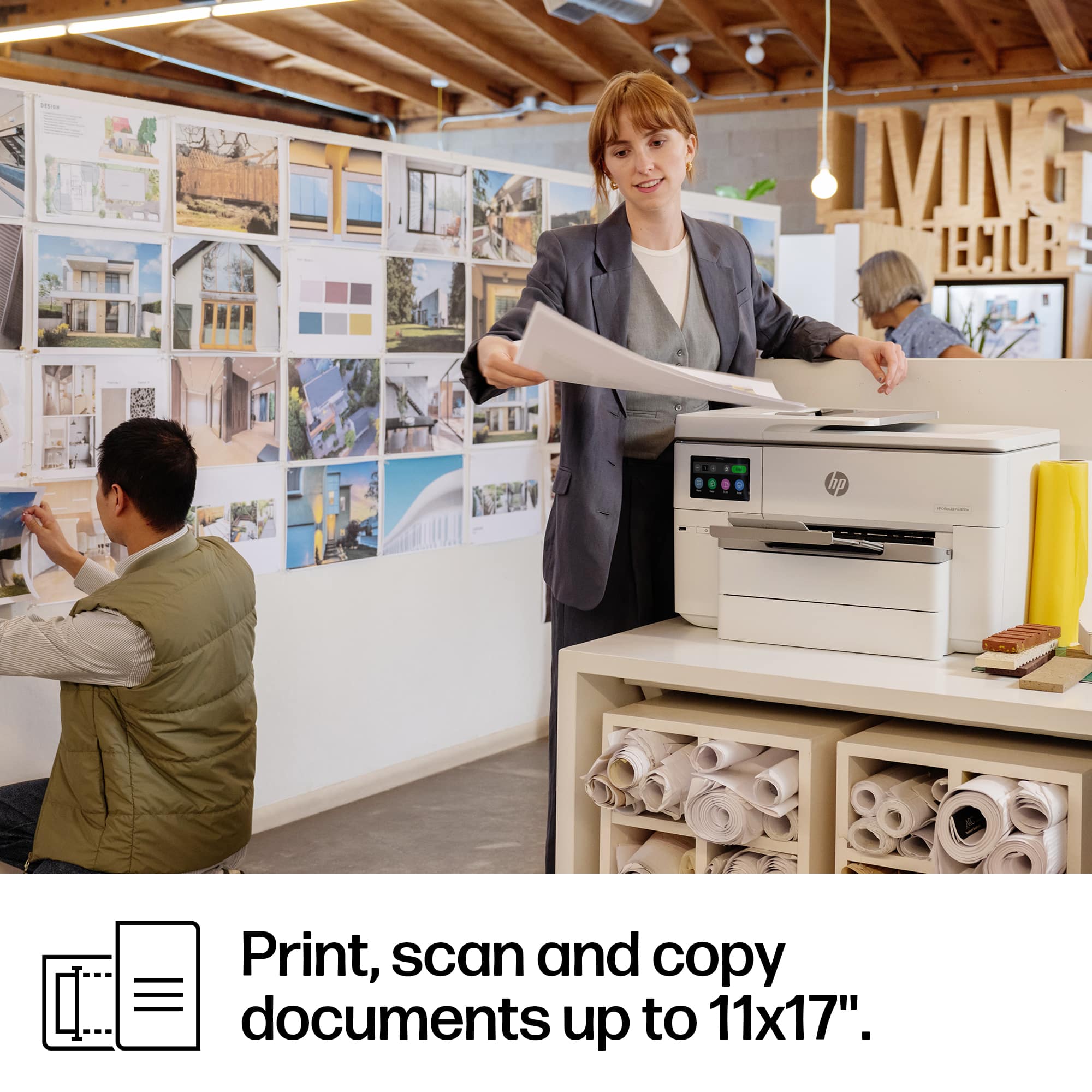
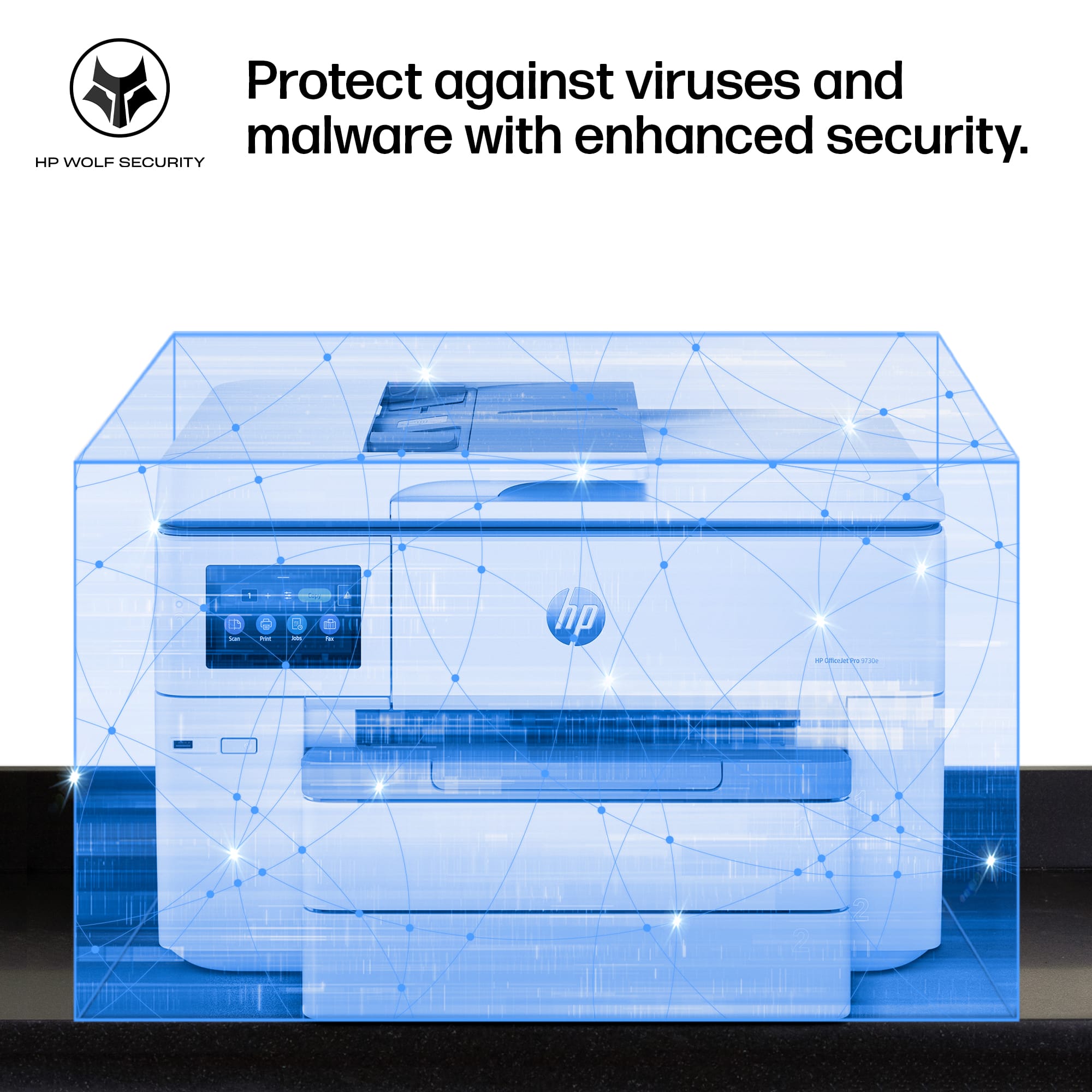
|Posted .This reviewer received promo considerations or sweepstakes entry for writing a review.If you're in need of a reliable, fast, and color-accurate printer for your office or workspace, the HP OfficeJet Pro 9730e could be the perfect choice. As a wide-format printer, it can handle print jobs up to 11x17" and delivers vibrant, screen-accurate prints thanks to the cutting-edge P3 Color technology, which offers a wider color gamut than the standard sRGB. Speed and Efficiency: This printer can print speeds up to 18 ppm for color and 22 ppm for black-and-white. It also features automatic two-sided printing, an auto document feeder, and two 250-sheet input trays—perfect for high-volume printing. Wireless Connectivity and App Integration: This printer has a reliable dual-band Wi-Fi, it can automatically detect and resolve any connectivity issues, ensuring smooth operation. Plus, the HP app allows you to print, scan, copy, or fax directly from your smartphone. I like this flexability especially with teenage kids that need stuff printed. HP+ and Instant Ink: The OfficeJet Pro 9730e offers an added bonus with HP+. By activating HP+, you’ll receive 3 months of free ink through the Instant Ink subscription service, ensuring that your printer is always stocked up without the hassle of running out of ink. After the free trial period, a monthly fee applies, but you can save up to 50% on ink delivery. It's a convenient way to keep your printer running smoothly. User-Friendly Touchscreen: The touch screen is a nice touch!! Navigating through the printer’s settings is a breeze with its 4.3-inch color touchscreen, which offers a user interface that’s similar to using a smartphone. This makes it incredibly easy to set up and operate, even for those who may not be tech-savvy. Final Thoughts: Overall, the HP OfficeJet Pro 9730e offers fast, high-quality color printing with a variety of features that make it a standout in its category. From its impressive print speed and large paper capacity to its advanced security features and the convenience of HP+, it’s an excellent investment for any office or small business. Whether you're printing large-format projects or everyday documents, this printer will deliver results that exceed expectations.
I would recommend this to a friendSmall Business, Big Production
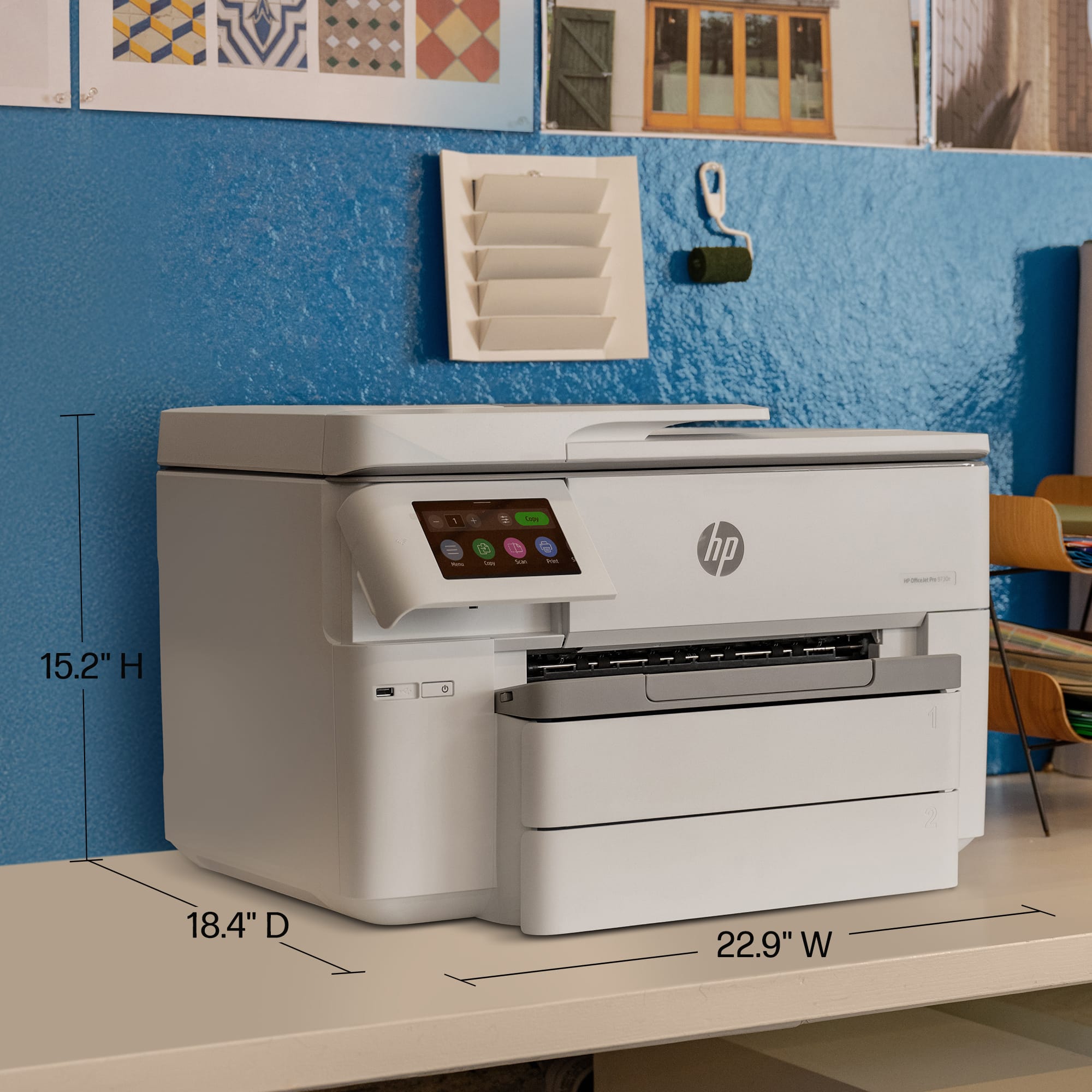
|Posted .This reviewer received promo considerations or sweepstakes entry for writing a review.I want to start off be addressing the elephant in the room. Its this printer. Its the size of an elephant. That is all. Ok, well maybe I exaggerated a bit, but when compared to your typical desktop printer, this thing is HUGE. Its footprint is just shy of 2 ft wide, by 16 inches high, by 20 inches deep. That being said, it will fit on a typical filing cabinet or end table, however if you get any foot traffic around the printer, I would definitely allow yourself a little wiggle room on your placement. After getting past the mere size of the printer, I will say that this HP OfficeJet Pro 9730e has made my small business printing a breeze. As usual, the HP setup was simple. Everything is handled through the HP Smart App. I do prefer physical setup on the printer, however I did not experience any frustrations in setup, and actually quite the contrary. I was up and printing in no time, and on to the more involved settings. On previous printers, I have struggled to figure out how to set up "Scan to Email", which is something I utilize a lot for data retention. This is the first time I have seen this process simplified in the app and I was able to setup up email destinations for scans in 60 seconds or less. I was over the moon for this setting! When it comes to print quality, it is as you would expect from a quality printer. I have not tried any banners or posters yet to utilize the 11x17 print option, however it has handled my day to day needs flawlessly. The two paper trays will nearly handle a reem of paper each and you can program these trays to default to specific sizes. On previous HP models, I had a standard printer paper in one tray and envelopes in another for when I printed labels. Another great HP feature. I will say that after a recent power outage during a winter storm, the printer did fail to self rectify when power came back, however a manual power cycle did seem to rectify the issue. Overall, this printer will definitely handle the needs of a small office or student lab. I would not hesitate to trust this printer to get the job done when needed. And on that note, I am off to print invoices for this upcoming week!
I would recommend this to a friendDeleted from order but lost recycle coupon
||Posted . Owned for 3 weeks when reviewed.This reviewer received promo considerations or sweepstakes entry for writing a review.Ordered through Best Buy, but you didn’t have it in stock
No, I would not recommend this to a friendEasy Large Prints
|Posted .This reviewer received promo considerations or sweepstakes entry for writing a review.I’m used to Laser Printers and their size and weight. This is larger, but lighter. One aspect I really like about HP is the ease of setup. Using a smartphone or tablet you can easily set it up with an app. Setting up with Windows 11 is as easy as the Android app, but the Android app has a lot more options and a faster use. I did run into issue trying to print in the Wide Format. I setup Tray 1 with Letter and Tray 2 with Tabloid (11x17). Try as I might I could not get my poster image to print to Tray 2 even though Tray 2 was selected. Via the Android app no issues at all. This was a JPG document, printing a PDF did not have this issue. Unboxing the printer was very easy, even by myself. The top two pieces of styrofoam are easily removed and the printer is inside a large plastic bag with handles, so lifting it out is very easy. The build quality seems to be good overall. The paper tray slides do not slide out so smoothly, but they are secure and not flimsy. The scanner bed and is wide format, but the ADF can only scan up to Legal size paper, which is pretty typical. Print quality is really good and definitely has a bit more vibrant color than laser jets that I am used to. The heat really changes the look a bit. I was shocked at how quick it could print a colored poster from hitting print to finished, in around 20 seconds. Ink obviously is a little heavier and there needs to be a bit of drying time, so remember that when you are printing a poster. On a monochrome poster that was used, there is a gradient in the background and not sure why but it had clear lines when it was printed. I did print from PDF at highest quality so its possible there was an issue with the file type. My daughters are taking classes in digital design and have some projects requiring 11x17 printing and unfortunately at school there are always issues with their printers and/or getting connected. So having this on hand definitely helps them get their jobs done and move on. For the price, you really cannot beat the feature set and print quality. I know I spoke on the build quality and it was more of FYI. This will be used for home use and so will last a very long time. In a business setting, a small office I think this would last. The duty cycle per month is rated at 30,000 prints so at least the internals are designed to keep up with high print office demand. I can easily recommend this printer if you are looking for cost efficient wide format printer.
I would recommend this to a friendGood printer, wide format
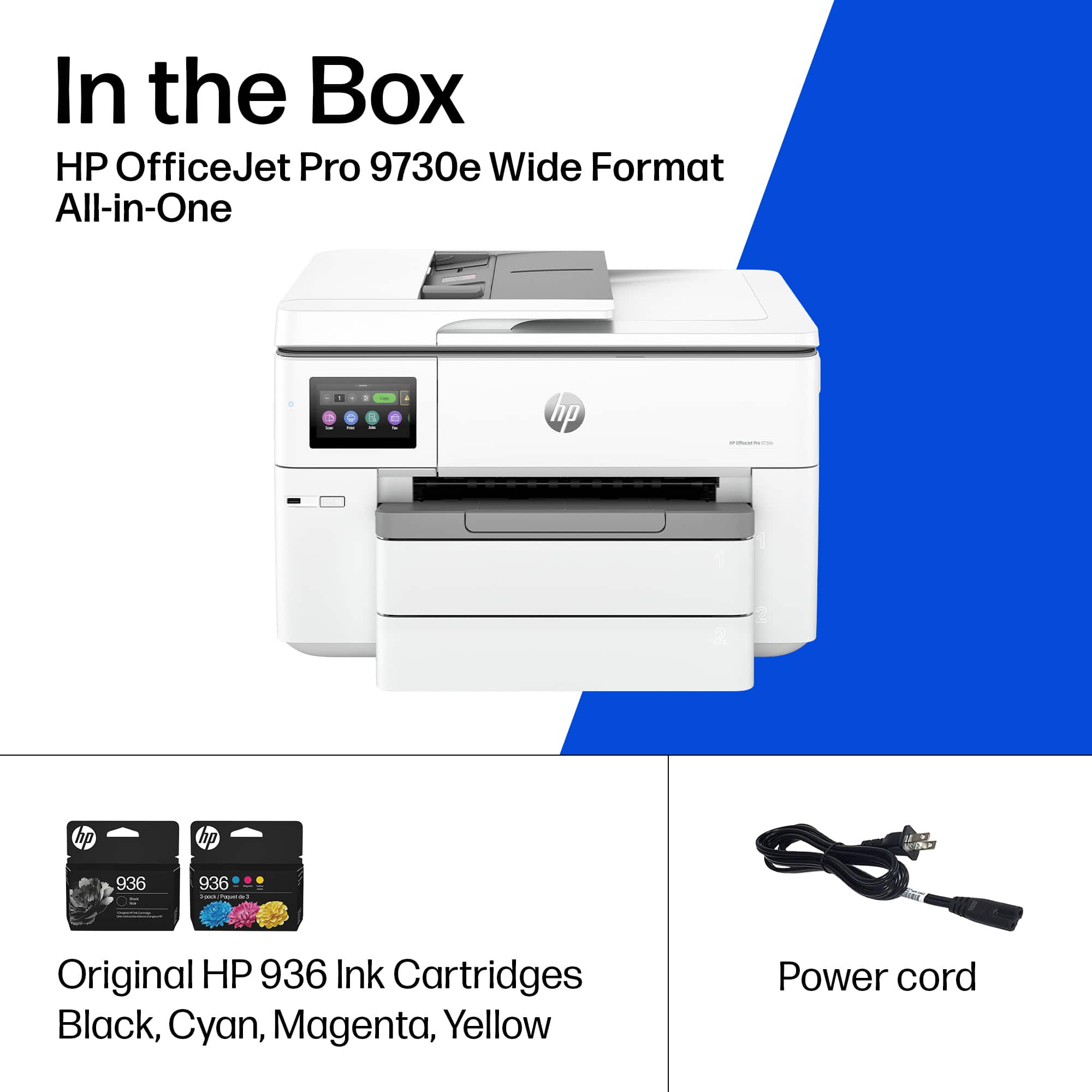
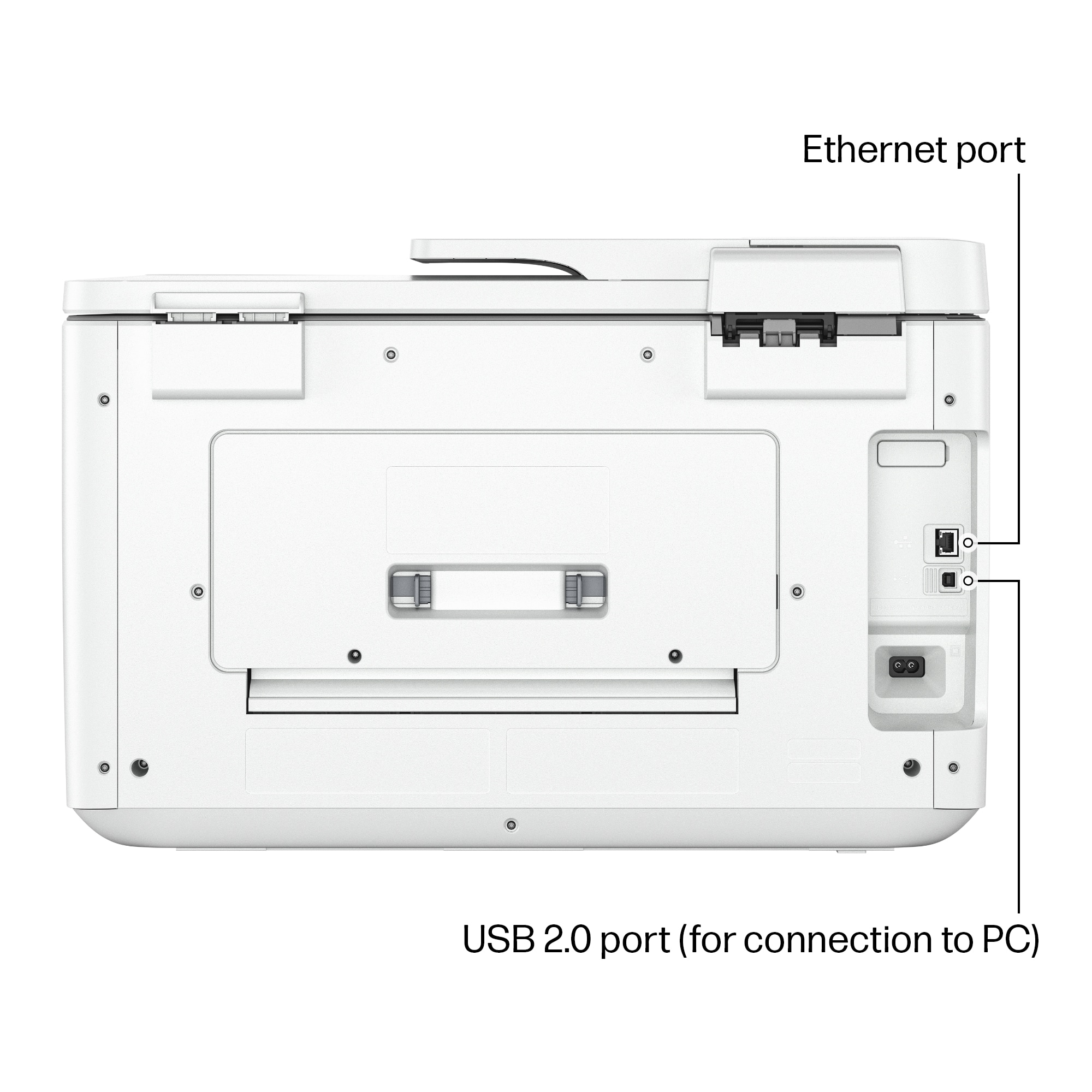
|Posted .This reviewer received promo considerations or sweepstakes entry for writing a review.Printers are a necessary evil at this point, it's difficult to find a great one that has all of the features, good drivers and that is easy to set up. Each has their caveats and this one is no different. Packaging: Packaged in a standard printer box, comes with the printer, tray, power cord and a set of ink cartridges. Removing the tape and general setup is similar to most printers and electronics at this time. It does not come with a USB cable but it is wireless capable so a cable is not necessarily required. Setup: Installing drivers is easy enough, with a USB cable it is discovered and functions quickly. Wireless setup can be done through the screen and is reasonably straightforward. Initial wireless printing works well, though it remains to be seen if it remains stable. Installing ink cartridges is quick and easy. The printer has instant ink which is a subscription service through HP where the printer auto-orders replacement cartridges as needed. That said, if you use the subscription and cancel it, they can remotely disable your printer cartridges which seems like shady practice to me, so just be aware of what you are getting in to if you do use the service. Quality: Print quality is good and reasonably quick for an inkjet. Scan quality is great and the large scanning window is great for doing more than just a standard sheet of paper. The fact that this is a large format printer does let it stand out from many competitors as it is difficult to find printers that print more than just 8.5x11 and smaller. I will say that copying can be a bit slow. Overall: Printing quality is good, scanning quality is good, the instant ink service is questionable at best and should really be evaluated for your individual use. All in all it's a decent printer, just be sure you understand what you're paying for.
I would recommend this to a friendGreat Printer!
|Posted .This reviewer received promo considerations or sweepstakes entry for writing a review.The HP Office-Jet Pro 9730e is an all in one printer featuring a wide format (A3) paper capacity. The printer has 2 high capacity (250 page) paper trays and an output area that holds 75 pages. The automatic document feeder will handle 35 sheets at a time with a size limit of 8.5x14 while the flatbed will scan A3. 1200x1200 dpi is the maximum hardware scan resolution. The printer will make up to 99 copies at a 600 dpi resolution. The printer is fast, printing B&W and color at up to 34 pages per minute in draft mode and up tp 22 pages per minute in normal mode B&W and up to 18 pages per minute in normal color mode. I found the 2 sided color printing to be much speedier than my current printer. There is a one year warranty with an option to extend for another year. This printer comes with a 3 month trial of HP Instant Ink where for a monthly fee they will send ink as you need it. I really like the instant ink type programs because retailers seem to have discontinued or run out of the ink I need when I search for it. HP is offering a similar program on paper which I have not yet tried. Speaking of paper, I tried photo printing through the included app. I have a number of ink jet photo papers, mostly made by other printer companies. These papers were purchased in the past to be used with the printers in the 4 offices I worked out of. A couple of the photo papers gave me horrible results but a third brand gave me a great result in both B&W and color printing. I will soon buy and try HP branded paper which should be the best match for this printer. I loved the color printing adjustments in the included app. This is much simpler to use than the professional software that came with my camera. I have had a couple of minor issues with this printer in the week I have had it. Setup took more effort than I am used to. At one point the included app sent me to do a task on the printer touchscreen and the touchscreen told me to perform the task in the app. After initial setup, adding additional devices took some added effort as well. The paper options on the touchscreen do not match the options on the print menu in the app which gives a paper mismatch error. These issues were minor and I guess part of the learning curve most new electronics require. This printer, while probably overkill, is a vast improvement over my current home office printer. I am "retired" (or as retired as one can get from ongoing family businesses) so my printing needs vary wildly over the year. I create and print large databases and spreadsheets at times. This printer will allow me to print these large sheets at home when needed instead of having to take it to an office. I also look forward being able to print larger photos at home. Aside from the initial learning curve hiccups this works printer great for me.
I would recommend this to a friendPerfect for mid-size business needs
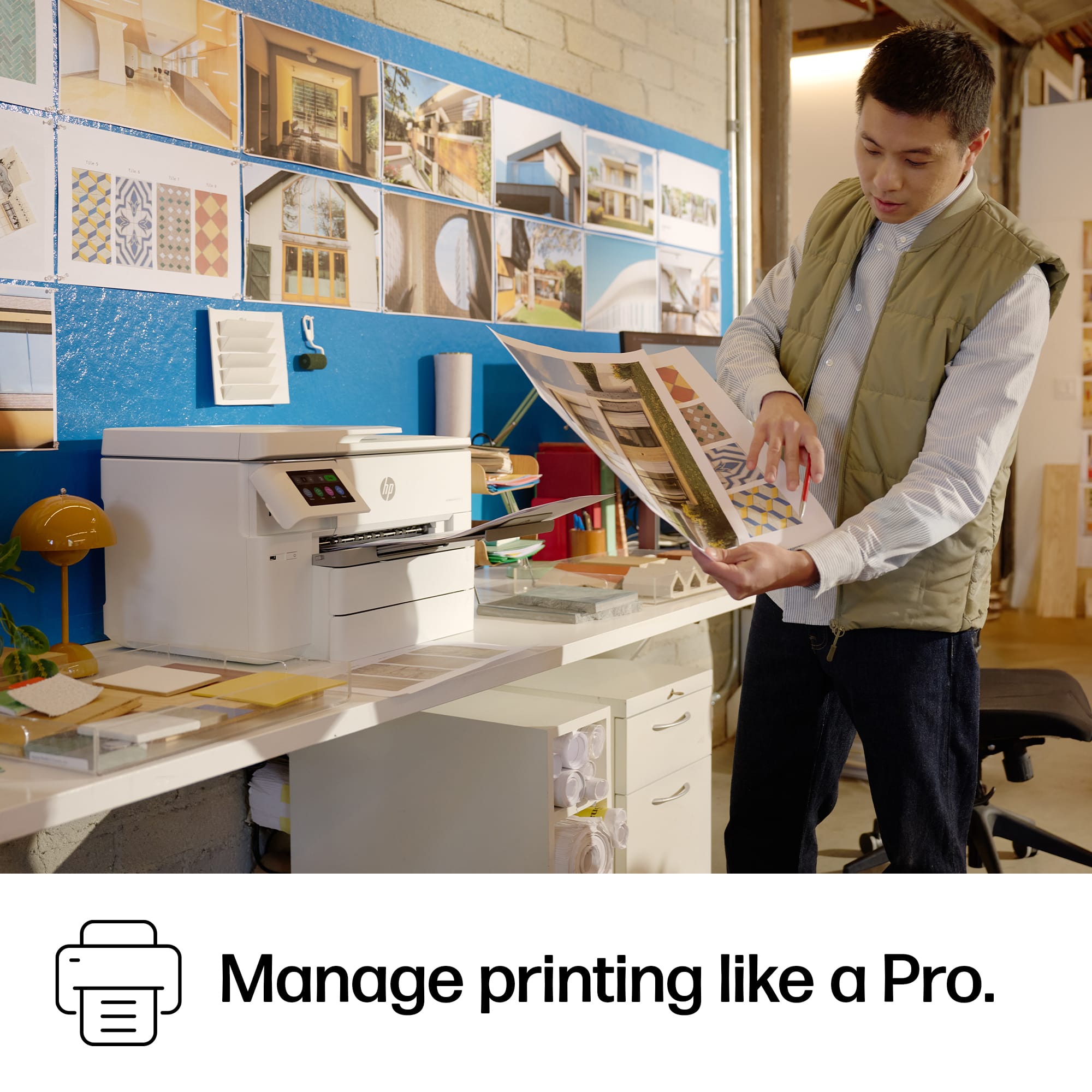
|Posted .This reviewer received promo considerations or sweepstakes entry for writing a review.While I don't have my own business, I can see the value in having a printer like this around for all your office scanning/printing needs. This thing is a beast in all aspects both functionally and physically. This should be the only printer you'll need whether for a small-mid size business or if you work out of your home office. This thing is big so you'll need to make sure you got the real estate to plop this somewhere. Quite heavy too. But, with most HP AIO printers, this thing can pretty much do it all. The big bonus here is with the wide format printing; up to 11x17 inches print size. I could see this being quite the advantage for a design shop or marketing firm where you'd need to print out larger wire frames or display pieces or something to that effect. This being an AIO, you can do pretty much anything you need with this printer. The added companion app will also let you print remotely too which is a nice bonus. The included 3 months of instant ink should be a nice selling point for people as well. This can print large quantities of jobs and has the larger size ink cartridges as well. Another nice AIO printer from HP that is probably overkill for most people but great if you have your own business or need a floor printer for your different departments.
I would recommend this to a friendGreat print quality and capacity.
|Posted .This reviewer received promo considerations or sweepstakes entry for writing a review.If you have a home office and are looking for an all-in-one printer, look no further. I recently relocated to a different state and our new home has a home office. So, I was looking for an all-in-one printer that was not too big, yet can handle lots of scanning and printing. Luckily, I got the opportunity to give the HP - OfficeJet Pro 9730e a try. With a name brand like HP, you really can't go wrong. I am so happy I have the HP - OfficeJet Pro 9730e a try. When the printer came in, I was a bit scared because it came in a pretty big box. I thought that it was going to be too big for my in-home office. Fortunately, most of the bulkiness was packaging. To my surprise, the HP - OfficeJet Pro 9730e was the perfect size for my printer cart/table. Not only does it get the job done, but the printer looks great. With two trays, each fitting 250 sheets of paper, I don't have to coninously load the printer with paper. Being that for my purpose I mostly use balck and white print features, the prints are fast and the quality is great. Something else that I really like about this printer is the large touchscreen display. It really makes the printer stand out even more. The only downside I see to the HP - OfficeJet Pro 9730e, and any printer without this feature, is that it still uses cartridge style ink. I feel like every printer should be tank style now. This is the biggest setback of the HP - OfficeJet Pro 9730e. If you are in the market for an all-in-one printer, the HP - OfficeJet Pro 9730e is definitely one to consider.
I would recommend this to a friendHP printer
||Posted . Owned for 3 weeks when reviewed.This reviewer received promo considerations or sweepstakes entry for writing a review.I have three earlier version of this product. They all work better than this one. It a shame that HP would put out an inferior product.
No, I would not recommend this to a friendNot impressed with the HP-OfficeJet Pro 9730e
||Posted . Owned for 2 months when reviewed.This reviewer received promo considerations or sweepstakes entry for writing a review.Poor print quality, a nightmare to keep on the network
No, I would not recommend this to a friendExcellent for the Small to Mid-sized Office
|Posted .This reviewer received promo considerations or sweepstakes entry for writing a review.This is some of the best performance I have seen out of a printer intended for small businesses. It starts right with its ability to work with larger than standard documents, up to 11x17. That ability comes at a bit of a price, as this is probably the largest printer I have used in my office. It is 22.9 x 18.4 x 15.2. I mentioned the size because it actually did not fit where my previous printer was, so just double check your workspace and make sure it will fit. I found the color production to be fantastic, looking exactly as expected. This was the case with both standard paper and glossy paper. It can hold a massive 500 sheets of paper, meaning you're not constantly reloading. I only wish that the output tray were capable of holding that many prints. It holds somewhere between 75 and 80 sheets. That seems especially small since it can scan 35 sheets from the Auto document loader. Scanning worked equally well, both manual and using the document feeder. I didn't have any issues with pages sticking together or anything. I'm loving this printer, and recommend it to anyone doing larger print jobs, just make sure you have the space.
I would recommend this to a friendGreat printer with multiple paper trays!
|Posted .This reviewer received promo considerations or sweepstakes entry for writing a review.This is an overall great printer for home office, small business, and personal use. We print a lot for both business and personal purposes. I love that this printer supports A3/11x17 paper for larger printing as well as down to envelope and photo sizes. It's not nearly as fast as a laser printer but it does the job. It does take up quite a bit of space but with all the features it has, it's worth it. I haven't had double sided printing work ver well on some of the laser or desk jet printers, and it works flawlessly on this printer. The ink cartridges have also lasted as advertised so far. It also has a really large flatbed scanner for scanning larger documents or images. Overall, it was quick to setup - maybe 25 minutes, but a lot of that was idle time for me while it ran through the setup processes. I simply ran the initial setup then scanned the QR code in the box and the app did the rest. After that, I was able to add it to other computers quickly and seamlessly within seconds. Overall, it looks like a well built printer that should last a long time.
I would recommend this to a friend