Customer Ratings & Reviews
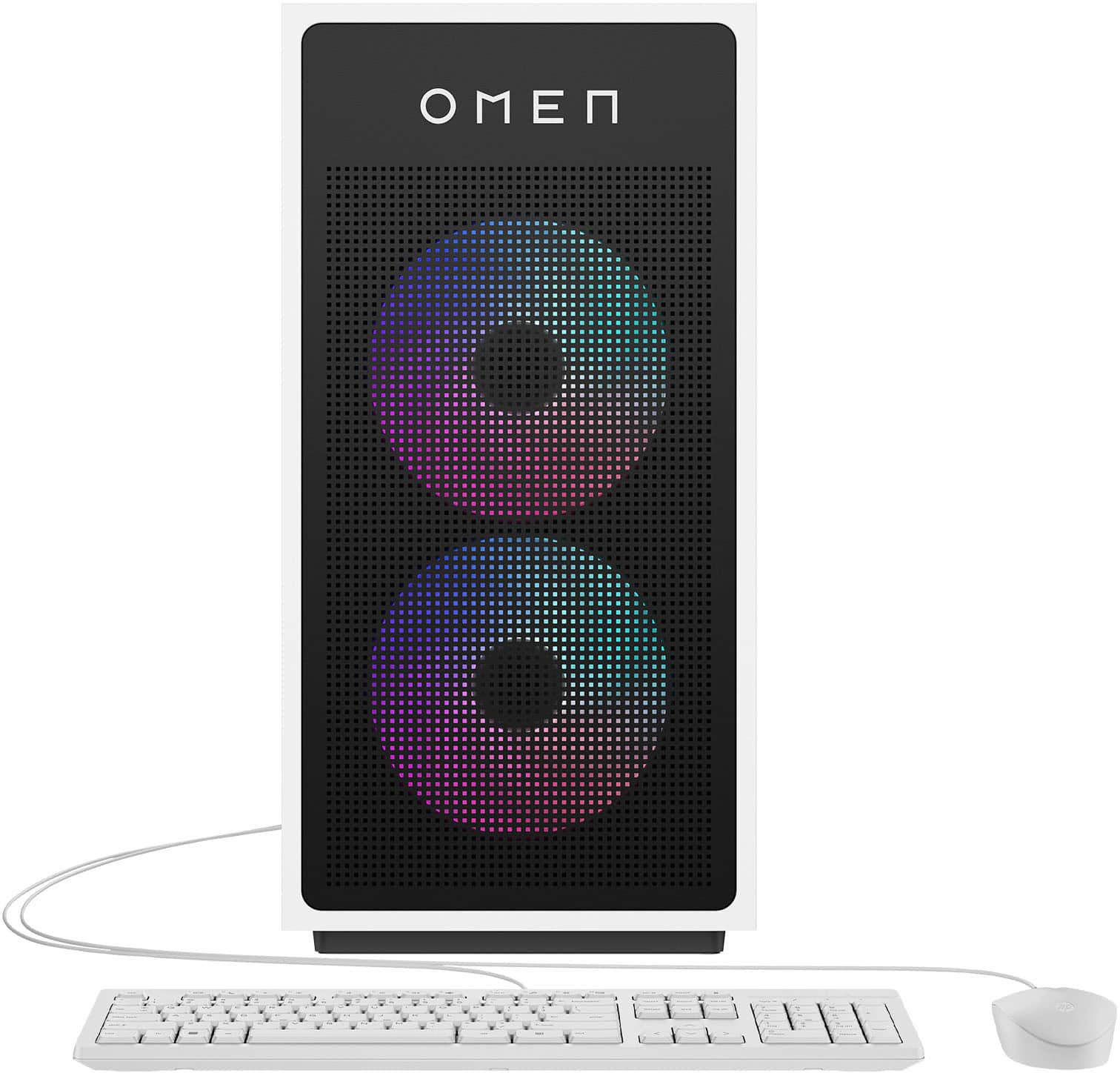
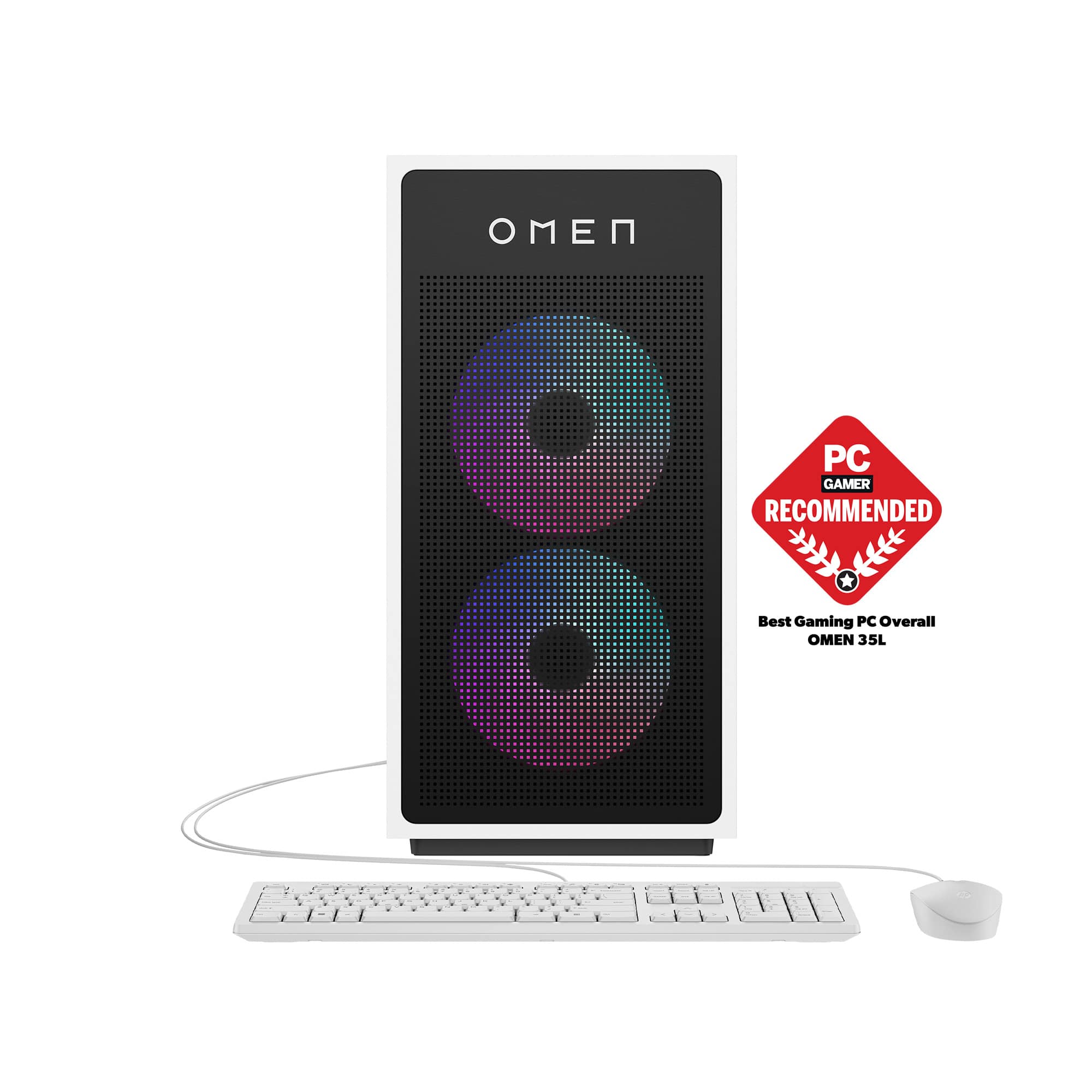
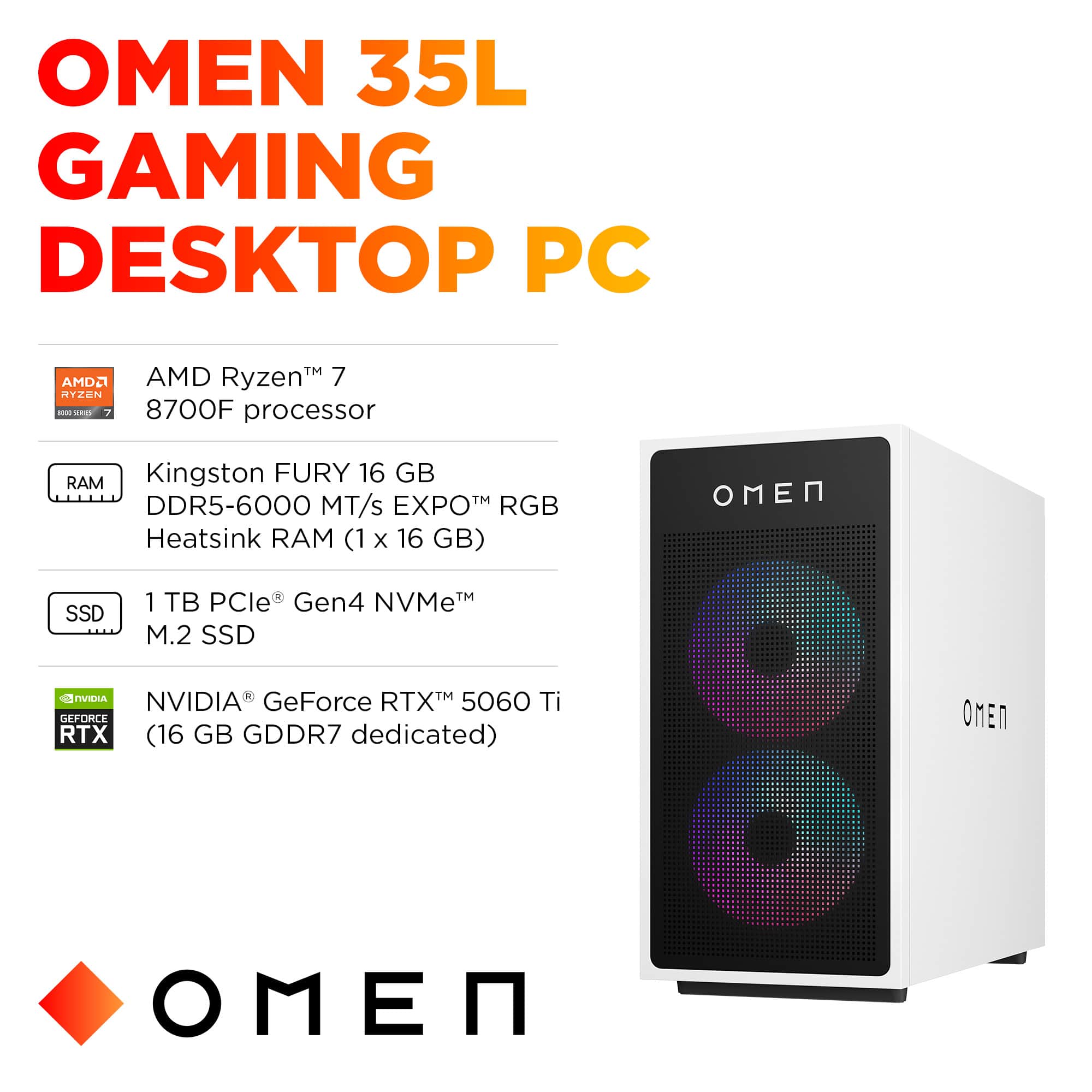
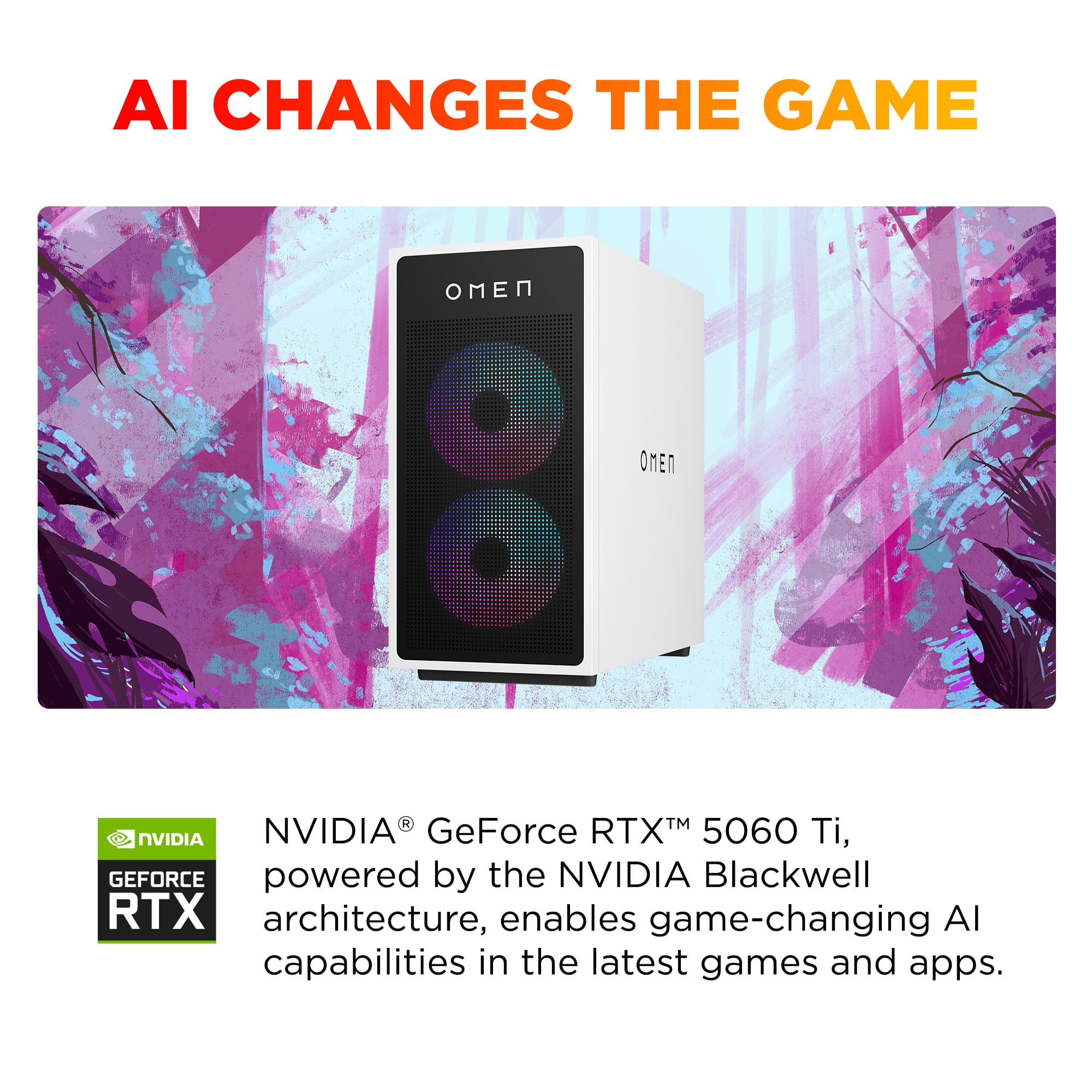
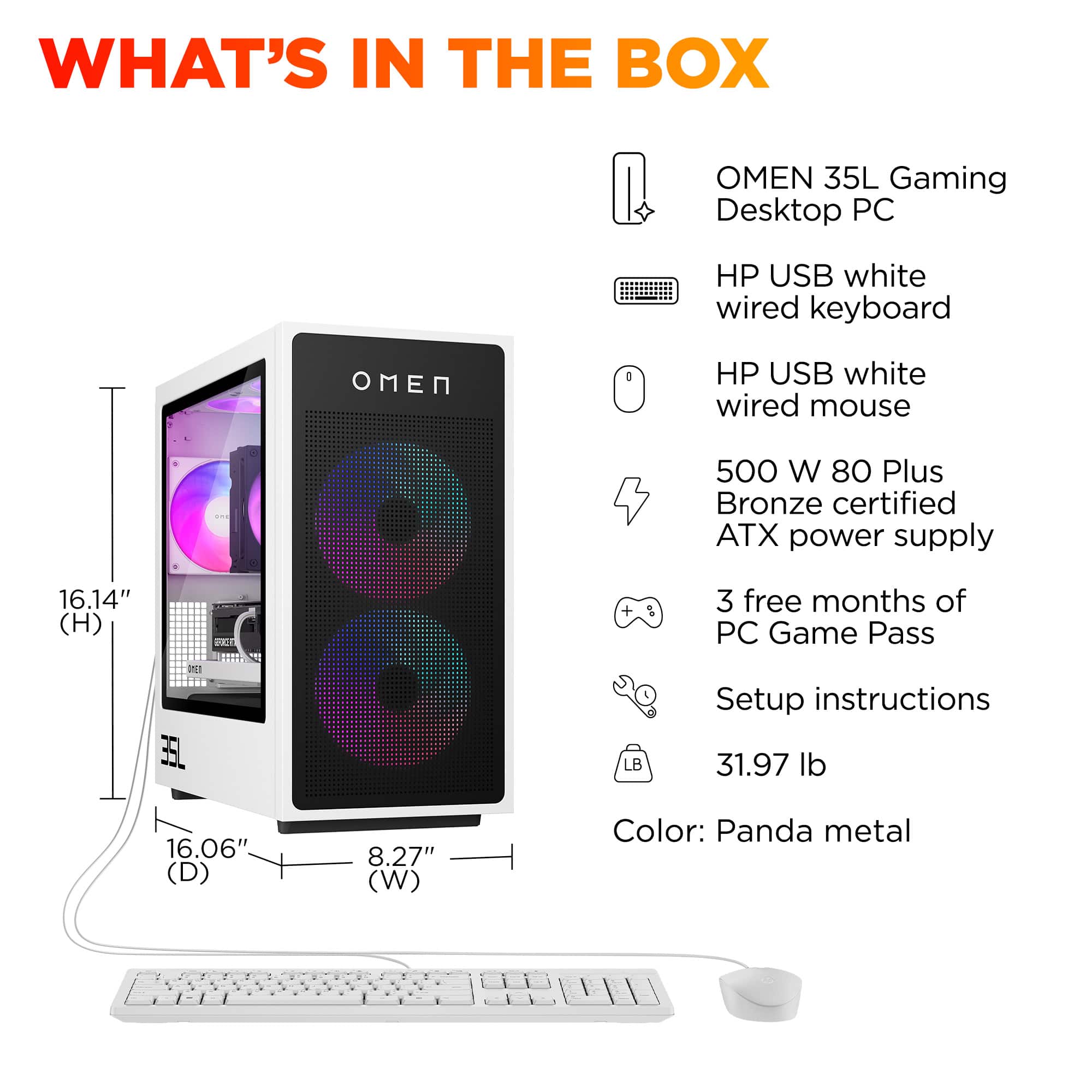
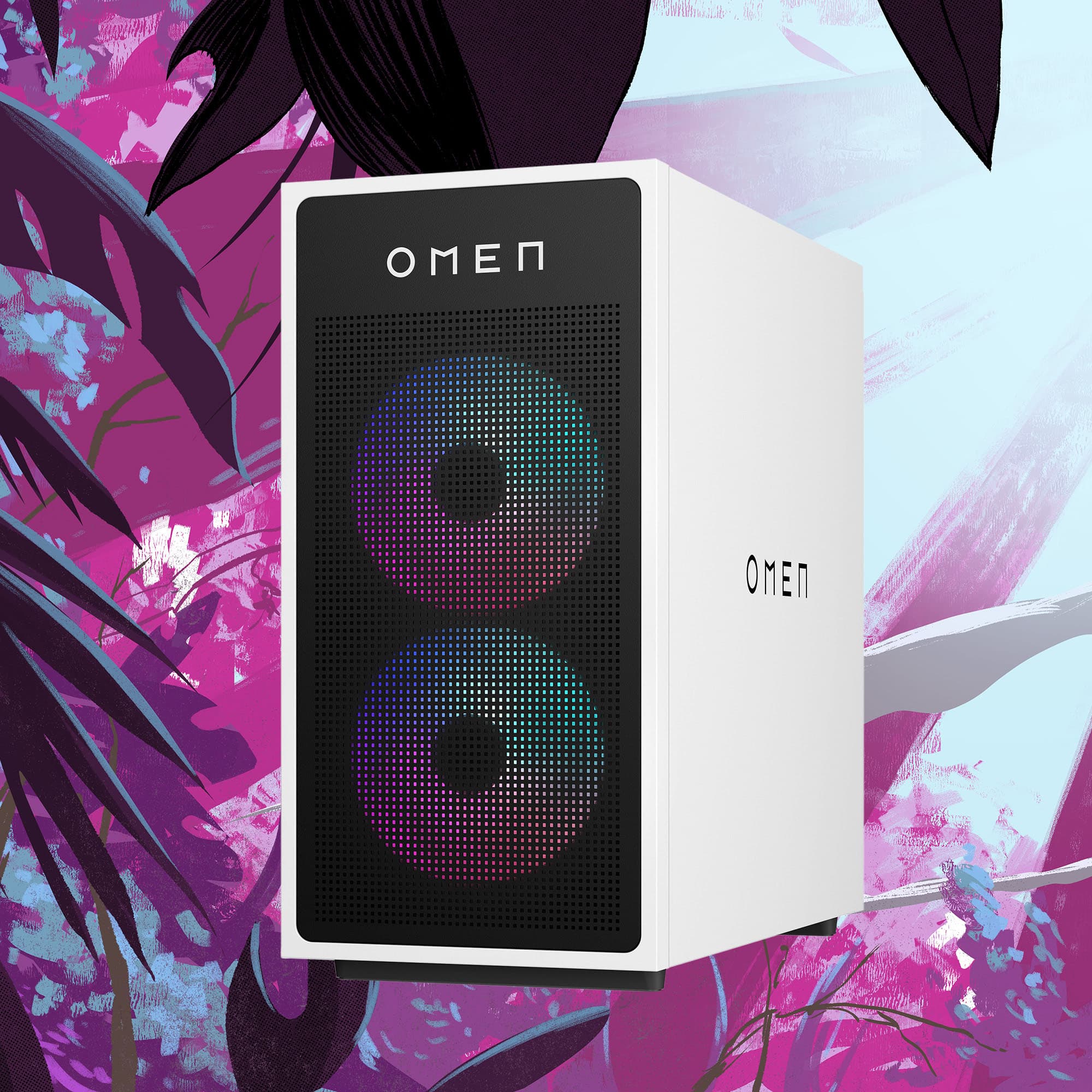
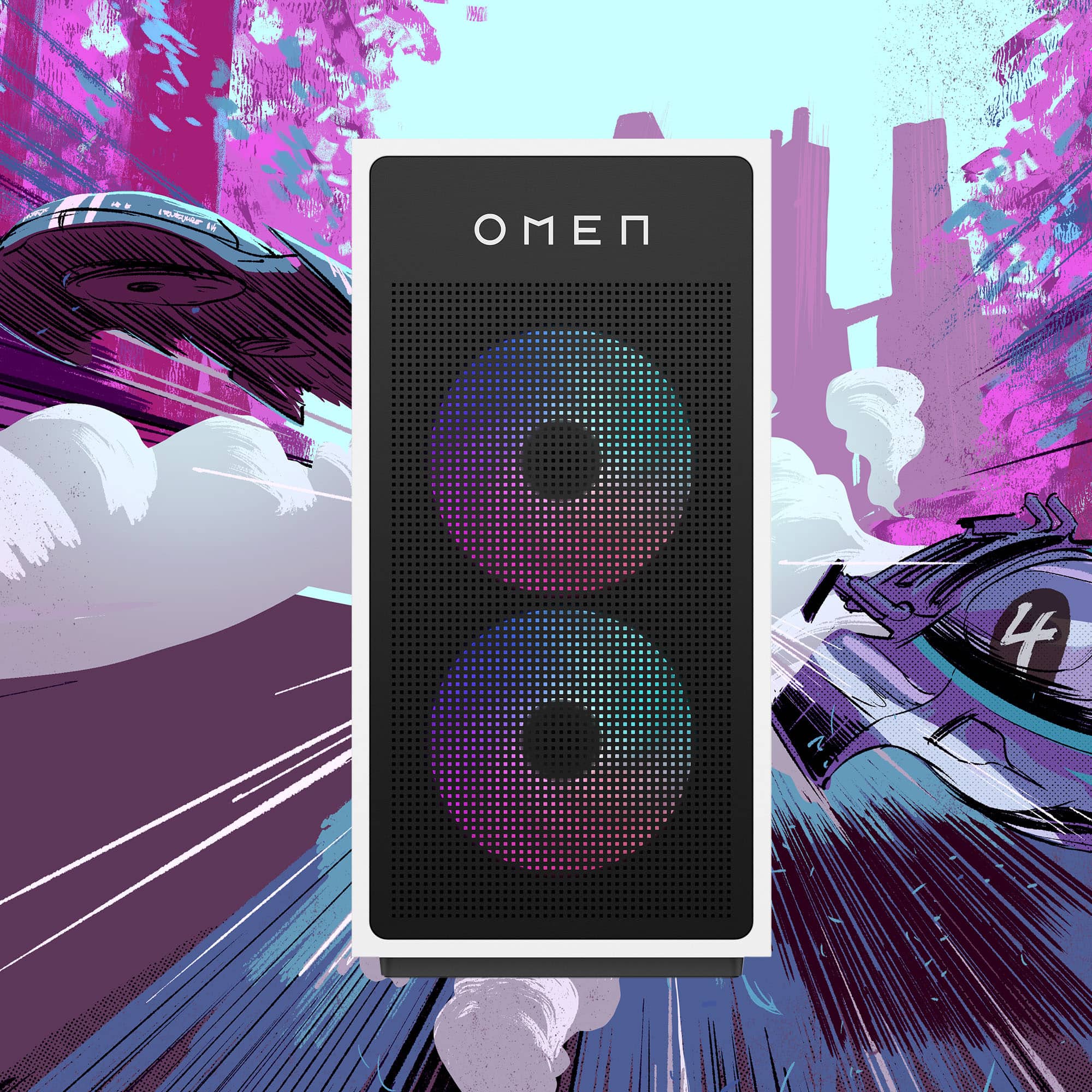

- Model:
- GT16-0344
- |
- SKU:
- 11927321
Customer reviews
Rating 4.7 out of 5 stars with 98 reviews
(98 customer reviews)Rating by feature
- Value4.8
Rating 4.8 out of 5 stars
- Quality4.7
Rating 4.7 out of 5 stars
- Ease of Use4.8
Rating 4.8 out of 5 stars
Rated 5 out of 5 stars
Amazing 1st PC!
||Posted .This reviewer received promo considerations or sweepstakes entry for writing a review.This is my first ever PC purchasing, and I’ve got to say I’m very impressed. I attempted buying a Gaming Laptop in the past, and it wasn’t as good as I thought it would be. I bought this OMEN PC, and it’s exactly what I wanted and expected. For first timer PC buyers, I’d recommend this PC to you!
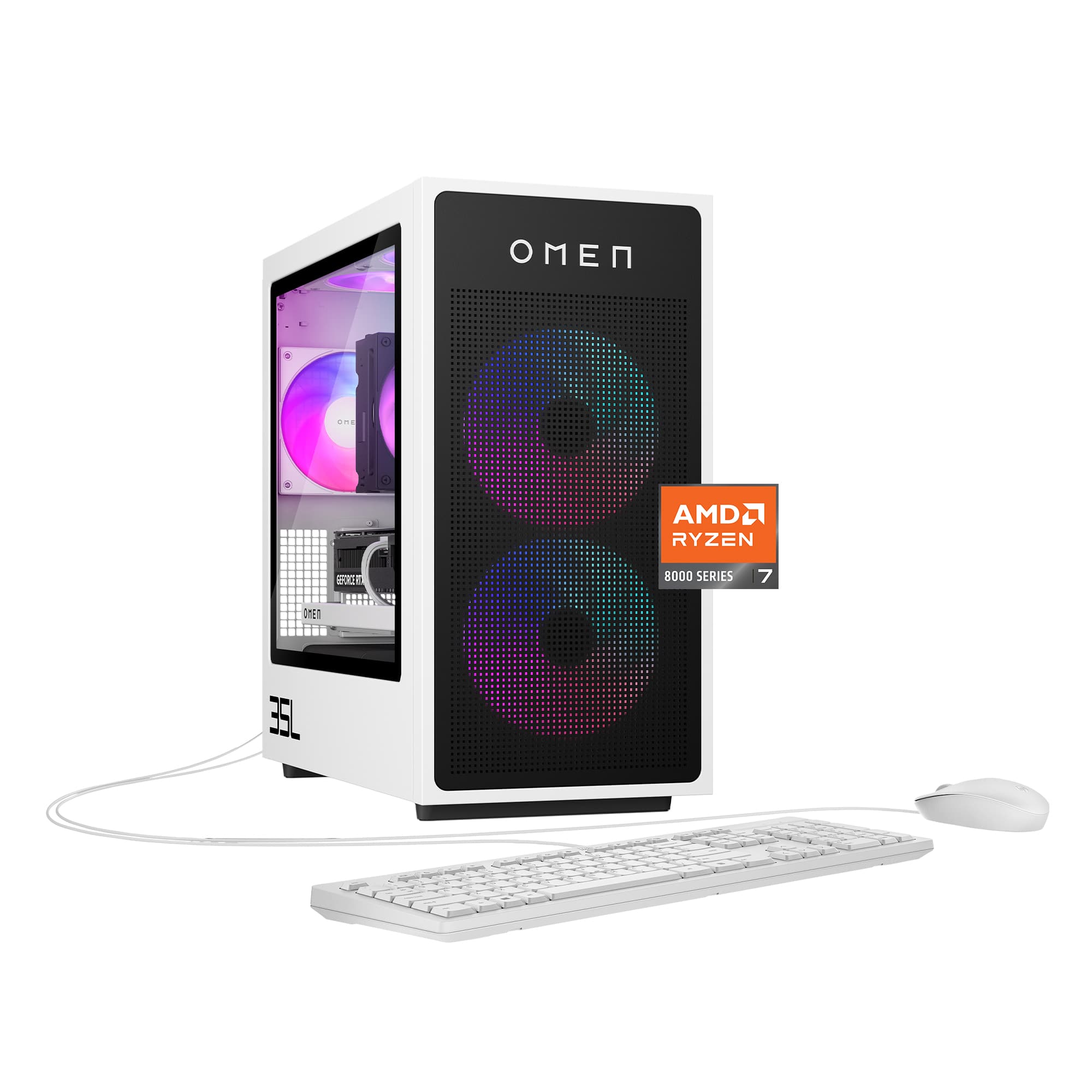
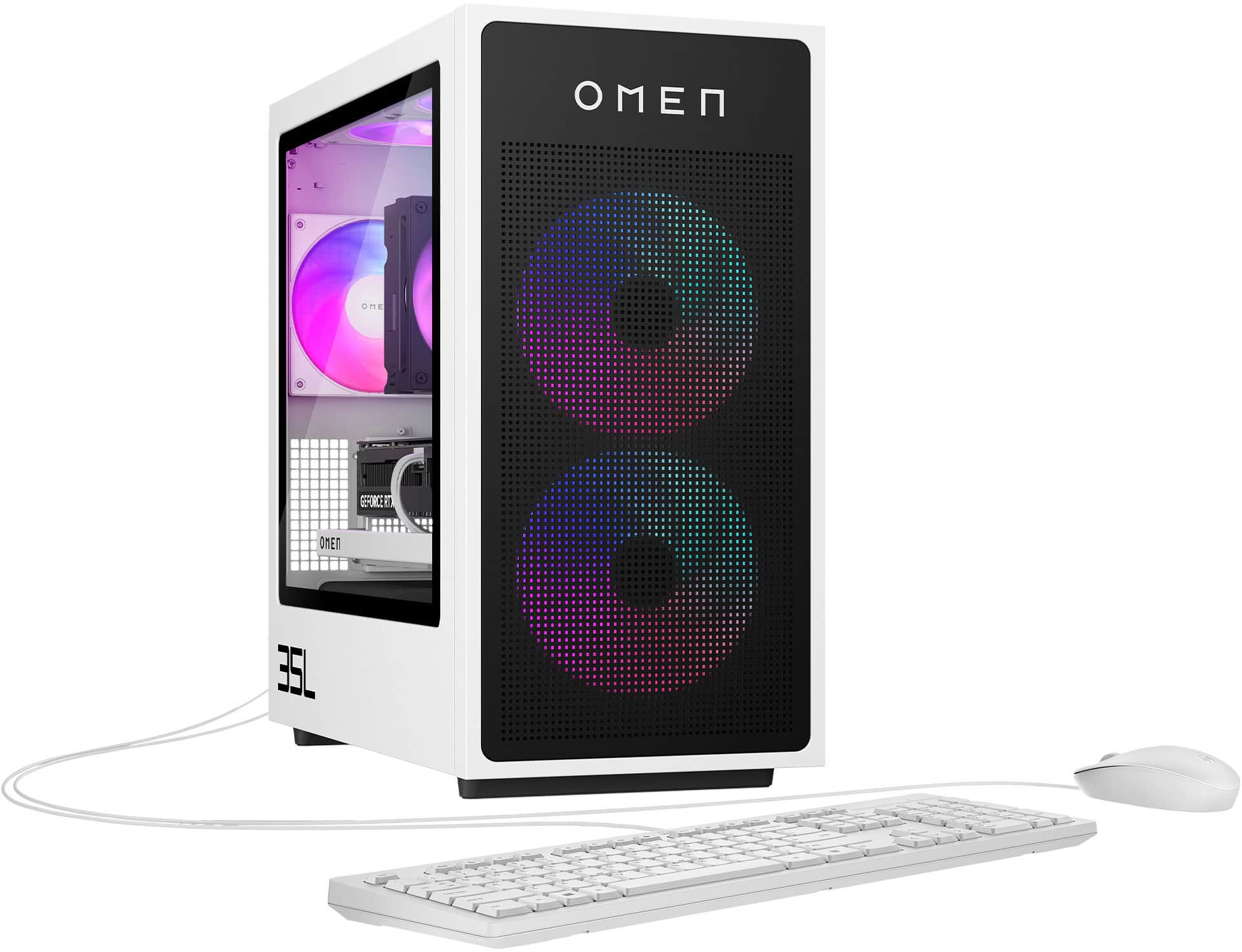
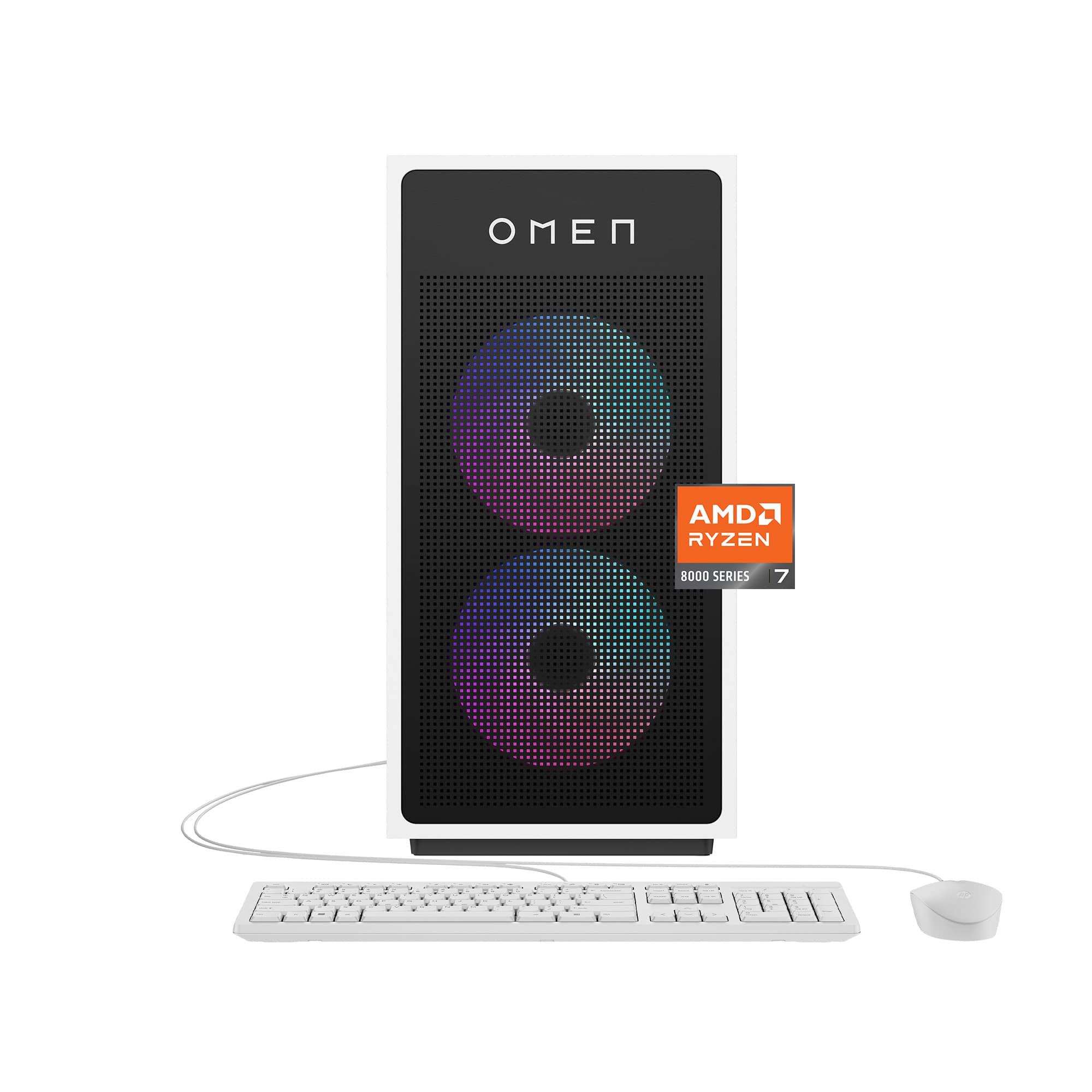
This review is from HP OMEN - 35L Gaming Desktop - AMD Ryzen 7 8700F 2024 - 16GB DDR5 Memory - NVIDIA GeForce RTX 5060 Ti 16GB GDDR7 - 1TB SSD - Panda Metal
I would recommend this to a friendRated 5 out of 5 stars
Fantastic
||Posted . Owned for 2 weeks when reviewed.This reviewer received promo considerations or sweepstakes entry for writing a review.Love love love! Bought this pc for my kiddo. I have a 40L. Does what it needs to do.
This review is from HP OMEN - 35L Gaming Desktop - AMD Ryzen 7 8700F 2024 - 16GB DDR5 Memory - NVIDIA GeForce RTX 5060 Ti 16GB GDDR7 - 1TB SSD - Panda Metal
I would recommend this to a friendRated 5 out of 5 stars
happy customer
||Posted . Owned for 1 month when reviewed.This reviewer received promo considerations or sweepstakes entry for writing a review.I had a great experience when I went in to Best Buy to buy a gaming pc great customer service when I walk in and they helped me out fast
This review is from HP OMEN - 35L Gaming Desktop - AMD Ryzen 7 8700F 2024 - 16GB DDR5 Memory - NVIDIA GeForce RTX 5060 Ti 16GB GDDR7 - 1TB SSD - Panda Metal
I would recommend this to a friendRated 5 out of 5 stars
Pc Omen
||Posted . Owned for 2 weeks when reviewed.This reviewer received promo considerations or sweepstakes entry for writing a review.Great item. Fast running. Item as described. Everything I was looking for in a PC.
This review is from HP OMEN - 35L Gaming Desktop - AMD Ryzen 7 8700F 2024 - 16GB DDR5 Memory - NVIDIA GeForce RTX 5060 Ti 16GB GDDR7 - 1TB SSD - Panda Metal
I would recommend this to a friendRated 5 out of 5 stars
Awesome Computer
||Posted . Owned for 1 month when reviewed.This reviewer received promo considerations or sweepstakes entry for writing a review.This Hp computer is everything I expected. My HP laptop exceeded my expectations so I was confident this desktop would also be awesome, and it is.
This review is from HP OMEN - 35L Gaming Desktop - AMD Ryzen 7 8700F 2024 - 16GB DDR5 Memory - NVIDIA GeForce RTX 5060 Ti 16GB GDDR7 - 1TB SSD - Panda Metal
I would recommend this to a friendRated 5 out of 5 stars
Great PC
||Posted . Owned for 1 month when reviewed.This reviewer received promo considerations or sweepstakes entry for writing a review.Amazing pre-built, great CPU quality, the RTX 5060 Ti is a great GPU, and 16gb DDR5 is amazing.
This review is from HP OMEN - 35L Gaming Desktop - AMD Ryzen 7 8700F 2024 - 16GB DDR5 Memory - NVIDIA GeForce RTX 5060 Ti 16GB GDDR7 - 1TB SSD - Panda Metal
I would recommend this to a friendRated 5 out of 5 stars
Great Mid-Level Gaming PC For Casuals!
||Posted . Owned for 1 month when reviewed.This reviewer received promo considerations or sweepstakes entry for writing a review.Great prefab. Just as good as a PS5. Pricier of course but when you consider the content you have access to by comparison the price is worth it. Highly recommended. Only had slight issues with some optimizations but will play most current triple A titles at 60 fps. My only gripe is it doesn't have dust filters so you will need to buy a kit because the massive fans will intake every particle it can consume.
This review is from HP OMEN - 35L Gaming Desktop - AMD Ryzen 7 8700F 2024 - 16GB DDR5 Memory - NVIDIA GeForce RTX 5060 Ti 16GB GDDR7 - 1TB SSD - Panda Metal
I would recommend this to a friendRated 5 out of 5 stars
Great for the price
||Posted .This reviewer received promo considerations or sweepstakes entry for writing a review.Build is solid and the cable management was surprisingly good genuinely happy with this prebuilt pc. Overall device is plug and play and you can start using it right out of the box with minimal set up. Built in rgb editing is also a superb bonus as well.
This review is from HP OMEN - 35L Gaming Desktop - AMD Ryzen 7 8700F 2024 - 16GB DDR5 Memory - NVIDIA GeForce RTX 5060 Ti 16GB GDDR7 - 1TB SSD - Panda Metal
I would recommend this to a friendRated 5 out of 5 stars
Good Gaming PC
||Posted . Owned for 3 weeks when reviewed.This reviewer received promo considerations or sweepstakes entry for writing a review.Great pc, it’s ran everything I’ve played on it great well above 90-100fps on highest settings
This review is from HP OMEN - 35L Gaming Desktop - AMD Ryzen 7 8700F 2024 - 16GB DDR5 Memory - NVIDIA GeForce RTX 5060 Ti 16GB GDDR7 - 1TB SSD - Panda Metal
I would recommend this to a friendRated 5 out of 5 stars
Computer
||Posted . Owned for 5 months when reviewed.This reviewer received promo considerations or sweepstakes entry for writing a review.It's great my son love it. I need more time to see how it holds up, so far so good.
This review is from HP OMEN - 35L Gaming Desktop - AMD Ryzen 7 8700F 2024 - 16GB DDR5 Memory - NVIDIA GeForce RTX 5060 Ti 16GB GDDR7 - 1TB SSD - Panda Metal
I would recommend this to a friendRated 5 out of 5 stars
Sweet
||Posted . Owned for 1 month when reviewed.This reviewer received promo considerations or sweepstakes entry for writing a review.Works great for what we need. Primarily bought for gaming and light video editing
This review is from HP OMEN - 35L Gaming Desktop - AMD Ryzen 7 8700F 2024 - 16GB DDR5 Memory - NVIDIA GeForce RTX 5060 Ti 16GB GDDR7 - 1TB SSD - Panda Metal
I would recommend this to a friendRated 5 out of 5 stars
Love it!
||Posted . Owned for 3 weeks when reviewed.This reviewer received promo considerations or sweepstakes entry for writing a review.Love this computer so far. Has all the specks for me to play the games i want and stream.
This review is from HP OMEN - 35L Gaming Desktop - AMD Ryzen 7 8700F 2024 - 16GB DDR5 Memory - NVIDIA GeForce RTX 5060 Ti 16GB GDDR7 - 1TB SSD - Panda Metal
I would recommend this to a friendRated 5 out of 5 stars
Hp omen
||Posted .This reviewer received promo considerations or sweepstakes entry for writing a review.Great computer. Great for gaming. I’m very happy with it. Does everything I ask it to do
This review is from HP OMEN - 35L Gaming Desktop - AMD Ryzen 7 8700F 2024 - 16GB DDR5 Memory - NVIDIA GeForce RTX 5060 Ti 16GB GDDR7 - 1TB SSD - Panda Metal
I would recommend this to a friendRated 5 out of 5 stars
5060ti
||Posted . Owned for 2 weeks when reviewed.This reviewer received promo considerations or sweepstakes entry for writing a review.Great pc. Does pretty good in 1440p with everything on high or maxed. Worth the money!
This review is from HP OMEN - 35L Gaming Desktop - AMD Ryzen 7 8700F 2024 - 16GB DDR5 Memory - NVIDIA GeForce RTX 5060 Ti 16GB GDDR7 - 1TB SSD - Panda Metal
I would recommend this to a friendRated 5 out of 5 stars
Excellent Purchase
||Posted . Owned for 1 month when reviewed.This reviewer received promo considerations or sweepstakes entry for writing a review.Easy setup, great UI, works great for gaming & work.
This review is from HP OMEN - 35L Gaming Desktop - AMD Ryzen 7 8700F 2024 - 16GB DDR5 Memory - NVIDIA GeForce RTX 5060 Ti 16GB GDDR7 - 1TB SSD - Panda Metal
I would recommend this to a friendRated 5 out of 5 stars
If youre looking to save money on a pc
||Posted . Owned for 3 weeks when reviewed.This reviewer received promo considerations or sweepstakes entry for writing a review.I bought this pc and i can say its so worth it i can game anything at 4k no issue i can now pursue being a streamer
This review is from HP OMEN - 35L Gaming Desktop - AMD Ryzen 7 8700F 2024 - 16GB DDR5 Memory - NVIDIA GeForce RTX 5060 Ti 16GB GDDR7 - 1TB SSD - Panda Metal
I would recommend this to a friendRated 5 out of 5 stars
Yes yes yes
||Posted .This reviewer received promo considerations or sweepstakes entry for writing a review.I got this for my son.Has a christmas present and he loves it. It is amazing. Beautiful colors. Run smoothly.
This review is from HP OMEN - 35L Gaming Desktop - AMD Ryzen 7 8700F 2024 - 16GB DDR5 Memory - NVIDIA GeForce RTX 5060 Ti 16GB GDDR7 - 1TB SSD - Panda Metal
I would recommend this to a friendRated 5 out of 5 stars
Omen 35L Gaming Desktop
||Posted . Owned for 3 weeks when reviewed.This reviewer received promo considerations or sweepstakes entry for writing a review.So far this PC has been a wonderful experience. 10/10!
This review is from HP OMEN - 35L Gaming Desktop - AMD Ryzen 7 8700F 2024 - 16GB DDR5 Memory - NVIDIA GeForce RTX 5060 Ti 16GB GDDR7 - 1TB SSD - Panda Metal
I would recommend this to a friendRated 5 out of 5 stars
Compact but powerful
||Posted . Owned for 1 month when reviewed.This reviewer received promo considerations or sweepstakes entry for writing a review.Big upgrade from my Ryzen 3 gaming system to this Ryzen 7 5060ti. Everything runs much smoother and quicker with no buffer and no lag time.
This review is from HP OMEN - 35L Gaming Desktop - AMD Ryzen 7 8700F 2024 - 16GB DDR5 Memory - NVIDIA GeForce RTX 5060 Ti 16GB GDDR7 - 1TB SSD - Panda Metal
I would recommend this to a friendRated 5 out of 5 stars
HP Omen
||Posted . Owned for 2 weeks when reviewed.This reviewer received promo considerations or sweepstakes entry for writing a review.Great product for the price for gaming. Customer service was excellent. Kids enjoy it.
This review is from HP OMEN - 35L Gaming Desktop - AMD Ryzen 7 8700F 2024 - 16GB DDR5 Memory - NVIDIA GeForce RTX 5060 Ti 16GB GDDR7 - 1TB SSD - Panda Metal
I would recommend this to a friend