Customer Ratings & Reviews






- Model:
- SMART TANK 5101/1F3Y0A#B1H
- SKU:
- 10757640
Rating by feature
- Value
Rating 4.4 out of 5 stars
- Quality
Rating 4.4 out of 5 stars
- Ease of Use
Rating 4.3 out of 5 stars
Great for home use
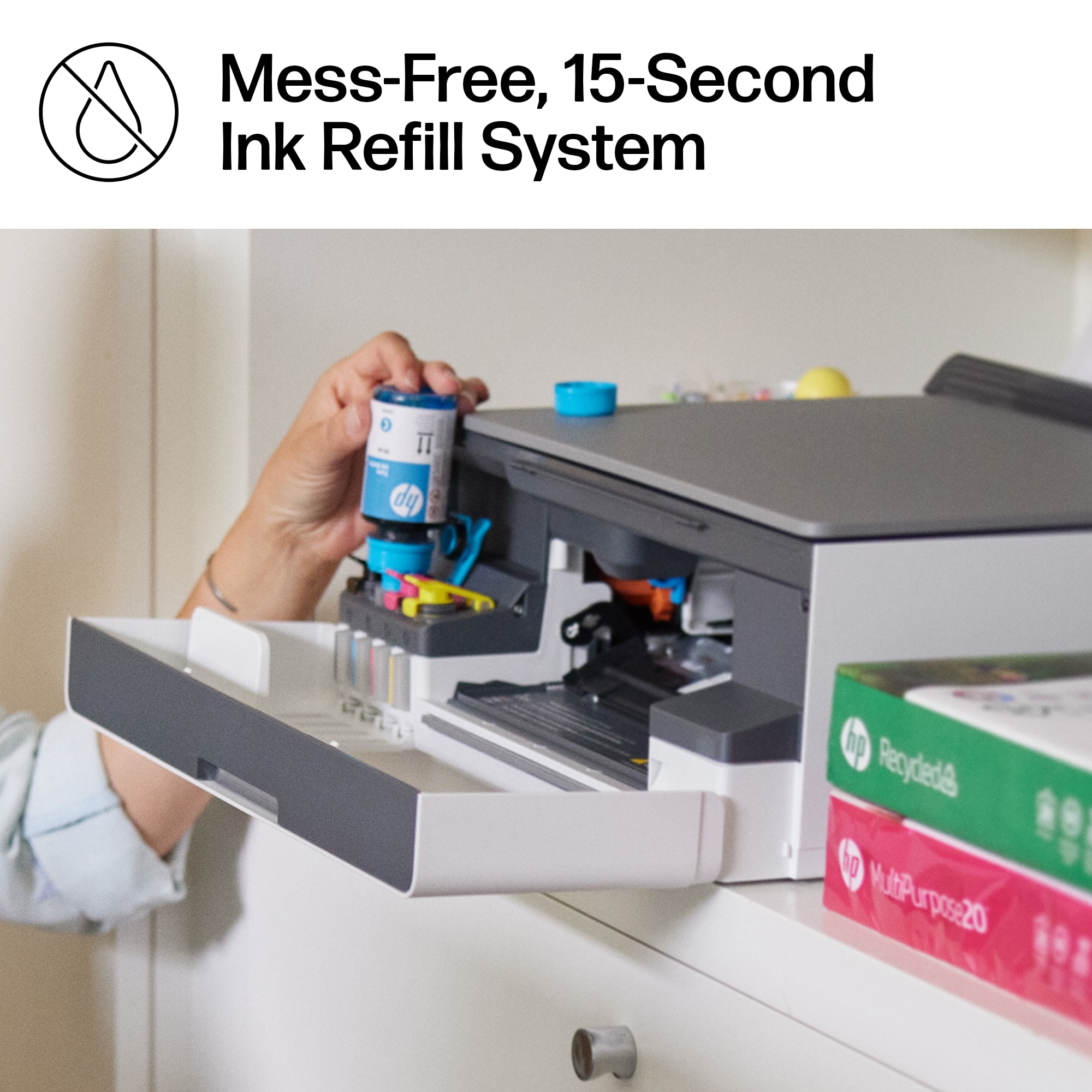
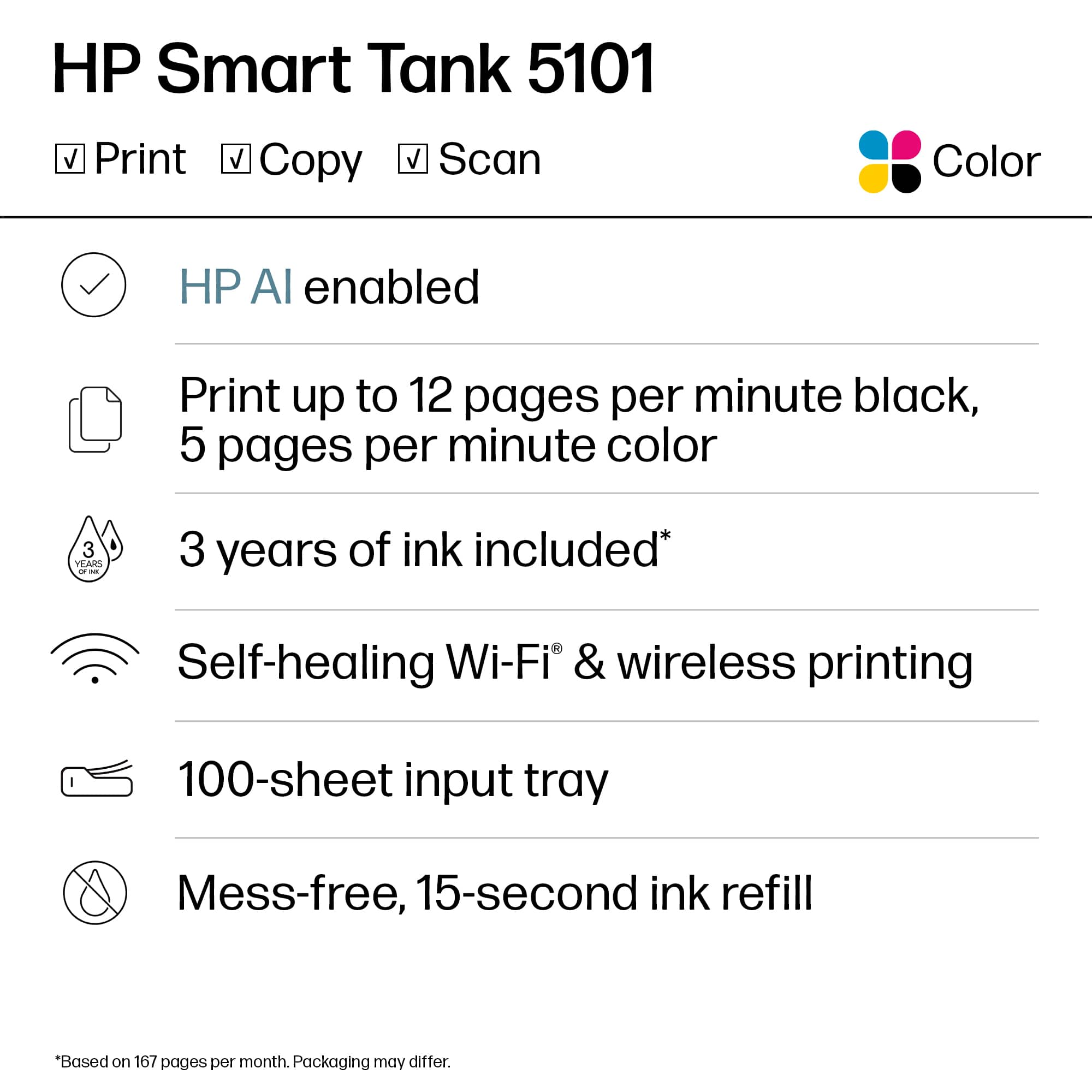
||Posted . Owned for 1 month when reviewed.This reviewer received promo considerations or sweepstakes entry for writing a review.This printer suits my needs perfecly as it copies, scans, and prints. I love the Smart Tank ink system - easy to use and should last a long time. The set up was easy and it works with all my devices. Great printer for the home user.
I would recommend this to a friend- Pros mentioned:Overall performance
A solid printer
||Posted .This reviewer received promo considerations or sweepstakes entry for writing a review.A solid printer. Easy to set-up. I appreciate the ink tanks vs. the individual ink cartridges. This helps to manage ink costs.
I would recommend this to a friend Mr.
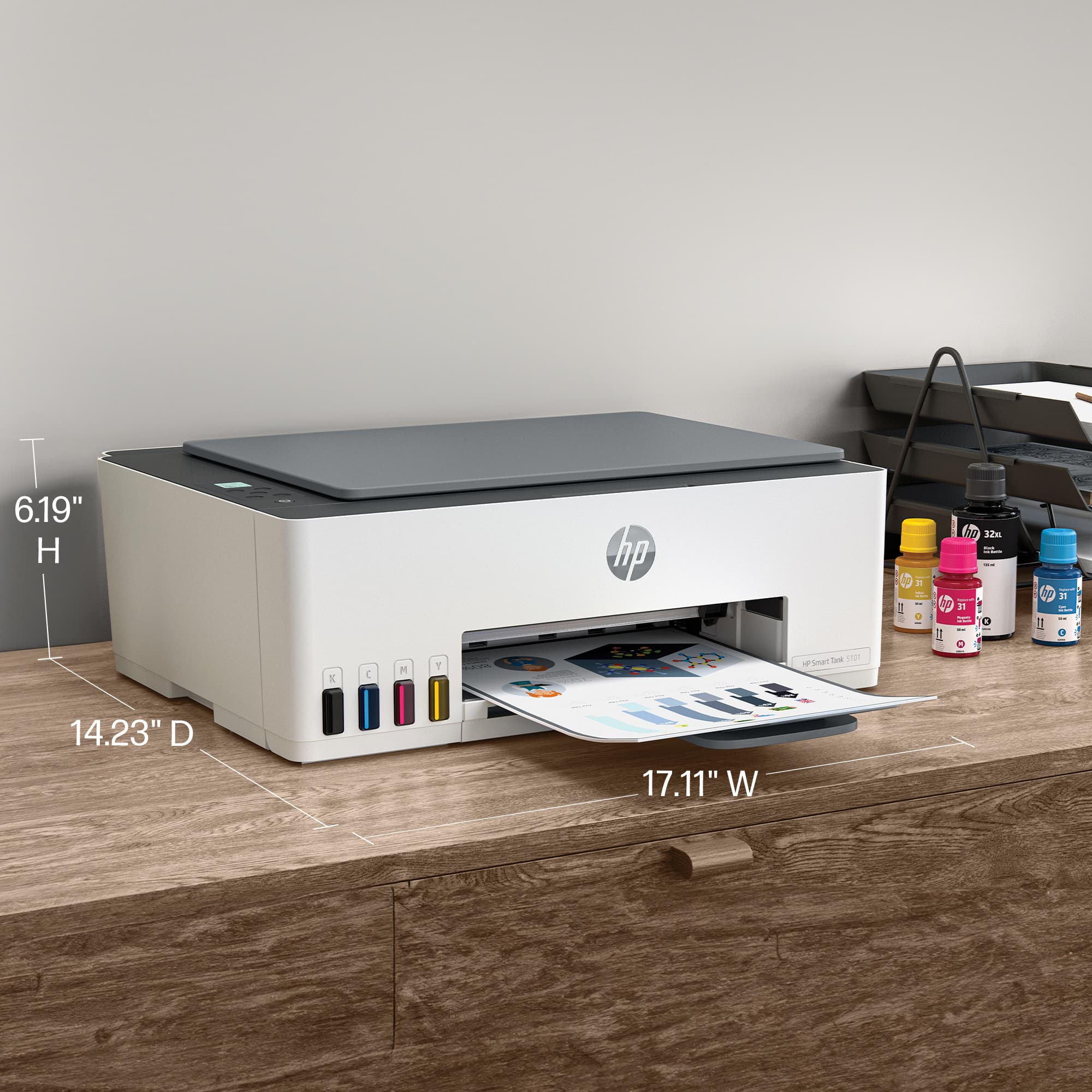
||Posted . Owned for 3 weeks when reviewed.This reviewer received promo considerations or sweepstakes entry for writing a review.By far, one of the easiest printers, I have set up and used. Print quality is very good, and reasonably quick. It's not overly large, doesn't take up a lot of space, and is easy to use. For what it is worth, it is not an ugly piece of equipment. I'm retired, and did not grow up using computers and printers. Consequently, I cannot be considered a computer geek by any stretch of the imagination, but I am very comfortable using the HP Smart Tank 5101.
I would recommend this to a friendFine for personal use
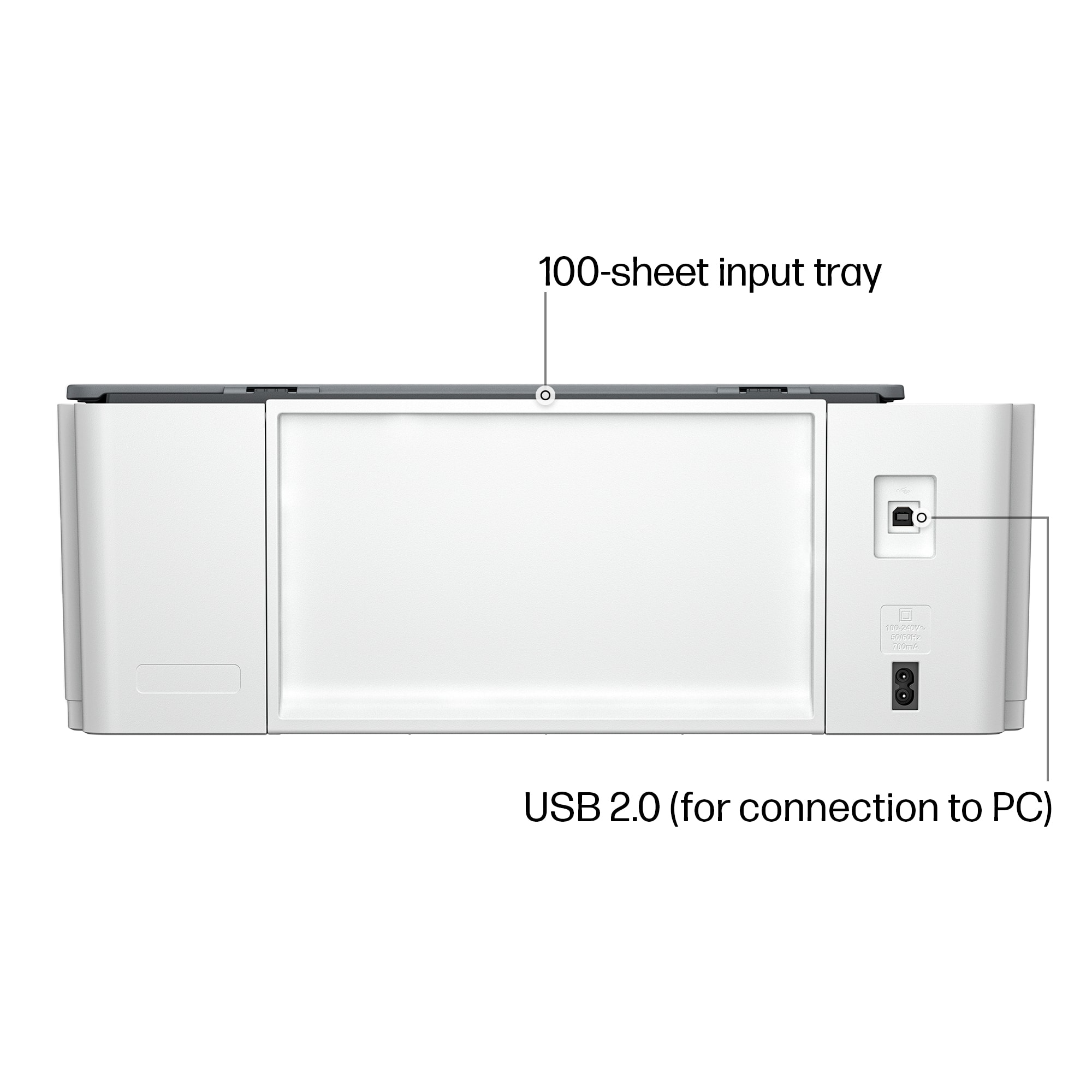
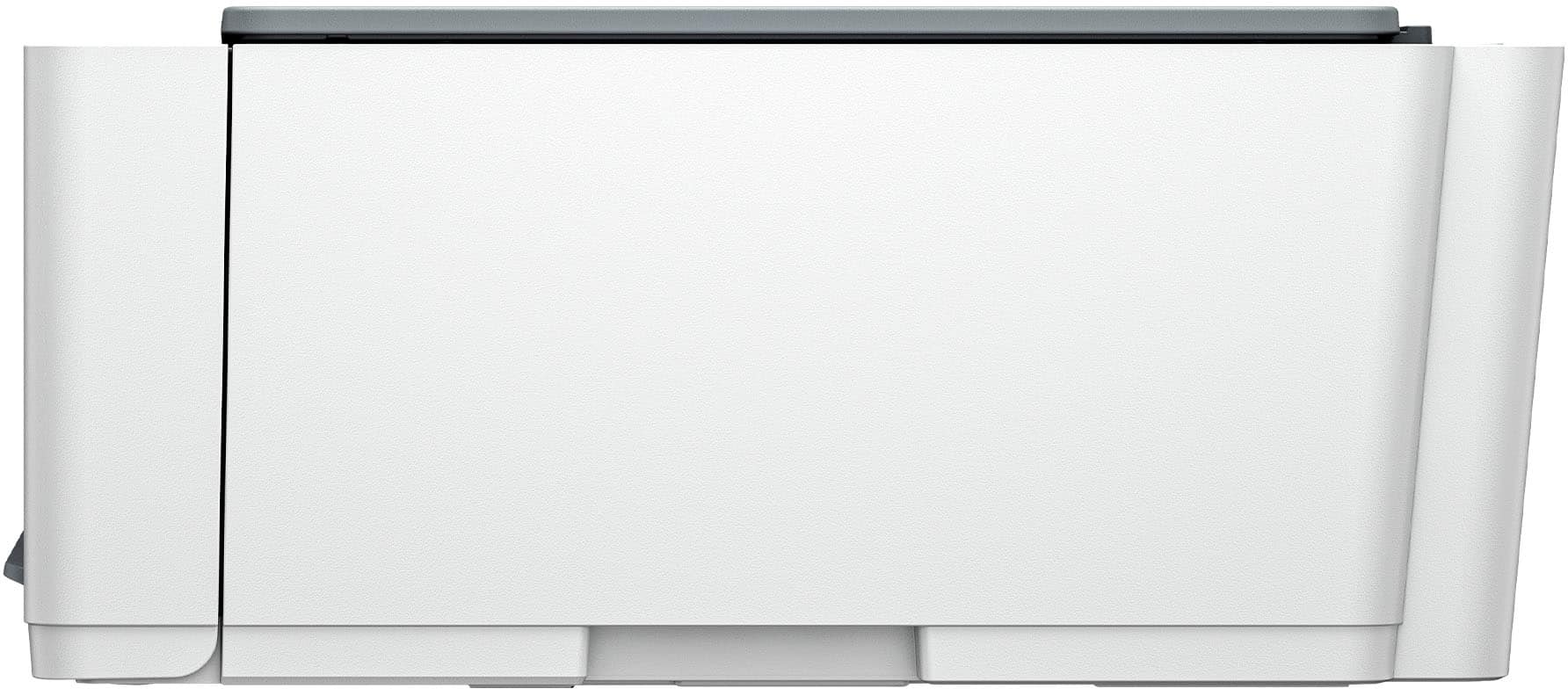
||Posted . Owned for 3 weeks when reviewed.This reviewer received promo considerations or sweepstakes entry for writing a review.This model had the size & functionality I needed. I hope the ink lasts as long as claimed. Set-up instructions were easy to follow. Inconvenient vertical paper feeding requires too much headroom for my space under the desk. I now need a lower stand.
I would recommend this to a friendGood quality
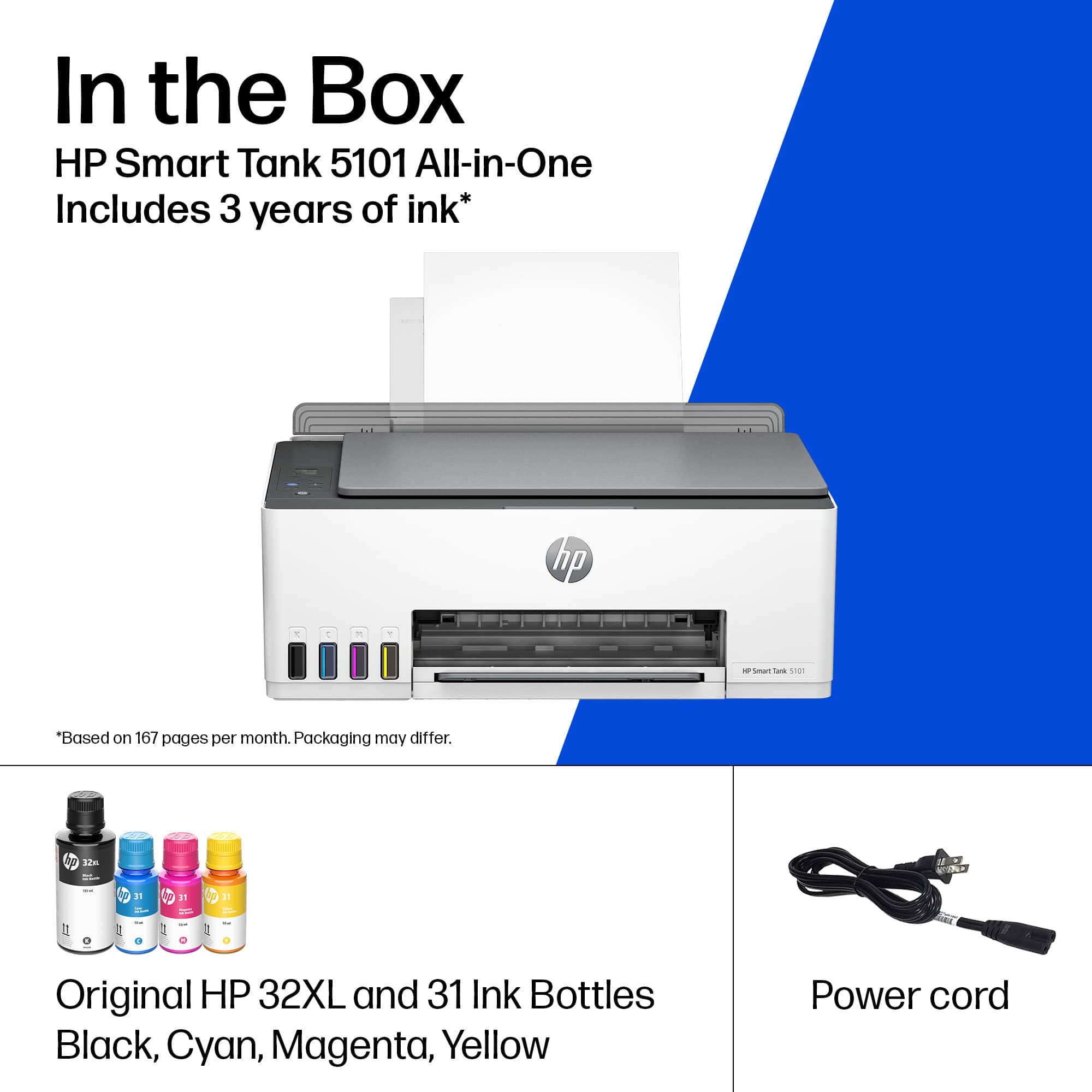
||Posted . Owned for 3 weeks when reviewed.This reviewer received promo considerations or sweepstakes entry for writing a review.Printer is great, good size, good quality and we will have free ink for the next three years. Great for my kids school projects
I would recommend this to a friendGreat Printer
||Posted . Owned for 1 month when reviewed.This reviewer received promo considerations or sweepstakes entry for writing a review.Great quality!! easy to set up I can print from my phone
I would recommend this to a friendPrinter
||Posted . Owned for 11 months when reviewed.This reviewer received promo considerations or sweepstakes entry for writing a review.Easy to use simple setup control from my computer smoothly and the tanks are a great feature I don’t use often so it’s way more cost efficient than having to buy the ink cartridges
I would recommend this to a friend
Not Very Good....
|Posted .This reviewer received promo considerations or sweepstakes entry for writing a review.I wanted to like this printer, but I don't. There is so much wrong here you wonder why HP would make it. From the frustration of installing ink, to the crazy way you have to install the print heads, to the paper tray that holds so little paper you are left scratching your head wondering who designed this thing. Upon installation you have to install the ink by tipping the ink bottle onto the printer ink tank. It works ok. Not great. The bottle has slightly more ink than the tank can hold so when you turn the bottle back upright there can be an ink drop or three that gets around the tank. Poor design. How about a positive fill where once it disengages the bottle reseals and there is no leakage. I have owned other tank printers with bottle ink and had zero spillage. If that were not bad enough the way you install the print cartridges is pure crazy. You have to get on your knees and look into the face of the printer and press a button and disenagage an orange shipping device that protects the head. Be warned when you pull that orange shipping protection device off the print head housing it has some ink in it from your just installed ink. It dripped all over my new jeans. Oh well. Perhaps HP should reverse the installation process of the print heads and the ink. Do the print head first and ink second. Just a poorly engineered way to install the print head. Once that orange shipping protection device is removed it is a bit of playing back and forth to get the print head installed into the track. Might be easier for tiny hands, but not for mine. Seems HP would be better off having a hinged top that exposed the print head area versus having to go on your knees to install print head. On the plus side the setup to my wifi went smooth and I connected the printer through the HP Smart App which worked very well. Now if the aforementioned were not bad enough. The paper tray is by far the absolute worst paper tray ever on any printer. First, the tray barely holds any paper. Why? Holds far less paper than any printer I have ever owned. Don't try and print your taxes on this printer. You may have to refill the paper tray two or three tines before your project is complete. A real head scratcher as to why HP chose to have such a small volume paper tray. Makes ni sense at all. Beyond that the paper needs to sit just right to print or you will get error codes. You may have to play with the paper a bit to get it just right for the take up reel to accept the paper. I do think the ink will last quite a bit of time, but the negatives are far too many for me to recommend this printer. Good ink longevity and good wifi connectivity are not enough to overcome the many weaknesses of this printer.
No, I would not recommend this to a friendBrand response from HP Team
Posted .Hi there.
Thanks for your thorough and detailed review. While it’s good to know you like the longevity of the ink delivery system and the Wi-Fi connectivity, I’m sorry to learn that your setup process was difficult and that you’re not satisfied with the device’s paper capacity. With that in mind, I’ve passed along your suggestions about the setup timeline as well as the paper tray to the people overseeing this product line. Next, I want to help you have a better experience going forward, so I’ll suggest some resources that I hope will make that happen.
To learn more about your printer and all its features, or for help solving problems, you can access user manuals, how-to documents, troubleshooting guides and software updates here:
- support.hp.com/us-en/product/model/2100992733
You can also visit a page on our support site that has diagnostic tools for various tasks and issues, including print quality, operating-system compatibility and connectivity. There you can find a general-purpose tool called the HP Print and Scan Doctor. If you use Windows, the tool will help identify and guide you through solutions to a wide range of common printing and scanning issues. You can find the page here:
- support.hp.com/us-en/topic/diagnostics
If you need further assistance with anything, I suggest that you contact us directly at +1 800-474-6836 so we can help you assess what’s happening and find the best course of action. To expedite the process, I recommend gathering the following information before the call:
- Model number
- Serial number
- Your location
- Case number (from any previous contact with HP support)
Keith
HP Care
hp.com/support
The inexpensive ink is the decider
||Posted . Owned for 3 weeks when reviewed.This reviewer received promo considerations or sweepstakes entry for writing a review.The price point was good but the deciding factor for me was the ink. Three years of ink was included plus replacement ink is inexpensive, all thing considered. I replaced an old school printer with one that works with an app so there was a little bit of a learning curve. Copy and print results are both good. I have not yet tried to scan anything.
I would recommend this to a friendWhen it works after setting up, its great.
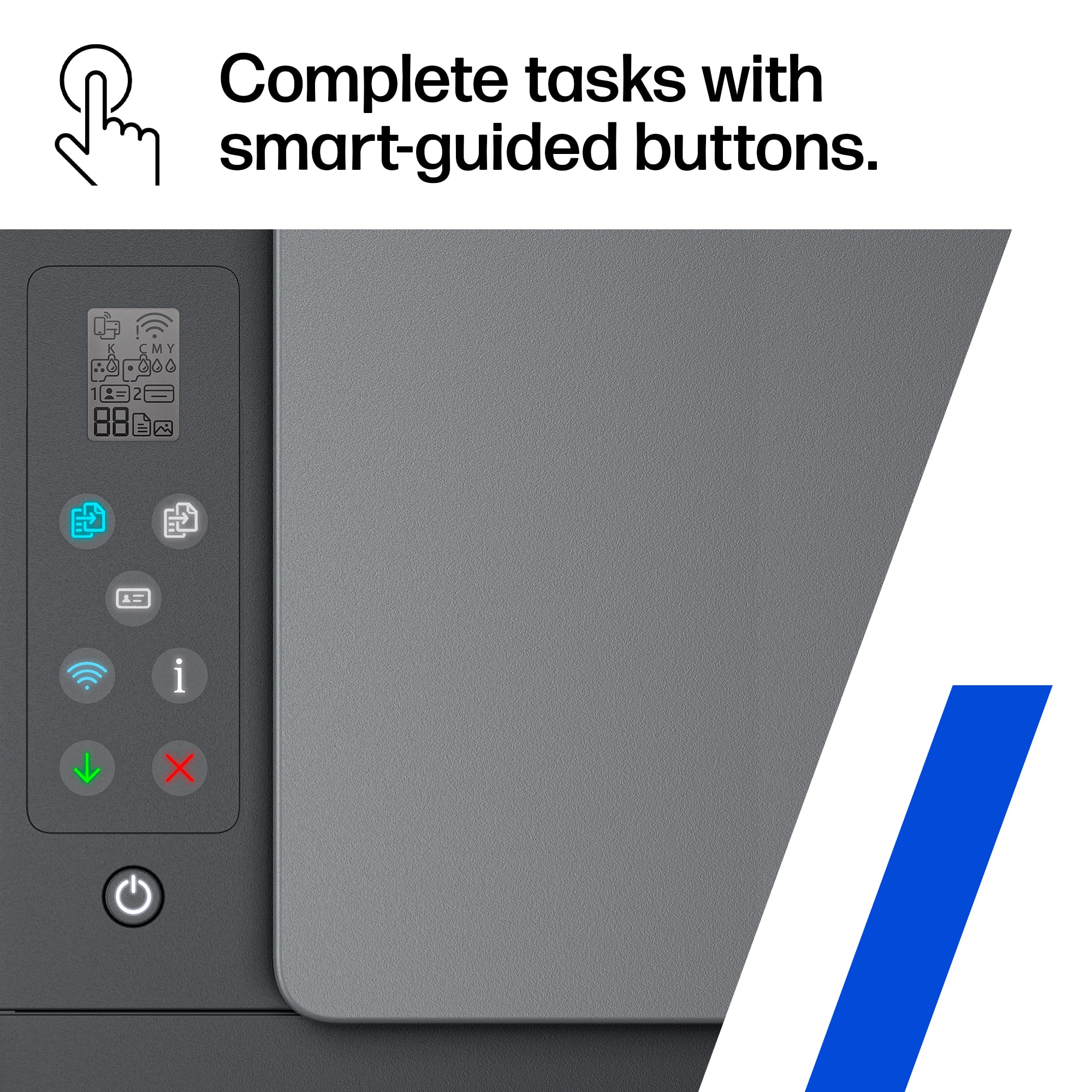
|Posted .This reviewer received promo considerations or sweepstakes entry for writing a review.HP Smart Tank 5101 is a good printer once it’s set up correctly. I’ve personally had some issues with getting this product to work properly. I’ll explain later but as far as being a good printer it does its job with standard features. The printer isn’t that bad with the design carrying over a modern look. The instructions have you set everything up including squeezing the ink into the printer. This was an easy part of the setup and placing the ink cartridges inside. Thanks to me starting to get complicated win the app became involved. Setting this up has been a pain for me due to no indication in the app when setup is properly done or looking for Wifi. It has had many issues. I have seen many “E3” errors on this device because I feel the method of setup is a little dated. There is no way to know if the app/printer is in the progress of setup. Spent two days trying to figure out how to fix this error with the HP app hanging. Wifi wouldn’t print with my phone. Then spontaneously, there was no more error and it started to work. Print out the test page and it just was fine. I was able to print and scan it. It’s been a strange two days but I was satisfied once everything was set up. It’s a good printer, but I personally suggest something that gives you a visual indication (screen on a printer) of the setup. This is no gripe against the HP Smart Tank 5101. Again once everything is set up to work it does its job just fine. Overall, if you just need something to print and do the job this is a good device. You can also fax with HP service. Printing documents and pages were quick and clear. Using the HP app allows you to change the sizes of pictures and edit them to print perfectly. This one would be a harder recommendation to family and friends just based on my own experience. It is a reliable printer when you need something printed out but the wifi issues I was having left a sour experience.
No, I would not recommend this to a friendM. Trevino
||Posted . Owned for 1 week when reviewed.This reviewer received promo considerations or sweepstakes entry for writing a review.I love this printer is very useful and compact. The quality of print is very nice and I will recommend it.
I would recommend this to a friend- Pros mentioned:Overall performance
Printer
||Posted . Owned for 3 weeks when reviewed.This reviewer received promo considerations or sweepstakes entry for writing a review.Great printer, small enough not to take up room. Easy to install and start up.
I would recommend this to a friend Fine little printer
||Posted . Owned for 1 week when reviewed.This reviewer received promo considerations or sweepstakes entry for writing a review.Easy setup, quick internet wifi connecton, prints fast, clear
I would recommend this to a friendGood for home office
||Posted . Owned for 2 weeks when reviewed.This reviewer received promo considerations or sweepstakes entry for writing a review.This is a replacement for Canon Ecotank printer that goes bad after 3 years. I like the print quality of this printer, my opinion is, it's better than my old Canon. The set up was all thru the app. Overall this is a good all in one pinter for home use.
I would recommend this to a friendGreat printer easy setup HP is absolutely the best
||Posted . Owned for 3 weeks when reviewed.This reviewer received promo considerations or sweepstakes entry for writing a review.I love HP products, this is the first one I’ve had with the super tank, it was easy to set up connected perfectly with my WiFi and my iPhone within a few minutes I was printing, I’m anxious to see how long the ink lasts, I think the super tank will save $$ I feel like I was buying new cartridges for the old HP every 3-4 months and this one comes with up to 2 years of ink so it should be a good while before I need any more I’m very happy with this purchase
I would recommend this to a friendHP Printer
||Posted . Owned for 3 weeks when reviewed.This reviewer received promo considerations or sweepstakes entry for writing a review.Easy to setup and use. Prints quality jobs quickly.
I would recommend this to a friend- Pros mentioned:Overall performance
Old Lady Loves Her WiFi Printer
||Posted . Owned for 3 weeks when reviewed.This reviewer received promo considerations or sweepstakes entry for writing a review.I love this printer! I am an older user and WiFi sometimes gives me heartburn wondering if it will actually work. However, this printer didn't miss a beat! Have had no problems and love the quality of print.
I would recommend this to a friend Best printer
||Posted . Owned for 2 weeks when reviewed.This reviewer received promo considerations or sweepstakes entry for writing a review.This printer is an easy set up! It is easy to use. I highly recommend this printer for anyone looking.
I would recommend this to a friendNew HP printer
||Posted . Owned for 1 month when reviewed.This reviewer received promo considerations or sweepstakes entry for writing a review.Set up was easy. Instructions very clear. Prints lovely
I would recommend this to a friendGreat quality at a great price.
||Posted . Owned for 1 week when reviewed.This reviewer received promo considerations or sweepstakes entry for writing a review.It was a great decision when I decided to buy this printer. Perfect size for the space I have available. But, the featurs I like the best is that it doesn't use ink cartriges like most other. Adding more ink extremely easy and it came with three years of in included. Also, the fact that the paper feeds from the back gives me the option of multiple paper sizes, mostly legal, in a very easy way to move from one size to another.
I would recommend this to a friend

















