Customer Ratings & Reviews






- Model:
- SMART TANK 5101/1F3Y0A#B1H
- SKU:
- 6527565
Rating by feature
- Value
Rating 4.4 out of 5 stars
- Quality
Rating 4.4 out of 5 stars
- Ease of Use
Rating 4.3 out of 5 stars
Customers are saying
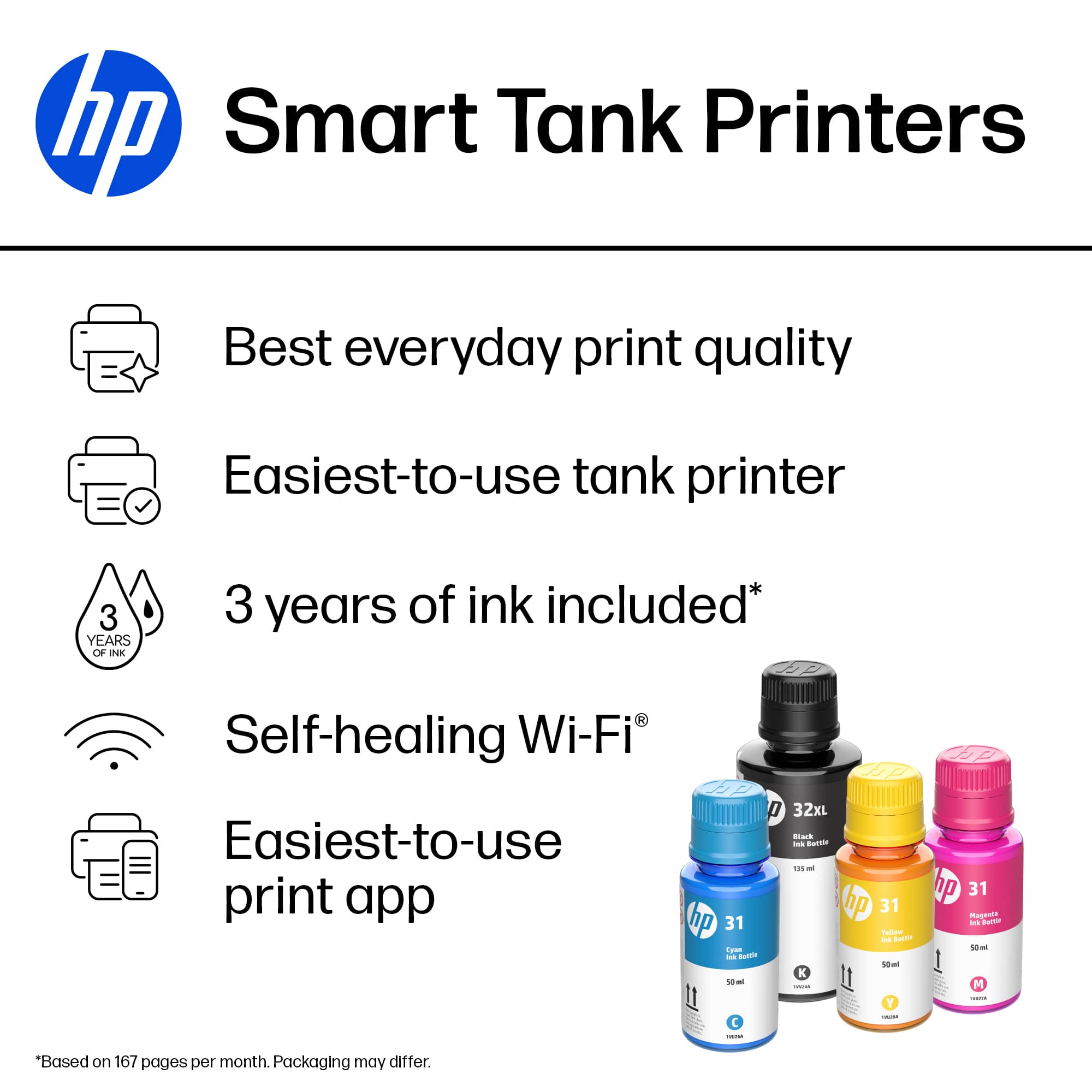
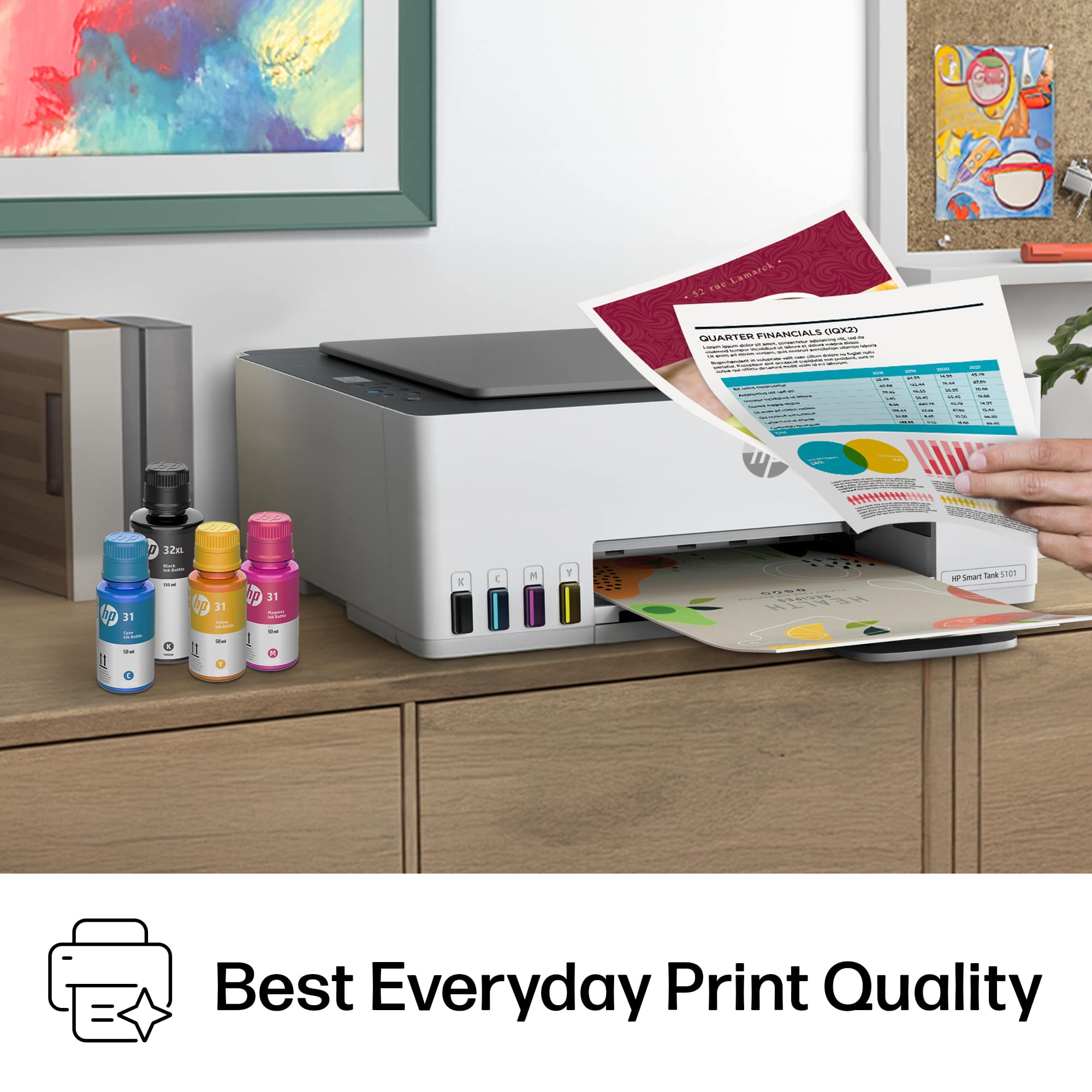
Customers frequently mention the good print quality and ease of use of the Smart Tank 5101 printer. Many customers find the printer easy to set up and appreciate its overall performance. Additionally, users like the printer's connectivity and compact size.
This summary was generated by AI based on customer reviews.
- Pros mentioned:Print quality
Good quality and user friendly
||Posted . Owned for 1 week when reviewed.This reviewer received promo considerations or sweepstakes entry for writing a review.This is very user friendly printer. And good quality printing for home use. Would recommend. Ink lasts long. Smart choice for me.
I would recommend this to a friend - Pros mentioned:Print quality
Great quality printer
||Posted . Owned for less than 1 week when reviewed.This reviewer received promo considerations or sweepstakes entry for writing a review.Love this printer. Has very good quality printing. Has lots of colors. Ink lasts long long time.
I would recommend this to a friend - Pros mentioned:Print quality
Ms
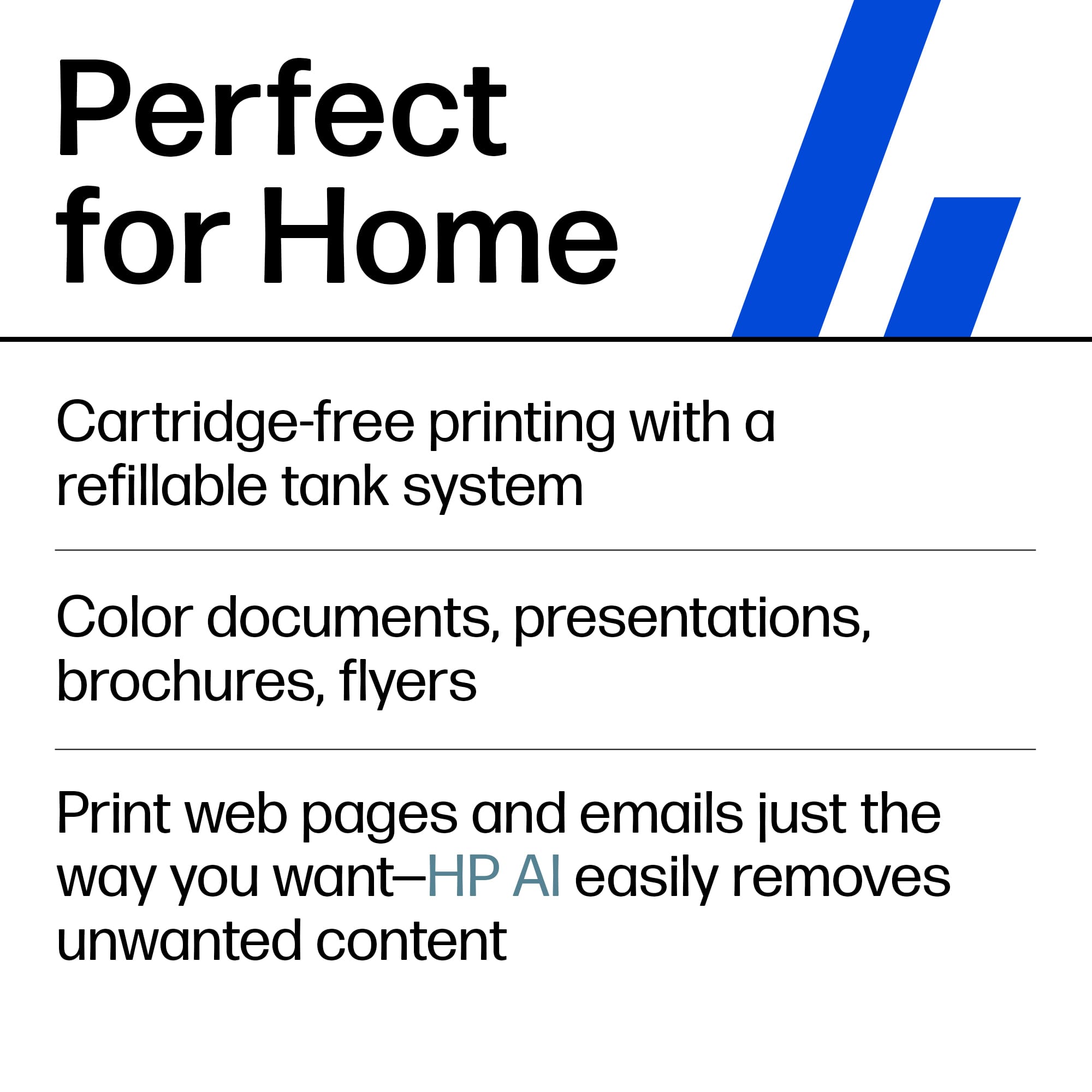
||Posted . Owned for 3 weeks when reviewed.This reviewer received promo considerations or sweepstakes entry for writing a review.No more ink cartridges was the big selling point with this printer. Cartridges are such a waste. I'm satisfied with the print quality.
I would recommend this to a friend Don’t Recommend
||Posted . Owned for 2 months when reviewed.This reviewer received promo considerations or sweepstakes entry for writing a review.From the beginning this printer has been giving me issues and I have only had it for 3 months. It is extremely slow and every time I want to print anything out the whole process takes 20 minutes. It’s either there are connection issues, the page won’t fully print or it won’t recognize that’s there paper in the tray.
No, I would not recommend this to a friend- Pros mentioned:Overall performance
Happy
||Posted . Owned for 2 weeks when reviewed.This reviewer received promo considerations or sweepstakes entry for writing a review.I have purchased so many printers over the years. I have to say the HP Smart tank 5101 is by far the easiest best to date. Thank you very much.
I would recommend this to a friend - Pros mentioned:Ease of use
Printer Review
||Posted . Owned for 1 month when reviewed.This reviewer received promo considerations or sweepstakes entry for writing a review.Easy setup….directions were easy to follow. Have not had a chance to use the printer very much yet but as far as plug and play….it went very well!!!
I would recommend this to a friend - Pros mentioned:Overall performance
Printer
||Posted . Owned for 1 month when reviewed.This reviewer received promo considerations or sweepstakes entry for writing a review.Haven’t used it very much but got done what I needed.
I would recommend this to a friend Printer
||Posted .This reviewer received promo considerations or sweepstakes entry for writing a review.The printer is what I needed. We save on ink, not on the shell☝️
I would recommend this to a friendFor school
||Posted .This reviewer received promo considerations or sweepstakes entry for writing a review.I’m so happy with this printer I got it for school
I would recommend this to a friend- Pros mentioned:Overall performance
Printer
||Posted . Owned for 1 month when reviewed.This reviewer received promo considerations or sweepstakes entry for writing a review.Best Printer!! Queen MUM loves it!! Does a great job!
I would recommend this to a friend - Pros mentioned:Print quality
Printer
||Posted . Owned for 3 weeks when reviewed.This reviewer received promo considerations or sweepstakes entry for writing a review.It prints really well. My son put it together without a problen connected to all our devices.
I would recommend this to a friend - Pros mentioned:Print quality
Great Printer!
||Posted . Owned for 2 months when reviewed.This reviewer received promo considerations or sweepstakes entry for writing a review.Excellent print quality, great customer service & fast easy set up!
I would recommend this to a friend HP Eco tank to the rescue!
||Posted . Owned for 3 weeks when reviewed.This reviewer received promo considerations or sweepstakes entry for writing a review.I am thankful that I never have to go to the store too buy an ink cartridge while in the middle of a report. You can see the ink levels outside the printer. HP patiently guided me step by step for the installation process. Now I can keep more money in my pocket.
I would recommend this to a friendQuality Printer
||Posted . Owned for 8 months when reviewed.This reviewer received promo considerations or sweepstakes entry for writing a review.Quality printer for home and office. Has made small business management and homeschooling more efficient. Super easy to set up on wifi and sync with devices for wireless printing.
I would recommend this to a friendHP creates a Happy Person
||Posted . Owned for 1 month when reviewed.This reviewer received promo considerations or sweepstakes entry for writing a review.Love it! Excellent performance. Reasonable price--especially when on sale!
I would recommend this to a friendHP Printer
||Posted . Owned for 1 month when reviewed.This reviewer received promo considerations or sweepstakes entry for writing a review.I love this printer. I t works great and I love the refillable ink.
I would recommend this to a friendWorst printer experience ever!
||Posted . Owned for 1.5 years when reviewed.This reviewer received promo considerations or sweepstakes entry for writing a review.Terrible printer for the outrageous price. Can’t print anything even after resetting the printer. Calling the company! They were no help!
No, I would not recommend this to a friend- Pros mentioned:Connectivity, Ease of use, Print quality
Great Everyday Printer
||Posted . Owned for 1 year when reviewed.This reviewer received promo considerations or sweepstakes entry for writing a review.I’ve been using the HP Smart Tank 5101 for a while now, and it has been a solid all‑around printer for home use; the setup was quick, the wireless connection works smoothly across my laptop and phone, and the refillable ink tanks are a huge win since I don’t have to worry about running out of cartridges every few weeks; printouts come out clear for documents and decent for photos, and the built‑in smart features make it easy to troubleshoot or monitor ink levels through the HP app. Overall, it’s quiet, efficient, and cost‑effective, making it a great choice for everyday printing, scanning, and small home office tasks.
I would recommend this to a friend - Pros mentioned:Print quality, Setup

Freedom From Ink Cartridges
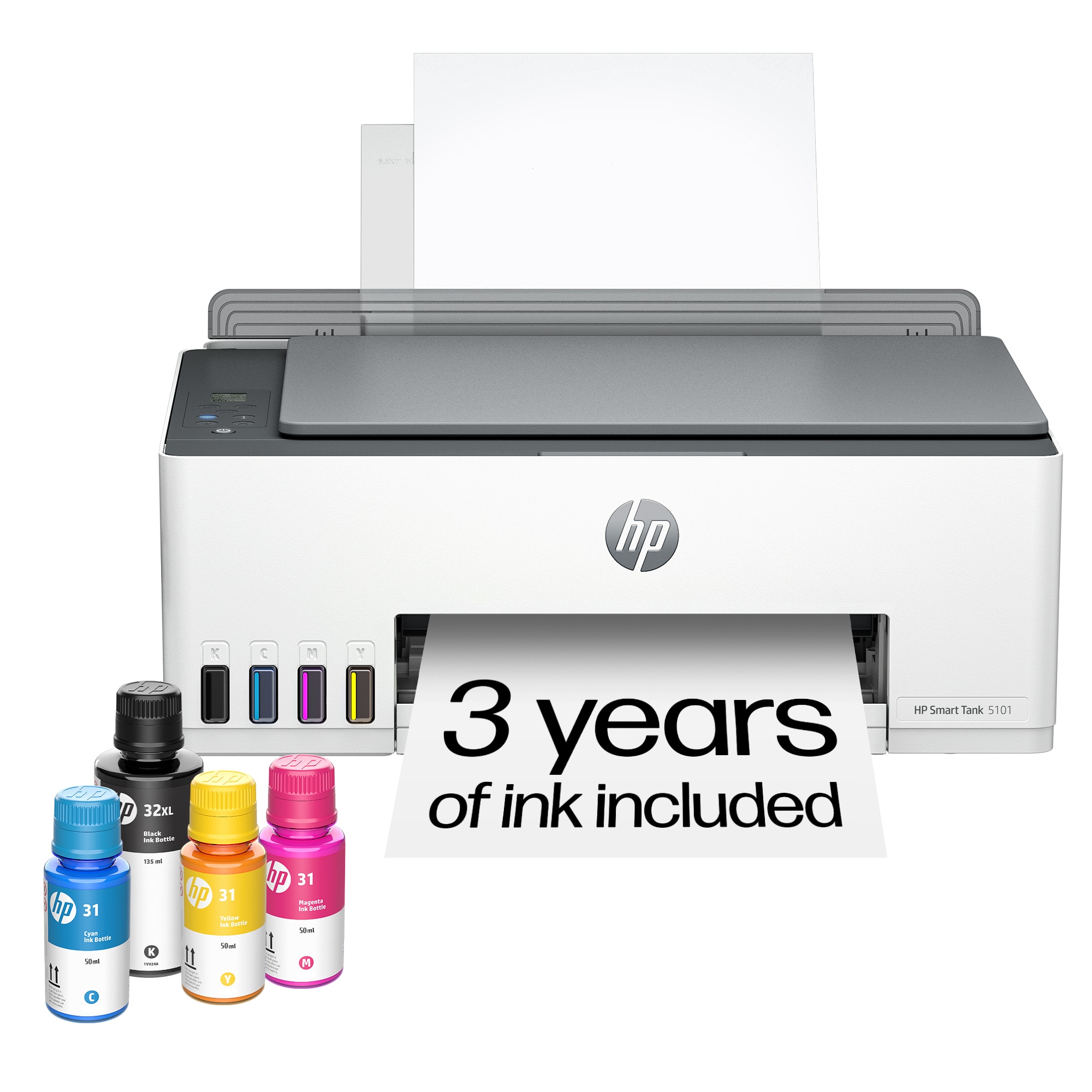
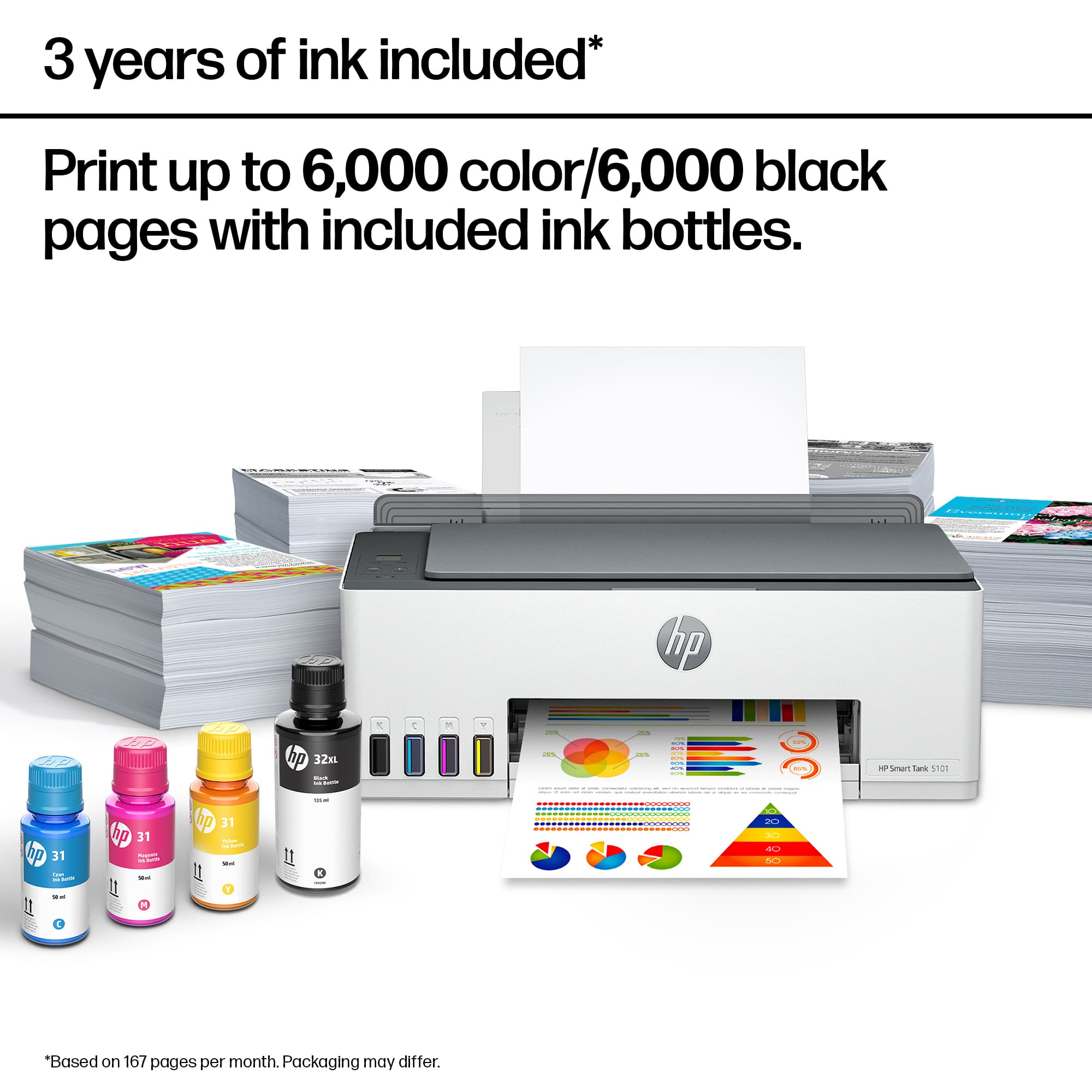
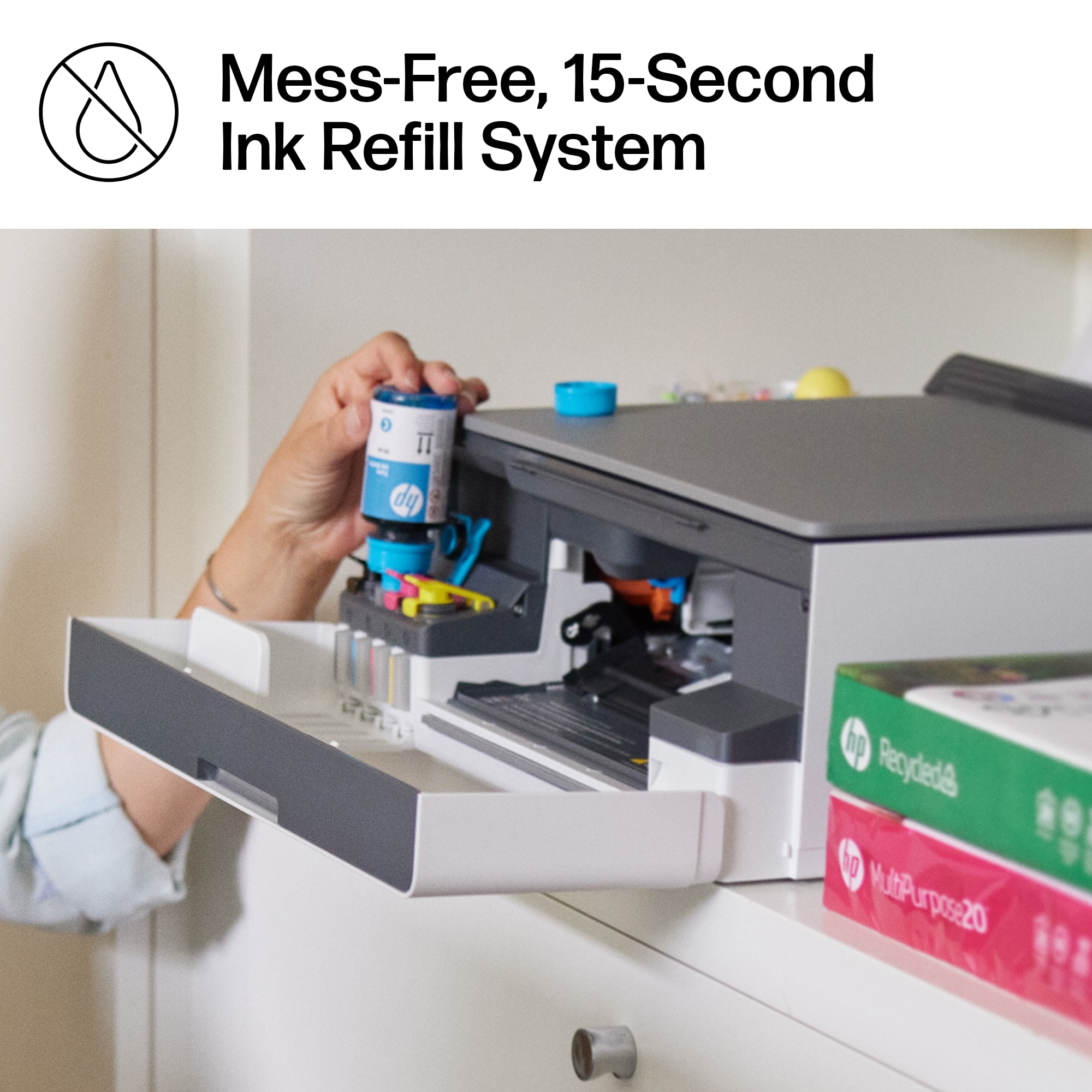
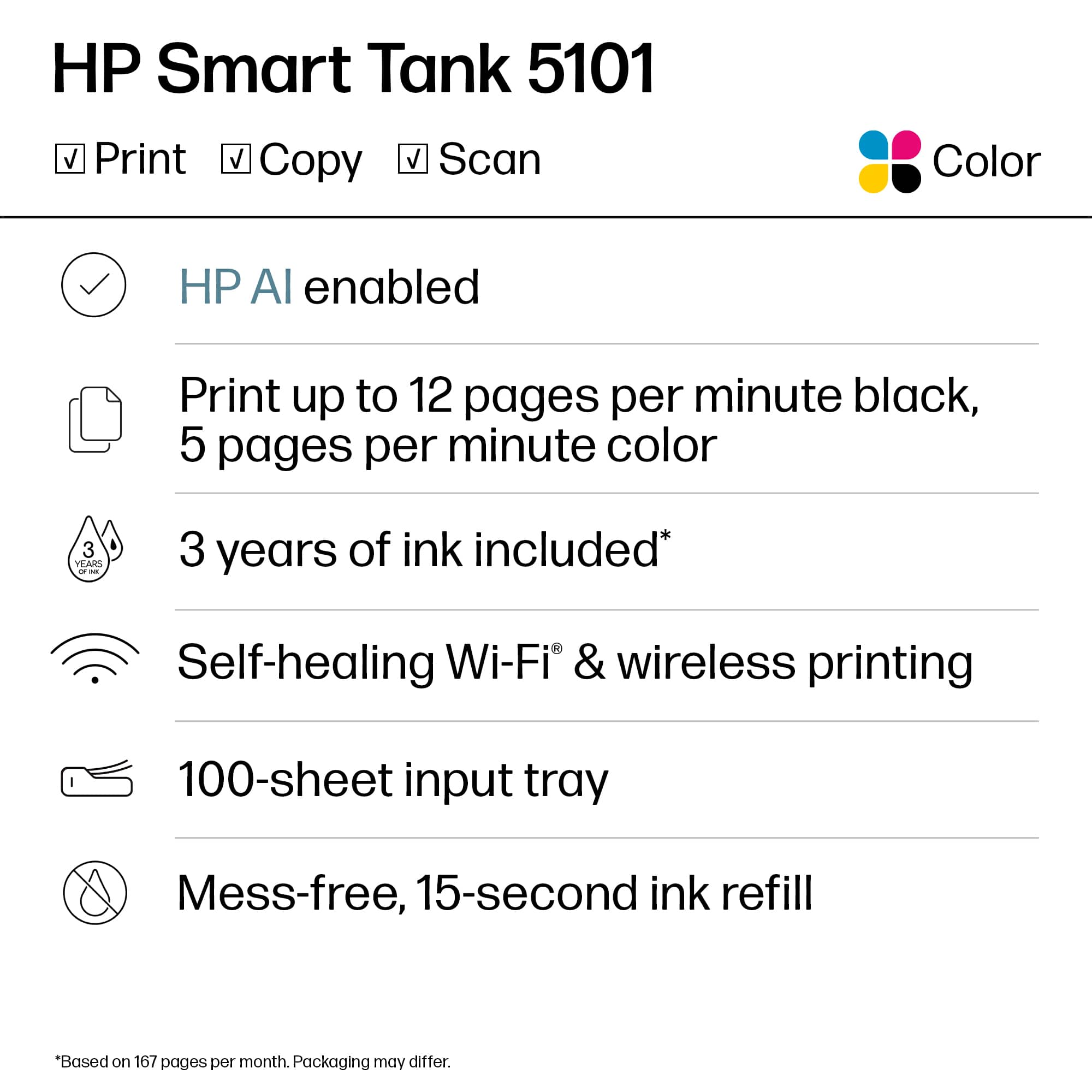
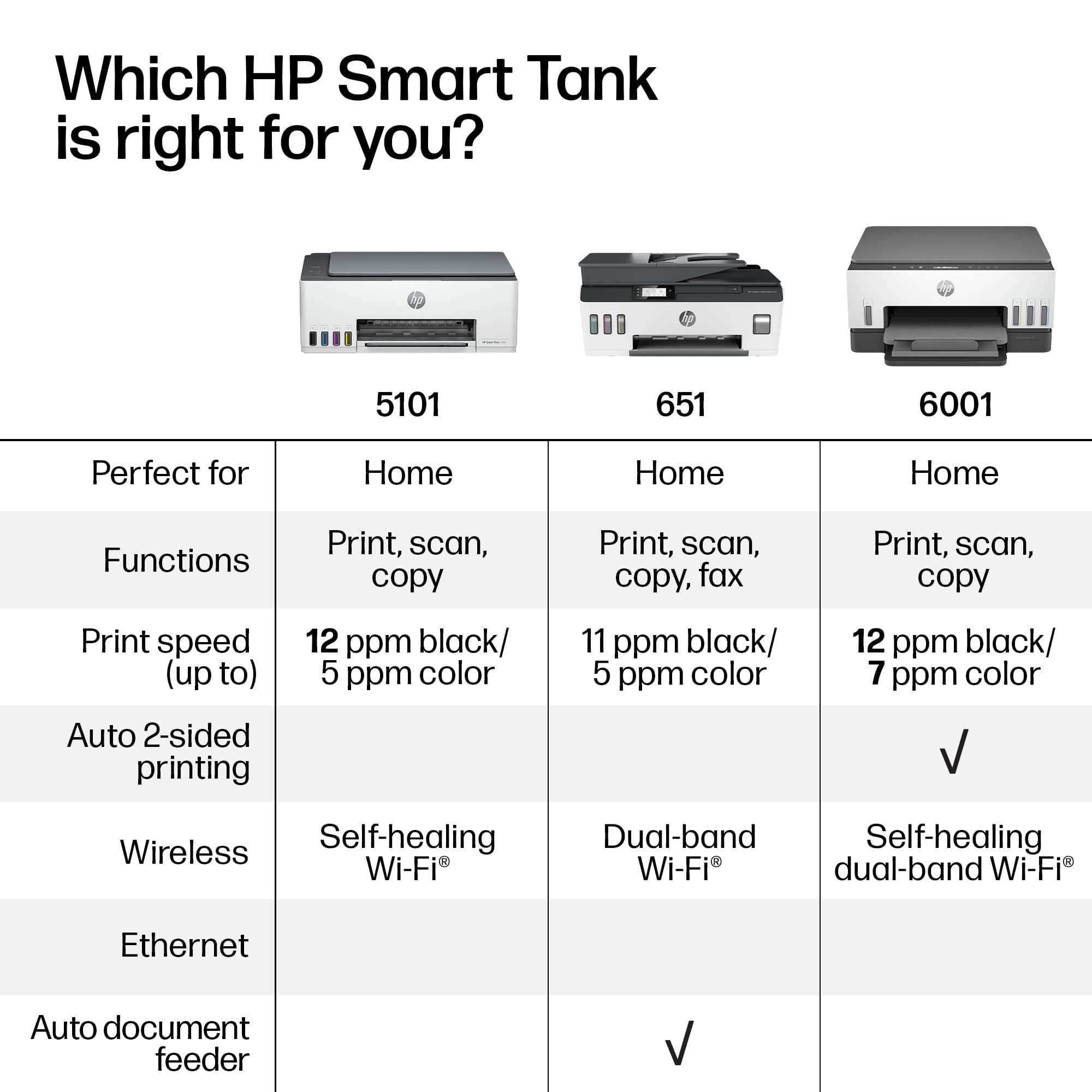
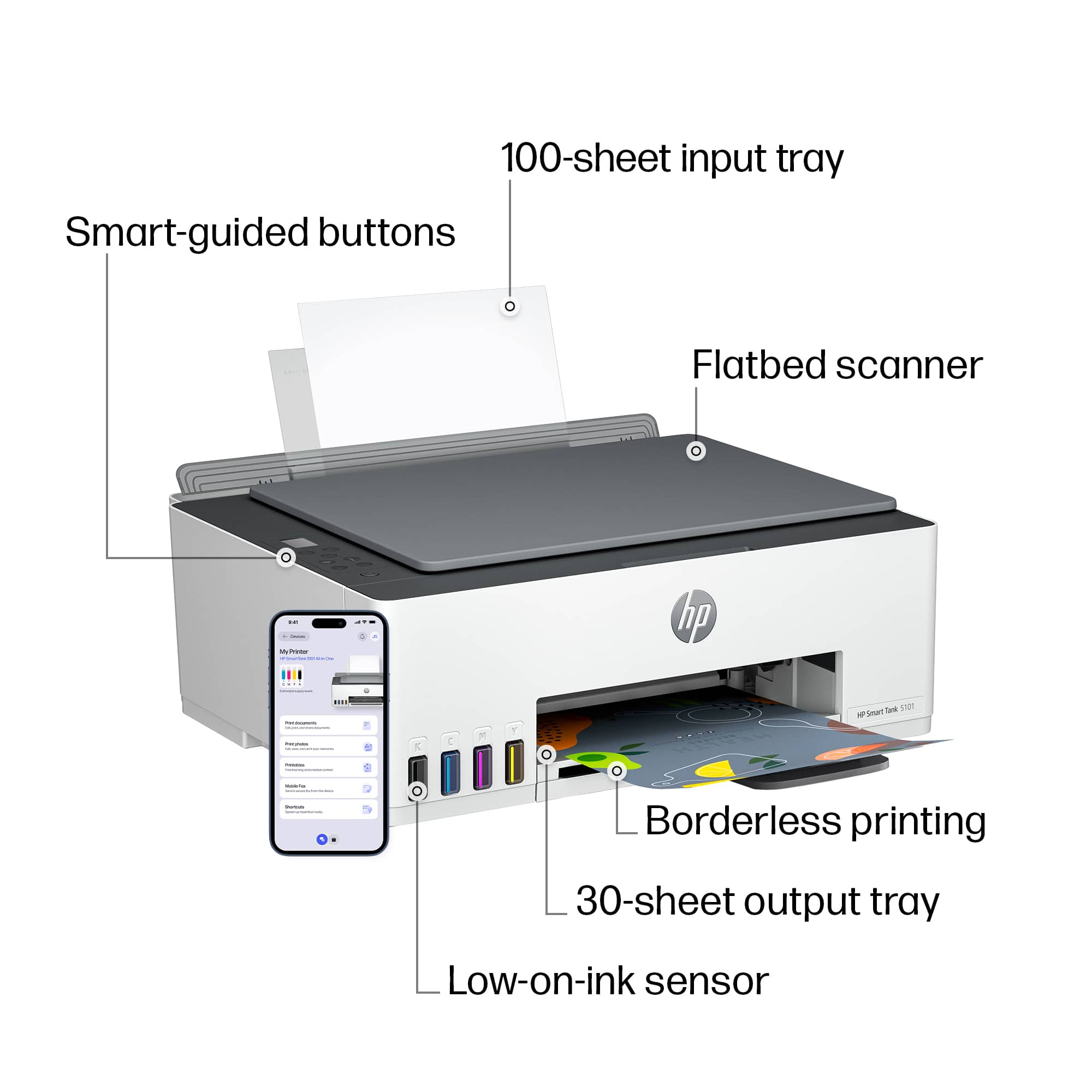
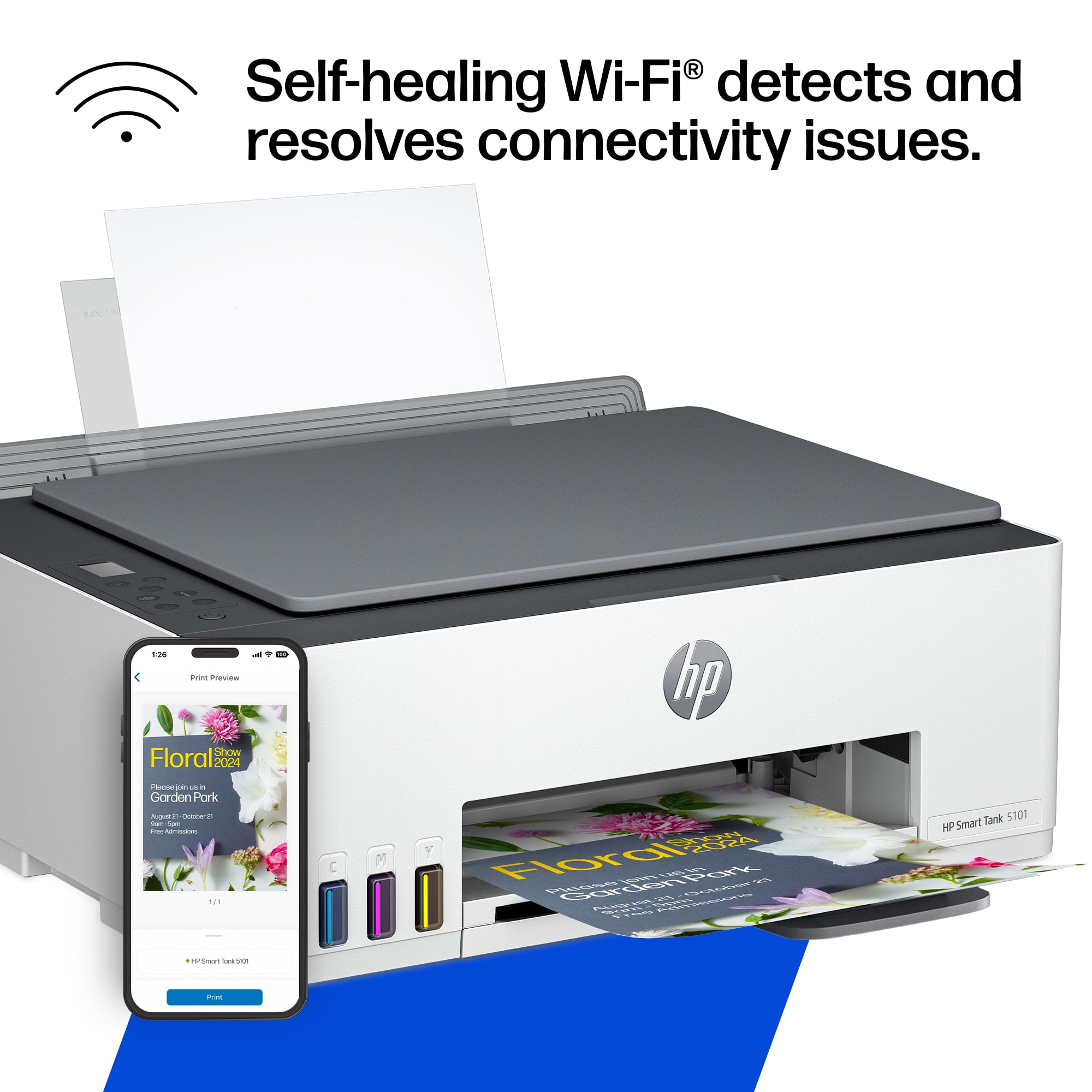
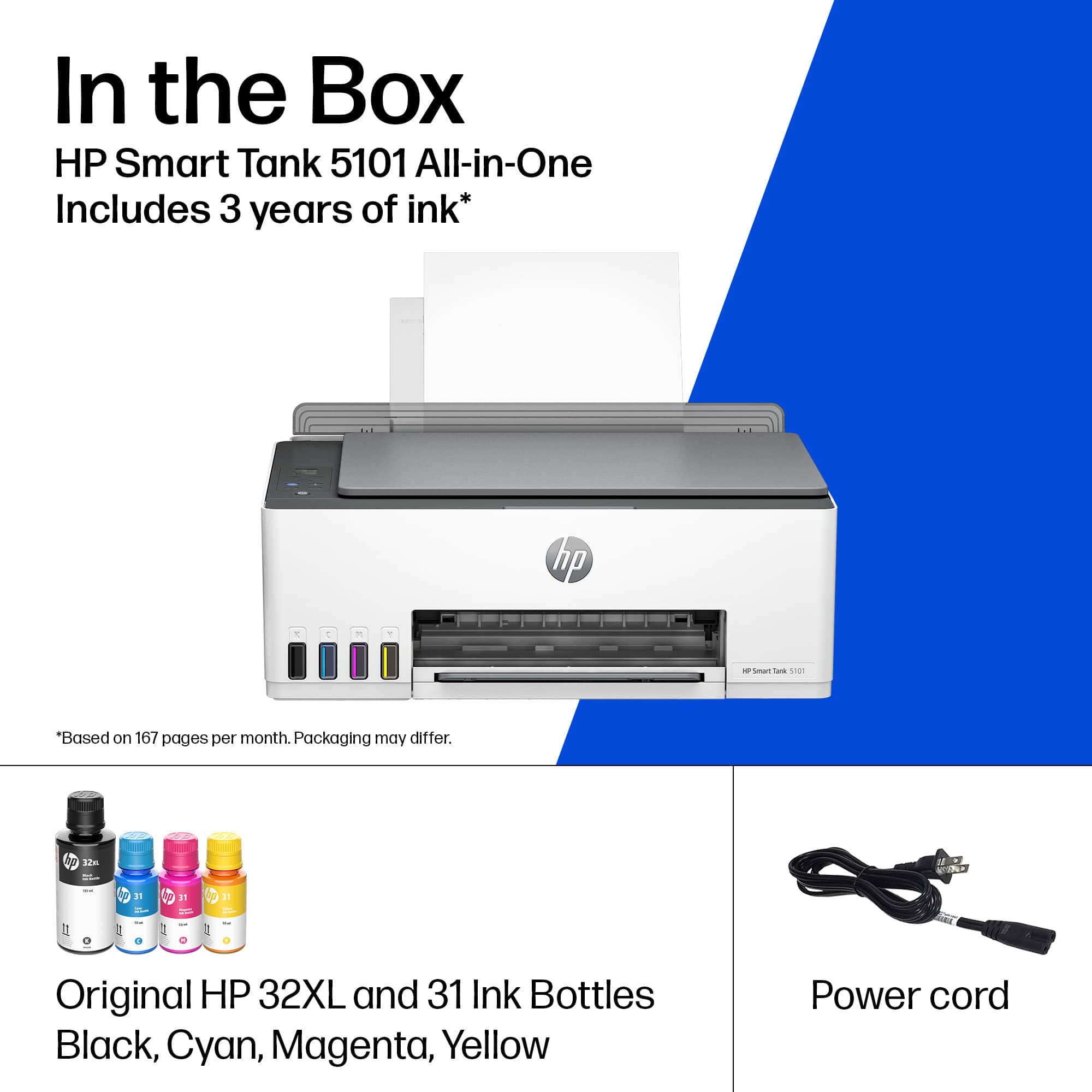
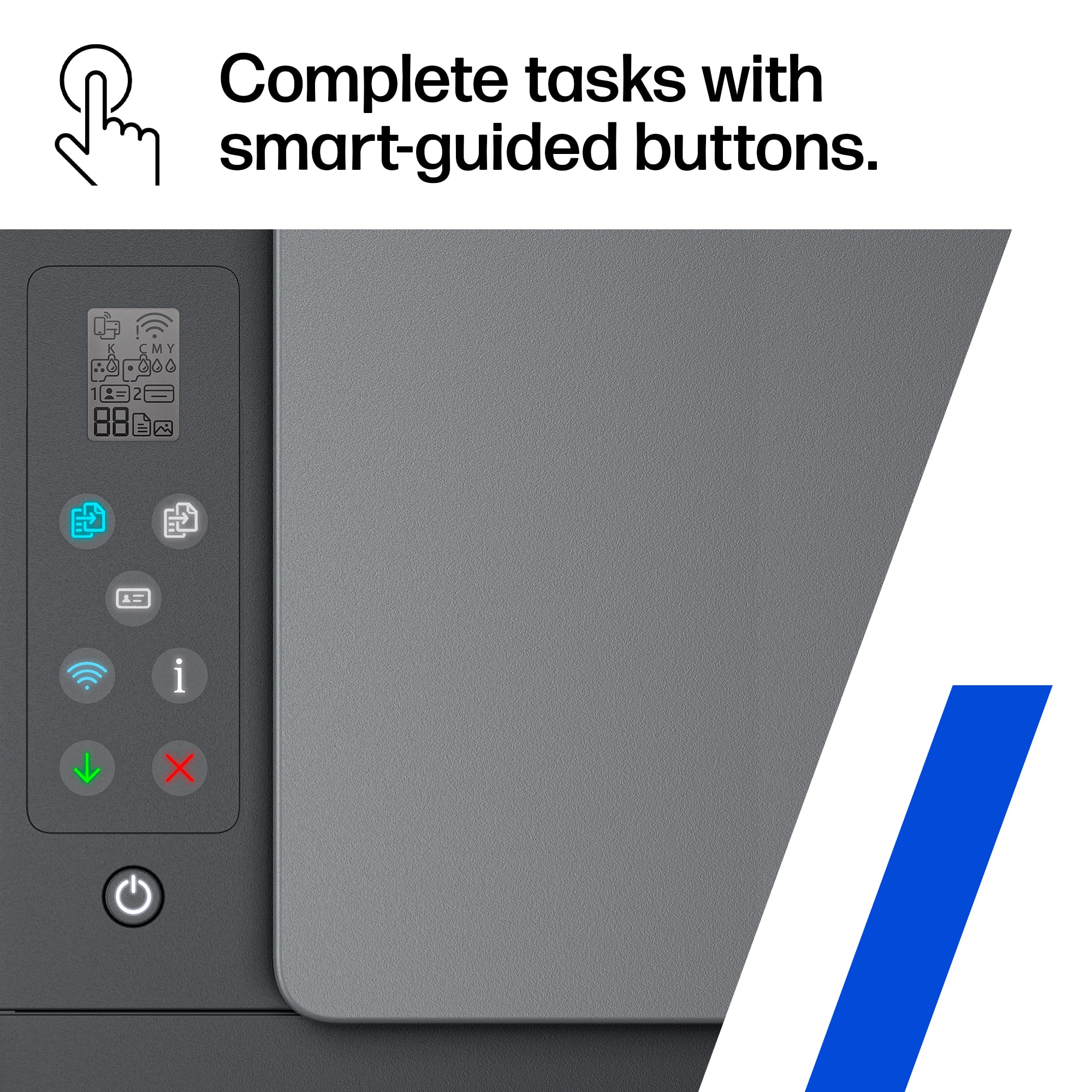
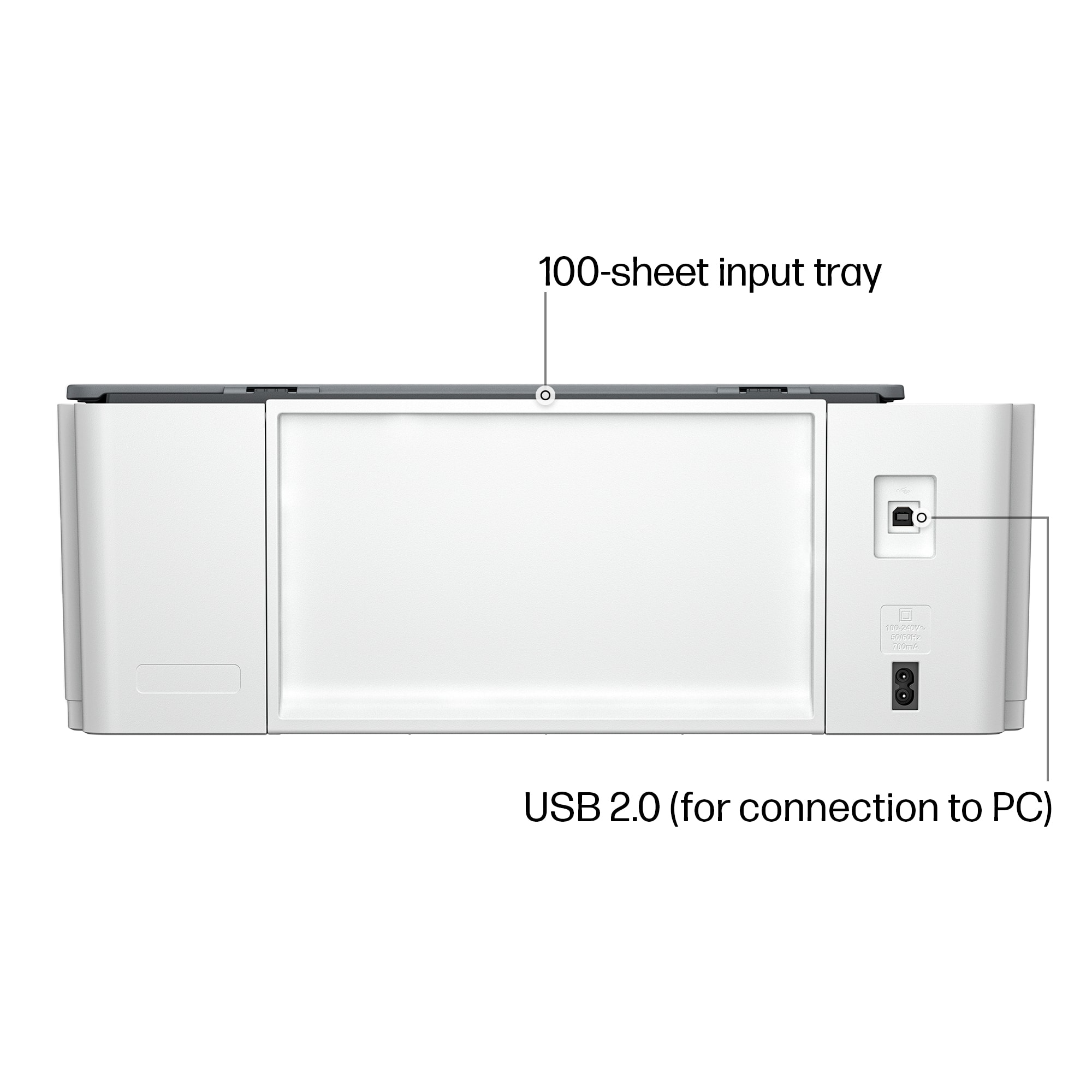
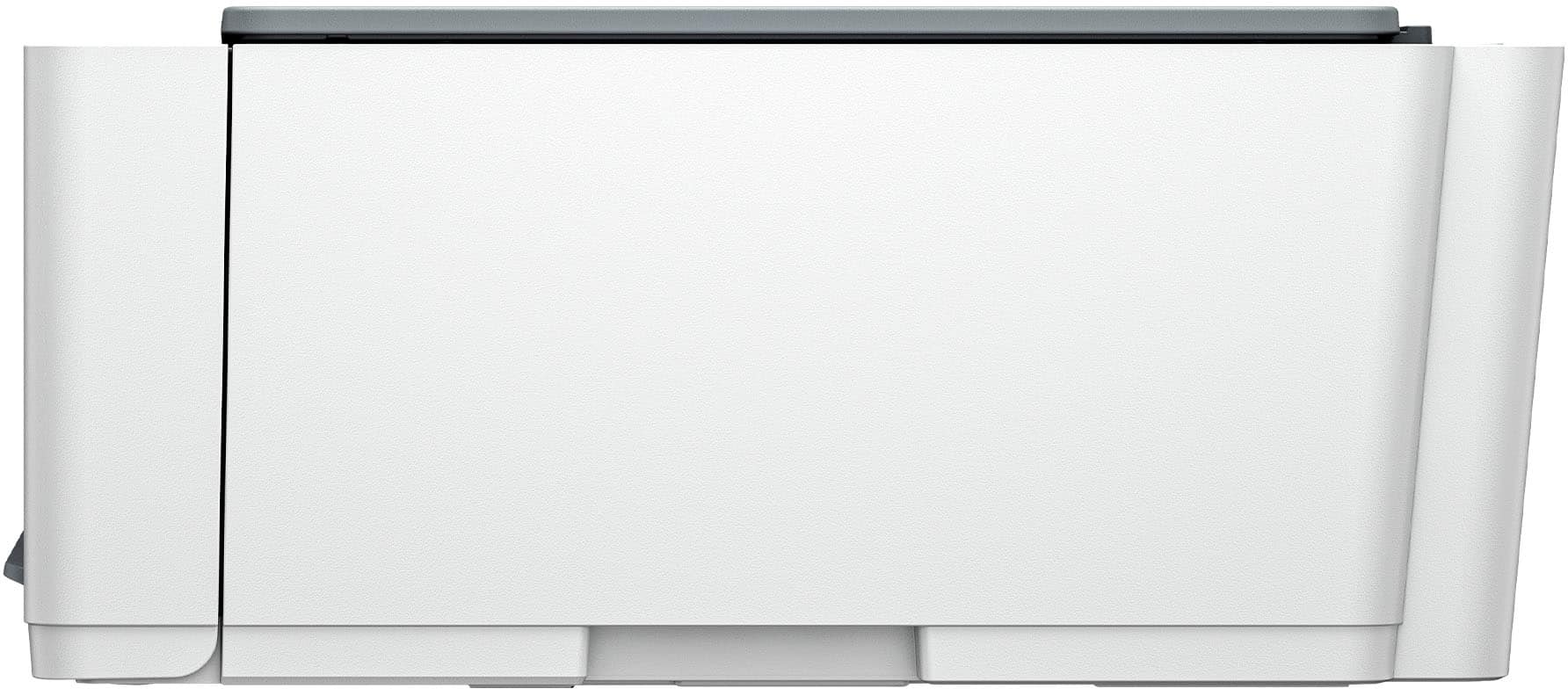
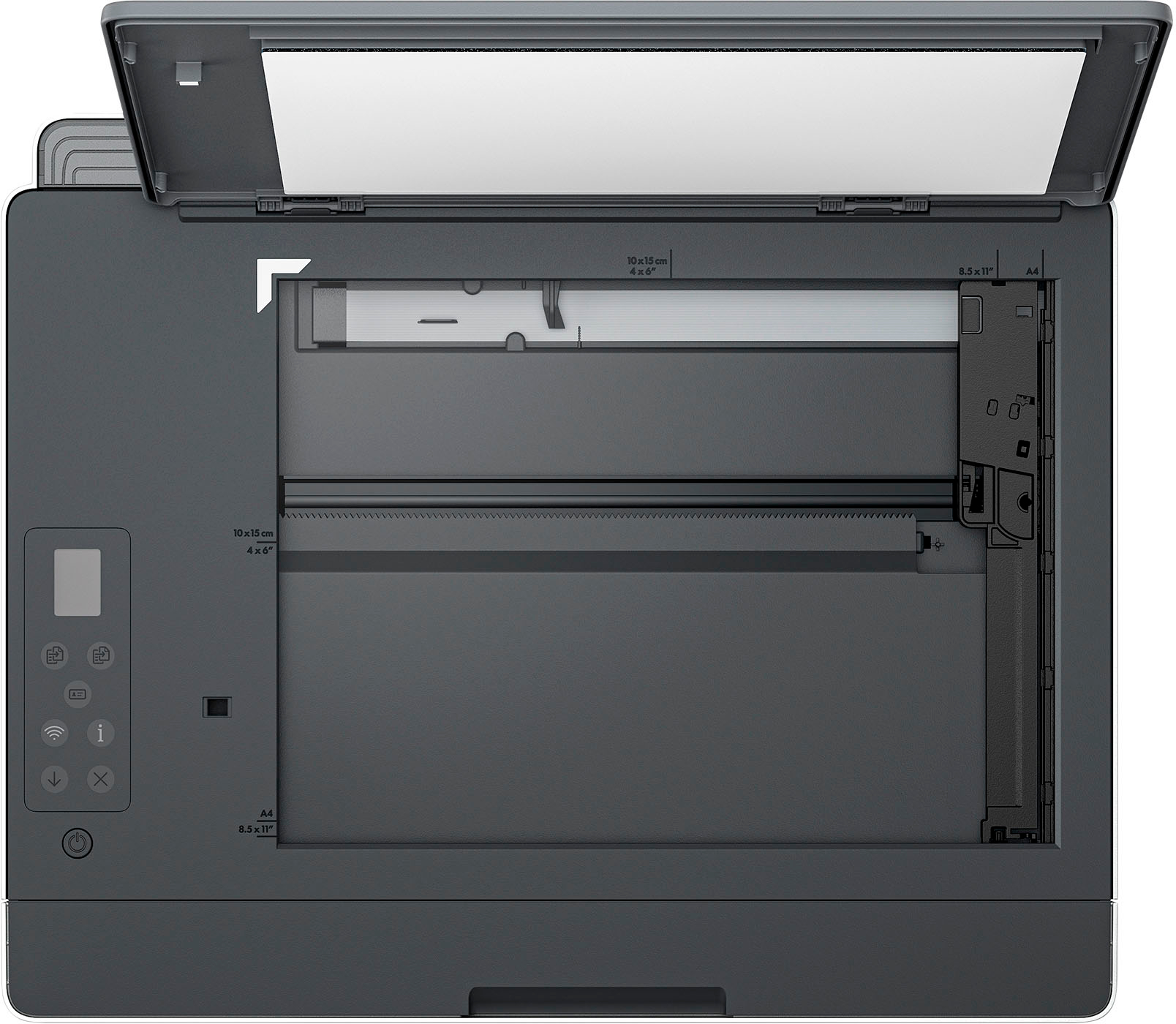
|Posted .This reviewer received promo considerations or sweepstakes entry for writing a review.The HP Smart Tank 5101 All In One Printer is your chance to break free from buying expensive ink cartridges. Included in the box are 3 color ink bottles (50ml) and 1 black ink bottle (135ml). This is projected to be enough ink to print up to 6000 color or black pages. Filling the tanks is easy and quick. The ink bottles are designed to securely click into the ink tanks eliminating any concerns about spilling ink. The color ink bottles will be empty after refilling the tanks, however the black ink bottle will still have about a third of the ink leftover for you to use at a future date. Also included are 2 printheads, 1 color and one black. These are designed to slide into clearly designated slots and then locked into place. I had a little bit of an issue with the printhead installation. I would put one printhead in, but when I put the second one in the first one would slide out. I had to repeat this several times before I was able to lock them both into place. There are "Smart Buttons” for functions like printing color or black copies, printing badges, information, wifi connection, etc. These buttons are bright and intuitive. However, the 1 inch monochrome screen is not illuminated and is very difficult to read. I have to put on my reading glasses and turn on the brightest lights in the room in order to read it. There is no conventional paper tray. Instead there is a paper feeder in the rear which can hold multiple sheets and feed them.There is also no automatic document feeder, so 2 sided printing becomes a chore. You must take the copy out and refeed it through the paper feeder after turning over the original. WiFi connection and setup was very easy using the excellent HP Smart App. The print quality is excellent in both color and black. Pros: Ink Tank system is cost effective and easy to refill. Setup and installation is quick and simple. Print form any device (mobile, desktop, laptop) with excellent HP Smart App. Wifi connection is solid. HP has self-healing wifi which detects and resolves any connection issues. Illuminated Smart Button are easy to read and intuitive. Print quality is excellent. Cons: Small monochrome screen is not illuminated and is very difficult to read. No automatic document feeder for 2 sided printing or scanning. No conventional passport tray. One other possible concern is the life of the printheads. Only time will tell how long they last. The cost of these printheads may negate some of the cost savings of using the smart tanks. Overall the HP Smart Tank 5101 All In One performs its most important task, which is printing, excellently in both color and black. The Smart Tank refills should save money in the long term and it's designed to be neat and easy. Due to the lack of an automatic document feeder, this is more suitable to be in home rather than an office. I have used HP printers for many years and have always found them to be high quality and this one is no different. I would highly recommend this if this fits your needs.
I would recommend this to a friend - Pros mentioned:Ease of use, Print quality
No more expensive cartridges!
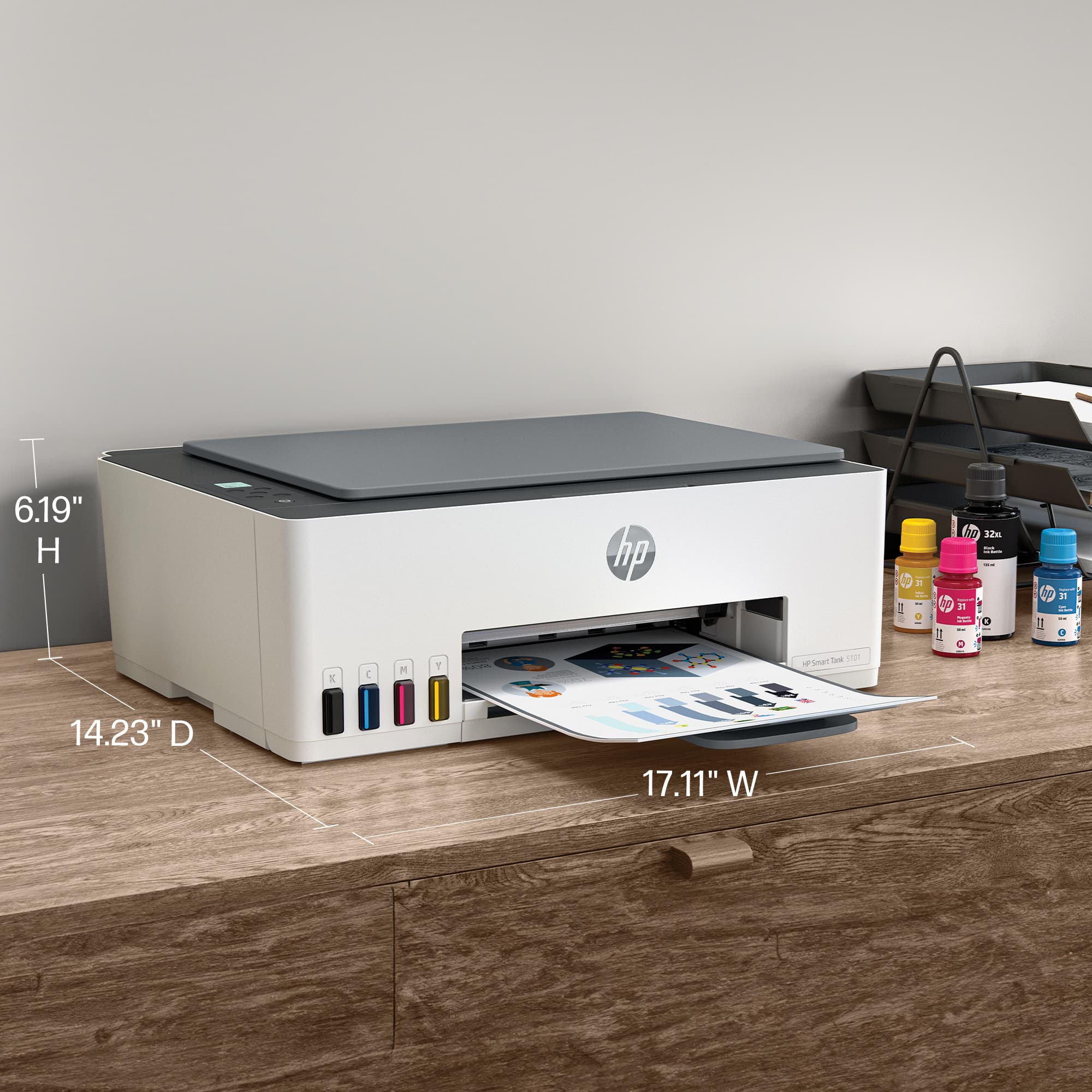
|Posted .This reviewer received promo considerations or sweepstakes entry for writing a review.Glad to see HP has joined the trend in offering tank filled printers. I'd have to cringe every time I needed an ink cartridge, or heaven forbid 2 or 3 - there goes a $100 bill! Not everything is free, mind you, the upfront cost of these printers is higher, but as time goes on, there are significant savings to be had. Don't forget those cartridge printers generally come with "starter" cartridges, and you're running off for refills in short order. I'm using this to replace an Epson tank printer which was pretty good aside from the fact that it consistently dropped wifi connection - quite annoying when you're ready to print something. The HP has no such problem, in fact, it boasts "self healing wifi" which seeks & reconnects on it's own if it drops connection. Out of the box experience went easily, filled the 4 tanks from the provided ink bottles; the hardest part was installing the print heads (one black; one color). Having large hands was a bit difficult to insert your hand into the front slot of the printer while trying to see exactly where it was going. You must set this up through the HP app, since I have another HP printer this was a real snap. Opened up the app, clicked on new printer, and it picked up the 5101 right off the bat. You're then instructed to print out an alignment sheet, and scan it so that it can align the print heads. It will then print out a test sheet, which was immaculate, clean, crisp text. There are a couple of reasons why I didn't give it 5 stars. First, the black & white LCD screen is pathetic; measuring less than three quarters of an inch by one inch. I really would like to see at least a 2" screen which is able to offer some plain text as to what is going on as opposed to trying to decipher miniature hieroglyphics. At 17" wide by 14" deep, it's probably a little bit larger than it could be. If you're tight on desk space there are other multi-functions that might fit better. Lastly, there's an output arm (I won't even call it a tray) that pivots out at the bottom. I would prefer a full length tray that slides out and hold the entire sheet. One more favorable observation - it's probably the quietest inkjet that I've owned. General printing & scanning, while not high speed are more than acceptable for this class of printer.
I would recommend this to a friend
















