Customer Ratings & Reviews


- Model:
- NAE-HP-S14-CB160NR
- |
- SKU:
- 6261516
Customer reviews
Rating 4.3 out of 5 stars with 4 reviews
(4 customer reviews)to a friend
- Pros mentioned:Easy to use, Light, Quiet
Rated 4 out of 5 stars
Good Product for the Money
||Posted .This reviewer received promo considerations or sweepstakes entry for writing a review.I bought this for my 84 year old mother. Perfect for her for what she needs. Very quiet, light weight, and easy to use.
I would recommend this to a friend Rated 5 out of 5 stars
Great Computer!
||Posted .This reviewer received promo considerations or sweepstakes entry for writing a review.After going through numerous of laptops over the past few months, I think this one is a winner. At least I hope!!
I would recommend this to a friend- Pros mentioned:Processor, Ram
Rated 5 out of 5 stars
Great student computer
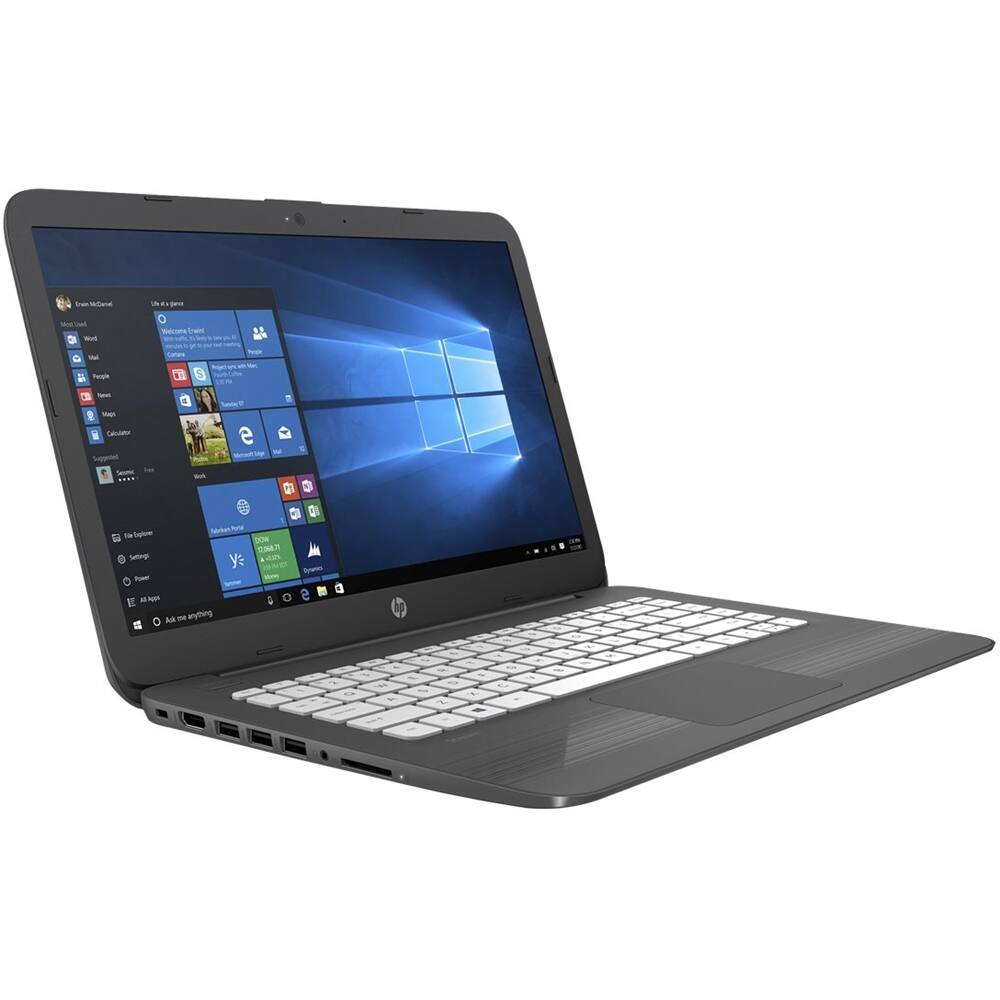
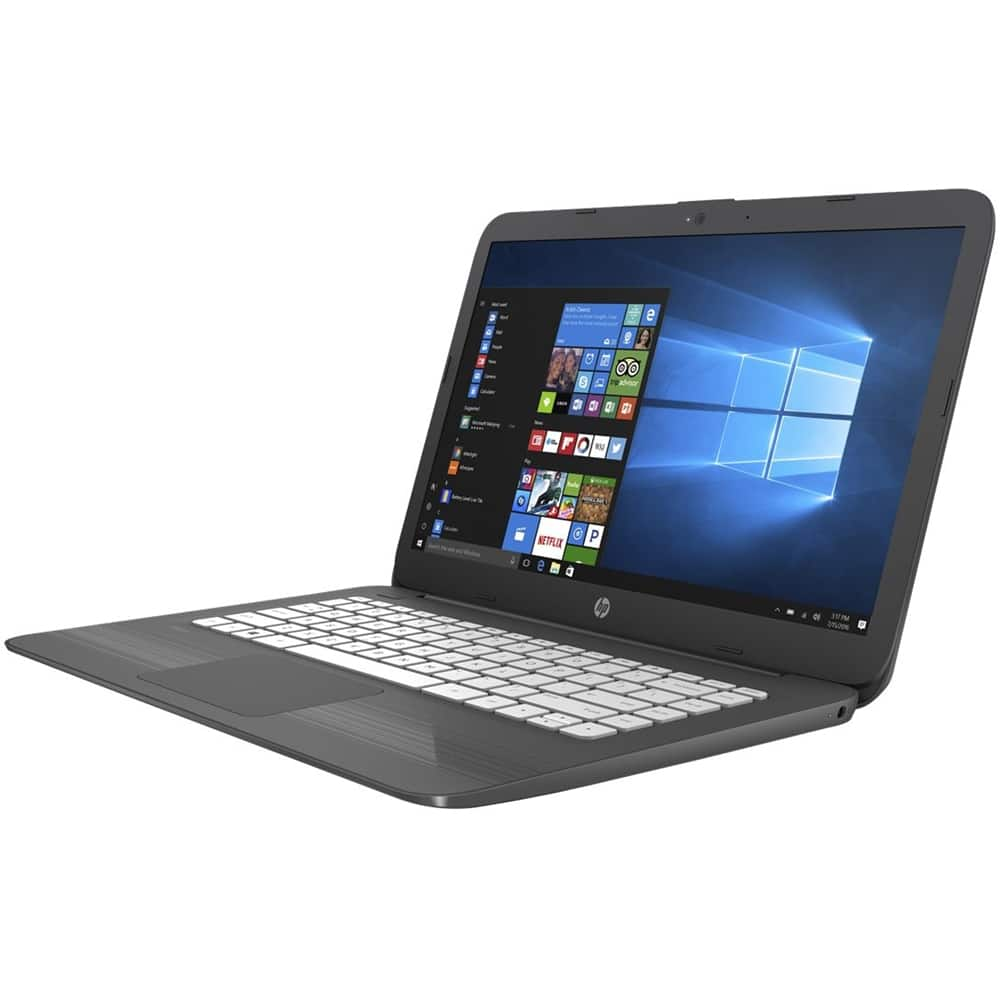
Posted .This reviewer received promo considerations or sweepstakes entry for writing a review.4gb, 64gb, Celeron N4000 "Gemini Lake" and a fine keyboard are the key product points. Be very, very careful NOT to get the older edition with the slow N3060 processor, and watch out for older models and competitors still stuck on 2gb/32gb. You REALLY need the 64gb of storage so you can do Windows 10 periodic updates (like version 1809 just released on Tuesday October 2, 2018). Otherwise, you need to use an external USB with the Media Creation Tool to work around the limited storage space on 32gb models. You REALLY want 4gb not 2gb since most of us have multiple browser tabs open, and maybe Microsoft Word open in the backgound. You REALLY want the Celeron N4000 processor, which is much better than the N3060 it replaces. It has MUCH better graphics capabilities to help it keep up with complicated web pages (sorry gamers, you already know this isn't a gaming laptop at this price), and can hardware decode (instead of using Windows or the app) video streams from Netflix etc. As Netflix switches over to more efficient codecs (compression algorithms), the ability to translate these in hardware instead of software is important for both quality and battery life. Currently this includes a free one year Office 365 Personal subscription which is usually $69.95; most competitors just include a one month trial. The screen has realistic colors, but it isn't super bright (compared to the average cell phone, it is dim) and can't display as many different colors as most cellphones. It's not meant for Netflixing because of those restraints and the use of a TN (bad viewing angles) screen instead of IPS which is common to most modern phones. BUT it is a little work-horse for homework, projects, blogging, and anything that benefits from a great keyboard (the keyboard deck underneath the keys is refreshingly solid). So long as you use the "cloud" for storing your papers (which you should, to avoid loss if the computer is stolen), the 64gb is very manageable. I usually have over 20gb free after subtracting the operating system, Office, and some videos. I use a combination of Google Drive (free for 15gb) and One Drive from Microsoft to keep my documents in the cloud. One Drive is the hassle-free way to keep docs in the cloud and not hogging space on the laptop, but you only get 5gb free, 1TB (yes one TERAbyte) for one year with the free Office Personal subscription. In terms of set up, give the laptop some time to do all the background updates before you judge the speed. You can "force" the updates to hurry up by going into Settings, Update, and clicking Check for Updates. You need to do this several times until Check for Updates says you are up to date. This releases with version 1803 and will update to 1809 at some point, or you can force that update too but I'll let you hunt on Google or Bing for the tool to do that. It takes about 2 hours on this laptop to do a full version upgrade, about an hour to do the accumulated incremental updates if you stick with 1803. Finally, if you know anything about Windows, turn off S Mode so you can install desktop VLC, Chrome, and other stuff NOT in the S Mode mandatory Store app. Turning off S Mode is buried in Settings and turning it off converts you to Windows 10 Home - a one way conversion at this point. BUT if you want extra security, go back into Settings, Apps, and in the right hand panel toggle either to Install Apps from Store Only (which is essentially "S" Mode) or Warn Me Before Installing Apps from Other Sources. I like to toggle Install Apps from Store Only as an extra line of defense against malware. Finally, 11" Stream vs. 14". If you "muscle up" the 11" current Stream to also have 64gb, only $20 separates it from the 14". I like the 14" much better for real work. It's bigger and heavier, true, but so much easier to see the screen.
I would recommend this to a friend - Cons mentioned:Durability, Keyboard
Rated 3 out of 5 stars
I guess you get what you pay for
Posted .This reviewer received promo considerations or sweepstakes entry for writing a review.I got this as a Christmas gift. I hated the fact that there was no CAPS lock button. I guess that doesn't matter no way because it died on me. It won't charge, nothing. And I've only had it for almost 3 years.
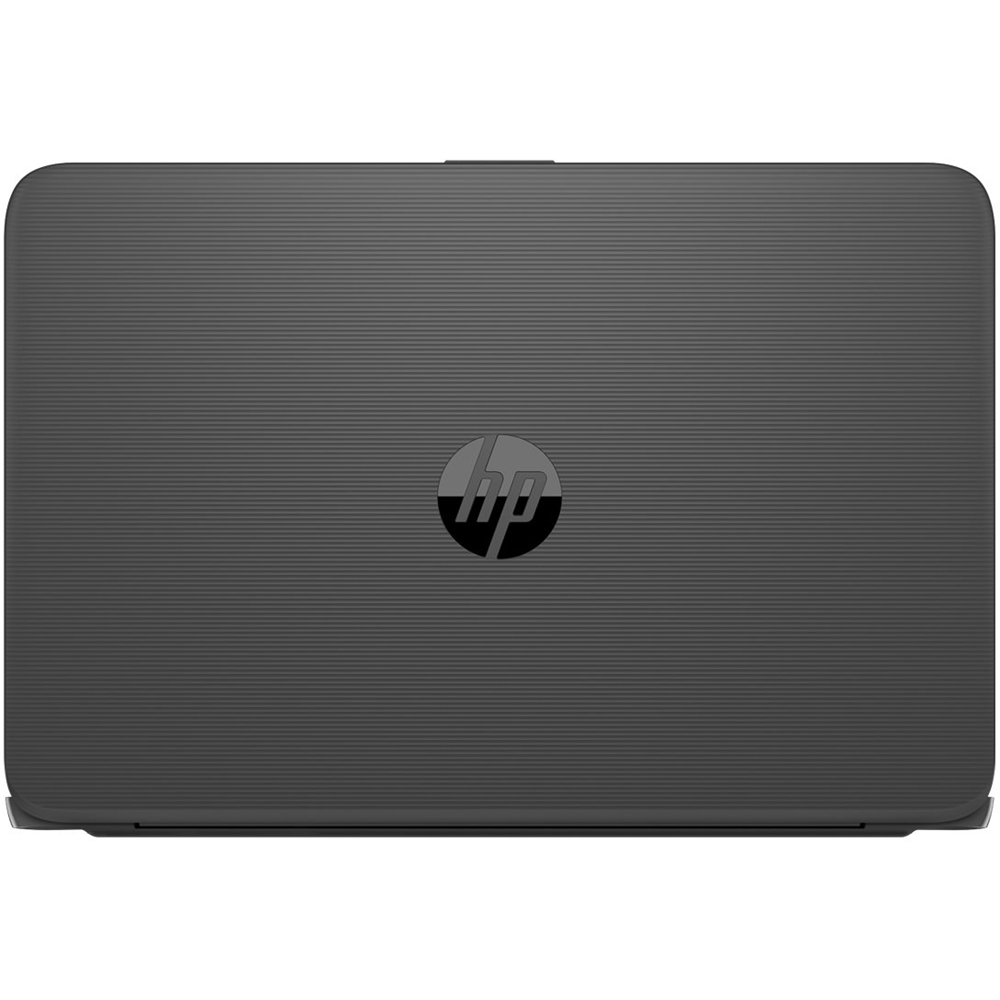
This review is from HP - Stream 14" Laptop - Intel Celeron - 4GB Memory - 64GB eMMC Flash Memory - Textured Linear Grooves In Aqua Blue
No, I would not recommend this to a friend
People also viewed
- $497.99Your price for this item is $497.99$749.99The comparable value for this item is $749.99
- Presidents' Day Deal$649.99Your price for this item is $649.99
- Presidents' Day Deal$319.99Your price for this item is $319.99
- Presidents' Day Deal$429.99Your price for this item is $429.99
- $607.99Your price for this item is $607.99$799.99The comparable value for this item is $799.99
- $759.00Your price for this item is $759.00$899.99The comparable value for this item is $899.99
- $379.99Your price for this item is $379.99$529.99The comparable value for this item is $529.99
- Presidents' Day Deal$499.99Your price for this item is $499.99
- Presidents' Day Deal$599.99Your price for this item is $599.99
- Presidents' Day Deal$1,249.99Your price for this item is $1,249.99
- $769.00Your price for this item is $769.00$949.99The comparable value for this item is $949.99
- $1,549.99Your price for this item is $1,549.99$1,899.99The comparable value for this item is $1,899.99
- $939.00Your price for this item is $939.00$1,099.99The comparable value for this item is $1,099.99
- $723.99Your price for this item is $723.99$899.99The comparable value for this item is $899.99
- $639.00Your price for this item is $639.00$849.99The comparable value for this item is $849.99
- $1,799.99Your price for this item is $1,799.99
- $739.00Your price for this item is $739.00$899.99The comparable value for this item is $899.99
- $210.18Your price for this item is $210.18$399.00The comparable value for this item is $399.00
- $429.00Your price for this item is $429.00$629.99The comparable value for this item is $629.99
















