Customer Ratings & Reviews
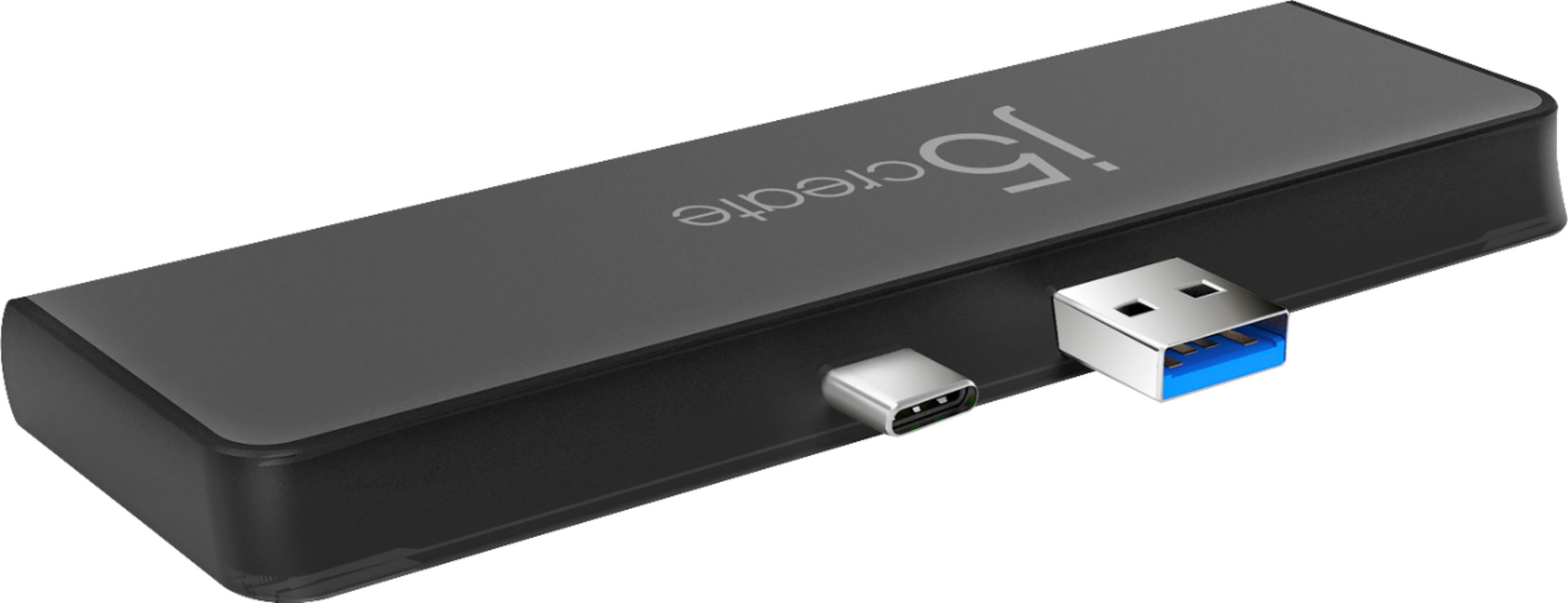
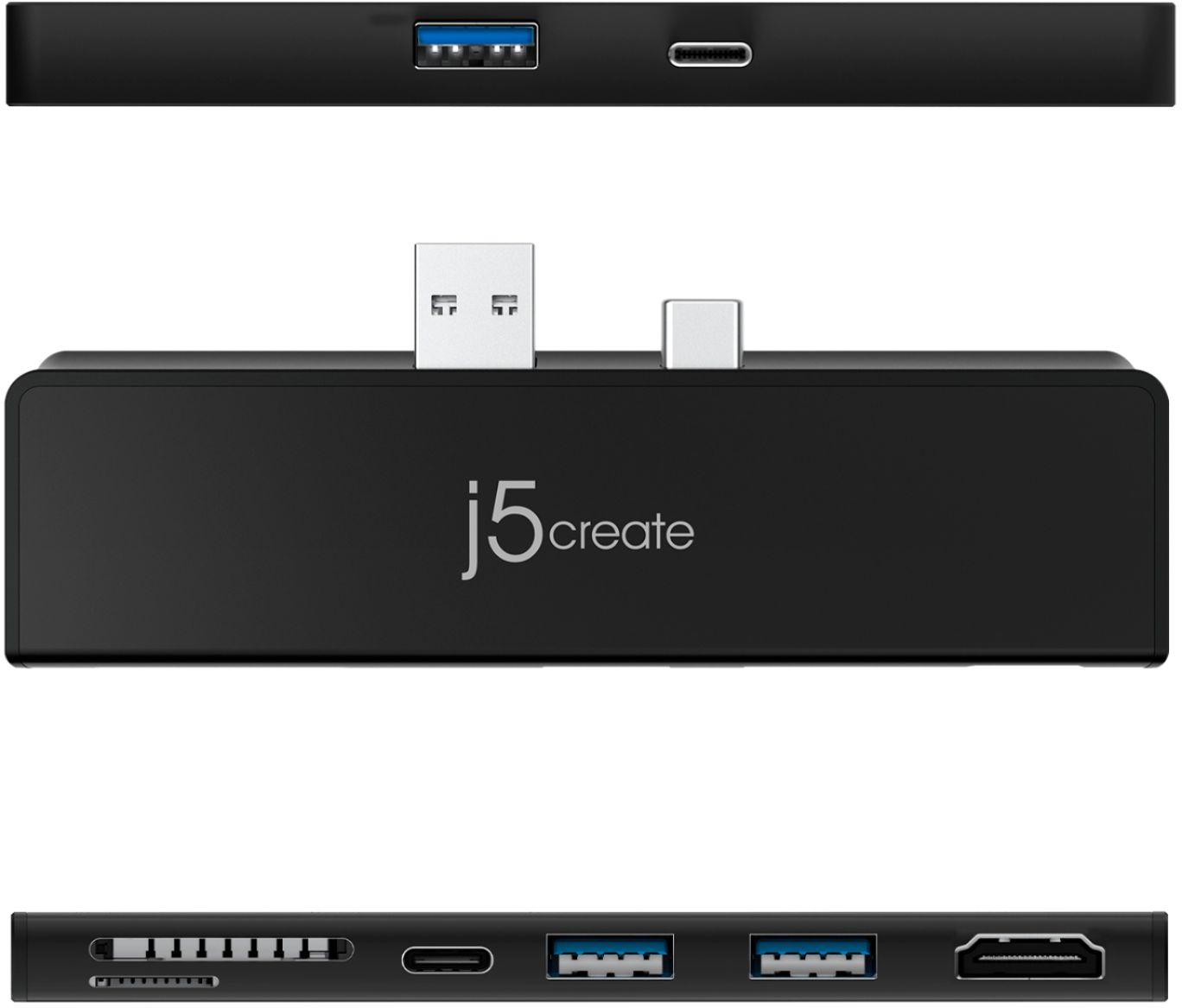
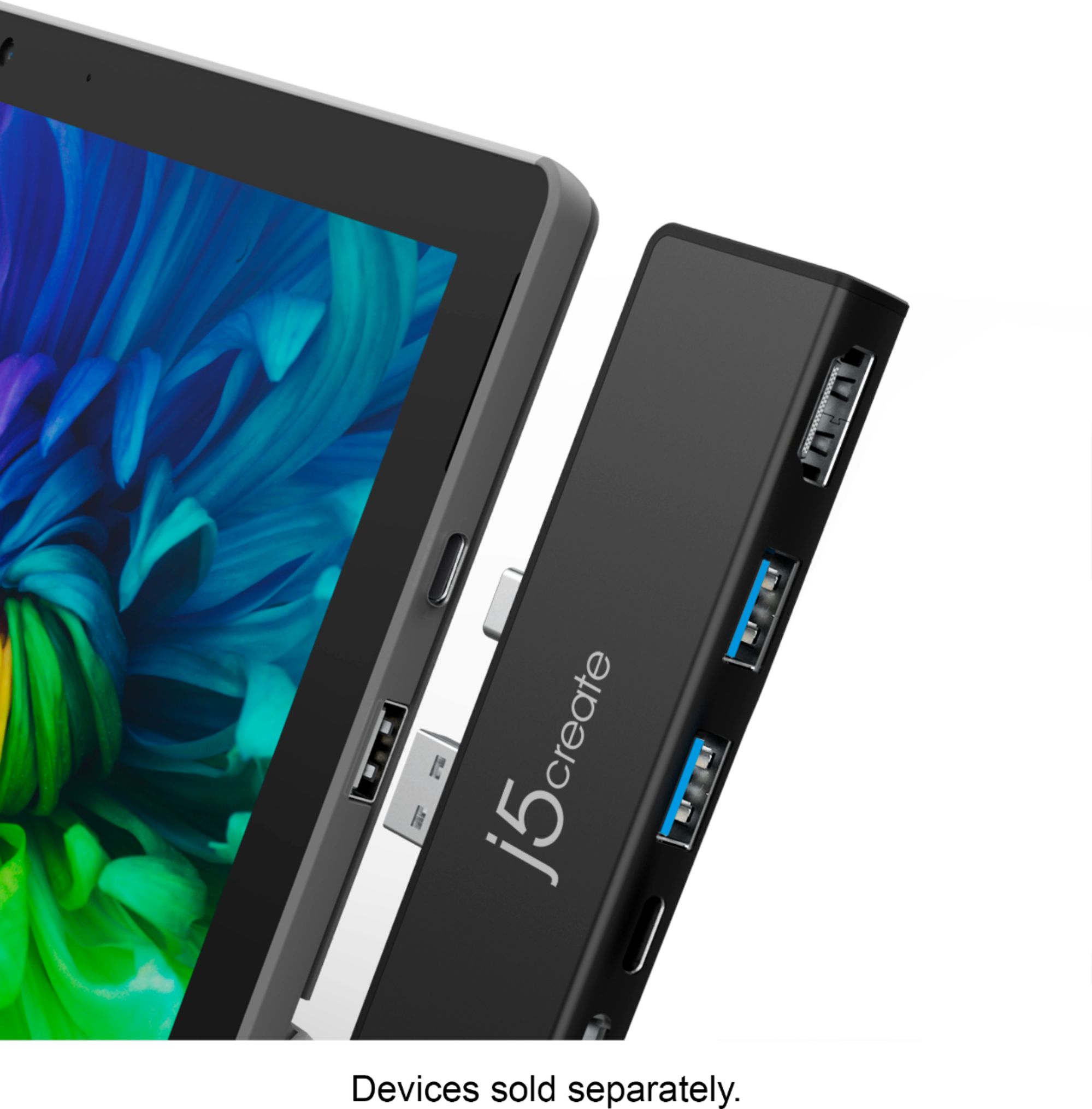
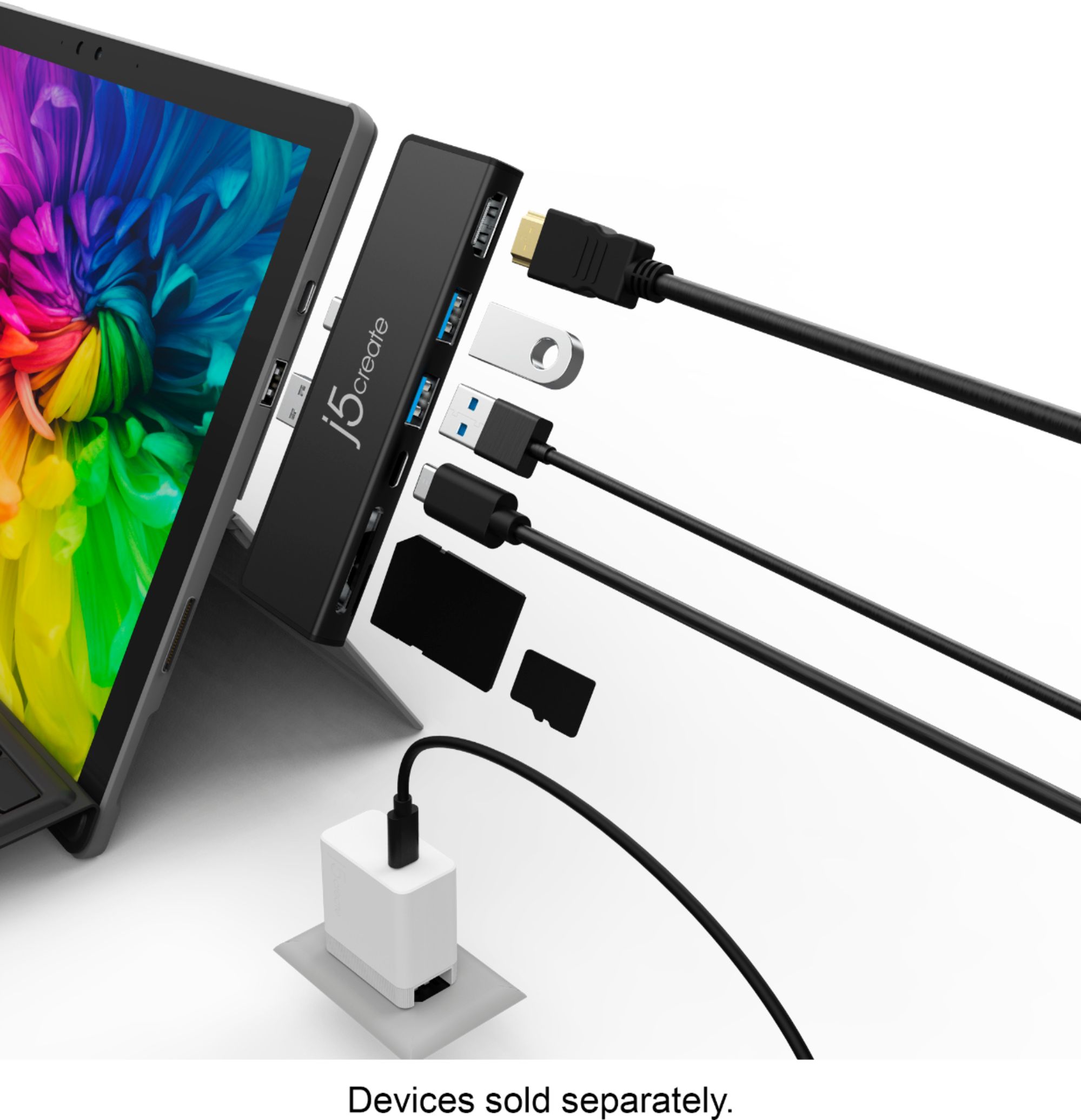

- Model:
- JCD324B
- SKU:
- 6402117
Rating by feature
- Value
Rating 4.3 out of 5 stars
- Quality
Rating 4.4 out of 5 stars
- Ease of Use
Rating 4.4 out of 5 stars
Customers are saying
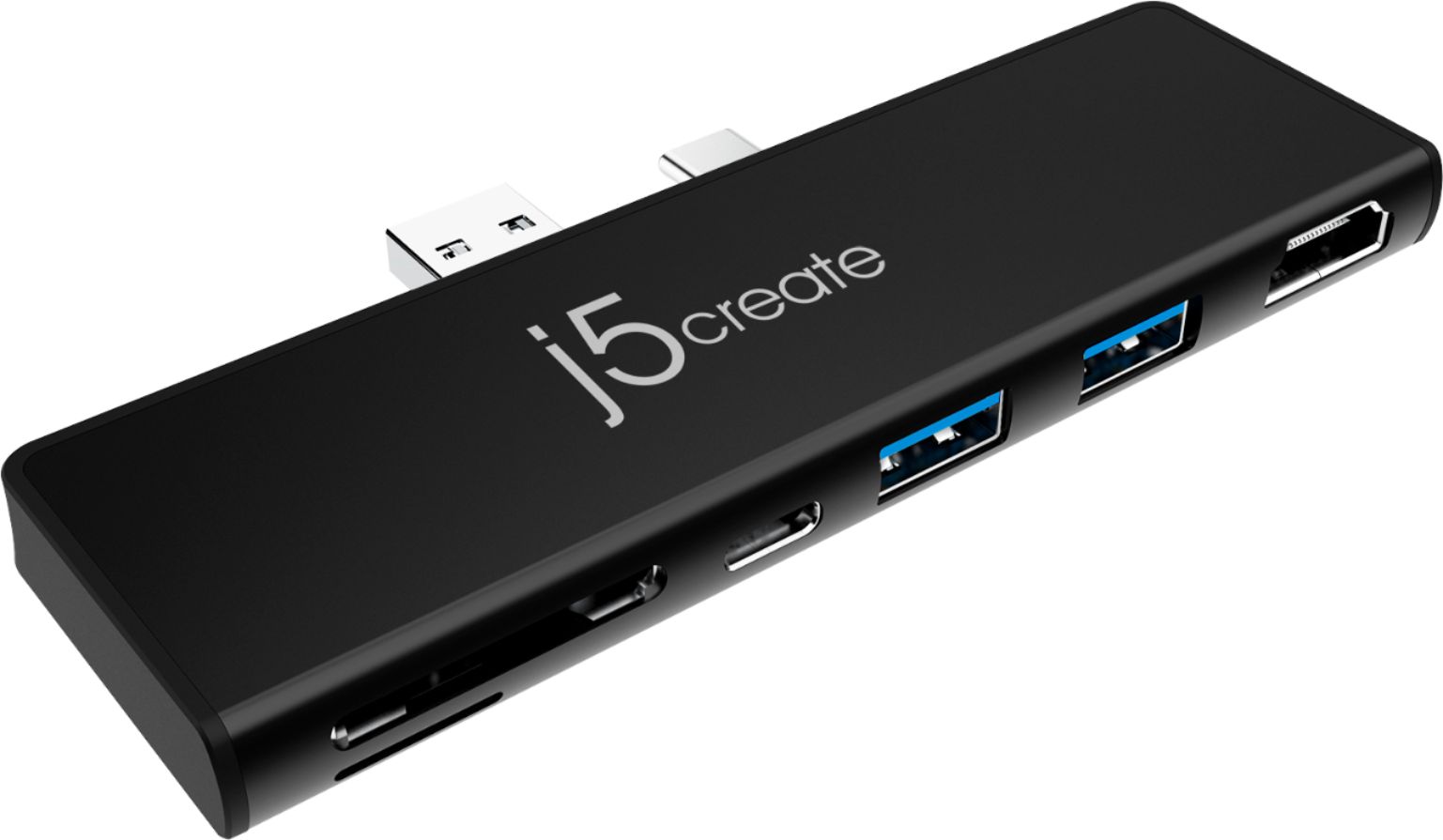
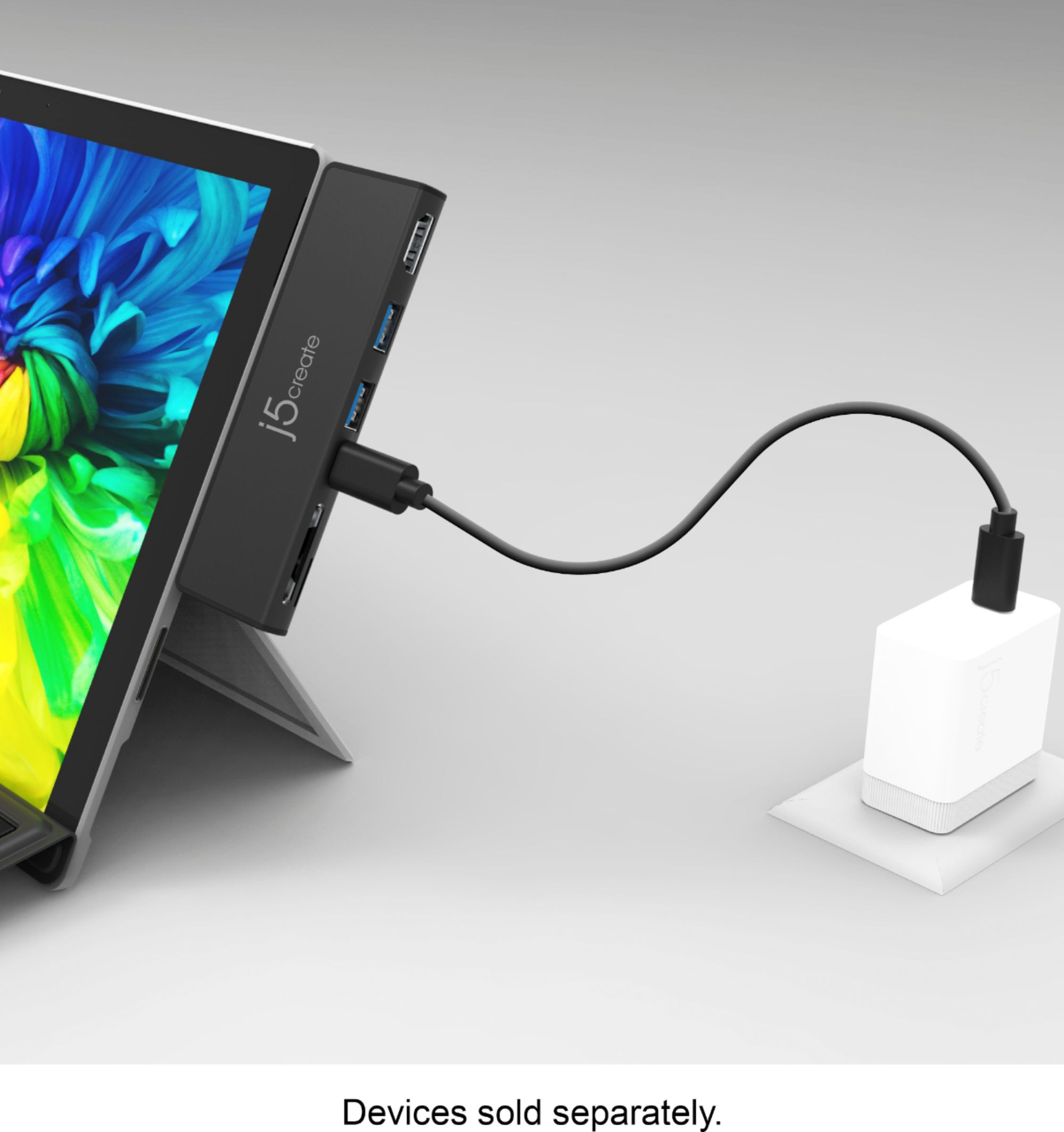
Customers are enthusiastic about the ULTRADRIVEMINIDOCK's HDMI port, ease of use, and the additional ports it provides for their Surface Pro 7. Many appreciate its snug fit and reliable performance, enabling convenient connectivity for various devices. However, some users experienced compatibility issues with certain cases and reported the device getting warm during use. A few also felt the price point was a bit high.
This summary was generated by AI based on customer reviews.
Multi function
||Posted . Owned for 2 months when reviewed.This reviewer received promo considerations or sweepstakes entry for writing a review.Great product and good quality. Very handy especially when needing to charge several devices at once.
I would recommend this to a friendDoctor Who style gadget.
||Posted . Owned for 2 months when reviewed.This reviewer received promo considerations or sweepstakes entry for writing a review.Cute, love its edgewise attaching feature, almost a Tardus; small outside - large "inside" -- sci-fi magic engineering. Almost no carrying footprint pop it in your jeans go!
I would recommend this to a friend- Cons mentioned:Heat
Not compatible with an HP monitor
||Posted . Owned for 3 weeks when reviewed.This reviewer received promo considerations or sweepstakes entry for writing a review.I thought I was getting a cheaper docking station alternative to provide more jacks for my surface pro. My main issue, however, was that the device wouldn't allow my HP external monitor to display via the UBS port. The items also got very warm after being connected to the surface pro. I would not recommend this item.
No, I would not recommend this to a friendBrand response from J5create Team
Posted .Hello,
The USB type C port on this docking station will not carry a video signal to a monitor. This docking station will only support video out through the HDMI port. The USB C port on this documentation will support data transfer and power delivery. I hope this clears up any confusion regarding the specifications of this docking station.
Thank you,
j5create
Best addition yet
||Posted . Owned for 1 month when reviewed.This reviewer received promo considerations or sweepstakes entry for writing a review.This is a great addition to my Surface Pro 7. Having two external hard drives from my old and fried desk top with so many years of documents and property owned by me gave me great access to me.
I would recommend this to a friendBrand response from J5create Team
Posted .Hi Robert, thank you so much for your positive review and a 5-star rating on the JCD324B. It's a popular seller for customers with Surface Pro 7's. Thanks again, j5create.
.doesn’t work as stated
||Posted . Owned for 3 weeks when reviewed.This reviewer received promo considerations or sweepstakes entry for writing a review.I asked a question b4 buying -would i be able to hook up my 2nd display using my new expensive cable usb-c to video cable, I was told yes. THAT WAS FALSE! No picture. Had to use my regular video to video cable that is 15 ‘ long. Now will have to buy a new shorter cable. I was going to return but decided to keep. I do like that fact that it attaches directly to the side w/o a short cable.
No, I would not recommend this to a friendBrand response from J5create Team
Posted .Hello,
I regret that you were misinformed about the capabilities of this mini doc. To clarify the HDMI port is the only port that will transmit a signal for an external display. It is good to hear that you are happy with the other functionality of the docking station. We appreciate that you did decide to keep the j5create mini doc.
Thank you,
j5create
Necessary Purchase
||Posted . Owned for 3 weeks when reviewed.This reviewer received promo considerations or sweepstakes entry for writing a review.I bought this for my surface pro 7 because it was specially made for that product it and it really is a must.
I would recommend this to a friendBrand response from J5create Team
Posted .Hello,
This mini dock will add several useful ports to your Surface Pro 7. The Surface Pro 7 is a powerful device that can support a lot of peripherals, it just needs the extra ports.
Thank you,
j5create
A must for travelers who need additional ports
||Posted . Owned for 3 weeks when reviewed.This reviewer received promo considerations or sweepstakes entry for writing a review.If you want to take your surface with you for extended periods of time, this accessory makes it much easier. The surface does not have all the necessary ports and this gives you what you need.
I would recommend this to a friendBrand response from J5create Team
Posted .This 7-in-1 docking station is a must-have accessory to expand connectivity options for your Surface Pro 7
Stopped working at one year mark
||Posted . Owned for 11 months when reviewed.This reviewer received promo considerations or sweepstakes entry for writing a review.Was working fine up to a week ago. Just stopped working. Had it for one year. Shrug
No, I would not recommend this to a friendBrand response from J5create Team
Posted .The JCD324B is a PnP device. Please check your computer's brand manufacture's website for any available updates such as Bios, chipset, drivers, etc. ** Feel free to contact j5create Technical Support if you require further assistance. Cordially, j5.
Pleased
||Posted . Owned for 2 weeks when reviewed.This reviewer received promo considerations or sweepstakes entry for writing a review.I bought the mini dock to add other ports. It works well and adds to my production when I’m away from home. It’s also lightweight so it doesn’t add weight to my Surface Pro.
I would recommend this to a friendBrand response from J5create Team
Posted .We're glad the Dock is lightweight and fits well with your Surface Pro. Thank you for your review.
Works best without a case
||Posted . Owned for 3 months when reviewed.This reviewer received promo considerations or sweepstakes entry for writing a review.While this dock works perfectly, it has one major flaw for myself and just about every other Surface Pro owner I know - it absolutely does not have plugs long enough to work with the UAG case on, and since I hate taking my case off I ended up returning this.
I would recommend this to a friendBrand response from J5create Team
Posted .Hi Aran, I regret to hear about the male connectors on the JCD324B not being long enough to work with your protective case. We have other models available that connect via a host cable and therefore may better suit you. If interested in learning more about alternatives, our contact information can be found on the website and a rep will be glad to answer any questions you may have and find you a good device to meet your needs. I'm sorry about your experience with the JCD324B and hope we can still help.
Respectfully,
j5create
Perfect for the needed inputs/outputs
||Posted . Owned for 1 month when reviewed.This reviewer received promo considerations or sweepstakes entry for writing a review.Worked Great! Perfect for the needed inputs/outputs
I would recommend this to a friendA must have for Pro 7 users
||Posted . Owned for 2 weeks when reviewed.This reviewer received promo considerations or sweepstakes entry for writing a review.Works flawlessly with my Pro 7 tablet! Gives me that extra USB slot for transferring files and hooking up peripherals.
I would recommend this to a friendPerfect For What We Needed
||Posted . Owned for 1 week when reviewed.This reviewer received promo considerations or sweepstakes entry for writing a review.This was exactly what we needed. 1st screen was blurry. After this attachment, it made everything crisp and gave more input options. Great buy.
I would recommend this to a friendBrand response from J5create Team
Posted .Supports HDMI resolutions up to 4K @ 60 Hz with High Dynamic Range (HDR) and 3D vision
Hub for Surface
||Posted . Owned for less than 1 week when reviewed.This reviewer received promo considerations or sweepstakes entry for writing a review.Needed for keyboard charging and connecting to monitor. I love that it is made for Surface
I would recommend this to a friendBrand response from J5create Team
Posted .A perfect device for Surface Pro 7 computers. Thank you for your review. Enjoy!
No Problems
||Posted . Owned for 3 weeks when reviewed.This reviewer received promo considerations or sweepstakes entry for writing a review.Works as described, just what I needed and no problems say\tting up
I would recommend this to a friendBrand response from J5create Team
Posted .Plug-and-play, no driver installation required
Nice features
||Posted . Owned for 1 week when reviewed.This reviewer received promo considerations or sweepstakes entry for writing a review.Nice dock however was not backward compatible for my older surface
I would recommend this to a friendBrand response from J5create Team
Posted .Hello Mark,
The JCD324 is designed to work with the specific ports on the Surface Pro 7. The one in the link below is compatible with some older Surface models.
https://www.bestbuy.com/site/j5create-ultra-drive-mini-dock-for-surface-pro-4-5-and-6-black/6381213.p?skuId=6381213
Thank you,
j5create
Gives me more ports to use.
||Posted . Owned for 2 months when reviewed.This reviewer received promo considerations or sweepstakes entry for writing a review.It adds much need port access than u have on the surface without it.
I would recommend this to a friendBrand response from J5create Team
Posted .Good Day Joe,
We appreciate that you took the time to write a review. The Surface is great device, but to get the full experience that it has to offer you need some kind of docking station to add monitors and peripherals. Thank you for choosing a j5create dock.
Have a great day,
j5create
good value
||Posted . Owned for 3 weeks when reviewed.This reviewer received promo considerations or sweepstakes entry for writing a review.works as advertised, good value, simple trouble-free
I would recommend this to a friendBrand response from J5create Team
Posted .Thanks for your review. Take care!
Besides the Surface
||Posted . Owned for 2 months when reviewed.This reviewer received promo considerations or sweepstakes entry for writing a review.After considering a lesser expensive option - this modest investment has transformed the way my spouse uses the Surface.
No, I would not recommend this to a friendBrand response from J5create Team
Posted .Thank you for purchasing our Mini Dock. We appreciate your review and rating. Cheers!
Good product, works as advertised
||Posted . Owned for 2 weeks when reviewed.This reviewer received promo considerations or sweepstakes entry for writing a review.This device works fantastic with my Surface Pro 7, it allows me to plug an HDMI into my laptop without issue.
I would recommend this to a friendBrand response from J5create Team
Posted .It's a perfect device for Surface Pro 7 computers. Thank you for your review.