Customer Ratings & Reviews
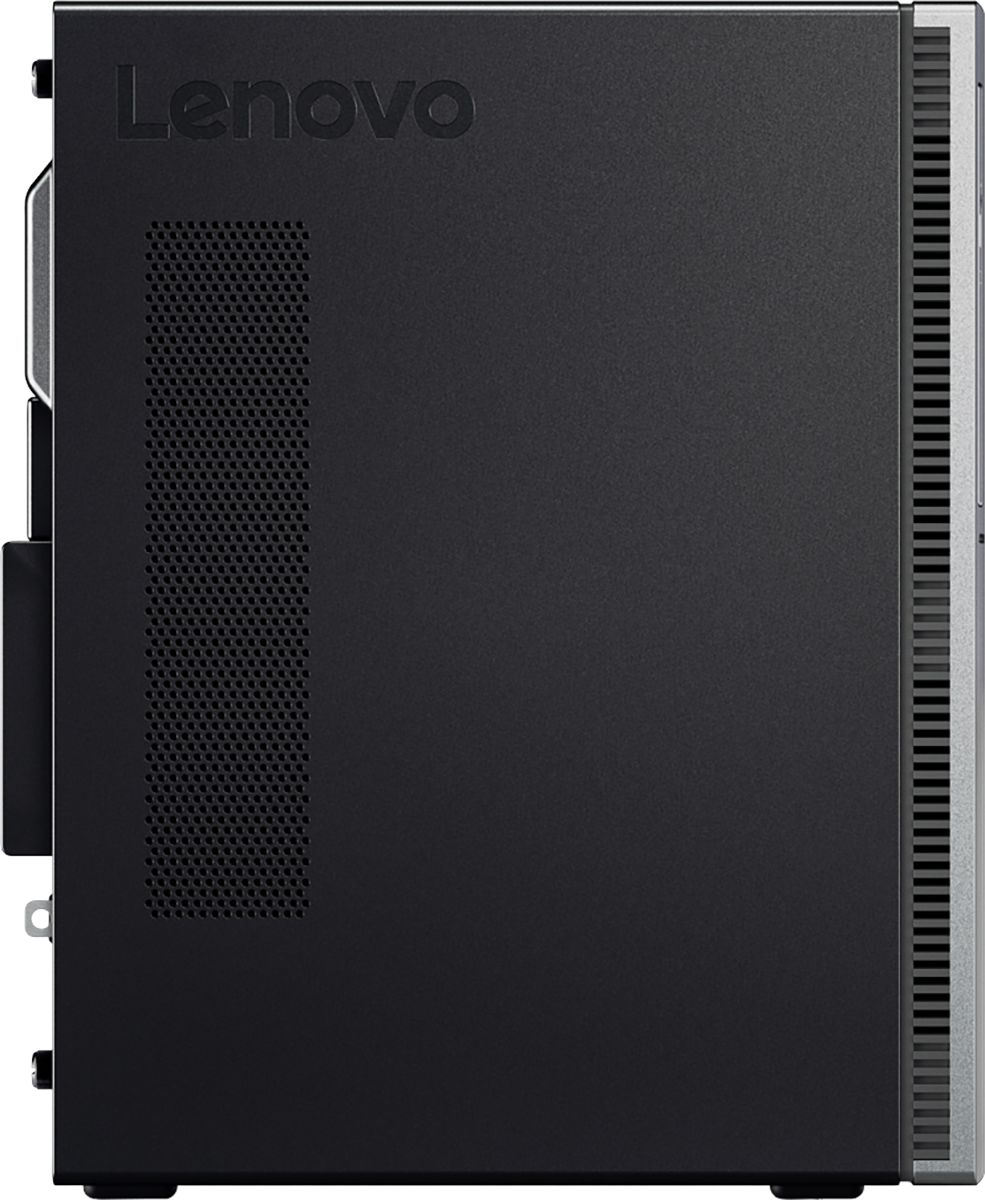

- Model:
- 90HV001MUS
- SKU:
- 6325578
Rating by feature
- Value
Rating 4.4 out of 5 stars
- Quality
Rating 4.4 out of 5 stars
- Ease of Use
Rating 4.5 out of 5 stars
Customers are saying
Customers consistently note the 510A-15ICB Desktop's ease of use, strong performance for its price, and ample storage. Many appreciate its compact size and quiet operation during use. While some users experienced issues with the operating system, the positive feedback on other features outweighs these concerns.
This summary was generated by AI based on customer reviews.
- Pros mentioned:Ease of use
Great Computer
||Posted . Owned for 8 months when reviewed.This reviewer received promo considerations or sweepstakes entry for writing a review.The computer was really easy to set up. I havent had any issues since mynpurchase. I'd definitely refer to a friend as well as purchase again.
I would recommend this to a friend - Pros mentioned:Price
Great for a work station laptop!
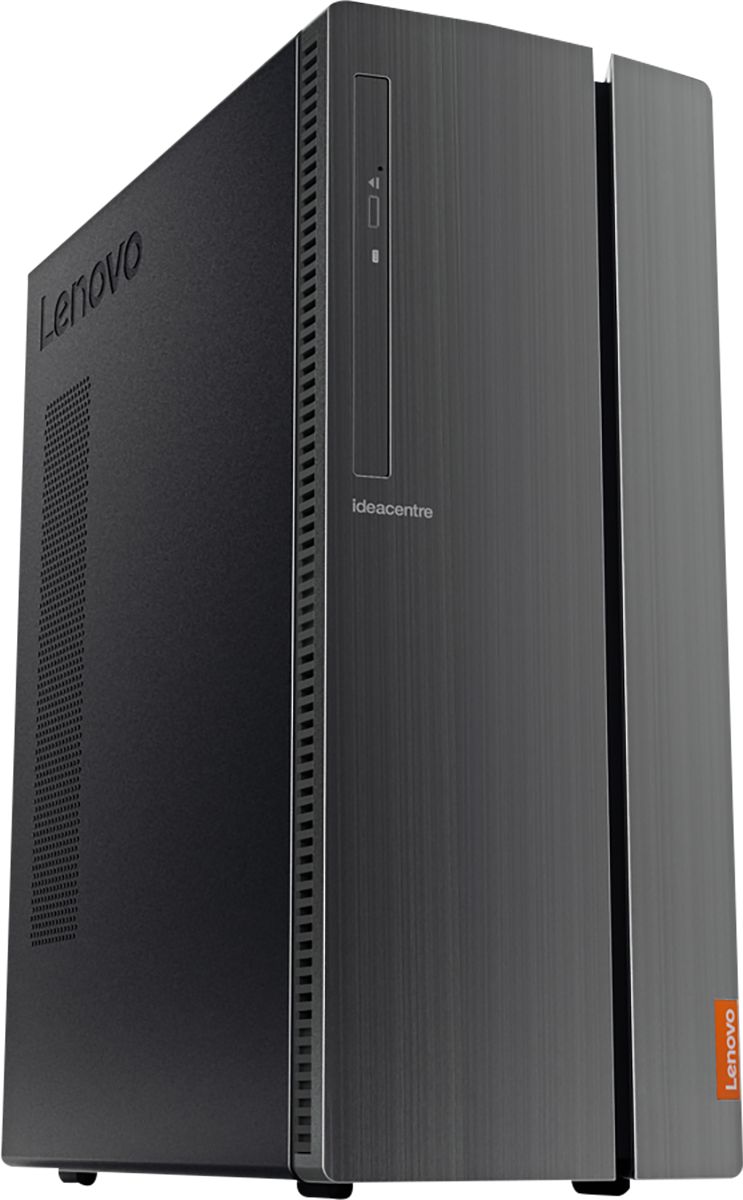
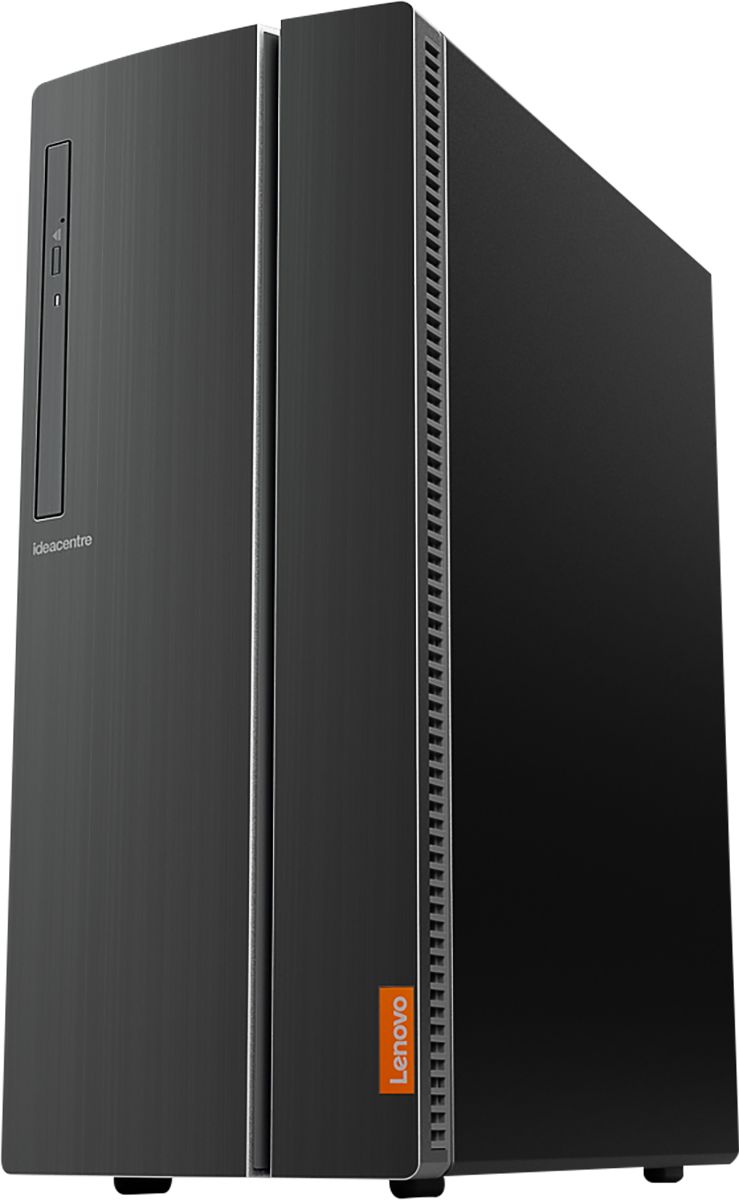
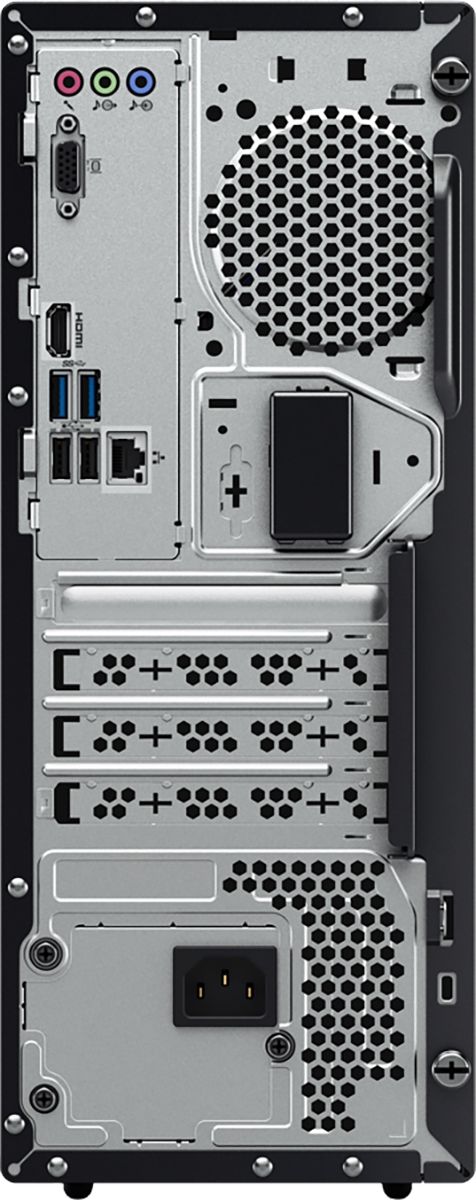
||Posted . Owned for 3 weeks when reviewed.This reviewer received promo considerations or sweepstakes entry for writing a review.This PC is pretty basic, but good enough for a simple workstation computer. For the purpose of everyday computing - E-Mailing, typing up documents, browsing the web - It gets the job done! Price-wise, it is worth it if you can get this on sale! One "con" about this tower is that I don't think it needed to be in such a large case, but that does allow room for upgrades or for replacing parts if needed. Another "con", if any, is that this PC does not have any USB ports on the front side, or on the top - All the ports are in the back. Overall though, it's a good product when it's on sale!
I would recommend this to a friendBrand response from Lenovo Product Expert
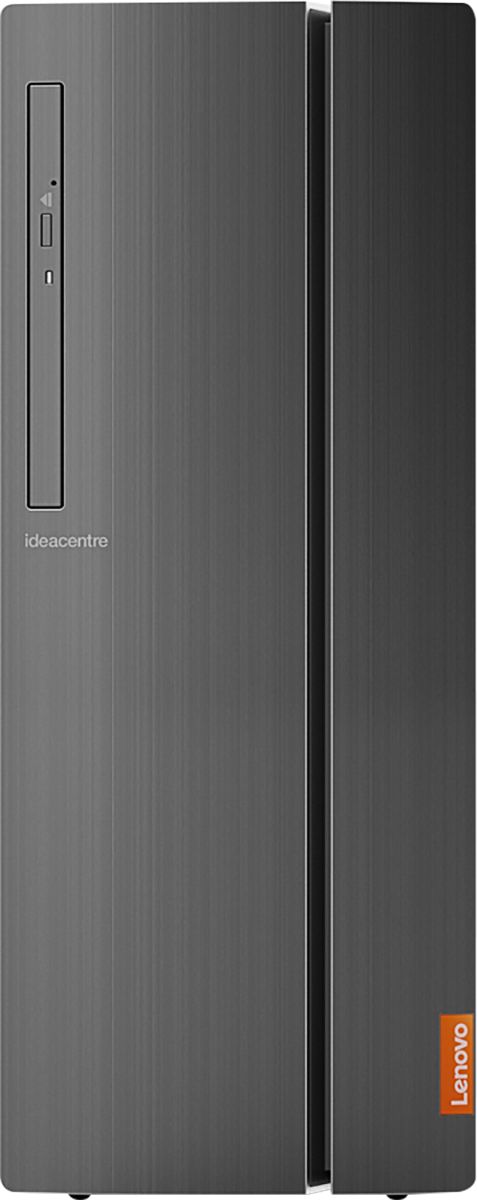
Posted .The Lenovo IdeaCentre 510A Desktop has four standard USB ports on the front of the computer, behind the door on the right side of the front of the computer. Here is a link to the User Manual for this model, showing the front ports: https://download.lenovo.com/consumer/desktop_pub/aio_510_510a_series_hmm_20180507.pdf. The Lenovo IdeaCentre 510A Desktop, model number 90HV001MUS, ships with the Quad-Core Intel Core i3-8100 processor, with a speed of 3.6GHz. This processor is supported by 8GB DDR4-2666MHz RAM. This is a mid-level, moderate use configuration. It is good with Microsoft Office type programs, internet browsing and other moderate work. If this describes your computing needs, the Lenovo IdeaCentre 510A Desktop, model number 90HV001MUS would be a good choice for you.

- Pros mentioned:Performance, Speed

Solid Desktop PC for a great price.
|Posted .This reviewer received promo considerations or sweepstakes entry for writing a review.The Lenovo Desktop is a excellent performing desktop with a great price for those that just want a solid PC without breaking the bank. Im comparison to my most used PC it is quite a bit faster. My set up is usually having my laptop connected to my TV. But for this I used my HP monitor to set it up. Set up was a breeze as usual with Windows 10. And Ive got almost all my files either backed up to my external or saved in Dropbox. So the normal pains of losing data were not an issue. Once all connected and set up it performed excellent. Very fast with the 8th Gen Intel i3, and 8gb of Ram. No delays, and easily able to run multiple programs at once, and several tabs open with no issues at all. Although I havent needed or used a DVD/DC burner in awhile its nice to have one. With todays media being almost all digital now, its rare to have this. It has plenty or space with the 1TB hard drive. And plenty of USB ports as well. Overall this is a great desktop at at even greater price. You get everything most people need from a desktop and more. Get yourself a good monitor or connect via HDMI and your'e all set. Highly recommended for anyone that just wants a solid, quick, and well made desktop without breaking the bank.
I would recommend this to a friendBrand response from Lenovo Product Expert
Posted .Thank you for choosing the Lenovo IdeaCentre 510A desktop. We are pleased to hear that the value, features and performance of the IdeaCentre 510A meets your computing needs so well.
- Pros mentioned:Performance
Simple fast
||Posted . Owned for 1 month when reviewed.This reviewer received promo considerations or sweepstakes entry for writing a review.Works good. Nothing really fancy, perfect for checking email, surfing the web and print documents. It has a loads of space. Just really expensive.
I would recommend this to a friendBrand response from Lenovo Product Expert
Posted .The Lenovo IdeaCentre 510A Desktop, model number 90HV001MUS, provides value with the computing power it delivers. The IdeaCentre 510A ships with the Quad-Core Intel Core i3-8100 processor, with a speed of 3.6GHz. This processor is supported by 8GB DDR4-2666MHz RAM. This is a mid-level, moderate use configuration. It is good with Microsoft Office type programs, internet browsing and other moderate work. If this describes your computing needs, the Lenovo IdeaCentre 510A Desktop, model number 90HV001MUS would be a good choice for you.
- Pros mentioned:Performance, Speed
Very competent office computer
||Posted . Owned for 3 weeks when reviewed.This reviewer received promo considerations or sweepstakes entry for writing a review.Got one of these for our home office in December. Bought another one last month. Runs well and handles office tasks with ease. Fast and extremely quiet.
I would recommend this to a friendBrand response from Lenovo Product Expert
Posted .Thank you for choosing the Lenovo IdeaCentre 510A Desktop, model number 90HV001MUS. We appreciate your loyalty to the IdeaCentre 510A Desktop and the Lenovo Brand. We are pleased to hear that the features and performance of the IdeaCentre 510A meets your computing needs so well. The Lenovo IdeaCentre 510A Desktop, model number 90HV001MUS, ships with the Quad-Core Intel Core i3-8100 processor, with a speed of 3.6GHz. This processor is supported by 8GB DDR4-2666MHz RAM. This is a mid-level, moderate use configuration. It is good with Microsoft Office type programs, internet browsing and other moderate work. If this describes your computing needs, the Lenovo IdeaCentre 510A Desktop, model number 90HV001MUS would be a good choice for you.
- Pros mentioned:Speed
Nice Desktop for Student
||Posted . Owned for 1 week when reviewed.This reviewer received promo considerations or sweepstakes entry for writing a review.We purchased this PC as a replacement for my 9th grader to perform their homework. Easy to set up and a quick processor with plenty of hard drive space.
I would recommend this to a friendBrand response from Lenovo Product Expert
Posted .Thank you for choosing the Lenovo IdeaCentre 510A Desktop for your child. We are pleased to hear that the ease of setup, features and performance of the IdeaCentre 510A meets your child's computing needs so well. The Lenovo IdeaCentre 510A Desktop, model number 90HV001MUS, ships with the Quad-Core Intel Core i3-8100 processor, with a speed of 3.6GHz. This processor is supported by 8GB DDR4-2666MHz RAM. This is a mid-level, moderate use configuration. It is good with Microsoft Office type programs, internet browsing and other moderate work. If this describes your computing needs, the Lenovo IdeaCentre 510A Desktop, model number 90HV001MUS would be a good choice for you.
- Pros mentioned:Speed
very good computer for all
||Posted . Owned for 3 weeks when reviewed.This reviewer received promo considerations or sweepstakes entry for writing a review.This computer has enough memory to store anything you might have and a very quick processor to speed through any job. I would recommend it to anyone.
I would recommend this to a friendBrand response from Lenovo Product Expert
Posted .Thank you for choosing the Lenovo IdeaCentre 510A Desktop, model number 90HV001MUS. The Lenovo IdeaCentre 510A Desktop, model number 90HV001MUS, ships with the Quad-Core Intel Core i3-8100 processor, with a speed of 3.6GHz. This processor is supported by 8GB DDR4-2666MHz RAM. This is a mid-level, moderate use configuration. It is good with Microsoft Office type programs, internet browsing and other moderate work. If this describes your computing needs, the Lenovo IdeaCentre 510A Desktop, model number 90HV001MUS would be a good choice for you.
- Pros mentioned:Price, Speed
Great for light work
||Posted . Owned for 2 weeks when reviewed.This reviewer received promo considerations or sweepstakes entry for writing a review.Bought this for one of my employees to use and it works great. The price was right and for the light use of mostly internet based stuff its fast and reliable.
I would recommend this to a friendBrand response from Lenovo Product Expert
Posted .Thank you for choosing the Lenovo IdeaCentre 510A model number 90HV001MUS, for your business. This configuration ships with the Quad-Core Intel Core i3-8100 processor, with a speed of 3.6GHz. This processor is supported by 8GB DDR4-2666MHz RAM. We are pleased to hear that the performance of the IdeaCentre 510A model number 90HV001MUS meets your business computing needs so well.
- Pros mentioned:Price, Speed
Love it
||Posted . Owned for 2 weeks when reviewed.This reviewer received promo considerations or sweepstakes entry for writing a review.I use it for work and it’s perfect! Not slow and it’s reliable. Good price too! Th is best it for your expertise in helping me pick one out.
I would recommend this to a friendBrand response from Lenovo Product Expert
Posted .Thank you for choosing the Lenovo IdeaCentre 510A Desktop. We are pleased to hear that the IdeaCentre 510A meets your computing needs so well.
- Pros mentioned:Speed
Nice computer
||Posted . Owned for 1 year when reviewed.This reviewer received promo considerations or sweepstakes entry for writing a review.Very nice tower for the money. Fast speed. Plenty room to hold information. Good for gaming
I would recommend this to a friendBrand response from Lenovo Product Expert
Posted .Thanks for choosing the Lenovo IdeaCentre 510A Desktop. We are so happy to hear the features, performance, and user-friendly design of the IdeaCentre 510A Desktop is meeting your computing needs so well!
- Pros mentioned:Ease of use
Great Machine for Working from Home!
||Posted . Owned for 1 month when reviewed.This reviewer received promo considerations or sweepstakes entry for writing a review.This is a great little machine for the home office! I have never owned a Lenovo computer before and I am really impressed with how easy it was to set up. I am on it about 10 hours per day working from home and it has worked flawlessly! The only thing I wish is that I would have spent a bit more money and went with an SSD hard drive instead of an HDD. I was so impressed with this Lenovo desktop that I went out and bought a Lenovo laptop as well (with an SSD drive). So far I am extremely pleased with the Lenovo brand!
I would recommend this to a friendBrand response from Lenovo Product Expert
Posted .Thank you for choosing the Lenovo IdeaCentre 510A Desktop and your Lenovo Laptop too. We appreciate your loyalty to the Lenovo Brand and we are pleased to hear that your Lenovo Computers meet your computing needs so well.
- Pros mentioned:Speed
Great for home
||Posted . Owned for 1 month when reviewed.This reviewer received promo considerations or sweepstakes entry for writing a review.We bought this to replace our Windows 7 computer. Easy to set up, and fast. We don't use it for gaming, so I think it was a good investment.
I would recommend this to a friendBrand response from Lenovo Product Expert
Posted .Thank you for choosing the Lenovo IdeaCentre 510A Desktop, model number 90HV001MUS. We are pleased to hear that the value and performance of the IdeaCentre 510A meets your computing needs so well. The Lenovo IdeaCentre 510A Desktop, model number 90HV001MUS, ships with the Quad-Core Intel Core i3-8100 processor, with a speed of 3.6GHz. This processor is supported by 8GB DDR4-2666MHz RAM. This is a mid-level, moderate use configuration. It is good with Microsoft Office type programs, internet browsing and other moderate work. If this describes your computing needs, the Lenovo IdeaCentre 510A Desktop, model number 90HV001MUS would be a good choice for you.
- Pros mentioned:Speed
Good value for the price
||Posted . Owned for 1 month when reviewed.This reviewer received promo considerations or sweepstakes entry for writing a review.I needed a new PC at home since the one I build 12 years ago and had been upgrading as needed finally died. This one has plenty of power for a home or office PC and it was on sale for 15% off. Not a gaming PC so don’t expect it to run the latest shooter at 60fps. If you need it for documents, email, and some light media work it’s great. I did upgrade to a solid state drive after a week and it made a huge difference in boot up speed and opening large images.
I would recommend this to a friendBrand response from Lenovo Product Expert
Posted .Once again, thank you for choosing the Lenovo IdeaCentre 510A Desktop. You can keep your computer running at its best by keeping the Windows 10 Operating System and all supporting BIOS files and drivers up to date. You can easily accomplish this by scanning the computer with the Lenovo Utility software available on this computer. This system has Lenovo utilities installed to help maintain the health of the device and keep the operating system software up to date. Type "Lenovo Vantage" in the Cortana Search window (if Lenovo Vantage is not installed on your device, you can download the APP and install it now). Select Lenovo Vantage from the list. In the window that opens, click on "Health and Support". In the expanded menu, select "Hardware Scan" In the window that opens, select "Run Quick Tests". This will scan your entire system for errors. Follow any directions that may pop up. If the problem continues after this scan, now click on "System Update". First select Windows update from the menu. Scan your system to be sure you have the latest version of Windows 10. Once that scan is complete, select "Additional Updates". This will scan your device to be sure there are no new BIOS/Driver updates needed. Follow any instructions that may pop up. If you ever need additional help with your Lenovo computer, we recommend you call Lenovo Tech Support at: 877-453-6686 for additional help.
- Pros mentioned:Price
Lenovo-510A review
||Posted .This reviewer received promo considerations or sweepstakes entry for writing a review.Have had this tower for about 3 weeks now. So far so good. Not being a gamer or heavy audio/video content maker/editor, I use this mainly for web serving, watching videos and doing some light spreadsheet work. It is very good value for the money. Note the wired speaker hookup is on the front and so you can't close the flip for a neat look (me just climbing out of the 18th century still has wireds speakers that use the same jack as earphones); but that doesn't bother me one bit. I recommend it.
I would recommend this to a friend - Pros mentioned:Price, Size
Best Purchase
||Posted . Owned for 3 weeks when reviewed.This reviewer received promo considerations or sweepstakes entry for writing a review.It was time to find a replacement it is a good buy and value. Works well and is small enough to lift for in house service if needed
I would recommend this to a friendBrand response from Lenovo Product Expert
Posted .Thank you for choosing the Lenovo IdeaCentre 510A Desktop, model number 90HV001MUS. The Lenovo IdeaCentre 510A Desktop, model number 90HV001MUS, ships with the Quad-Core Intel Core i3-8100 processor, with a speed of 3.6GHz. This processor is supported by 8GB DDR4-2666MHz RAM. This is a mid-level, moderate use configuration. It is good with Microsoft Office type programs, internet browsing and other moderate work. If this describes your computing needs, the Lenovo IdeaCentre 510A Desktop, model number 90HV001MUS would be a good choice for you.
- Pros mentioned:Speed
Very pleased with this computer!
||Posted . Owned for 11 months when reviewed.This reviewer received promo considerations or sweepstakes entry for writing a review.Very pleased with this computer. It runs fast and I can open many tabs all at once with no problem.
I would recommend this to a friend - Pros mentioned:Ease of use, Speed
Very good computer for the price
||Posted . Owned for 3 months when reviewed.This reviewer received promo considerations or sweepstakes entry for writing a review.We have 3 of these desktops. They are very fast and easy to use. I liked that they didn't come full of software I don't need.
I would recommend this to a friendBrand response from Lenovo Product Expert
Posted .Thank you for choosing the Lenovo IdeaCentre 510A Desktops model number 90HV001MUS. The Lenovo IdeaCentre 510A ships with just two adware programs, a 30-day trial of Microsoft Office 365 (as part of Windows 10 operating system) and a 30-day trial of McAfee virus protection. Lenovo computers ship with one of the cleanest factory software installs within the consumer computer industry.
- Pros mentioned:Price, Speed
Great product
||Posted . Owned for 3 weeks when reviewed.This reviewer received promo considerations or sweepstakes entry for writing a review.This replaced an old desktop and this by far is so much better. I can't believe the speed and options. Great product at a great price.
I would recommend this to a friendBrand response from Lenovo Product Expert
Posted .The Lenovo IdeaCentre 510A Desktop, model number 90HV001MUS, ships with the Quad-Core Intel Core i3-8100 processor, with a speed of 3.6GHz. This processor is supported by 8GB DDR4-2666MHz RAM. This is a mid-level, moderate use configuration. It is good with Microsoft Office type programs, internet browsing and other moderate work. If this describes your computing needs, the Lenovo IdeaCentre 510A Desktop, model number 90HV001MUS would be a good choice for you.
- Pros mentioned:Speed
Great PC
||Posted . Owned for 1 month when reviewed.This reviewer received promo considerations or sweepstakes entry for writing a review.Fairly fast PC. Has plenty of ports including USB 3.0 and USB C. Wireless, and Bluetooth work great. I like that it supports disk monitors
I would recommend this to a friendBrand response from Lenovo Product Expert
Posted .Once again, thank you for choosing the Lenovo IdeaCentre 510A Desktop. You can keep your computer running at its best by keeping the Windows 10 Operating System and all supporting BIOS files and drivers up to date. You can easily accomplish this by scanning the computer with the Lenovo Utility software available on this computer. This system has Lenovo utilities installed to help maintain the health of the device and keep the operating system software up to date. Type "Lenovo Vantage" in the Cortana Search window (if Lenovo Vantage is not installed on your device, you can download the APP and install it now). Select Lenovo Vantage from the list. In the window that opens, click on "Health and Support". In the expanded menu, select "Hardware Scan" In the window that opens, select "Run Quick Tests". This will scan your entire system for errors. Follow any directions that may pop up. If the problem continues after this scan, now click on "System Update". First select Windows update from the menu. Scan your system to be sure you have the latest version of Windows 10. Once that scan is complete, select "Additional Updates". This will scan your device to be sure there are no new BIOS/Driver updates needed. Follow any instructions that may pop up. If you ever need additional help with your Lenovo computer, we recommend you call Lenovo Tech Support at: 877-453-6686 for additional help.
- Pros mentioned:Speed
Great Computer for the Price
||Posted .This reviewer received promo considerations or sweepstakes entry for writing a review.I purchased this computer for my law firm. I needed a computer that could run two monitors and handle multiple tasks simultaneously. This computer has performed excellently. The price was fair for the power, especially for an Intel processor.
I would recommend this to a friendBrand response from Lenovo Product Expert
Posted .Thank you for choosing the Lenovo IdeaCentre 510A desktop. We are pleased to hear that the value and performance of the IdeaCentre 510A meets your computing needs so well. Lenovo is the number #1 manufacturer of computers in the World:
https://venturebeat.com/2019/01/10/gartner-and-idc-hp-and-lenovo-shipped-the-most-pcs-in-2018-but-total-numbers-fell/
















