Customer Ratings & Reviews
- Model:
- F0C30012US
- SKU:
- 5196102
to a friend
Customers are saying
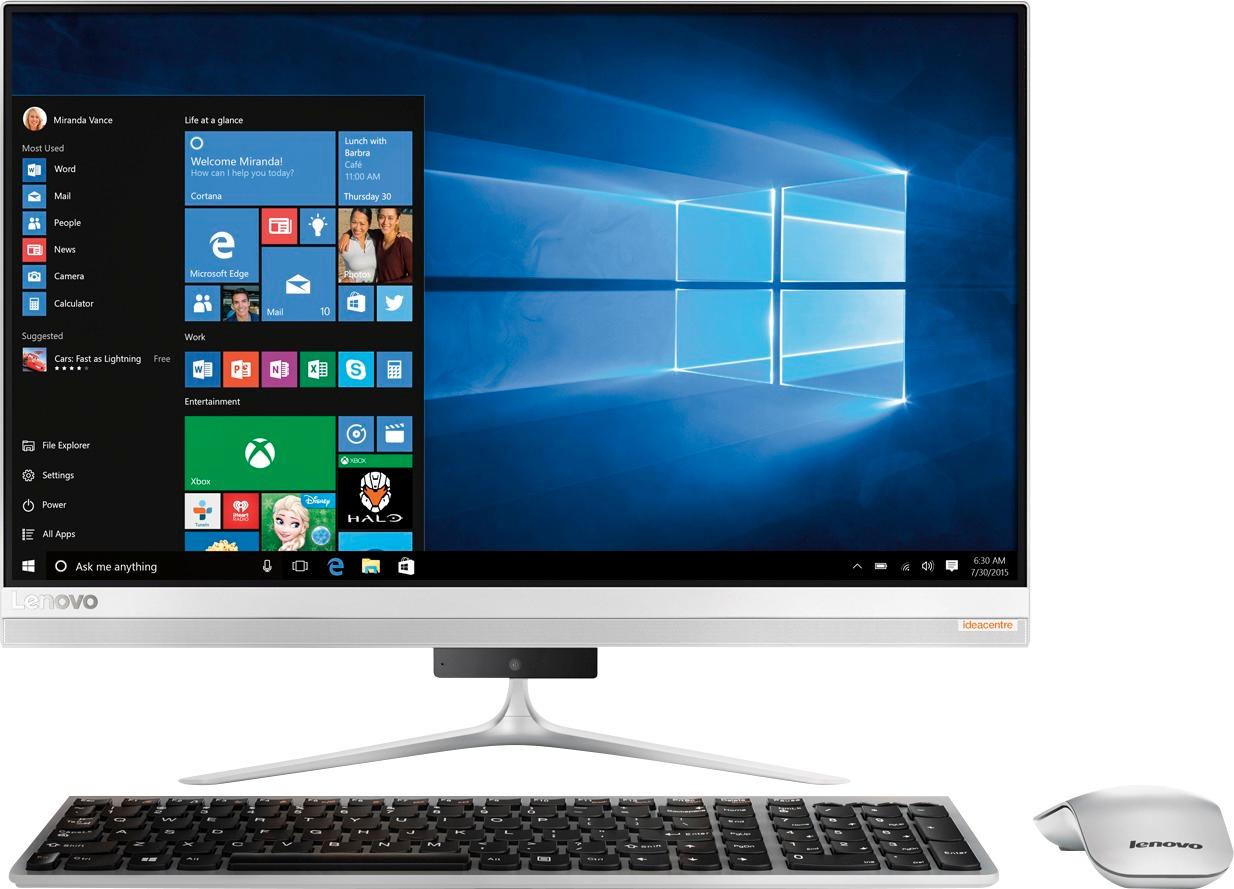
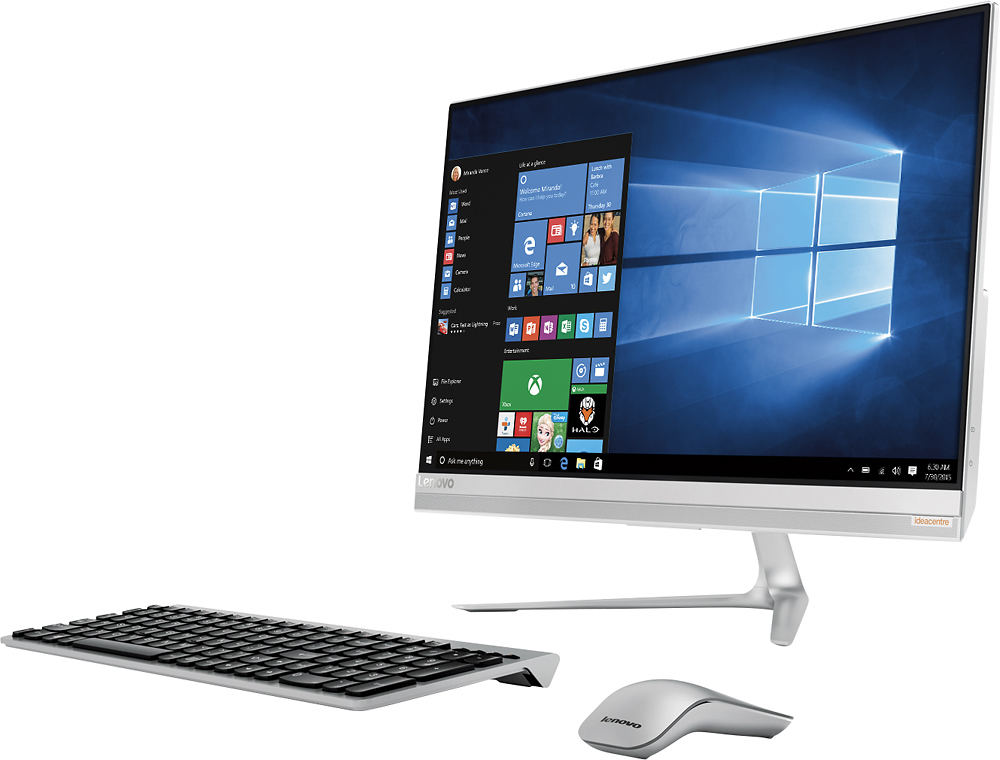
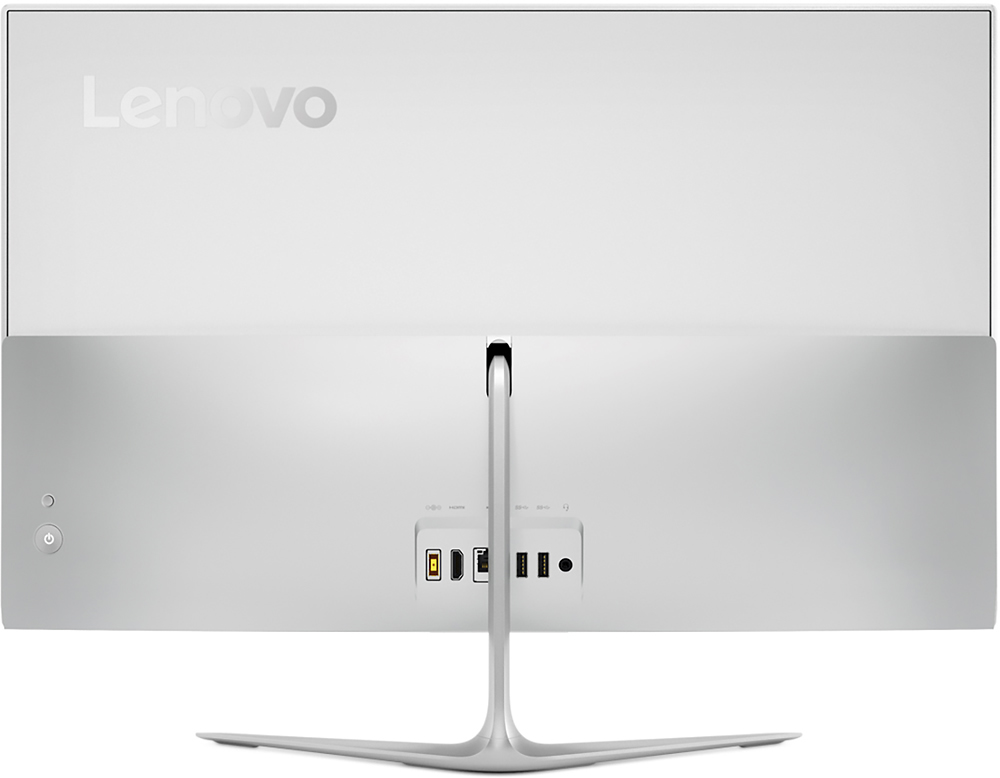
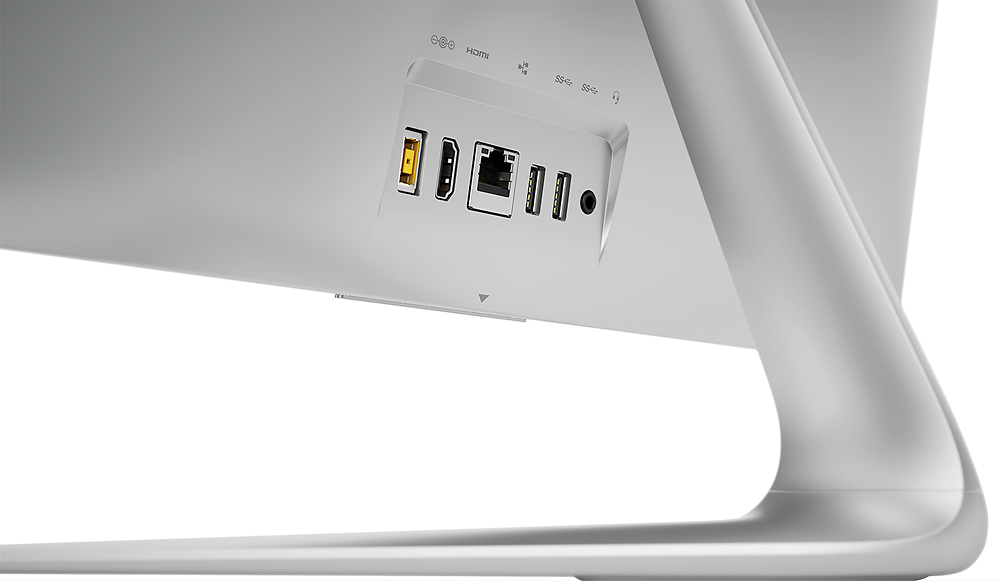
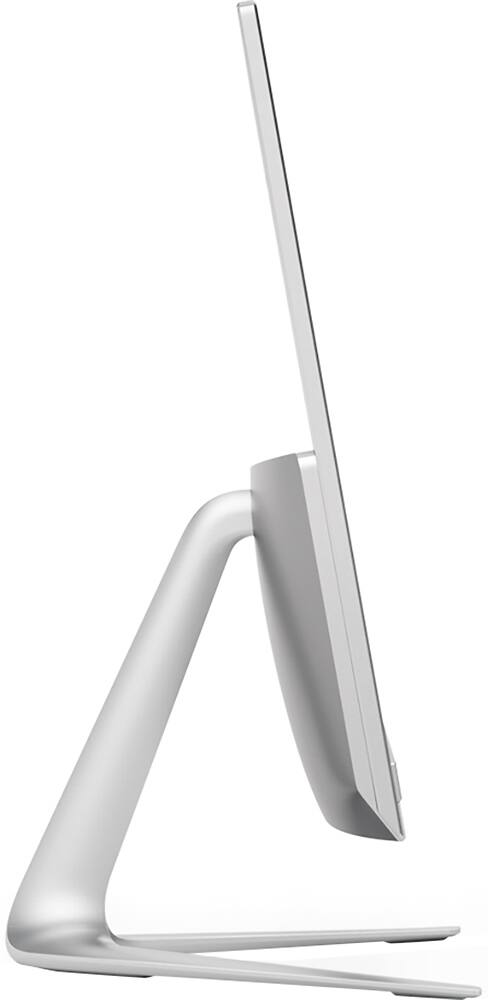
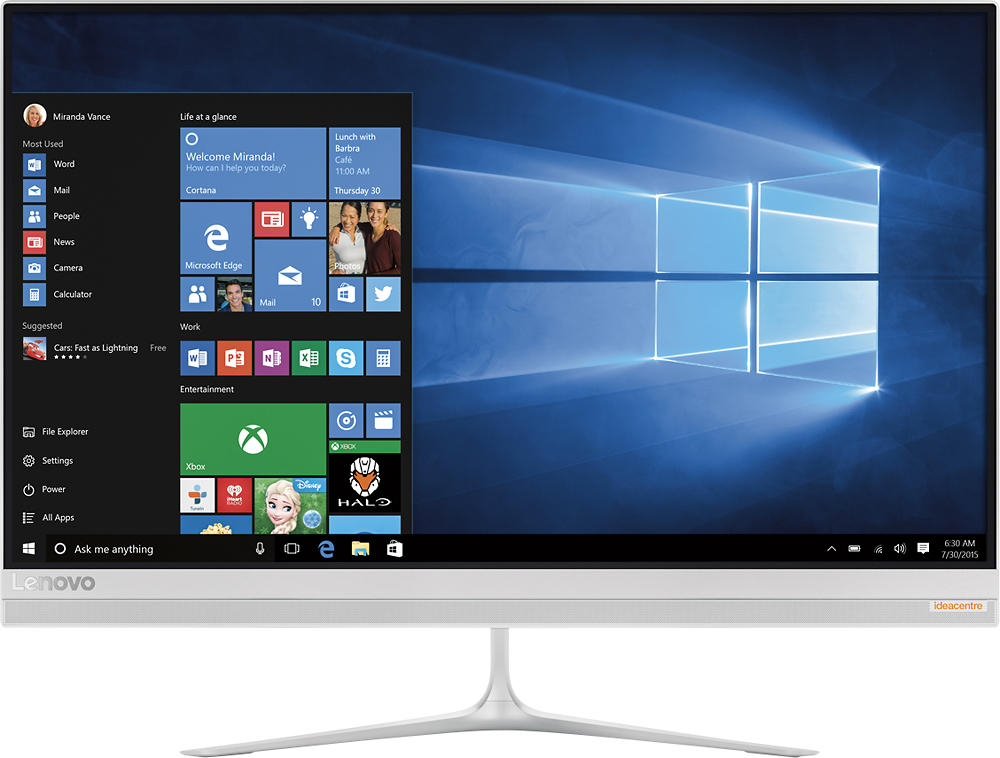
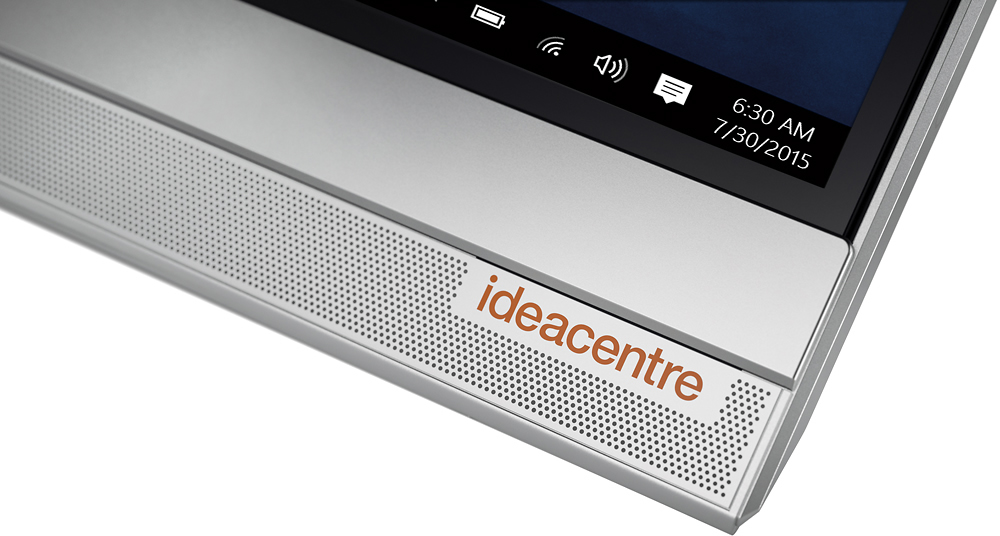
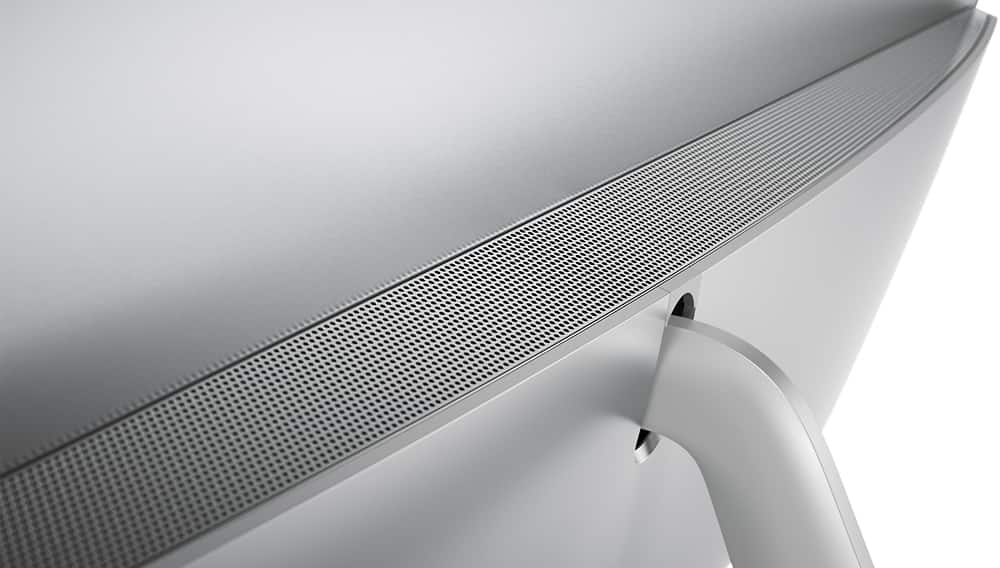
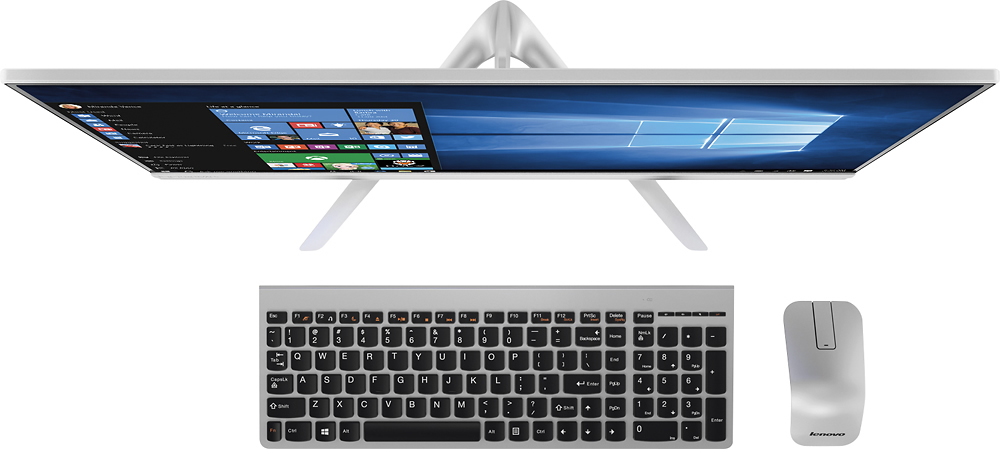
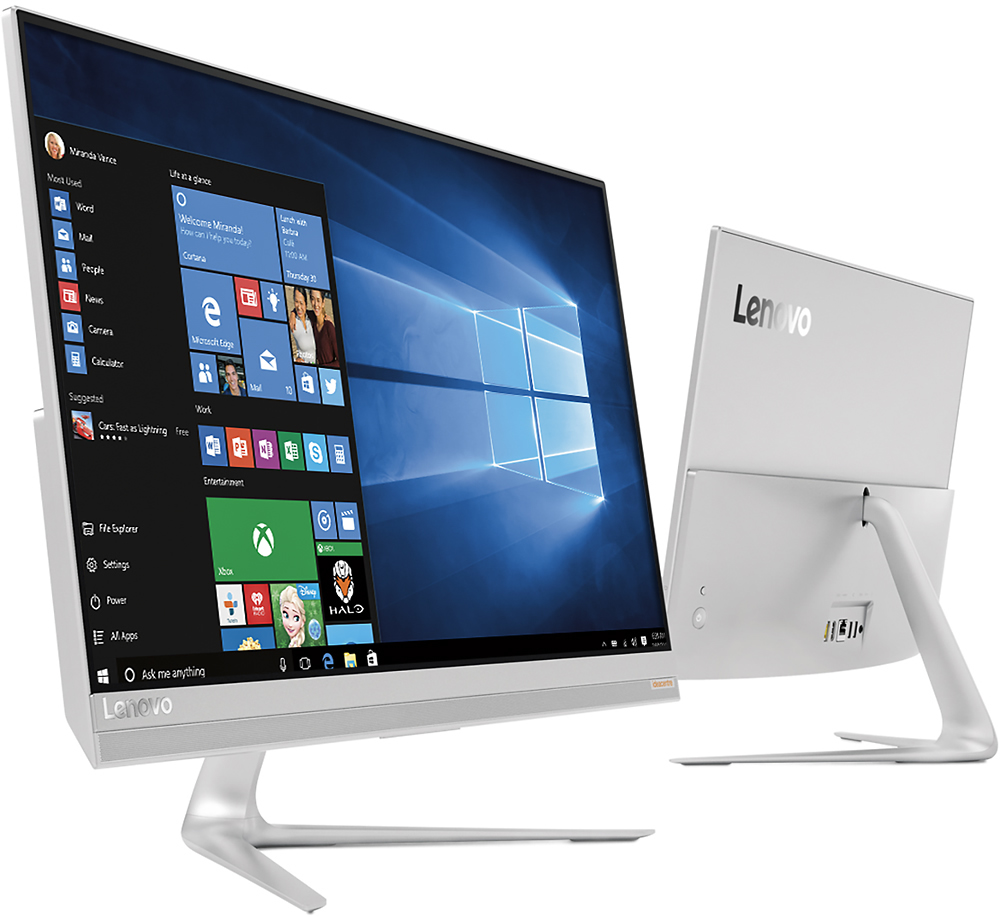
Customers love the responsive touch screen and the ease of use of the 510S-23ISU 23" All-in-One. Many appreciate its sleek design, performance capabilities, and compact size, which is easy to move. However, some customers found the number of USB ports insufficient and the sound quality of the built-in speakers lacking. The overall experience is largely positive, though improvements could be made to the I/O and audio.
This summary was generated by AI based on customer reviews.
- Pros mentioned:Ease of use, Touch screen
Awesome Computer!
||Posted .This reviewer received promo considerations or sweepstakes entry for writing a review.Came into the store after my computer crashed, employee suggested this computer for my business. Big sleek screen, plenty of memory and so easy and user friendly.
I would recommend this to a friendBrand response from Lenovo Product Expert
Posted .Thank you for choosing the IdeaCentre 510s-23 All-In-One system. We are pleased to hear that the IdeaCentre 510s-23 AIO meets your business computing needs so well.

- Pros mentioned:Design, Touch screen
Good All-In-One, terrible camera placement
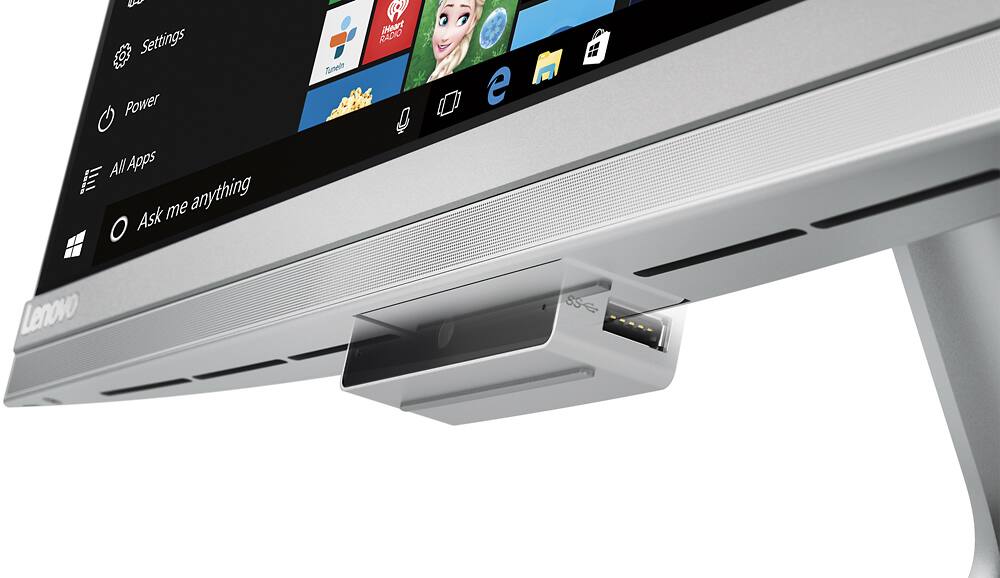
||Posted .This reviewer received promo considerations or sweepstakes entry for writing a review.The greatest feature is the 23-inch matte, touch-screen, border-less monitor. No smudges or reflections. Really easy on the eyes. The hideaway camera, with two additional USB ports is a great idea, but the placement at the bottom of the monitor couldn't be worse. Clearly a design error. The camera shoots upwards, not the best angle for anybody. The rest of the design is really great and that, together with the monitor, are the only things this computer has going for it. So, at close to $800, definitely overpriced. There are better options out there for this price.
No, I would not recommend this to a friend - Pros mentioned:Design, Ease of use
Sleek Look
||Posted .This reviewer received promo considerations or sweepstakes entry for writing a review.This computer is sleek and adds a modern flare to my office. It is intuitive and easy to operate. Would recommend to anyone who needs a computer for every day use.
I would recommend this to a friendBrand response from Lenovo Product Expert
Posted .Thank you for choosing the Lenovo IdeaCentre 510s-23 All-In-One system for your office. We are pleased to hear that the features and performance of the IdeaCentre 510s-23 AIO meets your business computing needs so well.
- Pros mentioned:Ease of use, Speed
Great Machine
||Posted .This reviewer received promo considerations or sweepstakes entry for writing a review.I prefer all in one desktop computers for my personal use. This machine is great. It was so simple to set up and a very efficient machine. I highly recommend it.
I would recommend this to a friendBrand response from Lenovo Product Expert
Posted .Thank you for choosing the Lenovo IdeaCentre 510s-23 All-In-One system. We are pleased to hear that the features and performance of the IdeaCentre 510s-23 AIO meets your computing needs so well.
- Pros mentioned:PerformanceCons mentioned:Usb ports
Fast processor
||Posted .This reviewer received promo considerations or sweepstakes entry for writing a review.So far I am happy with the performance of the pc. I would have liked more usb ports available, but solved the problem. All in all I am happy with my purchase
I would recommend this to a friendBrand response from Lenovo Product Expert
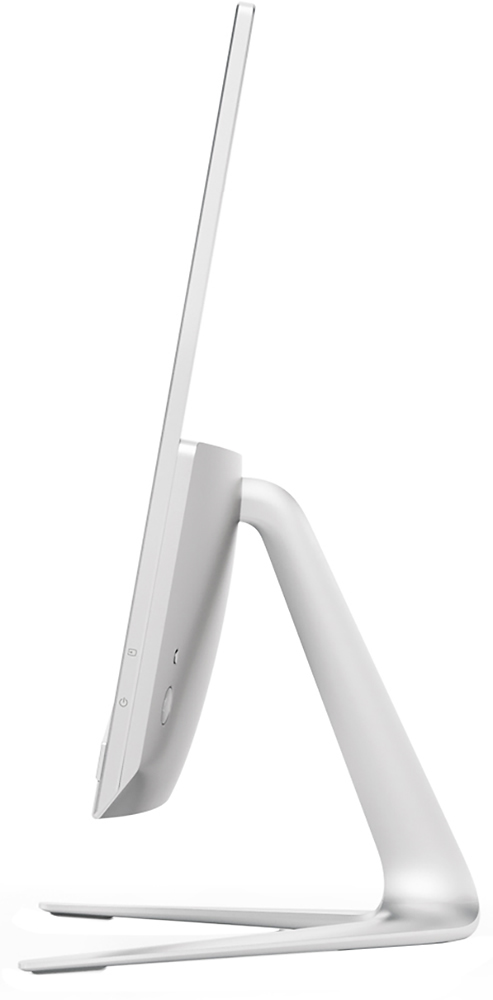
Posted .Thank you for choosing the Lenovo IdeaCentre 510s-23 All-In-One system. With regard to more USB ports, remember, there are two additional USB ports on either side of the dropdown web cam housing at the bottom of the screen.
- Pros mentioned:Ease of use, Touch screen
Best All in One
||Posted .This reviewer received promo considerations or sweepstakes entry for writing a review.I love my all in one computer. It takes up hardly any space. Easy to use. Can use keyboard or touch the screen which is great feature. Very high resolution.
I would recommend this to a friendBrand response from Lenovo Product Expert
Posted .Thank you for choosing the Lenovo IdeaCentre 510s-23 All-In-One system. We are pleased to hear that the features and performance of the IdeaCentre 510s-23 AIO meets your computing needs so well.
- Pros mentioned:Design, Ease of use
Reliable PC
||Posted .This reviewer received promo considerations or sweepstakes entry for writing a review.I'm really impressed with this Lenovo. It has a very clean design, operates efficiently and is easy to set-up. Very happy with this Lenovo product overall.
I would recommend this to a friendBrand response from Lenovo Product Expert
Posted .Thank you for choosing the Lenovo IdeaCentre 510s-23 All-In-One system. We are pleased to hear that the IdeaCentre 510s-23 AIO is working out so well for you.
- Pros mentioned:Touch screenCons mentioned:Usb ports
It does the job
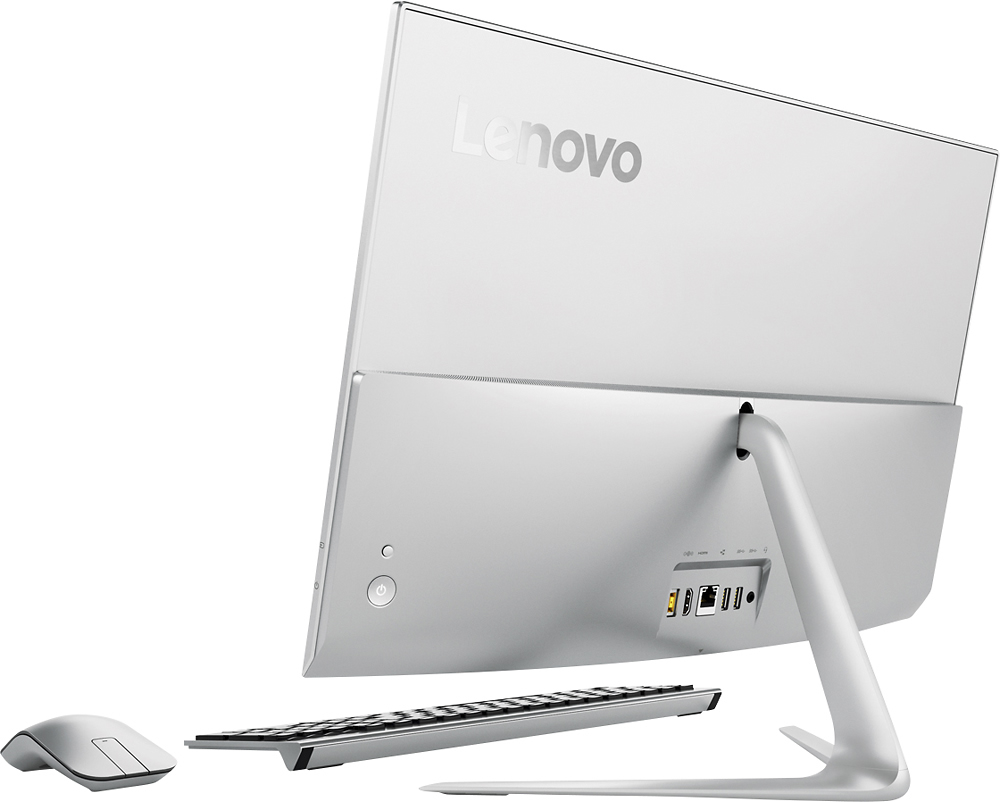
||Posted .This reviewer received promo considerations or sweepstakes entry for writing a review.So far so good. My kids love the touch screen. I am still getting used to the smaller keyboard and mouse. Most of the USB ports are on the back of the computer so a bit inaccessible.
I would recommend this to a friendBrand response from Lenovo Product Expert
Posted .Thank you for choosing the Lenovo IdeaCentre 510s-23 All-In-One system for your family. With regard to USB ports, you might consider using a USB hub to make USB ports on the back of the device more accessible.
- Pros mentioned:Touch screen
Might be good - takes some getting used to
||Posted .This reviewer received promo considerations or sweepstakes entry for writing a review.Bought this for big screen because my more than irritating Surface pro 3 is nearly too tiny to read. Really love the big screen. Just not so handy ... can't move about the house. So far the computer time is unreliable. Might be a windows 10 wierdness. Sometimes hard to turn on. Takes a long time and there is no indicator that I have actually turned it on (little red light for example) but suspect it's something I don't know yet. Keyboard has the Fn key to the LEFT of CTRL key. Hard to get used to ... particularly if one is using multiple key boards. Maybe I'll get used to that. As for "recommending to a friend" I wish there was a "maybe" button.
I would recommend this to a friendBrand response from Lenovo Product Expert
Posted .Thank you for choosing the Lenovo IdeaCentre 510s All-In-One system. With regard to the computer clock, that may be a driver update issue. Follow the link below to look for new driver updates for your specific system. You can also run diagnostics from the Lenovo site as well. As always, be sure to create a restore point on your system before you make any changes. Here is the link:
http://support.lenovo.com/us/en/products/Desktops-and-all-in-ones/500-Series/aio-510s-23isu/F0C3/0012US?query=&Shallow=1&Type=&OperatingSystems=&Component=&Symptom=&linkTrack=Caps%253ABody_SearchProduct&tabName=downloads&beta=false
With regard to the Fn key issue you mention, there is a free software APP called KeyTweak that may help you. You can switch the key functions of specific keys on your keyboard with this software, so you could change the Fn key with the key you hit in its place. Just Google search "KeyTweak" and you will find articles about what the software does and you will find the download location for this free APP.
- Pros mentioned:Ease of use, Speed
Great computer.
||Posted .This reviewer received promo considerations or sweepstakes entry for writing a review.I bought this to replace a 5 year old HP All in One and it is much faster and easier to navigate. Smaller footprint also which fits better in my desk.
I would recommend this to a friendBrand response from Lenovo Product Expert
Posted .Thank you for choosing the Lenovo IdeaCentre 510s All-In-One system. We are pleased to hear that the IdeaCentre 510s AIO is working out so well for you.
Light n Easy
||Posted .This reviewer received promo considerations or sweepstakes entry for writing a review.My laptops were slow and frankly heavy. And I didn't want another tablet or buy a MAC. sooo...I wanted a regular screen with good memory and didn't need gaming. This is perfect and a good value. I love the stand alone disc drive because I seldom use one and therefore it doesn't add weight to the system. I don't have a working desk, I have an office with a small space to put a monitor. When I work on this computer, I bring it to the dining table ( it's light) and set up for whatever task and take it down when I'm done. So happy with this purchase.
I would recommend this to a friendBrand response from Lenovo Product Expert
Posted .Thank you for choosing the Lenovo IdeaCentre 510s-23 All-In-One system. We are pleased to hear that the features and performance of the IdeaCentre 510s-23 AIO meets your computing needs so well.
- Pros mentioned:Design, Performance
Nice desktop
||Posted .This reviewer received promo considerations or sweepstakes entry for writing a review.Nice desktop. Very compact and fun to use. Well last my family many years. Have not used a desktop for many years looking forward to this
I would recommend this to a friendBrand response from Lenovo Product Expert
Posted .Thank you for choosing the Lenovo IdeaCentre 510s-23 All-In-One system for your family. We are pleased to hear that the IdeaCentre 510s-23 AIO meets your family's computing needs so well.
- Pros mentioned:Ease of use
Great computer
||Posted .This reviewer received promo considerations or sweepstakes entry for writing a review.My computer totally crashed and I was "forced" to buy a new one. Mine could not be repaired. I was not excited about Windows 10 being my only option and was skeptical about the all-in-one computers. Well, needless to say, I LOVE IT! The computer itself saves so much space and very few cords versus my tower system, and Windows 10 is sooo user friendly! Thankfully the geek squad was able to retrieve all of my information and I was up and running again in 24 hours. I am thinking about buying this same system for my boyfriend.
I would recommend this to a friendBrand response from Lenovo Product Expert
Posted .Thank you for choosing the Lenovo IdeaCentre 510s All-In-One system. We are pleased to hear that the performance of the performance of the IdeaCentre 510s AIO is meeting your computing needs so well.
- Pros mentioned:Ease of use, Touch screen
Very good computer
||Posted .This reviewer received promo considerations or sweepstakes entry for writing a review.This computer are osome toch scream very light easy to use nice size I both two sol far one of the best computer I ever have
I would recommend this to a friendBrand response from Lenovo Product Expert
Posted .Thank you for choosing the Lenovo IdeaCentre 510s All-In-One system. We are pleased to hear that the IdeaCentre 510s AIO is working out so well for you.
- Pros mentioned:PerformanceCons mentioned:Speakers
Very nice
||Posted .This reviewer received promo considerations or sweepstakes entry for writing a review.Very nice setup, mid-range all-in-one desktop. Performance can handle multitasking with no issues. .The speakers now sound like they have been blow.
I would recommend this to a friendBrand response from Lenovo Product Expert
Posted .Thank you for choosing the Lenovo IdeaCentre 510s All-In-One system. With regard to the speaker issue you mention, there may be audio driver updates for your specific system. Follow the link below to look for new driver updates for your specific system. You can also run diagnostics from the Lenovo site as well. As always, be sure to create a restore point on your system before you make any changes. Here is the link:
http://support.lenovo.com/us/en/products/Desktops-and-all-in-ones/500-Series/aio-510s-23isu/F0C3/0012US?tabName=Downloads&linkTrack=Mast:SubNav:Support:Drivers and Software|Drivers and Software&beta=false
- Pros mentioned:Ease of use, Speed
Lenovo - 510S-23ISU
||Posted .This reviewer received promo considerations or sweepstakes entry for writing a review.This product was easy to set up and link to my wifi internet connection; very fast and the screen scrolls are fun!
I would recommend this to a friendBrand response from Lenovo Product Expert
Posted .Thank you for choosing the Lenovo IdeaCentre 510s-23 All-In-One system. We are pleased to hear that the ease of use and performance of the IdeaCentre 510s-23 AIO meets your computing needs so well.
- Pros mentioned:Speed, Touch screen
Great computer
||Posted .This reviewer received promo considerations or sweepstakes entry for writing a review.An all encompassing, sleek looking computer, great for multi tasking with the large screen. Fast. Great price.
I would recommend this to a friendBrand response from Lenovo Product Expert
Posted .Thank you for choosing the Lenovo IdeaCentre 510s-23 All-In-One system. We are pleased to hear that the value and performance of the IdeaCentre 510s-23 AIO meets your computing needs so well.
- Pros mentioned:Ease of use, Speed
Great Quality & Buy
||Posted .This reviewer received promo considerations or sweepstakes entry for writing a review.This is a great all in one. Its fast and easy to use; has a SSD as well which is just what we were looking for.
I would recommend this to a friendBrand response from Lenovo Product Expert
Posted .Thank you for choosing the Lenovo IdeaCentre 510s-23 All-In-One system. We are pleased to hear that the features and performance of the IdeaCentre 510s-23 AIO meets your computing needs so well.
- Pros mentioned:Touch screen
Great solution for home computer
||Posted .This reviewer received promo considerations or sweepstakes entry for writing a review.The screen graphics are amazing. Touch screen is nifty. Compactness of space with no tower is major benefit.
I would recommend this to a friendBrand response from Lenovo Product Expert
Posted .Thank you for choosing the Lenovo IdeaCentre 510s-23 All-In-One system. We are pleased to hear that the IdeaCentre 510s-23 AIO meets your computing needs so well.
- Cons mentioned:Usb ports
Love the computer with a couple caveats
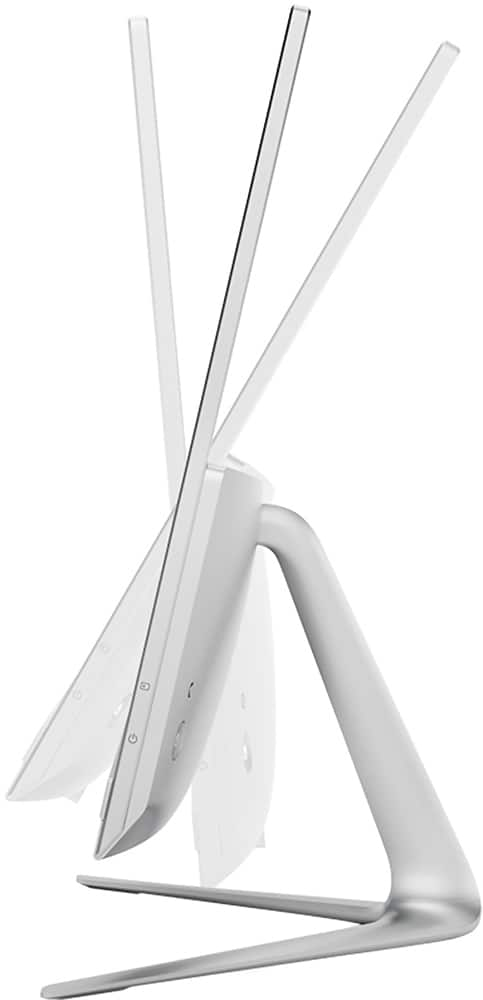
||Posted .This reviewer received promo considerations or sweepstakes entry for writing a review.The computer is great. I love not having a big tower sitting under my desk. The only negatives I have is that the mouse is a little wonky. It looks great but scrolling is kind of jittery sometimes. And a couple keys on the keyboard seem to make it easy to accidently hit the wrong keys. I do like the fact that the camera can be pushed in so it's not always staring at you - but you have to drop it down to access two of the USB ports. So I tend to only drop it down when I need to temporarily plug something in.
I would recommend this to a friend