Customer Ratings & Reviews
- Model:
- F0C30012US
- SKU:
- 5196102
to a friend
Customers are saying
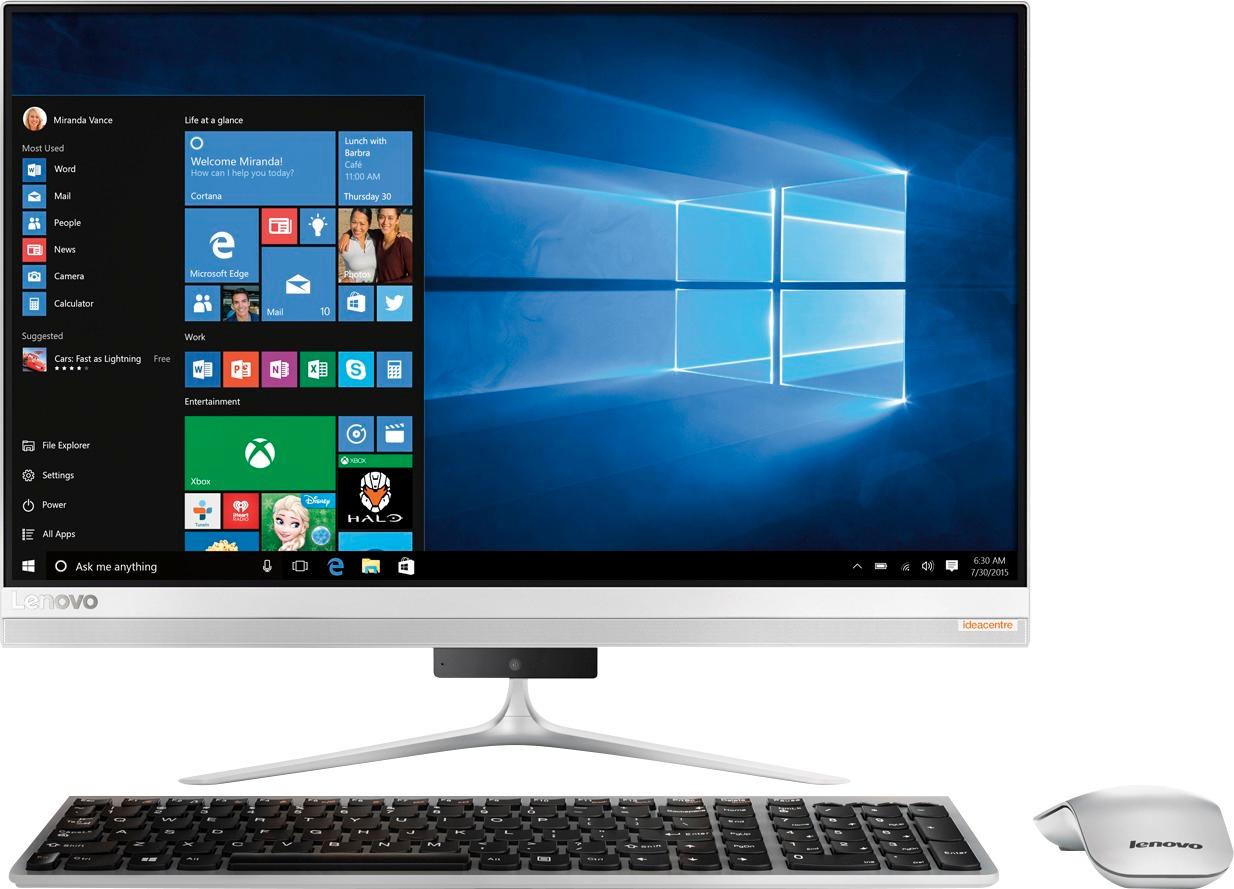
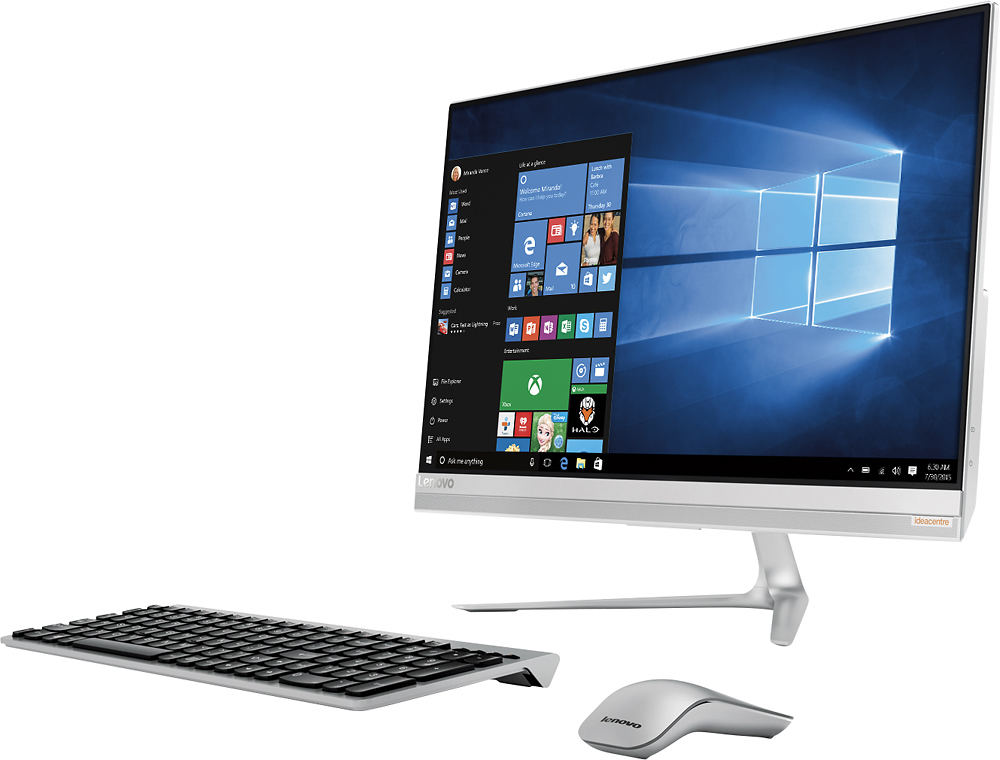
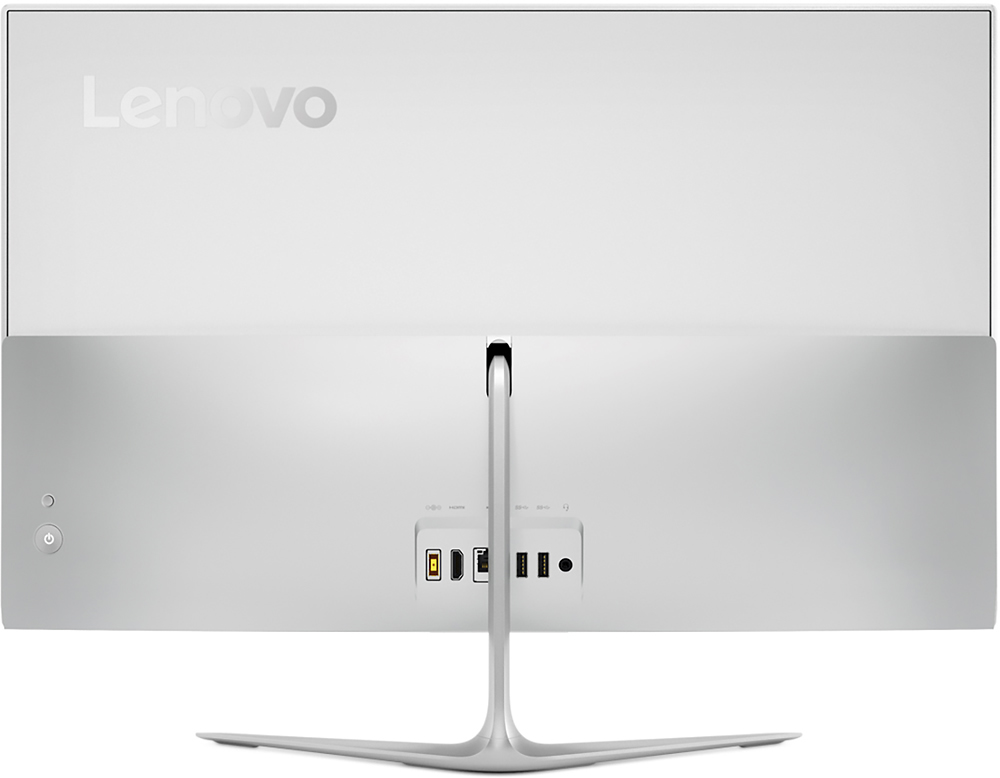
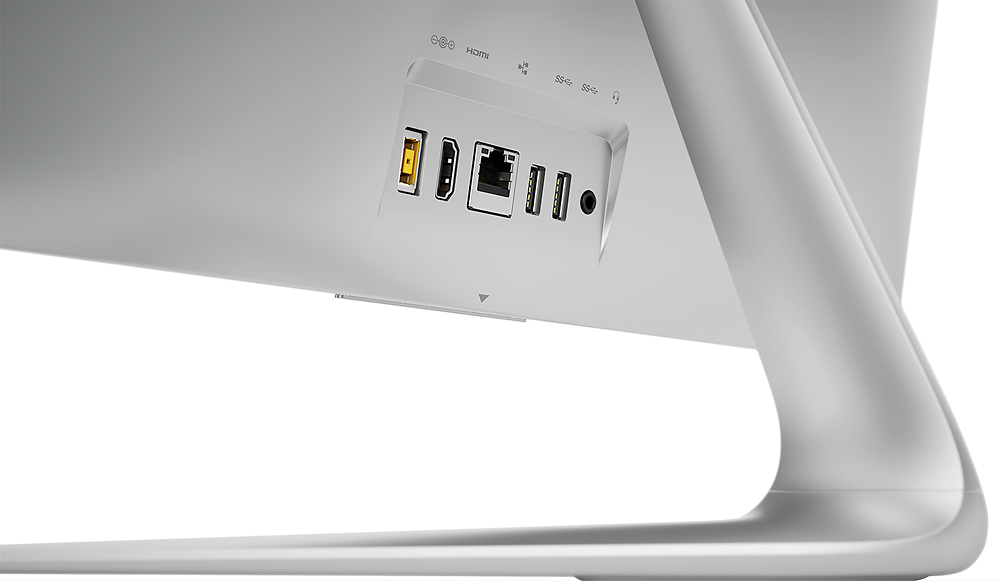
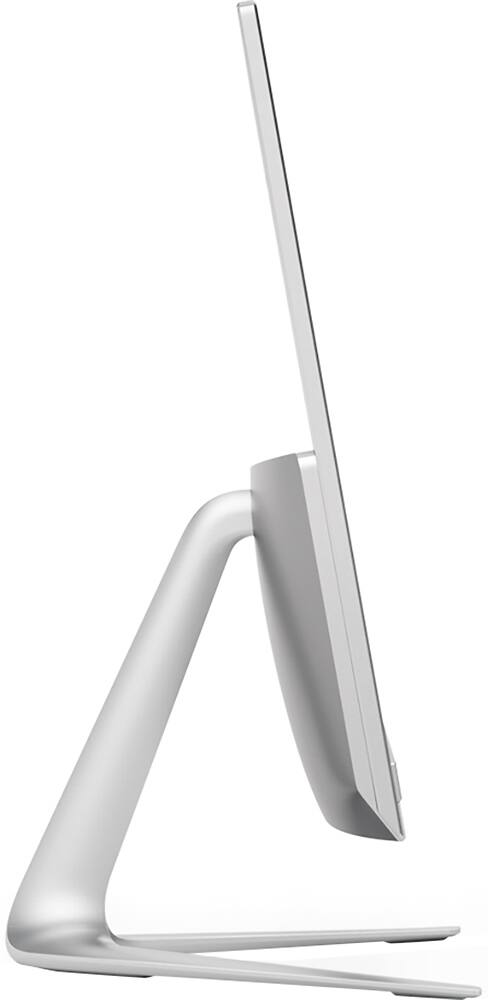
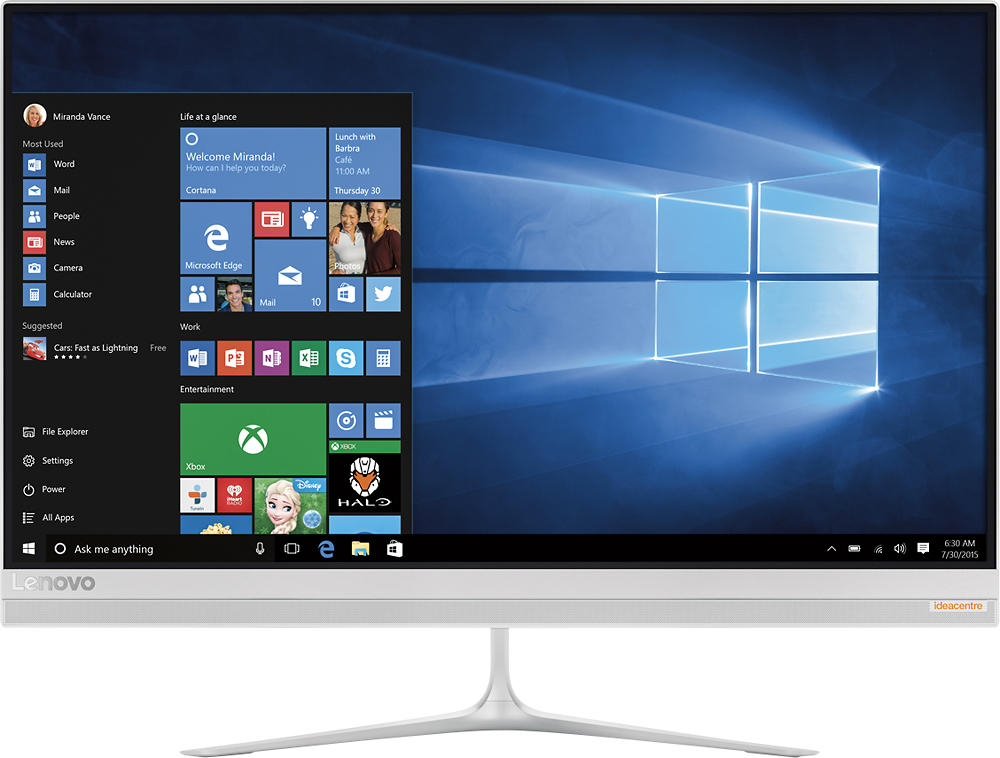
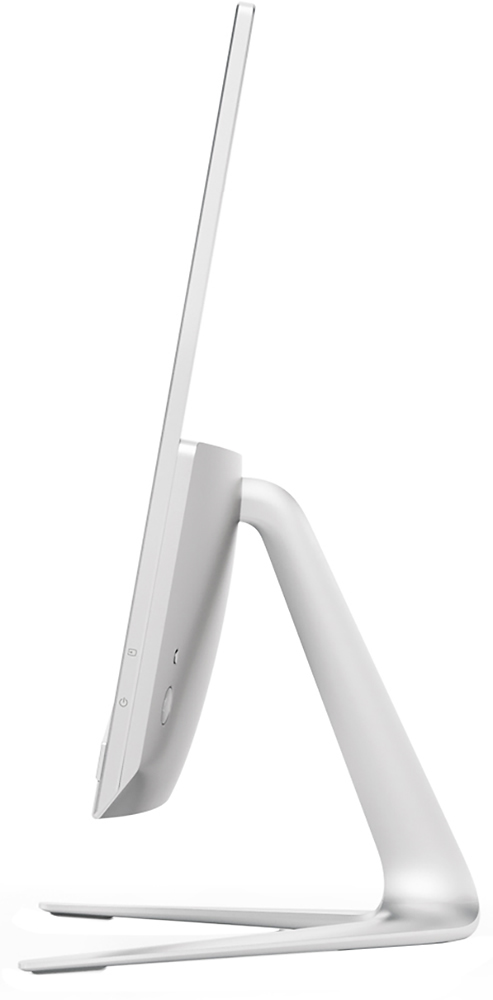
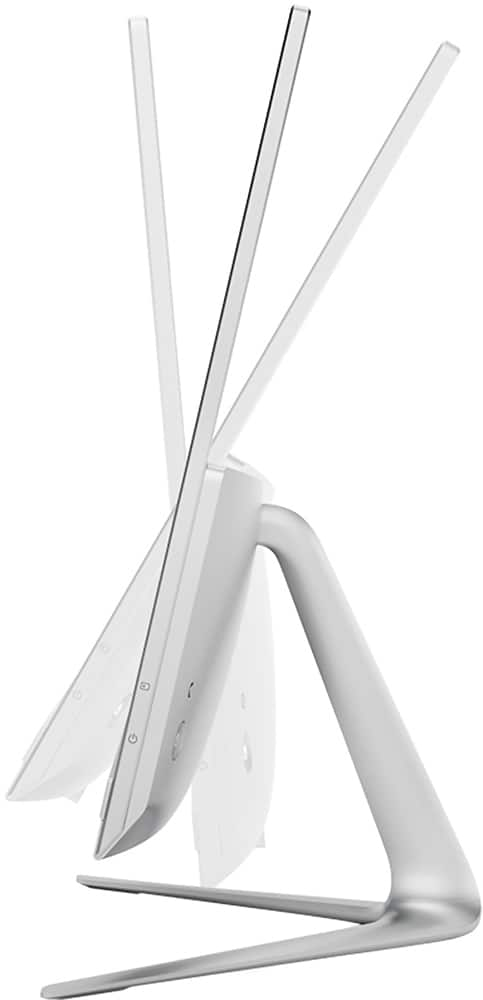
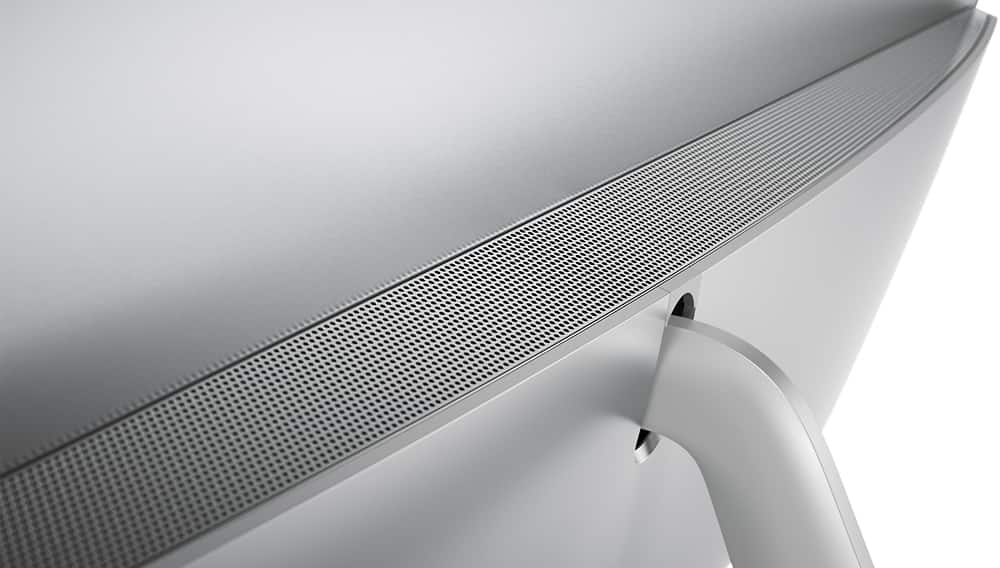
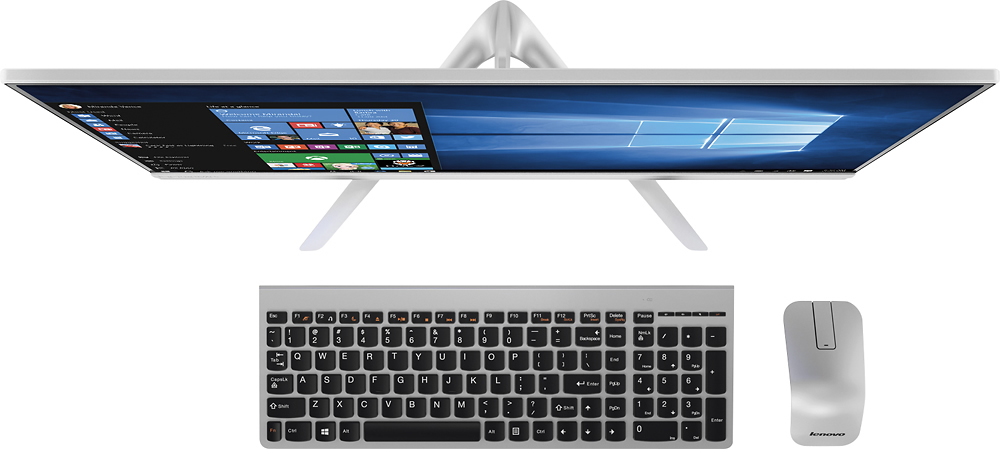
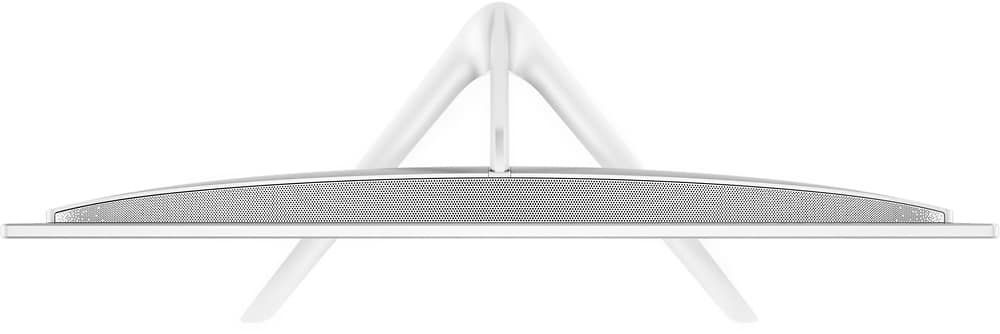
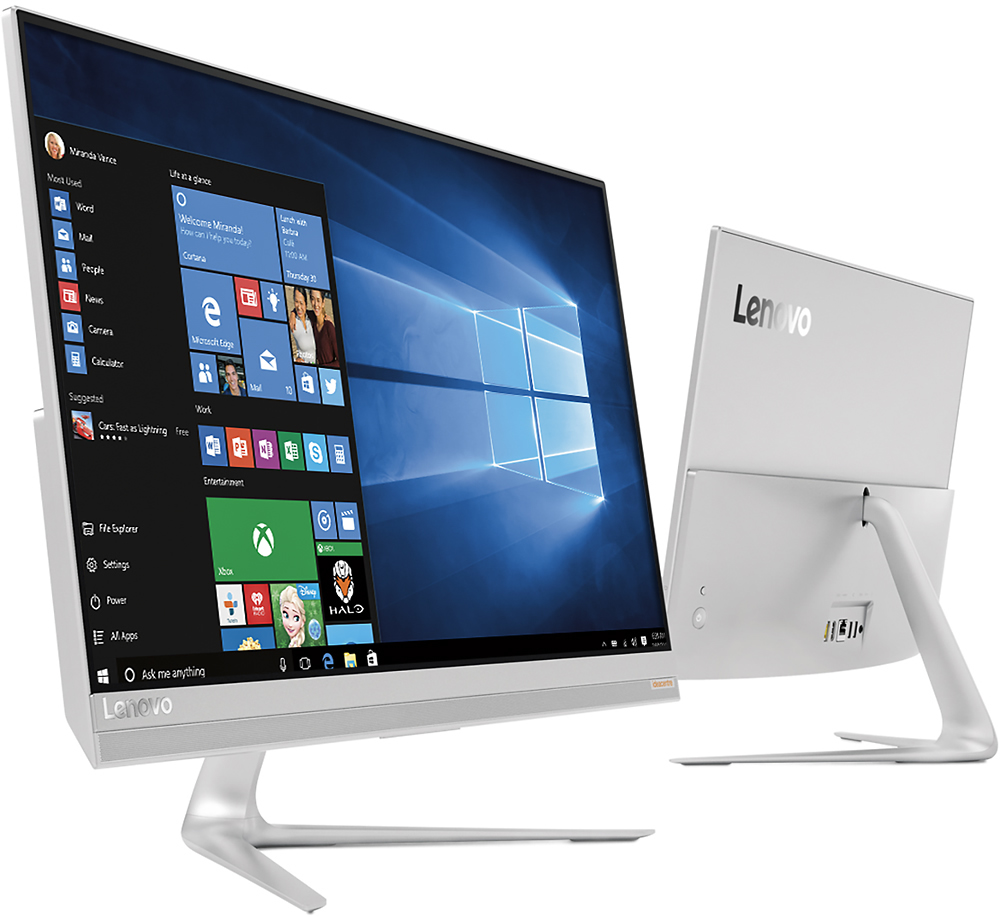
Customers love the responsive touch screen and the ease of use of the 510S-23ISU 23" All-in-One. Many appreciate its sleek design, performance capabilities, and compact size, which is easy to move. However, some customers found the number of USB ports insufficient and the sound quality of the built-in speakers lacking. The overall experience is largely positive, though improvements could be made to the I/O and audio.
This summary was generated by AI based on customer reviews.
- Pros mentioned:Design
Love my new Lenny
||Posted .This reviewer received promo considerations or sweepstakes entry for writing a review.I never thought I would EVER buy an All In One computer, but it was an answer to my dilemma...being able to watch Netflix and read a recipe without changing screens! A laptop wouldn't work because I risk spilling ingredients and it takes up too much space on the countertop. I was actually using a Samsung TabPro 12, but I couldn't view the recipe and Netflix without switching screens. Cooking meals becomes less monotonous and actually somewhat enjoyable when watching an entertaining show. I didn't want to spend a bunch of money and I was lucky enough to find Lenny as an Open-Box and got it for a very good price when I stopped at BB to check out the selection. I love the matte finish because it doesn't reflect off the under cabinet lighting and doesn't leave fingerprints. It fits perfectly under my kitchen cabinet and doesn't take up that much space. I love my new Lenny
I would recommend this to a friendBrand response from Lenovo Product Expert
Posted .Thank you for choosing the Lenovo IdeaCentre 510s-23 All-In-One system. We are pleased to hear that the IdeaCentre 510s-23 AIO.

- Pros mentioned:Ease of use
Great upgrade.
||Posted .This reviewer received promo considerations or sweepstakes entry for writing a review.This computer is the best choice I made. It's easy to use and perfect for my personal and worklife. To top it off it is a great space saver
I would recommend this to a friend - Pros mentioned:Design, Ease of use, Touch screen
Love the all In One......
||Posted .This reviewer received promo considerations or sweepstakes entry for writing a review.Less wires, touch screen, simple to use. Nice modern sleek design.
I would recommend this to a friendBrand response from Lenovo Product Expert
Posted .Thank you for choosing the Lenovo IdeaCentre 510s All-In-One system. We are pleased to hear that the features and performance of the IdeaCentre 510s AIO meets your computing needs so well.
- Pros mentioned:Design, Speed, Touch screen
PLEASE READ BEFORE BUYING 4/13/2017
Posted .This reviewer received promo considerations or sweepstakes entry for writing a review.First - Nice light weight computer love the hide away camera and additional USB ports. Screen is nice and big and does not get the reflection like all the other all-in-one computers out there. CONS & PROS: * Keyboard and mouse suck. point blank the mouse is not that high tech. It feel like a mouse you would buy 10 years ago. Keyboard is awful the keys are so compact together it throws you off when typing big time! comes with its own batteries. both wireless. * Screen is OK but not there best. To me for the money we are paying for these computers I would like a nice crisp screen and by no means is it not but there's better. Pictures compared to others is kinda orange looking side by side. * Speakers if you like high pitch, low end speakers this is the computer for you. The speakers are OK but the sound quality is not the best. They sound like cell phone speakers on high volume to give an example. * Processor SPEED is good but remember there are other computers out there that have a bit better performance for around the same money. This processor comes with dual core even though its an Core i5 some Core i5 are quad core which is better. DO NOT BUY with AMD Processor for Lenovo all-in-ones. * External DVD Drive is good but kinda inconvenient. It uses up another USB port out of the 4 that come with and with the mouse it leaves you with 2 but if you get a different wireless keyboard like I did it would only leave you with one USB port. kinda sucks but OK. OVERALL Ill give this computer a 6 for effort out of 10. The design is amazing how slim and light weight it is. By far the lightest all-in-one in the market. The computer will preform great as a work or student computer but not for gaming or design. The non-reflective screen is a must for me and recommend it if you have a window near by trust me. Great all-in-one starter computer for anyone, Me on the other hand have seen and experienced other all-in-ones like HP Pavilion, ASUS, DELL and by far Lenovo is my top selection.
I would recommend this to a friend - Pros mentioned:Ease of use, SpeedCons mentioned:Speakers, Usb ports
Excellent buy!
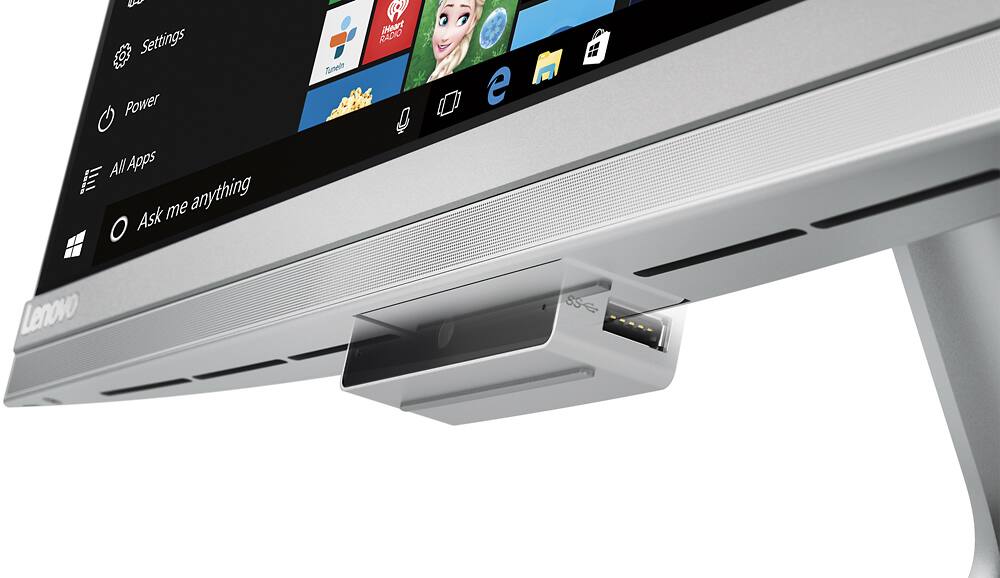
||Posted .This reviewer received promo considerations or sweepstakes entry for writing a review.I've had this computer for about a month now and have absolutely no complaints. It generally runs fast enough for daily work activities including having multiple word, pdf and excel files open simultaneously in addition to having Spotify and a web browser open in the background. The only complaints I would have are: 1. the headphone jack is in the back and I generally have to stand up to plug in some headphones. (Not the biggest deal in the world) 2. It is hard to get a thumb drive to fit the usb ports located on the camera. Plus, it almost feels like you going to break the camera if you push too hard getting the thumb drive in. 3. Speakers are lame. On a computer this expensive, they should have done a better job. Overall I think it was an excellent buy and definitely is a stylish computer.
I would recommend this to a friendBrand response from Lenovo Product Expert
Posted .Thank you for choosing the Lenovo IdeaCentre 510s All-In-One system. With regard to the audio system on this device, we will look in to this for future improvements.
- Pros mentioned:Design, Speed, Touch screen
Great computer but god awful camera
||Posted .This reviewer received promo considerations or sweepstakes entry for writing a review.There is much to love about this computer. The huge, non-glare touch screen, the sleek modern design, fast and powerful processor, lightweight and portable, great keyboard and hi-tech remote mouse. Yes, I like it. Just as long as I don't need to use the webcam, which is simply awful because it photographs from a very low angle and makes me look scary! Fortunately, I seldom use a webcam, so I can live with it.
I would recommend this to a friend - Cons mentioned:Usb ports
Powerful computer in a small size
||Posted .This reviewer received promo considerations or sweepstakes entry for writing a review.This is a five star computer except for two shortcomings, the cordless mouse and the USB ports. The mouse was erratic, and I switched to a corded mouse. Four 3.0 USB connections should be adequate, but one is taken up by the dongle for the cordless mouse and key board. Substituting a corded mouse takes up one more. Two are located on the sides of the drop down video camera, which when down is not very rigid. Using those ports has the disadvantage of needing to leave the camera down all the time and being fragile when inserting the USB device, due to the lack of rigidness. On the plus side, the Computer works well and comes on very fast. After getting used to Windows 10 and making some settings, I find that I like it. Perhaps the best feature of the computer is is size and weight. It has the portability of a large laptop except that it has to be plugged in.
I would recommend this to a friendBrand response from Lenovo Product Expert
Posted .Thank you for choosing the Lenovo IdeaCentre 510s All-In-One system. With regard to needing more USB ports, you might consider using a USB port replicator to add more USB ports. With regard to the mouse being erratic, you might want to try a mouse pad.
- Pros mentioned:Design, Touch screen
Great hardware meets a stylish Exterior
||Posted .This reviewer received promo considerations or sweepstakes entry for writing a review.This computer is great if you're looking for a consolidated platform that's not too big, but not too small. The hardware with the hybrid hard drive and 8Gb of RAM make this computer quick to start up, and excellent for multi-tasking. The overall look of the computer is fantastic too with an aluminum shell, thin bezel edge, pop-out webcam & USB ports for additional functionality and the ergonomic mouse & keyboard. Love this computer!
I would recommend this to a friendBrand response from Lenovo Product Expert
Posted .Thank you for choosing the Lenovo IdeaCentre 510s All-In-One system. We are pleased to hear that the features and performance of the IdeaCentre 510s AIO meet your computing needs so well.
- Pros mentioned:Design, Ease of use, Touch screenCons mentioned:Usb ports
great all in one computer
||Posted .This reviewer received promo considerations or sweepstakes entry for writing a review.I've only had it for a couple weeks, but I love it! The screen is huge and very bright compared to the laptop I already have. It has been easy to use and I love the slim design. I wish it had more USB ports, but other than that, it's been great!
I would recommend this to a friendBrand response from Lenovo Product Expert
Posted .Thank you for choosing the Lenovo IdeaCentre 510s-23 All-In-One system. This device has a total of 4 USB ports, don't forget the two additional USB ports on the drop down web cam device (one on each side) at the bottom of the screen.
- Pros mentioned:Ease of use, Speed, Touch screen
Great Computer
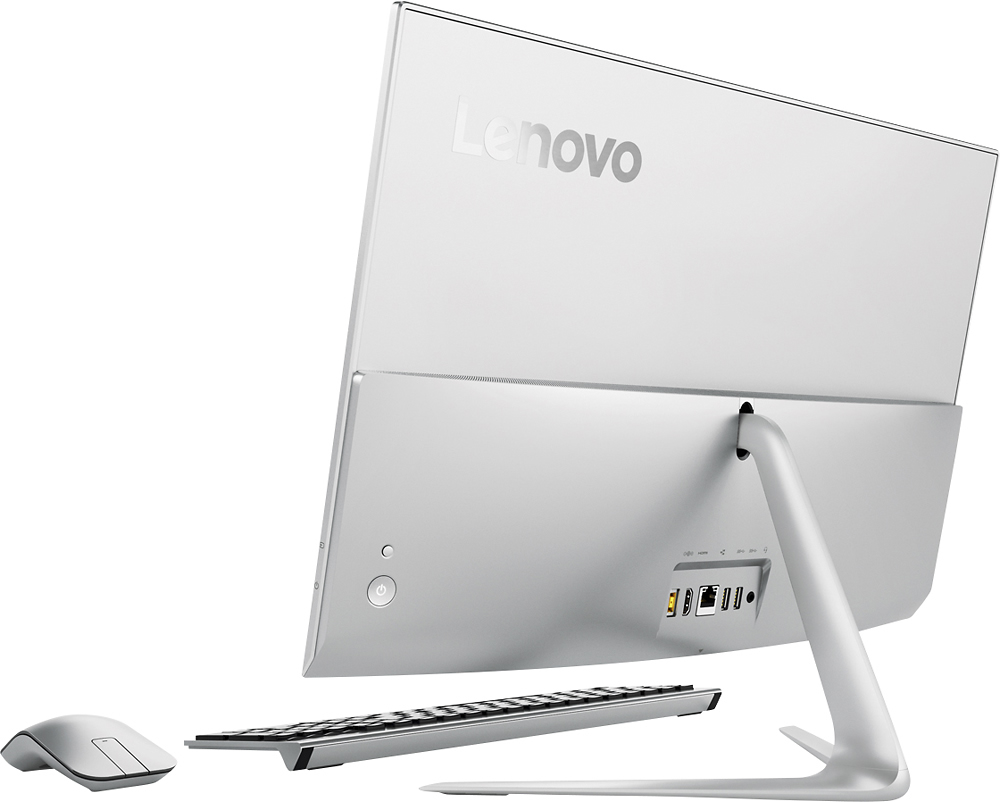
||Posted .This reviewer received promo considerations or sweepstakes entry for writing a review.This computer is easy to use for those who are not tech savvy. I love being able to go between using the mouse and the touch screen. It took all of 5 minutes to get used to being able to touch the screen. The amount of hard drive is awesome! The computer processor is very fast. I have a standard internet speed, and the download and upload speeds are super fast. The graphics are top shelf for the regular user. I haven't tried a game on it yet, but my son says it should be pretty standard. The only downside to this computer are the USB port are in the back and in the hidden camera dock. As well as the headphone/external speaker jack. I like the power button being in the back lower right. It took some getting used to, but after the second or third time booting it up, it wasn't an issue.
I would recommend this to a friendBrand response from Lenovo Product Expert
Posted .Thank you for choosing the Lenovo IdeaCentre 510s-23 All-In-One system. We are pleased to hear that the IdeaCentre 510s-23 AIO is working out so well for you.
- Pros mentioned:Ease of use
User friendly computer
||Posted .This reviewer received promo considerations or sweepstakes entry for writing a review.I’ve been using my new Lenovo all-in-one computer for a few months now and find that it meets my needs for a home computer. It is easy to use and I like that it shows a new email on the side when I am working on something else. It is also stylish looking and doesn’t take up a lot of space on the desk.
I would recommend this to a friend - Pros mentioned:Speed, Touch screen
Fast and Slim All in one
||Posted .This reviewer received promo considerations or sweepstakes entry for writing a review.Great computer for a great deal. Bought in August when it was on sale. It boots up quickly and the touch screen feature is great. Wish you could remove the entire stand and mount it to an arm or wall mount. I docked a star for that reason. Winodws 10 is great. Connection to the Xbox with the touch screen is a great feature. It's not heavy and easy to move around. The power cord is the same as an Lenovo laptop power cord. Much better than the first computer I bought the same day but returned because it was too slow. Can't complain about my first Lenovo computer purchase.
I would recommend this to a friendBrand response from Lenovo Product Expert
Posted .Thank you for choosing the Lenovo IdeaCentre 510s All-In-One system. With regard to wall mounting for this device, because it is a computer and not a monitor, I don't see this happening in the future.
- Pros mentioned:Performance, Speed
Touchscreen All in One
||Posted .This reviewer received promo considerations or sweepstakes entry for writing a review.Awesome speed and performance! Was apprehensive about the all-in-one concept but it is absolutely wonderful. Extra space with no hard drive box! Bought a second one for my daughter.
I would recommend this to a friend - Pros mentioned:Design, Speed, Touch screen
Sleek, Easy, Usable, $
||Posted .This reviewer received promo considerations or sweepstakes entry for writing a review.The title's words summarize this great purchase: SLEEK: Very clean and elegant design. Light weight, Big screen, NO wires to mess with. EASY: I don't believe the it can get easier that that to a) buy this device from BB b) install it = just get out of the box, plug in AC, followup setup steps... USABLE: Awesome display, great speed for all normal home usage. $: A lot of computer for this price!
I would recommend this to a friendBrand response from Lenovo Product Expert
Posted .Thank you for choosing the Lenovo IdeaCentre 510s-23 all-in-one system. We are pleased to hear that the features and performance of the IdeaCentre 510s-23 AIO meets your computing needs so well.
- Pros mentioned:Speed, Touch screen
Good stuff!
||Posted .This reviewer received promo considerations or sweepstakes entry for writing a review.Everything we were looking for as far as speed, power, and style go. The display is a great size, the picture is beautiful, and the touch screen is sturdy (a major concern since we have a little one who will be using it in the near future). The built in speakers aren't too shabby either. Would have preferred a beefier keyboard, but that's a simple fix to swap out. It does look nice, though. The mouse isn't super comfortable for us, but again, can be simply swapped out. We are very happy with our purchase :)
I would recommend this to a friendBrand response from Lenovo Product Expert
Posted .Thank you for choosing the Lenovo IdeaCentre 510s All-In-One system. We are pleased to hear that the performance and features of the IdeaCentre 510s AIO meet your family's computing needs so well.
- Pros mentioned:Touch screenCons mentioned:Usb ports
Great size. Great picture.
||Posted .This reviewer received promo considerations or sweepstakes entry for writing a review.I love this all in one. It is lightweight and slim. It does not take up a lot of room on my desk and I love having only one cord. The color and definition of the picture are outstanding. The screen is non-reflective. The only thing I would like to have is 1 or 2 more USB ports. There are 5 and the cd/dvd burner uses one and the mouse uses another leaving only 3and there are times when I could use more. I am very happy with this product.
I would recommend this to a friendBrand response from Lenovo Product Expert
Posted .Thank you for choosing the Lenovo IdeaCentre 510s All-In-One system. With regard to needing more USB ports, you can add a USB port hub. Here is a link to an example:
http://www.bestbuy.com/site/belkin-7-port-usb-hub-black/2389331.p?skuId=2389331
- Pros mentioned:Ease of use, Speed
Nice Computer
||Posted .This reviewer received promo considerations or sweepstakes entry for writing a review.I bought this computer a couple of weeks ago and I really like it. It’s fast and easy to use. The setup was easy too. Looks good as well.
I would recommend this to a friend - Pros mentioned:Performance
Takes care of daily needs.
||Posted .This reviewer received promo considerations or sweepstakes entry for writing a review.For the price point, a solid machine. Takes care of daily basic needs, web browsing, Micrsoft office, watching videos-movies and remote access to work machine. It isn't a gaming machine and if you want to play the latest titles, get a desktop with a dedicated video card. If you need a machine to take care of daily needs, this handles everything handily. Only negative is that the fan get a little loud, but when I say loud we are talking about loud for a tiny fan which isn't loud at all. But you will here it working even when not stressing the machine.
I would recommend this to a friend - Pros mentioned:Performance
Great Computer
||Posted .This reviewer received promo considerations or sweepstakes entry for writing a review.I received my computer as a gift. It’s performance is excellent. It’s size and weight makes it easy to take to Florida.
I would recommend this to a friend - Pros mentioned:Speed, Touch screen
Great all in one...
||Posted .This reviewer received promo considerations or sweepstakes entry for writing a review.Have been looking to replace an aging desktop for a while. I actually helped my parents pick this out after their desktop got fried during a storm. I was so impressed with it, that I decided to order one, for myself. The screen is gorgeous, it starts up really fast, and seems to handle everyday tasks like a champ. I love the small footprint on my desk now. No more wires running all over the place. On board speakers are decent enough for everyday tasks, and when I want to listen to music, I use Bluetooth to stream to my wireless speaker. This eliminates the subwoofer and speakers that were on my desk before. If yout in the market for a desktop, this one is worth a look.
I would recommend this to a friendBrand response from Lenovo Product Expert
Posted .Thank you for choosing the Lenovo IdeaCentre 510s All-In-One system. We are pleased to hear that the features and performance of the IdeaCentre 510s AIO meets your computing needs so well.