Customer Ratings & Reviews




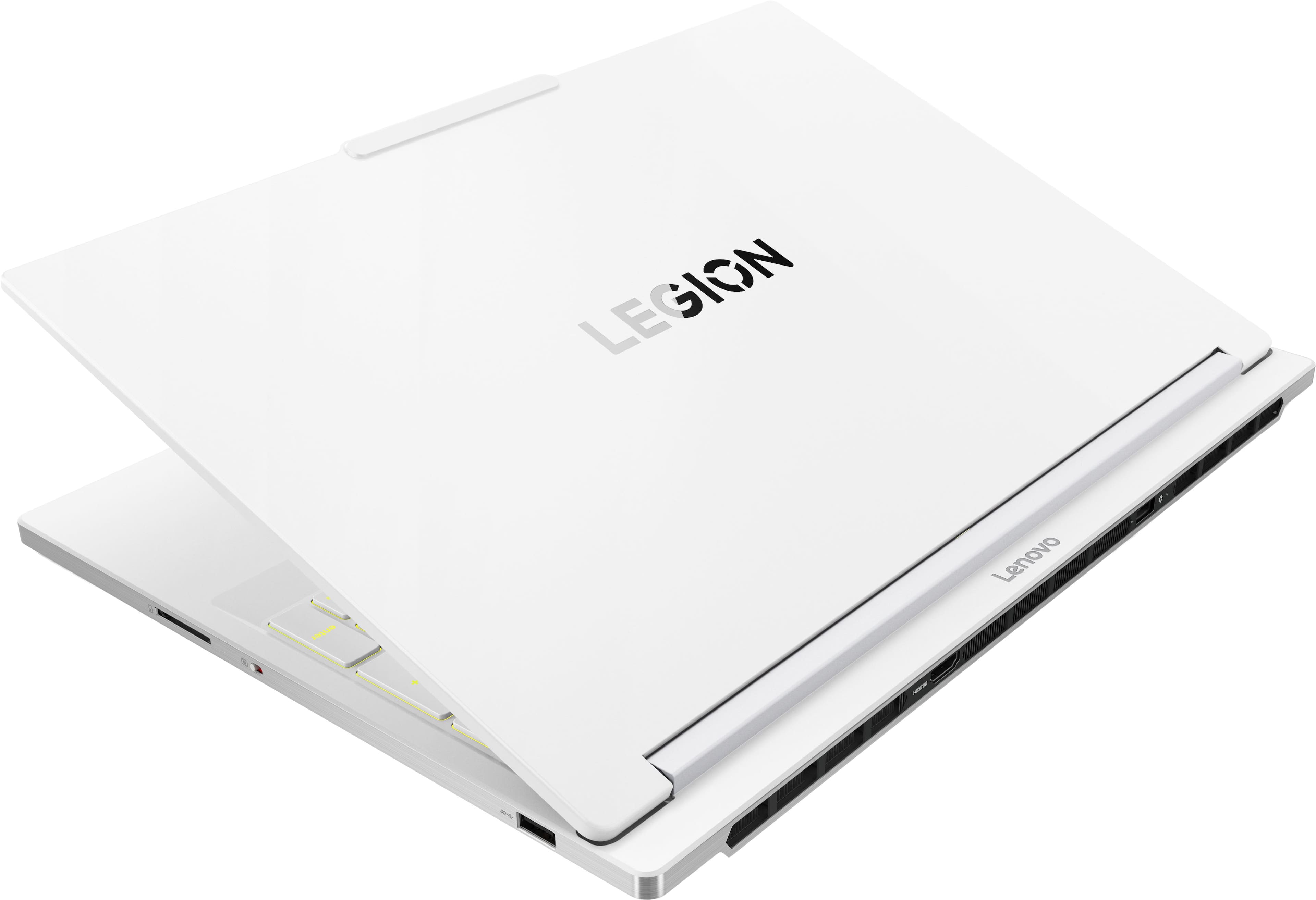
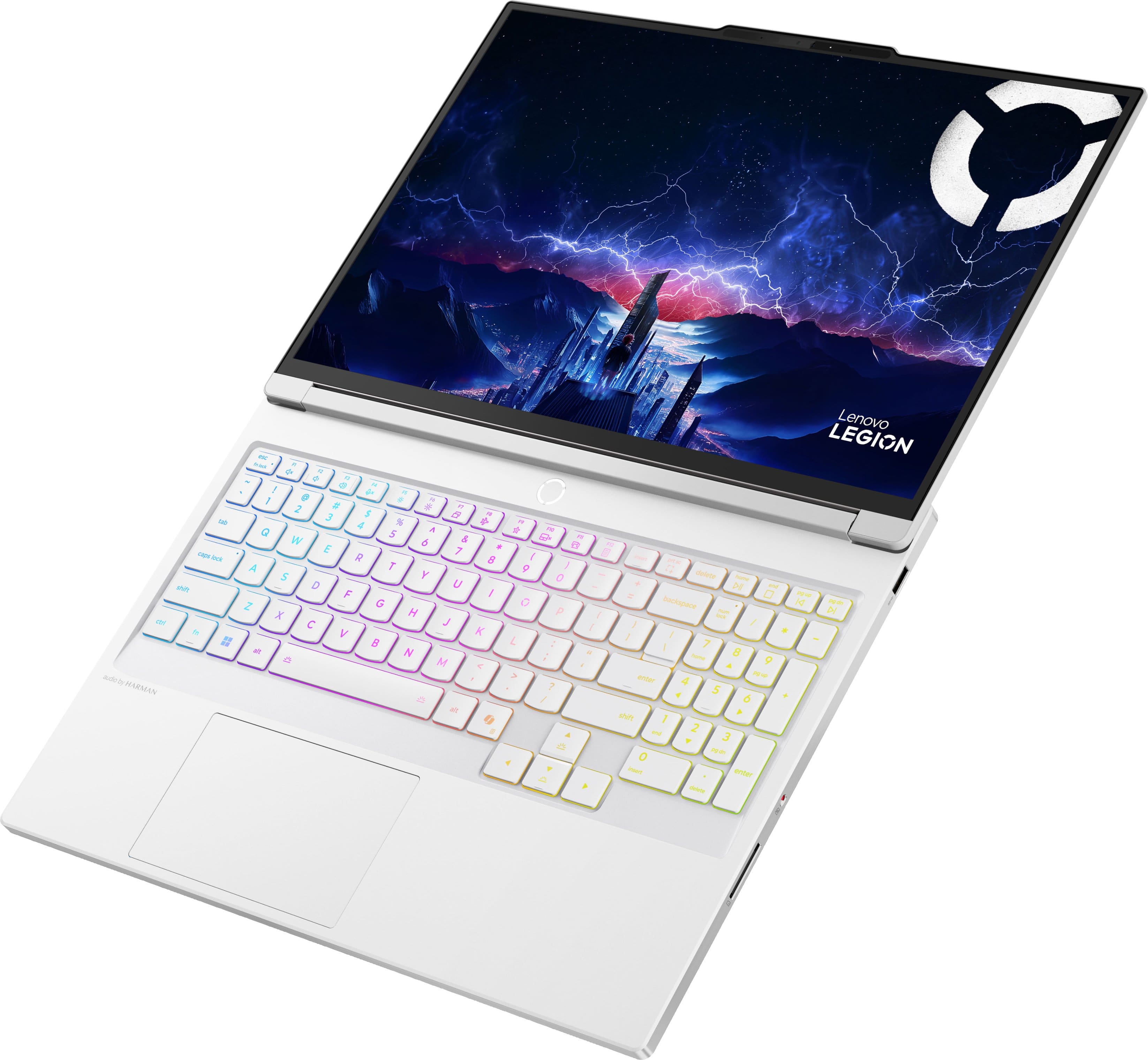







- Model:
- 83KY0003US
- SKU:
- 6617095
Rating by feature
- Battery Life
Rating 4.0 out of 5 stars
- Speed
Rating 4.8 out of 5 stars
- Display
Rating 4.9 out of 5 stars
Customers are saying
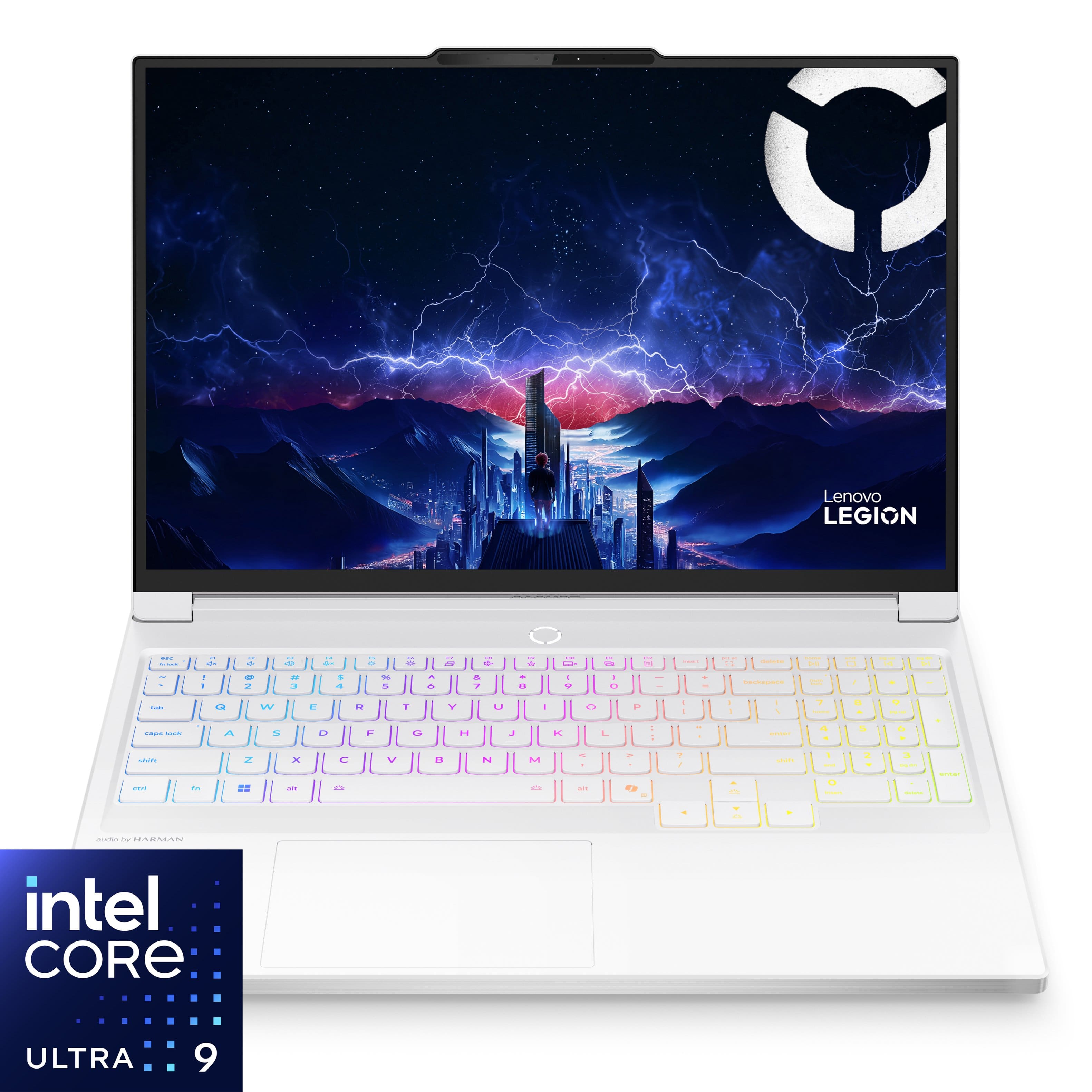
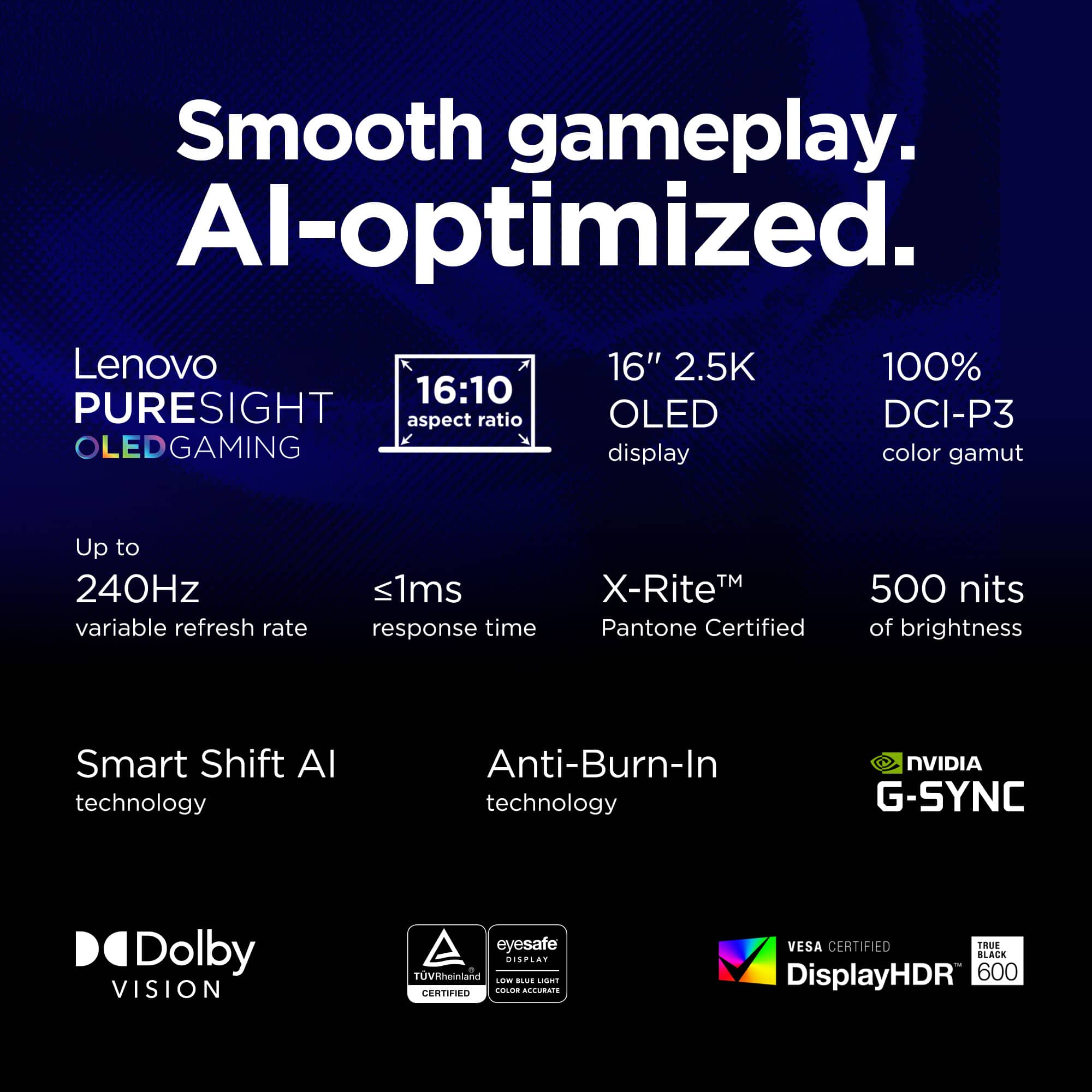
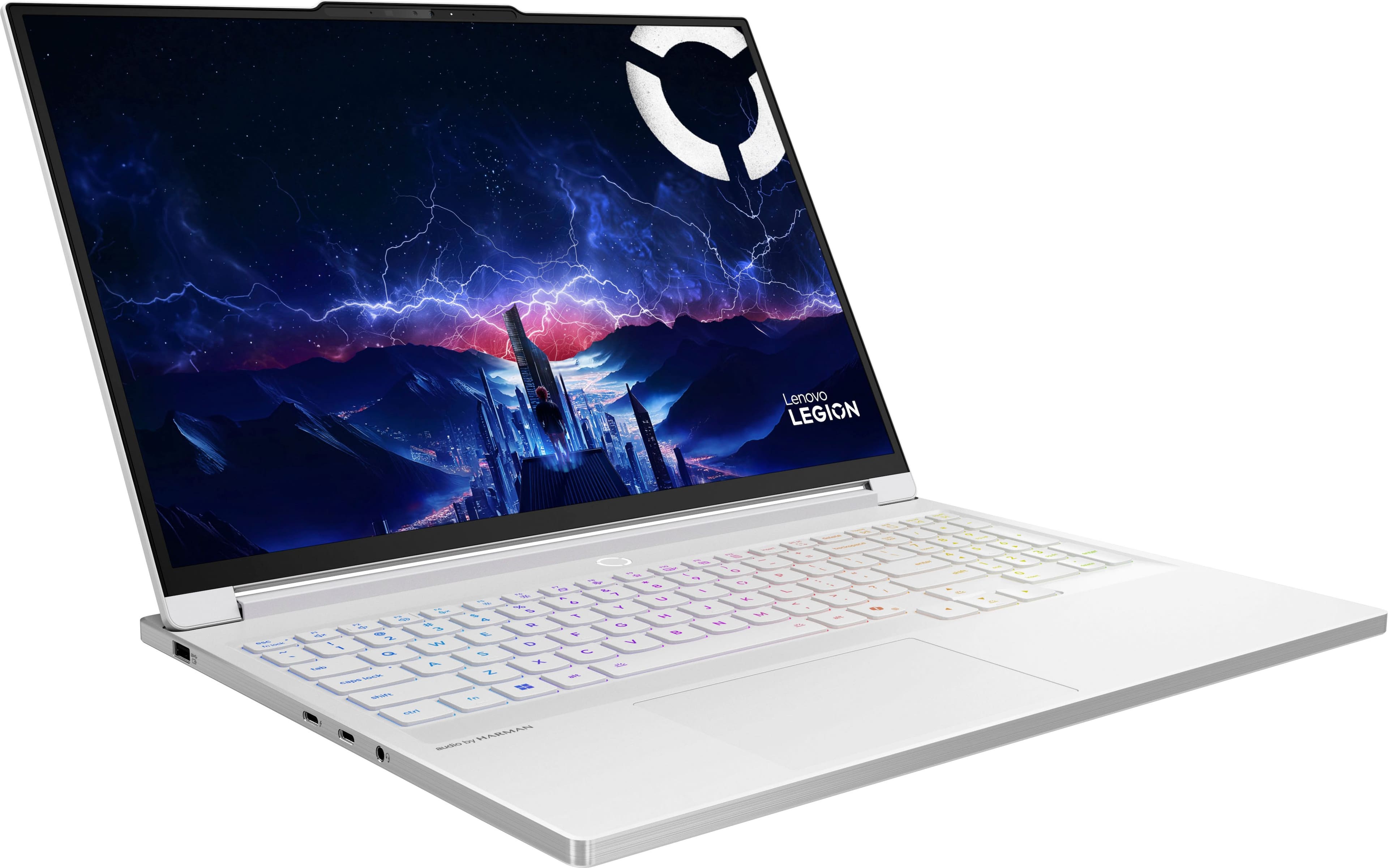
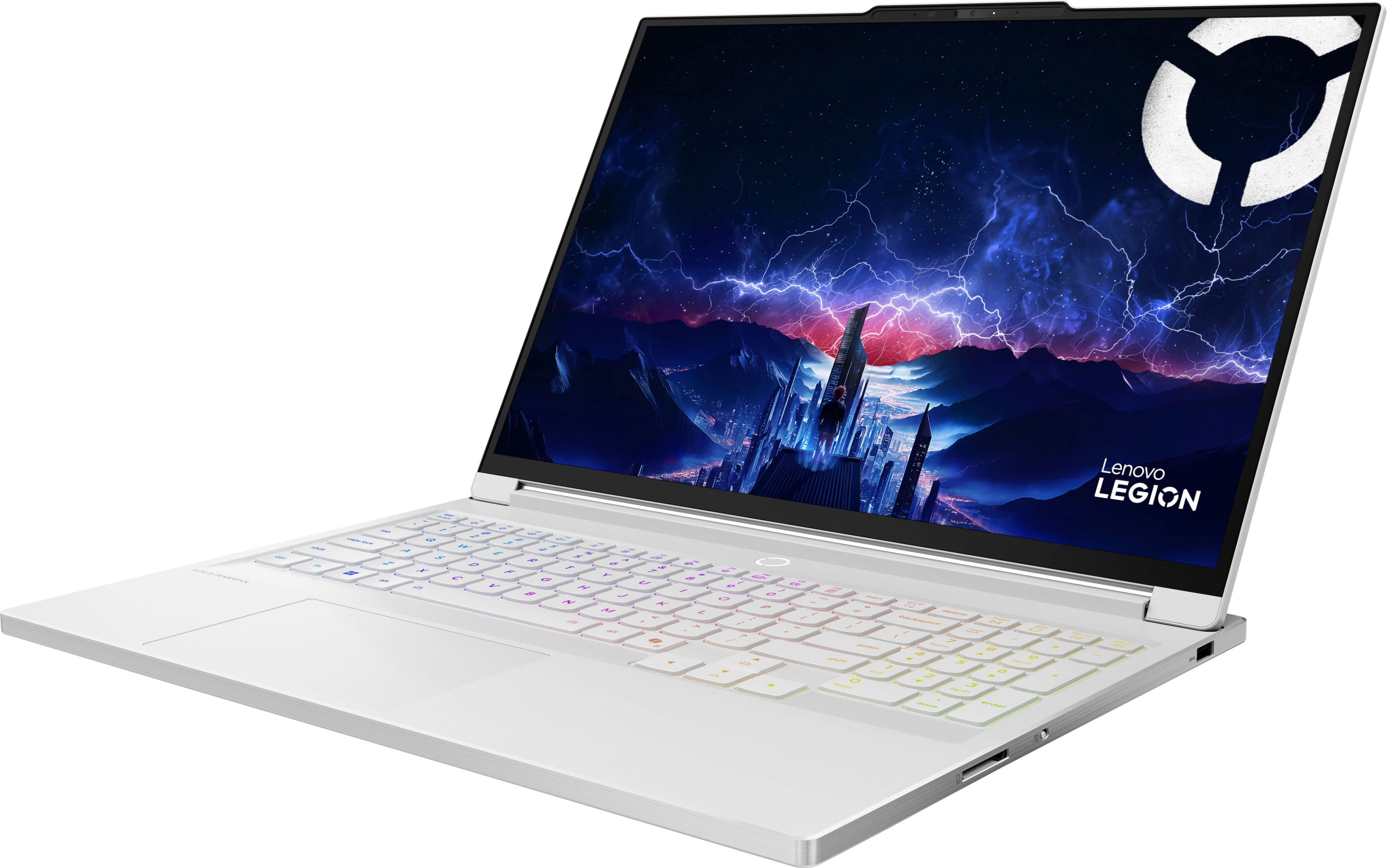
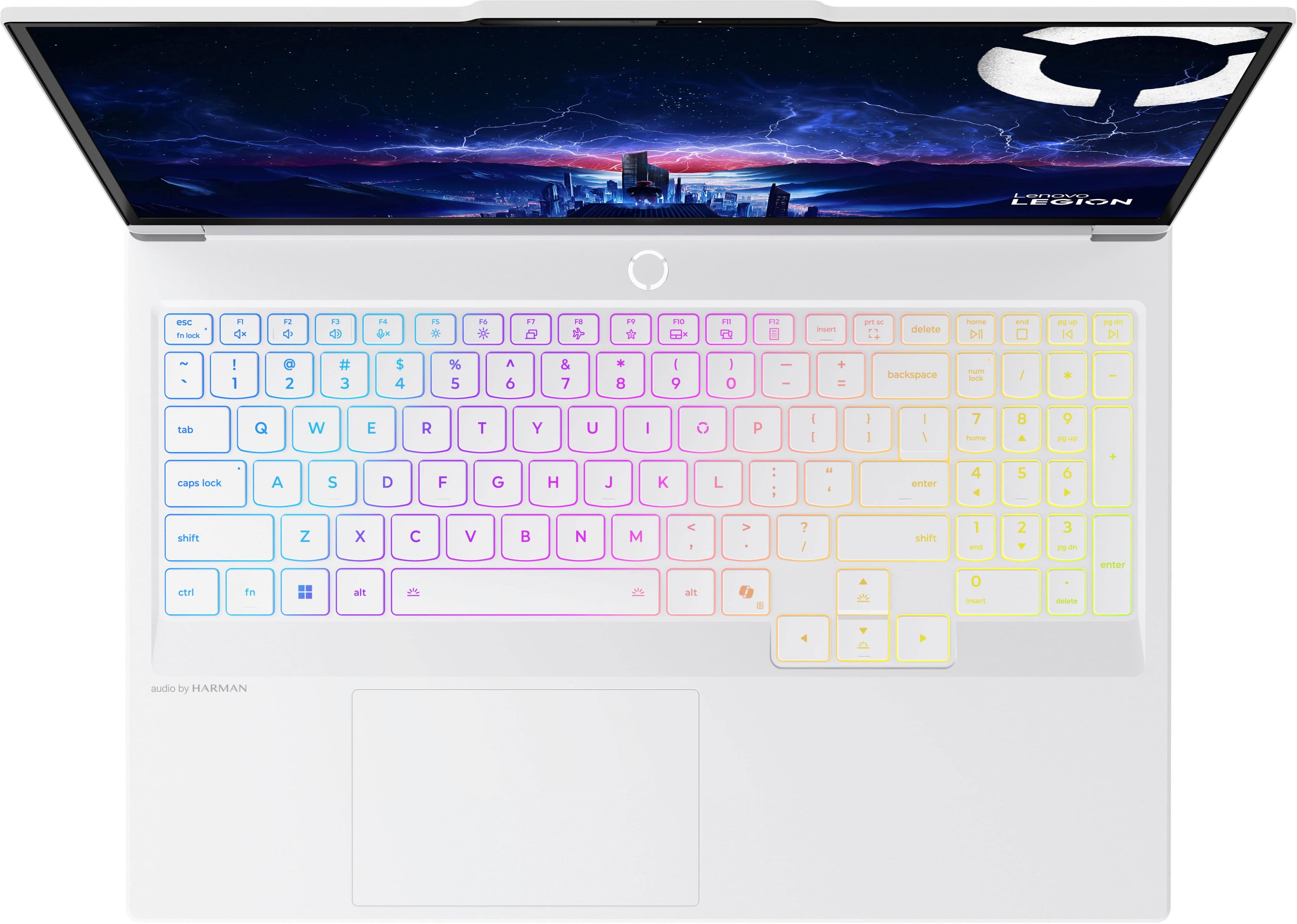
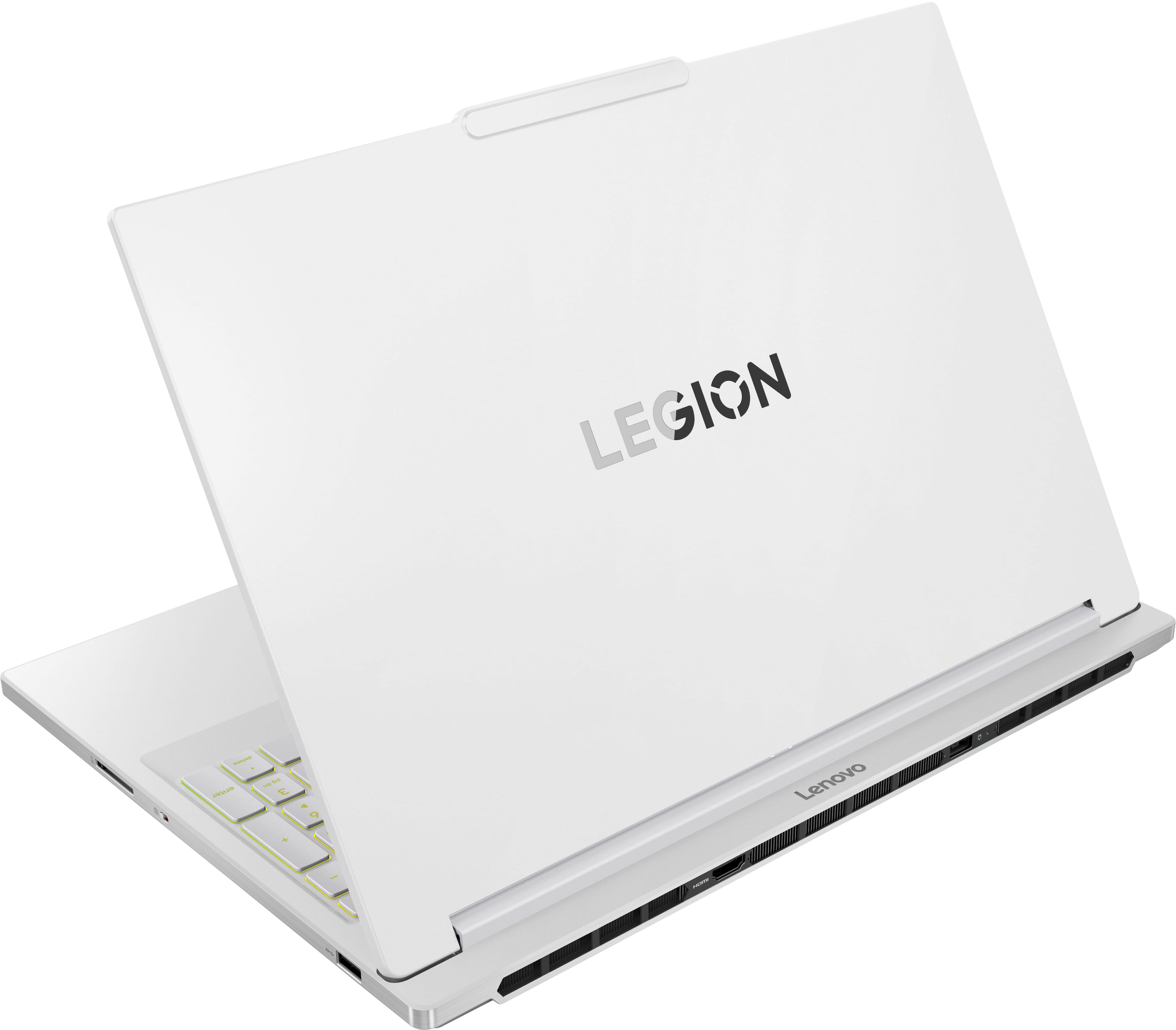
Customers recognize the Legion 7i 16" as an excellent gaming laptop, praising its overall performance, vibrant OLED display, and blazing-fast processor. The sleek design and effective heat dissipation are also appreciated. However, some customers have noted that the battery life is shorter than expected.
This summary was generated by AI based on customer reviews.
- Pros mentioned:Overall performanceCons mentioned:Battery life, Noise level
Great gaming laptop
||Posted .This reviewer received promo considerations or sweepstakes entry for writing a review.Fan is a little loud and battery drains kind of fast but it is has great performance
I would recommend this to a friendBrand response from Lenovo Product Expert
Posted .Hi Sara-
Thank you for choosing Lenovo and sharing your experience with us. We are happy to hear that you are enjoying the performance of the Legion 7i. We aim to offer great user experience and would love to recommend a few solutions to improve battery life.
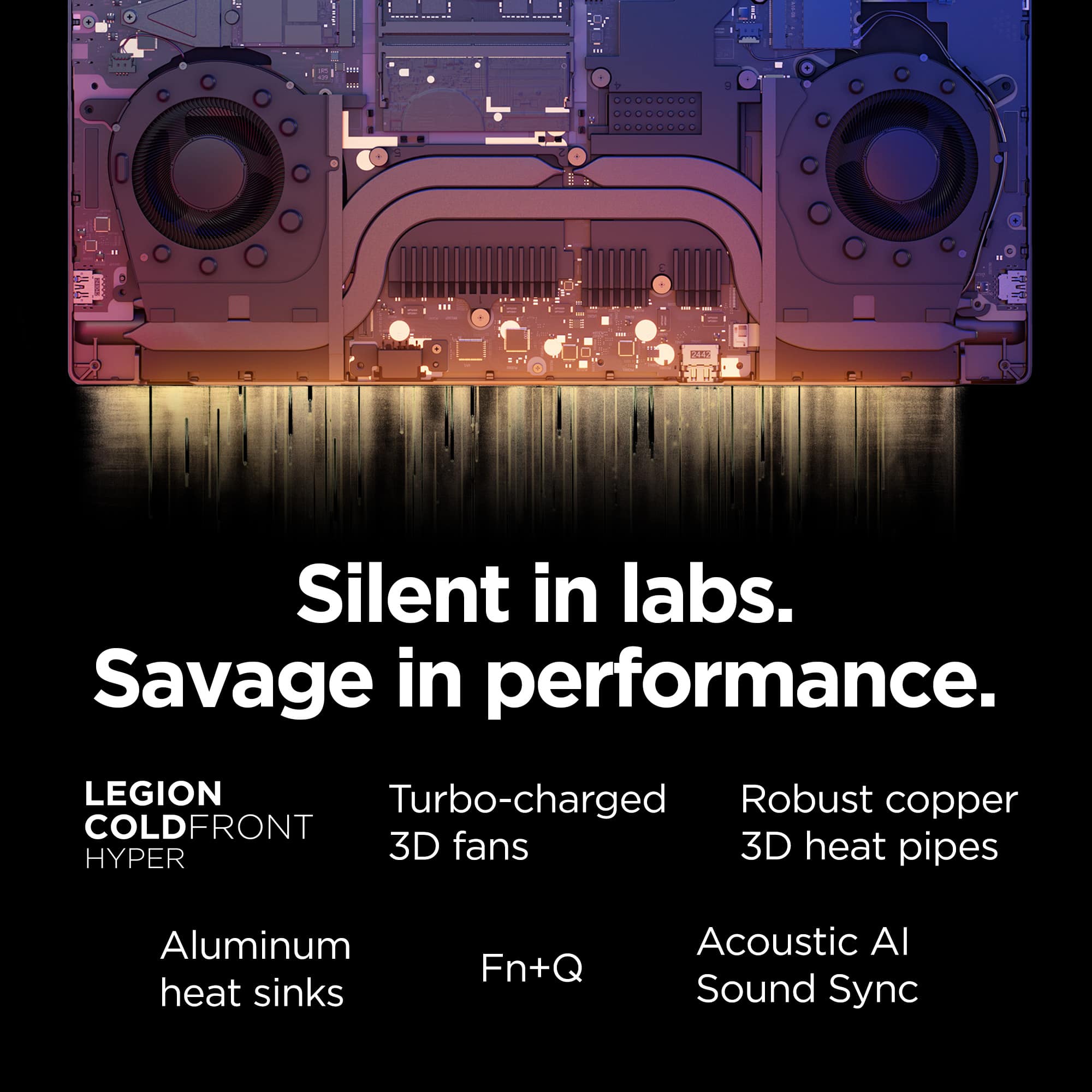
Firstly, the Legion 7i allows you to change the computer’s thermal mode. This will allow your device to cycle between higher performance, quiet, or automatically adjust based on your needs. To start, launch the Lenovo Space app, Under the CPU and GPU Performance gauges you will find the option to toggle performance profiles. We suggest using Quiet mode which will extend the battery life of your Legion 7i. You can also toggle thermal modes simply with the Fn+Q hotkey.
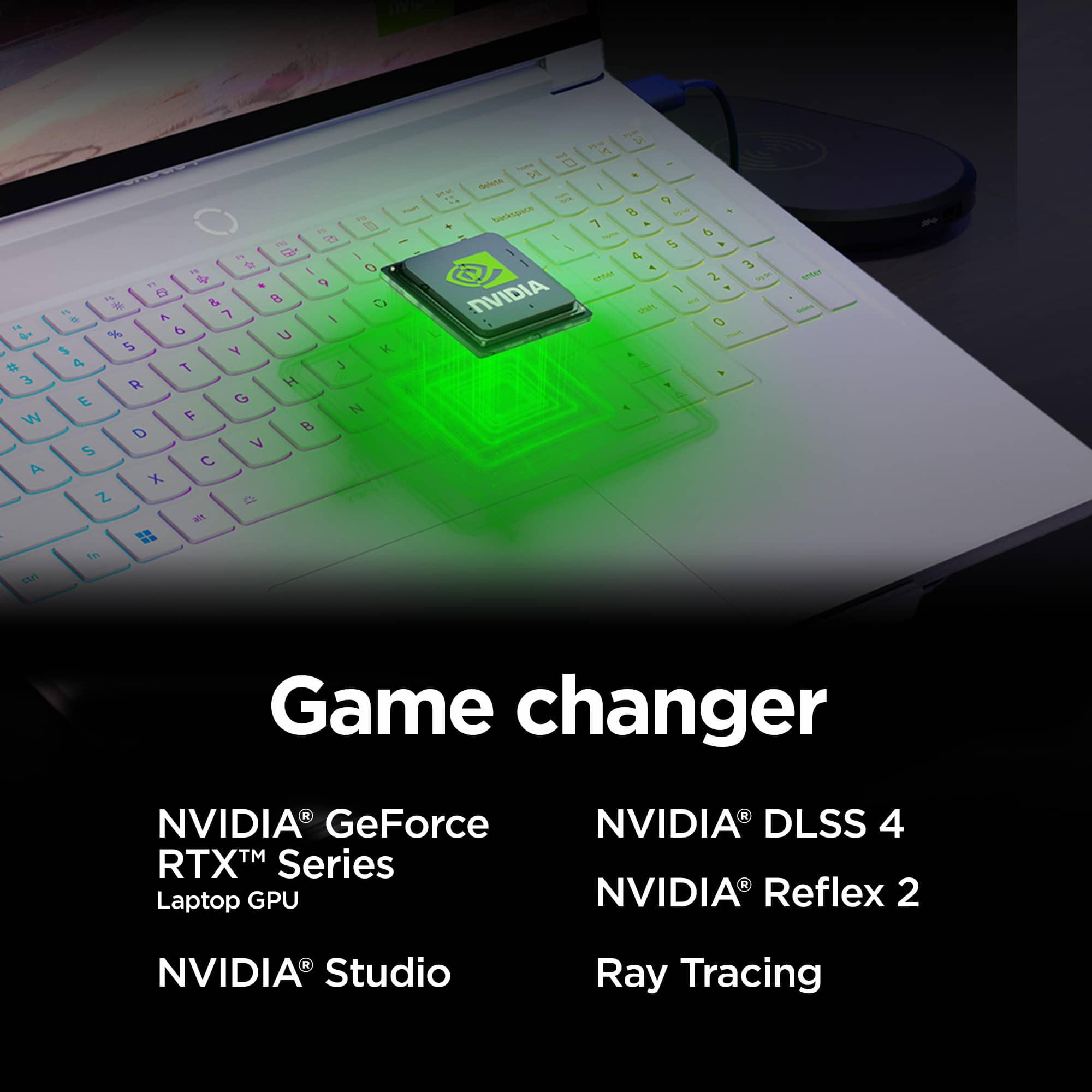
The Legion 7i includes the option of controlling the “GPU Working Mode”. You can find this within Legion Space, just below the Thermal Profile modes from the previous step. This allows your device to switch between the integrated GPU and discrete GPU. By switching modes, you can enhance battery life through the Hybrid-iGPU Only Mode which will lower the power draw of the NVIDIA GeForce RTX 5070 graphics card or enhance performance with dGPU Mode which will enhance display performance.
Please reach out to us through the Q & A section of this product webpage if you have any questions or need any assistance.
Best wishes,
Lenovo
- Pros mentioned:Overall performance
Great performance and design
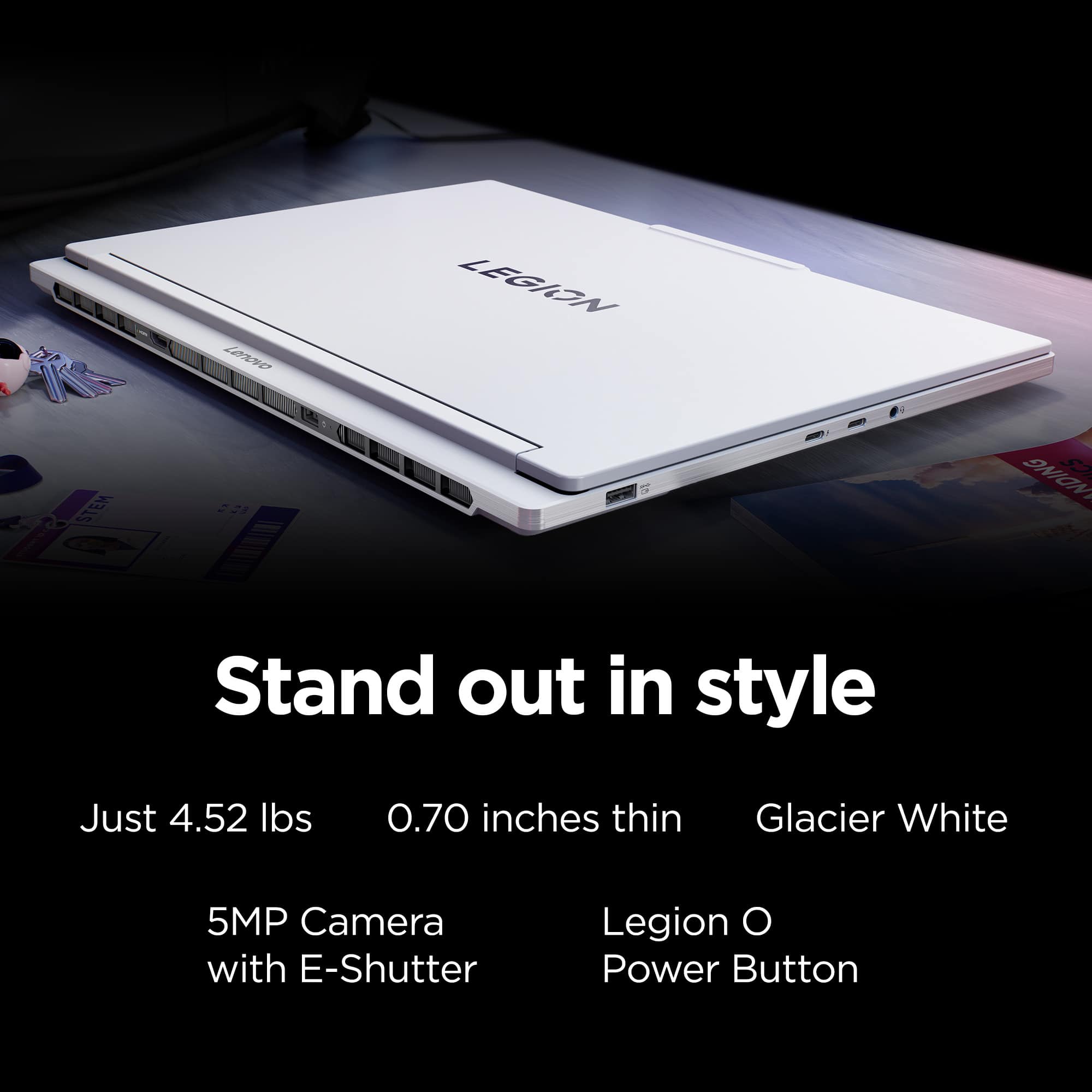
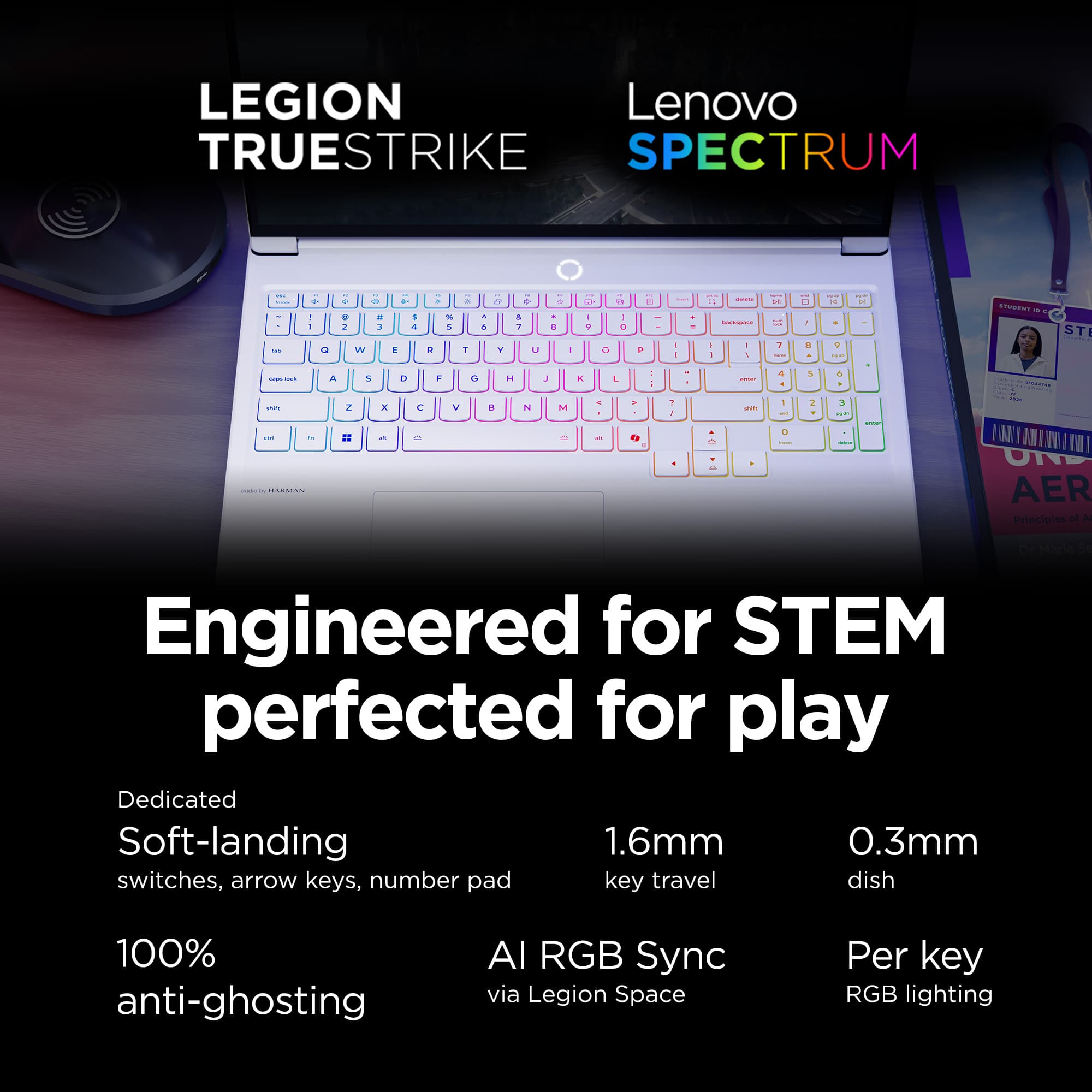
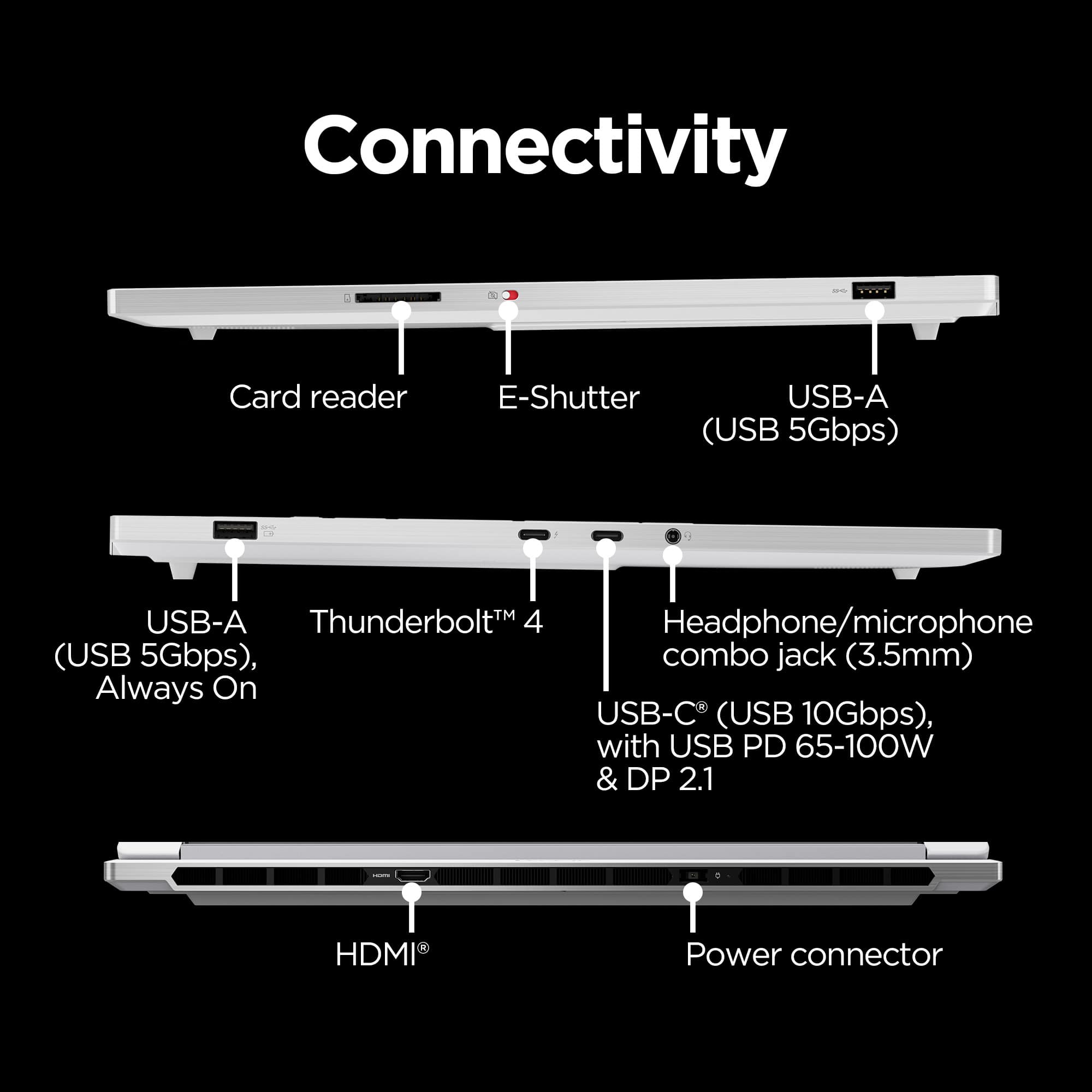
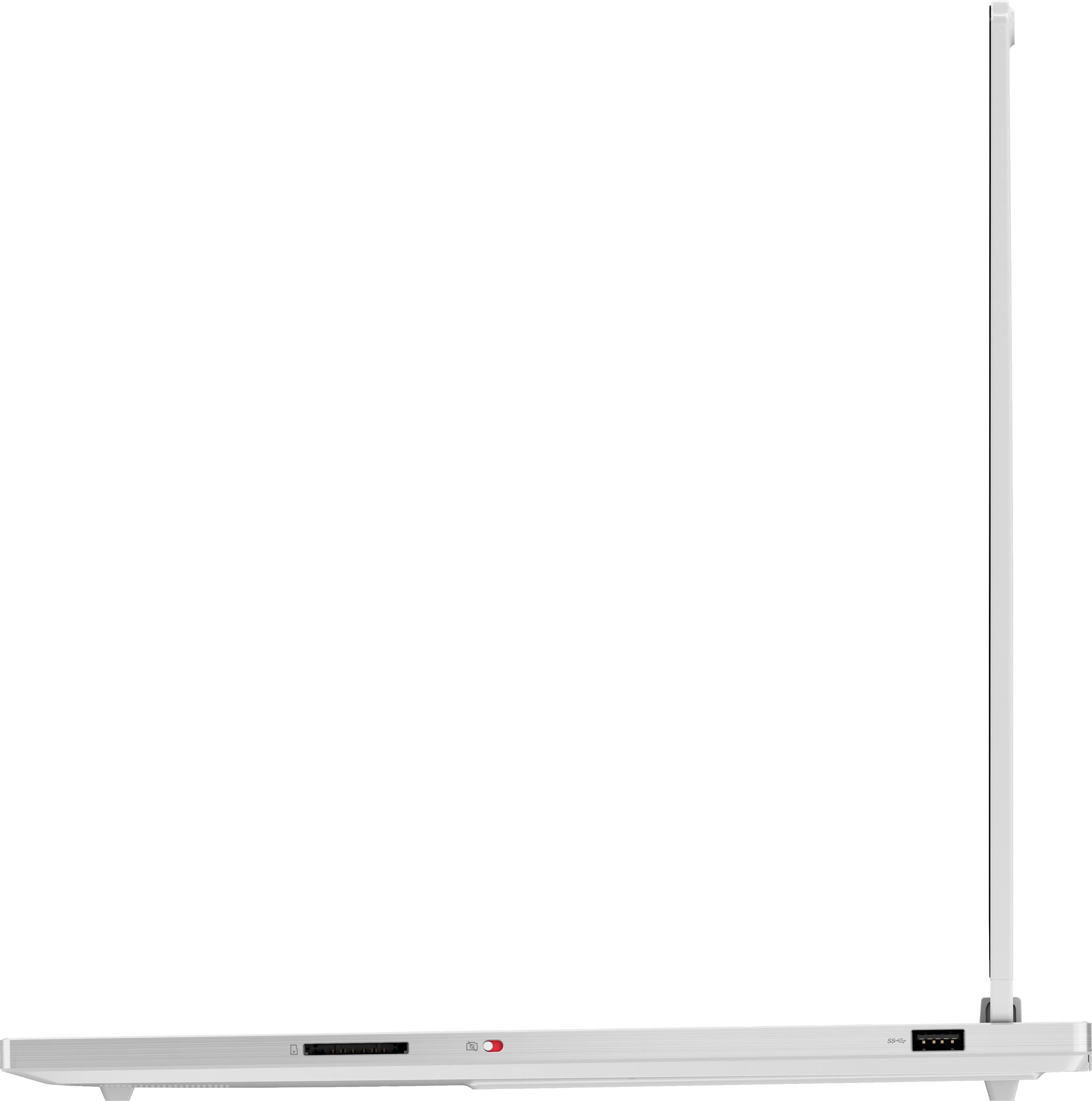
||Posted . Owned for 1 week when reviewed.This reviewer received promo considerations or sweepstakes entry for writing a review.Very good performance able max out a lot of games and run ray tracing. The screen is fantastic great color and deep blacks. Once feature that I like that isn't talked about is the hardware switch for the camera for privacy. Keyboard feels soft but not spongy. It's thinner than I thought it would be which is good. When not running full speed its very quiet, fans can get up there when going all out but thats to be expected. Great price for what you get, I recommend.
I would recommend this to a friend - Pros mentioned:Overall performanceCons mentioned:Battery life, Heat dissipation
Great but ...
||Posted .This reviewer received promo considerations or sweepstakes entry for writing a review.It's a very powerful laptop. The only problem with it is that the screen is OLED which could trigger migraine or headaches and also it gets burning hot in two minutes which is weird. The battery life is also super low even when you do not play games.
I would recommend this to a friendBrand response from Lenovo Product Expert
Posted .Hello,
Thank you for sharing your feedback with us. We're sorry to hear that you ran into an issue, leading to you returning the system.
We have noted your comments, as your input is important in our review of opportunities for improvement. We hope that you choose our products again in the future, and that you feel free to reach out to us with any issues, as we strive to provide the best experience possible.
Best regards,
Lenovo
- Pros mentioned:Design, Oled quality
Excellent Laptop
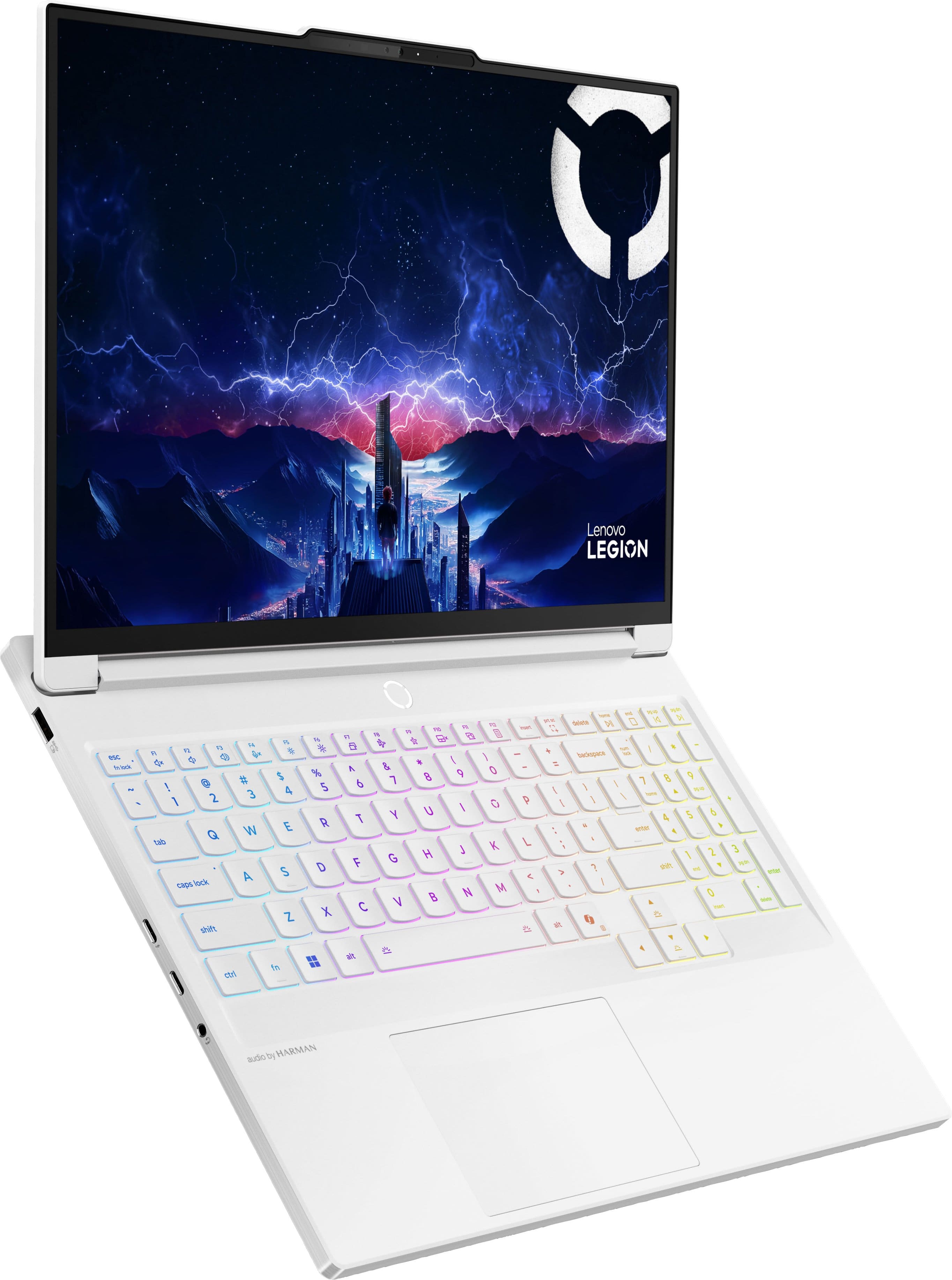
||Posted . Owned for 1 week when reviewed.This reviewer received promo considerations or sweepstakes entry for writing a review.My new Lenovo Legion 7i, laptop has impressive gaming performance, a stunning OLED screen, and user-friendly features, all while emphasizing its striking Glacier White design and customizable keyboard lighting feature. If operating on battery only consider lowering resolution with the OLED screen. You will not be disappointed owning this wonderful laptop for gaming or just everyday use.
I would recommend this to a friendBrand response from Lenovo Product Expert
Posted .Hi JohnD,
Thanks for choosing Lenovo and for sharing your feedback with us!
We are pleased to read that your Legion 7i 2-in-1 has impressed, with it offering a great visual experience, its design, performance, and user-friendly features.
Please feel free to reach out to us via the Q& A section of this product page should you have any questions or need assistance.
Best,
Lenovo
- Pros mentioned:Overall performanceCons mentioned:Battery life
As good as it looks!
||Posted .This reviewer received promo considerations or sweepstakes entry for writing a review.This laptop can do anything throw at it, from CAD to gaming...and it looks cool. Battery can die quickly with high-end gaming but that should be expected with an ultra 9i cpu and a 5070 gpu. Lol I'm very happy.
I would recommend this to a friendBrand response from Lenovo Product Expert
Posted .Hi,
Thanks for choosing Lenovo and for sharing your feedback with us!
We are glad to read that you are satisfied with your purchase overall.
Please don't hesitate to reach out to us via the Q& A section of this product page or contact Lenovo Support should you have any questions or need assistance.
Regards,
Lenovo
- Pros mentioned:Overall performance
Best Purchase
Posted .This reviewer received promo considerations or sweepstakes entry for writing a review.Amazing quality and graphics. Definitely recommend.
I would recommend this to a friendBrand response from Lenovo Product Expert
Posted .Hi,
Thanks for choosing Lenovo and for sharing your feedback with us!
We are glad to read that you are satisfied with your purchase.
Please don't hesitate to reach out to us via the Q& A section of this product page or contact Lenovo Support should you have any questions or need assistance.
Regards,
Lenovo
- Pros mentioned:Overall performanceCons mentioned:Heat dissipation
Great HOT (literally) machine
||Posted . Owned for 1 month when reviewed.This reviewer received promo considerations or sweepstakes entry for writing a review.Amazing graphics, amazing power, I run all the games with ease. Incredible for audio and video productions. Renders in no time. However, not a computer you want to put on your lap, ever. It gets incredibly hot and will cause serious burns. I'm not entirely sure how long it will last due to the heat, but it's working great so far.
I would recommend this to a friendBrand response from Lenovo Product Expert
Posted .Hello,
Thank you for sharing your feedback with us. We're sorry to hear that you ran into an issue. We strive to provide the best experience possible. We're disappointed and apologize that this wasn't the case for you, and we'd like to work with you to try to improve your experience.
Regarding the heat produced, this Legion 7i features an active cooling system, along with other components and software, designed to enable the user to power through work without throttling due to heat produced.
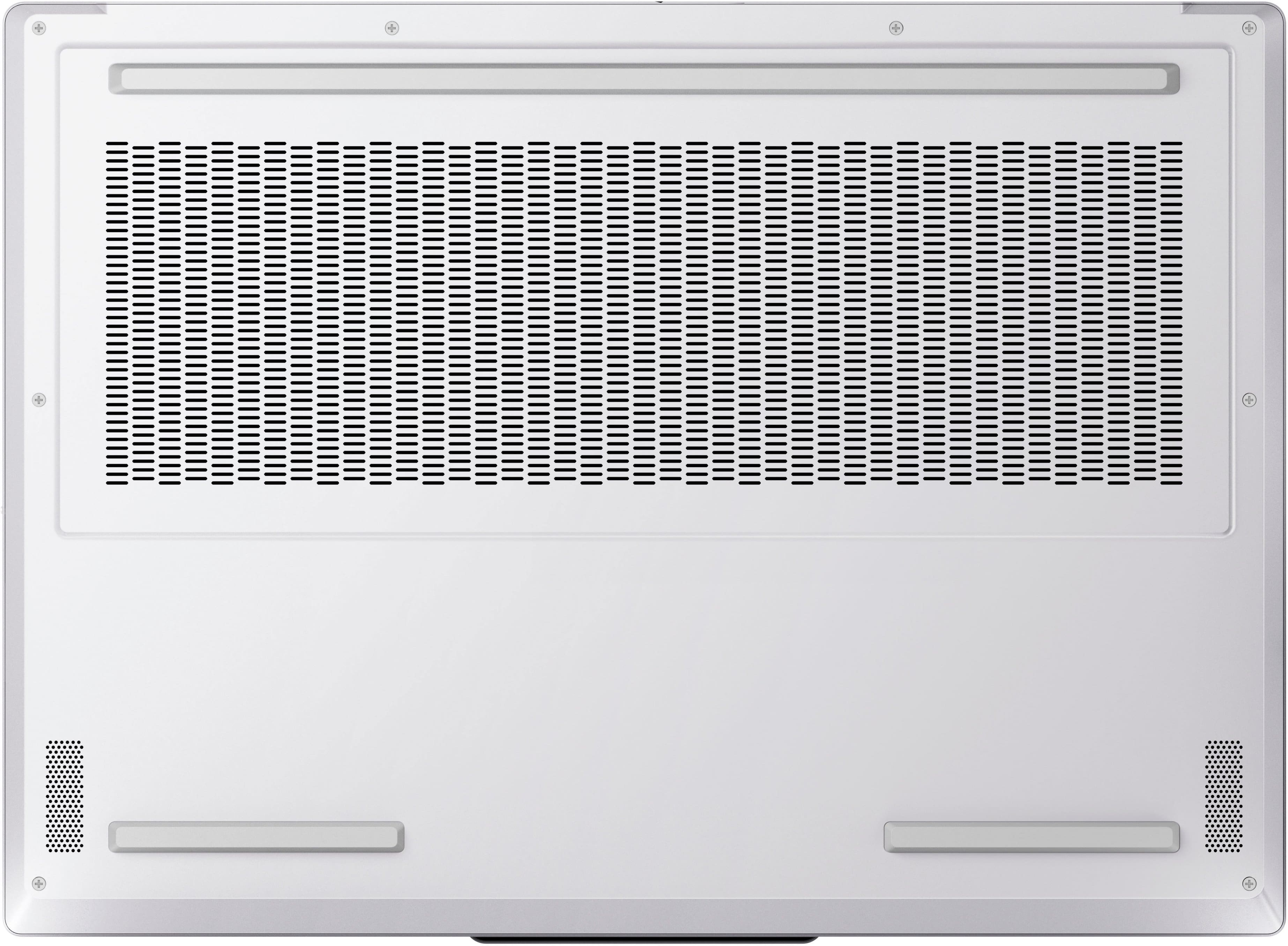
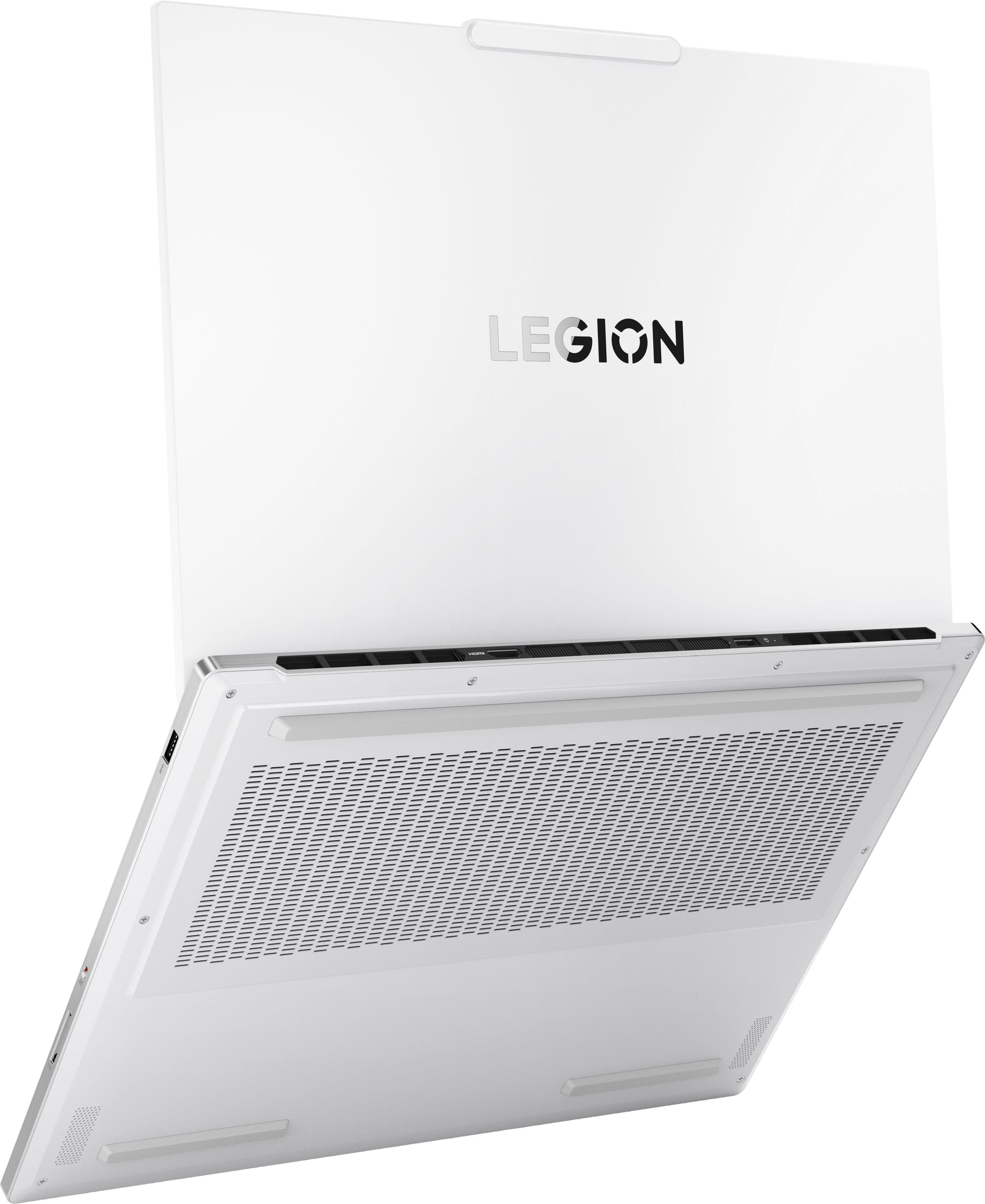
We recommend that the bottom of the device, where the air intake vents are, is clear of obstructions to increase air flow. Additionally, it also features Smart Control, enabling the user to use the key command combination of Fn + Q to toggle between thermal/performance mode. For instances where you may use the device in your lap or a situation where the intake vents may be obstructed, we recommend switching to cool or quiet mode to help with the heat felt on the bottom of the machine.
Last, please check for and apply any available updates through Lenovo Vantage and Windows Update Settings to help ensure you are using the latest software and drivers to ensure your system is running as efficiently as possible. To check for updates, open the Settings app > Select the Windows update tab > Select the Check for updates button, apply all available updates. Next, open the Lenovo Vantage app > on the homepage, select the Check for updates button, following on-screen prompts to apply all available updates here as well.
Please don't hesitate to let us know what else we can do to improve your experience, as your satisfaction is important to us.
Best regards,
Lenovo
- Pros mentioned:Oled quality, Overall performance
Great laptop 5 stars
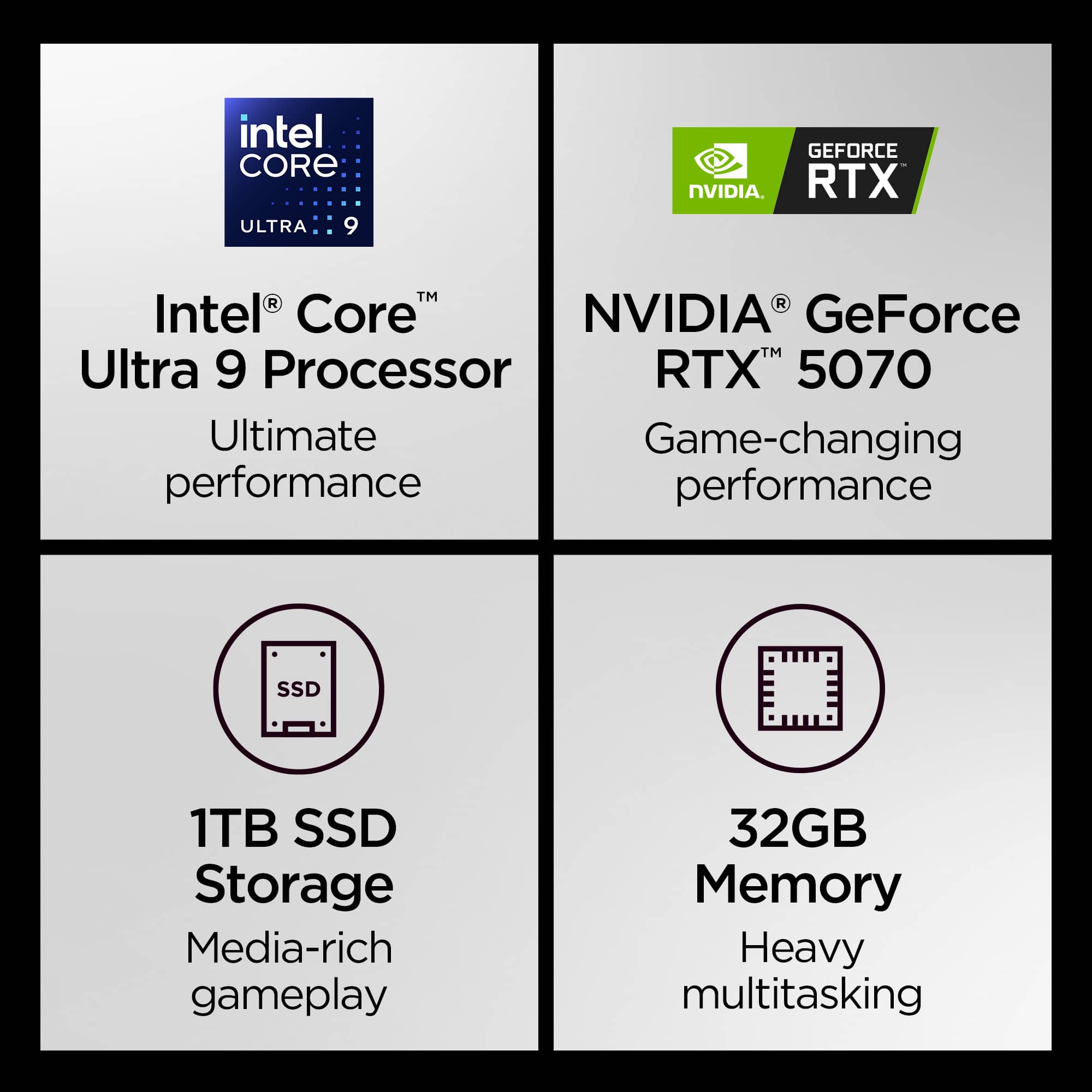
||Posted .This reviewer received promo considerations or sweepstakes entry for writing a review.Great cpu and gpu, 32gb ram, 1tb storage. Others say the QC issues have affected them but I haven’t experienced any issues with my hardware. OLED screen looks amazing, battery life depends on what you’re doing but is generally great. Excellent Lenovo laptop.
I would recommend this to a friendBrand response from Lenovo Product Expert
Posted .Hi BlakeN0704-
Thank you for choosing Lenovo and sharing your experience with us. We are excited to hear that you are enjoying the performance, product design, and display quality of the Legion 7i. We aim to provide excellent user experience for our products, and we are happy to hear that we met our goal.
Please reach out to us through the Q & A section of this product page if you have any questions or need assistance.
Best wishes,
Lenovo
- Pros mentioned:Overall performanceCons mentioned:Noise level
Totally rad.
||Posted .This reviewer received promo considerations or sweepstakes entry for writing a review.Works extremely well at the price point! Highlights are; Preformance High Ram CRISP VISUALS!! Lowlights are; Fan gets loud under workload Battery life is about as alive as a 9 to 5 wage slave in a corporation.
I would recommend this to a friendBrand response from Lenovo Product Expert
Posted .Hi RatingThings-
Thank you for choosing Lenovo and sharing your experience with us. We are overjoyed to hear that you are enjoying the performance of the Legion 7i for your gaming needs. We aim to provide excellent user experience for our products, and we would like to recommend a solution to help enhance your experience.
Firstly, we recommend running and installing all available drivers updates through Lenovo Vantage and Windows Update Settings, these updates are crucial to the device’s health and will affect the device’s power output. To check for updates within Lenovo Vantage begin by launching the application, then select the “Check for updates” button on the top of the right-hand of the display. To check for Windows Updates, start by launching the Settings app, then selecting the Windows Update tab on the left-hand side of the page, finally select the “Check for updates’ button located in the top right of the page.
The Legion 7i comes with the ability to adjust the active performance profile based off of your needs, allowing you prioritize a quieter cooler laptop when needed. To start launch Legion Space, then under the CPU and GPU gauges you can select between the different thermal modes. We recommend Quiet mode which will lower temperatures, reduce fan noise, and extend battery. You can also toggle this easily by hitting the Fn+Q hotkey.
Please reach out to us through the Q & A section of this product page if you have any questions or need any assistance.
Best wishes,
Lenovo
- Pros mentioned:Design, Overall performance
Recommend
||Posted . Owned for less than 1 week when reviewed.This reviewer received promo considerations or sweepstakes entry for writing a review.Purchased this laptop when it was on sale for $1799. I am very impressed at the performance of this laptop. Design and the Screen are amazing, so crisp! I also have a 5090/Ryzen 9 Desktop... was surprised how numerous games performed on a 5070 laptop GPU.
I would recommend this to a friendBrand response from Lenovo Product Expert
Posted .Hi,
Thanks for choosing Lenovo and for sharing your feedback with us!
We are glad to read that you are satisfied with your purchase.
Please don't hesitate to reach out to us via the Q& A section of this product page or contact Lenovo Support should you have any questions or need assistance.
Regards,
Lenovo
- Pros mentioned:Overall performance
Clean computer and Vibrant screen
||Posted . Owned for 3 weeks when reviewed.This reviewer received promo considerations or sweepstakes entry for writing a review.I would give this a five star but when I received mine it had a lot of driver issues, that you had to go to Lenovo and manual choose the correct driver to fix(lenovos auto fixer for drivers only helped for a few) realtek was the issue. The Video Card was disabled in the bios as well. This is not an issue for me but for computer illiterate folks that like to game, which is probably most of the country could struggle. Now thats out of the way. Great performer. Beautiful Screen and I love typing on this laptop. I dont even miss my alienware.
I would recommend this to a friend - Pros mentioned:Overall performance, Processor speed
Lenovo Legion Laptop
||Posted . Owned for less than 1 week when reviewed.This reviewer received promo considerations or sweepstakes entry for writing a review.The Lenovo Legion laptop with i9 processor, 32 GB, RTX 5070 & 1 TB is powerful, fast and handles any photo editing project I throw at it. It is a solid/well constructed and stays cool. Everything that I want.
I would recommend this to a friendBrand response from Lenovo Product Expert
Posted .Hi,
Thanks for choosing Lenovo and for sharing your feedback with us!
We are glad to read that you are satisfied with your purchase.
Please don't hesitate to reach out to us via the Q& A section of this product page or contact Lenovo Support should you have any questions or need assistance.
Regards,
Lenovo
- Pros mentioned:Overall performanceCons mentioned:Battery life
Excellent gaming laptop
||Posted .This reviewer received promo considerations or sweepstakes entry for writing a review.Laptop is excellent for gaming! Definitely worth the buy. Only flaw is the battery life, don’t expect to game for long without being plugged in
I would recommend this to a friendBrand response from Lenovo Product Expert
Posted .Hi,
Thanks for choosing Lenovo and for sharing your feedback with us!
We are glad to read that you are satisfied with your purchase.
Please don't hesitate to reach out to us via the Q& A section of this product page or contact Lenovo Support should you have any questions or need assistance.
Regards,
Lenovo
- Pros mentioned:Overall performanceCons mentioned:Battery life
Great laptop, unimpressive battery
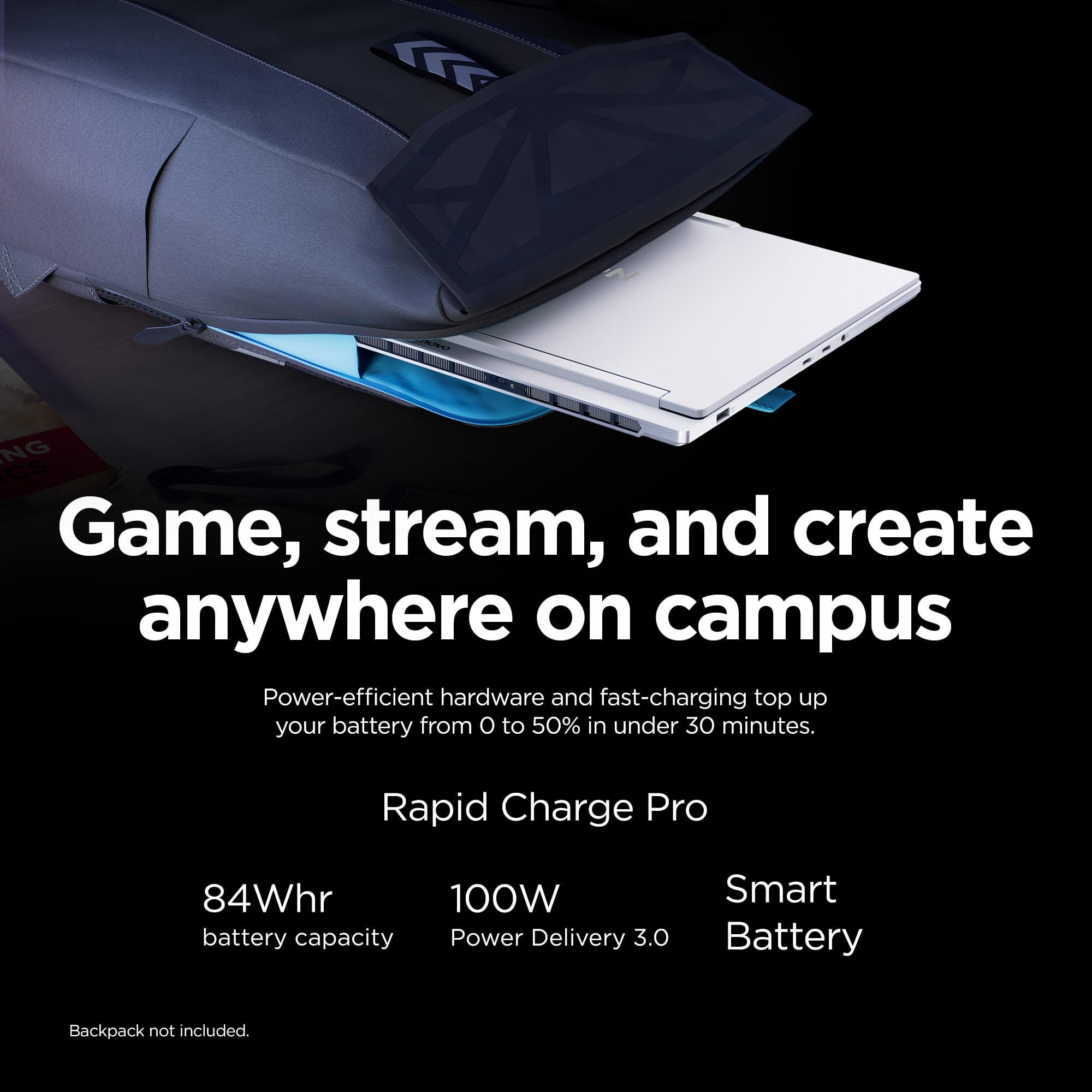
||Posted .This reviewer received promo considerations or sweepstakes entry for writing a review.Great laptop, runs very smooth. I wish the battery lasted a bit longer than it does though. Only getting 3-4hrs off the charger just while doing basic work/internet searches. Screen is crisp, clear, keyboard sounds and feels nice. Overall happy with purchase.
I would recommend this to a friendBrand response from Lenovo Product Expert
Posted .Hi,
Thanks for choosing Lenovo and for sharing your feedback with us!
Regarding your issue with battery – as you may know there are lots of variables that contribute to battery and in gaming laptops that can increase even more due to their high-powered processors and graphics cards. If you want to squeeze out more battery life and are completing non-intensive graphics tasks, you can utilize the MUX switch built into this model to turn off the dedicated GPU to greatly decrease power draw. This can be done in the Lenovo Vantage app > top right box > GPU working mode, then choosing your preferred method. Users can also take advantage of the keyboard shortcut, Fn + Q to toggle thermal modes and easily switch between prioritizing battery life or power, or even the best of both words, along with custom settings configurable in Lenovo Vantage. You could also press the Fn + R key combo to toggle to a lower refresh rate for even greater power conservation.
We are glad to read that you are otherwise satisfied with your purchase.
Please don't hesitate to reach out to us via the Q& A section of this product page or contact Lenovo Support should you have any questions or need assistance.
Regards,
Lenovo
- Pros mentioned:Oled quality, Overall performance
Nice laptop
||Posted . Owned for 2 weeks when reviewed.This reviewer received promo considerations or sweepstakes entry for writing a review.Nice laptop for gaming and nice performance and nice oled screen …
I would recommend this to a friend A great, lightweight laptop
||Posted . Owned for less than 1 week when reviewed.This reviewer received promo considerations or sweepstakes entry for writing a review.The Lenovo Legion i7 is an excellent laptop that hits the sweet spot for almost everyone, unless you are a hardcore gamer demanding ultra-high settings on the newest releases. The machine itself is a joy to use. It looks fantastic, is surprisingly light, and features an absolutely gorgeous screen. It handles everyday tasks effortlessly and holds its own in the gaming department. The only real limitation to be aware of is the ceiling on the graphics power. The highest GPU option available for this specific model is the RTX 5070. While that is a very capable card, it can be a little restrictive if you are trying to run highly demanding games maxed out. However, it still easily played every single game I threw at it. As long as you are perfectly fine turning the graphics down to decent or medium settings for those heavier titles, you will have a fantastic experience.
I would recommend this to a friend- Pros mentioned:Overall performanceCons mentioned:Battery life
I love my laptop
||Posted . Owned for 3 months when reviewed.This reviewer received promo considerations or sweepstakes entry for writing a review.This is my firstgaming laptop and it exceeded my expectations. I bought it to play my Steam and Epic games and im happy i got it. It plays smooth and ots not loud. Battery is is not that good though .
I would recommend this to a friendBrand response from Lenovo Product Expert
Posted .Hey,
Thanks for choosing Lenovo and for sharing your feedback with us!
We are glad to read that this Legion 7i has exceeded your expectations, and that you are loving and happy with your purchase.
Please feel free to reach out to us via the Q&A section of the product page should you have any questions or need assistance.
Best,
Lenovo
- Pros mentioned:Design
Great laptop but
||Posted . Owned for 1 month when reviewed.This reviewer received promo considerations or sweepstakes entry for writing a review.Wonderful computer Pros Have to say the white design is stunning on this model They keyboard is a joy to use and the per key RGB is really nice in day to day and it pops unlike the zephyrus g14 I had before. The screen is super vibrant and bright with amazing colors and the response was great. The CPU on this thing is a work guy house man never got about 65% utilization. Cons The speakers on this computer are something to be desired as they lack any base. I really really really wish Lenovo would put in a 5070 ti model as the lack of vram really did in the laptop for me.the 5070 is nice but needs more vram to play games at its native screen or to do and GPU intensive task. I did exchange it for a zephyrus G16 so that I can get the 5070ti. But I still miss the premium feel this computer has compared to the g16.
I would recommend this to a friendBrand response from Lenovo Product Expert
Posted .Hello Nick,
Thank you for sharing your feedback with us. We're sorry to hear that the Legion 7i fell short of your needs, leading to you returning the system.
We appreciate your comments and have noted them, as your input is important in our review of opportunities for improvement. For transparency, we wish to share that while the 5070Ti offers a bump in performance, it also comes at a cost. Given the slim profile of the Legion 7i and the HX CPU inside the laptop, when choosing higher end GPU offerings, the 5070 could be cooled more effectively, but it still offers great value and performance capabilities to help provide our users with a more competitively priced system.
We hope that you choose our products again in the future, and that you feel free to reach out to us with any issues, as we strive to provide the best experience possible.
Best regards,
Lenovo
- Pros mentioned:Overall performance, Portability
Epic laptop
||Posted . Owned for 6 months when reviewed.This reviewer received promo considerations or sweepstakes entry for writing a review.Best all around gaming laptop ive owned. Thin light beautiful screen and there hasnt been a game it cannot handle.
I would recommend this to a friendBrand response from Lenovo Product Expert
Posted .Hi,
Thanks for choosing Lenovo and for sharing your feedback with us!
We are glad to read that you are satisfied with your purchase.
Please don't hesitate to reach out to us via the Q& A section of this product page or contact Lenovo Support should you have any questions or need assistance.
Regards,
Lenovo
- Pros mentioned:Overall performanceCons mentioned:Battery life
Great product
||Posted .This reviewer received promo considerations or sweepstakes entry for writing a review.Great product love it battery life could be better and a 5070ti would be perfect in my opinion for the gaming side but I don’t regret my purchase
I would recommend this to a friendBrand response from Lenovo Product Expert
Posted .Hi Drew-
Thank you for choosing Lenovo and sharing your experience with us. We are happy to hear that you are enjoying the product design of the Legion 7i. We aim to provide excellent user experience for our customers, and we are happy to hear that the Legion 7i is working well for you.
While the NVIDIA GeForce RTX 5070Ti would offer an increase in performance, it also would come at a cost. The Legion 7i is designed with a slim profile and an HX CPU, when choosing a higher end GPU, the 5070 will cool more efficiently while also offering user great value and performance.
Please reach out to us through the Q & A section of this product webpage if you have any questions or need any assistance.
Best wishes,
Lenovo