Customer Ratings & Reviews



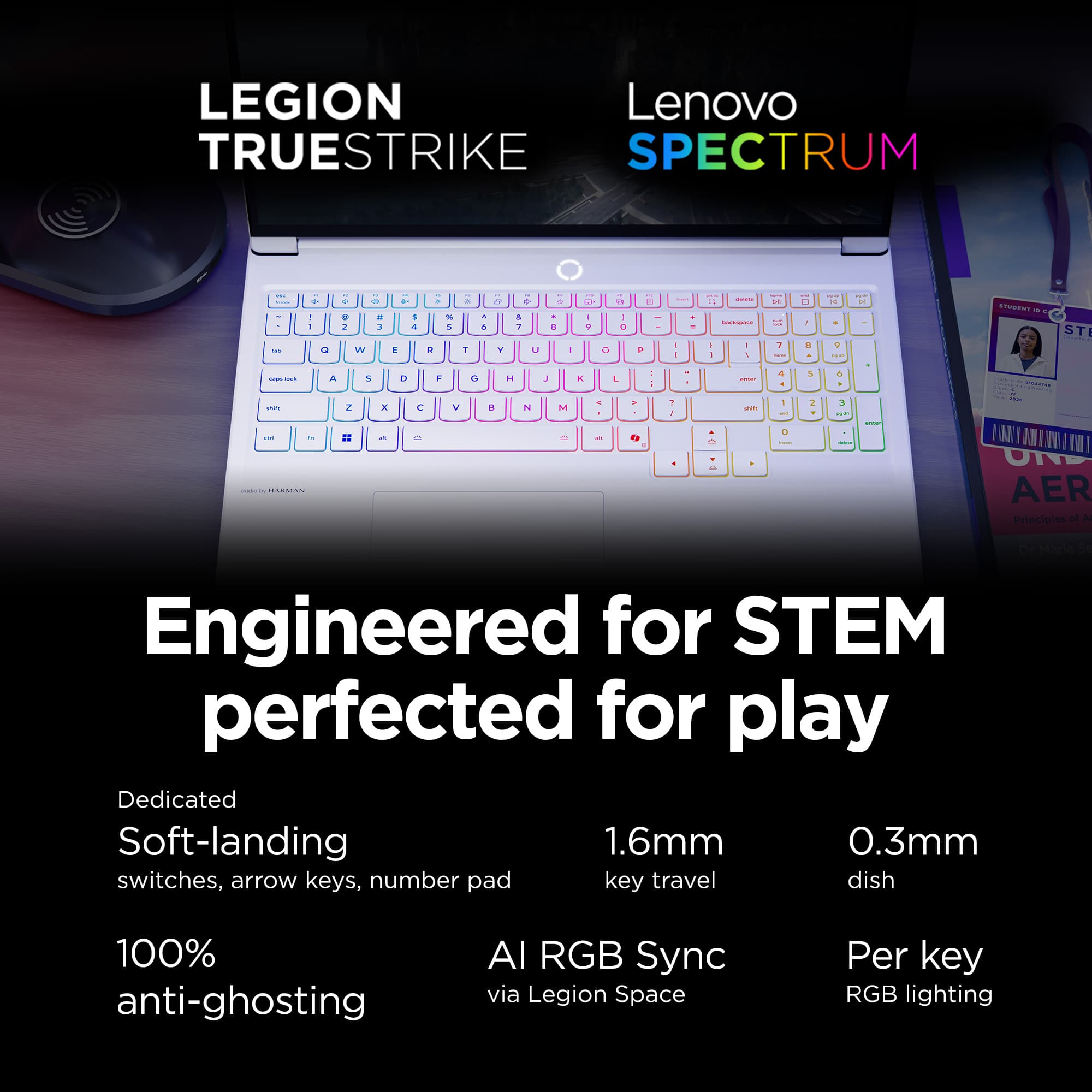
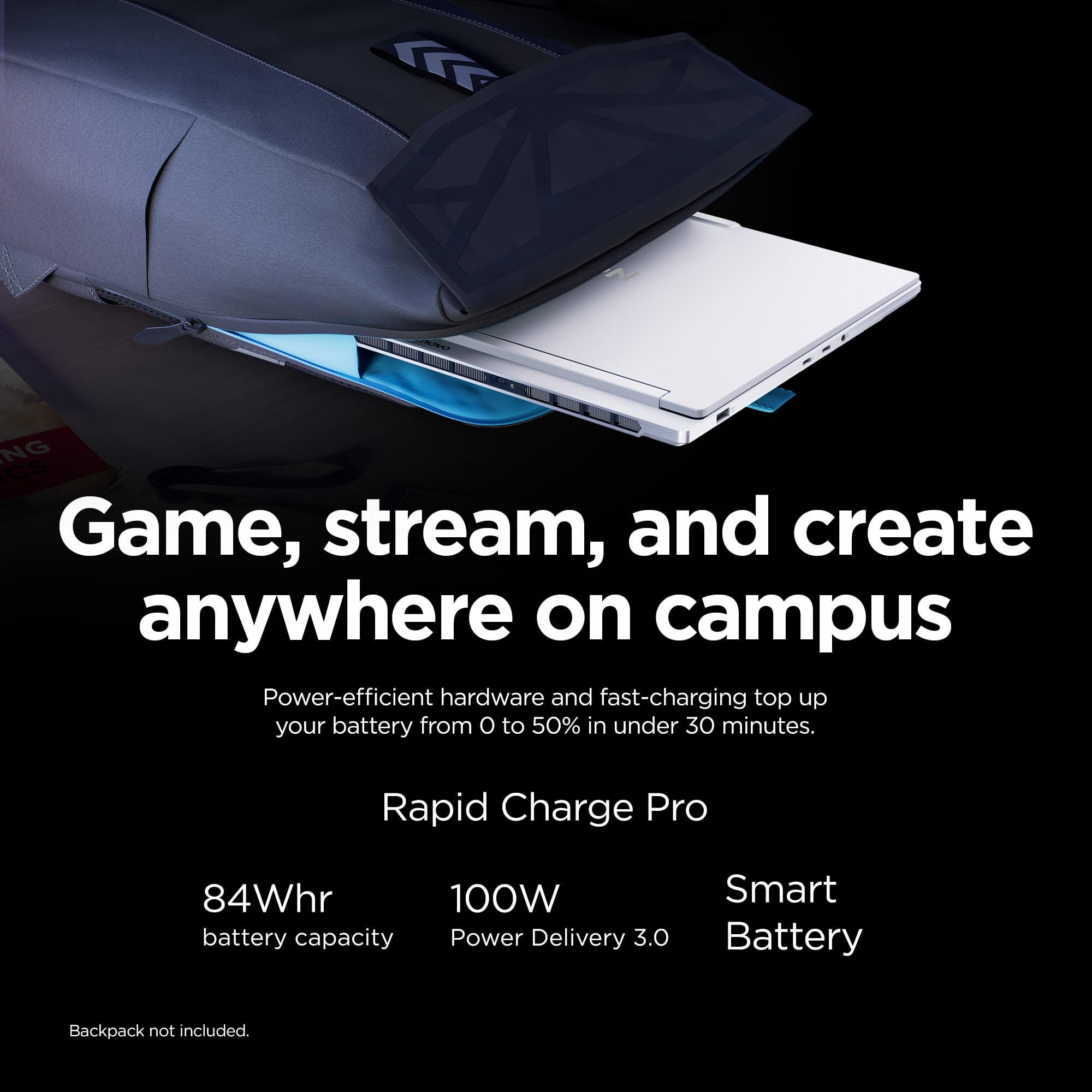
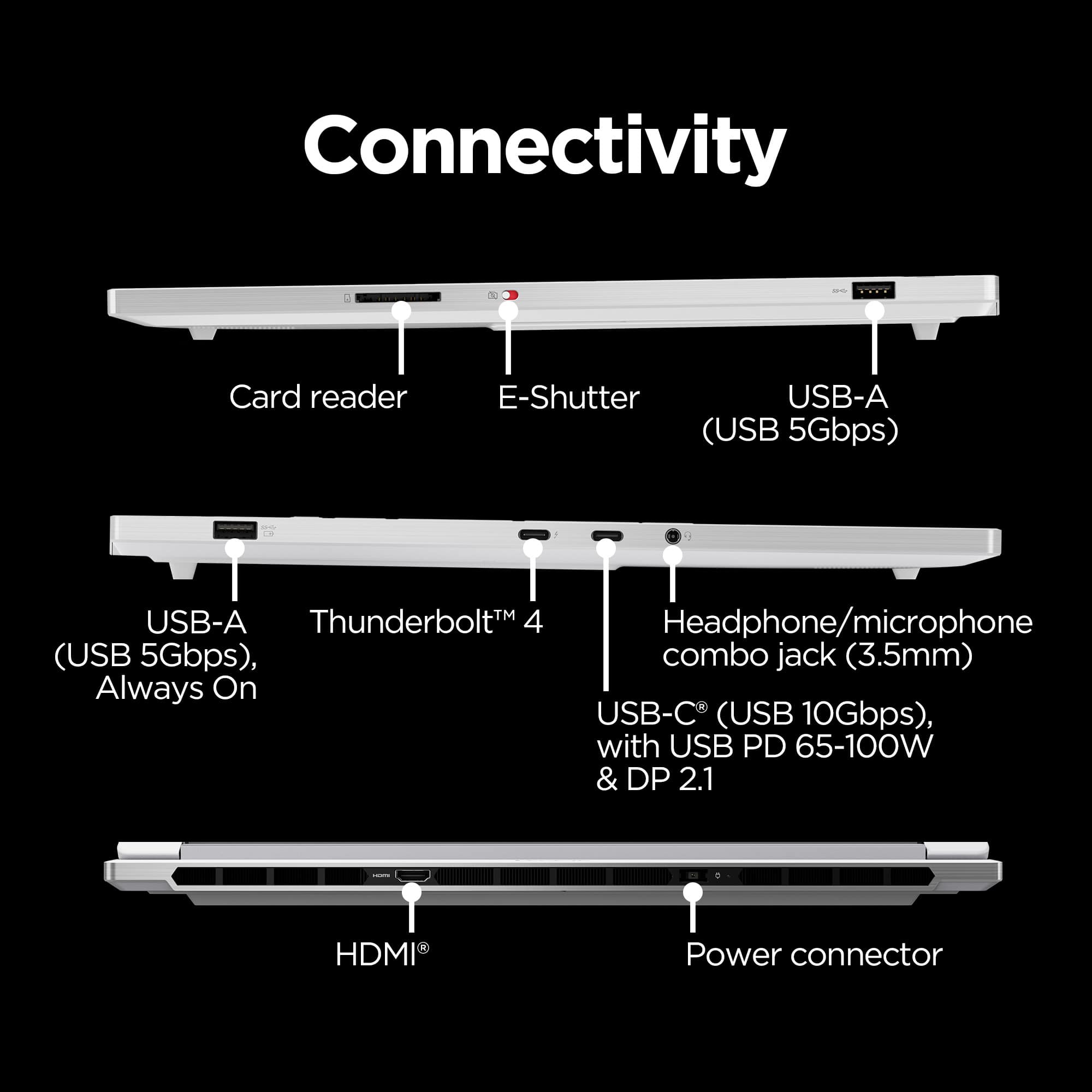
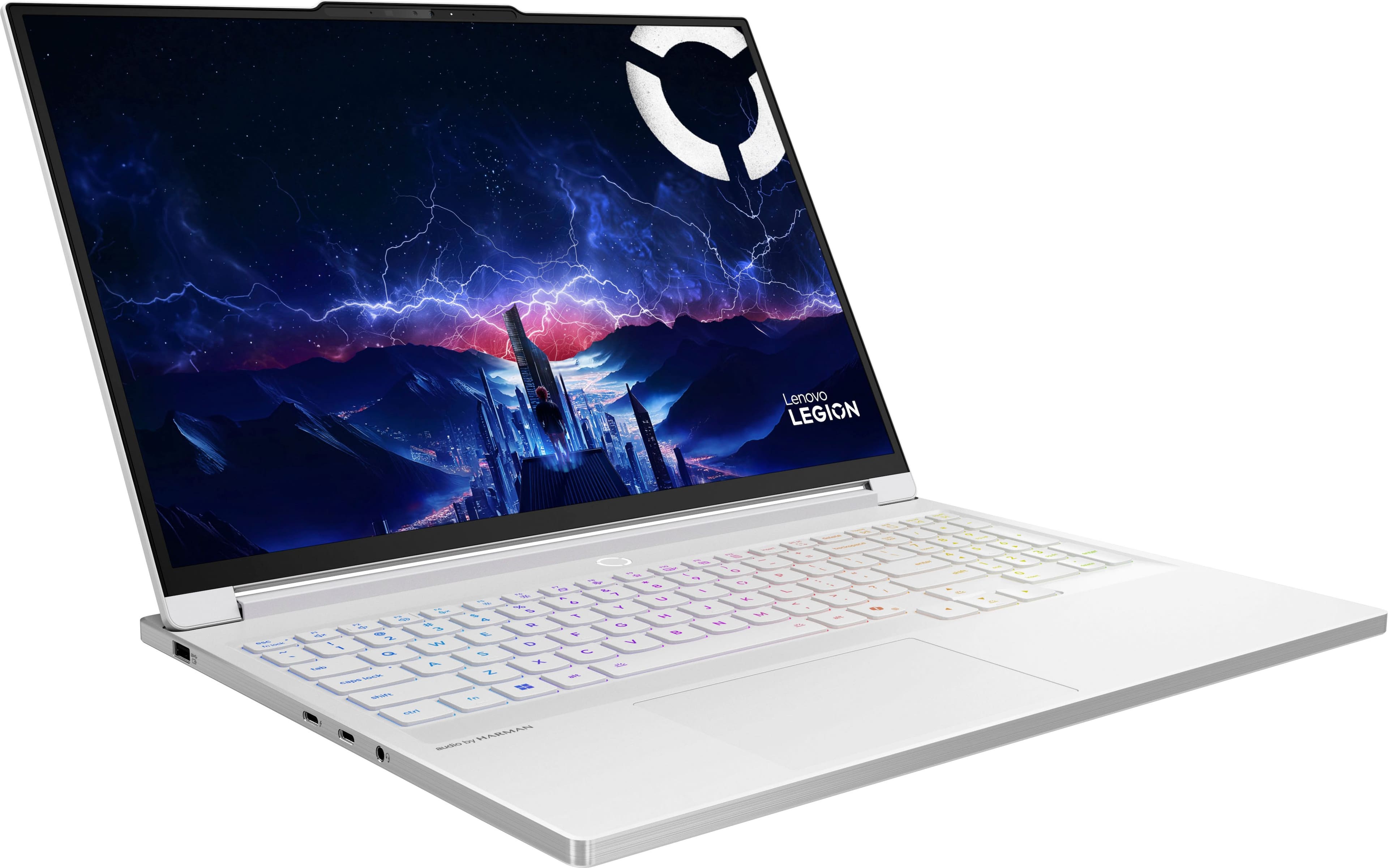









- Model:
- 83KY0003US
- SKU:
- 6617095
Rating by feature
- Battery Life
Rating 4.0 out of 5 stars
- Speed
Rating 4.8 out of 5 stars
- Display
Rating 4.9 out of 5 stars
Customers are saying
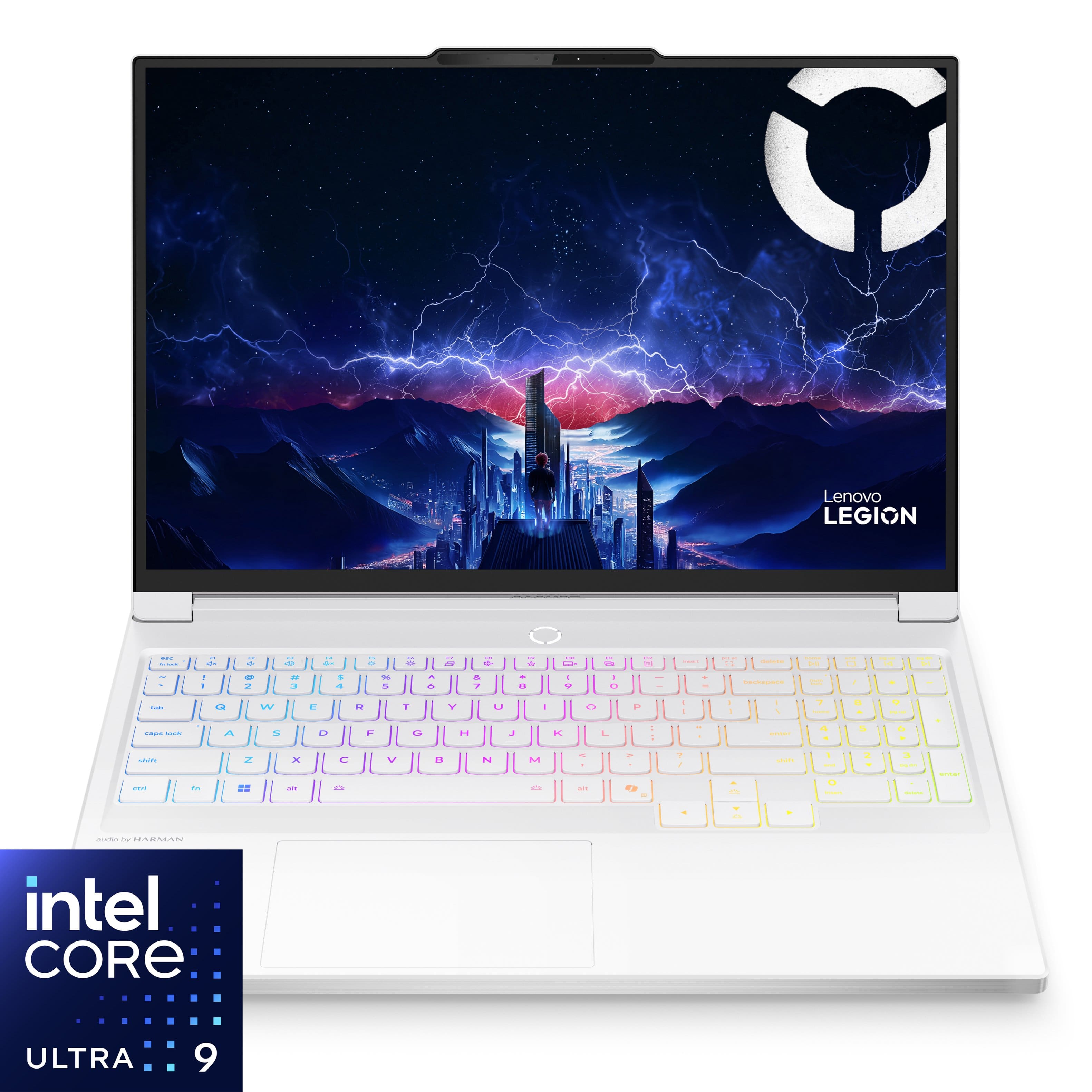
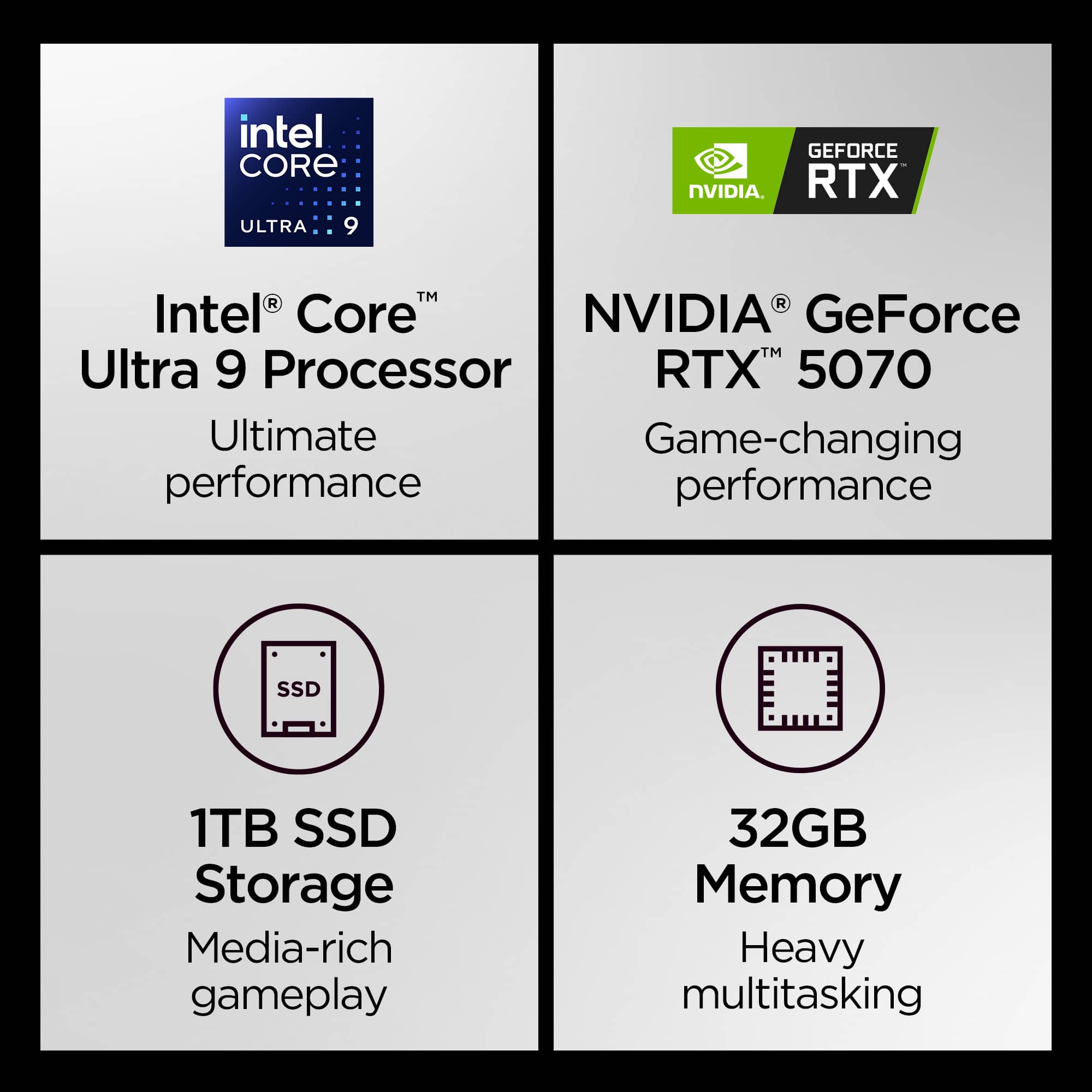
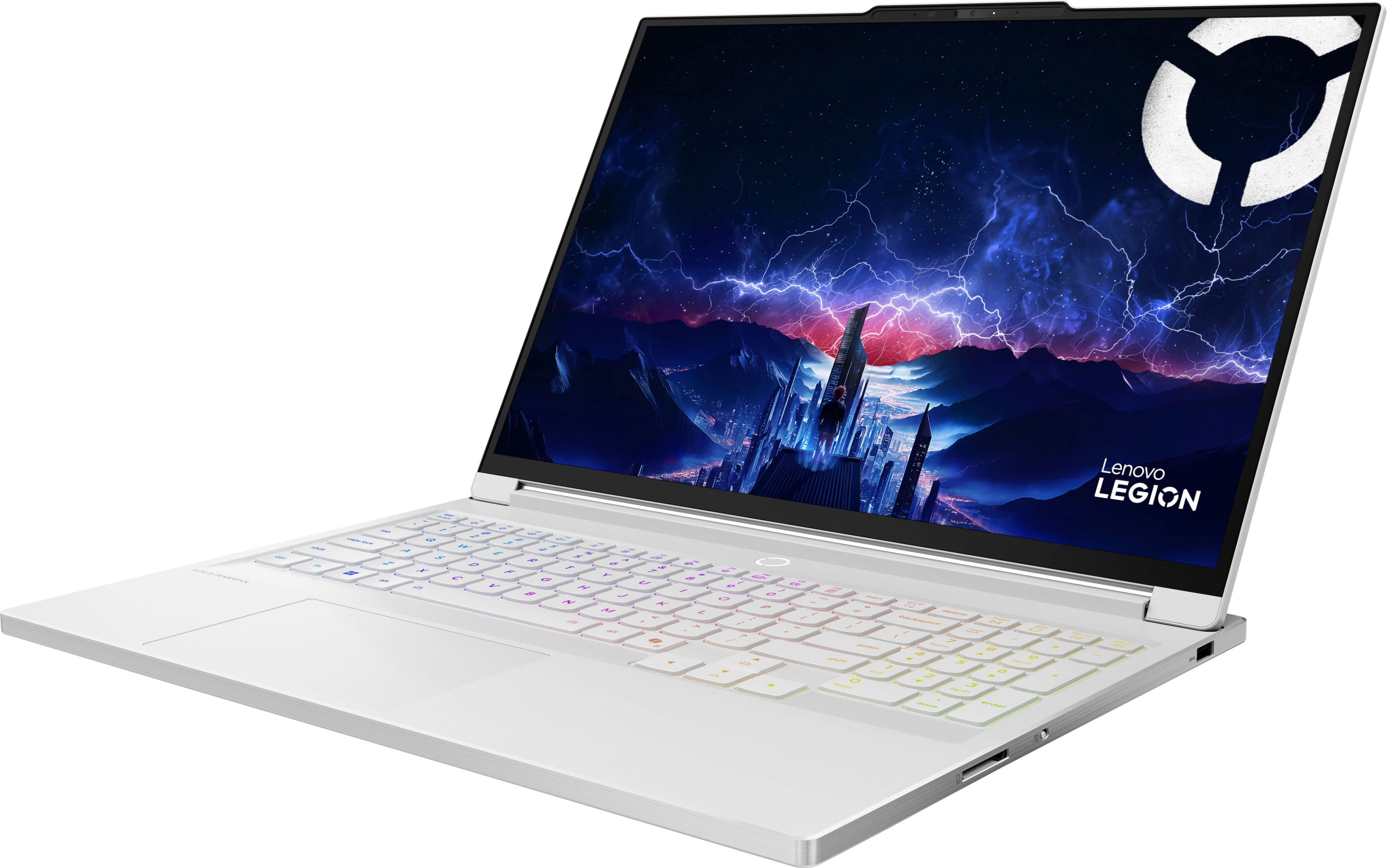
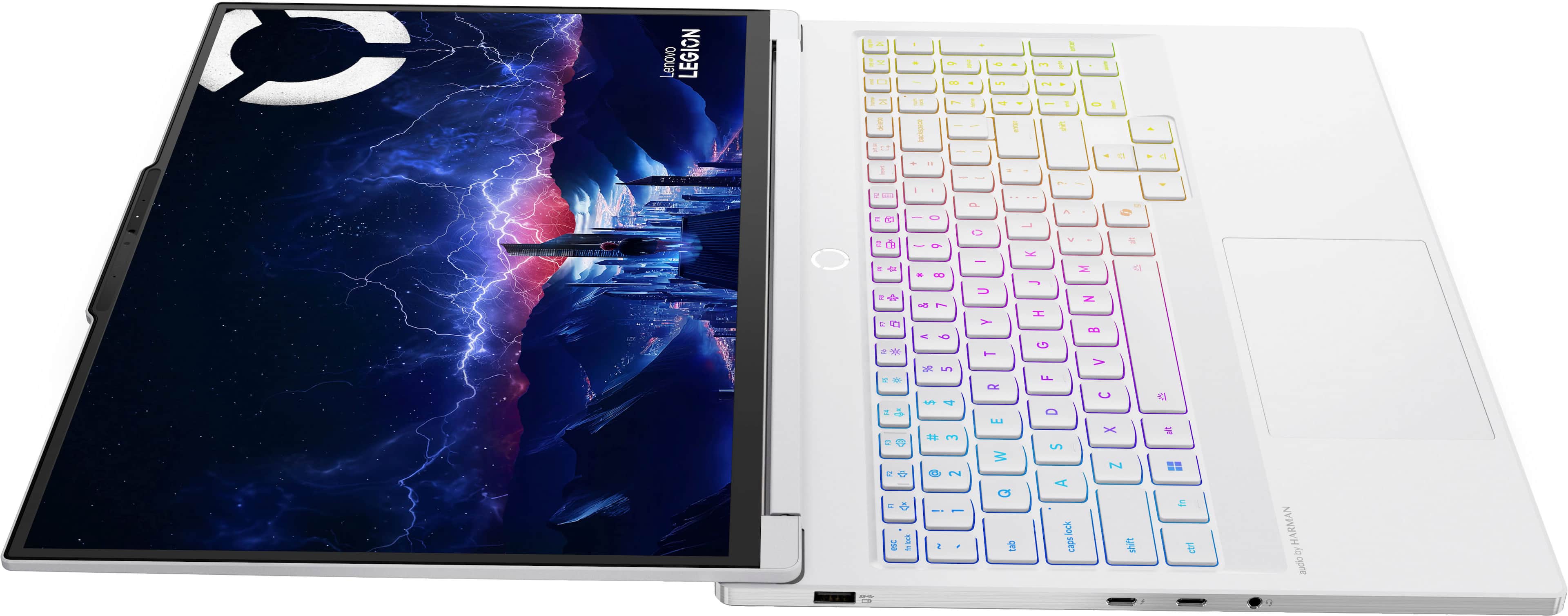
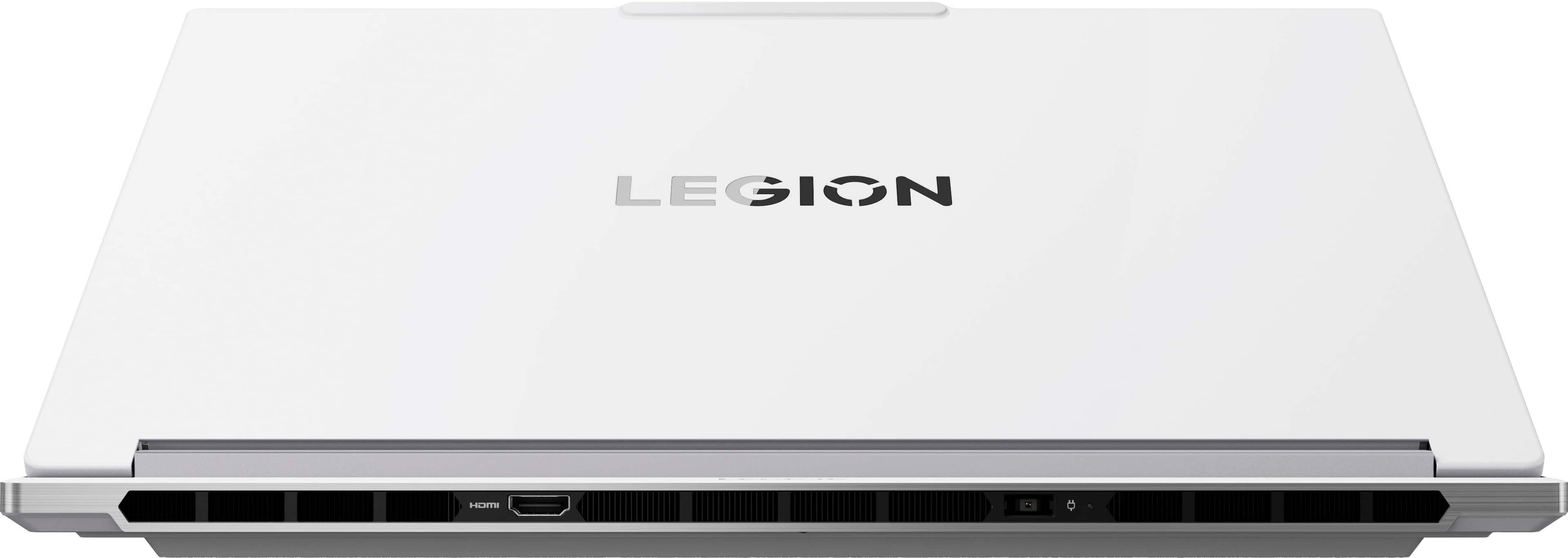
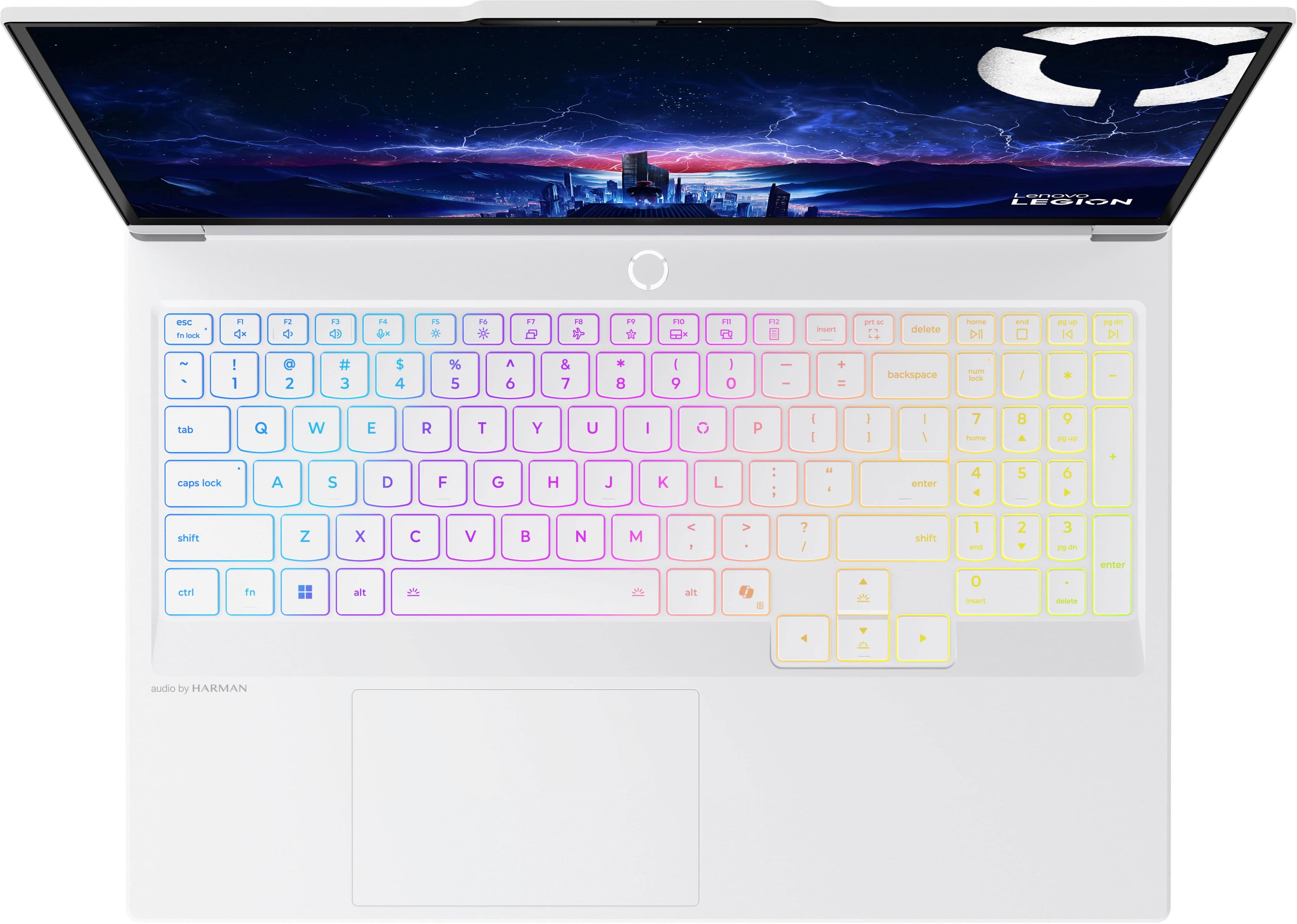
Customers recognize the Legion 7i 16" as an excellent gaming laptop, praising its overall performance, vibrant OLED display, and blazing-fast processor. The sleek design and effective heat dissipation are also appreciated. However, some customers have noted that the battery life is shorter than expected.
This summary was generated by AI based on customer reviews.
- Pros mentioned:Overall performance, Portability
Awesome laptop
||Posted .This reviewer received promo considerations or sweepstakes entry for writing a review.Awesome laptop. Its super fast and does everything i need it to. I would recommend this to anyone. Its allot of power in such a small form. Its also very lite.
I would recommend this to a friendBrand response from Lenovo Product Expert
Posted .Hi AJames97-
Thank you for choosing Lenovo and sharing your experience with us. We are excited to hear that you are enjoying the performance and product design of the Legion 7i. We aim to provide fantastic user experience, and we are thrilled to hear that we met our goal.
Please reach out to us through the Q & A section of this product page if you have any questions or need assistance.
Best wishes,
Lenovo
- Pros mentioned:Design, Oled quality
Best Laptop!
||Posted . Owned for 1 month when reviewed.This reviewer received promo considerations or sweepstakes entry for writing a review.The best laptop whether it’s for gaming or for business. I would definitely recommend Lenovo any day! The beautiful display, the keyboard, everything’s great, such a sleek design.
I would recommend this to a friendBrand response from Lenovo Product Expert
Posted .Hi,
Thanks for choosing Lenovo and for sharing your feedback with us!
We are glad to read that you are satisfied with your purchase.
Please don't hesitate to reach out to us via the Q& A section of this product page or contact Lenovo Support should you have any questions or need assistance.
Regards,
Lenovo
- Pros mentioned:Overall performance, Portability
Perfect high end laptop
||Posted . Owned for 2 weeks when reviewed.This reviewer received promo considerations or sweepstakes entry for writing a review.Perfect portable gaming machine capable of anything! Havent had a single complaint so far!
I would recommend this to a friendBrand response from Lenovo Product Expert
Posted .Hi,
Thanks for choosing Lenovo and for sharing your feedback with us!
We are glad to read that you are satisfied with your purchase overall.
Please don't hesitate to reach out to us via the Q& A section of this product page or contact Lenovo Support should you have any questions or need assistance.
Regards,
Lenovo
- Cons mentioned:Battery life
Not what was expected
||Posted .This reviewer received promo considerations or sweepstakes entry for writing a review.Its a nice laptop and all, but I really cant get over that fact that it becomes a 2015 macbook air when you don't have it plugged into power. The screen is really nice and the materials are premium, no doubt. The battery life is also pretty horrible. If your gaming, get a desktop, and if you need a laptop for utility, stick with apple.
No, I would not recommend this to a friend - Cons mentioned:Battery life
Fab laptop, short battery life
||Posted .This reviewer received promo considerations or sweepstakes entry for writing a review.Overall a great laptop so far - I did a TON of research before purchasing and it's ultimately all the right specs for me right now as a professional interior designer (not a gamer) using 2020 Design, SketchUp, Adobe Creative Suite, Revit, AutoCAD etc. I did, however, try to take it with me on a roadtrip, and while working in Adobe Illustrator the battery drained in about an hour. It's completely ridiculous how fast the battery drains. I had a 120w power inverter, but the laptop wouldn't register a charge. You need a 500+w power inverter apparently. If you're looking for long battery life, this isn't for you. But if you're going to be plugged in most of the time it's fabulous.
I would recommend this to a friendBrand response from Lenovo Product Expert
Posted .Hi,
Thanks for choosing Lenovo and for sharing your feedback with us.
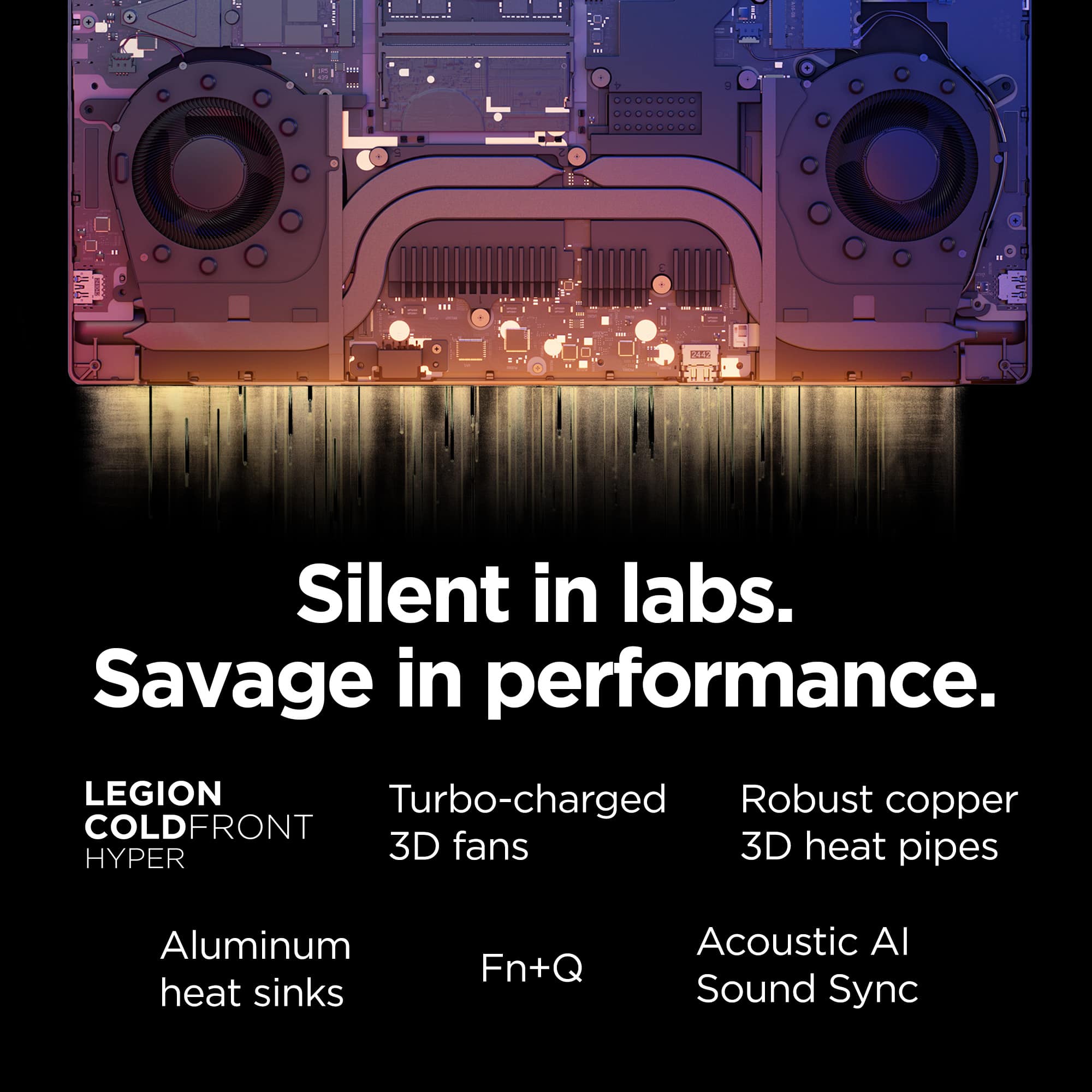
Regarding your note on battery life – as you may know there are lots of variables that contribute to battery and in gaming laptops that can increase even more due to their high-powered processors and graphics cards. If you want to squeeze out more battery life and are completing non-intensive graphics tasks, you can utilize the MUX switch built into this model to turn off the dedicated GPU to greatly decrease power draw. This can be done in the Lenovo Vantage app > top right box > GPU working mode, then choosing your preferred method. Users can also take advantage of the keyboard shortcut, Fn + Q to toggle thermal modes and easily switch between prioritizing battery life or power, or even the best of both words, along with custom settings configurable in Lenovo Vantage. You could also press the Fn + R key combo to toggle to a lower refresh rate for even greater power conservation.
We are glad to read that you are otherwise satisfied with the Legion 7i.
Please don't hesitate to reach out to us via the Q& A section of this product page or contact Lenovo Support should you have any questions or need assistance.
Regards,
Lenovo
- Pros mentioned:Overall performance, Processor speed
Absolutely fantastic
||Posted .This reviewer received promo considerations or sweepstakes entry for writing a review.This laptop is absolutely fantastic. It runs very fast and just overall very nice.
I would recommend this to a friendBrand response from Lenovo Product Expert
Posted .Hi,
Thanks for choosing Lenovo and for sharing your feedback with us!
We are glad to read that you are satisfied with your purchase.
Please don't hesitate to reach out to us via the Q& A section of this product page or contact Lenovo Support should you have any questions or need assistance.
Regards,
Lenovo
- Pros mentioned:Design, Overall performanceCons mentioned:Connectivity
A great laptop? Who knows, it can’t handle wifi.
||Posted . Owned for 1 month when reviewed.This reviewer received promo considerations or sweepstakes entry for writing a review.After a mere few days I had to return this laptop. Why? Because it couldn’t stay connected to the internet. You’d think laptops would be able to perform this basic feature. But it was so bad that I barely managed to get through the initial setup! After that, it couldn’t hold a steady connection for more than a minute. Worst part is that if you look up “lenovo legion 7i gen 10 can't connect to internet” on Google, you’ll find other folks with the same problem. But who would bother to look up if a *laptop* can connect to the *internet* before buying, in the year 2025? Silly me for thinking that was a given. 2 stars for the nice design, monitor, and the fact that I really couldn’t test the limits of this laptop. Maybe if held a steady connection, I would have loved it.
No, I would not recommend this to a friendBrand response from Lenovo Product Expert
Posted .Hi MillenialGamer20,
Thank you for sharing your feedback with us. We are sorry to hear that you are having trouble with your Legion 7i. We apologize for the frustration and inconvenience that this has caused you, and we'd like to work with you to resolve this issue.
To start, this issue has been addressed internally and a recent driver update has been shared that can be applied via the Lenovo Support site or by checking for updates in the Lenovo Vantage app.
If after updates you find that the issue persists, please reach out to us again via the Q&A section of the product page so that we may further assist you.
Best regards,
Lenovo
- Pros mentioned:Overall performance
Sexy B****
||Posted . Owned for 2 weeks when reviewed.This reviewer received promo considerations or sweepstakes entry for writing a review.Fast, light wighted, beautiful and sexy . Best investment I have ever made. The graphics are amazing ! Thinking of purchasing a second one for my household. I received so many compliments on this laptop.
I would recommend this to a friend - Pros mentioned:Processor speed
Pure Power
||Posted . Owned for 3 months when reviewed.This reviewer received promo considerations or sweepstakes entry for writing a review.Screen is a beast. Bright, crisp, and powerful! Love it. The keyboard has a great pump without the noise, and while the blinking lights seem like a disco, but you can terminate that in the settings easily. What’s really fantastic is the Intel Core Ultra 9 inside. Super.
I would recommend this to a friend - Pros mentioned:Overall performanceCons mentioned:Battery life
Awesome computer
||Posted .This reviewer received promo considerations or sweepstakes entry for writing a review.Great computer, battery life not greatest but still awesome computer
I would recommend this to a friendBrand response from Lenovo Product Expert
Posted .Hi,
Thanks for choosing Lenovo and for sharing your feedback with us!
We are glad to read that you are satisfied with your purchase overall.
Please don't hesitate to reach out to us via the Q& A section of this product page or contact Lenovo Support should you have any questions or need assistance.
Regards,
Lenovo
- Pros mentioned:Oled quality, Overall performance
Better then expected
||Posted . Owned for 1 week when reviewed.This reviewer received promo considerations or sweepstakes entry for writing a review.Very pleased with this purchase. Nothing prepares you for the real thing. I was blown away by the performance and overall capabilities of this product.
I would recommend this to a friendBrand response from Lenovo Product Expert
Posted .Hi JAMESON,
Thanks for choosing Lenovo and for sharing your feedback with us!
We are pleased to read that this Legion 7i has exceeded your expectations.
Please feel free to reach out to us via the Q& A section of this product page should you have any questions or need assistance.
Best,
Lenovo
- Pros mentioned:Overall performance, Portability
Great choice
||Posted . Owned for 1 week when reviewed.This reviewer received promo considerations or sweepstakes entry for writing a review.The laptop is much thinner and lighter than my previous gaming laptop, performance is great as well, things just go smoothly. Screen is great for gaming and movies.
I would recommend this to a friendBrand response from Lenovo Product Expert
Posted .Hi AndrewD,
Thanks for choosing Lenovo and for sharing your feedback with us!
We are pleased to read that this Legion 7i is working out great for you.
Please feel free to reach out to us via the Q& A section of this product page should you have any questions or need assistance.
Best,
Lenovo
10/10 worth the price tag
||Posted . Owned for 2 weeks when reviewed.This reviewer received promo considerations or sweepstakes entry for writing a review.So for first time buyers yes this is overkill with the core ultra I9 and as a tech enthusiast you wont upgrade for a while! Its slimmer than some of the acer or predator models but cooling is still exceptional! Oled screen is beautiful. Material is a robust type aluminum making it sturdy overall If you have anyone that's a hard-core gamer with all the flashiness too ,I'd recommend this. Price tag is steep but you definitely are getting quality with this gaming laptop.
I would recommend this to a friend- Pros mentioned:Design, Overall performance
Best gaming laptop
||Posted . Owned for 1 month when reviewed.This reviewer received promo considerations or sweepstakes entry for writing a review.Really nice laptop plays all the new games easily and its just gorgeous to look at.
I would recommend this to a friendBrand response from Lenovo Product Expert
Posted .Hi CarlosH-
Thank you for choosing Lenovo and sharing your feedback with us. We are excited to hear that you are enjoying the performance of the Legion 7i. We aim to provide excellent user experience for our products, and we are overjoyed to hear that we met our goal.
Please reach out to us through the Q & A section of this product page if you have any questions or need assistance.
Best wishes,
Lenovo
- Cons mentioned:Battery life
Review
||Posted . Owned for 3 weeks when reviewed.This reviewer received promo considerations or sweepstakes entry for writing a review.Very good laptop, runs most games at maxed fps. Handles school work very well. Good idea to get a smaller usb c charger for when you take it out, as the battery sucks on the wrong settings.
I would recommend this to a friend - Pros mentioned:Overall performanceCons mentioned:Heat dissipation
A dream honestly!
||Posted .This reviewer received promo considerations or sweepstakes entry for writing a review.I love it! Definitely invest in a good computer cooling mat but overall a great Laptop!
I would recommend this to a friendBrand response from Lenovo Product Expert
Posted .Hi IsaW-
Thank you for choosing Lenovo and sharing your feedback with us. We are excited to hear that you are enjoying the Legion 7i. We aim to provide excellent user experience for our products, and we are overjoyed to hear that we met our goal. We would like to offer a solution to help improve your experience.
The Legion 7i comes with the ability to change the active performance profile based on your needs. To start, launch the Legion Space app, below the CPU and GPU performance gauges you will see the different options for your system. We suggest "Quiet" mode which will lower the power consumption of your system and also lower the overall temperature of the device.
Please reach out to us through the Q & A section of this product page if you have any questions or need assistance.
Best wishes,
Lenovo
- Pros mentioned:Overall performance, Processor speed
Great buy!
||Posted . Owned for 3 weeks when reviewed.This reviewer received promo considerations or sweepstakes entry for writing a review.Perfect performance for any task needed Fast and powerful
I would recommend this to a friendBrand response from Lenovo Product Expert
Posted .Hi,
Thanks for choosing Lenovo and for sharing your feedback with us!
We are glad to read that you are satisfied with your purchase.
Please don't hesitate to reach out to us via the Q& A section of this product page or contact Lenovo Support should you have any questions or need assistance.
Regards,
Lenovo
- Pros mentioned:Overall performance
Great machine for the price
||Posted . Owned for 1 month when reviewed.This reviewer received promo considerations or sweepstakes entry for writing a review.My daughter needed a new gaming laptop and the team member pointed us towards this one. She says it's super fast and she has had no issues with the machine. It's got an amazing screen and everything loads super fast. Battery life has been good, but she's used to plugging in her old machine. Plus it was on sale, which gave us an amazing deal.
I would recommend this to a friendBrand response from Lenovo Product Expert
Posted .Hi-
Thank you for choosing Lenovo and sharing your experience with us. We are happy to hear that you are enjoying the performance, battery life, and display quality of the Legion 7i. We aim to offer great user experience and are overjoyed to see that we met our goal.
Please reach out to us through the Q & A section of this product webpage if you have any questions or need any assistance.
Best wishes,
Lenovo
Power, Elegance, and Performance in Perfect Balanc
||Posted . Owned for 2 weeks when reviewed.This reviewer received promo considerations or sweepstakes entry for writing a review.The Lenovo Legion 7i Gen 10 is an excellent all-around laptop that blends strong performance with a clean, premium design. It delivers smooth and reliable performance for gaming, development, and creative work, without the bulky look typical of many gaming laptops. The 16-inch display looks fantastic, with vibrant colors, great contrast, and a high refresh rate that makes everything feel fluid. Build quality is solid, the keyboard is comfortable for long sessions, and thermals are well managed with a balanced and unobtrusive fan noise. Overall, the Legion 7i Gen 10 offers a great balance of power, display quality, and everyday usability, making it a strong choice for both gamers and professionals.
I would recommend this to a friend- Pros mentioned:Overall performanceCons mentioned:Noise level
Pretty good
||Posted . Owned for 2 weeks when reviewed.This reviewer received promo considerations or sweepstakes entry for writing a review.Very good computer over all. A little loud when playing heavy games. 5070 with 8 gb may not be future proof. But it’s a good gaming experience!
I would recommend this to a friendBrand response from Lenovo Product Expert
Posted .Hi RafaelF-
Thank you for choosing Lenovo and sharing your feedback with us. We are excited to hear that you are enjoying the performance of the Legion 7i. We aim to provide excellent user experience for our products, and we would like to recommend a few actions that can improve your experience.
Please ensure that all available updates are installed through Lenovo Vantage and Windows Update Settings. These updates can adjust power regulation leading to lower thermals while under load. To check for updates in Lenovo Vantage, start by launching the Lenovo Vantage app and selecting the “Check for updates” button on the right-hand side of the homepage. To check for Windows Updates, start by launching the Settings app, then selecting the Windows Update tab on the left-hand side of the page, finally select the “Check for updates’ button located in the top right of the page. After these updates are installed, please restart your device to ensure all program files are properly.
Secondly, the Legion 7i comes with the ability to adjust the active performance profile based off your needs which will allow you to lower the sound of the fans. To start, launch the Legion Space app, below the CPU and GPU gauges on the homepage you can set the active profile by selecting the mode that is best for you. We suggest using "Quiet mode" which will lower the temperature of your laptop and reduce the fan noise of your device when playing heavier games. You can also toggle between profiles easily using the Fn+Q hotkey.
Please reach out to us through the Q & A section of this product page if you have any questions or need assistance.
Best wishes,
Lenovo