Customer Ratings & Reviews
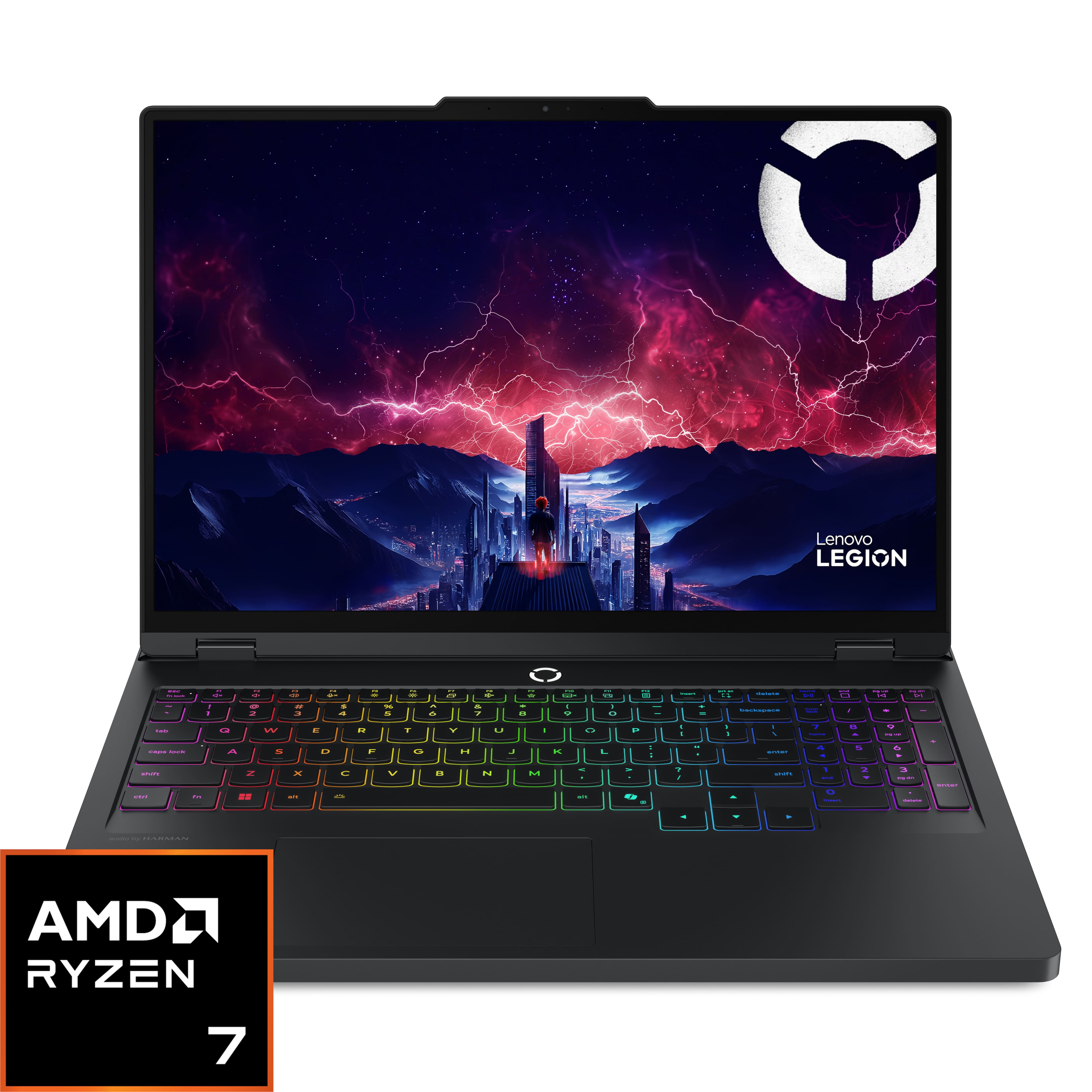


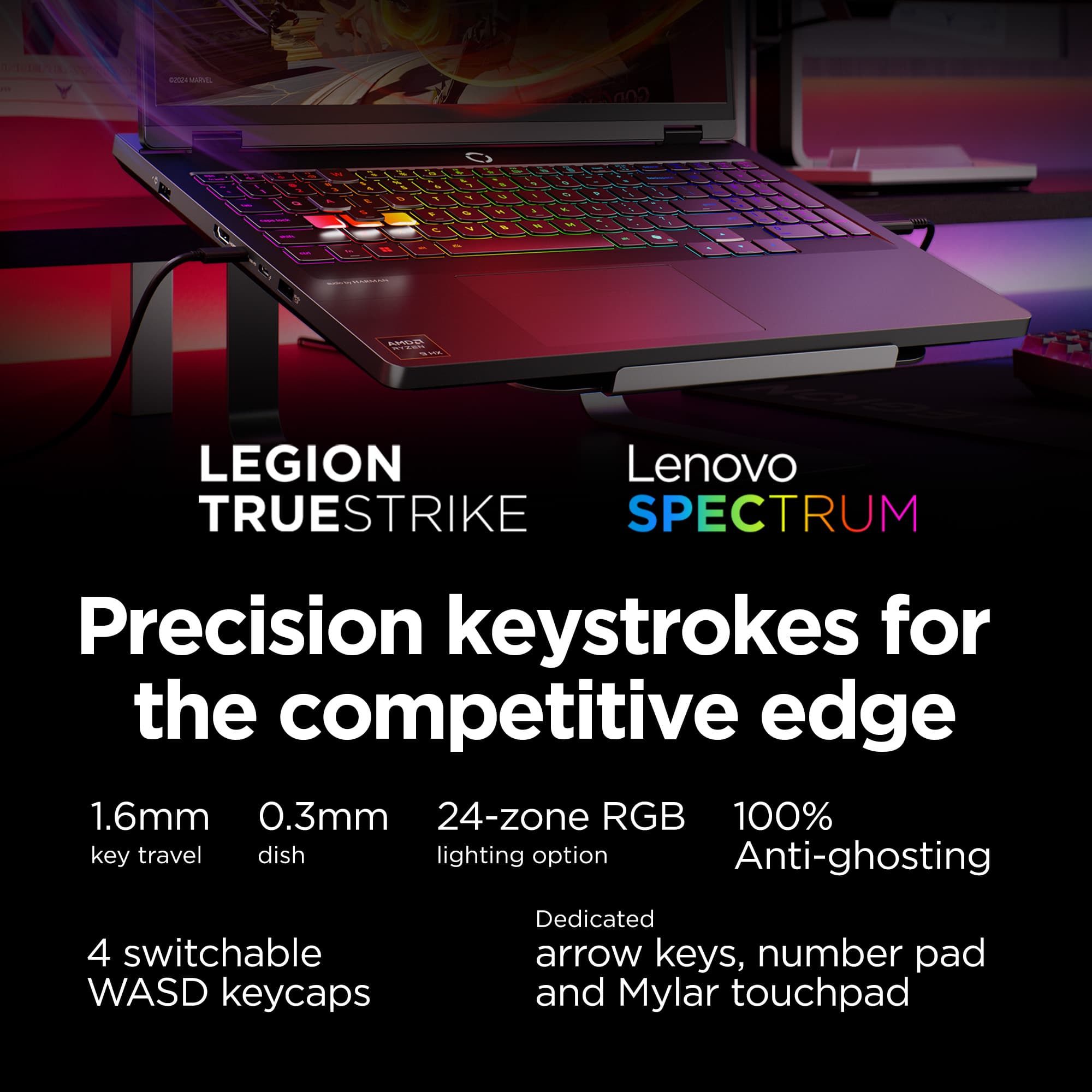
![Sure, here is the corrected and grouped text from the image:
---
**Keyboard Layout:**
- `esc` `fn lock` `F1` `F2` `F3` `F4` `F5` `F6` `F7` `F8` `F9` `F10` `F11` `F12` `insert` `delete` `home` `end` `pg up` `pg dn`
- `tab` `1` `2` `3` `4` `5` `6` `7` `8` `9` `0` `-` `=` `backspace` `num lock` `/` `*` `-` `+` `pg up`
- `caps lock` `Q` `W` `E` `R` `T` `Y` `U` `I` `O` `P` `[` `]` `\` `enter` `4` `5` `6` `7` `8` `9` `0` `-` `=` `pg dn` `enter`
- `shift` `A` `S` `D` `F` `G` `H](https://pisces.bbystatic.com/image2/BestBuy_US/images/products/066cf492-342c-41e9-9a58-08256f122290.jpg)







- Model:
- 83LT000MUS
- SKU:
- 12486496
Rating by feature
- Battery Life
Rating 3.8 out of 5 stars
- Speed
Rating 4.8 out of 5 stars
- Display
Rating 4.8 out of 5 stars
An exceptional performer at a great price!
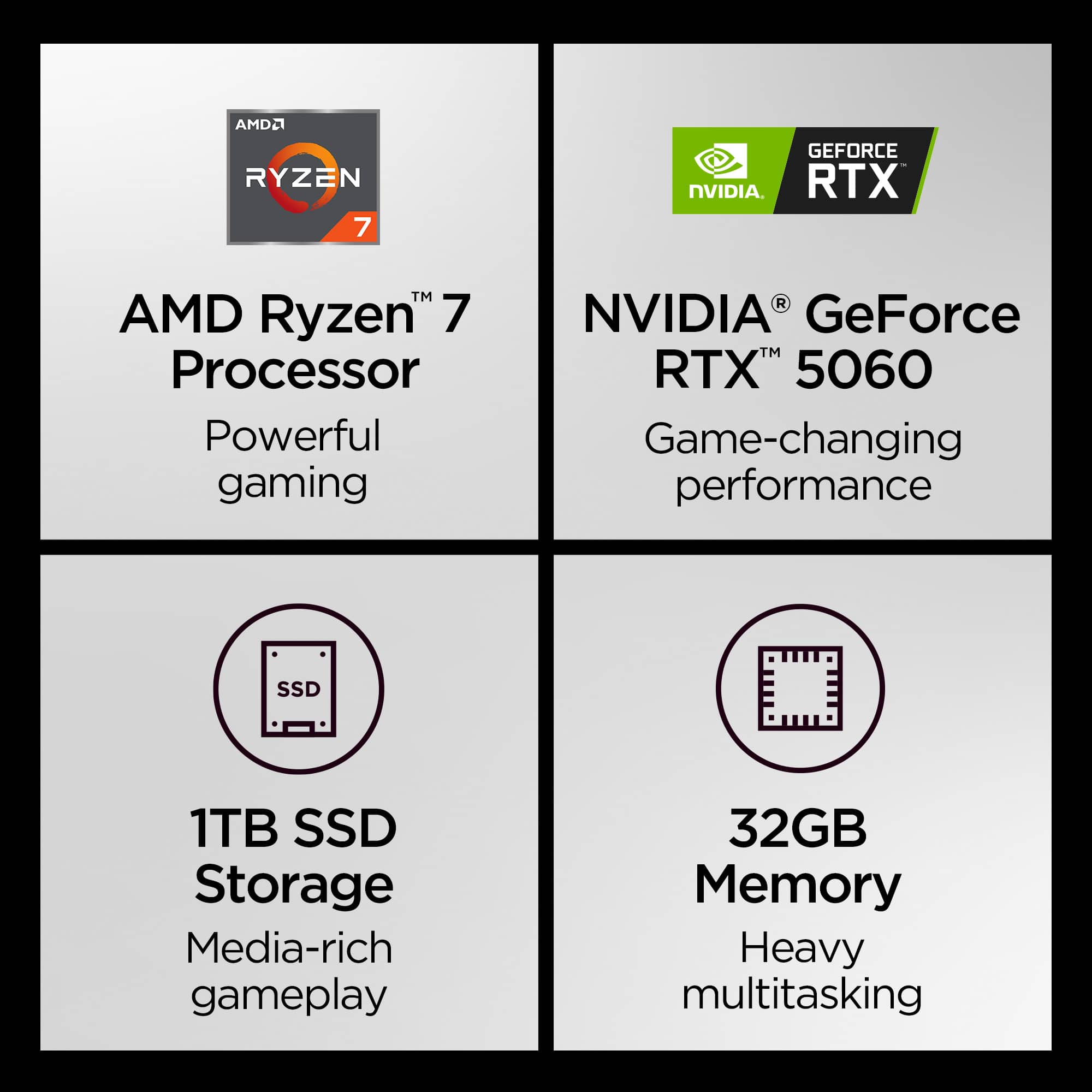
||Posted . Owned for 2 weeks when reviewed.This reviewer received promo considerations or sweepstakes entry for writing a review.Combining a desktop level Ryzen CPU and an Nvidia 5060, the Legion Pro is an exceptional performer at an affordable price, and while it's presented primarily as a gaming laptop and functions well on that basis, it's general performance level is strong enough that it makes a viable all-purpose workstation as well.
I would recommend this to a friendIs good
||Posted . Owned for 3 months when reviewed.This reviewer received promo considerations or sweepstakes entry for writing a review.This laptop is good. I enjoy how good it is. Thank you.
I would recommend this to a friendPleased
||Posted .This reviewer received promo considerations or sweepstakes entry for writing a review.I am so pleased with this open box purchase. I was skeptical because of the open box policy, but it has surpassed my expectations and handles all the gaming I do with ease and has beautifully.
I would recommend this to a friendBrand response from Lenovo Product Expert
Posted .Hi ChristopherW-
Thank you for choosing Lenovo and sharing your experience with us. We are happy to hear that you are enjoying the performance of the Legion Pro 5. We aim to offer great user experience and are overjoyed to see that we met our goal.
Please reach out to us through the Q & A section of this product webpage if you have any questions or need any assistance.
Best wishes,
Lenovo
Amazing preformance
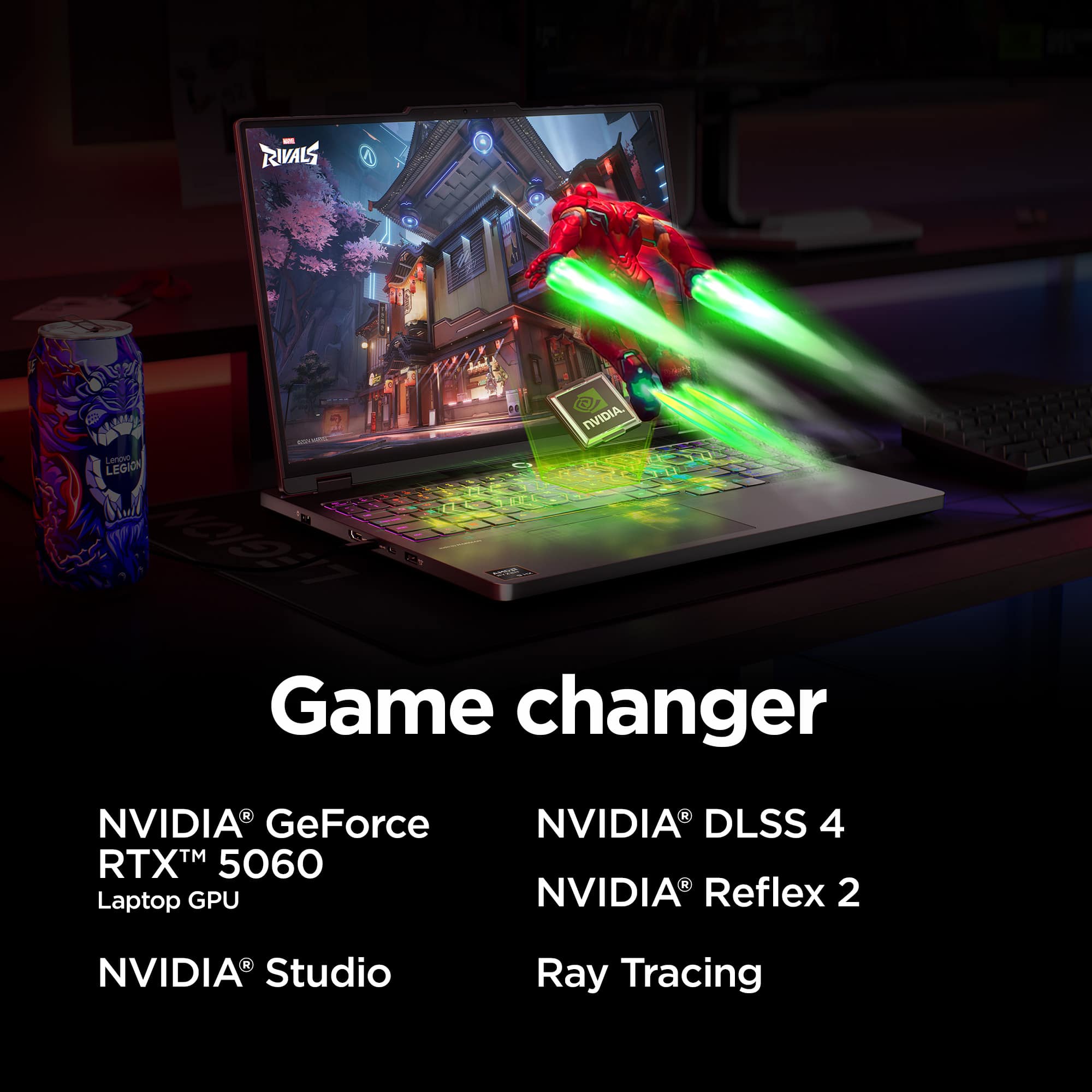
||Posted .This reviewer received promo considerations or sweepstakes entry for writing a review.Amazing laptop, great preformance i get around 300 fps on marvel rivals and even more on minecraft.
I would recommend this to a friendIt's a pretty good laptop
||Posted . Owned for 3 weeks when reviewed.This reviewer received promo considerations or sweepstakes entry for writing a review.Have been using for about a month. Has more than enough power for modern games.
I would recommend this to a friendVery good
||Posted . Owned for 2 weeks when reviewed.This reviewer received promo considerations or sweepstakes entry for writing a review.It is a very nice laptop no t only for gaming, but also for some engineering programs.
I would recommend this to a friendnot worth the cost, has several dissapointments
||Posted .This reviewer received promo considerations or sweepstakes entry for writing a review.The computer isn't bad. The fan kicks on for low load for some reason. Resolution is weird and text renders in a very tiny way. It's okay for games, good for movies, but bad for reading text - and I have adjusted Windows settings to see if I could get this issue resolved. I hate the mousepad. This is largely unusable as a laptop by itself with the mousepad that doesn't have clear separation between buttons. It's very easy to accidentally close a browser window when you only meant to move the customer left. It's not worth what I paid for it and that is for certain.
No, I would not recommend this to a friendGreat for Geographic Information System (GIS)
||Posted .This reviewer received promo considerations or sweepstakes entry for writing a review.This was purchased specifically for the specs to use with geographic information system (GIS). This has been an amazing computer and works really well and have not encountered any issues with this device.
I would recommend this to a friendBrand response from Lenovo Product Expert
Posted .Hi Chillverde-
Thank you for choosing Lenovo and sharing your experience with us. We are excited to hear that the Legion Pro 5 is working well for your GIS needs. We aim to provide excellent user experience for our products, and we are happy to hear that we met our goal.
Please reach out to us through the Q & A section of this product page if you have any questions or need assistance.
Best wishes,
Lenovo
Great entry level laptop
||Posted . Owned for 3 weeks when reviewed.This reviewer received promo considerations or sweepstakes entry for writing a review.Runs great, gaming is incredibly smooth. OLED screen really makes the colors pop even on a 16" screen. It does get loud as expected when gaming but doesn't overheat. And with the RAM and nvme drive costs skyrocketing, this was a great deal. Great purchase!
I would recommend this to a friendGreat starter/upgrade
||Posted . Owned for 3 weeks when reviewed.This reviewer received promo considerations or sweepstakes entry for writing a review.Great laptop! Every game I’ve played so far is fantastic. Battery is not the best. Only bad thing I can say. CPU average 85-90c but I’m sure that’s normal on gaining laptops as this is my first one and used to running 40-50c gaming on my water cooled desktop
I would recommend this to a friendVery good quality for the price
||Posted . Owned for 2 weeks when reviewed.This reviewer received promo considerations or sweepstakes entry for writing a review.I am very satisfied with this product. It works as expected, easy to use, and the quality is excellent. I would definitely recommend it to others
I would recommend this to a friendBrand response from Lenovo Product Expert
Posted .Hi,
Thanks for choosing Lenovo and for sharing your feedback with us!
We are glad to read that you are satisfied with your purchase.
Please don't hesitate to reach out to us via the Q& A section of this product page or contact Lenovo Support should you have any questions or need assistance.
Regards,
Lenovo
My Beast
||Posted . Owned for 4 months when reviewed.This reviewer received promo considerations or sweepstakes entry for writing a review.My work computer. This is a beast. I never have any issues with this.
I would recommend this to a friendWorkhorse for heavy graphic use
||Posted . Owned for 1 month when reviewed.This reviewer received promo considerations or sweepstakes entry for writing a review.This machine is great. It easily runs complicated programs that require heavy graphic card and memory usage like photoshop, autocad and revit. It didnt get 5 stars because it is a bit heavy and the balck case shows fingerprints. But it is really fast and responsive overall. definitely recommend.
I would recommend this to a friendRevie
||Posted . Owned for 2 months when reviewed.This reviewer received promo considerations or sweepstakes entry for writing a review.Absolutely wonderful, I'm glad i made this purchase
I would recommend this to a friendHappy with purchase
||Posted . Owned for 3 weeks when reviewed.This reviewer received promo considerations or sweepstakes entry for writing a review.Great display and build quality. No issues whatsoever.
I would recommend this to a friendReview Lenovo legion
||Posted . Owned for 1 month when reviewed.This reviewer received promo considerations or sweepstakes entry for writing a review.Great product! It’s a wonderful computer for gaming
I would recommend this to a friendGreat Gaming laptop!
||Posted . Owned for 2 weeks when reviewed.This reviewer received promo considerations or sweepstakes entry for writing a review.Great gaming computer for beginning gaming! The OLED screen is awesome and the colors are so vibrant!
I would recommend this to a friendGreat product
||Posted .This reviewer received promo considerations or sweepstakes entry for writing a review.I love this laptop! It doesn't overheat when I'm working on it for hours and it's great for working from home.
I would recommend this to a friendBrand response from Lenovo Product Expert
Posted .Hi,
Thanks for choosing Lenovo and for sharing your feedback with us!
We are glad to read that you are satisfied with your purchase overall.
Please don't hesitate to reach out to us via the Q& A section of this product page or contact Lenovo Support should you have any questions or need assistance.
Regards,
Lenovo
Good computer for the price
||Posted . Owned for 1 month when reviewed.This reviewer received promo considerations or sweepstakes entry for writing a review.Good computer for the price. Adding extra RAM is a huge cost though, so make sure the 32 is what you need. I use it for 3d printing and it works fine, but I could use a little more RAM.
I would recommend this to a friendBattery
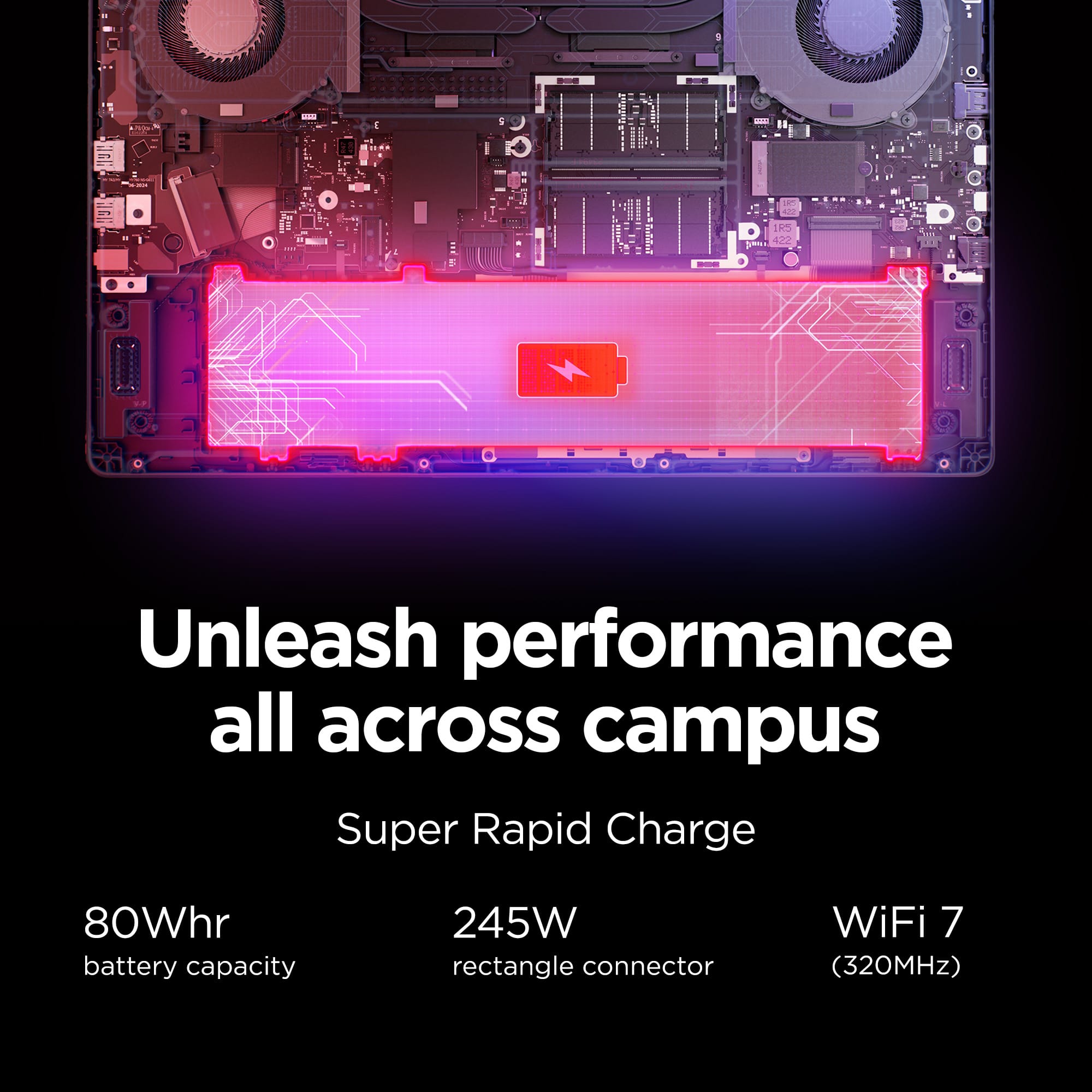
||Posted .This reviewer received promo considerations or sweepstakes entry for writing a review.The battery capacity is too small; must plug in to a power outlet to use. Beside the battery part, the display are great.
No, I would not recommend this to a friendBrand response from Lenovo Product Expert
Posted .Hi Cindy,
Thanks for choosing Lenovo and for sharing your feedback with us!
Regarding your note on battery life – as you may know there are lots of variables that contribute to battery and in gaming laptops that can increase even more due to their high-powered processors and graphics cards. If you want to squeeze out more battery life and are completing non-intensive graphics tasks, you can utilize the MUX switch built into this model to turn off the dedicated GPU to greatly decrease power draw. This can be done in the Lenovo Vantage app > top right box > GPU working mode, then choosing your preferred method. Users can also take advantage of the keyboard shortcut, Fn + Q to toggle thermal modes and easily switch between prioritizing battery life or power, or even the best of both words, along with custom settings configurable in Lenovo Vantage. You could also press the Fn + R key combo to toggle to a lower refresh rate for even greater power conservation.
We are glad to read that you are otherwise satisfied with your purchase overall.
Please don't hesitate to reach out to us via the Q& A section of this product page or contact Lenovo Support should you have any questions or need assistance.
Regards,
Lenovo