Customer Ratings & Reviews
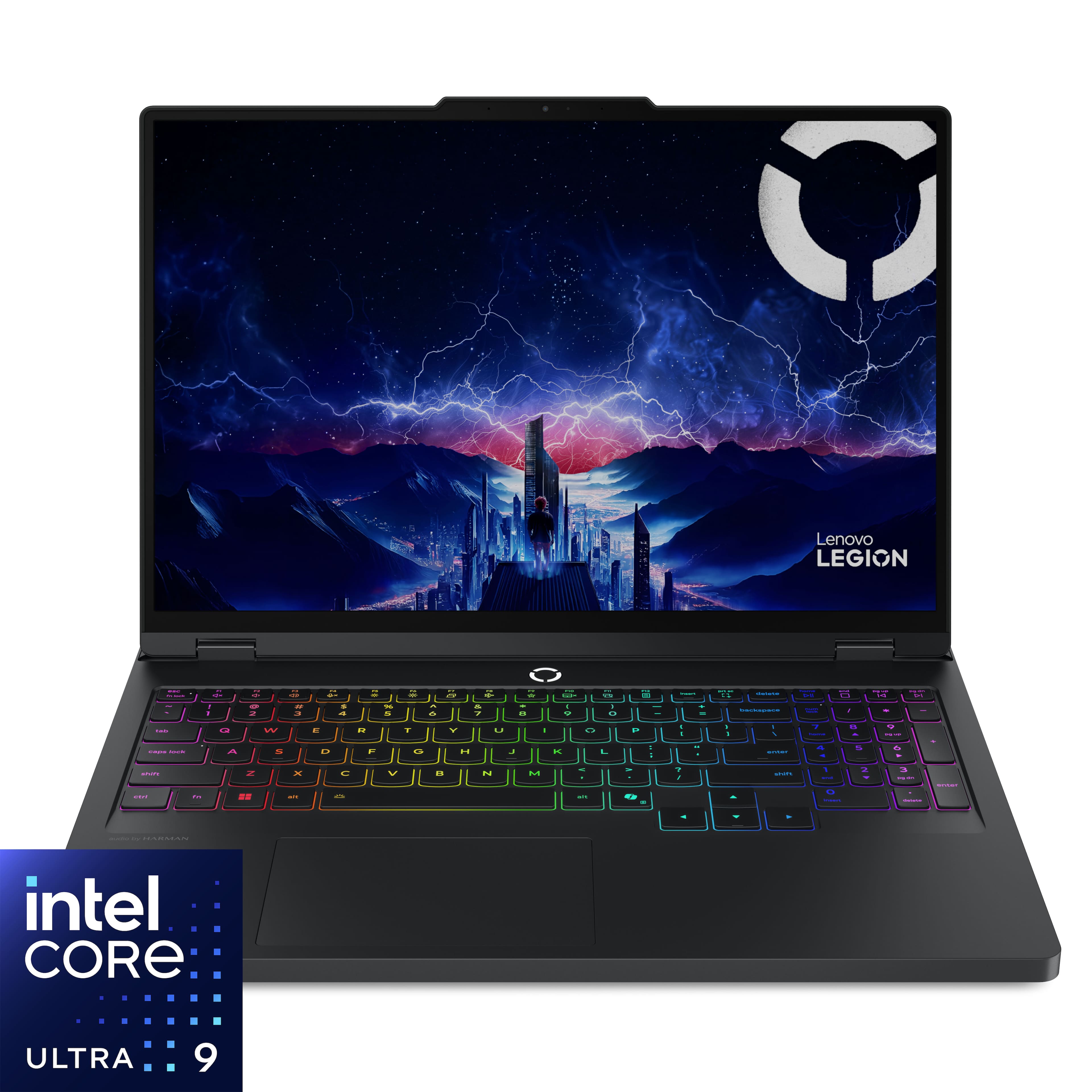
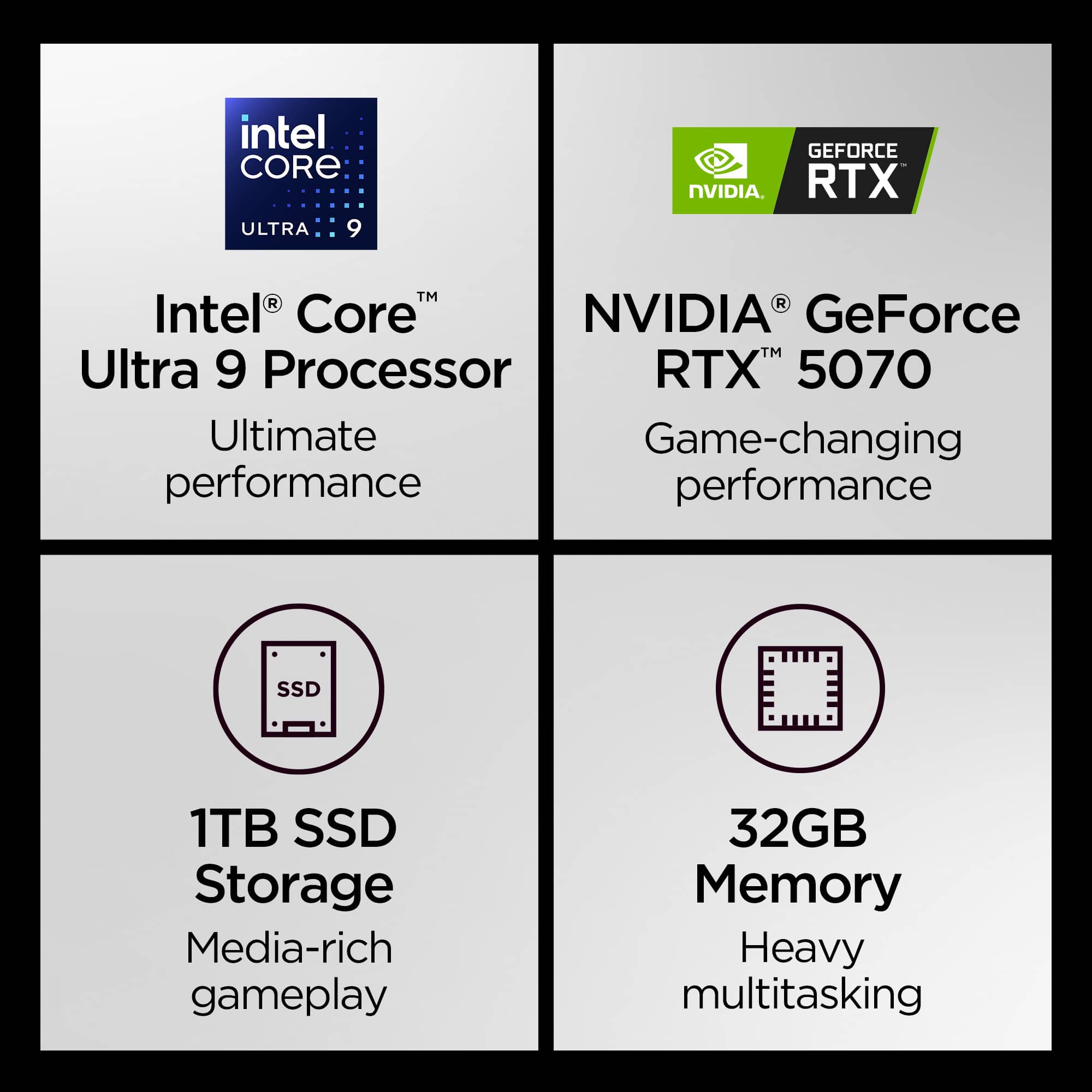

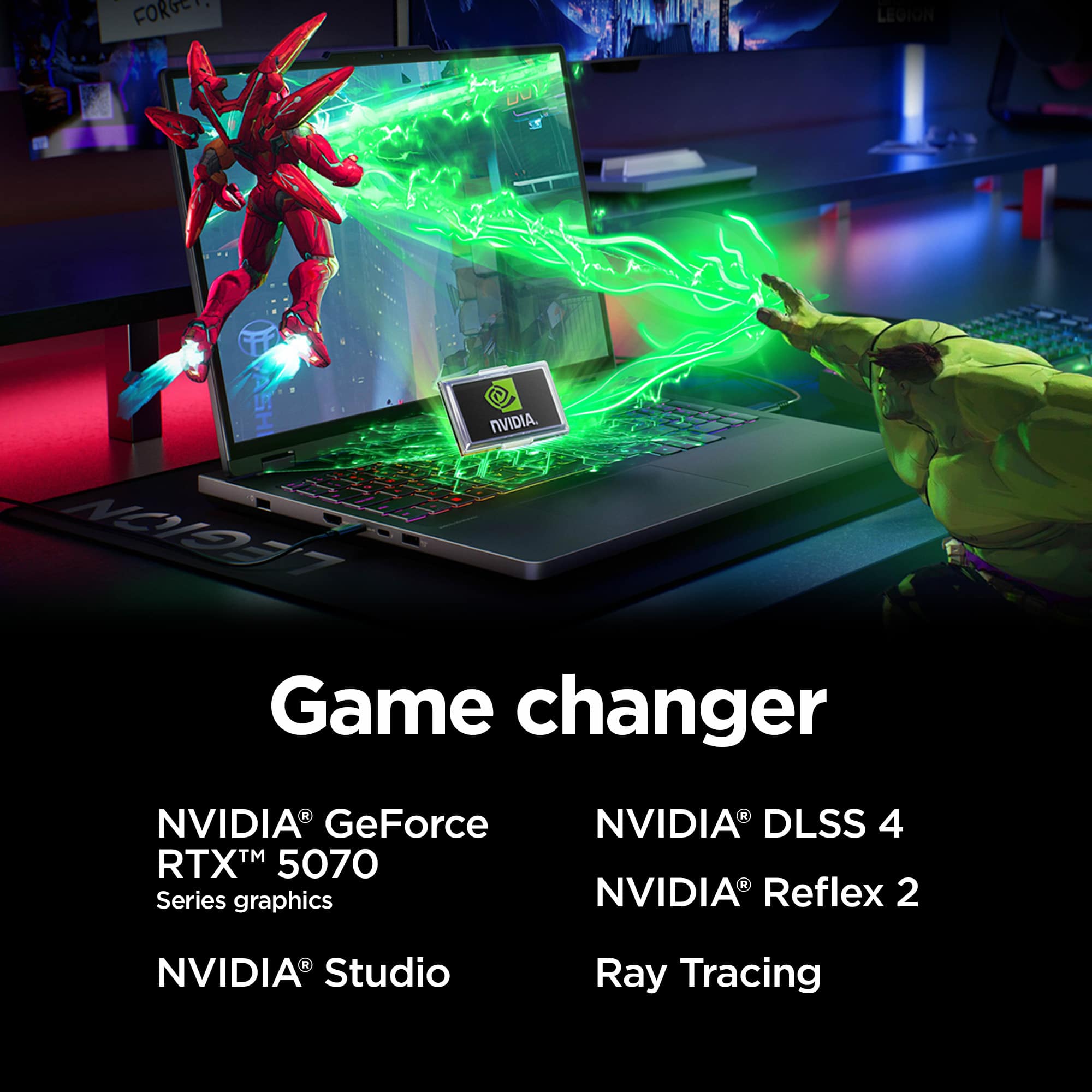


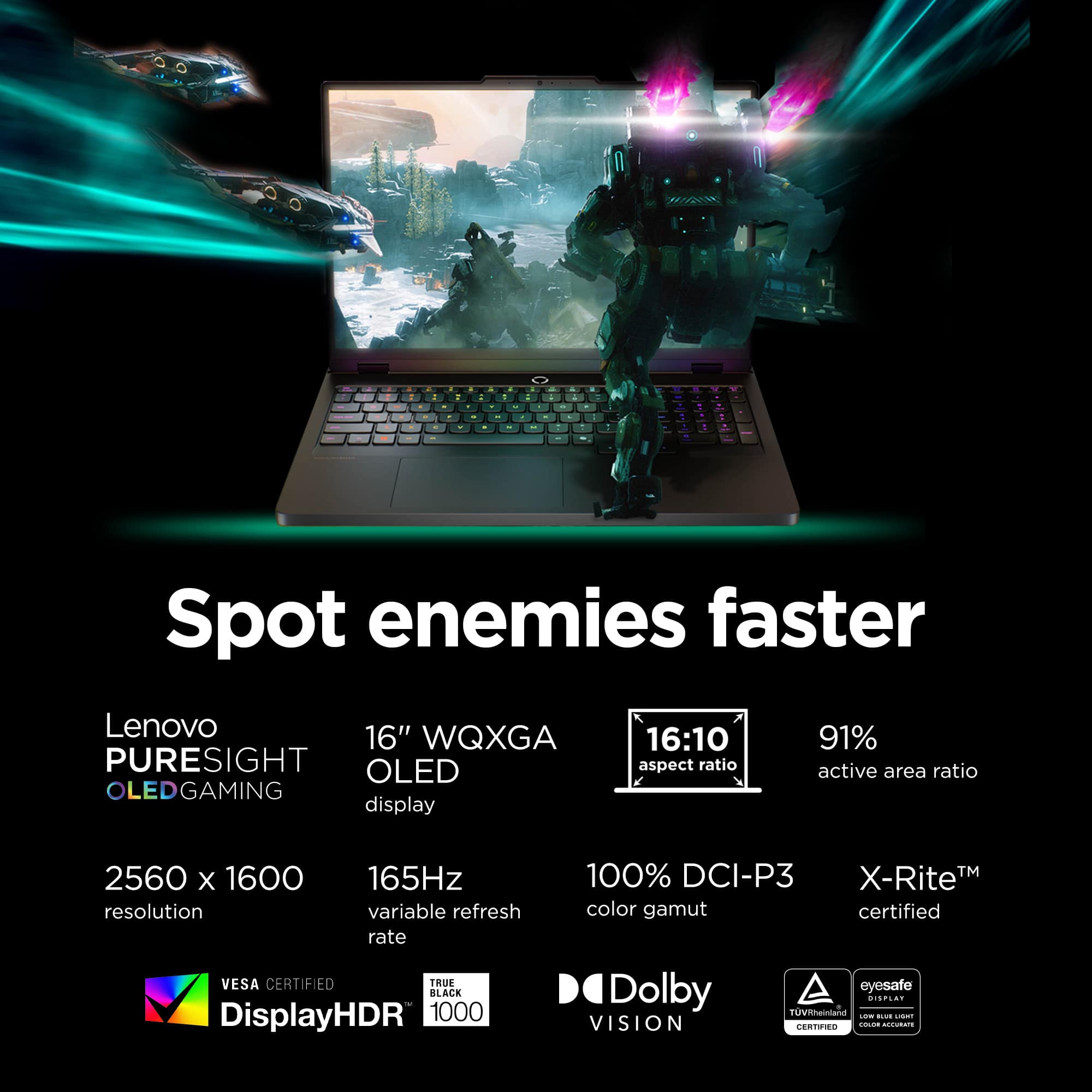
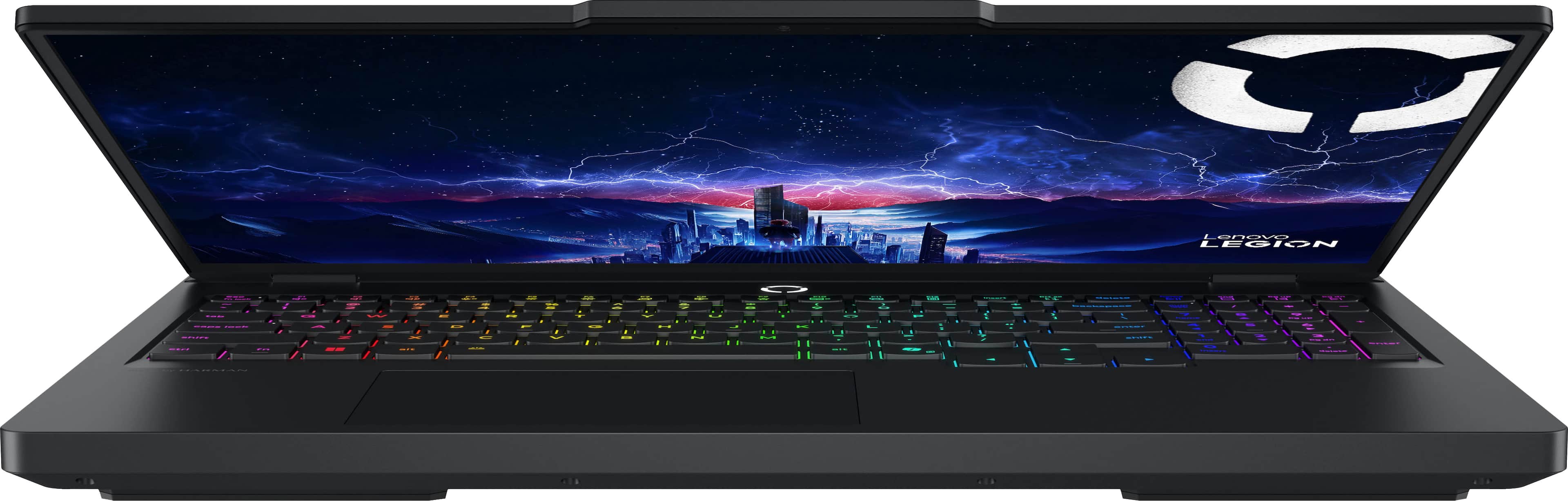
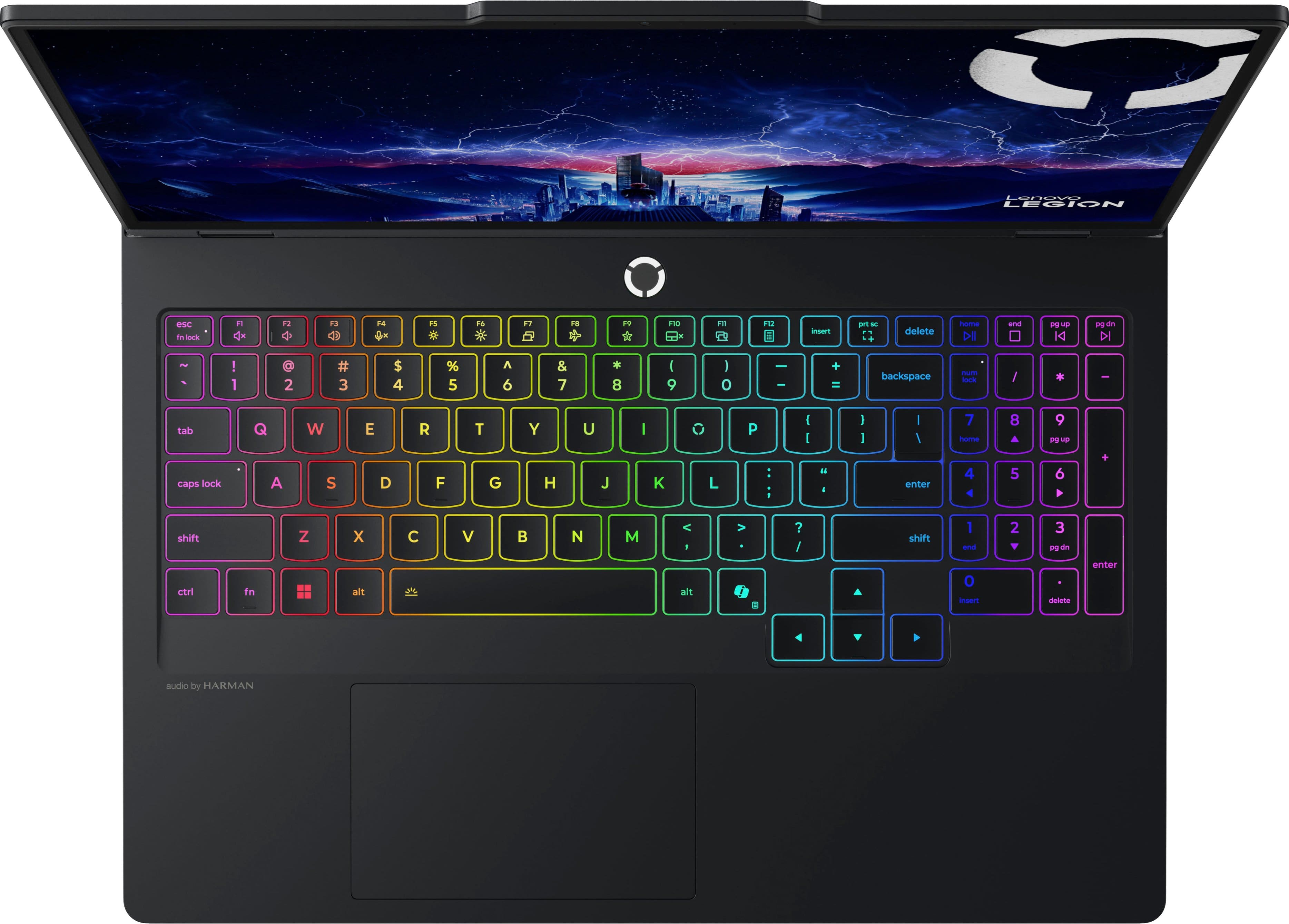
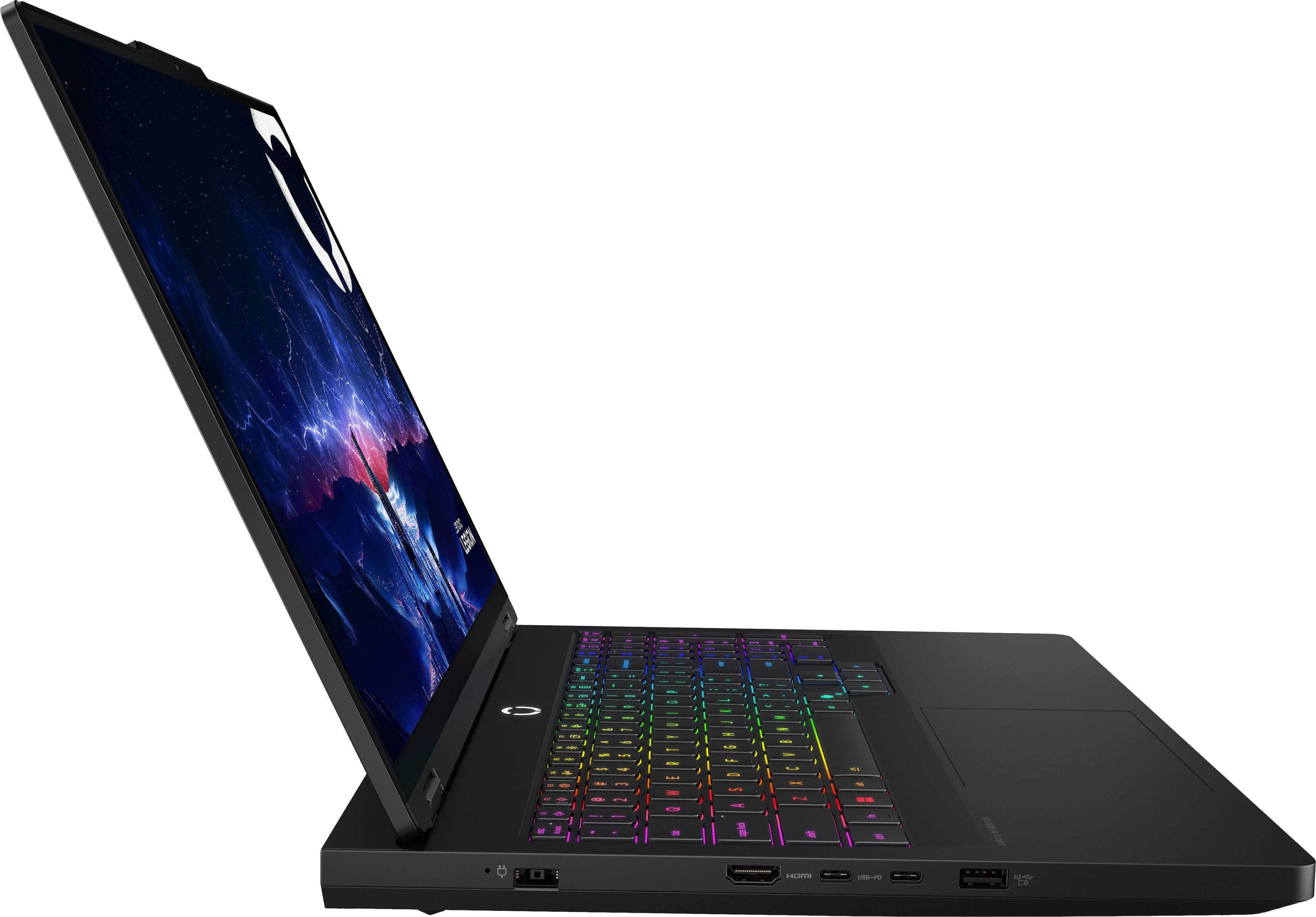
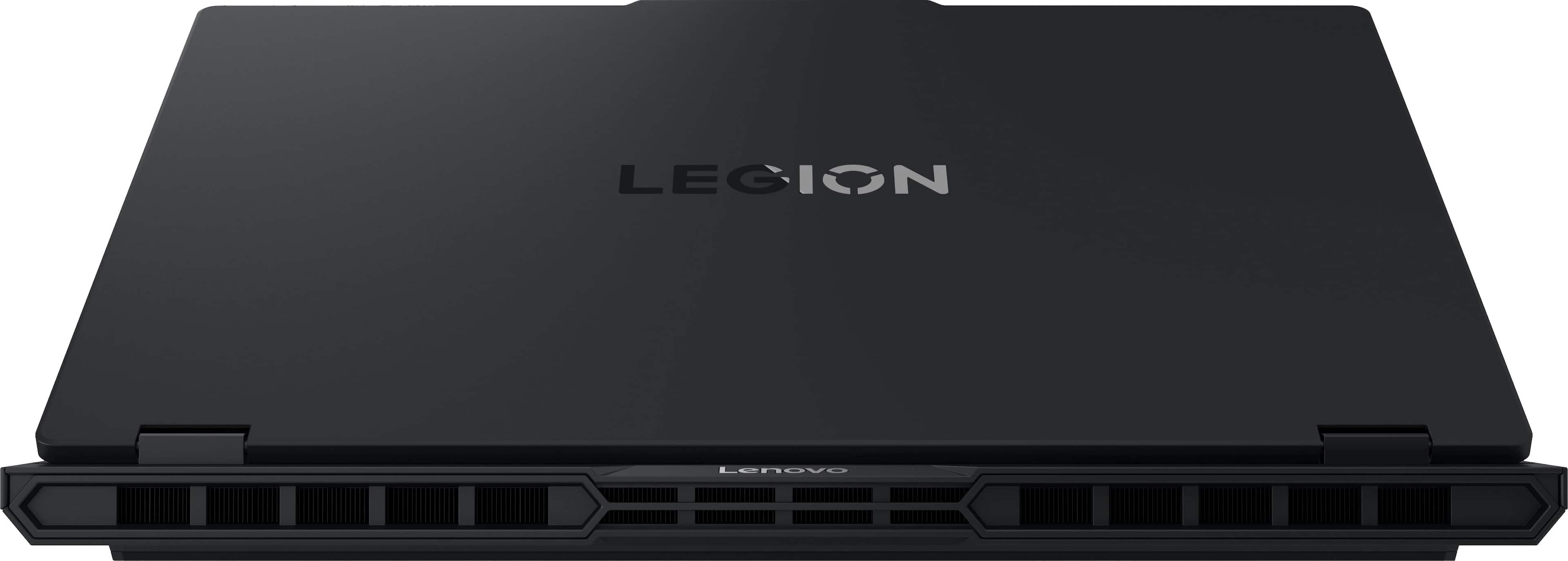








- Model:
- 83F3000HUS
- SKU:
- 12494409
Rating by feature
- Battery Life
Rating 3.9 out of 5 stars
- Speed
Rating 4.9 out of 5 stars
- Display
Rating 4.9 out of 5 stars
Lenovo Legion Pro 5i
||Posted . Owned for 1 month when reviewed.This reviewer received promo considerations or sweepstakes entry for writing a review.Lenovo Legion Pro 5i has been an absolute beast for Call of Duty competitive Ranked Play. The performance is fast, smooth, and consistent, which is exactly what you need when every gunfight is decided in milliseconds. The high refresh rate display feels super responsive for snapping, tracking, and keeping your aim steady, and the input response stays sharp even during long grind sessions. It runs CoD well without constant stutters or random frame drops, so rotations, challs, and close-range fights feel way more controlled. Cooling is solid for a laptop this powerful, so you’re not dealing with heavy throttling mid-match when you’re trying to clutch up. Build quality feels strong, the keyboard is comfortable, and the setup is easy to lock in with. Overall, it’s a top-tier choice if you want serious Ranked Play performance on a laptop.
I would recommend this to a friendBrand response from Lenovo Product Expert
Posted .Hi Creag-
Thank you for choosing Lenovo and sharing your glowing review with us. We are happy to hear that you are enjoying the performance, display quality, colling capabilities, and keyboard ergonomics of the Legion Pro 5i. We aim to offer great user experience and are overjoyed to see that we met our goal.
Please reach out to us through the Q & A section of this product webpage if you have any questions or need any assistance.
Best wishes,
Lenovo
Perfect laptop for me
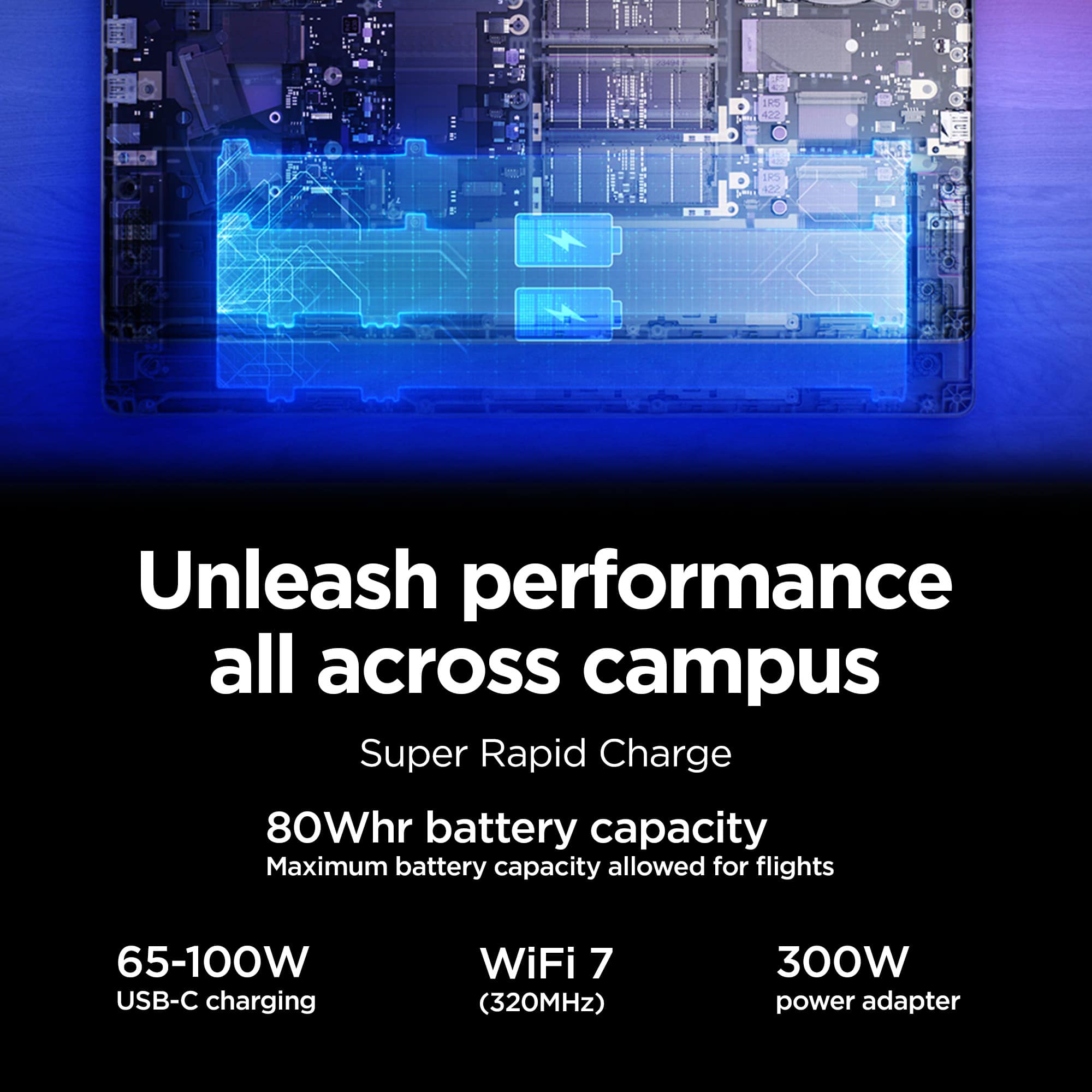
||Posted . Owned for 1 month when reviewed.This reviewer received promo considerations or sweepstakes entry for writing a review.I got this laptop mainly for use in my CompSci program, but actually having a gaming computer has been cool to use for gaming too (who would’ve thought). I really like the ability to customize the keyboard colors, fan speed, gpu usage, etc.. One drawback is a short battery life (mines about 5.5 hrs with minimal energy saving features on) but I’m only using my computer in places I have access to a plug, so this isn’t/wasn’t a concern for me when deciding on my purchase.
I would recommend this to a friendBang for your buck
||Posted . Owned for 1 month when reviewed.This reviewer received promo considerations or sweepstakes entry for writing a review.This is a great laptop. Run’s battlefield smooth no lag and also other games no hesitation. Would highly recommend. Although the battery life isn’t the best, keep it plugged in while gaming.
I would recommend this to a friendBrand response from Lenovo Product Expert
Posted .Hi KevinM-
Thank you for choosing Lenovo and sharing your experience with us. We are happy to hear that you are enjoying the performance of the Legion Pro 5i. We aim to offer great user experience and would love to offer you some actions you can take to improve battery life.
Firstly, we recommend running and installing all available drivers updates through Lenovo Vantage and Windows Update Settings, these updates are crucial to the device’s health and will affect power regulation leading to improve battery life. To check for updates within Lenovo Vantage begin by launching the application, then select the “Check for updates” button on the top of the right-hand of the display. To check for Windows Updates, start by launching the Settings app, then selecting the Windows Update tab on the left-hand side of the page, finally select the “Check for updates’ button located in the top right of the page.
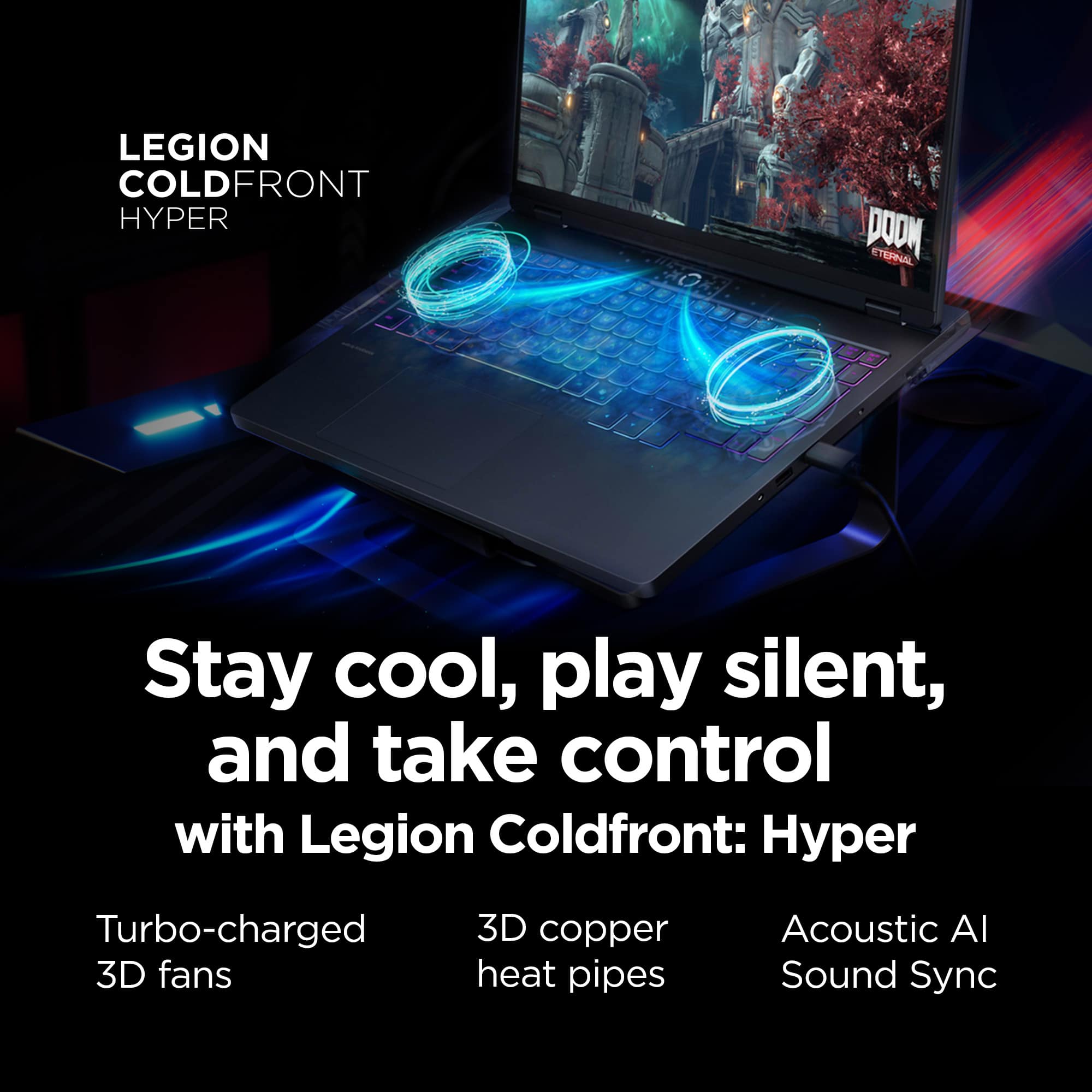
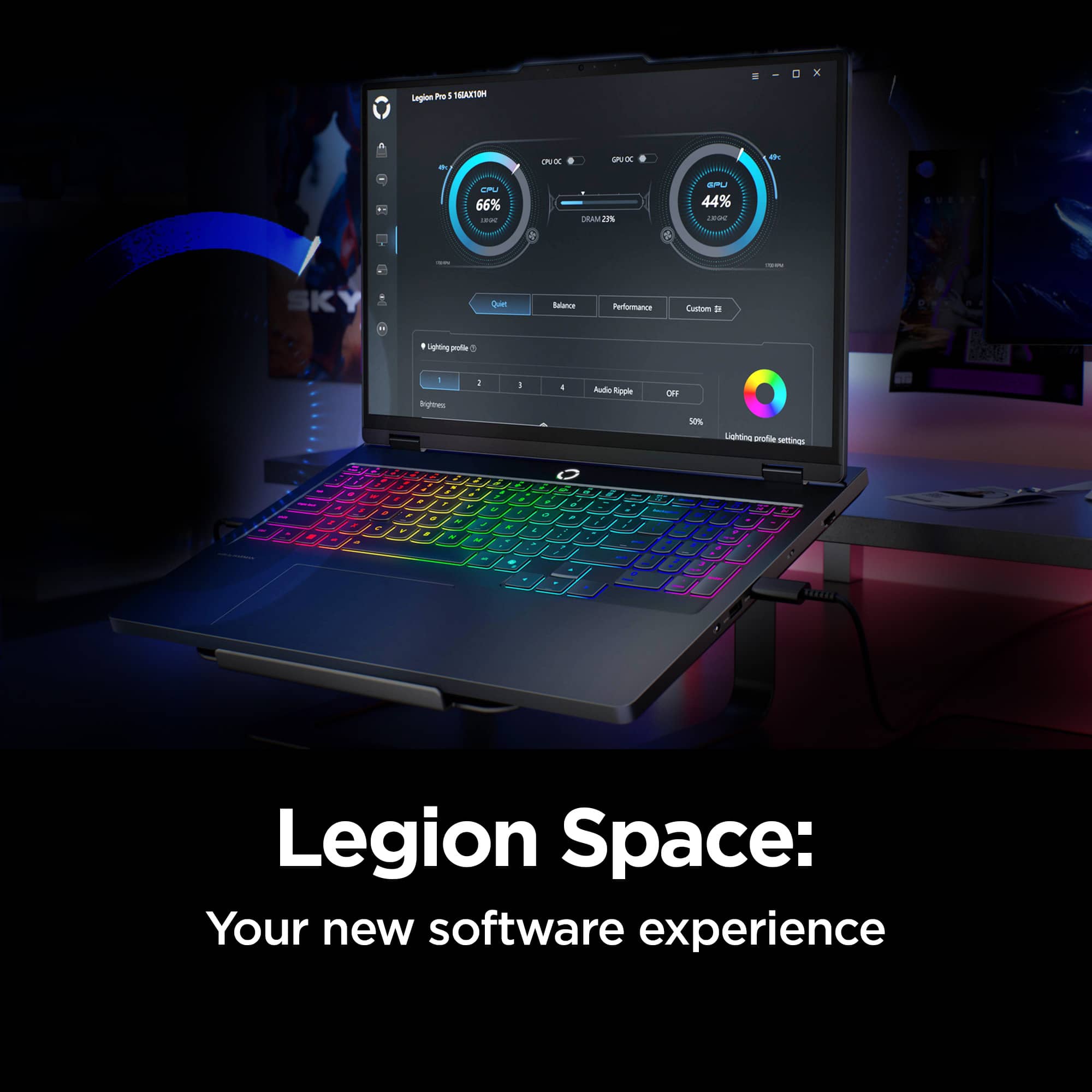
Secondly, the Legion Pro 5i allows you to change the computer’s thermal mode. This will allow your device to cycle between higher performance, quiet, or automatically adjust based on your needs. To start, launch the Lenovo Space app, Under the CPU and GPU Performance gauges you will find the option to toggle performance profiles. We suggest using Quiet mode which will lower the temperature of your Legion Pro 5i and reduce battery consumption when under load. You can also toggle thermal modes simply with the Fn+Q hotkey.
Please reach out to us through the Q & A section of this product page if you have any questions or need any assistance.
Best wishes,
Lenovo
A beast of a machine
||Posted .This reviewer received promo considerations or sweepstakes entry for writing a review.I researched a handful of laptops for gaming when I was looking for my first gaming laptop and landed on buying this one. I have no regrets, this laptop is a beast with a screen that is like no other. Beautiful visuals in game and movies. If your on the fence buy it you will not be disappointed
I would recommend this to a friendBrand response from Lenovo Product Expert
Posted .Hi,
Thanks for choosing Lenovo and for sharing your feedback with us!
We are glad to read that you are satisfied with your purchase.
Please don't hesitate to reach out to us via the Q& A section of this product page or contact Lenovo Support should you have any questions or need assistance.
Regards,
Lenovo
1st gaming laptop and this exceeds my expectations
||Posted .This reviewer received promo considerations or sweepstakes entry for writing a review.This laptop is awesome. I mainly game on it but do use it for other tasks and it handles it all. The OLED screen is just wonderful , build quality is excellent. It has played games I thought it would have trouble with due to the 8gb vram on the 5070 very well with just slight tweaks to settings. (Examples Doom the dark ages a very intensive game can be played at 1080p high with a steady frame rate , then if you drop the texture pool down and add DLSS quality 1440p is possible with tweaks! Doom eternal 1440p ultra 165fps , Ninja Gaiden 2 Black 1440p high ) I am very pleased with it and would recommend this for anyone looking for a good mid range laptop 1080/1440p mid to high setting if you to play the heavier new titles and wanting high settings get the 5070ti version.
I would recommend this to a friendBrand response from Lenovo Product Expert
Posted .Hi,
Thanks for choosing Lenovo and for sharing your feedback with us!
We are glad to read that you are satisfied with your purchase overall.
Please don't hesitate to reach out to us via the Q& A section of this product page or contact Lenovo Support should you have any questions or need assistance.
Regards,
Lenovo
Super laptop upgrade!
||Posted .This reviewer received promo considerations or sweepstakes entry for writing a review.Wow… what an upgrade from my Dell laptop! Super fast, excellent graphics and plenty of space. Installed an additional 4TB SSD, super easy to upgrade. Don’t have any complaints, was uncertain of buying Lenovo but glad I did.
I would recommend this to a friendBrand response from Lenovo Product Expert
Posted .Hi,
Thanks for choosing Lenovo and for sharing your feedback with us!
We are glad to read that you are satisfied with your purchase.
Please don't hesitate to reach out to us via the Q& A section of this product page or contact Lenovo Support should you have any questions or need assistance.
Regards,
Lenovo
Good for the price and for software development
||Posted . Owned for 1 week when reviewed.This reviewer received promo considerations or sweepstakes entry for writing a review.Given I was replacing a very old computer, but the difference is night and day. It is slightly smaller (but that is a good thing) but the performance has been wonderful. Buying the open-box on saved me some money, and it was still in very good shape. I use the computer for software development and it has been very effective and powerful. Graphics work very well and keep up with the demanding rendering. Very happy.
I would recommend this to a friendImpressed.
||Posted . Owned for 1 week when reviewed.This reviewer received promo considerations or sweepstakes entry for writing a review.After reading a bunch of reviews I knew gaming laptops were on the come up, but the legion is pure class. It’s basically a mobile desktop and while I fell the need to upgrade for more VRAM I’m not really sure if I need to.
I would recommend this to a friendBrand response from Lenovo Product Expert
Posted .Hi MichaelO-
Thank you for choosing Lenovo and sharing your feedback with us. We are excited to hear that you are enjoying the performance of the Legion Pro 5i. We aim to provide excellent user experience for our products, and we are overjoyed to hear that we met our goal.
Please reach out to us through the Q & A section of this product page if you have any questions or need assistance.
Best wishes,
Lenovo
Preinstalled bloatware, less one star.
||Posted . Owned for 1 month when reviewed.This reviewer received promo considerations or sweepstakes entry for writing a review.I have the laptop for a little over a month now. Gaming performance is phenomenal. It's a quick and speedy laptop. However, it comes with a lot of bloatware and proprietary software that may cause weird glitches. For example, I installed new Intel graphics drivers from the Intel site. That made my external monitor constantly flicker in and out, repeatedly. The only fix was to downgrade the Intel drivers and only use Lenovo Vantage drivers for Intel graphics drivers from here on out. On the other hand, I have had no issues with Nvidia drivers being installed from the Nvidia app.
I would recommend this to a friendWorth it!
||Posted . Owned for 3 months when reviewed.This reviewer received promo considerations or sweepstakes entry for writing a review.This laptop Has been Amazing Its very Quiet and runs everything I need It to The Value was excellent And this ultra 9 Is a great chip! The keys feel great too
I would recommend this to a friendBrand response from Lenovo Product Expert
Posted .Hi,
Thanks for choosing Lenovo and for sharing your feedback with us!
We are glad to read that you are satisfied with your purchase.
Please don't hesitate to reach out to us via the Q& A section of this product page or contact Lenovo Support should you have any questions or need assistance.
Regards,
Lenovo
Lenovo Laptop 5i Pro
||Posted .This reviewer received promo considerations or sweepstakes entry for writing a review.It’s good for someone who doesn’t have a desktop and a good gaming laptop with a good price. The battery life is very short though, performance was great. The quality and design is not that bad. Running Linux is quite a challenge. There was no Bluetooth compatibility.
No, I would not recommend this to a friendBrand response from Lenovo Product Expert
Posted .Hi user956079-
Thank you for choosing Lenovo and sharing your experience with us. We are happy to hear that you are enjoying the Legion Pro 5i. We aim to offer great user experience, and we would like to recommend a few actions you can take to improve your performance.
Firstly, we recommend running and installing all available drivers updates through Lenovo Vantage and Windows Update Settings, these updates are crucial to the device’s health and will affect power regulation leading to enhanced battery life and performance. To check for updates within Lenovo Vantage begin by launching the application, then select the “Check for updates” button on the top of the right-hand of the display. To check for Windows Updates, start by launching the Settings app, then selecting the Windows Update tab on the left-hand side of the page, finally select the “Check for updates’ button located in the top right of the page.
Secondly, the Legion Pro 5i allows you to change the computer’s thermal mode. This will allow your device to cycle between higher performance, quiet, or automatically adjust based on your needs. To start, launch the Lenovo Space app, Under the CPU and GPU Performance gauges you will find the option to toggle performance profiles. We suggest using Quiet mode which will lower the temperature of your Legion 7i when under load. You can also toggle thermal modes simply with the Fn+Q hotkey.
The Legion Pro 5i also includes the option of controlling the “GPU Working Mode”. You can find this within Legion Space, just below the Thermal Profile modes from the previous step. This allows your device to switch between the integrated GPU and discrete GPU. By switching modes, you can enhance battery life through the Hybrid-iGPU Only Mode which will lower the power draw of the NVIDIA GeForce RTX 5070 graphics card or enhance performance with dGPU Mode which will enhance display performance.
Please reach out to us through the Q & A section of this product webpage if you have any questions or need any assistance.
Best wishes,
Lenovo
Mostly pleased with Lenovo Legion
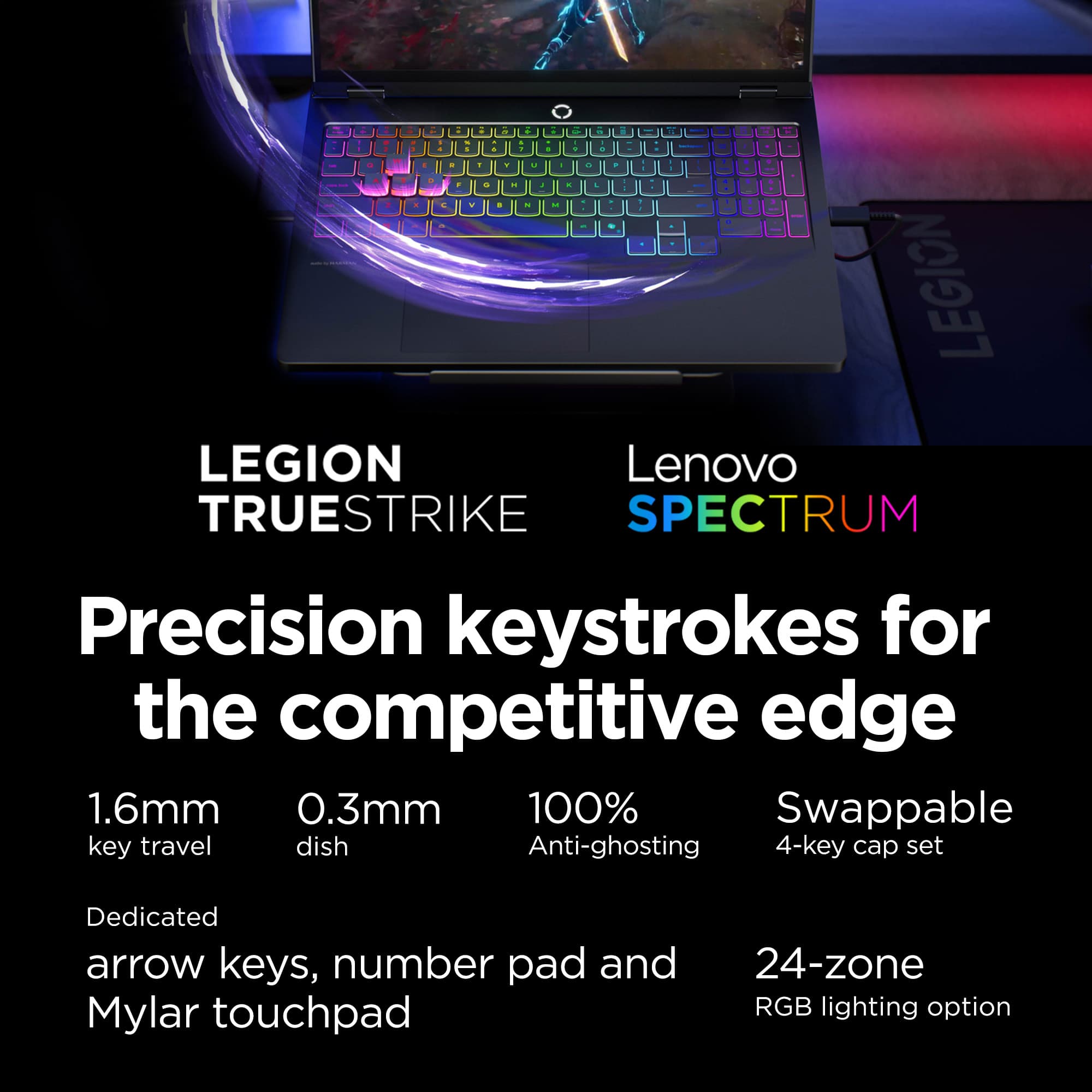
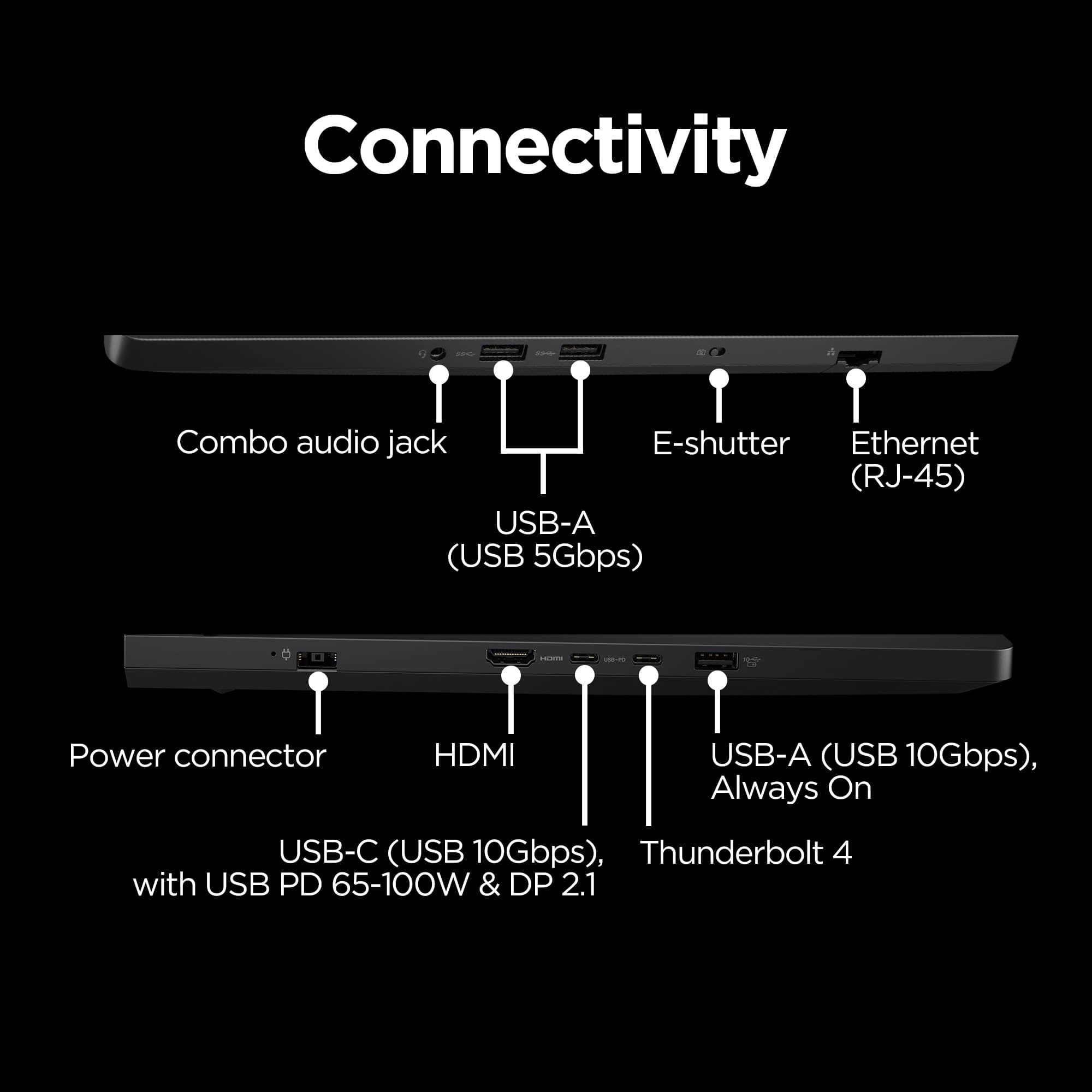
||Posted . Owned for 3 weeks when reviewed.This reviewer received promo considerations or sweepstakes entry for writing a review.I mostly really like this notebook: it is blazingly fast, most of the keyboard layout is superior to most others, and it has plenty of USB ports (also superior). But it does not have the required IR to do facial recognition, and the MS Copilot key has replaced the R. Ctrl key, and I have been unsuccessful in attempts to reprogram it. For those of us who use such keys without looking, that's a problem.
I would recommend this to a friendBrand response from Lenovo Product Expert
Posted .Hi RichardW,
Thanks for choosing Lenovo and for sharing your feedback with us. We are sorry to hear that the camera not featuring IR and Copilot key are a miss for you. We appreciate your comments as we strive to provide the best experience possible and make the necessary improvements.
We are pleased to read that you are otherwise really liking your Legion Pro 5i.
Please let us know what else we can do to improve your experience, as your satisfaction is important to us.
Best regards,
Lenovo
So far so good
||Posted . Owned for less than 1 week when reviewed.This reviewer received promo considerations or sweepstakes entry for writing a review.I’ve only had it for a few days but it’s already 10x better than my MacBook Pro that I paid double the price for 6 years ago. It does things quick and the visuals are incredible. It seems to be decent with multitasking, but I haven’t put it to the real test yet. I only have two issues, the screen brightness and volume buttons don’t work for some reason??? But as I’m troubleshooting, it looks like this is common and can be fixed. I also am having trouble running emulators for older games, but that’s probably more just finding the sweet spot in settings. Seems to run today’s games great!!!
I would recommend this to a friendBrand response from Lenovo Product Expert
Posted .Hi,
Thanks for choosing Lenovo and for sharing your feedback with us!
We are glad to read that you are satisfied with your purchase.
Please don't hesitate to reach out to us via the Q& A section of this product page or contact Lenovo Support should you have any questions or need assistance.
Regards,
Lenovo
Pretty happy with this one.
||Posted . Owned for 1 month when reviewed.This reviewer received promo considerations or sweepstakes entry for writing a review.Pretty solid work laptop for doing cad and 3d modeling with the 5070 GC. Huge improvement in load times for models and such compared to new dell laptop (12/2026) with intel integrated graphics I also bought that now is wife’s laptop for mostly accounting etc. This screen is amazingly better than I was used to also. I’m barely pushing this thing I know. Battery is not going to win any awards usually last 2-3 hours unplugged at best and can get pretty warm under normal load on lap. Comparison is the Dell laptop which would last 8-9 hours, never get hot, no matter what but I know way different abilities. They are two very different machines, work horse sports car vs sedan. Etc
I would recommend this to a friendAbsolutely Amazing
||Posted .This reviewer received promo considerations or sweepstakes entry for writing a review.Absolutely amazing device. High performance without lag and heating up. loving it, So far. Look and feel is also incredible.
I would recommend this to a friendBrand response from Lenovo Product Expert
Posted .Hi Shishir-
Thank you for choosing Lenovo and sharing your experience with us. We are thrilled to hear that you are enjoying the performance and product design of the Legion Pro 5i. We aim to provide excellent user experience for our products, and we are excited to hear that we met our goal.
Please reach out to us through the Q & A section of this product page if you have any questions or need assistance.
Best wishes,
Lenovo
Exceeded expectations
||Posted . Owned for 2 weeks when reviewed.This reviewer received promo considerations or sweepstakes entry for writing a review.This product exceeded my expectations. This computer has a great display and can handle any game you throw at it. If you know how to take advantage of Nvidia DLSS and frame gen this is a outstanding computer for the price
I would recommend this to a friendPerfect for gaming demands and work life!
||Posted . Owned for 2 weeks when reviewed.This reviewer received promo considerations or sweepstakes entry for writing a review.It’s a wonderful laptop and runs amazingly on games. Perfect for my gaming demands and workload need. Only thing that isn’t ideal is the battery, but for as much as I’m putting on it, it lasts 5 hours with everything I have running.
I would recommend this to a friendLegion pro 5i 16" laptop
||Posted . Owned for 1 month when reviewed.This reviewer received promo considerations or sweepstakes entry for writing a review.Very good laptop. It has good graphics good game performance. The 16" OLED panel is very good. Battery life is just ok not great. The price was high even the sale price.
I would recommend this to a friendBrand response from Lenovo Product Expert
Posted .Hi,
Thanks for choosing Lenovo and for sharing your feedback with us!
Regarding your note on battery life – as you may know there are lots of variables that contribute to battery and in gaming laptops that can increase even more due to their high-powered processors and graphics cards. If you want to squeeze out more battery life and are completing non-intensive graphics tasks, you can utilize the MUX switch built into this model to turn off the dedicated GPU to greatly decrease power draw. This can be done in the Lenovo Vantage app > top right box > GPU working mode, then choosing your preferred method. Users can also take advantage of the keyboard shortcut, Fn + Q to toggle thermal modes and easily switch between prioritizing battery life or power, or even the best of both words, along with custom settings configurable in Lenovo Vantage. You could also press the Fn + R key combo to toggle to a lower refresh rate for even greater power conservation.
We are glad to read that you are satisfied with your purchase overall.
Please don't hesitate to reach out to us via the Q& A section of this product page or contact Lenovo Support should you have any questions or need assistance.
Regards,
Lenovo
Amazing laptop
||Posted . Owned for 2 weeks when reviewed.This reviewer received promo considerations or sweepstakes entry for writing a review.The laptop has been amazing. It does everything I want it to do and then some. With it having this years leading processor, I highly recommend this as the multitasking is made super easy and reliable.
I would recommend this to a friendLegion
||Posted . Owned for 1 month when reviewed.This reviewer received promo considerations or sweepstakes entry for writing a review.Works great for Cad and Easypower. The speed is great for Fieldwork
I would recommend this to a friendBrand response from Lenovo Product Expert
Posted .Hi,
Thanks for choosing Lenovo and for sharing your feedback with us!
We are glad to read that you are satisfied with your purchase overall.
Please don't hesitate to reach out to us via the Q& A section of this product page or contact Lenovo Support should you have any questions or need assistance.
Regards,
Lenovo
















