Customer Ratings & Reviews
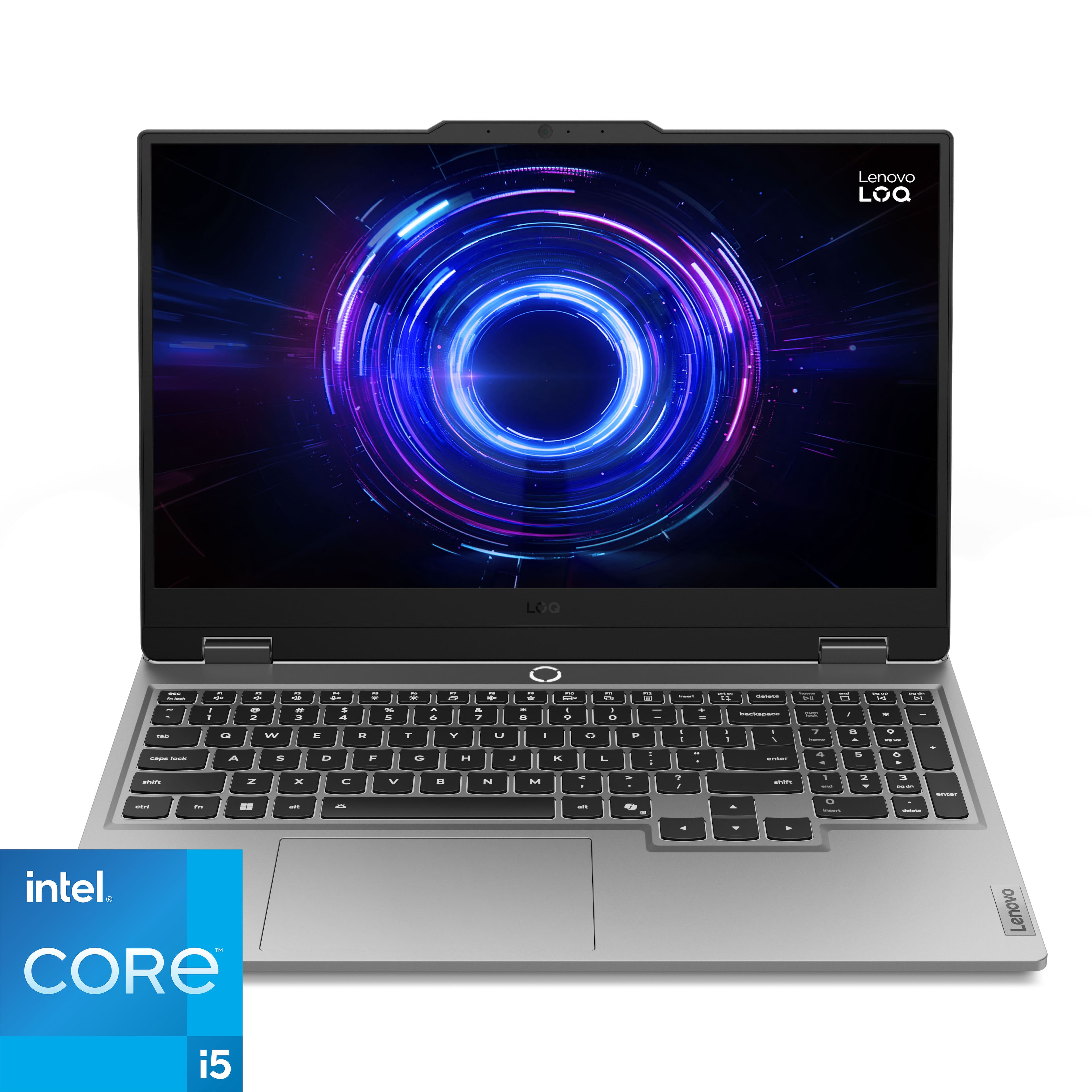


![Sure, here is the corrected and grouped text from the image:
- **Top Row:**
- `esc` `F1` `F2` `F3` `F4` `F5` `F6` `F7` `F8` `F9` `F10` `F11` `F12` `insert`
- **Second Row:**
- `~` `!` `@` `#` `$` `%` `^` `&` `*` `(` `)` `_` `+` `backspace` `num lock` `/` `*` `-` `tab`
- **Third Row:**
- `Q` `W` `E` `R` `T` `Y` `U` `I` `O` `P` `[` `]` `\` `delete` `home` `end` `pg up` `pg dn`
- **Fourth Row:**
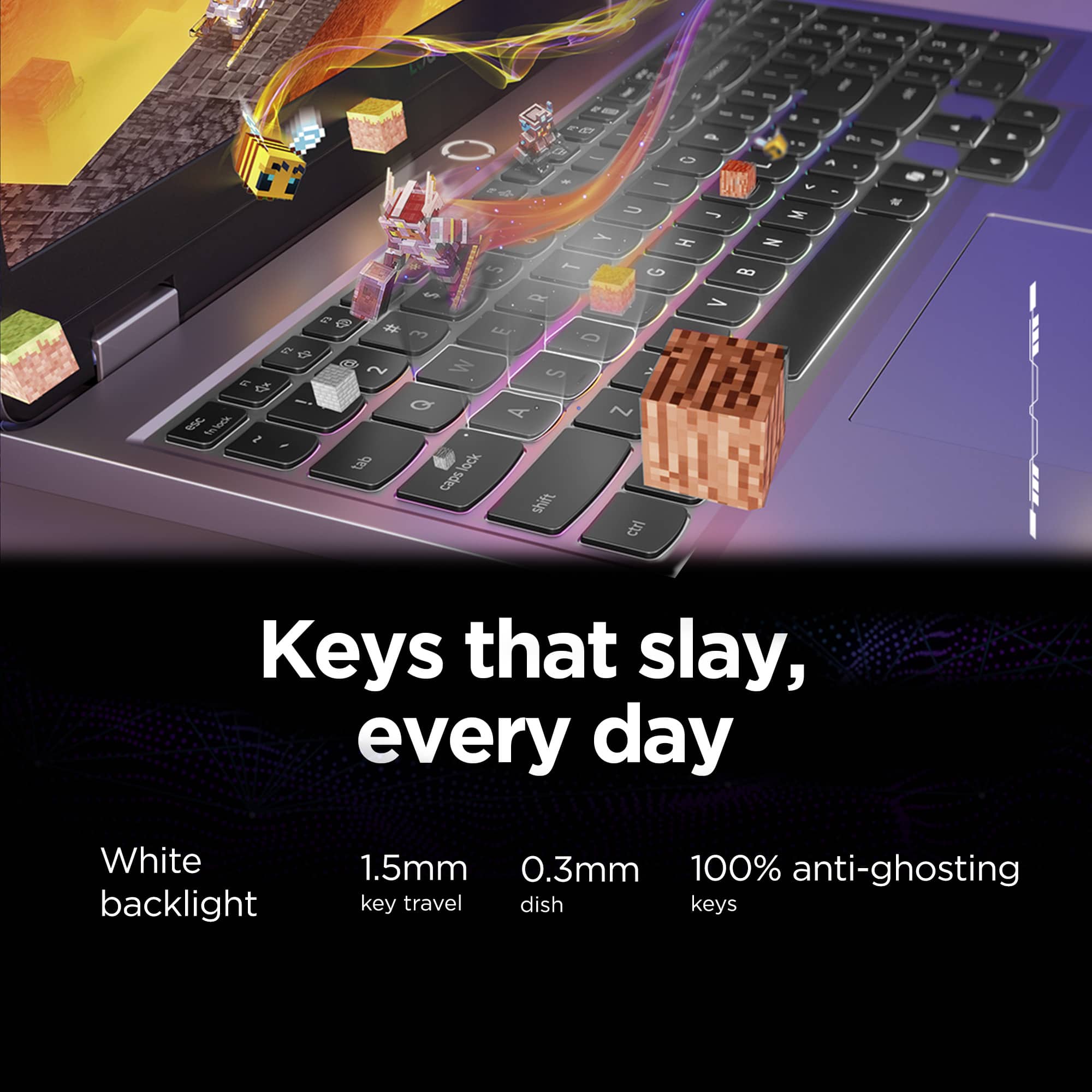
- `caps lock` `A` `S` `D` `F` `G` `H` `J` `K` `L` `;` `'` `enter` `4` `5` `6`](https://pisces.bbystatic.com/image2/BestBuy_US/images/products/55335010-9a5f-4237-b437-bfbd6a9f6ff2.jpg)
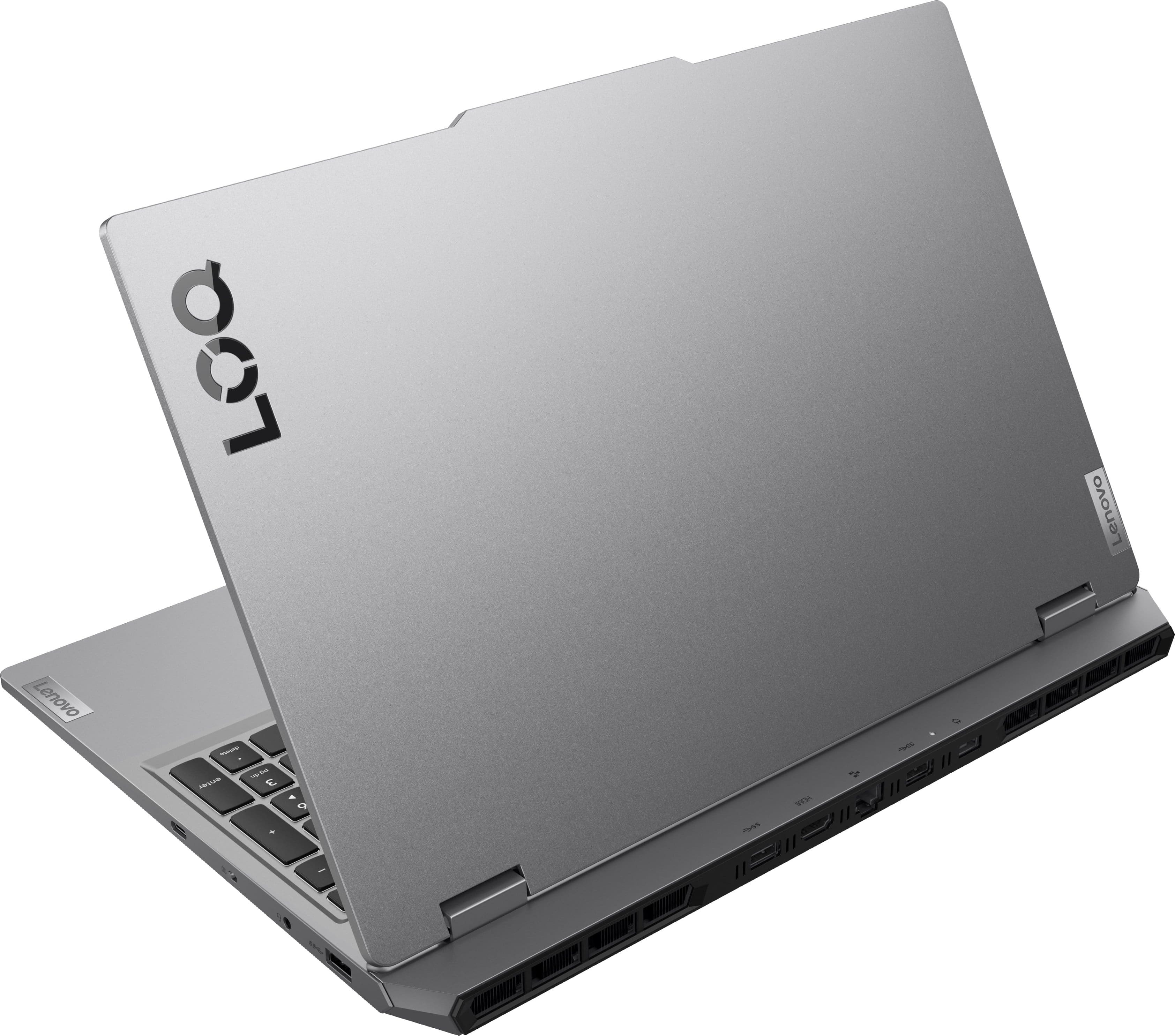
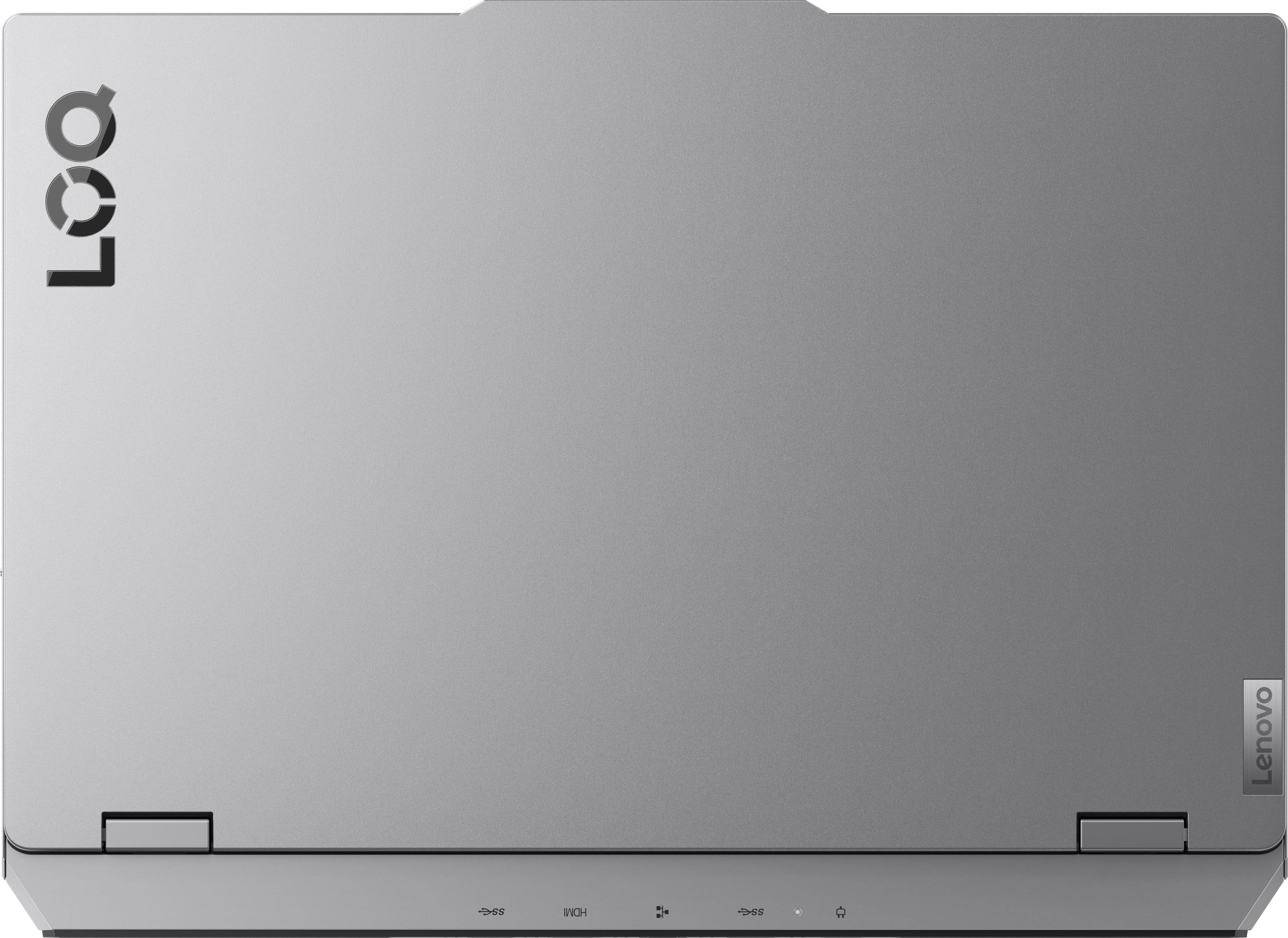
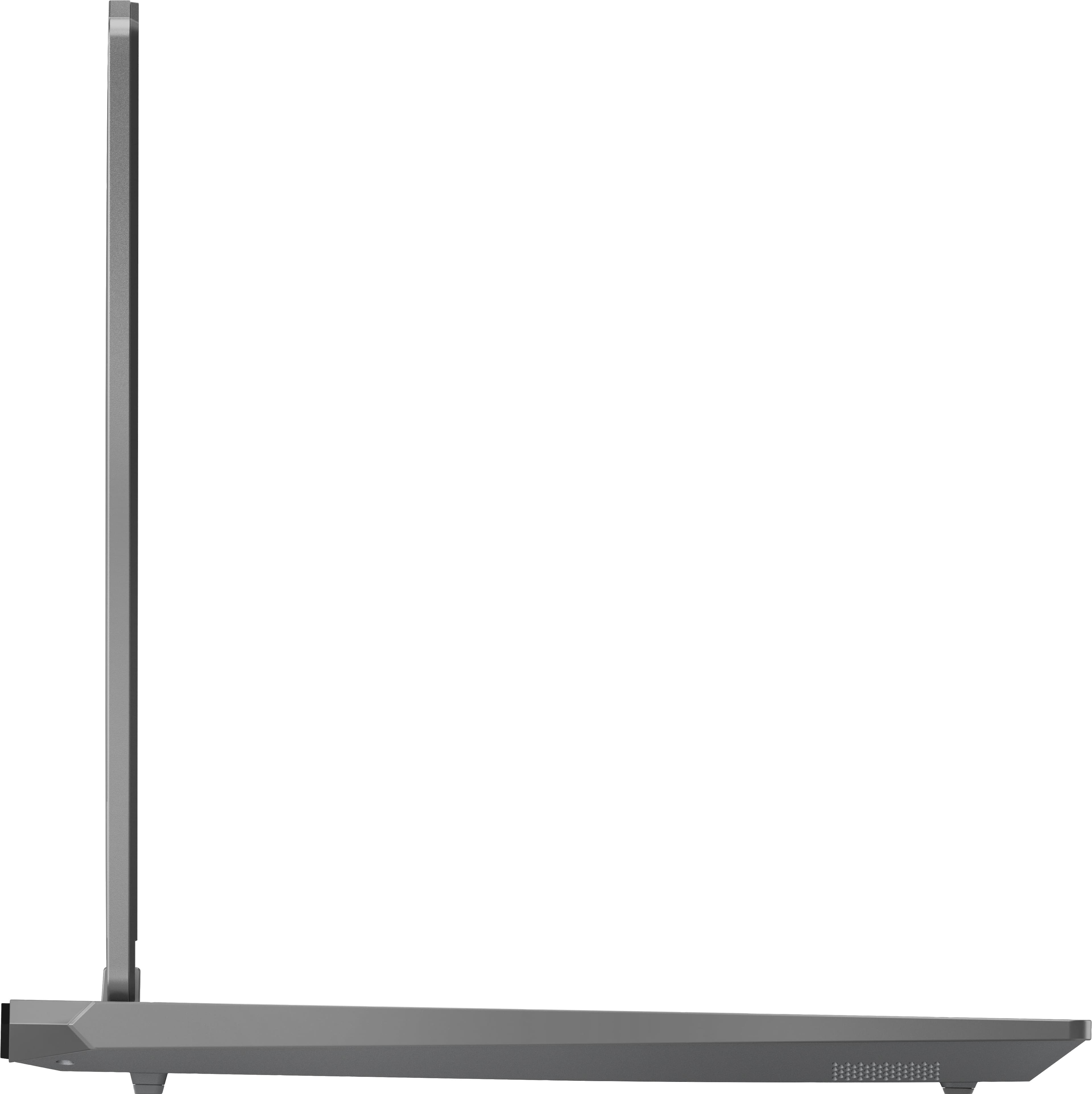
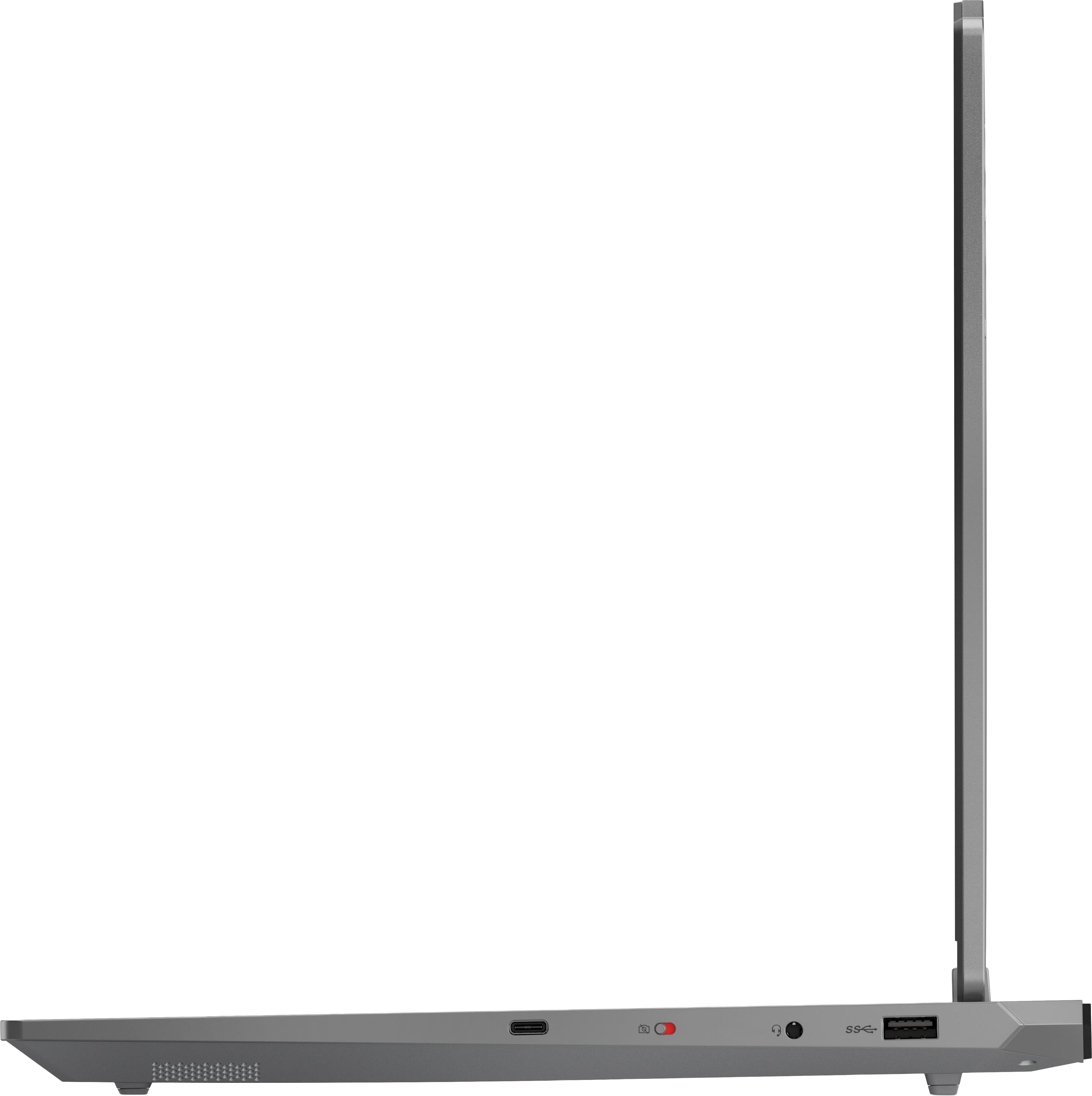


- Model:
- 83JE002KUS
- SKU:
- 11771440
Rating by feature
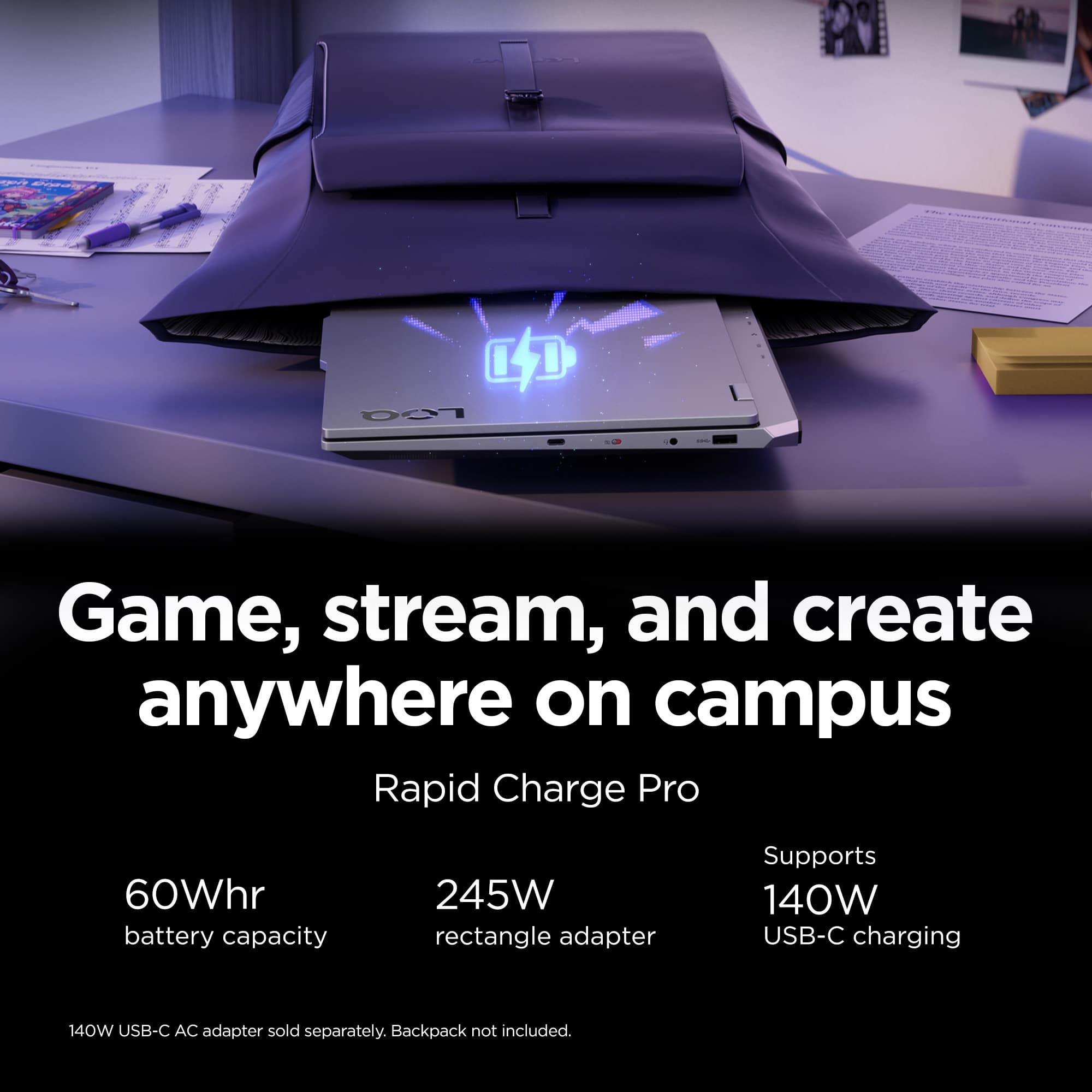
- Battery Life
Rating 3.9 out of 5 stars
- Speed
Rating 4.7 out of 5 stars
- Display
Rating 4.6 out of 5 stars
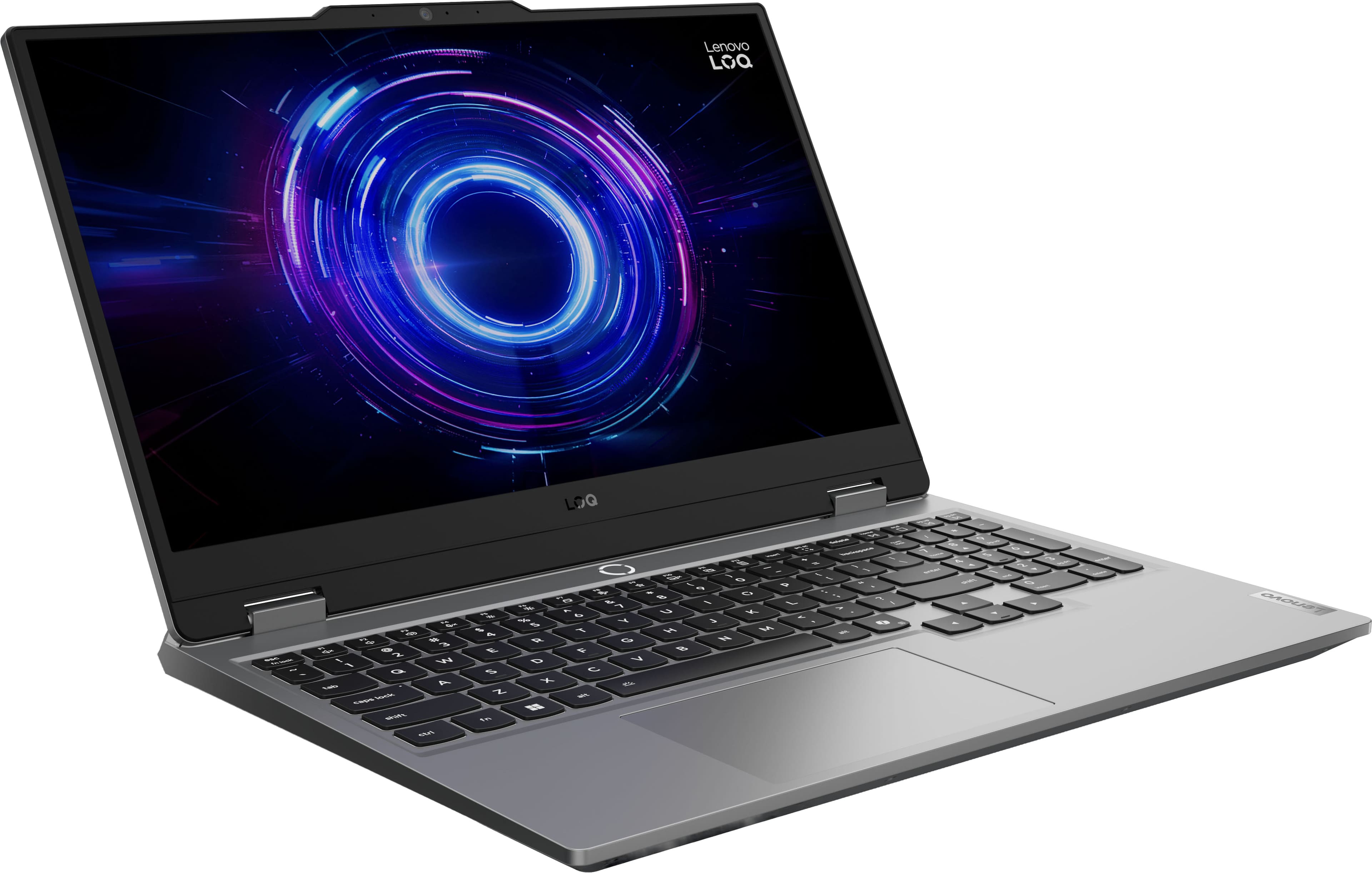
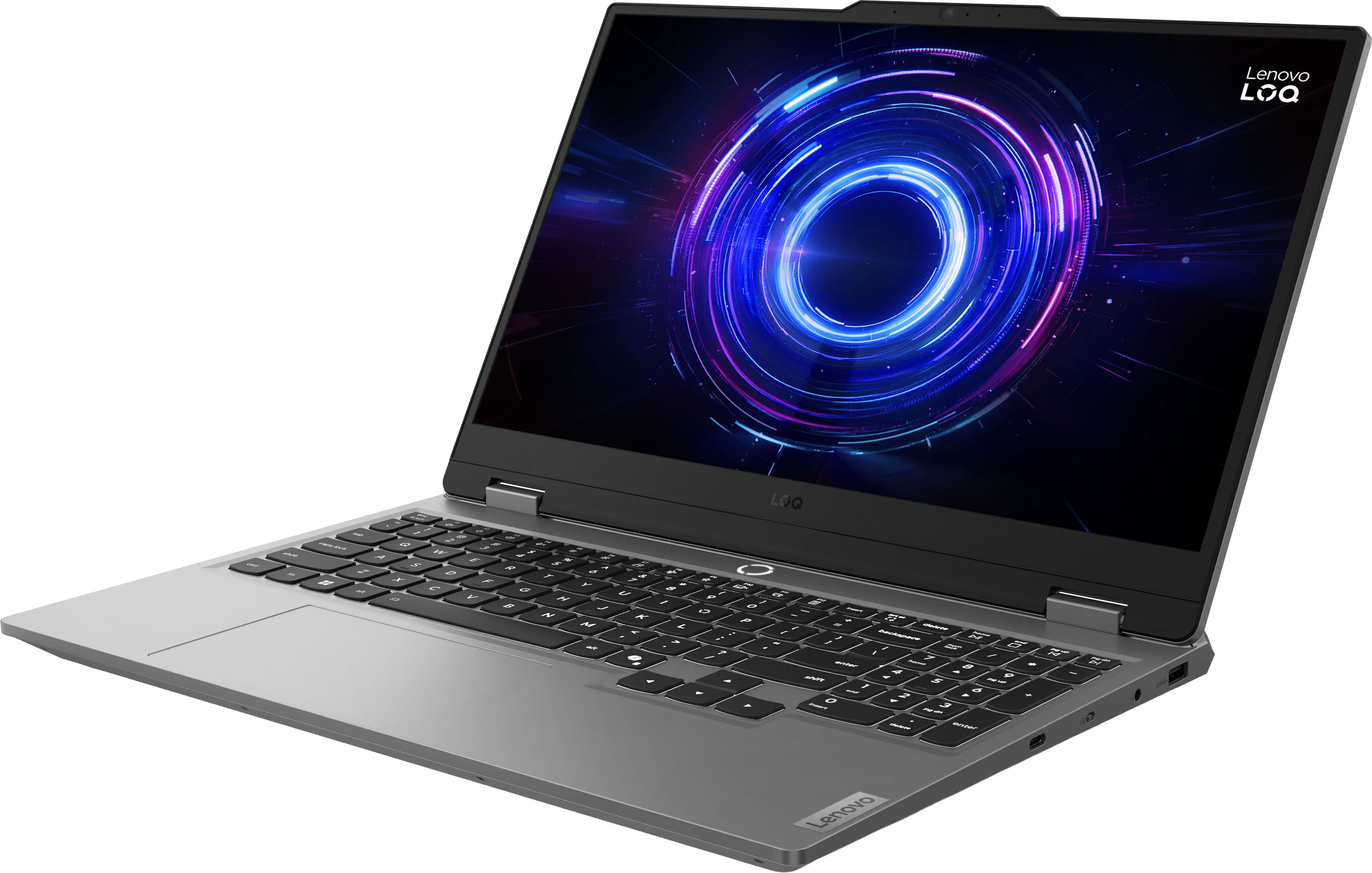
Lenovo LOQ
||Posted . Owned for 1 month when reviewed.This reviewer received promo considerations or sweepstakes entry for writing a review.Great budget saving works great for price to perfomance.
I would recommend this to a friendGreat machine
||Posted .This reviewer received promo considerations or sweepstakes entry for writing a review.computer arrived in great shape and it works amazingly
I would recommend this to a friendBrand response from Lenovo Product Expert
Posted .Hi,
Thanks for choosing Lenovo and for sharing your feedback with us!
We are glad to read that you are satisfied with your purchase.
Please don't hesitate to reach out to us via the Q& A section of this product page or contact Lenovo Support should you have any questions or need assistance.
Regards,
Lenovo
love love yippee
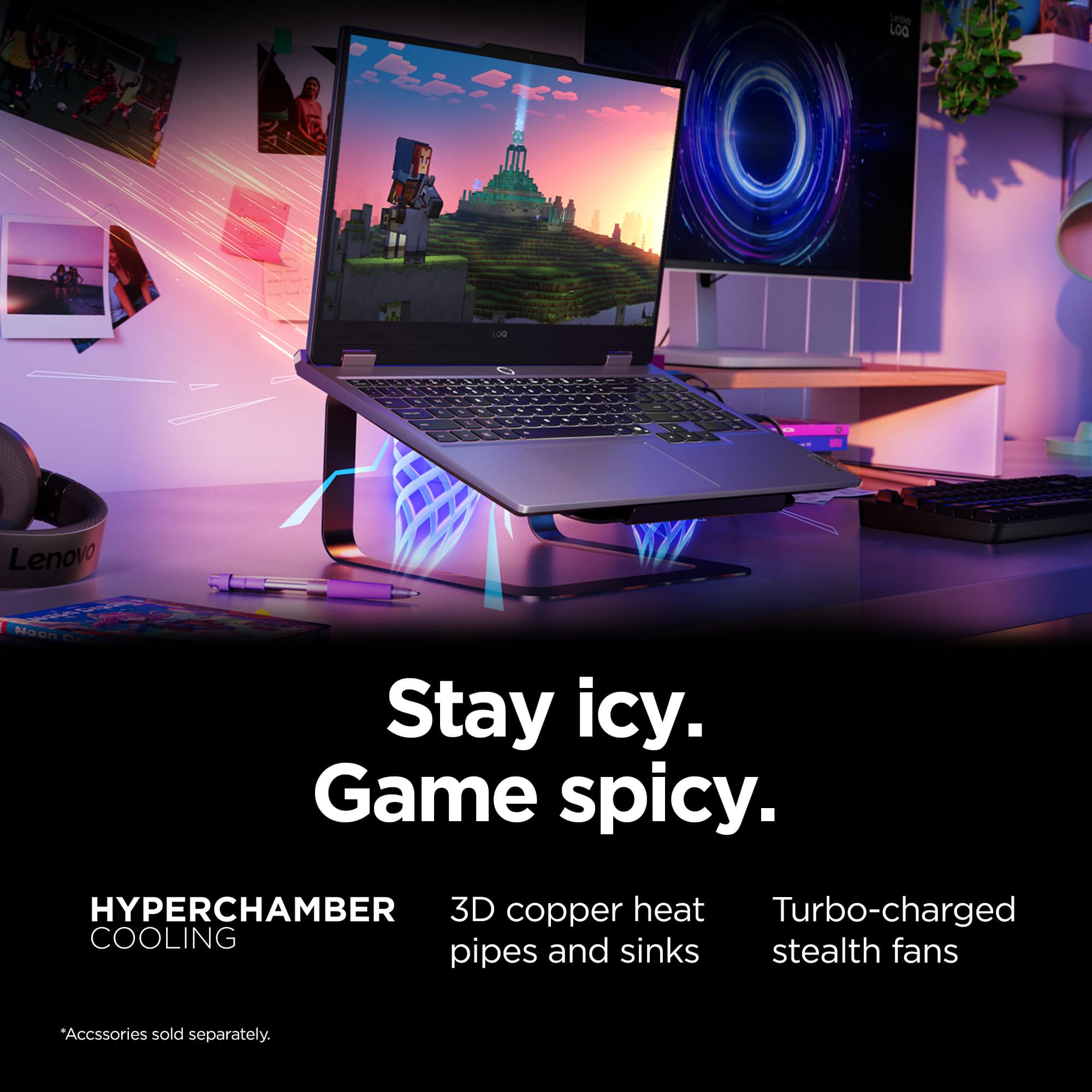
||Posted .This reviewer received promo considerations or sweepstakes entry for writing a review.works great with large games and doesn't overheat at all
I would recommend this to a friendBrand response from Lenovo Product Expert
Posted .Hi,
Thanks for choosing Lenovo and for sharing your feedback with us!
We are glad to read that you are satisfied with your purchase overall.
Please don't hesitate to reach out to us via the Q& A section of this product page or contact Lenovo Support should you have any questions or need assistance.
Regards,
Lenovo
Lenovo laptop
||Posted .This reviewer received promo considerations or sweepstakes entry for writing a review.This laptop is fantastic value for the price. I would’ve given it 5 stars if it wasn’t for the short battery life.
I would recommend this to a friendBrand response from Lenovo Product Expert
Posted .Hi,
Thanks for choosing Lenovo and for sharing your feedback with us! Regarding your issue with battery – as you may know there are lots of variables that contribute to battery and in gaming laptops that can increase even more due to their high-powered processors and graphics cards. If you want to squeeze out more battery life and are completing non-intensive graphics tasks, you can utilize the MUX switch built into this model to turn off the dedicated GPU to greatly decrease power draw. This can be done in the Lenovo Vantage app > top right box > GPU working mode, then choosing your preferred method. Users can also take advantage of the keyboard shortcut, Fn + Q to toggle thermal modes and easily switch between prioritizing battery life or power, or even the best of both words, along with custom settings configurable in Lenovo Vantage. You could also press the Fn + R key combo to toggle to a lower refresh rate for even greater power conservation.
We are glad to read that you are otherwise satisfied with your purchase.
Please don't hesitate to reach out to us via the Q& A section of this product page or contact Lenovo Support should you have any questions or need assistance.
Regards,
Lenovo
Very Good
||Posted .This reviewer received promo considerations or sweepstakes entry for writing a review.Very good computer,i do trading and work very good and no problem on video conference
I would recommend this to a friendBrand response from Lenovo Product Expert
Posted .Hi,
Thanks for choosing Lenovo and for sharing your feedback with us!
We are glad to read that you are satisfied with your purchase.
Please don't hesitate to reach out to us via the Q& A section of this product page or contact Lenovo Support should you have any questions or need assistance.
Regards,
Lenovo
Great Laptop
||Posted .This reviewer received promo considerations or sweepstakes entry for writing a review.Great laptop for the price. System runs all my games very well, streaming videos and movies excellent too. Id buy again.
I would recommend this to a friendBrand response from Lenovo Product Expert
Posted .Hi NathanielD,
Thanks for choosing Lenovo and for sharing your feedback with us!
We are pleased to read that this LOQ 15 is working great for you.
Please feel free to reach out to us via the Q& A section of this product page should you have any questions or need assistance.
Best,
Lenovo
Decent
||Posted .This reviewer received promo considerations or sweepstakes entry for writing a review.Its a decent laptop for the price. I did get it on a big sale though
I would recommend this to a friendGreat performance but battery life isnt great
||Posted . Owned for 1 month when reviewed.This reviewer received promo considerations or sweepstakes entry for writing a review.The laptop dies in like two hours doing basic tasks when unplugged
I would recommend this to a friendGreat laptop
||Posted . Owned for 1 week when reviewed.This reviewer received promo considerations or sweepstakes entry for writing a review.Great gaming laptop. Long lasting battery.Highly recommend!
I would recommend this to a friendBrand response from Lenovo Product Expert
Posted .Hi,
Thanks for choosing Lenovo and for sharing your feedback with us!
We are glad to read that you are satisfied with your purchase.
Please don't hesitate to reach out to us via the Q& A section of this product page or contact Lenovo Support should you have any questions or need assistance.
Regards,
Lenovo
Highly recommend
||Posted . Owned for 2 weeks when reviewed.This reviewer received promo considerations or sweepstakes entry for writing a review.Battery life is about 3 hours of playing. Even with almost full storage it still runs great with no lagging.
I would recommend this to a friendGreat for gamers on a budget
||Posted . Owned for 1 week when reviewed.This reviewer received promo considerations or sweepstakes entry for writing a review.Absolutely amazing system for people who like to play games occasionally for fun. It keeps up with everything I ask it to do.
I would recommend this to a friendBrand response from Lenovo Product Expert
Posted .Hi RYANS,
Thanks for choosing Lenovo and for sharing your feedback with us!
We are pleased to read that your experience with this LOQ 15 has been absolutely amazing.
Please feel free to reach out to us via the Q& A section of this product page should you have any questions or need assistance.
Best,
Lenovo
Laptop
||Posted .This reviewer received promo considerations or sweepstakes entry for writing a review.Great and wonderfull laptop i highly recomment enhoy
I would recommend this to a friendBrand response from Lenovo Product Expert
Posted .Hi JosephK-
Thank you for choosing Lenovo and sharing your feedback with us. We are excited to hear that you are enjoying the LOQ Gaming Laptop. We aim to provide excellent user experience for our products, and we are overjoyed to hear that we met our goal.
Please reach out to us through the Q & A section of this product page if you have any questions or need assistance.
Best wishes,
Lenovo
Easy to setup and customize. Fast and secure
||Posted .This reviewer received promo considerations or sweepstakes entry for writing a review.Easy to initialize and setup. Works well with Windows 11.
I would recommend this to a friendBrand response from Lenovo Product Expert
Posted .Hi,
Thanks for choosing Lenovo and for sharing your feedback with us!
We are glad to read that you are satisfied with your purchase.
Please don't hesitate to reach out to us via the Q& A section of this product page or contact Lenovo Support should you have any questions or need assistance.
Regards,
Lenovo
Best budget gaming laptop around
||Posted .This reviewer received promo considerations or sweepstakes entry for writing a review.Best budget gaming laptop for power on the market for sure. Shes a tank and can run basically everything i need way above whats comfortable so to speak. With my bb rewards also got it for only about 550 dollars which is under half the price so best buy is where its at❤️
I would recommend this to a friendBrand response from Lenovo Product Expert
Posted .Hi-
Thank you for choosing Lenovo and sharing your experience with us. We are excited to hear that you are enjoying the performance of the LOQ Gaming Laptop. We aim to provide great user experience and are excited to hear that we achieved our goal.
Please reach out to us through the Q & A section of this product page if you have any questions or need assistance.
Best wishes,
Lenovo
Value for money
||Posted . Owned for 3 months when reviewed.This reviewer received promo considerations or sweepstakes entry for writing a review.Excellent for work and gaming, it is a good purchase.
I would recommend this to a friendBrand response from Lenovo Product Expert
Posted .Hi,
Thanks for choosing Lenovo and for sharing your feedback with us!
We are glad to read that you are satisfied with your purchase.
Please don't hesitate to reach out to us via the Q& A section of this product page or contact Lenovo Support should you have any questions or need assistance.
Regards,
Lenovo
Fantastic
||Posted . Owned for 2 weeks when reviewed.This reviewer received promo considerations or sweepstakes entry for writing a review.Great laptop. Works Fantastic and has given me zero issues. Works better than I thought it would for the price.
I would recommend this to a friendBrand response from Lenovo Product Expert
Posted .Hi DanielD,
Thanks for choosing Lenovo and for sharing your feedback with us!
We are pleased to read that this LOQ 15 has been fantastic for you.
Please feel free to reach out to us via the Q& A section of this product page should you have any questions or need assistance.
Best,
Lenovo
My 2nd LOQ
||Posted . Owned for 2 months when reviewed.This reviewer received promo considerations or sweepstakes entry for writing a review.Lenovo LOQs are always all reliable. I had the last gen and got this upgrade for my Lil brother. It's a good mix of power and budget with a great build.
I would recommend this to a friendGreat buy!
||Posted . Owned for 2 weeks when reviewed.This reviewer received promo considerations or sweepstakes entry for writing a review.Price is good for what you get. Runs games well (Minecraft, Star Wars Battlefront II, hoping to also play SW Fallen Order and Survivor).
I would recommend this to a friend4 out of 5, battery and overheating top worries
||Posted . Owned for 3 months when reviewed.This reviewer received promo considerations or sweepstakes entry for writing a review.Great overall. Battery not as great and it heats up way too much.
I would recommend this to a friendBrand response from Lenovo Product Expert
Posted .Hello,
Thank you for sharing your feedback with us. We're sorry to hear that you ran into an issue. We strive to provide the best experience possible, so if you'd like to, we want to work with you to try to resolve this.
To start, regarding your issue with battery – as you may know there are lots of variables that contribute to battery and in gaming laptops that can increase even more due to their high-powered processors and graphics cards. If you want to squeeze out more battery life and are completing non-intensive graphics tasks, you can utilize the MUX switch built into this model to turn off the dedicated GPU to greatly decrease power draw. This can be done in the Lenovo Vantage app > top right box > GPU working mode, then choosing your preferred method. Users can also take advantage of the keyboard shortcut, Fn + Q to toggle thermal modes and easily switch between prioritizing battery life or power, or even the best of both words, along with custom settings configurable in Lenovo Vantage. You could also press the Fn + R key combo to toggle to a lower refresh rate for even greater power conservation.
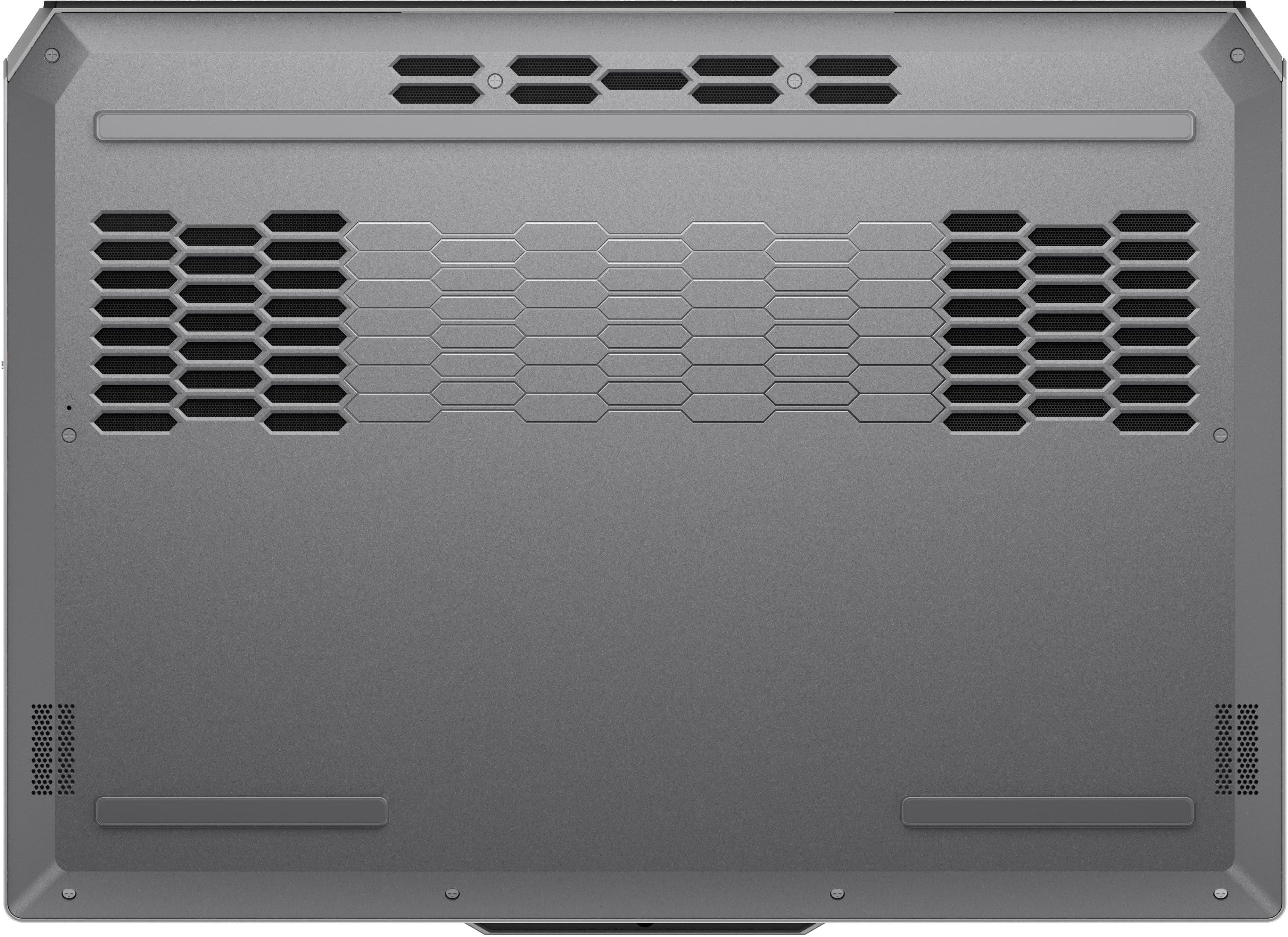
With overheating, as you stated, this LOQ 15 features an active cooling system, along with other components and software, designed to enable the user to power through work without throttling due to heat produced. We recommend that the bottom of the device, where the air intake vents are, is clear of obstructions to increase air flow. Additionally, you can use Fn + Q again to toggle between thermal/performance mode. And in instances where you may use the device in your lap or a situation where the intake vents may be obstructed, we recommend switching to cool or quiet mode to help with the heat felt on the bottom of the machine.
Also, please check for and apply any available updates through Lenovo Vantage and Windows Update Settings to help ensure you are using the latest software and drivers to ensure your system is running as efficiently as possible.
To check for updates, open the Settings app > Select the Windows update tab > Select the Check for updates button, apply all available updates. Next, open the Lenovo Vantage app > on the homepage, select the Check for updates button, following on-screen prompts to apply all available updates here as well.
Please don't hesitate to let us know what else we can do to improve your experience, as your satisfaction is important to us.
Best regards,
Lenovo
Good Deal For A Gaming Laptop
||Posted .This reviewer received promo considerations or sweepstakes entry for writing a review.After a few months, everything is still running well. Gaming is smooth and fast with good graphics.
I would recommend this to a friend