Customer Ratings & Reviews
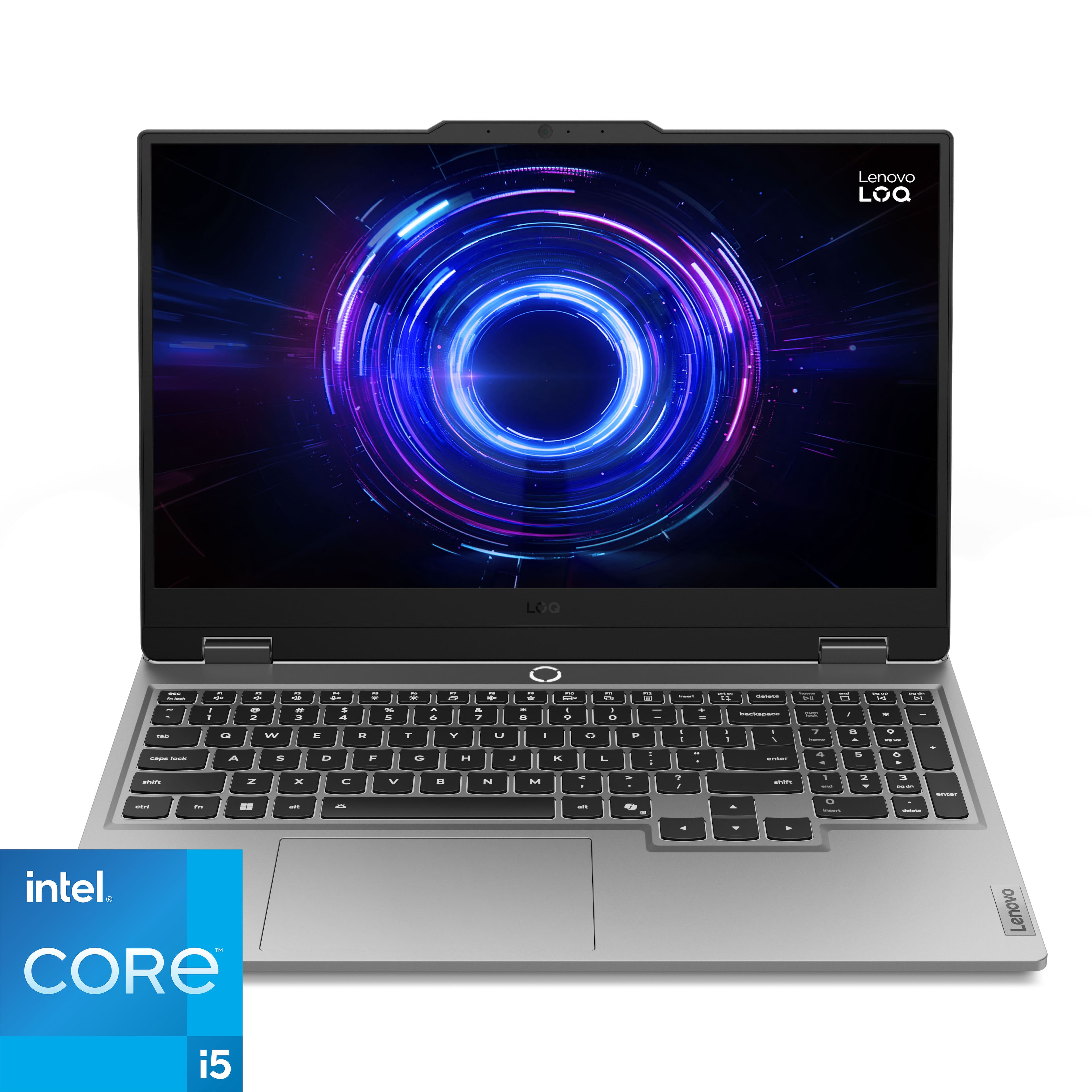


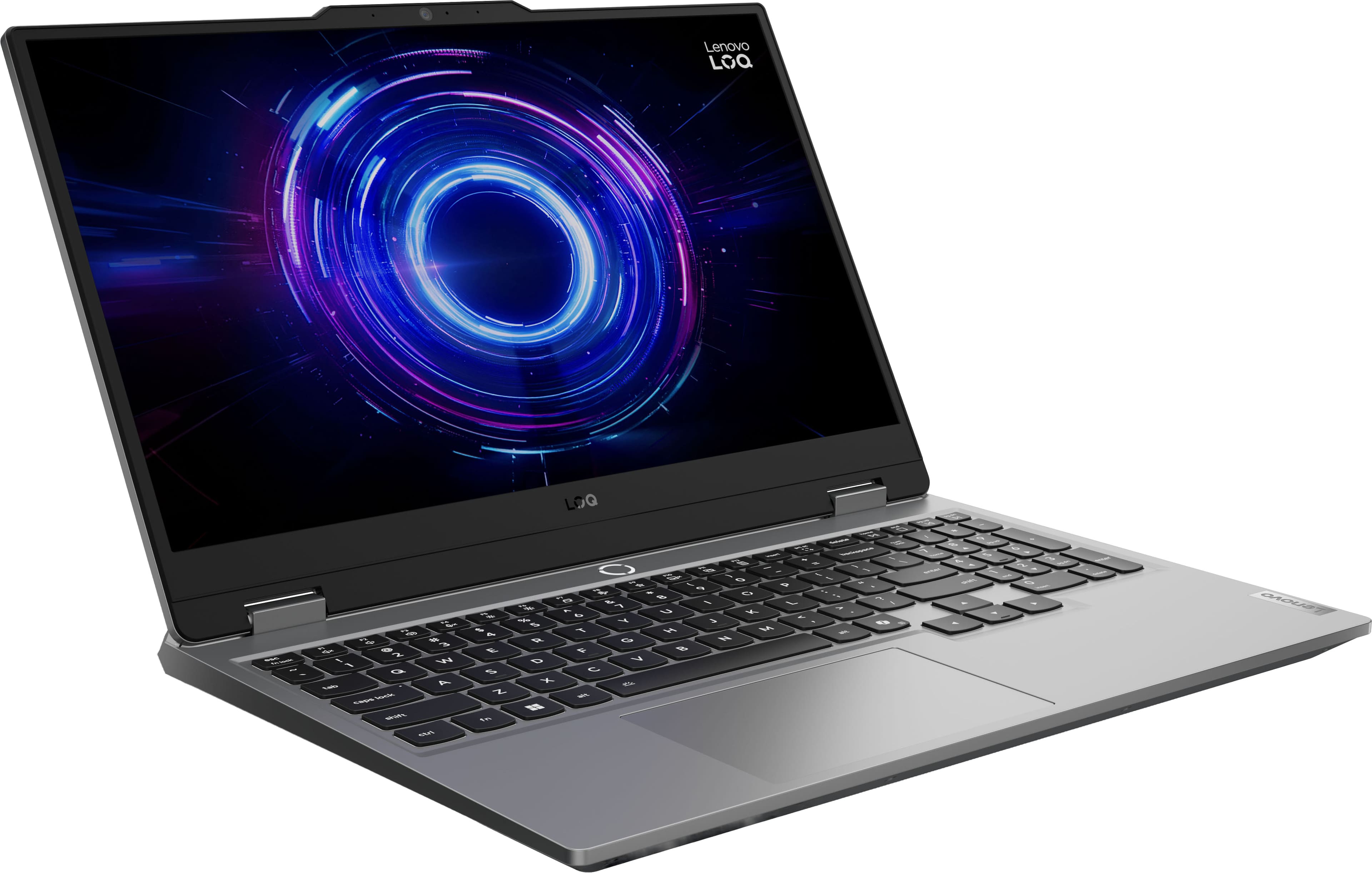
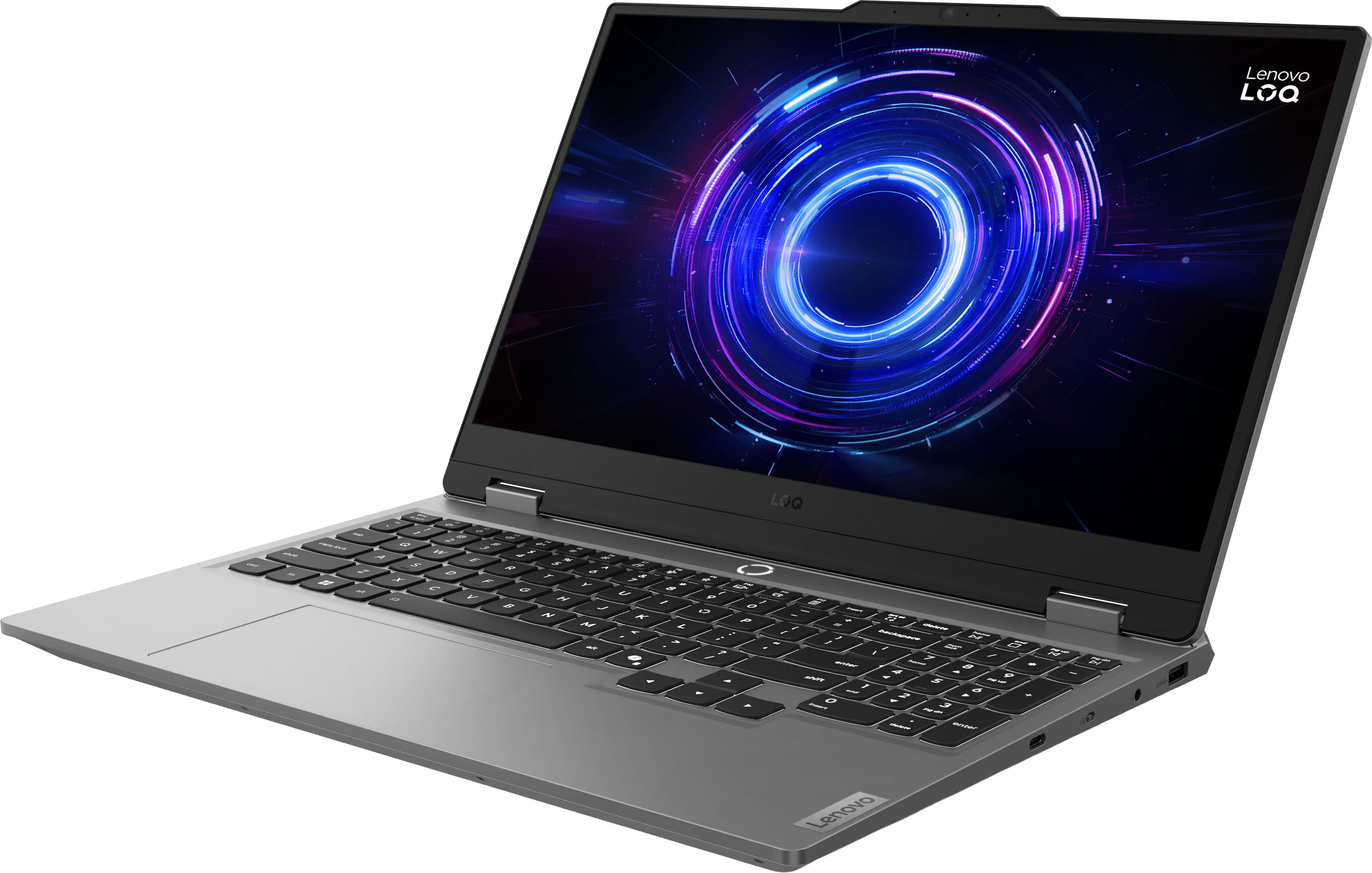
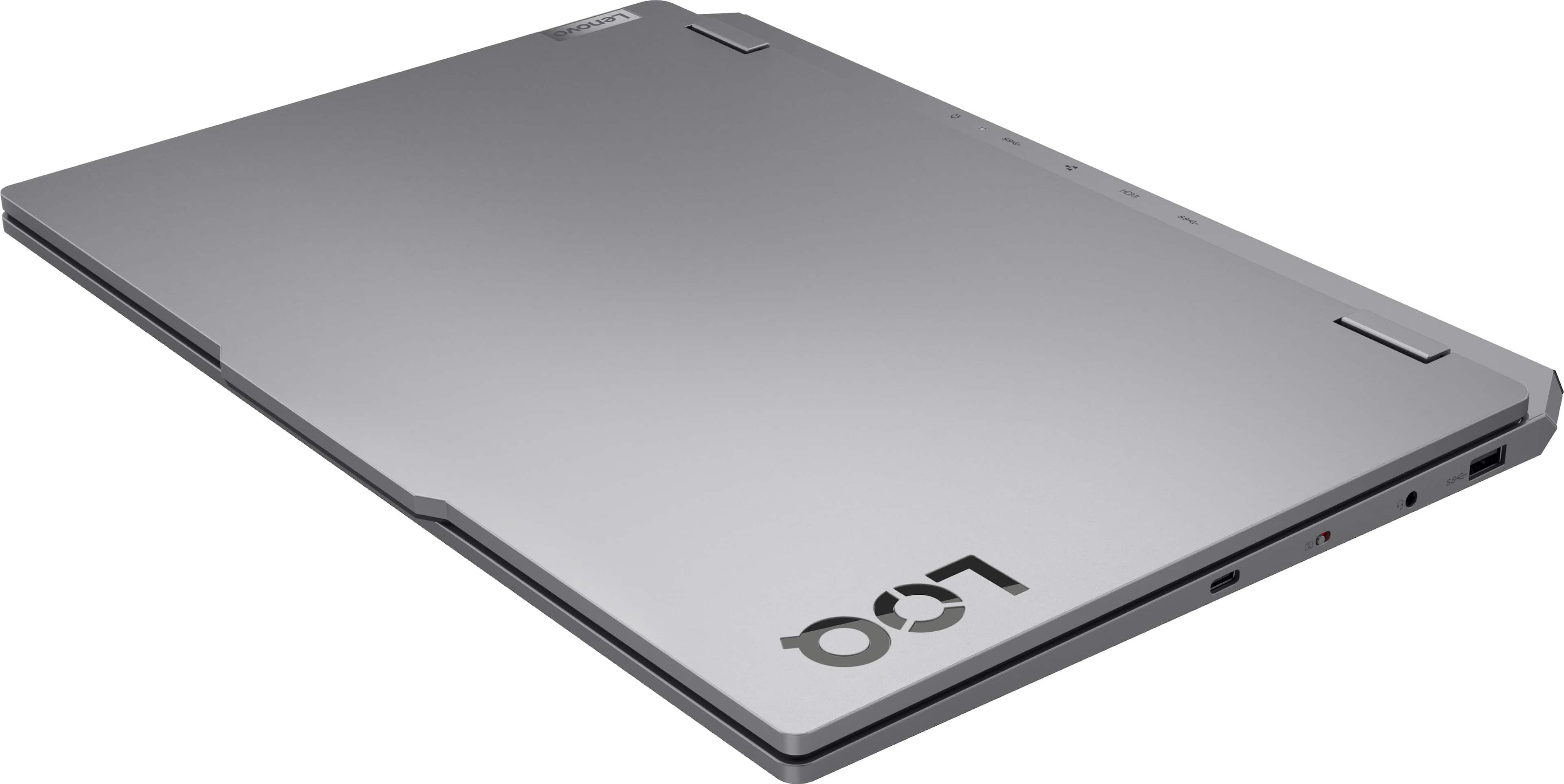
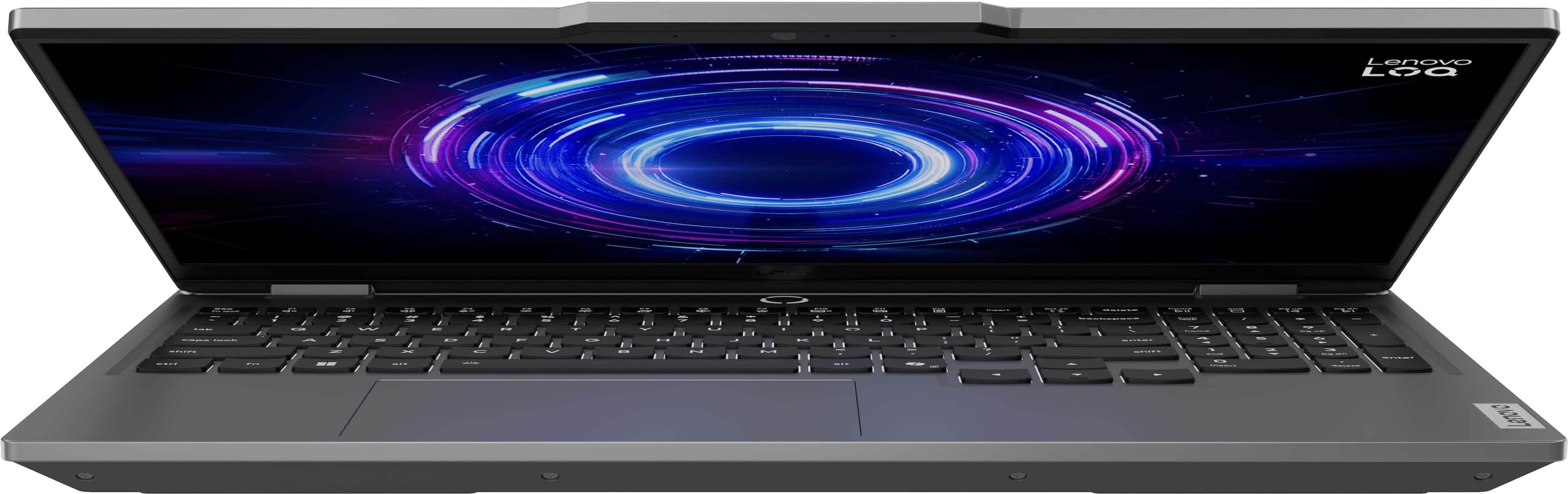
![Sure, here is the corrected and grouped text from the image:
- **Top Row:**
- `esc` `F1` `F2` `F3` `F4` `F5` `F6` `F7` `F8` `F9` `F10` `F11` `F12` `insert`
- **Second Row:**
- `~` `!` `@` `#` `$` `%` `^` `&` `*` `(` `)` `_` `+` `backspace` `num lock` `/` `*` `-` `tab`
- **Third Row:**
- `Q` `W` `E` `R` `T` `Y` `U` `I` `O` `P` `[` `]` `\` `delete` `home` `end` `pg up` `pg dn`
- **Fourth Row:**
- `caps lock` `A` `S` `D` `F` `G` `H` `J` `K` `L` `;` `'` `enter` `4` `5` `6`](https://pisces.bbystatic.com/image2/BestBuy_US/images/products/55335010-9a5f-4237-b437-bfbd6a9f6ff2.jpg)
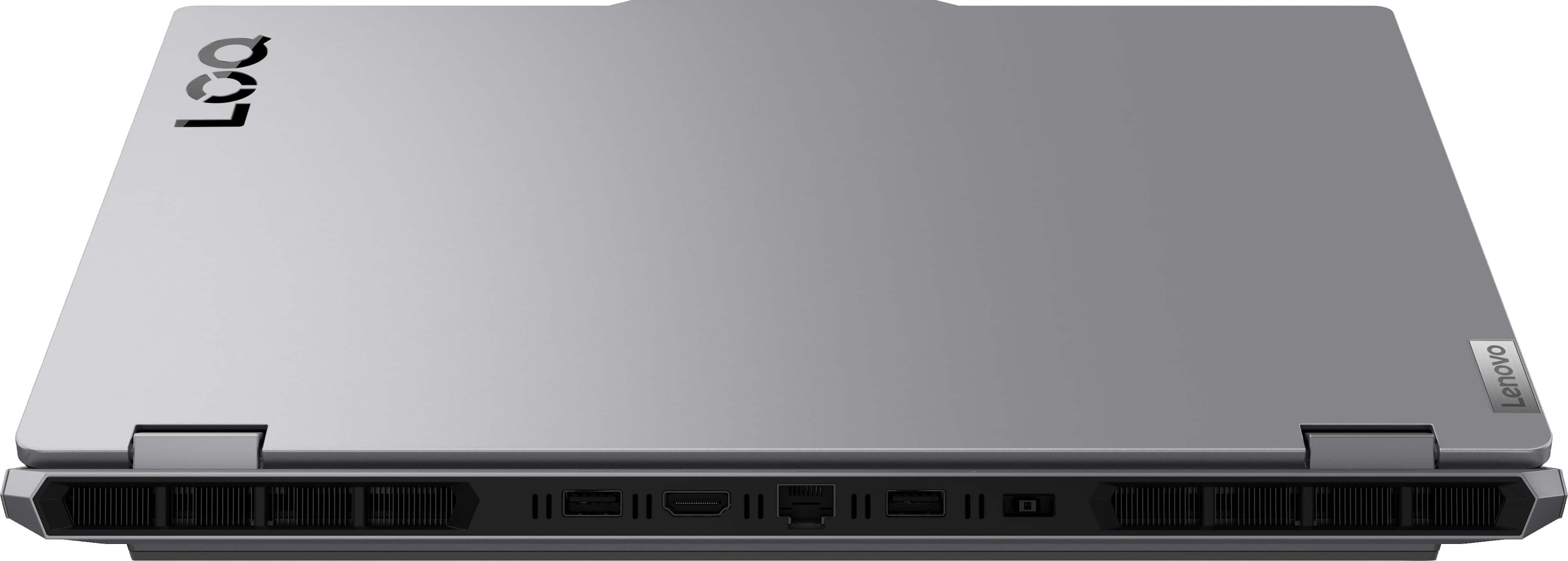
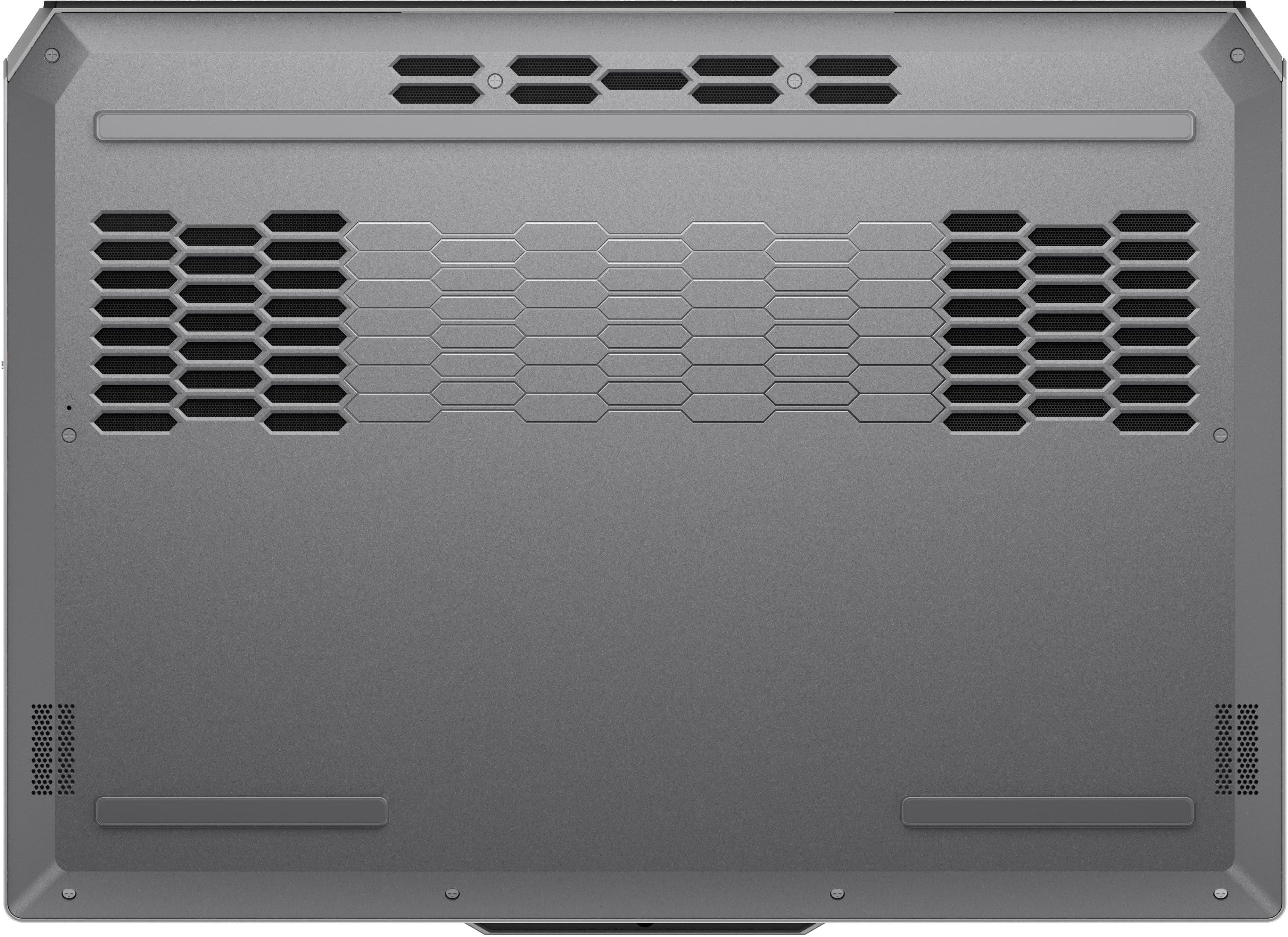
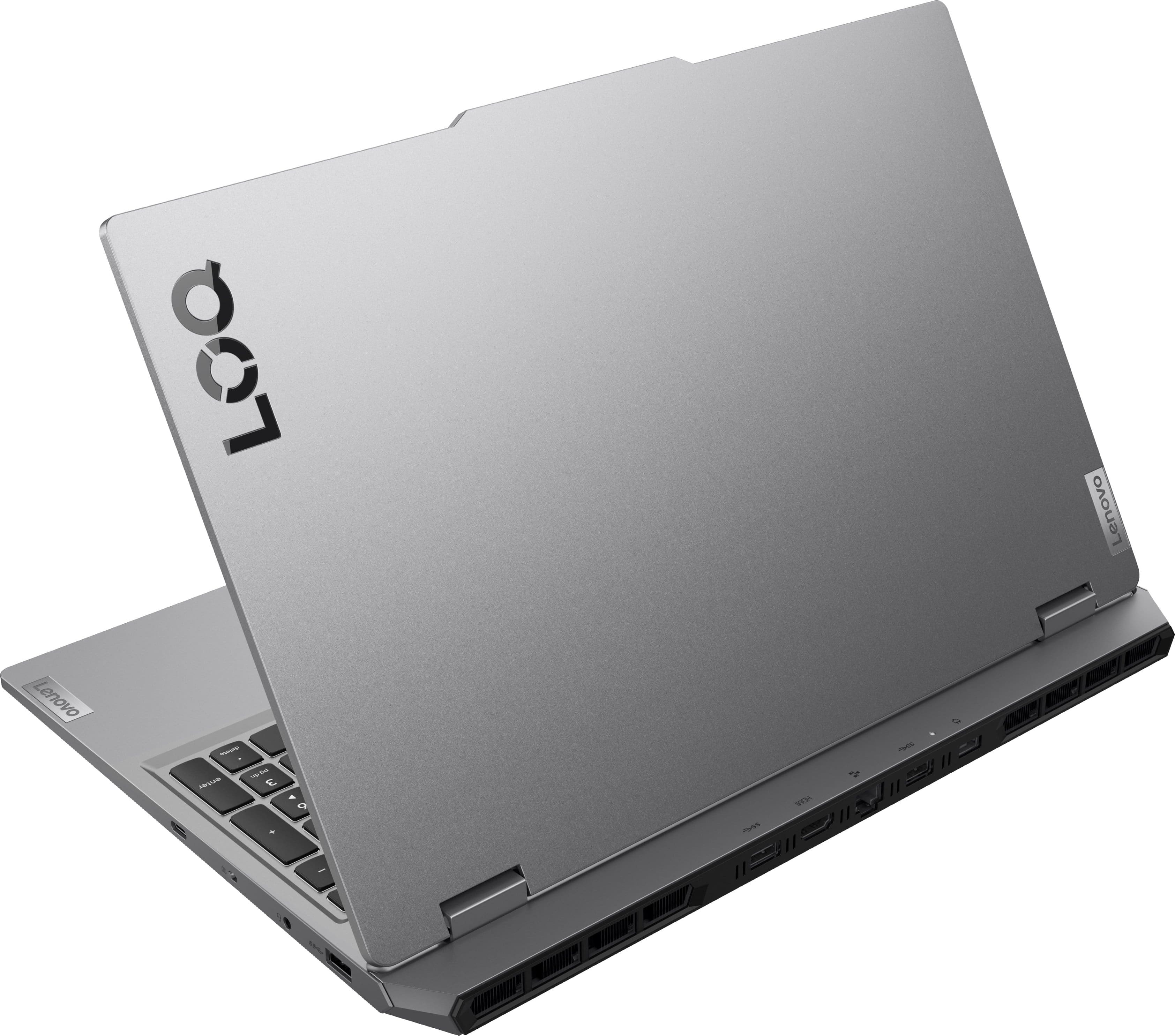
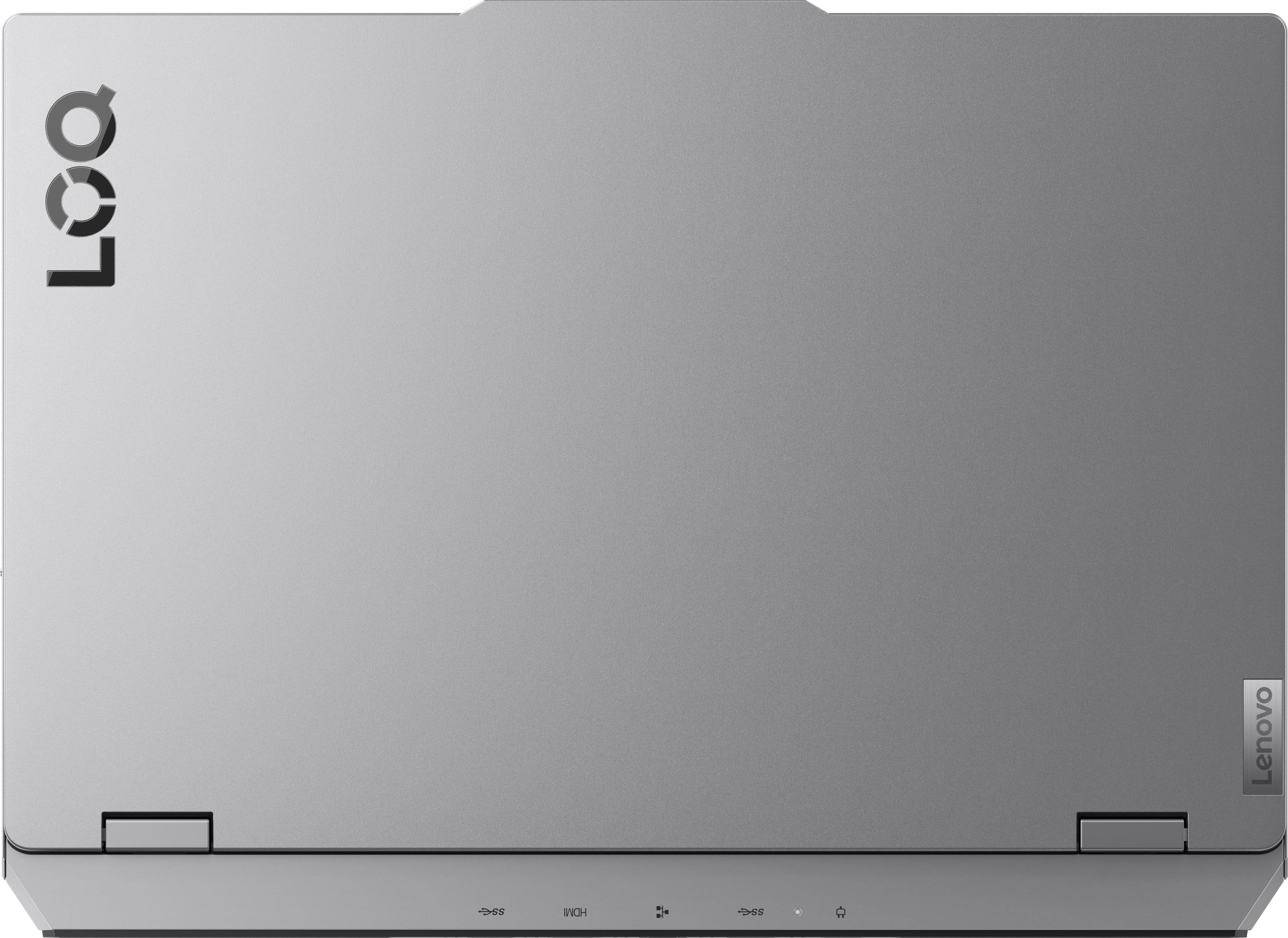
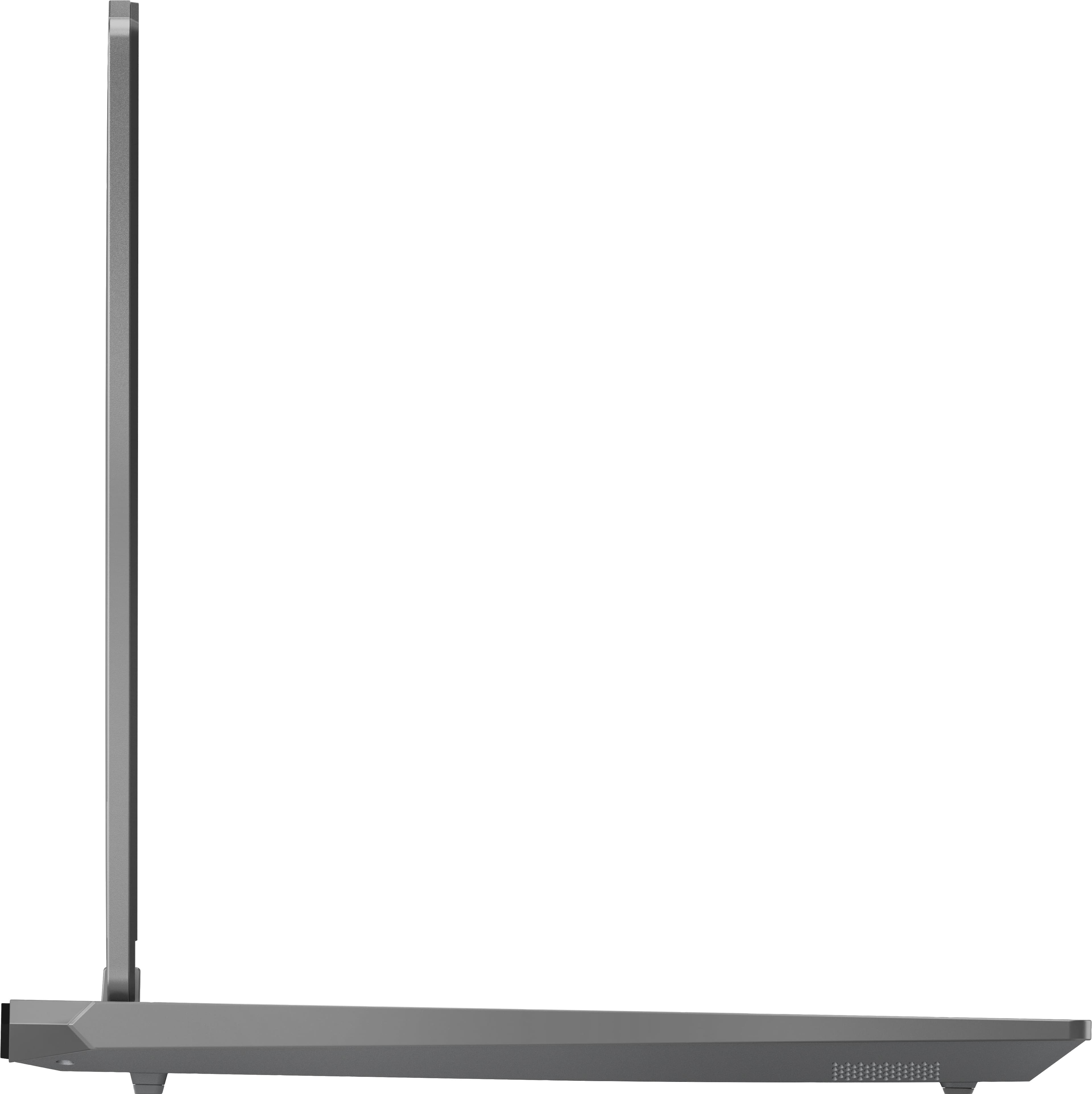
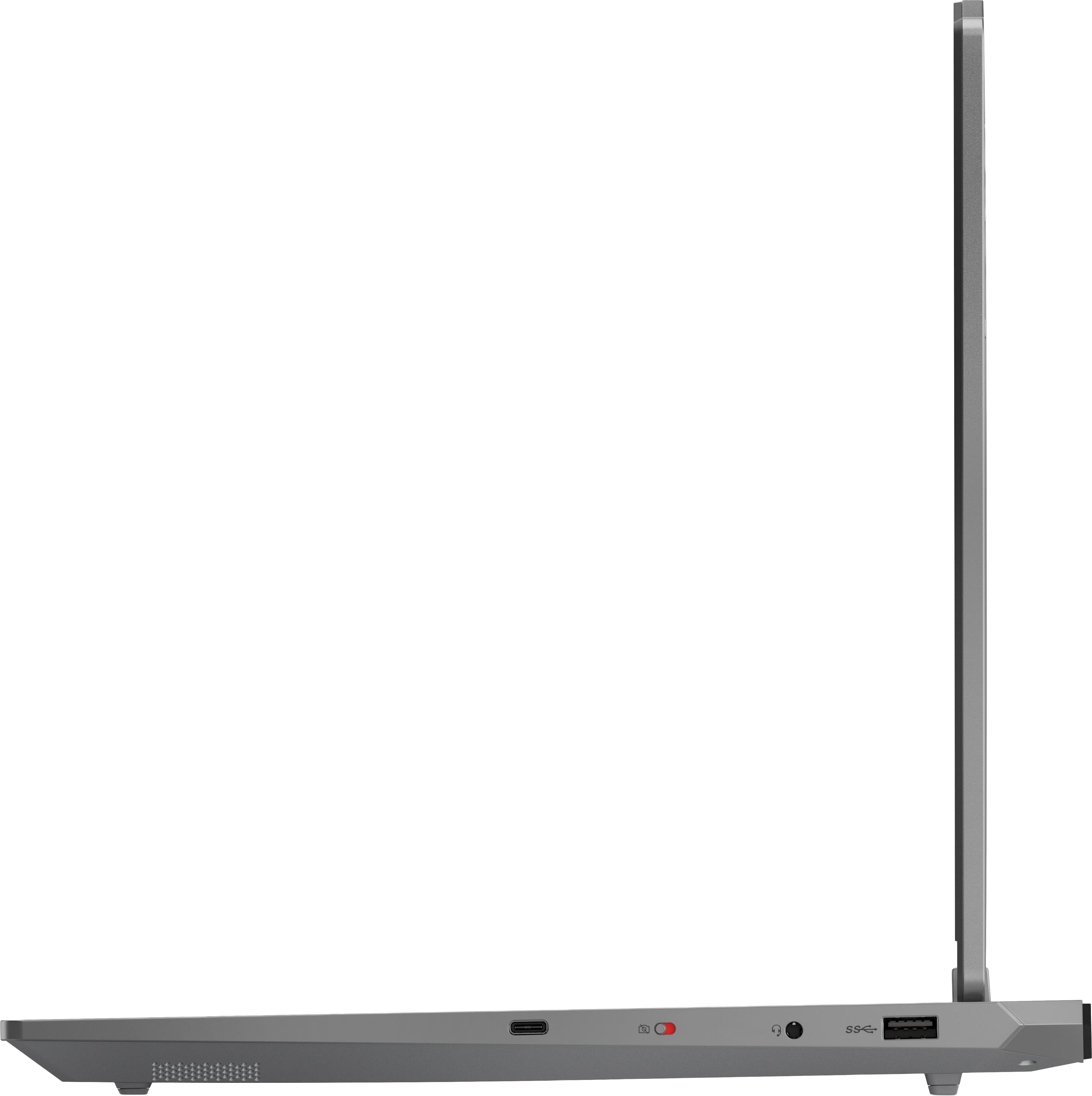


- Model:
- 83JE002KUS
- SKU:
- 11771440
Rating by feature
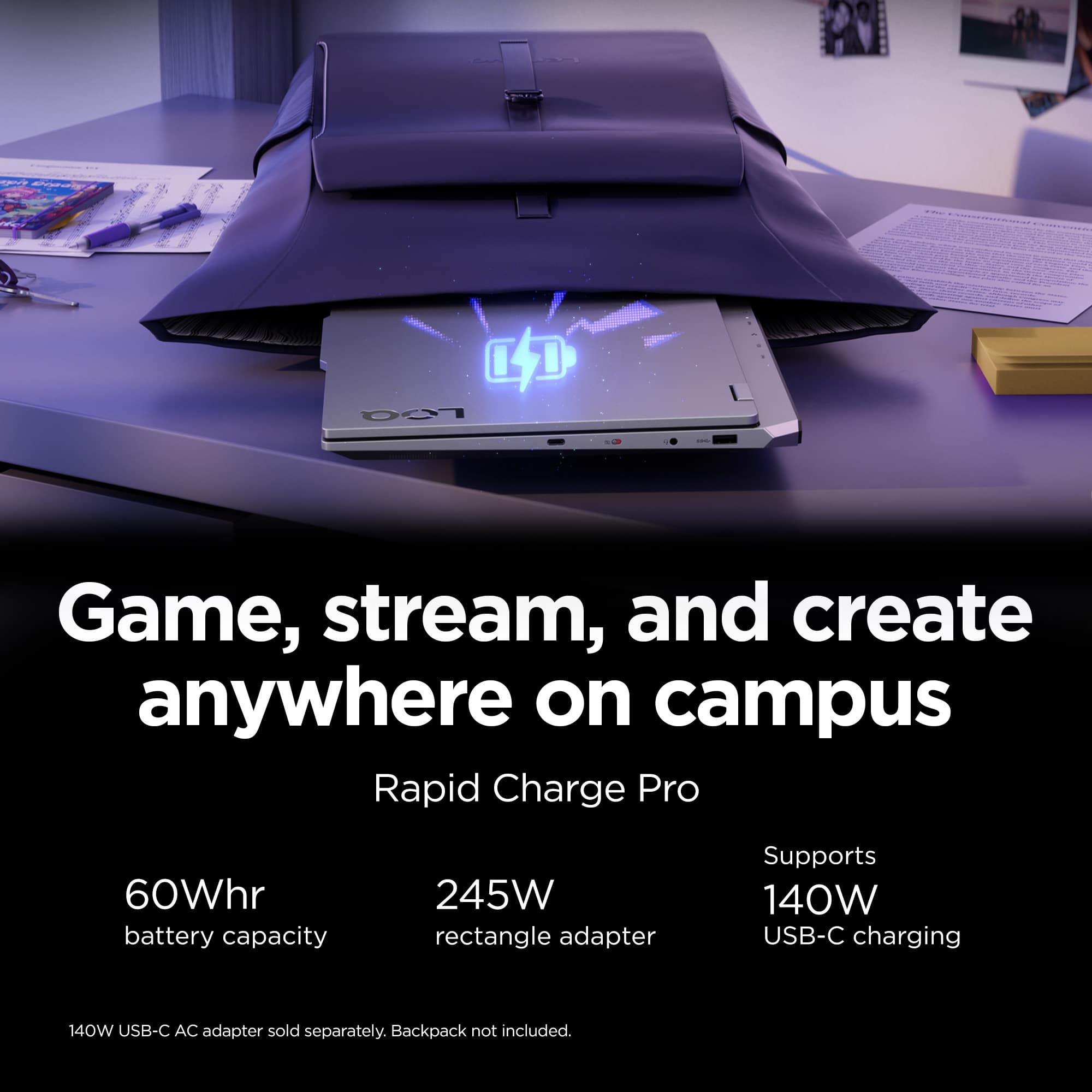
- Battery Life
Rating 3.9 out of 5 stars
- Speed
Rating 4.7 out of 5 stars
- Display
Rating 4.6 out of 5 stars
Good Laptop, Great For Gaming
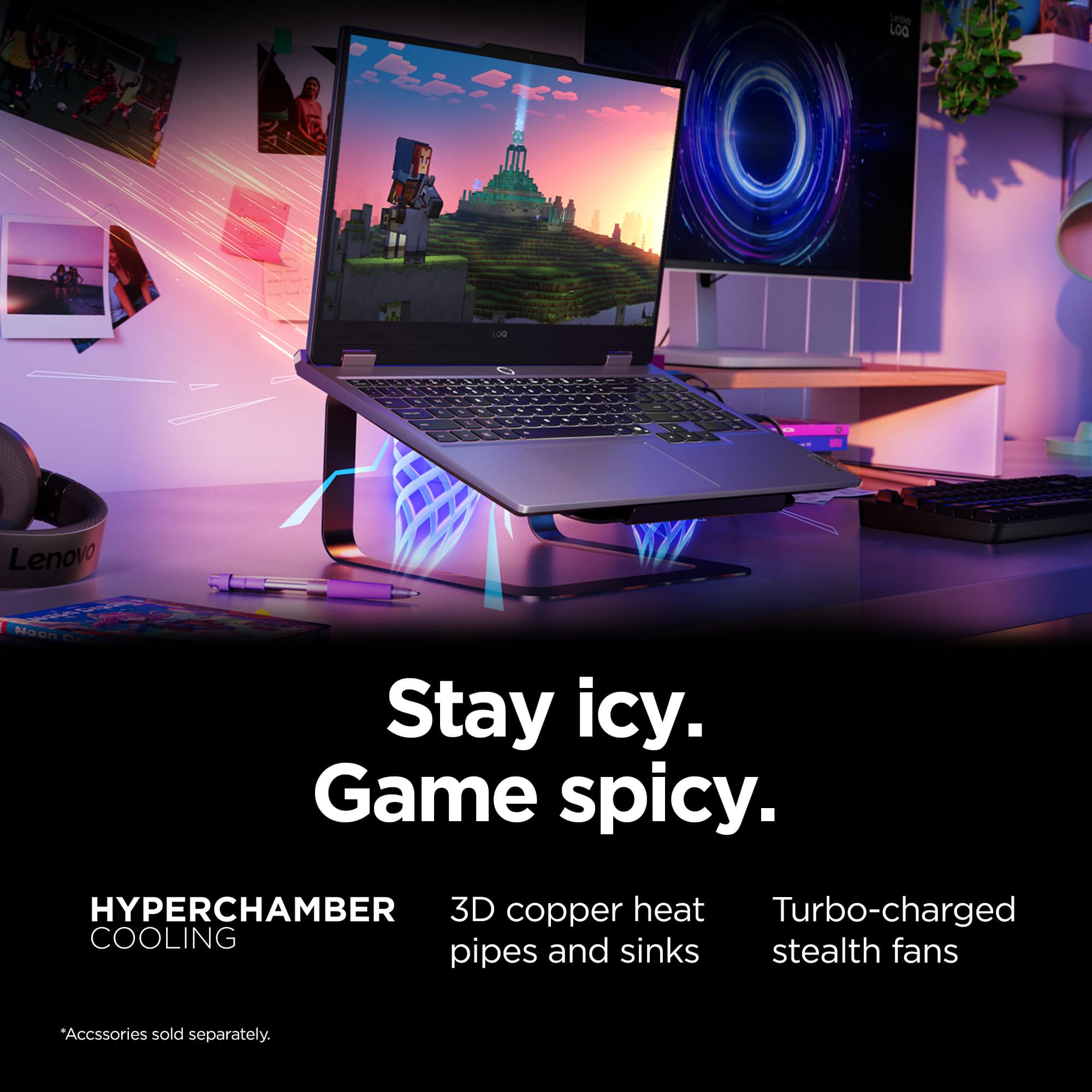
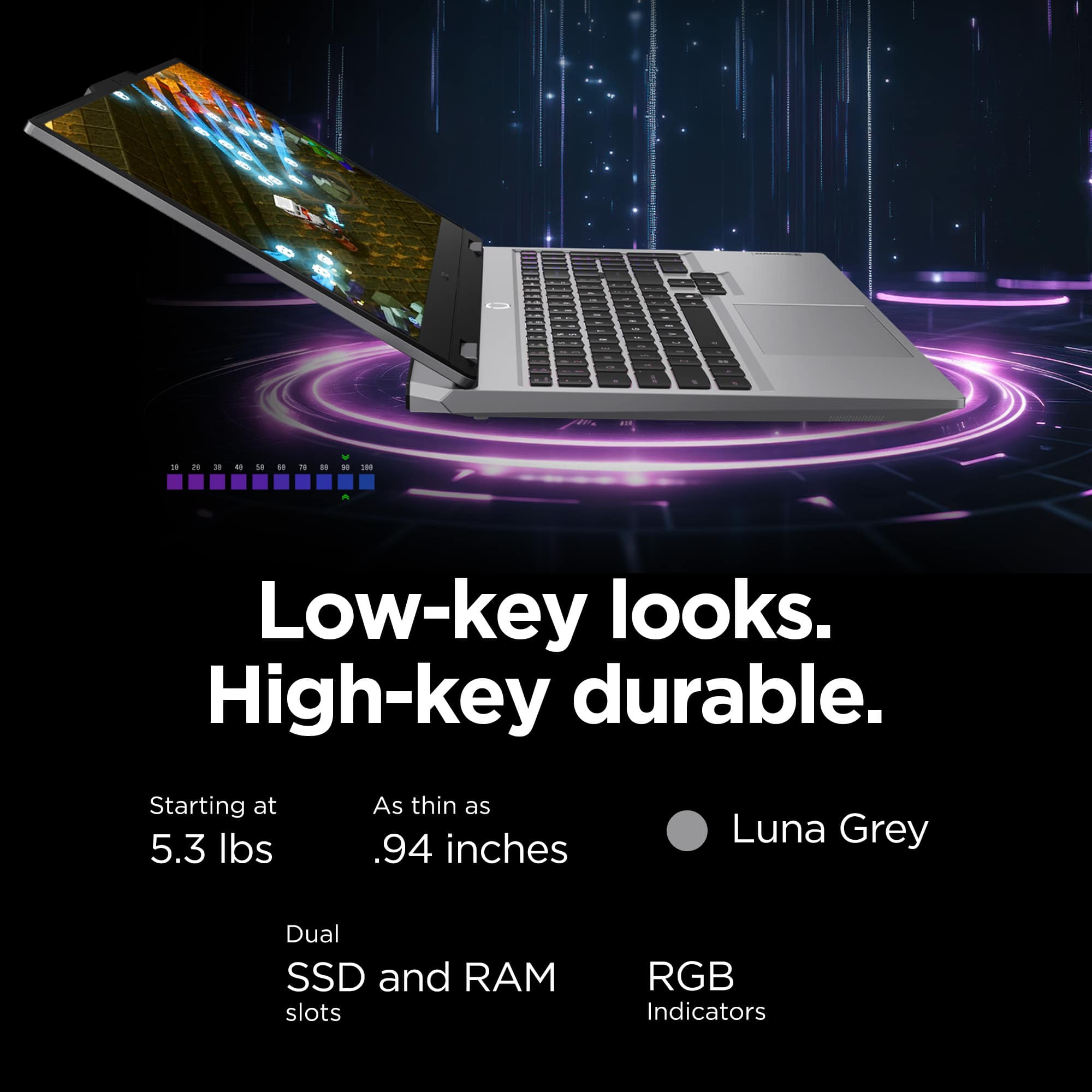
||Posted . Owned for 1 week when reviewed.This reviewer received promo considerations or sweepstakes entry for writing a review.At first I didn't like this laptop because of the weight (my prior laptop before was way lighter than this one). But after using it for a few weeks I definitely have gotten to liking this laptop a lot more. In comparison to my other laptop, this one I can more easily multitask and my gaming experience has greatly improved thanks to this laptop (and it doesn't overheat when I play games). The battery life is not so great with it being around 3 hours off the charger, but other than that this is a great laptop if you play games and multitask all the time. If you're in the tech field and need something that will last I definitely recommend this laptop for that.
I would recommend this to a friendBrand response from Lenovo Product Expert
Posted .Hey Casita,
Thanks for choosing Lenovo and for sharing your feedback with us!
We are glad to read that you ended up liking your LOQ 15.
Please feel free to reach out to us via the Q&A section of the product page should you have any questions or need assistance.
Best,
Lenovo
Great entry level gaming laptop
||Posted . Owned for 2 months when reviewed.This reviewer received promo considerations or sweepstakes entry for writing a review.Most of these budget gaming laptops have some major flaws. This is a pretty solid option if you can get it under 750$. The latency on these is not amazing.. but other than that it is a great laptop thermally. Performance wise. It looks good. I really enjoy it
I would recommend this to a friendExcellent computer
||Posted . Owned for 2 weeks when reviewed.This reviewer received promo considerations or sweepstakes entry for writing a review.This product it’s perfect, even that it is a laptop it perfomance it’s the same of a strong Pc that allow you to play a lot of games with high quality and speed and also to daily tasks for job, school, etc. Nevertheless, the battery isn’t that good when performing a game so it might be good to be on the charger, but that is pretty acceptable since his hardware it’s very strong so that’s why it spend a lot of energy
I would recommend this to a friendBrand response from Lenovo Product Expert
Posted .Hi JOAOC,
Thanks for choosing Lenovo and for sharing your feedback with us!
We are pleased to read that this LOQ 15 is perfect for you.
Please feel free to reach out to us via the Q& A section of this product page should you have any questions or need assistance.
Best,
Lenovo
Great choice
||Posted .This reviewer received promo considerations or sweepstakes entry for writing a review.Nice performance and really beautiful. It's heavy, but as expected for a gamer notebook
I would recommend this to a friendBrand response from Lenovo Product Expert
Posted .Hi JoaopedroC,
Thanks for choosing Lenovo and for sharing your feedback with us!
We are pleased to read that this LOQ 15 is working nicely for you.
Please feel free to reach out to us via the Q& A section of this product page should you have any questions or need assistance.
Best,
Lenovo
Sturdy, snappy, dependable
||Posted .This reviewer received promo considerations or sweepstakes entry for writing a review.This unit exceeded expectations. An excellent design in my opinion for an OCCASIONAL travel laptop. I would not recommend this as a "take everywhere" type of machine due to its weight, but it is solid, and it performs quite well under load.
I would recommend this to a friendUltimate Entry Gaming Laptop when plugged in
||Posted . Owned for 1 month when reviewed.This reviewer received promo considerations or sweepstakes entry for writing a review.Excellent laptop for the price. Just be aware the battery life is terrible if you plan to game without the charger. But if you plan to always have it plugged in it's a powerhouse. Really impressed with the screen as well.
I would recommend this to a friendGreat value
||Posted .This reviewer received promo considerations or sweepstakes entry for writing a review.Great performance for the price! Able to run most beginner to mid entry games and some triple A on lower settings. Would recommend to buy a laptop fan to prevent overheating issues but overall great device to buy on sale
I would recommend this to a friendBrand response from Lenovo Product Expert
Posted .Hi,
Thanks for choosing Lenovo and for sharing your feedback with us!
We are glad to read that you are satisfied with your purchase overall.
Please don't hesitate to reach out to us via the Q& A section of this product page or contact Lenovo Support should you have any questions or need assistance.
Regards,
Lenovo
Wonderful laptop.
||Posted .This reviewer received promo considerations or sweepstakes entry for writing a review.Works perfectly. I use it to play video games and practice 3d modeling. This laptop has really been a game changer. Love how fast it charges, really makes it easier to move around with it.
I would recommend this to a friendExcellent Performance, Great Value – Highly Recomm
||Posted .This reviewer received promo considerations or sweepstakes entry for writing a review.I am extremely satisfied with this purchase. From the moment I started using it, everything exceeded my expectations. The performance is fast and smooth, making it perfect for both work and everyday use. The design is sleek and modern, and the build quality feels solid and premium. Battery life is excellent and easily lasts through the day without any issues. The screen is clear, bright, and comfortable for long hours of use. Setup was quick and simple, and everything worked perfectly right out of the box. Overall, this product offers outstanding quality for the price. I would absolutely recommend it to anyone looking for reliability, great performance, and excellent value. I would definitely buy it again without hesitation.
I would recommend this to a friendBrand response from Lenovo Product Expert
Posted .Hi,
Thanks for choosing Lenovo and for sharing your feedback with us!
We are glad to read that you are satisfied with your purchase.
Please don't hesitate to reach out to us via the Q& A section of this product page or contact Lenovo Support should you have any questions or need assistance.
Regards,
Lenovo
Great for Beginner Gaming
||Posted .This reviewer received promo considerations or sweepstakes entry for writing a review.Bought this as a beginner gaming laptop for my teenage son. He loves it and says it's so much faster and works for everything he needs it for. We're very happy with this purchase.
I would recommend this to a friendDoes the Job Plus Some
||Posted . Owned for 1 month when reviewed.This reviewer received promo considerations or sweepstakes entry for writing a review.Generally use for a few games, zoom meetings, and other simple tasks. Works like a dream, is fast, and efficient. Meets all the needs.
I would recommend this to a friendBrand response from Lenovo Product Expert
Posted .Hi LayneyKo-
Thank you for choosing Lenovo and sharing your experience with us. We are happy to hear that the LOQ Gaming Laptop is working well for your work and gaming needs. We aim to offer great user experience and are overjoyed to see that we met our goal.
Please reach out to us through the Q & A section of this product webpage if you have any questions or need any assistance.
Best wishes,
Lenovo
Great laptop for work/gaming
||Posted .This reviewer received promo considerations or sweepstakes entry for writing a review.I like my laptops heavy duty and so far what I've used the computer for its done great! Battery life is what it is and some folks may find it heavy to carry around but I've got no complaints!
I would recommend this to a friendBrand response from Lenovo Product Expert
Posted .Hi,
Thanks for choosing Lenovo and for sharing your feedback with us!
We are glad to read that you are satisfied with your purchase.
Please don't hesitate to reach out to us via the Q& A section of this product page or contact Lenovo Support should you have any questions or need assistance.
Regards,
Lenovo
Solid laptop
||Posted .This reviewer received promo considerations or sweepstakes entry for writing a review.Solid choice for a budget gaming laptop. Works well for casual games, but if you run larger games (think BG3, etc), you may want to invest in additional storage.
I would recommend this to a friendFantastic for gaming and content creation.
||Posted .This reviewer received promo considerations or sweepstakes entry for writing a review.Great buy! High powered and runs well. The battery life isn't great but I wasn't expecting it to be. Runs pretty much everything I can think to test on it.
I would recommend this to a friendGreat budget gaming laptop
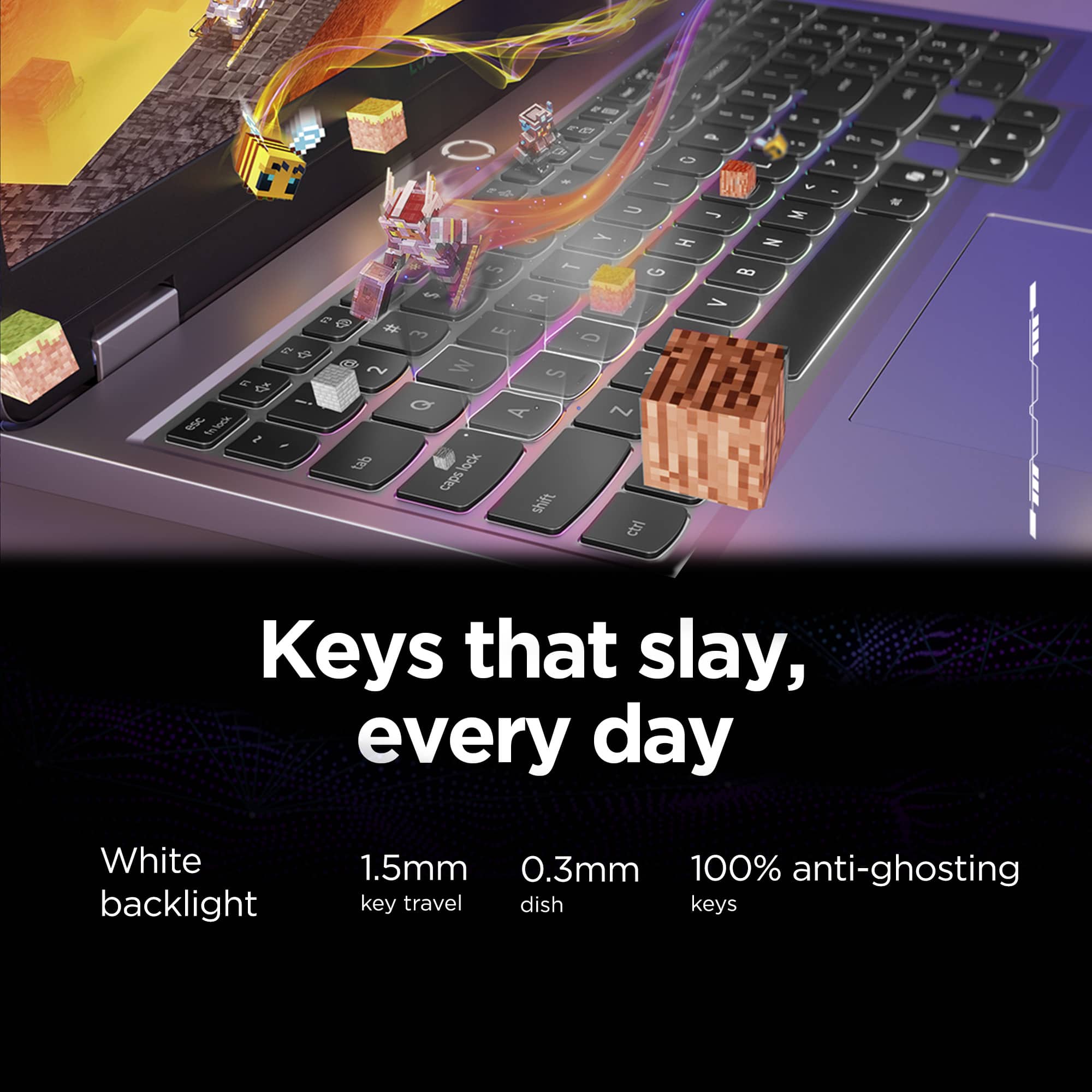
||Posted .This reviewer received promo considerations or sweepstakes entry for writing a review.Works quite well, the screen has ample brightness and reflection rejection in a bright office space, the keyboard has a decent feel and not too much flex, the laptop runs quietly until demanding programs or games are launched which is totally reasonable...I wouldn't mind taking this to a class or a conference room for light use. This laptop is quite heavy but I think that's to be expected, and the power brick is quite large with its high wattage so it's not the most portable, but that's not a surprise being a gaming laptop. My only gripes are the trackpad click, it's not very confidence inspiring and feels pretty cheap, the speakers are very very quiet and do not sound very full, and the keyboard's backspace key is weirdly short so anytime I go to press it I end up hitting the key to the right of it instead.
I would recommend this to a friendBrand response from Lenovo Product Expert
Posted .Hi,
Thanks for choosing Lenovo and for sharing your feedback with us!
We are glad to read that you are satisfied with your purchase.
Please don't hesitate to reach out to us via the Q& A section of this product page or contact Lenovo Support should you have any questions or need assistance.
Regards,
Lenovo
Perfect for What I Need
||Posted .This reviewer received promo considerations or sweepstakes entry for writing a review.Absolutely love this!! Perfect for all my school needs and when I'm not studying, perfect for gaming with friends. In all honesty, I only play Overwatch on here but it handles it with no issues. I've never had an issue with this but I also haven't ran anything other than the game while playing. With how much I use the laptop in general, the batter is typical but can last for 1.5 - 2 hours even while researching and having a bunch of tabs and apps open. Overall, my personal experience is that this is a great laptop for someone who is primarily focused on typical laptop functions with the added benefit of online 'PC' gaming when I want to.
I would recommend this to a friendBrand response from Lenovo Product Expert
Posted .Hi,
Thanks for choosing Lenovo and for sharing your feedback with us!
We are glad to read that you are satisfied with your purchase.
Please don't hesitate to reach out to us via the Q& A section of this product page or contact Lenovo Support should you have any questions or need assistance.
Regards,
Lenovo
Nothin Special
||Posted .This reviewer received promo considerations or sweepstakes entry for writing a review.Had a bad experience with my first laptop order. Friend suggested wifi card/hardware was the issue when all other troubleshooting failed and was best just to use my return window to exchange for a new one. The whole ordeal was insane from hoops to jump through. I'm sure it's isolated to my own crap luck but still tainted my opinion of this product. Haven't used it to its fullest abilities to have any opinion on that but the basic web browsing I've done at least hasn't been the Dial Up archaic torture I originally started with. Giving 4 stars for benefit of doubt purposes 4 stars on battery life as it's really only acceptable in energy saver mode for the minimal usage I put it through.
I would recommend this to a friendNice gaming laptop, terrible battery
||Posted .This reviewer received promo considerations or sweepstakes entry for writing a review.If you plan on using this laptop purely for gaming and will have it plugged into an outlet permanently, then it'll do. If you're looking for portability on top of this, it won't do, the battery is very bad. You won't be using it as an actual laptop as in carrying around and using un plugged. It is more like a portable desktop that requires you to plug into an outlet especially if playing games. Battery was draining even using a browser while not plugged into wall. Upsides though, it is fairly slim nice design, has a numeric keypad, and keys are tactile.
No, I would not recommend this to a friendGreat Performance, Bad Battery
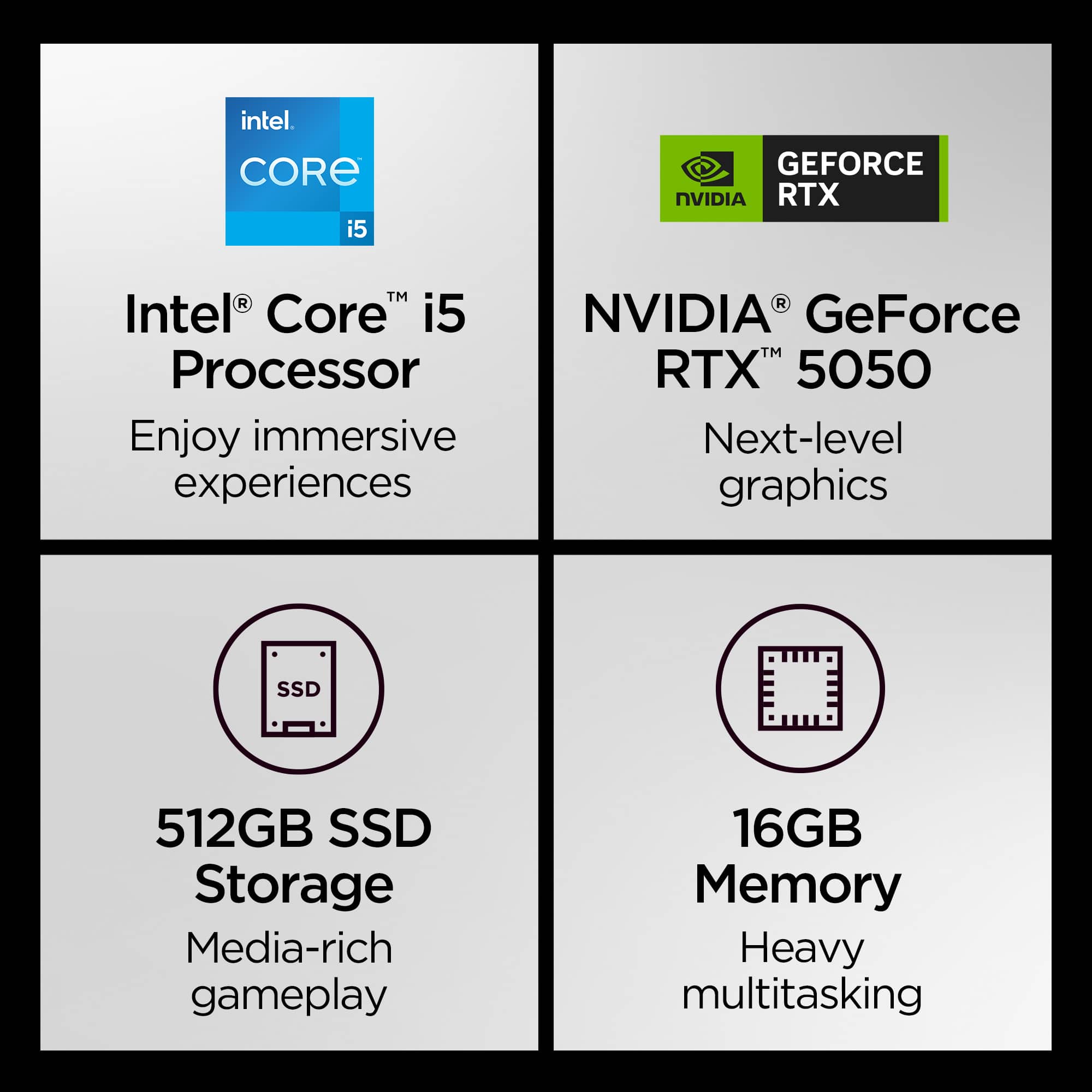
||Posted .This reviewer received promo considerations or sweepstakes entry for writing a review.I bought this laptop for engineering simulators and it's excellent for technical software and also good for gaming. The main problems are the battery life and the 512 GB of storage, which is too small for the high price.
I would recommend this to a friendBrand response from Lenovo Product Expert
Posted .Hi,
Thanks for choosing Lenovo and for sharing your feedback with us!
Regarding your note on battery life – as you may know there are lots of variables that contribute to battery and in gaming laptops that can increase even more due to their high-powered processors and graphics cards. If you want to squeeze out more battery life and are completing non-intensive graphics tasks, you can utilize the MUX switch built into this model to turn off the dedicated GPU to greatly decrease power draw. This can be done in the Lenovo Vantage app > top right box > GPU working mode, then choosing your preferred method. Users can also take advantage of the keyboard shortcut, Fn + Q to toggle thermal modes and easily switch between prioritizing battery life or power, or even the best of both words, along with custom settings configurable in Lenovo Vantage. You could also press the Fn + R key combo to toggle to a lower refresh rate for even greater power conservation.
Also, to be more competitive with pricing, the system ships with a 512GB SSD, but there is another SSD slot to expand local storage if you'd like more room.
We are glad to read that you are otherwise satisfied with your purchase.
Please don't hesitate to reach out to us via the Q& A section of this product page or contact Lenovo Support should you have any questions or need assistance.
Regards,
Lenovo
Amazing entry level gaming laptop
||Posted .This reviewer received promo considerations or sweepstakes entry for writing a review.I was able to snatch one of these on Labor Day for $799 and for that price, I cant complain. I added a 2TB ssd I had and bought another dimm of RAM and it's surpassed my expectations. The last "gaming laptop" I had was an HP Victus with a 3050 Ti and this thing absolutely stomps it. Decent temps while gaming, shader compiles are a different story. Be prepared to see your CPU temps in the 90's in those specific cases. Gaming itself, expect around 70. If you're looking for an entry level gaming laptop that will run about anything you throw at it, this is it
I would recommend this to a friendBrand response from Lenovo Product Expert
Posted .Hi ElAsesno,
Thanks for choosing Lenovo and for sharing your feedback with us!
We are pleased to read that this LOQ 15 has been amazing for you.
Please feel free to reach out to us via the Q& A section of this product page should you have any questions or need assistance.
Best,
Lenovo