Customer Ratings & Reviews
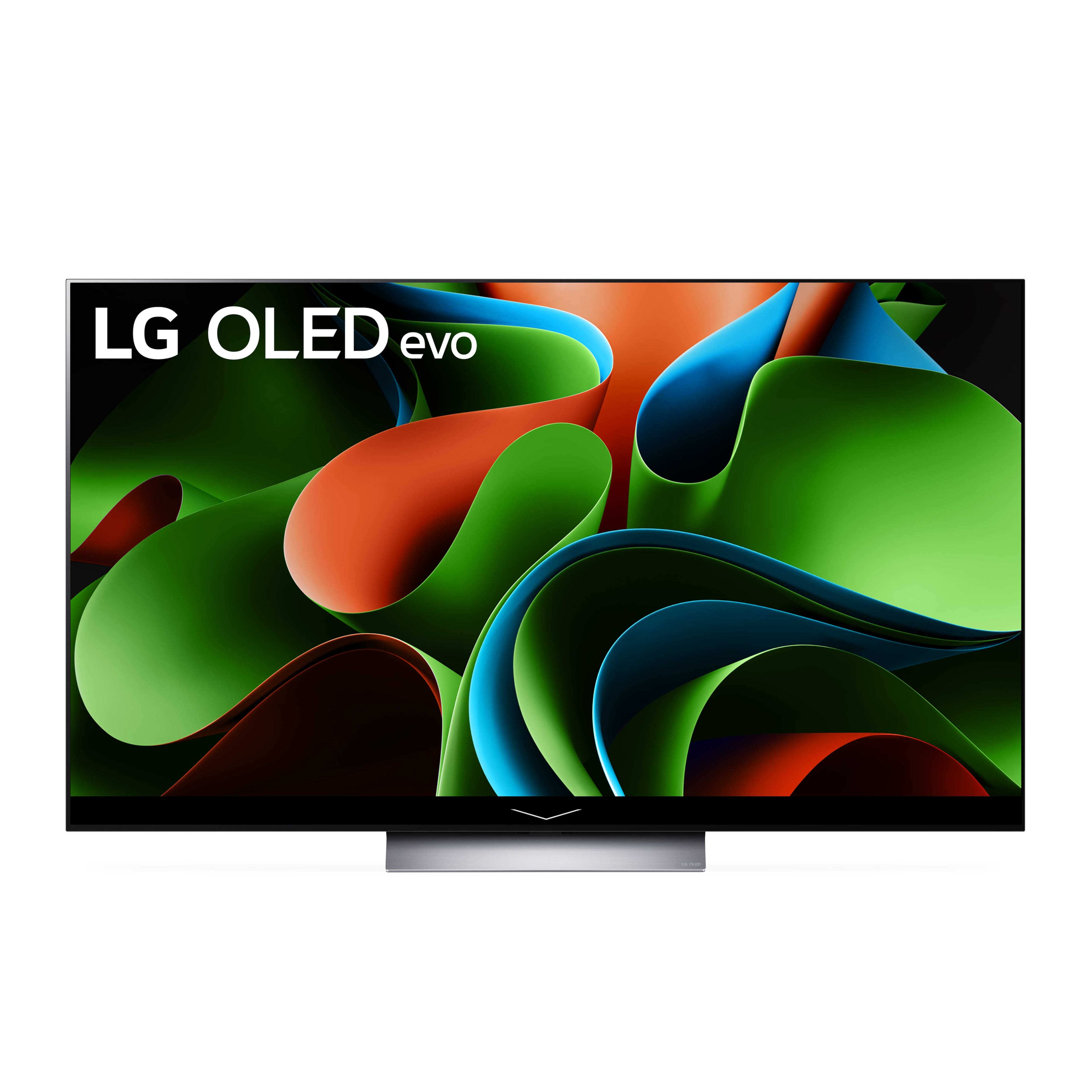
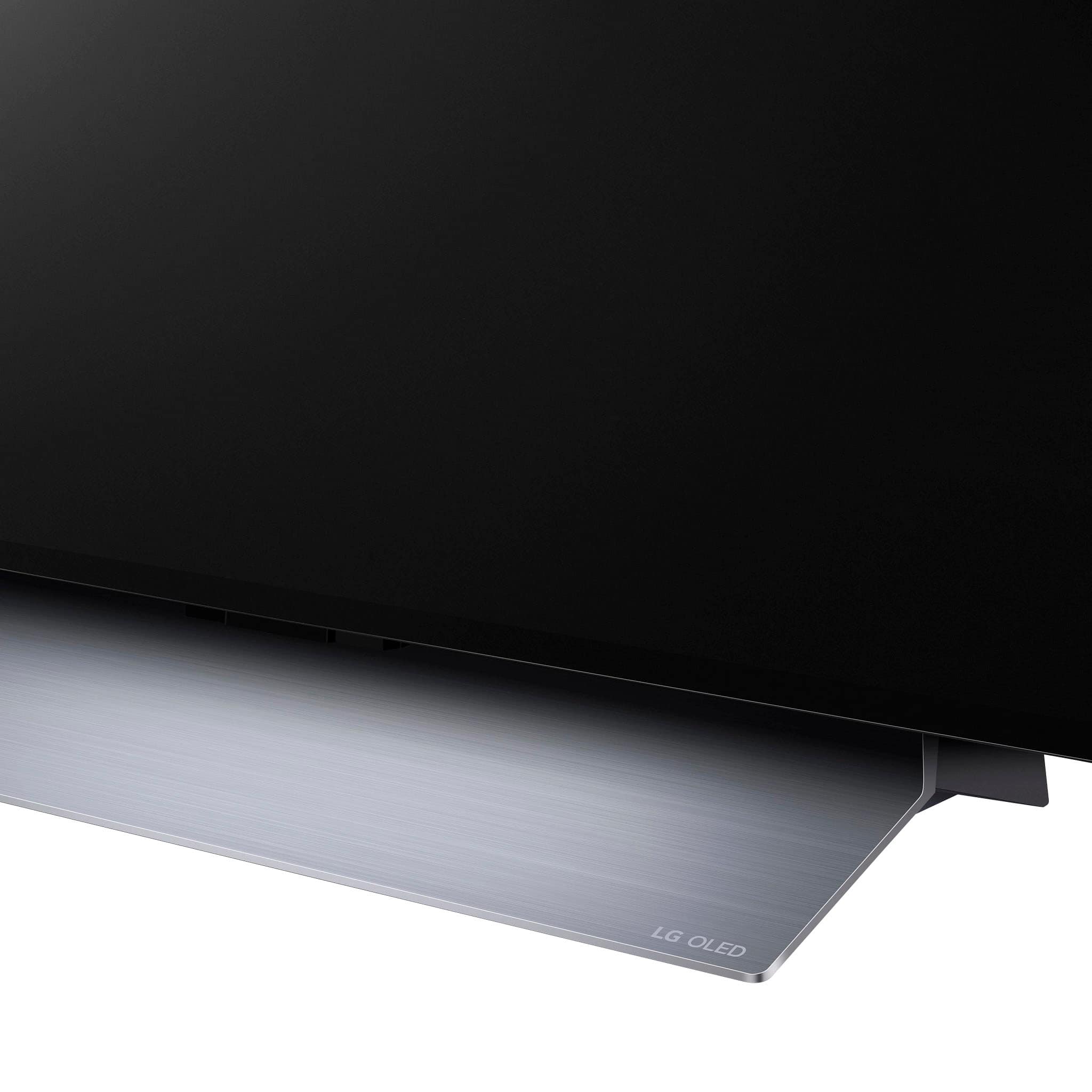
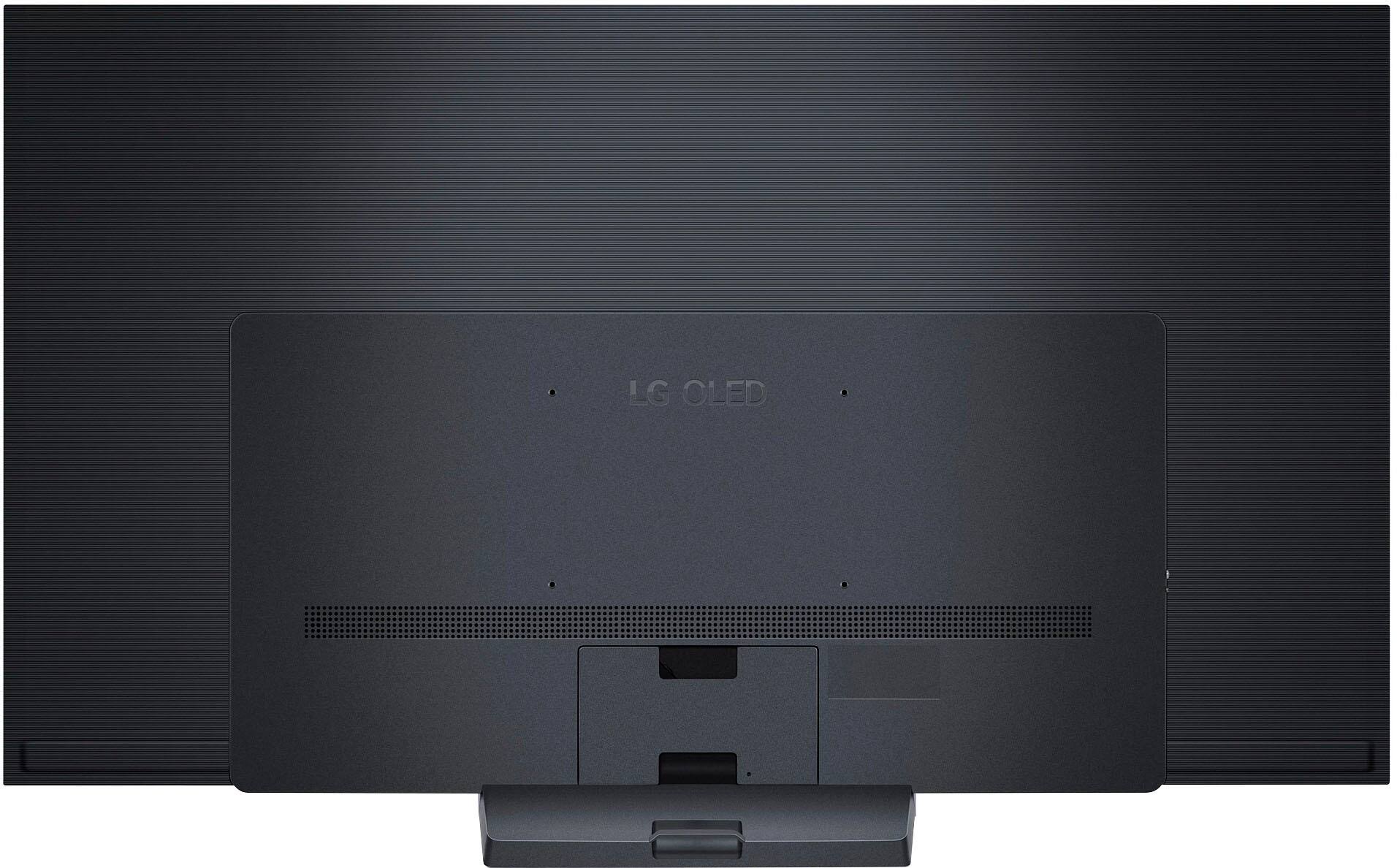



- Model:
- OLED77C3PUA
- SKU:
- 6535930
Rating by feature
- Picture Quality
Rating 4.9 out of 5 stars
- Sound Quality
Rating 4.6 out of 5 stars
- Brightness
Rating 4.9 out of 5 stars
Customers are saying
Customers are pleased with the picture quality, color accuracy, and ease of use of the 77" Class C3 Series OLED evo 4K UHD Smart webOS TV (2023). Many appreciate the vibrant colors, deep blacks, and high contrast offered by the OLED technology, along with the sleek design. However, some users expressed concerns about the remote control and potential for burn-in. The user interface also received mixed feedback.
This summary was generated by AI based on customer reviews.
Glitches inputs
||Posted . Owned for less than 1 week when reviewed.This reviewer received promo considerations or sweepstakes entry for writing a review.This is no reflection on Bestbuy. I got a lemon/defective TV. I purchased a 77” LG C3 and I thought it was an upgrade from my C1. My C1 took months and months of being on the phone with customer service and hours and hours EACH WEEK to FINALLY get them to do something. Many techs came out, replaced the motherboard. Replaced panels. Still jumped inputs. So I thought…the C3 shouldn’t have that problem. WRONG!!! I had the new C3 for less than a WEEK and it started doing it (jumping inputs). So, long story short. I’m going to try the G3 and pray that it doesn’t happen again. If it does, I’ll be done with LG for good. The only positive is that BestBuy has been very understanding and with TotalCare, I’m able to return this defective unit, no questions asked and get the G3. Thankful to Bestbuy and standing behind their products/warranties
No, I would not recommend this to a friendBrand response from LG Digital Customer Care
Posted .Hi there. Thank you for reaching out to us and sharing your experience with us. We understand how frustrating it can be to encounter issues with your TV, especially after going through a similar ordeal with your previous model. We apologize for any inconvenience this has caused you. If you have any further questions or need assistance about the LG products, please feel free to send us a private message on Facebook or Twitter through @LGUSSupport. ^Dan

Never worked
||Posted . Owned for 2 months when reviewed.This reviewer received promo considerations or sweepstakes entry for writing a review.Dead on arrival, technician could not make it out until one day after return. Technician ended up, cracking the screen and did not claim fault LG side of a technician now I have the biggest paperweight ever.
No, I would not recommend this to a friendBrand response from LG Digital Customer Care
Posted .Hi there, Malc. Thank you for sharing your experience with us. We understand your inquiry regarding your LG OLED77C3PUA TV, and about the trouble you've encountered. Since this purchase was made through Best Buy, we kindly recommend contacting them directly for further assistance with your return or exchange options.
https://www.bestbuy.com/site/lg-77-class-c3-series-oled-evo-4k-uhd-smart-webos-tv-2023/6535930.p?skuId=6535930
Should you need additional support, feel free to send us a private message on Social Media @LGUSSupport and we’ll be glad to explore ways we can help. —Renzo
Screwed up customer service to the point of BK .
||Posted . Owned for 1 month when reviewed.This reviewer received promo considerations or sweepstakes entry for writing a review.I was sold an open box tv for $2000. With label reading that the condition is good, only minor fingerprints and has all parts- well it didn’t have remote control. When I try to reach someone at the store, even after 7 calls to local number I could not get a reply. The geek squad manager finally called and left the same number I had tried repeatedly. And I keep going to an international call center. He didn’t bother to leave his local extension or another number. Surely won’t buy anything at Best Buy again.
No, I would not recommend this to a friendBrand response from LG Digital Customer Care
Posted .Hi, Avi. Thank you for taking the time to share your experience with the LG TV (OLED77C3PUA) model. We understand the importance of receiving a product in the condition and with all the necessary components as described. We aim to offer great products and services for a smooth experience. If you have trouble reaching someone at the store, we'll work on improving our communication so customers like you can get help easily. You can call Best Buy customer service at 888-237-8289 for more assistance or reach out to us on social media @LGUSSupport. ^Juvy
OLED 77
||Posted . Owned for 1 month when reviewed.This reviewer received promo considerations or sweepstakes entry for writing a review.Don’t buy it, less than a month and I have been in Best Buy to ask for help why it keeps showing lines on the screen and Best Buy did not help but referred me to LG and LG is another nightmare, it doesn’t worth the nightmare especially after paying $2500, with no help and I didn’t install it they did for me
No, I would not recommend this to a friendBrand response from LG Digital Customer Care
Posted .Hi, there. We are grateful for reviewing your recent experience with the LG OLED TV (OLED77C3PUA) model. We understand how frustrating it can be to experience problems with a newly purchased product, especially after investing a significant amount of money and the lack of support and the additional stress it has caused. Please know this is not the level of quality and longevity we aim to deliver, as we strive to provide reliable, high-quality products and exceptional customer service that meet our customer's expectations and satisfaction. Still, unfortunately, we have fallen short of your case. In the meantime, please visit this link: https://www.lg.com/us/support/help-library/lg-tv-troubleshooting-vertical-lines-or-stains-on-an-oled-tv-screen-CT10000018-20153130731463. If there's anything we can do further to assist you, please reach out to us on social media @LGUSSupport so we can help you further. ^Juvy
Horrible delivery
||Posted . Owned for 3 weeks when reviewed.This reviewer received promo considerations or sweepstakes entry for writing a review.Delivery was terrible. $2k TV came poorly wrapped (1 layer of saran wrap). The delivery drivers said "I wouldn't be surprised if it doesn't work. TV also was delivered with no remote and this wasnt disclosed before purchase. The salesperson just mentioned there are no legs on the TV. I have complained multiple in person and on chat support, but I have yet to recieve anything for my terrible experience. Hopefully this review will get somewhere..
No, I would not recommend this to a friendBrand response from LG Digital Customer Care
Posted .Hi. there. Thank you for taking the time to share your feedback regarding the LG TV (OLED77C3PUA) model. We understand the importance of receiving your new TV in perfect condition. Our team strives to ensure all products are packaged and handled during transit. We assure you that we take your concerns seriously and are committed to resolving them promptly. Please reach out to us on social media @LGUSSupport. ^Juvy
Got a bad one
||Posted . Owned for less than 1 week when reviewed.This reviewer received promo considerations or sweepstakes entry for writing a review.Beautiful tv but had an issue with it randomly turning off. Timers were off. Not sure why but 5 times in the first few days. Returned it and pick up a C4.
No, I would not recommend this to a friendBrand response from LG Digital Customer Care
Posted .Hi there, Rocme. Thank you for sharing your experience with us. We understand that the LG OLED77C3PUA TV didn’t work as expected due to it randomly turning off. That can certainly be an issue, especially with a beautiful TV like this one. We would like to assist you further with this issue to determine the cause and ensure your next experience is flawless.
If your TV is powering off/on by itself, this can be caused by improper ventilation, a loose power cord, or on/off timer being activated. If you experience this again with any future units, you can try checking the Auto Power Off settings in the General Settings menu, even if the timers were off, just to ensure no other auto-off settings are enabled. Sometimes, a software update can also resolve issues like this.
LG TV - Troubleshooting TV Intermittently Powers On/Off - https://www.lg.com/us/support/help-library/lg-tv-troubleshooting-tv-intermittently-powers-onoff--1427121212479
If you ever have any concerns or further questions, feel free to reach out by sending us a private message on social media @LGUSSupport. Our team will be more than happy to help you explore any additional solutions.
We appreciate your patience, and we're always here to help!
—Renzo
eARC doesn’t function
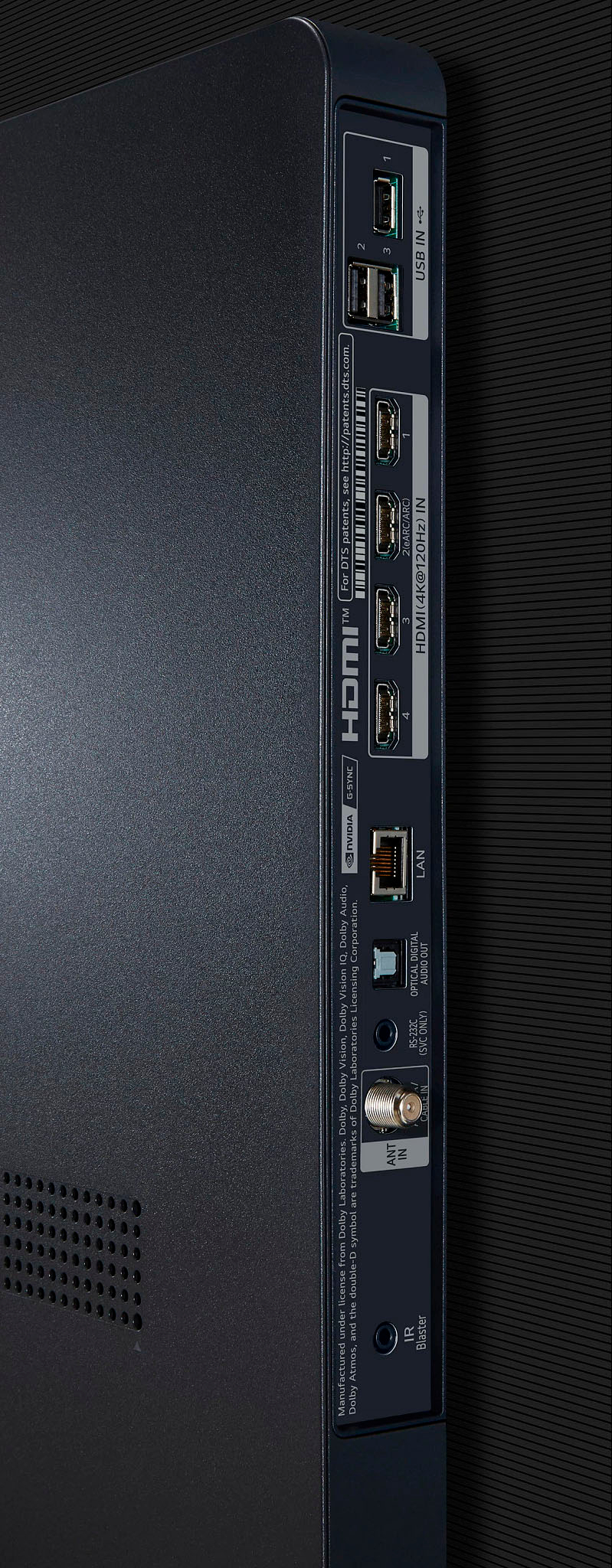
||Posted . Owned for 1 month when reviewed.This reviewer received promo considerations or sweepstakes entry for writing a review.I have had the tv for about a month and experienced so many problems I had to unplug hdmi eARC to get the tv to function.
No, I would not recommend this to a friendBrand response from LG Digital Customer Care
Posted .Hi there, Thank you for reaching us. I'm sorry to hear about the issues you've been experiencing with your TV. It's frustrating when technology doesn't work as expected. We apologize for the inconvenience this has caused you. Please know that we take customer feedback seriously and will work to resolve any issues you may be facing. Please reach out to us on social media @LGUSSupport so we can help you further. ^Cris
Vertical lines
||Posted . Owned for 1 month when reviewed.This reviewer received promo considerations or sweepstakes entry for writing a review.Vertical band came through after only 2 months of use
No, I would not recommend this to a friendBrand response from LG Digital Customer Care
Posted .Hi, there. We appreciate you reaching out to us about your LG TV (OLED77C3PUA) model. We understand how concerning it is to see a vertical band on your TV so soon after purchase. We strive to provide high-quality products and ensure a smooth and seamless experience. To address this issue, please try performing a soft reset by unplugging the TV for about 60 seconds and then plugging it back in. For further assistance, please reach out to us on social media @LGUSSupport with your purchase details and any photos of the issue. Our team will assist you in resolving this matter and ensure your TV is working as it should. Thank you for your patience, and we look forward to helping you get this sorted out. ^Juvy
movies GONE whatever happened to customer satisfac
||Posted . Owned for less than 1 week when reviewed.This reviewer received promo considerations or sweepstakes entry for writing a review.I bought this TV I could’ve took it home on Sunday they convinced me to buy the next model up, they told me guaranteed Tuesday ship I could’ve watched the Super Bowl on Sunday figured I’d have my TV by Tuesday now they changed their minds and they’re gonna ship it on Thursday sneaky. I get a refund because I have to wait 10 days to get my money back because I paid cash on a $4400 TV. All they can say is they’re sorry.
No, I would not recommend this to a friendBrand response from LG Digital Customer Care
Posted .Hi there, Thank you for bringing these concerns to our attention. I'm really sorry to hear about the frustrating experience you had with the TV purchase. It's definitely disappointing to have been misled about the delivery date and end up having to wait longer than expected. The inconvenience of waiting for a refund after paying cash for a $4400 TV must be frustrating. It's totally understandable that you're feeling upset about the situation. Please reach out to us on social media @LGUSSupport so we can help you further. ^Cris
Be carefull buying this
||Posted . Owned for 4 months when reviewed.This reviewer received promo considerations or sweepstakes entry for writing a review.4 months in now waiting for repair man to come and fix it. 2 white lines just appeared out of nowhere now it won’t even power on. Last LG i will purchase
No, I would not recommend this to a friendBrand response from LG Digital Customer Care
Posted .Hi, there. Thank you for reaching out and sharing your experience on the LG OLED TV (OLED77C3PUA) model. We understand the frustration when a product malfunctions unexpectedly, especially after only four months of use. Please know that we strive for reliable, durable, high-quality products and are committed to resolving the issue as quickly as possible for you. Please visit this link for basic troubleshooting: https://www.lg.com/us/support/help-library/lg-tv-why-does-my-tv-have-no-power-CT10000020-1441914332865. If there's anything else we can do to assist you, please reach out to us on social media @LGUSSupport so we can help you further. We're here to assist you and provide any additional support you may need. ^Juvy
GREEN LINE ACROSS THE SCREEN
||Posted . Owned for 8 months when reviewed.This reviewer received promo considerations or sweepstakes entry for writing a review.THIS TV HAS A LINES ACROSS THE SCREEN. I NEED TO ADDRESS THIS PROBLEM. I TRIED TO GET TECH SUPPORT BUT IT DIDN'T WORK.
No, I would not recommend this to a friendBrand response from LG Digital Customer Care
Posted .Hi there! Thank you for sharing your experience with us. We understand that the green lines across your screen are an issue you're facing with your OLED77C3PUA. We’d like to assist you in resolving this. Based on the details you've provided, we recommend running the Pixel Cleaning (also known as Pixel Refresher) function on your TV, which can help clear up persistent image issues like lines or spots on the screen.
To do this, please navigate to the settings menu, select "Pixel Cleaning," and allow the process to complete. This function is available on OLED models from 2016 and newer, and it can help improve the picture quality.
LG TV - Troubleshooting Vertical Lines or Stains on an OLED TV Screen - https://www.lg.com/us/support/help-library/lg-tv-troubleshooting-vertical-lines-or-stains-on-an-oled-tv-screen--20153130731463
If the issue persists or you need further assistance, please send us a private message on Social Media @LGUSSupport, and our team will be more than happy to explore additional solutions with you. We appreciate your patience and look forward to assisting you further.
—Renzo
BUYER BEWARE !!!!
||Posted . Owned for 3 weeks when reviewed.This reviewer received promo considerations or sweepstakes entry for writing a review.BUYER BEWARE !!! Price drop of $200.00. Best Buy refused to refund the $200 difference. The drop was within the required time frame as well as me having a Best Buy Plus membership. Now have to chase someone in the corporate offices to get my $200 back.
No, I would not recommend this to a friendBrand response from LG Digital Customer Care
Posted .Hi, there. Thank you for reaching out and for taking the time to review the LG OLED TV (OLED77C3PUA) model. We understand the inconvenience you've faced regarding the price drop of the OLED77C3PUA and the challenges you encountered in seeking a refund from Best Buy. This certainly isn't the experience we want for our customers. Please reach out to us on social media @LGUSSupport so we can help you further. Your satisfaction is important to us, and we want to ensure that you have a positive experience with our products and services. ^Juvy
Should have bought Sony
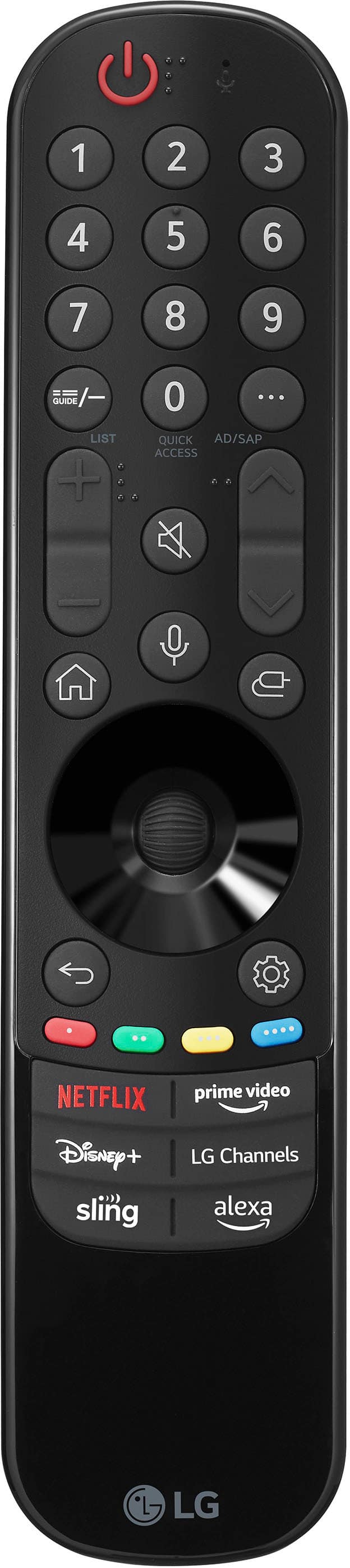
||Posted . Owned for 3 weeks when reviewed.This reviewer received promo considerations or sweepstakes entry for writing a review.I had a 77” Sony before. This LG 77” doesn’t come close. Picture & Sound not as clear. Dislike operating system. Having to use remote pointer is clumsy. Should have bought Sony
No, I would not recommend this to a friendBrand response from LG Digital Customer Care
Posted .Hi, there. We appreciate your effort in sharing your experience on the LG OLED TV (OLED77C3PUA) model. We understand that you had a positive experience with a Sony TV in the past and expected similar performance from our product. While our OLED77C3PUA TV offers an incredibly colorful and fairly bright picture and some of the best gaming performance, we acknowledge that it did not meet your expectations regarding picture clarity and sound quality. You may consider visiting this link for helpful guidance: https://www.lg.com/us/support/help-library/best-picture-settings-for-your-lg-4k-or-4k-oled-tv-CT10000018-20150577528034. If you require further assistance, please reach out to us on social media @LGUSSupport so we can help you further. We're here to assist you and provide any additional support you may need. ^Juvy
- Pros mentioned:Picture quality
Overall the best 4k TV on the market
Posted .This reviewer received promo considerations or sweepstakes entry for writing a review.Every TV at the high end has it's quirks or pro's and cons but when considered without bias the LG C & G series have been the best since 2014 and still are. The upgraded panels are much brighter and with higher color accuracy than prior models. Technically the Samsung quantum dot OLED has slightly and I mean you need to look side by side for an hour and also be a top tier tech snob to see any difference so i wouldn't worry... Especially when you consider the Samsung runs on Tizen which is an absolutely horrible operating system and slow slow slow. The biggest flaws in the LG, and this is a flaw in basically everyone's OLED's is that when running at 120hz VRR+ HDR or Dolby Vision (this is gaming only) you will sometimes get flicker as the TV tries to tone map the image because the devs didn't use HGIG settings and that means your custom calibration settings. The flicker can also be fixed by opening rhe game menu and adjusting black levels down by 3 ticks. The other issue is audio... It oddly doesn't support the common formats of today. If you have a HDMI 2.1 receiver then this isn't a big deal since that handles audio but older hdmi receiver's (likely stuck at 4k60 no HDR ALLM or other fancy things won't work beyond a 5.1 setup and it doesn't include HD 5.1 which has been around for 15ish years. Im bjg into audio, I run an 11.2 Atmos setup but if you're not big into audio then this issue isn't really an issue at all. The only other problem, and this is one ive had on thr 2016 model, the Cx, the C1 and the C2 so its likely an issue here and apparently LG doesn't take bug reports very serious because i reported it on every TV after every firmware update. Basically what happens is the tv sees certain receivers as other things so you cant use the remote and sometimes when you turn on the tv earc absolutely wont work unless uou unplug all hdmi cables, unplug power from the tv & receiver then power it back up, wait about 35 seconds and while on you plug im the hdmi cables again making sure your earc one is done last and audio will work agajn. Doing this daily on nearly a decade of model's and 11 different receivers was maddening and the only fix and this fix might not work is to factory reset the TV and see how it goes. It might work fine for 3 weeks or a year... please LG, fix the bugs that have existed since 2016 as well as the gamma curve that causes the flickering, especially in Windows 10. Overall this is an amazing tv for gaming, movies and tv content. I disable all the ai features and calibrate using my Xbox series x as its calibration system is better than the one in Windows 11 or the PlayStation 5. I use expert picture mode night for SDR content and for movies I use game mode. Odd as it may sound the imsge quality is almost always best in game mode and the panel will still refresh at the proper rate. I cant recommend these things enough. The only better tv simply because of size is the LG G series but the C series is essentially identical quality wise. Do yourself a favor and buy one. Dont let someone sway you into another brand, dont get a lower end model like a B or A series, you lose too much especially if you're a gamer. If you're a gamer then the C3 or G3 are the ones to buy, especially with the brighter panels. Hopefully next year they add display port so the tv can game at 4k above 120hz...LG lets see a 240hz refresh rate please... Please! Im noy buying a small pc monitor, i play in the living room and 240hz would mean instant upgrade and you would sell another tv to someone that just bought the C3...C4, 240hz please and also more audio codec support.
I would recommend this to a friendBrand response from LGAnswers
Posted .Hi, thanks for the detailed review as to why you think the C3 is the TV to get should you be a gamer! We appreciate you mentioning the several points regarding how we can improve with our OLED technology as we continue to move forward and create future generation models. Should you be inclined to, please feel free to provide your input at our feedback site here: https://www.lg.com/us/support/feedback. We use our submitted customer feedback as a reference when determining what changes to make while creating future generation models and we'd appreciate your input. Again, we thank you for the high praise! Happy gaming! ^Chris
77" OLED
||Posted . Owned for 3 months when reviewed.This reviewer received promo considerations or sweepstakes entry for writing a review.TV needed to have panel replaced after 1.5 months.
No, I would not recommend this to a friendBrand response from LG Digital Customer Care
Posted .Hi there, Susan. We're sorry to hear about the issue you encountered with your LG OLED77C3PUA TV, requiring a panel replacement after only 1.5 months of use. This is certainly not the experience we aim to provide with our products. Here's how you can address this situation:
Warranty: If your TV was still within the warranty period when the panel issue occurred, the panel replacement should be covered. LG typically provides a one-year limited warranty for its TVs. If the TV is still under warranty, please contact LG's customer service at (800) 243-0000 to initiate a warranty claim.
Extended Warranty: If the TV is no longer under the standard warranty, and you're concerned about future issues, you can explore the option of purchasing an extended warranty or protection plan. This can provide coverage beyond the initial warranty period.
Customer Service: It's important to contact LG's customer service and explain the situation. They can guide you through the warranty claim process, provide information about any available repair or replacement options, and address your concerns.
We understand your frustration, and we hope that LG's customer service can assist you in resolving the panel replacement issue promptly. We appreciate your feedback and apologize for any inconvenience you've experienced with your LG TV. Thank you for choosing LG. ^Jolly
Disappointed
||Posted . Owned for 1 month when reviewed.This reviewer received promo considerations or sweepstakes entry for writing a review.Lasted less than a month On the plus side I was able to change it out kind of easily
No, I would not recommend this to a friendBrand response from LG Digital Customer Care
Posted .Hi, JustinVirginia. Thank you for taking the time to review the LG OLED TV (OLED77C3PUA) model. We apologize for the disappointment you experienced with the product lasting less than a month. We understand how frustrating this must have been for you. We appreciate your feedback and would like to make things right. For helpful guidance and to obtain more information, you may visit this link: https://www.lg.com/us/support/help-library. If you have any further questions or need assistance, please feel free to send us a private message on Facebook or X (Twitter) through @LGUSSupport. We look forward to the opportunity to assist you and regain your trust in our products. ^Juvy
Disappointed
||Posted . Owned for 2 weeks when reviewed.This reviewer received promo considerations or sweepstakes entry for writing a review.Best Buy sold me products but couldn’t install them as scheduled. Best Buy maybe but no service .
I would recommend this to a friendBrand response from LG Digital Customer Care
Posted .Hi, there. Thank you for sharing your experience with us regarding the LG OLED TV (OLED77C3PUA) model. We regret that you encountered difficulties installing the products purchased from Best Buy. We understand how frustrating it must have been to have the installation not go as scheduled. We strive to provide excellent customer service and ensure a smooth installation process. Please know that we're here to help. We recommend contacting Best Buy customer service at 888-237-8289 to address your concerns, offer assistance, and discuss potential solutions. If there's anything we can do to assist you, please reach out to us on social media @LGUSSupport so we can help you further. We're here to assist you and provide any additional support you may need. ^Juvy
Dont buy LG
||Posted . Owned for 4 months when reviewed.This reviewer received promo considerations or sweepstakes entry for writing a review.LG I will stick with what I know Samsung or Sony. LG was my mistake in listening to and LG salesmen.
No, I would not recommend this to a friendBrand response from LG Digital Customer Care
Posted .Hi, there. Thank you for sharing your feedback with us. We understand your concern about your experience with the LG TV (OLED77C3PUA) model, and that it didn’t meet your expectations. We strive to provide reliable, high-quality products and ensure a smooth and seamless experience.
If you have any specific issues or concerns that you’d like to discuss further, please don’t hesitate to reach out. We’d be happy to assist you and see if there’s anything we can do to improve your experience.
For any further assistance or if you have questions about LG products, please send us a private message on social media @LGUSSupport. We're here to help and ensure that you have the best experience possible. ^Juvy
- Pros mentioned:Ease of use, Picture quality
Very, very happy.
Posted .This reviewer received promo considerations or sweepstakes entry for writing a review.Beautiful looking TV, brilliant picture, and surprisingly easy to set up. My only complaint is that the UI defaults to a floating mouse-type cursor, which moves as you move the remote -- kind of like you're giving a presentation with a pointer. It's easy to switch to the standard arrow-key button inputs to move around the different apps, but it is also very easy to inadvertently reactivate the mouse functionality. Pretty annoying, but perhaps that's just me. Another plus for this TV is the excellent WiFi reception. My old TV never did pick up our house WiFi, as the router is at the other end of the house, and we had to run ethernet all the way from there to the TV. This one, however, has a much better receiver, and consistently gets 130-150 mbps. If you're new to OLED, you're going to be surprised by what you've been missing in picture brightness and clarity!
I would recommend this to a friend Save your money
||Posted . Owned for 1 month when reviewed.This reviewer received promo considerations or sweepstakes entry for writing a review.My 6 year old tv shows better, looks like a regular tv
No, I would not recommend this to a friendBrand response from LG Digital Customer Care
Posted .Hi, there. Thank you for taking the time to review the LG OLED TV (OLED77C3PUA) model.
The LG C3 series of OLED TVs, including the OLED77C3PUA, is generally well-regarded for its picture quality and performance. We understand that personal preferences can vary, and it's possible that the TV's performance may not meet your specific expectations. Please visit this link for assistance and guidance: https://www.lg.com/us/support/help-library/best-picture-settings-for-your-lg-4k-or-4k-oled-tv-CT10000018-20150577528034. If you have any specific concerns or issues with the TV, please reach out to us on social media @LGUSSupport so we can help you further. ^Juvy