Customer Ratings & Reviews
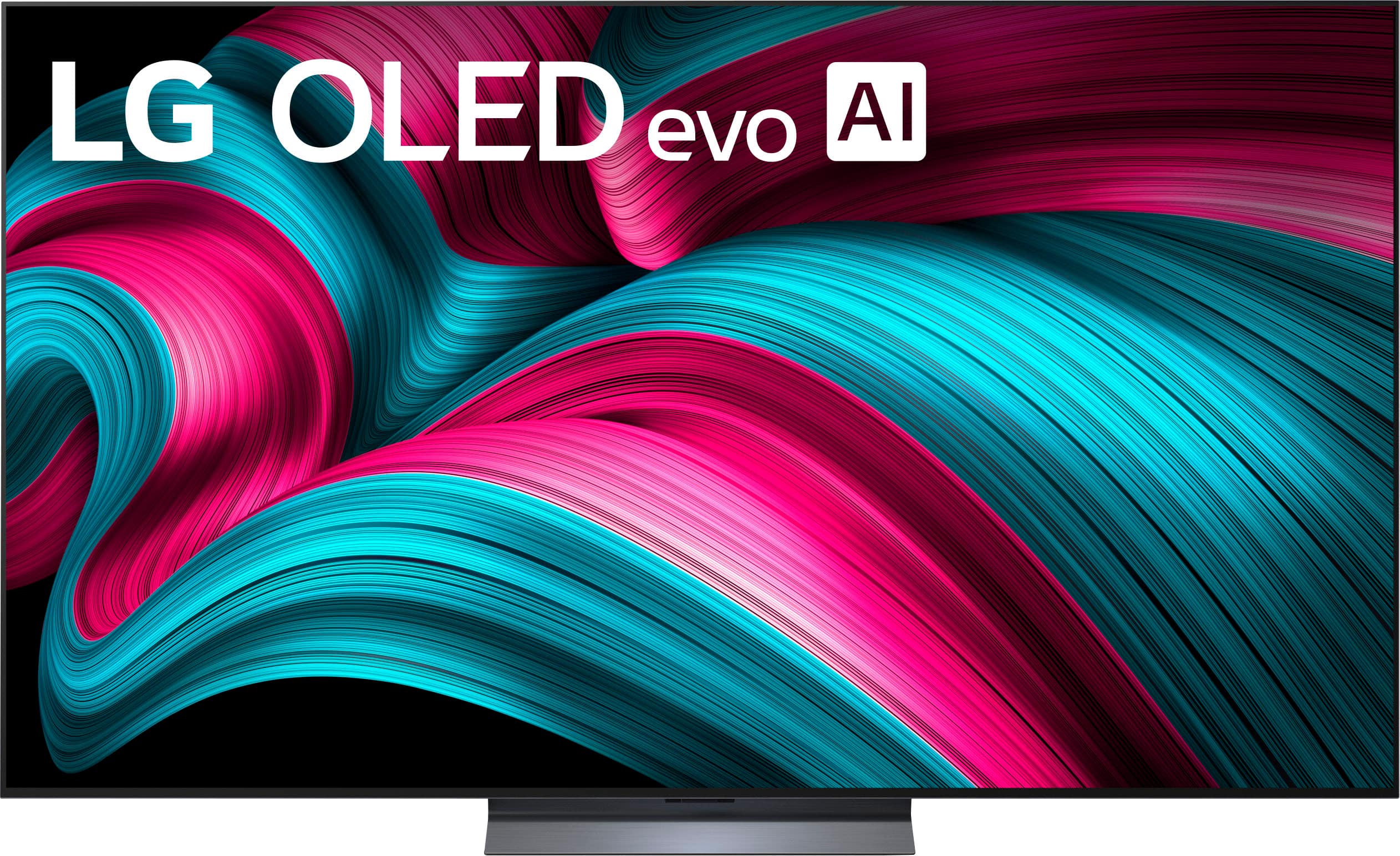
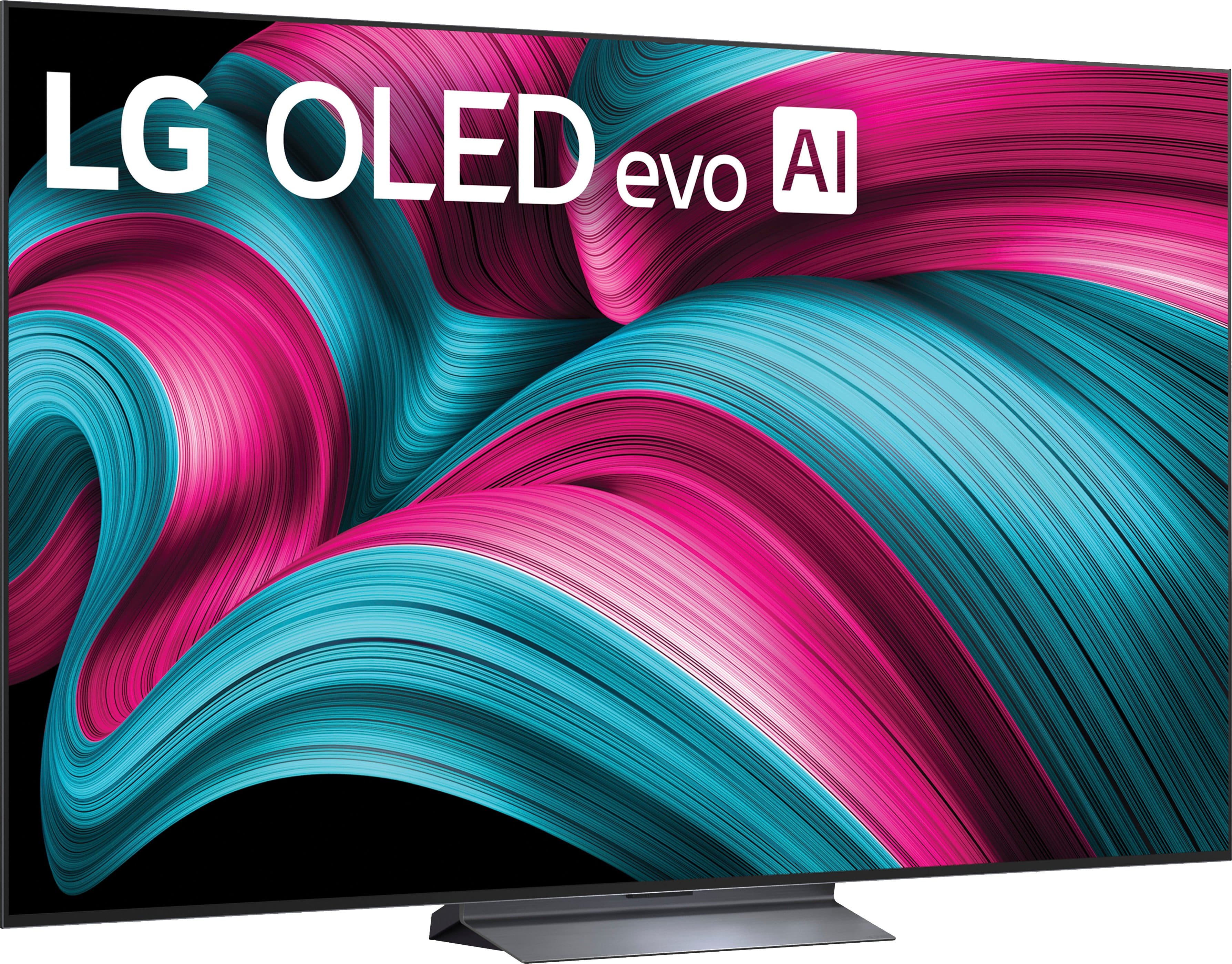




. Independently Tested for Quality and Workmanship CheckPlus: 100 % Color Volume to DCI-P3 oi PSSEANE Intertek [www.IntertekCheck.com](http://www.IntertekCheck.com). 100% Color Fidelity and '100% Color Volume to DCI-P3' applies to 2025 OLED TVs. *LG OLED Display is verified by UL for Perfect Color measured to IDMS 11.5 Ring-light Reflection standards. *100% Color Volume is defined as the performance of display which is equal or greater than the size of DCI-P3 standard color volume as verified independently by Intertek. *The LG OLED Panel is certified by Intertek for 100% Color Fidelity, measured to IDMS 11.5 Ring-light Reflection standards.](https://pisces.bbystatic.com/image2/BestBuy_US/images/products/3661ed5e-8d92-47a9-baef-65aa6eb5dcb9.jpg)








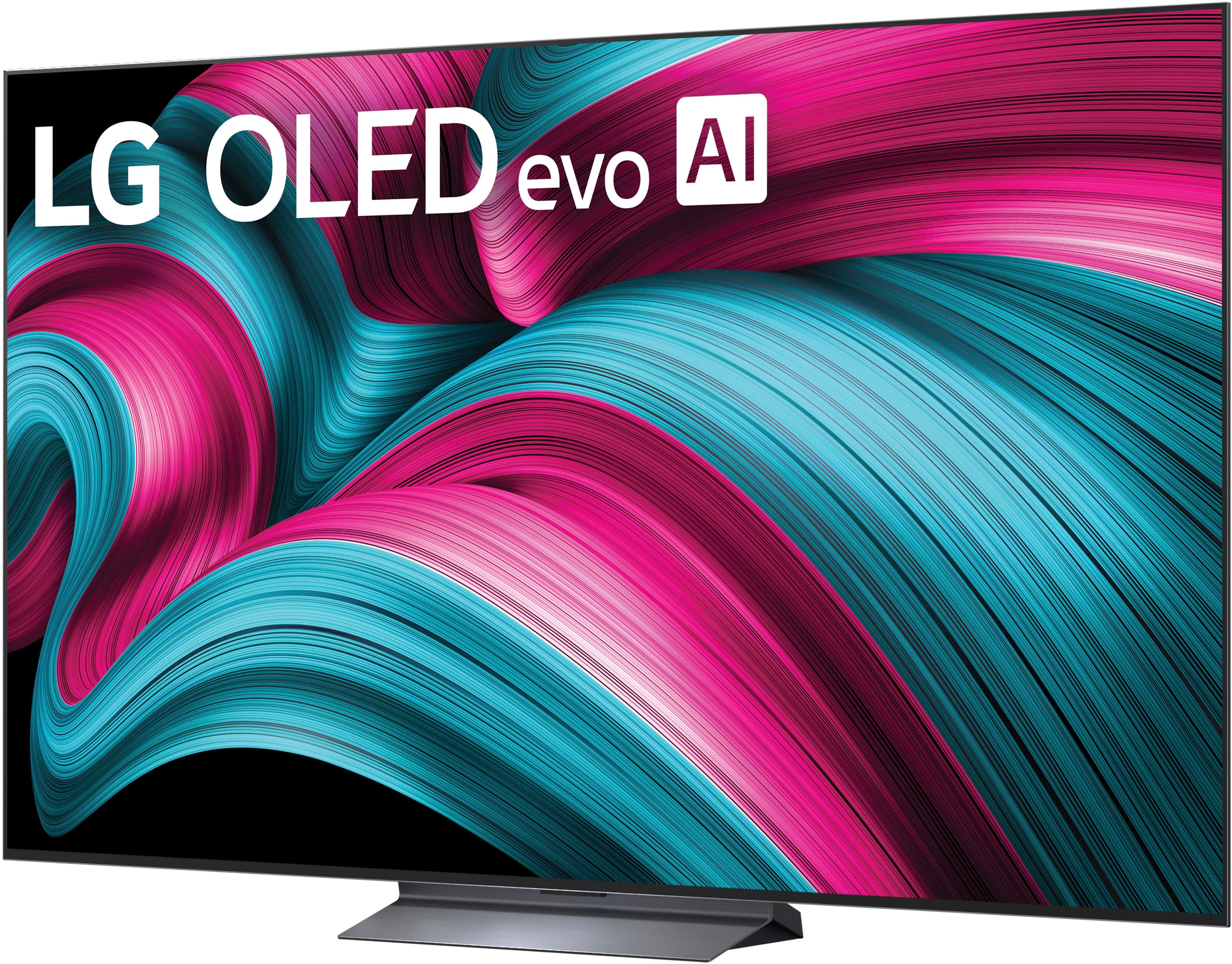





- Model:
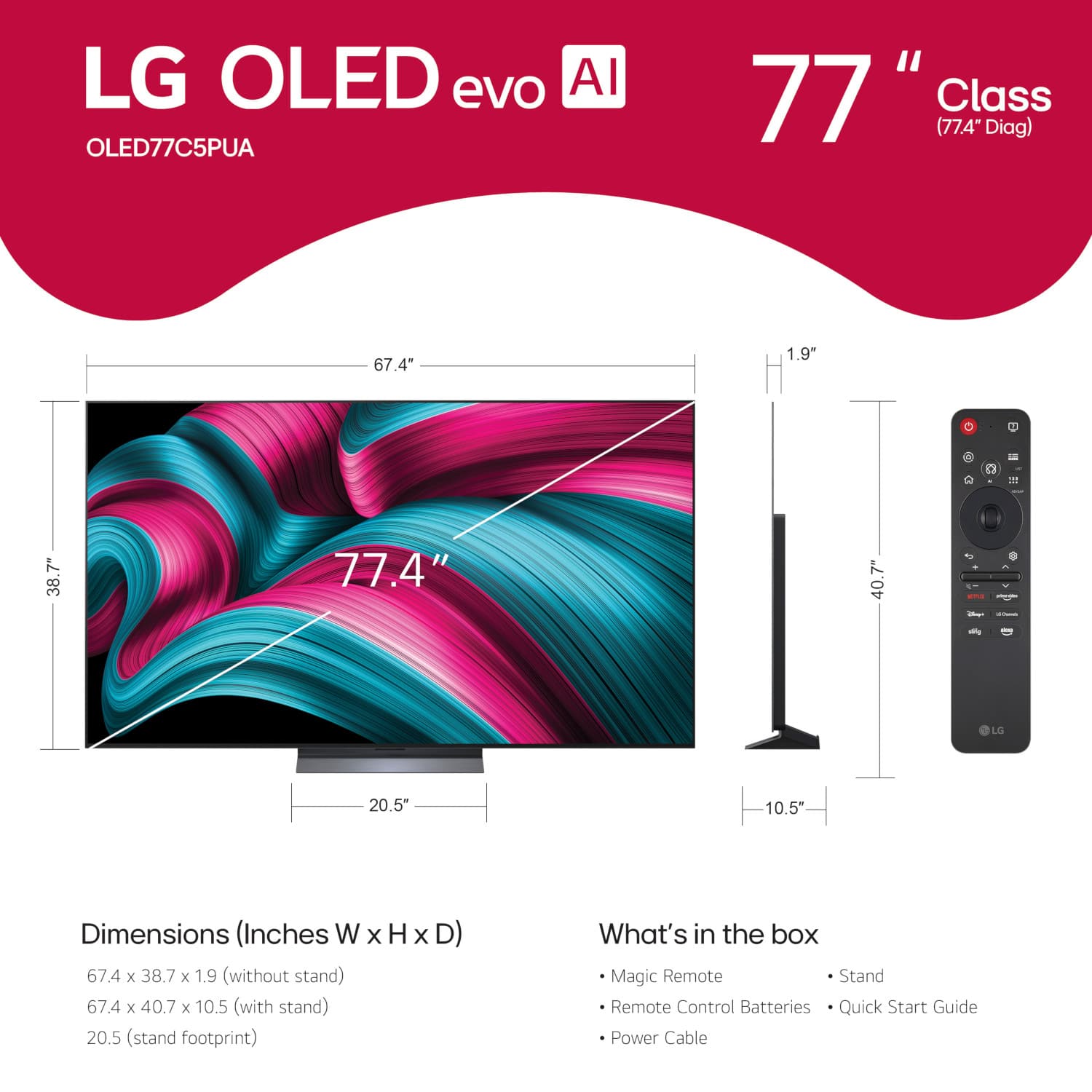
- OLED77C5PUA
- SKU:
- 11966149
Rating by feature
- Picture Quality
Rating 4.9 out of 5 stars
- Sound Quality
Rating 4.6 out of 5 stars
- Brightness
Rating 4.9 out of 5 stars
Great flat screen tv
Posted .This reviewer received promo considerations or sweepstakes entry for writing a review.Beautiful picture with stunning vibrant colors that are impressive
I would recommend this to a friendNo title
Posted .This reviewer received promo considerations or sweepstakes entry for writing a review.First class tv and service. I only had it for a few days what you see is what you get….
I would recommend this to a friendPerfect
Posted .This reviewer received promo considerations or sweepstakes entry for writing a review.Amazing i really enjoy everything about it. Picture sound is beautiful
I would recommend this to a friendBeautiful picture!
Posted .This reviewer received promo considerations or sweepstakes entry for writing a review.Beautiful picture! Was hesitant to invest in OLED, but so glad I did.
I would recommend this to a friendBest Picture I Have Ever Seen
Posted .This reviewer received promo considerations or sweepstakes entry for writing a review.Incredible picture. The best TV I have ever had. Didn't like the voice assistant, but once that was turned off, getting the TV set up was a breeze. Mesmerized by the picture quality constantly.
I would recommend this to a friendGreat TV
Posted .This reviewer received promo considerations or sweepstakes entry for writing a review.Easy to unbox. Picture quality is great & is just perfect for movie nights
I would recommend this to a friendHappy Purchases at Christmas
Posted .This reviewer received promo considerations or sweepstakes entry for writing a review.very personable and helpful sales personnel as well as delivery people this is why I went to Best Buy for my purchases. I wasn't looking for the cheapest place. I was looking for the place I would be most comfortable asking questions, etc.
I would recommend this to a friendPankaj
Posted .This reviewer received promo considerations or sweepstakes entry for writing a review.Product is really good and whoever sells man is really nice
I would recommend this to a friendGreat TV
Posted .This reviewer received promo considerations or sweepstakes entry for writing a review.Love the TV , has a great picture. I would recommend this TV if you watch a lot of movies liek we do.
I would recommend this to a friendLF OLEAD C5 is excellent
Posted .This reviewer received promo considerations or sweepstakes entry for writing a review.Very happy with purchase and prompt delivery and follow up service which prompted me to purchase 2 yr extended warranty.
I would recommend this to a friendGreat TV
Posted .This reviewer received promo considerations or sweepstakes entry for writing a review.Beautiful picture quality and very light weight. Can't complain at all.
I would recommend this to a friendGreat TV
Posted .This reviewer received promo considerations or sweepstakes entry for writing a review.Great tv and great installation by Best Buy. Loving it.
I would recommend this to a friendmr w spring
Posted .This reviewer received promo considerations or sweepstakes entry for writing a review.great picture love the size for our room great price
I would recommend this to a friendLG 77” C5 Series
Posted .This reviewer received promo considerations or sweepstakes entry for writing a review.Delivery and setup was done on time and in a professional manner.
I would recommend this to a friendLG television
Posted .This reviewer received promo considerations or sweepstakes entry for writing a review.Really great salesman, took ca re of me and showed me how took hook everything together, like soundbar
I would recommend this to a friendDoloresB
Posted .This reviewer received promo considerations or sweepstakes entry for writing a review.So far I like the LG. I always had a Samsung. LG is comparable.
I would recommend this to a friendGreatbTV
Posted .This reviewer received promo considerations or sweepstakes entry for writing a review.Great addition to our game room! Just what we needed to complete the room.
I would recommend this to a friendBest tv ever for clarity
Posted .This reviewer received promo considerations or sweepstakes entry for writing a review.The remote control is not user friendly and I am having issues installing the Direct TV streaming app
I would recommend this to a friendNOT A GOOD BUY FOR SENIORS
Posted .This reviewer received promo considerations or sweepstakes entry for writing a review.TV picture is a 10. Spending hours trying to figure out how to log into Hulu. No support from Best Buy. They are great in selling you a TV but they are a ZERO in teaching you how to use the remote.
No, I would not recommend this to a friendBrand response from LG Digital Customer Care
Posted .Hi, Allan. Thank you for reaching out and sharing your experience. We understand the importance of enjoying your LG TV (OLED77C5PUA) model not just for its picture quality, but also for easy access to your favorite apps like Hulu.
One helpful step is to press the Home button on the Magic Remote, scroll to the Hulu app, and select it. If you haven’t logged in before, the app should automatically display the Sign In screen. If it doesn’t, you can open the app’s Settings menu (usually found in the sidebar) and choose Log In from there. You may also want to ensure the TV’s software is up to date by going to:
Settings → Support → Software Update → Check for Updates. For more guidance, visit https://www.lg.com/us/support/help-library/lg-tv-troubleshooting-the-hulu-app--20150717611047.
If you’d like us to walk through the steps or check anything else on your TV, feel free to send us an email at [email protected] so our team can assist you directly. ^Juvy
DONT BELIEVE THE HYPE‼️
Posted .This reviewer received promo considerations or sweepstakes entry for writing a review.DO NOT BUY THE C5‼️NO REMOTE SUPPORT ‼️ALSO, WILL NOT WORK WITH 18G 4K HDMI AUDIO EXTRACTOR, AS ADVERTISED‼️NO CUSTOMER SUPPORT ‼️
No, I would not recommend this to a friend