Customer Ratings & Reviews
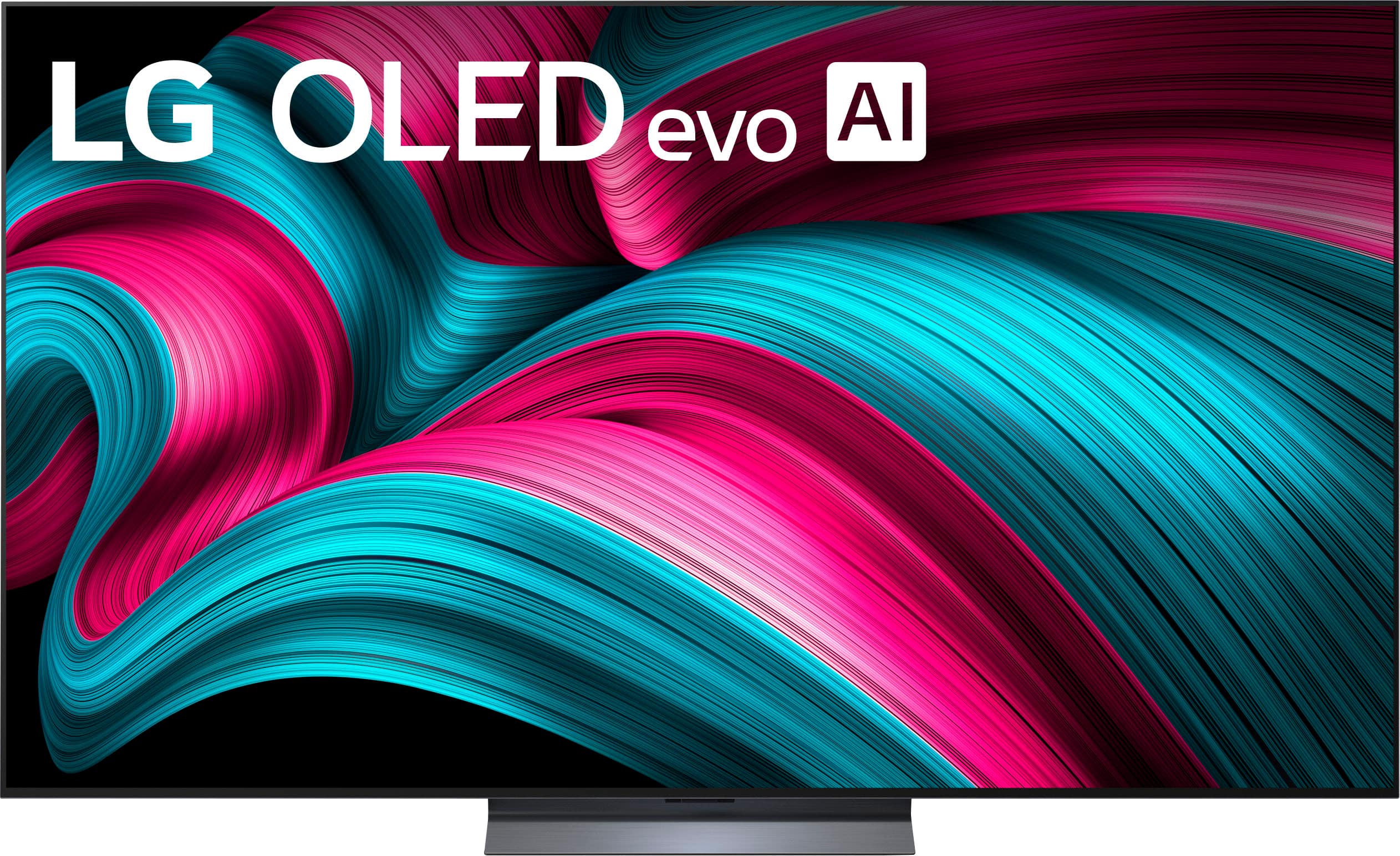
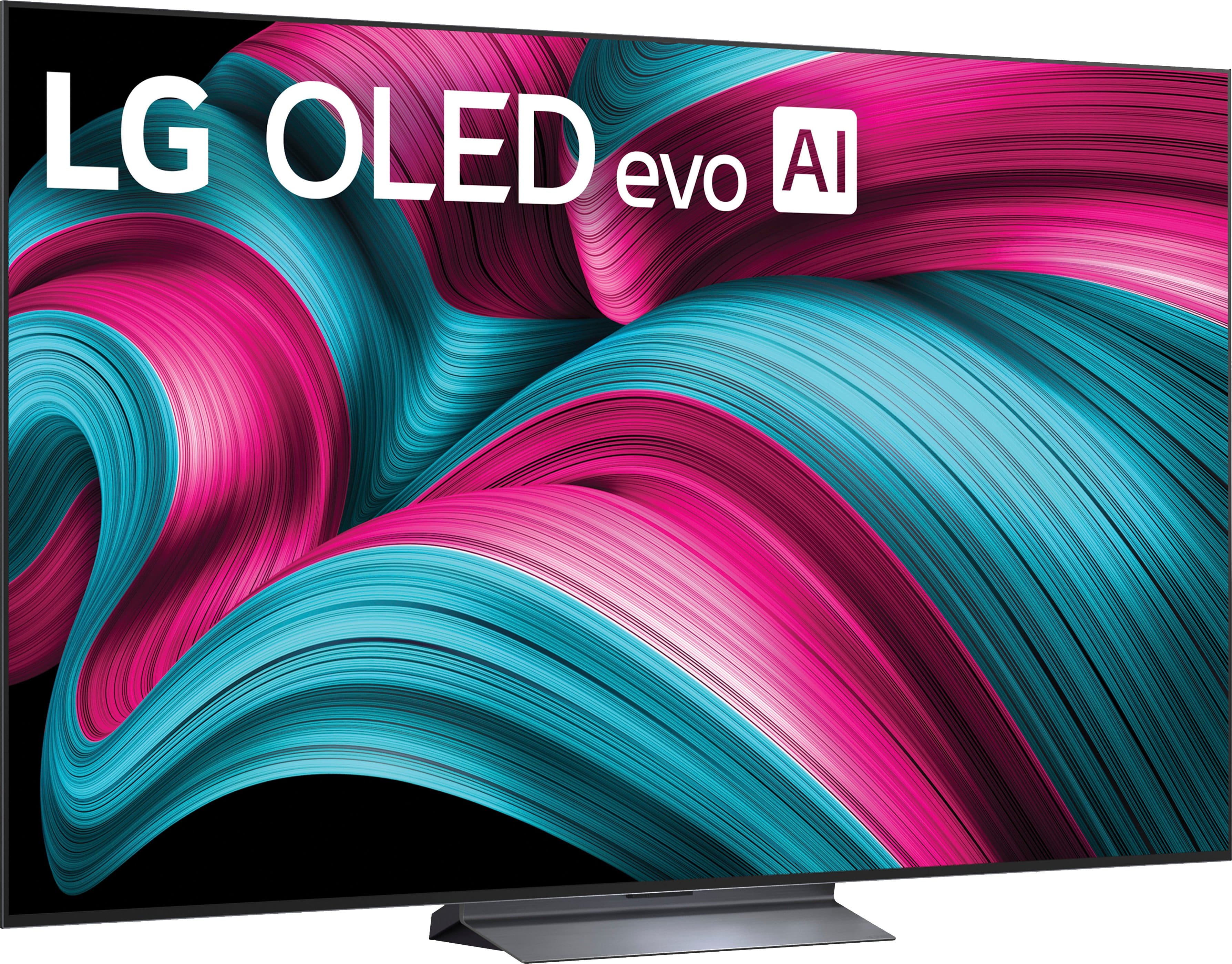




. Independently Tested for Quality and Workmanship CheckPlus: 100 % Color Volume to DCI-P3 oi PSSEANE Intertek [www.IntertekCheck.com](http://www.IntertekCheck.com). 100% Color Fidelity and '100% Color Volume to DCI-P3' applies to 2025 OLED TVs. *LG OLED Display is verified by UL for Perfect Color measured to IDMS 11.5 Ring-light Reflection standards. *100% Color Volume is defined as the performance of display which is equal or greater than the size of DCI-P3 standard color volume as verified independently by Intertek. *The LG OLED Panel is certified by Intertek for 100% Color Fidelity, measured to IDMS 11.5 Ring-light Reflection standards.](https://pisces.bbystatic.com/image2/BestBuy_US/images/products/3661ed5e-8d92-47a9-baef-65aa6eb5dcb9.jpg)













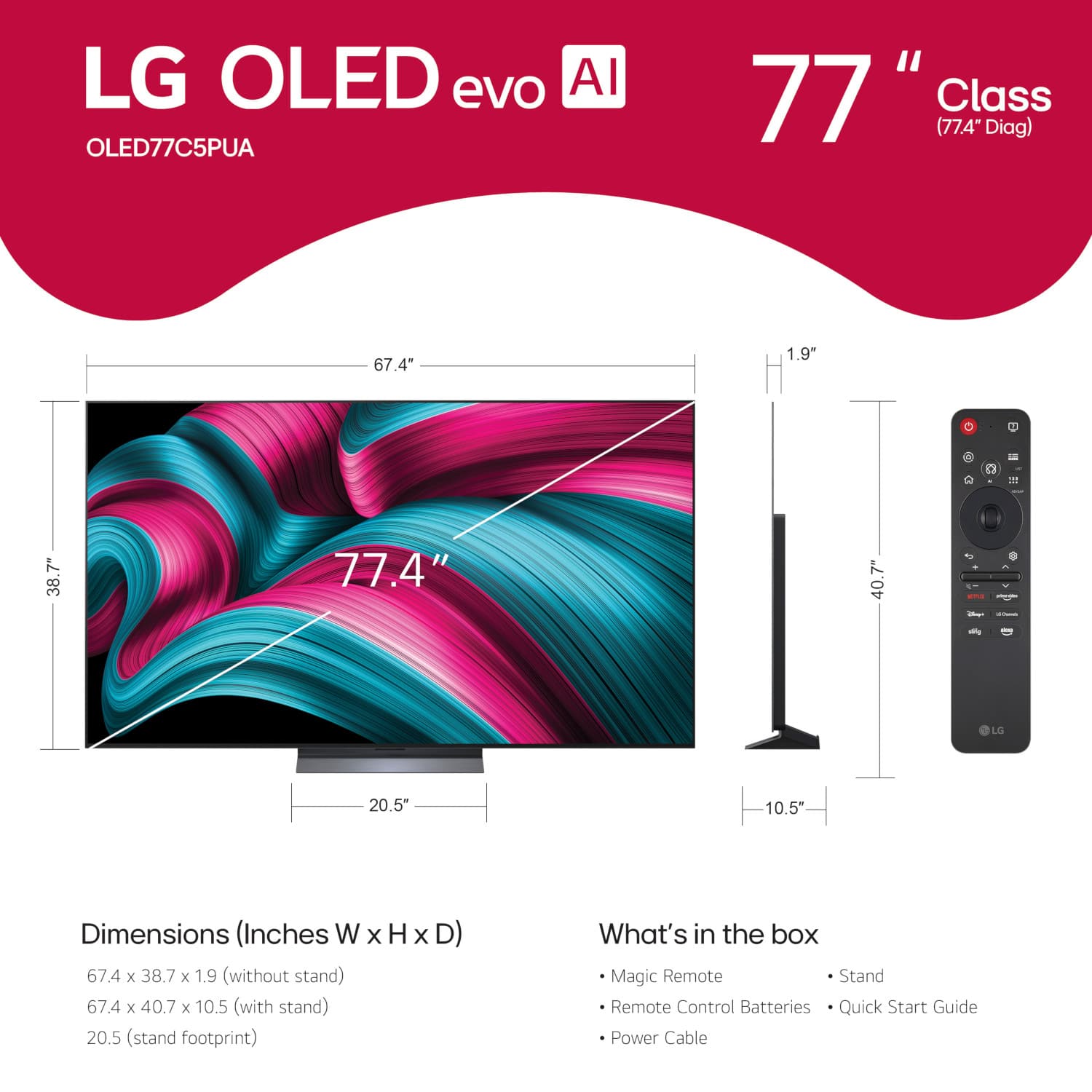
- Model:
- OLED77C5PUA
- SKU:
- 12238148
Rating by feature
- Picture Quality
Rating 4.9 out of 5 stars
- Sound Quality
Rating 4.6 out of 5 stars
- Brightness
Rating 4.9 out of 5 stars
Great Quality TV and excellent service
Posted .This reviewer received promo considerations or sweepstakes entry for writing a review.Great customer service. Great TV. Sound best if you purchase sound bar/subwoofer.
I would recommend this to a friendSpectacular TV!
Posted .This reviewer received promo considerations or sweepstakes entry for writing a review.Absolutely love this TV, got it just in time for March Madness! Highly recommend!
I would recommend this to a friendGet it mounted
Posted .This reviewer received promo considerations or sweepstakes entry for writing a review.Loving our new TV! It looks so good mounted on the wall! Definitely worth it!
I would recommend this to a friendLG-77 Class C5
Posted .This reviewer received promo considerations or sweepstakes entry for writing a review.This has a beautiful picture, sound quality, and is easy to use.
I would recommend this to a friendLF OLEAD C5 is excellent
Posted .This reviewer received promo considerations or sweepstakes entry for writing a review.Very happy with purchase and prompt delivery and follow up service which prompted me to purchase 2 yr extended warranty.
I would recommend this to a friendGreat picture!
Posted .This reviewer received promo considerations or sweepstakes entry for writing a review.Great picture. It is easy to navigate and has great features.
I would recommend this to a friendLG 77” Class C5 series OLED
Posted .This reviewer received promo considerations or sweepstakes entry for writing a review.Truly an awesome picture and awesome experience at the store
I would recommend this to a friendBeautiful Picture Quality
Posted .This reviewer received promo considerations or sweepstakes entry for writing a review.Beautiful picture lots of free channels Fast response
I would recommend this to a friendGreat TV
Posted .This reviewer received promo considerations or sweepstakes entry for writing a review.Great product and would highly recommend this TV to anyone
I would recommend this to a friendGreat TV
Posted .This reviewer received promo considerations or sweepstakes entry for writing a review.Great tv and great installation by Best Buy. Loving it.
I would recommend this to a friendLG 77” C5 Series
Posted .This reviewer received promo considerations or sweepstakes entry for writing a review.Delivery and setup was done on time and in a professional manner.
I would recommend this to a friendLG television
Posted .This reviewer received promo considerations or sweepstakes entry for writing a review.Really great salesman, took ca re of me and showed me how took hook everything together, like soundbar
I would recommend this to a friendGreatbTV
Posted .This reviewer received promo considerations or sweepstakes entry for writing a review.Great addition to our game room! Just what we needed to complete the room.
I would recommend this to a friendTv review
Posted .This reviewer received promo considerations or sweepstakes entry for writing a review.So far it's a good tv. I'm still experimenting with it. Trying to learn the remote and other things.
I would recommend this to a friendDoloresB
Posted .This reviewer received promo considerations or sweepstakes entry for writing a review.So far I like the LG. I always had a Samsung. LG is comparable.
I would recommend this to a friendBest buy
Posted .This reviewer received promo considerations or sweepstakes entry for writing a review.No complaints so far, it’s big and a strong picture.
I would recommend this to a friendBest tv ever for clarity
Posted .This reviewer received promo considerations or sweepstakes entry for writing a review.The remote control is not user friendly and I am having issues installing the Direct TV streaming app
I would recommend this to a friend- Pros mentioned:Picture quality
NOT A GOOD BUY FOR SENIORS
Posted .This reviewer received promo considerations or sweepstakes entry for writing a review.TV picture is a 10. Spending hours trying to figure out how to log into Hulu. No support from Best Buy. They are great in selling you a TV but they are a ZERO in teaching you how to use the remote.
No, I would not recommend this to a friendBrand response from LG Digital Customer Care
Posted .Hi, Allan. Thank you for reaching out and sharing your experience. We understand the importance of enjoying your LG TV (OLED77C5PUA) model not just for its picture quality, but also for easy access to your favorite apps like Hulu.
One helpful step is to press the Home button on the Magic Remote, scroll to the Hulu app, and select it. If you haven’t logged in before, the app should automatically display the Sign In screen. If it doesn’t, you can open the app’s Settings menu (usually found in the sidebar) and choose Log In from there. You may also want to ensure the TV’s software is up to date by going to:
Settings → Support → Software Update → Check for Updates. For more guidance, visit https://www.lg.com/us/support/help-library/lg-tv-troubleshooting-the-hulu-app--20150717611047.
If you’d like us to walk through the steps or check anything else on your TV, feel free to send us an email at [email protected] so our team can assist you directly. ^Juvy
DONT BELIEVE THE HYPE‼️
Posted .This reviewer received promo considerations or sweepstakes entry for writing a review.DO NOT BUY THE C5‼️NO REMOTE SUPPORT ‼️ALSO, WILL NOT WORK WITH 18G 4K HDMI AUDIO EXTRACTOR, AS ADVERTISED‼️NO CUSTOMER SUPPORT ‼️
No, I would not recommend this to a friendBrand response from LG Digital Customer Care
Posted .Hi, Theodore. Thank you for reaching out, and we understand the importance of having your LG TV (OLED77C5PUA) model work seamlessly with your setup. This unit is designed to work with the LG Magic Remote, which pairs through both Bluetooth and infrared. If the remote you’re using isn’t pairing or responding, one helpful step you can try is performing a remote re‑pair: Press and hold the Home + Back buttons for 5 seconds to reset pairing
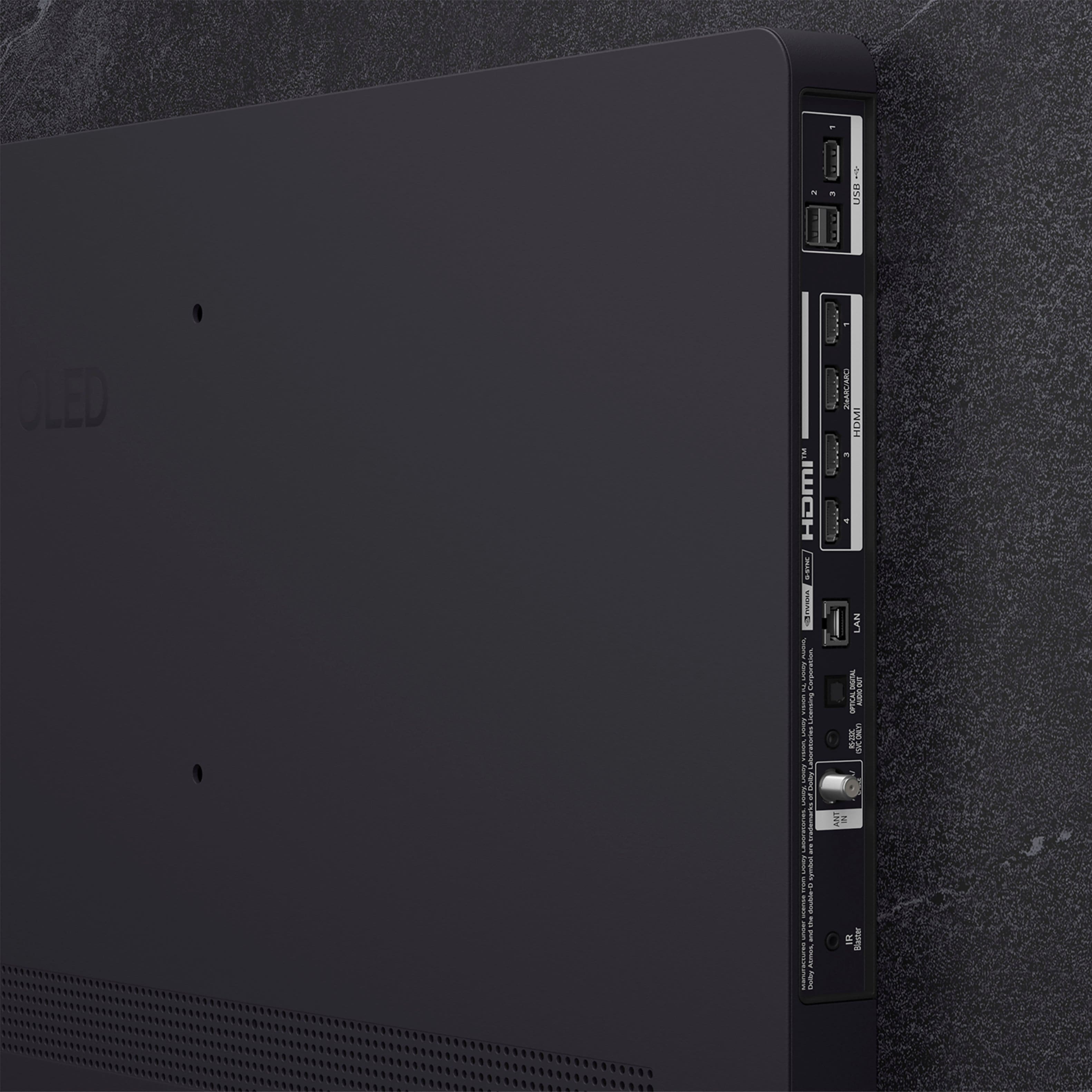
Then point the remote at the TV and press OK to re‑pair. The C5 series features HDMI 2.1 (48Gbps) ports. Many 18G (HDMI 2.0) extractors encounter handshake problems with 4K/120Hz or Dolby Vision signals. In TV settings under External Devices > HDMI Settings, set HDMI Deep Color to "Off" or "4K" for that port to stabilize the extractor at a lower bandwidth. For more guidance, visit https://www.lg.com/us/support/product/lg-OLED77C5PUA.AUS. We’d like to assist further.
Please send us an email at [email protected]. ^Juvy