Customer Ratings & Reviews

- Model:
- 32GQ950-B
- SKU:
- 6506324
Rating by feature
- Display Quality
Rating 4.6 out of 5 stars
- Ease of Use
Rating 4.6 out of 5 stars
- Features
Rating 4.5 out of 5 stars
Customers are saying
Customers have good things to say about the UltraGear monitor's large screen size, smooth refresh rate, and sharp 4K resolution, resulting in an excellent viewing experience for gaming and other uses. Many appreciate the impressive HDR capabilities, although some find the HDR performance somewhat underwhelming. A significant drawback mentioned by several customers is the monitor's substantial weight.
This summary was generated by AI based on customer reviews.
- Pros mentioned:Performance, Refresh rate
Incredible 4k monitor with minimal IPS glow
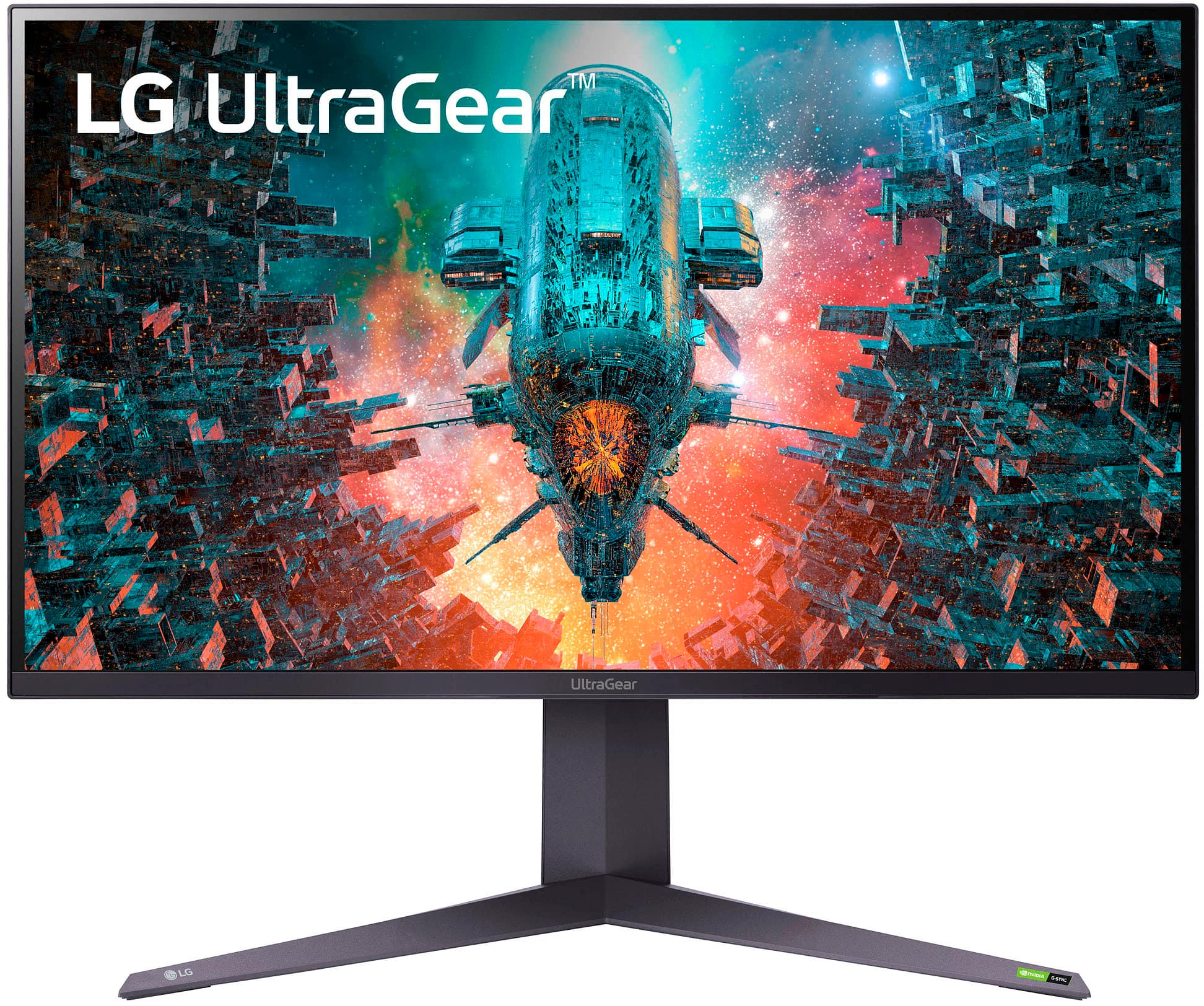
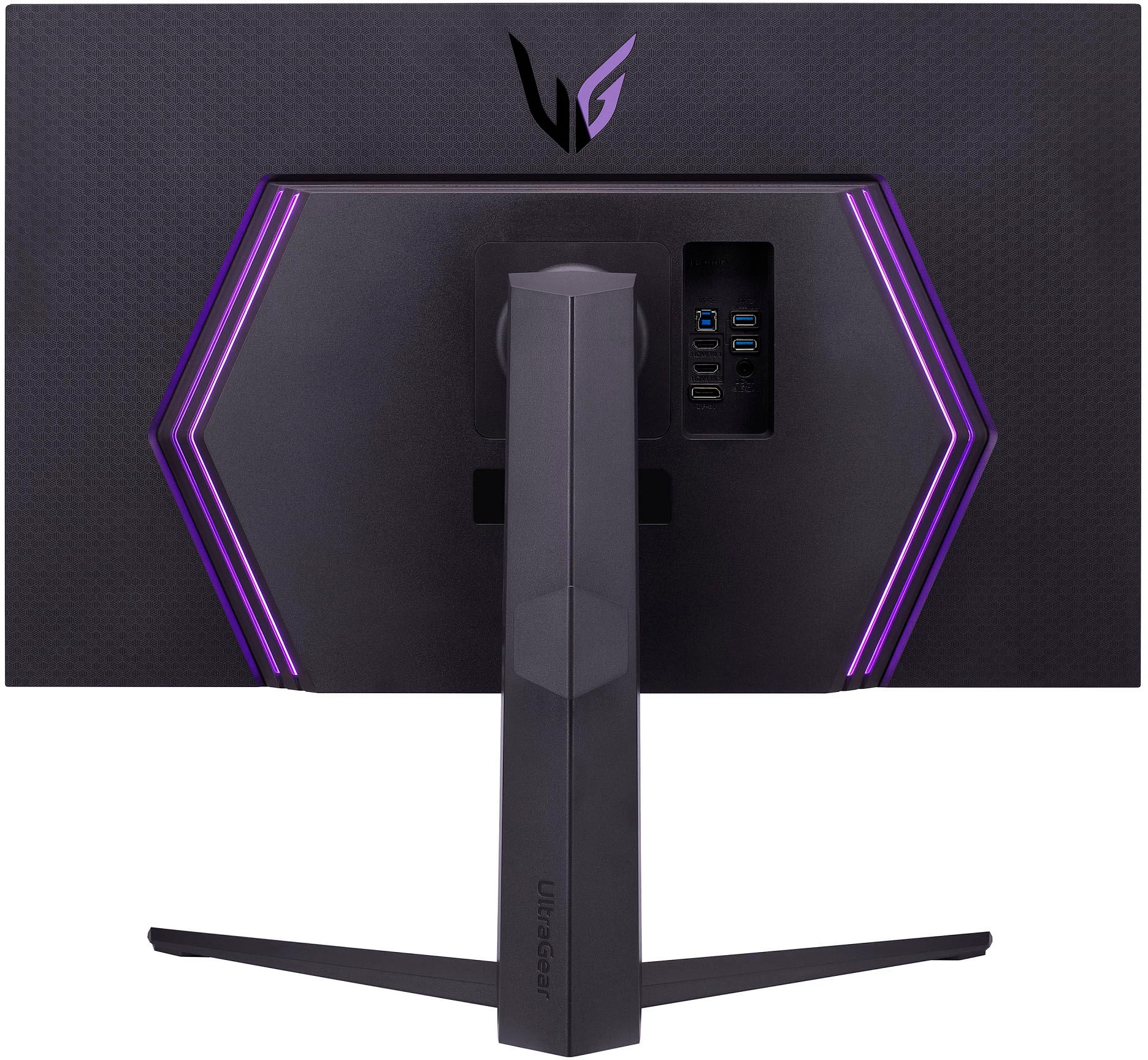
||Posted . Owned for 1 week when reviewed.This reviewer received promo considerations or sweepstakes entry for writing a review.Having used another LG monitor (32GP83B-B.AUS) for years now I was looking into getting a high refresh rate 4k monitor. I compared practically all monitor types (TN/VA/IPS/OLED/QLED/MiniLED) at all price points from various manufacturers (Samsung, ASUS, Corsair, Sony/ etc.) and found this to be the best value in terms of performance. With the reliability that I've had from my other monitor and a price match offer of $1000 for this, I found it to be a great value. Granted, I've price matched it again after purchase so the new total was $750, and I have to say anyone interested in this monitor should buy it immediately because this monitor is really superb and at almost half the price literally cannot be beat in terms of performance. I checked the history of sales for this monitor and this price is the floor that rarely happens so if you have any doubts, I say go for it. The box it comes in is very large as it is a 32" monitor, but it was secured very well and putting it together was straightforward as usual, and with the added benefits of LED lighting in the rear now as well. Some reviews complain about the fan noise but so far, even with it on max settings I haven't heard anything over the sound of my computer so they may have had one-off's. Looking forward to many more years of use with this monitor for gaming/photo editing/etc.!
I would recommend this to a friend - Pros mentioned:Hdr, Refresh rate, Screen sizeCons mentioned:Weight
Greatest monitor ive used... Period.
||Posted . Owned for 1 month when reviewed.This reviewer received promo considerations or sweepstakes entry for writing a review.Ive spent a lot of money trying different monitors, whether it be curved, ultrawide, 4K, OLED, 360hz refresh rate, you name it. This monitor is by far the most well rounded ive had the pleasure of using out of the 20+ monitors that i have purchased. 4K, 144hz, HDR, high brightness, FALD, low input lag, HDMI 2.1 for consoles... What else could you want? The only con i could think of is that it weighs quite a bit, so make sure you have a sturdy desk mount!
I would recommend this to a friendBrand response from LG Digital Customer Care
Posted .Wow, it sounds like you have really done your research when it comes to finding the perfect monitor! It's great to hear that the LG 32" UltraGear™ UHD 4K Nano IPS with ATW 1ms 144Hz HDR 1000 Monitor with G-SYNC® Compatible, model 32GQ950-B, has lived up to your high standards and has been well-rounded in terms of its features. The 4K resolution, 144Hz refresh rate, and high brightness are all impressive, especially in combination with HDR and FALD technology. And it's definitely a plus that it also accommodates HDMI 2.1 for consoles. We appreciate the feedback about its weight, and we'll make sure to keep this in mind for future designs. Overall, it sounds like you've found a great monitor that meets all of your needs, which is always a win! If there's anything we can do to serve you further, let us know. You may send us a private message on Facebook or Twitter using @LGUSSupport. ^Danee

- Pros mentioned:Hdr, Resolution
Good purchase!
||Posted . Owned for 2 weeks when reviewed.This reviewer received promo considerations or sweepstakes entry for writing a review.Get the protection plan, this monitor is doing outstanding, although I personally have had issues with previous LG monitors. This was a step up in resolution from my 38GN950, I have also used the 69G-B and 89G-B extensively. 4k is a very noticeable difference with clean viewing angles. HDR is hit or miss on some media titles, HDR in gaming is perfect, maximum brightness in HDR is preferred. Was planning on getting the 45” UltraGear but OLED burn in and 1440p resolution are unacceptable. Photo editing is exciting and smooth with such accurate colors.
I would recommend this to a friendBrand response from LGAnswers
Posted .Hello there Drake. Thank you for reaching out. We are happy to hear that your are enjoying your LG Monitor. If you have any questions please do not hesitate to send our Support Team a message on Facebook or Twitter. They will be more than happy to help. Thank you. `Jai.
The king of LG UltraGear IPS Panels
||Posted .This reviewer received promo considerations or sweepstakes entry for writing a review.The best LG UltraGear gaming monitor ever! Now that I have that out the way let me tell you why. The on-screen black colors are close to completely BLACK! They have always been grey and discolored but not anymore. I can tell you from a person who owns the LG 38GL950-B, LG 34GP950-B, and now the LG 32GQ950-B. This is by far the best implementation of the three. IPS glow is almost nonexistent. The ATW Polarizer does a great job mitigating the edge lit bleed from the corners. Additionally, the colors pop and the monitor is bright! In my opinion it’s too bright. You have to turn it down to use it for productivity workloads. My screen brightness is on 30 % as I write this review. I left Nvidia settings at 144hz with 12-bit color to get the best picture quality possible. If you overclock it to 160hz you can still run it at 10-bit. This monitor truly shines in SDR. You can max the brightness out if you want and watch some content with loud colors that are vibrant and full. I have to say HDR still lacks the proper implementation and Windows doesn’t do a great job either. It gets too bright, and the colors appear more washed out. Some games implement it well, but it’s hit and miss. In SDR it is the King LG gaming monitor, and you can adjust the brightness to scream vibrant colors. But…………………I must be honest. I returned my first two monitors due to stuck pixels. QC is questionable at best, but this could also be early adopter woes. Mileage will vary. The third one I received is immaculate and I’m pleased with my purchase as I play God of War and Horizon Zero dawn. They really shine on this monitor paired with an RTX 3090 and look amazing on PS5 as well. I plugged up my Series X and enjoyed the experience as well. I do feel this is best suited for PC gaming since the majority of console games rarely go above 60 fps. I would recommend playing on a C1 or C2 instead if you are purely a console gamer. Also, if you don’t have at least a 3080 this monitor is a hard pass because native 4k needs a powerful gpu. If you are looking for a 4k LG gaming monitor that implements a solution for IPS glow and you have a powerful gaming PC. Grab this! I hope you get a perfect one on your first try!
I would recommend this to a friendBrand response from LGAnswers
Posted .We love to see this feedback! Welcome to the LG family. ^Jennifer
- Pros mentioned:Refresh rate, Screen size
Used for two days, screen is now dead
||Posted . Owned for less than 1 week when reviewed.This reviewer received promo considerations or sweepstakes entry for writing a review.Picked up this monitor on Friday, got it put togetber and started jamming out some games. This monitor packs a punch and outputs an amazing picture quality in 4K. The 4090 barely breaks a sweat hitting close to the 144hz maximum. Unfortunately, after probably 6 hours total of using this monitor, the screen decided it did not want to work anymore. Highly disappointed to say the least. For the premium price you pay for this monitor, it’s unacceptable for this to happen in such a short period of time.
No, I would not recommend this to a friend - Pros mentioned:Resolution
Awesome monitor
||Posted . Owned for 3 weeks when reviewed.This reviewer received promo considerations or sweepstakes entry for writing a review.Best monitor for the price. 4k at 165 fps looks really sharp on the monitor
I would recommend this to a friend - Pros mentioned:Refresh rate
Best 4k Monitor out of all!! 10 ⭐️!!!!!
||Posted . Owned for 1 week when reviewed.This reviewer received promo considerations or sweepstakes entry for writing a review.I really love it this 4k monitor is 10 stars out of 5stars!! 160hz is too faster and smooth during playing video game! Recommend you to buy this monitor!!
I would recommend this to a friend Coming from the LG 27gp950.
||Posted . Owned for 2 weeks when reviewed.This reviewer received promo considerations or sweepstakes entry for writing a review.I was between the 42" LG C2 TV and this for desk use. And after setting up the 32" I know the 42" C2 would've been too big for a 24" deep desk. The oled picture of the C2 is better for deeper blacks but after putting over 1300 hours of gaming on the LG 27gp950 (not oled), whatever they call it special ATW polarizer they put on this 32gq950 is a good upgrade towards better blacks. SDR looks better than the HDR on this. With how bright it gets, the highlights pop fine anyway. Purchased for $829 and would buy again in a heartbeat. I play single player rpgs, fps, and horror games on PS5 and Series X.
I would recommend this to a friend- Pros mentioned:Hdr, Refresh rate, ResolutionCons mentioned:Weight

Don’t Let The Contrast and Non-FALD Deter You
|Posted .This reviewer received promo considerations or sweepstakes entry for writing a review.CONCLUSION: This is an excellent monitor and may be the best in its specific niche (32 inches, 4k144Hz, IPS, HDR1000, $900 - $1300 price range). I think that the retail price of $1300 is too expensive without full array local dimming. As a lot of new monitors are coming out with that around this price range. But getting it for $900 - $1000 is fair. As at that range, with the specs, and compared to the competition it will be hard to beat. As I only have two negatives. The contrast ratio is poor which is inherent with IPS tech. Second with HDR1000 spec I was hoping for full array local dimming. With it being edge lit, only 32 zones, and IPS contrast suffers greatly but color, brightness, and sharpness are excellent and better than most other HDR400 or HDR600 monitors. I absolutely love using this monitor as it is very versatile for gaming, work, or consoles. I have a ton of fun on it. Response time is amazing making my competitive scores go up. Also, playing through A Plagues Tale Requiem in HDR is a real treat and at times takes my breath away to the point I actually say “wow”. Making it an easy recommendation if this hits the things you’re looking for on your monitor checklist. PROS: - Nano IPS is very well done here with fantastic viewing angles, colors, and response times. Previously using the Samsung G7 and Asus PG279Q and this feels faster to me. - ATW makes a big difference in dramatically reducing IPS glow. On my unit it is nearly non-existent. I see it a bit with Local Dimming. But otherwise, I don’t notice it even in the dark with dark scenes. However, it is still an IPS panel, so the contrast is still terrible at about 1000:1 so blacks often look grey. Especially, when compared to VA or OLED. - The VESA DisplayHDR 1000 is kind of disappointing. As it only has 32 zones and is edge lit, instead of having full array local dimming. This means that contrast (which to me is the most critical part of HDR) is poor. Especially, in dark scenes you just don’t get as good of dark darks with bright brights. However, this monitor gets very bright easily hitting the 1000 nits mark and the expanded color gamut and accuracy are excellent so the HDR experience especially in games is still good/great. Making it so when I was gaming I always turned it on as it made a big enough improvement on everything that it was worth it. But for normal desktop browsing and media consumption I kept it off as I felt I was getting a subpar experience. As the SDR experience on this is phenomenal. - DCI-P3 98%: The colors and accuracy of said colors are phenomenal. Text is very sharp and easy to read. With LG Calibration Study you can fully calibrate the display making this viable for professional work loads. Also, the included display options have RGB along with RGB Hue’s which is rare. - Again, the 4K resolution is excellent making things look sharp. It supports 4K120Hz 10-Bit color WITHOUT DSC, or 4K144Hz 10-bit with DSC, or you can overclock it to 4K160Hz with DSC all via Display Port Cable. Surprisingly, this monitor is actually better with HDMI 2.1 as it fully supports 4K,144HZ,10-BIT w/ HDR (confirmed on my 4090) without DSC while still supporting both VRR tech (Nvidia Gsync compatible and Freesync Premium Pro). I didn’t try the 160 Hz overclocking. As trying to get 144 Hz on anything at 4K is difficult and anytime you overclock something issues are more likely to happen. - Comes with x1 Display Port 1.4 and x2 HDMI 2.1. Both cords are included and the HDMI is certified. Along with a x2 USB-A 3.0 port hub. That cable is also included. All these ports are extremely easy to reach on the back of the monitor (over say the bottom or something). - Monitor turns on/off, reads sources, and alt-tabs pretty quickly. My Samsung G7 takes FOREVER and drives me crazy. This isn’t an issue on this monitor which I’m eternally grateful for. - No LED light when in standby, powered on, or off. Meaning no light pollution which is nice when in a room you sleep. However, there is an LED light on the back of the monitor which is RGB that can be adjusted in the settings to be different colors or if on/off. - I wish it came with a dedicated G-Sync Module. But instead, it is only G-Sync Compatible and has Freesync Premium Pro. Thankfully, I noticed ZERO issues with this on my Nvidia RTX 4090. No flickering, no screen tearing, or any other type of artifacts. My G7 is horrific with this so seeing it actually work is refreshing. - They have OnScreen Control. Where you can Control the settings of your monitor via an application on your PC instead of through the joystick. To get full control if you plug in the included USB-B cable to the monitor and then plug in the USB-A to your PC it will give you additional options. Such as installing firmware and activating the two 3.0 ports. I had a firmware update and it took like an hour to complete from start to finish which is a long time. Not sure what was up with that. - I hooked it up to my PS5 as well and got full specs (HDR, 4K, 120hz). It also looked fantastic, was very responsive, and a joy to use. Making it a good choice for consoles as well. But arguably you are paying a premium for this monitor and you could likely get something similar with not as good of specs for less which would give similar experience if only using console. - I also plugged it into my MacBook Air and it looked fantastic without any issues. CONS: - This monitor is incredibly heavy at 20.5 lbs. (without the stand). Meaning nearly all VESA Monitor Mounts won’t work but has the ports for it. As all three of mine support up to 17.3 lbs. With those that support >20 lbs. are typically $>200. Therefore, you’re forced to use the included stand. Which for the price comes off as cheap. As it appears to be mostly plastic or at least is covered in it. Only supports tilt, vertical movement, or going from vertical to horizontal. Nothing laterally. Also, the arms on the bottom stick out a lot and I constantly bump my mouse against the one on the right. I don’t really have complaints about the included stand, more that it is difficult to VESA mount, which is always my preference. - With how much it weighs I’d expect the power brick to be internal. But it isn’t. - It does generate a lot of heat and has a fan in it. I don’t hear the fan but that could be an issue. - No dedicated g-sync module. - Two settings I had to change were Power Savings was on so it would dim the screen and then if you were on a static screen, it would slowly get brighter. Turning this off resolved this issue. Second, I switched the Aspect ratio from “wide” to “original” which helped with overall sharpness. - 4K 144 Hz is still a framerate that few graphics cards can fully utilize. Meaning most will be leaving performance on the table (even I do with an RTX 4090). With a bunch of new monitors coming out with “next gen” upgrades this may not hold the stand of time and other monitors may be more affordable and/or better when 4K gaming at high frame rates becomes the norm. Which I think is worth considering before buying.
I would recommend this to a friend - Pros mentioned:Hdr, Refresh rate, Resolution
Good Monitor for Gaming and Productivity, Okay HDR
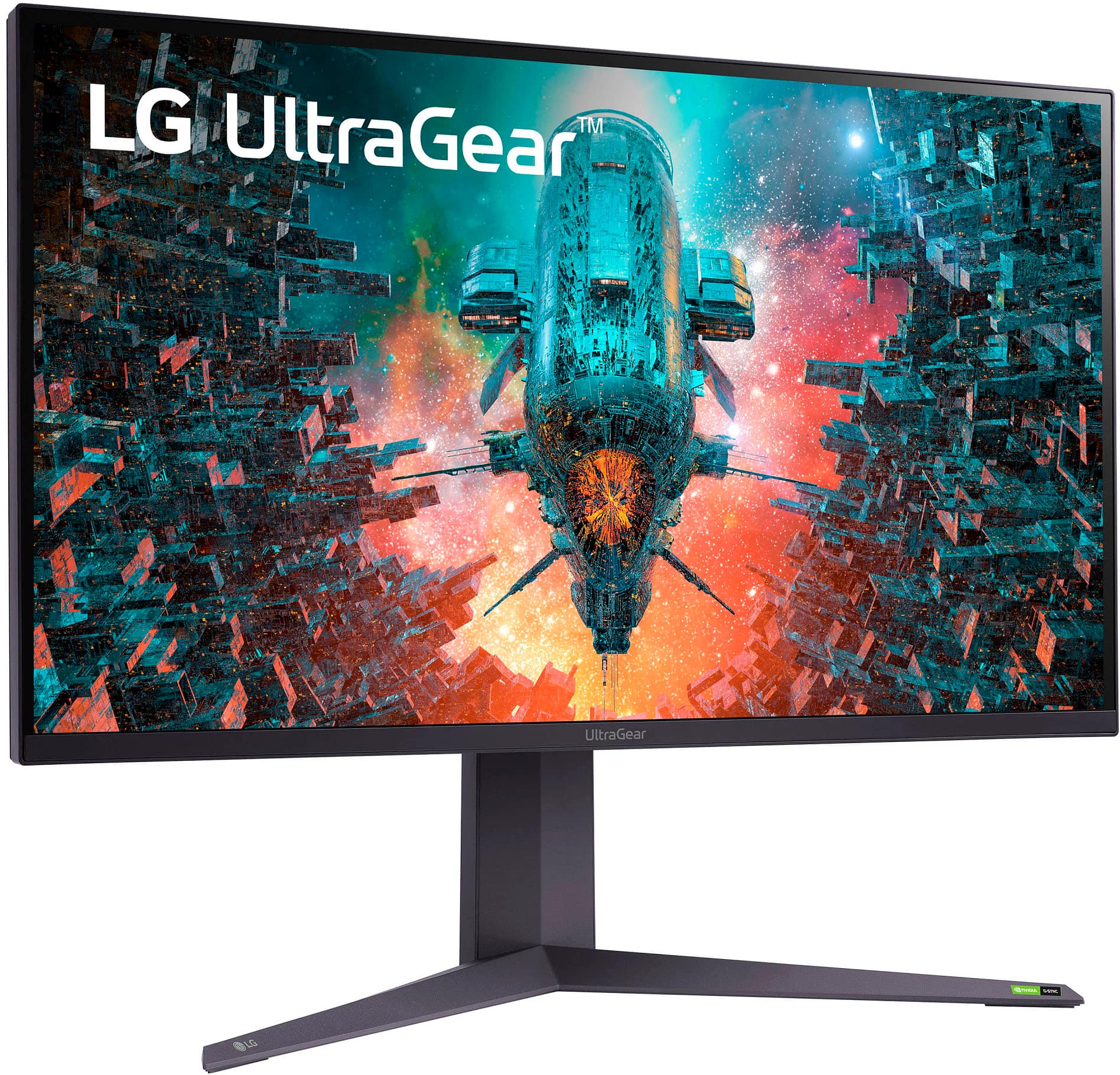
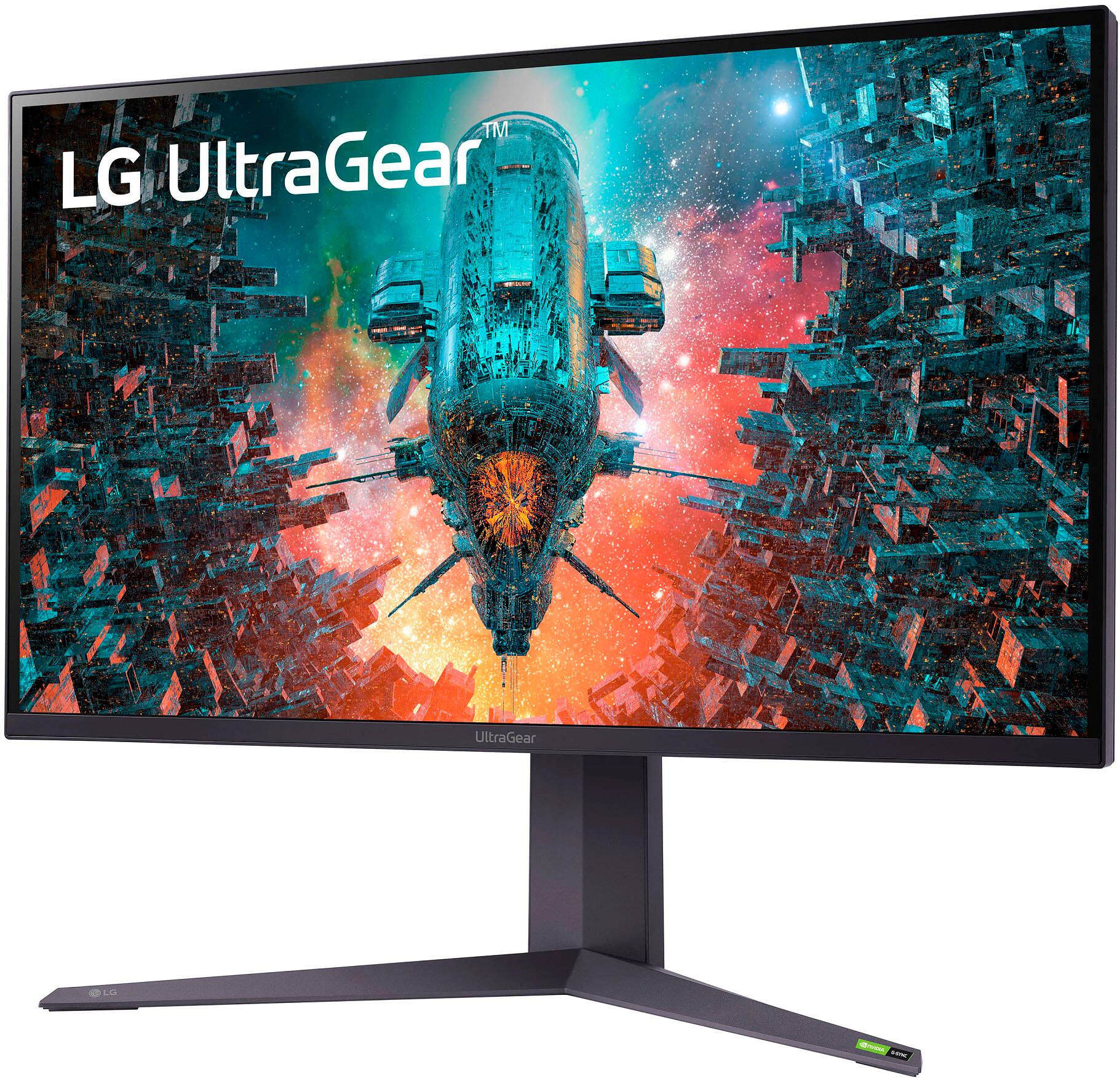
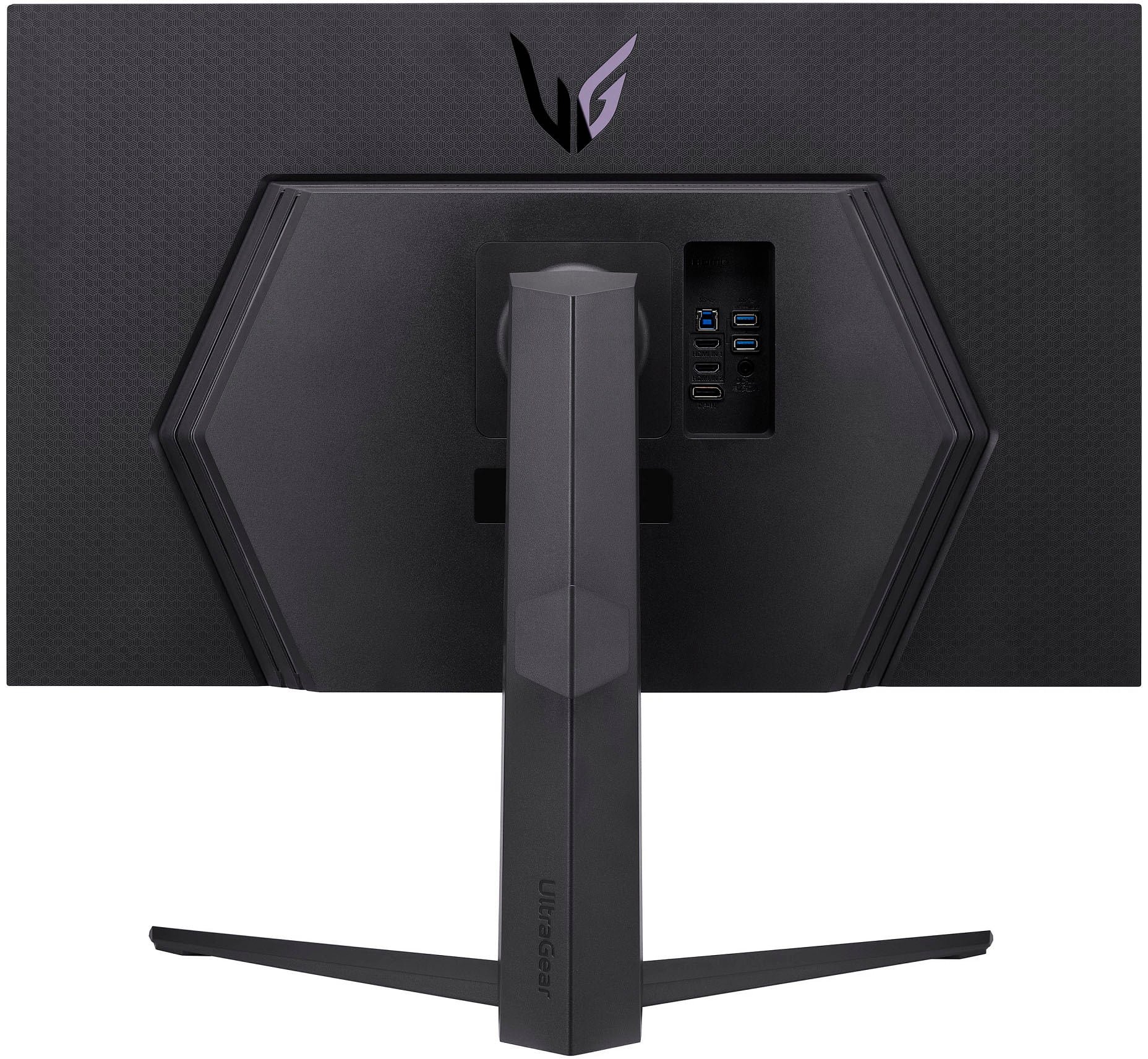
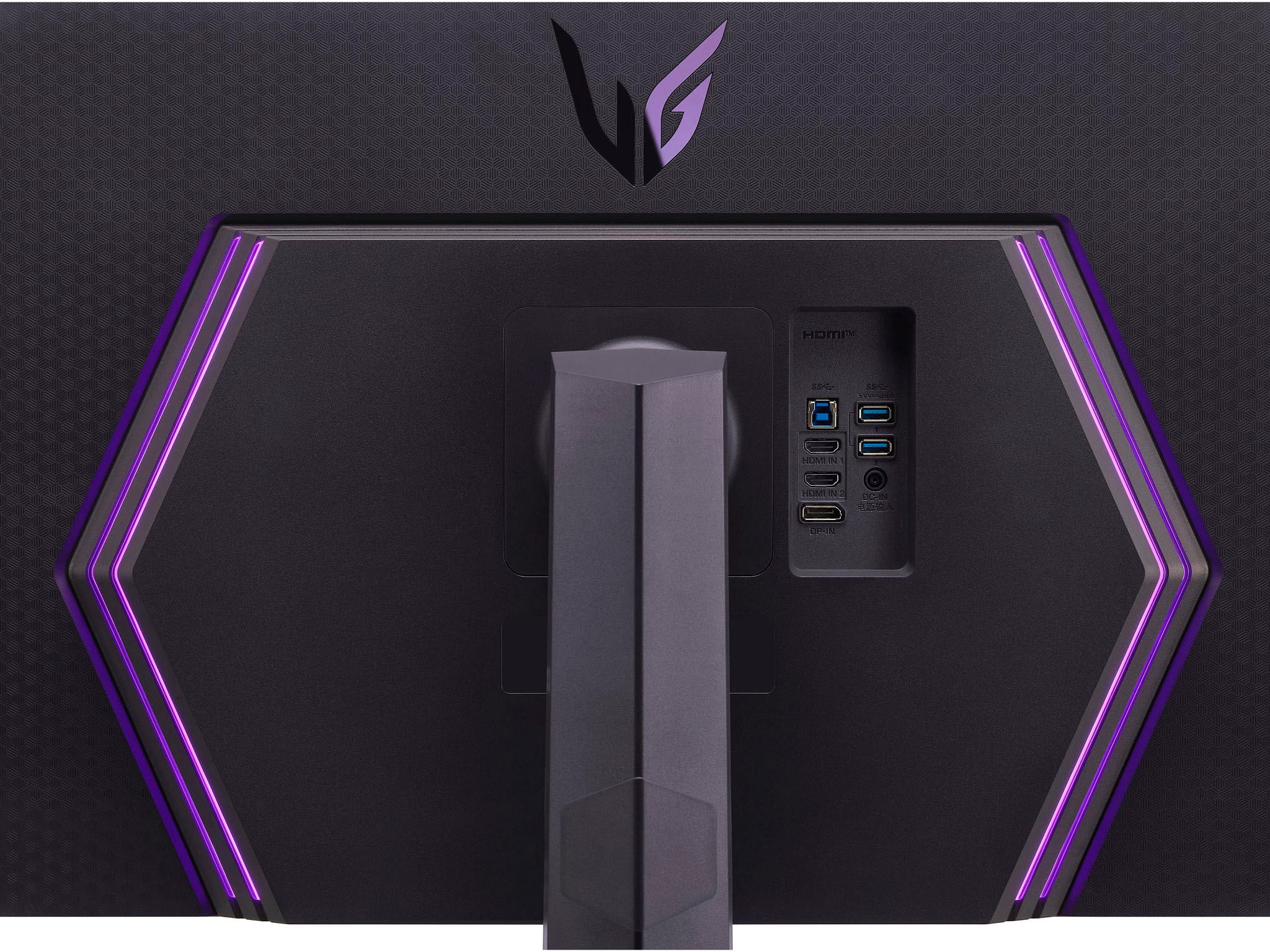
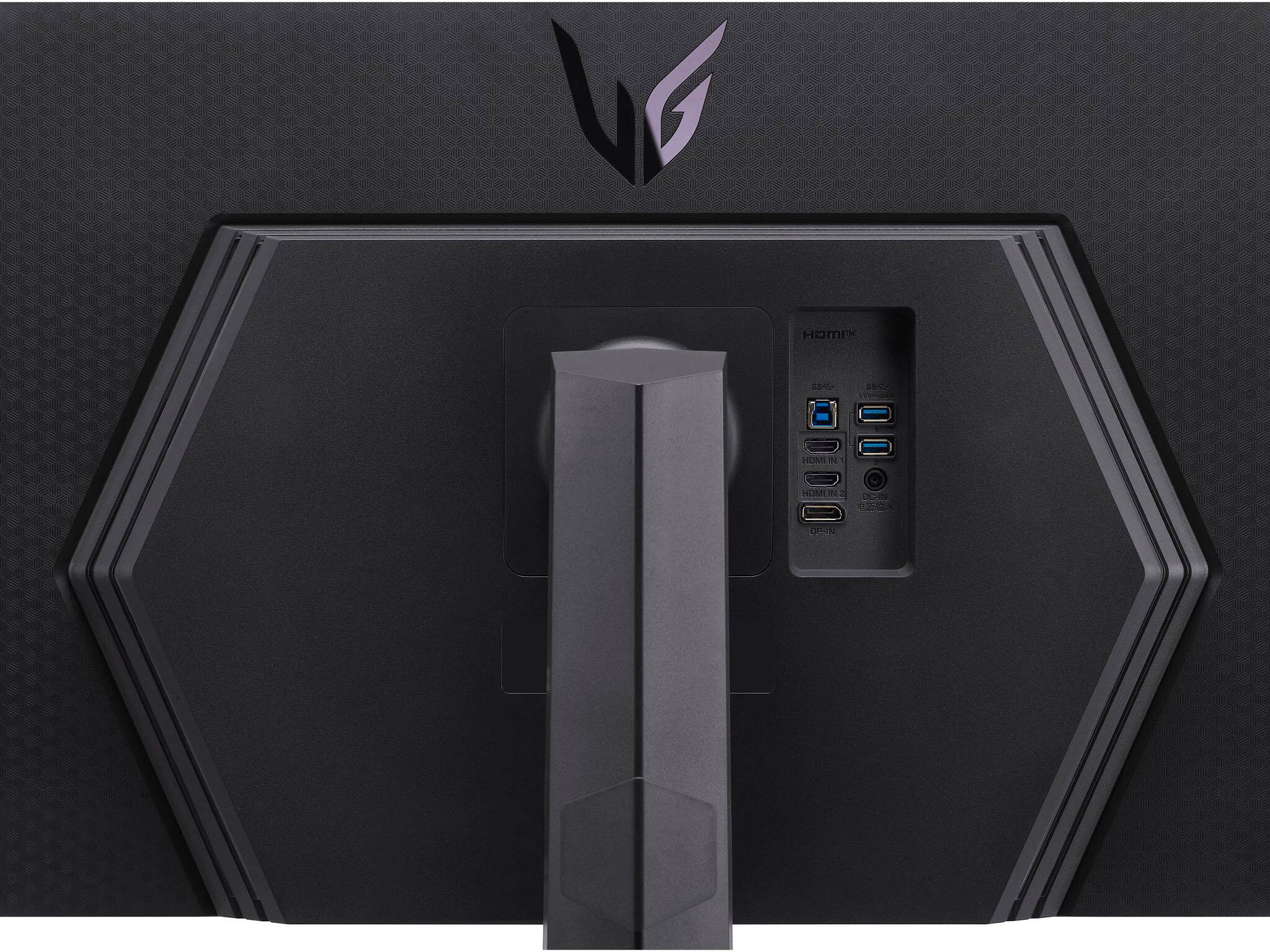
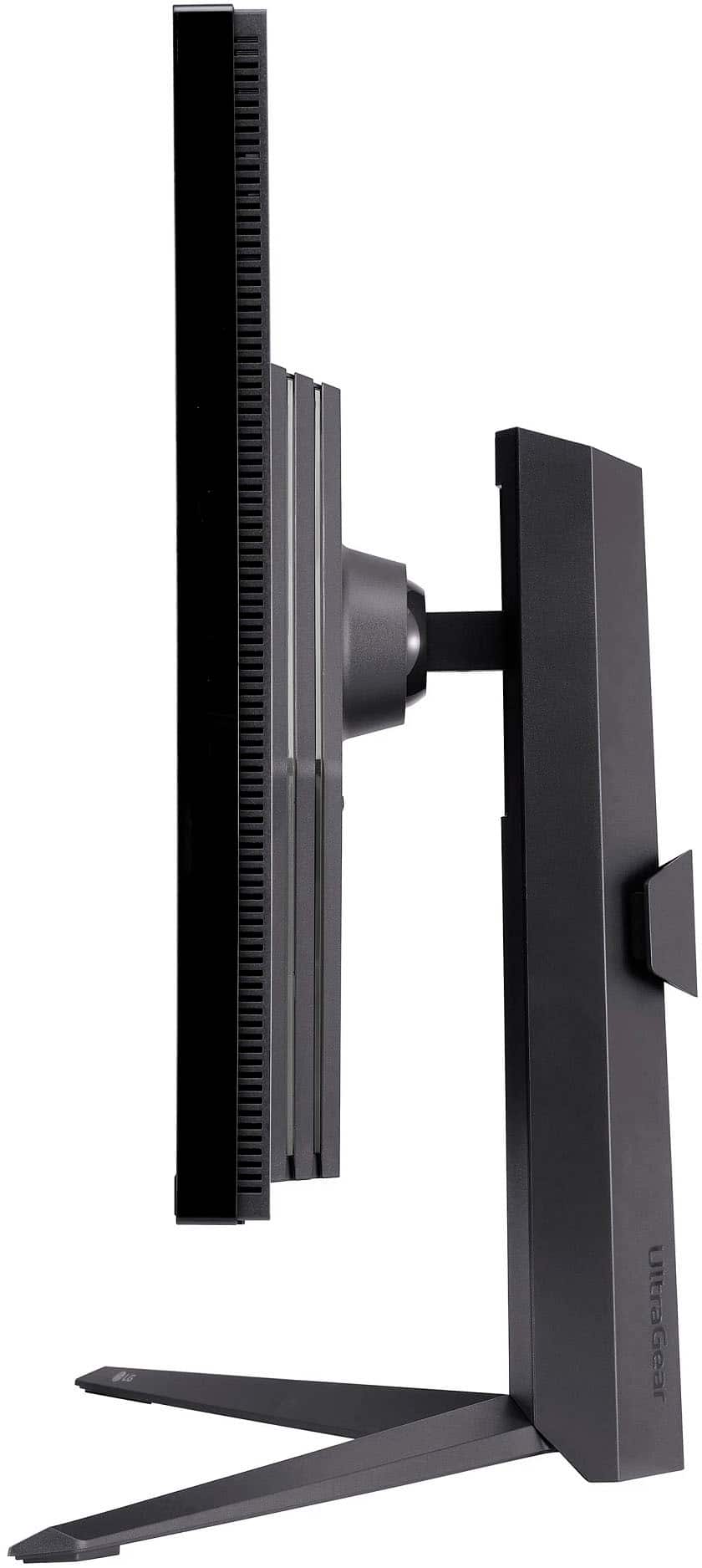
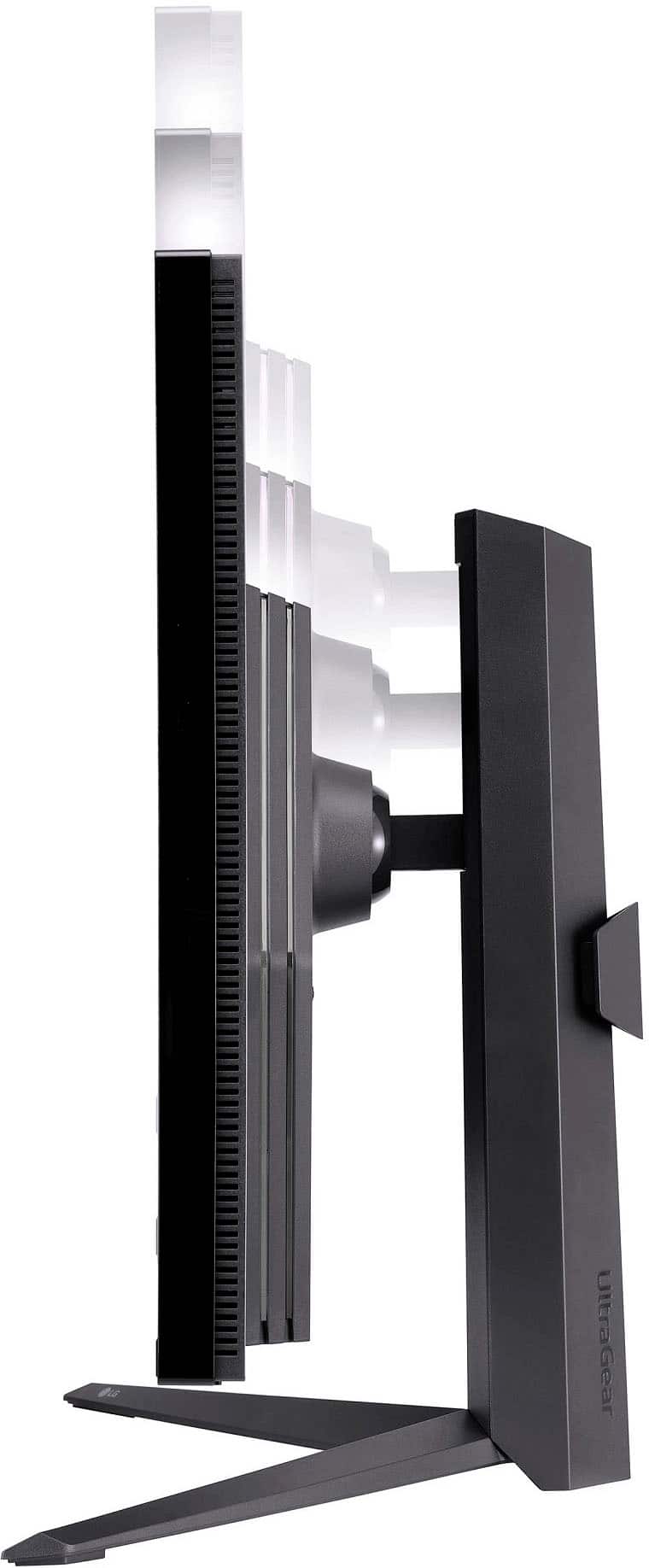
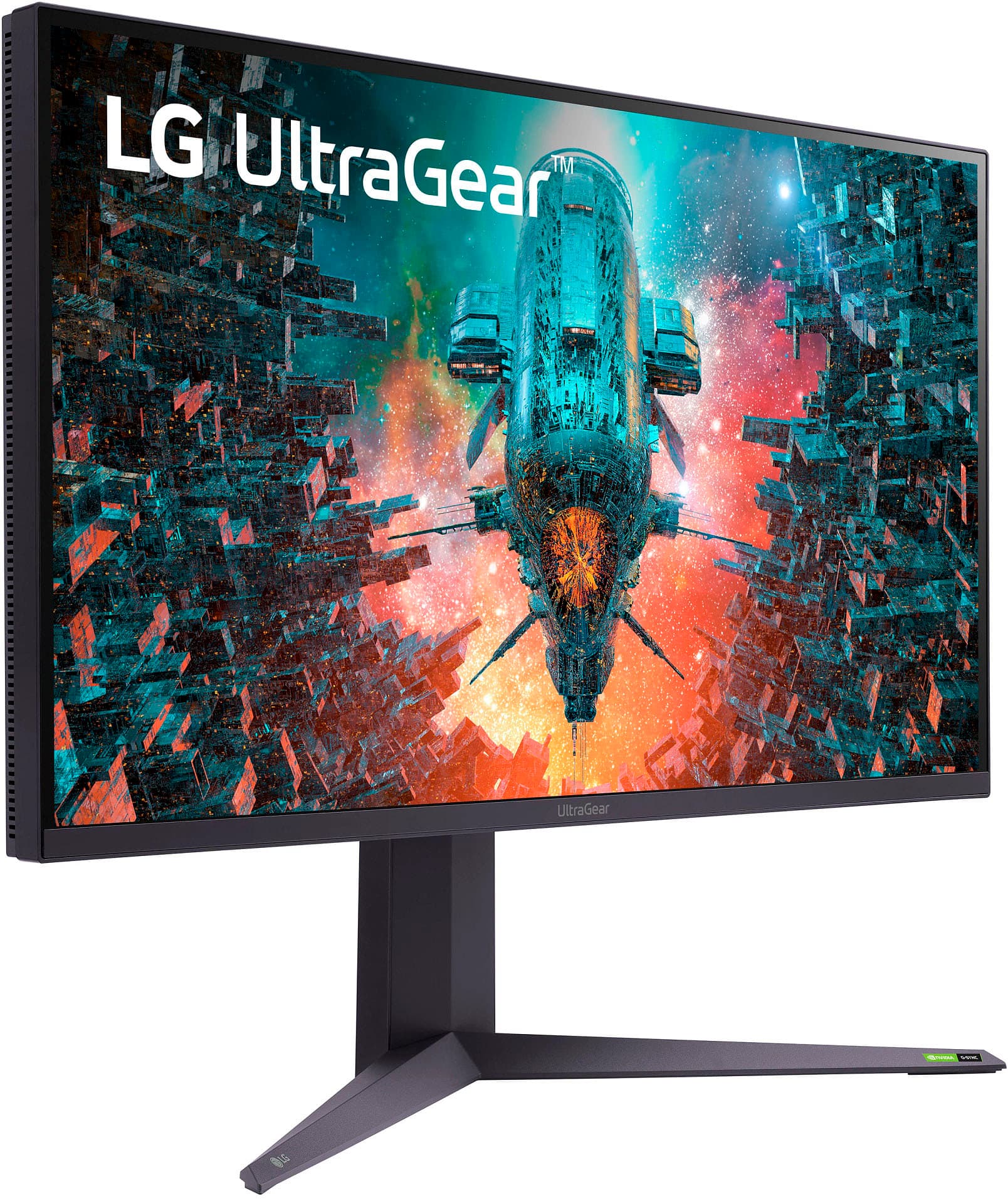
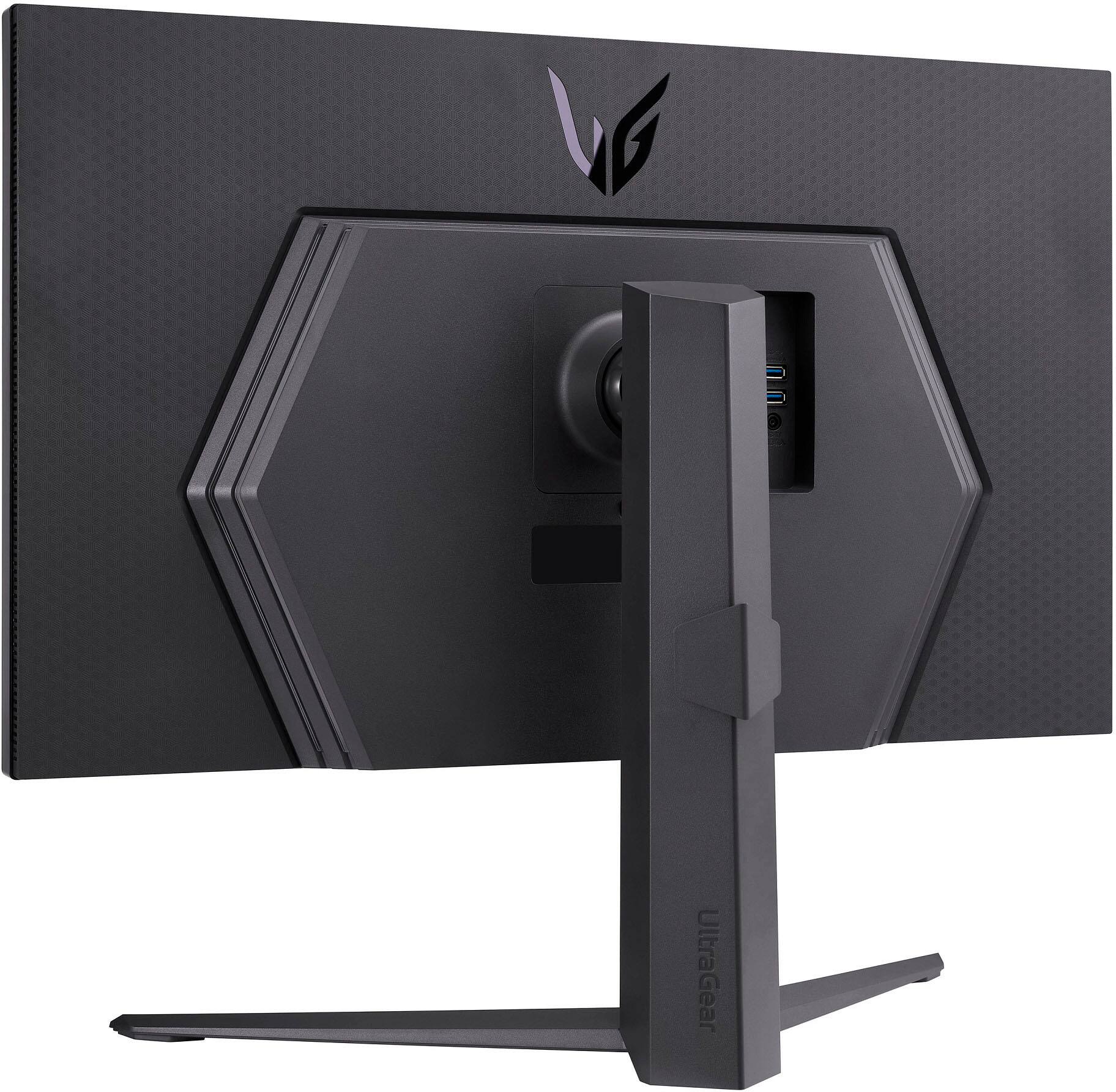
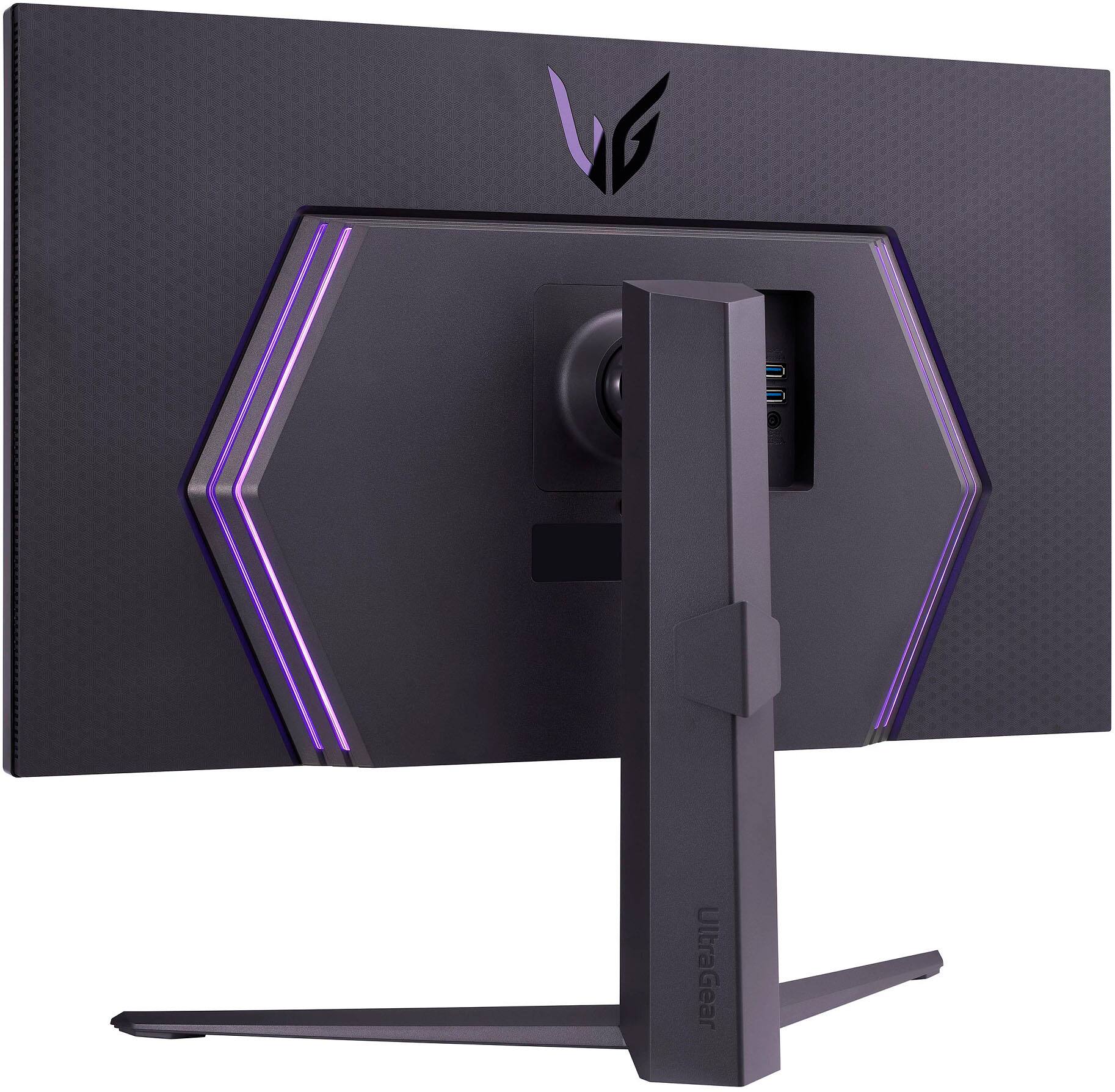
|Posted .This reviewer received promo considerations or sweepstakes entry for writing a review.The 32GQ950-B has been on my list ever since it came out earlier this year and seemed like an ideal monitor for me with the bright screen, wide color gamut, high resolution, and high refresh rate. The price always kept me away though and while I don’t think it’s a slam dunk (HDR leaves something to be desired), if you can get it for under $1K it’s a great monitor if you need something that’s good for both gaming and work. Getting the monitor unboxed and assembled was a straightforward process and didn’t require any tools. The stand assembles in 2 pieces with the V-shaped base screwing into the neck via a thumbscrew and that then snaps into the back of the monitor. The whole thing is a bit heavy once it’s put together, but it’s very stable. The stand offers height, tilt, and pivot adjustments and can also be used in a portrait orientation. The overall aesthetic of the monitor is nice; it fits into my setup well and while the back has a certain ‘gamer’ look to it, it’s not overdone and the lighting looks great up against a wall. The ports around the back consist of 1 DisplayPort, 2 HDMI 2.1 ports that can support full console bandwidth, and 2 USB-A ports along with a USB-B upstream port. It’s a good selection of ports and I’m especially happy with HDMI 2.1 support with many monitors still sticking to just 2.0. The underside of the monitor has a joystick for navigating the OSD and a 4-pole 3.5mm jack for a headset (note the microphone input only works if you have the USB-B port connected to your PC). I briefly used the headset jack, but most of my headsets are wireless and/or USB anyway. Still, I found the volume output at 100% to be a bit lacking compared to the headset port on my PC and probably would not use it regularly. Navigating the OSD with the joystick works well and I didn’t have any frustrations with accidentally selecting something or clicking out of the interface (unlike with the HP monitor I was previously using). I’m not a huge of the look of it, but everything is laid out clearly and adjusting the picture settings is easy to do. The 160Hz mode is not enabled out of the box as it is an overclocked refresh rate, but it can be enabled within the OSD. I enabled it briefly and it worked fine for me, but ended up switching back to 144Hz to avoid any potential instability. The 32GQ950-B occupies a crowded space in gaming monitors. At the $1300 MSRP I think it’s a borderline bad deal, but if you can find it for $1000 or less (and you often can) it’s a much more reasonable proposition. At this price you could also opt for a small OLED or Mini-LED TV from LG or Samsung, but at this point even the smallest 42” screen size is too large for a lot of desks. I think the 32 inch screen size is a good sweet-spot for bigger screen PC gaming and the 4K resolution fits the screen size a lot better than it would for something like a 27” monitor. The monitor also advertises wide color gamut support, which should make it a good choice for creative/productivity work as well. I was disappointed to find out the 32GQ950-B doesn’t use full array backlighting and instead opts for an edge-lit setup. Samsung has a couple of 32” monitors that use full array mini-LED backlighting, but they are also curved displays unfortunately, which is not my preference. HDR1000 is nice to have, but if the monitor is just bright and doesn’t deliver in contrast department it doesn’t have the same impact. Getting the monitor setup and connected to my desktop, I was immediately impressed with how bright this monitor can get compared to the previous ones I’ve used. Colors look fantastic in both SDR and HDR and the monitor ships with a factory calibration report as well so you can be sure that everything is inline. LG also has some calibration software you can use to further dial things in if you have a compatible color sensor. I was happy using the monitor with the response time set at its default ‘fast’ setting and didn’t feel the need to turn that up at all or notice any ghosting. The display supports both Freesync and G-Sync. I can confirm G-Sync works great and helps smooth out gameplay a lot especially for games that fall under 60fps that you’ll likely encounter trying to run them at 4K. Being an IPS panel and only having edge-lit backlighting, you are not going to get the deepest blacks, but for me they were mostly fine and I’ve typically used IPS monitors in the past so I did not notice it too much.The native contrast ratio is around 1000:1 and the local dimming doesn’t help that by much; in HDR it’s pretty easy to spot where one zone ends and the other begins if you’re looking for it and there’s a lot of blooming on scenes with varying levels of bright/dark areas. For SDR picture modes the local dimming is turned off by default and I’m content to leave it that way there. Overall the HDR experience is still better than all the monitors out there that advertise the bare minimum HDR400, but if you are mainly looking at this monitor specifically for HDR I think you’ll come away disappointed. Gaming in HDR is still decent, but not as good as it could be. Some miscellaneous notes: - The monitor ships with both DisplayPort and HDMI cables. The HDMI cable is HDMI 2.1 certified. - The monitor uses external power brick, which considering the size of the monitor I had hoped the power supply would be built-in. I was able to hide it under my desk though. - The color for the lighting on the back of the monitor can be changed via the OSD and they give you a rainbow of different color options, but it doesn’t appear you can set your own specific RGB value or control it via software. I found a cyan color that matched my setup pretty well though. - The monitor supports a VESA 100x100 mount if you don’t prefer the stand, though if you are doing your own mount I’d recommend getting something that’s of a higher quality and can support the weight of this larger monitor. Overall, besides the just okay HDR performance I’m happy with this monitor. The main items for me were the wide color gamut, 32” size, 4K resolution, and high refresh rate, as well as flat screen instead of curved and this checks all those boxes. It seems like a lot of really great monitors are coming out these days though and it’s getting harder and harder to decide, but I’d still recommend this for somebody looking for a monitor that can pull double duty for gaming and work.
I would recommend this to a friend - Pros mentioned:Hdr
Best specs at this price range!
||Posted . Owned for 1 month when reviewed.This reviewer received promo considerations or sweepstakes entry for writing a review.Love everything about it. Except it doesn’t have a remote
I would recommend this to a friend - Pros mentioned:Screen size
Fine for Ps5
||Posted . Owned for 1 month when reviewed.This reviewer received promo considerations or sweepstakes entry for writing a review.Great construction, easy assembly and great picture. Verynice for Ps5
I would recommend this to a friend Great monitor
||Posted . Owned for 1 month when reviewed.This reviewer received promo considerations or sweepstakes entry for writing a review.DP was quicker, had whiter whites at similar adjustment and it allowed me to get into the BIOS, which HDMI does not even display the BIOS screen! DP with DSC is the only version that allows you to get 1440P/HDR/10-bit color/240hz. HDMI 2.1 allows those with room to spare.
I would recommend this to a friend- Pros mentioned:Hdr, Refresh rateCons mentioned:Weight
32GQ950 just isn't the one to get
Posted .This reviewer received promo considerations or sweepstakes entry for writing a review.Although I purchased this from lg.com, my review might be helpful to potential buyers. HDR Eye-searingly bright and maintains high peak brightness, unlike OLEDs. I found it to be a little too bright for dark room gaming. Keep a light on. Windows HDR desktop needs manual adjustment via GPU drivers (monitor OSD locks out many options in HDR mode), otherwise it looks washed out. I used -10 brightness, +200 contrast (maxed), and +115 saturation in Radeon Settings. Color temperature is user preference. Kept it at 6500K. Unfortunately, for HDR games, this meant removing these custom color options, else everything is blown out. You can use the basic SDR brightness slider in Windows HDR settings, however, I found it still wasn't to my liking. If I had no other option, I'd rather keep my desktop in SDR, as colors are wonderful. HDR formats: HDR10 No HLG or Dolby Vision support for streaming Local dimming Independent top-bottom edge-based, which is disappointing at this price point. It's adequate for gaming, but wholly disappointing for streaming Netflix or any other HDR content. Edge glow gets distracting. Color SDR and content with native HDR provide rich colors. This is a 12bpc capable panel, so it can also double as a pro monitor (it better for the price!). 4K 144Hz + HDR limited panel to 8bpc + dithering (RGB 4:4:4) on DP1.4 (AMD RX 6950XT), so I instead ran 4K 120Hz at 10bpc to avoid dithering. Refresh rates Panel supports 60Hz, 95Hz, and 120/144Hz/160Hz. 120Hz is only available in DisplayPort 1.4 without DSC and 144Hz with DP1.4 w/ DSC; you have to manually switch between DP1.4 modes (in monitor OSD) to access either 120/144Hz (not both), which is, well, idiotic. 160Hz with OC. Input response No complaints. It has minimal input lag for IPS. Problems I encountered After 4 days, my 32GQ950 developed 2 dead pixels at center left and right of screen. I found this unacceptable and initiated a return. Due to the brightness of the panel, these are extremely noticeable (see pictures). IPS glow and other things ATW polarizer does work and reduces IPS glow. Instead of a greyish-white tint, it's more of a blueish tint that is not distracting; let's say that it's less annoying. Has very wide viewing angles with minimal contrast or color shift, as expected. Should this monitor have full-array local dimming? I think it should. On a black background, I could move the mouse and see edge local dimming zones. This monitor is unusually heavy. I think a lot of that is for cooling to support DisplayHDR 1000. I think there are better display options out there. LG needs to revise this immediately.
No, I would not recommend this to a friendBrand response from LGAnswers
Posted .Thank you for sharing your product experience feedback. We will share this with our research and development teams for future improvements. ^Jennifer
This monitor is awesome.
||Posted . Owned for 9 months when reviewed.This reviewer received promo considerations or sweepstakes entry for writing a review.This monitor is the best monitor I ever Had. The color looks crisp, natural, and well balanced.
I would recommend this to a friendBest monitor
||Posted . Owned for 1 year when reviewed.This reviewer received promo considerations or sweepstakes entry for writing a review.Great monitor. Graphics are amazing. Built in LED lights in the back make your set up look amazing.
I would recommend this to a friend- Pros mentioned:Hdr, Refresh rate, Screen sizeCons mentioned:Speakers
Top of the Line PC & PS5 Gaming Monitor!!
|Posted .This reviewer received promo considerations or sweepstakes entry for writing a review.When you have a high end gaming PC or a next-gen gaming console like a PlayStation 5, you absolutely need to invest in a quality gaming monitor! This LG UltraGear lets you fully on specs of your gaming console and more! PROS: - My first impression unboxing the monitor is that this thing is heavy duty! Nice thin bezels but has some weight to it with all the specs it has built into it. - Setup was very easy! It comes with a stand but I personally mounted mine which was very simple! After that, all you do is plug in the power & HDMI cable and go from there. - I really like the back of the monitor too. It has a nice hexagon icon design and of course the lights are a huge added plus! - The monitor’s display is of course the biggest selling point. It is truly stunning! As you can see in my pictures, I ran my PlayStation 5 on it and it runs in 4K HDR with 120hz refresh rate. The colors really do pop and everything about it is crisp. On top of that, gaming with a gaming PC was fantastic as well! You get to really take advantage of those high level refresh rates and all the benefits of the monitor! - Speaking of which, the refresh rate is really smooth. That to me was the real game changer to make for a smooth process when moving your player around while gaming. - Outside of testing on my PC & PS5, I used it for “work from home” as well as some Nintendo Switch gaming. All of those options work incredibly! I think since it has the multiple input options, it is really great to be able to switch from high end gaming, to work, to play again! CONS: - There is no built in speakers. Yes most people use headphones, but I think it would have been nice to include! - I also wish there would have been a USB-C / Lightning input but there is not. BOTTOM LINE: - Having a top of the line monitor for your gaming PC or next gen console is an absolute must have! The LG Ultragear is a stunning purchase in everyway! The 32” screen is the perfect size, it produces an incredible 4K HDR screen with a very high refresh rate as well! If you are someone who uses a monitor for work and play, this is an excellent choice to make and will be my main monitor!
I would recommend this to a friend Cant go wrong if you can get it foe 1000 or under
||Posted . Owned for 3 weeks when reviewed.This reviewer received promo considerations or sweepstakes entry for writing a review.Wow wow wow. I got the g7 sent back then the g8 sent back. This is a brightness monster. Lg really impressed me over the gp950 with this one
I would recommend this to a friendReview
||Posted . Owned for 3 weeks when reviewed.This reviewer received promo considerations or sweepstakes entry for writing a review.Monitor is pretty good. Got it $400 off. I use it everyday.
I would recommend this to a friendBrand response from LG Digital Customer Care
Posted .Wow! That's really a great deal! Your 5-star rating assured us that this TV has met your expectation and satisfaction. Thank you for supporting LG, and for giving us a chance to service you. ~Bridge
- Pros mentioned:Hdr, Refresh rate, Screen sizeCons mentioned:Speakers
Worth it if you want 4k with no compromise
||Posted . Owned for 3 weeks when reviewed.This reviewer received promo considerations or sweepstakes entry for writing a review.I'm a reviewer that doesn't bore you with all the ins and outs that can be easily accessed through YouTube and elsewhere. I was looking for a larger monitor than my 27 inch Asus gaming monitor with Nvidia G-Sync capability since I run a Ventus 3 OC MSI 3080ti card. I did not want a curved monitor since I am about 30 inches away from the monitor and the Samsung G7 and G8 series were also not on sale. This monitor has 4k, 165hz refresh, top tier HDR for color, etc. The controls are a little sensitive since there is a toggle in the bottom center. During my setup, I had mistakenly turned off my monitor. Just simply use the same toggle to turn it back on. Multiple settings and tweaks abound with this monitor. It does have speakers although small ones so don't expect home theater sound. The colors are breathtaking with rich colors and total blacks. I watched 4k HDR content with amazement. I decided to buy when the monitor was discounted $400 which still cost $899.00 but after watching all the in-dept reviews on YouTube regarding the LG and Samsung 4k, feature packed, 31.5 inch monitors. Many reviewers suggested buying the LG over the Samsung "G" series when considering. I hop this helps. I see that the monitor is sold out so congratulations to the lucky owners who decided to buy.
I would recommend this to a friend