Customer Ratings & Reviews

- Model:
- 45GS96QB-B.AUS
- SKU:
- 6575395
Rating by feature
- Display Quality
Rating 4.8 out of 5 stars
- Ease of Use
Rating 4.8 out of 5 stars
- Features
Rating 4.8 out of 5 stars
Customers are saying
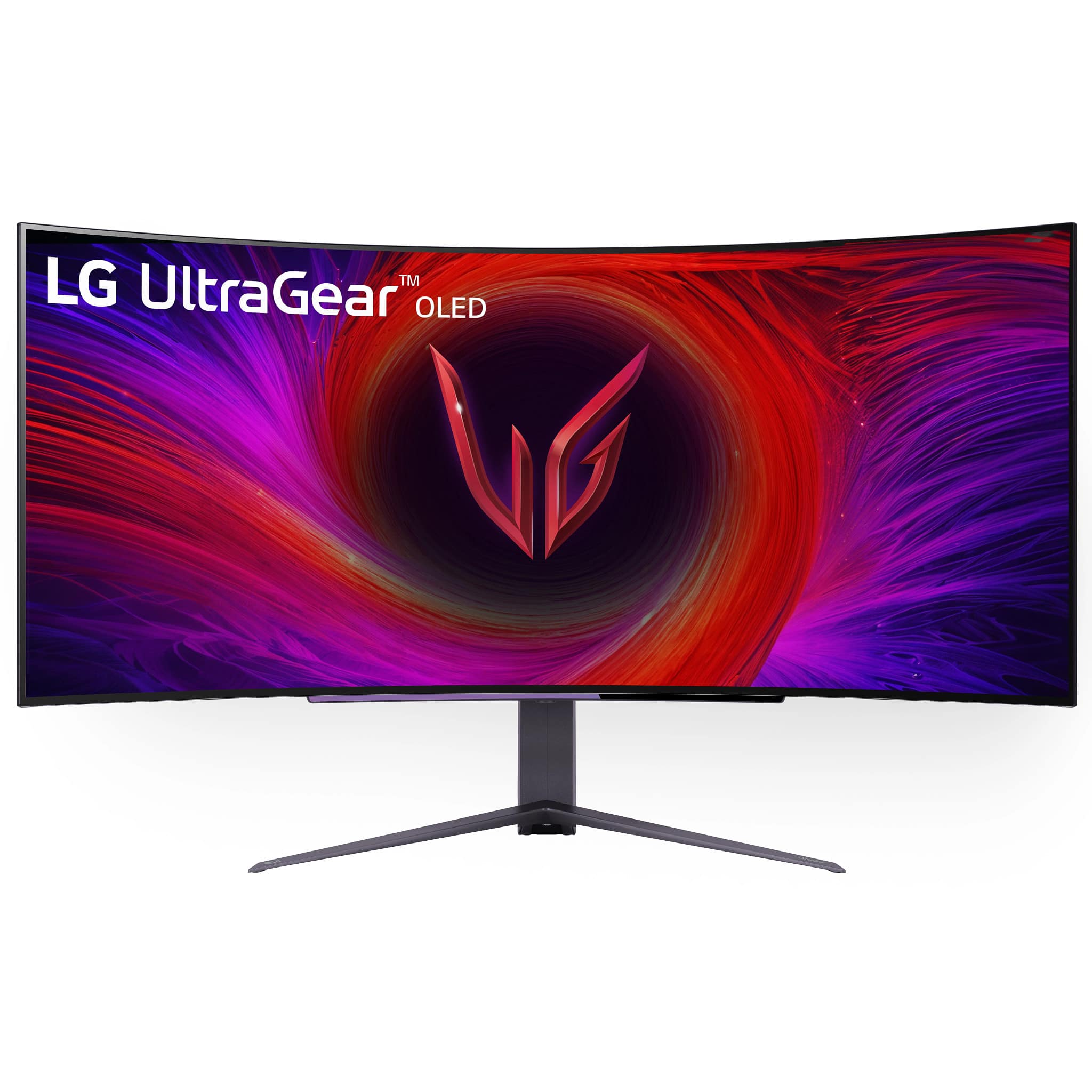
Customers find value in the UltraGear 45" OLED monitor's overall performance, screen size, and OLED quality. Many users find the monitor provides an immersive experience and appreciate the quick refresh rate. However, some customers have noted concerns regarding text quality and resolution. Overall, the monitor seems to be well-received, with the pros outweighing the cons.
This summary was generated by AI based on customer reviews.
- Cons mentioned:Text quality
This aint it.
||Posted . Owned for less than 1 week when reviewed.This reviewer received promo considerations or sweepstakes entry for writing a review.First off i was very skeptical about this monitor. With the pixel density at 83 ppi, i was very hesitant to buy it. Many people on forums said it's pretty much unnoticeable, but those people are lying out their bums. Colors diverging from texts is very apparent, and it's not an easy thing to just ignore. Colors were okay, nothing spectacular. And then there is the issue with gamma flicker when g sync is enabled. The worst i have ever experienced on a gsync compatible monitor. I am a huge fan of LG TVs and monitors, but for $1800, this ain't it.
No, I would not recommend this to a friendBrand response from LG Digital Customer Care
Posted .Hi, Nick. Thank you for sharing your feedback on your LG Monitor (45GS96QB-B) model. We appreciate your detailed feedback on the unit and understand your concerns about pixel density, color accuracy, and G-Sync performance. We strive to provide top-notch products that exceed our customer's needs. Try adjusting the G-Sync settings or updating your graphics drivers for the gamma flicker issue, as this can sometimes resolve flicker problems. For color divergence, calibration settings can help improve display quality. For more help, you may visit https://www.lg.com/us/support/help-library/lg-monitor-how-to-use-the-lg-calibration-studio--20153255638520. If you need further assistance, please reach out to us on social media @LGUSSupport. Thank you for sharing your thoughts and for being a loyal LG customer. ^Juvy

- Pros mentioned:Oled quality, Overall performance, Refresh rate

Looks Great & Improves Your Gameplay
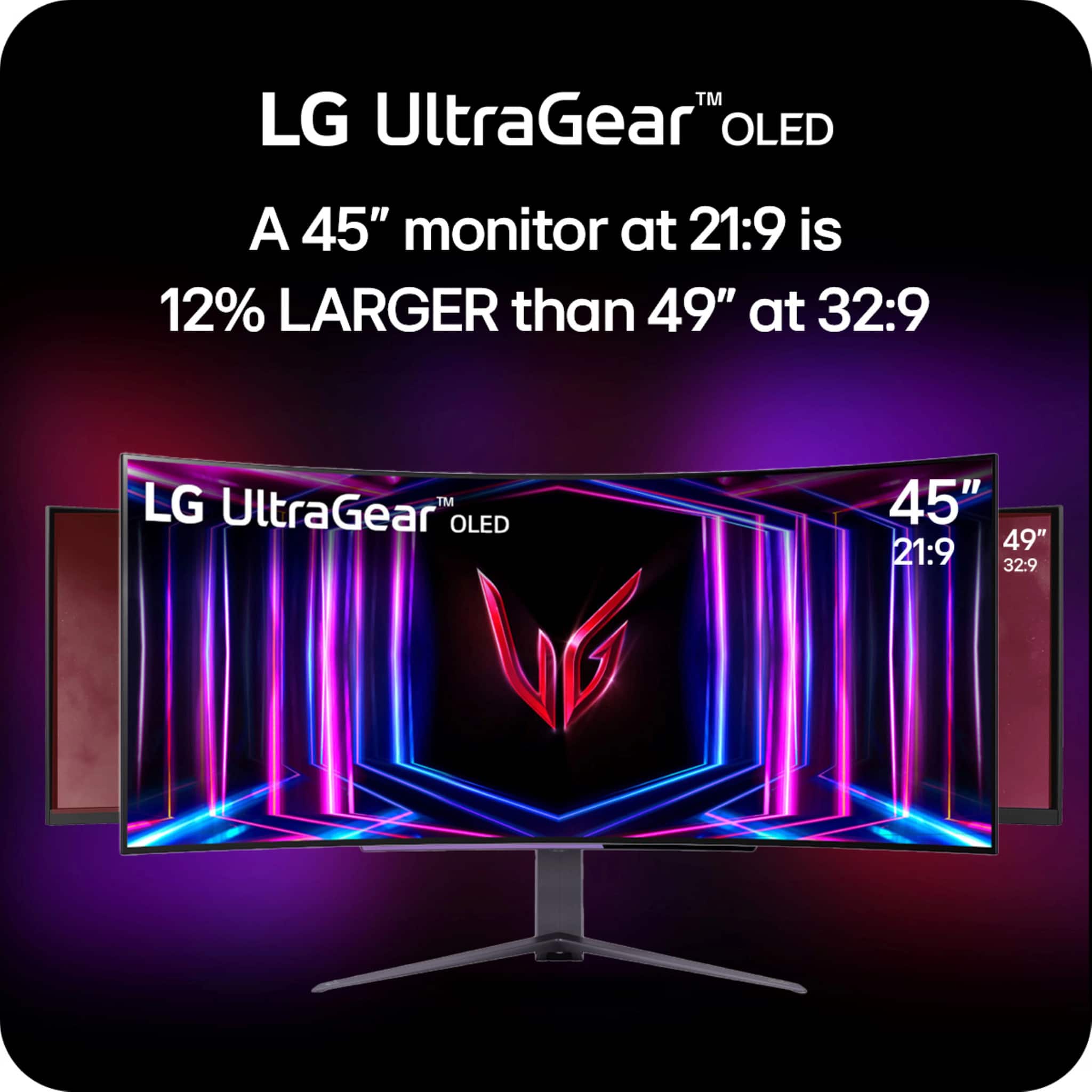
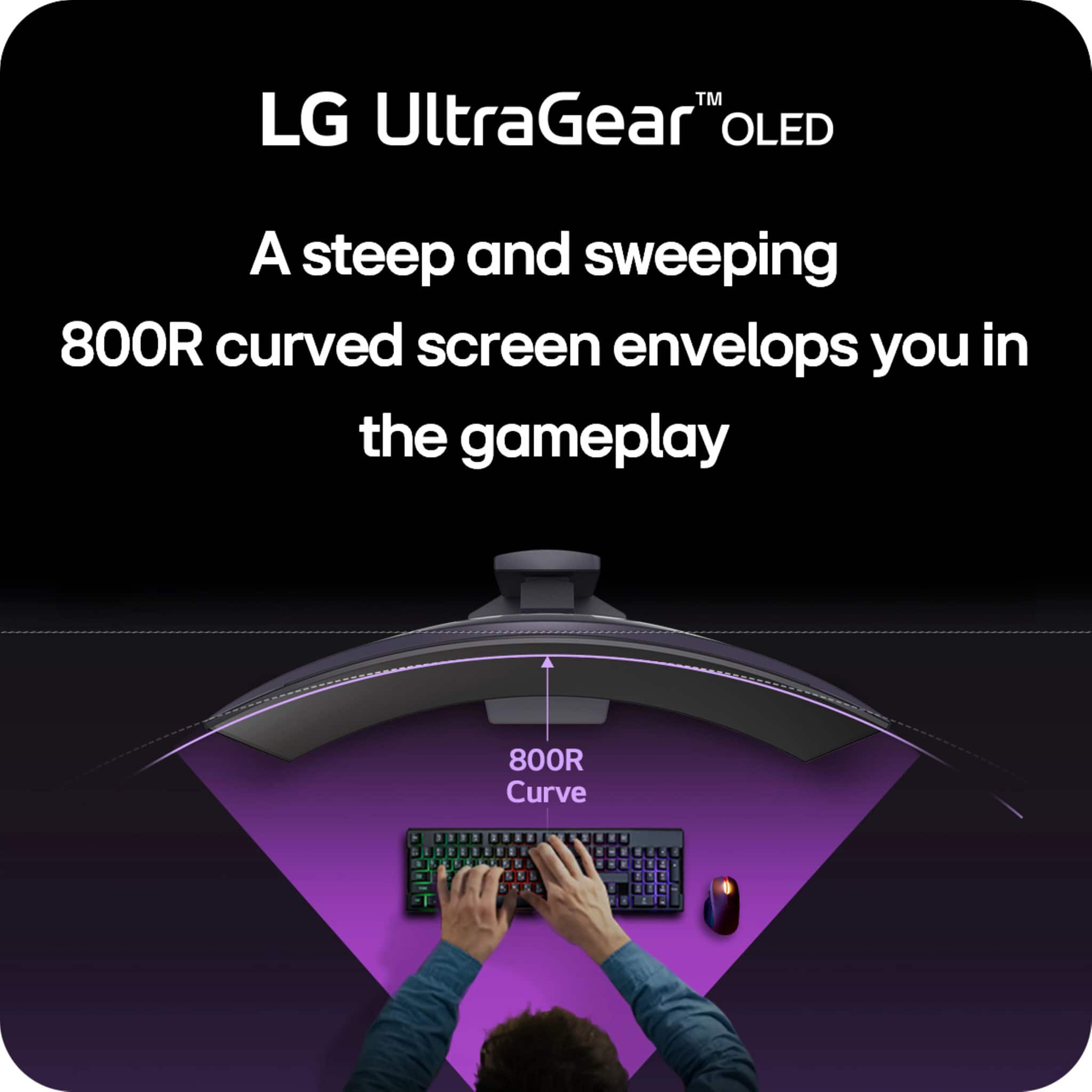
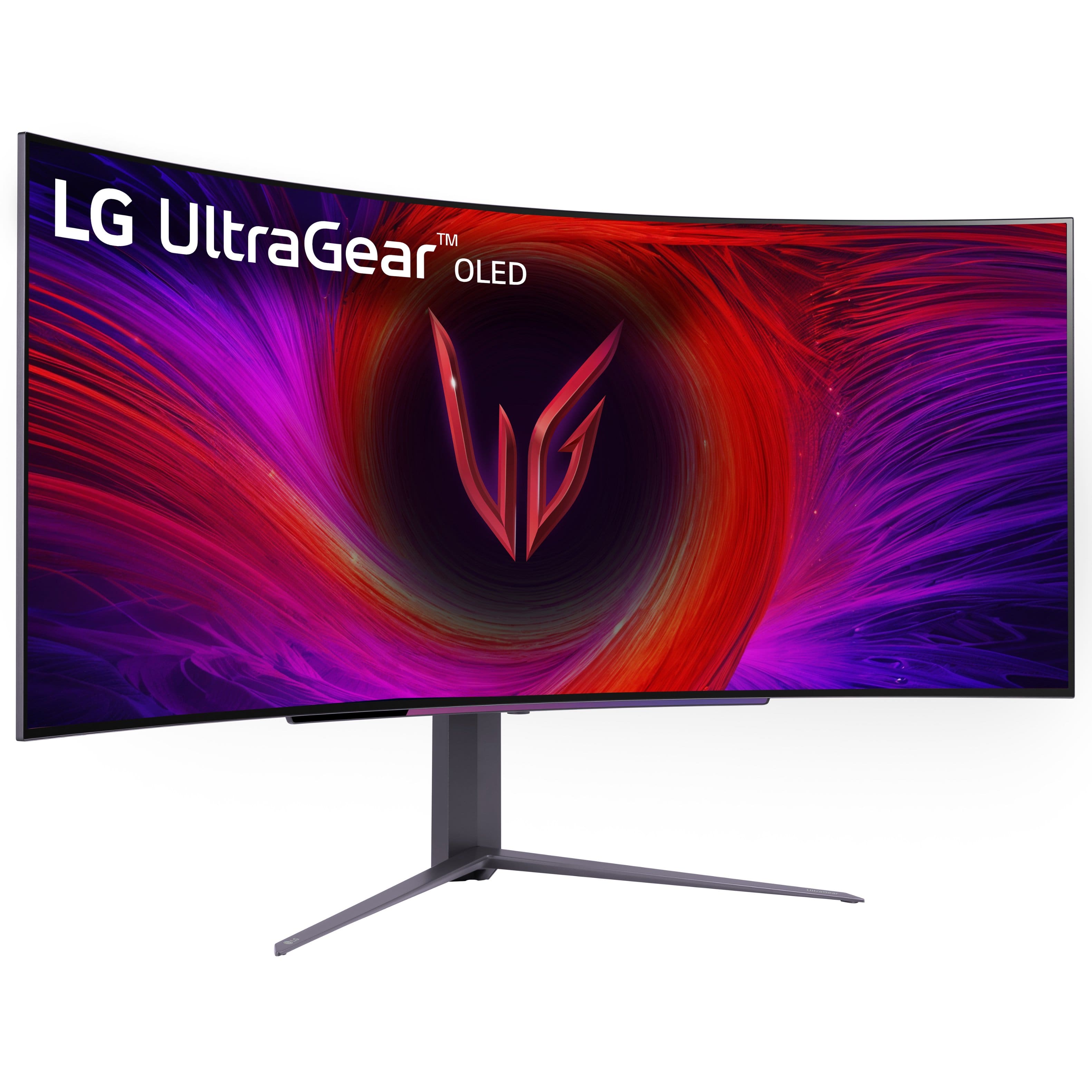
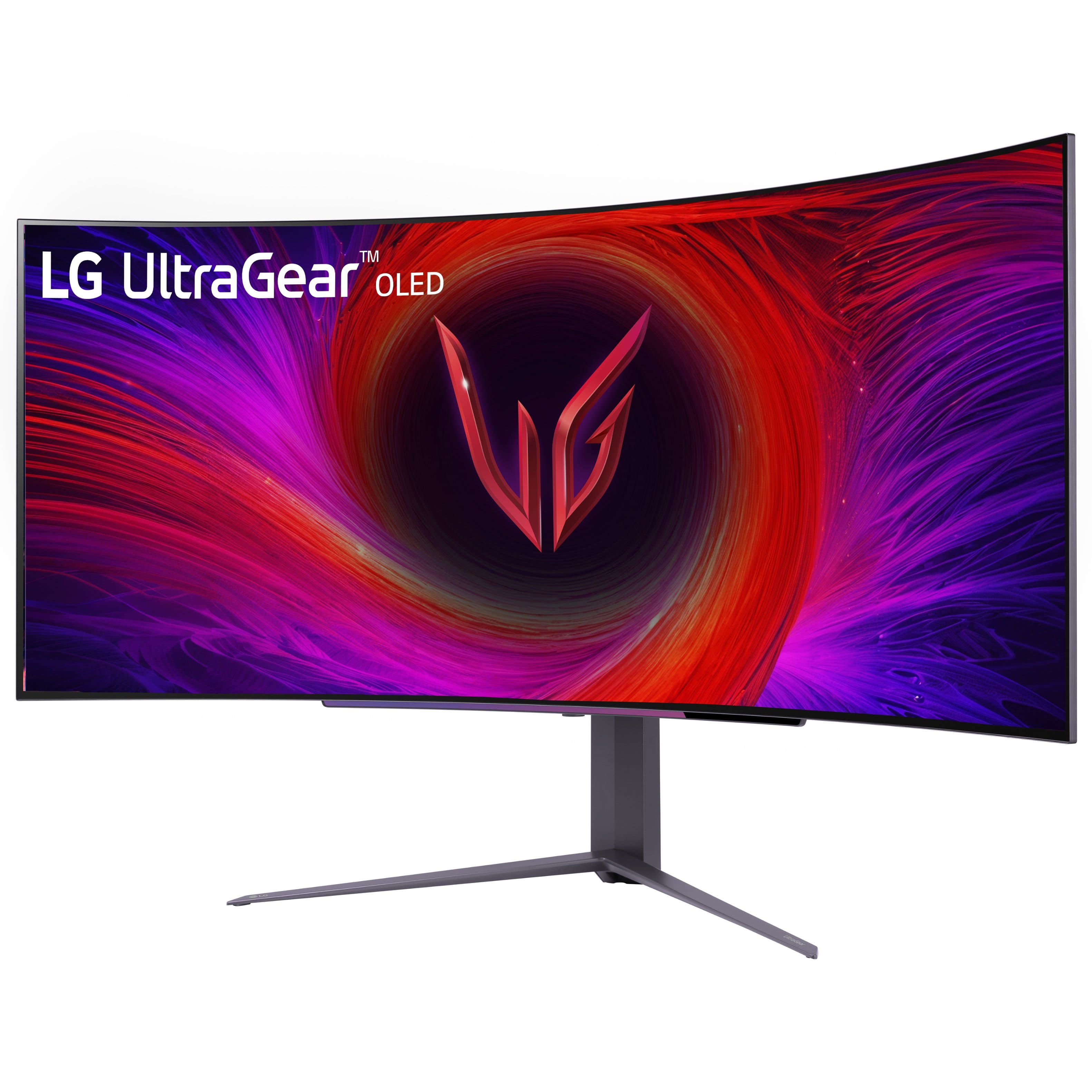
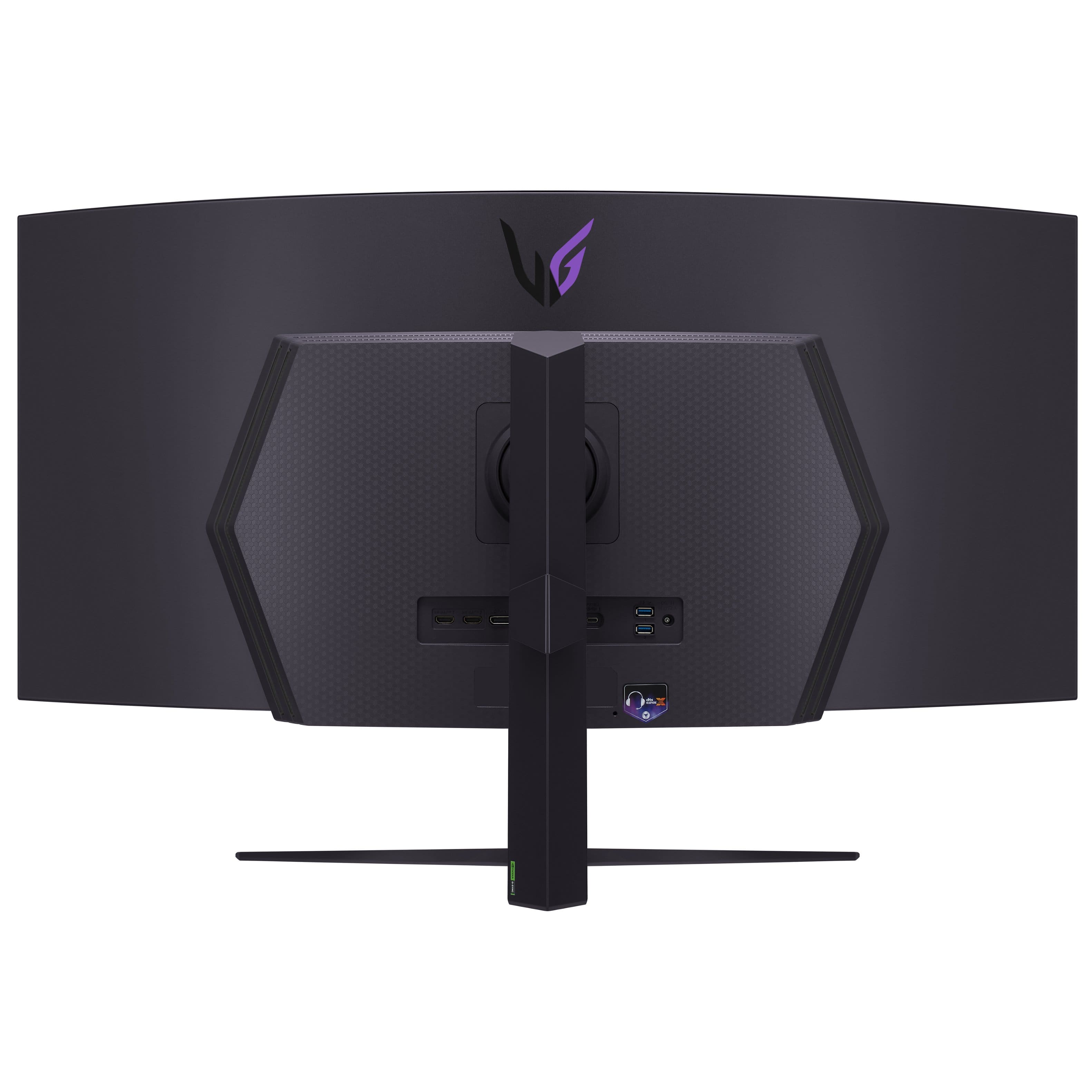
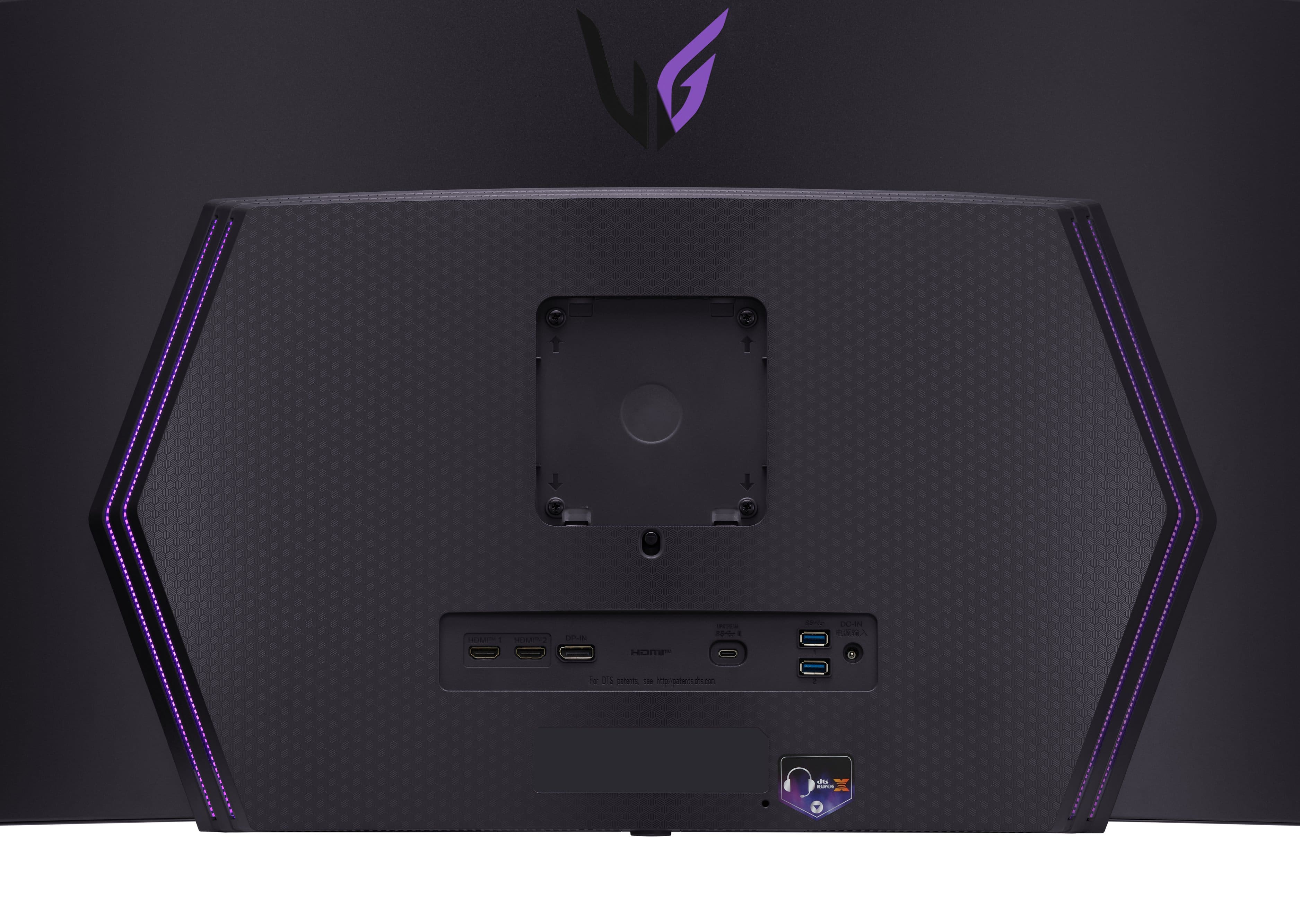
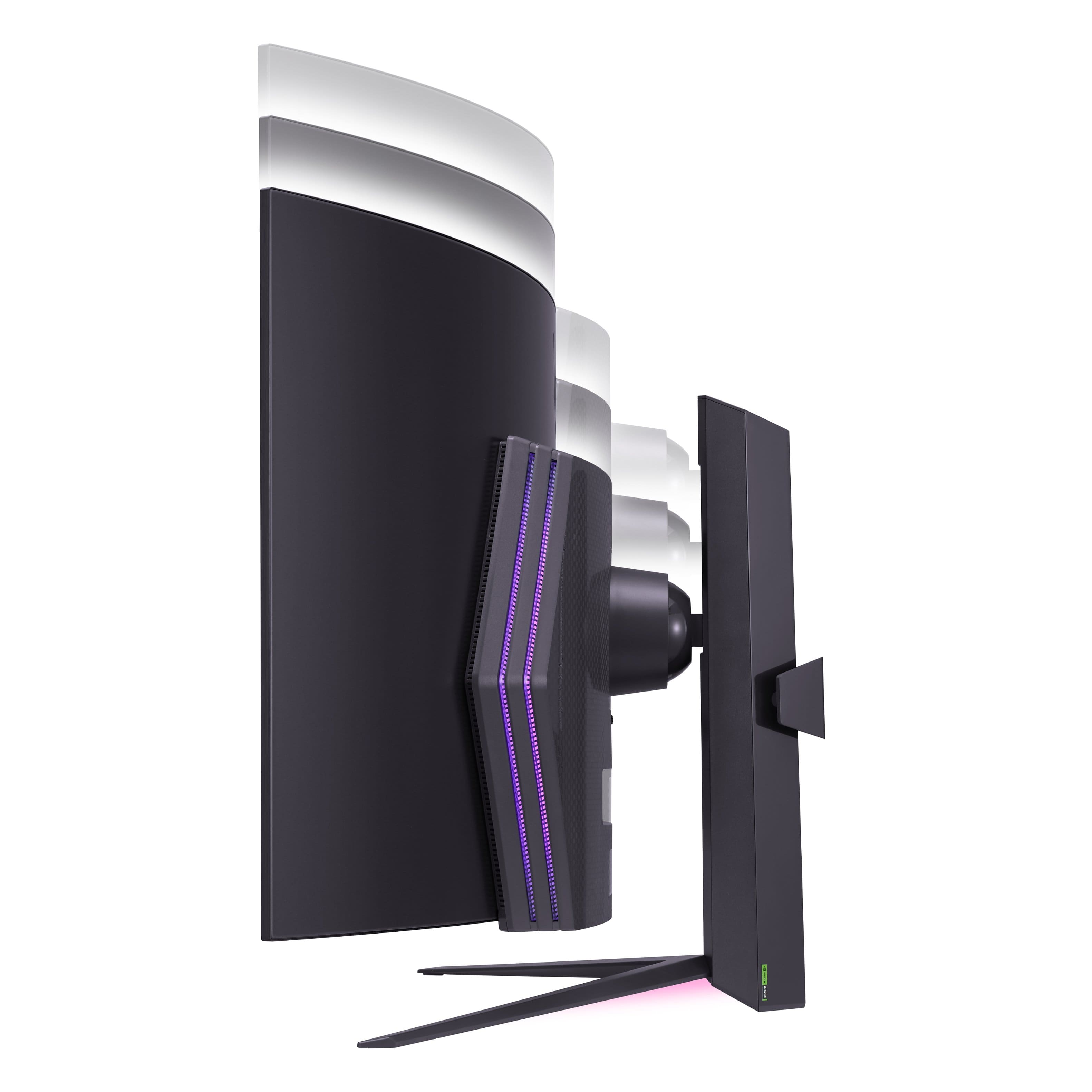
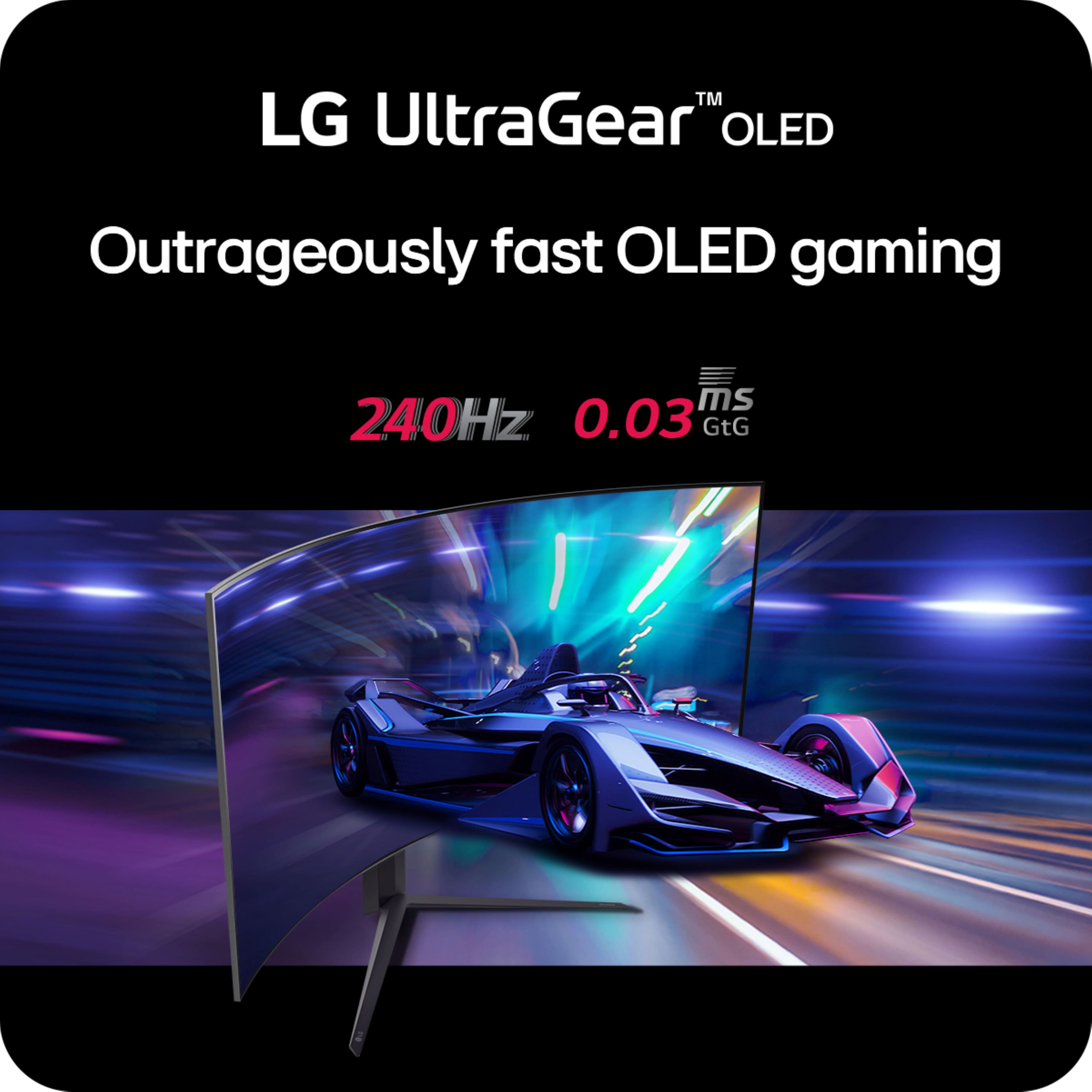
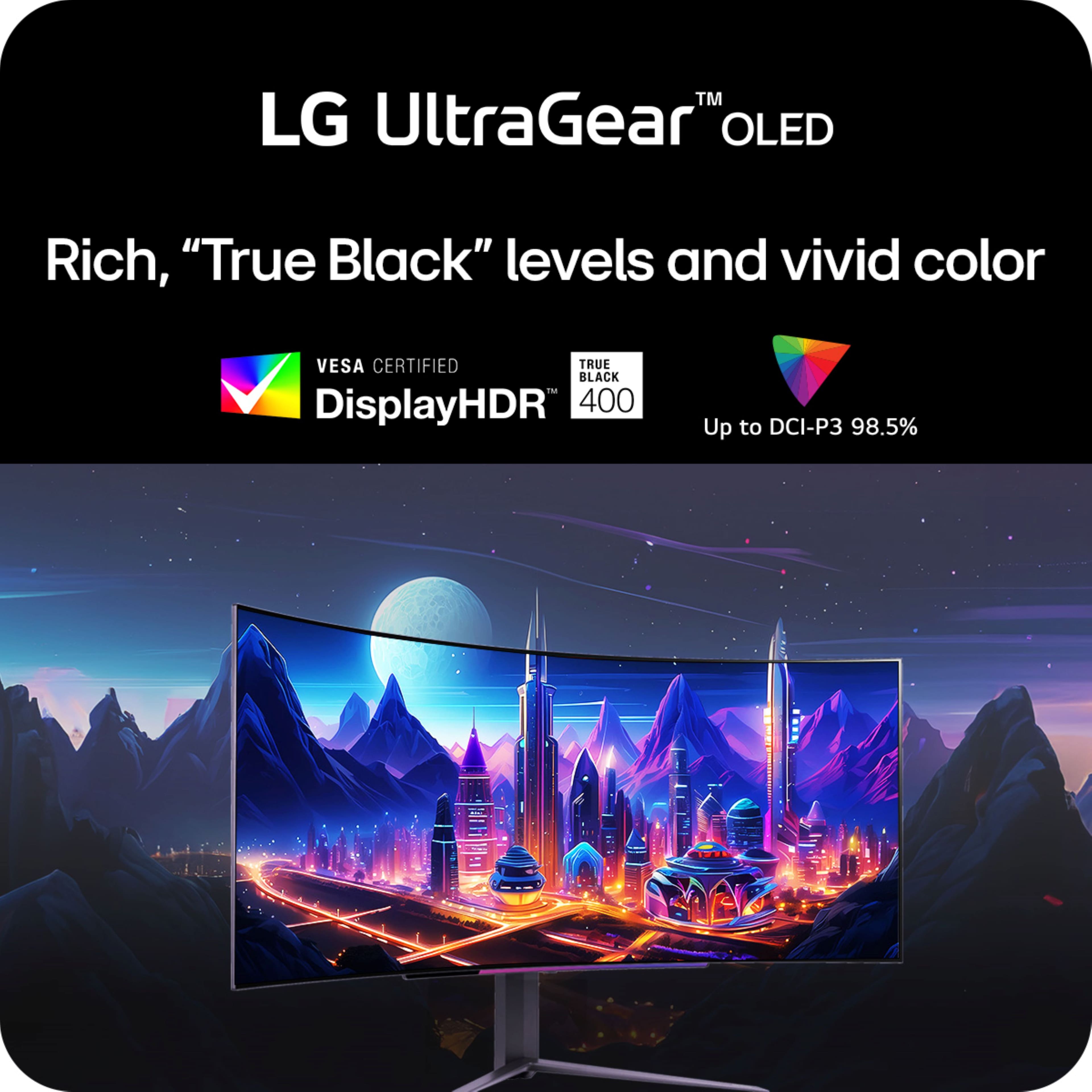
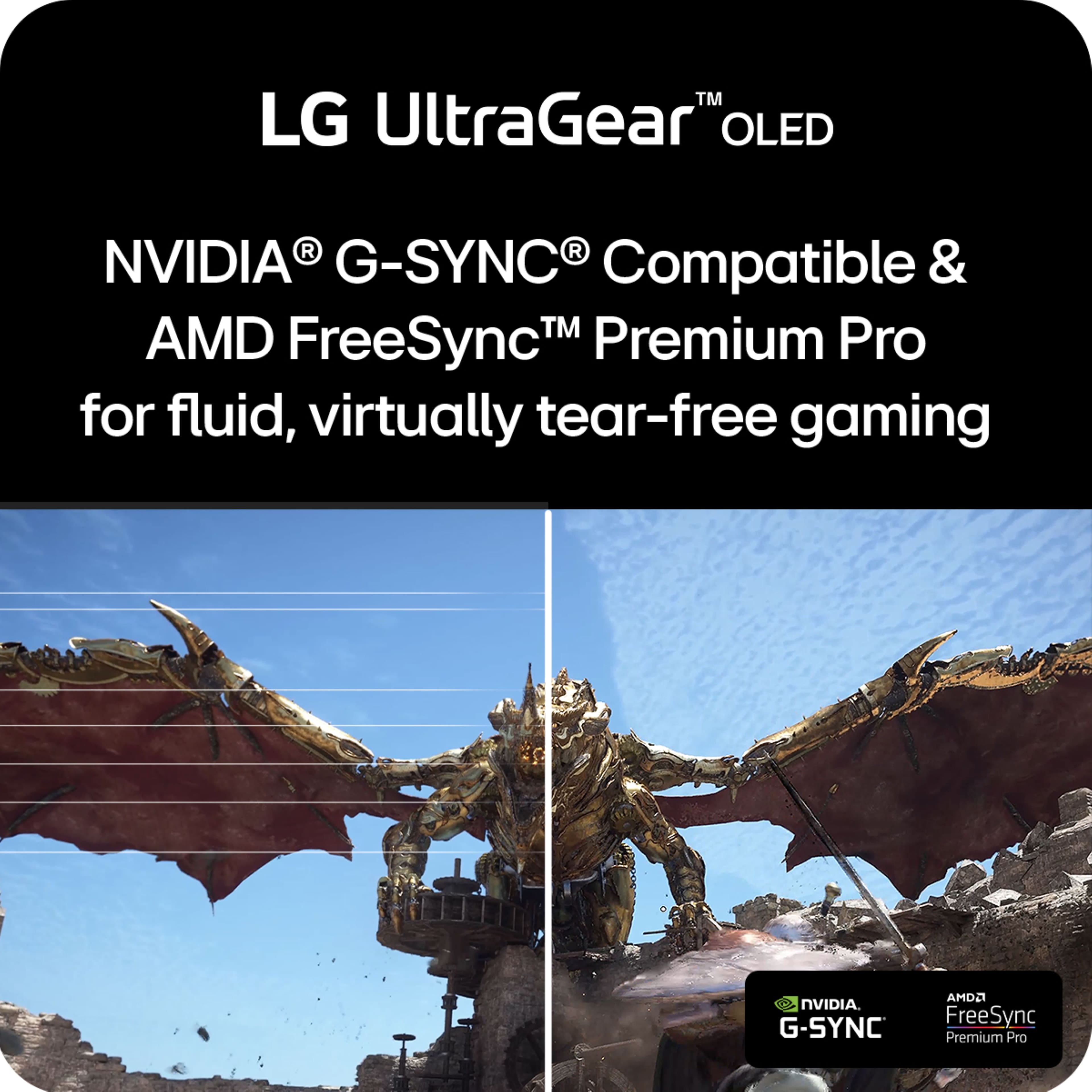
|Posted .This reviewer received promo considerations or sweepstakes entry for writing a review.This LG UltraGear 45GS95QE-B 45" monitor is my second LG monitor but my first with an OLED display. I own two LG OLED televisions so I expected amazing things from this monitor. The box is huge and somewhat unwieldy. Inside you’ll find the monitor, stand, base, a cable management clip, hdmi cable, display port cable, usb c cable, power adapter, and manual. The box is labeled to show which side is the front of the monitor. Inside, the monitor is encased and supported in 2 pieces of curved styrofoam. Unboxing with the monitor facing down makes the attachment of the monitor stand the easiest. The base simply screws onto the stand and the stand just snaps in place on the rear of the monitor. No tools required. The monitor is 39.1 inches wide and weighs in at 24.9 lbs. so it was somewhat awkward to maneuver into position on my desk without help. On the rear you’ll find 2 X 2.1 hdmi ports, 1 X 1.4 display port, 1 usb c, and 1 headphone jack. There are also two internal 7 watt speakers. On the bottom front of the monitor is a joystick to access menu settings. Here you’ll find a bunch of game, picture, sound, and input settings. If you’re into RGB lighting, the setting to turn on and customize the rear and bottom lighting effect is found here. I think it is a nice touch. Once connected to my PC and powered on it was an impressive sight to behold. This is an ultra widescreen curved WQHD gaming monitor with FreeSync and NVIDIA G-SYNC support and HDR10. I could immediately see the incredibly super dark inky OLED blacks, not surprising with a 1,500,000:1 contrast ratio. I just had to jump on a game to experience this LG in action. Adjusting my resolution settings to 3440x1440, I started one of my favorite multiplayer games. With 98.5% DCI-P3 color gamut expression I was immediately struck by the vivid colors compared to my prior monitor. Colors popped off the screen. At 45 inches and with an 800R curve I felt utterly immersed in this game unlike ever before. I felt transported. The 45GS95QE supports 240hz refresh rate and has a .03 millisecond response time so with NVIDIA G-Sync / AMD FreeSync Premium Pro my gameplay was impressively fluid with no lag and zero screen tearing. This is what it’s all about! Playing a game skillfully is about outperforming your opponents by milliseconds and all these great specs add up to noticeably improved gameplay. If you want to impress your friends and defeat your opponents this monitor will help you do both. It looks great and performs great. Highly recommended.
I would recommend this to a friend 45gs96qb
||Posted . Owned for 2 weeks when reviewed.This reviewer received promo considerations or sweepstakes entry for writing a review.Just a bit too big that makes the ppi stretched. Pretty good over all
I would recommend this to a friend- Cons mentioned:Text quality
Meh
||Posted . Owned for less than 1 week when reviewed.This reviewer received promo considerations or sweepstakes entry for writing a review.LOW DPI (around 83), not 4K, makes this an overpriced beast. The colors are amazing, but text looks choppy even at max resolution. The curvature is too extreme for my taste.
No, I would not recommend this to a friendBrand response from LG Digital Customer Care
Posted .Hi Scottus.
Thank you for your feedback on the LG Monitor model 45GS96QB-B.AUS. It’s great to hear that you find the colors impressive. For text clarity, consider adjusting the monitor’s display settings or resolution to better suit your preferences.
If the curvature is too extreme, exploring other monitor models with different curvature options might offer a more comfortable viewing experience.
For further assistance or if you have additional questions, please send us a private message on our social media platform via @LGUSSupport. Our team is here to help ensure you have a great experience with our products.
We appreciate your input and are here to support you. ^Sam
Too big
||Posted . Owned for 1 month when reviewed.This reviewer received promo considerations or sweepstakes entry for writing a review.Its really good graphics but too big for me but if you like big monitor i think this is perfect for you
No, I would not recommend this to a friendGamers only
||Posted . Owned for 3 weeks when reviewed.This reviewer received promo considerations or sweepstakes entry for writing a review.Great for game play but unacceptable for office work. The dot resolution is way to low for office work, the characters are very pixelated.
No, I would not recommend this to a friendBrand response from LG Digital Customer Care
Posted .Hi, there. Thank you for sharing your feedback on the 45GS96QB-B.AUS monitor. We're glad to hear that it performs well for gaming, but we understand your concern regarding its suitability for office work due to the lower dot resolution.
For improved clarity in office tasks, we recommend adjusting the display settings such as brightness, contrast, and sharpness to optimize text readability. Additionally, ensuring your graphics card drivers are up to date can also enhance visual quality.
If you have any further questions or if there's anything else we can assist you with, please send us a private message on Social Media @LGUSSupport. Our team is here to help ensure your satisfaction with our products.
Thank you for choosing LG.
—Mau
Mr. Cole
||Posted . Owned for less than 1 week when reviewed.This reviewer received promo considerations or sweepstakes entry for writing a review.love the rich colors. Good clarity. A Must see for your self.
I would recommend this to a friendOled 45’
||Posted . Owned for 3 weeks when reviewed.This reviewer received promo considerations or sweepstakes entry for writing a review.I got an open box in “excellent condition” and it came with 8000 hours with screen burn. I’m guessing it was a display. When your spending almost $1400 on a monitor it’s really not ideal
No, I would not recommend this to a friendBrand response from LG Digital Customer Care
Posted .Thanks for calling this out. Receiving an open-box unit labeled as “excellent condition” only to discover significant screen burn and high usage hours is understandably disappointing—especially on a premium monitor like the 45GS96QB-B. While open-box items can vary in wear, screen burn and that level of usage shouldn’t fall under the “excellent” category.
We recommend reaching out to the seller directly to report the condition mismatch, and if you need any assistance confirming usage details or verifying warranty status, our support team at @LGUSSupport on Twitter or Facebook would be glad to help.—Junel.
No power
||Posted .This reviewer received promo considerations or sweepstakes entry for writing a review.Exactly one year old and it just randomly dies, no power whatsoever.
No, I would not recommend this to a friendBrand response from LG Digital Customer Care
Posted .Hello there, ClintW. Thank you for sharing your experience with us regarding your LG UltraGear 45" OLED Curved Gaming Monitor. We understand your inquiry about the unit suddenly having no power after only one year.
Your feedback is important, and we are here to assist with this unexpected issue. A sudden lack of power can sometimes be related to the connections, so we can offer a basic troubleshooting step:
Power Connection Check: Please ensure that the monitor adapter is accurately and firmly inserted into the back of the monitor and that the power cord is securely plugged into a working wall outlet, bypassing any power strips or surge protectors just to test. Sometimes a small movement can loosen a connection, resulting in no power.
https://www.bestbuy.com/product/lg-ultragear-45-oled-curved-wqhd-240hz-0-03ms-freesync-and-nvidia-g-sync-compatible-gaming-monitor-with-hdr400-black/JJ8VPZHCG2
We want to help ensure your monitor is running smoothly again. For further assistance and to explore possible solutions for any specific concerns you may have, please contact us at [email protected]. We appreciate your patience and look forward to assisting you.
—Renzo
Horrible Store Description
||Posted .This reviewer received promo considerations or sweepstakes entry for writing a review.Horrible description, was labeled as excellent on open box and was missing everything.
No, I would not recommend this to a friendBrand response from LG Digital Customer Care
Posted .Hello there, FrankB. Thank you for sharing your experience with us regarding your LG UltraGear 45GS96QB-B.AUS gaming monitor. We understand your inquiry about the store description and missing accessories for your open box unit. Your feedback is important, and we'd like to assist you further. Please send us a private message on Social Media @LGUSSupport and our team will be more than happy to explore possible solutions.
https://www.bestbuy.com/site/lg-ultragear-45-oled-curved-wqhd-240hz-0-03ms-freesync-and-nvidia-g-sync-compatible-gaming-monitor-with-hdr400-black/6575395.p?skuId=6575395
We appreciate your patience. —Renzo
Trash
||Posted . Owned for 3 weeks when reviewed.This reviewer received promo considerations or sweepstakes entry for writing a review.Trash, just get a 4k monitor. Dull and it’s pixelated
No, I would not recommend this to a friendBrand response from LG Digital Customer Care
Posted .Hi, Noyou. Thank you for sharing your experience with the LG Monitor (45GS96QB-B) model. We understand your concern about a monitor that doesn’t meet your expectations, especially when it comes to display clarity and image sharpness. We strive to provide reliable, high-quality products that exceed our customer's needs and expectations. This unit is designed with a WQHD OLED panel (3440 x 1440 resolution) at a 21:9 aspect ratio, built for immersive, ultra-wide gaming—not to be confused with traditional 4K monitors, which follow a 16:9 layout. If you’re seeing dull visuals or pixelation, this may be due to a few setup-related factors: Switch the monitor’s Picture Mode to 'Vivid' or 'Gamer 1' for more vibrant colors and better contrast. Make sure your GPU is configured to output at the native resolution (3440 x 1440) and 240Hz refresh rate, using a DisplayPort 1.4 or HDMI 2.1 cable. Check your scaling settings in Windows or macOS, as incorrect scaling can lead to a pixelated appearance. For more help, visit https://www.lg.com/us/support/help-library/lg-tv-troubleshooting-pixel-outage-or-colored-dots-on-screen--20150933240306.
We’re here to help you get the most out of your UltraGear experience. Please send us a private message on social media @LGUSSupport so we can assist with further optimization or look into potential issues with your unit.
We're standing by to support you. ^Juvy
The Best Monitor I have ever owned!
Posted .This reviewer received promo considerations or sweepstakes entry for writing a review.I recently purchased this open box in good condition but it still looks brand new!! im just blown away of picture quality! The 800R curve really does surround you with gaming. I love this monitor. And soon i will purchasing the newer version of this, since sadly its not 4k oled resolution. My friends and family come over and they were amazed of how this monitor is crafted. I use this beast mainly for gaming on Black Ops 7 and some PC usage. Even not being 4k i still recommend this monitor.
I would recommend this to a friend- Pros mentioned:Overall performance, Screen size
Great monitor!
Posted .This reviewer received promo considerations or sweepstakes entry for writing a review.So far so good! I’m not really a gamer but when my son connects his Xbox, the graphics are awesome!!! I purchased this to trade forex on one screen instead of having multiple and I am in love- the graphics, built in speakers, lightening,super easy to put together, and having multiple screens makes using this monitor extremely fun, whatever you are doing.
I would recommend this to a friend Amazing monitor!
|Posted .This reviewer received promo considerations or sweepstakes entry for writing a review.The LG 45” Ultra Gear OLED monitor is gamers dream monitor. Everything about this monitor screams quality. The first thing you’ll notice when you take it out of the box, is how big the monitor actually is. Inside the box you get a V shaped stand, a USB-C cable, HDMI high speed cable, a power block and the power cord. The Back of the monitor has many ports built-in and with the USB-C cable, it also acts as a hub. The monitor has built-in speakers which sound decent, but lack in any real bass. The Headphone jack located in the back does support DTS X sound. There is also a Display port, HDMI port, and USB ports, so there’s plenty of connection types choose from. This is a 3440x1440p OLED monitor, with a 240hz refresh rate, so gaming on this, is an absolute dream. The OLED offers deep black levels with no light bleeding whatsoever. The 240hz refresh rate allows for a fast and smooth response time, especially when gaming. There are some extra features that were a surprise to me when I saw it, such as the RBG lighting built-in on the back of the screen. This is a really cool effect and adds a nice subtle glow around the back of the screen, this can also be customized in the settings menu. The monitor is an ultra-wide curved monitor in other words, it’s like having dual monitors but with no gap - that curves around you. The outcome, you get fully immersed in the game or show that you are engaged in. The monitor is VESA compatible, meaning you can attach a TV or monitor mount to this. This monitor is a true plug and play monitor, I plugged it into my PC with a display port and once I changed the resolution to the max, everything including the sound atomically worked great. I also connected the monitor to my MacBook pro with a USB-C and the resolution was automatically set correctly, making this a great display choice to edit footage on. Overall, I am truly amazed with this monitor. This is by far the best looking monitor I have ever used, and not just in picture quality, but in motion as well. The 240hz refresh rate, makes gaming so much better, and the ultra-wide curved screen totally immerses you in the game. I would totally recommend this to anyone looking for a new monitor.
I would recommend this to a friend- Pros mentioned:Overall performance
I love this monitor
Posted .This reviewer received promo considerations or sweepstakes entry for writing a review.I have had this monitor for about 10 months now, and I love it. The color is perfect, the picture is clear, the size is iideal. When Insit at a smaller monitor like a 34” I ask myself how I ever used a tiny monitor the current sale proce is a good deal. Evetyone should have one.
I would recommend this to a friend - Pros mentioned:Refresh rate
Best gaming monitor I have owned
Posted .This reviewer received promo considerations or sweepstakes entry for writing a review.The absolute best monitor for gaming I have ever used. Large size, vibrant colors, fast refresh rate, exceptionally smooth motion and perfect contrast. I use it for productivity too with no burn-in and I've been using it for 1 year. Highly recommended.
I would recommend this to a friend Buyer beware - can burn in
Posted .This reviewer received promo considerations or sweepstakes entry for writing a review.I went to the local best Buy to look at this thing. it was beautiful.. until the burn in showed through. The logos from the perpetually running LG demo software were burned in. Then I looked it up. OLED is notorious for burn in. As a software developer this is a serious no go for me, as I run the same software regularly for 8 + hours a day and this would cause burn in. buyer Beware
No, I would not recommend this to a friend- Cons mentioned:Text quality
Very visible pixels
Posted .This reviewer received promo considerations or sweepstakes entry for writing a review.Got this monitor for a steal open box, tried it for about 3 days the pixels are extremely visible ESPECIALLY on dark backrounds. There are horizontal lines in most triple a games dark skies. Even when youre looking at a semi dark wall in some games you see the lines. Also, browsing or general text reading is darn near nauseating.
No, I would not recommend this to a friendBrand response from LG Digital Customer Care
Posted .Hi, there. Thank you for sharing your experience with us. We understand your concern about encountering visible pixels and horizontal lines on your LG Monitor (45GS96QB-B) model, especially after you were excited to get it at such a great price. We strive to provide reliable, high-quality products that exceed our customer's needs and expectations.
To address the pixel issue, try adjusting the resolution and refresh rate, and consider enabling "ClearType" or adjusting sharpness. The horizontal lines may stem from interference or settings, like refresh rate or HDMI cable quality. For more assistance, visit https://www.lg.com/us/support/help-library/lg-monitor-troubleshooting-lines-on-the-screen--20153186572241. If you need further help, message us on social media @LGUSSupport for troubleshooting or replacement options. We're here to help. ^Juvy